Home Blog Page 322

Metro Devs Confirm Next Game To Have An Even Darker Story, Unannounced IP Also In Development

Story Highlight
  • Metro developers at 4A Games have announced that the next game in the series will have an even darker storyline than its predecessors.
  • The Russia-Ukraine war deeply impacted the studio, leading the team to highlight these struggles more prominently in the upcoming game.
  • 4A Games is also working on an unannounced AAA IP. The studio will reveal more about these projects as development continues.

The Metro franchise has become one of the biggest hallmarks of the post-apocalyptic genre. Now, the team at 4A Games is celebrating 15 years of the series, and new juicy tidbits about the next Metro title have finally been confirmed.

After Metro Awakening was launched for VR users, many gamers became curious about the next mainline game in the Metro franchise. The studio has now revealed that the title will feature an even darker story since the studio was heavily affected by the Russia-Ukraine war. 

Why it matters: Metro games hold a special place in the hearts of post-apocalyptic genre aficionados, so the next game’s promise of an even darker experience is great news for fans.

As clarified in the YouTube video and 4A Games’ official blog, the team wants to ensure that the new Metro game can more vividly reflect the core themes and stories we have seen in the series. So, the game will be even grimmer than we’ve seen yet.

a full-scale russian invasion changed how we wanted to tell the story of the next Metro game. As art became life for many of our developers in Ukraine, we drew from that lived experience to create an even darker story.

-4A Games.

The studio is also working on an unannounced AAA franchise that we know nothing about. It’s unclear when the studio will reveal more, but the development of both games continues actively despite the Russia-Ukraine war in the region. 

Metro Exodus Brilliant Atmosphere
Metro Exodus has aged beautifully six years after its release.

Metro Exodus recently sold over 10 million copies, showing how active the community remains. So, the confirmation that the new game will be darker has caused a lot of uproar in the community.

Do you think the next Metro game will surpass our expectations by telling an even darker post-apocalyptic tale than Exodus? Let us know your thoughts in the comments below, or join the discussion on the Tech4Gamers forum.

Nvidia Claims Over 90% Gamers With RTX 50xx Series Cards Are Using DLSS

Story Highlight
  • Nvidia has revealed that 92% of gamers with the RTX 50 series cards and the Nvidia app use DLSS.
  • According to the tech giant, 90% of gamers using the 50xx GPUs also rely on ray tracing, and 96% of them use DLSS reflex.
  • The company also claims it has shipped twice as many 50xx cards as the 40 series in the same time frame. 

Nvidia has released new figures that claim that 92% of gamers with the RTX 50 series cards and the Nvidia app use the DLSS upscaler in games. Additionally, RTX 50xx cards have shipped twice as many as RTX 40 GPUs in the same time frame.

Why it matters: Nvidia confirmed that over 90% of gamers with the RTX 50xx cards turn on DLSS, suggesting that the industry is growing to accept upscaling technologies when given a choice.

Nvidia has confirmed that over 90% of gamers with 50xx cards turn on RTX features. | Image Credit: Nvidia

In the pre-GDC briefing, Nvidia confirmed that over 90% of gamers that use RTX 50 cards and the Nvidia app turn on RTX features. Likewise, 90% of these gamers also use ray tracing since the new lineup is much better at handling the intense visual improvements.

Additionally, many reports have suggested that most  RTX 50 variants have suffered from low stocks, but the figures suggest Nvidia has shipped double the amount of RTX 40. This can be attributed to more variants releasing this generation in a tighter time frame.

Despite all these positive figures, many reports have suggested that some RTX 50xx GPUs are shipping with missing ROPS, including RTX 5090, 5070 Ti, and 5080.

Nvidia
Despite Nvidia’s claim of high supply, RTX 50xx cards have been suffering from stock issues.

Some variants in the 50 series have been criticized for not offering significant upgrades compared to the 40 cards, suggesting that Nvidia is more focused on software improvements in this generation. The 92% of gamers now relying on DLSS in games further reflects this direction.

Do you think using DLSS is nearly essential to getting the full capabilities of RTX 50 series cards, or is it merely a marketing gimmick? Let us know your thoughts in the comments below, or join the discussion on the Tech4Gamers forum.

Gamers Conclude Ray Tracing Still Not Necessary For Games Seven Years After Its Introduction

Story Highlight
  • Gamers find ray tracing unnecessary due to performance drops and minimal visual gains.
  • Many believe games can achieve stunning visuals without ray tracing, highlighting titles like Death Stranding and Stellar Blade.
  • Hardware limitations and the high cost of graphics cards contribute to the public’s negative perception of ray tracing.

Nvidia’s introduction of ray tracing in 2018 was the next big leap for gaming, completely overhauling gaming visuals with real-time reflections and lighting. However, since then, its implementation has often been for the worse, with too many drawbacks for a higher cost.

In a new poll, the majority of gamers disagreed that ray tracing should be necessary for video games and thought it wasn’t the best bang for the buck.

Why it matters: With ray tracing increasingly enforced in modern releases, developers must realize that the technique is far from becoming standard, given gamers’ discontent.

ray tracing poll
Poll Asking Gamers’ Opinion On RT || Source: NeoGAF

67.3% of gamers decided that ray tracing isn’t necessary for games. Their major complaint was that the technique causes too much of a performance drop and not a huge visual difference for the most part to be considered feasible.

In a similar report covered two years ago, poll results revealed that 50% of the participants implied that ray tracing wasn’t worth it. Gamers, in a different post, pointed out that ray tracing’s application only looks good in certain cases, like Cyberpunk 2077.

Still, developers have to consider it a core part of the game design rather than making it an afterthought.

Do you think Raytracing is worth it?
byu/Squeaky_Ben inpcmasterrace


Despite ray tracing’s huge appeal, a few pointed out that games can still look good even without such implementations.

The likes of Death Stranding, Kingdom Come Deliverance 2, and Stellar Blade are proof that you don’t need the latest graphical technologies to build a beautiful game.

Dragon's Dogma 2
Dragon’s Dogma 2 RTX Comparison

If anything, we won’t see public opinion lean toward ray tracing anytime soon. Modern GPUs are already quite expensive and offer little to no performance improvement, so unless the hardware catches up, ray tracing is expected to remain unviable for most gamers.

What are your thoughts on this topic? Do you prefer ray tracing in modern AAA titles? Let us know in the comments below, or head towards the official Tech4Gamers Forums.

Resident Evil 9 To Reinvent The Series Like RE4 And RE7, Says Insider

Story Highlight
  • An insider has compared Resident Evil 9 to the impact of Resident Evil 4 and 7.
  • He states that more information is yet to be revealed because Capcom is attempting to reinvent the series with this entry.
  • An official reveal is still expected sometime this year.

Capcom officially confirmed Resident Evil 9’s development nearly one year ago. Ahead of this confirmation, the game was a hot topic of discussion, with leakers calling it the series’ most ambitious project.

While fans grow weary of Capcom’s silence and lack of updates regarding the title, a prominent insider has shared a small update on Resident Evil 9. He claims that the game’s reveal is taking a long time due to Capcom’s goal of reinventing the IP.

Why it matters: The next game is being developed by the same director behind Resident Evil 7, who previously paved the path for the series’ comeback by focusing on genuinely terrifying atmosphere and gameplay.

Resident Evil 9
RE9 Will Be Revealed This Year | Image via X

Taking to X, Dusk Golem acknowledged the fandom’s current restlessness over Resident Evil 9. He described that Capcom is attempting to reinvent the franchise with this title and compared it to Resident Evil 7 and 4.

For context, both games were major departures from their predecessors at the time of release. Resident Evil 4 introduced the over-the-shoulder third-person camera and more action-focused gameplay, while Resident Evil 7 saw the IP returning to its horror roots with a first-person perspective.

Dusk Golem states that Resident Evil 9 won’t be yet another title that adapts the gameplay of Capcom’s recent horror offerings. He also gives fans hope about an upcoming reveal, stating that more information will come later this year.

Resident Evil 2 Remake
Leon Is Said To Be Returning As The Series Lead Soon

As for what exactly Capcom is doing differently with the title, the upcoming game is said to be taking the series toward the open-world genre. Leon Kennedy is also expected to return as the lead, but nothing has been officially confirmed by the developers so far.

What are your thoughts on the news regarding Capcom’s next entry in the long-running horror series? Let us know in the comments and on the Tech4Gamers Forums.

These Are The Best CPU Coolers For Ryzen 9 9950X3D

AMD just launched the best gaming and productivity CPU: the Ryzen 9 9950X3D, and it has already hit the market with a storm. Featuring 16 cores, 32 threads, and a massive 128MB L3 cache, this CPU hasn’t left any crumbs on the table. The 170W TDP puts it on the slightly hotter end, so after thoroughly testing over a dozen, we have the best CPU coolers for the Ryzen 9 9950X3D. Our testing focused on the cooler’s performance, aesthetics, value, and extra features it provides (such as an easier installation method, removable lids, and more).

Why Trust Tech4Gamers
  • Hayyan Serwer is our CPU Cooler expert who has been testing different AIOs and air coolers for years.
  • 80+ CPU coolers tested and reviewed by our team of hardware experts (Tech4Gamers Team).
  • 900+ hours spent testing different coolers for our reviews.
  • Objective testing criteria (See how we test CPU coolers).

At Tech4Gamers, ensuring you get reliable information is our priority. That’s why every hardware round-up undergoes a meticulous review process by our team of experts and editors. Each review is carefully examined against our strict editorial guidelines, guaranteeing you trustworthy insights you can depend on.

Here’s a chart comparing all the products with their general specifications:

CPU Cooler
ARCTIC Liquid Freezer III 360 A-RGB
Cooler Master MasterLiquid 360 ATMOS
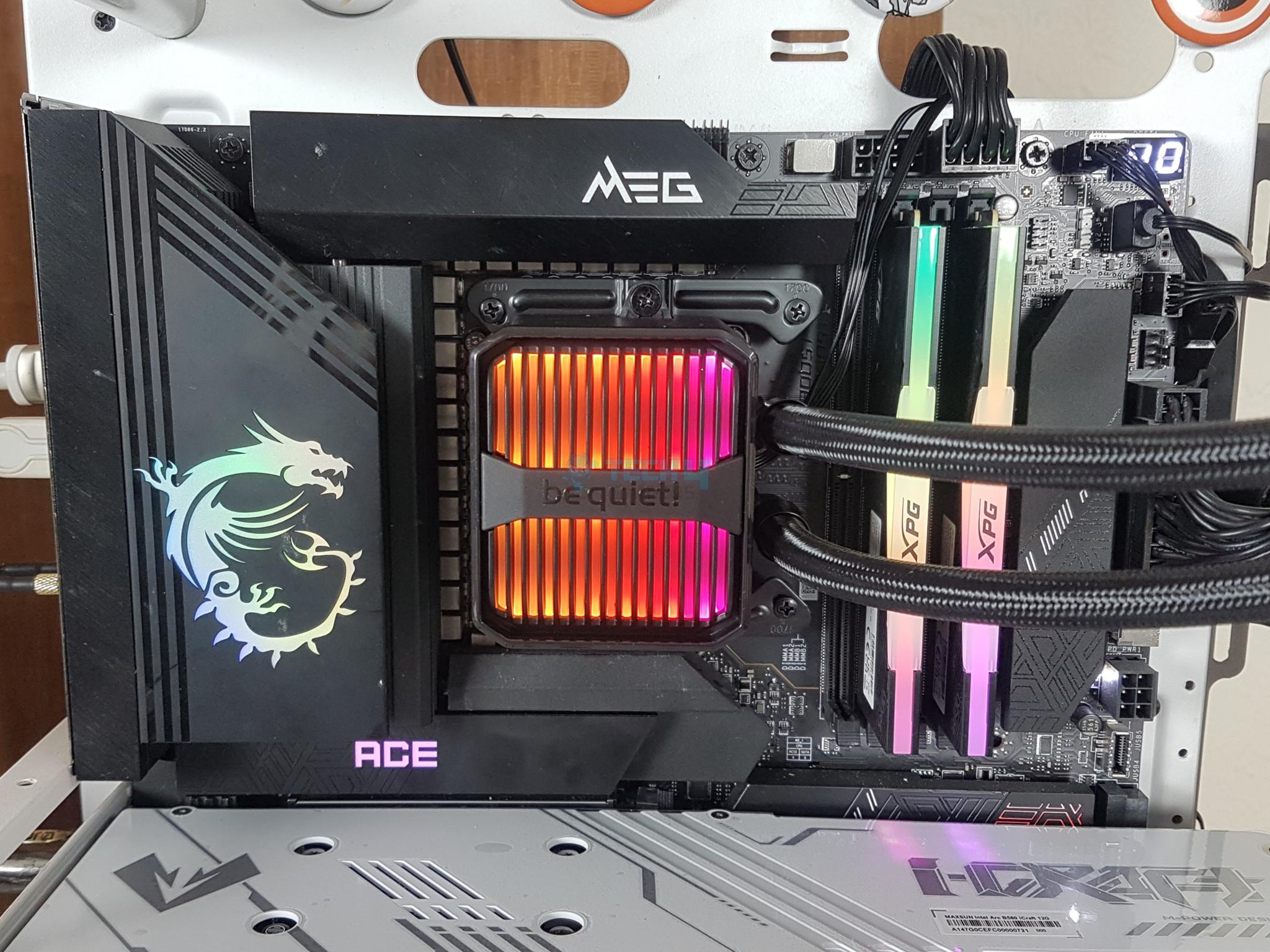
be quiet! Silent Loop 3 420mm
EK Nucleus AIO CR360 Lux D-RGB
Corsair iCUE Link Titan 360 RX RGB
Looks
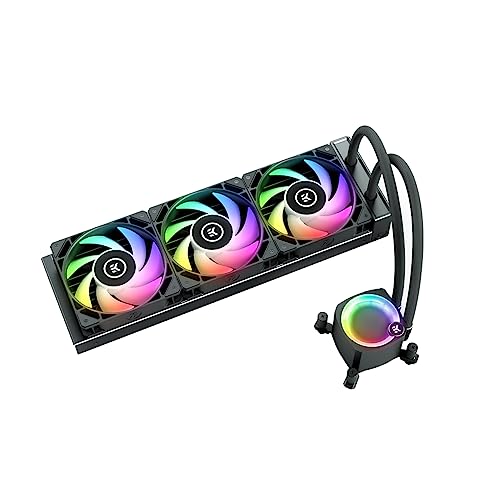
ARCTIC Liquid Freezer III 360 A-RGB - CPU AIO Water Cooler, Water Cooling PC, Intel & AMD, Efficient PWM-Controlled Pump, Fan: 200–2000 RPM, LGA1851 and LGA1700 Contact Frame - Black
Cooler Master 360 Atmos Performance-Driven Close-Loop AIO Liquid Cooler, R9|Ultra 9, Dual Chamber aRGB Pump, 360 Radiator, Sickleflow Edge PWM Fans, AM5|4, Intel LGA 1851|1700 Platform
be quiet! Silent Loop 3 420mm CPU AIO Liquid Cooler | 3 Silent Wings 4 140mm PWM High-Speed Fans | Quiet Performance | 6-Pole Motor | Discreet ARGB Lighting | Refillable | Black | BW026
EKWB EK-Nucleus AIO CPU Cooler CR360 Lux, Digital RGB, Black
CORSAIR iCUE Link Titan 360 RX RGB Liquid CPU Cooler – 360mm AIO – Low-Noise – FlowDrive Cooling Engine – Intel LGA 1851/1700, AMD AM5/AM4 – 3X RX120 RGB Fans – iCUE Link System Hub Included – Black
Award
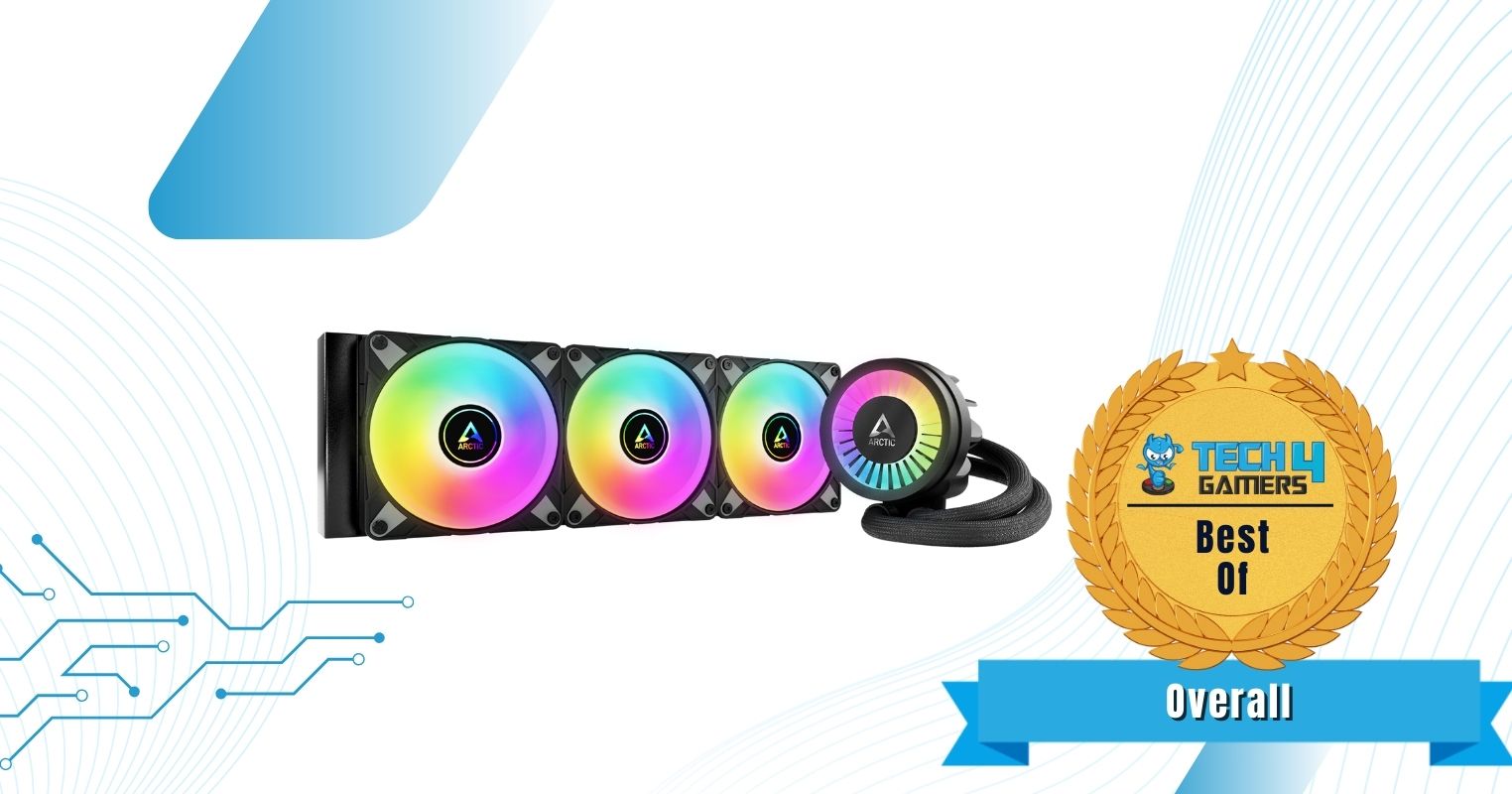
Best Overall CPU Cooler For Ryzen 9 9950X3D
Best Performance CPU Cooler For Ryzen 9 9950X3D
Best 420mm CPU Cooler For Ryzen 9 9950X3D
Best Value CPU Cooler For Ryzen 9 9950X3D
Best Looking CPU Cooler For Ryzen 9 9950X3D
What We Liked
Performance, cable management, aesthetics, 60mm vrm fan
Performance, noise, 3D printed designs, warranty, installation, pricing
Performance, fans, block design, noise, refill port
Performance, warranty, EK OmniLink, design, build quality, installation
Magnetic faceplate, warranty, performance, design, replaceable pump caps
What We Disliked
Thick NVMe heatsink, thicker radiator
Cable clutter
Price, warranty, limited block orientation
Higher noise output
No PWM control, high price
Type
360mm AIO Liquid Cooler
420mm AIO Liquid Cooler
360mm AIO Liquid Cooler
Dimensions
398 x 120 x 38mm
394 x 119 x 27.2mm
457 x 140 x 27mm
400 x 124 x 27mm
396 × 120 × 27mm
Fans
3x P12 PWM A-RGB
3x Sickleflow Edge 120 A-RGB Fans
3x Silent Wings 4 PWM 140mm Fans
3x EK Loop FPT 120mm Fans
3x RX120 non-PWM Fans
Fan Speed
200 — 2,000RPM
690 — 2,500RPM
1,900RPM
550 — 2,300RPM
300 — 2,100RPM
Noise Level
39.7dB(A)
27.2dB(A)
34.3dB(A)
36dB(A)
36dB(A)
RGB
CPU Cooler
ARCTIC Liquid Freezer III 360 A-RGB
Looks
ARCTIC Liquid Freezer III 360 A-RGB - CPU AIO Water Cooler, Water Cooling PC, Intel & AMD, Efficient PWM-Controlled Pump, Fan: 200–2000 RPM, LGA1851 and LGA1700 Contact Frame - Black
Award
Best Overall CPU Cooler For Ryzen 9 9950X3D
What We Liked
Performance, cable management, aesthetics, 60mm vrm fan
What We Disliked
Thick NVMe heatsink, thicker radiator
Type
360mm AIO Liquid Cooler
Dimensions
398 x 120 x 38mm
Fans
3x P12 PWM A-RGB
Fan Speed
200 — 2,000RPM
Noise Level
39.7dB(A)
RGB
Amazon
Newegg
CPU Cooler
Cooler Master MasterLiquid 360 ATMOS
Looks
Cooler Master 360 Atmos Performance-Driven Close-Loop AIO Liquid Cooler, R9|Ultra 9, Dual Chamber aRGB Pump, 360 Radiator, Sickleflow Edge PWM Fans, AM5|4, Intel LGA 1851|1700 Platform
Award
Best Performance CPU Cooler For Ryzen 9 9950X3D
What We Liked
Performance, noise, 3D printed designs, warranty, installation, pricing
What We Disliked
Cable clutter
Type
360mm AIO Liquid Cooler
Dimensions
394 x 119 x 27.2mm
Fans
3x Sickleflow Edge 120 A-RGB Fans
Fan Speed
690 — 2,500RPM
Noise Level
27.2dB(A)
RGB
Amazon
Newegg
CPU Cooler
be quiet! Silent Loop 3 420mm
Looks
be quiet! Silent Loop 3 420mm CPU AIO Liquid Cooler | 3 Silent Wings 4 140mm PWM High-Speed Fans | Quiet Performance | 6-Pole Motor | Discreet ARGB Lighting | Refillable | Black | BW026
Award
Best 420mm CPU Cooler For Ryzen 9 9950X3D
What We Liked
Performance, fans, block design, noise, refill port
What We Disliked
Price, warranty, limited block orientation
Type
420mm AIO Liquid Cooler
Dimensions
457 x 140 x 27mm
Fans
3x Silent Wings 4 PWM 140mm Fans
Fan Speed
1,900RPM
Noise Level
34.3dB(A)
RGB
Amazon
Newegg
CPU Cooler
EK Nucleus AIO CR360 Lux D-RGB
Looks
EKWB EK-Nucleus AIO CPU Cooler CR360 Lux, Digital RGB, Black
Award
Best Value CPU Cooler For Ryzen 9 9950X3D
What We Liked
Performance, warranty, EK OmniLink, design, build quality, installation
What We Disliked
Higher noise output
Type
360mm AIO Liquid Cooler
Dimensions
400 x 124 x 27mm
Fans
3x EK Loop FPT 120mm Fans
Fan Speed
550 — 2,300RPM
Noise Level
36dB(A)
RGB
Amazon
Newegg
CPU Cooler
Corsair iCUE Link Titan 360 RX RGB
Looks
CORSAIR iCUE Link Titan 360 RX RGB Liquid CPU Cooler – 360mm AIO – Low-Noise – FlowDrive Cooling Engine – Intel LGA 1851/1700, AMD AM5/AM4 – 3X RX120 RGB Fans – iCUE Link System Hub Included – Black
Award
Best Looking CPU Cooler For Ryzen 9 9950X3D
What We Liked
Magnetic faceplate, warranty, performance, design, replaceable pump caps
What We Disliked
No PWM control, high price
Type
360mm AIO Liquid Cooler
Dimensions
396 × 120 × 27mm
Fans
3x RX120 non-PWM Fans
Fan Speed
300 — 2,100RPM
Noise Level
36dB(A)
RGB
Amazon
Newegg

If you’re considering the Ryzen 9 9950X3D, I recommend going over our motherboard round-up as well:

Best CPU Coolers For Ryzen 9 9950X3D

After thorough testing, these are the CPU coolers that stood out the most for the Ryzen 9 9950X3D CPU:

  1. Best Overall: ARCTIC Liquid Freezer III 360 A-RGB
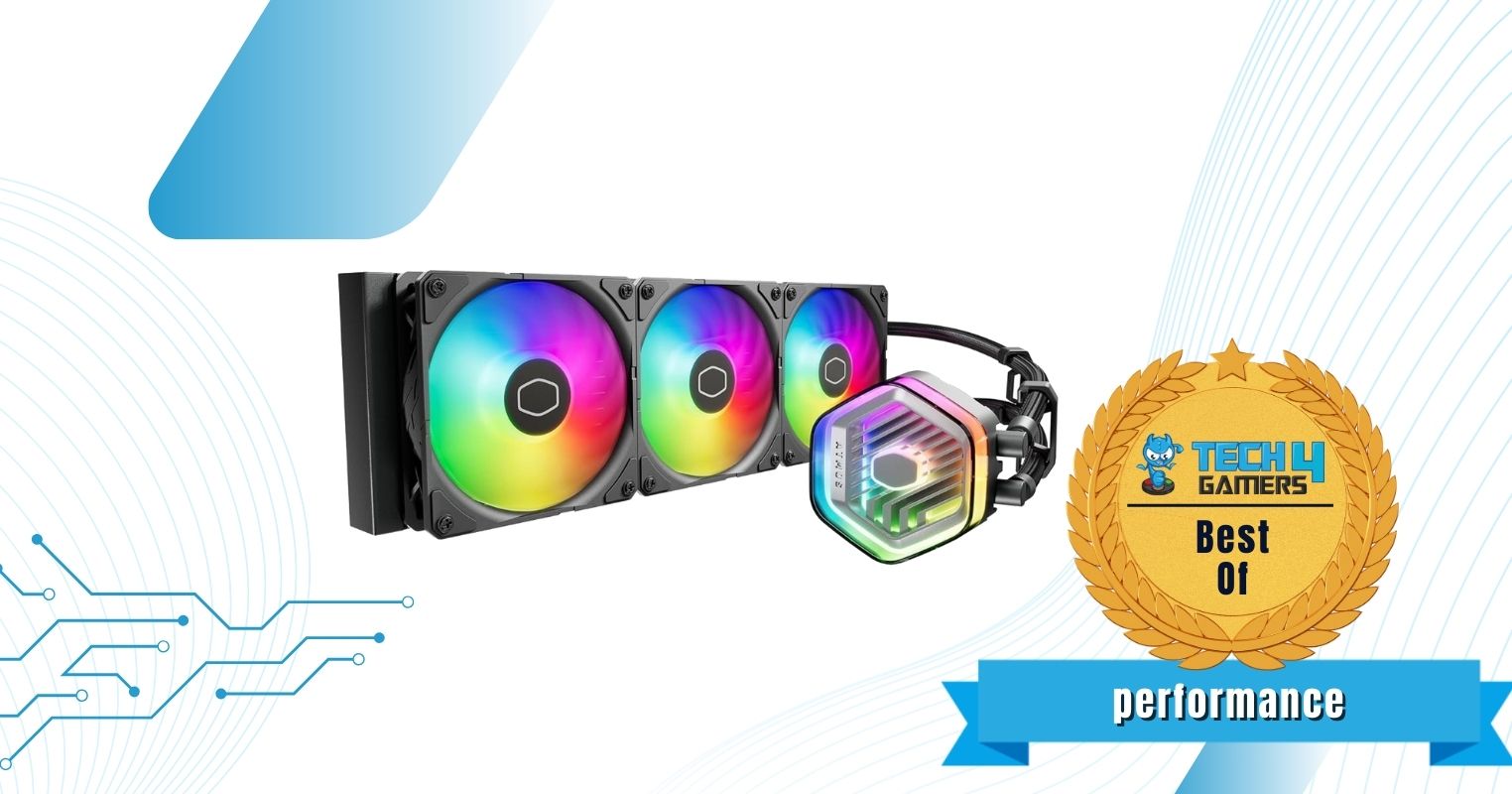
  2. Best Performance: Cooler Master MasterLiquid 360 ATMOS
  3. Best 420mm: be quiet! Silent Loop 3 420mm
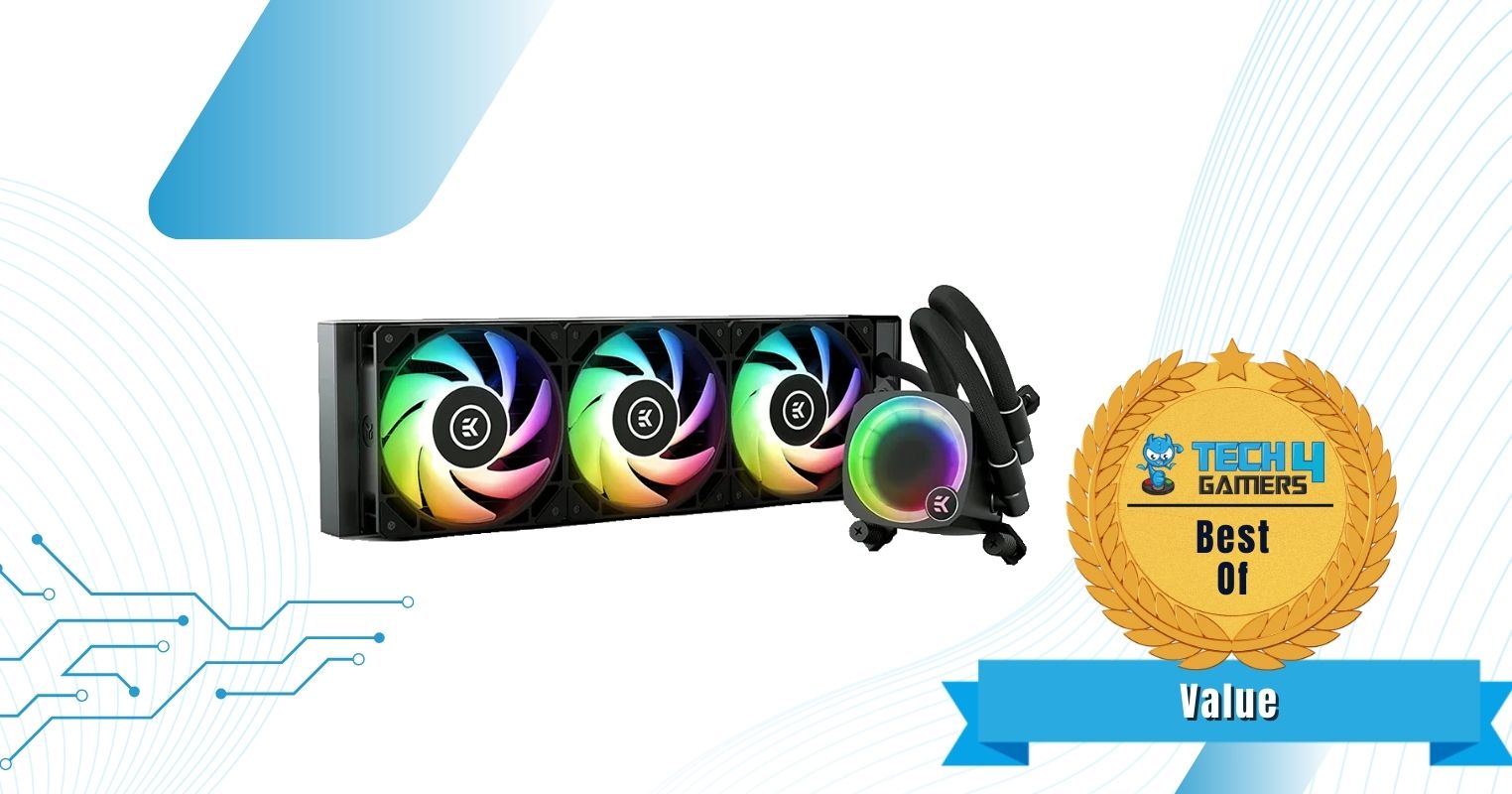
  4. Best Value: EK Nucleus AIO CR360 Lux D-RGB
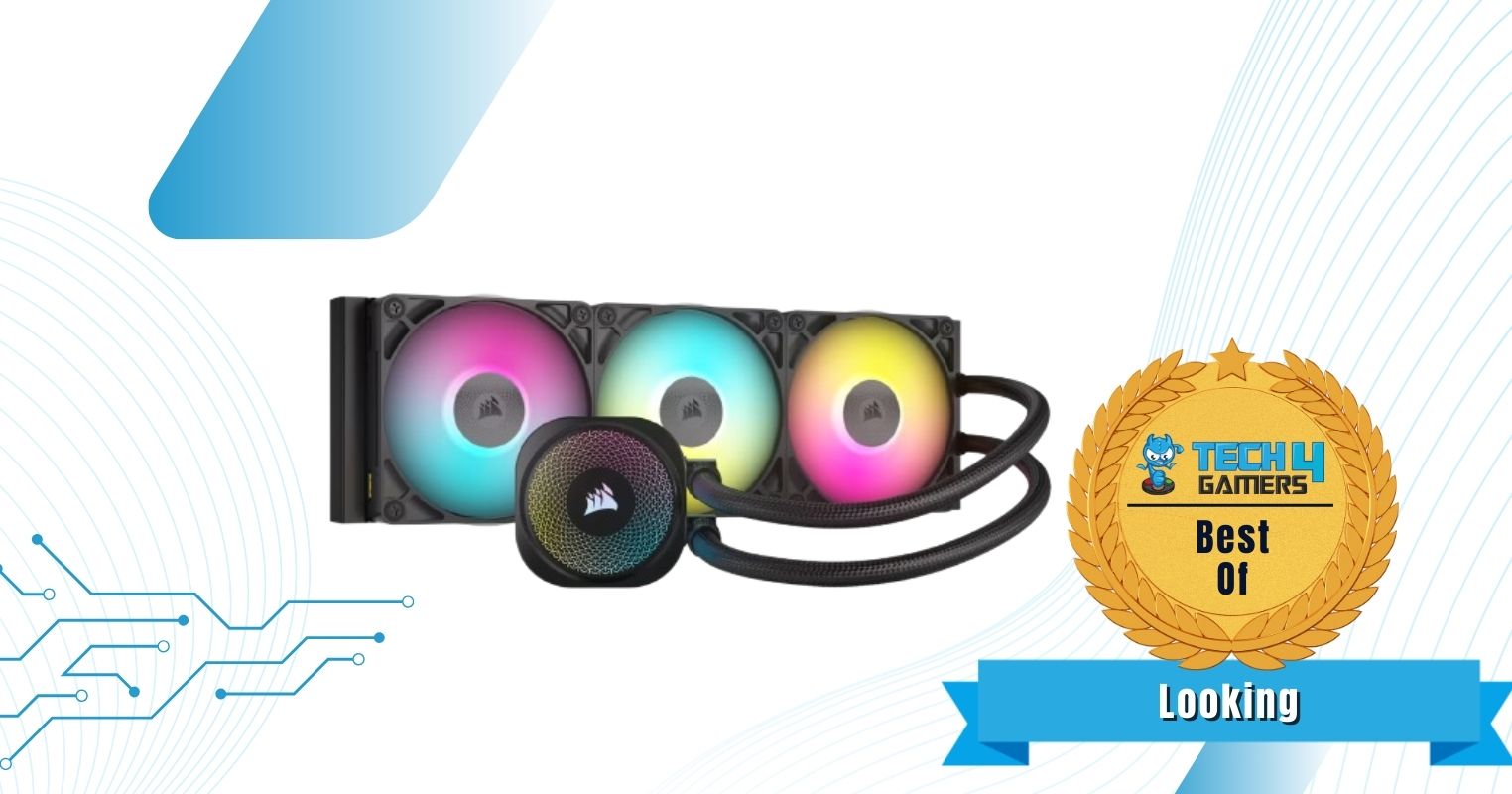
  5. Best Looking: Corsair iCUE Link Titan 360 RX RGB

ARCTIC Liquid Freezer III 360 A-RGB

Best Overall CPU Cooler For Ryzen 9 9950X3D

SpecificationsCooler Type: 360mm AIO Liquid Cooler | Dimensions: 398 x 120 x 38mm | Fans: 3x P12 PWM A-RGB | Fan Speed: 200 — 2,000RPM | Noise Level: 39.7dB(A) | Socket SupportIntel: LGA 1851, 1700 AMD: AM5, AM4 | RGB: Yes

Pros

  • Outstanding thermal performance
  • Integrated cable management
  • Refined pump and cold plate
  • Beautiful aesthetics
  • 60mm VRM fan on the pump cover

Cons

  • Thick NVMe heatsink obstructs the tube connection
  • Thicker radiator

Read Our ARCTIC Liquid Freezer III 360 A-RGB AIO Cooler Review

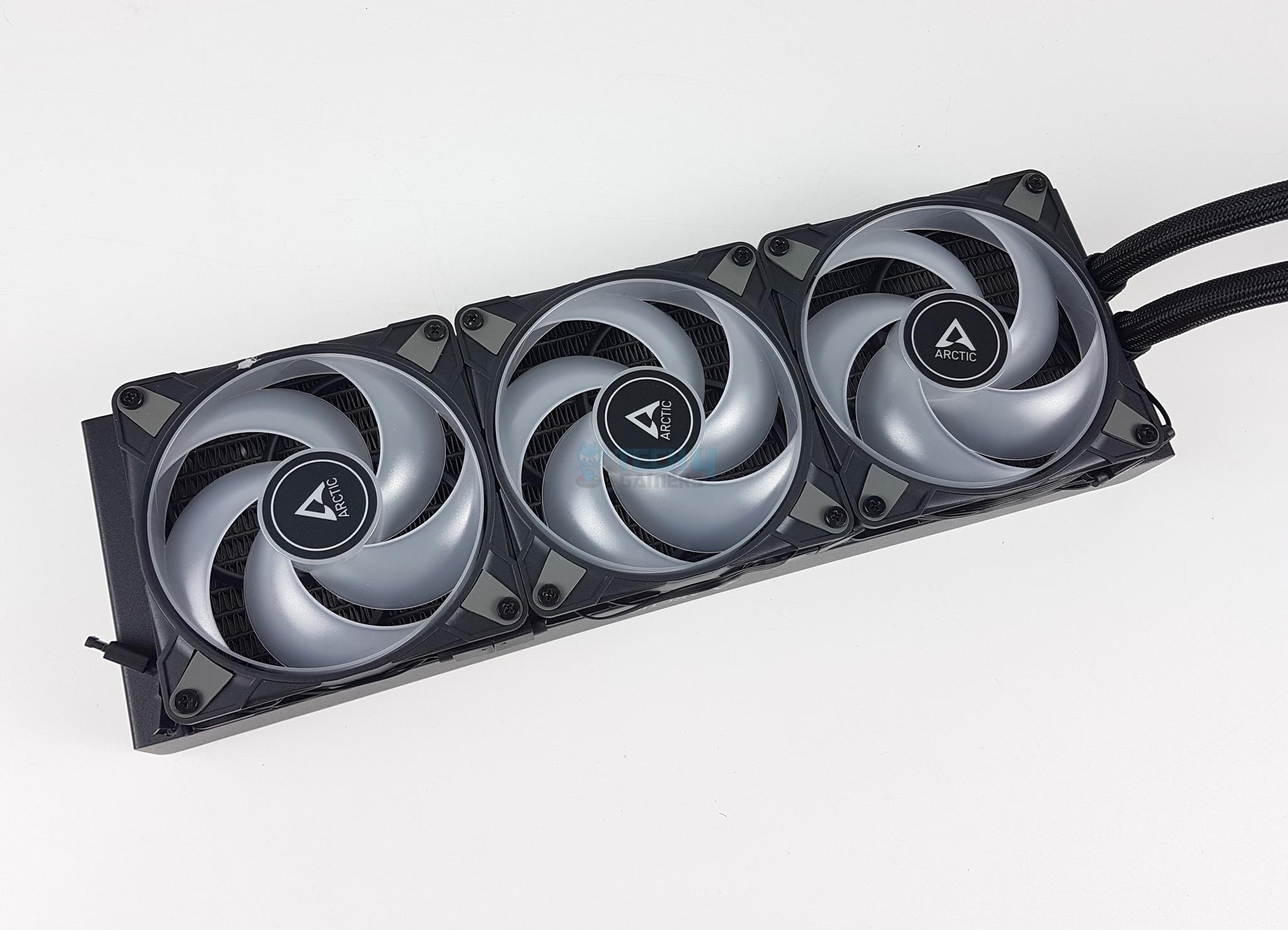
The ARCTIC Liquid Freezer III 360 A-RGB is an excellent AIO cooler, featuring an improved pump design and an upgraded VRM fan from the previous-gen cooler. While the fans haven’t changed, we’re happy with the 2,000RPM speeds with 48.82CFM, ensuring better airflow. The 60mm VRM fan on the pump cover also does its job remarkably well, being a core reason why the cooler performs so well. Our testing showed that you have enough overclocking leeway with this cooler.

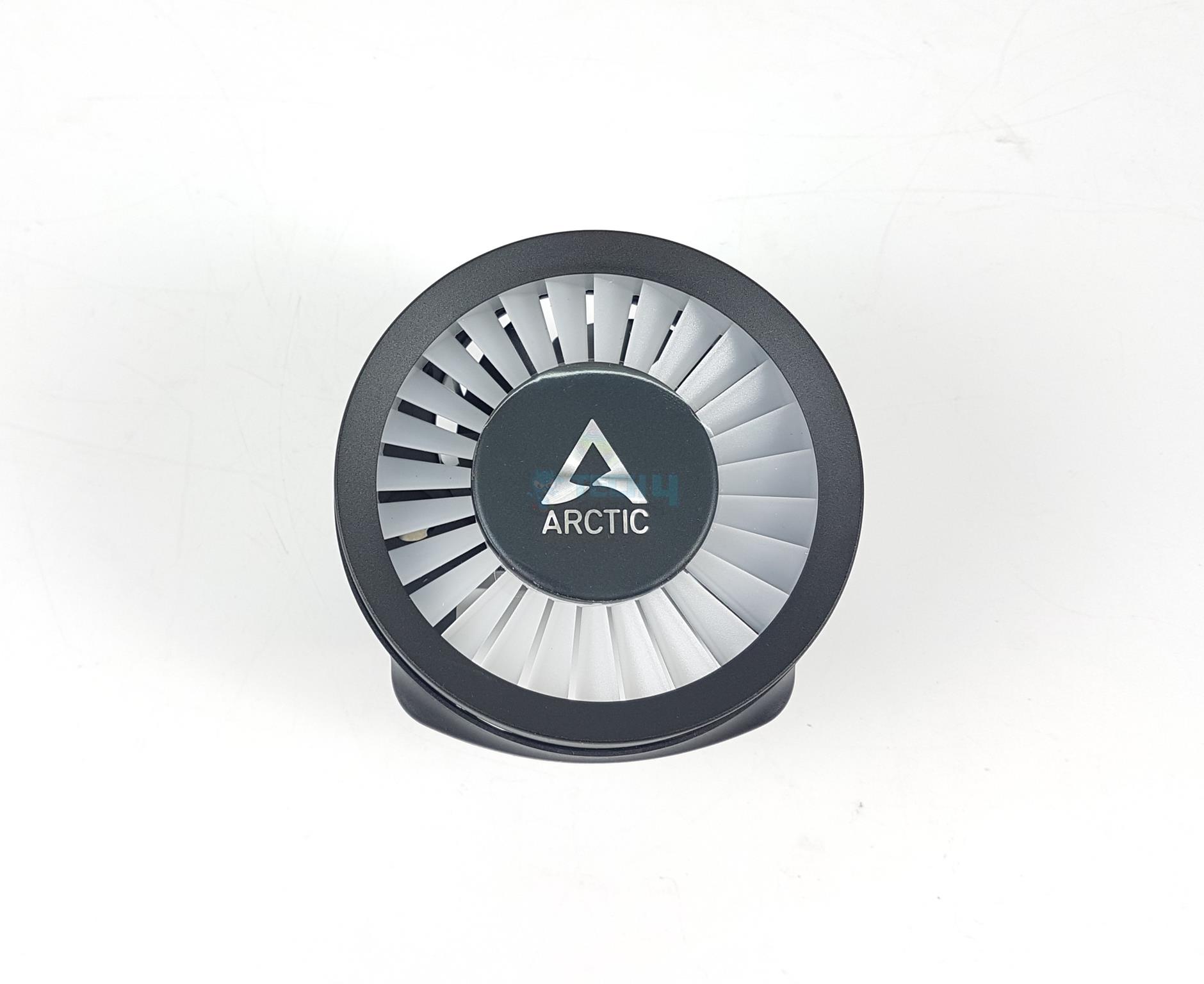
Going towards its aesthetics, there is no doubt that the ARCTIC Liquid Freezer III has some of the best customization capabilities. For example, you can completely remove the pump head and install another of your choosing. We also see integrated cable management, improving the cooler’s looks. However, the pump and fans don’t have separate lighting controls, but it is not that big of a deal.

Here’s how I summarized the ARCTIC Liquid Freezer III 360 A-RGB’s performance and aesthetics in my review:

With its excellent cooling efficiency and compatibility with RGB sync technologies, the AIO stands out for gamers who prioritize both performance and aesthetics.

✅Buy It If
You want top-notch build quality: The ARCTIC Liquid Freezer III 360 A-RGB provides first-class performance with an upgraded VRM fan and a new pump design. Moreover, its build quality is unquestionable, featuring a 38mm radiator and a refined cold plate with a longer five-year warranty period.

Lower noise levels are a priority: If you want lower noise levels from your CPU cooler, the ARCTIC Liquid Freezer III will keep you happy. The noise levels flickered around 39.7dB(A) during our testing, making the cooler almost inaudible with a slight fan whir.

You prefer reduced cable clutter: This AIO cooler comes with integrated cable management that helps reduce cable clutter. If you want a cleaner PC build, this cooler will provide just that.

❌Don't Buy It If
You have a smaller PC case: Although most mid-tower cases shouldn’t have any problems, smaller PC cases likely can’t support a 65.5mm thick radiator with fans installed. It’s best to look into your chassis’ compatibility before purchasing.

What Makes It The Best Overall CPU Cooler For Ryzen 9 9950X3D?

The ARCTIC Liquid Freezer III 360 A-RGB AIO cooler provides impressive performance thanks to its P12 PWM 120mm fans running at 2,000RPM speeds with a 48.82CFM and a 60mm VRM fan to help keep the CPU as cool as possible. It also doesn’t cost much, has beautiful aesthetics, and allows decent customization options, making it the best overall CPU cooler for Ryzen 9 9950X3D.

Performance: 9/10 Value: 9/10
Features: 9/10 Design: 9/10

Cooler Master MasterLiquid 360 ATMOS

Best Performance CPU Cooler For Ryzen 9 9950X3D

SpecificationsCooler Type: 360mm AIO Liquid Cooler | Dimensions: 394 x 119 x 27.2mm | Fans: 3x Sickleflow Edge 120 A-RGB Fans | Fan Speed: 690 — 2,500RPM | Noise Level: 27.2dB(A) | Socket SupportIntel: LGA 1700, 1200, 115X AMD: AM5, AM4 | RGB: Yes

Pros

  • Excellent thermal performance
  • Decent noise levels
  • 3D printed designs for water block
  • 5-year warranty
  • Easy installation
  • Good pricing

Cons

  • Cable clutter

Read Our Cooler Master MasterLiquid 360 ATMOS AIO Cooler Review

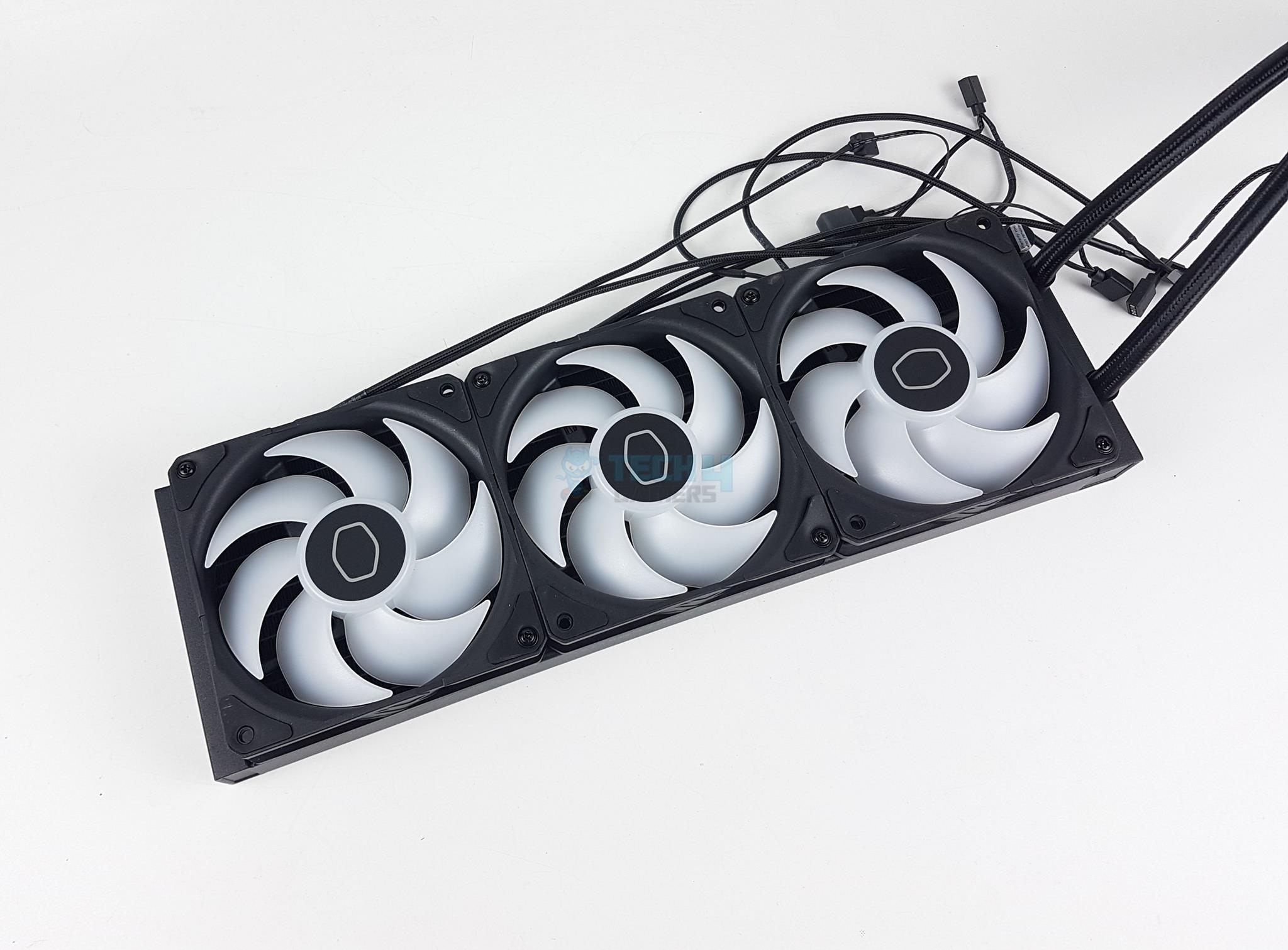
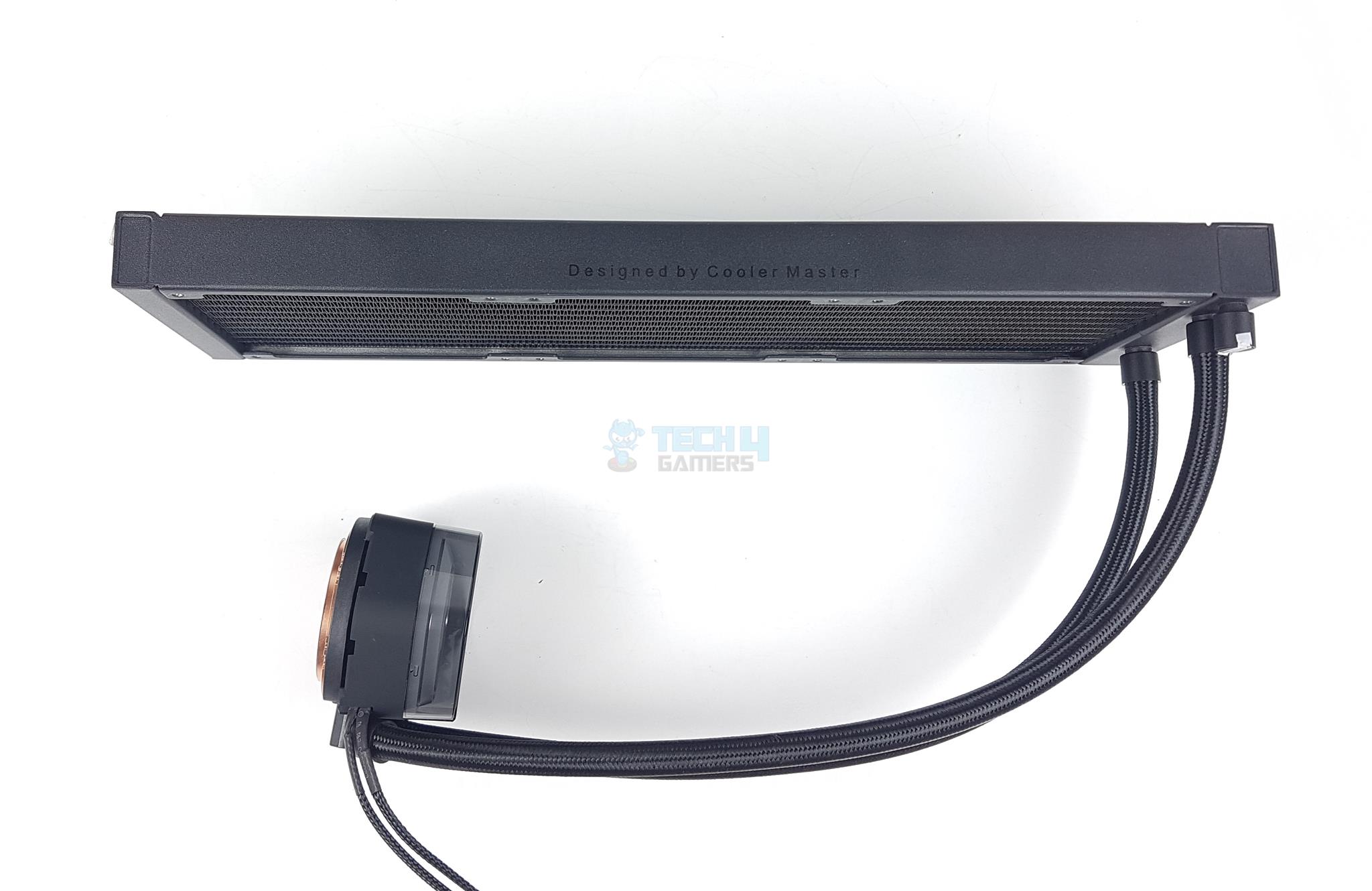
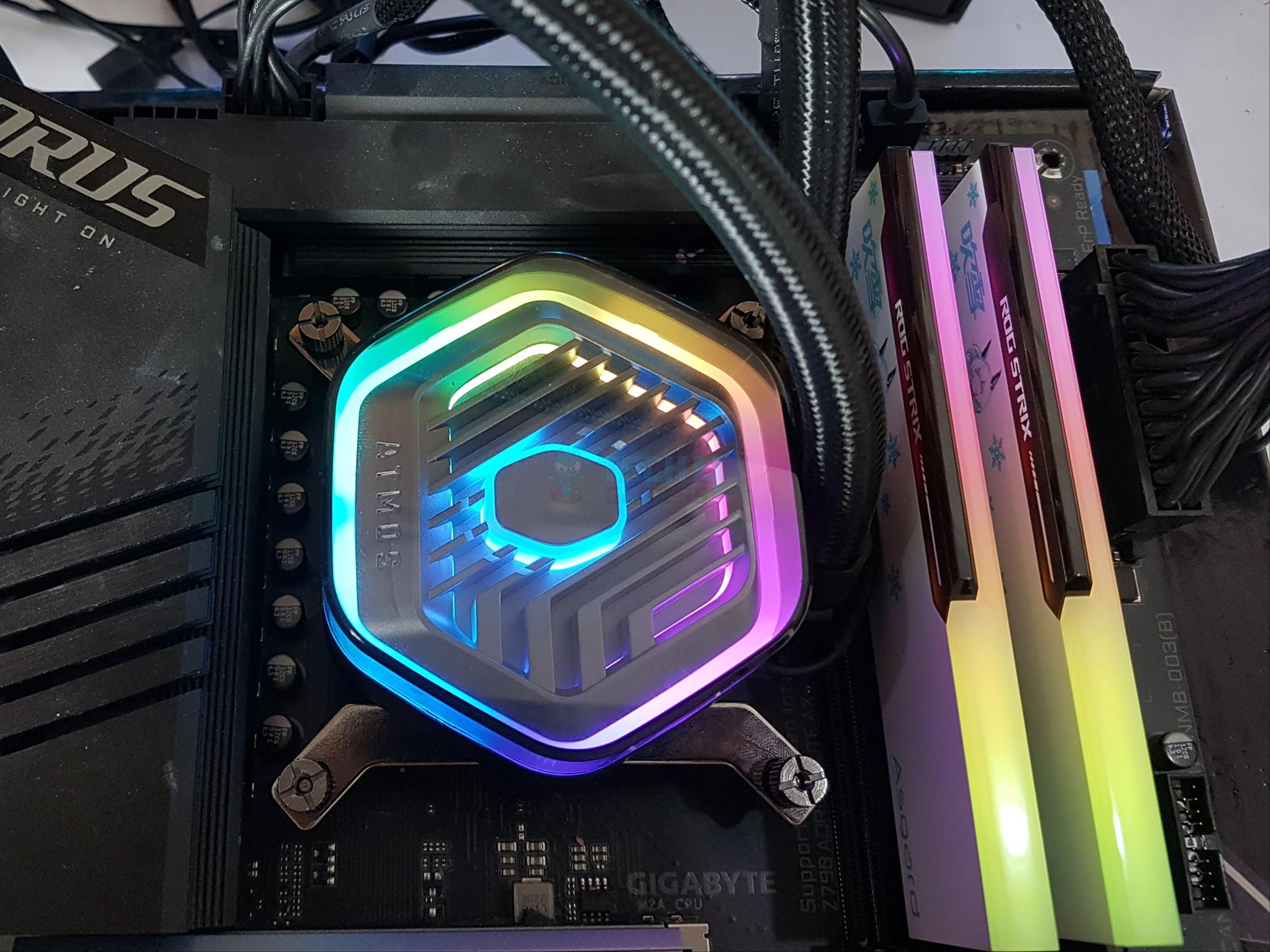
Are you looking for the best-performing AIO cooler to pair with the Ryzen 9 9950X3D? The Cooler Master MasterLiquid 360 ATMOS showed some of the lowest temperatures during our testing. The performance can be attributed to the cooler’s 3x fans running at 2,500RPM speeds with a 70.7CFM for better airflow. Moreover, the radiator has 12 channels for coolant flow and has a 20 FPI (Fins Per Inch), ensuring the hot air is cooled down. Also, the noise levels never exceeded 40.8dB(A) with an ambient sound level of 35dB(A).

The performance isn’t the only thing this AIO cooler provides, though. For example, you’re getting a decent 5-year warranty period. You can play around with the RGB through Cooler Master’s software, which also provides leakage warnings. You can remove the top pump cover and install a custom 3D-printed one to suit your tastes better. Lastly, this is an excellent product for environmentally-conscious customers, as the default cover is made of recycled materials. The only thing we disliked about the cooler is that the PWM fans cannot be daisy-chained, making cable management more difficult.

WARNING: The AIO cooler has a sealed port with a warranty sticker. Tampering with it can damage the loop and void your warranty.

After spending multiple hours testing the AIO cooler, this is what we had to say about it:

Overall, the Cooler Master MasterLiquid 360 ATMOS is a great option for users who are looking for a top-performing AIO cooler with a unique design.

✅Buy It If
You want uncompromised cooling with low noise levels: If you’re looking for a 360mm AIO cooler that provides high-end cooling with minimal fan noise, the Cooler Master MasterLiquid 360 ATMOS fits the bill with its 20 FPI radiator, 3x 120mm fans running at 2,500RPM speeds with a 70.7CFM, and noise levels resting at 40.8dB(A) during our testing.

You are an environmentalist: The AIO’s pump cover is made of recycled plastic, 35% of the cooler is built from recyclable material, and the packaging size is reduced by 30% to help promote eco-friendliness. So, if you are an environmentalist, this product follows similar ideals.

You prefer an easier software UI: One aspect we love about this AIO cooler is the software Cooler Master has provided. Not only can you customize RGB lighting as you see fit, but you are also warned of leakage in the AIO, allowing you to take emergency measures before any real damage is done. The MasterCTRL software has an easy-to-use interface, making it a great feature for this cooler.

❌Don't Buy It If
You want better cable management: The cable management with this AIO can be pretty troublesome because the PWM fans aren’t daisy-chained. If you dislike cable clutter in your PC, you may want to steer away from the MasterLiquid 360 ATMOS.

What Makes It The Best Performance CPU Cooler For Ryzen 9 9950X3D?

The Cooler Master MasterLiquid 360 ATMOS AIO cooler showcased outstanding thermals during our tests thanks to its higher-density FPI radiator, faster fans, and greater 70.7CFM, which improved the overall airflow within the chassis. The AIO also provides decent customization options, has a more straightforward software UI, and promotes eco-friendliness, making it the best performance CPU cooler for Ryzen 9 9950X3D.

Performance: 10/10 Value: 8.5/10
Features: 9/10 Design: 9/10

be quiet! Silent Loop 3 420mm

Best 420mm CPU Cooler For Ryzen 9 9950X3D

SpecificationsCooler Type: 420mm AIO Liquid Cooler | Dimensions: 457 x 140 x 27mm | Fans: 3x Silent Wings 4 PWM 140mm Fans | Fan Speed: 1,900RPM | Noise Level: 34.3dB(A) | Socket SupportIntel: LGA 1700, 1200, 115X, 1851 AMD: AM5, AM4, TR5, sTRX4, TR4 | RGB: Yes

Pros

  • Thermal performance
  • Silent Wings 4 fans
  • Stylish block design
  • Impressive socket support
  • Low noise output
  • Refill port and coolant bottle

Cons

  • Higher price
  • 3-year warranty
  • Limited block orientation

Read Our be quiet! Silent Loop 3 420mm AIO Cooler Review

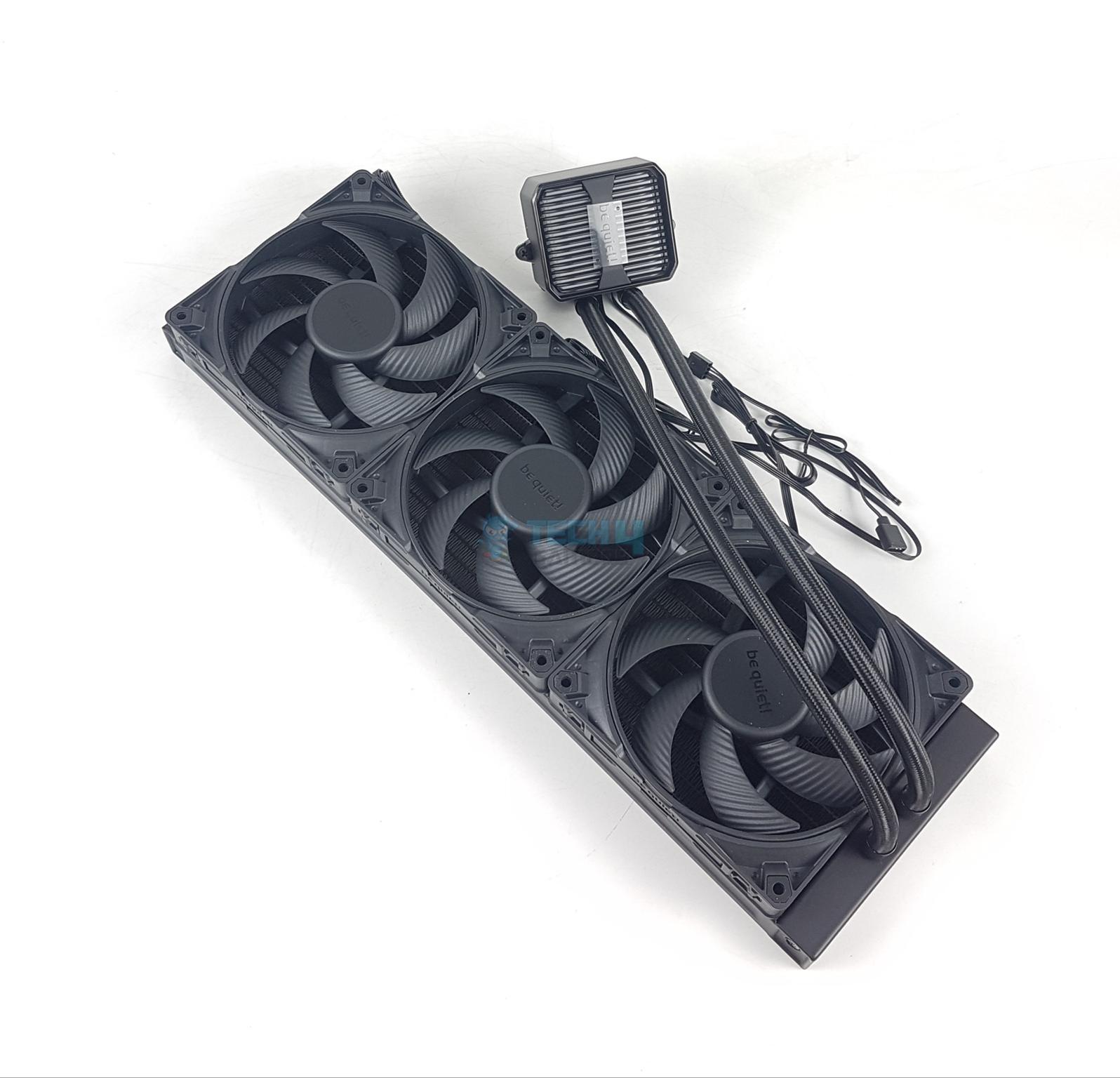
Upgrading from its Silent Loop 2 AIO series, be quiet! has gone the extra mile with the Silent Loop 3, featuring a new and improved three-chamber pump design, keeping the temperatures on high-end CPUs lower and improving overclocking potential. Besides the pump, we attribute the greater performance to the high-speed Silent Wings 4 fans with seven blades, providing sustained air pressure for higher airflow. Besides that, the radiator has a refill port on the side for easier servicing, and you get a 100ml coolant with the purchase.

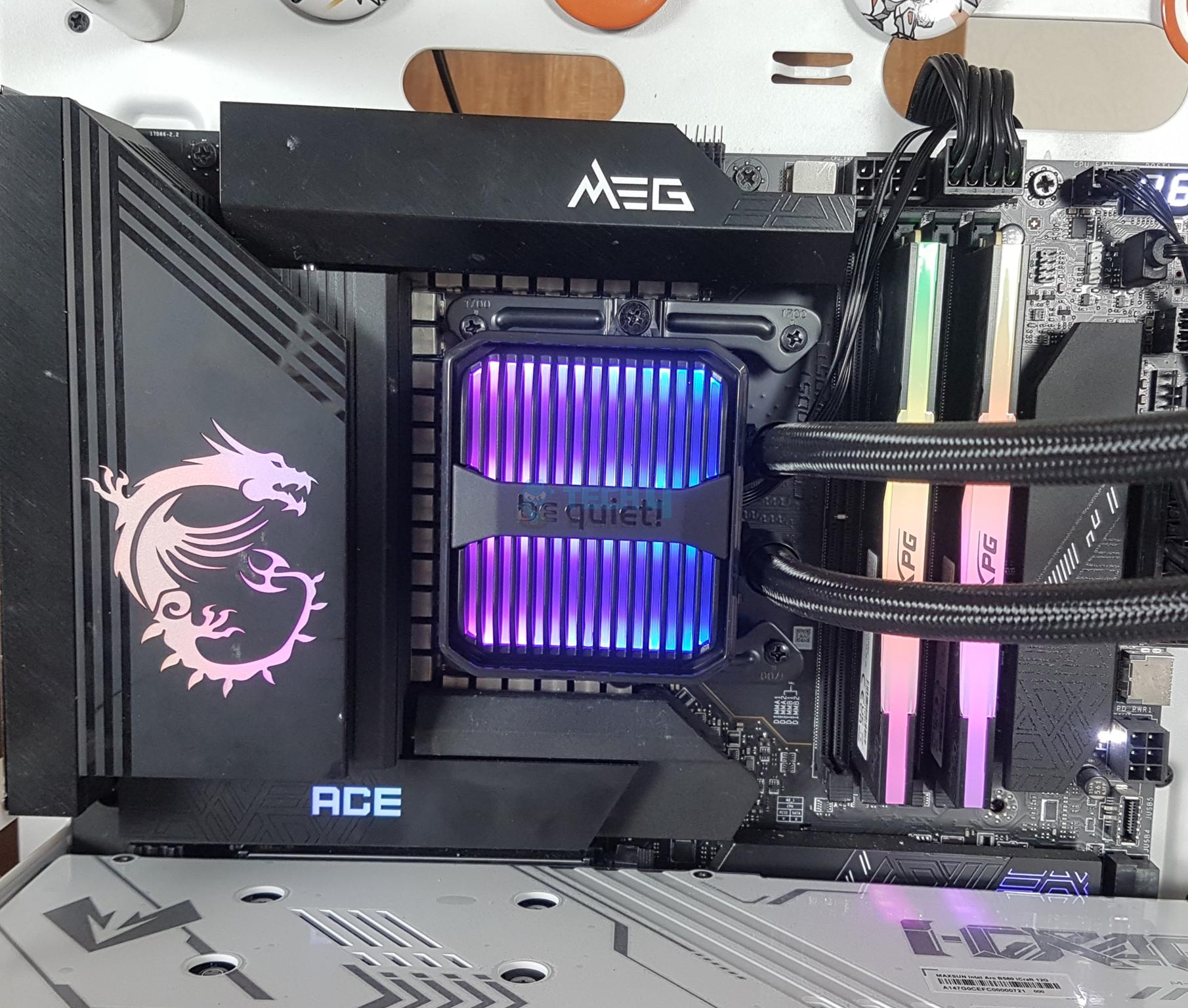
Regarding aesthetics, the pump housing has a bold, stylish outlook, complementing the subtle A-RGB lighting on the top. There isn’t much RGB lighting, making this cooler perfect for sleepers and minimalistic builds. We disliked that the be quiet! branding text on the top of the pump is fixed, which limits the block orientation. Also, for a moderately expensive AIO cooler, seeing a 3-year warranty period is kind of a letdown.

After taking the AIO cooler for a spin, here’s what we had to say about its performance, value, and looks:

Silent Loop 3 420 is one heck of a cooling product. With its classy look, premium cooling performance, and better noise output it is capable of giving a run to other 420mm coolers for their money.

✅Buy It If
You want high performance: If you’re rocking a bigger PC case and want to fit a 420mm AIO cooler, which provides impeccable thermal performance for the Ryzen 9 9950X3D, then be quiet! Silent Loop 3 420mm should be on your list. 

You love minimalistic lighting: This AIO cooler is perfect for PC builders who don’t want a lot of RGB vomit in their builds. With only slight lighting on the top of the pump cover, there isn’t much going for this cooler in terms of RGB.

❌Don't Buy It If
You want a longer warranty period: While a 3-year warranty period is nothing to scoff at, we don’t recommend buying this AIO cooler if you’re building a PC for the long run. Many 360mm and 420mm AIO coolers provide a longer warranty you can leverage.

What Makes It The Best 420mm CPU Cooler For Ryzen 9 9950X3D?

The be quiet! Silent Loop 3 420mm AIO cooler possesses impressive thermal capabilities thanks to its 3x Silent Wings 4 140mm fans running at 1,900RPM and 78.4CFM. The cooler showed minimal noise output during our testing, maximizing at 42.5dB(A). Furthermore, the refill port and 100ml coolant provide greater value with the purchase, making it the best 420mm CPU cooler for Ryzen 9 9950X3D.

Performance: 10/10 Value: 7/10
Features: 9/10 Design: 8/10

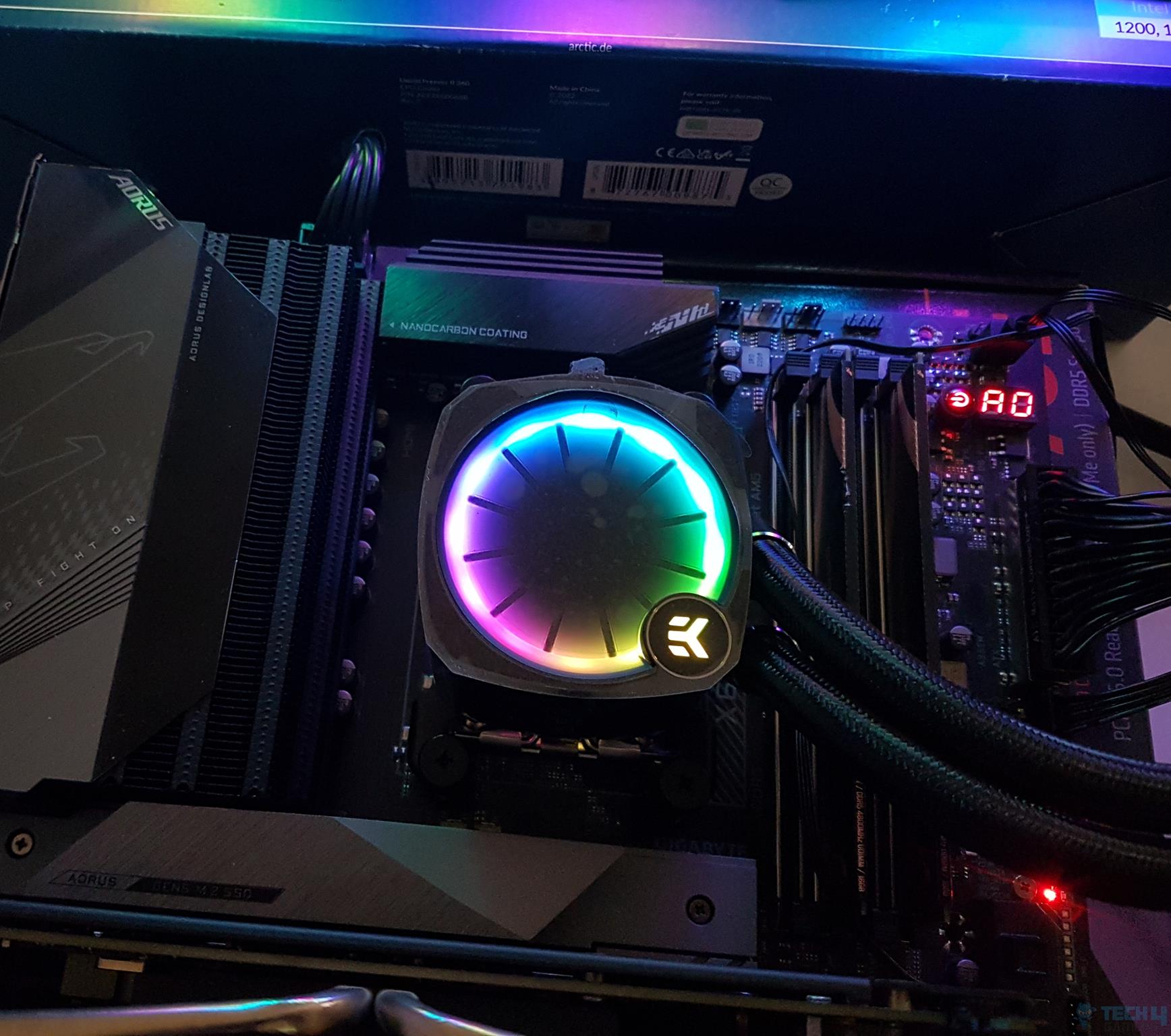
EK Nucleus AIO CR360 Lux D-RGB

Best Value CPU Cooler For Ryzen 9 9950X3D

SpecificationsCooler Type: 360mm AIO Liquid Cooler | Dimensions: 400 x 124 x 27mm | Fans: 3x EK Loop FPT 120mm Fans | Fan Speed: 550 — 2,300RPM | Noise Level: 36dB(A) | Socket SupportIntel: LGA 1851, 1700, 115X, 1200, 2011, 2011-3, 2066 AMD: AM5, AM4 | RGB: Yes

Pros

  • Removable & rotatable lid
  • Outstanding cooling performance
  • Five-year warranty
  • EK OmniLink
  • Unique radiator design
  • Solid build quality
  • Easy installation process

Cons

  • Higher noise output

Read Our EK Nucleus AIO CR360 Lux D-RGB AIO Cooler Review

Don’t want to spend a premium amount on a decent AIO cooler? Don’t worry—the EK Nucleus AIO CR360 Lux D-RGB is an impressive value-added CPU cooler. With a 27mm thick radiator having a 20 FPI count, the cooler easily keeps high-end CPUs cool with zero chances of thermal throttling. The Full Pressure Technology fans running at 2,300RPM and 72CFM provide better static pressure for optimal airflow. Although the temperatures are decent, the noise levels aren’t, averaging ~51dB(A) in our testing.

For its aesthetics, the AIO cooler includes a rotatable and removable pump cap to allow for the correct orientation of the EK logo. It looks great with D-RGB lighting clad on the pump and fans. Additionally, the brushed aluminum side frame and diamond-cut edges on the radiator add to the cooler’s distinct look. We also loved the daisy-chained fans thanks to EK’s OmniLink, which reduces cable clutter and makes the installation process easier.

Our hardware reviewer, Awais Khan, tested the cooler’s performance and value. Here’s what he concluded from his in-depth review:

It packs a solid performance punch that the competition has to manage. The digital RGB lighting is quite brilliant. We have everything to love about this cooler, albeit a bit high price tag.

✅Buy It If
You want better performance from a low-budget AIO: If you don’t want to spend a lot of money on your CPU cooler but also don’t want to thermal throttle the Ryzen 9 9950X3D, the EK Nucleus AIO CR360 Lux D-RGB provides incredible value because of its low price and high performance.

You prefer easy installation: The AIO cooler is easy to install, has daisy-chained fans that reduce cable clutter, and requires no extra RGB or fan control software. It also comes with pre-applied thermal paste, so you don’t have to fret over that, either.

❌Don't Buy It If
You want a quiet experience: If you’re looking for a low-noise solution, this cooler may not be your cup of tea. During our testing, the noise levels averaged around 51dB(A).

What Makes It The Best Value CPU Cooler For Ryzen 9 9950X3D?

The EK Nucleus AIO CR360 Lux D-RGB AIO cooler provides fantastic value because of its low price and high performance, attributed to the thicker 20 FPI radiator and Full Pressure Technology fans running at 2,300RPM and 72CFM. Accompanied by beautiful looks and features like a longer warranty period and daisy-chained fans, it’s the best value CPU cooler for the Ryzen 9 9950X3D.

Editor`s Note
Image

I loved the EK Nucleus AIO CR360 Lux D-RGB AIO cooler the most, not only because of its higher value but also because of its performance and aesthetics. The cooler provides high-quality 120mm fans, a thick FPI radiator, more customization opportunities, and a longer warranty period. It’s a remarkable option for consumers on any budget.

– Hayyan Serwer

Performance: 9/10 Value: 10/10
Features: 8.5/10 Design: 8.5/10

Corsair iCUE Link Titan 360 RX RGB

Best Looking CPU Cooler For Ryzen 9 9950X3D

SpecificationsCooler Type: 360mm AIO Liquid Cooler | Dimensions: 396 × 120 × 27mm | Fans: 3x RX120 non-PWM Fans | Fan Speed: 300 — 2,100RPM | Noise Level: 36dB(A) | Socket SupportIntel: LGA 1851, 1700 AMD: AM5, AM4 | RGB: Yes

Pros

  • Magnetic faceplate
  • Digital connectivity
  • Pre-applied XMT-70 thermal paste
  • Six-year warranty
  • Excellent thermal performance
  • Beautiful design and RGB
  • Replaceable pump caps

Cons

  • No PWM control
  • High price

Read Our Corsair iCUE Link Titan 360 RX RGB AIO Cooler Review

If you’re looking for an AIO cooler to improve your PC’s aesthetics while keeping your CPU cool, the Corsair iCUE Link Titan 360 RX RGB is the way to go. This cooler’s immersive RGB lighting and customization are awe-worthy. The 24 A-RGB LEDs on the pump cover allow amazing lighting control. Moreover, you can also replace the pump caps based on your tastes. However, the looks come at a steep price.

Moving towards its thermal performance, this AIO cooler has 3x 120mm fans running at 2,100RPM speeds with a 73.5CFM, which helps keep the temperatures low. Regarding the fans, we disliked that they don’t have any PWM control, meaning you need to use Corsair’s iCUE software to control them. The sturdy build quality with a copper base plate and aluminum radiator are perfect for the six-year warranty the AIO cooler provides.

PRO TIP: The AIO cooler comes with pre-applied XMT-70 thermal paste, so there’s no need to apply some separately.

After Nauman Siddique, our hardware reviewer, put the AIO cooler on his test bench, this is how he described it:

The Corsair iCUE Link Titan 360 RX RGB is a flagship liquid cooler, available in 240mm and 360mm sizes. It offers excellent cooling performance with a 3-phase motor, a precision cold plate, and powerful RGB fans, making it a top contender for high-end PC builds.

✅Buy It If
You want the best aesthetics in your PC: The Corsair iCUE Link Titan 360 RX RGB AIO cooler is one of the best looking coolers you can get right now. It features beautiful A-RGB lighting, a unique fan design, and removable pump caps for better customization.

You want a clutter-free, easy installation: Thanks to the iCUE ecosystem, the AIO cooler only uses five cables, including a single cable for all the fan’s connections, heavily reducing cable clutter. Moreover, the easier installation process makes this cooler a good choice for new PC builders.

❌Don't Buy It If
You’re on a tight budget: If you’re running out of budget after buying the Ryzen 9 9950X3D CPU, it’s better to steer away from this AIO cooler because of its steep price.

You want PWM fans: Unfortunately, this AIO cooler does not come with PWM fans, and you can only control and customize the fans through Corsair’s iCUE software.

What Makes It The Best Looking CPU Cooler For Ryzen 9 9950X3D?

Along with multiple customization possibilities thanks to the replaceable pump cap and a ton of RGB lighting, the Corsair iCUE Link Titan 360 RX RGB comes in black and white colors, allowing users a loose hand if they’re going with a white PC build. The excellent thermal performance, pre-applied thermal paste, and six-year warranty add to its value, making it the best looking CPU cooler for Ryzen 9 9950X3D.

Performance: 8.5/10 Value: 7/10
Features: 8/10 Design: 10/10

Specifications Comparison

To make comparing these AIO coolers easier, I have created a chart with some basic on-paper specifications. You can play around with it according to your requirements:

CPU CoolerRadiator Size (mm)Number Of FansFan Speed (RPM)Noise Levels (dBA)CFM
ARCTIC Liquid Freezer III 360 A-RGB3603200039.748.82
Cooler Master MasterLiquid 360 ATMOS3603250027.270.7
Be Quiet! Silent Loop 3 420mm4203190034.378.4
EK Nucleus AIO CR360 Lux D-RGB360323003672
Corsair iCUE Link Titan 360 RX RGB360321003673.5

Thermal Benchmarks Of Our Recommended Coolers

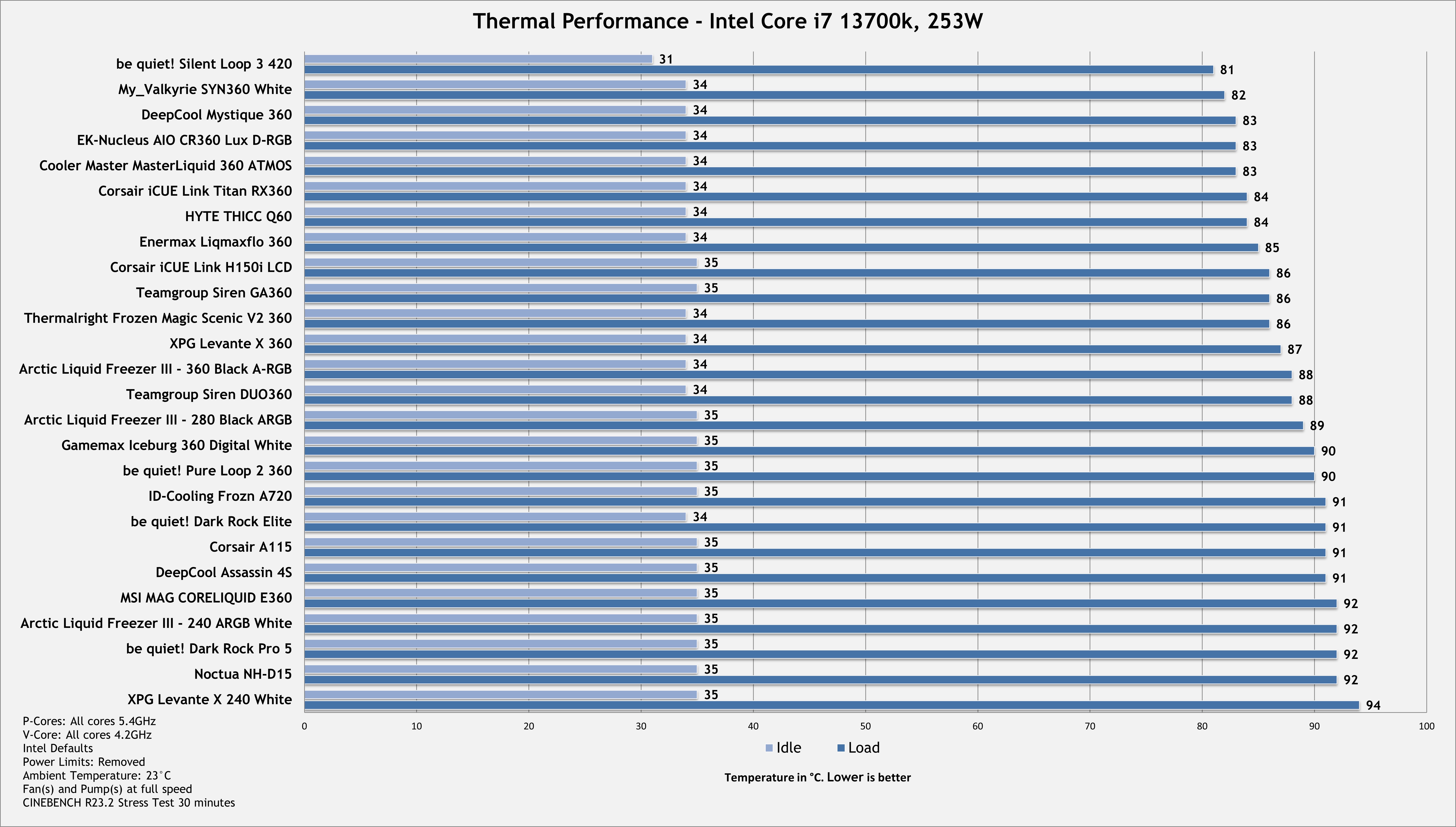
When choosing the best CPU coolers, taking note of their thermal benchmarks is the most important factor to consider. Hence, we stress-tested the CPU on our test bench and checked how low the cooler could take the temperatures. These are our findings to back up our claims:

CPU Cooler Thermal Performance Benchmarks, 2nd Week March 2025 Testing
Thermal Performance Benchmarks

Important CPU Cooler Key Terms To Know

Some jargon can throw you off when hunting for a new CPU cooler. Here are some key jargon terms you should know:

  • TDP: Short for Thermal Design Power, the term is used differently for CPUs and CPU coolers. For the former, the TDP indicates the amount of heat the CPU will produce. Meanwhile, the CPU cooler’s TDP dictates the amount of heat it can cool down. Hence, your cooler’s TDP should always be higher than your CPU’s.
  • RadiatorA part of AIO coolers, radiators come in various sizes, and the fans are installed in the intake or exhaust to control the airflow. Radiators remove heat from the coolant, making them a crucial part of the AIO cooler.
  • FPIAn abbreviation of Fins Per Inch, the FPI measures how many fins are stacked into one inch of a radiator. While more fins stacked together can help cool the air effectively, you’ll need stronger fans to push air through them.
  • CFM: The Cubic Feet per Minute metric in fans determines how much air a fan can move within a minute. A higher CFM generally means the fan can move more air, cooling the system more effectively.
  • Static PressureIn PC hardware, static pressure refers to how much air a fan can move through a tight space. Measured in mmH2O, CPU coolers require high static pressure fans to move air through the radiators and heatsinks effectively.
  • HeatsinkThese are metal devices with fins on the sides that help cool and move air from the CPU outside the PC. Heatsinks are made from highly conductive metals, usually aluminum.

How We Tested And Picked The Best CPU Coolers For Ryzen 9 9950X3D

For better transparency, we’ll share our testing methodology and how we decided on the best CPU coolers for the Ryzen 9 9950X3D. While there are more factors, the key aspects include performance, noise levels, value, and aesthetics.

  • Performance: The most important aspect to consider is the performance of a CPU cooler, which defines whether it can cool the CPU effectively. The most effective method of testing a cooler’s performance is stress testing the CPU and monitoring temperatures over a certain period of time. Lower temperatures are obviously better.
  • Value: The value is vital because why would you buy a CPU cooler that costs more but provides the same performance as a low-budget option? Hence, I only chose coolers that provide the most value through pricing or extra features such as a longer warranty, pre-applied thermal paste, daisy-chained fans, and more.
  • Noise levelsThe noise levels of a CPU cooler can be a critical factor for many customers looking for a quiet solution. Therefore, I took special care in choosing CPU coolers with a relatively lower noise output. Coolers with PWM fans and customizable fan curves are better in this regard.
  • Aesthetics: Although not the most important, aesthetics can go a long way when it comes to CPU coolers. Aside from the GPU, your CPU cooler is the second-most prominent component in your build. Hence, I chose coolers that provide greater customization options through RGB lighting, customizable pump caps, less cable clutter, or a greater variety of color options.

FAQs

Can I pair the Ryzen 9 9950X3D with an air cooler?

While a high-quality air cooler can dissipate a lot of heat, we recommend choosing an AIO cooler to pair with the Ryzen 9 9950X3D CPU.

Can I overclock the Ryzen 9 9950X3D CPU?

Yes. It is possible to overclock all Ryzen 9000 X3D series CPUs. However, you will need an adequate AIO cooler to keep the overclocks stable.

Is the 9950X3D power-hungry?

The CPU has a 170W TDP, so it’s not the most power-hungry processor we have seen.


EA Delists Multiple Classic Games On Steam Without Any Warning

Story Highlight
  • EA has delisted 6 Codemasters titles on Steam just recently.
  • The games were removed at the publisher’s request without any warning.
  • EA has not put out any statement regarding this matter.

Game preservation has been a hot topic in the gaming world for quite some time now. Players worldwide have raised concerns about handling older titles on digital platforms.

With physical media also being phased out over time, these concerns will only gain more weight despite efforts from PlayStation and Xbox.

Publishers can delist a title at any time, with The Day Before and F1 2020, among other sports titles, being some examples. Now, EA has pulled several classic games from Steam without any announcement.

Why it matters: Companies removing games like this will make them inaccessible, leading to them being lost in art forms.

Multiple games developed by Codemasters were recently delisted on Steam without any previous warning from EA. These were all classic titles that Codemasters developed and published before its acquisition. But they all fall under the care of EA, as it now owns the entire gaming catalogue of Codemasters.

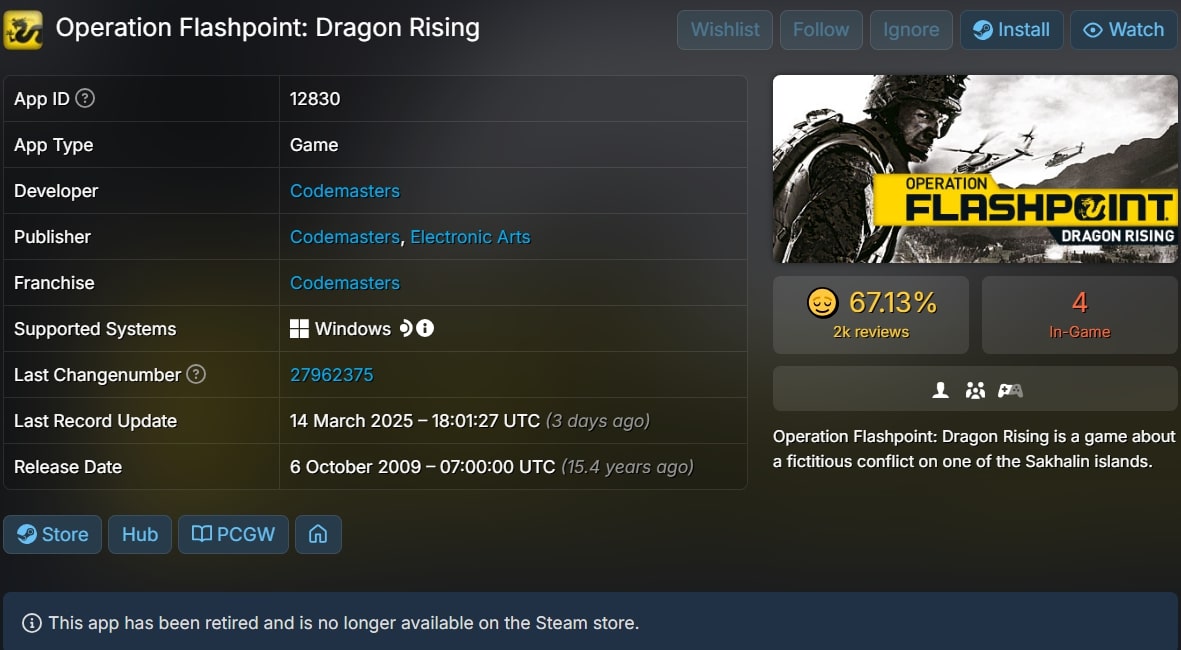
Damnation, Hospital Tycoon, Maelstrom, Rise of the Argonauts, Toybox Turbos, and Operation Flashpoint are the names of these games axed by EA. Only the last two titles in the list were developed by Codemasters, but it did publish all of the games as mentioned earlier, and their disappearance without warning is confusing.

Furthermore, the publisher personally requested the removal of these games as an “app_retired_publisher_request” error shows up when you try to access them on Steam. All the axed titles were on the GOG Dreamlist of titles fans wanted to see preserved, meaning there was demand among players.

F1 24 EA Codemasters
Codemasters recently developed F1 24 for EA.

This brings our attention to the serious issue of game preservation and how flimsy licenses and low sales shouldn’t result in a game disappearing forever. In addition, EA has been on thin ice recently with some microtransaction debacles and the failure of Dragon Age Veilguard, which only worsens the publisher’s standing among fans.

Do you think games should be delisted like this? Tell us in the comments below or head to the Tech4Gamers forum for discussion.

Split Fiction Director Defends EA, Calls Criticism “Often Undeserved”

Story Highlight
  • Split Fiction director Josef Fares has defended EA, saying the publisher gets underserved criticism.
  • Fares stated that EA has never interfered with Hazelight and maintains a good relationship with the studio.
  • The publisher also gives proper backing to the studio, as per Fares.

Since its launch last week, Split Fiction has taken the gaming world by storm, selling over one million copies in two days and garnering critical acclaim worldwide. Players and critics alike have praised the game, calling it another hit from developer Hazelight Studios.

As many know, the studio has a strong partnership with EA, which published the genre-defining Split Fiction and the last game from Hazelight. In a recent interview, the game’s director came out in support of the controversial publisher, thanking EA for helping them.

Why it matters: EA is always portrayed negatively, so it’s interesting to see a developer on the inside say something positive about the studio.

Split Fiction
Split Fiction is another critical success for Hazelight.

In an interview with Edge Magazine (courtesy of GamesRadar), Josef Fares, the director of Split Fiction, has defended EA, saying most of the criticism the studio gets is undeserved. Fares explained that, unlike most publishers, EA has never interfered with Hazelights’ process and gives the developer a lot of backing.

The director acknowledged the criticism for EA but said he believes it’s undeserved and that the publisher has always been good to Hazelight. Furthermore, Josef Fares also praised EA for backing up his vision and stated that respect between the publisher and developer is necessary for the relationship to work.

they never interfere. Sometimes, I think they get so much s**t they don’t deserve. I don’t know how they work with others, but with us it’s super good.”

Considering the publisher’s image in the gaming community, this is much-needed positive PR for the company, especially after its microtransaction controversy in Skate. EA hasn’t had the easiest last few months, with Dragon Age Veilguard’s failure putting financial strain on the gaming giant.

How Split Fiction Has Redefined The Coop Genre
Split Fiction has redefined the co-op genre.

However, Split Fiction has brought EA back into form. Given the success of past Hazelight titles like It Takes Two, it’s unsurprising that EA fully trusts Hazelight.

Would Split Fiction win this year’s Game of the Year award? Tell us in the comments below or head to the Tech4Gamers forum for discussion.

ID-Cooling FROST X45 Review: One of The Best Thermal Pastes We’ve Tested

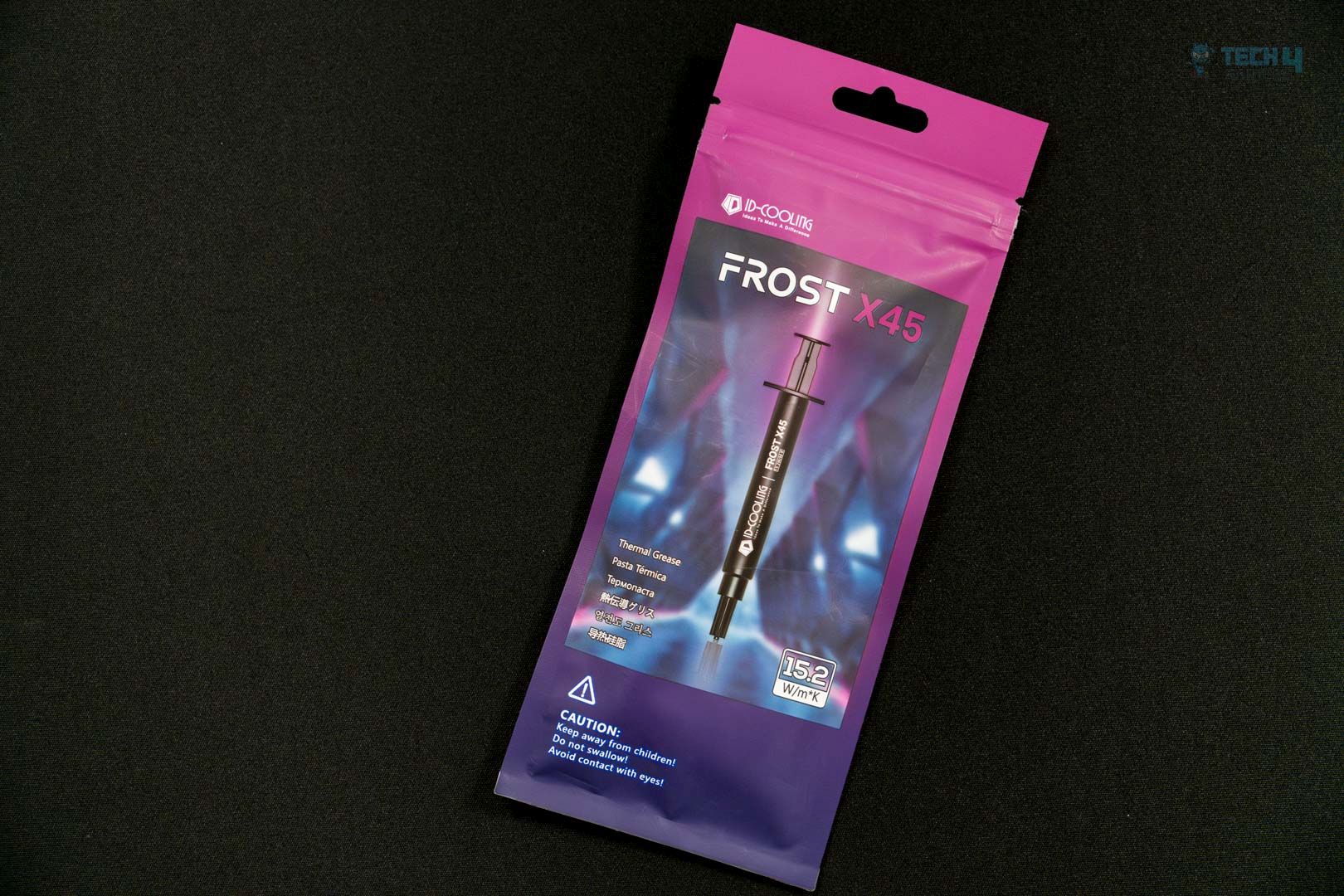
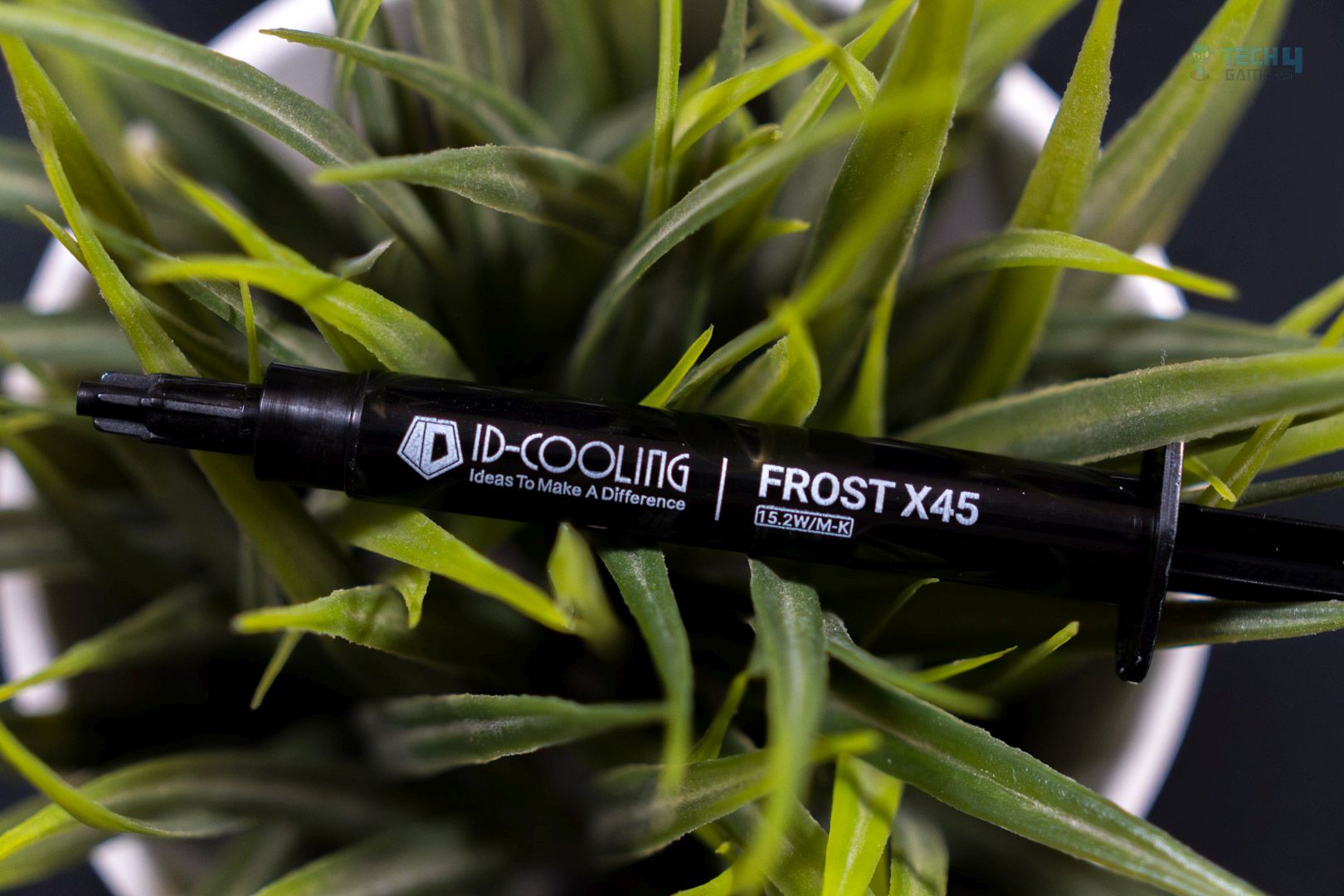
ID-Cooling has launched its new thermal paste, the X45, which boasts a thermal conductivity of 15.2 W/m-K, making it an upgrade from previous offerings such as the X05, X25, and X35. The X45 is available in two sizes: 4g and 2g.

This table provides a clear comparison of the key specifications for each of the ID-cooling thermal compounds.

Specification (As Advertised) ID-Cooling X45 ID-Cooling X35 ID-Cooling X25 ID-Cooling X05
Color Grey Grey Grey
Net Weight 2g / 4g 4g 2g / 4g 3g / 5g
Thermal Conductivity 15.2 W/m-K 14.2 W/m-K 10.5 W/m-K 6.5 W/m-K
Thermal Resistance 0.03℃-cm²/W 0.0026℃-cm²/W
Thermal Impedance < 0.05 ℃-cm³/W < 0.07 ℃-cm³/W
Dielectric Constant 5 5
Density 2.8 g/cm³ 2.5 g/cm³ 2.6 g/cm³ 2.5 g/cm³
Viscosity 140 Pas 150 Pas 560 Pas 480 Pas
Operation Temperature -50℃ ~ 300℃ -250℃ ~ 300℃ -40℃ ~ 180℃ -50℃ ~ 200℃
[toc]

Packaging

The packaging has a gradient of blue tones, giving it a cool and frosty experience in alignment with the product name, “Frost X45.”

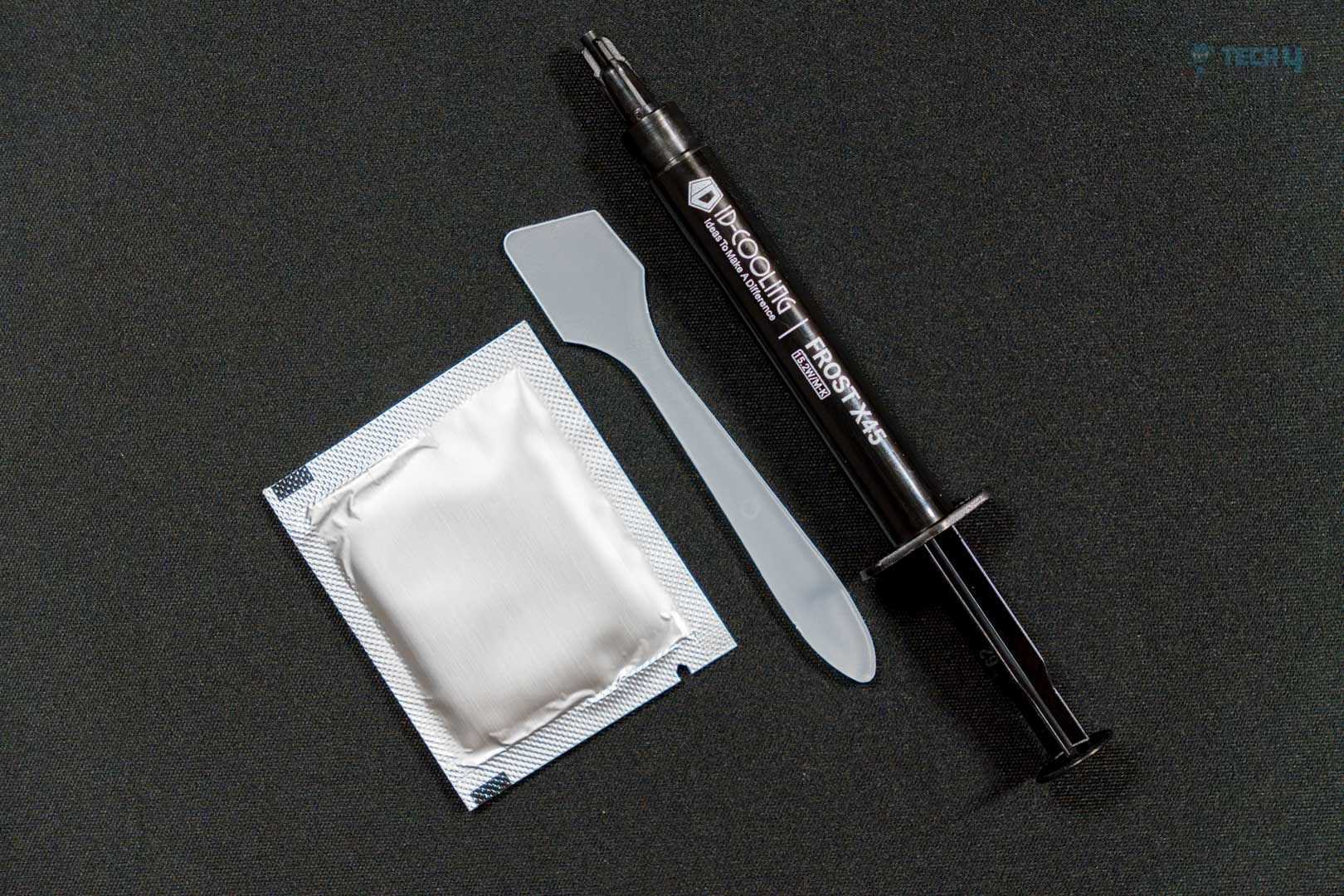
The container has some basic accessories. The packaging contains a plastic spreader, alcohol wipe, and thermal paste syringe.

Application

ID-COOLING FROST X45
ID-COOLING FROST X45 (Image By Tech4Gamers)

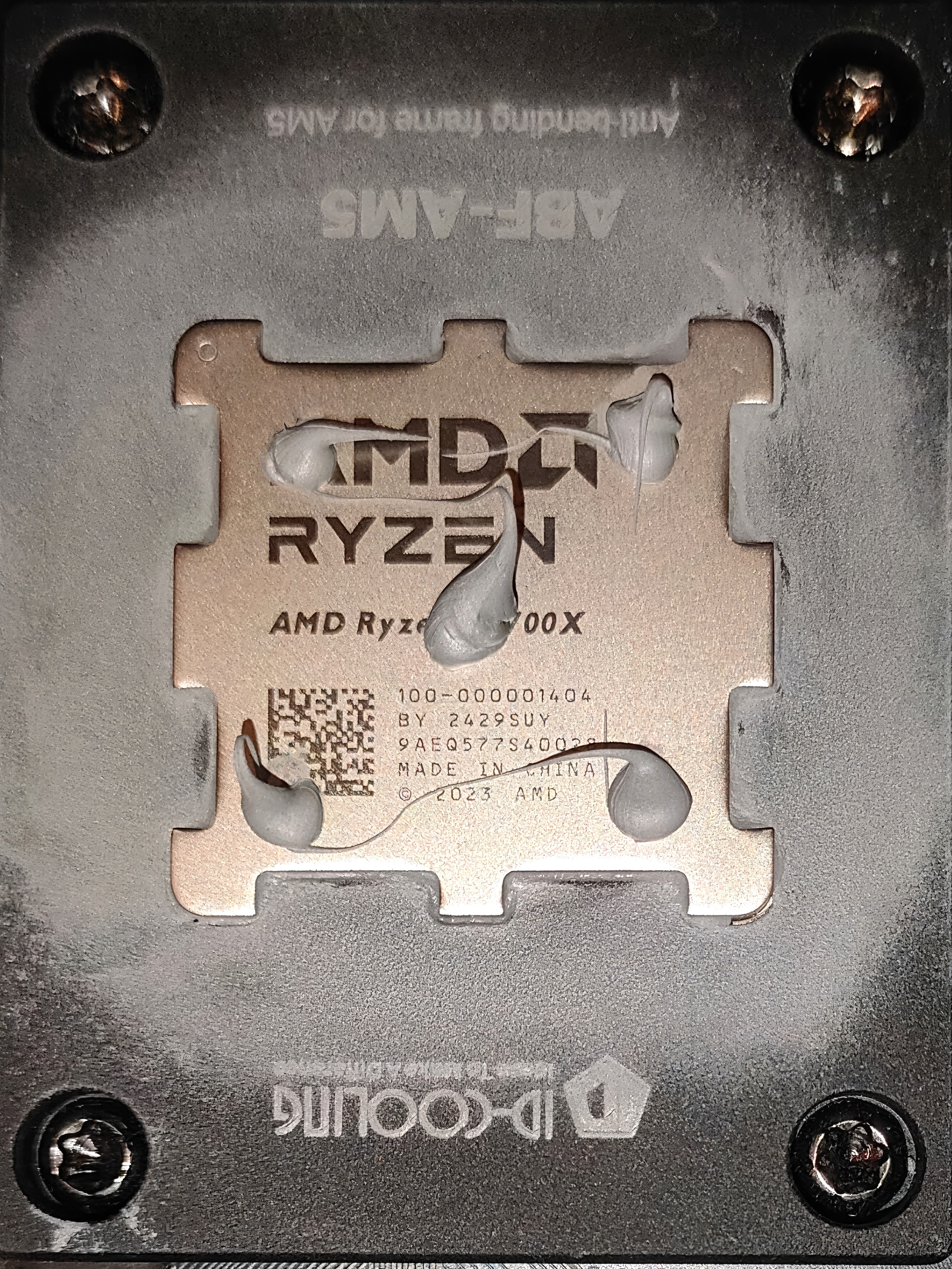
We’re demonstrating our go-to application method: five blobs at all die corners so the paste spreads evenly. The application was smooth and much easier to apply, as demonstrated. The silicon is not greasy or oily and not as viscous as the previous ID-Cooling pastes such as X25 (560 Pas) and X05 (540 Pas); the ID-Cooling Frost X45 is noticeably less viscous, which is 150 Pas, which makes the Frost X45 easier to apply on a die or spread. Spreading would require a little skill, but we are not using the spread method, as the CPU IHS would spread it once the cooler is in contact with the IHS.

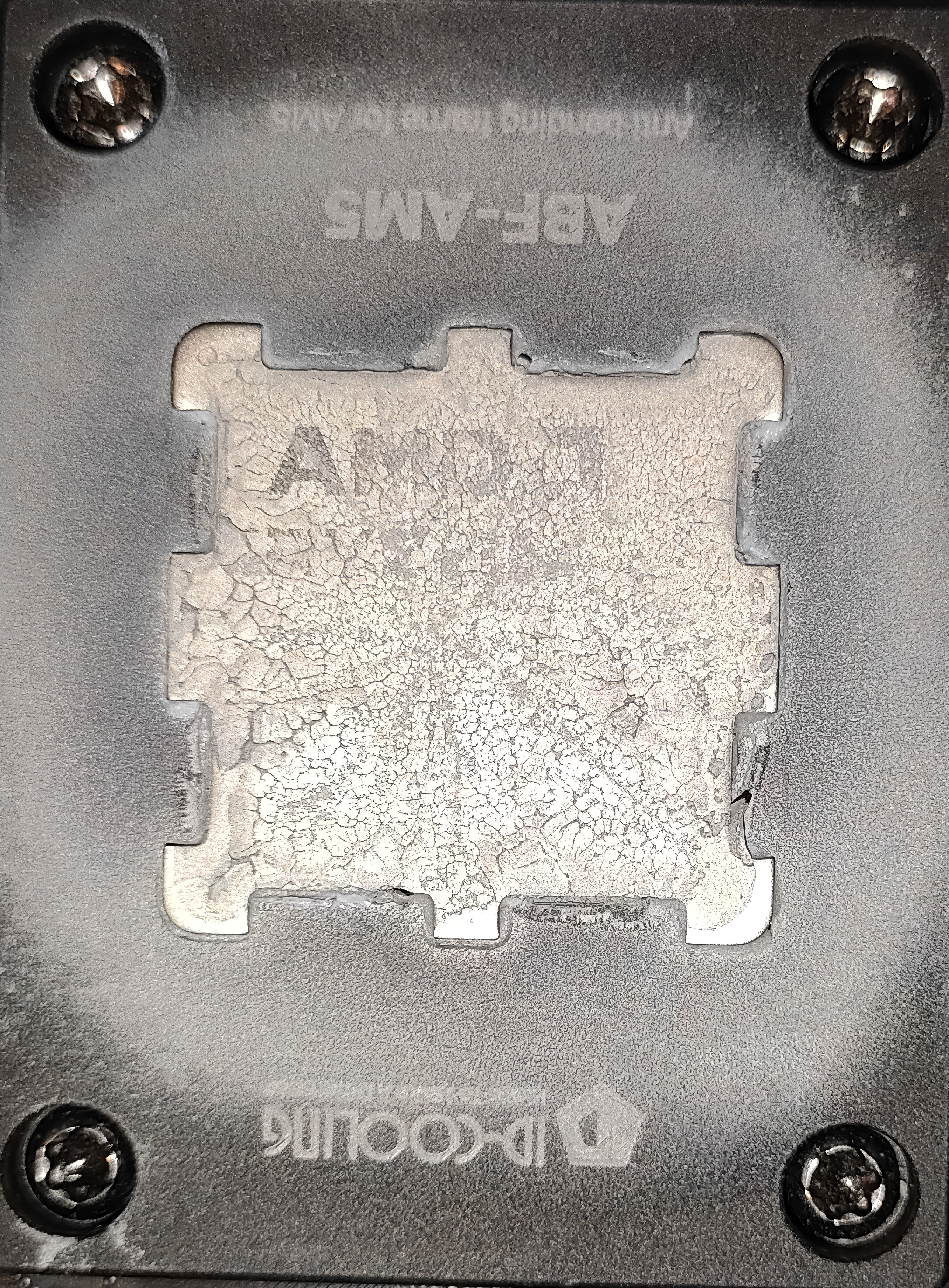
Why do we focus on placing five blobs of thermal paste at each corner of an AM5 CPU? It’s because this method makes sure the paste spreads evenly across the surface and doesn’t leave gaps. After testing, the cooler was taken off to check the coverage—and it showed that the paste had spread properly and was easy to clean up.

Methodology

After applying the thermal paste, we ran two 15-minute Cinebench R23 tests with a 5-minute break in between to let things cool down. Then, we ran a third 15-minute test and noted the average temperatures, measured as the difference above room temperature. Thermal pastes nowadays require almost no burn-in time; however, if the paste is too viscous, that would be another case, and extra warm-up tests are needed to prepare it.

We have ensured that the room temperature remains consistently set at 22.0°C. To maintain accurate readings, we use a high-quality thermo-hygrometer available in the market. It is important to note that we have completely eliminated the influence of ambient temperatures in our data, and all results are presented as deltas over the ambient conditions.

Beurer Thermo hygrometer (Image By Tech4Gamers)

During testing, the case fans, liquid cooler fans, and pump all ran at a constant max speed. We used HWINFO64 Pro to track the CPU tDIE temperature.

To keep the results accurate, we closed all background apps and disconnected from the internet so nothing else—like updates or background tasks—could affect CPU performance.

Our Test System

Benchmarks

ID-Cooling X45 Benchmarks (Image By Tech4Gamers)

Should You Buy It?

Buy It If

You’re an overclocker: ID-Cooling X45 offers the best thermal performance, almost zero cure time, and requires no burn-in. Higher boost clocks nowadays are achieved with lower temperatures due to AMD’s PBO and Intel’s Boost Algorithm. ID-Cooling X45 offers the best performance in our charts while being electrically nonconductive.

You want the best of the best: Currently, the ID-Cooling X45 tops our chart, maintaining a temperature of 65.5° and outperforming competitors like Noctua, Arctic, Thermal Grizzly, and Thermal Right.

You need value for the money: ID-Cooling X45 does not cost too much, The ID-Cooling X45 is reasonably priced at just $6.99 for a 2gm tube, and $7.99 4gm tube.

Don’t Buy It If

❌ Pump-out can’t be avoided: If you’re using a high-end GPU or applying thermal paste directly on silicon—like in laptops or consoles—and want it to last for a few years without needing a redo, it’s better to go with Phase-Change Material (PCM) or PTM for longer durability.

Final Thoughts

ID-Cooling X45 is recommended for those who want the absolute best possible thermal results; we have also tested the previous ID-Cooling X25 best; X45 leads its predecessor by 0.4c, which is minor and might not be noticeable, but it’s still an improvement. The biggest improvement was in its viscosity. Unlike X25, which was concrete and could require extra effort if you spread the paste. Thankfully, the X45 was much more friendly.


We Tested The Best Motherboards For Ryzen 9 9950X3D

AMD isn’t stopping giving bangers one after another, whether it’s the CPU or GPU. Now, after launching its RX 9070 series GPUs, AMD has launched a new X3D processor. It annihilates its competition and is the new king of CPUs in both gaming and productivity workloads, as well as on the efficiency side. This new processor, the Ryzen 9 9950X3D, comes at an MSRP of $599, which is on the higher side.

So, for a premium CPU like the Ryzen 9 9950X3D, the motherboards need to be equally powerful and premium to fully support the CPU in performing optimally. This is where our team plays its part, as we test loads of motherboards and pick the very best for the target processor. Here are the motherboards that we found the best for the Ryzen 9 9950X3D.

Why Trust Tech4Gamers
  • Usman Saleem is our hardware tester who loves to put all the latest GPUs, CPUs, RAM, and motherboards for a spin.
  • 40+ motherboards tested and reviewed by our team of hardware experts (Tech4Gamers Team).
  • 800+ hours spent testing different motherboards for our reviews.
  • Objective testing criteria (See how we test motherboards).

At Tech4Gamers, ensuring you get reliable information is our priority. That’s why every hardware round-up undergoes a meticulous review process by our team of experts and editors. Each review is carefully examined against our strict editorial guidelines, guaranteeing you trustworthy insights you can depend on.

The below table shows a brief look at our motherboard recommendations for the Ryzen 9 9950X3D:

Motherboard
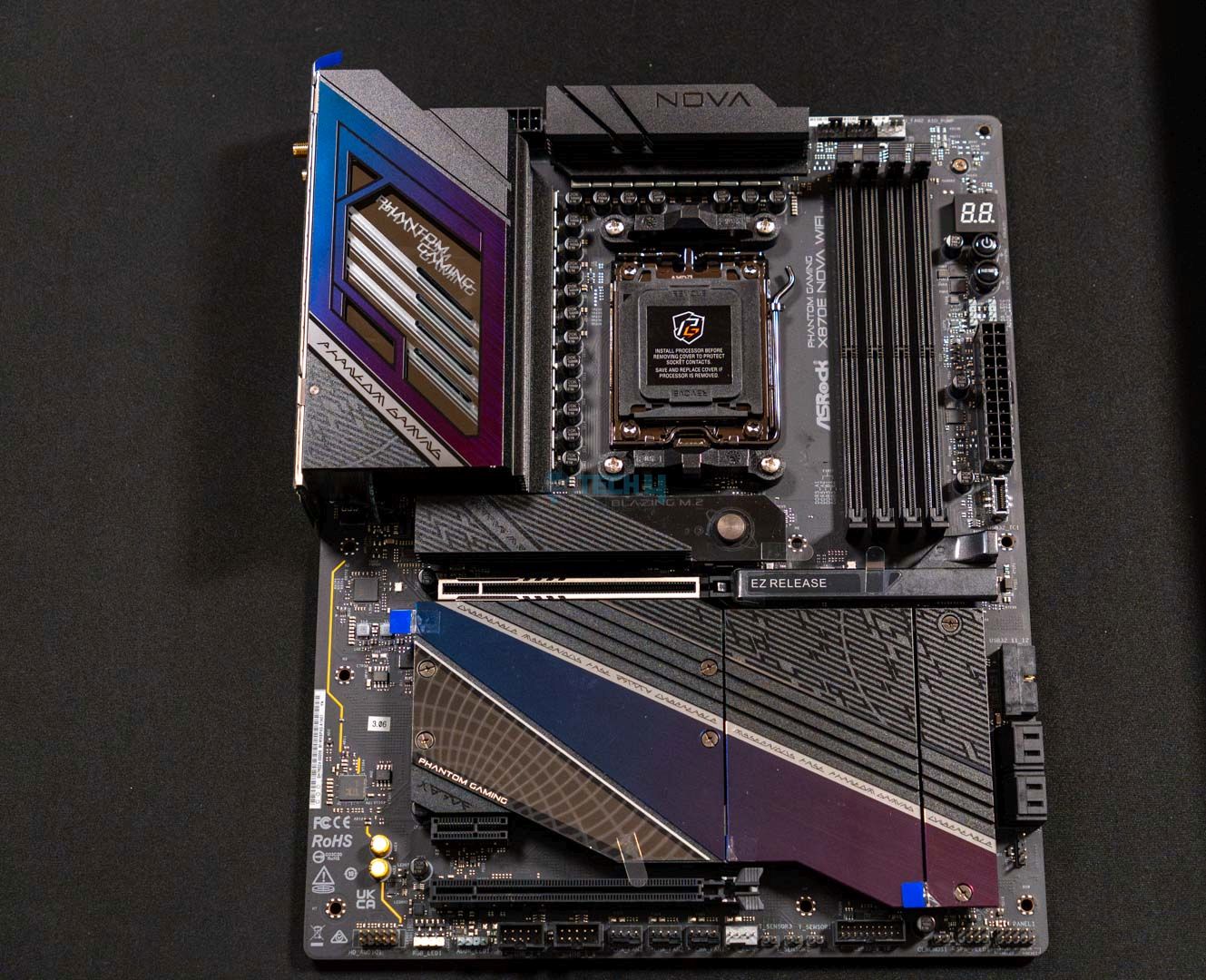
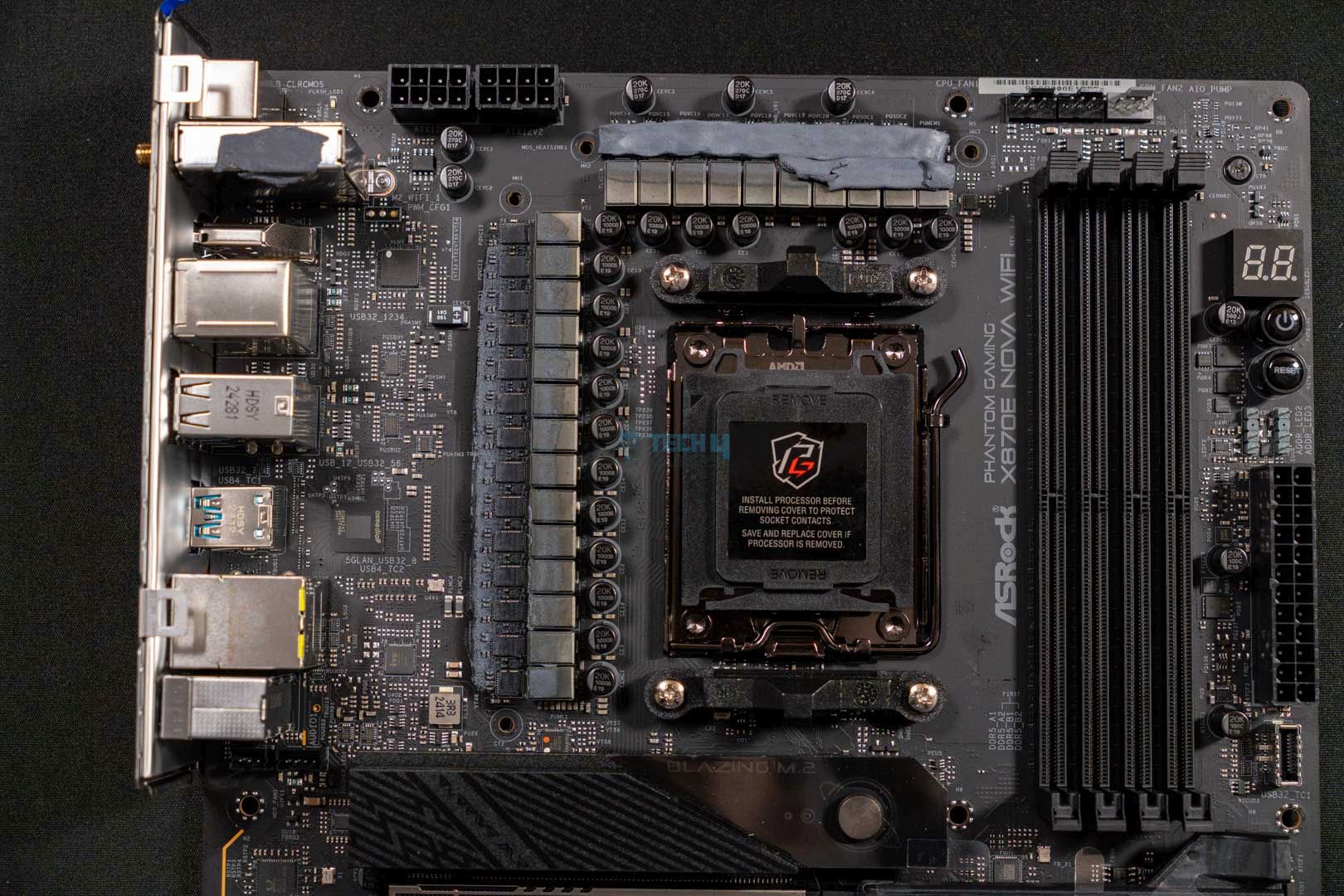
ASRock Phantom Gaming X870E Nova WiFi
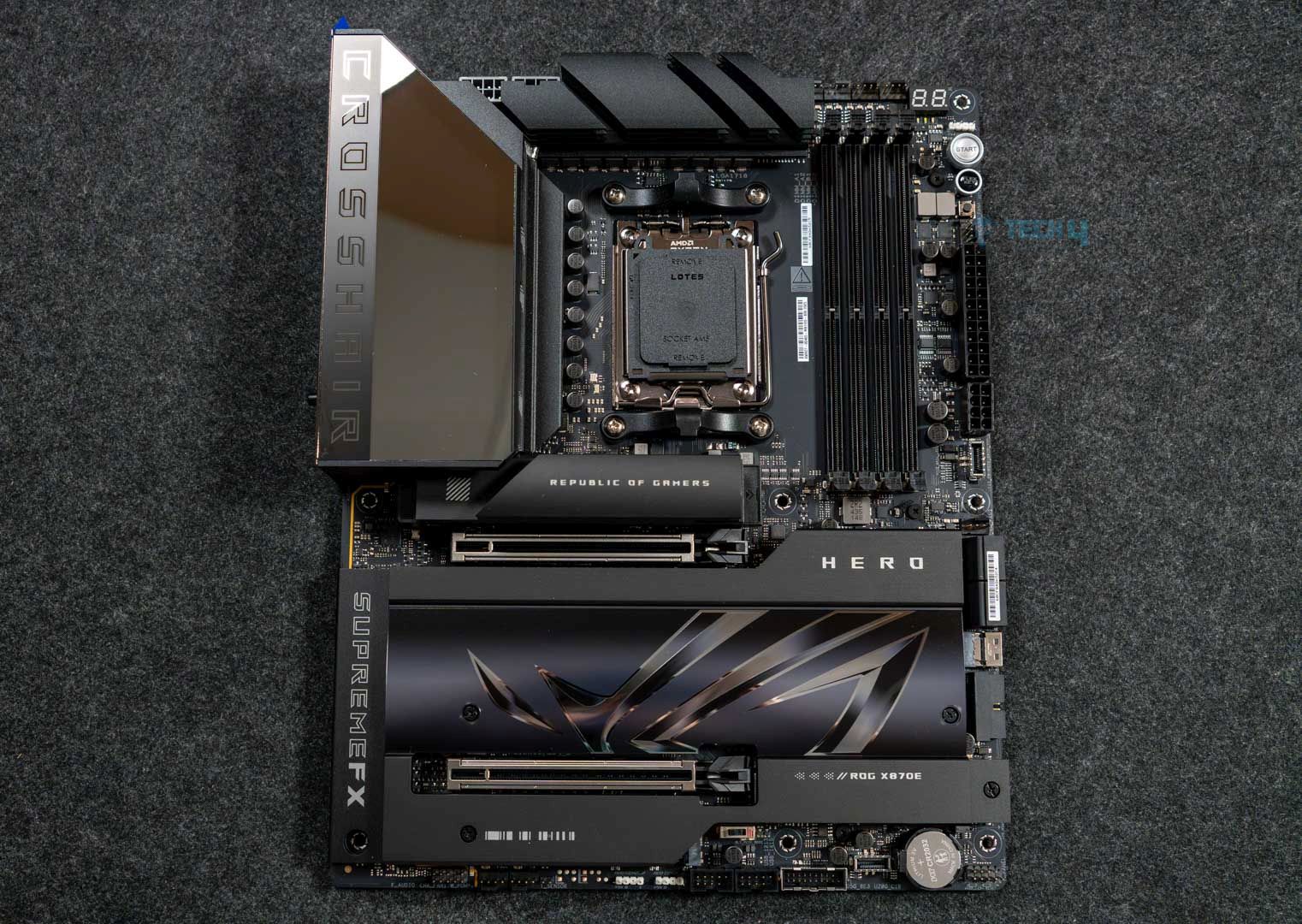
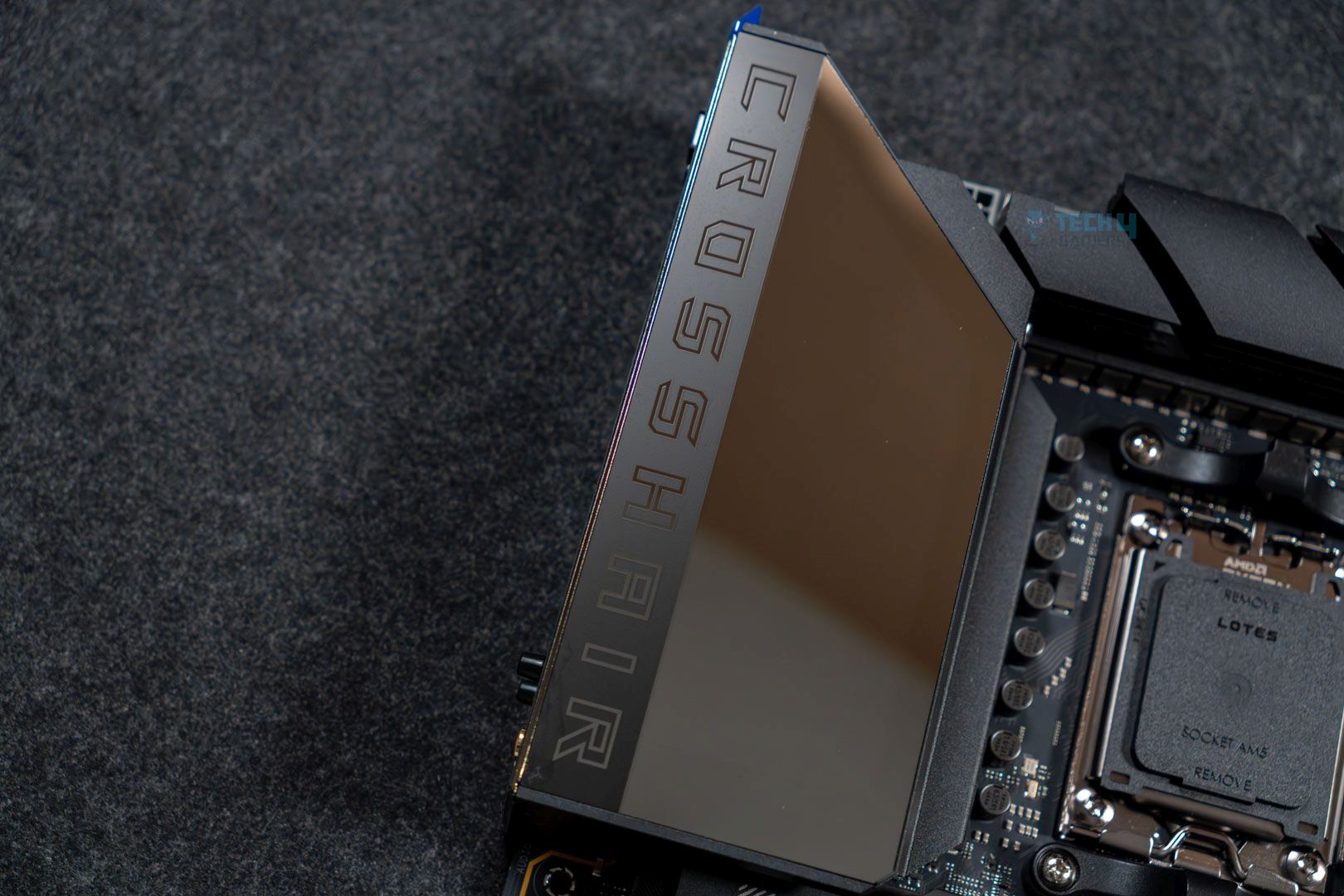
ASUS ROG Crosshair X870E Hero
MSI MAG X870 Tomahawk WiFi
MSI MPG X870E Edge Ti WiFi
MSI MEG X870E GODLIKE
ASRock Phantom Gaming B850i Lighting WiFi
Looks
ASRock Phantom Gaming X870E Nova WiFi Socket AM5 AMD Ryzen X870 DDR5 DIMMs 8200 MHz 256 GB ATX Motherboard USB4
ASUS ROG Crosshair X870E Hero AMD X870E AM5 ATX Motherboard, Advanced AI PC Ready, 18+2+2 Power Stages, DDR5, PCIe® 5.0, 5X M.2, Wi-Fi 7, USB4®, AI Overclocking, Core Flex, PCIe Slot Q-Release Slim
MSI MAG X870 Tomahawk WiFi Gaming Motherboard (AMD Ryzen 9000/8000/7000 Series Processors, AM5, DDR5, PCIe 5.0, M.2 Gen5, SATA 6Gb/s, USB 40Gbps, HDMI/DP, Wi-Fi 7, Bluetooth 5.4, 5Gbps LAN, ATX)
MSI MPG X870E Edge TI WiFi Motherboard, ATX - Supports AMD Ryzen 9000/8000 / 7000 Processors, AM5-80A SPS VRM, DDR5 Memory Boost 8400+MT/s (OC), PCIe 5.0 x16, M.2 Gen5, Wi-Fi 7, 5G LAN
MSI MEG X870E GODLIKE, E-ATX - Supports AMD Ryzen 9000/8000/7000 Processors, AM5 - Dynamic Dashboard III, EZ Slide M.2, 110A SPS, DDR5 Memory (9000+ MT/s OC), M.2 & PCIe 5.0, USB4, Wi-Fi 7, 10G LAN
ASRock AMD B850i Lightning WiFi 6E Socket AM5 Ryzen 9000/8000/7000 Series DDR5 8200+ (OC) MHz 128GB Mini ITX Motherboard M.2 SATA3 6.0 Gb/s PCIe 5.0 B850 BIOS Flashback
Award
Best Overall Motherboard For Ryzen 9 9950X3D
Best High-End Motherboard For Ryzen 9 9950X3D
Best Value Motherboard For Ryzen 9 9950X3D
Best White Motherboard For Ryzen 9 9950X3D
Best Overclocking Motherboard For Ryzen 9 9950X3D
Best Mini-ITX Motherboard For Ryzen 9 9950X3D
What We Liked
Plenty of storage options, incredible 20+2+1-phases power delivery system, Impressive VRMs temperatures
Amazing VRM design, great performance, plenty USB ports, DIY friendly
Solid power delivery system, impressive VRM cooling, high-speed RAM support, EZ DIY mechanism, USB4 & WiFi7
Excellent aesthetics, great performance, a lot of USB ports, EZ debug & Digi Debug LEDs
Top notch build quality, monstrous VRM solution, Dynamic dashboard III, 60W PD charging, 7x M.2
Delivers impressive performance, thermistor support, overall looks, Gen5 PCIe slots
What We Disliked
PCIe3 gets disabled when M2_5 is occupied
No 10G LAN
Lack of RGB lighting
Nothing in particular
Price is very high
VRMs run hot
Chipset
AMD X870E
AMD X870E
AMD X870
AMD X870E
AMD X870E
AMD B850
Memory
DDR5 8,400+ (OC)
DDR5 8,600+ (OC)
DDR5 8,400+ (OC)
DDR5-8400 (OC)
DDR5-9000 (OC)
DDR5 8200+ (OC)
VRM
20+2+1
18+2+2
14+2+1
14+2+2
24+2+1
10+1+1
Storage
5x M.2, 4x SATA III
5x M.2, 4x SATA III
4x M.2, 4x SATA III
4x M.2, 4x SATA
7x M.2, 4x SATA
2x M.2, 2x SATA
USB Ports
12x Rear, 9x Front
10x Rear, 10x Front
12x Rear, 9x Front
12x Rear, 9x Front
12x Rear, 9x Front
8x Rear, 5x Front
RGB
Motherboard
ASRock Phantom Gaming X870E Nova WiFi
Looks
ASRock Phantom Gaming X870E Nova WiFi Socket AM5 AMD Ryzen X870 DDR5 DIMMs 8200 MHz 256 GB ATX Motherboard USB4
Award
Best Overall Motherboard For Ryzen 9 9950X3D
What We Liked
Plenty of storage options, incredible 20+2+1-phases power delivery system, Impressive VRMs temperatures
What We Disliked
PCIe3 gets disabled when M2_5 is occupied
Chipset
AMD X870E
Memory
DDR5 8,400+ (OC)
VRM
20+2+1
Storage
5x M.2, 4x SATA III
USB Ports
12x Rear, 9x Front
RGB
Amazon
Newegg
Review
Motherboard
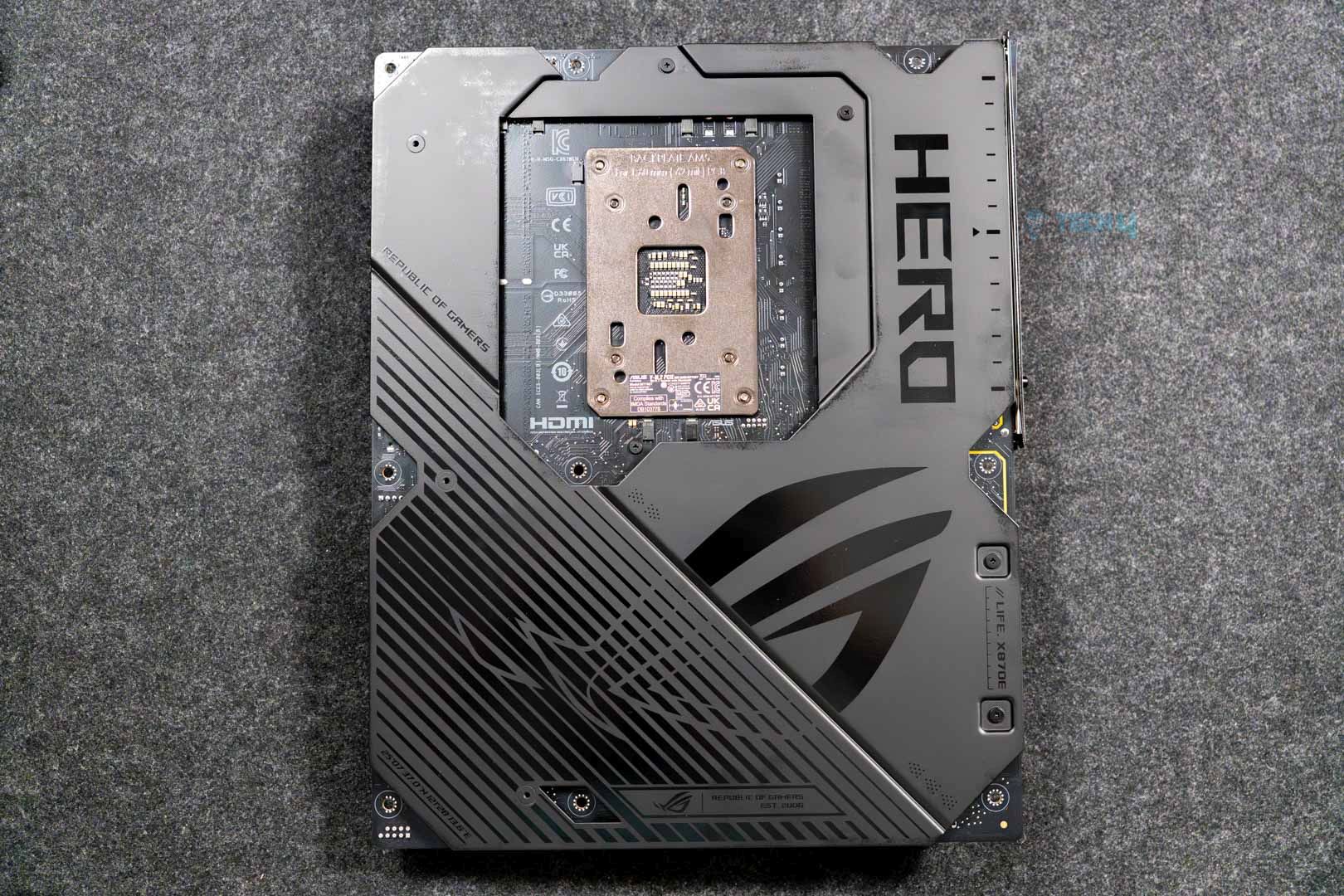
ASUS ROG Crosshair X870E Hero
Looks
ASUS ROG Crosshair X870E Hero AMD X870E AM5 ATX Motherboard, Advanced AI PC Ready, 18+2+2 Power Stages, DDR5, PCIe® 5.0, 5X M.2, Wi-Fi 7, USB4®, AI Overclocking, Core Flex, PCIe Slot Q-Release Slim
Award
Best High-End Motherboard For Ryzen 9 9950X3D
What We Liked
Amazing VRM design, great performance, plenty USB ports, DIY friendly
What We Disliked
No 10G LAN
Chipset
AMD X870E
Memory
DDR5 8,600+ (OC)
VRM
18+2+2
Storage
5x M.2, 4x SATA III
USB Ports
10x Rear, 10x Front
RGB
Amazon
Newegg
Review
Motherboard
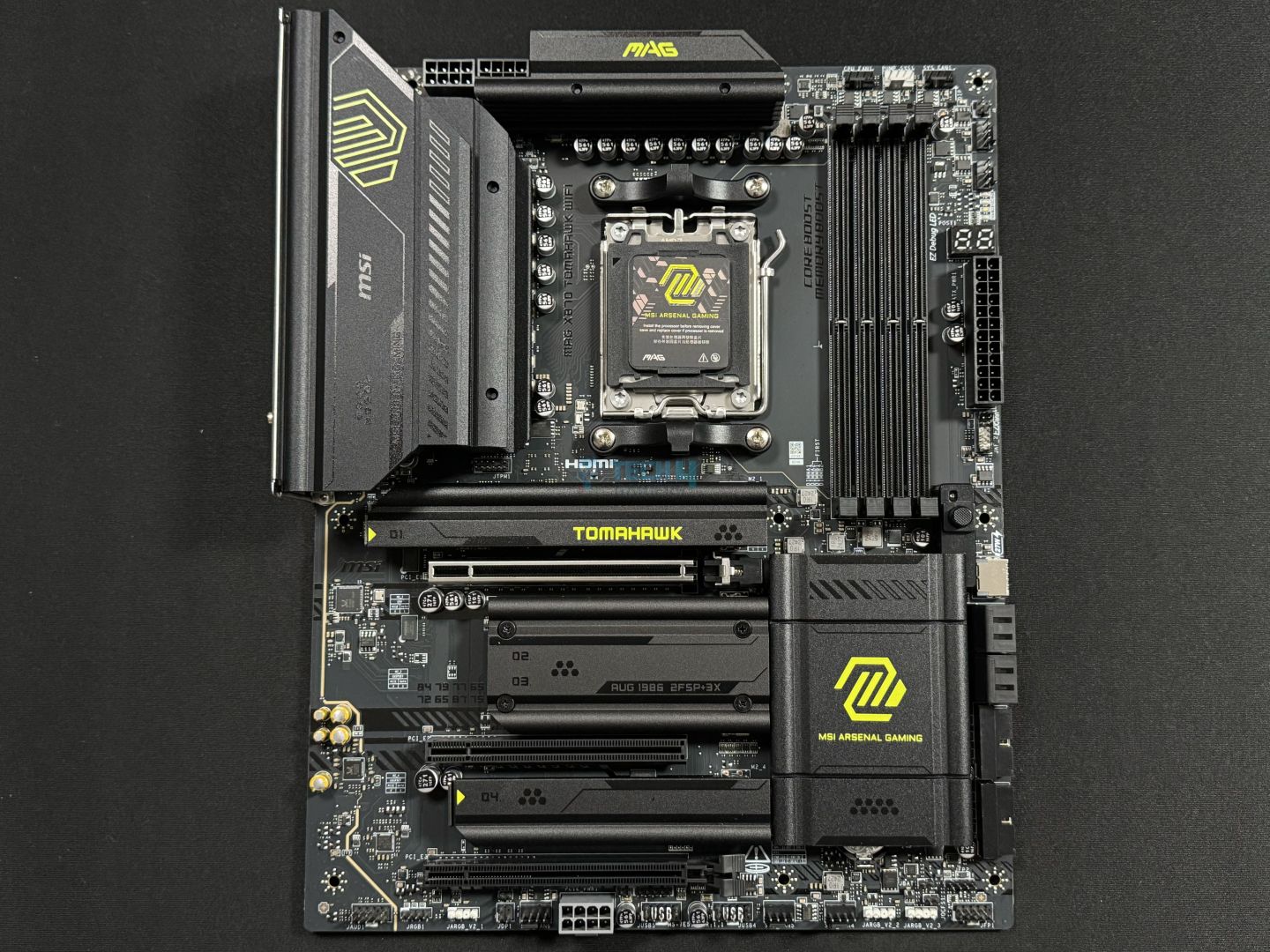
MSI MAG X870 Tomahawk WiFi
Looks
MSI MAG X870 Tomahawk WiFi Gaming Motherboard (AMD Ryzen 9000/8000/7000 Series Processors, AM5, DDR5, PCIe 5.0, M.2 Gen5, SATA 6Gb/s, USB 40Gbps, HDMI/DP, Wi-Fi 7, Bluetooth 5.4, 5Gbps LAN, ATX)
Award
Best Value Motherboard For Ryzen 9 9950X3D
What We Liked
Solid power delivery system, impressive VRM cooling, high-speed RAM support, EZ DIY mechanism, USB4 & WiFi7
What We Disliked
Lack of RGB lighting
Chipset
AMD X870
Memory
DDR5 8,400+ (OC)
VRM
14+2+1
Storage
4x M.2, 4x SATA III
USB Ports
12x Rear, 9x Front
RGB
Amazon
Newegg
Review
Motherboard
MSI MPG X870E Edge Ti WiFi
Looks
MSI MPG X870E Edge TI WiFi Motherboard, ATX - Supports AMD Ryzen 9000/8000 / 7000 Processors, AM5-80A SPS VRM, DDR5 Memory Boost 8400+MT/s (OC), PCIe 5.0 x16, M.2 Gen5, Wi-Fi 7, 5G LAN
Award
Best White Motherboard For Ryzen 9 9950X3D
What We Liked
Excellent aesthetics, great performance, a lot of USB ports, EZ debug & Digi Debug LEDs
What We Disliked
Nothing in particular
Chipset
AMD X870E
Memory
DDR5-8400 (OC)
VRM
14+2+2
Storage
4x M.2, 4x SATA
USB Ports
12x Rear, 9x Front
RGB
Amazon
Newegg
Review
Motherboard
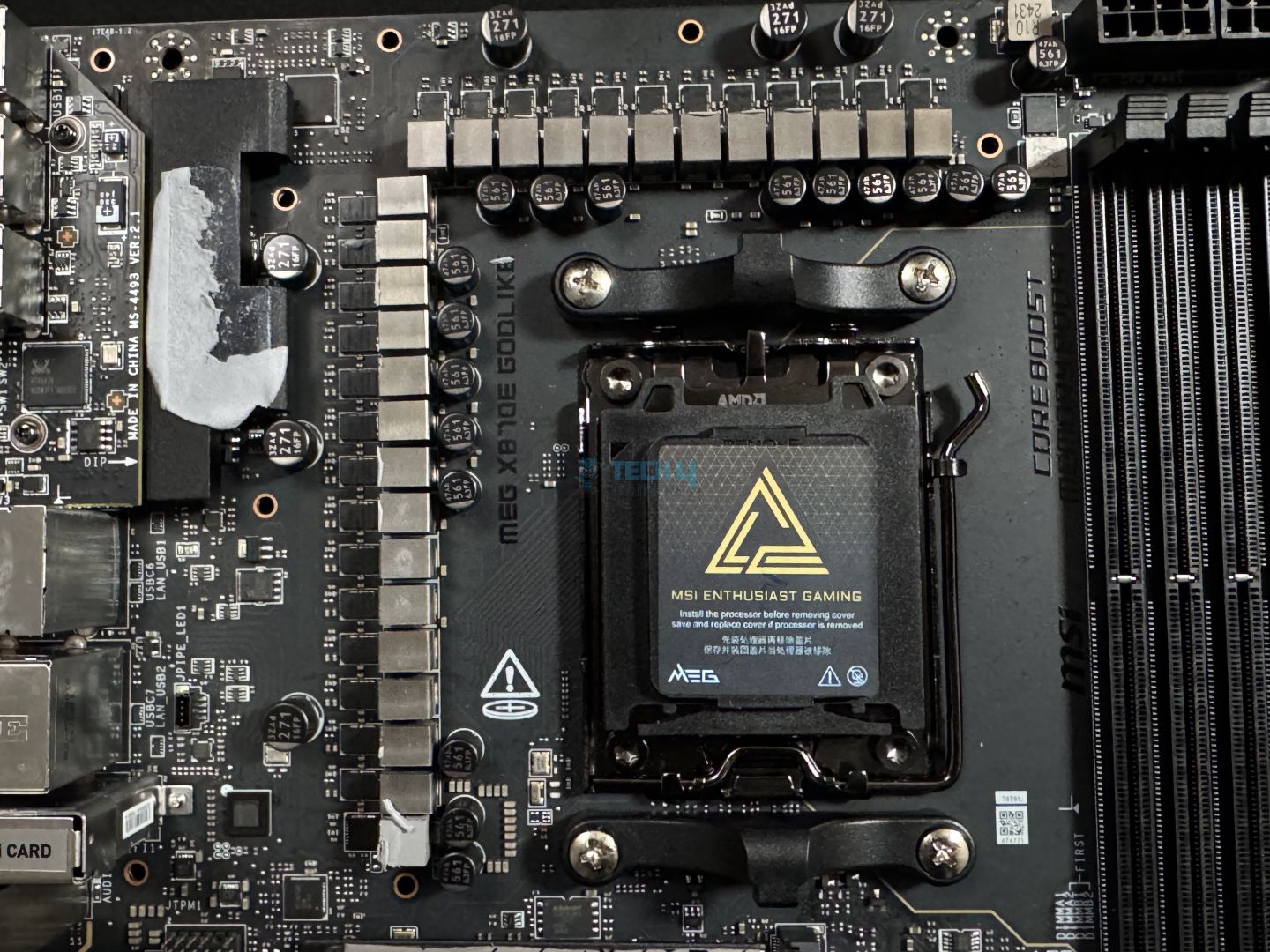
MSI MEG X870E GODLIKE
Looks
MSI MEG X870E GODLIKE, E-ATX - Supports AMD Ryzen 9000/8000/7000 Processors, AM5 - Dynamic Dashboard III, EZ Slide M.2, 110A SPS, DDR5 Memory (9000+ MT/s OC), M.2 & PCIe 5.0, USB4, Wi-Fi 7, 10G LAN
Award
Best Overclocking Motherboard For Ryzen 9 9950X3D
What We Liked
Top notch build quality, monstrous VRM solution, Dynamic dashboard III, 60W PD charging, 7x M.2
What We Disliked
Price is very high
Chipset
AMD X870E
Memory
DDR5-9000 (OC)
VRM
24+2+1
Storage
7x M.2, 4x SATA
USB Ports
12x Rear, 9x Front
RGB
Amazon
Newegg
Review
Motherboard
ASRock Phantom Gaming B850i Lighting WiFi
Looks
ASRock AMD B850i Lightning WiFi 6E Socket AM5 Ryzen 9000/8000/7000 Series DDR5 8200+ (OC) MHz 128GB Mini ITX Motherboard M.2 SATA3 6.0 Gb/s PCIe 5.0 B850 BIOS Flashback
Award
Best Mini-ITX Motherboard For Ryzen 9 9950X3D
What We Liked
Delivers impressive performance, thermistor support, overall looks, Gen5 PCIe slots
What We Disliked
VRMs run hot
Chipset
AMD B850
Memory
DDR5 8200+ (OC)
VRM
10+1+1
Storage
2x M.2, 2x SATA
USB Ports
8x Rear, 5x Front
RGB
Amazon
Newegg
Review

For a flagship processor, if you’re considering the flagship chipset, I highly suggest reading:

[toc]

Best Motherboard For Ryzen 9 9950X3D

This is the list of all motherboards that are included in the article after our thorough testing of each:

  1. Best Overall: ASRock Phantom Gaming X870E Nova WiFi
  2. Best High-End: ASUS ROG Crosshair X870E Hero
  3. Best Value: MSI MAG X870 Tomahawk WiFi
  4. Best White: MSI MPG X870E Edge Ti WiFi
  5. Best Overclocking: MSI MEG X870E GODLIKE
  6. Best Mini-ITX: ASRock Phantom Gaming B850i Lighting WiFi

ASRock Phantom Gaming X870E Nova WiFi

Best Overall Motherboard For Ryzen 9 9950X3D

Chipset: AMD X870E | Memory: DDR5-8200 (OC) | VRM: 20+2+1 | Video Outputs: 1x HDMI 2.1 port | RGB Lighting: Yes | Network: 1x Realtek RTL8126 5G LAN, AMD WiFi 7, Bluetooth 5.4 | Storage: 5x M.2, 4x SATA | USB Ports: 12x Rear, 9x Front

Pros

  • Aesthetically pleasing design choice
  • Plenty of storage options
  • Incredible 20+2+1-phase power delivery system
  • Impressive VRMs temperatures
  • 2x ports of USB4
  • Performs reasonably well

Cons

  • PCIe3 gets disabled when M2_5 is occupied

Read Our ASRock Phantom Gaming X870E Nova WiFi Motherboard Review

If you’re looking for something that’s an all-rounder, the ASRock Phantom Gaming X870E Nova WiFi is the right choice. The motherboard has everything from performance to looks, all while being priced competitively. For example, the motherboard is equipped with a very solid power delivery system, it boasts 20+2+1 VRM phases that allow for great stock and overclocked performance with the Ryzen 9 9950X3D. Moreover, in our testing, we couldn’t make the VRMs exceed 53°C during the Cinebench 2024 benchmark run. This means that the motherboard is excellent on this side as well. 

The motherboard is also loaded with I/O, including a total of 21 USB ports, WiFi 7 & Bluetooth 5.4. similarity, onboard PCIe selection is also impressive, as it comes with three PCIe x16 slots and a total of five M.2 slots (1x Gen5, 3x Gen4, 1x Gen3). Another standout feature of this board is the inclusion of thermistor support, which you don’t see quite often, making an overall irresistible package. 

We surely liked the board, thanks to its great offerings, and here’s what we said after testing: 

The X870E Nova WiFi packs a solid punch when it comes to both synthetic and gaming benchmarks, and also has very optimal VRM thermals, making it a good choice for overclocking.

✅Buy It If
You want stellar performance and connectivity options: If you’re looking for a motherboard that should offer impressive performance results and is also not short on the connectivity side of things, then the ASRock PG X870E Nova WiFi is a no-brainer, and it checks all the boxes.
❌Don't Buy It If
You want to use all M.2 & PCIe slots at once: If your use-case includes filling up all the PCIe and M.2 slots available on the board, then this board might not be for you. While it offers many slots, it does disable the PCIe3 slot when you’re also using the M2_5 slot.

What Makes It The Best Overall Motherboard For Ryzen 9 9950X3D?

The ASRock Phantom Gaming X870E Nova WiFi motherboard not only covers the performance side of things incredibly with its 21 VRM phases but also has a plethora of connectivity options in terms of I/O and onboard PCIe slots, coupled with great aesthetics. All these things make it the best overall motherboard for Ryzen 9 9950X3D.

Performance: 9.5/10 Value: 9/10
Features: 8.5/10 Design: 9.5/10

ASUS ROG Crosshair X870E Hero

Best High-End Motherboard For Ryzen 9 9950X3D

Chipset: AMD X870E | Memory: DDR5-8600 (OC) | VRM: 18+2+2 | Video Outputs: 1x HDMI 2.1 port, 2x USB4 Type-C display output via DP 1.4a | RGB Lighting: Yes | Network: 1x Realtek 5G LAN, 1x Intel 2.5G LAN, AMD WiFi 7, Bluetooth 5.4 | Storage: 5x M.2, 4x SATA | USB Ports: 10x Rear, 10x Front

Pros

  • Stealthy design that looks great
  • Up to 20 USB ports, including two USB4
  • 5x M.2 slots 
  • Amazing VRM design 
  • Remarkable performance figures
  • Lots of proprietary AI features 
  • RAM speed up to 8600 MT/s 

Cons

  • No 10G LAN
  • Expensive

Read Our ASUS ROG Crosshair X870E Hero Review

Next up, let’s go on the high-end side of the motherboards. The ASUS ROG Crosshair X870E Hero is the definite choice here. The board is equipped with a very robust power delivery system. You get 18+2+2 VRM phases, which can easily push the likes of Ryzen 9 9950X3D to its limits and also let you use memory kits rated at 8600 MT/s or similar. What’s more, during our review, we also discovered the enlarged heatsink with heatpipe to be functioning amazingly well. Meaning that they were keeping the VRMs under safe temperatures. 

Moving over to the other features of the motherboard, it doesn’t disappoint. We liked the integration of the ASUS-exclusive AI software. The options range from AI overclocking, and AI cooling II, to AI Networking II. All that makes the overall setup process less difficult and also assists on the performance side. Similarly, we also appreciated the abundance of PCIe M.2 slots, including three Gen5 and two Gen4 slots. It’s highly useful in case you have to have lots of NVMe drives inside your computer. Before concluding, one thing I must add is that the lack of a 10G LAN at this $679 price point is a little disappointing.

This is how we summarized the Crosshair X870E Hero in our review:

The ASUS ROG Crosshair X870E Hero is one of the most premium ($700) offerings for AMD’s most premium chipset. It offers a fresh, all-black design highlighted by the large Polymo Lighting II array, excellent VRMs, five M.2 slots, and 20 USB ports. Dual LAN ports are also on offer, but we would’ve preferred a singular 10G port.

✅Buy It If
You want terrific performance with convenience: If you’re looking for a motherboard that can offer incredible performance as well as convenience, then this is a great pick. Thanks to its robust VRM solution and integration of AI overclocking capabilities to delivers impressive performance without much hassle.

You want high-speed storage: The motherboard features a total of five PCIe x4 slots, three of which are Gen5 and two are Gen4. This makes it a notable option for those who need it.

❌Don't Buy It If
You don’t want such fancy features: If you’re fine with a motherboard that offers a fair selection of connectivity options and decent enough performance figures, if not the best, then you can choose something else.

What Makes It The Best High-End Motherboard For Ryzen 9 9950X3D?

The motherboard is built for premium-tier PCs due to its potential to deliver remarkable performance. Also, because of the top-tier features like AI-related overclocking and networking, as well as storage slots and up to 20 USB ports. Above all, the appealing aesthetics and strong build quality also help make it the best high-end motherboard for Ryzen 9 9950X3D.

Performance: 9.5/10 Value: 8/10
Features: 9/10 Design: 9.5/10

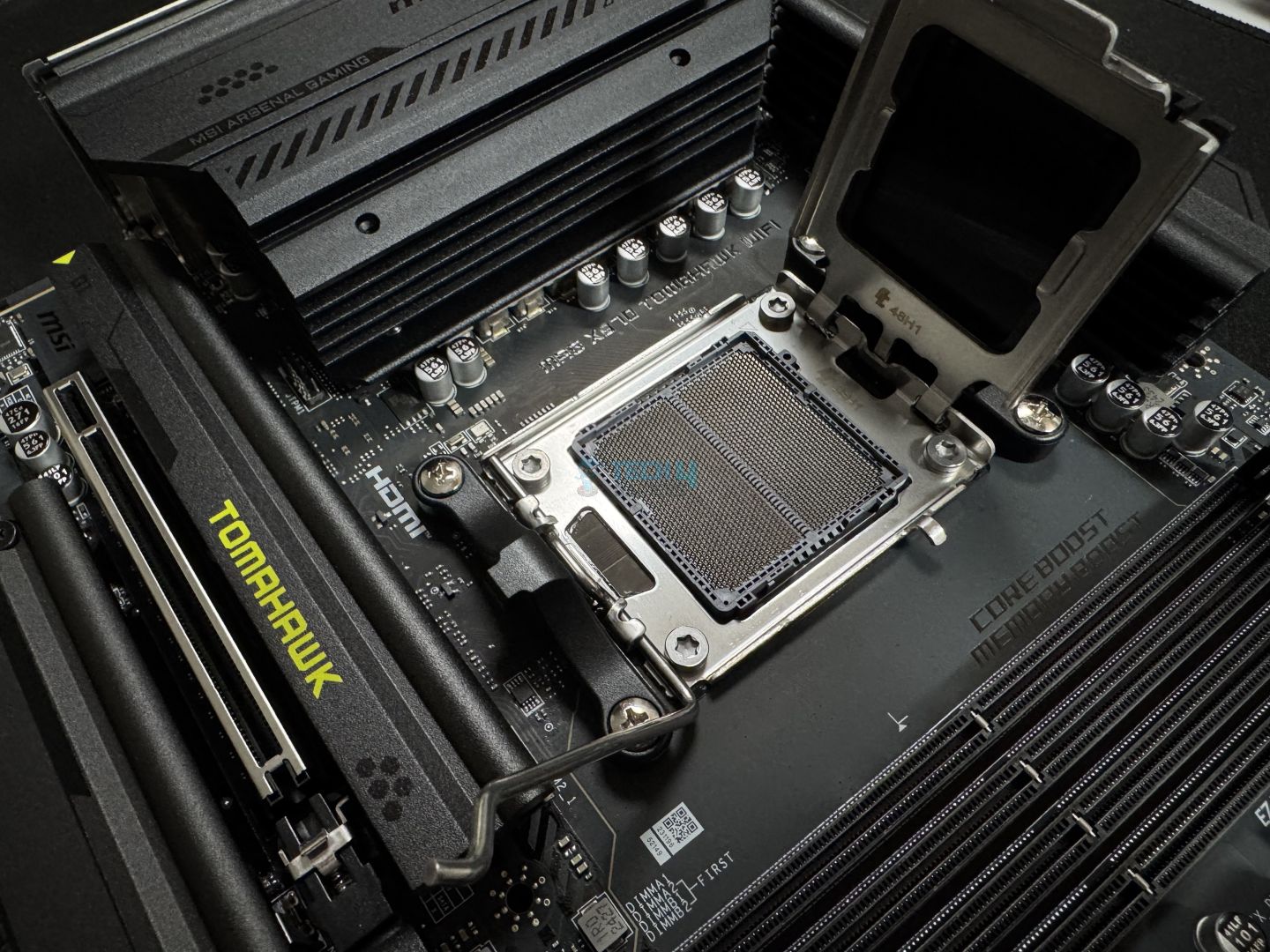
MSI MAG X870 Tomahawk WiFi

Best Value Motherboard For Ryzen 9 9950X3D

Chipset: AMD X870 | Memory: DDR5 8,400+ (OC) | VRM: 14+2+1 | Video Outputs: HDMI 2.1, 2x Type-C DisplayPort, USB4 Port, DisplayPort 1.4 | RGB Lighting: No | Network: WiFi 7, Realtek 5G LAN, Bluetooth 5.4 | Storage: 4x M.2, 4x SATA III | USB Ports: 12x Rear, 9x Front

Pros

  • Solid power delivery system
  • You get good connectivity options
  • VRM cooling is also great
  • RAM speed up to 8400 MT/s
  • Offers USB4 & WiFi7
  • Decent connectivity options

Cons

  • Lack of RGB lighting

Read Our MSI MAG X870 Tomahawk WiFi Motherboard Review

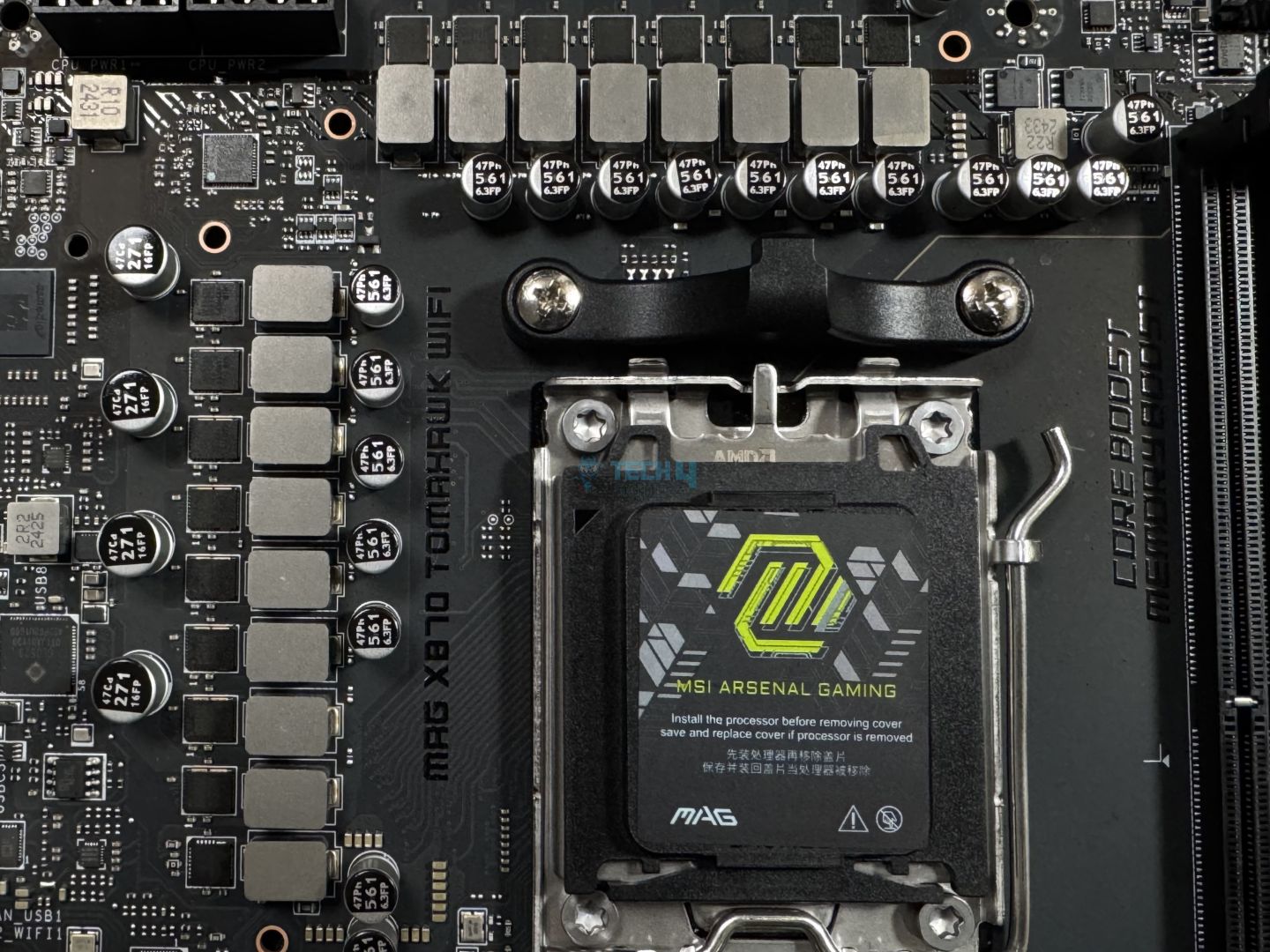
Coming to the value side, I would suggest getting the MSI MAG X870 Tomahawk WiFi. One of the primary reasons is the solid performance that it offers. Thanks to the decent setup of the power delivery system, which here consists of 14+2+1 VRM phases. Not only do they perform fine, but they can also withstand overclocking. To accommodate the extra heat, the motherboard also features an impressive VRM cooling solution. That never allowed the VRMs to cross 54°C during our review session – further enhancing its value factor.

What else I loved about the motherboard is its minimalistic design with an all-black color-scheme and no RGB. Similarly, the abundance of EZ DIY features, such as the EZ PCIe release button, EZ M.2 Clip (II), and EZ M.2 Shield Frozr II, makes it one of the most user-friendly boards in its category. Moreover, the motherboard also comes with 21 USB ports, including a mix of USB4, USB3, and USB2. So, if your use case requires a lot of drives or peripherals via USB, then you would be fine with this one.

After reviewing the motherboard thoroughly, here’s the conclusion we came up with:

The MSI MAG X870 Tomahawk WiFi is a motherboard costing $299, making it one of the pricier boards so far. For that, it offers reasonably capable VRMs, a minimalist black theme without RGB, a ton of EZ-DIY features to make life easier, and good overall performance. The EZ-DIY features are the highlight for us, but we feel the price tag is still a bit too high, especially given the board’s shared connectivity complications.

✅Buy It If
You’re into competitive gaming: If you’re into competitive gaming, then a smooth internet connection with the lowest possible ping is very crucial. With its built-in MSI LAN manager, the X870 Tomahawk ensures that you receive the lowest possible ping for a better gaming experience.

You would like a user-friendly experience: The MSI MAG X870 Tomahawk WiFi comes with a lot of EZ DIY features baked into it that make sure you get the most convenient building experience. The features include EZ PCIe release, EZ M.2 Clip (II), EZ M.2 Shield Frozr II, and EZ Conn-Design.

❌Don't Buy It If
You want full bandwidth on all connectivity options: There’s a small caveat, which is the shared bandwidth between the Gen5 M2_2 slot and the USB4 port, meaning if you use both simultaneously, they won’t work at their full potential.

What Makes It The Best Value Motherboard For Ryzen 9 9950X3D?

The MSI MAG X870 Tomahawk WiFi has so much to offer, such as impressive performance, great thermals, a plethora of I/O, and lots of EZ DIY options. All this while currently costing $279 seems like a good deal. Now, considering everything it offers, the motherboard is entitled to be called the best value motherboard for Ryzen 9 9950X3D.

Performance: 8.5/10 Value: 9/10
Features: 9/10 Design: 8/10

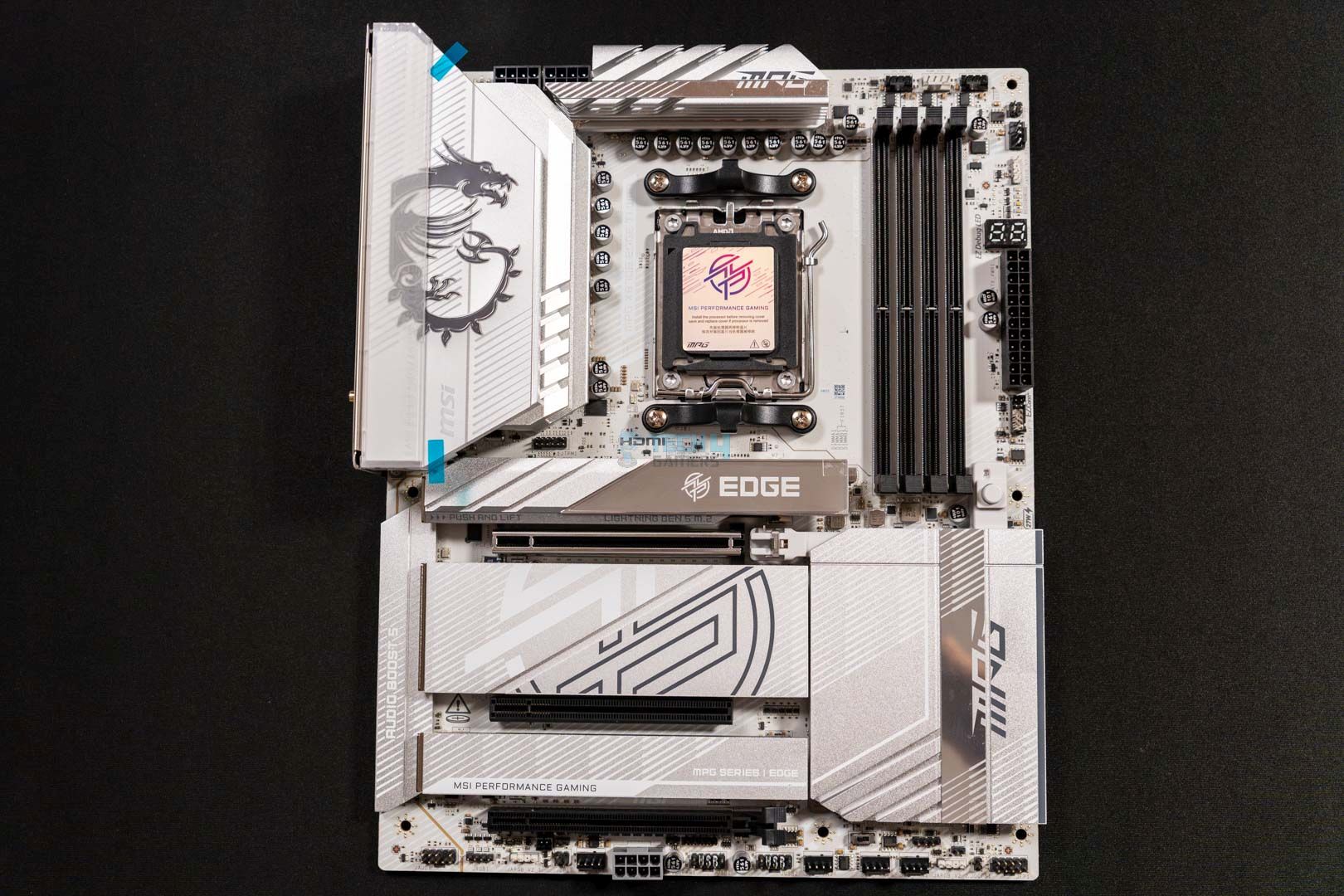
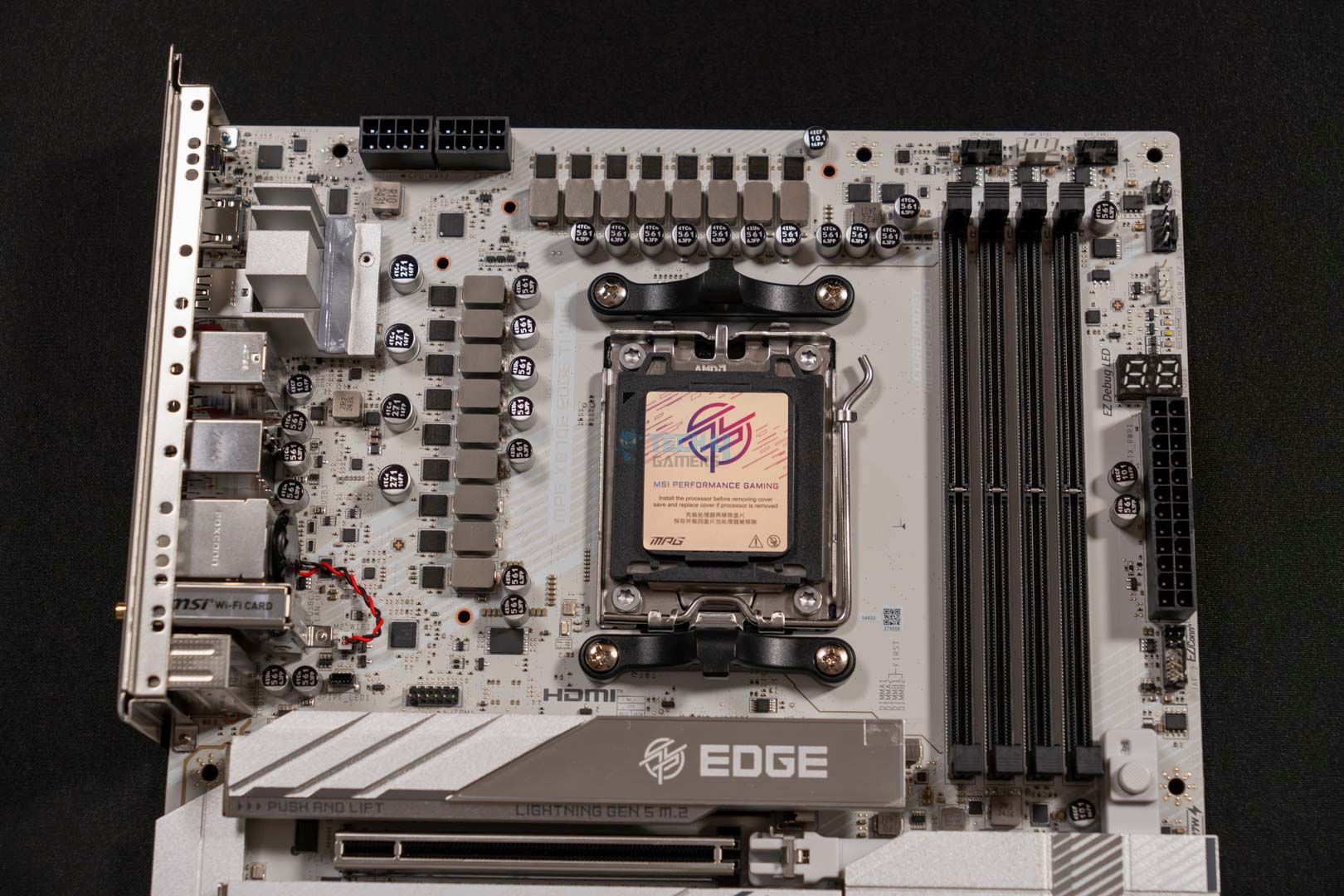
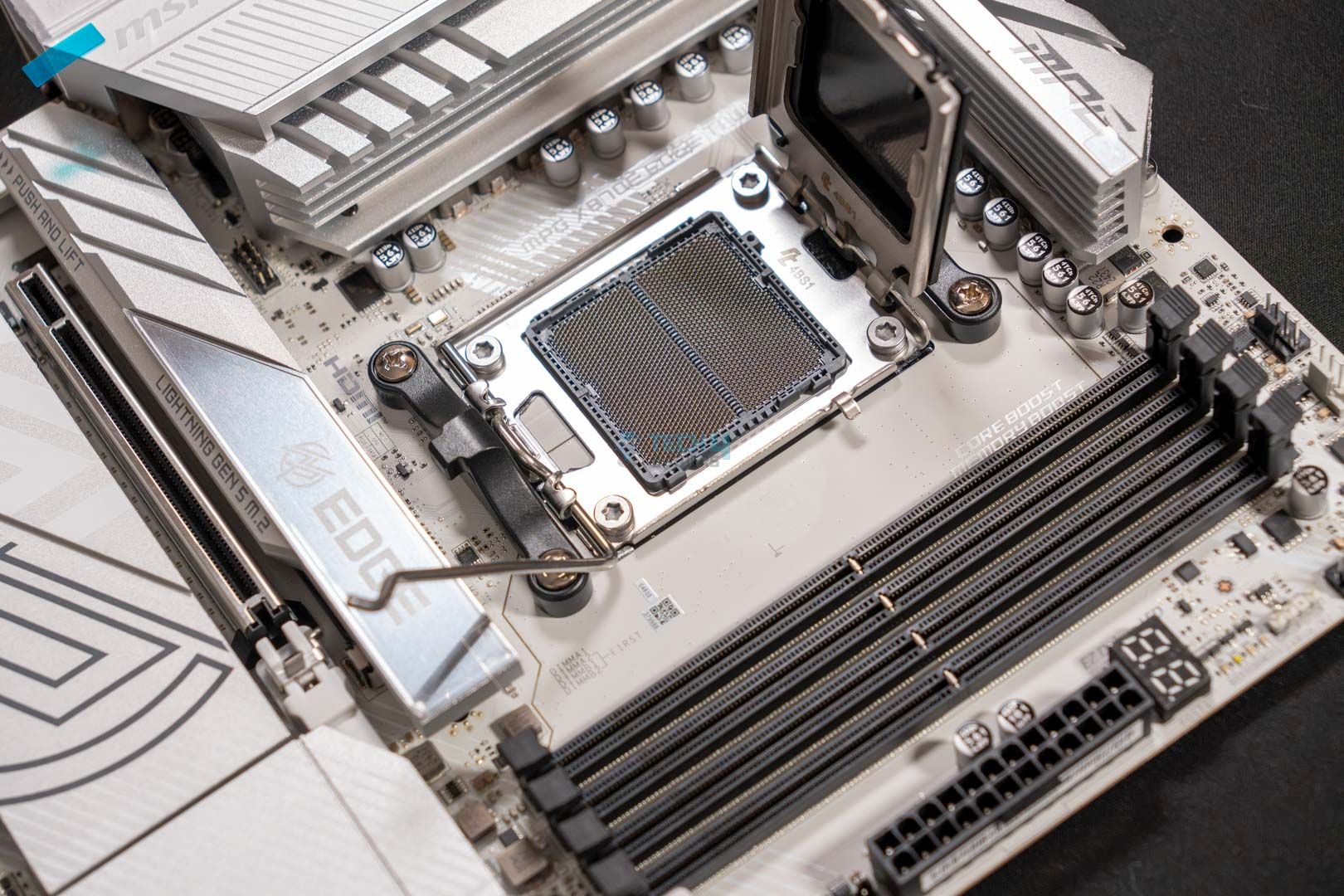
MSI MPG X870E Edge Ti WiFi

Best White Motherboard For Ryzen 9 9950X3D

Chipset: AMD X870E | Memory: DDR5 8,400+ (OC) | VRM: 14+2+1 | Video Outputs: HDMI 2.1, 2x Type-C DisplayPort, USB4 Port, DisplayPort 1.4 | RGB Lighting: Yes | Network: WiFi 7, Realtek 5G LAN, Bluetooth 5.4 | Storage: 4x M.2, 4x SATA III | USB Ports: 12x Rear, 9x Front

Pros

  • Appealing white aesthetics 
  • EZ DIY features for convenience 
  • Big VRM heatsink cooling solution
  • 14+2+1 VRM phases
  • 21 USB ports
  • Has EZ Debug & Digi-Debug LEDs
  • Two PCIe Gen5 M.2 slots
  • 27W PD charging through Type-C at front

Cons

  • None

Read Our MSI MPG X870E Edge Ti WiFi Motherboard Review

For those who are looking to build a white-themed PC but also don’t want to compromise on performance and features. The MSI MPG X870E Edge Ti WiFi is the right choice, as this motherboard is all about appealing aesthetics and decent performance above all. However, that’s not the only thing that this board offers. Firstly, let’s discuss its specs, which are nothing short of impressive. We liked the 14+2+1 VRM phase design and also the RAM speed support of 8400 MT/s, which is similar to the Tomahawk variant. Moreover, the enlarged heatsink on this motherboard, which according to our testing, works excellently as they kept the VRM temps under 55°C. 

Other than its specs and performance, the motherboard also excels in terms of other features. The board comes with 27W PD charging support via the front USB-C. Similarly, you get a total of 12 USB ports on the rear and 9 on the front, including two USB4. Not only that, the MSI’s EZ DIY mechanism is also in place here, the same as the X870 Tomahawk. Lastly, the motherboard is also equipped with two PCIe Gen5 and two Gen4 M.2 slots. So, taking everything into account, the motherboard stands strong with the Ryzen 9 9950X3D.

These were our remarks after reviewing this impressive white motherboard:

The MSI MPG X870E Edge Ti WiFi is a great choice for an X870E chipset that costs you $329.99. This motherboard can also be called the beauty and the beast because of its appealing white aesthetics and powerful VRMs that ensure great performance output. The board also comes packed with an EZ-DIY mechanism all over it. Moreover, the VRMs stay very cool even under intense load, which impressed us quite well.

✅Buy It If
You want faster M.2 storage: If you looking for a motherboard that comes with the latest M.2 standard, then this board is the right choice as it features two PCIe Gen5 and two Gen4 M.2 slots.

You’re building a white-only PC: The motherboard features beautiful white aesthetics that make it stand out from the rest and compliment the whole white-theme PC build nicely. So, if you’re building one, this board is the one to pick.

❌Don't Buy It If
You’re not into white aesthetics: The only time where we can’t recommend this motherboard is if you’re not into white-themed PCs, and it would look odd with all-black PCs.

What Makes It The Best White Motherboard For Ryzen 9 9950X3D?

The white aesthetics of the MSI MPG X870E Edge Ti WiFi are surely a sight to see, especially with the addition of RGB over the I/O. The motherboard is both a beauty and a beast due to its strong performance figures, which is why this is the best white motherboard for Ryzen 9 9950X3D.

Performance: 8.5/10 Value: 9/10
Features: 9.5/10 Design: 9.5/10

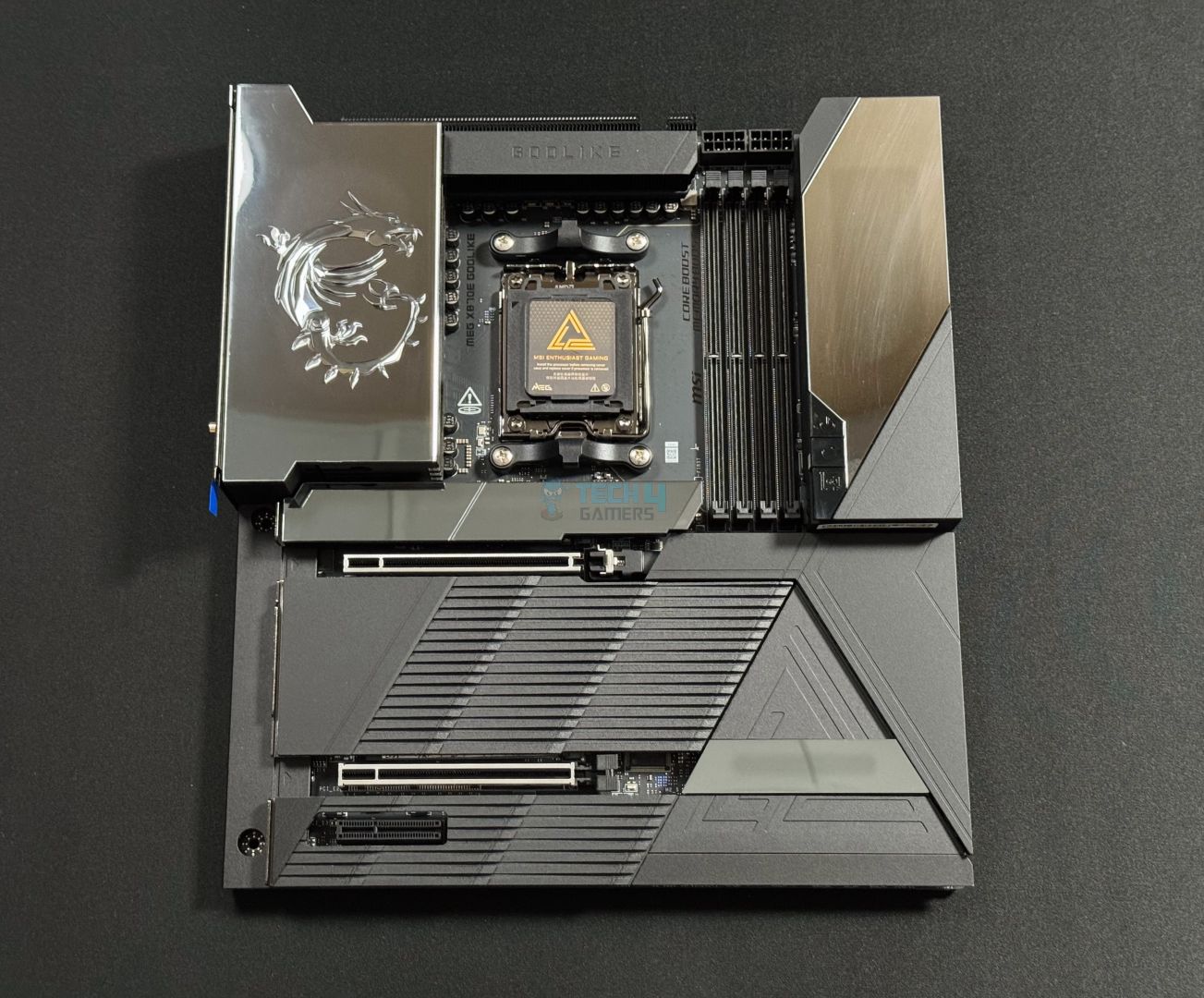
MSI MEG X870E GODLIKE

Best Overclocking Motherboard For Ryzen 9 9950X3D

Chipset: AMD X870E | Memory: DDR5 9000+ (OC) | VRM: 24+2+1 | Video Outputs: 2x Type-C DisplayPort, USB4 Port, DisplayPort 1.4 | RGB Lighting: Yes | Network: WiFi 7, 1x Realtek 5G LAN, 1x Marvell 10G LAN, Bluetooth 5.4 | Storage: 7x M.2, 4x SATA III | USB Ports: 15x Rear, 10x Front

Pros

  • Top-notch build quality
  • 60W PD charging support 
  • 24+2+1 phases VRMs
  • Terrific performance
  • Excellent VRM cooling
  • EZ DIY features + EZ Control Hub
  • 7x M.2 slots
  • WiFi7 & 10G LAN

Cons

  • Very expensive

Read Our MSI MEG X870E GODLIKE Motherboard Review

In case you’re looking to go extreme mode and want something that can withstand overwhelming overclocking situations. Then, we suggest opting for the MSI MEG X870E GODLIKE. The motherboard is an absolute beast in all departments. For example, the board features an extremely powerful power delivery solution with 24+2+1 phases VRMs. This setup ensures you get top-notch performance right out of the box. Additionally, it also enables you to perform extreme-level overclocking with CPUs of its caliber, such as the Ryzen 9 9950X3D. Moreover, the VRM cooling solution is also equally terrific on this motherboard, as in our testing, the temps were well under the 50°C mark. 

What’s more, you get a number of extra features, like the Dynamic Dashboard III. This allows you to monitor hardware information in real-time. Similarly, we liked the option of installing up to 7x M.2 drives via its onboard slots external expansion card. The board goes all in on the USB port selection as well, as we get 15 USB ports on the rear and 10 on the front, two of which are the USB 40Gb/s Type-C ports. Despite everything looking great and top-notch, the $1099 price tag seems a bit too much.

Here, you can read about our thoughts on the board after reviewing it:

The MSI MEG X870E GODLIKE is the most expensive X870 chipset motherboard, costing $1099. For this, you get a top-notch VRM setup and impressive cooling, a premium-looking design, high-end build quality (courtesy of a 10-layered PCB), and great features. While we were thoroughly impressed by the board in all departments, we still think the price tag is too high.

✅Buy It If
You want ultimate convenience: If you’re looking for a motherboard that provides the best convenience, this is the right board, as it’s equipped with EZ PCIe release, EZ magnetic M.2 Shield Frozr II, EZ conn-design, EZ antenna, EZ M.2 clip II, EZ button, and EZ control hub.

You want the best overclocking performance: If you’re into enthusiast-level overclocking, then this board features a 24+2+1 phases VRM design with a solid cooling solution that unlocks insane overclocking potential.

❌Don't Buy It If
You don’t want to overspend: While everything is impressive about this motherboard, the only downside is the high price, so if you’re looking for a moderately priced board, then skip this one.

What Makes It The Best Overclocking Motherboard For Ryzen 9 9950X3D?

The MSI MEG X870E GODLIKE is one of the most premium motherboards you can buy for a Ryzen CPU. The board offers exceptional overclocking potential with its 24+2+1 VRM design that can easily push any processor to its limits. Besides this, other unique features like the Dynamic Dashboard III and a variety of USB ports and NVMe slots make it the best overclocking motherboard for Ryzen 9 9950X3D.

Performance: 10/10 Value: 7.5/10
Features: 10/10 Design: 9.5/10

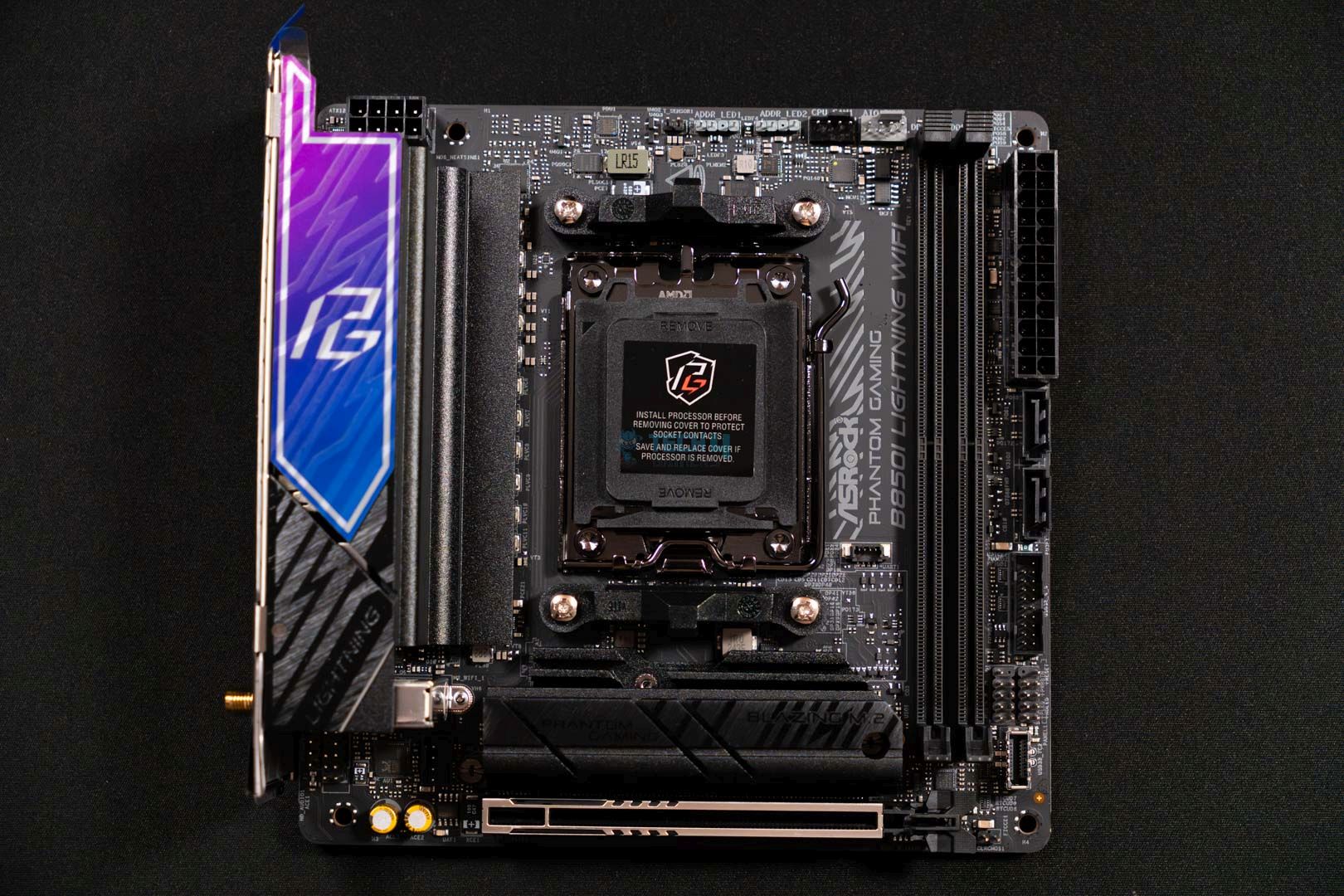
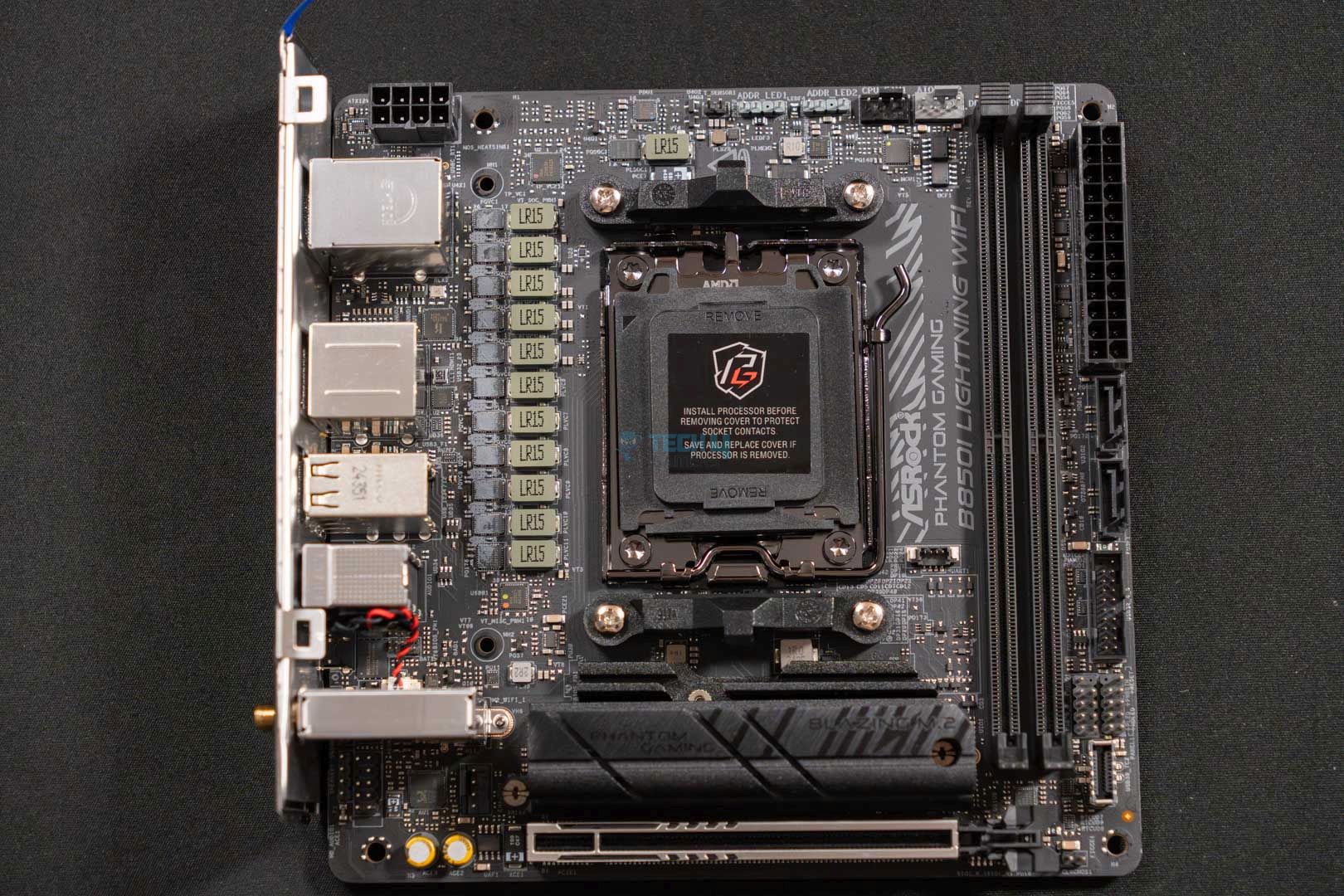
ASRock Phantom Gaming B850i Lighting WiFi

Best Mini-ITX Motherboard For Ryzen 9 9950X3D

Chipset: AMD B850 | Memory: DDR5 8200+ (OC) | VRM: 10+1+1 | Video Outputs: 1x HDMI 2.1, 1x USB 3.2 Gen2 Type-C DisplayPort | RGB Lighting: No | Network: WiFi 6E, 1x Realtek 2.5G LAN, Bluetooth 5.2 | Storage: 2x M.2, 2x SATA III | USB Ports: 8x Rear, 5x Front

Pros

  • Good memory speed of up to 8200 MT/s
  • Gen5 M.2 slot
  • Thermistor support 
  • Gen5 x16 slot
  • Decent design
  • Good 10+1+1 VRM solution
  • WiFi6E & BT 5.2

Cons

  • No USB4 & 5G LAN
  • VRM cooling isn’t the best

Read Our ASRock Phantom Gaming B850i Lighting WiFi Motherboard Review

In the last, let’s cover a different use-case scenario, which is the mini-ITX builds. If you’re looking to build one, the ASRock PG B850i Lighting WiFi checks all the boxes without any trouble. For starters, the board sports a fairly decent 10+1+1 phase VRM design, which is reasonable for an ITX board like this and a CPU like the Ryzen 9 9950X3D. Similarly, it also retains support for high-speed memory, as you can run memory modules at 8200 MT/s with OC. Since the size of the board is so compact, the VRM cooling system isn’t great, but it gets the job done. According to our testing, the VRMs were hovering around 68°C during the 30-minute Cinebench 2024 test run. 

I also liked that the motherboard also managed to surprise us with its PCIe slots of the latest standard. This translates to the inclusion of Gen5 slots for both the graphics card and the NVMe drive, however, the second NVMe slot is PCIe Gen4 only. Another unique thing about this board is that it also comes with thermistor support like its big brother, the X870E Nova WiFi. Anyhow, the rest of the stuff like LAN, WiFi, and USB ports are quite standard and nothing extraordinary like having WiFi7 or USB4. Though it makes sense, considering the $209 price tag of the motherboard.

This is all we can say about this motherboard after personally testing it:

The ASRock PG B850i Lightning WiFi is a mini-ITX motherboard that can cost you $209.99. The motherboard offers many features, and one of its highlights is its support for a thermistor. Which lets you monitor components’ temperatures from an external POV. Furthermore, the neat aesthetics, compact size, and high-speed memory support have impressed us equally.

✅Buy It If
You’re building a mini-ITX build: The ASRock PG b850i Lighting WiFi makes perfect sense if you’re considering building a mini-ITX build that offers excellent performance without taking too much space on your table.

You want decent performance: The ASRock PG B850i Lighting WiFi, while being so tiny, packs a decent punch of performance as it performed very similarly to the competition in our review. 

❌Don't Buy It If
Your build won’t have decent airflow: Skip the board if you’re going with a chassis that has bad airflow, as the VRMs on this board aren’t the coldest and can run a bit hot, though it is not too concerning.

What Makes It The Best Mini-ITX Motherboard For Ryzen 9 9950X3D?

The ASRock PG B850i Lighting WiFi comes in at a price of $209 and boasts a decent VRM solution with support for high-speed memory as well. Not only that, but the board also features two high-speed M.2 slots as well as an external temperature monitoring functionality via the thermistor cable. These impressive features, coupled with the compact design, dub the board the best mini-ITX motherboard for Ryzen 9 9950X3D.

Performance: 8.5/10 Value: 9/10
Features: 8.5/10 Design: 8/10

Specification Comparison

We have also bundled another chart that highlights some of the most crucial features and specs of the motherboards. This will help you understand which motherboard to buy more easily that fits your use case. 

Motherboard ModelTotal Power PhasesMax Memory Speed (MT/s)No. of M.2 slotsNo. of SATA III portsNo. of USB ports (Front)No. of USB ports (Rear)
ASRock Phantom Gaming X870E Nova WiFi23820054912
ASUS ROG Crosshair X870E Hero228200541010
MSI MAG X870 Tomahawk WiFi16840044911
MSI MPG X870E Edge Ti WiFi17840044912
MSI MEG X870E GODLIKE278400741015
ASRock Phantom Gaming B850i Lighting WiFi1282002258

Key Motherboard Terms

  • CPU Socket: The CPU socket is where you install your CPU. It’s located parallel to the RAM slots and keeps changing over the years with new generations of CPUs.
  • DIMM SlotsThese are found parallel to the CPU socket and usually come in a quantity of 4 slots on the ATX size motherboards. And 2 slots are mostly found on mini-ITX or m-ATX boards. Since they are very near to the CPU socket, the processor can access the data stored in RAM right away. 
  • Form FactorMotherboards also come in various form factors like PC chassis, and they are also termed exactly the same. This helps in the compatibility of both, for instance, the motherboards also come in mini-ITX, m-ATX, ATX, and E-ATX form factors.
  • VRMVRM or Voltage Regulatory Modules are the small visible chips around the CPU socket. They are responsible for managing the current coming from the PSU and giving stable and correct voltage to the components attached to the motherboard. CPU overclock also depends on this, meaning the better the VRM phases, the greater the OC.
  • PCIe Slots: These are the long and short slots on the motherboard that are reserved for graphics cards, NVMe drives, external sound cards, and network cards. The x16 slots are reserved for the primary GPU, while the x1 and x4 slots are for the rest.
  • Chipset: Chipset is a kind of onboard processor that stays in touch with all the components as well as peripherals and makes sure that errors or crashes stay out of sight for a smooth user experience. 

How We Tested These Motherboards

There are some notable factors that play a big role in determining the worth of a motherboard. Also, to determine to which category the board belongs, we mainly look for a power delivery system, its bang-for-the-buck factor, and features that add incentive to the overall package. Here’s what exactly we look at in the aforementioned factors: 

  • Features: We do not overlook the things that help make the motherboard stand out from the rest. Which are its features that it offers over the others. The most crucial features include stuff like AI-based LAN management, troubleshooting LEDs, PD charging ports, onboard power buttons, and thermistor support. While things like EZ DIY features are quite common now.
  • Power Delivery: What truly matters on a motherboard is its VRM phases, like how good of a power delivery solution it brings with it. Mainly because the stable and smooth operation of the PC depends on the optimal power supply to each component. A weaker power delivery system can result in lower PC performance and can also fry up components in case of a power surge. This is why we only picked the motherboards that have solid VRM solutions.
  • Value for Money: We also took care of the value for money factor so that your money doesn’t go wasted on motherboards that offer so little while costing a fortune. We carefully handpicked the options for you that have great performance and features for the right price in their price brackets. 

FAQs

Is a BIOS update mandatory for X870 boards to run Ryzen 9 9950X3D?

No, the X870 motherboards, including the ones that we have mentioned above, do not need any kind of BIOS update. They can run the Ryzen 9 9950X3D right out of the box.

Can I use the Ryzen 9 9950X3D with a B850 motherboard?

Yes, you can use the Ryzen 9 9950X3D with a B850 motherboard. However, it’s better to stick with X870 chipset-based motherboards for maximum performance freedom. I can only recommend B850 if you’re going for a mini-ITX PC build with the Ryzen 9 9950X3D.

Is the Ryzen 9 9950X3D the new king of CPUs?

Yes, the gaming performance of the X3D CPUs was great right from the start. And now, with this processor, the gap between productivity workloads is also eliminated, which makes it the best CPU you can buy for both situations.


 

TEAMGROUP T-Force Delta RGB 32GB (2x16GB) DDR5-8000 CL38 Review

We’ve tested plenty of DDR5 kits from TEAMGROUP over the past years, including options from their T-Force XTREEM and T-Create Expert line-ups as well. This time, I will be going through the T-Force Delta RGB 8000MHz CL38 kit. The Delta series is known for its aggressive, flashy design with plenty of RGB lighting. Of course, they also pack quite some performance, as we saw when we reviewed the T-Force Delta RGB DDR5-6000 CL30 couple of years ago.

Since the kit I am reviewing today supports both XMP and EXPO profiles, I will be testing it on an AMD platform to see how it compares against other DDR5 RAM options we have tested recently. 

Why Trust Tech4Gamers
  • Sameed Hussain is our hardware expert who has been testing graphics cards, processors, RAM, and motherboards for years.
  • 70+ RAM tested and reviewed by our team of hardware experts (Tech4Gamers Team).
  • 200+ hours spent testing different RAM kits for our reviews.
  • Objective testing criteria (See how we test RAM).

At Tech4Gamers, ensuring you get reliable information is our priority. That’s why every hardware round-up undergoes a meticulous review process by our team of experts and editors. Each review is carefully examined against our strict editorial guidelines, guaranteeing you trustworthy insights you can depend on.


Key Takeaways

  • The TEAMGROUP T-Force Delta RGB DDR5-8000 CL38 packs a solid punch when it comes to read and write benchmarks, while also offering stylish looks.
  • You should go for the TEAMGROUP T-Force Delta RGB DDR5-8000 CL38 if you want a high-speed kit which is ideal for productivity workloads.
  • The only reason to skip this kit is if you’re on an AMD build and want low-latency RAM, as the Ryzen platform benefits more from a lower latency than a higher speed. I recommend reading our guide on the best RAM for Ryzen 9000 processors for more options.

Here are the full specs:

Product TEAMGROUP T-Force Delta RGB DDR5
Frequency 8000MHz
Capacity 16GBx2
Latency 38-48-48-84
Data Transfer Bandwidth 64,000 MB/s
Voltage 1.45
OC Profile XMP 3.0 and EXPO
Dimensions 46.1 (H) x 144.2 (L) x 7 (W)mm
Warranty Lifetime Warranty

The kit’s latency in nanoseconds is around 9.5ns. If you want to calculate the latency yourself, I highly suggest using our RAM latency calculator.

[toc]

Packaging And Unboxing

The RAM comes in a very similar box that we’ve seen in other T-Force Delta kits. At the top right are the key specifications, and at the bottom right you’ll see branding for Intel XMP and AMD EXPO support. Since there are two colors available: White and Black, the box has a picture of each color.

We are testing the black variant. Included in the box are the two kits and a T-FORCE sticker.

Design

A big part of the T-Force Delta line-up is its design. I mean, its the first thing they talk about on the product page as well, and I have to say, T-Force has really perfected it over the years.

TEAMGROUP T-Force Delta RGB DDR5 32GB (2x16GB) 8000MHz CL38 - Beauty Shot 2
Design (Image By Tech4Gamers)

Just look at it, the texture, the angular cuts, the styling, all of it screams GAMING like no other RAM. The 120° RGB diffuser delivers an incredible light show. The R logo at the top right corner also lights up.

TEAMGROUP T-Force Delta RGB DDR5 32GB (2x16GB) 8000MHz CL38 - Main Design
Both Kits

The kits have a tall height of 46.1mm, so you may want to watch out for clearance issues, especially if you’re using a big air cooler.

The RGB lighting can be controlled through all major lighting effects software, including MSI Mystic Light Sync, ASROCK-Polychrome Sync, ASUS AURA Sync, GIGABYTE RGB Fusion 2.0, and more. 

TEAMGROUP T-Force Delta RGB DDR5 32GB (2x16GB) 8000MHz CL38 - Label
Label (Image By Tech4Gamers)

Here is the sticker at the back of the kit. It has this variant’s serial number and other key specifications. 
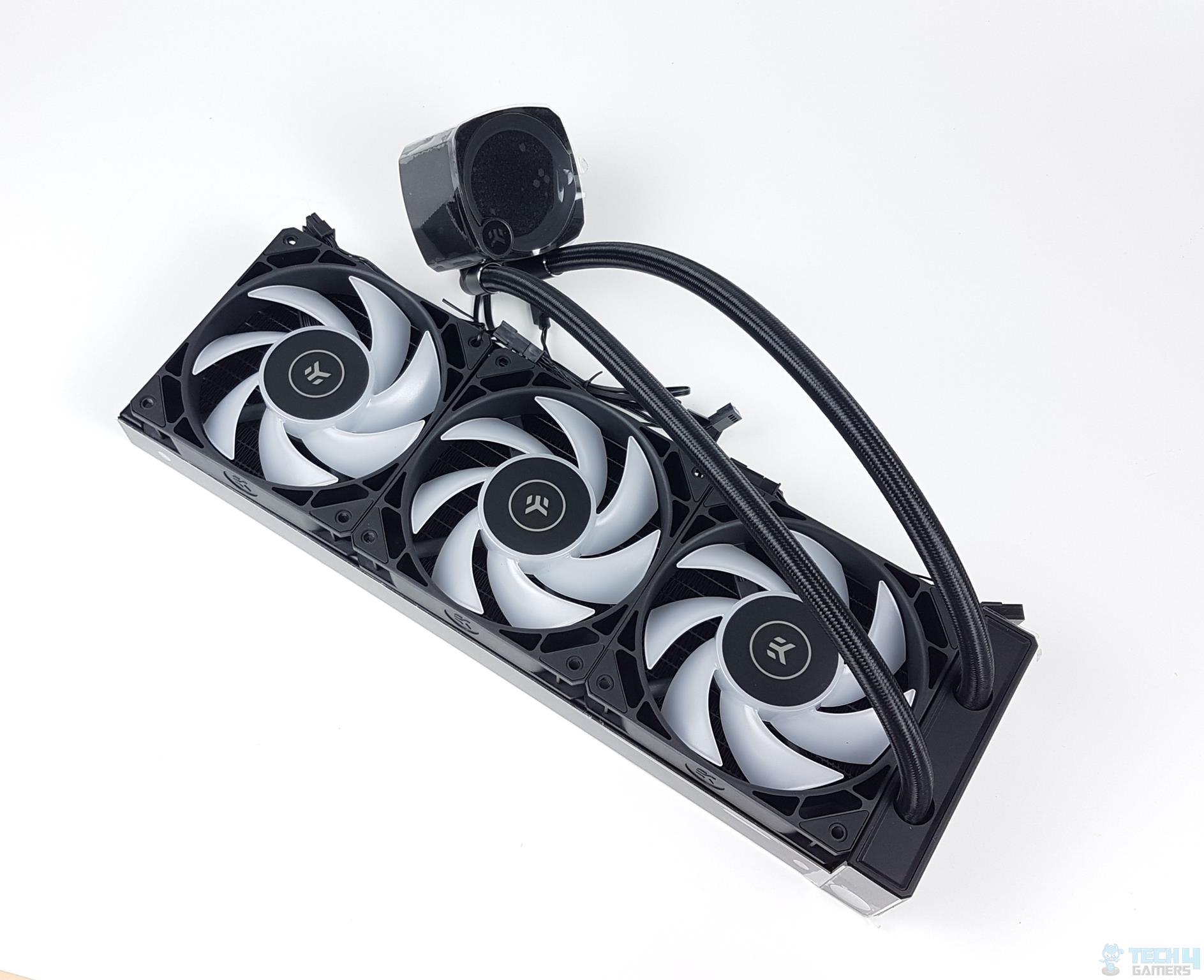
Test Bench

Above you can see how the kit looks once installed, along with some RGB showcase. The following setup was used for testing:

While the memory supports AMD EXPO, and the profile was also available, I could not get it to load with EXPO for some reason. As such, I used manual settings to achieve the same speed/latency.

TEAMGROUP T-Force Delta RGB DDR5 32GB (2x16GB) 8000MHz CL38 - EXPO Profile
EXPO Profile (Image By Tech4Gamers)

Apart from the 8000MT/s @ CL38 configuration, I also got the kit running at CL36 with the same speeds. As such, I will be going over the test results of both configurations. Here are the ZenTimings screenshot:
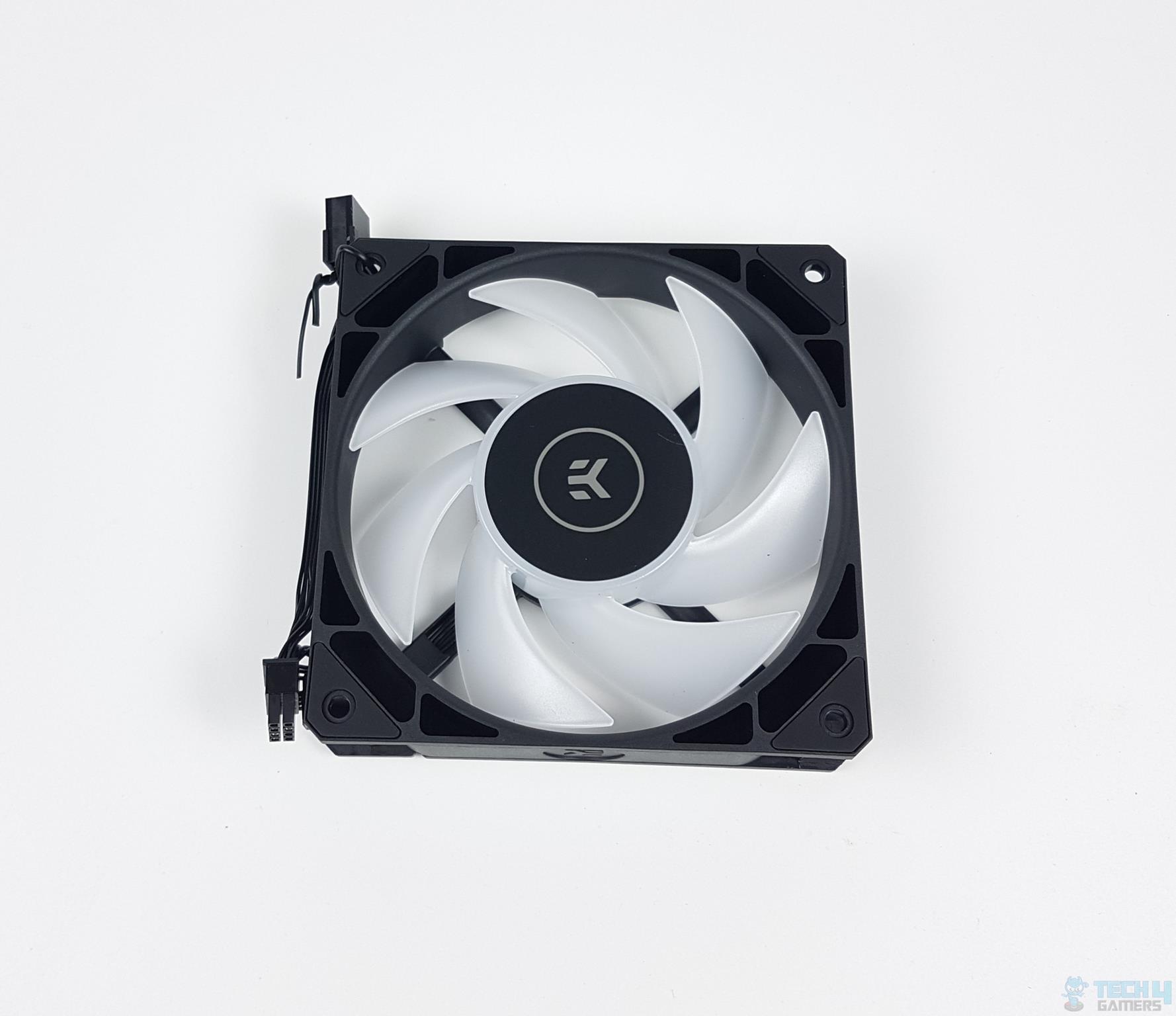
Below is the CPU-Z screenshot of our test build as well:

TEAMGROUP T-Force Delta RGB DDR5 32GB (2x16GB) 8000MHz CL38 - CPU-Z
CPU-Z Screenshot (Image By Tech4Gamers)

Test Results

We’ve also tested several other DDR5 kits on the same test bench, so we have also compared the T-Force Delta RGB with some of them. However, if you want to check the full list of DDR5 RAM we have tested over time, and how they perform against each other, I highly suggest you check our RAM Comparison Tool. It will help you narrow down the right DDR5 kit for you.

Starting with write and read benchmarks, the TEAMGROUP kit performed exceptionally well, beating another 8000 MT/s kit we have tested as well. This is a very impressive performance. Of course, the write performance is very similar for both configs as they only differ by latency.

The kit also showed decent performance in AIDA64 Copy and Latency benchmarks. It is not the best, but given that we are mostly comparing it with kits of latencies around CL30 and speeds hovering between 6000 to 64000 MT/s, the numbers are good enough for an 8000 MT/s CL38 memory.
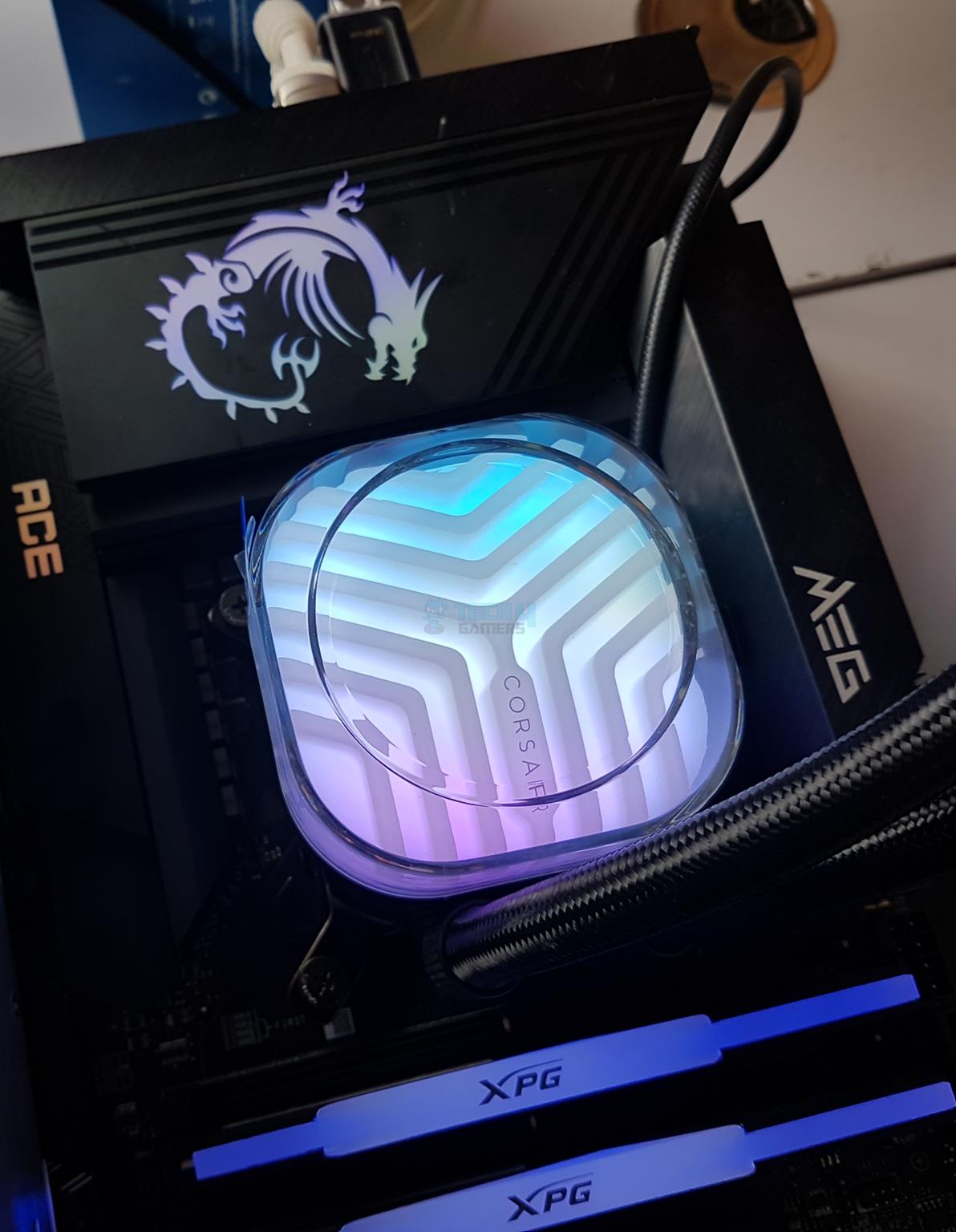
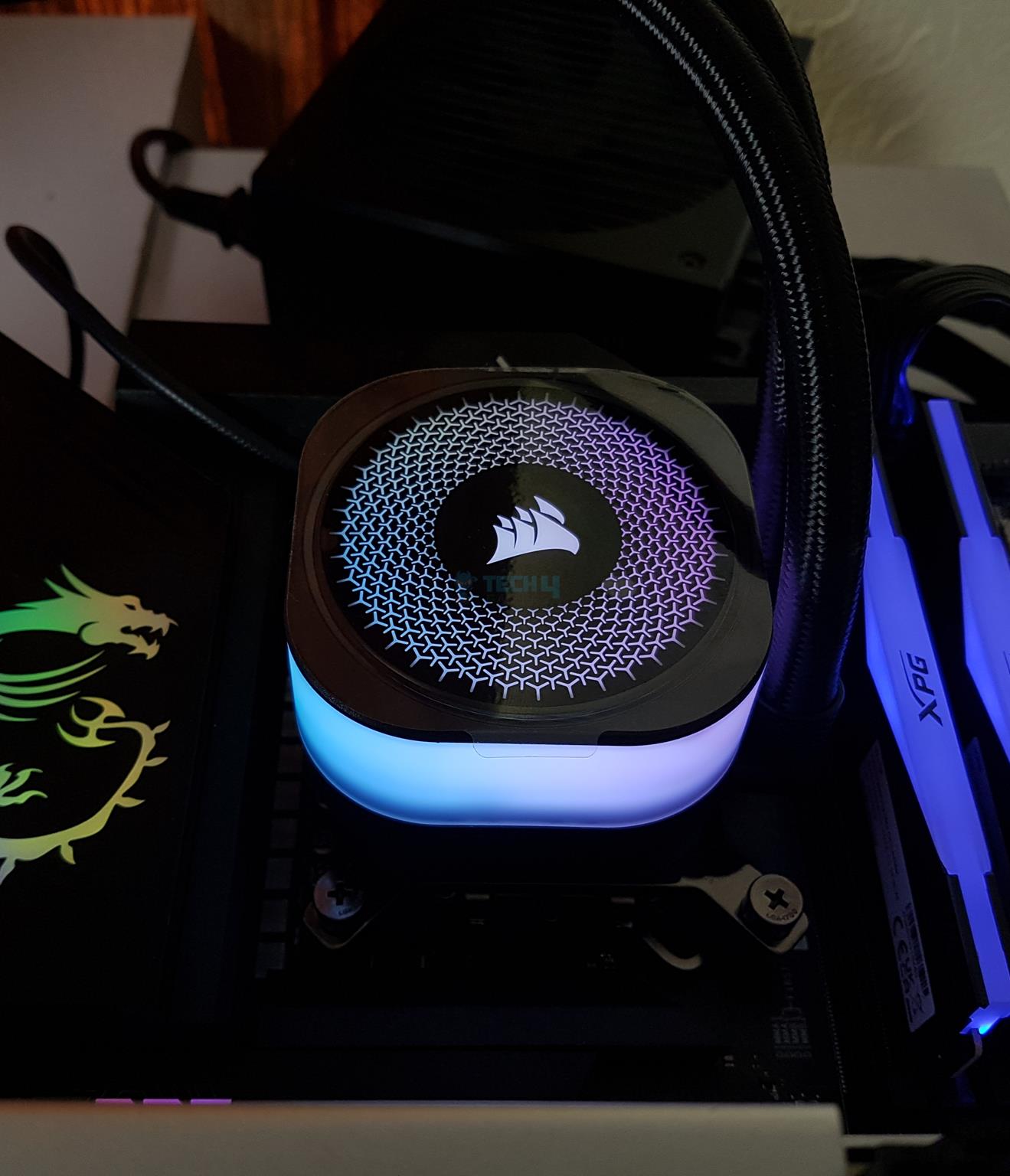
TEAMGROUP T-Force Delta RGB DDR5 32GB (2x16GB) 8000MHz CL38 - Cinebench R23 CPU Score
Cinebench R23 CPU Score (Image By Tech4Gamers)

All kits showed very similar performance in our Cinebench R23 run. However, if we consider out-of-the-box configurations without our manual tuning, the T-Force Delta 8000/CL38 tops the chart.

Should You Buy It?

Buy It If

✅You need high performance: As seen in our test results, the Teamgroup T-Force Delta RGB DDR5-8000 CL38 is not just performance-packed on paper, but it also shows excellent numbers in benchmarks. As such, if you’re after rock-solid performance, especially in productivity tasks, this kit is worth considering.
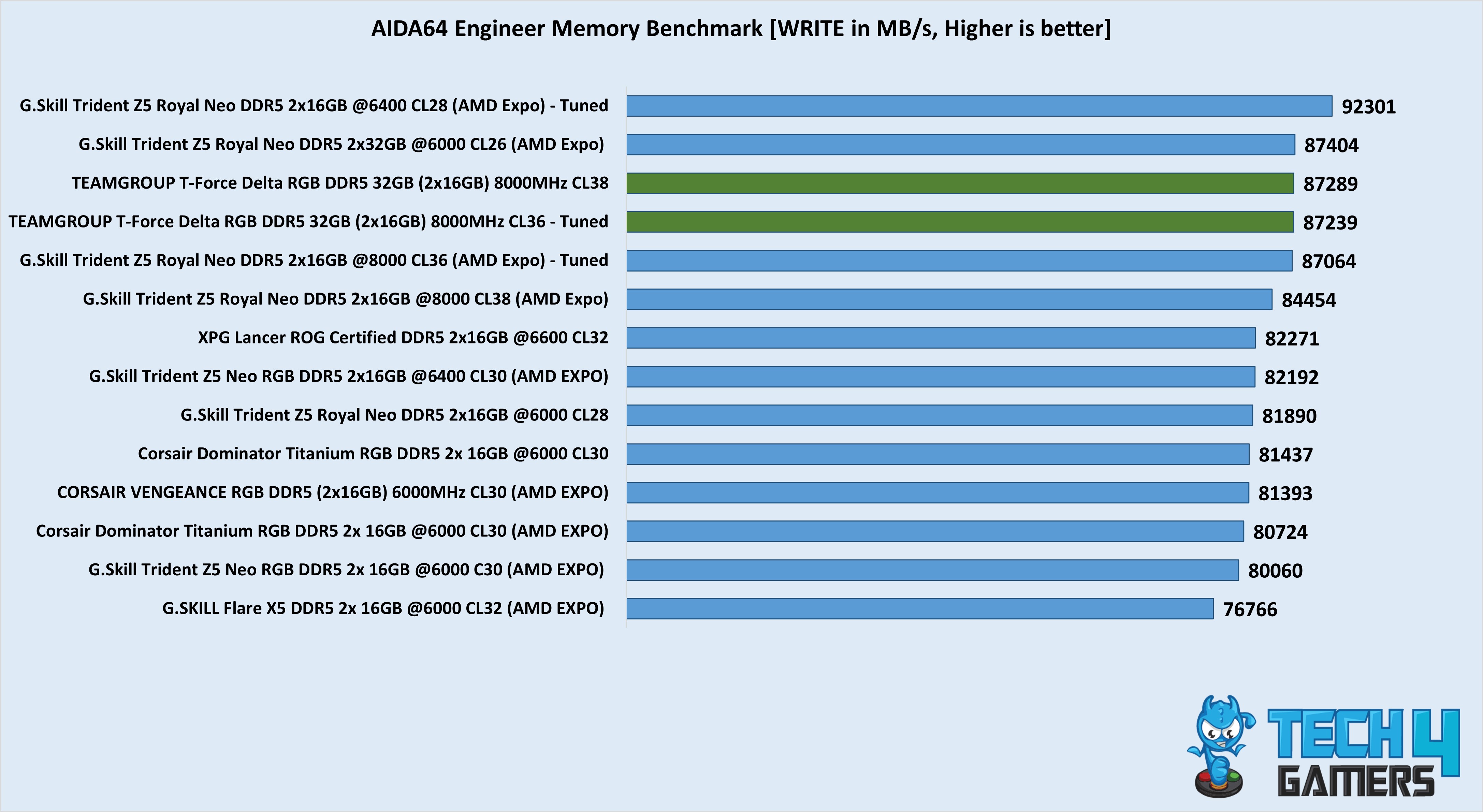
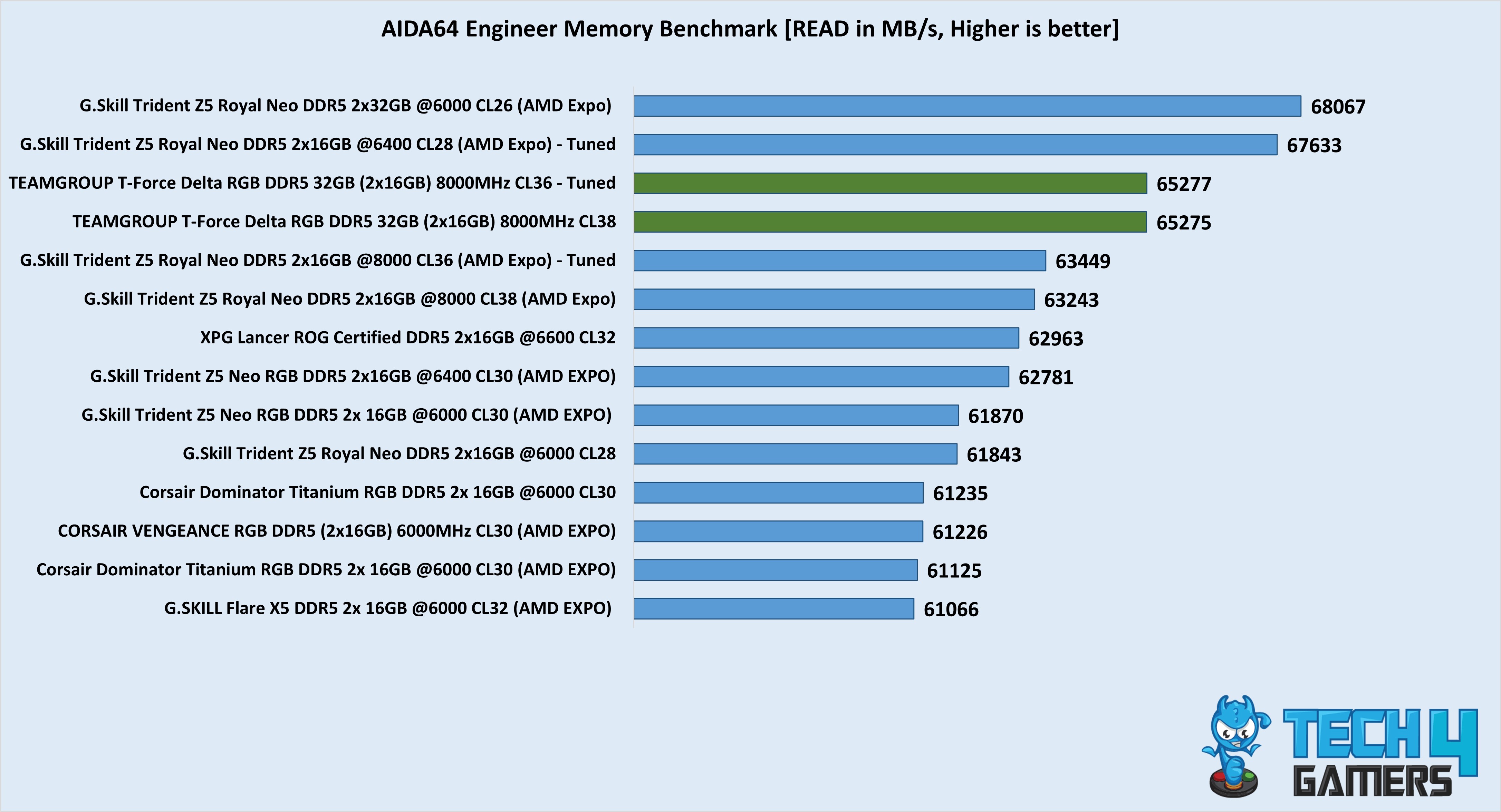
✅You want a flashy design: The T-Force Delta RGB is by no means a simple-looking, minimalistic kit. Instead, it looks exactly how a gaming-focused kit would look. From lots of RGB lighting to aggressive, sharp angles, it has it all.

Don’t Buy It If

❌You are on the AMD platform and want a lower latency RAM: This isn’t exactly a dealbreaker. However, it should be noted that Ryzen CPUs benefit a lot more from lower latency than higher frequency. As such, if you’re buying this kit for gaming and just want the sweet-spot performance for your build, I would suggest going with a 6000MHz with CL30 variant (for Ryzen 7000) or a 6400MHz with CL32 variant (for Ryzen 9000). Of course, you can achieve a lower latency on this specific variant as well, but that would involve tuning it manually, which can be a hassle.

Final Thoughts

After spending some solid time with the T-Force Delta RGB DDR5-8000 CL38, I have to say, that Teamgroup once again proves they know how to make high-speed memory with some serious flair. Performance-wise, this kit definitely holds its own. It topped the charts in some of our benchmarks, especially when compared to other kits in the same speed range.

And while it may not have been the absolute best in latency-sensitive tasks, it’s important to remember that this is an 8000MT/s kit — the raw speed is impressive, and in tasks like productivity and content creation, it really shines. At $170, while the kit may appear expensive at first, it makes up for it with what it has to offer, so there is also good value for your money. 

Overall, if you want a high-speed DDR5 RAM that delivers, and you’re willing to spend for it, it is hard to ignore the T-Force Delta RGB DDR5-8000 CL38.


Assassin’s Creed Shadows Now #2 Best-Selling PS5 Game On Amazon Japan Ahead of Launch

Story Highlight
  • Assassin’s Creed Shadows has received much criticism, particularly regarding its Japanese history approach.
  • Despite this criticism, the game is performing well in the region.
  • Ubisoft also showed confidence in the pre-order figures before, pointing to imminent success at release.

Assassin’s Creed Shadows has had its fair share of controversies in recent months, particularly related to Ubisoft’s approach to addressing Japanese culture and heritage.

Yasuke has been at the center of this controversy, and many have outright refused to buy the game. However, it seems these are but small hurdles for Ubisoft, as the title is already showing glimpses of success on Amazon Japan.

Why it matters: Ubisoft faces a challenging situation at the moment, with the company potentially considering selling its IPs to resolve the inevitable financial crisis.

Assassin's Creed Shadows No 2 PS5 Best-Seller
Assassin’s Creed Shadows Is Beating The Competition On Amazon

According to the PS5 games section on Amazon Japan, Assassin’s Creed Shadows is second only to Monster Hunter Wilds. This is no small feat, especially considering how wildly successful Capcom’s latest Monster Hunter title has been.

Assassin’s Creed Shadows is currently outperforming games from big IPs like Yakuza and Bleach. Both franchises have games in the top 10 best-sellers below Ubisoft’s first Japanese Assassin’s Creed.

Ubisoft previously expressed faith in the progress of pre-orders, and these results further solidify the reason behind that confidence. Proving this point further, Assassin’s Creed Shadows is the #1 best-selling PS5 game on Amazon in the US.

The game’s position among the best-sellers is less impressive on Steam, but Ubisoft has only recently begun to launch its AAA titles on the platform again. As such, PC gamers might need more time to adjust to the company’s new approach.

However you look at it, Assassin’s Creed Shadows seems on track to find a major audience. Even if it fails to be the massive commercial hit Ubisoft needs at the moment, it will likely live up to the series’ legacy of producing notable releases.

What are your thoughts on this result? Let us know in the comments and on the Tech4Gamers Forums.

Valve Says Steam Is Constantly Growing Due To Its Focus On Putting Customers At Forefront

Story Highlight
  • Valve says it found huge success through Steam last year due to a consistent focus on the consumer.
  • The gaming giant offered big discounts, enhanced game discoverability, and more to improve the user experience.
  • Major changes were made to recording and family sharing as part of the same goal.

Valve recently revealed new statistics for Steam in 2024, and to nobody’s surprise, the platform performed better than ever. One highlight was the amount of money new games made on Steam last year, which was 27% higher than in 2023.

According to Valve, this growth is largely due to its focus on consumers and their needs.

Why it matters: Steam has consistently shown a commitment to serving its 40 million-plus user base, making it the ultimate platform for PC gamers.

Steam Featured
PC Gaming Is Better Than Ever In 2025

Discussing the many new features Valve added to Steam for its customers, the company highlighted the main reason behind its current growth.

Steam continues to grow because we put customers at the forefront of every decision.

One key improvement was made to the discovery section, a resource that has already proven useful in the past.

One focus here was on Next Fest, a seasonal event highlighting demos from various indie teams. Steam Next Fest was bigger than ever in 2024, giving smaller studios a chance to shine in the limelight.

Moreover, the platform introduced the ability to record and share gameplay clips seamlessly. Although this was already possible on PC using software like OBS, Valve’s implementation has made it even more accessible.

On the subject of sharing, Valve improved family sharing further, finally launching the service after an extended beta phase. All of these changes go a long way toward improving an already consumer-friendly platform.

Valve Creator Gabe Newell
Gabe Newell’s Leadership Has Shaped The Platform For Many Years

As expected, Valve did not disappoint in the sales department either. 2024 saw the gaming giant hosting the biggest themed sales ever, allowing fans to go through various games at low prices.

Ultimately, the gaming giant attempted to do all of this to improve the end-user experience.

What are your thoughts on Valve’s approach? Will the gaming giant continue to dominate PC gaming by focusing on the consumer? Let us know in the comments and on the Tech4Gamers Forums.