 Threads
A Good Change!
Review Summary
ID-Cooling’s new X45 thermal paste is an upgrade over their previous versions, offering better thermal performance with easier application thanks to its lower thickness. It’s ideal for overclockers or anyone wanting top cooling without spending much—priced at $6.99 for 2g. It performs slightly better than the older X25 and beats top brands in temperature tests.
Hours Tested: 3

Overall
Pros
- Chart Leader
- User Friendly
- Good Value
Cons
- Availability (May not available in some regions)


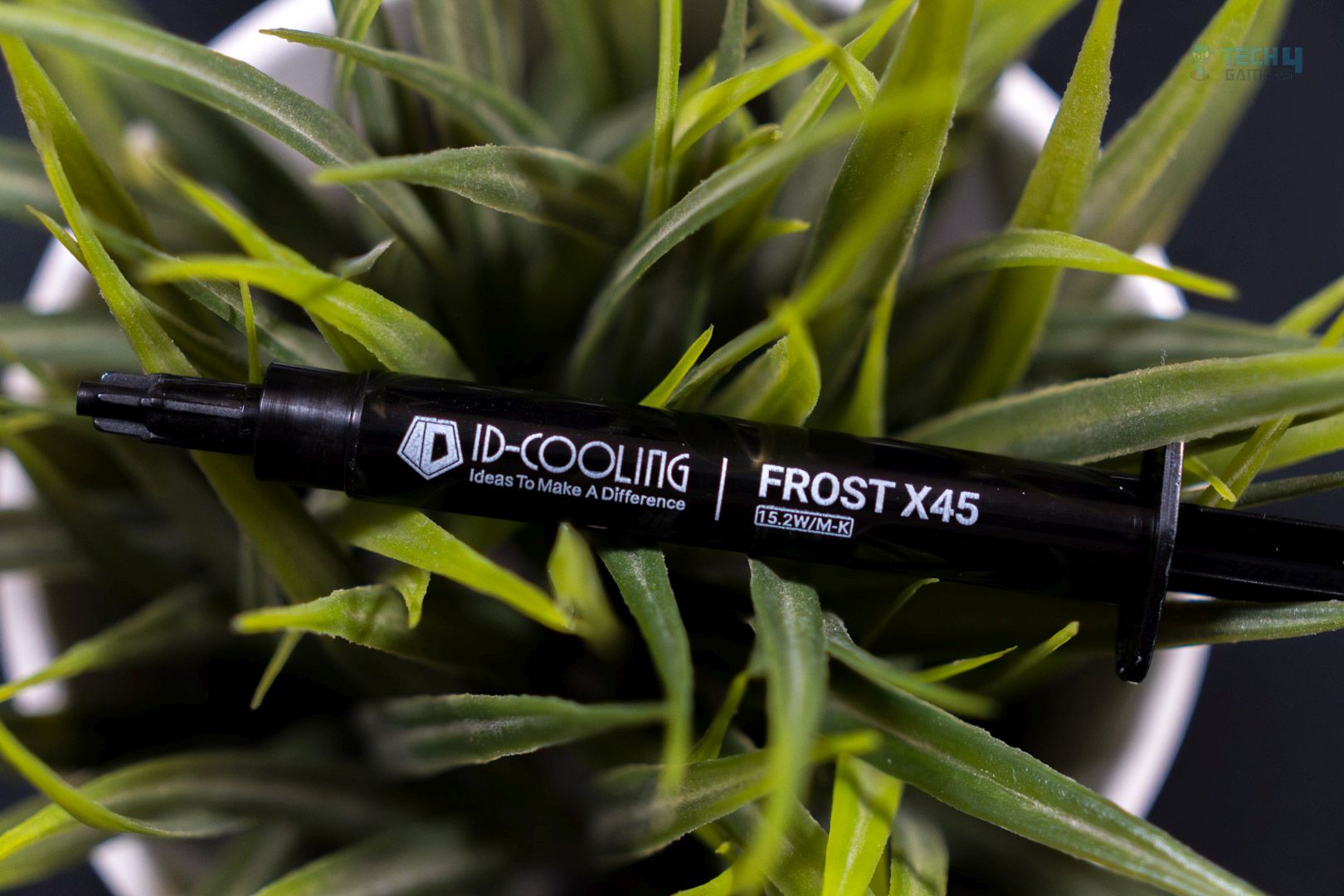
ID-Cooling has launched its new thermal paste, the X45, which boasts a thermal conductivity of 15.2 W/m-K, making it an upgrade from previous offerings such as the X05, X25, and X35. The X45 is available in two sizes: 4g and 2g.
This table provides a clear comparison of the key specifications for each of the ID-cooling thermal compounds.
| Specification (As Advertised) | ID-Cooling X45 | ID-Cooling X35 | ID-Cooling X25 | ID-Cooling X05 |
|---|---|---|---|---|
| Color | – | Grey | Grey | Grey |
| Net Weight | 2g / 4g | 4g | 2g / 4g | 3g / 5g |
| Thermal Conductivity | 15.2 W/m-K | 14.2 W/m-K | 10.5 W/m-K | 6.5 W/m-K |
| Thermal Resistance | 0.03℃-cm²/W | 0.0026℃-cm²/W | – | – |
| Thermal Impedance | – | – | < 0.05 ℃-cm³/W | < 0.07 ℃-cm³/W |
| Dielectric Constant | – | – | 5 | 5 |
| Density | 2.8 g/cm³ | 2.5 g/cm³ | 2.6 g/cm³ | 2.5 g/cm³ |
| Viscosity | 140 Pas | 150 Pas | 560 Pas | 480 Pas |
| Operation Temperature | -50℃ ~ 300℃ | -250℃ ~ 300℃ | -40℃ ~ 180℃ | -50℃ ~ 200℃ |
Packaging
The packaging has a gradient of blue tones, giving it a cool and frosty experience in alignment with the product name, “Frost X45.”
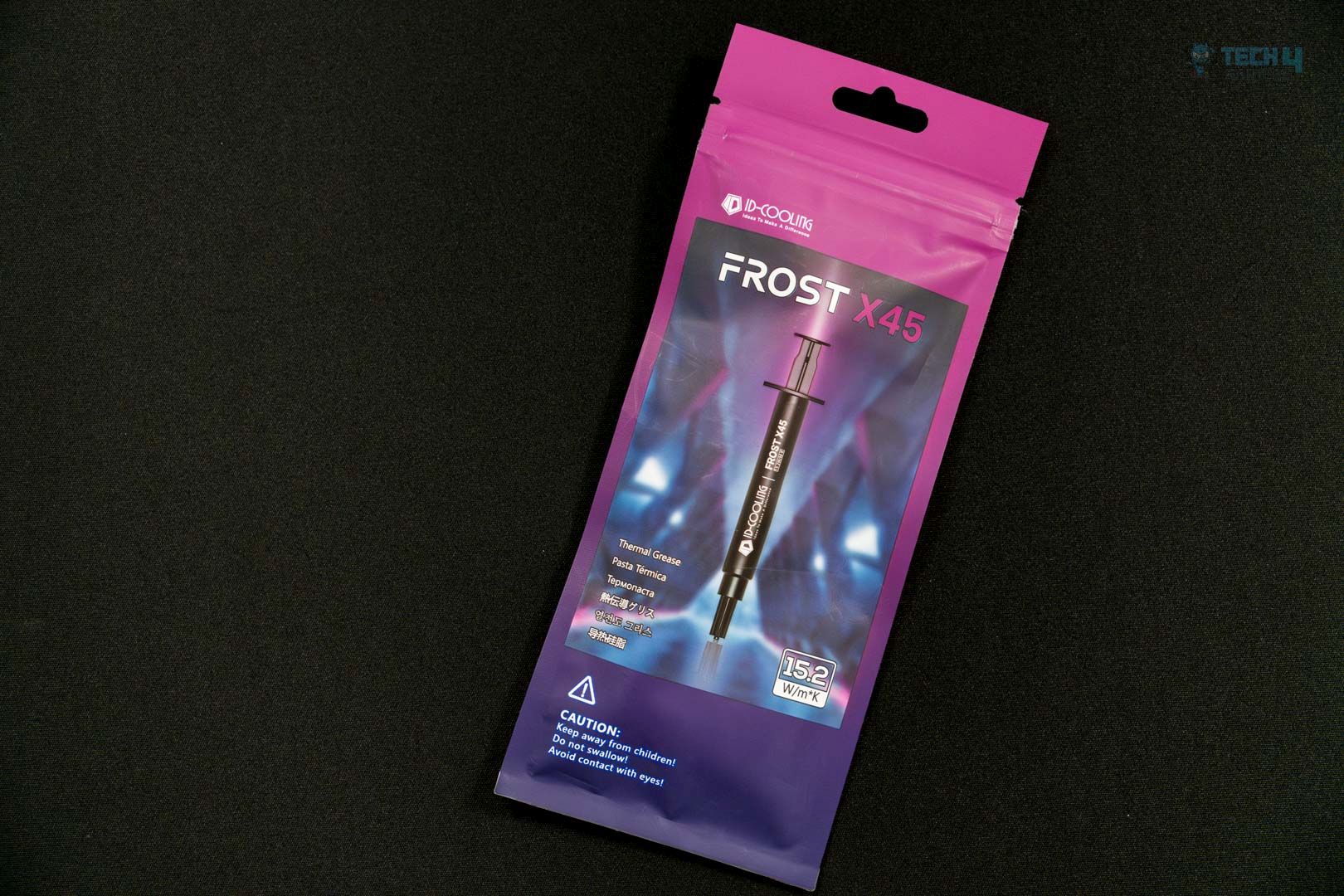
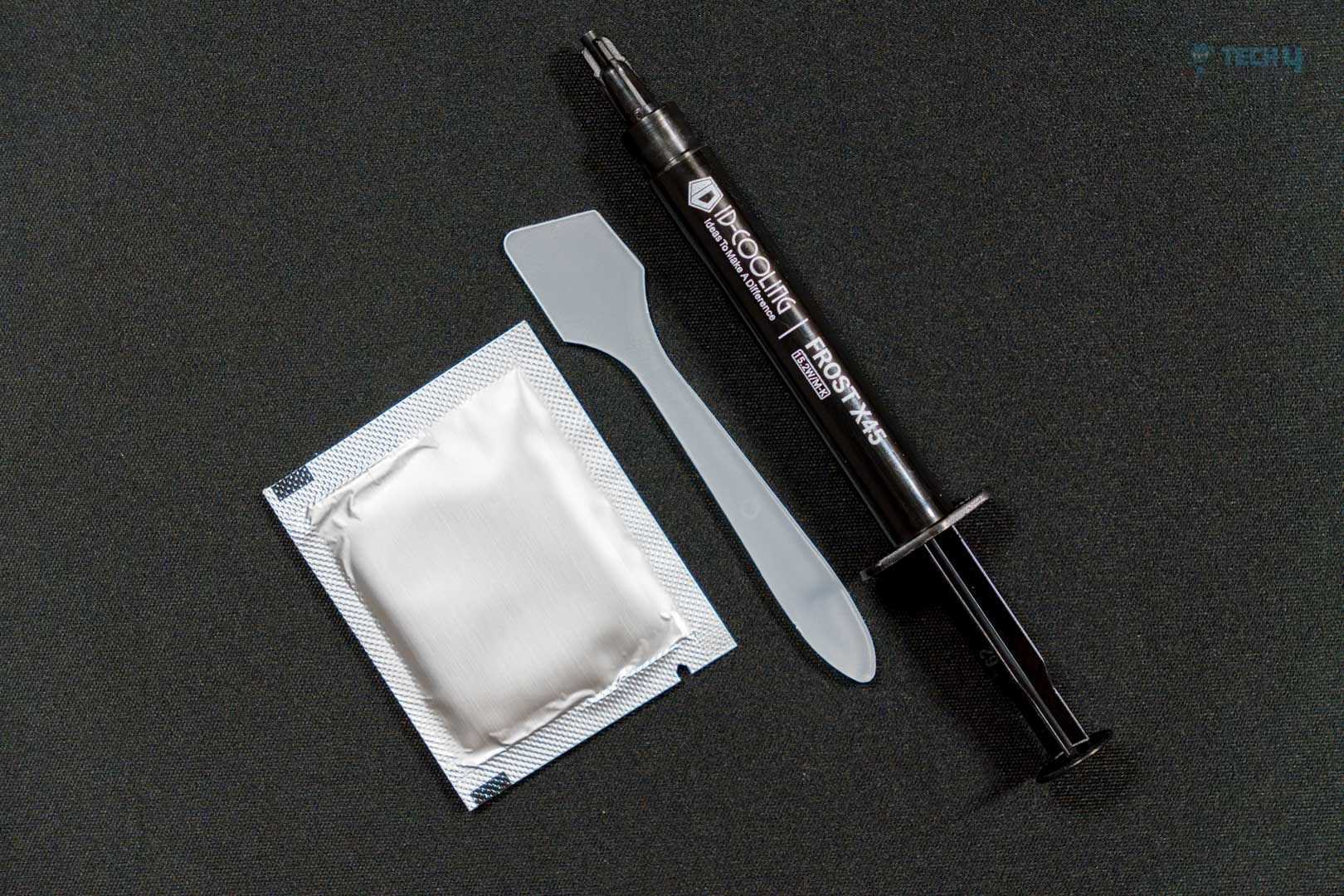
The container has some basic accessories. The packaging contains a plastic spreader, alcohol wipe, and thermal paste syringe.
Application
We’re demonstrating our go-to application method: five blobs at all die corners so the paste spreads evenly. The application was smooth and much easier to apply, as demonstrated. The silicon is not greasy or oily and not as viscous as the previous ID-Cooling pastes such as X25 (560 Pas) and X05 (540 Pas); the ID-Cooling Frost X45 is noticeably less viscous, which is 150 Pas, which makes the Frost X45 easier to apply on a die or spread. Spreading would require a little skill, but we are not using the spread method, as the CPU IHS would spread it once the cooler is in contact with the IHS.
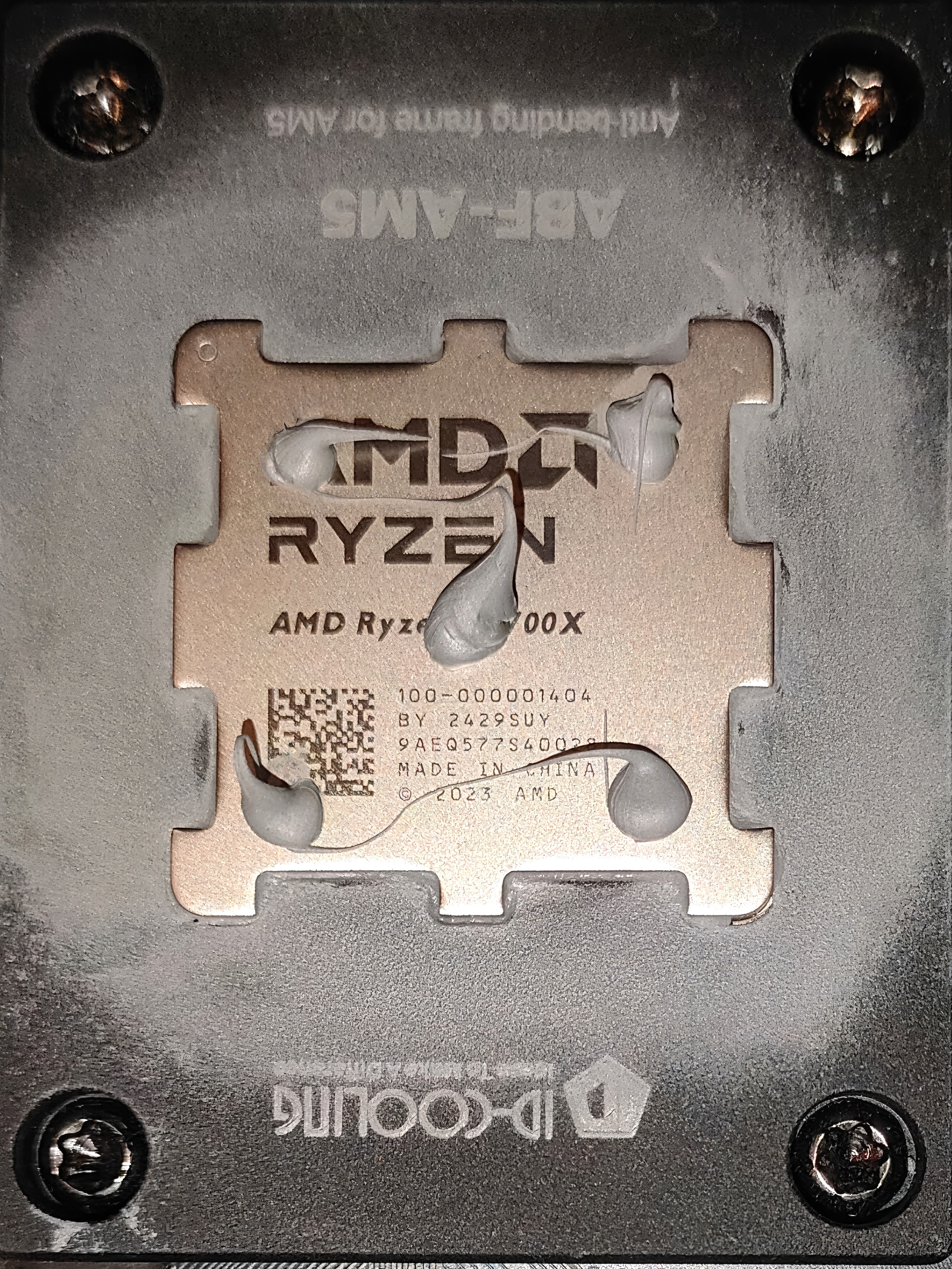
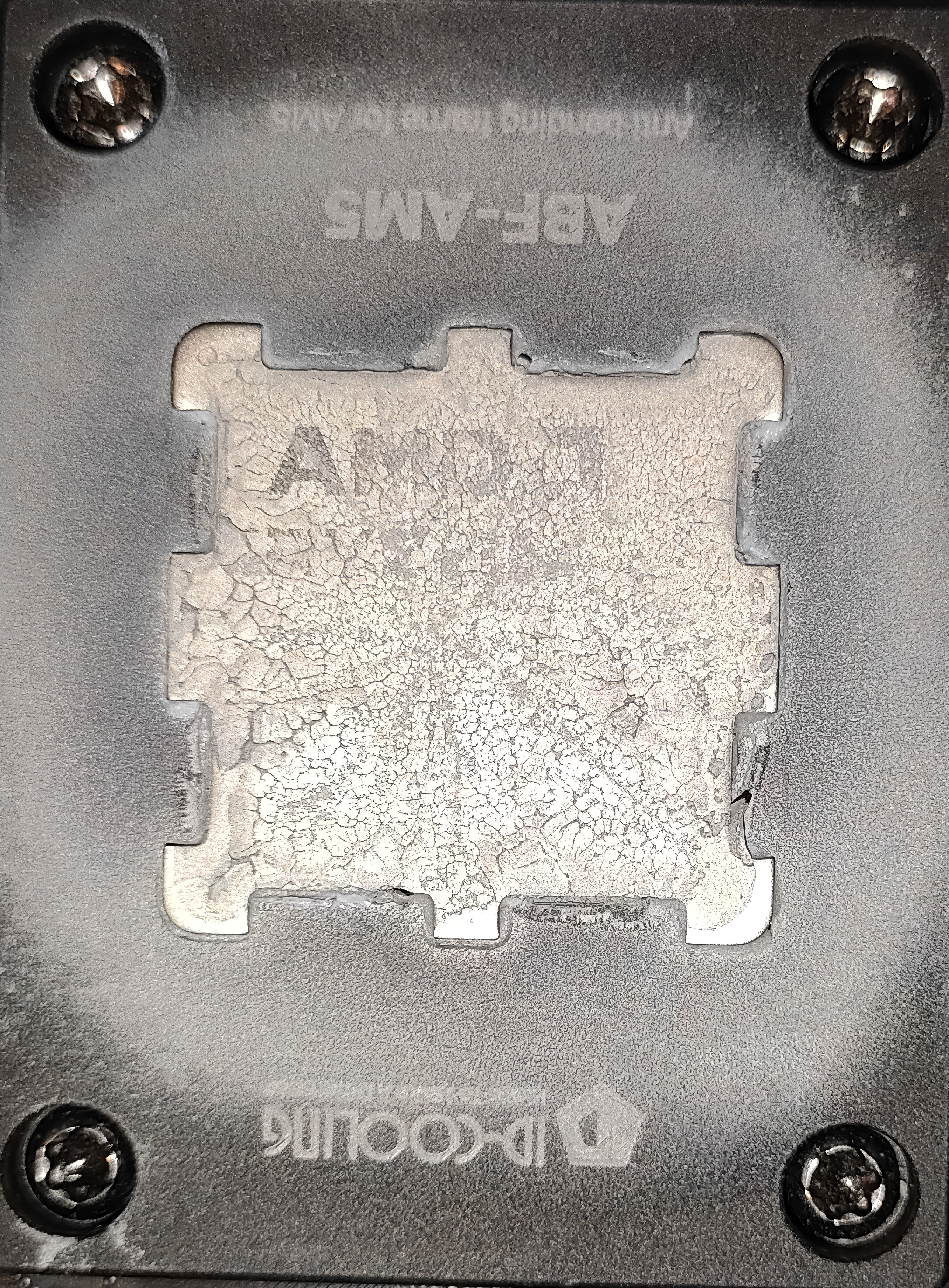
Why do we focus on placing five blobs of thermal paste at each corner of an AM5 CPU? It’s because this method makes sure the paste spreads evenly across the surface and doesn’t leave gaps. After testing, the cooler was taken off to check the coverage—and it showed that the paste had spread properly and was easy to clean up.
Methodology
After applying the thermal paste, we ran two 15-minute Cinebench R23 tests with a 5-minute break in between to let things cool down. Then, we ran a third 15-minute test and noted the average temperatures, measured as the difference above room temperature. Thermal pastes nowadays require almost no burn-in time; however, if the paste is too viscous, that would be another case, and extra warm-up tests are needed to prepare it.
We have ensured that the room temperature remains consistently set at 22.0°C. To maintain accurate readings, we use a high-quality thermo-hygrometer available in the market. It is important to note that we have completely eliminated the influence of ambient temperatures in our data, and all results are presented as deltas over the ambient conditions.

During testing, the case fans, liquid cooler fans, and pump all ran at a constant max speed. We used HWINFO64 Pro to track the CPU tDIE temperature.
To keep the results accurate, we closed all background apps and disconnected from the internet so nothing else—like updates or background tasks—could affect CPU performance.
Our Test System
- CPU: AMD Ryzen 7 9700X, TDP unlocked to 120W (140W CPU power)
- RAM: XPG Lancer 16×2 6400MT/s CL28 (tuned)
- Motherboard: MSI B650 TOMAHAWK WIFI
- Cooler: Deepcool Mystique 360 Liquid Cooler (ARGB fans)
- GPU: ZOTAC SOLID RTX 5080
- BIOS: 7D75v1L AGESA ComboAM5 1.2.0.2b
- Windows Version: Windows 11 24H2 (OS Build 26100.3194)
Benchmarks

Should You Buy It?
Buy It If
✅ You’re an overclocker: ID-Cooling X45 offers the best thermal performance, almost zero cure time, and requires no burn-in. Higher boost clocks nowadays are achieved with lower temperatures due to AMD’s PBO and Intel’s Boost Algorithm. ID-Cooling X45 offers the best performance in our charts while being electrically nonconductive.
✅ You want the best of the best: Currently, the ID-Cooling X45 tops our chart, maintaining a temperature of 65.5° and outperforming competitors like Noctua, Arctic, Thermal Grizzly, and Thermal Right.
✅ You need value for the money: ID-Cooling X45 does not cost too much, The ID-Cooling X45 is reasonably priced at just $6.99 for a 2gm tube, and $7.99 4gm tube.
Don’t Buy It If
❌ Pump-out can’t be avoided: If you’re using a high-end GPU or applying thermal paste directly on silicon—like in laptops or consoles—and want it to last for a few years without needing a redo, it’s better to go with Phase-Change Material (PCM) or PTM for longer durability.
Final Thoughts
ID-Cooling X45 is recommended for those who want the absolute best possible thermal results; we have also tested the previous ID-Cooling X25 best; X45 leads its predecessor by 0.4c, which is minor and might not be noticeable, but it’s still an improvement. The biggest improvement was in its viscosity. Unlike X25, which was concrete and could require extra effort if you spread the paste. Thankfully, the X45 was much more friendly.
Thank you! Please share your positive feedback. 🔋
How could we improve this post? Please Help us. 😔

Senior Hardware Reviewer at Tech4Gamers with over a decade of experience in the tech industry. My journey began in 2014 as a senior administrator for Pakistan’s largest gaming community forum. I specialize in testing and reviewing components like graphics cards, CPU coolers, and motherboards, while also sharing insights on overclocking and system optimization.
 Join Our Community