At Tech4Gamers, I contribute as a Senior News Reporter, combining my skills and gaming enthusiasm to keep our audience updated on the latest developments.
Story Highlight
Forza Horizon 6 has come under fire for potentially using AI artwork.
Many fans suspect a specific graffiti artwork of being AI-generated due to odd-looking colors.
Microsoft has been pushing the use of AI tools in all its studios, so fans’ suspicions cannot be ruled out immediately.
Playground Games finally shared a slew of details on Forza Horizon 6 and Fable earlier today, confirming a May launch date for its latest arcade racing title. In general, fans are extremely happy with everything shown regarding the racing title so far.
However, some have also found one particular artwork suspicious. According to fans, Forza Horizon 6 might be using AI-generated art.
Why it matters: The use of generative AI during game development has been a controversial subject recently, with many gamers speaking out against the technology.
Forza Horizon 6 Artwork Has Raised Eyebrows | Image via Reddit
Many fans currently appear to be convinced that Forza Horizon 6 features at least one instance of AI-generated art. The suspicions come from a particular piece of graffiti art featured in the recently shown footage.
As users point out, the oversaturated colors and odd-looking gears strongly point to the usage of AI. Moreover, many believe the image stands out in an uncanny way typical of images created by artificial intelligence.
It should be noted that Microsoft is among the companies heavily pushing generative AI technology. Therefore, it does not sound too unrealistic that one of its flagship IPs would make use of artificial intelligence, especially for background imagery.
Users on Twitter Are Also Suspicious of The Artwork
Similar discussions exist on platforms like Twitter, but not everyone is convinced of the graffiti being AI-generated.
Some fans say the image is too low resolution to make any real conclusions, and others believe it may just be an odd oversight in an otherwise exceptional-looking game.
What do you think about this artwork? Do you think Forza Horizon 6 used generative AI during development? Let’s discuss in the comments and on the Tech4Gamers Forums.
Currently serving as a News Reporter at Tech4Gamers, I have the privilege of combining my love for gaming with the art of storytelling. My role involves crafting engaging narratives that keep our audience abreast of the latest developments in the gaming world.
Story Highlight
Fable features a vast open world where all buildings are enterable.
The map is still slightly smaller than that of a Forza Horizon game.
Players can engage in a ton of activities in a game like get married, have kids, divorce, rob or buy properties, etc.
The latest Xbox Developer Direct finally gave us a deep dive for the Fable reboot, also announcing an Autumn 2026 release for the game. So far, the RPG looks wonderful and is on a scale never seen before from an Xbox game.
Fable’s vast open world will be the standout experience of the game and has tons to offer fans. It is not just big; in fact, it is so detailed that every building in the game is enterable.
Why it matters: With over 8 years of development and a revival after more than a decade, Fable is shaping up to be one of the best first-party Xbox releases in recent time and it’s only right that it does considering the wait.
IGN interviewed Playground Games founder Ralph Fulton following the Developer Direct. In one of their questions, the publication asked Fulton what scale Fable’s open world is compared to the Horizon games.
In comparison, Albion is slightly smaller than a Horizon map, but the latter is a racing game meant to be played at 250 miles per hour. Still, Albion is quite big, and even more so focused on the details, as a means to make the game an immersive experience.
Case in point, every building in the game you can go inside. So, every building needs an interior because you could rob it if you wanted, or you could buy it and live there with your family or with one of your families. – Fulton
It seems like the 8 years of development have paid off, considering the scale on which Fable is being built. Throughout Albion, players can explore forests, villages, and other areas.
Playground Games Releasing Two Games This Year
In terms of activities, there are tons of things that players can do in Fable. For starters, players can get married, have kids, buy properties, rob locations, and interact with 1000+ handcrafted NPCs. However, each action will have its consequences since the game is based on a morality system.
At Tech4Gamers, I contribute as a Senior News Reporter, combining my skills and gaming enthusiasm to keep our audience updated on the latest developments.
Story Highlight
Ubisoft has laid off 3,632 developers as part of its cost-cutting measures over the last few years.
The gaming giant plans to bring costs down by €200 million in the next two years.
This could lead to another 2,400 layoffs, further harming the studio’s reputation.
Amid the chaos, the gaming giant is expected to go through a new round of cost-cutting measures. According to a new report, these measures could lead to over 2,000 job cuts.
Why it matters: The French gaming giant intends to aim for $1 billion franchises, but it keeps bleeding talent in the form of layoffs and restructuring measures.
Ubisoft Is Somehow Focusing On Live-Service Again
According to Insider Gaming’s Tom Henderson, Ubisoft began cutting costs by up to €300 million several years ago, and since then, the gaming giant has let go of around 3,632 developers.
Teams in Stockholm, Leamington, London, and other locations have also been shut down as part of these cost-cutting measures. Ubisoft is now pursuing its final phase of cost-cutting, promising to reduce expenses by €200 million by March 2028.
Doing the math, around 2,400 jobs (2/3 of the previous figure) could be lost as part of this round of cost-cutting. It should be noted that layoffs from the studio will be announced on February 12, 2026, providing a small glimpse at the French company’s impending crisis.
These layoffs could impact developers in India, Montreal, etc. These studios were involved in the recently cancelled Prince of Persia: Sands of Time Remake, making them potential targets for cost-cutting measures.
Prince of Persia Remake Was Cancelled Even After The Development On The Project Was Restarted
Ultimately, this move will further hurt Ubisoft’s bottom line. Although the studio’s games themselves are still impressive in many ways, they simply fail to measure up to the team’s past output.
At Tech4Gamers, I contribute as a Senior News Reporter, combining my skills and gaming enthusiasm to keep our audience updated on the latest developments.
Story Highlight
Fable has received a slew of new details from Playground Games and Xbox.
The game director has confirmed that the RPG features over 1,000 NPCs with lifelike routines.
Players can also interact with the NPCs in various ways, having the ability to marry them, have kids with them, etc.
The latest Xbox Developer Direct featured four big titles, but Playground Games was clearly the MVP of the show. In addition to an exciting look at Forza Horizon 6, the team finally shared more information about Fable, confirming an Autumn 2026 launch for the RPG.
Among the new details, the team highlighted how Fable offers a believable world for gamers to explore. According to Playground Games, Albion contains 1,000 completely handcrafted NPCs.
Why it matters: Fans have previously shown a lot of excitement for Fable, and many have high hopes for the RPG due to Playground Games’ pedigree for high-quality titles.
In an interview with Xbox, director Ralph Fulton explained that Fable features a cast of more than 1,000 NPCs that live their own daily lives and carry out complex routines to make the RPG’s world more believable.
For instance, he highlighted how when players enter an NPC’s home, they can find just enough beds for all the characters to sleep on. Similarly, certain towns appear quite desolate due to their NPCs working far away from their homes during the day.
This type of attention to detail makes Fable’s world unique compared to most other RPGs. As the team explains, players can even carry out complex relationships with these characters.
It is said that players can marry NPCs, have kids, and even get divorced. Also, nearly every villager can be talked to.
The living population is our cast of over 1,000 NPCs. The whole concept of persistent NPCs is incredibly complex.
-Ralph Fulton
The director also informed IGN that all of these characters are handcrafted and not procedurally generated.
They are handcrafted.
Fable is coming later this year
Elsewhere, Playground Games outlined other features for Fable, including character customization, something that many fans already suspected would be included in the RPG from the get-go.
At T4G, my task is to cover the latest news around the gaming globe ASAP and with the utmost precision. I adore all the games and respect all the devs behind the amazing games that we get all year. So, whether it’s a PC or a Console game, I got it all covered.
Story Highlight
The much-awaited Fable Remake is officially announced for Autumn 2026 release.
The game will release on Xbox, PC, and gets a day 1 launch on PS5 as well.
Playground Games showed detailed gameplay and several details about the title.
Fable Remake was officially announced 6 years ago at this point. Since then, there have been multiple game cancellations, layoffs, and more, but it has managed to make it out. Xbox has finally revealed that the wait for the game isn’t too long now.
At today’s Developer Direct, it was announced that Fable will be released in Autumn 2026. There were speculations that it might slip to 2027, but it’s still locked in for this year, and more importantly, it releases day 1 on PS5.
Why it matters: The original Fable was a critically acclaimed title, so fans are stoked for the new remake. It was voted as one of the most exciting Xbox titles; however, the studio didn’t show much confidence.
Xbox Developer Direct went in-depth on the new Fable’s gameplay. The visuals look stunning with great attention to detail in most locations. This is the first game in the franchise that is truly open-world.
So, exploration is a huge focus, and you can visit multiple forests, villages, and more areas throughout Albion. It even has a morality system, so all actions have consequences, and that will reflect on the story.
Fable will be a day 1 release on PS5
Apart from that, it features all the things that made Fable a fan favorite, including its British humor and player choices, but it adds that with additional features. The foundation looks solid, but we’ll have to see if it delivers.
However, from the initial impressions, the optimization doesn’t look too good. There were visible frame drops and stutters, but that can be fixed with the final release. Anyhow, Fable joins an already stacked 2026.
Are you going to give the Fable Remake a go? Did you play the original? Let us know your opinions in the comments or join the discussion at the official Tech4Gamers Forum.
As the CPU Cooler and RAM Expert, I test the latest hardware to provide tips for smart purchases. I cover everything from busting myths about CPU coolers to looking into the newest RAM designs, examining various parts of PC hardware.
Ali
I intitally started by writing CPU comparisons and since then have written articles of all kinds, from Wikis and How-Tos to dedicated CPU reviews. Currently, I test and review CPUs, motherboards, and sometimes, RAM.
The Core Ultra 9 285K is the new flagship chip for Intel, and it wasn’t long till we got our hands on it. While its power efficiency has improved over the previous generation, you’ll still need a pretty hefty cooling solution to keep it running without stressing over temperatures. Following our testing of the Core Ultra 9 285K on our main test bench, we tested the CPU on different motherboards first and then moved on to different coolers. We then narrowed it down to our best picks across five different categories. Let’s get into it.
Why Trust Tech4Gamers
Ali Touseef is our hardware reviewer who regularly tests and reviews different components, including coolers, motherboards, and processors.
80+ coolers tested and reviewed by our team of hardware experts (Tech4Gamers Team).
900+ hours spent testing different CPU coolers for our reviews.
At Tech4Gamers, ensuring you get reliable information is our priority. That’s why every hardware round-up undergoes a meticulous review process by our team of experts and editors. Each review is carefully examined against our strict editorial guidelines, guaranteeing you trustworthy insights you can depend on.
Have a peek at our picks:
CPU Cooler
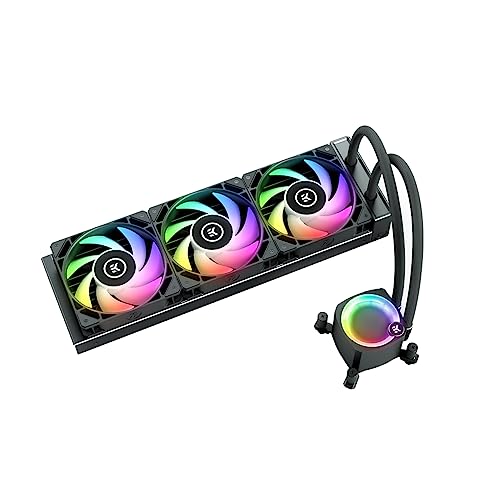
EK Nucleus AIO CR360 Lux D-RGB
Cooler Master MasterLiquid 360 Atmos
Valkyrie SYN360 ARGB
Enermax LiqMaxFlo
CORSAIR iCUE Link Titan 360 RX RGB
Looks
Award
Best Overall Cooler For Core Ultra 9 285K
Best 360mm Cooler For Core Ultra 9 285K
Best Performance Cooler For Core Ultra 9 285K
Best Budget Cooler For Core Ultra 9 285K
Best White Cooler For Core Ultra 9 285K
What We Liked
Performance, Design, Easy installation, No external software required
Performance, Acoustics, Customizability, Fan quality, Easy installation, Eco-friendliness, Price
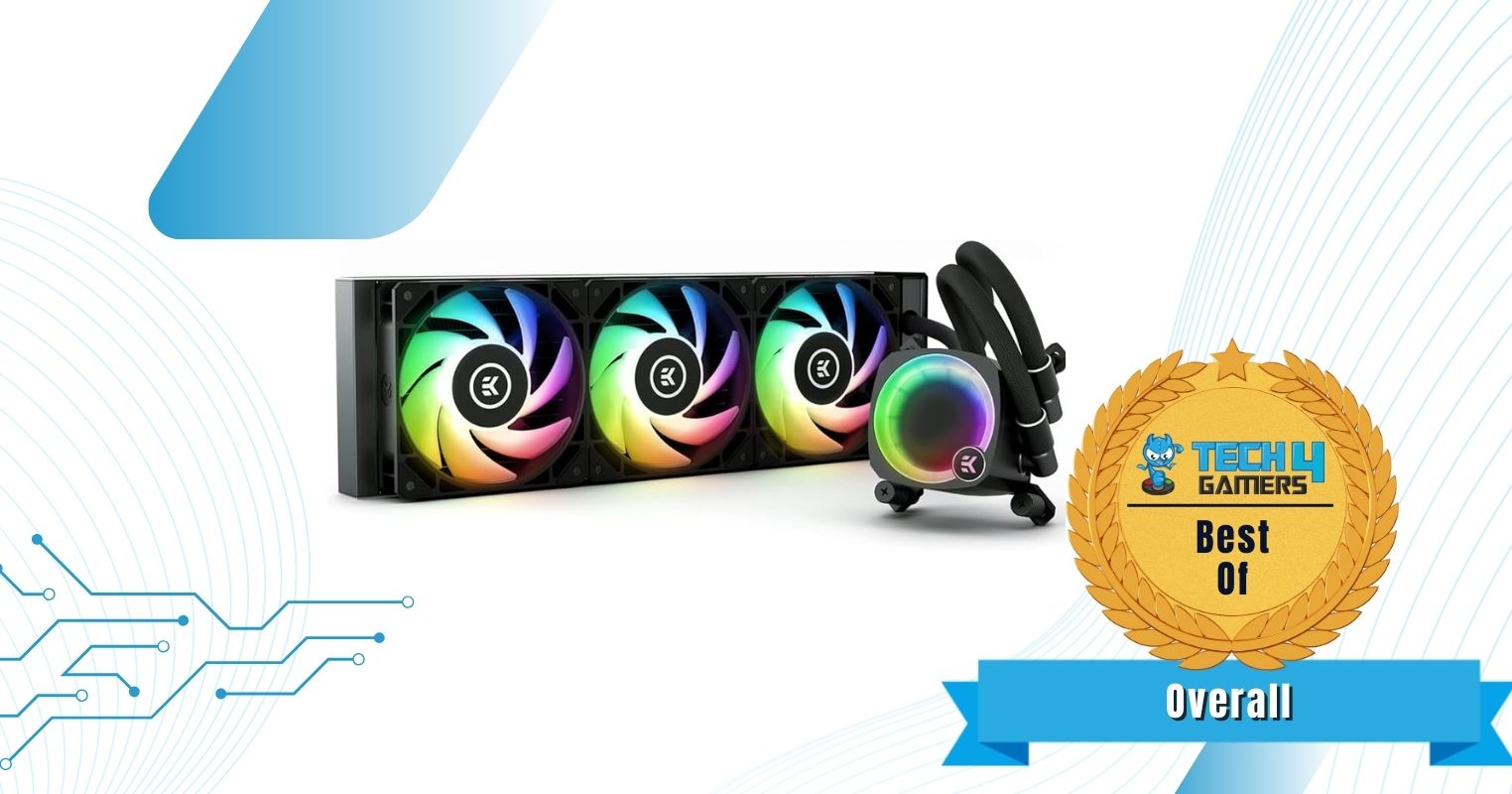
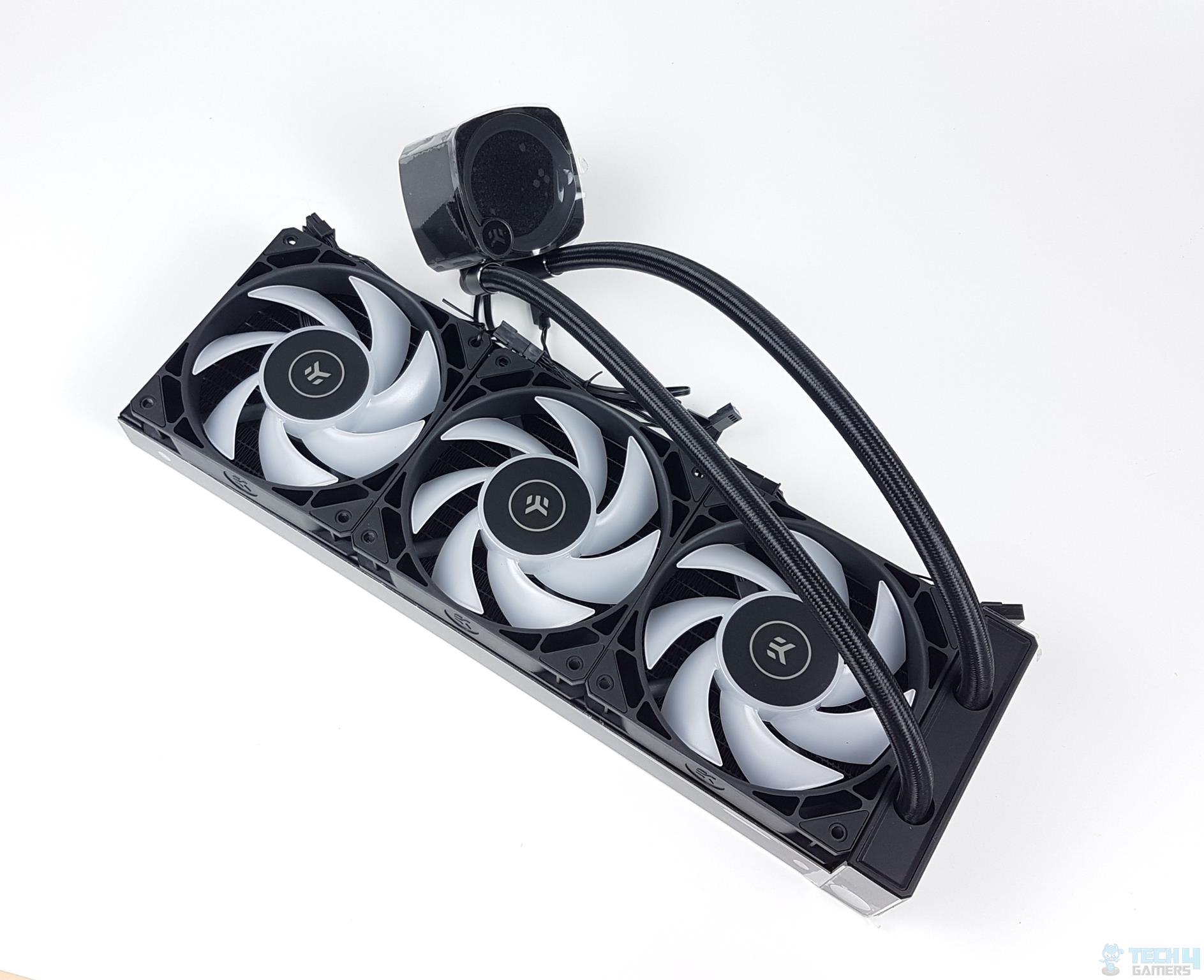
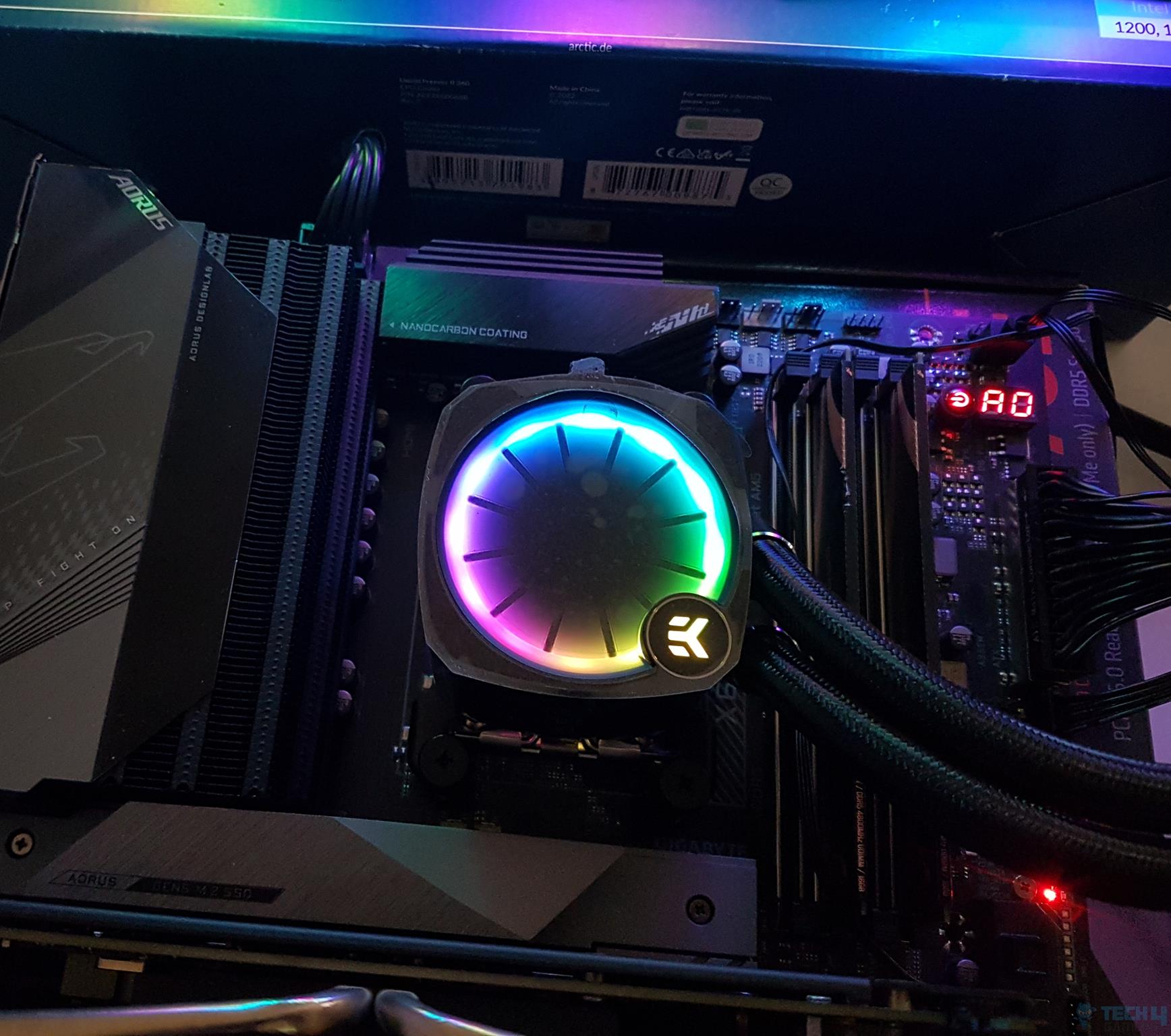
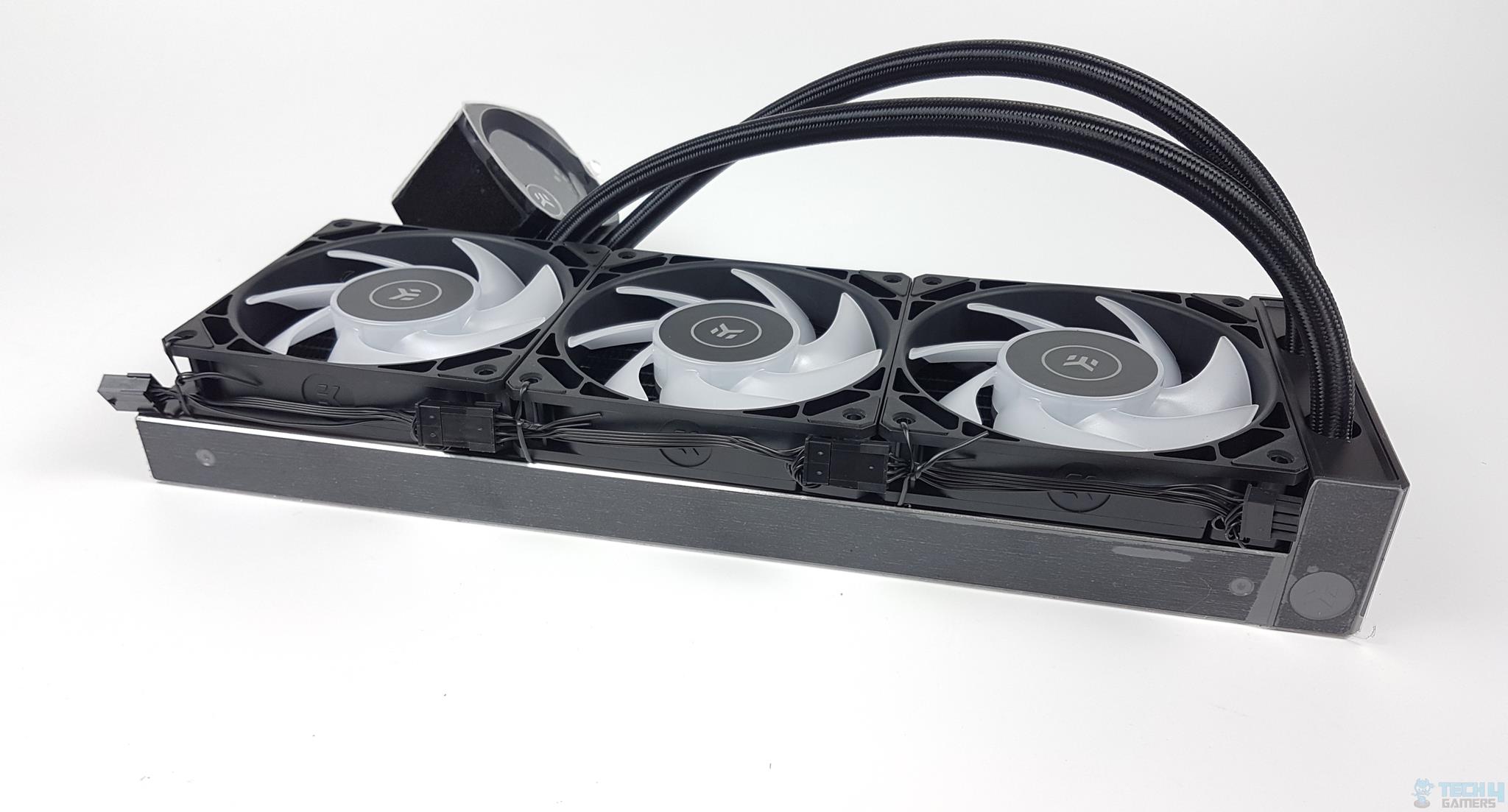
The CR360 EK-Nucleus Lux D-RGB is an excellent all-rounder, and that’s exactly why it made it into this list. It follows the industry standard of 20 FPI with a 27mm thick radiator, so the cold plate design and fans are the key highlights of its performance. The cold plate features highly dense microfins for optimal heat dissipation, and Full Pressure Technology fans provide better static pressure. Our testing kept the CPU well under 85°C under full all-core loads, but the noise level was quite high (~51dBA).
The cooler looks great and features A-RGB on both the pump and the fans, both of which are nicely implemented. You have an adjustable top pump cover to allow for the correct orientation of the EK logo, a minor yet important feature. Its brushed aluminium side frame and diamond-cut edges also add to its elegant aesthetic, making it one of our favourites in the looks department.
After taking the cooler for a spin, here’s what our reviewer Awais Khan had to say about it:
It packs a solid performance punch that the competition has to manage. The digital RGB lighting is quite brilliant. We have everything to love about this cooler, albeit a bit high price tag.
✅Buy It If
You prioritize looks: The cooler shows a pleasing design featuring RGB, sleeved tubing, and a nice pump design.
Convenience is important: The cooler is easy to install and requires no extra software for RGB/fan control. Moreover, it comes with a tube of thermal paste (on top of the pre-applied thermal paste on the block).
❌Don't Buy It If
You want quieter operation: For those who are noise-sensitive, the cooler’s noise output (which lies on the higher side) won’t be ideal.
What Makes It The Best Overall CPU Cooler for Core Ultra 9 285K?
The EK Nucleus AIO CR360 Lux D-RGB is an incredible unit, one of the top performers among our 360mm AIO lineup. It looks great and has a durable build quality, and it is backed by a 5-year warranty. We get a tube of thermal paste inside the package, along with pre-installed paste on the base, for later installations. When we initially reviewed the cooler, we found it a tad expensive (exceeding just over the $200 mark), but that problem has been solved since; the cooler is now available for around $160.
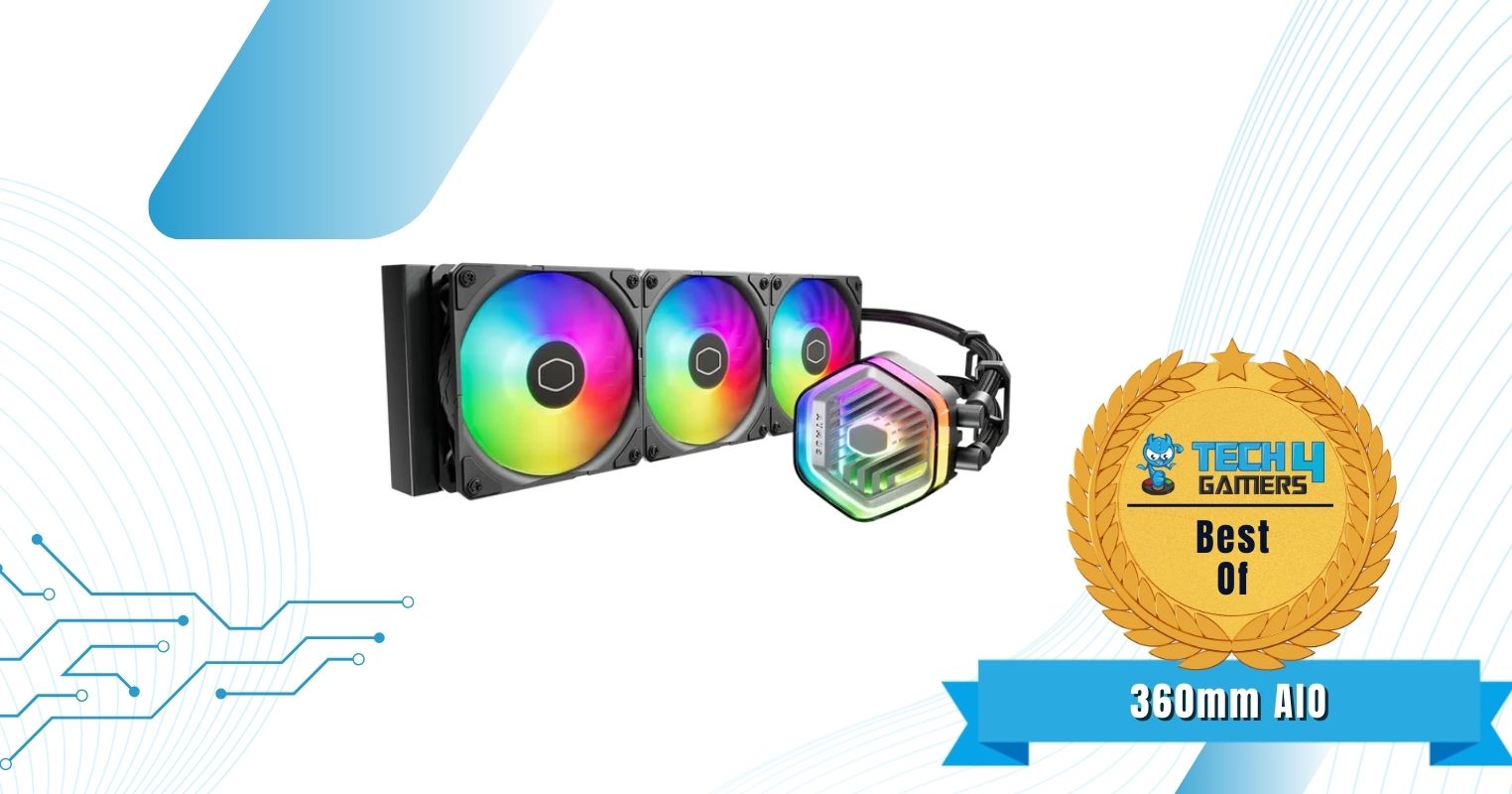
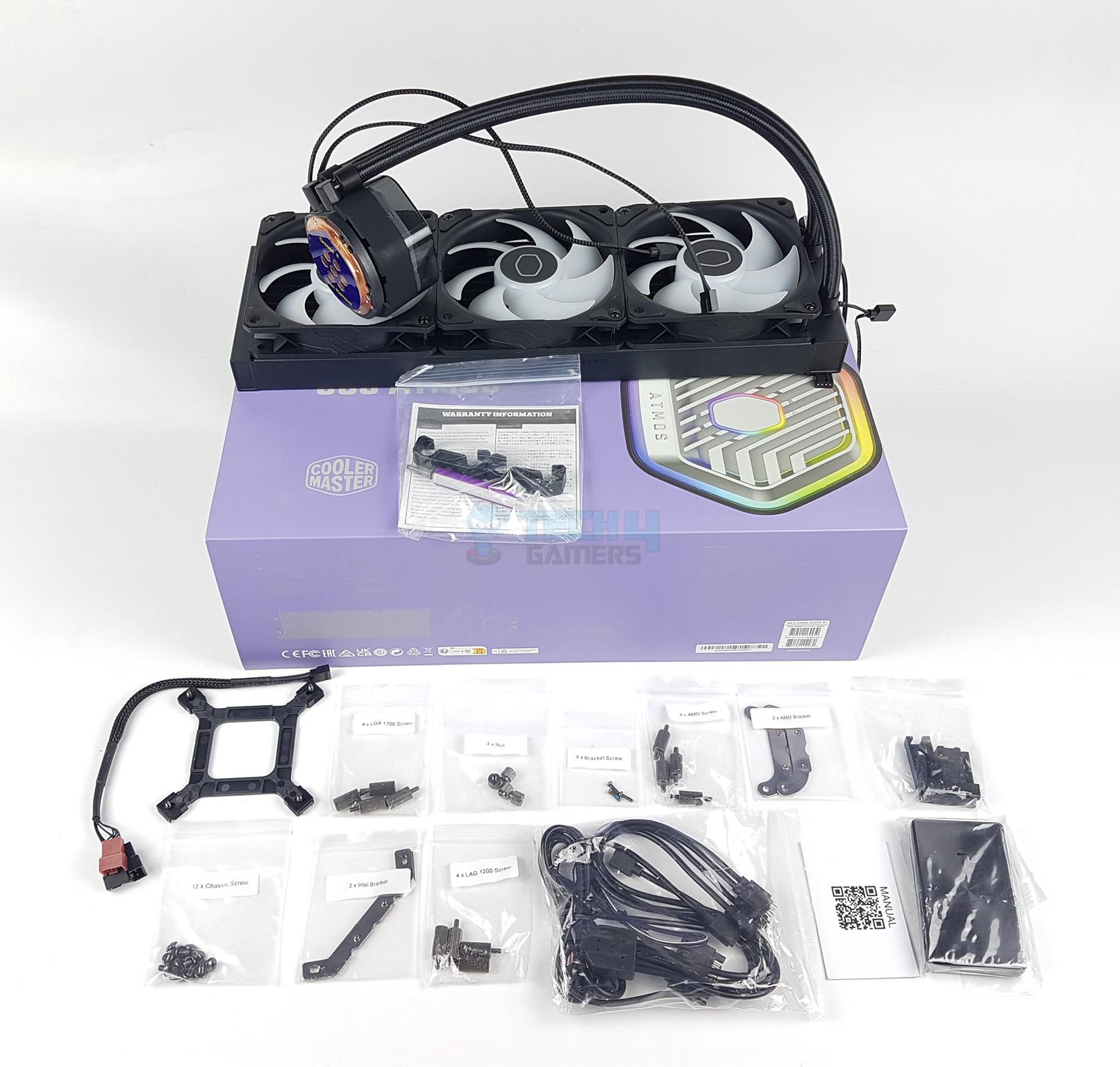
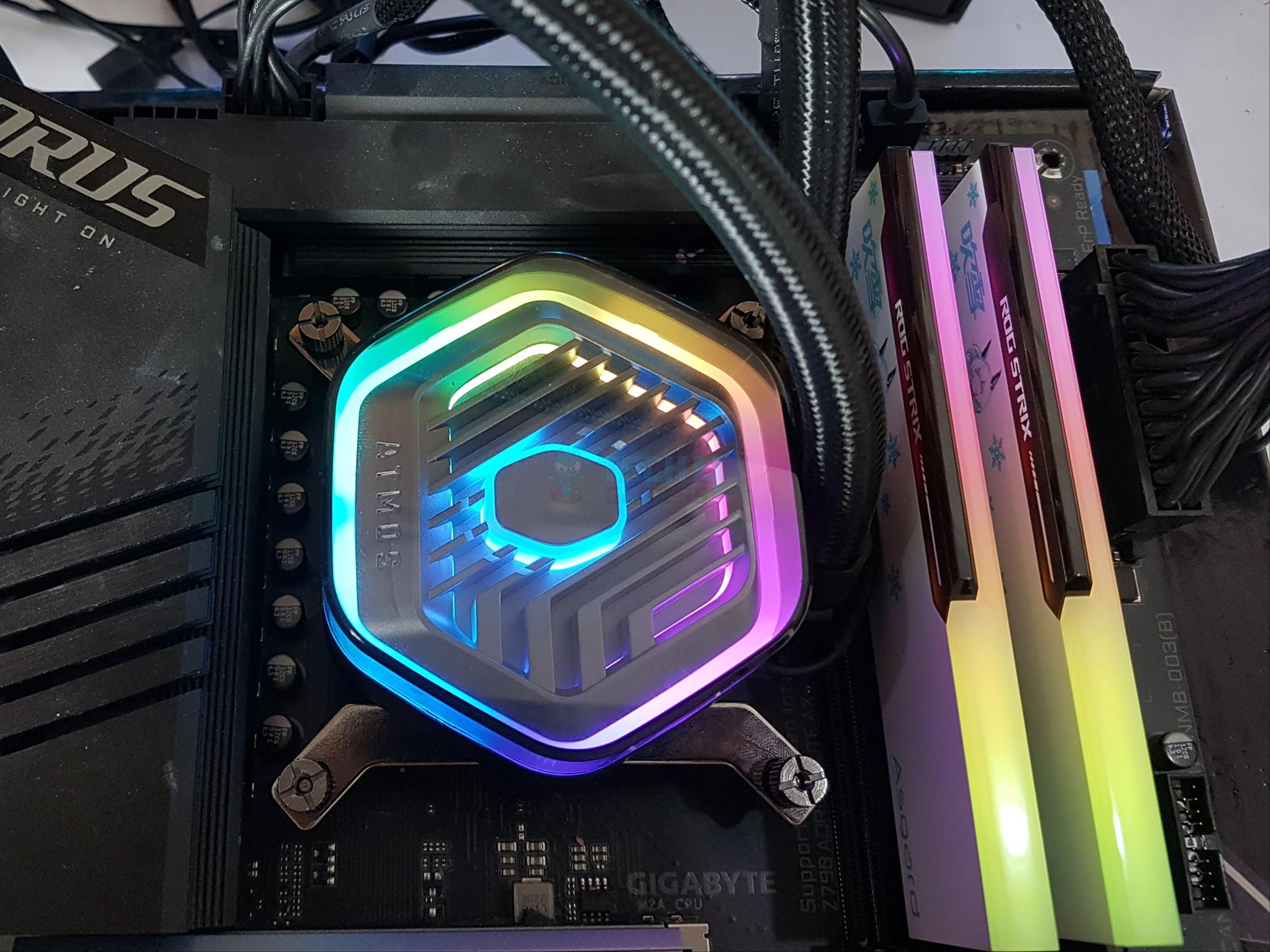
The MasterLiquid 360 ATMOS is one of the best liquid coolers we’ve tested, and coupling that with a $144 MSRP, it’s our pick in the 360mm AIO category. It improves on Cooler Master’s dual-chamber design by optimizing water pressure and water flow to the CPU. The radiator shows a standard thickness and fin density (20), and the 3x Sickleflow Edge fans, capable of up to 3.61 mmH2O, enable ideal heat dissipation. Stress testing the Core Ultra 9 285K with this cooler, we recorded a maximum temperature of 85°C, and the noise output was around 41.2 dBA.
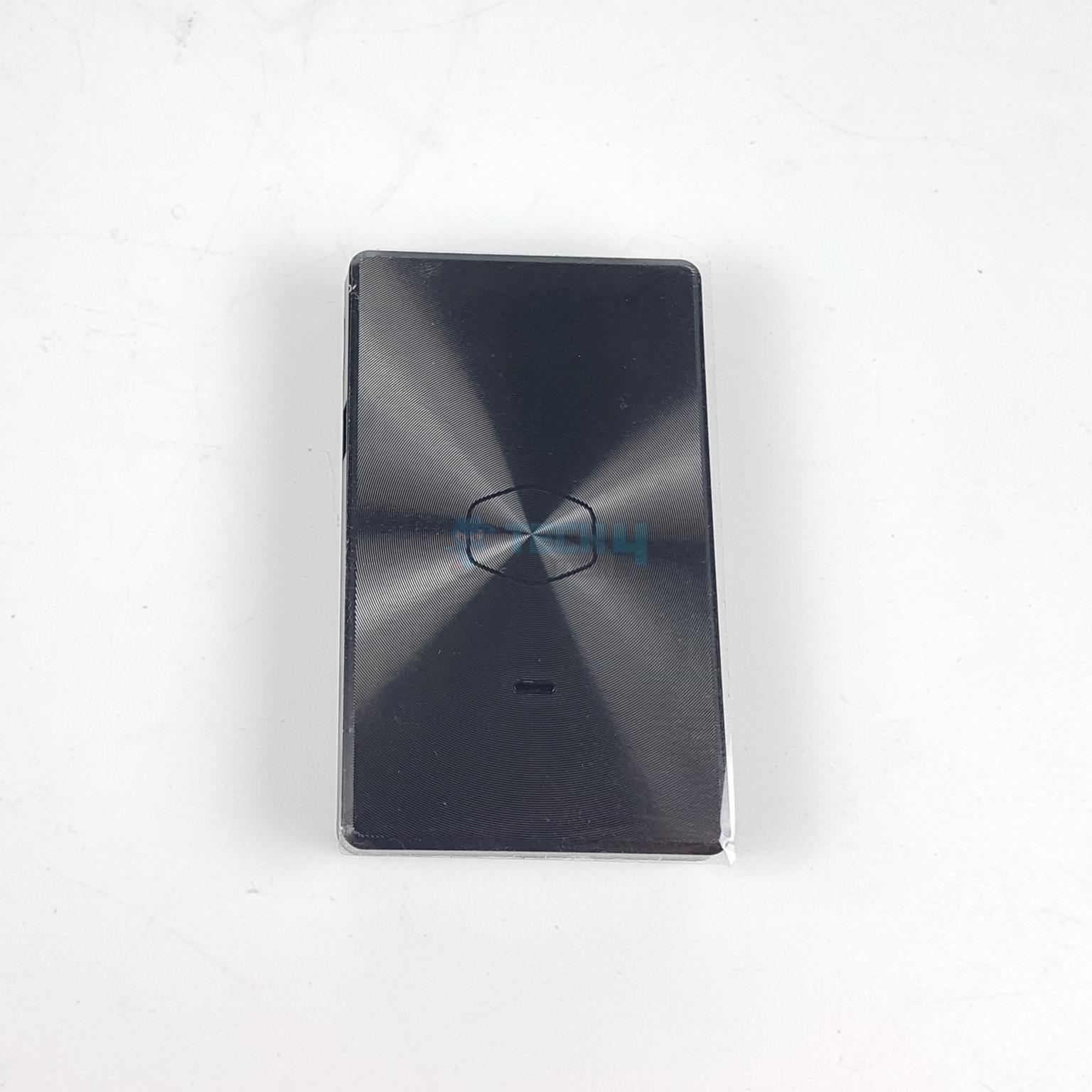
Like the EK Nucleus, the fans on this cooler stand out even without A-RGB illumination. But, if you want RGB, Cooler Master allows adjustment either through your motherboard manufacturer’s software or through their dedicated software (for better control). The software even provides extra features like leakage warning. Overall, the cooler looks beautiful, and the pump top cover can be replaced by a custom 3D-printed one for customizability. We also appreciate the eco-friendliness; the default cover is made of recycled materials, and 35% of the cooler’s metal construction is recyclable.
Read our expert reviewer Hayyan Serwer‘s praise for the cooler:
The Cooler Master MasterLiquid 360 ATMOS is a high-performance AIO liquid cooler with excellent thermal performance and low noise levels. It is compatible with Intel LGA1700 and AMD AM4/AM5 sockets and comes with three SickleFlow Edge 120mm A-RGB fans. The cooler also features a unique pump cover that allows users to design and 3D print their own custom designs. Overall, the Cooler Master MasterLiquid 360 ATMOS is a great option for users who are looking for a top-performing AIO cooler with a unique design.
✅Buy It If
You are noise-sensitive: The cooler has a low noise output (maxing out at 41.2 dBA) even while cooling beasts like the Core Ultra 9 285K.
Customizability is important: The ATMOS MasterLiquid 360 allows you to replace the pump top cover with a 3D-printed design of your own or one from Cooler Master’s catalogue.
You appreciate the eco-friendliness: With the cooler’s pump cover constructed from recycled plastic materials, 35% of the cooler being built from recyclable material, and a 30% reduction in packaging size, the focus on environmental-friendliness is thoughtful.
You prefer easy-to-use software: The cooler can be controlled through Cooler Master’s MasterCTRL software, which has a very easy-to-use interface and features like coolant leak warning and designing your own lighting effects.
❌Don't Buy It If
You want better cable management: The fan PWM cables do not support daisy-chaining, and cable management can be a little bit difficult.
What Makes It The Best 360mm AIO for Core Ultra 9 285K?
Well, because it’s the joint top performer in our 360mm AIO charts and runs quietly while being priced at $144. If that’s not enough, you get a beautiful design with A-RGB and a replaceable top pump cover. The cooler is easy to put together (especially since the fans come pre-installed), and controlling it is straightforward through Cooler Master’s software. Cooler Master has also focused on eco-friendliness, with the pump cover being made from recycled material and 35% of the cooler’s metal material being recyclable.
Performance: 9.5/10
Value: 8.5/10
Features: 9.5/10
Design: 9/10
Valkyrie SYN360 A-RGB
Best Performance cooler for Core Ultra 9 285K
Valkyrie SN360 A-RGB Pictures From Our Review
1 of 4
Valkyrie SN360 A-RGB
RGB lighting on the sides of the fans. (Image By Tech4Gamers)
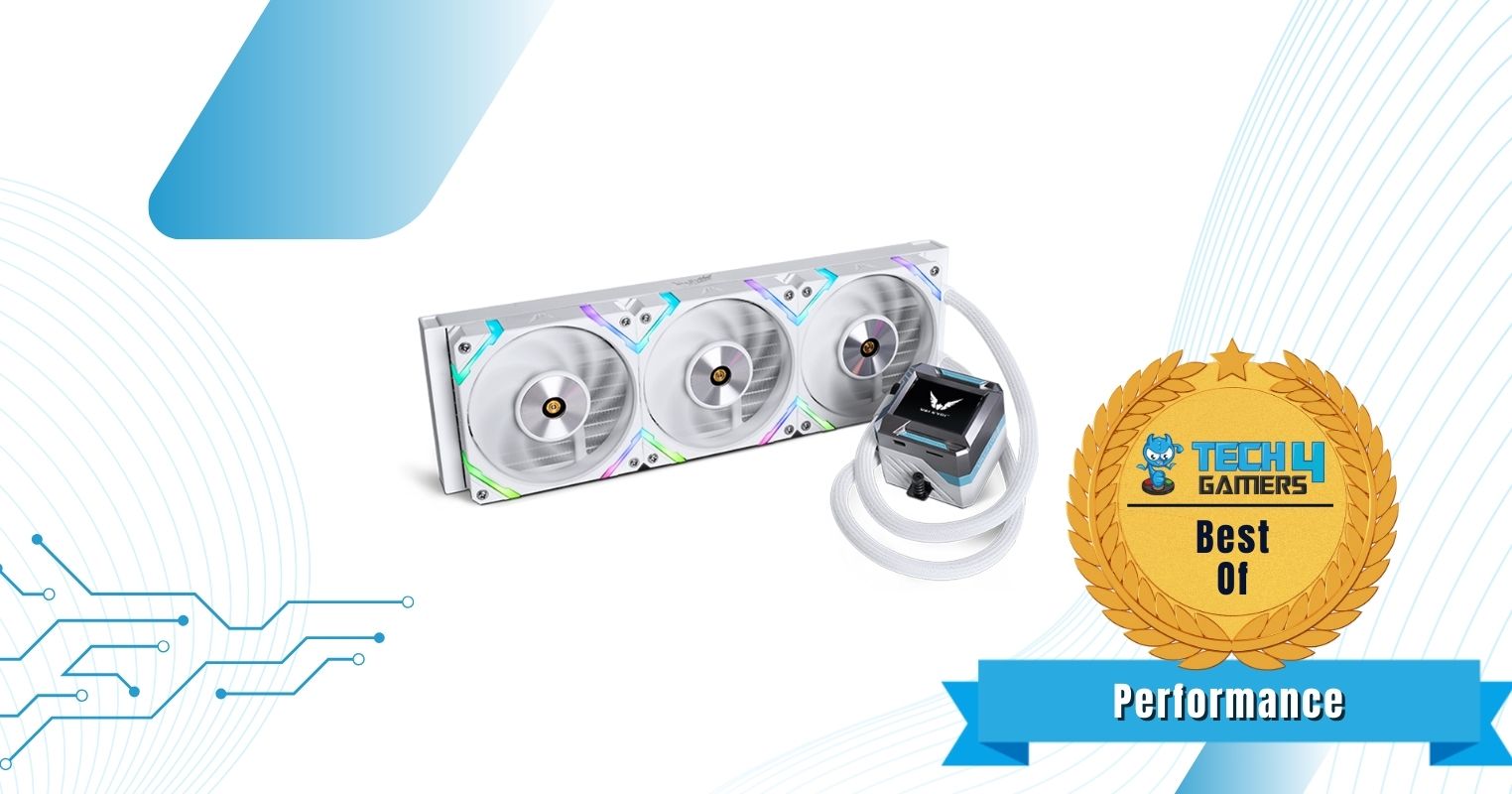
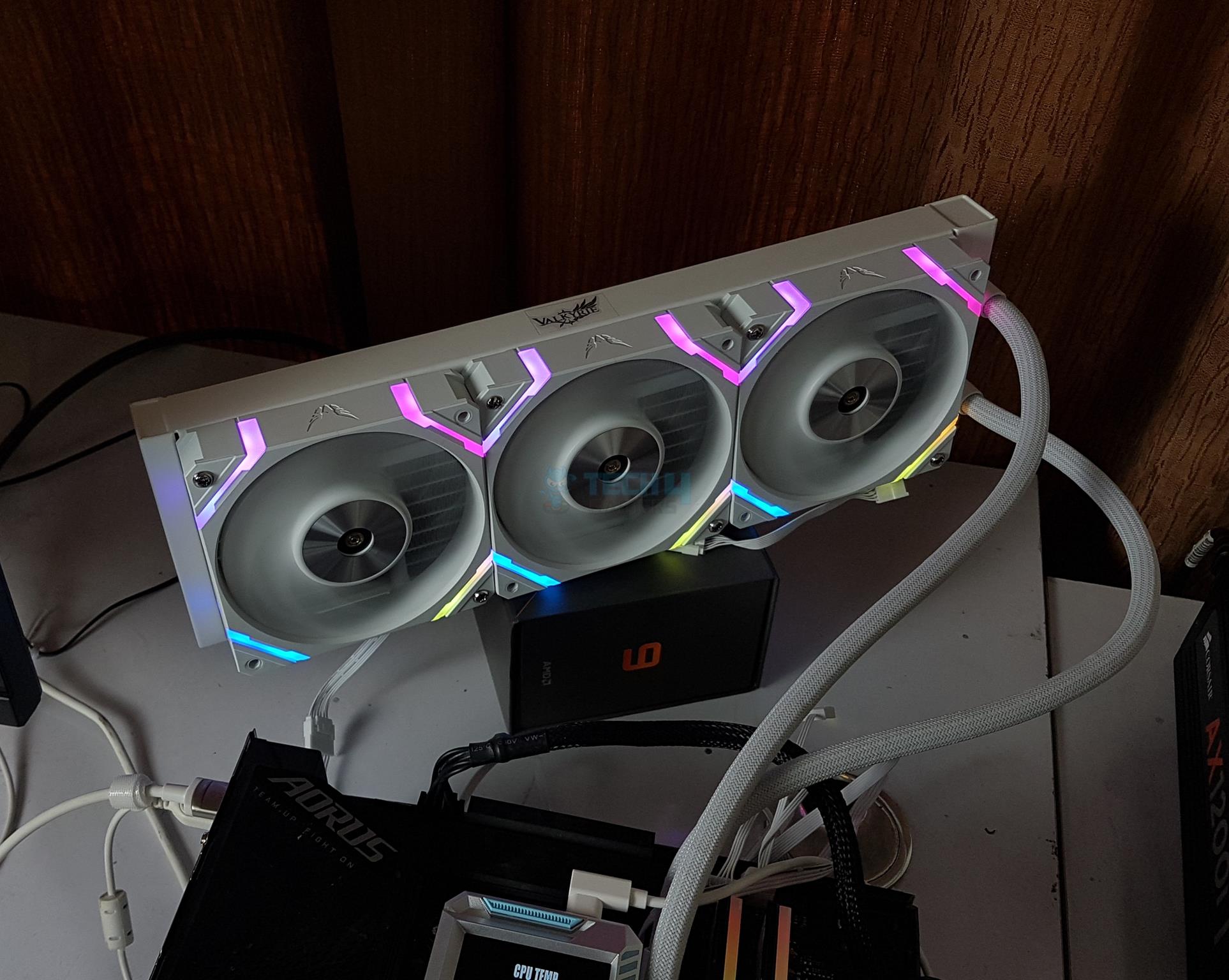
The SYN360 A-RGB is a workhorse from Valkyrie featuring a crisp design and high performance. It has a high-RPM pump for driving the coolant and uses bulky X12 fans with a static pressure of up to 3.14 mmH2O. In our dedicated performance testing, the cooler came out on top among other 360mm AIOs, with the CPU maxing out at 84°C. At 100% CPU load, the maximum noise output from the cooler was 47.3 dBA.
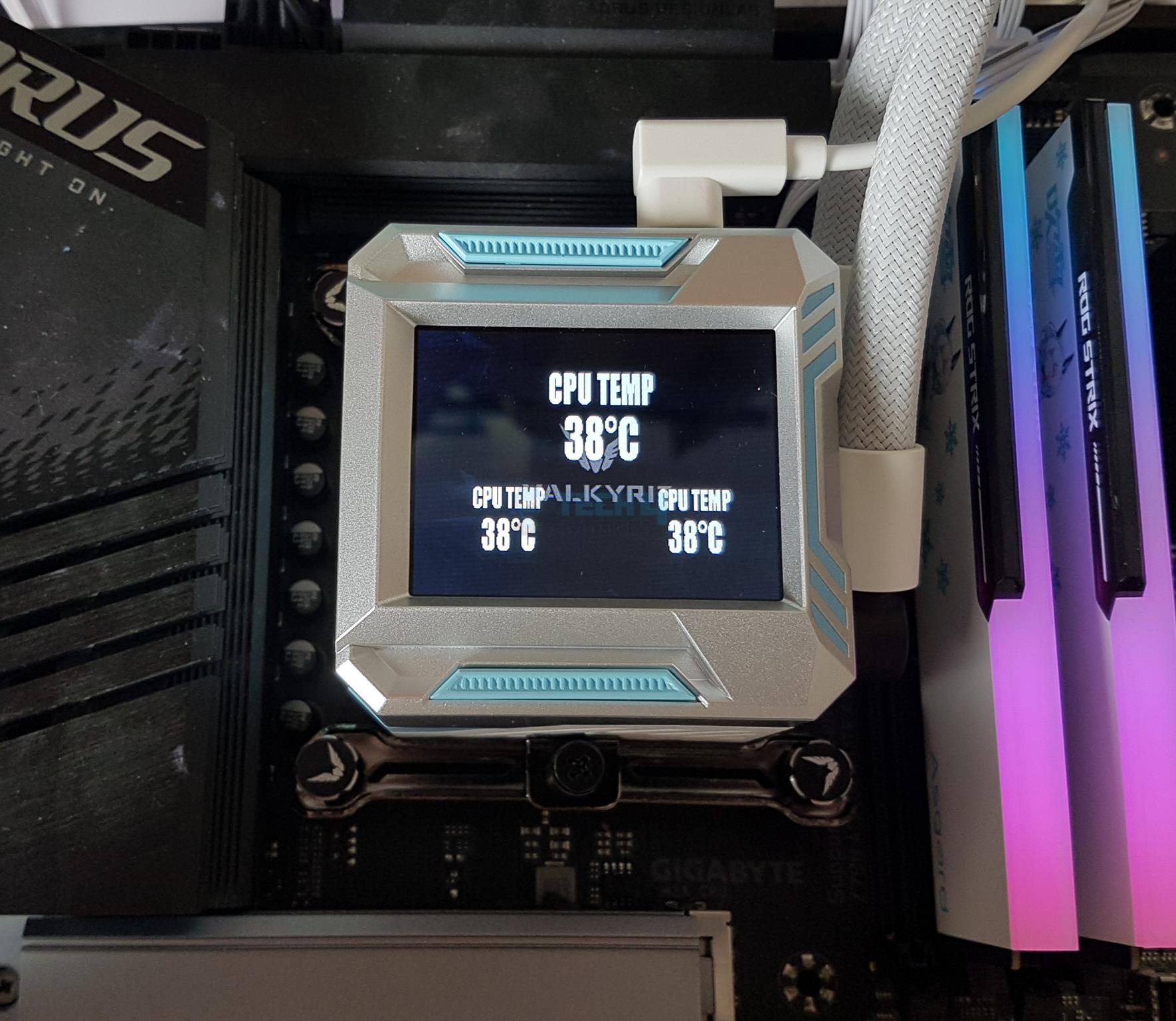
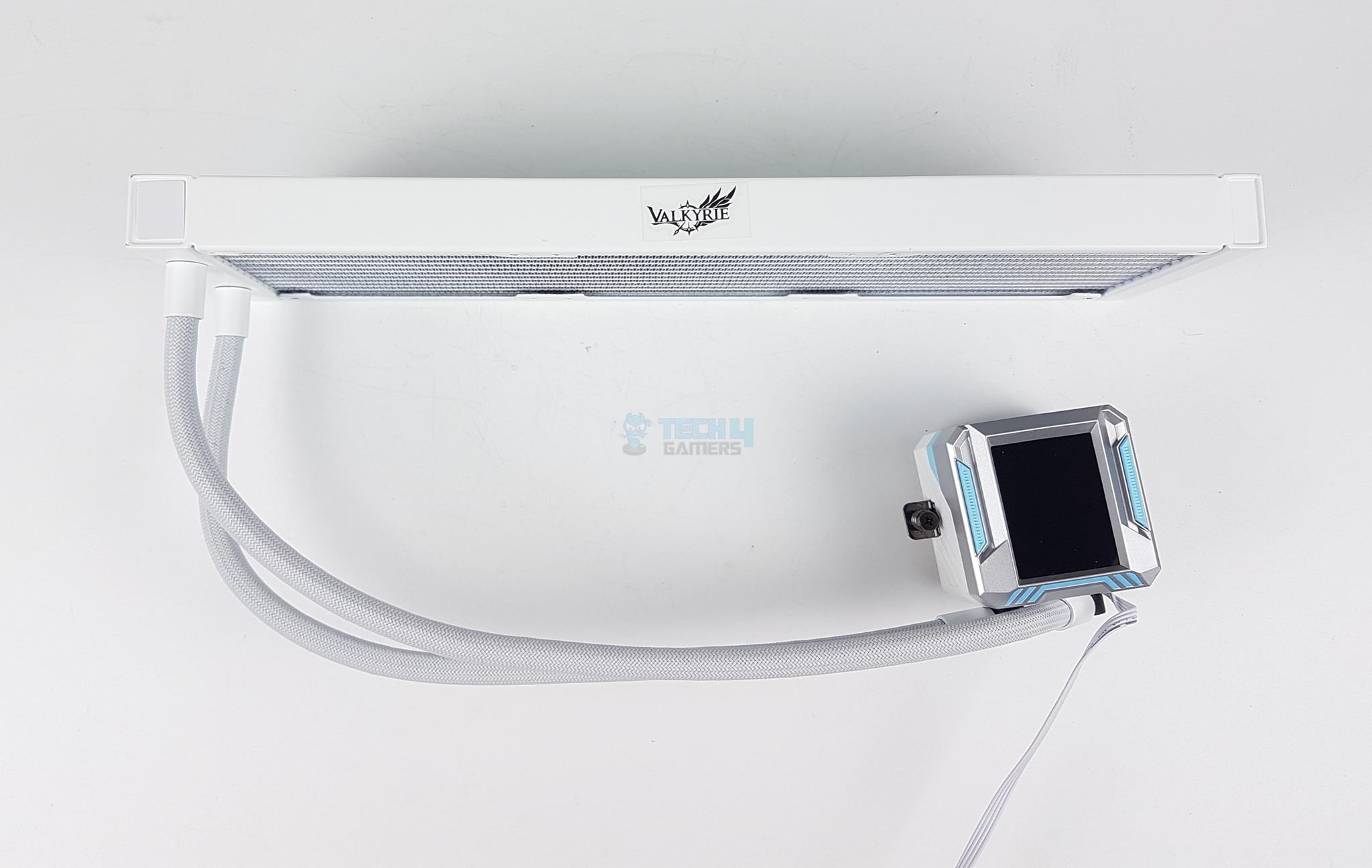
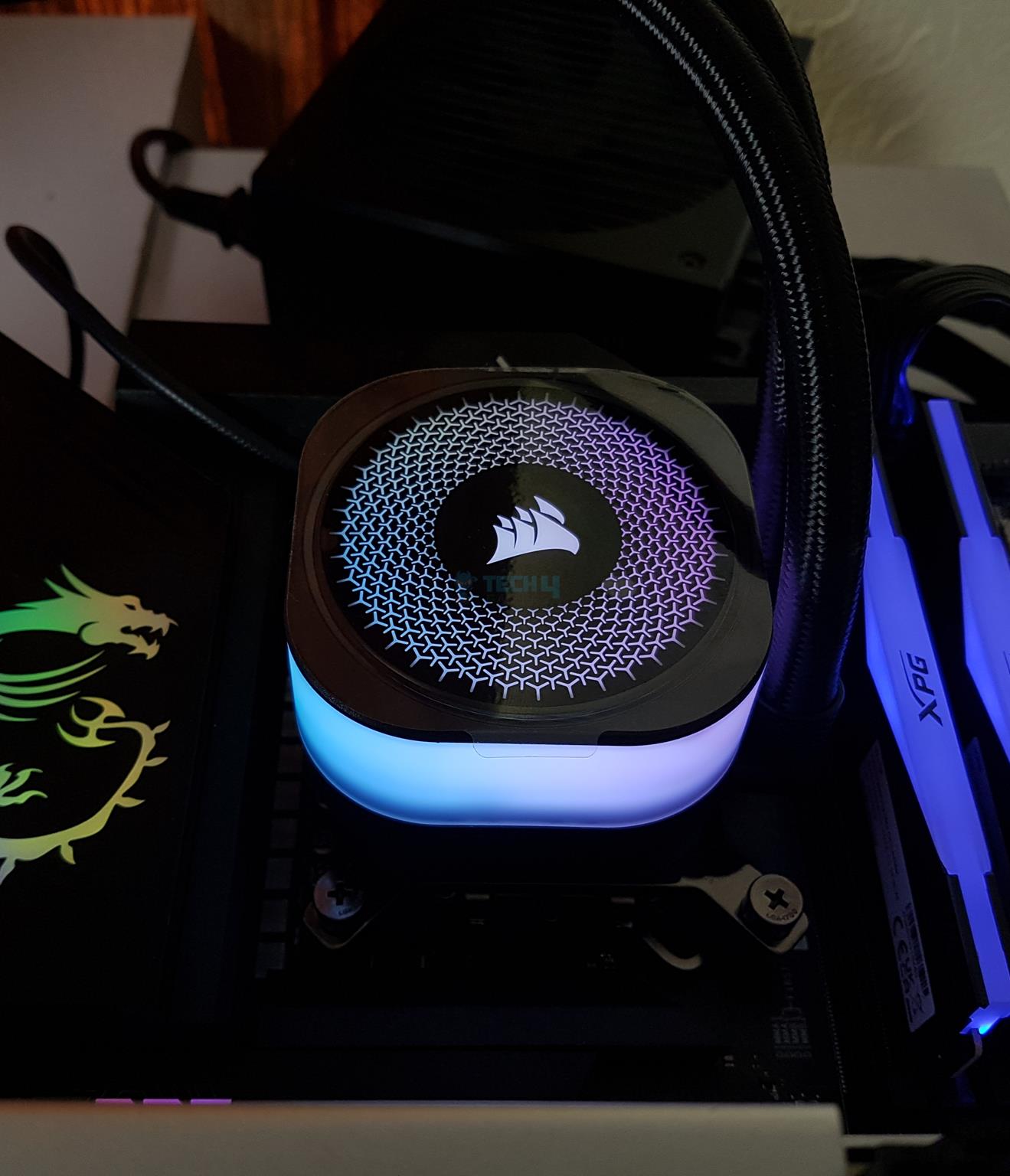
In terms of design, the cooler takes a different approach. You get a square-shaped block with a 2.4-inch LCD screen on which you can monitor various readings (including CPU temp) or display animations/images. Moreover, the fans integrate subtle A-RGB lighting on the frames instead of the blades or central ring. The fans look great when lit up, but the design language of the block may not suit every user. We also get FEP braided sleeve tubing.
With the exception of its software, Hayyan Serwer was very satisfied with what the cooler has to offer:
The Valkyrie SYN360 ARGB White is a high-end liquid CPU cooler with a 2.4″ LCD screen, excellent cooling performance, and broad socket compatibility. It comes with pre-applied thermal paste, three white ARGB fans, and a control hub.
✅Buy It If
You want an LCD display: The SYN360 features a 2.4-inch display on the water block, which you can use to monitor temperatures, display GIFs, and more.
You prefer a different design approach: The cooler has a square-shaped water block (whose upper portion is aluminium) and RGB on the fan frame rather than the blades.
❌Don't Buy It If
Budget is limited: The fan costs a premium of $199, making it one of the most expensive CPU coolers on our list.
You need easier-to-use software: Controlling the LCD screen and fan RGB requires the use of Valkyrie’s dedicated software, which is not the easiest to navigate through.
What Makes It The Best Performance CPU Cooler for Core Ultra 9 285K?
The Valkyrie SYN 360 is the best 360mm liquid cooler you can get for the Core Ultra 9 285K, as it’s the top performer amongst competing 360mm AIOs. You get a water block design that some may consider dated, but it’s backed up by an LCD, which can be used for monitoring or displaying animations/pictures if that’s more of your thing. High performance comes at a high cost, though, and you’ll be paying $199 to get the best cooling performance we recommend for the Core Ultra 9 285K.
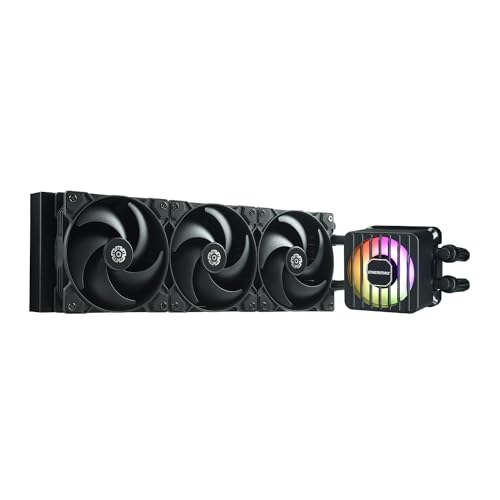
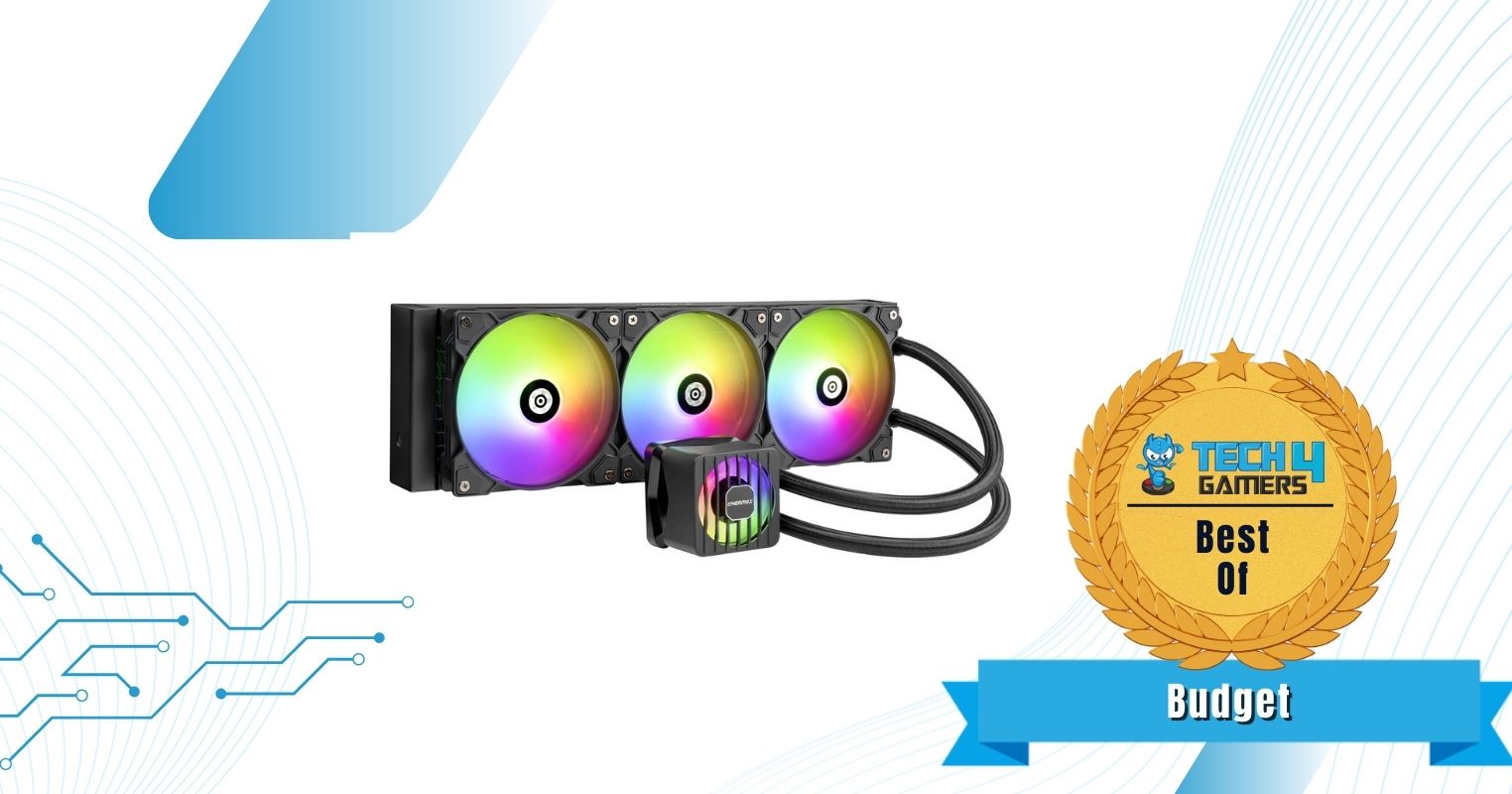
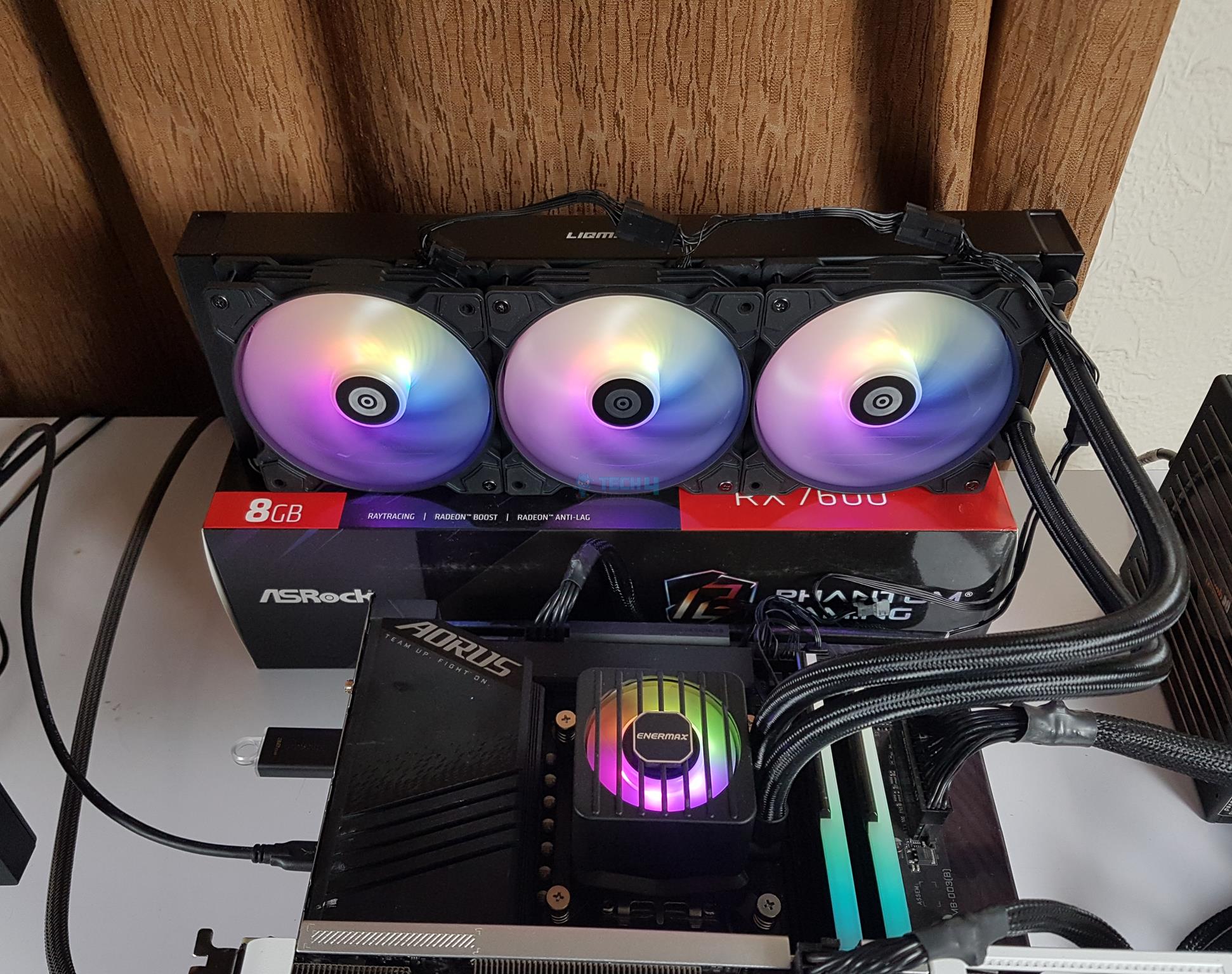
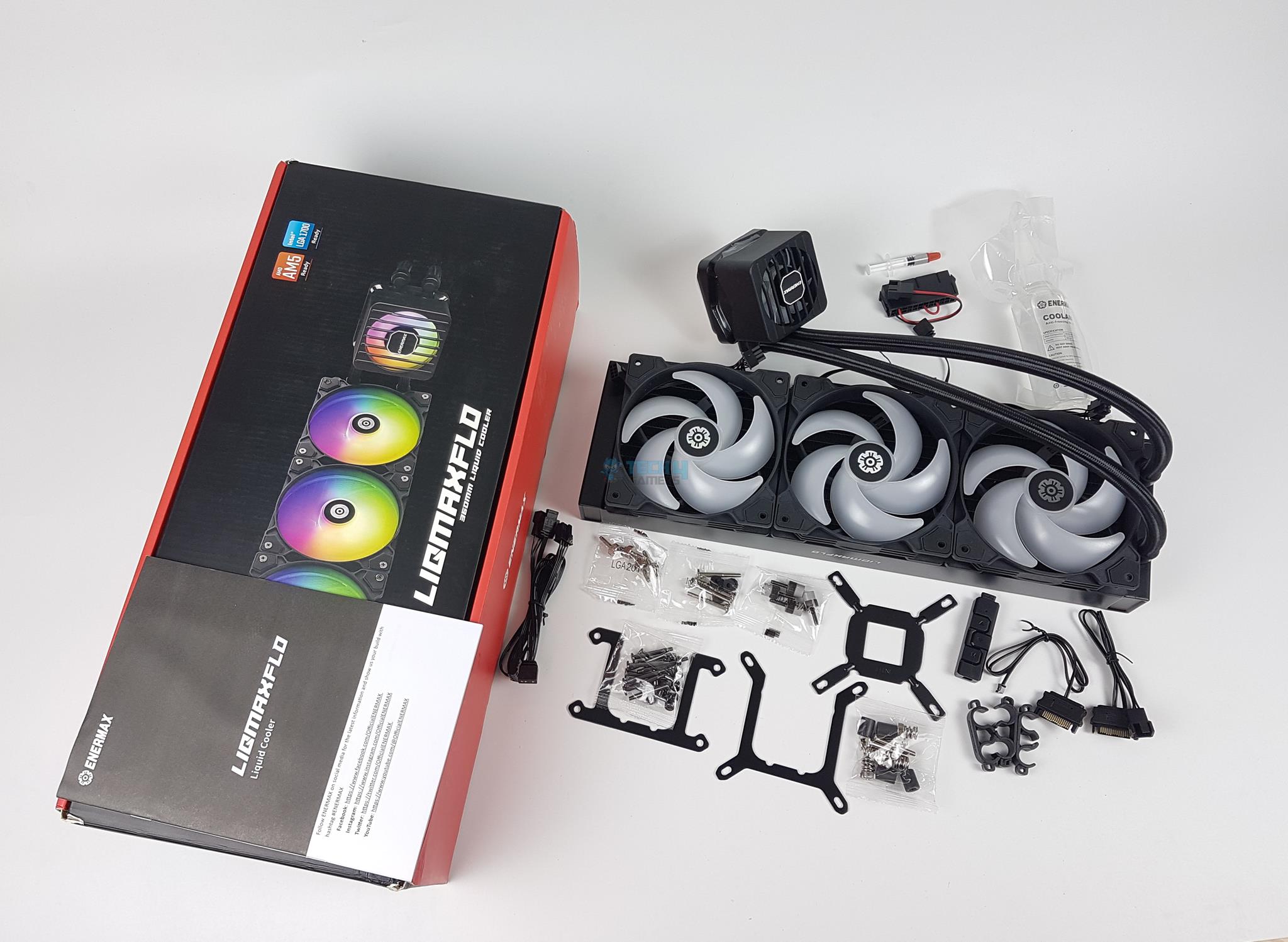
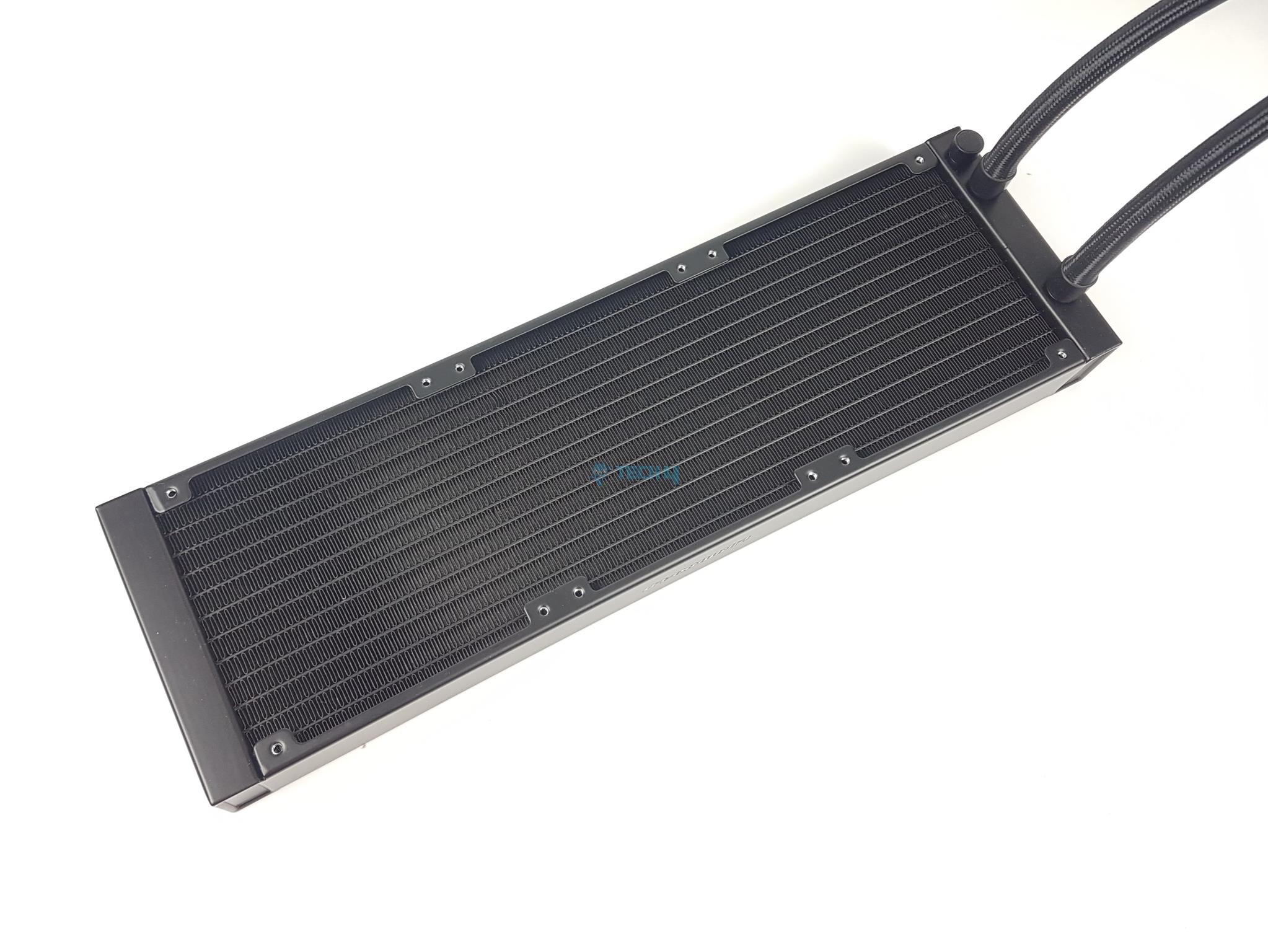
The Enermax Liqmaxflo 360 is a budget beast, offering high performance and good aesthetics. It features their latest “Extreme” dual-chamber pump design with a 3-phase, 6-pole motor and an enlarged cooling inlet. The cooler also features a 38mm-thick radiator and 3mm thick fan blades (as part of the Silent Flow fans). In our stress-testing benchmarks, the Core Ultra 9 285K maxed out at 87C when paired with this cooler, while the maximum noise level was 46 dBA despite the VRM fan!
The cooler looks great; all the fans used are RGB, including the VRM fan inside the water block. Both look good, and we didn’t notice any issues while keeping the lights static or in cycling mode. The VRM fan, of course, serves to lower the VRM temperatures (and potentially even the RAM), which could help in overclocking. You get a tube of Dow Corning TC-5888 (on top of it being pre-applied and the installation process is as easy as they come. Also worth mentioning is the refillable design and extra coolant included in the package!
Impressed with the Liqmaxflo 360’s excellent value, here’s what our senior hardware reviewer Nauman Siddique said:
The ENERMAX LIQMAXFLOW 360mm is a powerful AIO CPU cooler perfect for high-end CPUs. It features a thick radiator, dual-chamber pump, and a unique VRM fan to keep your CPU cool and quiet, even under heavy load. It’s also compatible with a wide range of sockets, has a refill port, and is rated for 400W TDP, making it an excellent value for the price.
✅Buy It If
You want the best lifespan for your cooler: Not only does the cooler have a 5-year warranty, you also get an accessible refill port and 100mL of coolant in the package. In the case that you ever run out of coolant (which takes years), you can get the cooler back up and running. You want the bonus VRM cooling: With a 60mm VRM fan inside the pump housing, the cooler can potentially improve your CPU VRM temperatures.
You don’t want to tinker with RGB-control software: The included A-RGB controller helps you control the cooler’s RGB without using any software.
❌Don't Buy It If
You want control over the VRM fan: You can control the RGB, but you can’t control the fan speed on the 60mm VRM fan.
What Makes It The Best Budget CPU Cooler for Core Ultra 9 285K?
The Enermax Liqmaxflo offers all you might want (and more) for a modest $69 price tag. It offers excellent performance, excellent noise efficiency, and a pleasing design to light up your build (literally!). You also get a VRM fan inside the pump housing and a user-accessible coolant refilling design (and included 100mL coolant). The cooler comes with pre-applied paste (and a tube for later applications) and an A-RGB controller. I doubt I’ve seen any cooler offering more value ever!
Performance: 9/10
Value: 10/10
Features: 9.5/10
Design: 9/10
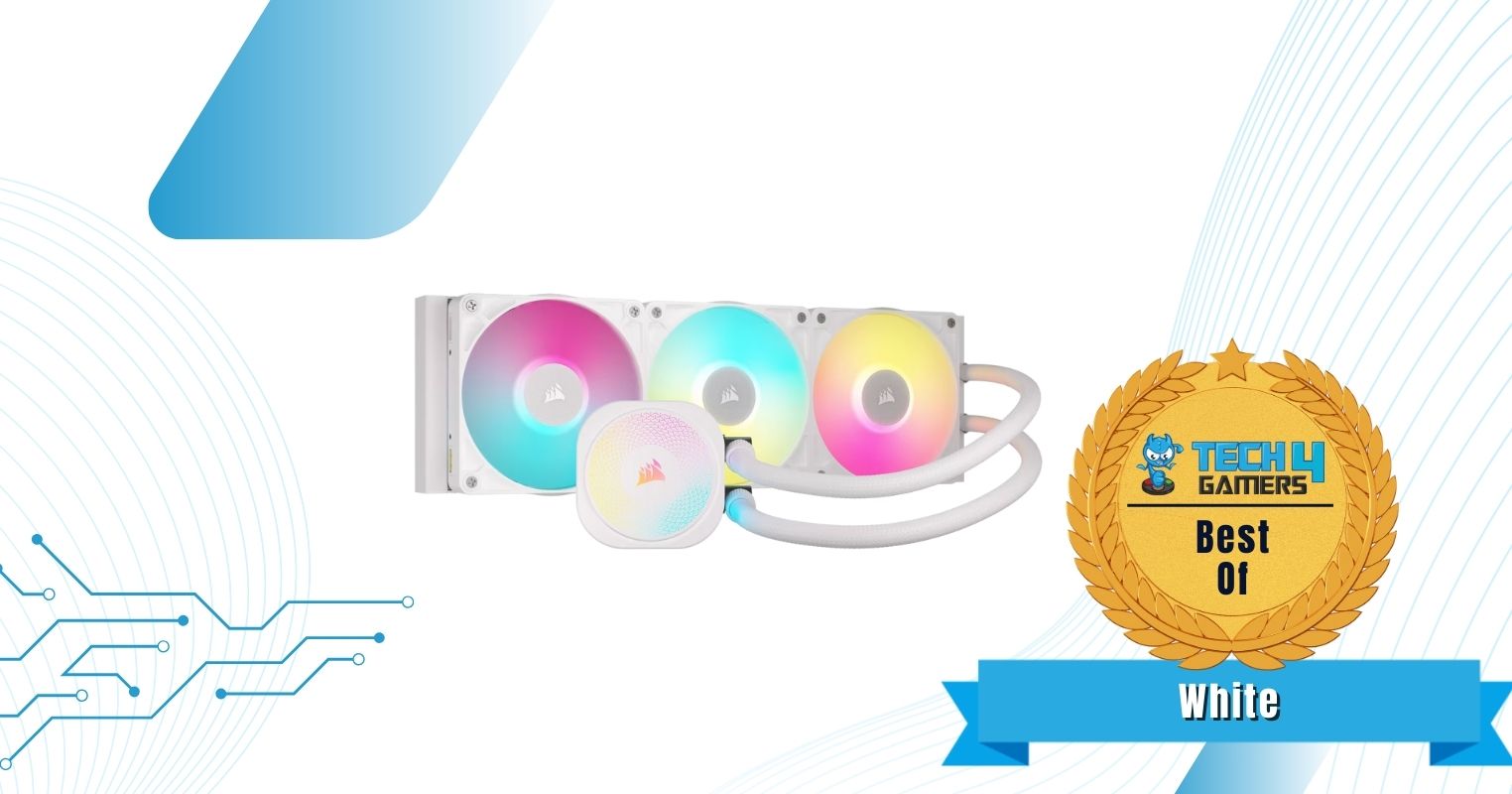
Corsair iCUE Link Titan 360 RX RGB
Best White CPU Cooler for Core Ultra 9 285K
Corsair iCue Link Titan 360 RX RGB Pictures From Our Review
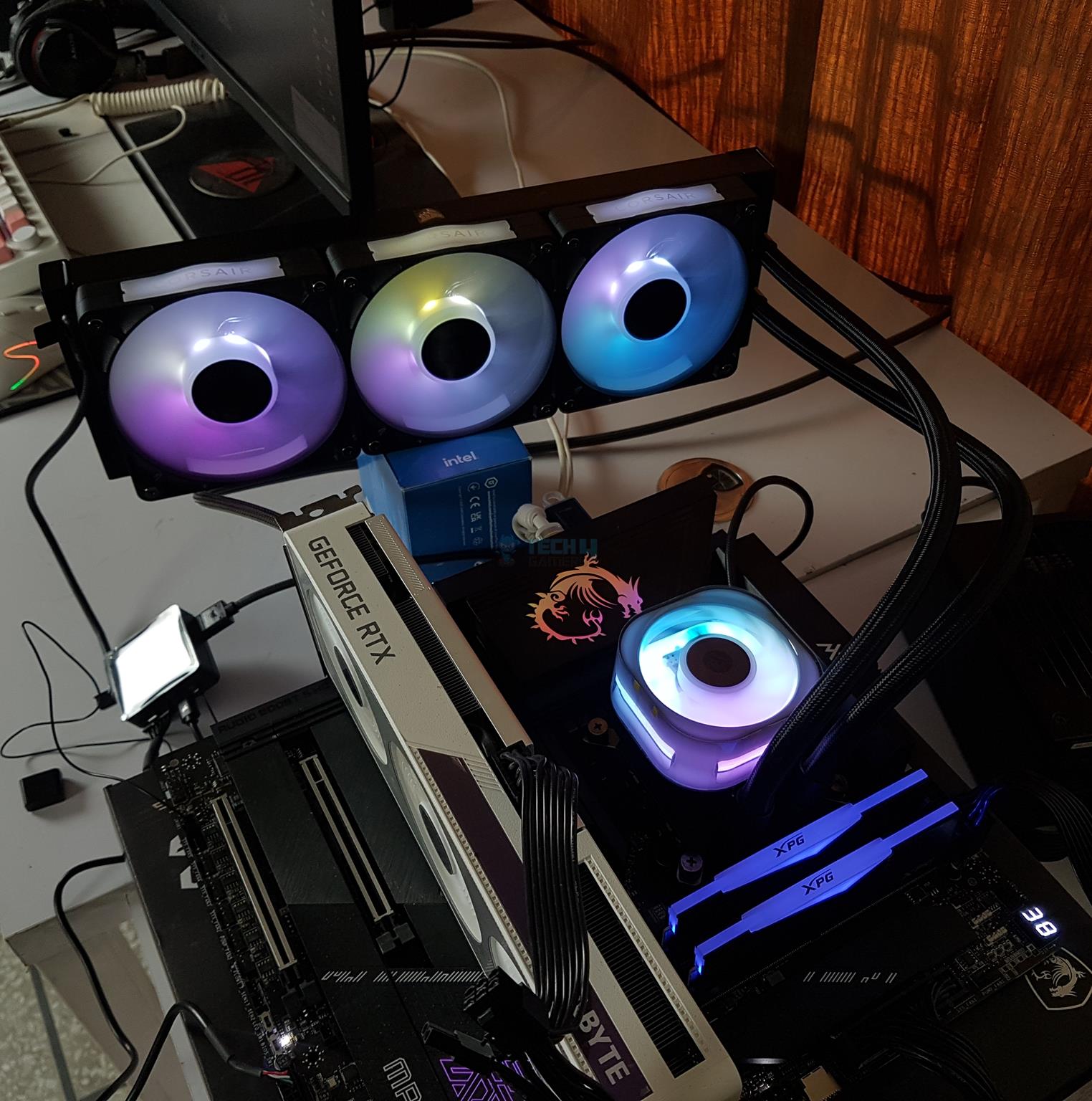
The iCue Link Titan 360 RX RGB is essentially Corsair’s improvement to the H150i RGB. It features what Corsair calls the “Flowdrive Cooling Engine,” which consists of a pump with a three-phase motor. You get the RX120 RGB fans that use a magnetic levitation motor for quiet but high-performance operation, and the cold plate comes with a pre-applied XMT-70 thermal compound. Talking performance numbers, the cooler kept the Core Ultra 9 285K under 86°C during a 30-minute Cinebench run while the noise output was a bearable 48 dBA at peak.
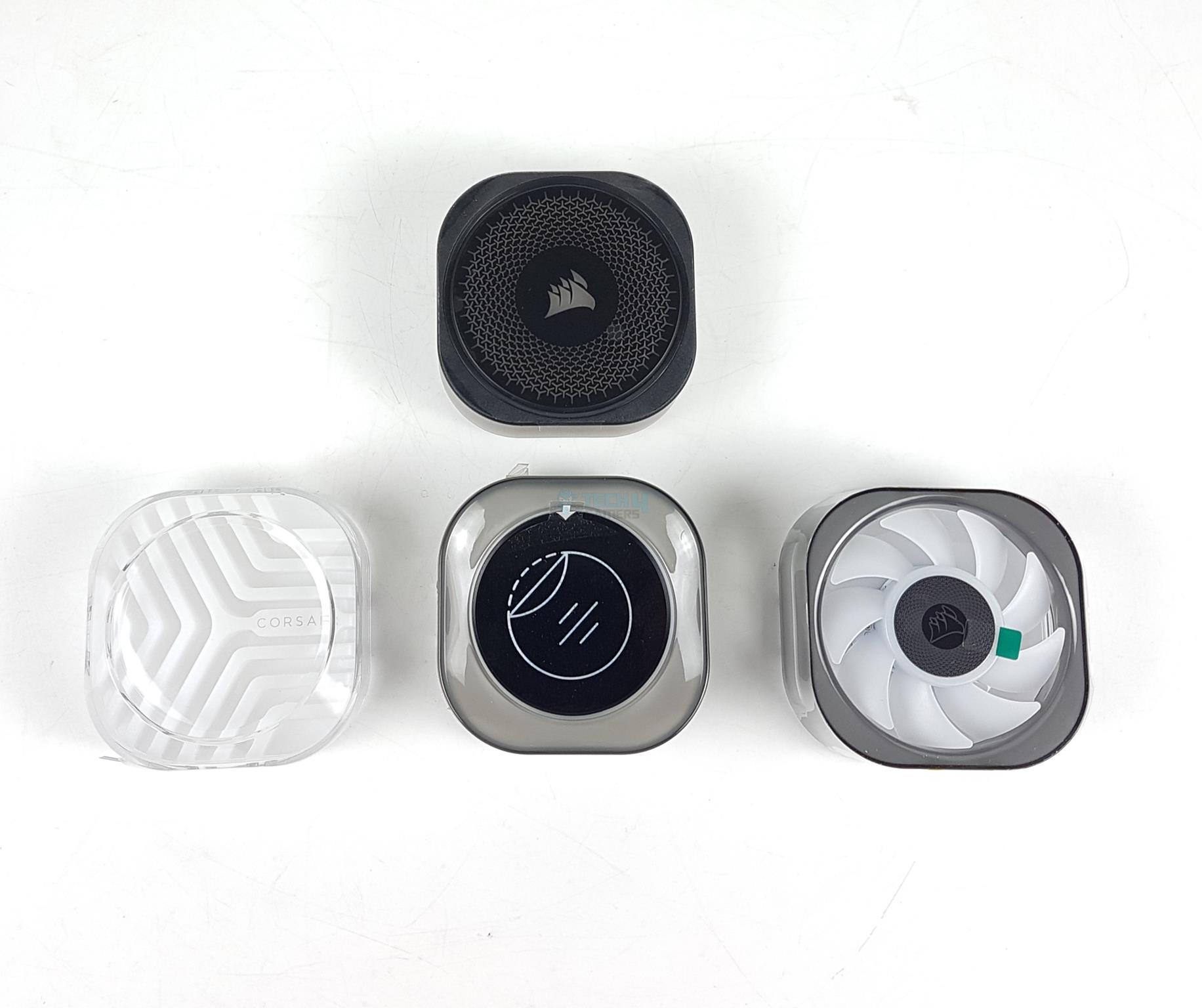
The cooler looks absolutely gorgeous while up and running, with 20 LEDs inside the pump and eight inside each fan assembly. Corsair adds a touch of customizability by allowing you to change the pump caps with a custom model, but we found that the default cap looks great. You can also remove the side plates from the fans if you think it’s too much (Corsair) branding for your taste. Corsair’s iCUE software controls all the RGB. Corsair also goes a step above and offers a 6-year warranty, compared to most companies offering a standard 5-year warranty.
The Corsair iCUE Link Titan 360 RX RGB is a flagship liquid cooler, available in 240mm and 360mm sizes. It offers excellent cooling performance with a 3-phase motor, a precision cold plate, and powerful RGB fans, making it a top contender for high-end PC builds. The cooler integrates digital connectivity through the iCUE software, reducing cable clutter but requiring multiple connections.
WARNING: The extra pump caps pictured above are not part of the package and must be purchased separately.
✅Buy It If
You want no compromise on aesthetics: This is one of the best-looking coolers you can get, with beautifully implemented and vibrant RGB lighting coupled with a unique fan design and pump caps.
You prefer easy installation and less clutter:The Corsair iCUE Link Titan 360 RX RGB is powered by the iCUE ecosystem and uses just five cables, including a single cable for all fan connections.
You’re looking for the best warranty. With a 6-year warranty, you can breathe easy knowing that you’re covered in the event of faults or malfunctions.
❌Don't Buy It If
You want PWM regulation: You’ll be relying on software for fan and pump RPM control and won’t get automatic control based on temperatures.
What Makes It The Best White CPU Cooler for Core Ultra 9 285K?
The Corsair iCUE Link Titan RX RGB performs well and looks even better. This is thanks to a generous number of LEDs inside both the fans and the pump housing. It has a beautiful pump cover design (which can be swapped for a different one) and a transparent side plate on the fans. Cable clutter is less than most other coolers, and Corsair’s iCUE software controls everything. The 6-year warranty on offer instils our trust in this cooler, and we already love Corsair’s products for their quality.
Performance: 9/10
Value: 8/10
Features: 8.5/10
Design: 9.5/10
Thermal Benchmarks Of Our Recommended Coolers
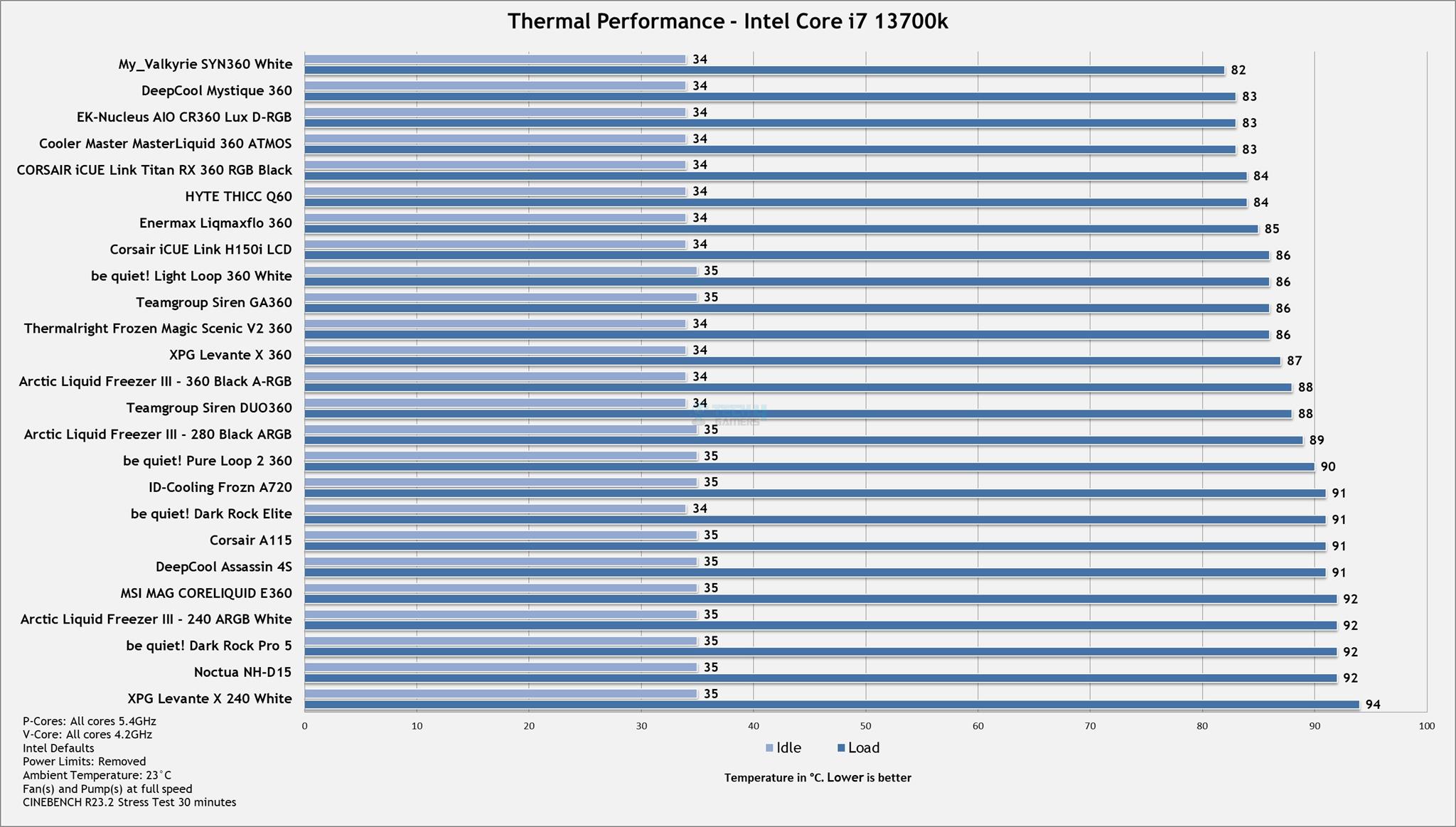
Since our first and foremost consideration for a CPU cooler selection is based on performance, we ensure rigorous testing of the coolers so that we know for sure they’re up to the task. As you can see in the below graph, we tested literally dozens of coolers to narrow down our search and then picked the best coolers that offered optimal performance for a flagship CPU like the Core Ultra 9 285K.
Thermal Test Results (Image By Tech4Gamers)
Important CPU Cooler Terms To Know
Here’s the terminology to be familiar with:
FPI: Fins Per Inch is a measure of the number of fins over an area of one inch. Generally, the higher the fin density, the better the performance.
PWM: Pulse-width modulation allows automatic control of fan/pump speeds based on the CPU temperature.
TDP: Thermal design power refers to the maximum amount of heat (in watts) the CPU cooler can dissipate before the CPU thermal throttles.
Static Pressure: It refers to the amount of air that can be moved through a tight space, measured in mmH2O. CPU cooler fans need high static pressure to push air through the obstacle (the radiator, in this case).
Coldplate: The part of the CPU cooler that makes (almost) direct contact with the CPU IHS (integrated heat spreader) to transfer heat away from it.
How We Tested And Picked These Products
We consider a variety of factors and only pick the very best products in the end. Here’s what we consider:
Performance: Performance is the top priority. We stress-test the respective CPUs with different CPU coolers to see how cool they can keep the chips. CPU coolers that can’t keep the CPU from thermal throttling are automatically filtered out.
Noise: After performance, noise output is an important consideration, particularly at maximum RPM. When we fully stress the coolers, we also run the fans and pump at 100% RPM to check the noise output from both components. Coolers that are too noisy, especially relative to their performance, are not considered. Generally, we consider anything above 55 dBA too loud.
Aesthetics: The CPU cooler plays a huge role in your system’s aesthetic appeal, so we carefully pick coolers that we think look good, too. We take into account the absence or presence of RGB lighting, its implementation, and the water block design.
Other features: We value features like ease of installation, daisy-chainable fans, thermal paste inclusion for installation, and a cooler that supports coolant refills by the users. The Enermax Liqmaxflo ticked all these boxes!
Cost: The cooler shouldn’t be too expensive, especially for what’s on offer. Coolers that offer good value are given more priority.
FAQs
[wsfq]Can I use an air cooler with the Core Ultra 9 285K?[/wsfq]
[wsfa]A good air cooler can be enough for the CPU with power limits, but we recommend the Enermax Liqmaxflo 360 if you’re limited on budget.[/wsfa]
[wsfq]Can I use my older-generation cooler for the Core Ultra 9 285K or do I have to buy a new one?[/wsfq]
[wsfa]Your old cooler could work with the Core Ultra 9 285K if the CPU cooler manufacturer sells the mounting material for it. You should also make sure that the older cooler stands up to the task of cooling this 250W beast.[/wsfa]
[wsfq]What temperature and beyond is too high for the Core Ultra 9 285K?[/wsfq]
[wsfa]The maximum operating temperature for the CPU is 105°C, although ideally, your CPU should be running below 90°C.[/wsfa]
Currently serving as a News Reporter at Tech4Gamers, I have the privilege of combining my love for gaming with the art of storytelling. My role involves crafting engaging narratives that keep our audience abreast of the latest developments in the gaming world.
Story Highlight
Forza Horizon 6 deep dive showcased at the Xbox Developers Direct.
The open world of Japan looks beautiful, and Tokyo is 5X the size of the city Playground Games has ever worked on.
The game features 550 cars at launch and is set for a May 19th release on Xbox and PC, with a PS5 release planned for late 2026.
Xbox is planning to start off 2026 with a banger. Forza Horizon 6 takes players to Japan, a highly requested location for fans since the series began in 2012.
The latest Xbox Developer Direct offers a deep dive into the next iteration of the Forza Horizon series. The Japanese setting looks amazing, and it seems like developer Playground Games may have outdone themselves.
Why it matters: Forza Horizon is the most consistent Xbox first-party IP, and it’s only right that they maintain their high-quality throughout future entries too.
Playground Games has interviewed members of Japan’s car culture to ensure an accurate representation of racing in Japan. There will be 3 car meet locations in the game inspired by the real-life Daikoku car meet, reflecting its focus on representing Japan’s actual car culture
The studio has also expanded the urban part of the open world with a greater emphasis, also making Tokyo 5X larger than any other city in Forza Horizon. Moreover, the city also looks far better populated than it did in the past. The new seasonal changes also give the Japanese open world a fresh new look each time.
In terms of gameplay , Forza Horizon 6 carries on the Wristband Progression system from past entries. As players progress, they gain access to higher-tier wrist bands, which help them advance in the career mode and eventually unlock Horizon Rush, a game mode where they can showcase their driving skills.
Forza Horizon 6 Looks Like The Most Visually Stunning Game Ever
Forza Horizon 6 is set to feature 550 cars at launch, which is the biggest number ever in the series. There will be 8 player bases across Japan’s map, used for car showcases, fast travel, and other purposes.
In addition to that, an Estate Base is also present in the game, a wide rural open area that can be customized by players, where they can build garages, tracks, and other elements.
Forza Horizon 6 launches on May 19th for Xbox and PC players, with 4 days of early access for those with the premium edition of the game. A PS5 release is also planned for sometime later in 2026, and Playground Games is still working on the port.
Being a keyboard enthusiast, I specialize in reviewing, modding, and critiquing them for the people. If you’re a Razer fanboy, my only goal is to convert you to the dark side 😈.
If you’re someone like me who simply cannot stand the sight of wires on my desk, a wireless keyboard becomes a must-have. Well, over the past several months, we have been testing and reviewing plenty of keyboards, and a lot of them offer wireless connectivity. As such, based on my experience, I have rounded up the top six wireless keyboards that I think are great for gaming.
I made sure to include a variety of keyboards in my recommendation, as such you’ll even find a magnetic switch keyboard, and of course, there is also a budget-friendly option for those who want an affordable solution.
Why Trust Tech4Gamers
Huzaifa Haroon is our keyboard expert with years of experience in building and testing custom keyboards.
130+ peripherals tested and reviewed by our team of hardware experts (Tech4Gamers Team).
500+ hours spent testing different peripherals for our reviews.
At Tech4Gamers, ensuring you get reliable information is our priority. That’s why every hardware round-up undergoes a meticulous review process by our team of experts and editors. Each review is carefully examined against our strict editorial guidelines, guaranteeing you trustworthy insights you can depend on.
In any case, here’s a comparison table to give you an overview of my picks:
Keyboard
Epomaker P75
Keychron K2 HE
Lucky65 V2
Tecware Spectre 75
Akko MU01
Aula F87 Pro
Looks
Award
Best Overall Wireless Gaming Keyboard
Best Magnetic Wireless Gaming Keyboard
Best Custom Wireless Gaming Keyboard
Best Value Wireless Gaming Keyboard
Best Typing Wireless Experience Gaming Keyboard
Best TKL Wireless Gaming Keyboard
What We Liked
Outstanding construction and durability, Sleek, understated aesthetics, Great typing feel
Striking design featuring elegant wooden details, Magnetic switches that deliver responsive actuation
Excellent build paired with an appealing design, Produces a deep, resonant, and satisfying sound
Solid plastic build that feels premium, A vibrant display that has a practical purpose
Premium gasket-mounted design, Exceptional aesthetics, Comes with stunning, high-end keycaps
Superior build with premium materials, Top-tier stabilizers paired with impressive stock acoustics
What We Disliked
The software interface leaves room for improvement
Lacks flexibility for those who enjoy modifying
No longer offers per-key control over RGB lighting
These are my recommended wireless keyboards that are ideal for gaming:
Best Overall:Epomaker P75
Best Magnetic:Keychron K2 HE
Best Custom:Lucky65 V2
Best Value:Tecware Spectre 75
Best Typing:Akko MU01
Best TKL:Aula F87 Pro
As I mentioned above, my team and I have personally tested each of these keyboards (and many more!). We’ve also recorded the sound profile and overall typing experience for each one, which you can check out at the end of their respective sections.
Epomaker P75
Best Overall Wireless Gaming Keyboard
Epomaker P75 Pictures From Our Review
1 of 4
Epomaker P75 (Image By Tech4Gamers)
Keycaps
Switch
Side Profile Floating
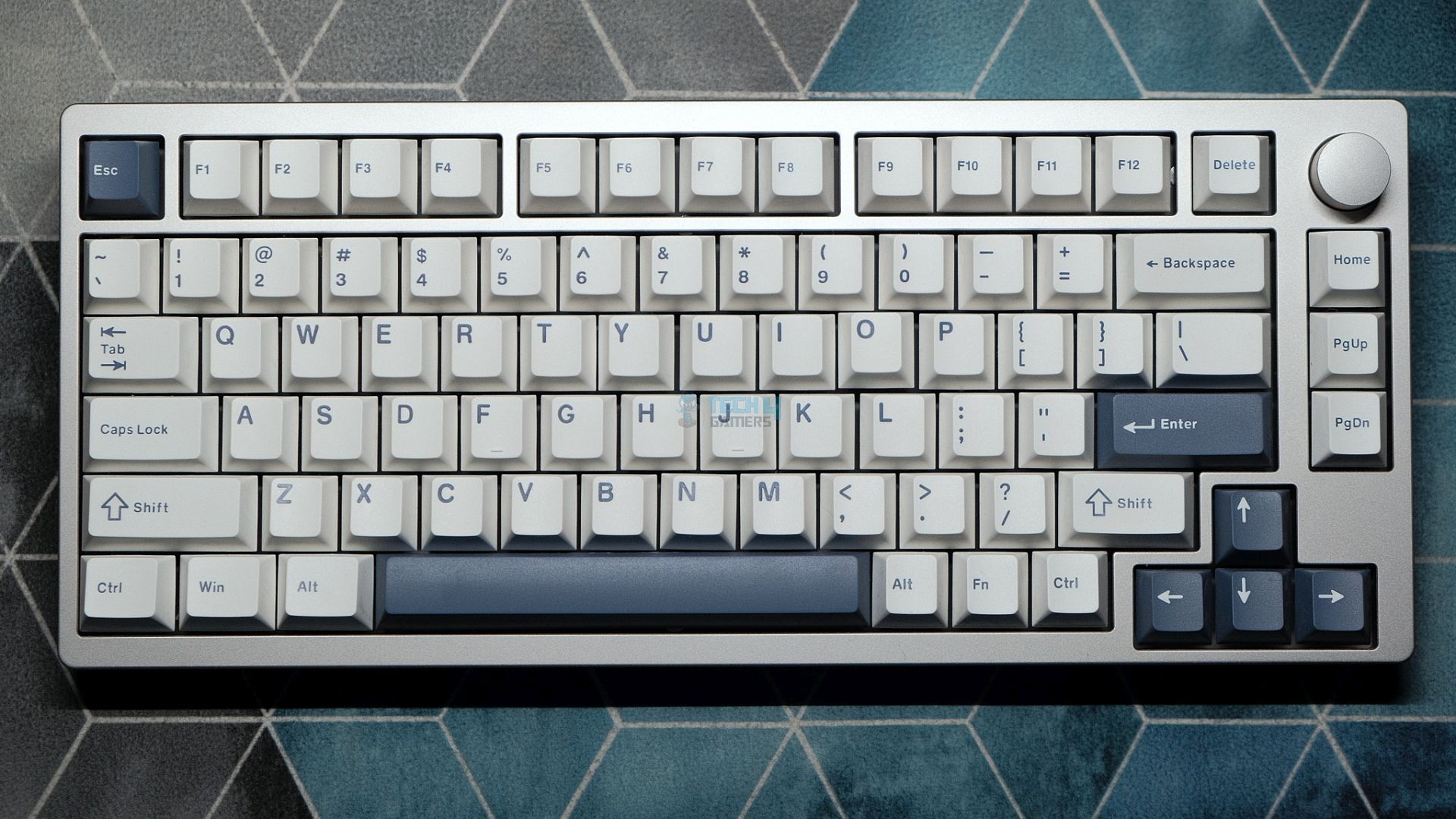
Layout: 75% | Number of Keys: 81 keys + 1 knob | Case Material: CNC Aluminum with Anodized finish | Plate Material: PC | Stabilizers: Pre-lubed Plate-mounted | Mounting Structure: Gasket Mount | Battery: 4000mAh | Polling Rate: 1000Hz for wired and 2.4G, 125Hz for Bluetooth | KeyboardDimensions: 324.2 x 135.6 x 45.3mm
Pros
Outstanding construction and durability
Sleek, understated aesthetics
Great typing feel
Strong wireless connectivity
Pre-lubricated switches and stabilizers
Competitively priced and widely available
Cons
The software interface leaves room for improvement
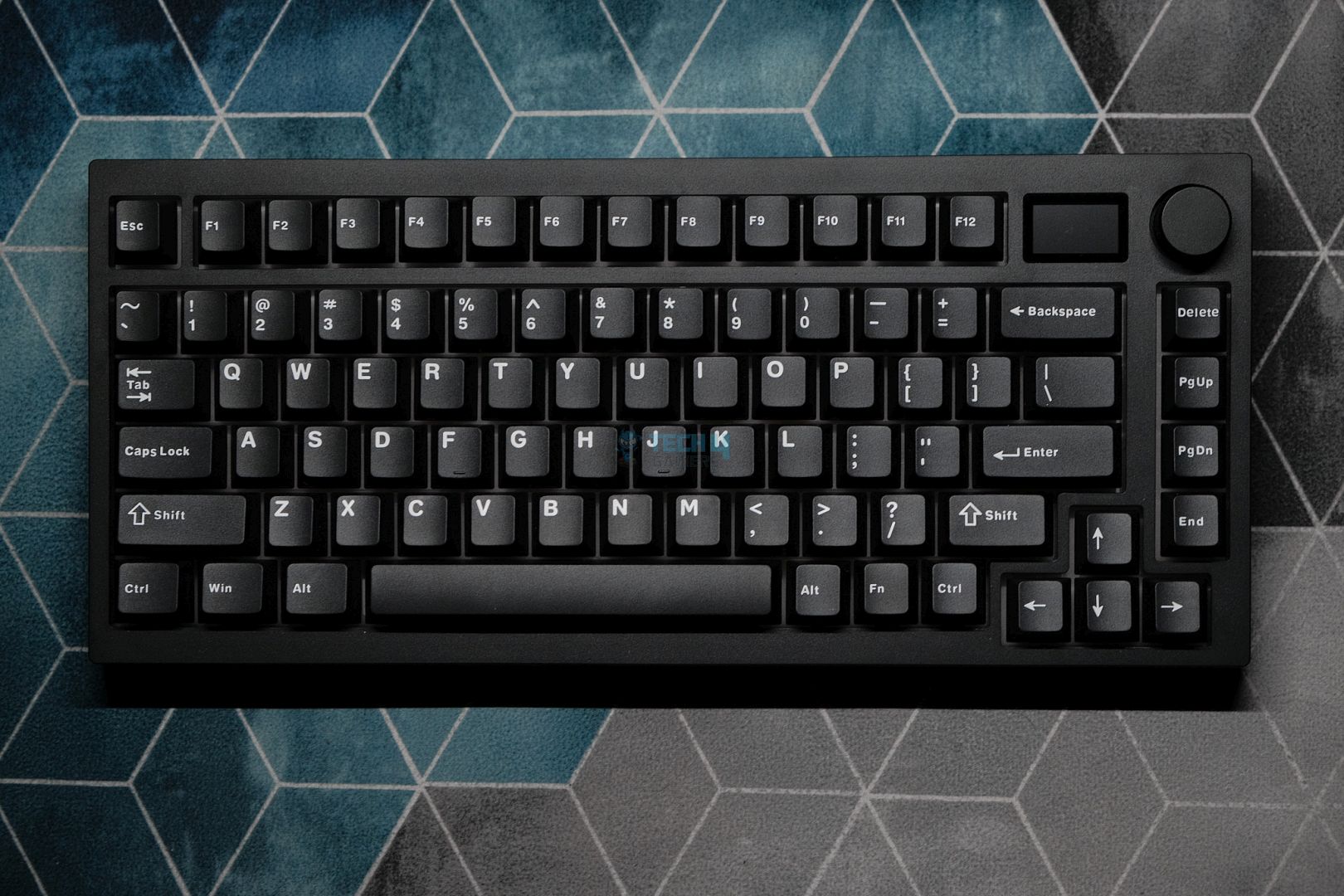
The Epomaker P75 has a no-compromise attitude in all aspects and provides us with a premium build and an outstanding typing experience at just $100. The design of the P75 is by far the most impressive feature of this keyboard. For instance, the fully CNC-milled aluminum body weighs only 1.7 kilograms, and this board is unmistakably premium to the touch. But the impressive features do not end there.
The profile is also very well refined with a gentle curve that provides a very comfortable 5-degree typing angle and an 18mm front height, which is rarely seen in most keyboards. I was impressed with the P75, and its features surely did not disappoint me. Moreover, the separated arrow keys and the navigation cluster form a balance between a compact design and a full-size board, best suited to a 75% layout.
The Epomaker P75 earned our Editor’s Choice award as well, and here’s how I described it in my dedicated review of the keyboard:
Epomaker P75 is an excellent keyboard with best-in-class build quality that speaks to its premium nature. The acoustics are heavenly, the typing experience is refined, and the design is mature enough to look good on any desk. With a decent software experience and solid wireless performance, there is nothing this keyboard can’t do. For the price, it doesn’t get any better.
✅Buy It If
You’re looking for a smooth, creamy sound: This keyboard offers an exceptionally thocky sound signature with flawless stabilizers right out of the box. Moreover, its strong gasket performance ensures every keystroke feels satisfying.
You appreciate sleek, minimalist designs: The P75 features a clean and minimal aesthetic that seamlessly fits into any setup.
❌Don't Buy It If
You need a competitive gaming edge: If ultra-fast responsiveness is your top priority for competitive gaming, this keyboard might not deliver the performance you require.
You prefer advanced customization: For users who rely heavily on QMK/VIA support and demand extensive software flexibility, this option may fall short of your expectations.
What Makes it the Best Overall Wireless Gaming Keyboard?
Regarding typing experience, the P75 provides outstanding satisfaction with a deep, creamy sound. I especially liked the stock double-shot PBT keycaps due to their solid feel and sharp look. Without the annoying spring ping, the factory-lubed zebra switches, alongside the pre-lubed plate-mounted stabilizers, provide smooth, responsive keypresses, and all of these reasons are why I have picked it as the best overall wireless gaming keyboard.
The K2 HE has a compact 75% design when it comes to layout. This means you get all the essentials, such as well-defined separated arrow keys, a compact navigation cluster, and even dedicated buttons for RGB lighting and a screenshot button. The device supports Bluetooth and 2.4GHz wireless connections and has a solid 4000mAh battery, which should provide enough fuel to keep you gaming for days on end.
Regarding gaming fundamentals, it truly nails it. The K2 features hall-effect switches, particularly the Gateron Nebula linears, which add extra sauce to your gaming experience. Moreover, these switches come with dynamic actuation points that can be configured through the software, meaning you can customize the sensitivity of each key to suit your playstyle. The switches also produce a smooth, thocky sound with a softened bottom-out, and the feeling is super satisfying and provides a competitive advantage in gaming.
Here’s how we summarized the Keychron K2 HE in our review:
The K2 HE strikes a balance between enthusiast-grade features and a mainstream-friendly approach, all at a reasonable price. Its striking design complements a robust build, creating a versatile keyboard that caters equally to gamers and professionals.
✅Buy It If
You value both design and build quality: The K2 HE stands out with its sleek appearance and solid build that not only performs well but also elevates your overall setup.
You’re aiming for a competitive edge: With features like advanced Rapid Trigger and SOCD clearing, the K2 HE delivers outstanding responsiveness.
❌Don't Buy It If
You demand fully customizable RGB lighting: If you prefer per-key RGB customization through software, the K2 HE might not meet your expectations, as it only offers 23 pre-set modes to choose from.
You want a fully customizable hall-effect keyboard: For enthusiasts who want the flexibility to swap in additional magnetic switches, the current K2 HE falls short since it doesn’t support any extra hall-effect options.
What Makes it the Best Magnetic Wireless Gaming Keyboard?
Its hall-effect technology makes the Keychron K2 HE the best magnetic wireless gaming keyboard. This board differentiates itself from standard mechanical keyboards because it utilizes magnetic switches with precise tuning ranging from 0.1mm to 4.0mm. For competitive gaming, responsiveness is crucial, and its wireless mode provides an impressive average latency of 5.6ms, and that’s why I recommend it as the best magnetic wireless keyboard.
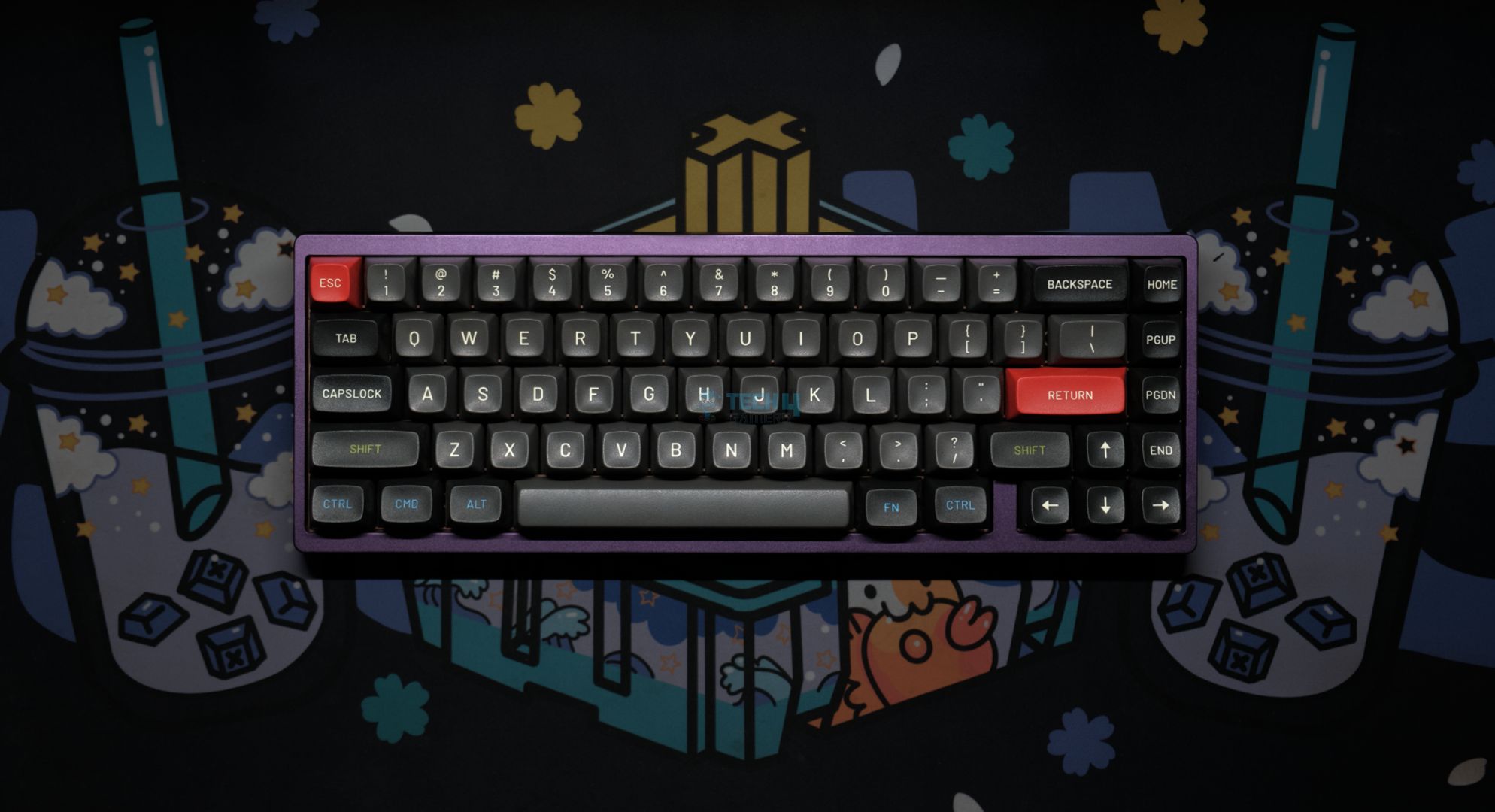
If you’re into customization, there is no better option than the Lucky65 V2. It is a barebone keyboard that improves everything great about its predecessors. Its previous version is known for its clean look, minimal aesthetic, and smooth anodized curves. Guess what? The Lucky65 V2 takes the same ergonomic design to the next level. Plus, it has a hefty weight, which speaks of its durability. In terms of features, the Lucky65 V2 is outstanding.
The FR4 plate, while a bit stiffer than polycarbonate alternatives, delivers a fuller, deeper sound that pairs perfectly with the gasket-mounted design and five layers of foam. These all combine to give an amazing typing experience for day-to-day use and long gaming sessions. In terms of usage, the board is outstanding.
After reviewing the keyboard, this is what I had to say about the new Lucky65 V2:
Lucky65 V2 is the best budget custom keyboard out there, bar none. It does 99% of what even its higher-priced competitors, like the ND75, do for less. With the same great build quality, sound, stabs, and performance as its predecessor, the Lucky65 V2 is yet another home run for Weikav. Now, with the ball-catch assembly and VIA support, there are no real complaints left anymore.
✅Buy It If
You’re after a custom keyboard that excels in the basics: If you’re looking for a top-notch custom keyboard that not only nails the fundamentals but also goes above and beyond with added features, this board is a solid option.
You love easy customization: The new ball-catch assembly makes experimenting with your board a breeze, letting you modify and personalize your setup with minimal hassle.
❌Don't Buy It If
You need extra features beyond simplicity: The Lucky65 V2’s minimalistic design means it sacrifices extras like a knob or a screen for a clean, simple aesthetic. If those additional features are essential to your workflow or personal preference, you might want to explore other options.
What Makes it the Best Custom Wireless Gaming Keyboard?
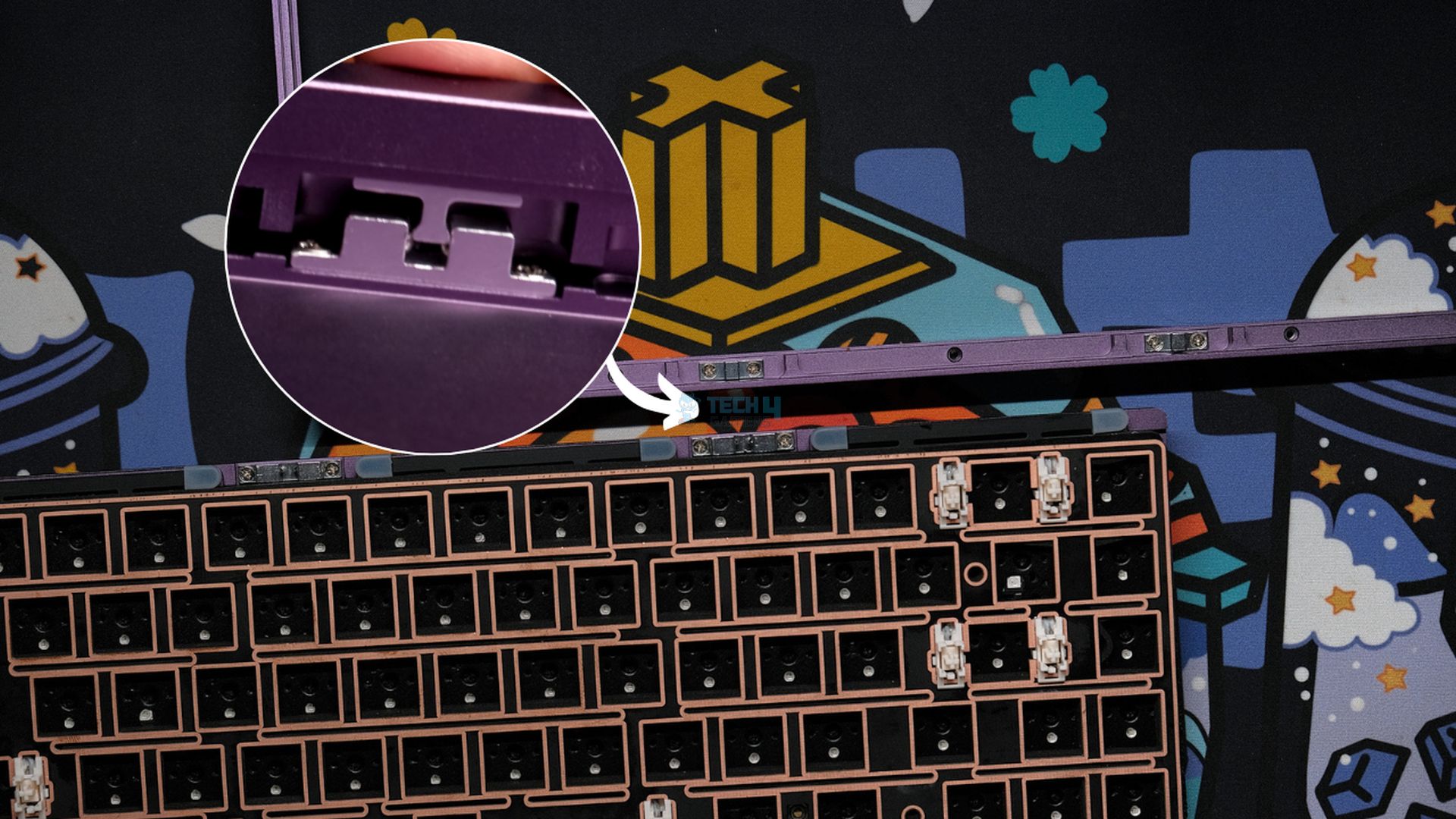
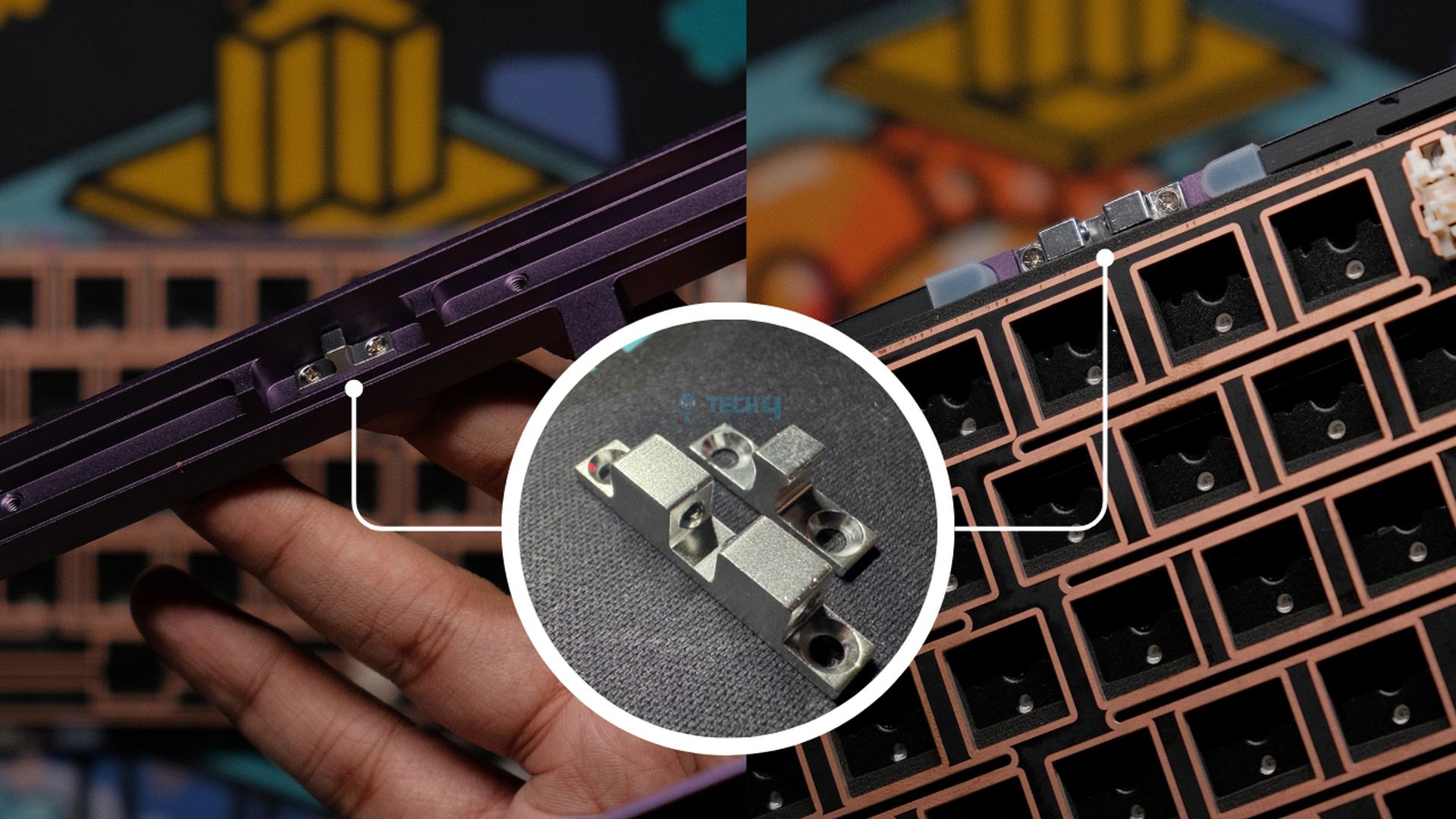
The exceptionally unique ball catch assembly sets the Lucky65 V2 apart as the best custom wireless gaming keyboard. With the ball catch system, you do not have to deal with annoying screws, which makes disassembling the board for modifications and tweaks is super easy. Simply put, with the Lucky65 V2, you can build a keyboard exactly how you see fit, the possibilities are practically endless, and that’s what makes it the best custom wireless gaming keyboard currently available.
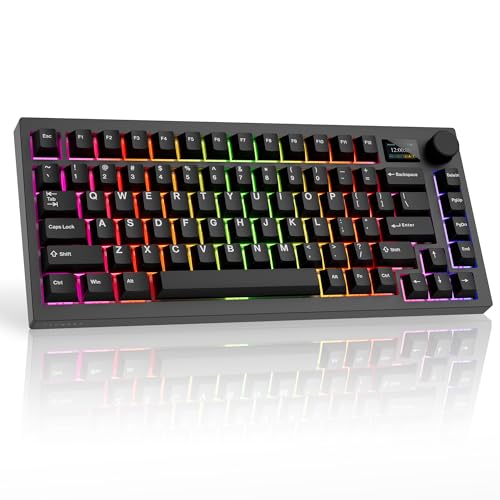
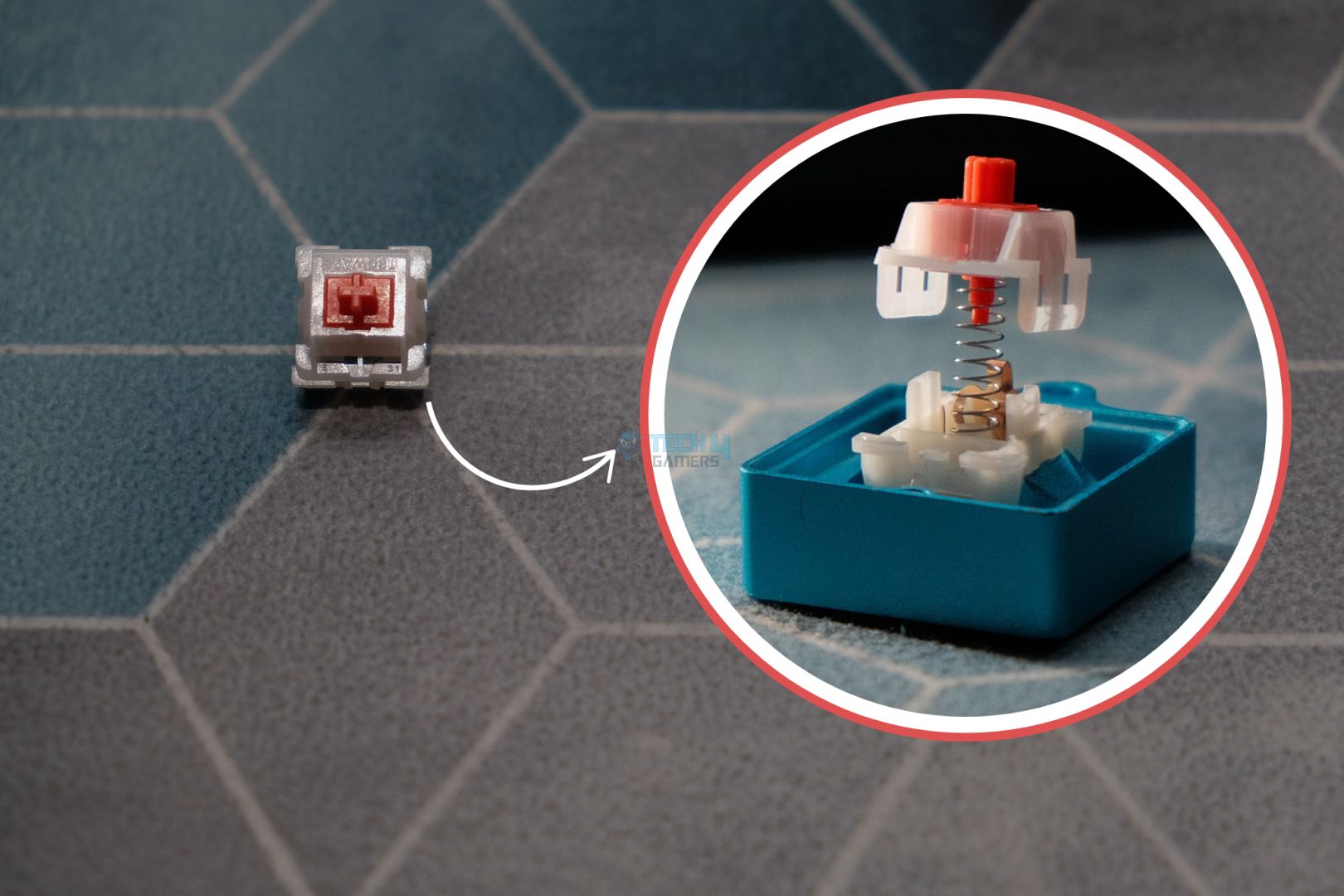
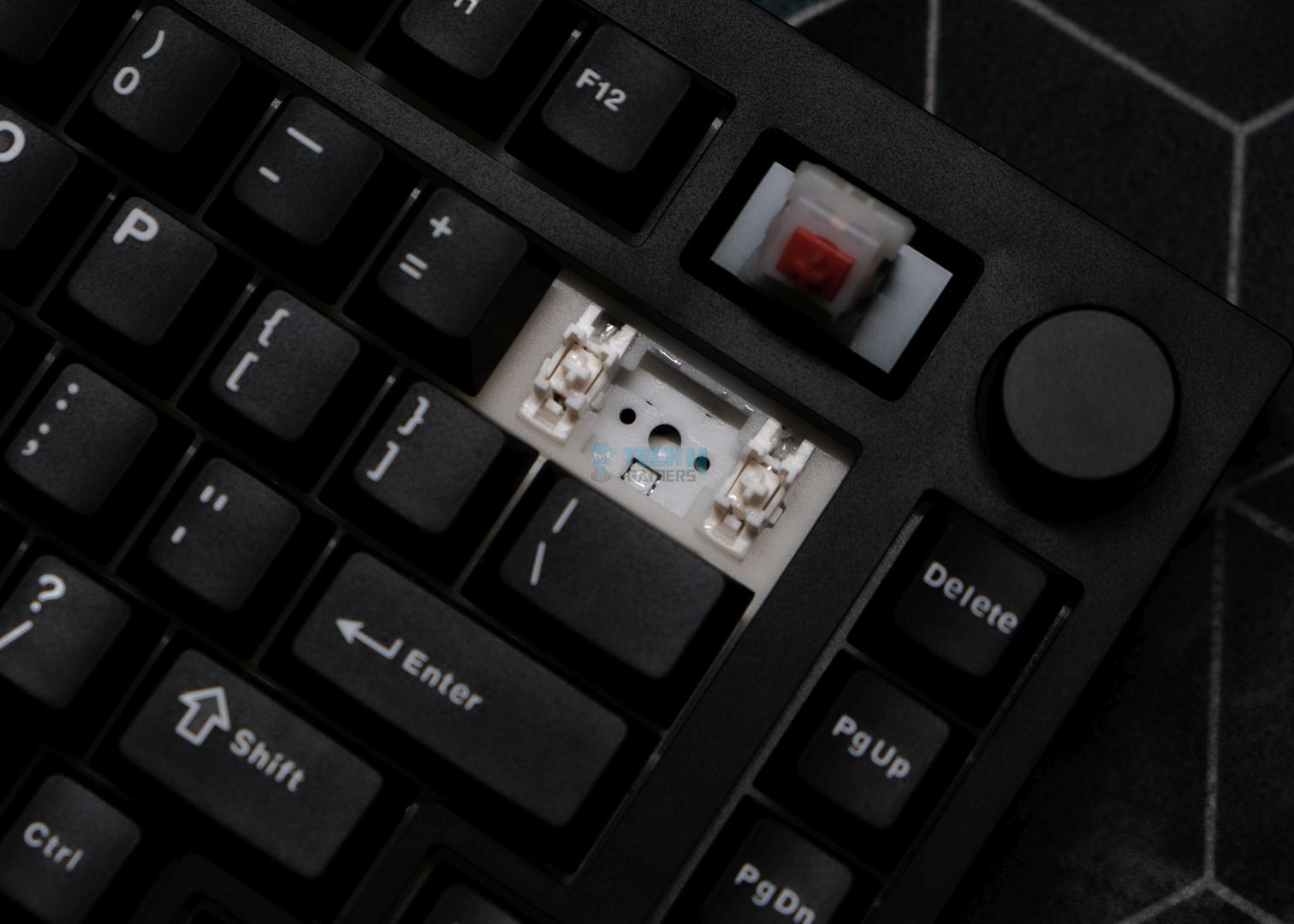
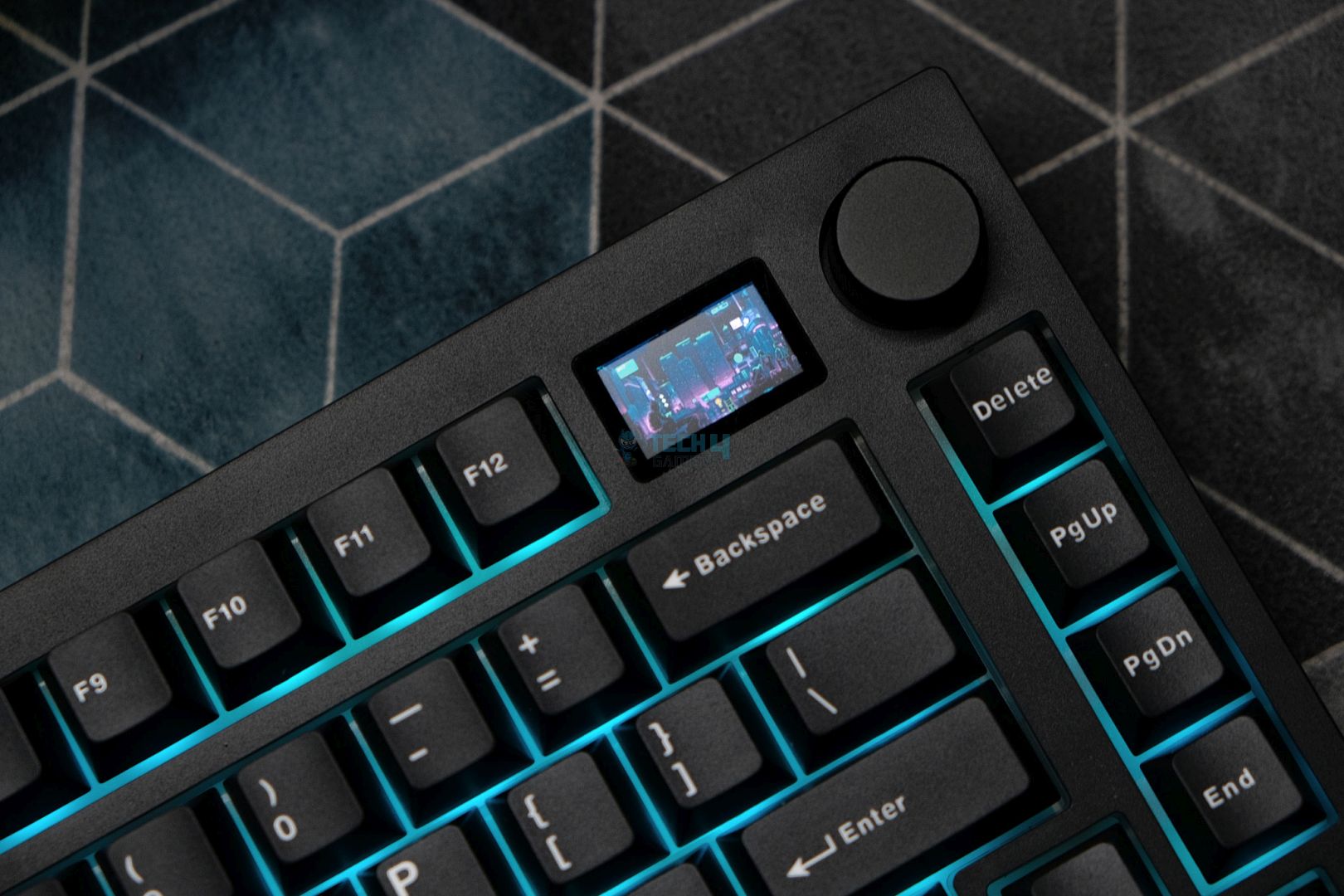
What makes this board different from the crowd is its unique blend of essential features and a couple of standout gimmicks that work. The Spectre 75 features a 75% layout with an arrow and navigation cluster, but the real showstopper is the built-in 1.14″ screen paired with a smooth volume knob. The incredibly sharp and vibrant screen offers multiple options—from a soothing default animation to a functional display of date, time, and even real-time CPU/GPU stats.
Under the hood, the Spectre 75 delivers solid wireless performance with both Bluetooth and 2.4GHz connectivity, supported by a 4000mAh battery. While turning on the RGB and screen together does take a bit of a toll on battery life (about a day’s use), you can easily extend that time by turning them off, pushing the battery life to an impressive 400 hours on a single charge.
This is what we had to say about the Spectre 75 in our review:
The Tecware Spectre 75 is a fantastic budget keyboard with no apparent flaws, as long as you’re willing to pay for it. The build quality matches well with the simple design, but the inclusion of a screen and volume knob diversify the package nicely. Not only does the company nail the basics, but the superb implementation of the screen transforms it from a gimmick to a genuine feature. This is the best budget plastic prebuilt out right now.
✅Buy It If
You’re on a budget: The Spectre 75 is an excellent choice if you’re looking for a wallet-friendly keyboard that still delivers satisfactory performance. It offers unique features that feel genuinely useful rather than just gimmicky.
You want a built-in screen: The integrated screen on the Spectre 75 not only adds a striking aesthetic but also serves practical functions, enhancing your overall experience.
❌Don't Buy It If
You need extensive QMK/VIA customization: If you rely heavily on advanced customization through QMK/VIA and are uncomfortable using third-party software, the Spectre 75 might not be the best fit, despite its commendable software support.
What Makes it the Best Value Wireless Gaming Keyboard?
What truly sets the Tecware Spectre 75 apart as the best-value wireless gaming keyboard is its quality and affordability. First off, you get an impressive set of features, such as a high-resolution, multi-layer screen and a volume knob, that are rarely found together in this price range. These aren’t just flashy add-ons; they offer practical benefits like real-time system monitoring and easy control over your media. For all of these reasons and more, it is hard to beat the Tecware Spectre 75 when it comes to the title of the best-value wireless keyboard for gaming.
Performance: 8/10
Build Quality: 8/10
Design: 8.5/10
Typing Experience: 8.5/10
Akko MU01
Best Typing Wireless Experience Gaming Keyboard
Akko MU01 Pictures From Our Review
1 of 4
Akko MU01 (Image By Tech4Gamers)
Switch
Gasket Mount
Wireless Switch
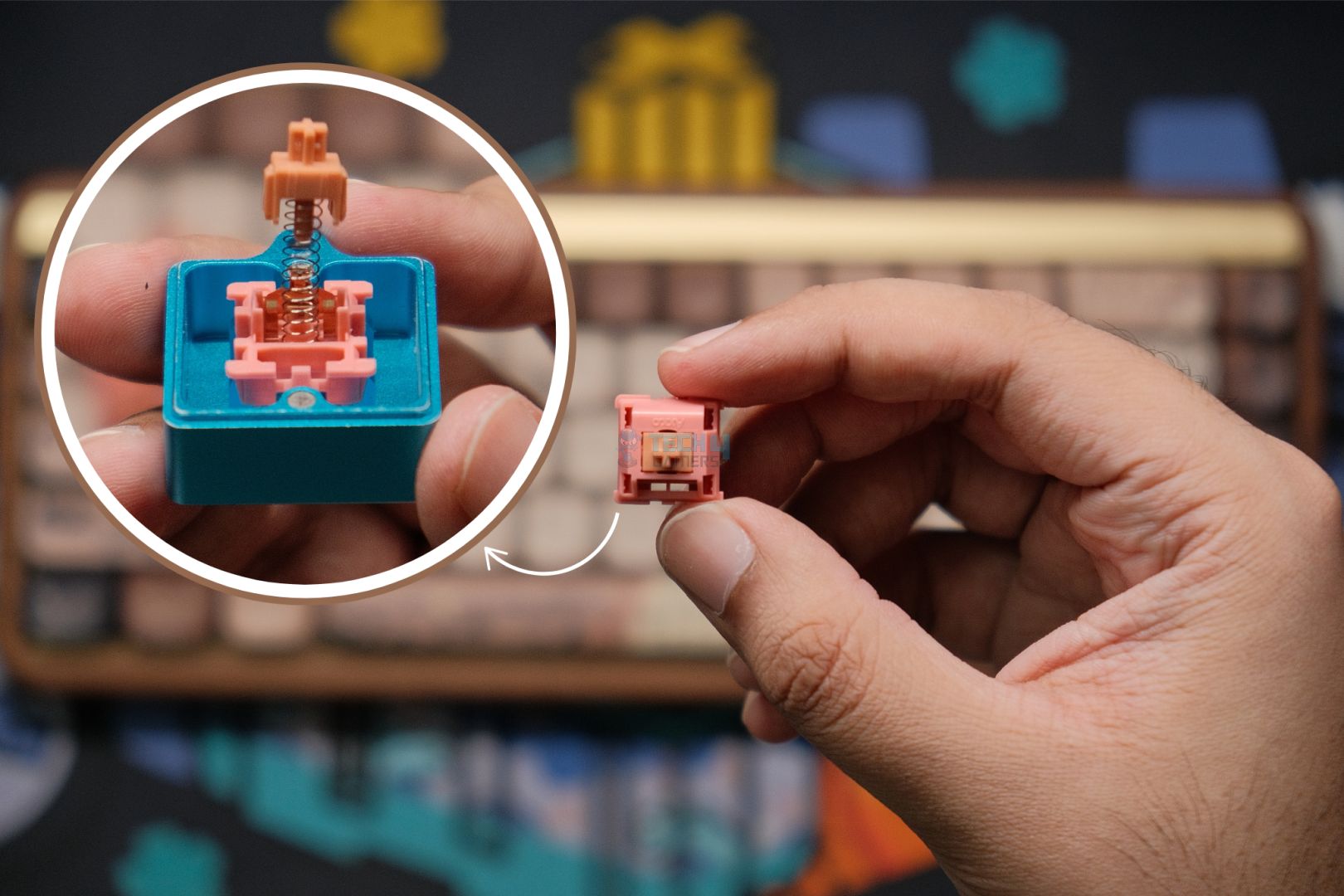
Switch Options: Akko Rosewood | Connection Modes: Wired (USB-C), Bluetooth 5.0, and Wireless (2.4GHz) | Hot-Swappable: Yes, 5-pin south-facing sockets | Key Rollover: N-Key Rollover supported | Macro Support: Akko Macro V1.0 | Case Material: Walnut wood | Keycaps: PBT material, MOA profile, dye-sub legends | Dimensions: 327 x 125.3 x 36.7 mm | Weight: ~850g
Pros
Premium gasket-mounted design within an entirely wooden chassis
Exceptional aesthetics and solid build
Comes with stunning, top-tier keycaps
Rosewood switches offer a rich, smooth tactile feel
Outstanding typing experience with a satisfying “thock” sound
Cons
Lacks support for QMK/VIA customization
The RGB lighting could use a boost in brightness
Does not include a dedicated compartment for the USB dongle
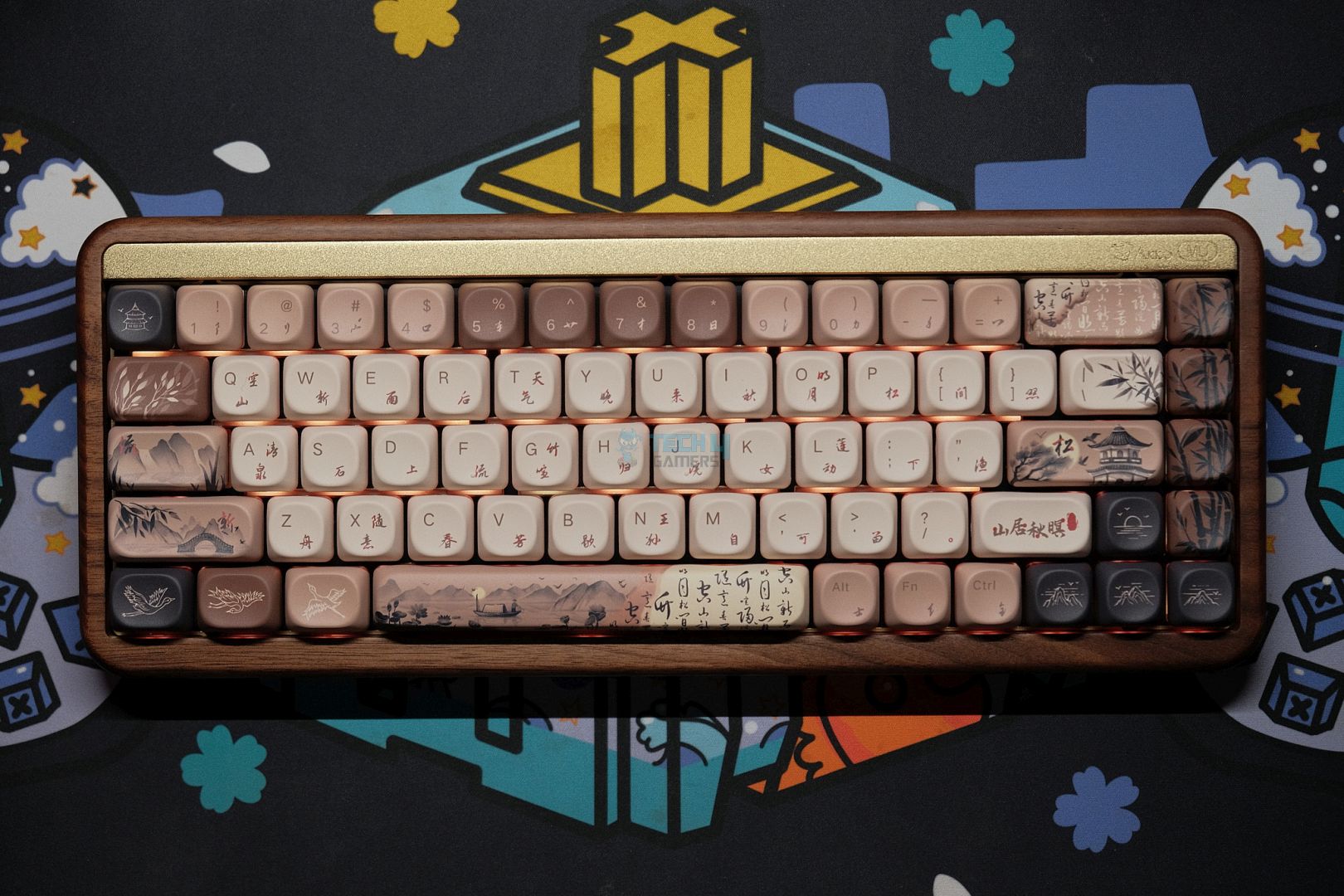
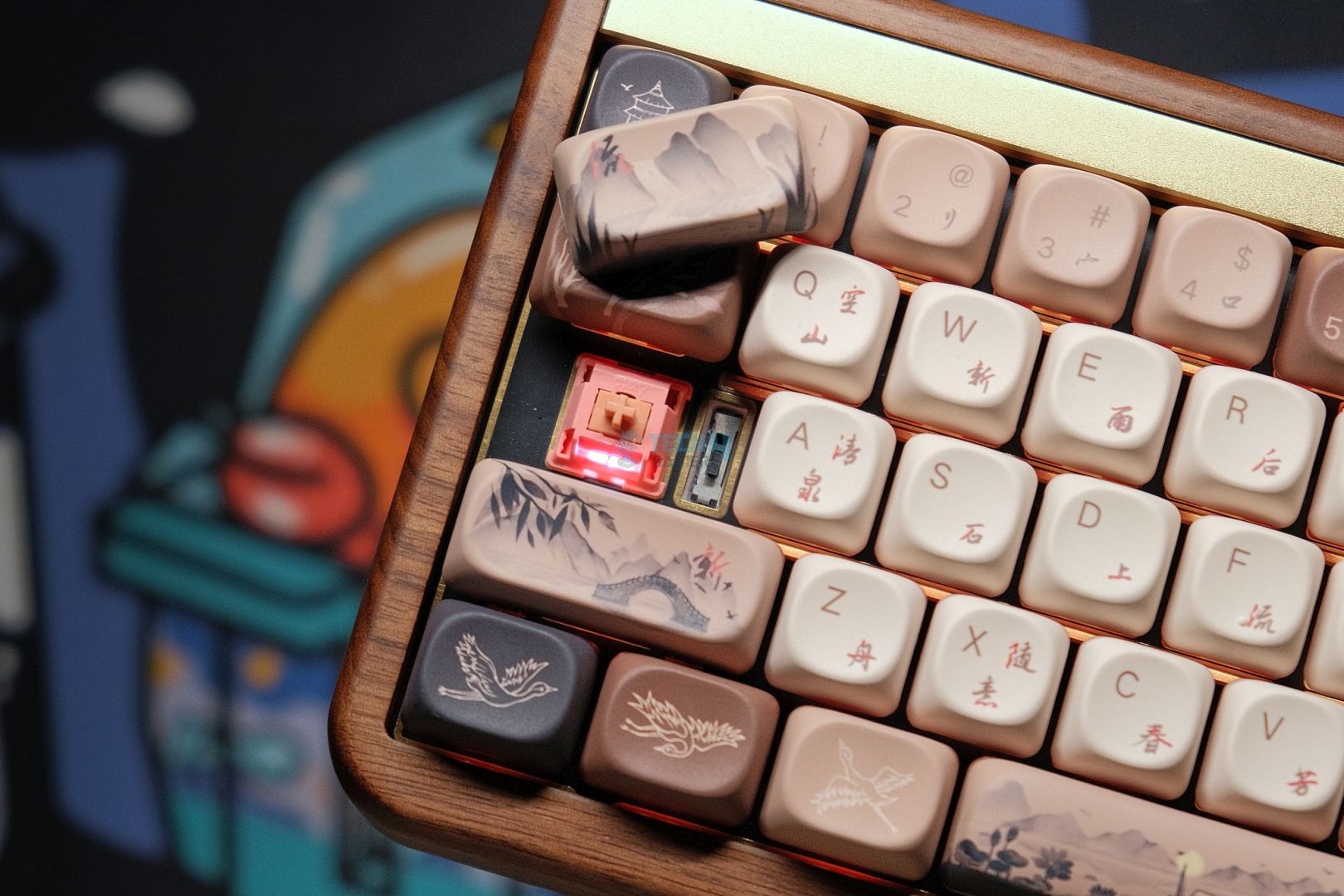
The Akko MU01 is one of those rare keyboards that immediately grabs your attention for its excellent performance and because it’s made out of real wood. Yes, you read that right. The walnut wood build not only gives it a uniquely beautiful, almost artisanal look, but it even carries a subtle, pleasant scent that sets it apart from the usual plastic keyboards. Despite its unconventional material, this prebuilt keyboard nails all the fundamentals.
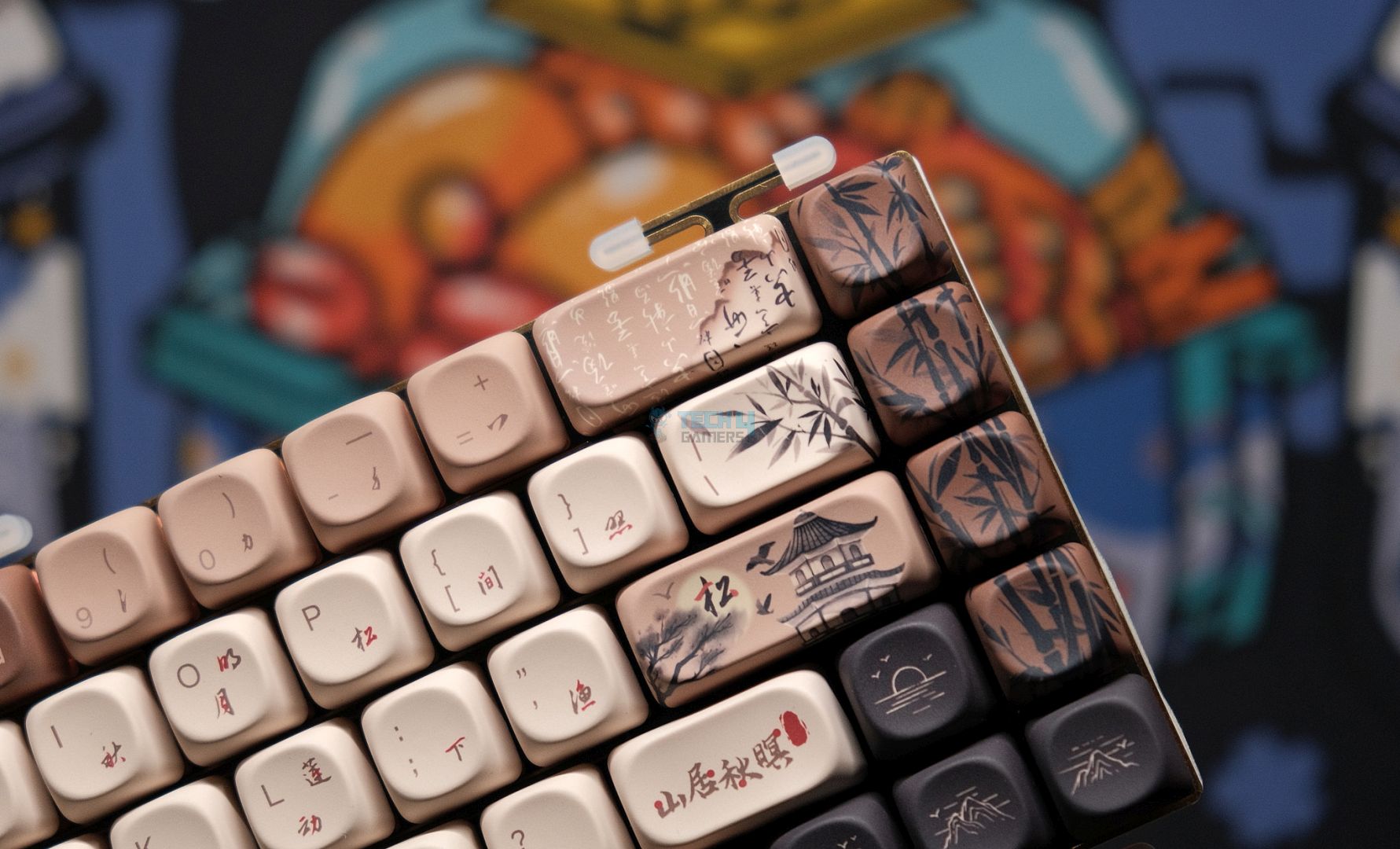
It provides a thocky sound signature, perfectly tuned stabilizers, and gorgeous MOA profile keycaps featuring Japanese-inspired artwork. The MU01 features a 65% layout that is both compact and functional. The wooden case has brass-like details and a soft wax polish highlighting the natural grain. It’s gasket-mounted with multiple layers of foam—plate foam, PE foam, and even a PET-wrapped PCB foam—that together deliver a deep, satisfying acoustic profile and a resilient typing feel.
Here’s a summary of the Akko MU01 from my review:
The Akko MU01 is a fantastic prebuilt that hits the nail on all of the important things while having the novelty of being made out of wood. It looks—and weirdly, smells—beautiful but the typing experience is what seals the deal. A thocky sound signature with perfect stabs and some gorgeous keycaps that make up for an awesome keyboard all around, for both gaming and professional work.
✅Buy It If
You’re craving a wooden keyboard: If you’ve been searching for a unique wooden keyboard, the MU01 stands out as one of the best options available—it truly doesn’t get any better than this.
You’re a fan of Japanese culture: The MU01’s stunning wooden build and artistic keycaps perfectly capture the essence of Japanese aesthetics, making it an ideal choice for those who appreciate a cultural touch in their keyboard design.
❌Don't Buy It If
The wooden look doesn’t appeal to you: If you’re not drawn to the wooden aesthetic, other budget boards might offer similar performance and quality at a lower cost, making the MU01 a less attractive option for you.
You need QMK/VIA support: For users who require extensive customization through QMK/VIA and prefer not to rely on alternative software, the MU01 might fall short of your needs.
What Makes it the Best Typing Wireless Gaming Keyboard?
For me, what truly sets the Akko MU01 apart is its incredible typing experience. The combination of Akko Rosewood linear switches and the unique wooden build produces a remarkably smooth, deep thock that’s both satisfying and soothing. Every keypress feels deliberate, with minimal wobble and just the right amount of resistance. And that’s why it is simply the best typing keyboard you can get right now.
Performance: 9/10
Build Quality: 9/10
Design: 9.5/10
Typing Experience: 9/10
Aula F87 Pro
Best TKL Wireless Gaming Keyboard
Aula F87 Pro Pictures From Our Review
1 of 4
Aula F87 Pro Design (Image by Tech4Gamers)
Switches (Image By Tech4Gamers)
Adjustable Feet (Image By Tech4Gamers)
Ergonomics (Image By Tech4Gamers)
Connection: Type-C wired, 2.4G wireless & BT | Number of Keys: 87 Keys | Customizability: Hot-Swappable | Extra Functions: FN key multifunction | Dimensions: 365.9 x 139 x 41.1mm | Weight: 916g | Charging voltage/current: DC5V 600mA | Rated Voltage: DC 3.7V (full 4.2V) | Battery Life: 22 hours (default light effect), ~266 hours (with all lights off) | Software Support: Yes
Pros
Superior build with premium materials
Top-tier stabilizers paired with impressive stock acoustics
Offers a variety of connectivity options
Supports hot-swappable switches
Cons
Modifications can be challenging
Lacks dedicated extra control keys
The typing experience can feel somewhat underwhelming
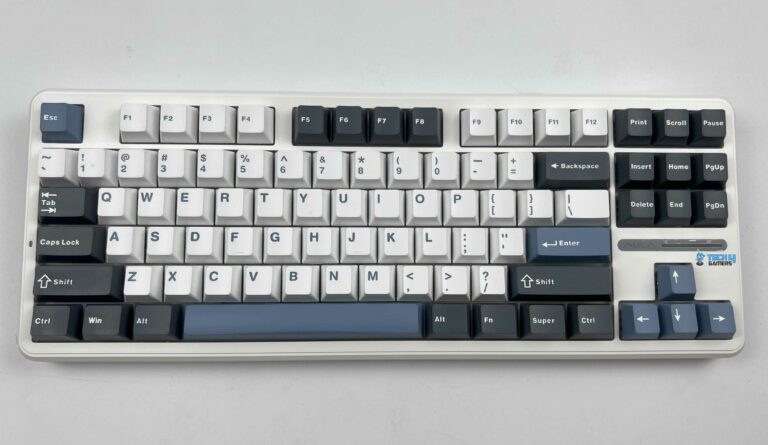
The Aula F87 Pro is a budget-friendly TKL keyboard. Its solid ABS build is paired with thick, beautifully molded PBT keycaps, giving it a premium feel that’s hard to believe and comes at such an affordable price. The F87 Pro has a substantial presence on the desk, and its design details—like the complete row of F-keys and extra function keys along the side have both functionality and aesthetics.
The F87 Pro doesn’t just rely on looks; it also delivers on performance. The hot-swappable PCB means you can easily experiment with different switch options. At the same time, the multi-layer internal dampening system (including foam and gasket mounts) creates a deep, satisfying sound profile.
When Abdul Hannan, our hardware reviewer, reviewed the Aula F87 Pro, this is how he concluded the keyboard:
The Aula F87 Pro punches above its weight in the budget mechanical keyboard market. This TKL keyboard boasts a premium feel thanks to its solid build quality and PBT keycaps. It caters to both typists and gamers with its satisfying typing experience achieved through multi-layered internal dampening and hot-swappable switches for customizable feel.
✅Buy It If
You value a superior typing experience: The Aula F87 Pro features finely tuned stabilizers and multiple layers of sound-dampening foam, ensuring every keystroke is smooth, comfortable, and deeply satisfying
You’re after great value: With a premium build, customizable switches, and stunning RGB lighting, the Aula F87 Pro delivers top-notch features at an affordable price—perfect for those who want high performance without the high price tag.
❌Don't Buy It If
You need advanced customization: If your preference demands highly customizable software or dedicated control keys, the Aula F87 Pro might not meet the expectations of a higher-end mechanical keyboard, as it focuses on delivering solid, fundamental performance.
You’re not experienced with modifications: The disassembly process of the Aula F87 Pro can be complex. If you’re not comfortable with modifying keyboards, this model might not be your best choice since improper handling could lead to unintended damage.
What Makes it the Best TKL Wireless Gaming Keyboard?
The Aula F87 Pro is a premium keyboard, but its value proposition stands out the most. It has exceptionally built internal dampening that provides an aurally satisfying and comfortable keystroke experience. Most keyboards lack the comfort needed over lengthy sessions. However, this keyboard perfectly tackles it with ergonomic design. All in all, there is no denying that the Aula F87 Pro is the best TKL wireless gaming keyboard.
Performance: 9/10
Build Quality: 9/10
Design: 9/10
Typing Experience: 9/10
Important Keyboard Terms
I felt like I should clarify some important terms related to keyboards, which would help you understand reviews and make better buying decisions.
Switch Type: A switch is one of the most important aspects of the keyboard. There are three main types of switches: mechanical, optical, and hall-effect. Each functions differently and has its own identifiable mechanism and sound.
Actuation Force & Actuation Point: Actuation force refers to a certain amount of pressure commonly measured in grams that a key must press on the keyboard. The actuation point is the range a key must travel before activating a switch.
Travel Distance: In the simplest of definitions, the distance a key can move from its neutral position to the lowest point on the keyboard where it bottom-out
Key Rollover & Anti-Ghosting: Thanks to these features, your keyboard can accurately register multiple key presses simultaneously. N-key rollover (NKRO) is the best option, as it allows for pressing all keys simultaneously without ghosting or unwanted additional inputs.
How We Tested These Keyboards
I ran a comprehensive series of tests to help you find the best keyboards, emphasizing the typing experience. Because, after all, that’s what matters most for both gamers and typists.
Features: I looked at the basics, like which manufacturer has manufactured the keyboard, its model, and what size it is, ranging from full-size TKL to 75%, 65%, or 60%. We also looked at the type of switch it has, which is either linear, tactile, or clicky. Other elements included the position of the ports, polling rate, and key rollover. Moreover, we analyzed build quality, weight, dimensions, price, keycap material, cable type, software performance, and the level of lighting customization available.
Keystrokes: I examined each key’s performance by observing the pre-travel and overall travel distance alongside the actuation force required to press the key. This helped me understand how each keyboard performs for fast-paced gaming and long typing sessions.
Typing Experience: I focused on how the keyboard feels during lengthy usage, considering aspects like key spacing, switch responsiveness, and pre-travel distance to determine speed, accuracy, and overall comfort. My goal was to determine how well each keyboard minimizes fatigue while maximizing performance.
FAQs
What is the average lifetime of a wireless keyboard?
The typical lifetime of a wireless keyboard is three to four years. However, this might vary depending on usage, maintenance, and quality of build. If you take excellent care of the mechanical switches that includes regular cleaning. Then, it might even surpass this range.
Is a wireless keyboard a better option for gaming?
It truly depends on what your priorities are. Generally, wired keyboards have always been the preferred option for gaming because of their consistently high performance and extremely low latency. The recent wireless keyboards have improved significantly. They provide a reliable connection and highly instant responsive key registration.
Which keyboard design is ideal for gaming?
Many users prefer smaller designs, such as 75% or tenkeyless (TKL) keyboards, for gaming. These layouts save up extra desk space for free mouse movements by removing the Numpad and extra keys while keeping all the necessary keys required for gaming. Ultimately, the ideal design depends on your unique preferences.
Currently serving as a News Reporter at Tech4Gamers, I have the privilege of combining my love for gaming with the art of storytelling. My role involves crafting engaging narratives that keep our audience abreast of the latest developments in the gaming world.
Story Highlight
Ubisoft announced a strategic reset that led to a massive restructure across the publisher.
They’ve also delayed the remake of Assassin’s Creed Black Flag as part of the new operating model.
The initial reason for the title’s cancellation was revealed to be concerns that the remake would not meet quality expectations. However, the game’s developers have a different story to tell, stating that the game was axed due to Ubisoft’s shift towards open-worldgames that leaves little room for linear experiences.
Why it matters: The open-world fatigue is real, and gamers have expressed their disinterest in the stale Ubisoft open-world games in recent times. This linear experience would have been a fresh breath of air, but alas.
The Story Behind Ubisoft Laying The Sands Of Time Remake To Rest || X
Shortly after the cancellation announcement, Sands of Time remake developers held an AMA session on Reddit. Answering a fan questioning the reason behind the project’s discontinuation, the developers said the following:
There’s been a big push towards large, open-world experiences for a while, and that makes it harder for tighter, linear games to find oxygen, even when they’re well-loved.
Yesterday’s press release from the French publisher also revealed their new operation model that will pivot towards open-world and live-service games.
Ubisoft Has Delayed 7 Of Its Upcoming Games
Still, scrapping a project this close to completion was unexpected. It seems that, even after a reboot of the project’s development, this time handled by Ubisoft Montreal (the same studio that made the original game), a satisfactory result wasn’t achieved.
In a message from the official Prince of Persia account, Ubisoft didn’t want to commit more resources and manpower to the project even after this much development time.
As for the future of the IP, it seems unlikely for Ubisoft to revisit the Prince of Persia franchise. The game’s qualification doesn’t fit in any of their new creative houses, and it’s unlikely that we’ll even get more spinoff games like Prince of Persia: The Lost Crown in the future.
As Tech4Gamers’ Founder and Editor-in-Chief, I bring over 13 years of PC Hardware Reviewing and 8+ years of IT Project Management experience. Certified in Google IT Support , my focus is on providing honest product reviews and analysis and fostering a strong gaming community with 130k+ members in PPG.
Dr. Usman Saleem
At Tech4Gamers, I’m the PC Hardware Specialist, primarily contributing to the “Best-Ofs” section. I provide thoughtful buying advice based on thorough testing and personal expertise. I also review hardware products and games to keep things fresh.
Right around the release of Intel’s 14th generation of processors, Intel dropped a big bomb by announcing that they’re finally rebranding the “i” series to the new Intel Core Ultra series. However, the situation hasn’t changed on the motherboard side, and the new Z890 chips bring various improvements and new features over the Z790 chipset, such as Thunderbolt4 ports, a beefier power delivery solution, and faster networking & connectivity options.
Why Trust Tech4Gamers
Usman Saleem is our hardware tester who loves to put all the latest GPUs, CPUs, RAM, and motherboards for a spin.
40+ motherboards tested and reviewed by our team of hardware experts (Tech4Gamers Team).
800+ hours spent testing different motherboards for our reviews.
At Tech4Gamers, ensuring you get reliable information is our priority. That’s why every hardware round-up undergoes a meticulous review process by our team of experts and editors. Each review is carefully examined against our strict editorial guidelines, guaranteeing you trustworthy insights you can depend on.
Here’s the list of our top picks for the Z890 chipset motherboard, which you can buy if you’re willing to upgrade to the latest Intel CPUs.
Motherboard
MSI MAG Z890 Tomahawk WiFi
ASRock Z890 Taichi Lite
ASRock Z890 Steel Legend WiFi
MSI MEG Z890 ACE
ASRock Z890 Pro-A
Looks
Award
Best Overall Z890 Motherboard
Best High-End Z890 Motherboard
Best White Z890 Motherboard
Best Overclocking Z890 Motherboard
Best Budget Z890 Motherboard
What We Liked
Can withstand decent OC settings, Plethora of I/O ports, Stealthy design
High-end 20+1+2+1+1 VRM design, Exceptional overclocking potential, Has six M.2 storage slots
Striking white-themed aesthetics, Great value, Excellent power delivery solution
Has a 10G LAN port, 24x USB ports, Best-in-class VRM for OC
Good value, Great performance for the price, Decent VRM thermals
To get started with the individual recommendation, these are the categories and names of the motherboards that I have chosen based on personal testing and several other feature sets of each motherboard:
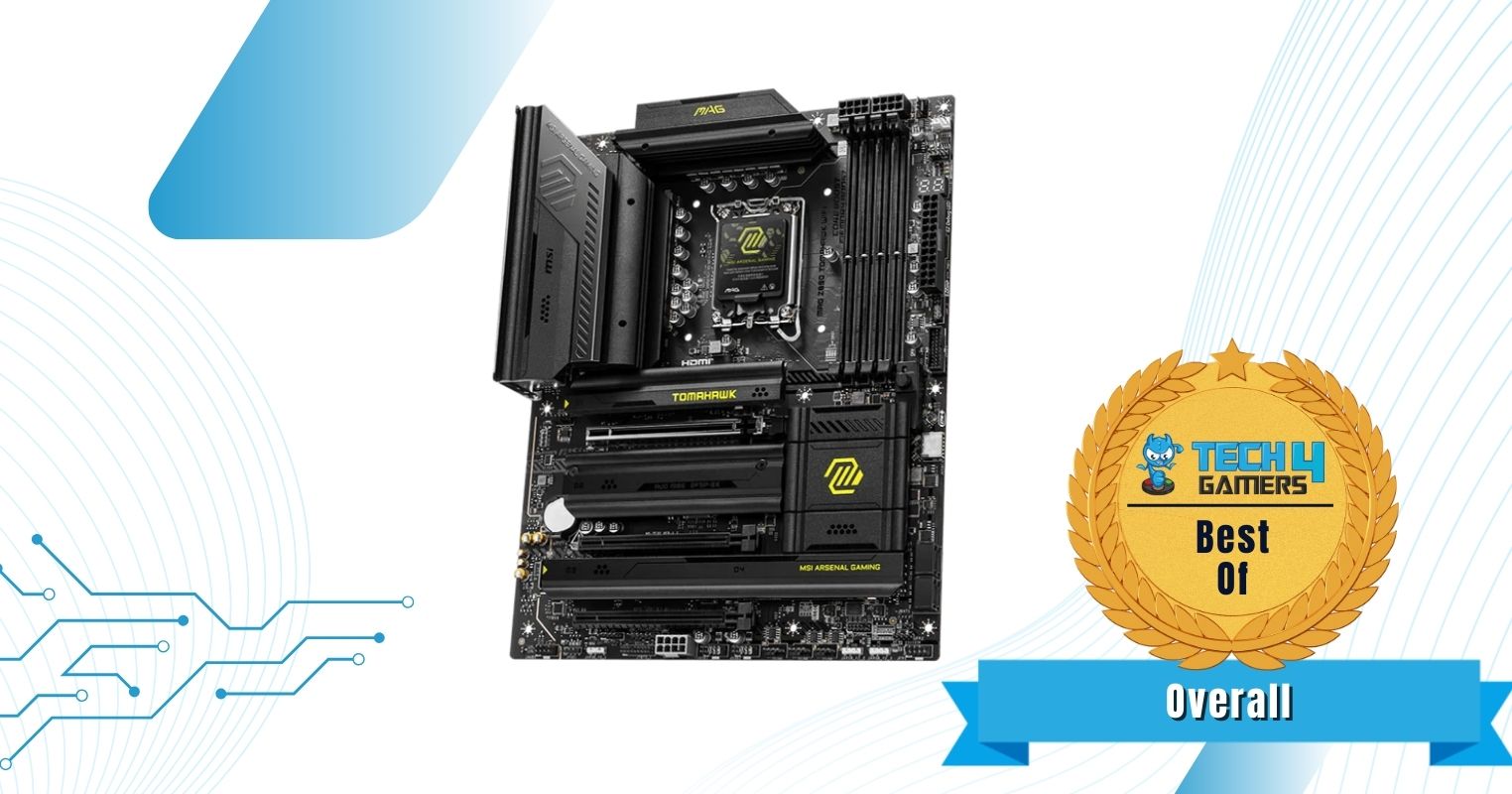
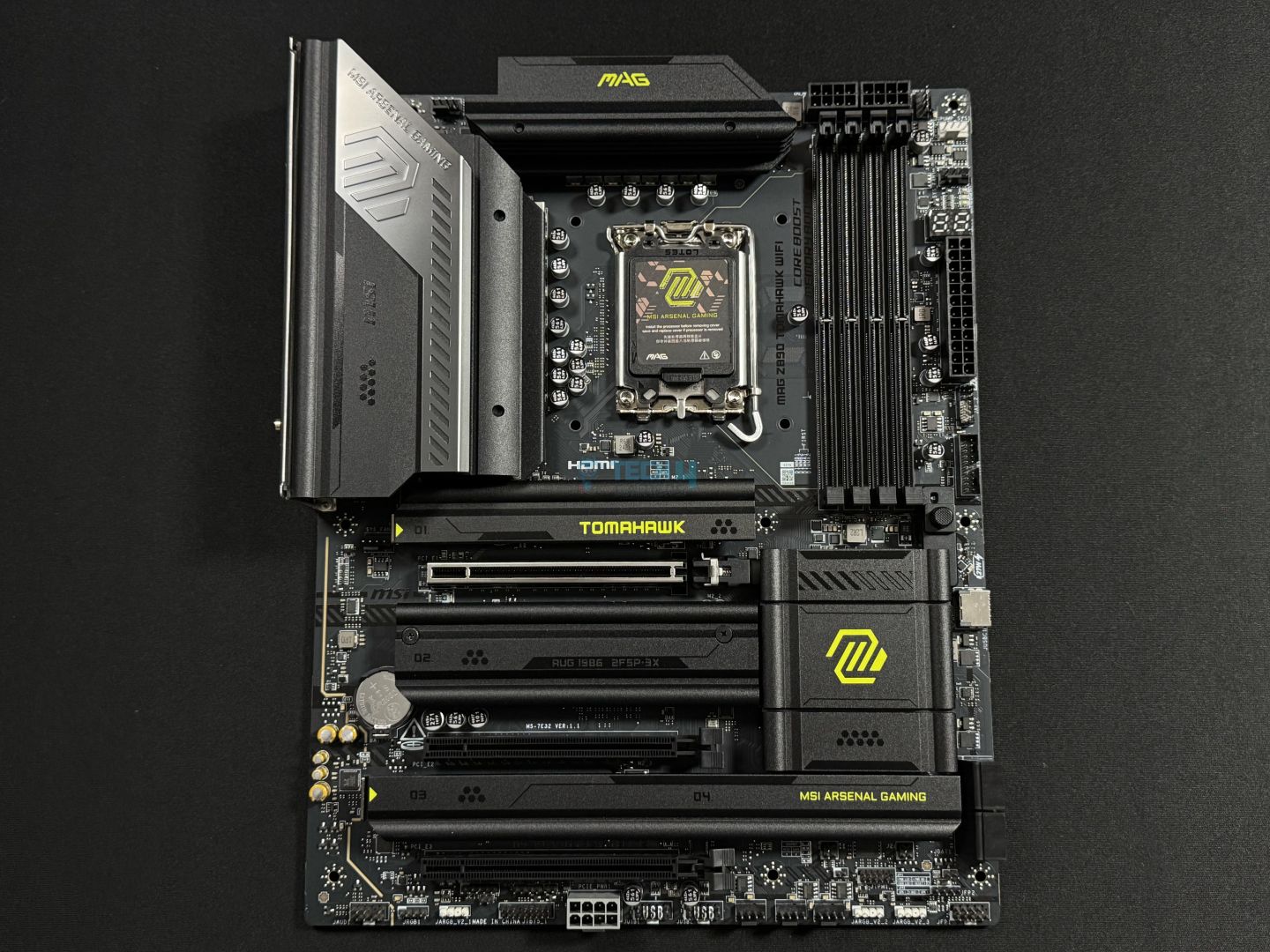
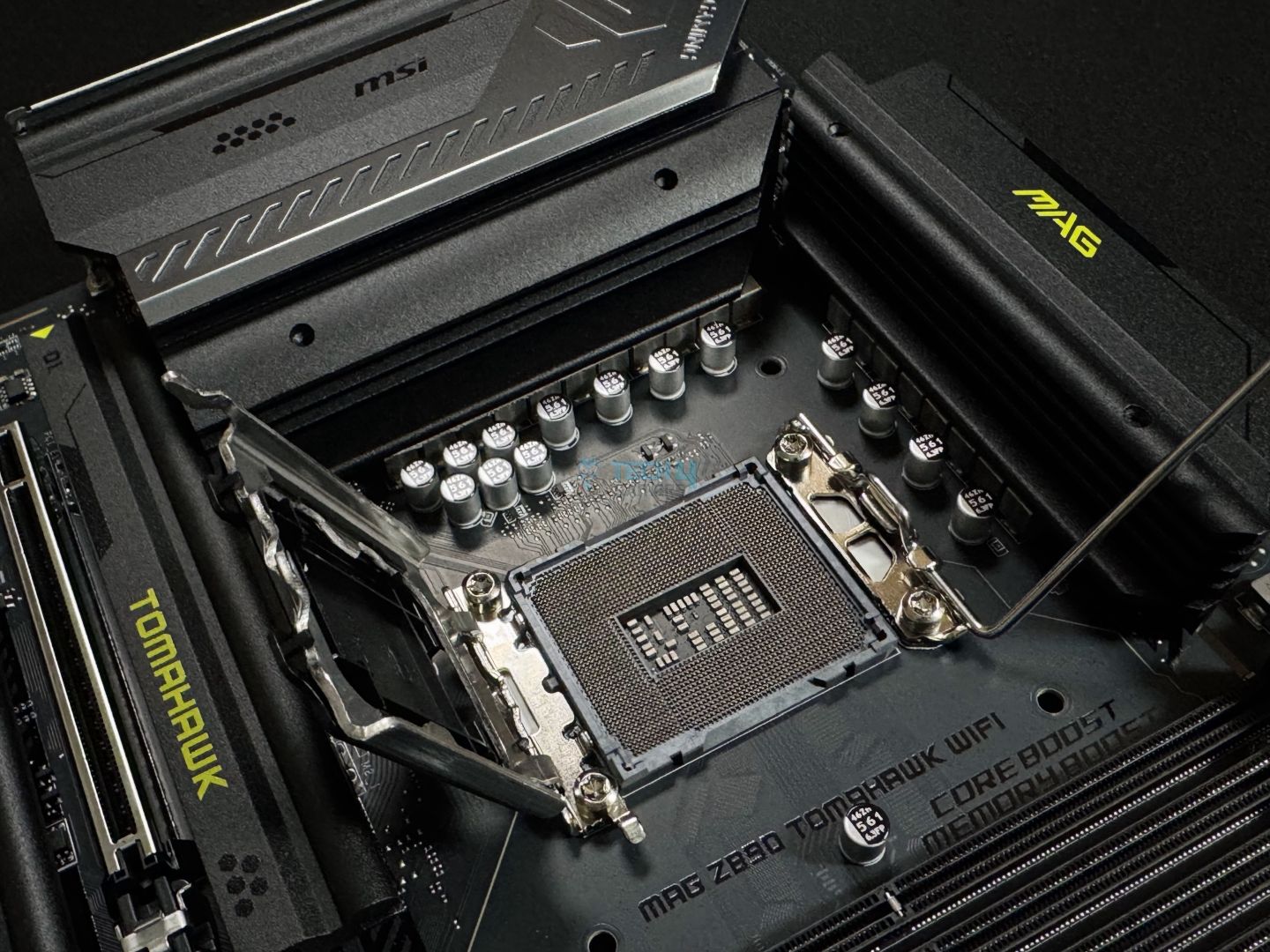
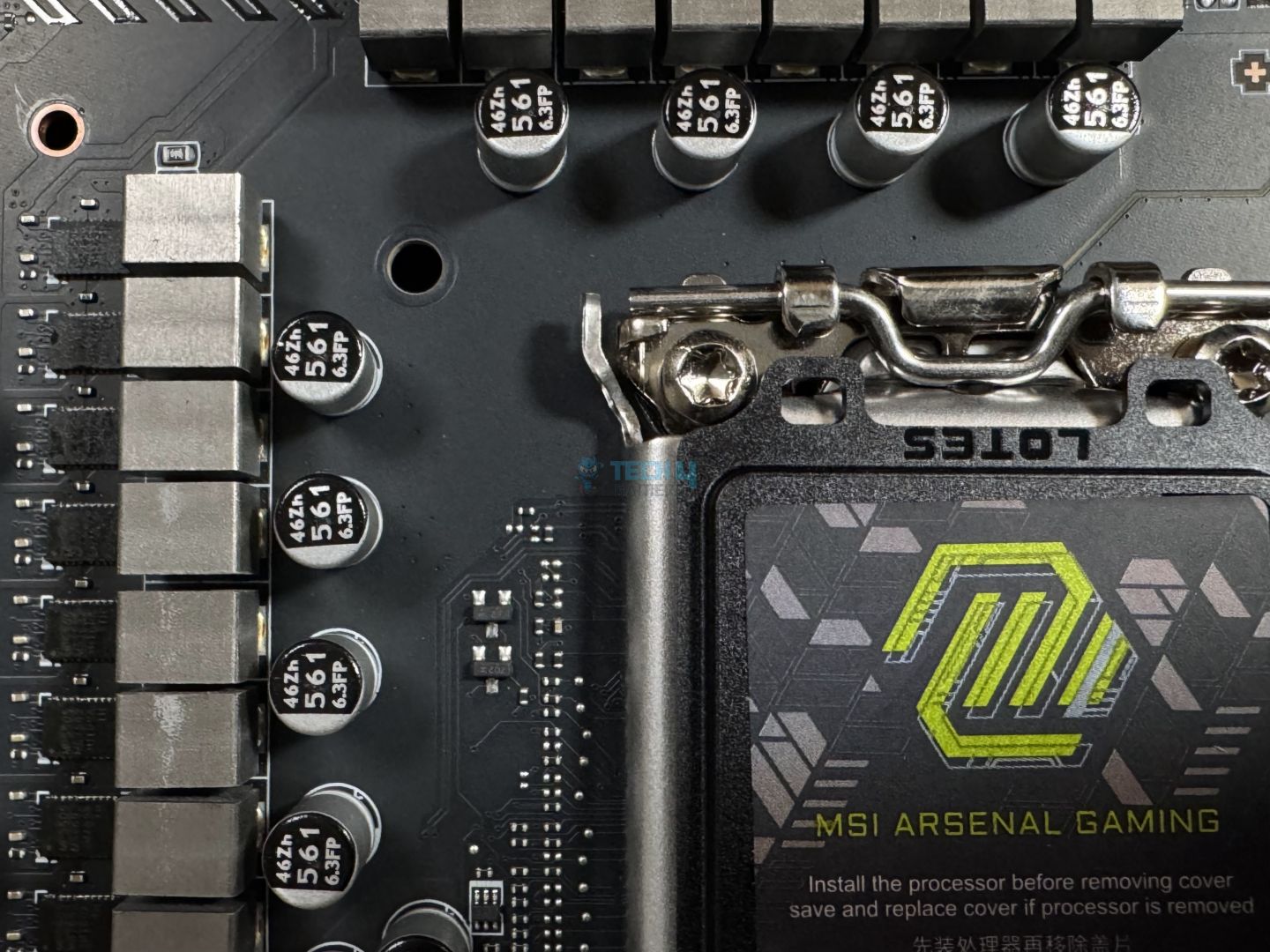
Going in with the MSI MAG Z890 Tomahawk WiFi, you can expect a terrific experience overall. The motherboard offers a robust 16+1+1+1 VRM solution that can help you overlock Intel’s Core Ultra series processors and RAM. Not to mention, the board is built with high-quality 6-layered PCB and comes with useful features such as the MSI AI LAN manager support to assist those who play online as it auto-tunes the network settings to lower latency.
Besides that, I liked the I/O on this motherboard too, you get a total of 17x USB ports for your use, two of which are Thunderbolt4 ports that can accommodate up to 3x Thunderbolt4 simultaneously in each port. What’s more, is that the motherboard also features an EZ DIY design for both the M.2 and the graphics card slot. However, the motherboard only offers a single Gen5 M.2 slot, and the rest of the three M.2 slots are Gen4.
Here’s how I summarized the MSI MAG Z890 Tomahawk WiFi in my dedicated review:
The MSI MAG Z890 Tomahawk WiFi is a $299 motherboard packed with the latest I/O and EZ-DIY features. It has a fairly basic (almost) all-black design with silver accents and yellow-green colors to represent the board’s branding. For VRMs, the board’s 16+1+1+1 (16A 90A duet stages for the board), which is enough for Intel’s 15th gen chips, even if you want to overclock a bit.
✅Buy It If
You want a complete on a budget: If you’re after an all-rounder motherboard, that offers good enough overclocking, plenty of connectivity options, as well as an EZ DIY mechanism. Then I highly suggest you pick this Z890 Tomahawk.
You’re in for a solid I/O: If you prefer to have a lot of high-speed I/O ports, then this Z890 Tomahawk is one of those that would fill your needs.
You want a decent networking experience: The Z890 Tomahawk is equipped with MSI AI LAN feature, which automatically adjusts and connects you with the best network routes for a great online gaming experience.
❌Don't Buy It If
You want maximum overclocking: While the 16-phase VRM structure is decent for the flagship Core Ultra 9 285K, I wouldn’t recommend this board if you want extreme OC potential.
What Makes It The Best Overall Z890 Motherboard?
It has an impressive VRM configuration coupled with a great thermal solution and a plethora of solid I/O, decent looks, and exclusive features such as the MSI LAN manager, WiFi 7, and BT 5.4. I can safely say that the Z890 Tomahawk Wi-Fi is the best overall Z890 motherboard.
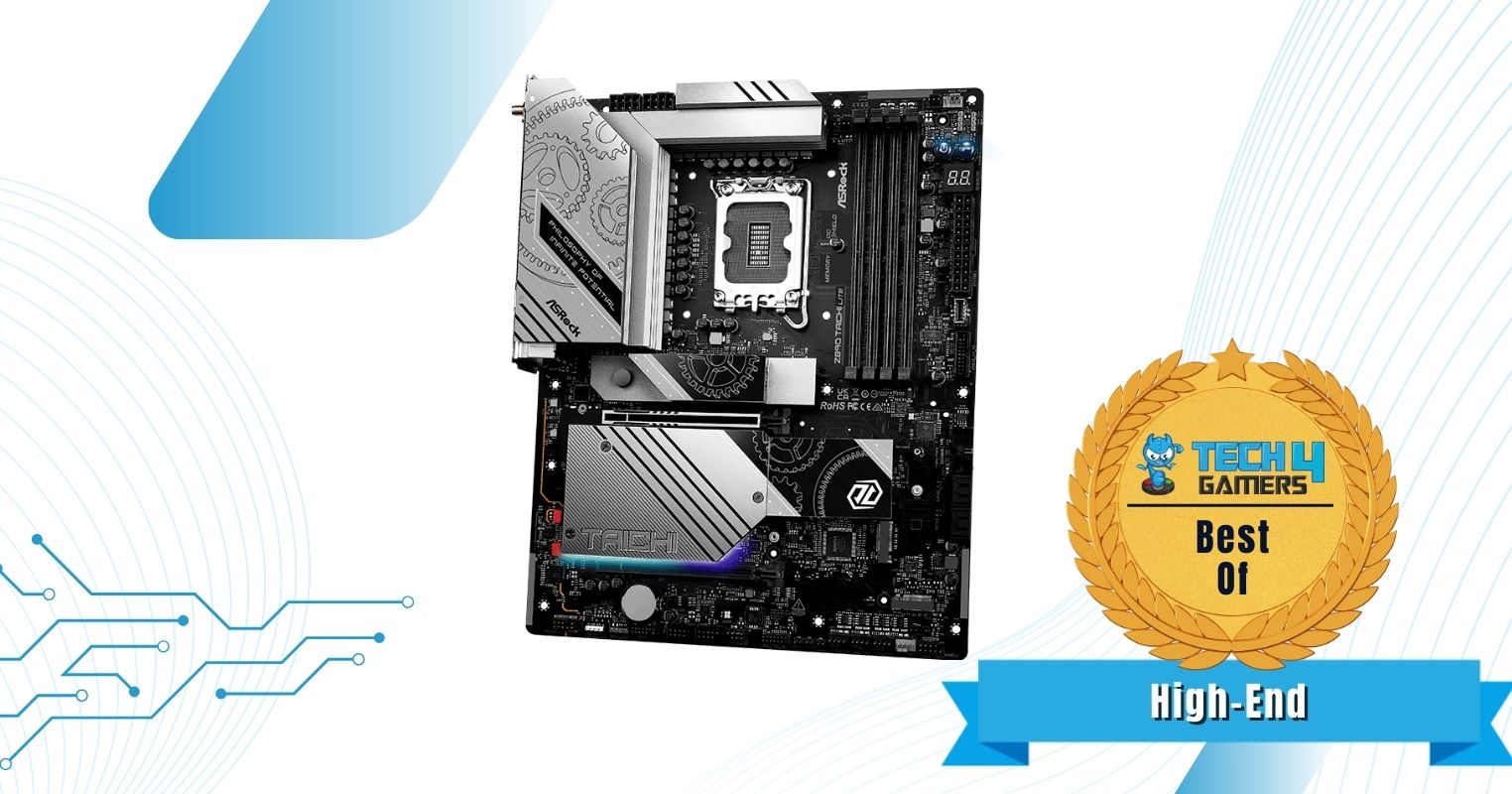
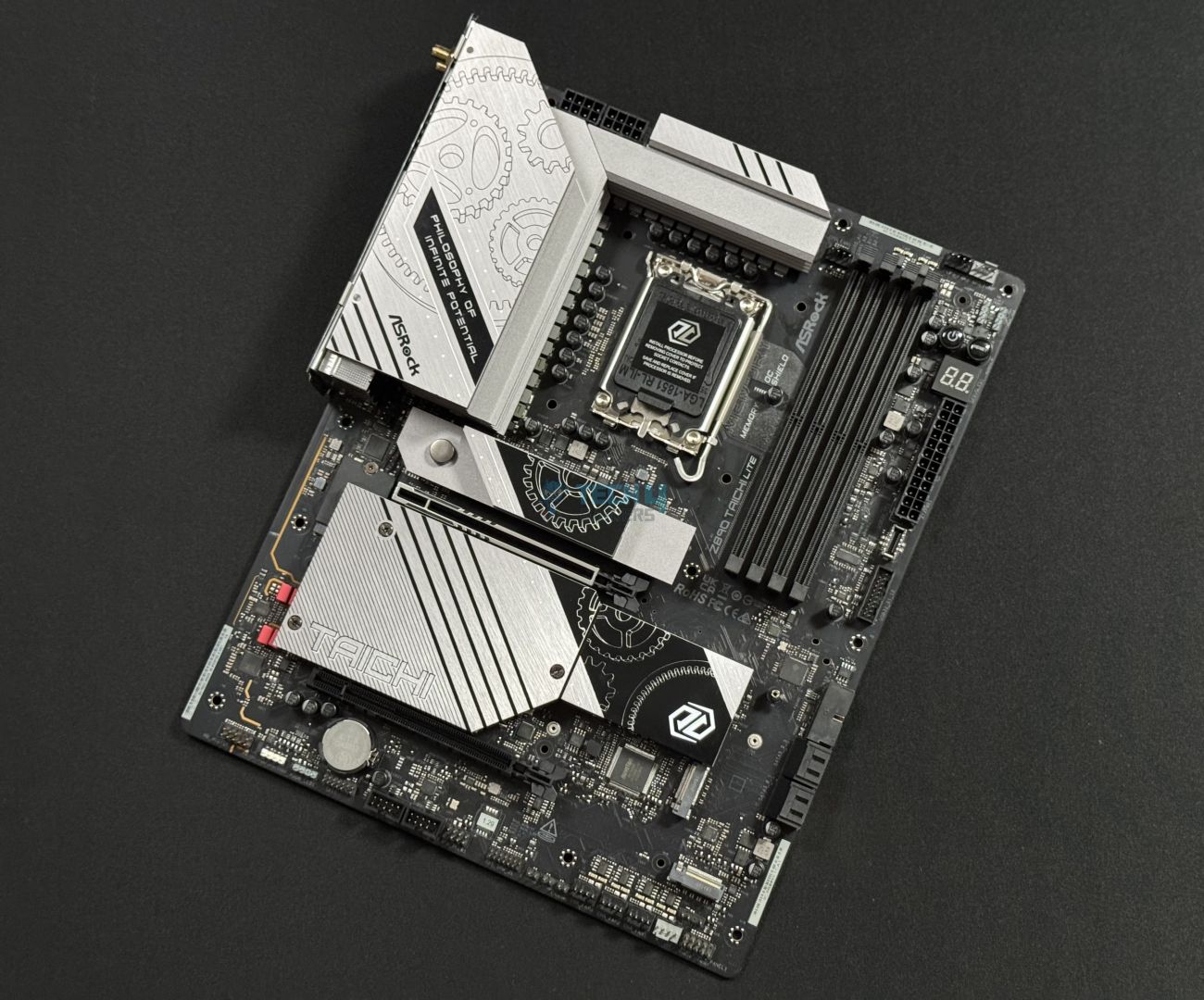
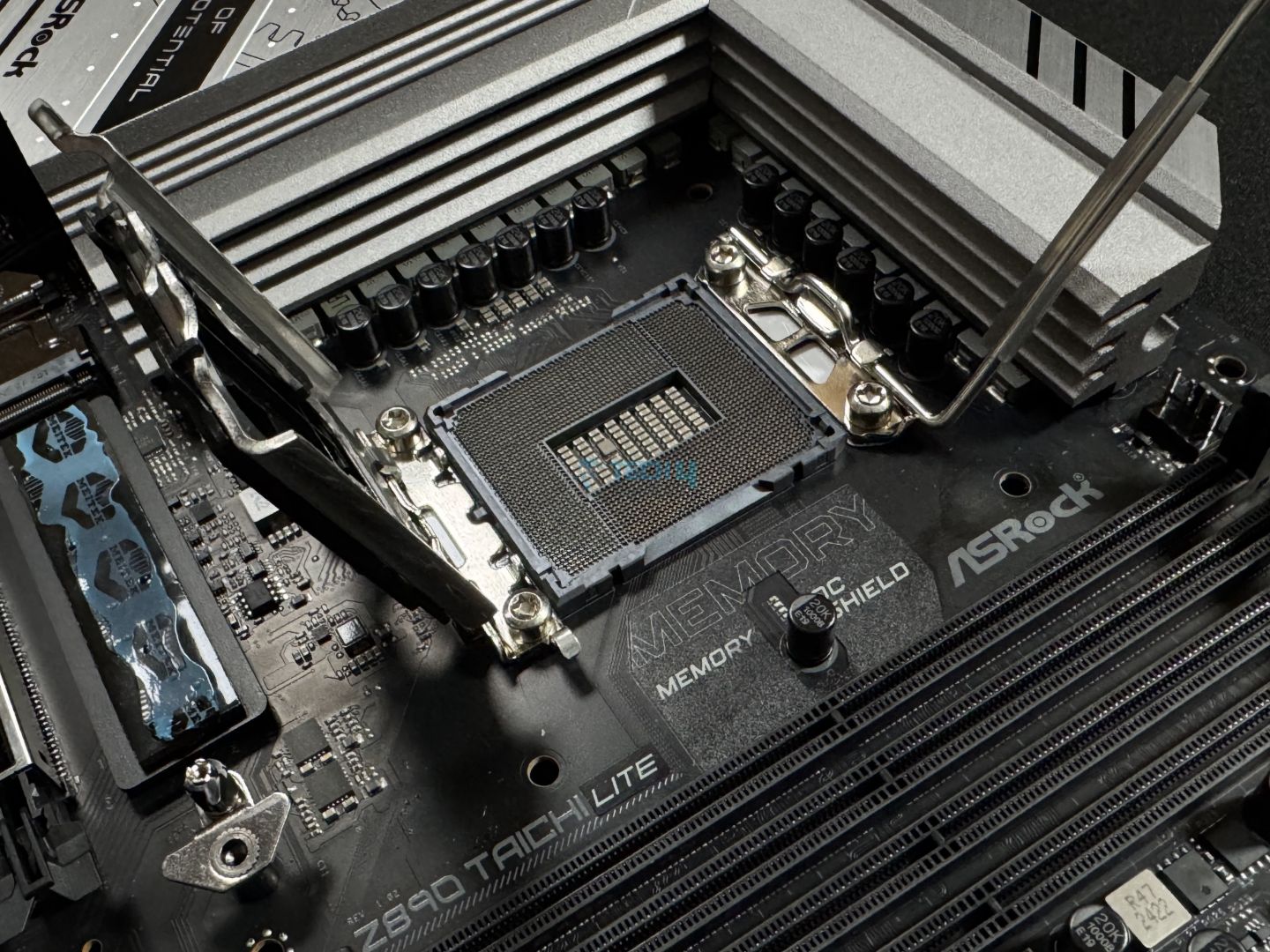
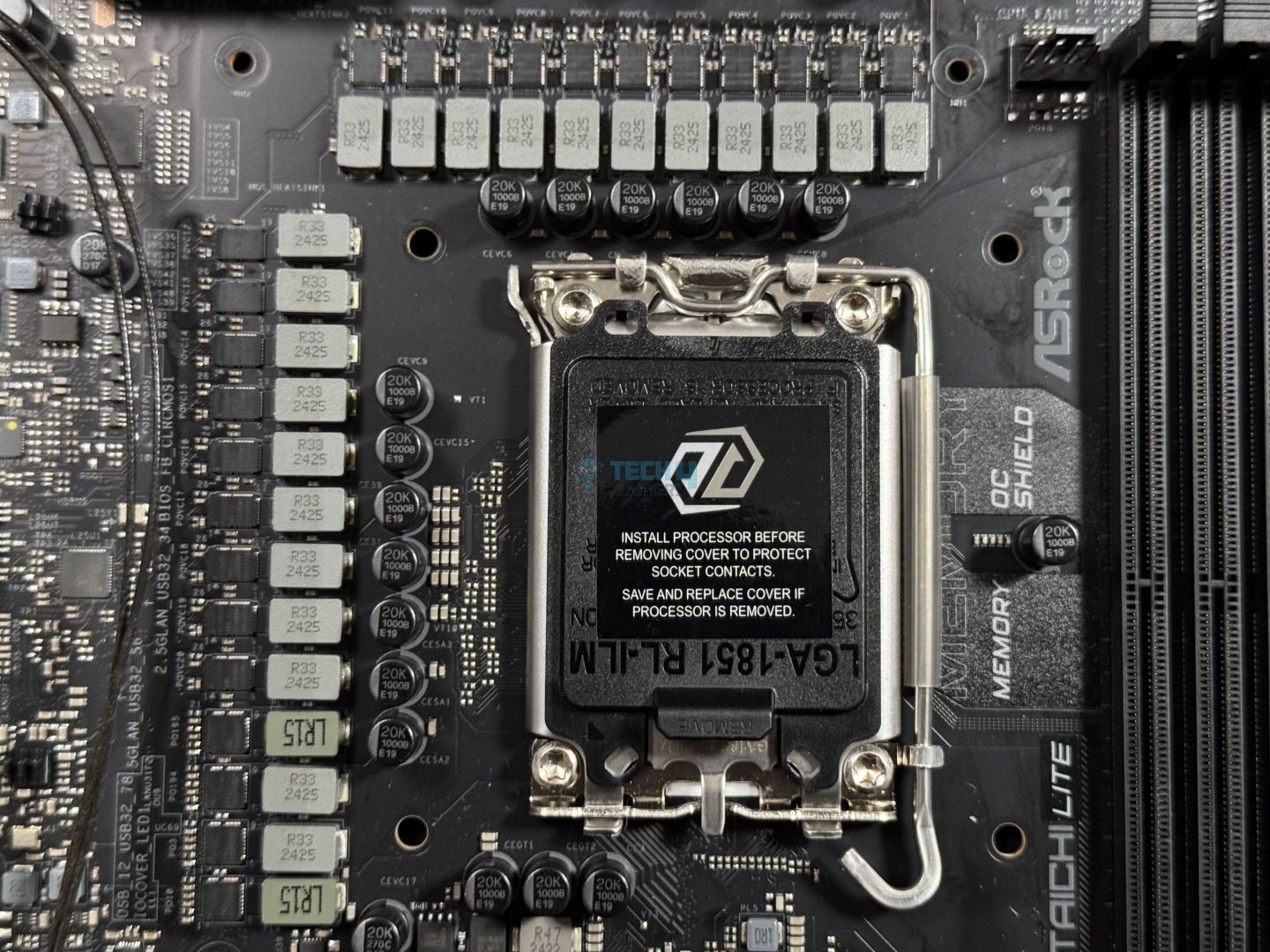
Looking for a high-end motherboard, but at a not-so-high-end price point? Well, the ASRock Z890 Taichi Lite is here to fulfill that specific demand. Firstly, the motherboard comes in at a $400 price bracket and manages to brag about its high-performance capabilities with its 20+1+2+1+1 VRM phase layout. You definitely can’t go wrong while pushing the Intel Core Ultra series processors to their limits.
Another thing to love here is that it has a total of six M.2 slots, however, only one of them is Gen5 enabled. Similarly, the silver-themed design also looks catchy on the motherboard, and having a well-rounded rear I/O with 12x USB4 ports is like a cherry on top. In my opinion, this is one of the best picks in the high-end section. Keeping all that aside, it would have been nice to see an EZ PCIe release mechanism around the primary PCIe slot.
This is what I said about the ASRock Z890 Taichi Lite in my review:
It holds strong in benchmark tests, often placing near the top while remaining competitively priced at $399.99. With effective VRM cooling through an XXL heatsink and a solid, premium design, it’s an excellent choice for high-performance builds.
✅Buy It If
You want a high-end experience: If you’re looking for a high-end motherboard that offers the best in class performance and loads of storage options. Then ASRock Z890 Taichi Lite is the one for you.
You use a dual LAN port setup: The ASRock Z890 Taichi Lite features not one but two LAN ports for additional pro-grade functionality, so if that’s your thing, you can go with this motherboard.
❌Don't Buy It If
You want EZ PCIe Release: This is not really a deal breaker, but given the weight and size of current-gen graphics card, it would have been nice to have an EZ PCIe Release button to quickly remove the GPU.
What Makes It The Best High-End Z890 Motherboard?
The motherboard delivers great build quality, high-end performance, and overclocking support for the CPU and the memory. Apart from that, the design is also appealing with plenty of connectivity options like having a bunch of M.2 slots and USB4 ports. All this makes it the best high-end Z890 motherboard.
Performance: 9.5/10
Value: 8/10
Features: 9/10
Design: 9/10
ASRock Z890 Steel Legend WiFi
Best White Z890 Motherboard
ASRock Z890 Steel Legend WiFi Pictures From Our Review
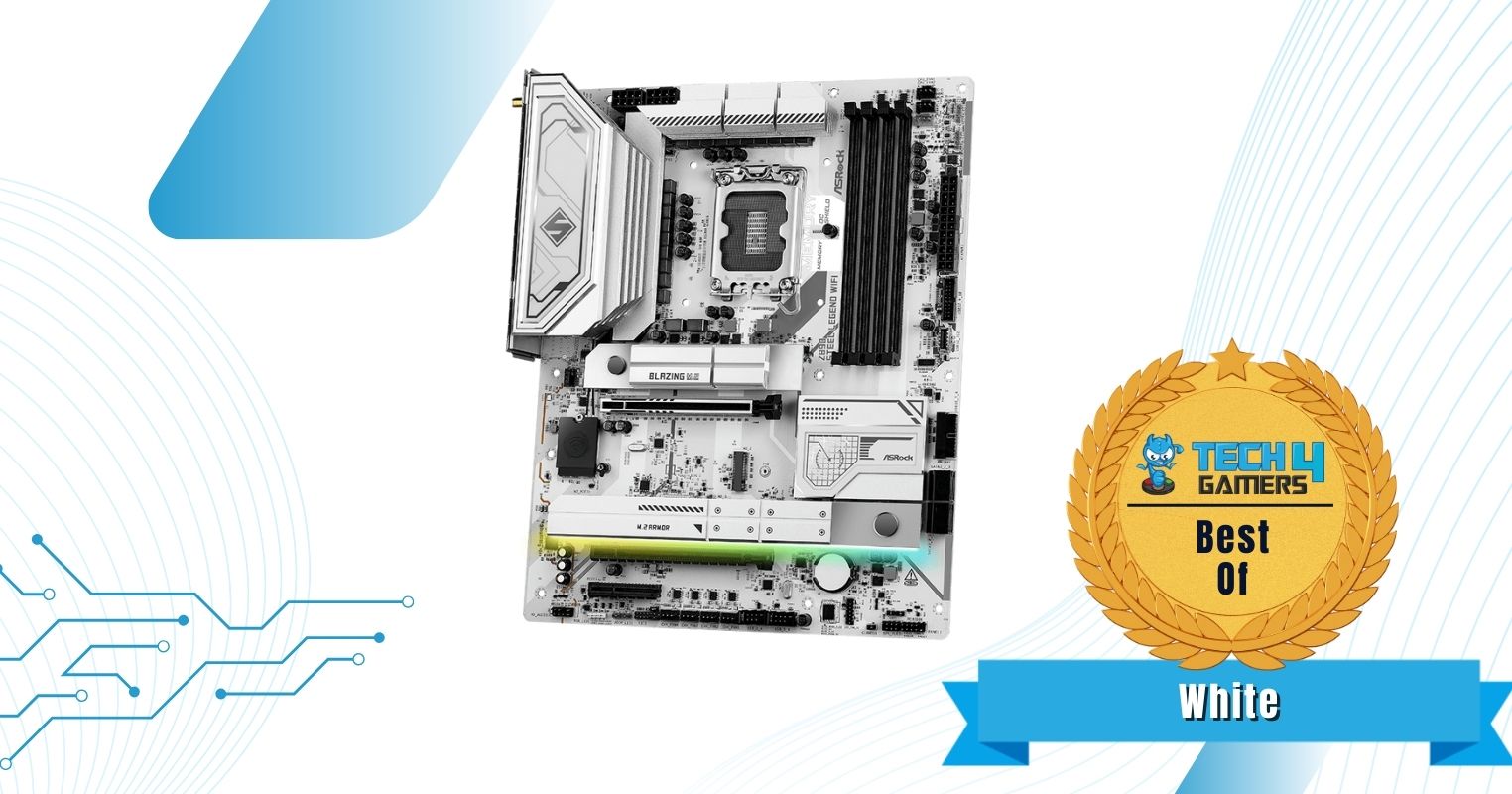
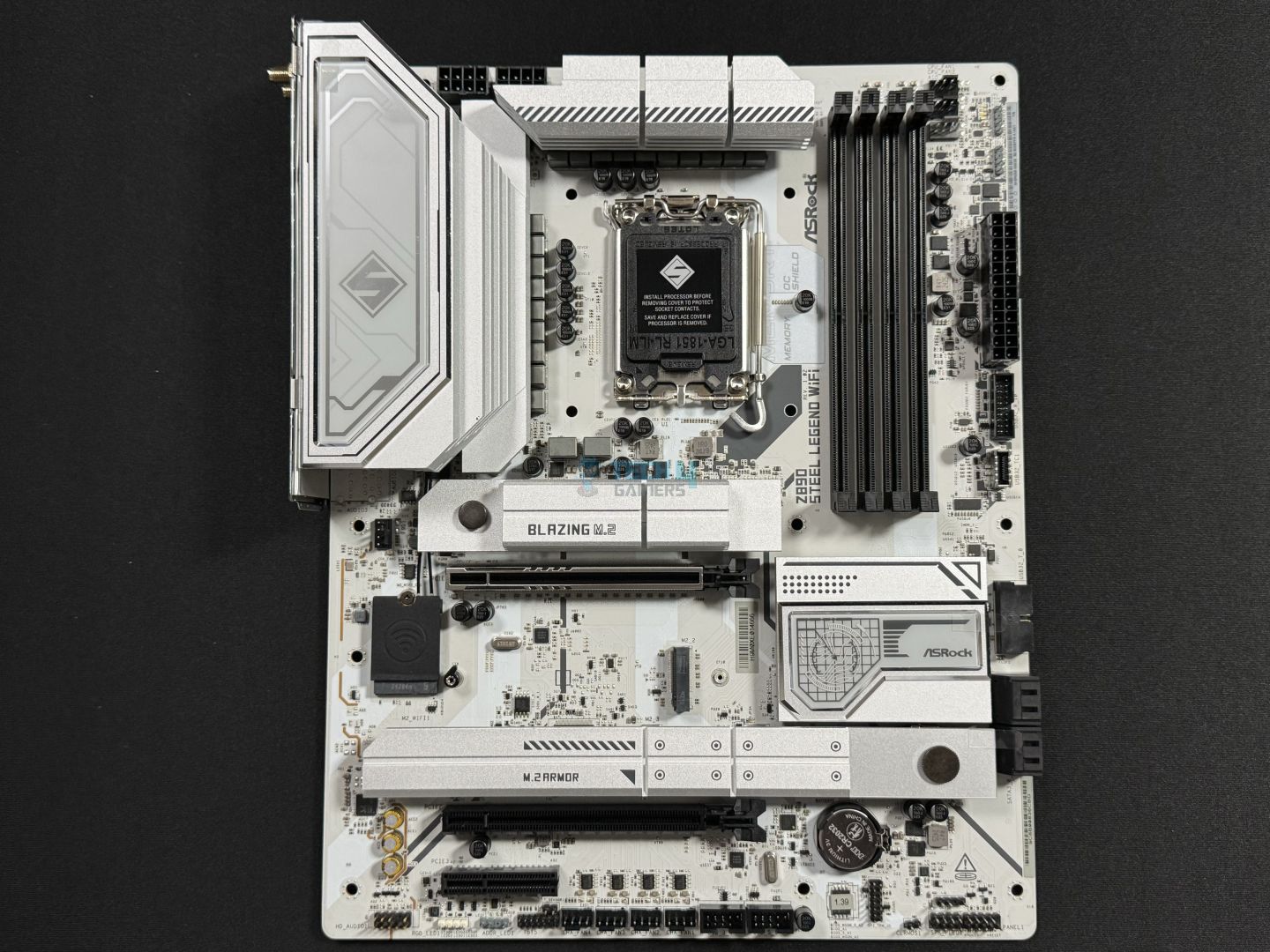
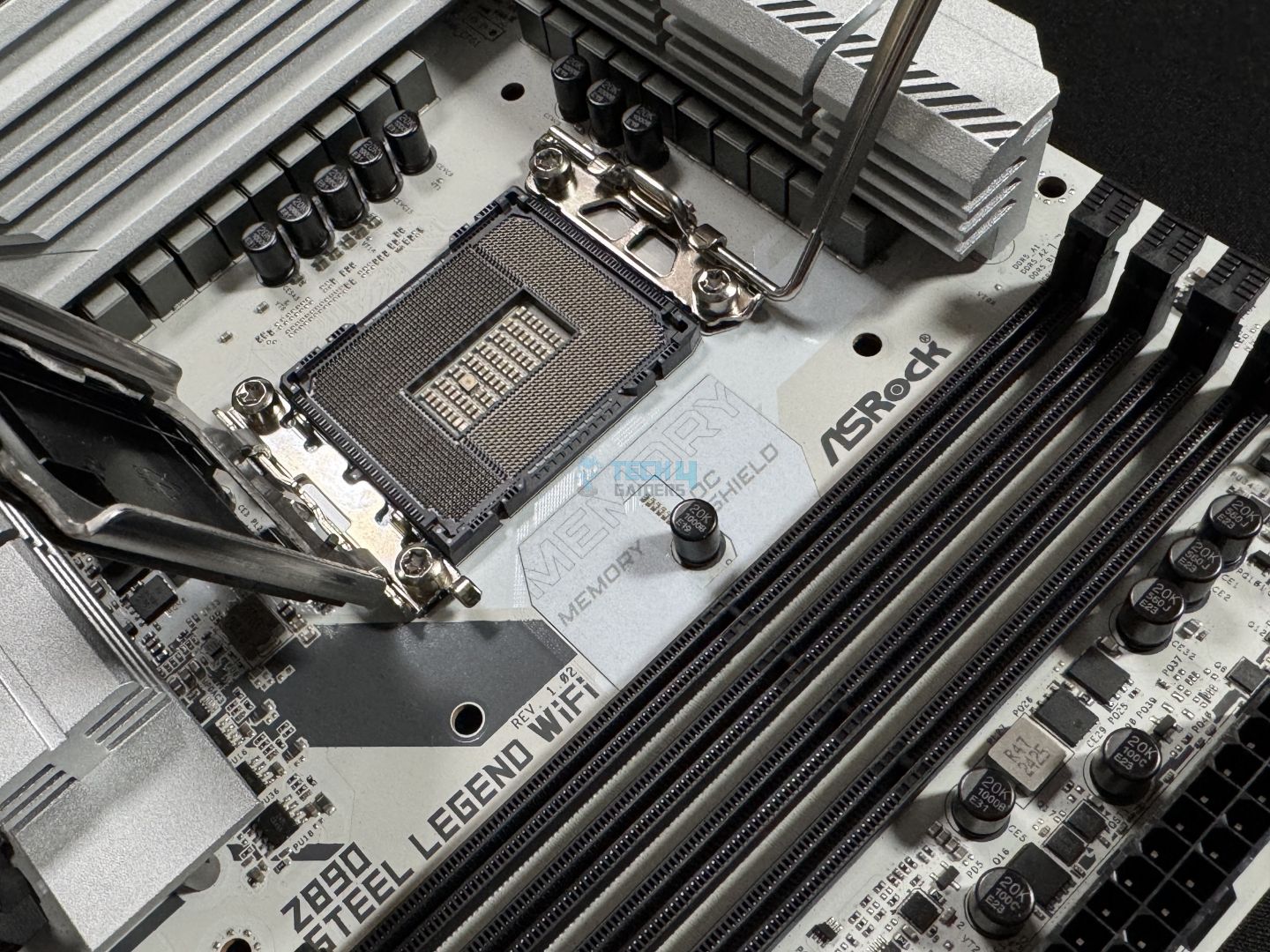
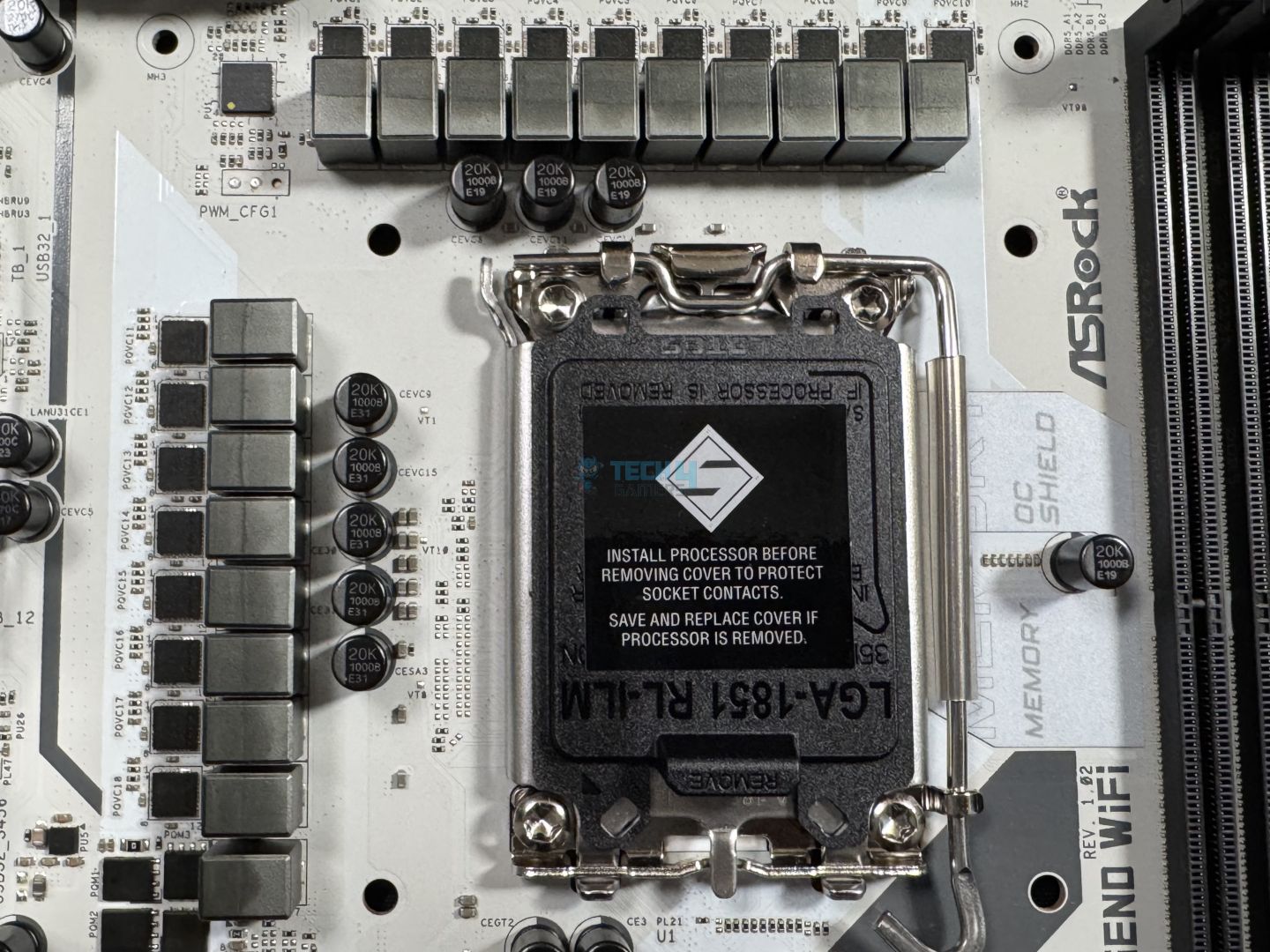
Now, for the white-themed PC lovers, I present you with the ASRock Z890 Steel Legend WiFi. The motherboard packs beautiful visuals while also being equally competitive in terms of performance with its 18+1+1+1+1 VRM phase design, being not too far behind the Z890 Taichi Lite motherboard. It is worth noting that the motherboard also takes the ease-of-installation step further as it features a screwless M.2 release design.
What else caught my attention but in a slightly opposite way is the exclusion of debug LEDs, which comes in handy while troubleshooting various issues. However, the impressive number of USB4 ports and the capability to support RAM over 9466 MHz compensate for the minor drawbacks, especially when price is considered.
Impressed by the value, this is how I described the Z890 Steel Legend WiFi after reviewing it:
The ASRock Z890 Steel Legend WiFi shows outstanding price-to-performance, making it one of the best budget Z890 boards out there. It offers a fairly capable 18+1+1+1+1 VRM solution, DDR5 support up to 9466 MT/s, WiFi 7, Bluetooth 5.4, and dual Thunderbolt 4 ports. That should be enough, but if not, it also offers a beautiful white design and includes an RGB under the M.2 heatsink.
✅Buy It If
You want a high-performing white motherboard: If you’re aiming for a white-themed PC and don’t want to compromise on quality and performance, the ASRock Z890 Steel Legend will serve you well.
You want a screwless design: The ASRock Z890 Steel Legend WiFi has a screwless M.2 slot design — making the whole M.2 drive installation and housing process a breeze.
❌Don't Buy It If
You prefer to have debug code LEDs: Sure the board looks and performs flawlessly, however, it lacks debug code LEDs for troubleshooting if you end up in a situation where they’re needed.
What Makes It The Best White Z890 Motherboard?
The ASRock Z890 Steel Legend WiFi has the characteristics of both Beauty and the Beast, as it looks beautiful in its snowy white color and terrific VRM ensures great performance. Moreover, its decent number of connectivity ports and RGB lighting only add to its reputation and make it the best white Z890 motherboard.
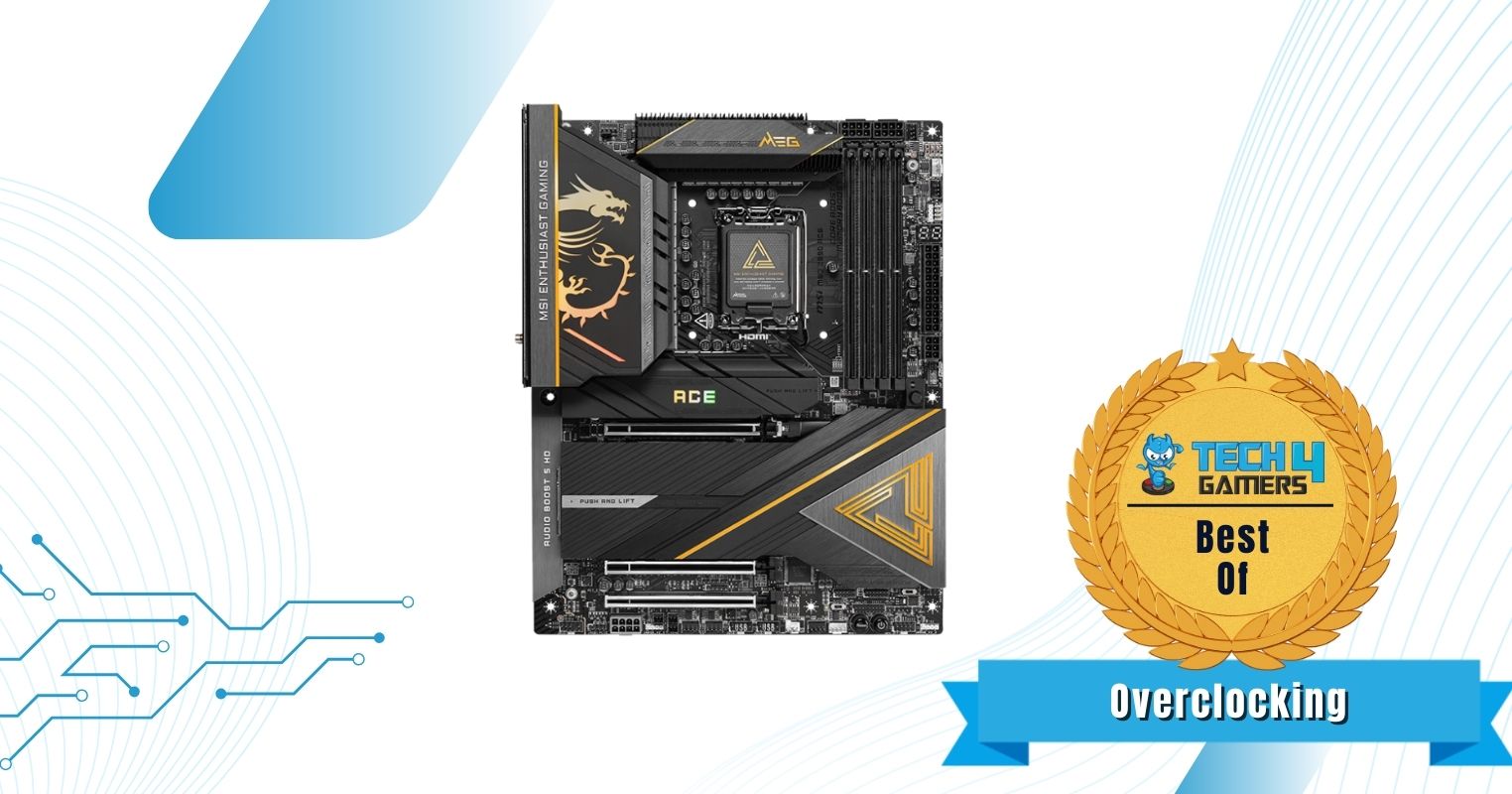
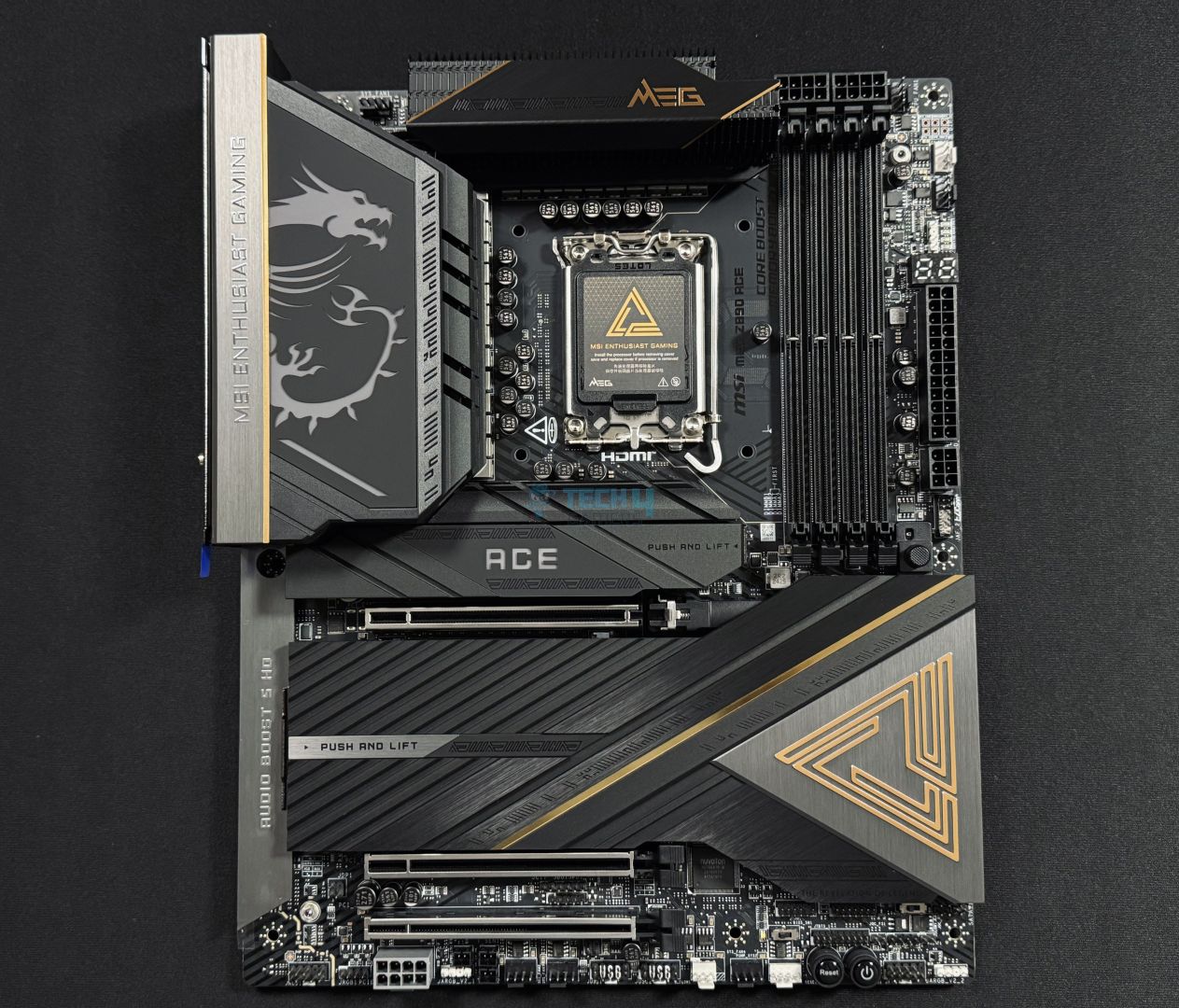
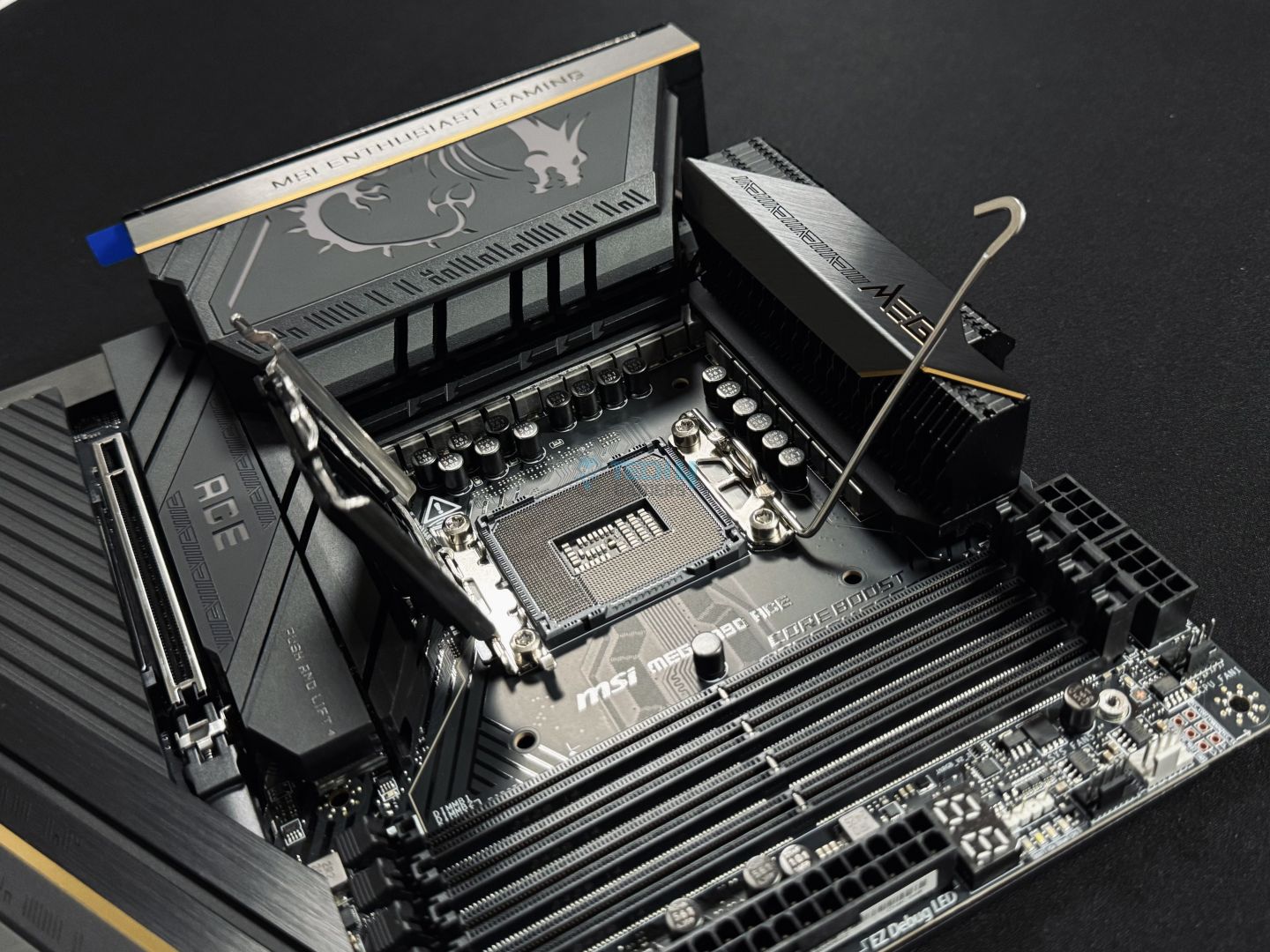
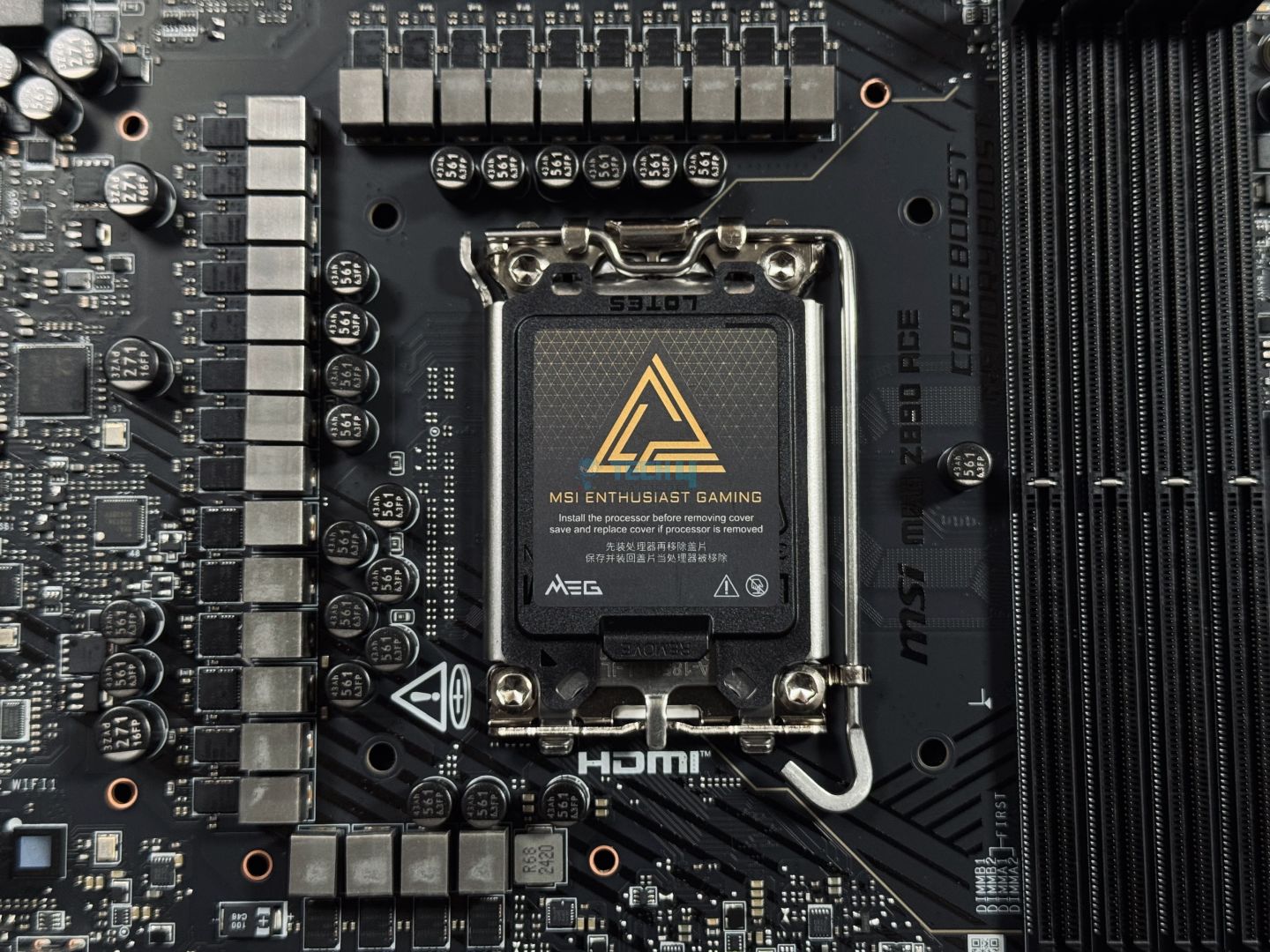
The MSI MEG Z890 ACE is an easy pick as it has the most superior power delivery configuration with a total of 28 phases. You can easily push any Core Ultra series processor without even trying too hard. The VRM thermals also stay in the safe zone thanks to the robust cooling solution featuring heat pipes for rapid heat dissipation.
It also benefits from a high-quality PCB and an aesthetically pleasing design with golden accents throughout the entire motherboard. It doesn’t stop here, we also get to see 15x USB ports at the back. There’s an even more impressive thing to show, which is the inclusion of two Gen5-enabled M.2 slots instead of one; however, in total, it has 5x M.2 slots. All in all, this motherboard is an excellent choice for overclocking.
Speaking of its flagship features, I was so impressed by the MSI MEG Z890 ACE that I gave it an Editor’s Choice award in my dedicated review, saying:
The MSI MEG Z890 ACE motherboard delivers top-tier performance and features, perfect for those who want the best without budget constraints. The motherboard supports high-speed DDR5 memory and PCIe 5.0, with plenty of M.2 and USB ports to meet any demand.
✅Buy It If
You want the highest overclocking potential: If you’re an overclocking enthusiast and want to get your hands on the best overclocking motherboard possible, then this MSI MEG Z890 ACE is a no-brainer as the 28-phase VRM design ensures maximum overclocking support.
❌Don't Buy It If
You are on a budget: The primary reason to skip the MSI MEG Z890 ACE is its steep price tag, otherwise, the motherboard is the best in all areas.
What Makes It The Best Overclocking Z890 Motherboard?
The MSI MEG Z890 ACE is a terrific motherboard that has the best-in-class aesthetics, excellent overclocking support, and a cooling solution. While also offering a great number of ports on the connectivity side, I can easily call this the best overclocking Z890 motherboard.
Performance: 10/10
Value: 7.5/10
Features: 9/10
Design: 9/10
ASRock Z890 Pro-A
Best Budget Z890 Motherboard
ASRock Z890 Pro-A Pictures From Our Review
1 of 4
ASRock Z890 Pro-A
Main Design
Rear IO Cover
VRM Structure
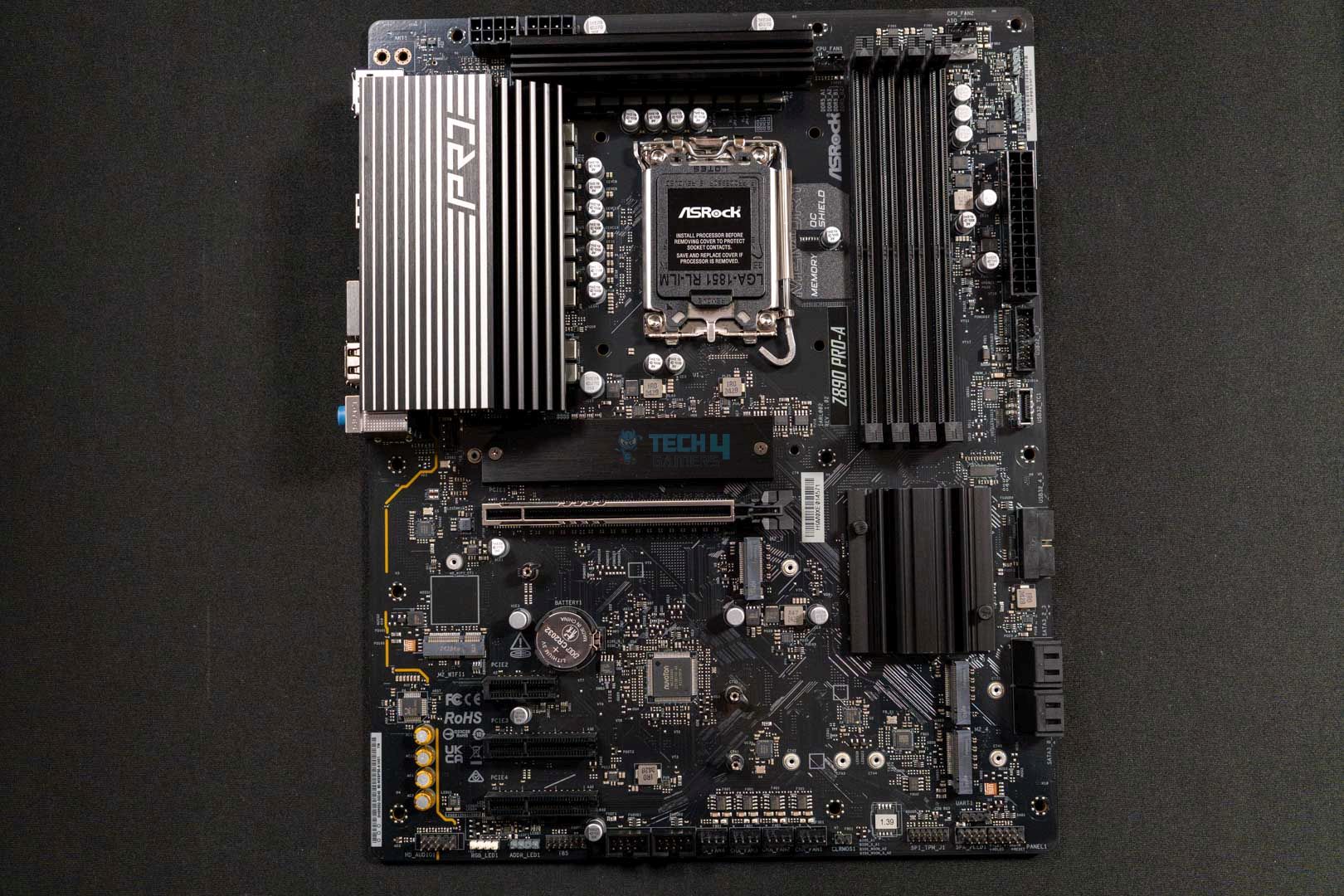
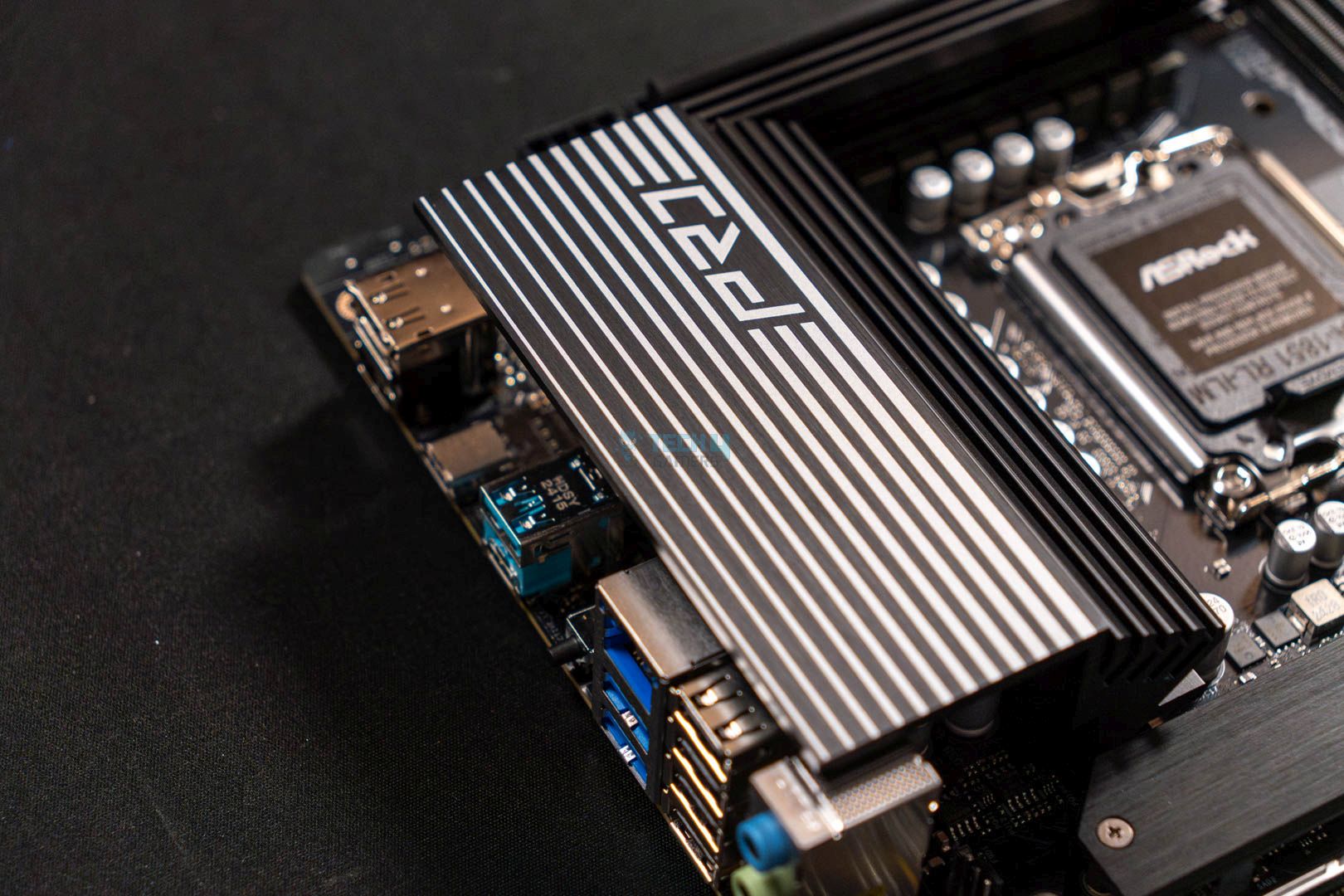
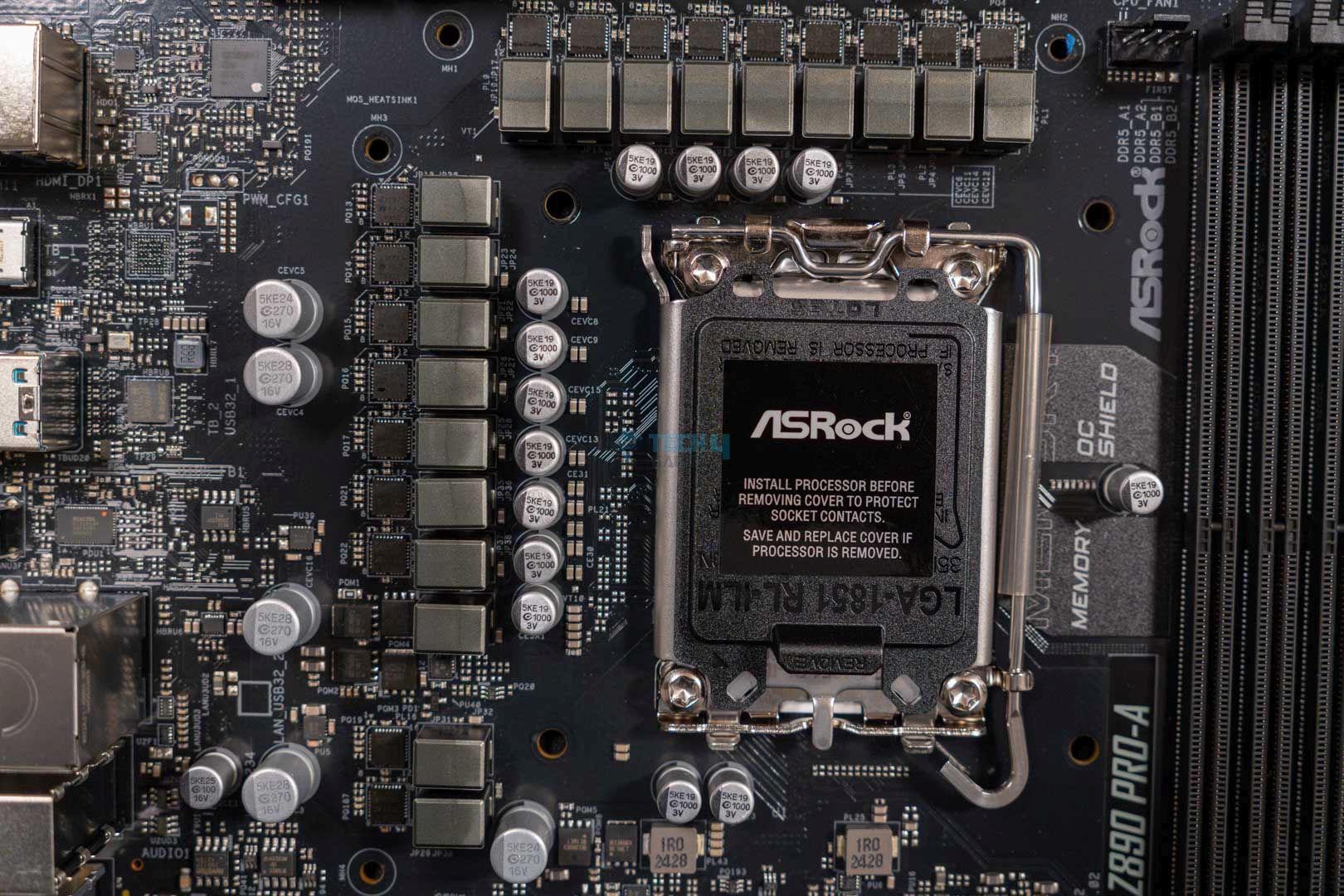
Chipset: Intel Z890 | Memory: DDR5 9066+ (OC) | VRM: 16+1+1+1+1 | Video Outputs: HDMI 2.1, 1x DisplayPort 1.4, 1x USB4 port | RGB Lighting: No | Network: Dragon 2.5G LAN | Storage: 4x M.2, 4x SATA3 | USB Ports: 9x Rear, 9x Front
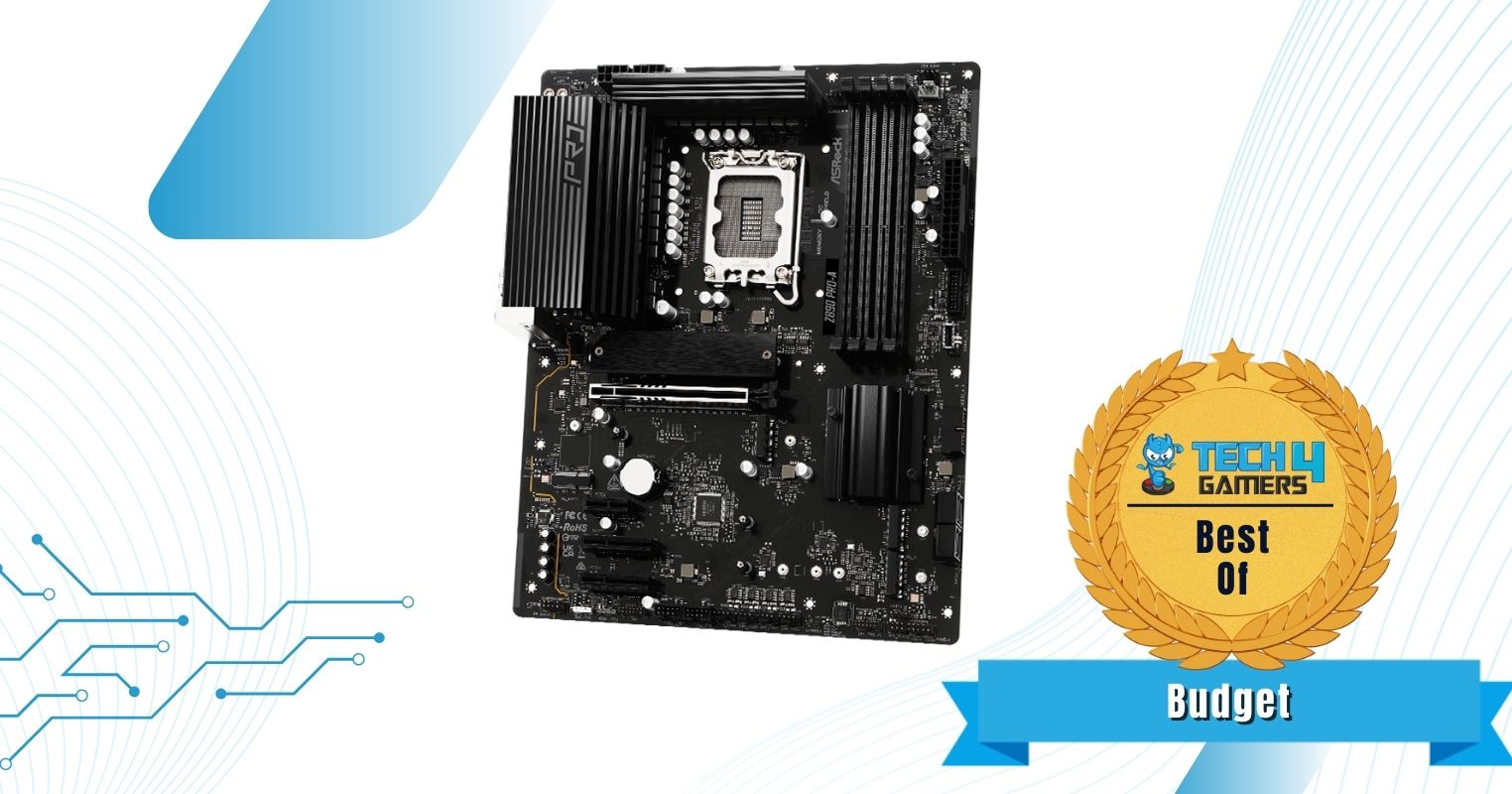
Can’t forget the budget options, can we? The ASRock Z890 Pro-A is the budget pick from me. Sure, it’s a budget-category motherboard but it still rocks the Z890 chipsets which allow it to deliver a handful of impressive features. Such as good enough overclocking with 16+1+1+1+1 phase power delivery. Furthermore, if you’re not fond of manual OC, the memory can go as high as 9066 MHz with just a single click.
Due to budget limitations, the motherboard drops the WiFi & BT connectivity completely and only features a 2.5G LAN port for a decent enough wired internet connection. Lastly, the motherboard still manages to incorporate 4x M.2 slots and a Thunderbolt 4 Type-C port for faster storage expansion, which, in my view, makes it a decent budget value.
This is how Ali Tauseef described the ASRock Z890 Pro-A in his review of the motherboard:
The ASRock Z890 Pro-A is an entry-level motherboard that comes in at a highly competitive price of $189.99 USD. At this price, the motherboard does drop the support for WiFi and Bluetooth, though the slot is available to separately install a module of your own. Other than this minor inconvenience, the board offers pretty much everything, from decent performance to a good selection of I/O with a budget-friendly price tag.
✅Buy It If
You’re on a budget for a flagship chipset: If you do have the highest budget and still want to get a flagship chipset. Then this ASRock Z890 Pro-A is one of the best budget options that gives decent value and performance for the price.
❌Don't Buy It If
You want onboard WiFi & Bluetooth: If having wireless connectivity such as WiFi or Bluetooth is one of your priorities in a motherboard. Then it’s better to skip this one as it lacks both due to budget constraints.
What Makes It The Best Budget Z890 Motherboard?
The ASRock Z890 Pro-A is a simple yet impressive motherboard that hardly compromises performance and connectivity options except for WiFi & Bluetooth. Furthermore, the motherboard looks fairly decent and comes in at a highly affordable price for a flagship chipset. This makes it the best budget Z890 motherboard.
Performance: 8/10
Value: 9/10
Features: 8/10
Design: 7/10
Benchmarks Of The Best Z890 Motherboards
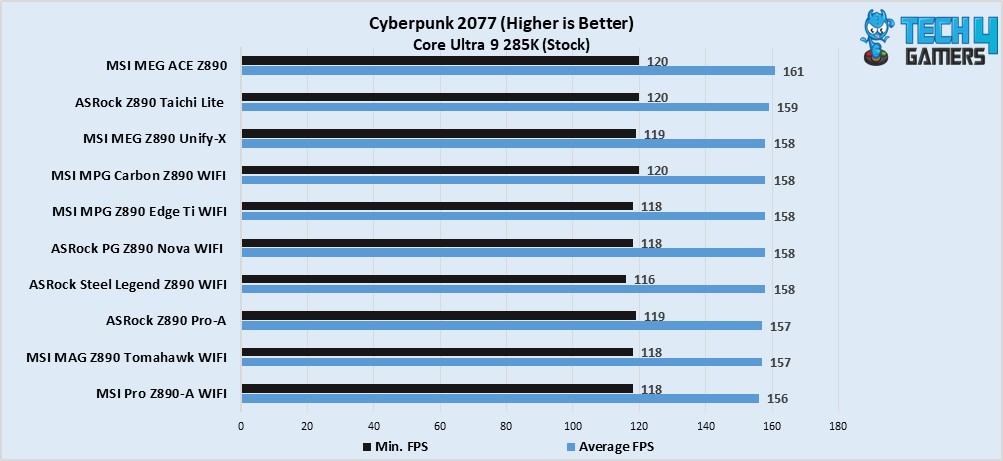
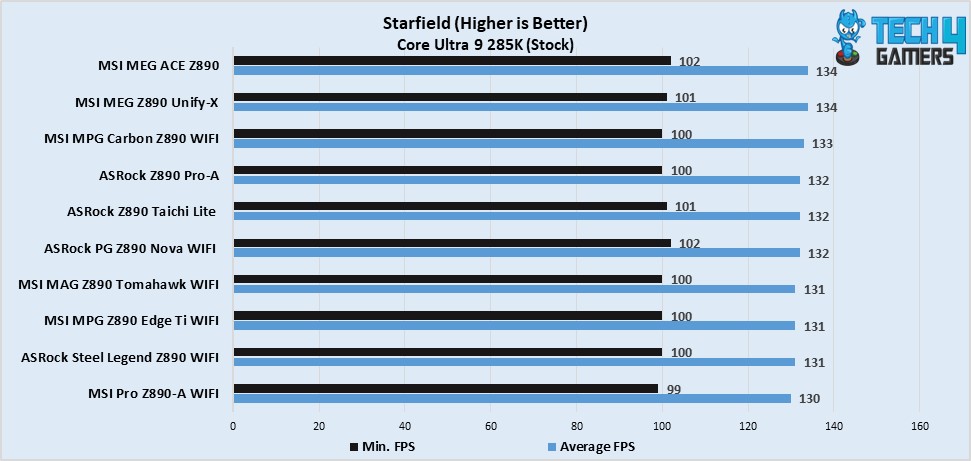
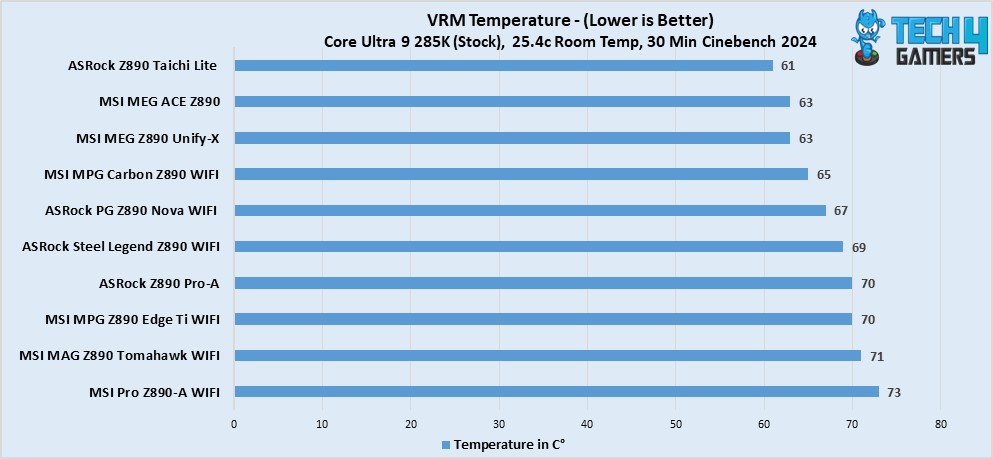
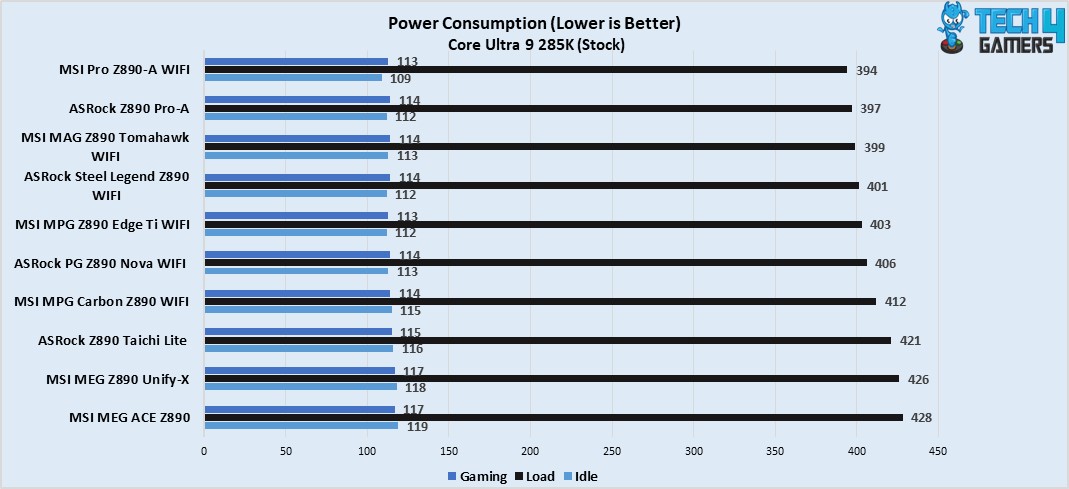
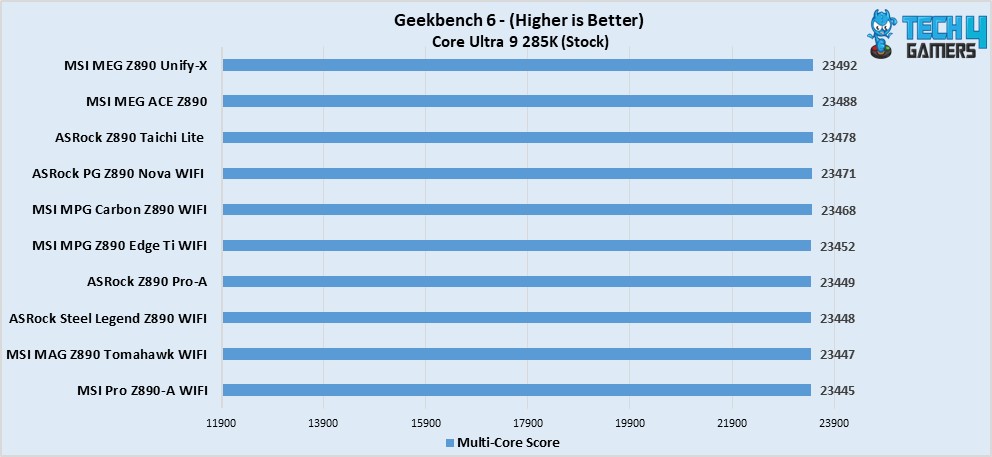
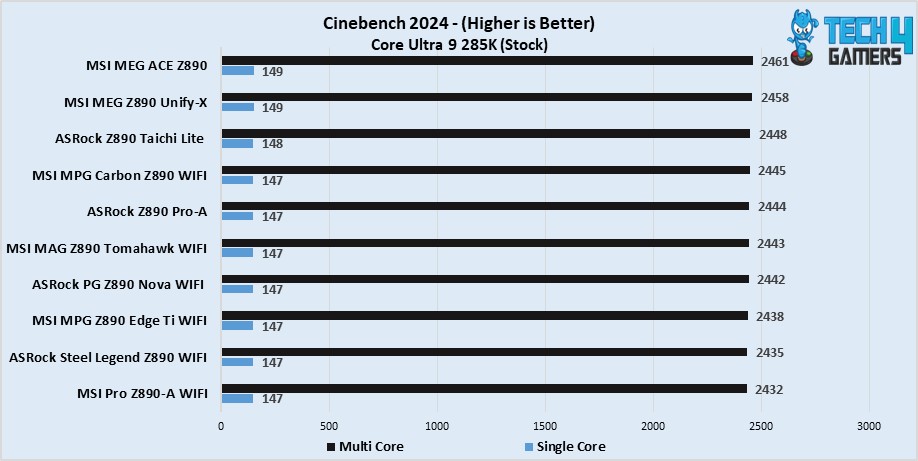
To make sure our recommended motherboards really offer the best performance, we reviewed them all to check out their test results. Swipe through the gallery to go over their benchmarks and VRM thermals.
Test Results Of Z890 Motherboards
1 of 6
Cyberpunk 2077
Starfield
VRM Temp
Power Consumption
Geekbench 6
Cinebench 2024
Motherboard Specification Comparison
Since everyone looks for a motherboard with a different set of specs in mind, we have made a comparison of the specifications of the motherboards we picked for you to further save your time and assist in quick decision-making.
Motherboard Model
Total Power Phases
Max Memory Speed (MT/s)
No. of M.2 Slots
No. of SATA Ports
No. of USB Ports (Front)
No. of USB Ports (Rear)
MSI MAG Z890 TOMAHAWK WiFi
19
9200
4
4
8
10
ASRock Z890 Steel Legend WiFi
22
9466
4
4
9
10
MSI MEG Z890 ACE
28
9200
5
4
9
15
ASRock Z890 Taichi Lite
25
9600
6
4
9
12
ASRock Z890 Pro-A
20
9066
4
4
9
9
Key Motherboard Terms
Form Factor: As the name suggests, the form factor refers to the shape and size of the motherboard. They come in different shapes and sizes like PC cases, you can find motherboards in ATX, mini-ITX, mATX, and E-ATX form factors.
DIMM slots: Like that of CPU sockets, DIMM slots are for memory modules, this is where you install the memory sticks for your use.
CPU Socket: There’s this socket in the middle and near the DIMM slots, which is called a CPU socket and is the place where you install your processor on the motherboard.
VRM: VRM stands for voltage regulatory module and is responsible for handling the power delivery to all of the components connected to the motherboard. A good power delivery also means easy CPU & memory overclocking.
Chipset: A chipset is the main chip on the motherboard, which handles all the communication and operation between all the other PC components.
How We Tested These Motherboards
We do not pick motherboards without a proper screening which includes several different stages. Some of the factors are these:
Power Delivery Solution: A motherboard needs to have a great power delivery solution so everything runs smoothly and trouble-free. People often overclock this aspect of the motherboard and end up with the ones having a basic VRM solution. So, to help you all, I chose only those motherboards that boast a decent power delivery solution as well as a capable cooling solution to keep the VRM thermals within safe limits.
Price to Performance: As each category targets a different budget segment, I chose the best offerings for each one so you get maximum value no matter which category board you’re going to pick for yourself.
Features: To be honest, when you’re spending a big sum on something, you expect it to have at least a decent number of features to justify its purchase. This is why I picked motherboards that offer unique features such as EZ screwless install & removal mechanism, one-click OC, high-speed M.2 & memory slots, and AI network tuning.
FAQs
Are the new Z890 motherboards compatible with Intel 14th-generation processors?
No, the new Z890 chipset motherboards feature a new LGA1851 socket which is for the new Intel Core Ultra series processors only as the 14th gen CPUs are compatible with LGA1700 socket motherboards only.
How good are these new Intel Core Ultra series processors for gaming?
From our personal testing and reviews all over the internet, the new Intel Core Ultra series processors seem to have improved the gaming performance completely. These CPUs focus more on efficiency and productivity performance at least for now.
Is it worth upgrading from a Z790 chipset motherboard to a Z890?
Considering how little the gains are, especially in terms of gaming, I would recommend sticking to your Z790 chipset motherboards or even the Z690 and waiting for another generation to make the upgrade a worthy one.
I’ve previously worked for eXputer as a Senior News Writer for several years. Now with Tech4Gamers, I love to devoutly keep up with the latest gaming and entertainment industries. I have a Bachelor’s Degree in Computer Science and years of experience reporting on games and breaking exclusive stories. Besides my passion for gaming journalism, I love spending my leisure time farming away in Stardew Valley. VGC, IGN, GameSpot, Game Rant, TheGamer, GamingBolt, The Verge, NME, Metro, Dot Esports, GameByte, Kotaku Australia, PC Gamer, and more have cited my articles.
Story Highlight
A new report claims that the price of all Samsung memory products is increasing by up to 80%.
Distributors could hike prices of memory chips, including DRAM and NAND.
This could affect the prices of consumer electronics in the near future.
It’s become apparent that the memory crisis will only get worse in the next few years. So, huge price hikes are being implemented across all memory products and consumer goods that use them across various industries. However, Samsung might be taking things too far.
The company’s official distributors are reportedly raising the prices of its memory products by as much as 80%.
Why it matters: Samsung distributors hiking the prices of memory goods by 80% could worsen the situation for gaming and other industries already struggling to survive in the ongoing memory apocalypse.
Samsung distributors are reportedly hiking prices of memory goods by 80% || Image Source: Twitter
The alleged notice from the Samsung distributor states that prices for all memory products will be increased by up to 80%. This applies to all memory modules, including DRAM, NAND, HBIM, server chips, and the like.
The hike spans across products of all grades, conditions, specs, and capacities. And as you’d expect, Samsung announced a price adjustment due to supply constraints and increased manufacturing costs in the global semiconductor market.
This notice allegedly originated from an employee at Samsung Electronics’ Device Solutions campus in Giheung, South Korea, so it’s being treated as an official document. Samsung has yet to confirm or deny the viral report online.
Regardless, it is reportedly effective immediately, so other authorized and official company distributors and dealerships will also apply the same price increase across memory products.
Samsung is boosting DRAM production by 5%, but it is not enough to make a big difference.
We can expect the consumer electronic goods that use Samsung memory chips to get even more expensive in the near future, including SSDs, memory cards, and USBs.
Samsung had already raised memory prices by up to 60% late last year, as tech giants continue to invest in the AI industry with no end in sight.
Do you think the price of Samsung memory products being raised by as much as 80% is justifiable, or is this too absurd a hike this time around? Let us know your thoughts in the comments below, or join the discussion on the Tech4Gamers forum.
At Tech4Gamers.com, I cover the latest news and rumours in the gaming industry, from new game releases to hidden gems and video game leaks. Furthermore, I occasionally write tech articles about video game consoles, providing insights into the hardware and software that powers our gaming experiences.
Story Highlight
Dota 2 TI 2026 is set for August 13 through August 23, 2026, spanning 11 days.
Shanghai, China, will host the event, bringing the tournament back to a region with a massive player base.
Teams will compete for a spot in the tournament during a qualifying phase held from June 9 to June 28, 2026.
If you follow Dota 2 even casually, you’ve probably asked the same question everyone else is asking right now: when is TI 2026? The International is still the biggest event in Dota, and planning around it matters whether you’re a hardcore viewer or someone who only tunes in for the main stage.
The dates are locked in, and we finally know what to expect.
Dota 2 TI 2026 Dates (Confirmed)
Dota 2 TI is one of the biggest esports events.
The International 2026 will run from August 13 to August 23, 2026. That gives us an 11-day event, which lines up with how TI has been handled in recent years. Expect a packed schedule with group stages, playoffs, and a long main event stretch where things usually get intense.
TI 2026 will take place in Shanghai, China, marking another return of the tournament to Asia. This feels like a natural move considering how strong the Dota 2 fanbase is in the region and how well past events there have performed.
Mid-August has basically become TI season, and that’s unlikely to change anytime soon. It gives teams enough breathing room after qualifiers and lands at a time when fans are already used to setting aside days for long match schedules.
If you’ve watched past Internationals, you know the routine: marathon match days, awkward time zones depending on where you live, and last-minute meta shifts that shake everything up right before the main event.
Every TI brings more than just intense matches. The season usually sparks extra activity around Dota 2 items, as players buy, sell, and trade cosmetics more than usual. It’s just part of the hype that comes with TI season.
Shanghai also means a passionate crowd and high-energy games, which usually makes TI feel louder and more memorable.
TI 2026 Qualifiers: Where Everything Starts
Expect high-intensity matches and a vocal live audience in Shanghai.
Before any team makes it to the TI stage, they’ll need to survive the regional qualifiers, which are scheduled to run from June 9 to June 28, 2026. This part of the season is often overlooked, but it’s where some of the most stressful and emotional Dota is played.
Every year, big-name teams fail to qualify, surprise runs happen out of nowhere, and entire seasons are decided in just a few series. If you enjoy high-pressure matches, qualifiers are worth following closely.
After all these years, The International still isn’t “just another tournament.” It continues to define professional Dota and shape how the game is played at the highest level. Looking back at classic events like TI5, it’s easy to see why expectations remain so high. Those tournaments created moments that fans still talk about today and helped set the standard for what TI is supposed to be.
Whether TI 2026 lives up to that legacy is impossible to predict, but that uncertainty is part of what keeps people invested.
To keep it simple, The International 2026 takes place from August 13 to August 23, 2026, will be hosted in Shanghai, China, and will be preceded by regional qualifiers running from June 9 to June 28, 2026.
TI 2026 isn’t just another date on the esports calendar. It’s the event the entire Dota 2 season builds toward. With the schedule confirmed and the location locked in, all that’s left now is to see which teams survive the road to TI and who ends up lifting the Aegis.