I’ve previously worked for eXputer as a Senior News Writer for several years. Now with Tech4Gamers, I love to devoutly keep up with the latest gaming and entertainment industries. I have a Bachelor’s Degree in Computer Science and years of experience reporting on games and breaking exclusive stories. Besides my passion for gaming journalism, I love spending my leisure time farming away in Stardew Valley. VGC, IGN, GameSpot, Game Rant, TheGamer, GamingBolt, The Verge, NME, Metro, Dot Esports, GameByte, Kotaku Australia, PC Gamer, and more have cited my articles.
Story Highlight
A BioWare dev recently said Mass Effect Andromeda was a ‘better game than reception suggested.’
However, he agreed that the criticisms were fair and made sense to the community.
Dragon Age: The Veilguard could also have been open-world if it were not for the overly negative reception of Andromeda.
The RPG was criticized for a slew of changes, including the barren open world, soulless character animations, and a mediocre story. All these tidbits collectively destroyed the expectations of the Mass Effect fans, causing a huge backlash.
However, BioWare’s John Epler seemingly argues that its highly negative rating does not accurately portray the game. He thinks the RPG still holds up better than the ratings made it out to be.
Why it matters: BioWare’s stance highlights that not everyone in the studio accepts how grimly Mass Effect Andromeda was painted by the negative reception.
While speaking in an interview with Rolling Stone, John Epler argued that Andromeda was a better game than the reception painted it out to be. Some criticisms were addressed by BioWare after the game came out, such as bugs and crashes. However, the other core gameplay issues still linger to this day.
“I do think Andromeda was a better game than its reception suggested, but on the flip side, I don’t think the reception was unfair.”
John also clarified that a rendition of Dragon Age 4 was also in development back in the day, which was supposed to follow the open-world route. However, the barrage of negative reviews on Andromeda inspired BioWare to drop the idea altogether.
BioWare’s new game, Dragon Age: The Veilguard, received mixed reactions upon launch.
Fans also argue that the critically negative reception directed at Andromeda will positively affect the next Mass Effect entry moving forward. But what are your thoughts regarding the notion? Join the discussion on the official Tech4Gamers forum.
At T4G, my task is to cover the latest news around the gaming globe ASAP and with the utmost precision. I adore all the games and respect all the devs behind the amazing games that we get all year. So, whether it’s a PC or a Console game, I got it all covered.
Story Highlight
There were rumors that PlayStation is considering an Xbox port for Helldivers 2.
An industry insider has revealed that the port isn’t happening anymore.
Helldivers 2 on Xbox had been in demand ever since the game launched.
Helldivers 2 on Xbox was a highly demanded title. When the game started gaining traction attention on Steam, Xbox fans even petitioned to launch the game on Microsoft’s consoles. However, it seems that the port is never going to happen.
Why it matters: Earlier, there were rumors that PlayStation is considering an Xbox port for Helldivers 2. Even the studio itself seemed to be interested in the prospect, but the idea is allegedly scrapped now.
Back in April, renowned leaker Nick Baker revealed that PlayStation was in the early discussions to consider Helldivers 2 for Xbox. But, in the latest episode of the XboxEra podcast, he said that isn’t happening anymore.
Last I heard that (Helldivers 2 on Xbox) ain’t happening anymore.
-Nick Baker, Insider
PlayStation has indeed been taking a very different approach to Microsoft in terms of its releases. Team Green is moving aggressively to launch titles on multiple platforms, while PlayStation is focusing on exclusive games that may come to PC later.
Helldivers 2 on Xbox isn’t happening anymore.
Ever since its release, fans really wanted an Xbox port announcement. Even Phil Spencer admitted that he would love to see the game on his platform.
However, PlayStation doesn’t seem too keen on sharing its first-party games with Xbox. Nonetheless, the game turned into a great hit, recording the most revenue for any title in H1 of 2024.
While its player base has significantly reduced now, it still records over 50K concurrent players regularly on Steam. An Xbox launch could’ve led the game to another huge resurgence but PlayStation is adamant about keeping its titles exclusive.
Do you think not releasing Helldivers 2 on Xbox is the right move? Let us know your opinions in the comments or join the discussion at the official Tech4Gamers Forum.
As Tech4Gamers’ Founder and Editor-in-Chief, I bring over 13 years of PC Hardware Reviewing and 8+ years of IT Project Management experience. Certified in Google IT Support , my focus is on providing honest product reviews and analysis and fostering a strong gaming community with 130k+ members in PPG.
Dr. Usman Saleem
At Tech4Gamers, I’m the PC Hardware Specialist, primarily contributing to the “Best-Ofs” section. I provide thoughtful buying advice based on thorough testing and personal expertise. I also review hardware products and games to keep things fresh.
After six MSI motherboard reviews, we’re wrapping up our MSI Z890 lineup with the MSI MAG Z890 Tomahawk WiFi. This is a $299 and comes from MSI’s “Affordable Gaming” lineup, though we can consider it affordable only as a Z890 board. This is an ever-so-slight difference compared to the Z790 Tomahawk WiFi, with improvements in areas such as connectivity. Let’s dive into more detail as we get into this review.
At Tech4Gamers, ensuring you get reliable information is our priority. That’s why every hardware round-up undergoes a meticulous review process by our team of experts and editors. Each review is carefully examined against our strict editorial guidelines, guaranteeing you trustworthy insights you can depend on.
Key Takeaways
The MSI MAG Z890 Tomahawk WiFi is one of MSI’s more affordable Z890 motherboards. It offers decent performance, the latest I/O, and most of MSI’s EZ-DIY features.
Buy this board if you want the latest I/O and convenient EZ features for a relatively lower price. You should also buy the board if you want one with a Thunderbolt 5 connector.
Don’t get the board if you have heavy overclocking needs or prefer more flashy motherboard designs.
New RL-ILM socket design (Image Credits: MSI on YouTube)
Intel’s new LGA1851 socket adds 151 pins compared to LGA1700 and is expected to support two more generations of Intel CPUs (up to 2026). So, Intel’s 12th, 13th, and 14th generation CPUs won’t be supported on the new motherboards.
Intel has also implemented a new integrated lever mechanism (ILM) for the CPU socket called Reduced Load ILM (RL-ILM). This comes after the LGA1700 ILM mechanism’s were highlighted by multiple users facing tiny warps in their CPUs. While nearly unnoticeable when looking at the CPU normally, it could reportedly increase temperatures by 3-4 degrees.
Thus, the purpose is to reduce the pressure on the CPU and to spread it more evenly across the IHS. CPU coolers will also make completely even contact with the IHS, allowing for the best cooling performance. MSI claims that the mechanism can improve temperatures by 1-2 degrees.
The new mechanism involves the use of two additional parts: a hinge frame insulator and a lever frame insulator. Reportedly, this only increases cost by $1, but Intel has given board manufacturers the freedom to use the old ILM design (though we can’t understand why).
Packaging and Unboxing
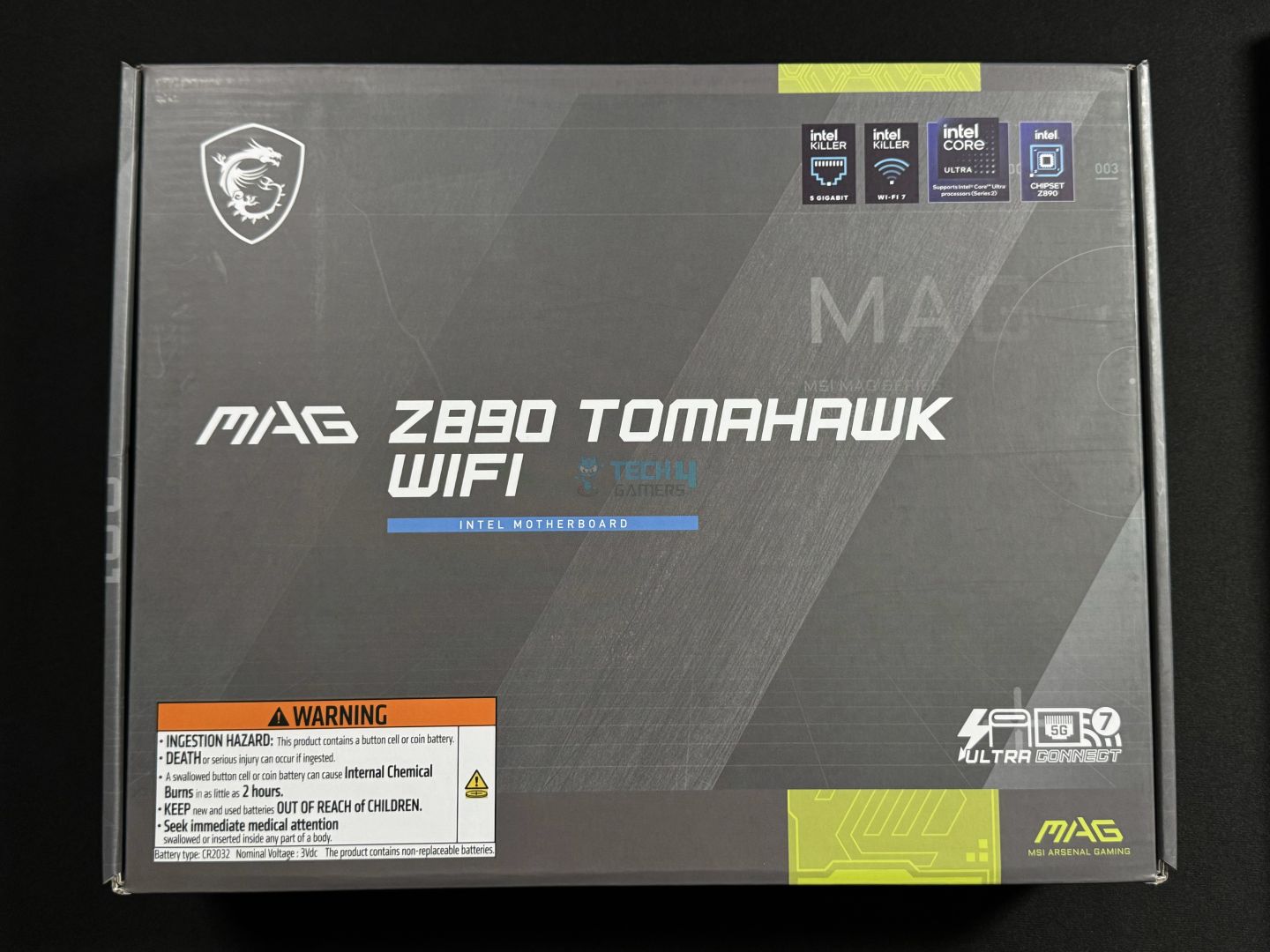
The motherboard comes in a cardboard box with signature Tomahawk silver-grey colours.
Front
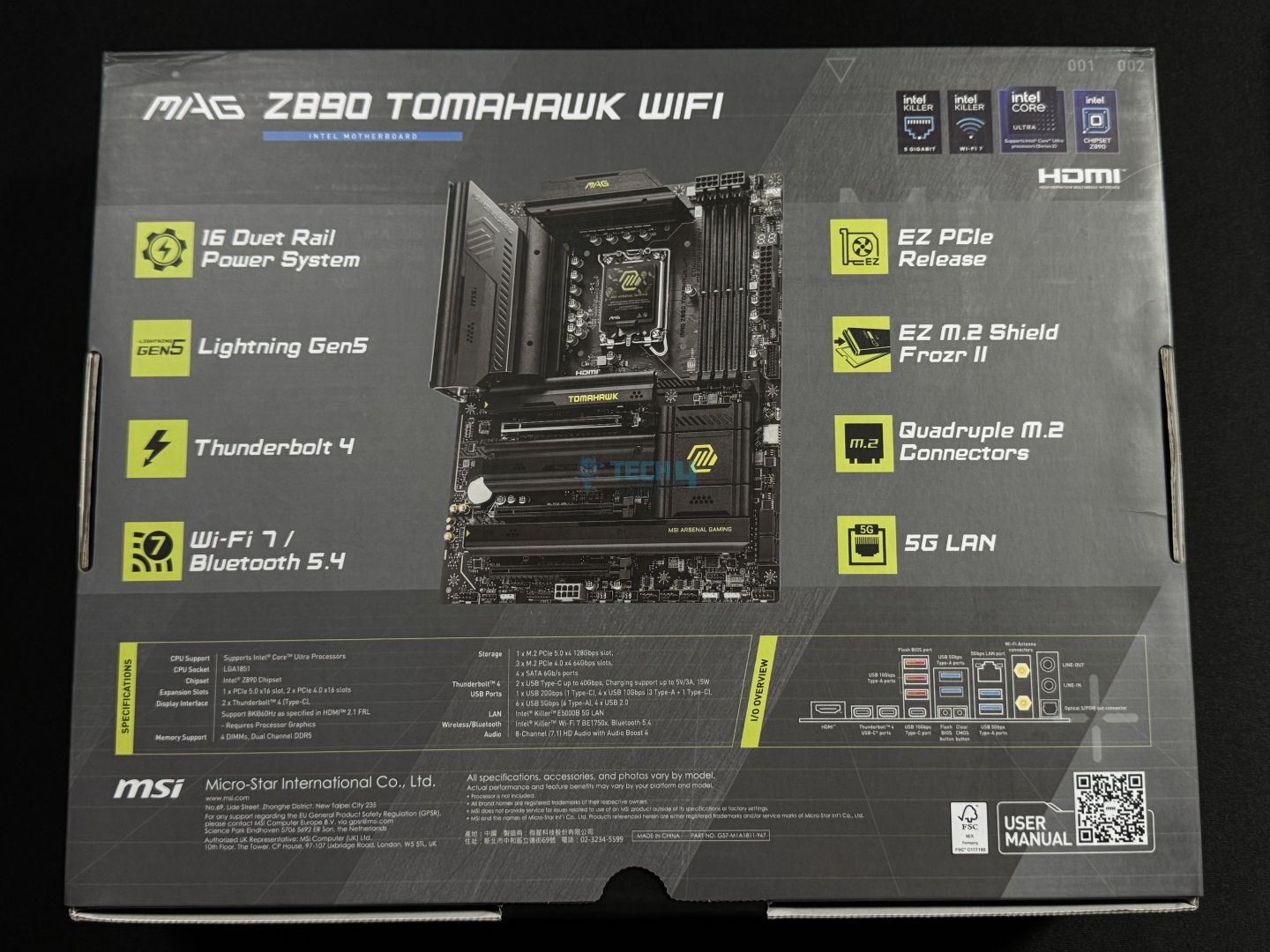
Rear
Up front, we have some key features highlighted, as well as a warning against the CMOS battery. Moving to the back, you get more insight into the features and specifications, as well as a rear I/O diagram. A QR code can be scanned to open the detailed motherboard manual.
Let’s look at the box contents.
Box accessories (Image by Tech4Gamers)
We get:
A quick installation guide
EU regulatory notice
2x SATA data cables
2x EZ M.2 Clips II
EZ M.2 Clip II remover
USB drive (with drivers and utilities)
EZ WiFi Antenna
1-to-3 EZ Conn-Cable (V2)
EZ front panel cable
The EZ front-panel cable combines those tiny front-panel connectors into one to be connected at an easier-to-reach area. Meanwhile, the 1-to-3 EZ Conn connector combines an ARGB connector, system fan connector, and USB into one. Connecting MSI’s liquid coolers with 11-pin designs becomes easier than ever.
The 2x M.2 clips can be removed/installed by the EZ M.2 clip II remover; more on that later.
Design
The design (Image by Tech4Gamers)
As we noted with the MPG Z890 Carbon WiFi, MSI is sharing the X870 and Z890 board designs. This is almost exactly the same design we saw in the MAG X870 Tomahawk WiFi, with a couple of changes: the first is a slightly different placement of the M.2 heatsinks. The rear I/O cover now has a silver-coated section, and the MAG logo here is not colored yellow-green like the X870 counterpart.
Overall, the board’s focus is not on flashy aesthetics, as we know of the MAG lineup. Still, the aesthetics on this board are decent. We have a black theme with a touch of silver and fairly plain heatsink designs. I don’t feel like the yellow-green texts/logos fit with the new silver accents, though. Also, there is no RGB on show here.
The board is using a 6-layered NPG-170D server-grade PCB with 2oz thickened copper. We get overvoltage and overcurrent protection to protect the board’s circuitry and key components. A grounding structure on the board reduces the electromagnetic interference (EMI) generated by the VRMs by using copper rings with grounding properties.
Motherboard block diagram (Image by Tech4Gamers)
The CPU powers some of the key I/O on the board including memory, PCIe 5.0 x16, 2x Thunderbolt 4, and the Gen 5 M.2 slot. For CPUs with integrated graphics, the HDMI 2.1 can be used for output. Meanwhile, the chipset powers all the USB and SATA ports, WiFi 7/BT 5.4, 5G LAN, HD audio, and the remaining PCIe slots. The chipset and CPU form a DMI 4.0 x8 link (enabling up to 128 GT/s speeds).
CPU Socket And Power Delivery
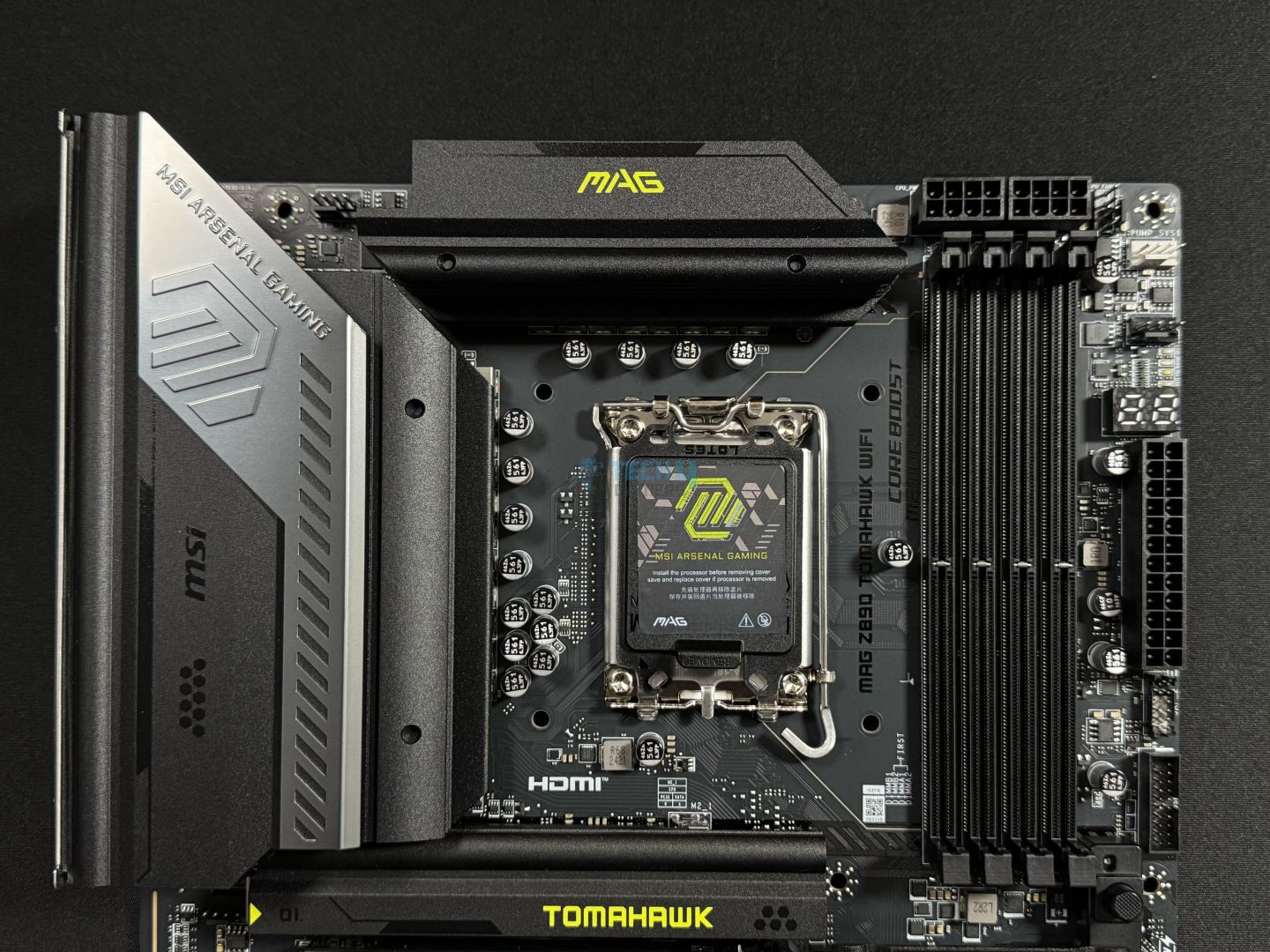
Upper part of the board
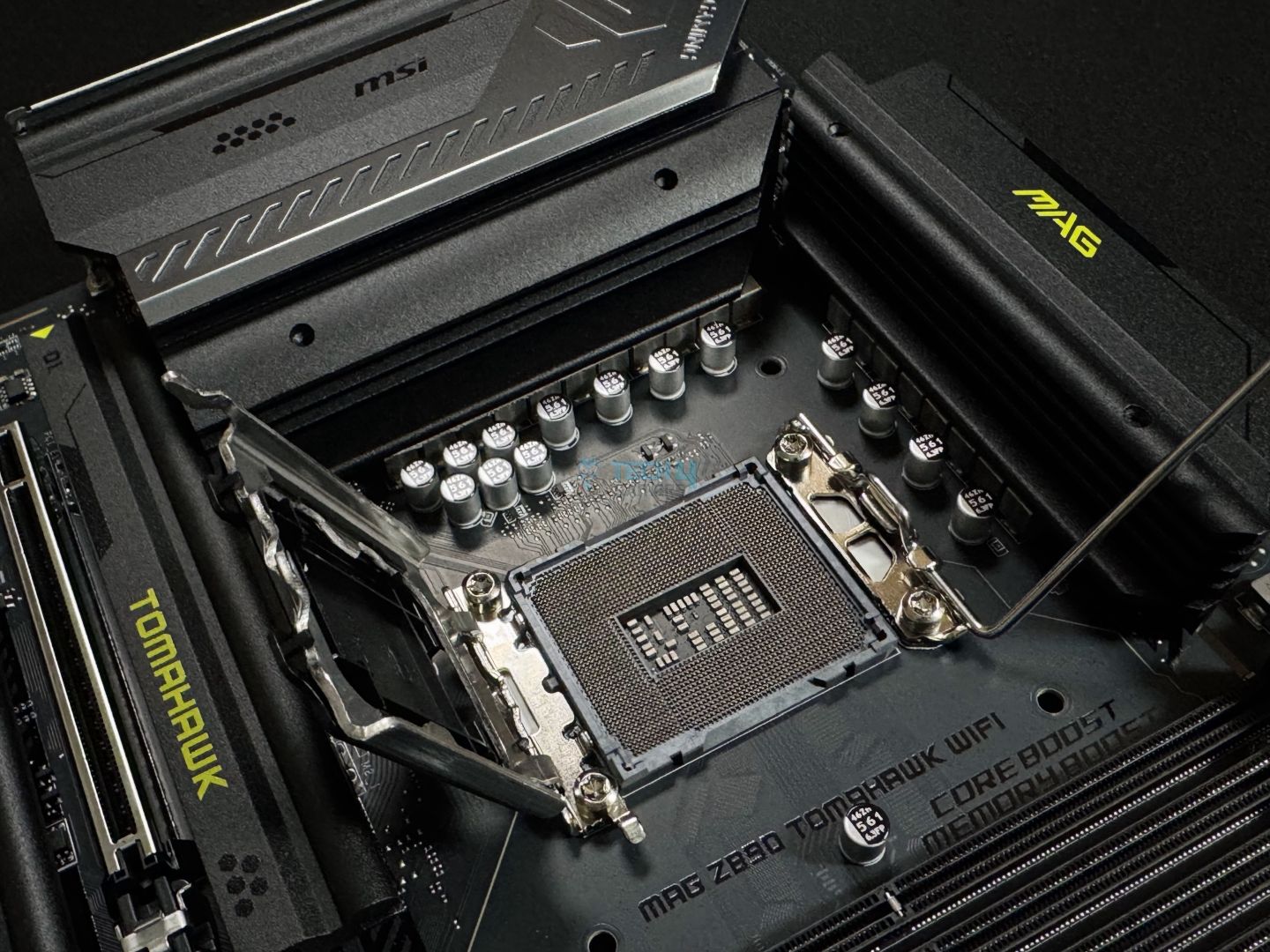
CPU socket opened
We learned from MSI that all their boards will use the RL-ILM mechanism design, and this board is no exception. However, we think MSI should probably look to mention this on the socket cover or the plate.
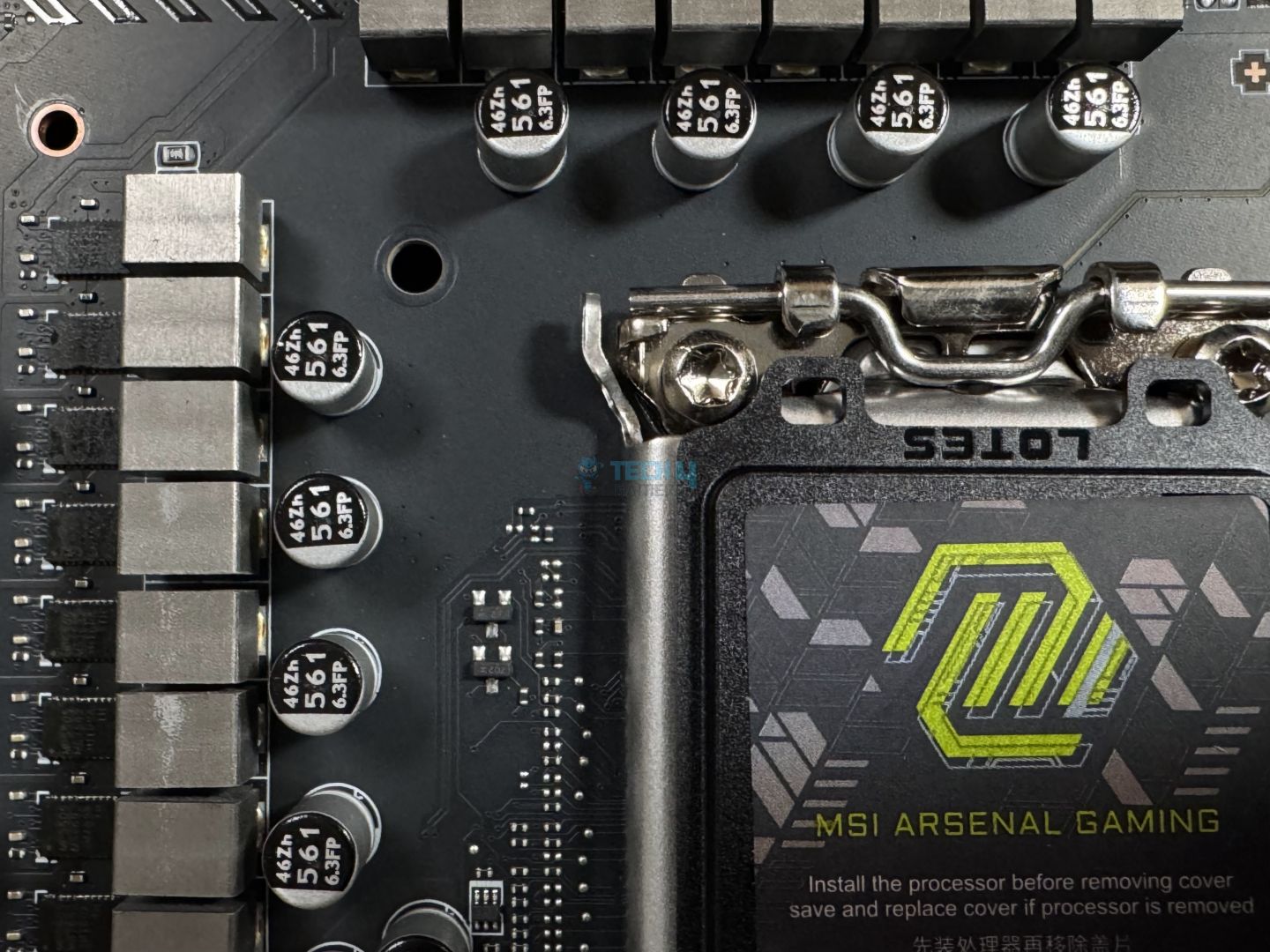
A look at the VRMs
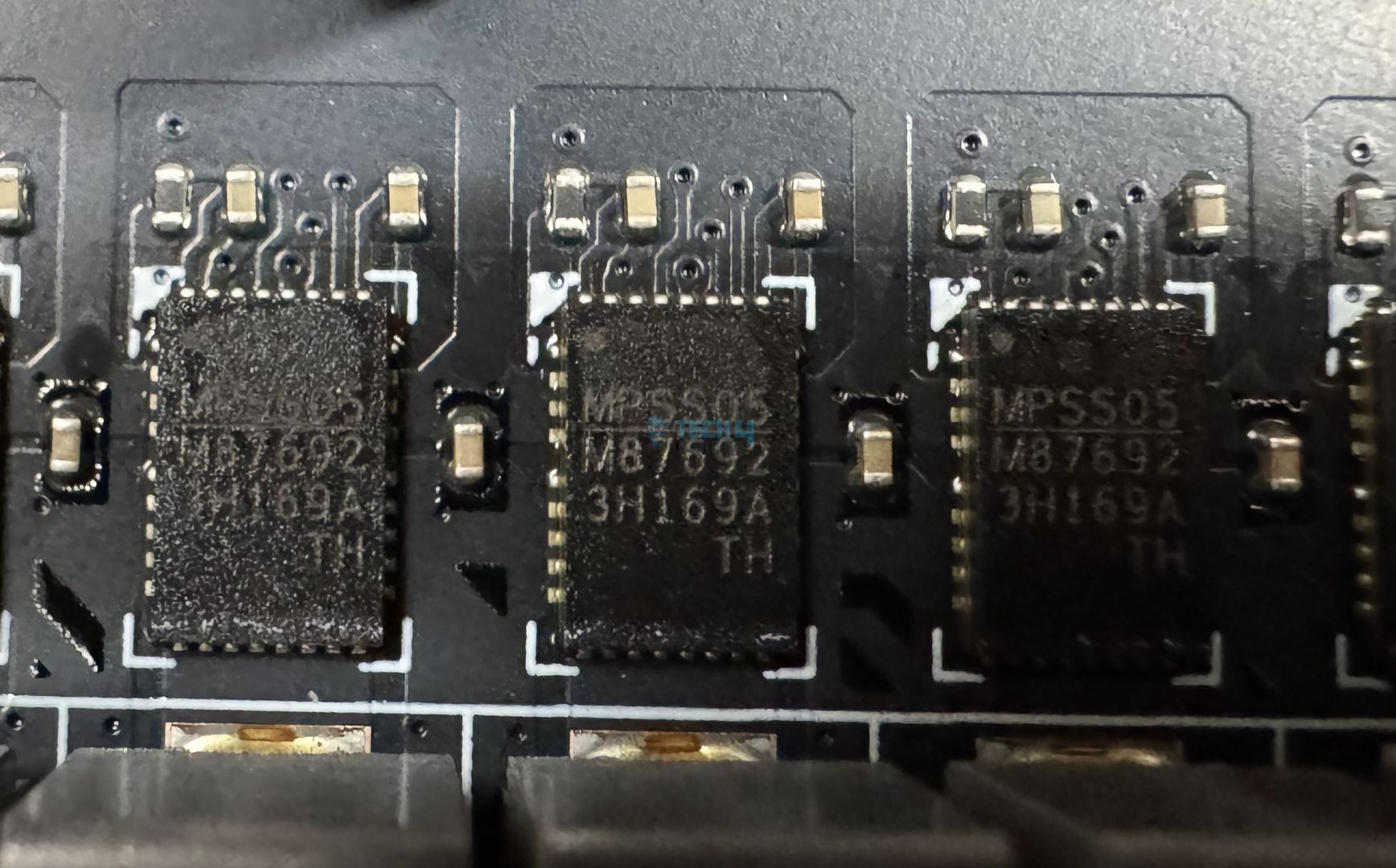
VRM MOSFETs
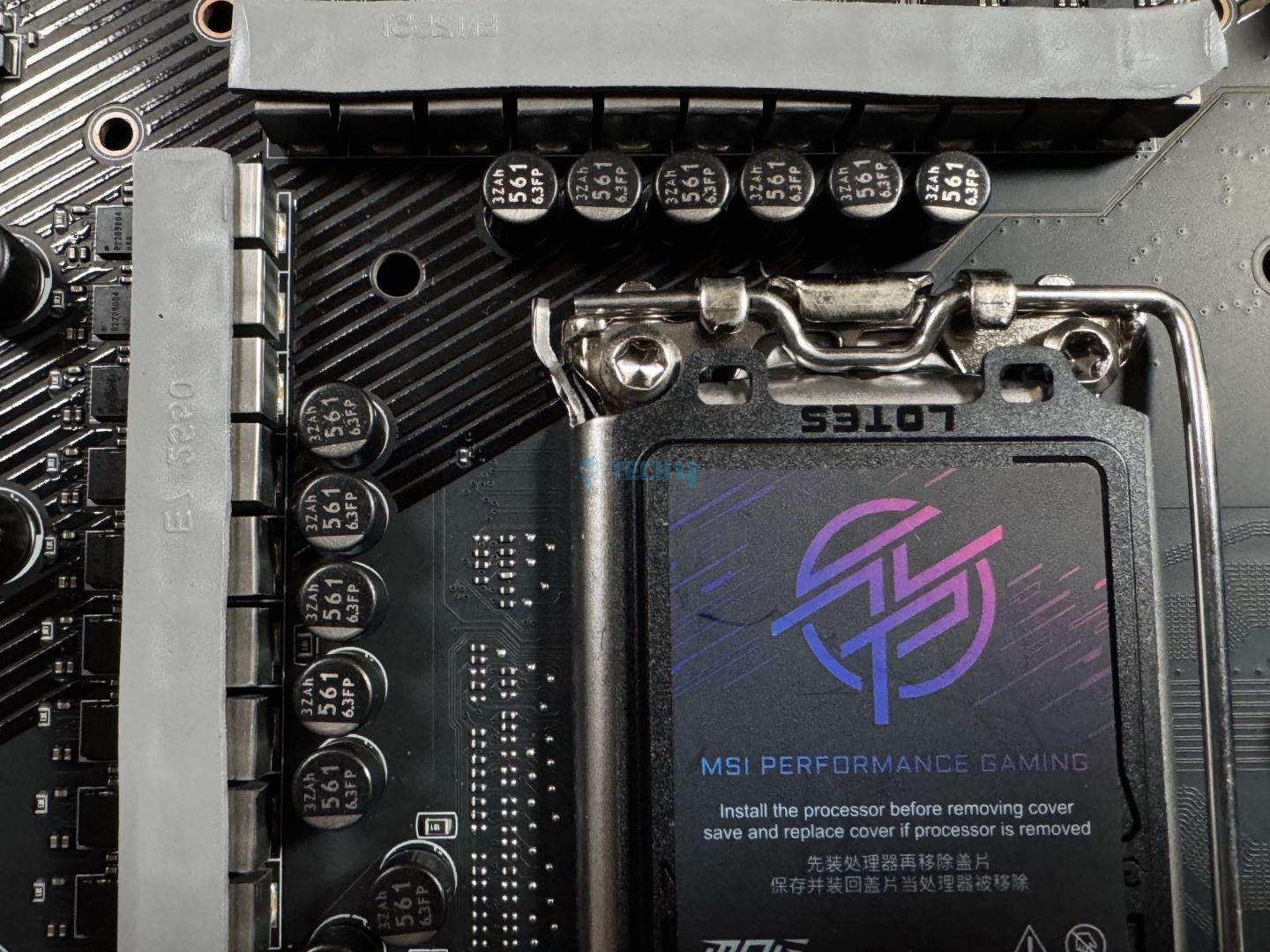
The motherboard uses a 16+1+1+1 power phase design (VCore+SA+GT+VNNAON) with 16x 90A phases for the CPU VCore. This is a duet-rail power system (DRPS) where two stages receive the same signal from the PWM controller.
A closer look at the MOSFETs reveals that these are MPS5505 / M87692 power stages and the PWM controller is MPS 2425 / MP29005-A. The capacitors used for the VRMs are rated at 560µF and can handle up to 6.3V.
MSI’s OC Engine allows you to adjust CPU and SOC BCLK frequencies independently thanks to a precision clock generator, helping in overclocking. Moreover, the CPU Lite Load control allows you to adjust the AC/DC load-line settings to control CPU voltages for the best performance.
EPS connectors (Image by Tech4Gamers)
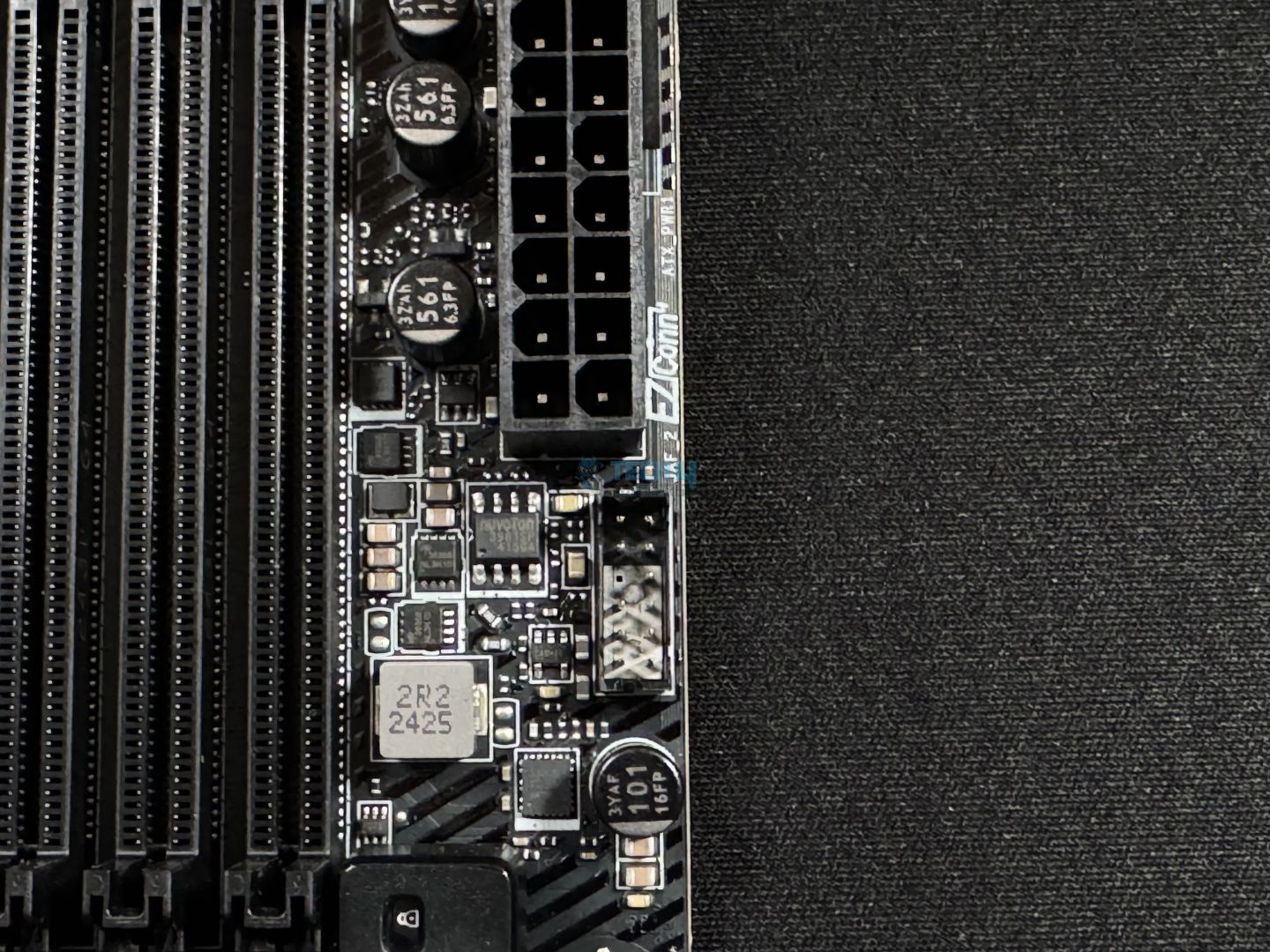
The initial CPU power comes from the dual 8-pin EPS connectors supporting up to 150W each. MSI’s solid-pin design for this connector enables “better transmission of 12V power to the CPU.” The use of solid pins improves stability and durability and lowers impedance.
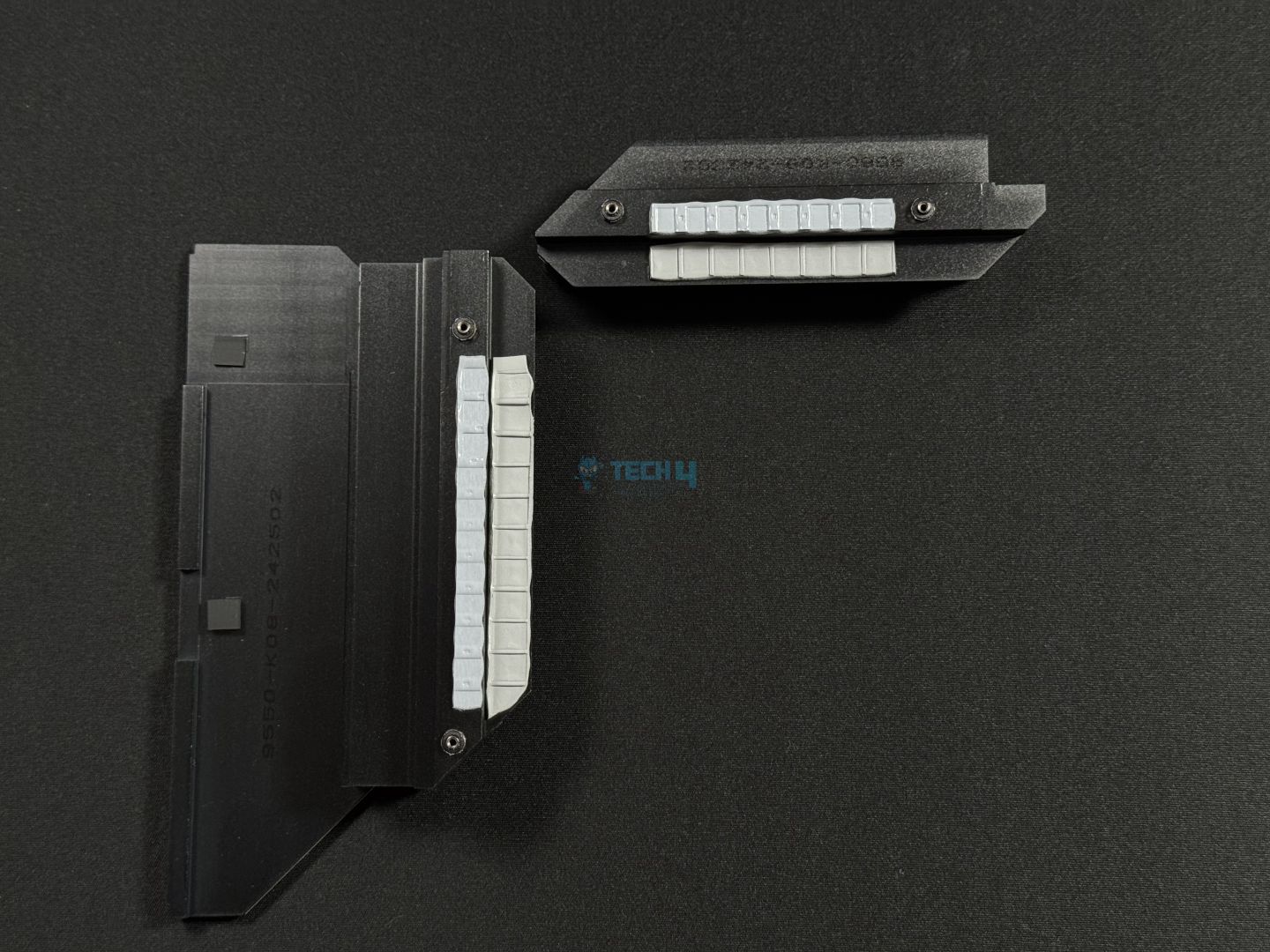
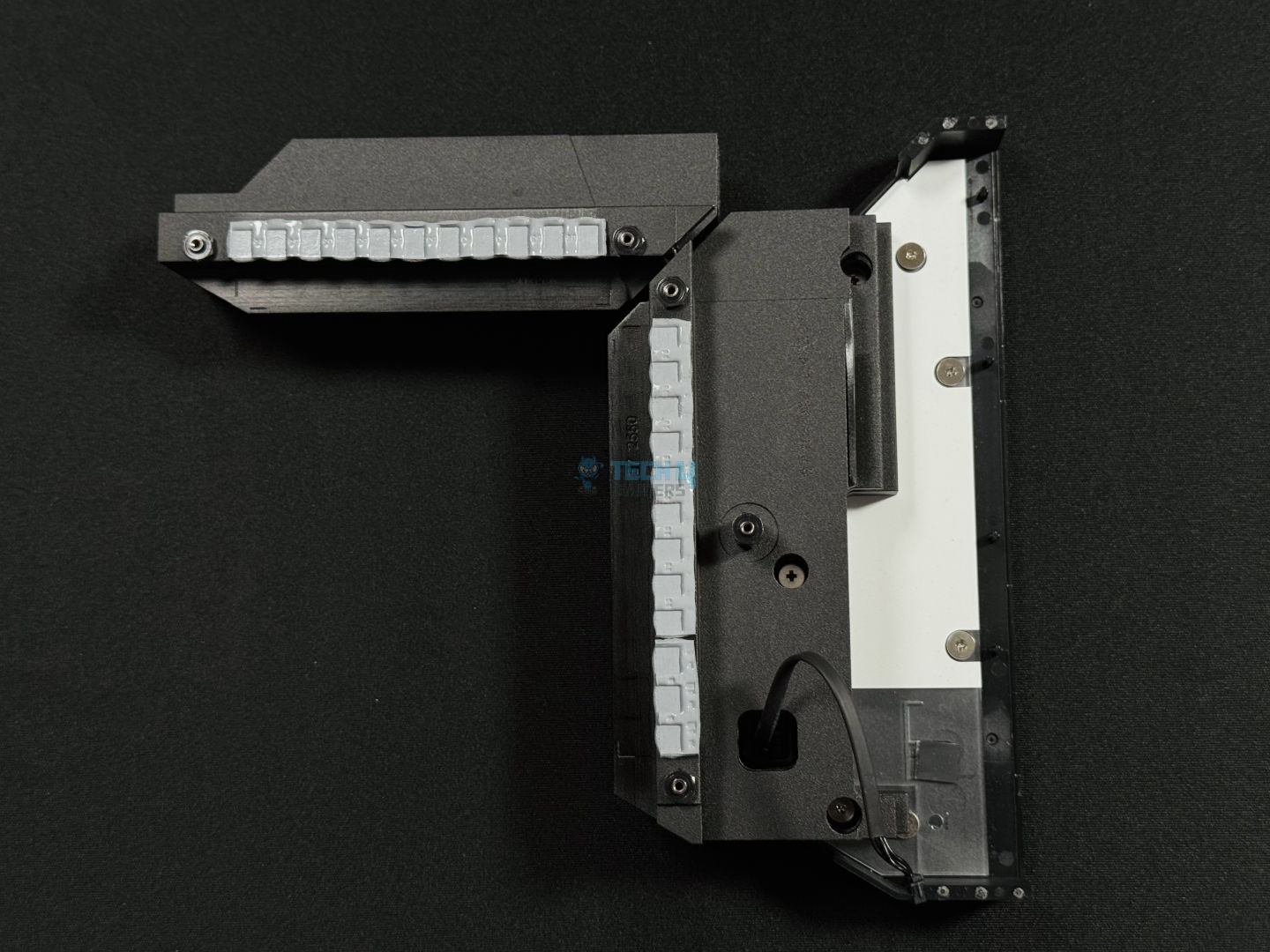
These heatsinks are using a stacked-fin design, each with 4x layers. On the backside, we see 7W/mK MOSFET thermal pads and additional choke thermal pads to transfer heat efficiently to these heatsinks. There’s no heatpipe connecting these heatsinks.
DIMM Slots
The board offers 4x surface-mounted DIMM slots and have single-sided latches to hold the RAM in place. Each slot supports 64GB for a total of 256 GB. The maximum supported memory speed is 9200 MT/s through overclocking/XMP. Here are the maximum memory speeds with different configurations:
1DPC 1R = 9200+ MT/s
1DPC 2R = 7200+ MT/s
2DPC 1R = 4800+ MT/s
2DPC 2R = 4800+ MT/s
The board supports CUDIMMs, adding a clock driver to the UDIMMs commonly used today. This clock driver can generate clock signals, which, otherwise, the CPU’s memory controller would be responsible for. Thanks to this, these DIMMs can achieve better speeds and can also operate at lower voltages.
The MAG X870 Tomahawk WiFi also supports Memory Boost. If this is the same as the DDR4 Boost technology, it improves memory performance in three ways. First is by ensuring no components are present between the CPU and the DIMM slots. Second, it uses a dedicated memory circuit to escape the interference of nearby components. Third, it optimizes the routing path to ensure the best signal flow.
MSI’s Memory Extension Mode also provides some features that improve memory performance. This includes the ability to combine XMP profiles to find the supported configuration with maximum frequency.
Storage Options
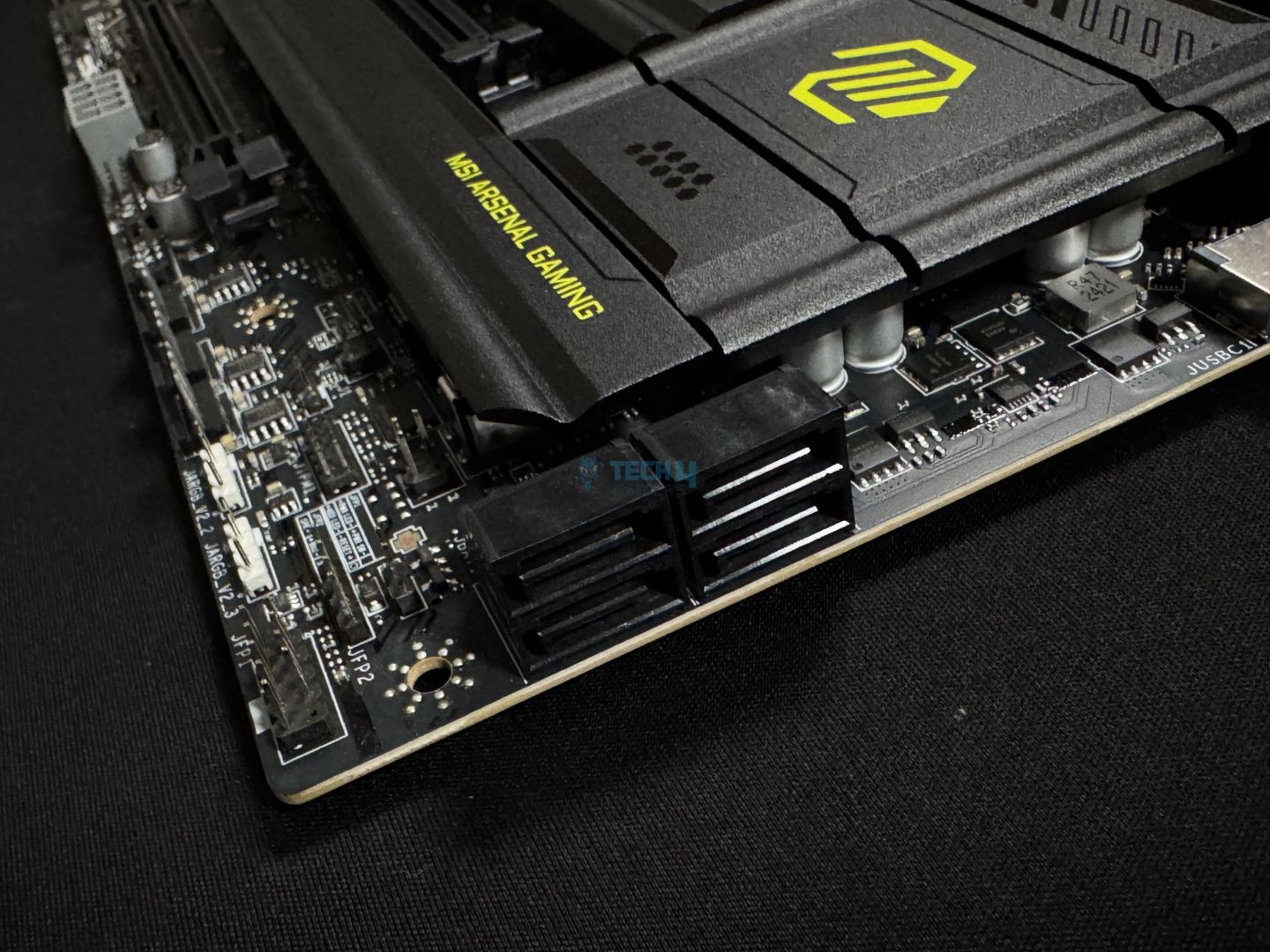
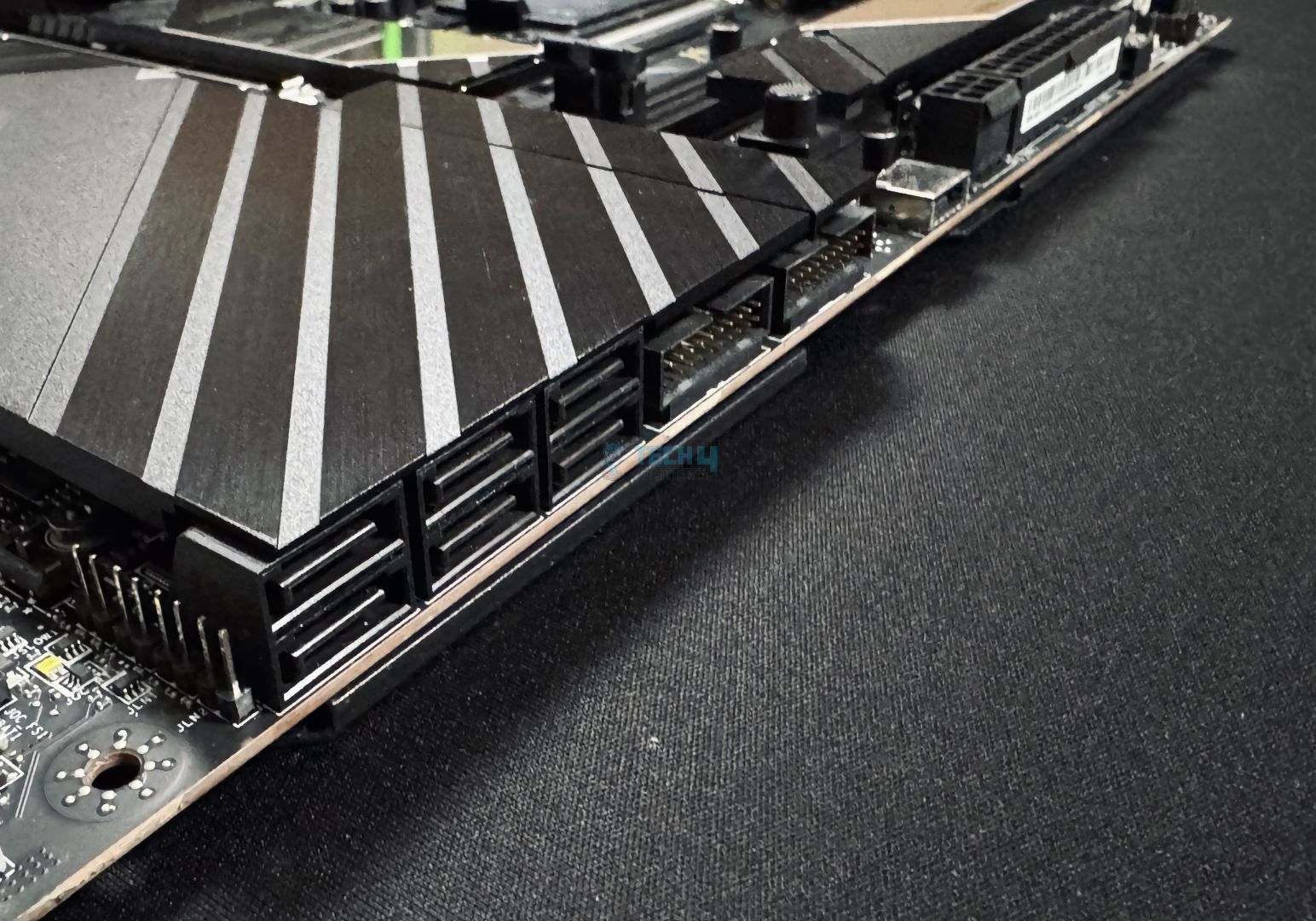
SATA connectors
M.2 heatsinks
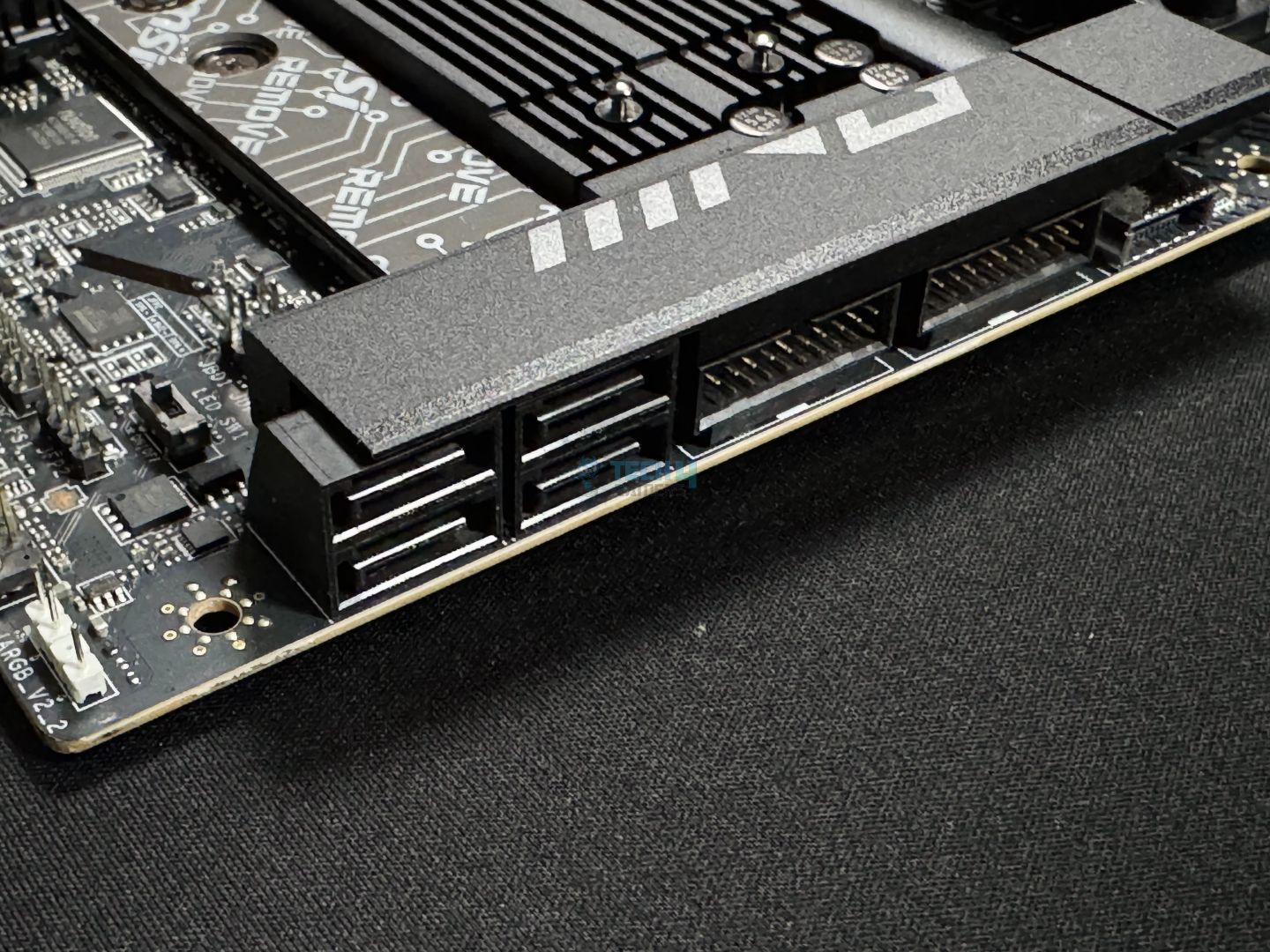
The motherboard offers 4x 6G SATA ports and as many M.2 slots, including a Gen 5 slot. All the drives support RAID 0, 1, 5, and 10 configurations. Looking at the M.2 slots, here are the different-sized NVMe drives they can support:
M2_1 = 2280/2260
M2_2 = 22110/2280/2260
M2_3 and M2_4 = 2280/2260/2242
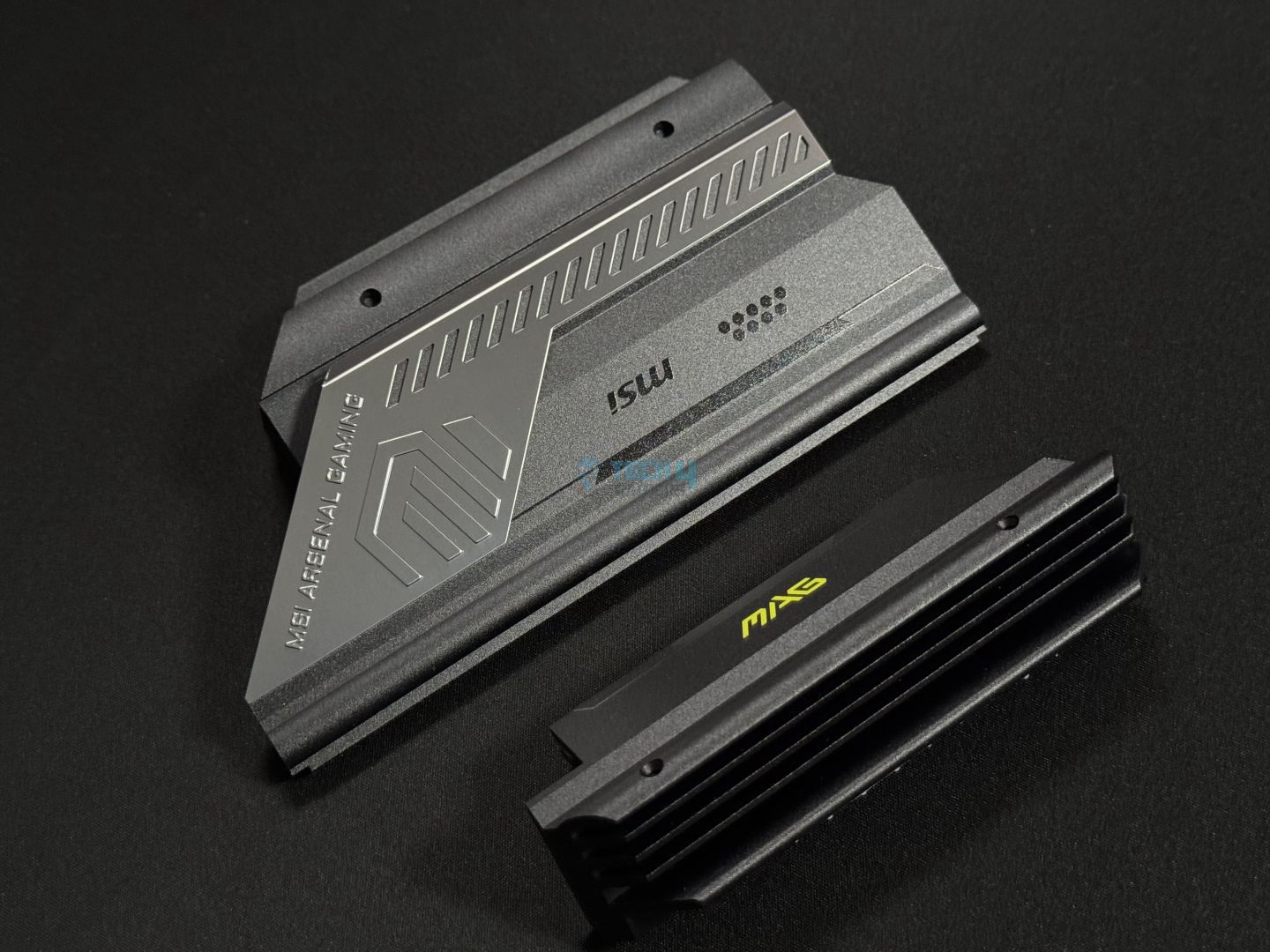
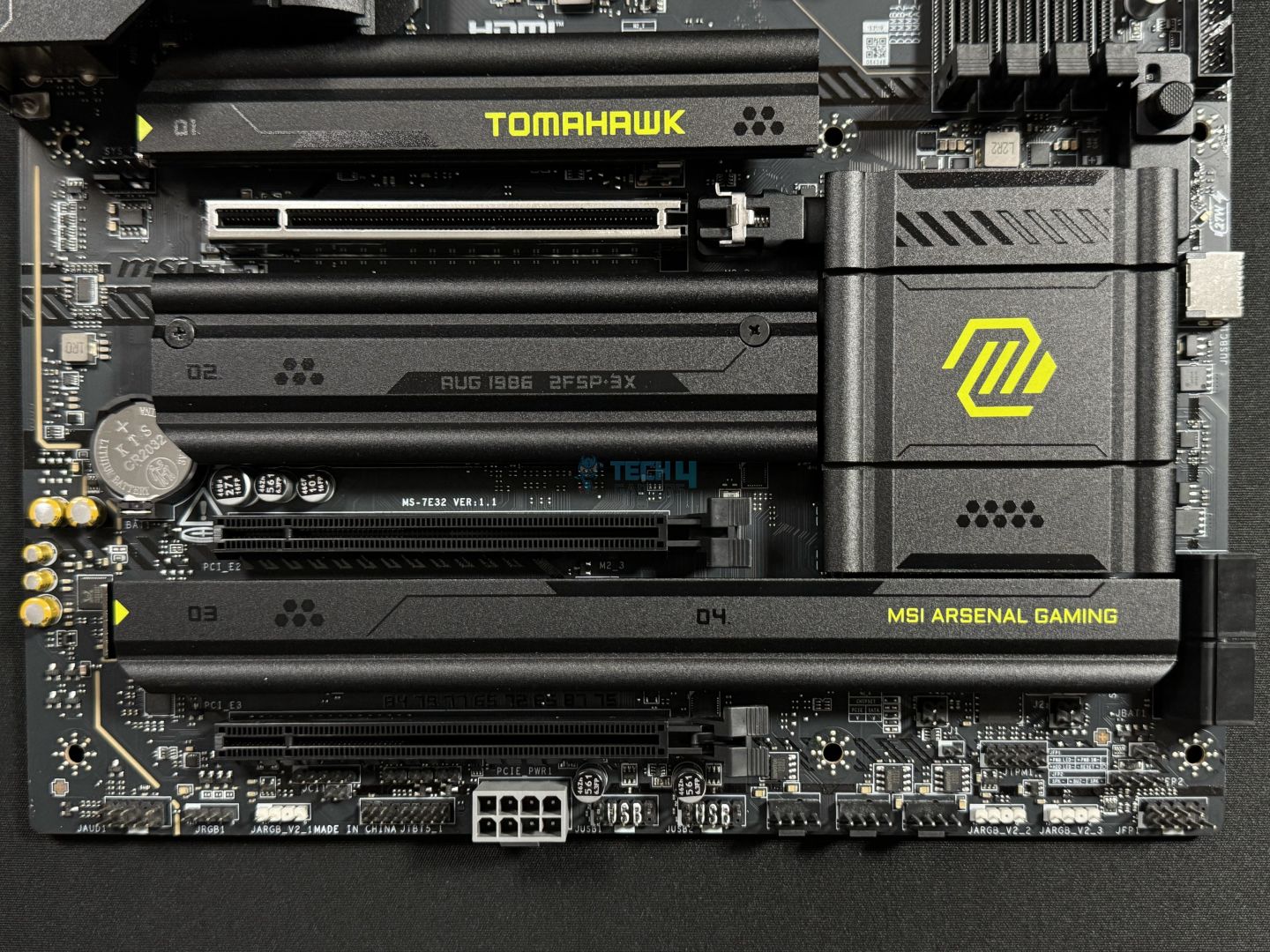
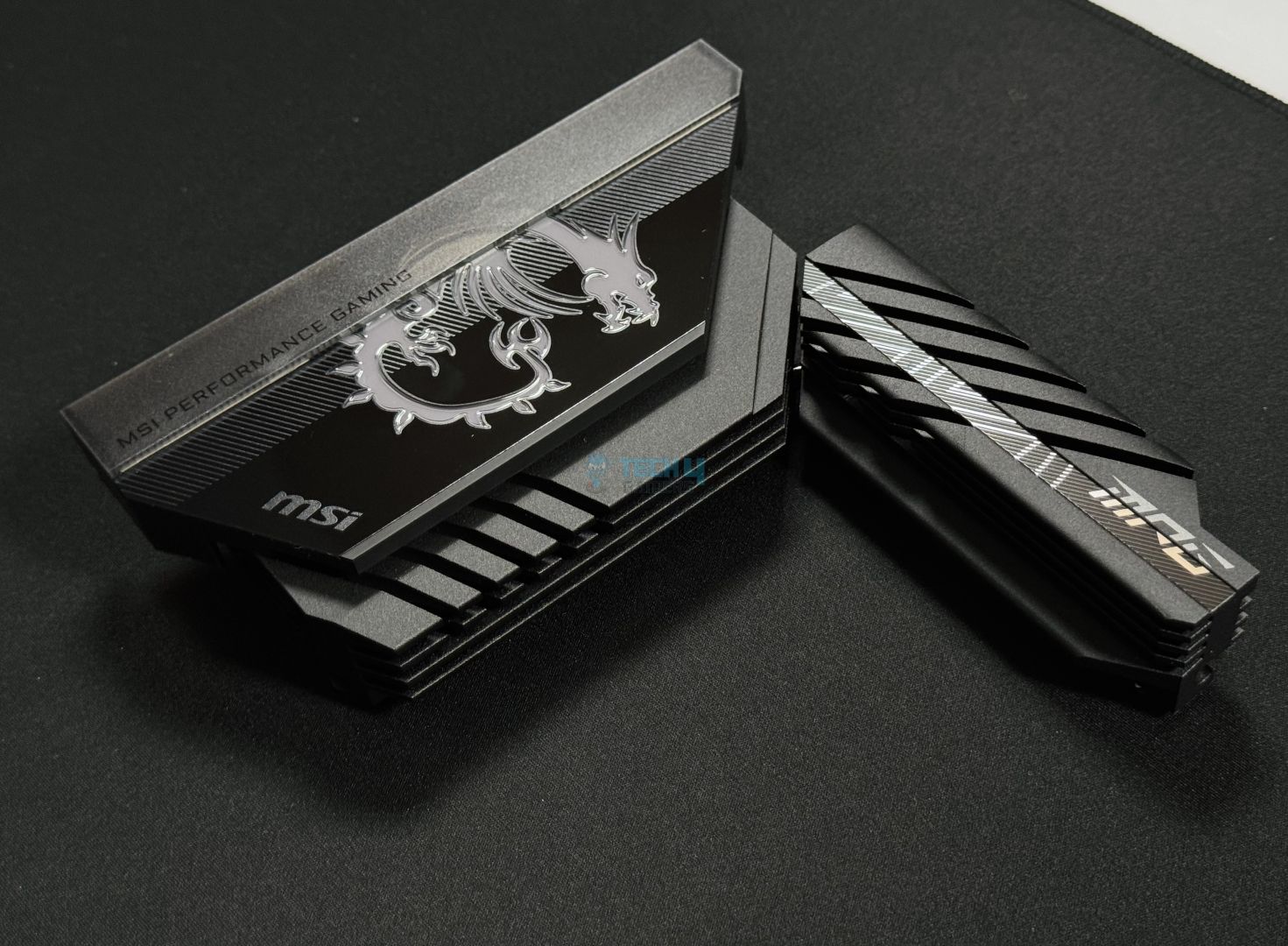
There are 3x M.2 heatsinks on the board, with M2_3 and M2_4 being cooled by a shared heatsink. All the heatsinks have identical design schemes. The top-most and bottom M.2 heatsinks feature EZ M.2 removal mechanisms. Simply push them in the arrow’s direction to remove them. We took these two off, as well as the remaining heatsink, which required a screwdriver; let’s take a look.
M.2 heatsinks removed (Image by Tech4Gamers)
We find thermal pads on the heatsinks (remember to remove the protective sticker before installation). There is also a thermal pad on the M2_1 base, making this a double-sided design to accommodate the Gen 5 drive’s higher output. We get an EZ M.2 clip II on all the M.2 slots except M2_3.
If the drives you’re installing are of the shorter length (or the longer 22110 SSD for M2_2), you can use one/both of the EZ M.2 Clips II to make the installation mechanism easier. The latch mechanism is no trouble to work with either, though.
PCIe Slots
There are 3x PCIe slots on the board, with the primary slot being a Gen 5 x16 slot. The remaining two slots are Gen 4, capable of operating at up to x4 speeds each. With steel reinforcement and surface-mount technology, the Gen 5 slot is durable and ready to handle those bulkier GPUs.
EZ PCIe release button (Image by Tech4Gamers)
This slot also has an EZ PCIe release button for incredibly convenient installation and removal. It involves the press of a button to set the lock in its open configuration and pulling out the card. Then, Installing a new card involves setting it in place and pressing the button to shut the lock. A padlock icon inside the little hole beside the button tells you the lock’s current configuration; an excellent design!
All the PCIe slots support 2.5x power excursion if you plug the matching cable into the supplemental 8-pin power connector; more on this in the “Internal Connectors and Components” section.
USB Connectivity
Here’s a look at all the USB ports on offer (17 in total):
GL3523 USB controller (Image by Tech4Gamers)
4x USB 2.0 (Front)
4x USB 5Gbps Type A (Rear)
2x USB 5Gbps Type A (Front)
3x USB 10Gbps Type A (Rear)
1x USB 10Gbps Type C (Rear)
1x USB 20Gbps Type C (Front)
2x Thunderbolt 4 (Rear)
We’ve mentioned the Thunderbolt 4 ports here for convenience; while USB devices can be plugged into these ports, they’ll be limited in speeds:
WARNING: USB4 devices will function at 20Gbps speeds, while USB 3.2 devices will function at 10Gbps speeds, when plugged into the Thunderbolt 4 ports.
Thunderbolt 4 enables transfer speeds of up to 40Gbps and supports up to an 8K 60 Hz display or dual 4K 60 Hz ones. It also supports up to 15W charging speeds, and you can add 3x Thunderbolt 4 devices or 5x Thunderbolt 3 devices in daisy-chained configurations.
The USB controllers used include Genesys GL850 (4x USB 2.0, front), and GL3523 (USB 3.2 Gen1, Rear).
Network and Connectivity
WiFi card (Image by Tech4Gamers)
For wireless connectivity, the motherboard supports WiFi 7 and Bluetooth 5.4. You also get a 5G LAN port (Intel Killer E5000) for wired connectivity; we were happy to see a 5G LAN port at this price point. The only other manufacturer offering them around this price is ASRock.
You can use Intel’s Killer Performance Suite for wired and wireless connections. It recognizes frequently used applications to prioritize them, offering them more bandwidth. It also allows custom bandwidth management and analysis. The Smart Access Point selection picks the best route for your wireless connection for the most stable connection.
Audio Solution
Audio codec (Image by Tech4Gamers)
The board uses the Realtek ALC1220P audio codec we saw in the MPG Z890 Edge Ti WiFi and MPG Z890 Carbon WiFi offerings. It offers 7.1 CH HD audio, and, paired with MSI’s Audio Boost 4 tech, provides fairly good audio quality. This technology involves the use of high-quality audio capacitors and audio jacks, along with a dedicated headphones amplifier and de-pop protection.
The isolated analogy structure separates the left and right audio channels on separate PCB layers for a clean signal.
Internal Connectors and Components
Here’s the list of internal connectors found on the board:
Bottom-right
Bottom-left
1x Thunderbolt5 card connector
1x 24-pin ATX Power Connector
2x 8-pin CPU EPS Power Connectors
1x CPU Fan
1x Combo Fan (Pump_Sys Fan)
6x System Fan
1x EZ Conn-header (JAF_2)
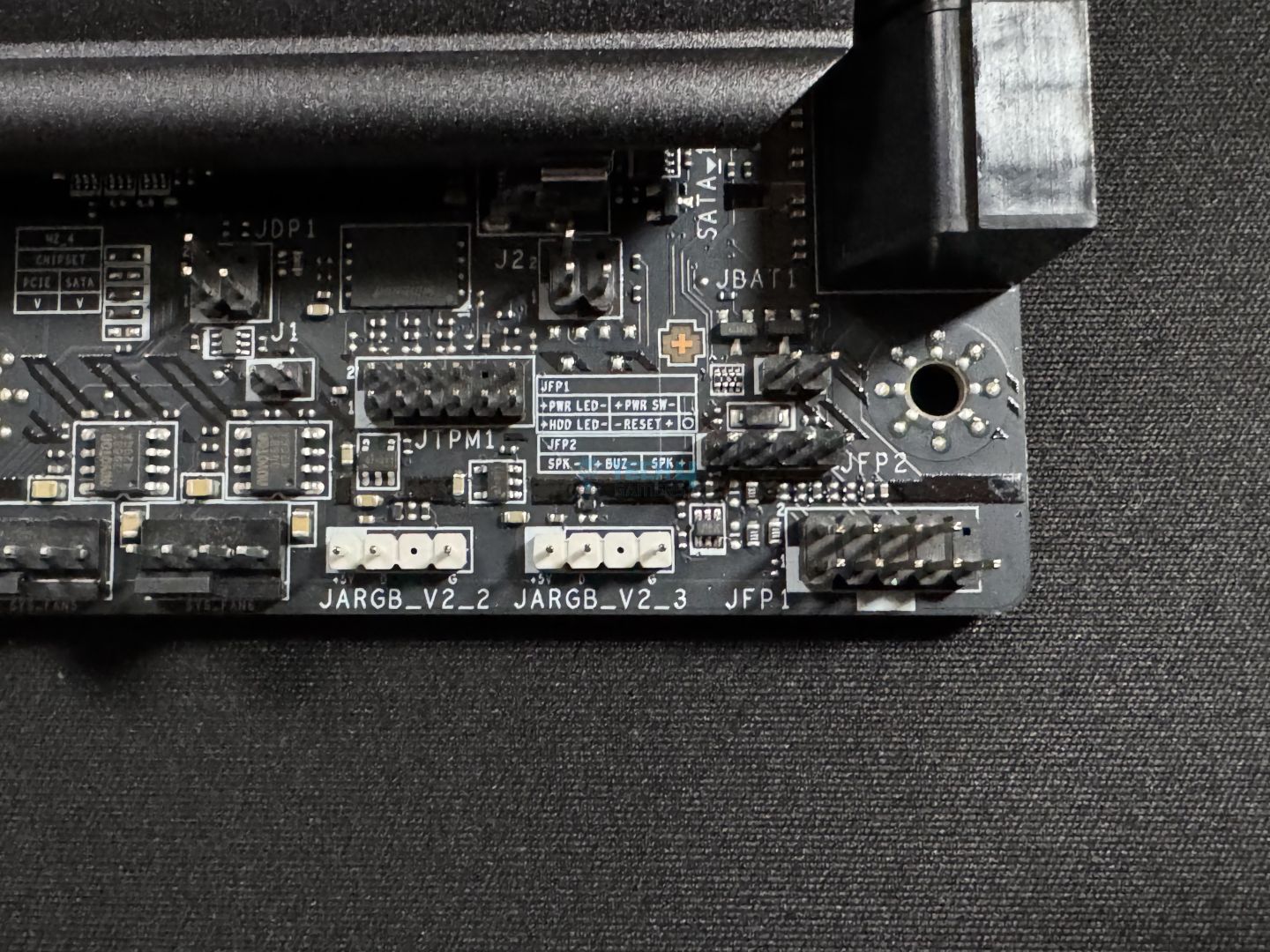
2x Front Panel (JFP)
1x Chassis Intrusion (JCI)
1x Front Audio (JAUD)
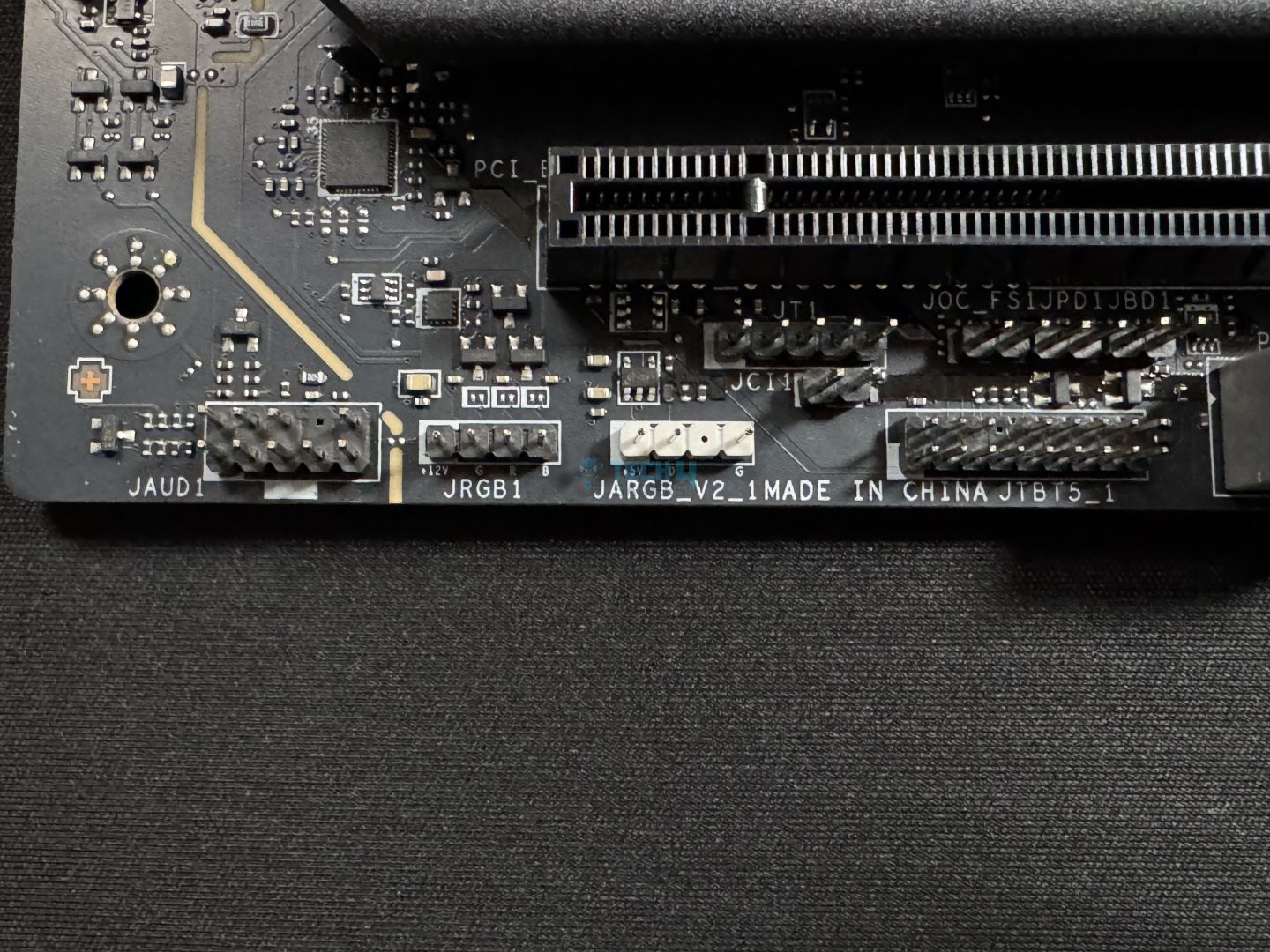
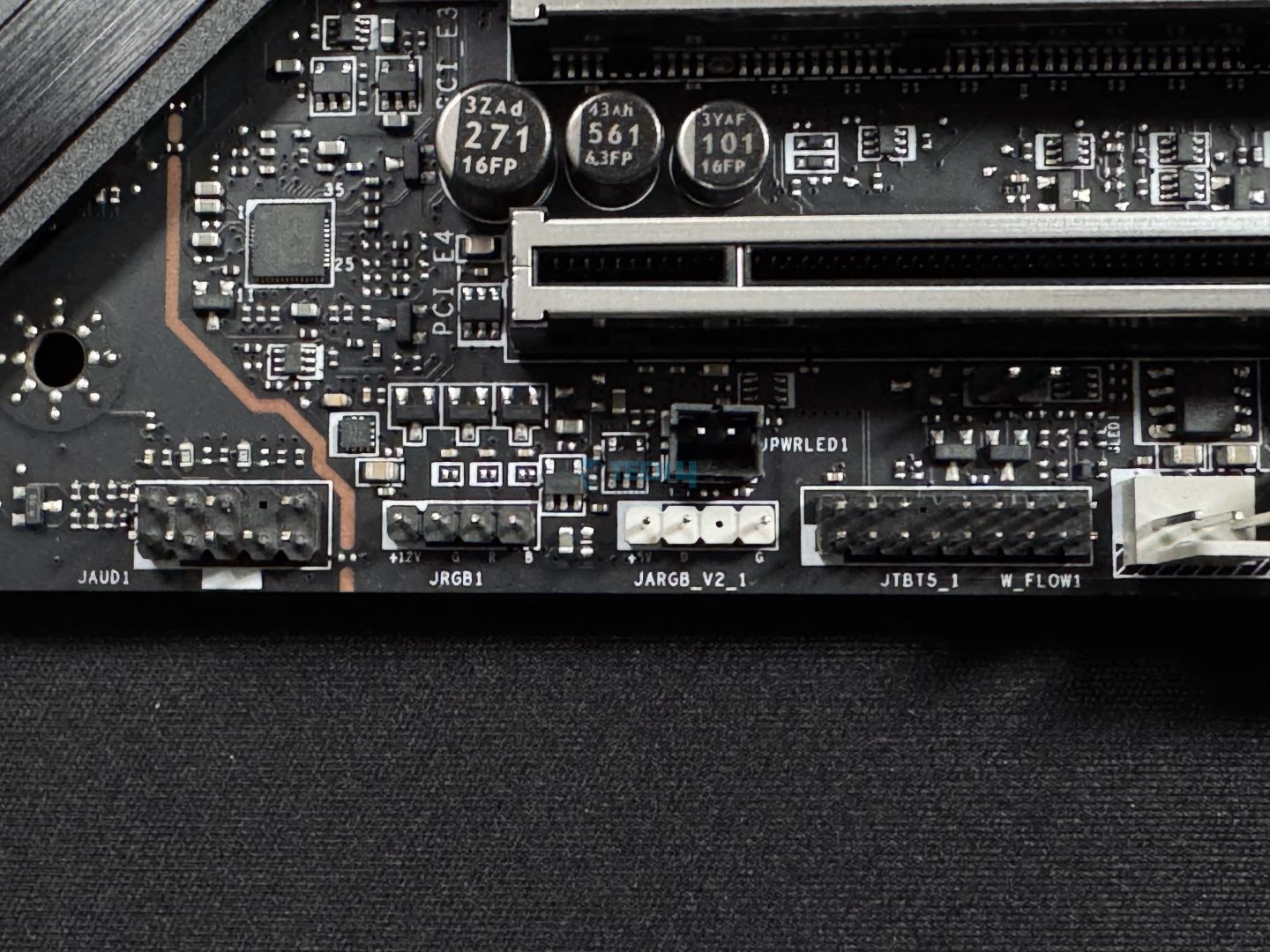
3x Addressable V2 RGB LED connector (JARGB_V2)
1x RGB LED connector (JRGB)
1x TPM pin header (supports TPM 2.0)
4x USB 2.0 ports
2x USB 5Gbps Type A ports
1x USB 20Gbps Type C ports
Notably, there’s no thermistor or coolant flow connectors that we saw in the higher-end MSI offerings. However, the supplemental PCIe power connector and Thunderbolt 5 connectors are worth mentioning:
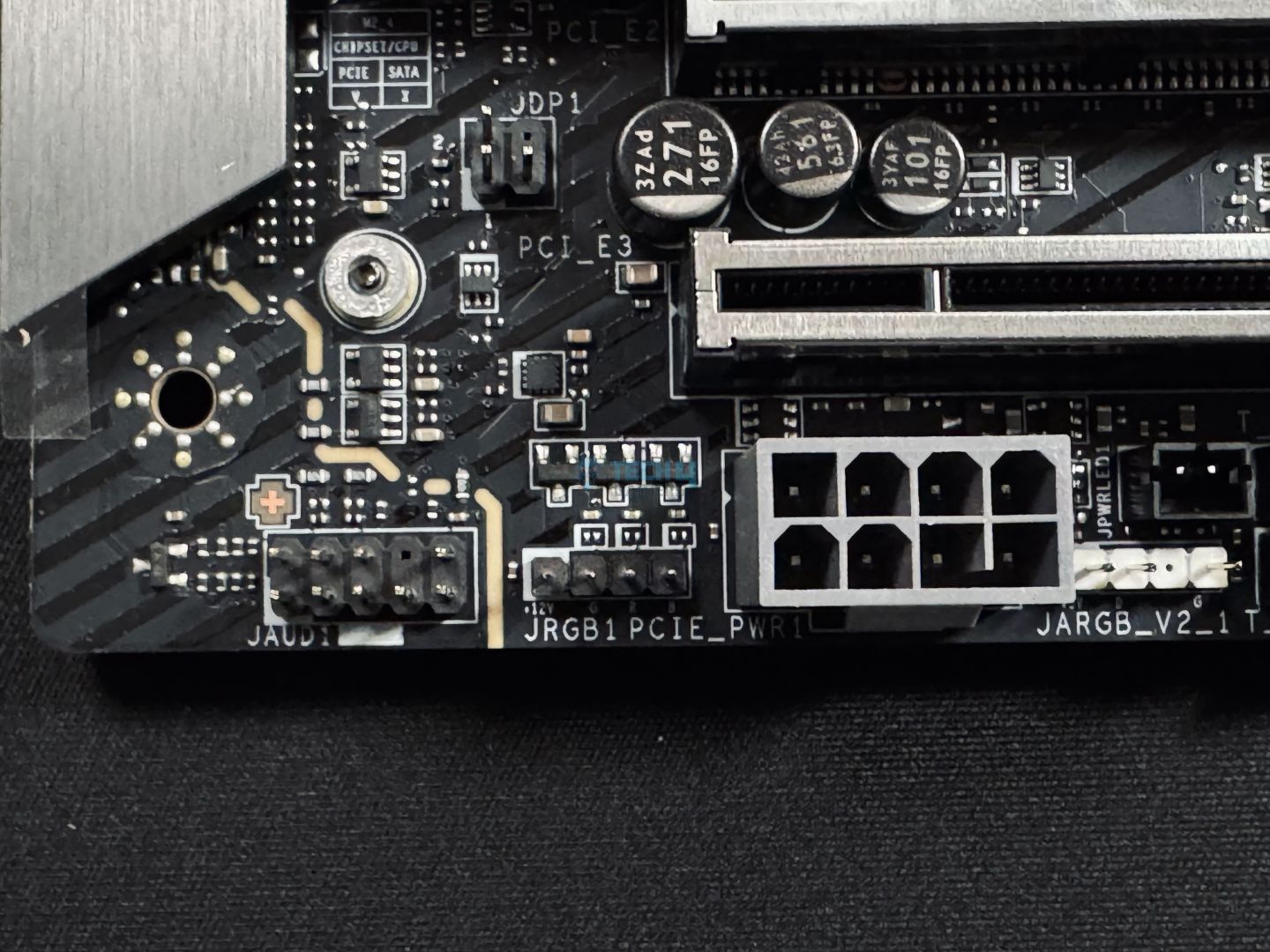
Extra 8-pin PCIe power connector (Image by Tech4Gamers)
This connector provides an extra 252W of supply, which combines with the 24-pin ATX connector to provide up to 420W for your board’s peripherals, expansion cards, and USB connections. It enables a supply of up to 132W for the fans and 36W for RGB. This means you won’t have to worry if your connectivity needs are more than that of the average user.
An example of how the extra connector could benefit a power-hungry system (Image Credits: MSI)
This connector also enables 2.5x power excursion for all the PCIe slots, as mentioned earlier, at up to 165W. Power excursion is a short supply of power, as PCIe slots are still limited to 75W for the devices you’ll install. It also uses solid pins.
The Thunderbolt 5 card connector means the board can accommodate a Thunderbolt 5 add-on card, which can add dual Thunderbolt 5 ports. Thunderbolt 5’s advantages include up to 160Gbps speeds, with support for dual 8K 60 Hz or 3x 4K 144Hz displays!
USB Type-C connector (Image by Tech4Gamers)
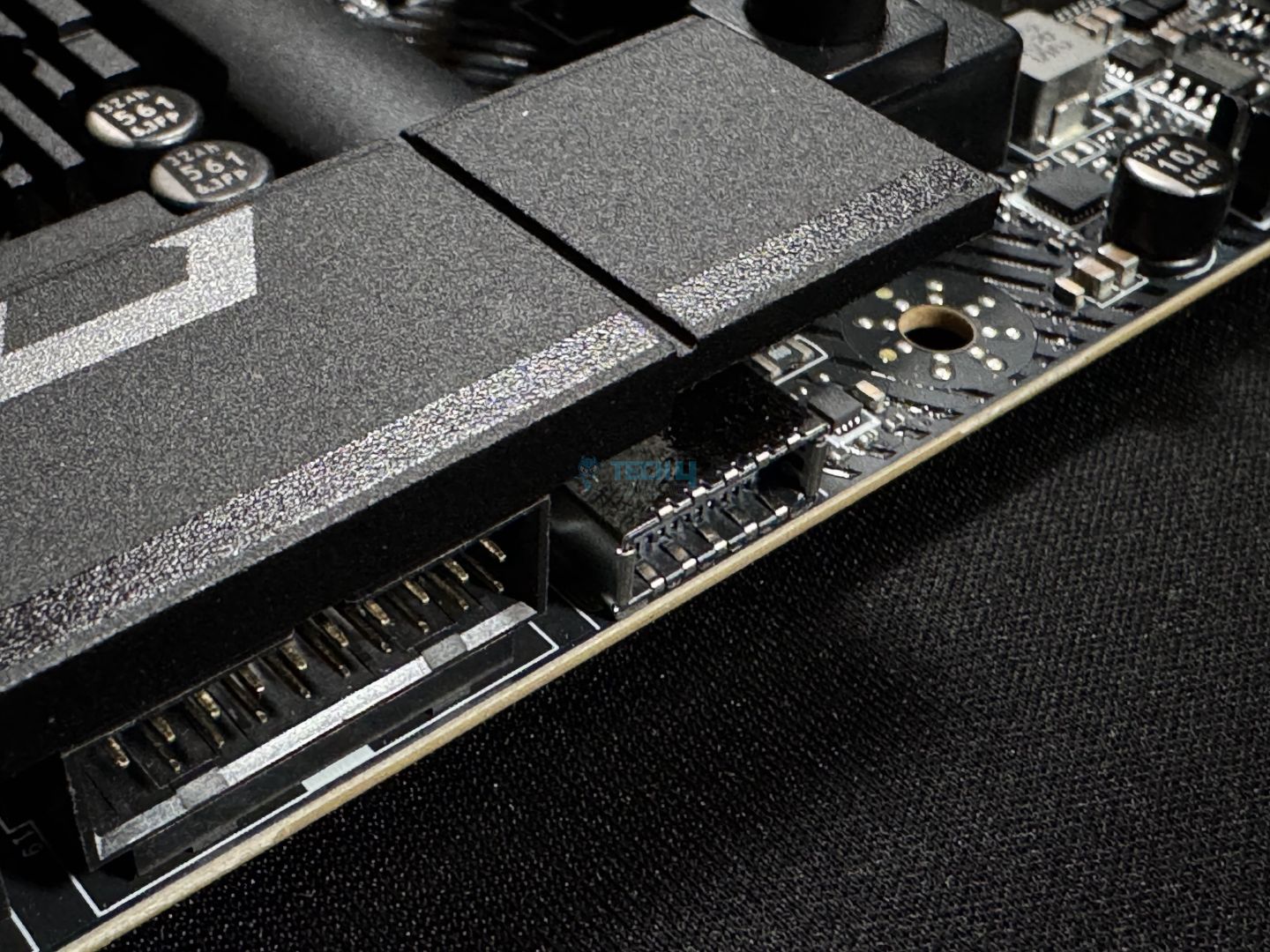
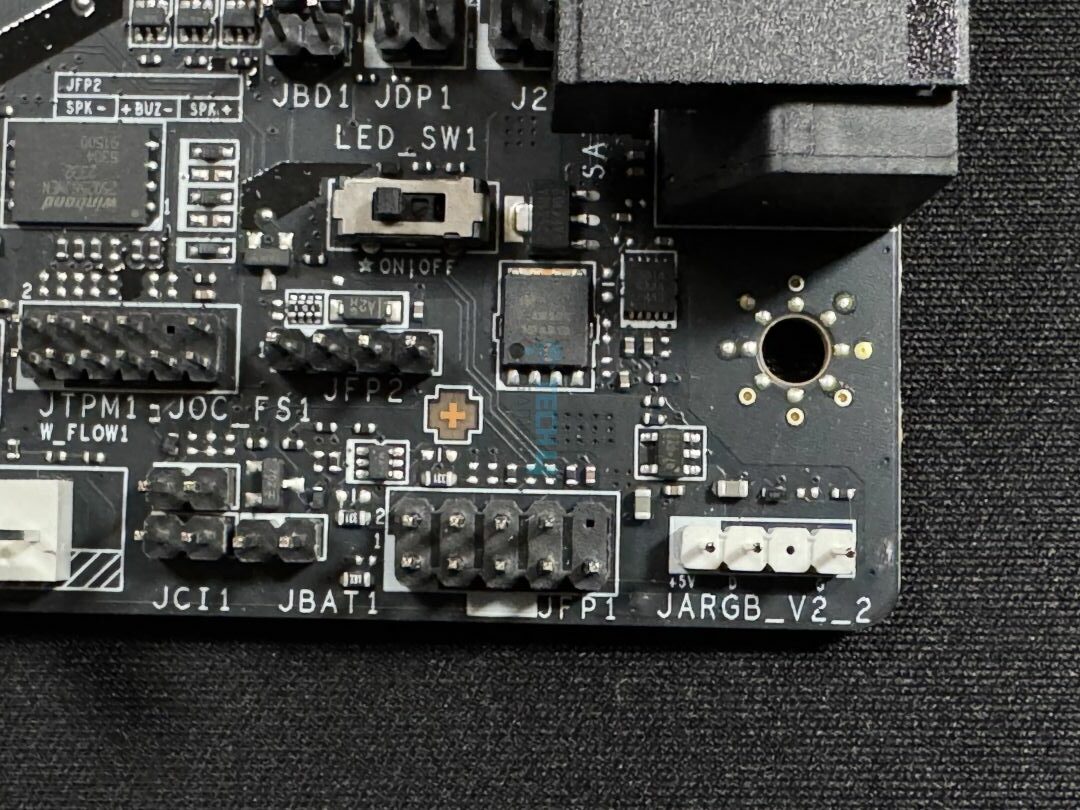
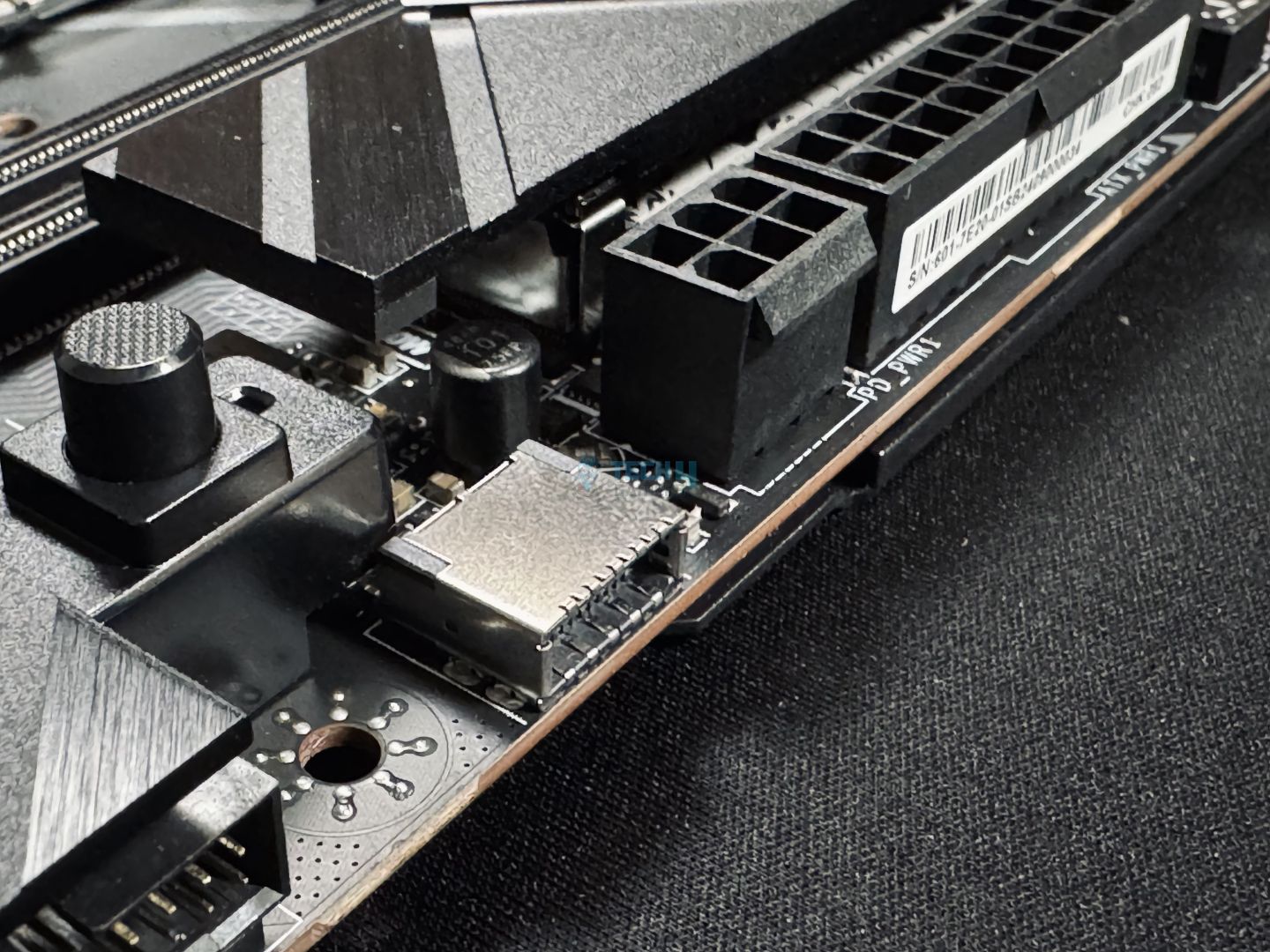
Around the lower-to-middle-right section, we have the 20Gbps Type-C connector for the front panel. This connector supports 27W power delivery. You can also monitor this port’s power, amperage, and voltage output through MSI Center.
Middle-right side
Upper-right side
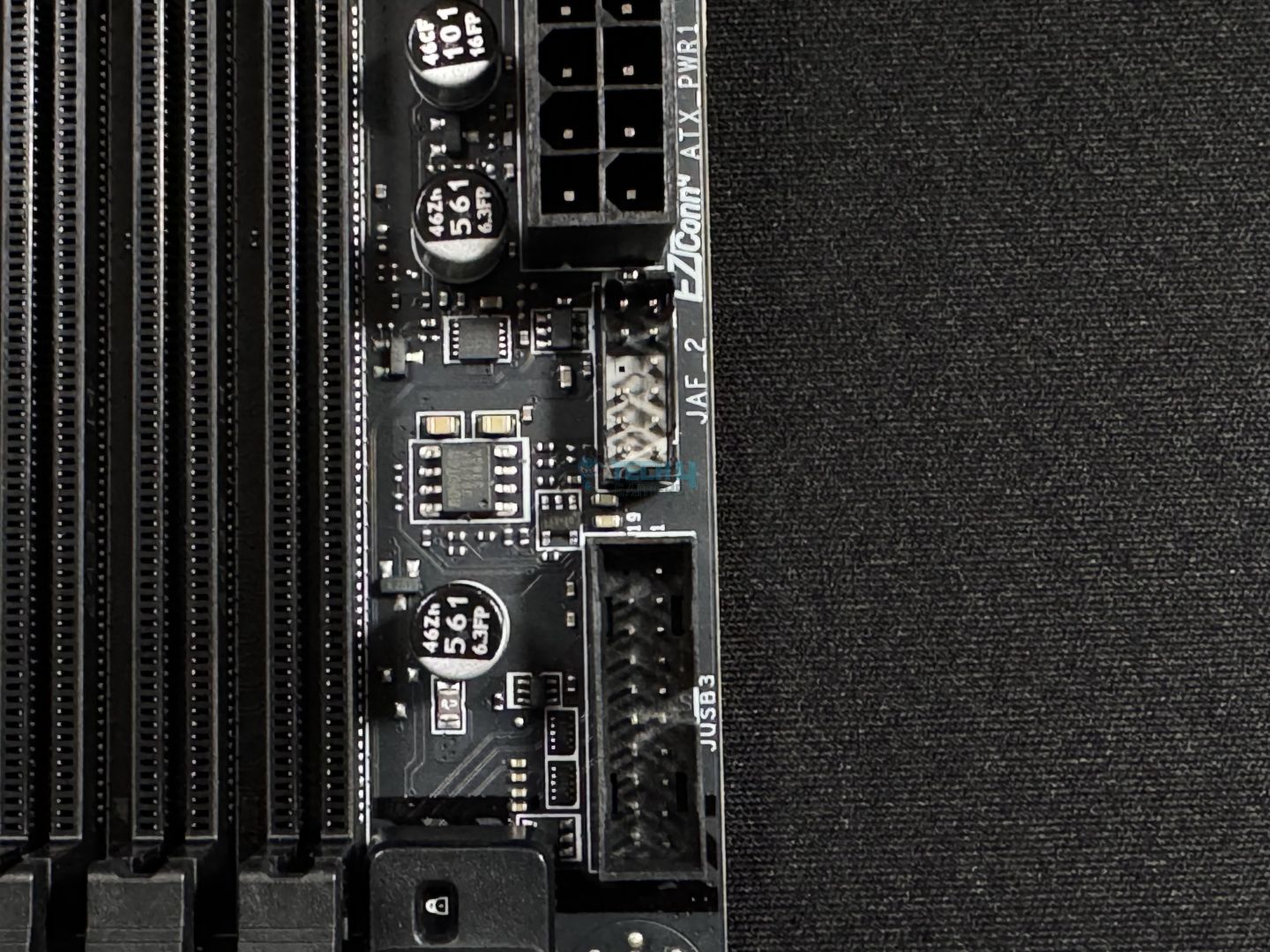
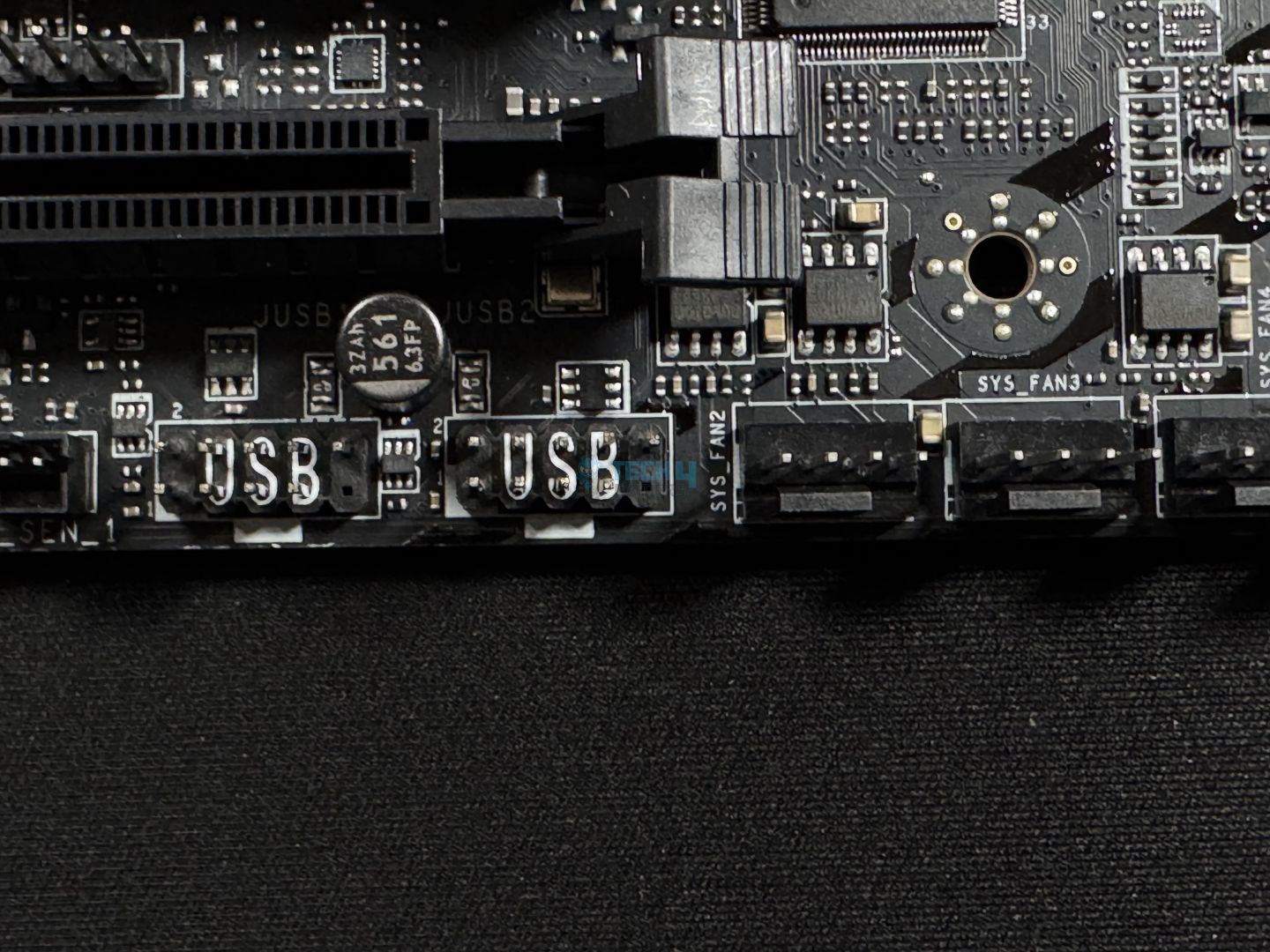
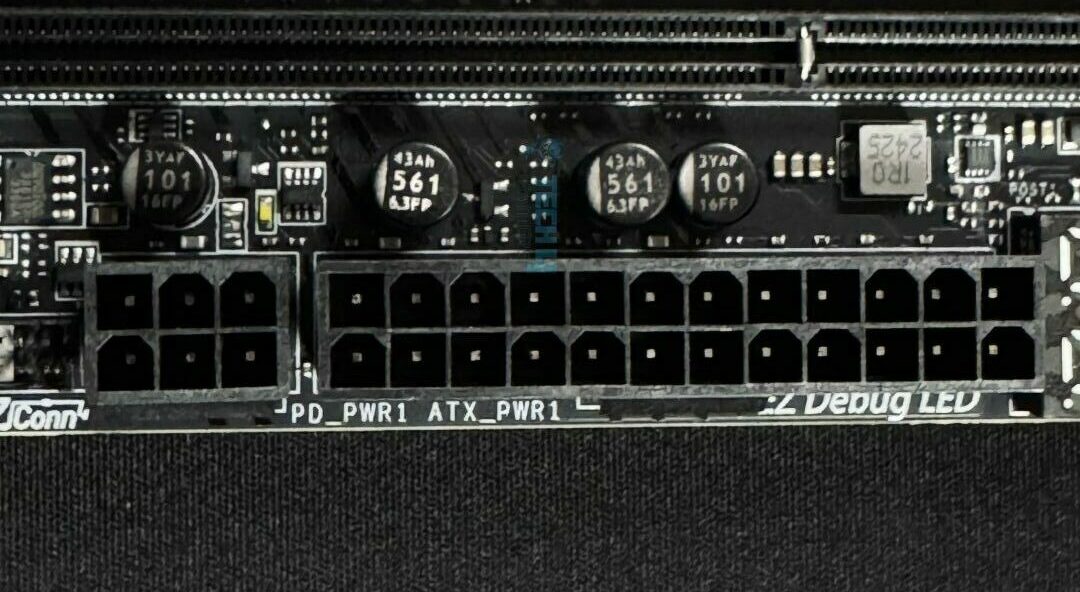
Moving above, we can see a USB connector and the EZ-Conn Cable connector for the 1-to-3 cable. Moving above it, we have the 24-pin ATX connectors, which use solid pins like the EPS and PCIe connectors.
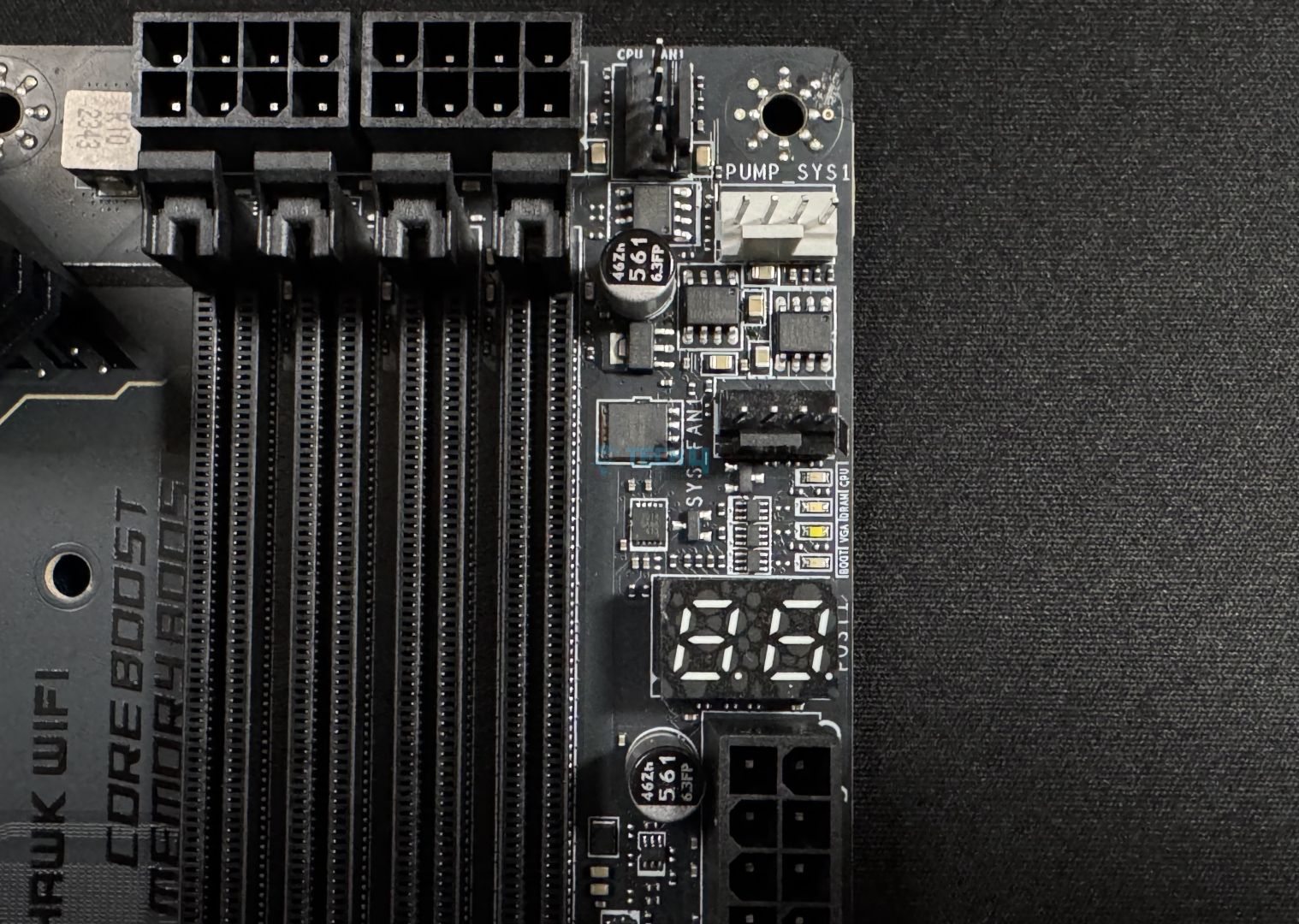
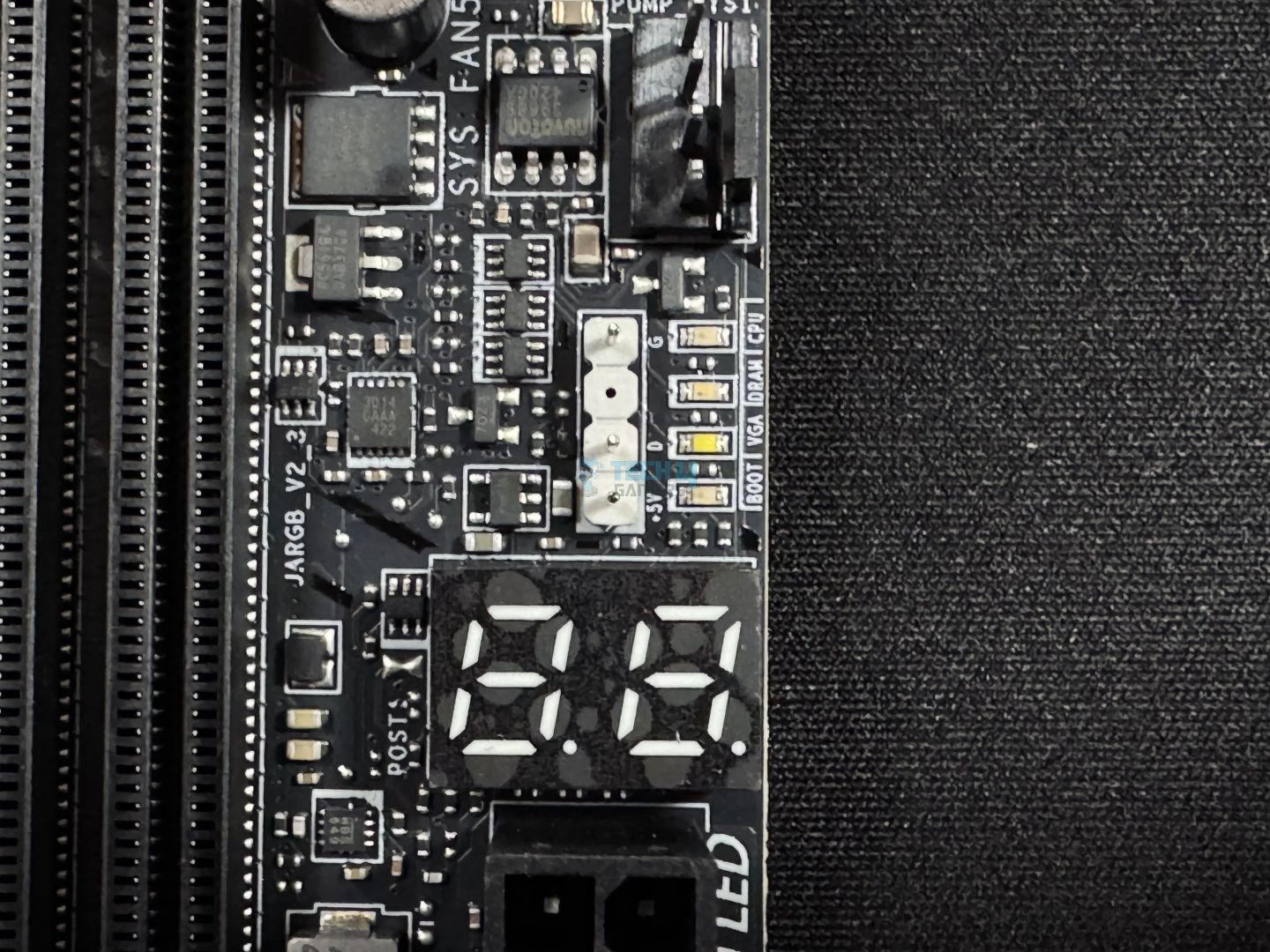
Above that, we have the EZ debug code LED panel and the four LEDs for troubleshooting issues with your system. The EZ debug panel can also serve as a temperature monitor.
SIO controller (Image by Tech4Gamers)
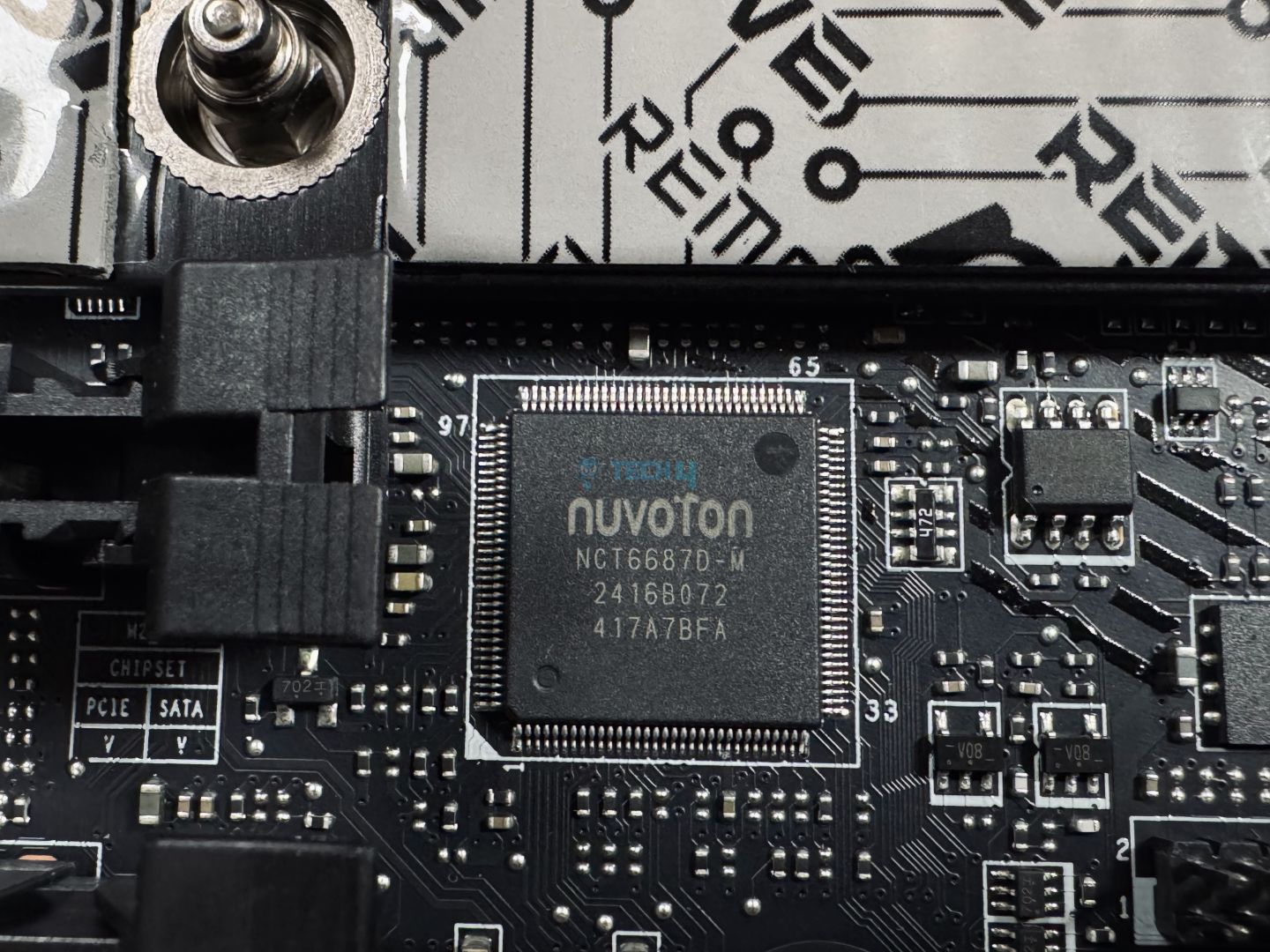
The board is using the Nuvoton NCT6687D chip for fan control, plus fan, voltage, and temperature monitoring. This controller connects to the chipset through an eSPI link.
Rear I/O Panel
Here’s what we have on the rear I/O panel:
Rear I/O panel (Image by Tech4Gamers)
USB 10Gbps Type-A
USB 5Gbps Type-A
5G LAN
Wi-Fi / Bluetooth
Audio Connectors
HDMI 2.1
2x Thunderbolt 4 40Gbps (Type-C)
USB 10Gbps Type-C
Flash BIOS Button
Clear CMOS Button
USB 5Gbps Type-A
S/PDIF-OUT
The rear I/O panel offers a clear CMOS button to reset your BIOS settings. It also has a flash BIOS button to update your BIOS without CPU/memory/GPU. We liked seeing the USB speeds mentioned on the rear rather than the standard name.
The panel is matte-black and features the MAG branding. It has a stainless steel I/O shield pre-installed on the board for convenience.
Naked board (Image by Tech4Gamers)
Here’s the board without the rear I/O cover and all the heatsinks. We kept the PCH heatsink on.
Test Setup
Here’s our test configuration for the motherboard:
The Geekbench 6 multi-core test saw the MAG Z890 Tomahawk WiFi scoring 23447 points. All the boards showed nearly identical numbers.
CPU-Z, MT and ST (Image by Tech4Gamers)
The board did well in the CPU-Z tests, too, standing in 5th place overall.
Blender 4.0.2 (Image by Tech4Gamers)
In the Blender render test, the system with this board managed 55 seconds, tying with the MPG Z890 Edge Ti WiFi.
V-Ray (Image by Tech4Gamers)
In V-Ray, the board scored 11205 points.
The board’s performance is up to the mark in all the synthetic tests.
Gaming Benchmarks
Cyberpunk 2077 (Image by Tech4Gamers)
The MAG Z890 Tomahawk WiFi scored 157 FPS on average and 118 at the lowest.
Far Cry 6 (Image by Tech4Gamers)
In Far Cry 6, the board’s output was 173 FPS on average, dropping to 130 FPS at the lowest.
Starfield (Image by Tech4Gamers)
Finally, the board scored an average of 131 FPS in Starfield, dropping to 100 FPS minimum during the testing.
The gaming performance is also good. It trails the premium motherboards by 1-2% at most.
Power Consumption and VRM Temperatures
Motherboard/CPU power consumption (Image by Tech4Gamers)
The MAG Z890 Tomahawk WiFi system showed the lowest CPU plus motherboard power consumption. Under load, the consumption was 399 watts, while the gaming numbers were 114W and idle consumption was 113W.
VRM temperatures (Image by Tech4Gamers)
The board’s VRM temperatures were only better than the MSI Pro Z890-A WiFi, maxing out at 71°C.
Should You Buy It?
Let’s finalize.
Buy It If:
✅ You want top features for less: With DDR5-9200, dual Thunderbolt 4, WiFi 7, BT 5.4, and 5G LAN, the board offers some of those costly features for less.
✅ Convenience is important: With DIY-friendly EZ mechanisms, the board stands out with an easy-to-work-with design. Some features include EZ PCIe and M.2 release, EZ debug code LED, and EZ Conn-connector (for better cable management).
✅ You prefer simple designs: With a minimalist, RGB-free design, the board may please those who prefer less flashy designs.
Don’t Buy It If:
❌ You need RGB: There’s no room for RGB on this board, as it’s more performance and affordability-focused.
❌ You’re looking for heavy overclocking support: If you plan to step into heavy overclocking of the Arrow Lake CPUs, this motherboard is not ideal due to its relatively weaker VRMs.
My Thoughts
The MSI MAG Z890 Tomahawk WiFi is a great, relatively affordable Z890 motherboard, offering good enough performance, the latest I/O, and most of MSI’s EZ-DIY features. Its design is free of flashy aesthetics, with a matte black theme and a touch of silver (on the rear I/O cover). This design still holds up, especially if you don’t like RGB on your board. If you want RGB, you have room to add your own through the internal connectors.
Moving to its VRM setup, it has a 16+1+1+1 phase power design with 16x 90A phases for VCore. With 1440A for the VCore and a duet-rail power design, you won’t get the best overclocking capabilities out of this board. The VRM cooling is nothing special either, maxing out at 71°C after a 30-minute Cinebench MT test. Mild overclocking should be A-okay.
The board supports DDR5 speeds up to 9200 MT/s (maximum capacity: 256GB). With CUDIMM support, plus MSI’s Memory Boost and Memory Extension Mode, you get good memory performance and overclocking abilities.
The board offers 4x 6G SATA ports and an equal number of M.2 ports for storage, one of which is a Gen 5 port. The top-most and bottom-most M.2 heatsinks feature EZ release mechanisms, and you also get EZ M.2 drive installation/removal through the EZ M.2 clips II. Cooling for the M.2 slots is good enough, with double-sided thermal pads for the primary slot and single-sided ones for the rest.
For PCIe, the board has a Gen 5 slot and 2x Gen 4 x4 slots. The Gen 5 slot has the praiseworthy EZ PCIe release mechanism, plus surface mounting and steel reinforcement for enhanced durability. Handling heavier GPUs shouldn’t be a problem. The board also offers a supplemental PCIe power connector for up to 252W of extra power for your fans, peripherals, and add-on cards. It also provides 2.5x power excursion for the PCIe slots.
For USB, the board has 17 ports if you count the 2x Thunderbolt 4. There’s also a Thunderbolt 5 connector to support an add-on card (MSI is one of the brands offering these cards).
The board has WiFi 7, Bluetooth 5.4, and 5G LAN for connectivity, with the Intel Killer suite providing some useful network management features. Audio on the board is powered by Realtek’s ALC1220P codec and MSI’s Audio Boost 4 solution with high-quality capacitors, a dedicated headphone amplifier, and more.
MSI’s EZ-DIY features make this motherboard easy to work with and install. The EZ PCIe release and M.2 mechanisms are my personal favorites, but the EZ-Conn cable and EZ-front panel cables also stand out.
MSI is offered a 3-year warranty for the board. We’re thankful to them for sending us this model for review.
At Tech4Gamers, I take on the role of Hardware Reviewer with pride. My responsibilities involve a thorough examination of essential hardware components like motherboards, graphics cards, processors, PC cases, and CPU coolers, among others, focusing on their complexities and functionalities.
Dr. Usman Saleem
At Tech4Gamers, I’m the PC Hardware Specialist, primarily contributing to the “Best-Ofs” section. I provide thoughtful buying advice based on thorough testing and personal expertise. I also review hardware products and games to keep things fresh.
Continuing with our MSI Z890 motherboard lineup, we’re looking at the MSI MPG Carbon Z890 WiFi today. This is a $499 motherboard out of the premium-class MPG (Performance Gaming) lineup and is the only MPG board other than the Edge Ti WiFi ($369) so far. Let’s get into the review and find out what it offers for that price tag.
At Tech4Gamers, ensuring you get reliable information is our priority. That’s why every hardware round-up undergoes a meticulous review process by our team of experts and editors. Each review is carefully examined against our strict editorial guidelines, guaranteeing you trustworthy insights you can depend on.
Key Takeaways
The MSI MPG Z890 Edge Ti WiFi is MSI’s top MPG offering so far, with excellent VRMs, a very praiseworthy set of features, and the latest I/O connectivity.
Get this board if you want high-end CPU overclocking support, prioritize convenience, have tons of peripherals/devices to install, and/or want the latest I/O.
Don’t get the board if you’re looking for a 10G LAN Port and/or you don’t need all the top performance or features on offer.
Here’s a quick table sum-up of the specifications:
New RL-ILM socket design (Image Credits: MSI on YouTube)
Intel has adopted a new socket retention mechanism called Reduced Load Integrated Lever Mechanism (RL-ILM) for LGA1851. This mechanism is meant to distribute force more evenly across the motherboard. With Intel shifting to a multi-chiplet design in Arrow Lake, this will be especially helpful.
The key reason, though was due to reports of the LGA1700 ILM not applying even pressure. In some reported cases, this led to warping of the IHS after prolonged usage, due to which the CPU cooler would make uneven contact with the CPU.
The new mechanism involves the use of two new components: an extra hinge frame insulator and a lever frame insulator. Reportedly, this only adds $1 to the manufacturing cost, making a 1-2 degree temperature difference, according to MSI. Still, manufacturers can stick with the old mechanism, so we may not see the new one in all Z890 boards.
Other than that and an increase in the number of pins (1851 vs. 1700), the rest remains the same.
Packaging and Unboxing
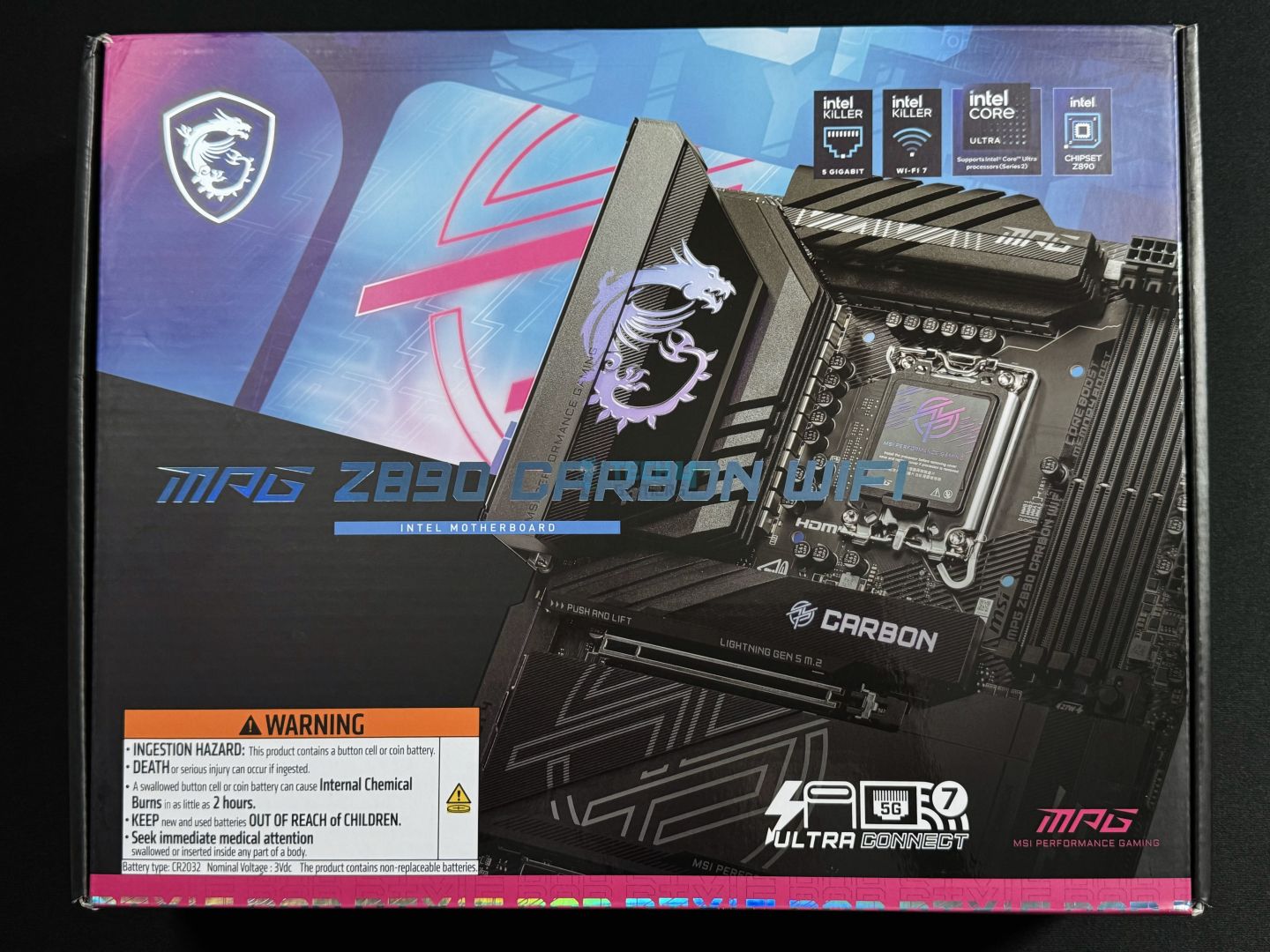
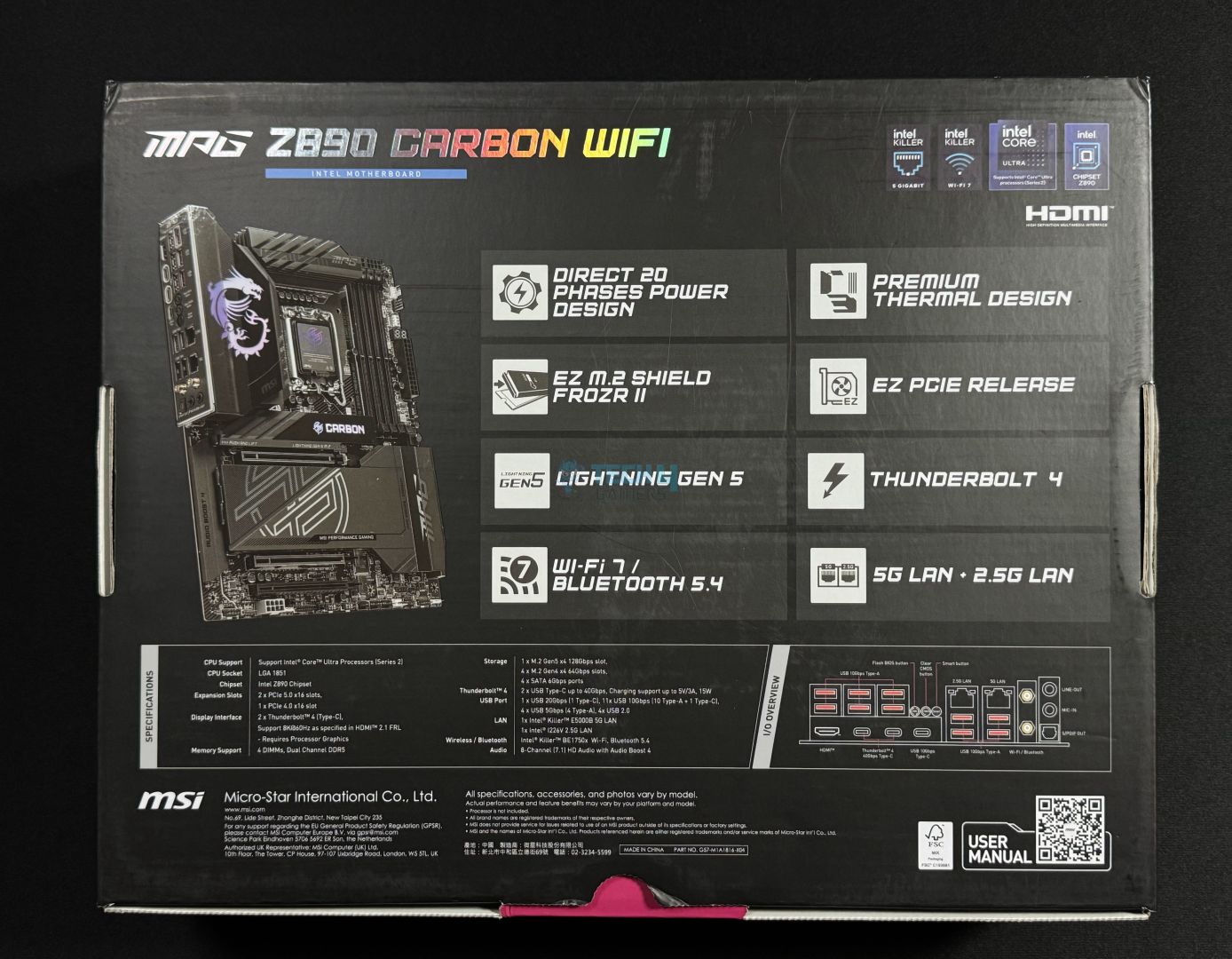
The motherboard is shipped inside a mostly black colored cardboard box. This is the same packaging as the MPG Carbon X870E.
Front
Rear
The front highlights the key I/O features and features a label warning against the mishandling of the CMOS battery. On the rear, we get more key features, specifications, and a rear I/O diagram. A QR code can be scanned to open the user manual on your phone.
Let’s look at the accessories inside the box.
Box accessories (Image by Tech4Gamers)
Quick installation guide
EZ-WiFi Antenna
A-RGB Extension Cable
1-to-2 RGB Extension Cable
1-to-3 EZ Conn-Cable (V2)
EZ Front Panel cable
EZ M.2 Clip II
EZ M.2 Clip II remover
M.2 screw/standoff set
2x SATA cable
USB drive
Cable sticker pack
Shout-out flyer
EU Regulatory Notice
So, there’s plenty inside the box. You get the 1-to-3 EZ Conn-Cable V2, which combines an A-RGB connector, system fan connector, and USB connection. These can be connected at the backside of your chassis to make cable management easier. The EZ-Front panel cable serves the same purpose, combining the front panel connectors to be connected on the backside.
The EZ M.2 clip II can be installed on any of the 5x available spots on the motherboard to make SSD installation easy. More on that in the Storage Options section. The included USB driver contains utilities and drivers to get you started with the board. Also included are 1-to-2 RGB extension and A-RGB extension cables.
Design
A look at the overall design (Image by Tech4Gamers)
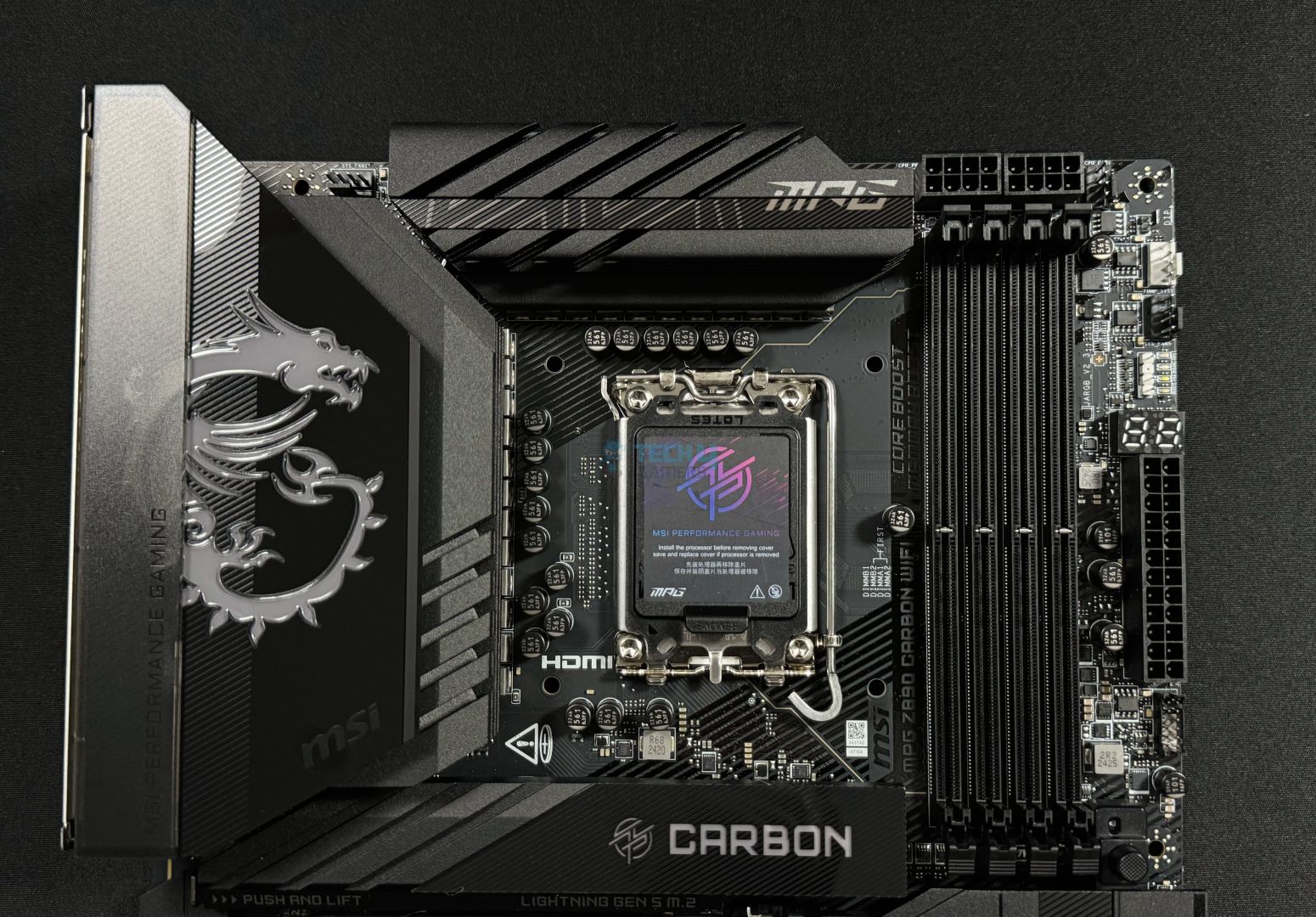
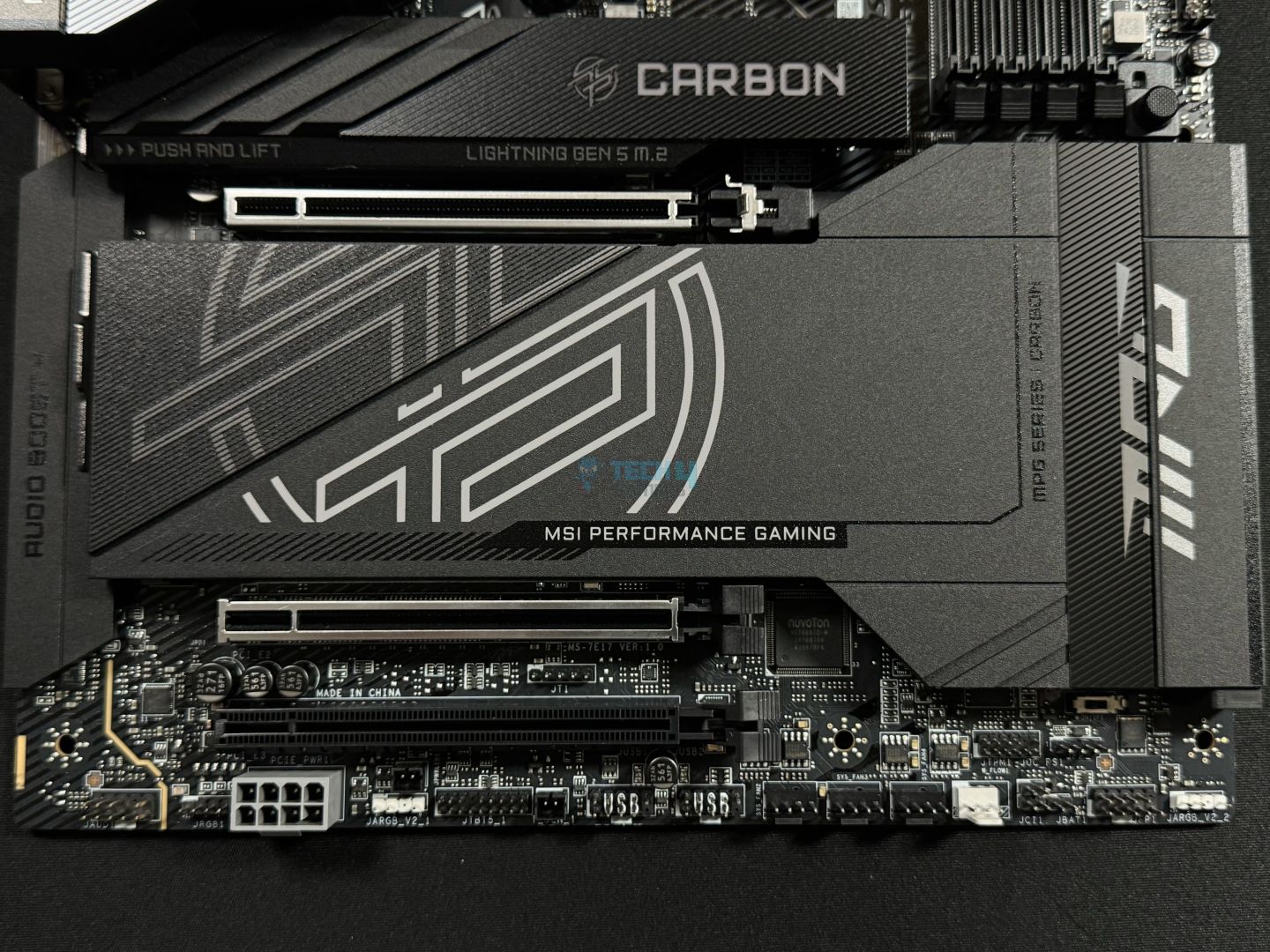
This is the same design as the MSI MPG X870E Carbon and MPG Z890 Edge Ti WiFi boards we reviewed last month. It involves a mix of carbon and matte black elements, with grooves running across the heatsinks and diagonal lines across the PCB. The branding across the board is perhaps our only complaint; it could have been more toned-down and subtle.
RGB is installed under the MSI Dragon Logo on the rear I/O cover and the primary M.2 heatsink (MPG Carbon). This can be controlled through MSI’s Mystic Light or third-party utilities. The RGB is not too dark or bright and is evenly diffused throughout.
The PCB material is server-grade NPG-170D. It’s an 8-layered solution with 2oz thickened copper in an optimized design. MSI is using dedicated Transient Voltage Suppressors (TVS) in all their boards to protect against voltage spikes. Overcurrent protection is also applied to protect vital components like the CPU and memory from damage. Moreover, there’s a dedicated grounding structure to reduce electromagnetic interference from the VRMs.
Block diagram
The board powers the PCIe Gen 5 x16 slot through a PCIe MUX bifurcation, allowing them to be split into dual x8 for dual-GPU configurations. It also powers the memory, Gen 5 M.2 slot (plus one Gen 4), HDMI 2.1 (for iGPU), and Thunderbolt 4.
Coming from the chipset are all the USB and SATA ports, WiFi/Bluetooth, dual LAN, the audio codec, and the remaining M.2 slots. It also enables the third PCIe slot (Gen 4 x4). The chipset is connected to the CPU through a DMI 4.0 x8 link (128 GT/s).
CPU Socket And Power Delivery
Upper half
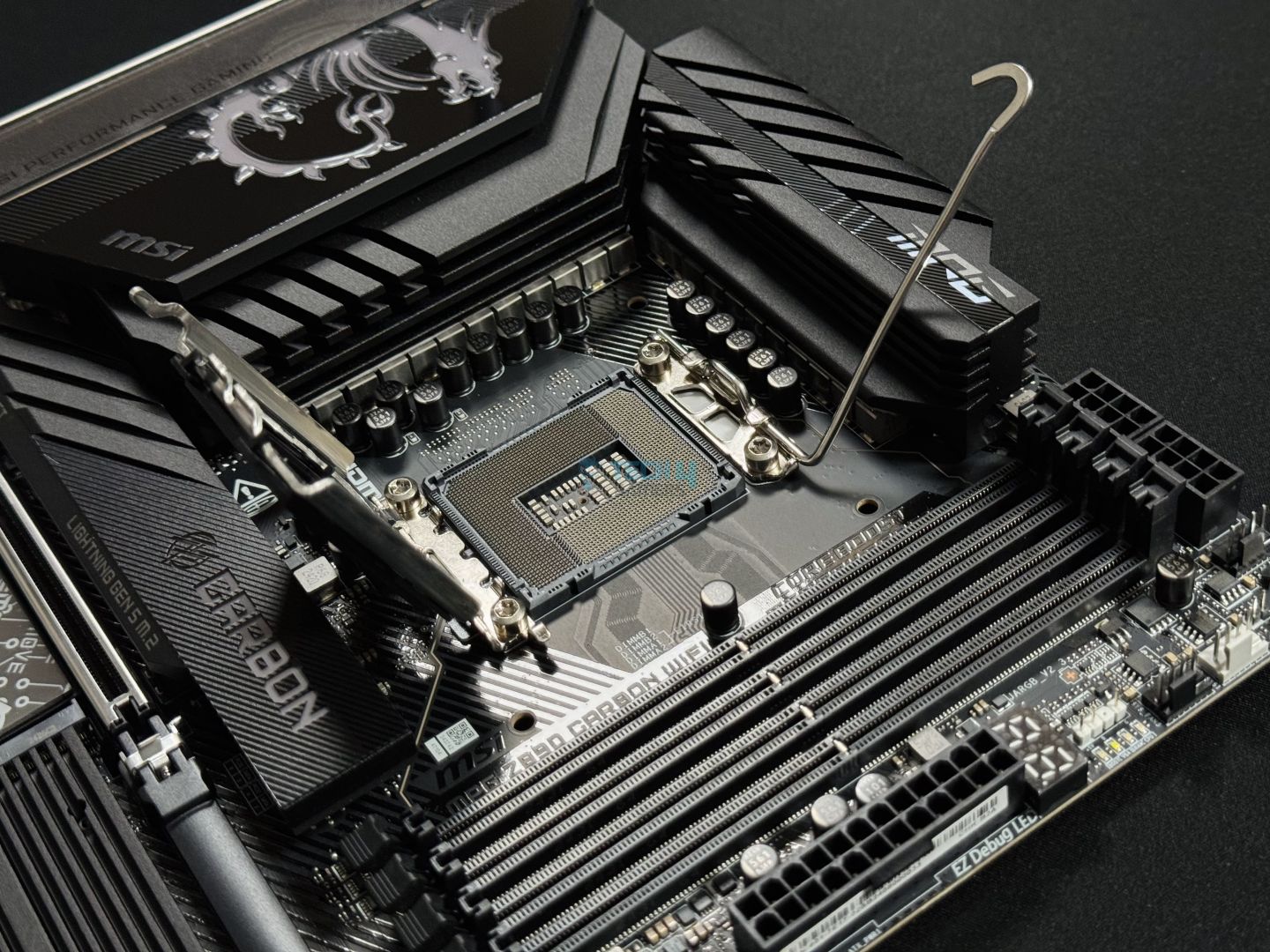
CPU socket opened
This is an RL-ILM socket design, although, just like we saw in our earlier MSI Z890 reviews, there’s no mention of it. Note that the end of the lever being flattened is a sign of the RL-ILM mechanism.
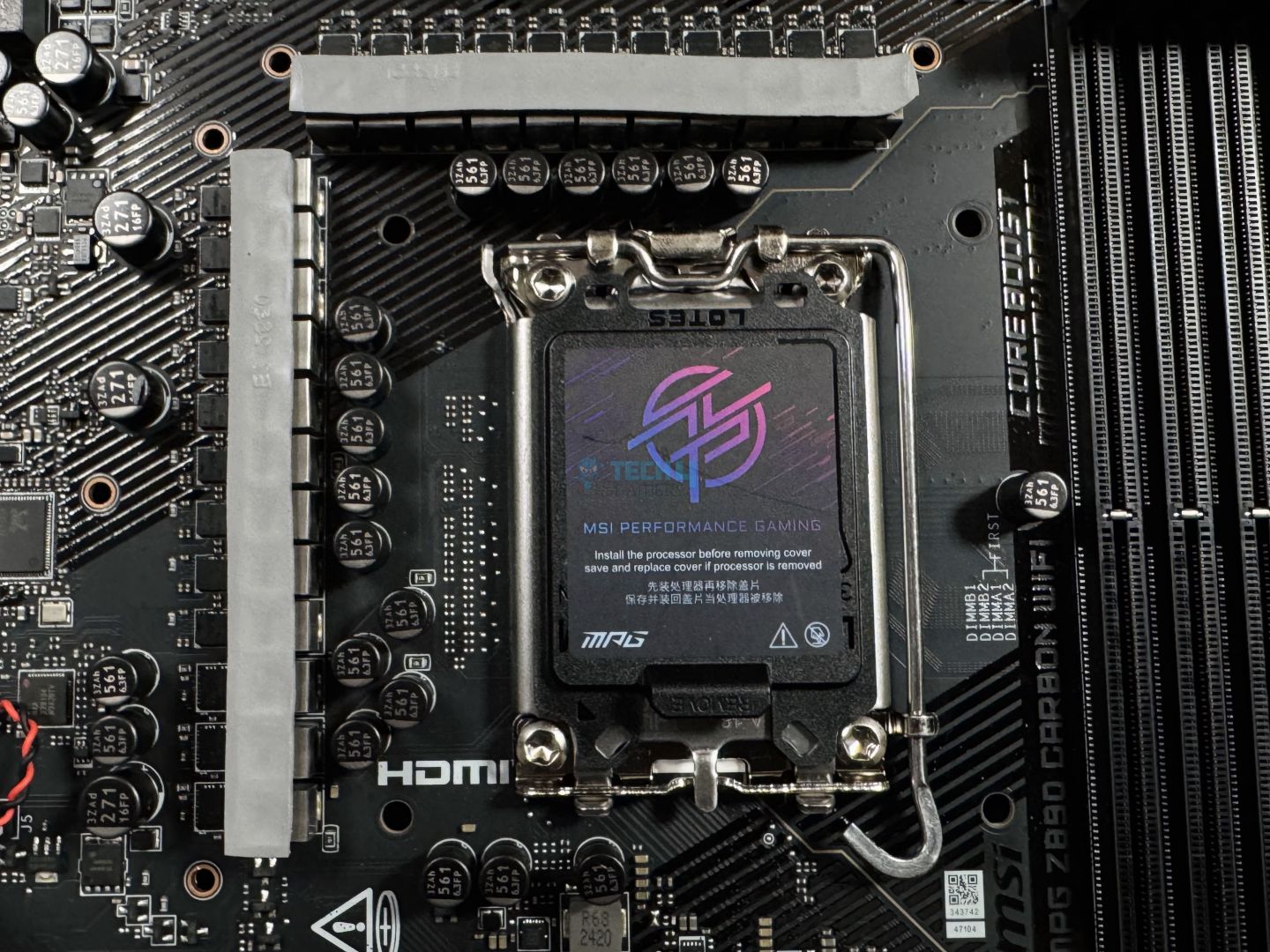
VRM structure
Closer look
This board features a packed 20+1+1+1 (VCore+SA+GT+VNNAON) power phase design. The CPU phases are 110A smart power stages. Looking at the capacitors used in the design, they are rated at 560µF capacitance and up to 6.3 volts. The total power for the motherboard is 2200A, plenty for all your overclocking needs.
VRM MOSFETs (Image by Tech4Gamers)
A closer look at the MOSFETs reveals that these are the Renesas R2209004-HBD powers stages. They are being managed by the Renesas RAA-229131-W310AKX PWM controller.
EPS connectors (Image by Tech4Gamers)
CPU power comes from the dual 8-pin EPS connectors located above the DIMM slots. Each connector provides 150W for a total of 300W, while Intel’s beefiest Arrow Lake CPUs are rated at 250W. These connectors use MSI’s Solid Pin design which provides “a more stable transmission of 12V to the CPU,” thanks to lower impedance and better durability.
These are MSI’s extended Frozr heatsinks with stacked fin designs. A closer look reveals 4x fin layers on both heatsinks. Underneath, we get 7w/Mk thermal pads for the MOSFETs. We also get choke thermal pads (though those remained attached to the MOSFETs when we took off the heatsink.
The heatsinks feature channels, which add a touch of style and supposedly improve cooling performance too.
DIMM Slots
There are 4x surface-mounted DIMM slots on the board, each supporting up to 64 GB for up to 256 GB in total. The maximum speed supported is up to 9200 MT/s with single-rank memory at 1 DIMM per channel. Here are all the different configurations and maximum speeds supported:
1DPC 1R = 9200+ MT/s
1DPC 2R = 7200+ MT/s
2DPC 1R = 4800+ MT/s
2DPC 2R = 4800+ MT/s
So, the memory supported is the same as the MPG Z890 Edge Ti WiFi. CUDIMMs are supported, which adds a clock driver to the UDIMMs in use today. This clock driver generates clock signals which would otherwise be generated by the processor. The improved timing synchronization means CUDIMMs should be able to achieve higher speeds than UDIMMs.
MSI’s Memory Boost Technology is also highlighted. We assume this is the same as MSI’s DDR4 boost, which improves memory performance in a few ways: first, no components lie between the CPU and the memory to utilize the bus. Second, an isolated memory circuit means no interference from any nearby components. The third method uses an optimized zig-zag routing to prevent the fiber weave effect for a stable signal.
MSI’s memory extension mode provides “optimized memory parameters for enhanced capability at the same frequency.” This presumably helps achieve better latencies at the same speeds. It can also combine XMP profiles to offer the best speeds. Four modes are offered: Performance, Benchmark, Memtest, and High Efficiency.
Storage Options
SATA connectors
M.2 heatsinks
The motherboard offers 4x SATA 3.0 ports and 5x M.2 slots (1x Gen 5, 4x Gen 4). All the drives support RAID 0, 1, 5, and 10 configurations. For the M.2 slots, M.2 signal sources are printed on the board for easy identification. Here are the types of drives supported on the M.2 slots:
M2_1, M2_2, M2_3, M2_5 = 2280/2260
M2_4 = 22110/2280/2260
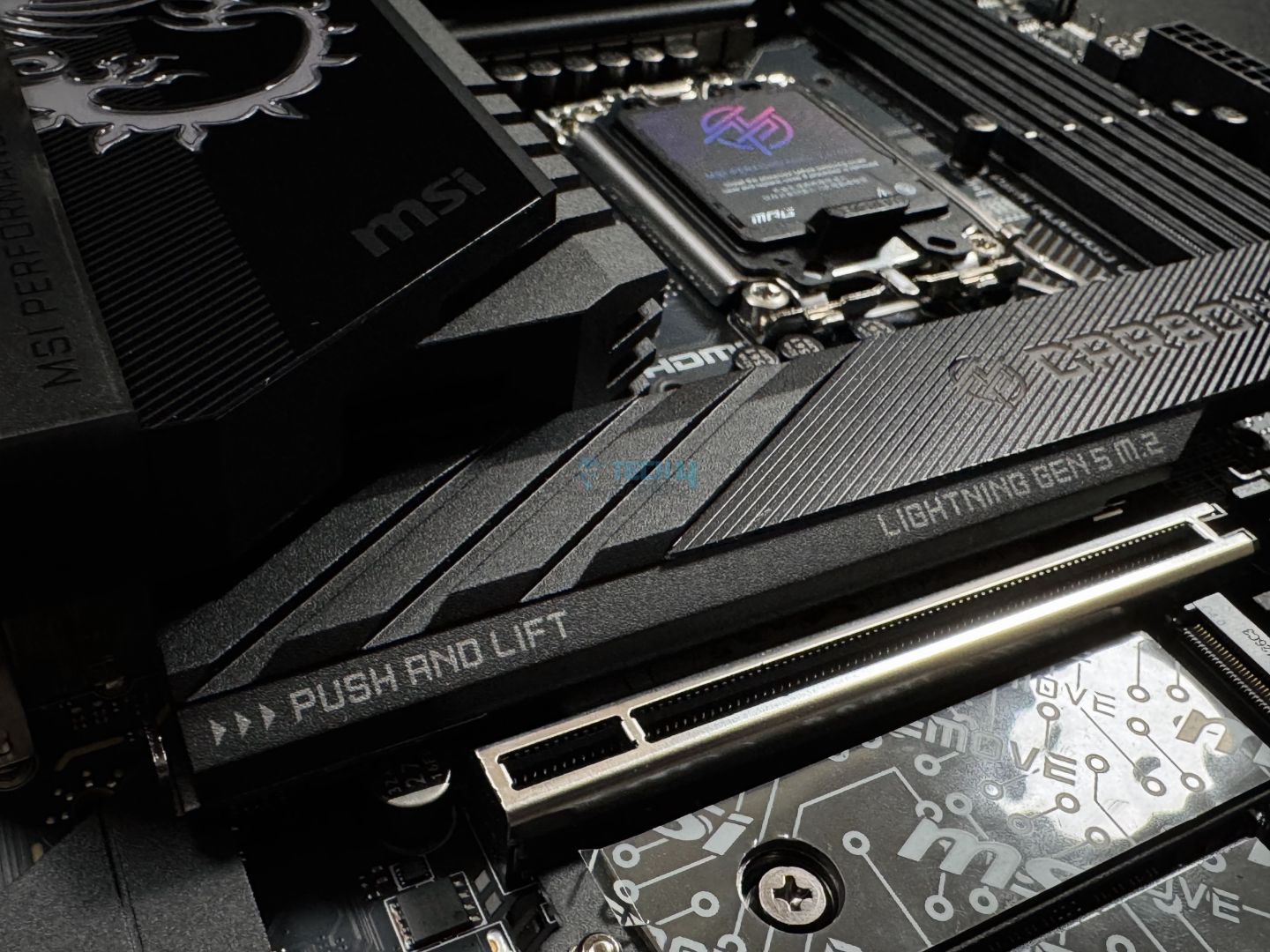
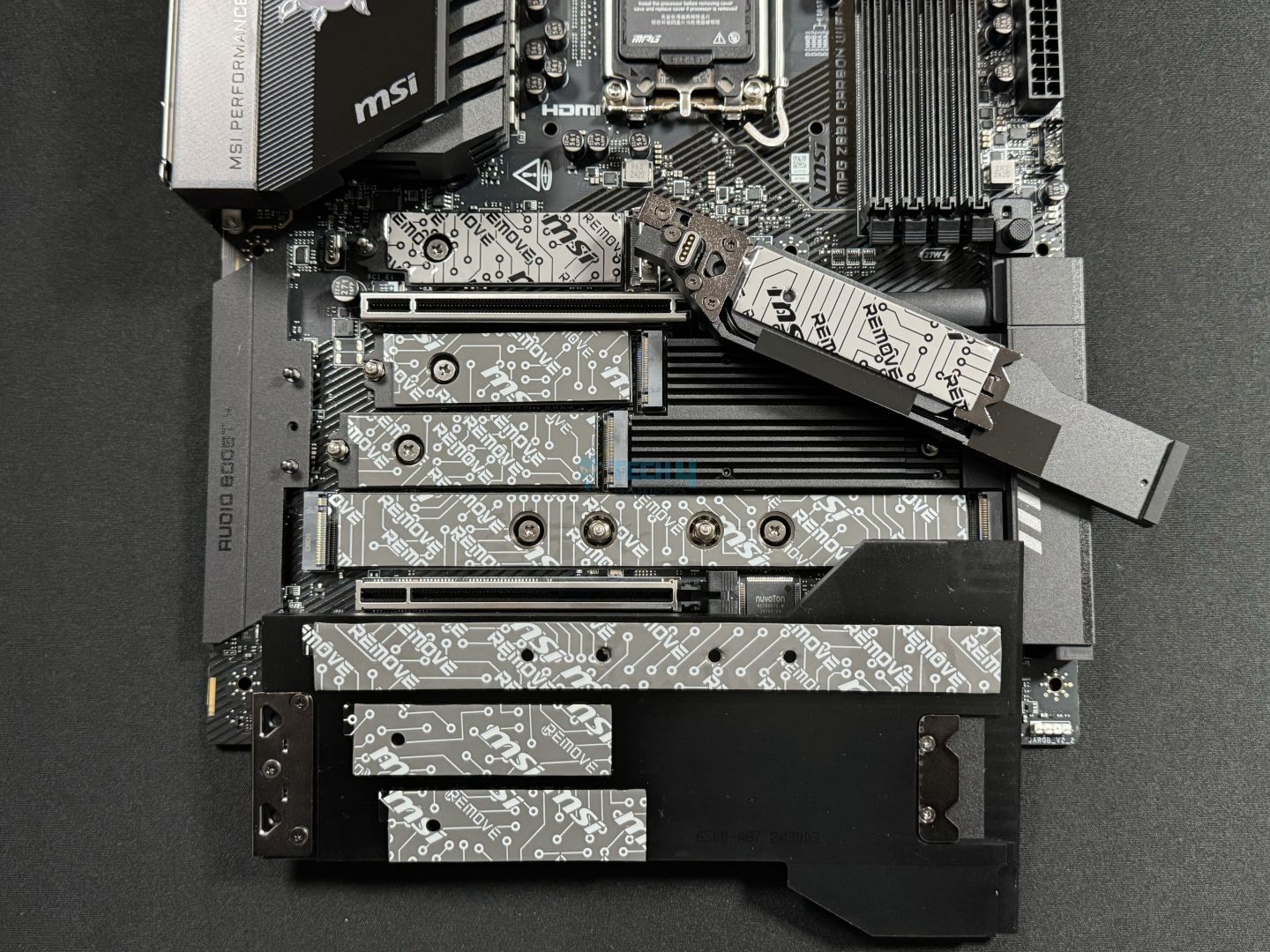
The heatsinks cooling the M.2 drives are mixed in carbon black and matte black and have diagonal grooves running through them. MSI’s MPG branding is also prominent on both of them. Let’s remove them to take a look.
EZ M.2 heatsink mechanism
M.2 heatsinks removed and flipped
Removing both the heatsinks was EZ courtesy MSI’s EZ M.2 shield Frozr II design. Installing/removing SSDs will be just as easy thanks to the EZ M.2 clips II placed across the setup. The M.2 clip II included in the package can be installed by removing one of the screws if your SSD is a shorter size. If you plan on installing multiple drives of the 2260 size, you’ll be limited to the latch installation mechanism for at least one of them.
We are greeted with double-sided thermal pads on both heatsinks, while in lower-end boards, we only see them on the primary M.2 slot. Rest assured, all your drives will be cooled adequately on this board.
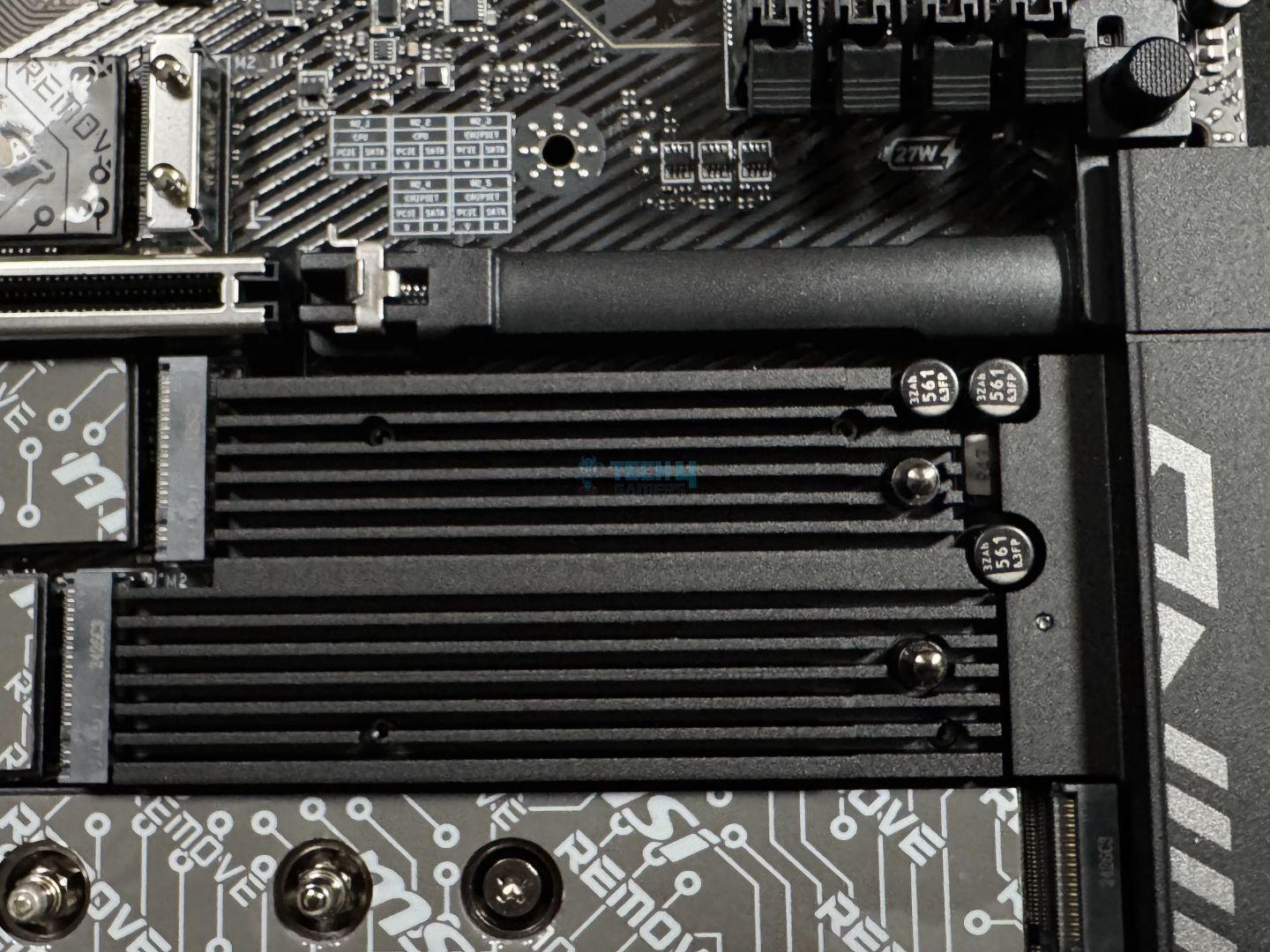
PCH heatsink
M.2 heatsink RGB connector
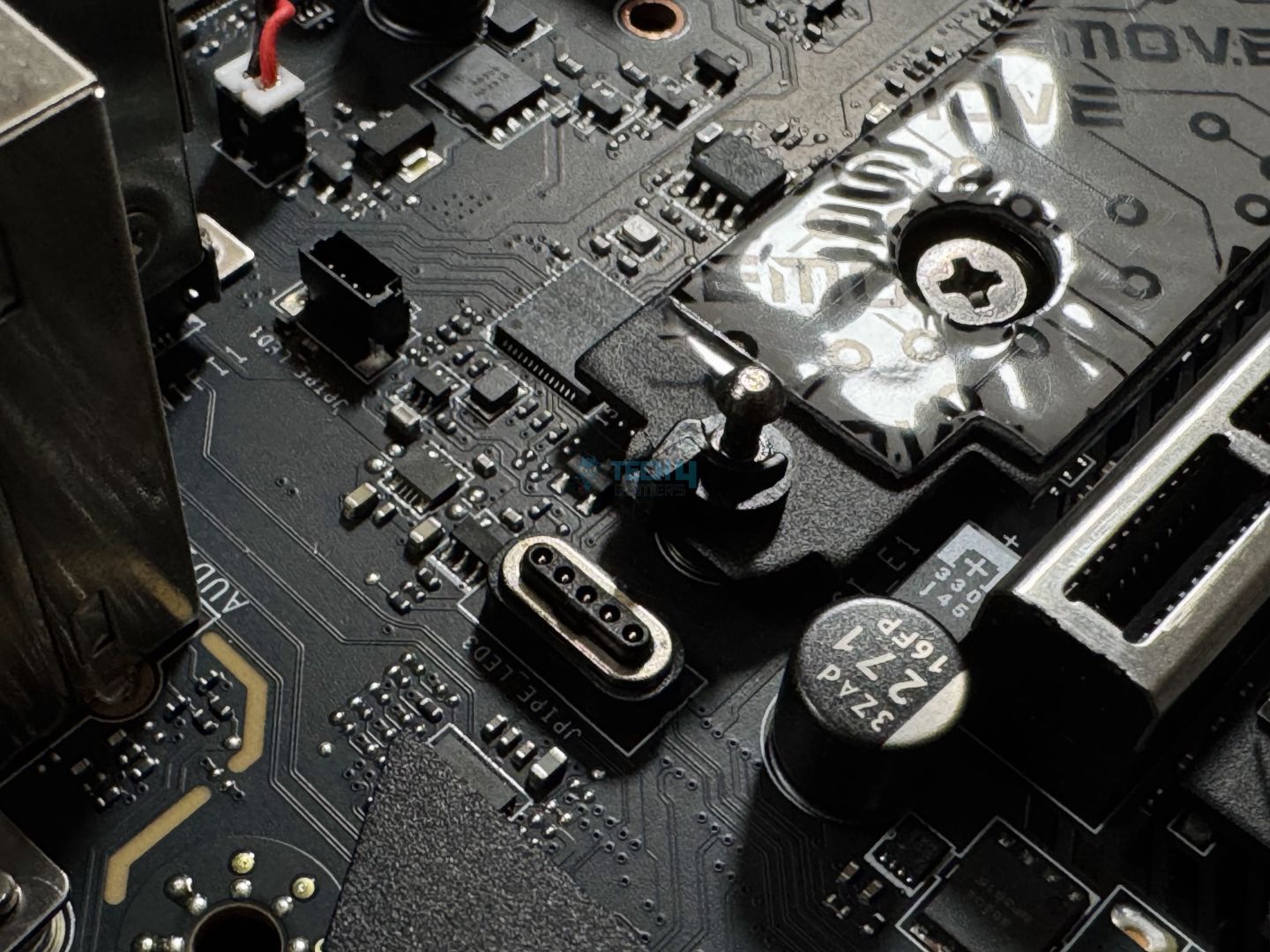
Under the secondary M.2 heatsink, we get another heatsink. This aluminum cools the chipset. Meanwhile, above the primary M.2 heatsink, we have the JPIPE_LED3 connector to power the RGB on this heatsink.
PCIe Slots
The motherboard offers 3x PCIe slots, including 2x Gen 5 slots. All the slots are 16-lane but only the top-most slot can utilize all 16 lanes, while the bottom two are limited to x8 and x4, respectively. Both the Gen 5 slots are steel-reinforced and surface-mounted to support the weight of heavier cards. However, MSI still recommends a graphics card bolster for heavier GPUs.
Since the CPU only provides 16x PCI expansion lanes, you’ll run both Gen 5 slots at x8 speeds if you occupy them. The primary slot can also be split up into x8+x4+x4, while slot #2 can be divided into x4+x4 depending on your usage. Head on to the BIOS to make these adjustments.
EZ PCIe release button (Image by Tech4Gamers)
The EZ PCIe release mechanism is on show for the primary expansion slot, so GPU installation/removal is a breeze, requiring only the press of a button. There’s a tiny hole beside the button to tell you whether the lock is in place or not. It’s really as easy as it can get!
USB Connectivity
There are 22x USB ports on the board:
USB connectors, middle-to-lower right
USB connectors, bottom-middle
4x USB 2.0 (Front)
4x USB 5Gbps Type A (Front)
10x USB 10Gbps Type A (Rear)
1x USB 10Gbps Type C (Rear)
1x USB 20Gbps Type C (Front)
2x Thunderbolt 4
So, we get dual Thunderbolt 4, a USB 20Gbps Type-C (supports 27W charging), and a wealth of 10Gbps USB ports. While USB4 and Thunderbolt 4 have the same theoretical top speed, they differ in some key minimum requirements.
WARNING: USB4 devices will function at 20Gbps, and USB 3.2 devices will be limited to 10Gbps speeds with the Thunderbolt 4 port.
Thunderbolt 4 can enable dual 4K 60 Hz displays or a single 8K 60 Hz display. It also supports 15W charging, and you can daisy-chain as many as 3x TB4 or 5x TB3 devices in one port.
Realtek RTS5420 USB controller (Image by Tech4Gamers)
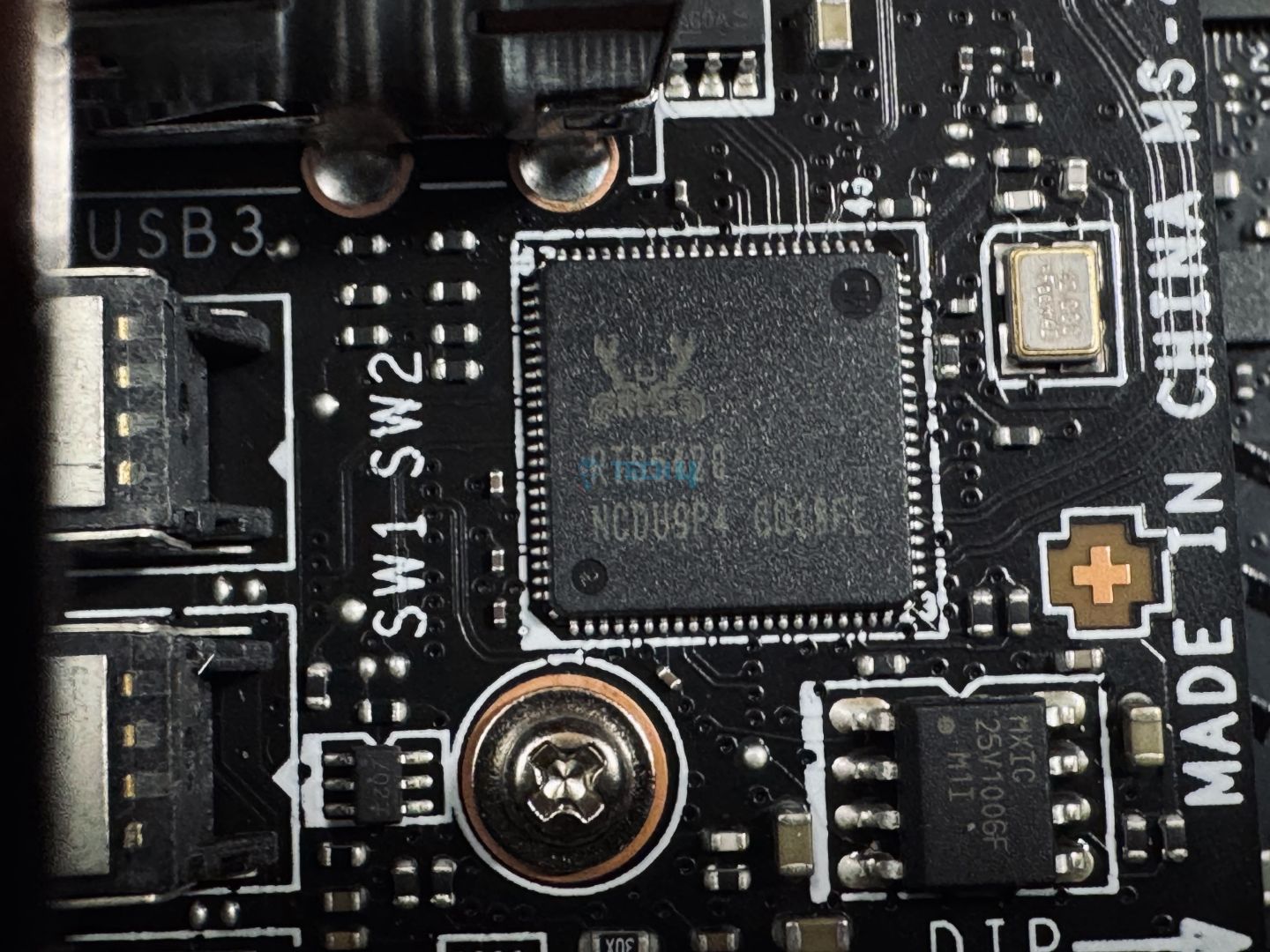
Controllers for USB include Genesys GL850G (4x USB 2.0), GL3523 (4x USB 5Gbps), and Realtek RTS5420 (8x 10Gbps Type-A).
Network and Connectivity
WiFi card (Image by Tech4Gamers)
The board features dual LAN ports (Intel Killer E5000B 5G and Intel I226V 2.5G) and supports WiFi 7/Bluetooth 5.4 through the included antenna. Also, we have the same complaint that we did with its X870E counterpart; there should have been a 10G port at this price.
Intel’s Killer Performance Suite for LAN and WiFi offers some useful features like auto application priority detection and bandwidth analysis and management. Smart AP selection to pick the best access point, giving you the best wireless connection.
Audio Solution
Audio Boost 4 cover (Image by Tech4Gamers)
The motherboard uses Realtek’s ALC1220P, a good enough solution for its class. MSI’s Audio Boost 4 solution improves the setup with high-quality audio capacitors and audio jacks, a dedicated headphone amplifier, and de-pop protection. This is an isolated audio design, using separate PCB layers for right and left audio channels.
Internal Connectors and Components
Let’s look at the internal connectors on the board. Here’s the entire list:
Middle-right connectors
Bottom-right connectors
1x 24-pin ATX Power Connector
2x CPU EPS Power Connectors
1x Supplemental PCIe Power Connector
1x Front Type-C Quick Charge Connector
1x CPU Fan
1x Combo Fan
5x System Fan
1x EZ Conn-header
2x Front Panel
1x Chassis Intrusion
1x Water Flow connector
1x Front Audio
1x Thermal Sensor connectors
3x Addressable V2 RGB LED connector
1x RGB LED connector
1x TPM pin header (supports TPM 2.0)
4x USB 2.0 ports
4x USB 5Gbps Type A ports
1x USB 20Gbps Type C ports
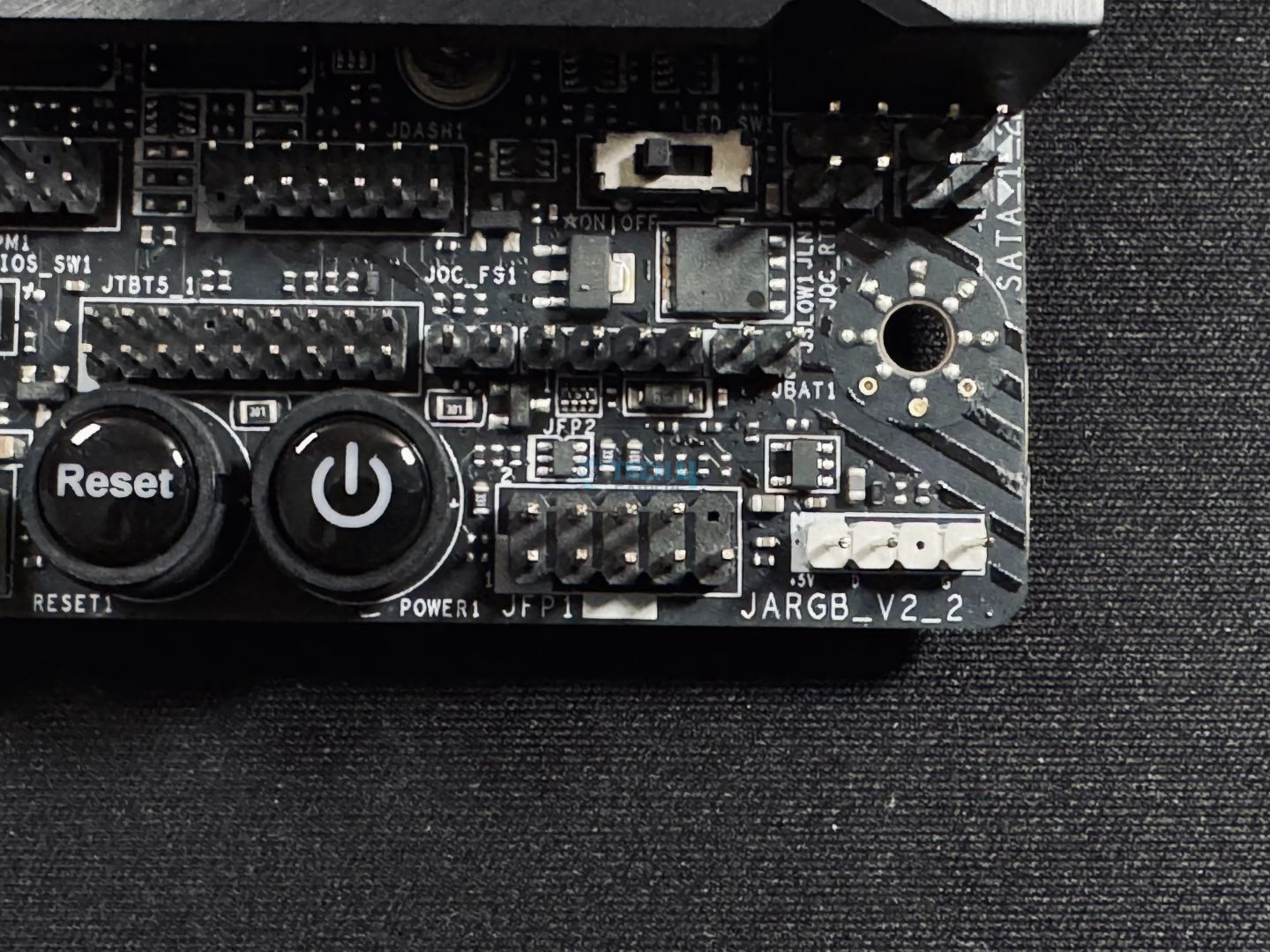
The board offers an “EZ LED Switch” button to power the board’s RGB on or off with a button at the bottom right (pictured). Also, the 20Gbps Type-C port supports 27W charging. You can also monitor output power, voltage, and current from the port in real-time.
The motherboard adds a Thunderbolt 5 connector which supports up to 80Gb/s throughput. This would support up to 2x 8K 60 Hz and 3x 4K 144Hz displays. It also supports a refresh rate of up to 540Hz.
Like the previous MSI offering we looked at, we get a Thermistor connector on the board, but no cable is included in the package. There’s also a water flow connector that measures the amount of liquid passing through your liquid-cooling loop.
Supplemental PCIe power connector (right) (Image by Tech4Gamers)
MSI also adds a supplemental 8-pin PCIe connector to share some of the 24-pin ATX connector’s load. As the 24-pin connector is responsible for providing power to all your peripherals (USB devices, fans, PCIe devices), it can become overburdened if you use too many of them. So, the 24-pin ATX connector will be useful if you install many drives, USB devices, fans, and add-on cards.
An example of how the extra connector could benefit a power-hungry system (Image Credits: MSI)
All in all, it can provide an extra 252W, given your PSU has enough wattage to feed it, of course. This would include 36W for RGB and 132W for fans, plus a 2.5x power excursion for the PCIe slots (up to 165W). Of course, power excursion is a short burst of extra power, and the PCIe slots are still essentially limited to 75W.
This connector, as well as the 24-pin ATX connector, are also using MSI’s solid-pin design.
Let’s look at some of the other components on the board.
Super I/O controller
RGB controller
The motherboard uses the all-familiar Nuvoton NCT-6687D chip as a Super I/O controller. It is responsible for controlling the fans and monitoring fan speeds, temperatures, and voltages of components across the board. The NUC1262Y serves as the RGB controller for the board.
Debug LED panel (Image by Tech4Gamers)
The debug code LED panel is found on the top right-hand side. It can also function as a temperature monitor. Above it are the debug LEDs for boot, CPU, RAM, and GPU-related issues.
Rear I/O Panel
Here’s what we get on the rear I/O panel:
Rear I/O panel (Image by Tech4Gamers)
USB 10Gbps Type-A
Flash BIOS Button
Clear CMOS Button
Smart Button
2.5G LAN
5G LAN
Audio Connectors
HDMI 2.1
Thunderbolt 4
USB 10Gbps Type-C
USB 10Gbps Type-A
WiFi / Bluetooth
Optical S/PDIF Out
Besides all the I/O we’ve already discussed, you get a flash BIOS button, a clear CMOS button, and an EZ/Smart Button at the back. The Smart Button can be configured to perform different functions, including RGB on/off (which is the default), reset, safe boot, and turbo fan mode. This is done through the BIOS. Labeling of the USB port speeds here is a nice-to-have feature.
The panel is coated in matte black to go with the overall theme and has the MPG branding is on the left. It uses a stainless steel I/O shield that comes pre-installed on the board. Let’s see what’s under the rear I/O cover.
Rear I/O side (Image by Tech4Gamers)
We have a wealth of controllers and other chips here.
In Geekbench 6, the system’s output with the MPG Z890 Carbon WiFi was 23468 points.
CPU-Z, MT and ST (Image by Tech4Gamers)
In CPU-Z multi-threaded and single-threaded tests, the board scored 19246 and 919 points, respectively.
Blender 4.0.2 (Image by Tech4Gamers)
The Blender 4.0.2 showed a 54.4-second render time with this board.
V-Ray (Image by Tech4Gamers)
Lastly, in V-Ray, the board managed 11212 points.
Overall, the board performed well across the list of synthetic benchmarks.
Gaming Benchmarks
Cyberpunk 2077 (Image by Tech4Gamers)
The board did well in Cyberpunk 2077, having the joint-highest %1 low FPS result.
Far Cry 6 (Image by Tech4Gamers)
Good numbers again from the board, standing in 4th place overall.
Starfield (Image by Tech4Gamers)
In Starfield, the MPG Carbon Z890 WiFi scored 133 FPS on average and dropped to 100 FPS at minimum.
The gaming performance is excellent, with only a 1% difference (at most) compared to the top-performing board on the list.
Power Consumption and VRM Temperatures
Motherboard/CPU power consumption (Image by Tech4Gamers)
The test system with this board consumed 412 watts at most, with 116W consumed at idle and 115W during gaming.
VRM temperatures (Image by Tech4Gamers)
Concluding with the VRM temperatures, the heatsink on this board did well enough; the VRM temperatures maxed out at 65°C.
Should You Buy It?
Struggling? Let us break it down for you.
Buy It If:
✅ High performance is important: The board offers an excellent 20+1+1+1 VRM setup (with 110A SPS for VCore), offering top-notch overall performance.
✅ You want an easy-to-work-with board: The board’s EZ-DIY features set makes the PC building process a breeze with mechanisms like EZ PCIe release, EZ Conn-Design, and EZ M.2 II clips.
✅ You’re looking for excellent M.2 cooling: With hefty M.2 heatsinks and double-sided thermal pads, all your M.2 drives will run as cool as the breeze.
✅ The latest I/O is a priority: With Gen 5 expansion and storage options, Thunderbolt 4 ports, WiFi 7, and Bluetooth 5.4, the board’s I/O connectivity is nearly the best available. It also has a Thunderbolt 5 connector.
✅ You have a ton of USB devices to install: With 20 USB ports (not counting Thunderbolt 4), the board has more than enough room for all your USB peripherals.
Don’t Buy It If:
❌ Budget is limited: At $499, the board will set you back quite a bit. If its feature set and VRMs are overkill for you, you can score Z890 boards for even $200 or less.
❌ You’re looking for 10G LAN: The board is limited to 5G/2.5G LAN, a disappointment at this price tag.
My Thoughts
The MSI MPG Z890 Carbon WiFi is absolutely packed with power and features for a $499 price tag. Starting with its design, the board is characterized by its carbon plus matte black theme and dual-RGB zones. Grooves and channels run diagonally across the several heatsinks, which add a touch of style to the board. The excessive branding bothered us a bit, and we feel like it detracts from this classy-looking design.
Talking VRMs, the board rocks a 20+1+1+1 VRM design with 110A SPS for the VCore totaling 2200A. This setup is enough for heavy overclocking applications, even on the Core Ultra 9 285K, and the VRM cooling is also good enough to allow for that.
The board supports DDR5 memory with speeds of up to 9200 MT/s (XMP/overclocking) with 1R memory at one DIMM per channel. Maximum capacity support is maxed at 256GB, and CUDIMMs are supported.
Moving on to storage, there are 4x 6G SATA ports and as many Gen 4 M.2 slots (plus a Gen 5 slot). Both M.2 heatsinks have EZ “push to release” mechanisms, and installation/removal is made easy with the EZ M.2 Clips II. Double-sided thermal pads for all M.2 storage is a plus, so the NVMe storage cooling should be no concern.
The board has dual PCIe Gen 5 slots, capable of operating at x8 speeds each to allow dual-GPU configurations. There is an additional PCIe 4.0 x4 slot for any other expansion cards you may have. Both Gen 5 slots are steel-reinforced for extra durability, and the primary slot also features an amazing EZ PCIe release mechanism.
USB connectivity included 20x USB ports (including a 27W for the front Type-C port), plus dual Thunderbolt 4 options. There is also a Thunderbolt 5 connector on board for any devices you may need to connect in the future.
For audio, the board has a capable ALC1220P codec. The audio quality is enhanced by the Audio Boost 4 technology, which includes the use of high-quality capacitors and a dedicated headphone amplifier. Meanwhile, connectivity is covered by WiFi 7, BT 5.4, and dual LAN ports (5G and 2.5G). The Intel Killer utility offered with this package offers bandwidth management, Smart AP selection, and more.
The board’s EZ-DIY features are what had us sold, though. These include the EZ PCIe release, Smart Button, EZ M.2 release, EZ-Conn Connector, EZ Debug code LED, and more. Overall, the board is the easiest one you’ll have to work with by far. The Thunderbolt 5 support and the supplemental PCIe connector are more bonuses, making it a 10/10 in the Features department; we’d give it an 11/10 if we could!
MSI is offering a 3-year warranty for this board. We thank them for sending us this model for review.
As Tech4Gamers’ Founder and Editor-in-Chief, I bring over 13 years of PC Hardware Reviewing and 8+ years of IT Project Management experience. Certified in Google IT Support , my focus is on providing honest product reviews and analysis and fostering a strong gaming community with 130k+ members in PPG.
Dr. Usman Saleem
At Tech4Gamers, I’m the PC Hardware Specialist, primarily contributing to the “Best-Ofs” section. I provide thoughtful buying advice based on thorough testing and personal expertise. I also review hardware products and games to keep things fresh.
The MSI ACE lineup of motherboards from MSI has always been our favorite. These motherboards pack some of the most high-end features with ultimate performance and great design, and they are overall the ideal choice for anyone who wants the best of the best without worrying about the budget because they are also quite pricey. When we tested and reviewed the MSI MEG Z790 ACE MAX and the MSI MEG X670E ACE WiFi, we gave both motherboards our Editor’s Choice award, so let’s see if the MSI MEG Z890 ACE lives up to the hype or not.
Why Trust Tech4Gamers
Usman Saleem is our hardware tester who loves to put all the latest GPUs, CPUs, RAM, and motherboards for a spin.
40+ motherboards tested and reviewed by our team of hardware experts (Tech4Gamers Team).
800+ hours spent testing different motherboards for our reviews.
At Tech4Gamers, ensuring you get reliable information is our priority. That’s why every hardware round-up undergoes a meticulous review process by our team of experts and editors. Each review is carefully examined against our strict editorial guidelines, guaranteeing you trustworthy insights you can depend on.
Key Takeaways
The MSI MEG Z890 ACE is a flagship motherboard that leaves all other Z890 motherboards in the dust with its extensive features and exceptionally well-built VRM design.
You should buy the MSI MEG Z890 ACE if you want the best performance, a premium design, and plenty of overclocking headroom for both the CPU and the DDR5 kit.
You should not buy the MSI MEG Z890 ACE if its price tag is out of your budget, as the motherboard is rather pricey.
Here’s a quick table sum-up of the specifications:
New RL-ILM socket design (Image Credits: MSI on YouTube)
With the Intel Core Ultra series of desktop processors, Intel has introduced a new LGA1851 socket. This means that your old Intel 600- and 700- series motherboards are incompatible with the latest 15th gen processors, and you’ll have to get a new 800-series motherboard.
There are some improvements in the new socket, it has 151 more pins than the LGA1700 socket and a new reduced-load integrated lever mechanism (RL-ILM). According to MSI, the new mechanism successfully takes down overall CPU temperatures of the new Core Ultra series by 1 to 2°C.
Here are the key improvements in the RL-ILM socket:
Level Pressure Plate: Unlike the LGA1700’s curved plate, the RL-ILM uses a flat surface to maintain even pressure across the CPU, minimizing the risk of warping.
Lowered Pressure Application: The RL-ILM design applies less force to the CPU, which helps safeguard it from stress and potential damage.
Additional Stabilizing Components: The RL-ILM is enhanced with new support features like hinges and insulated lever frames, providing extra stability for the CPU and securing the cooler for better heat control.
Packaging and Unboxing
Box Front
Box Back
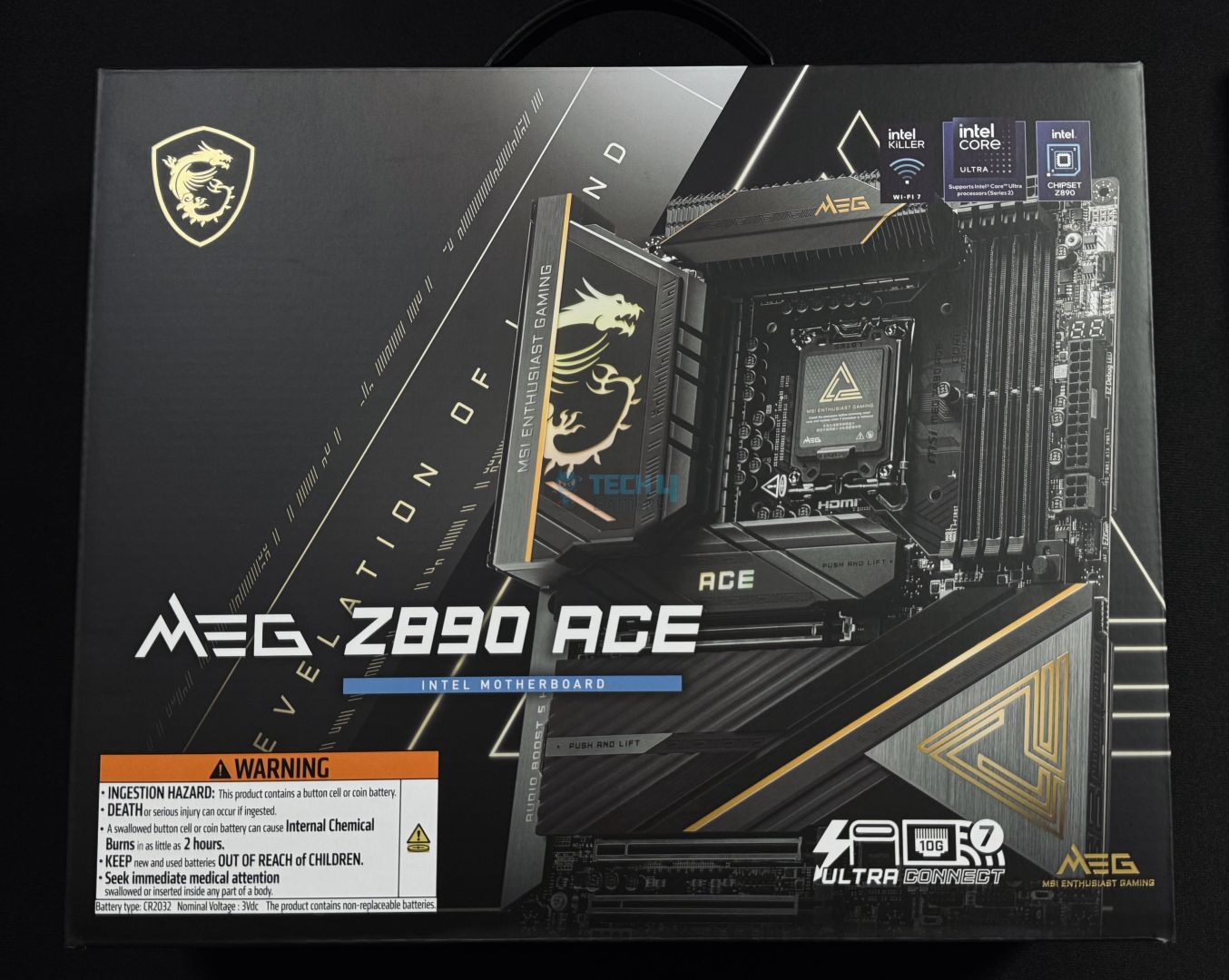
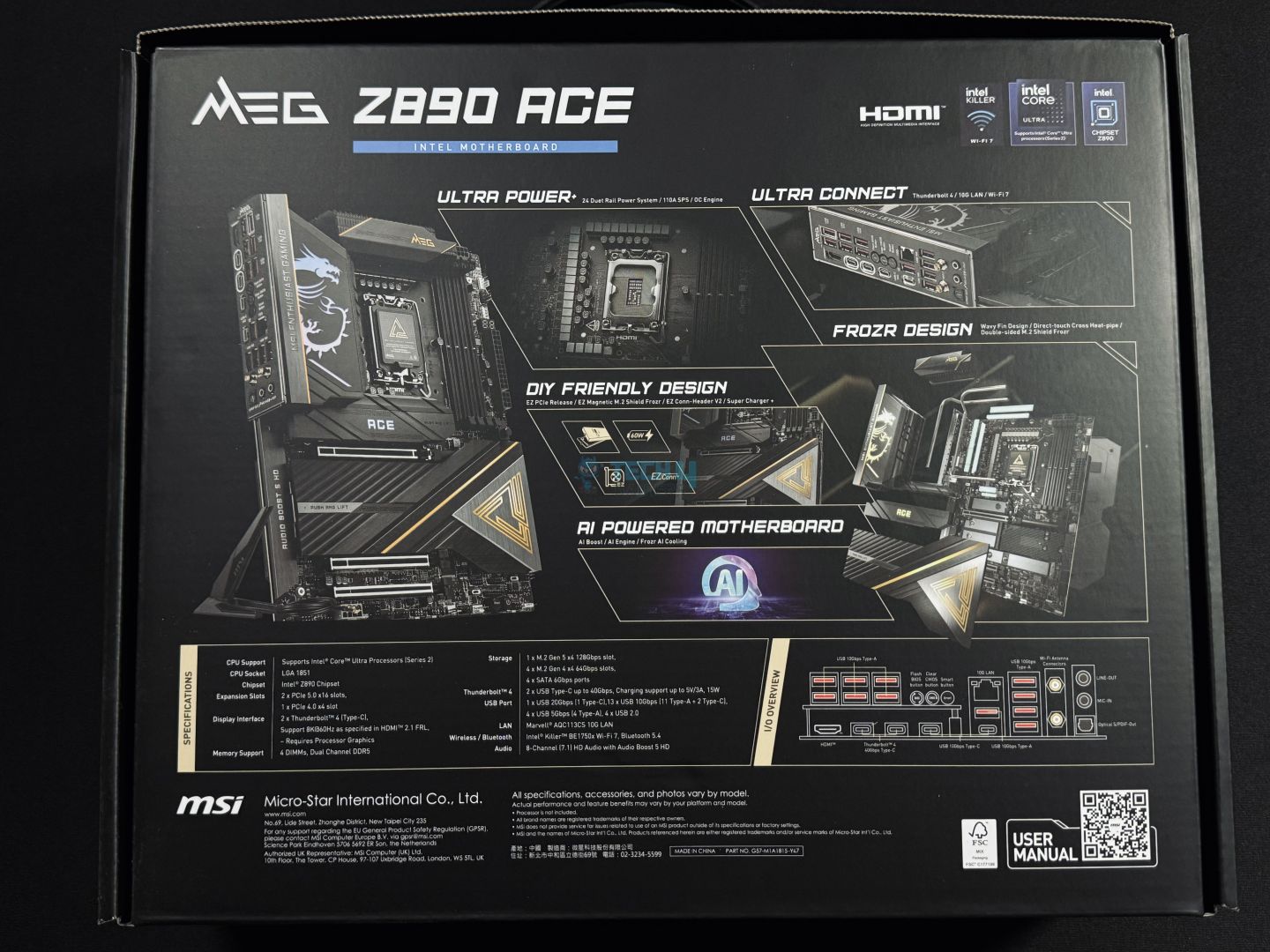
As you expect from a flagship motherboard, the MEG Z890 ACE comes in a premium cardboard box with a black finish and golden accents. The front of the box has the main design of the motherboard, along with several branding logos and a warning sign.
At the back, you’ll find more information about the salient features, including its VRM design, I/O connectivity, cooling solutions, and more features. You can scan the QR code at the bottom right corner of the back to open the user manual on your phone.
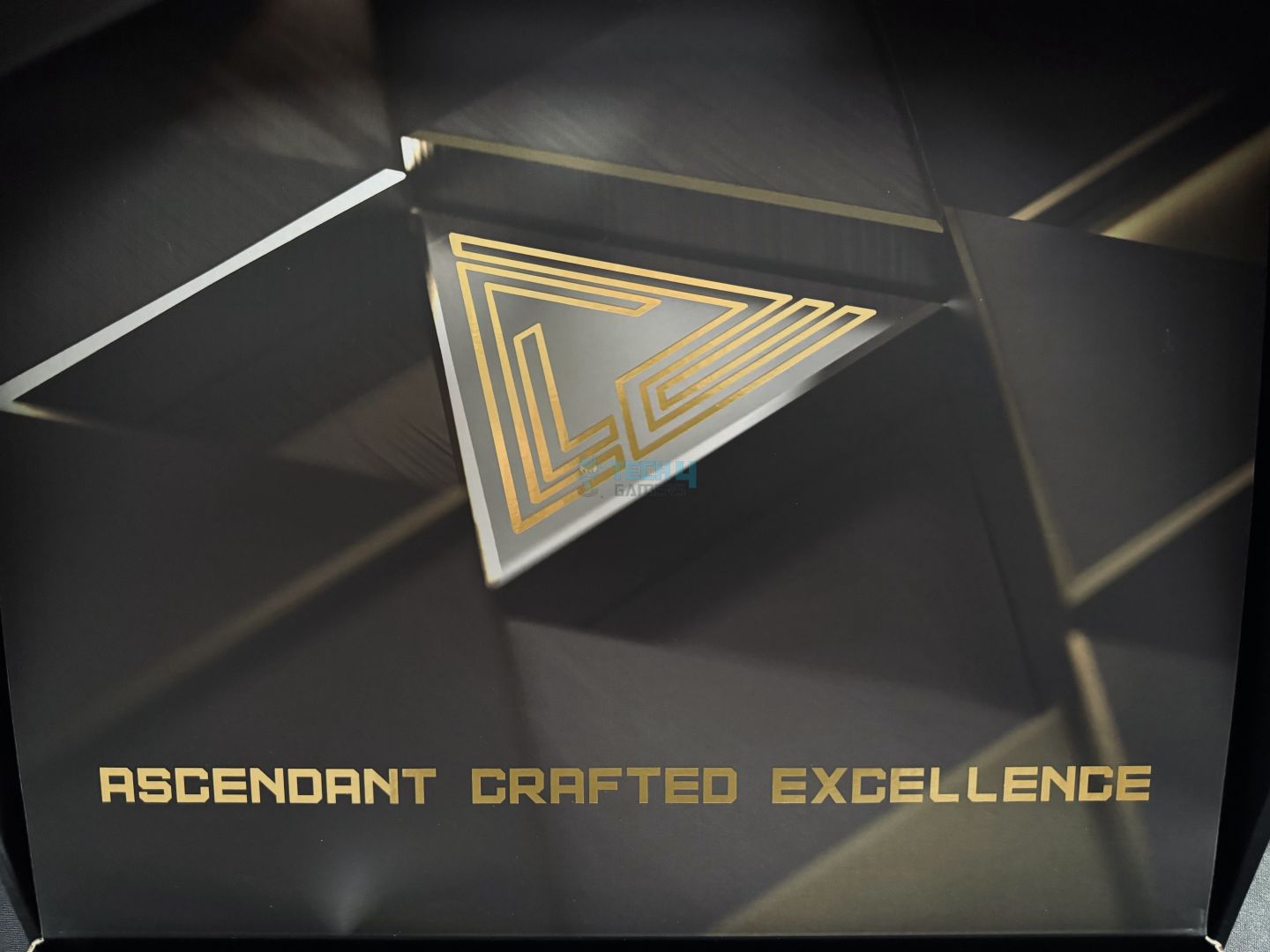
Box Opening Design
Opening the box, you’ll side another MEG logo in a golden theme, which adds to the already premium aesthetic of the unboxing experience.
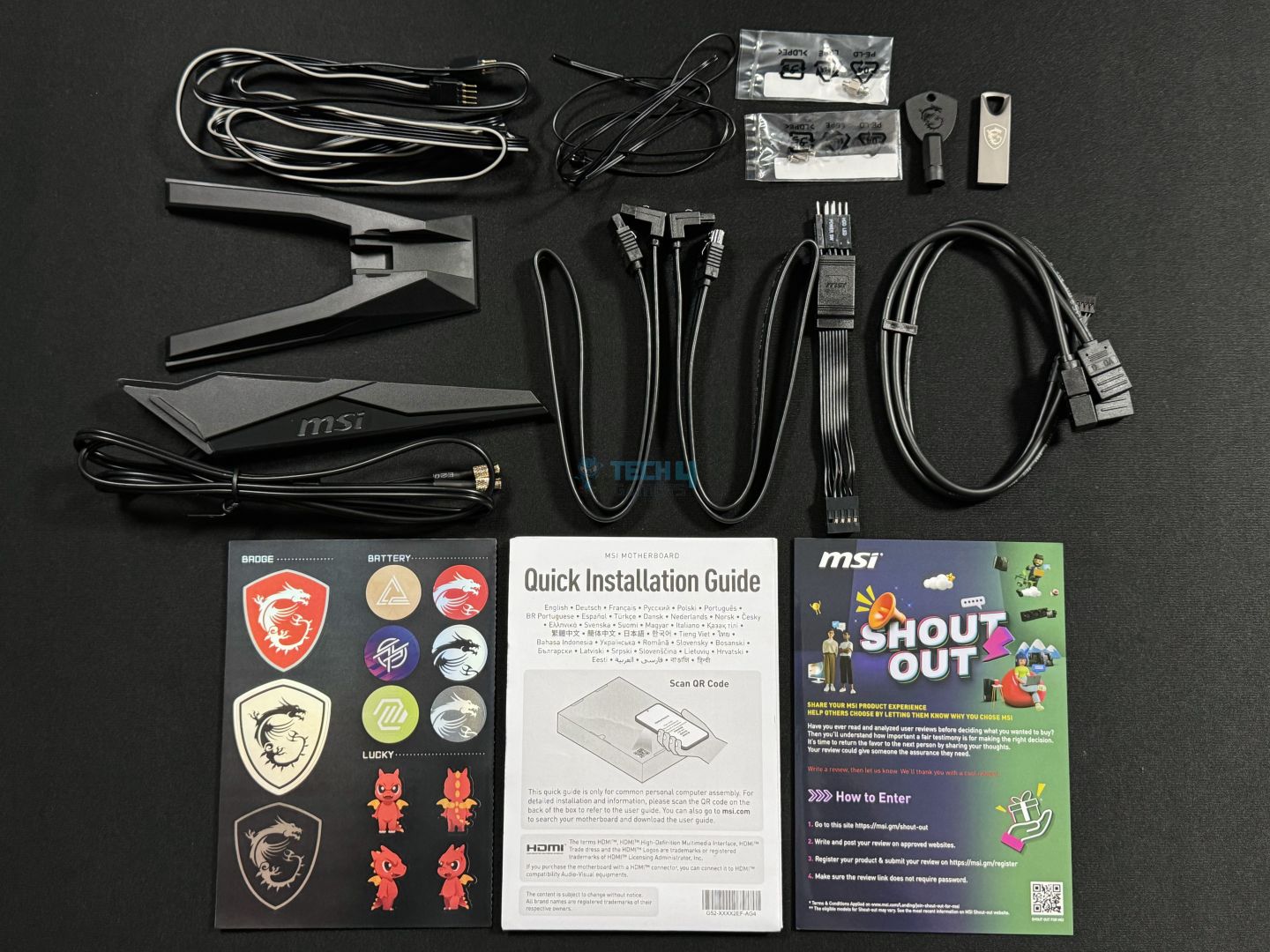
Here are the accessories included in the box:
Accessories
EZ Wi-Fi Antenna
USB Drive
Cable Stickers
4x SATA Cables
EZ Front Panel Cable
1 to 3 EZ Connector Cable (V2)
1 to 2 RGB Extension Cable
ARGB Extension Cable
2x Thermistor Cables
EZ M.2 Clip II Remover
EZ M.2 Clips II
M.2 Screw and Standoff Set
Shout Out Flyer
Quick Installation Guide
European Union Regulatory Notice
The 1 to 3 EZ Conn-Cable (V2) reduced cable management. It combined three connectors: ARGB, Sytem Fan, and USB device, into a single connector. If you’re using an MSI AIO with an 11-pin design, this EZ Conn-Cable is a great way to reduce the clutter.
Design
Main Design
Back Plate
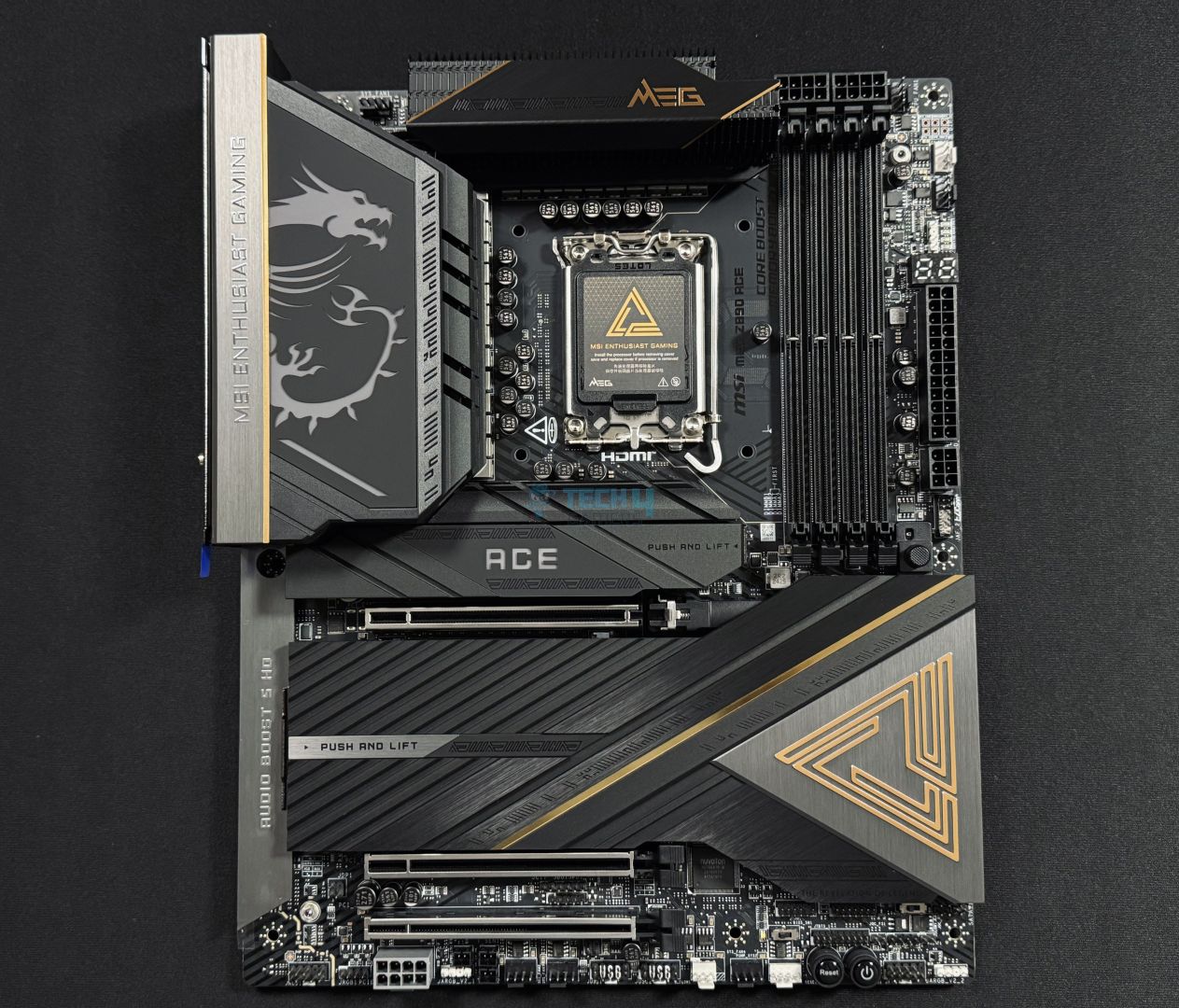
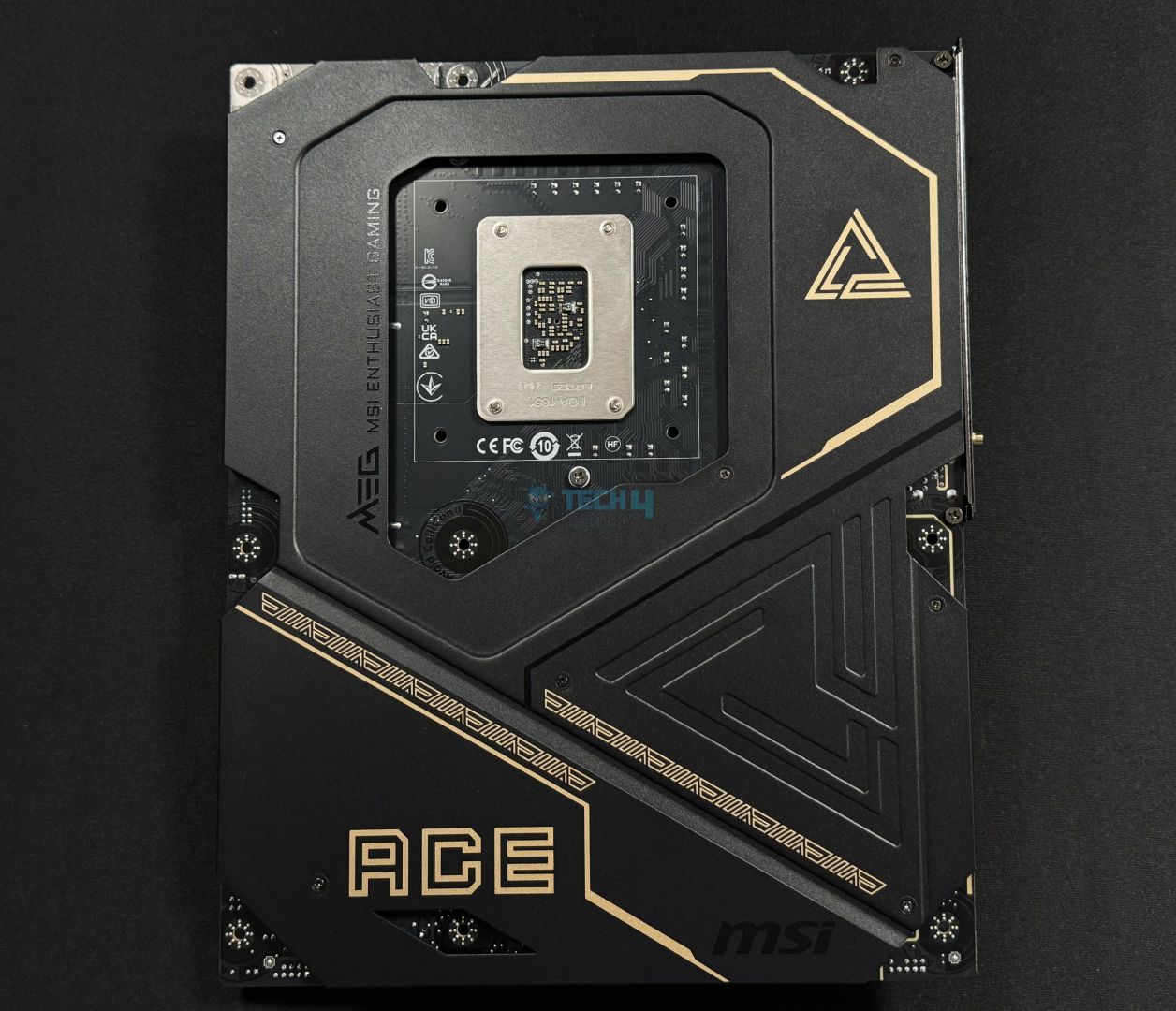
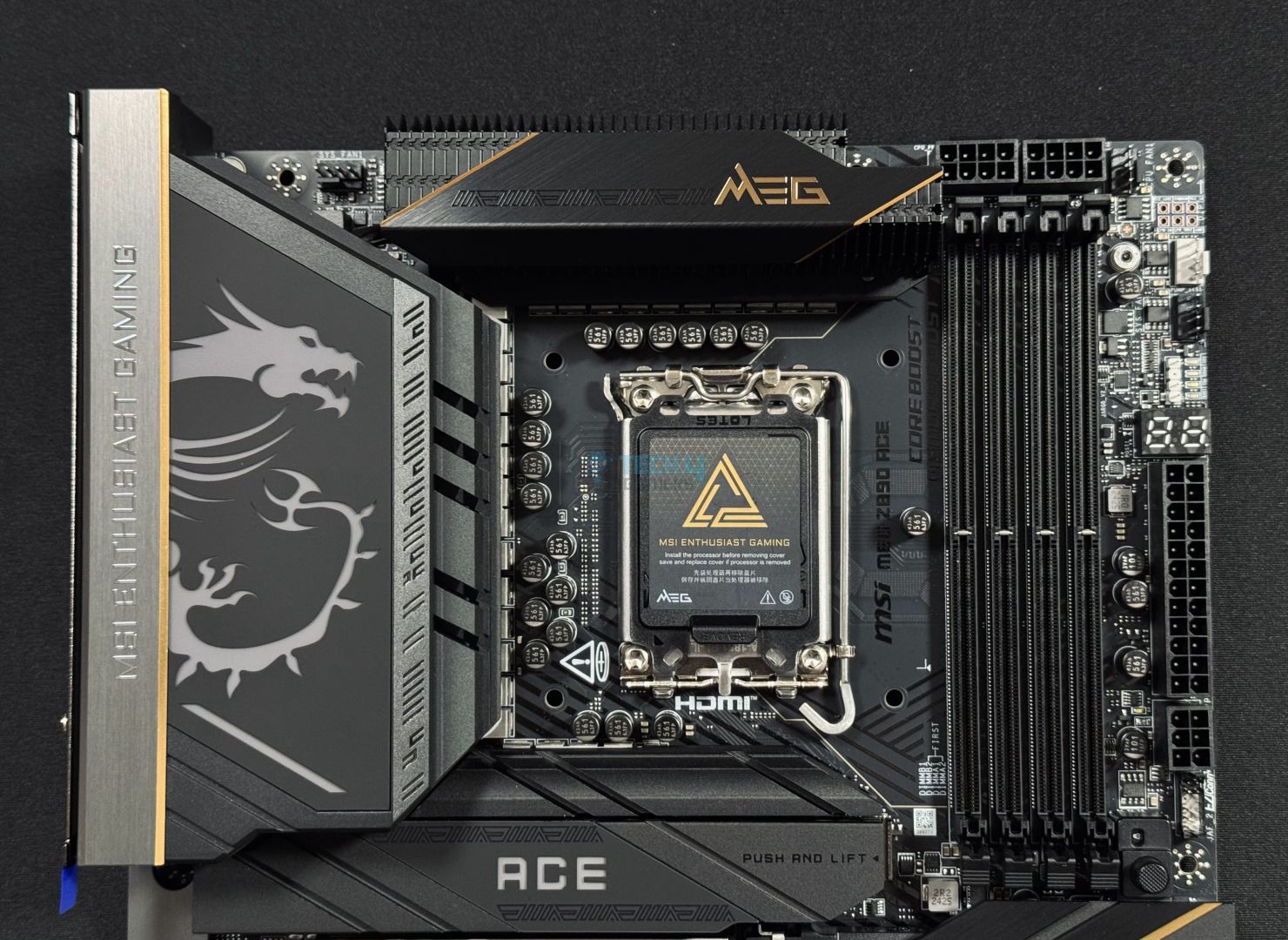
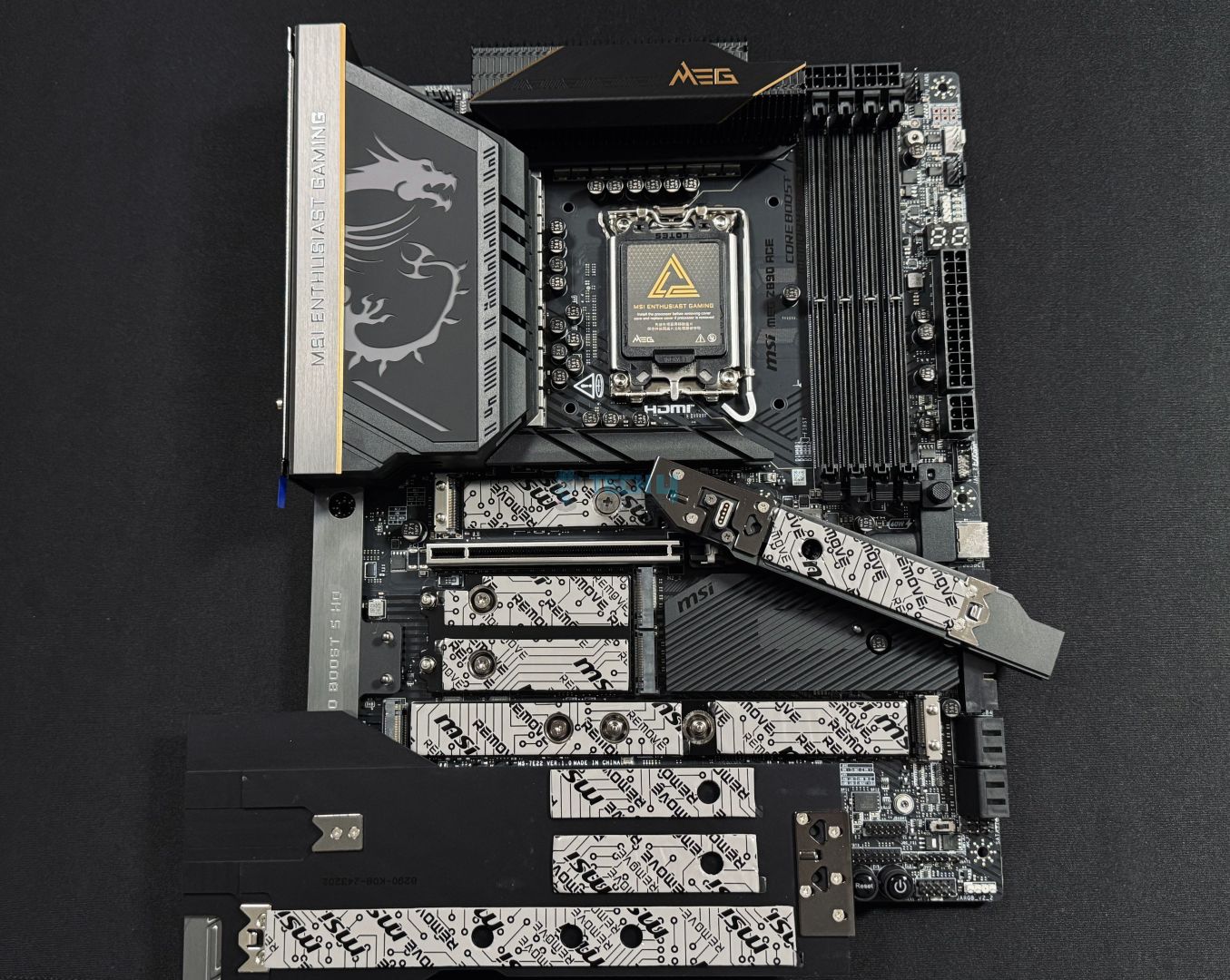
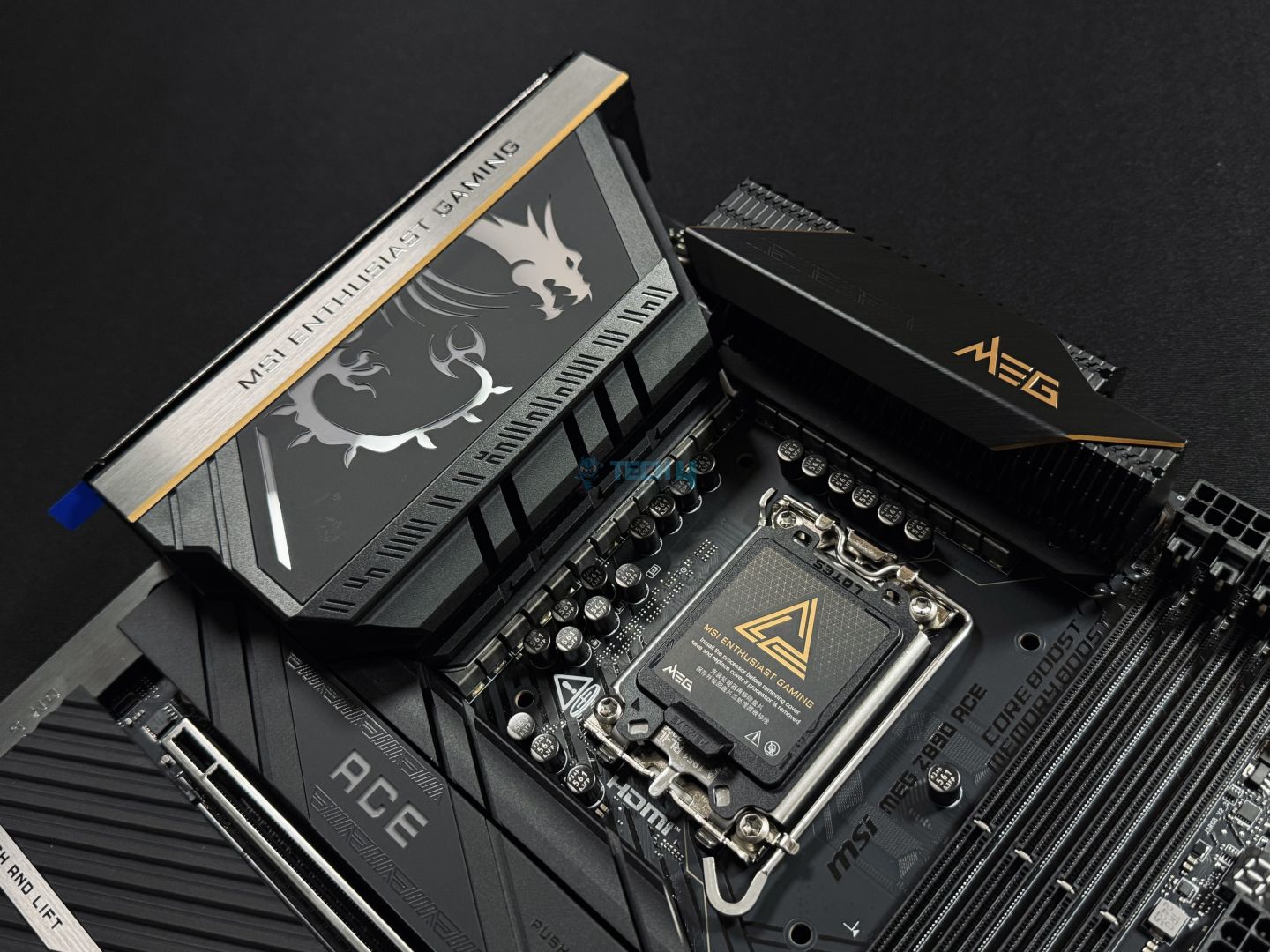
In a word, I would describe the design as exotic. I’ve always been a fan of MSI’s design language, and the MEG Z890 ACE does not disappoint. The motherboard uses a solid-black 8-layered PCB, and its heatsinks feature a blend of black, gray, and golden accents, which simply look premium.
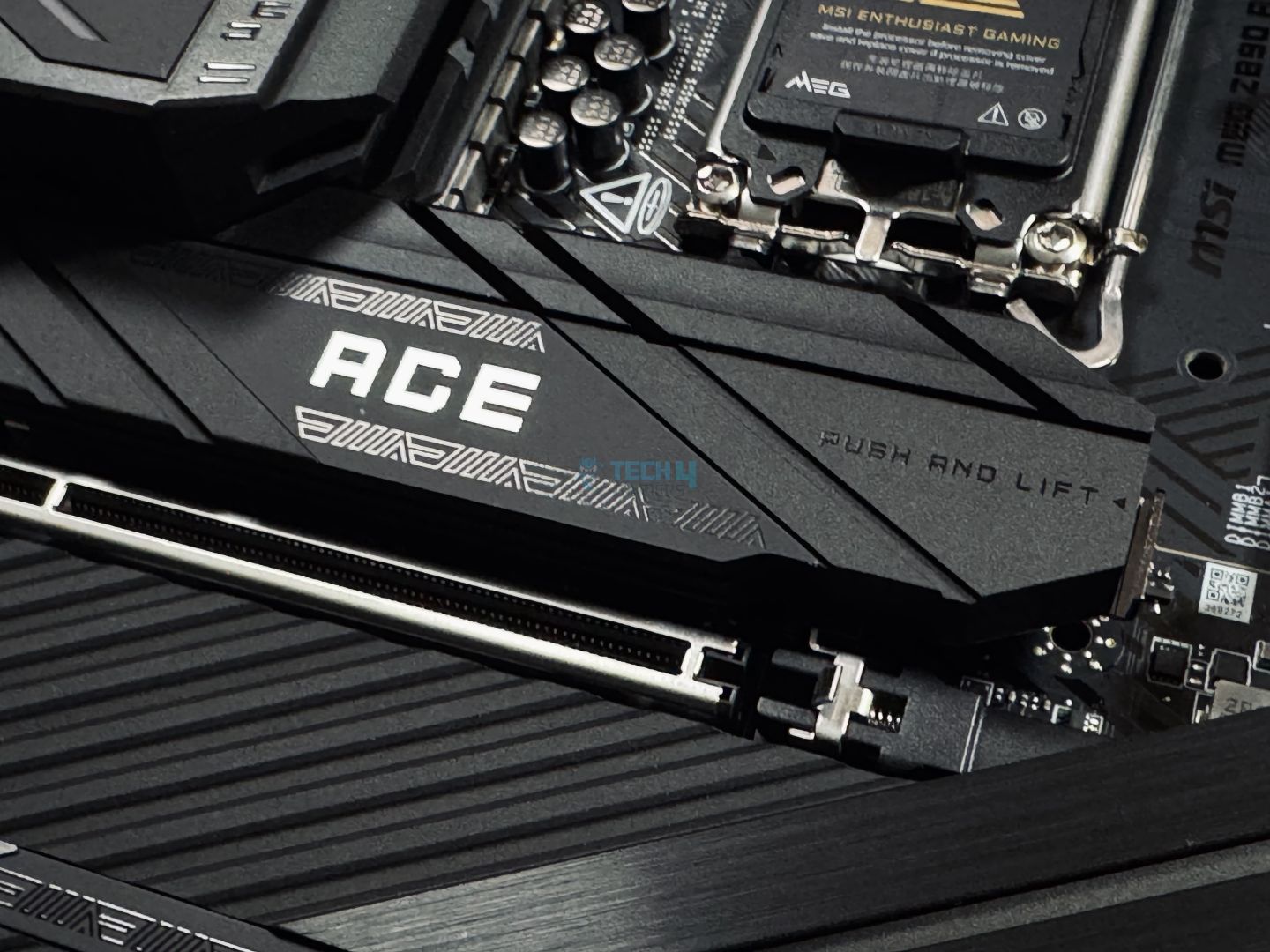
The massive MSI logo on the VRM heatsink is RGB, along with the ACE logo on the SSD’s heatsink. There is also a big MEG logo at the right of the PCIe cover. You can use the Aura RGB software to control the RGB logos, along with any other RGB devices connected to the motherboard.
The metal backplate follows the same design language, with a matte-black base and gold accents.
Block Diagram
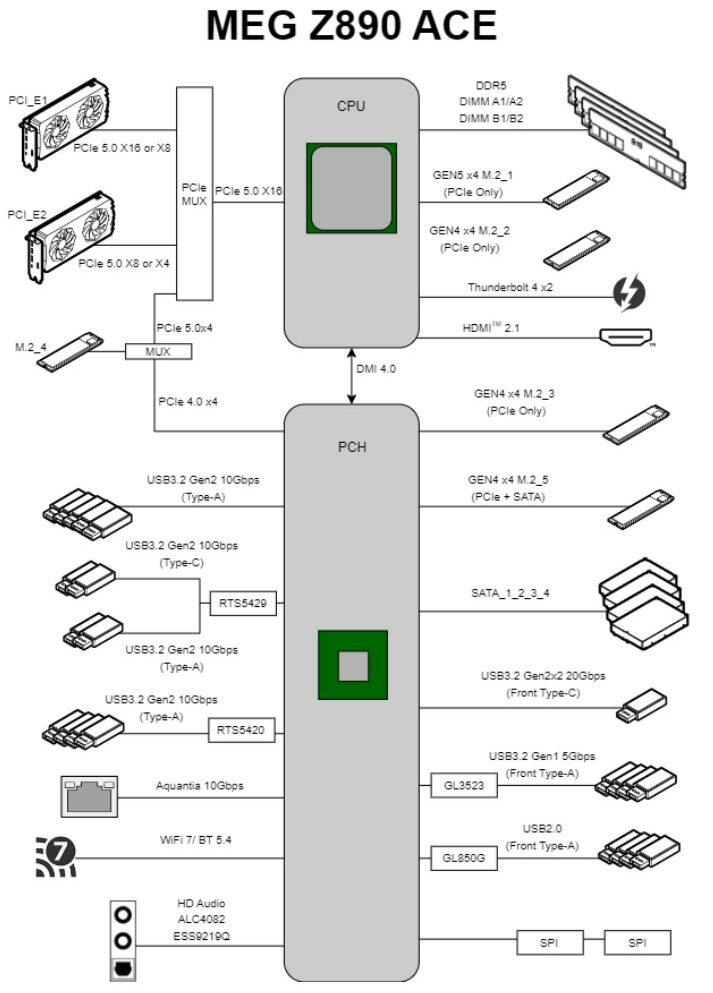
The CPU handles the primary I/O, including a PCIe 5.0 x16 slot, a Gen 5 M.2 slot, Thunderbolt 4, and DDR5 memory support. It also powers an HDMI 2.1 port for display output if integrated graphics are used. A DMI 4.0 x8 link connects the CPU to the chipset, providing high-speed data transfer between them.
The chipset manages additional connectivity, including multiple USB ports, four SATA ports, extra M.2 slots, 10G Ethernet, Wi-Fi 7, and audio. It also provides the remaining PCIe slots for further expansion options. This configuration delivers a balanced mix of performance and connectivity for demanding setups.
CPU Socket And Power Delivery
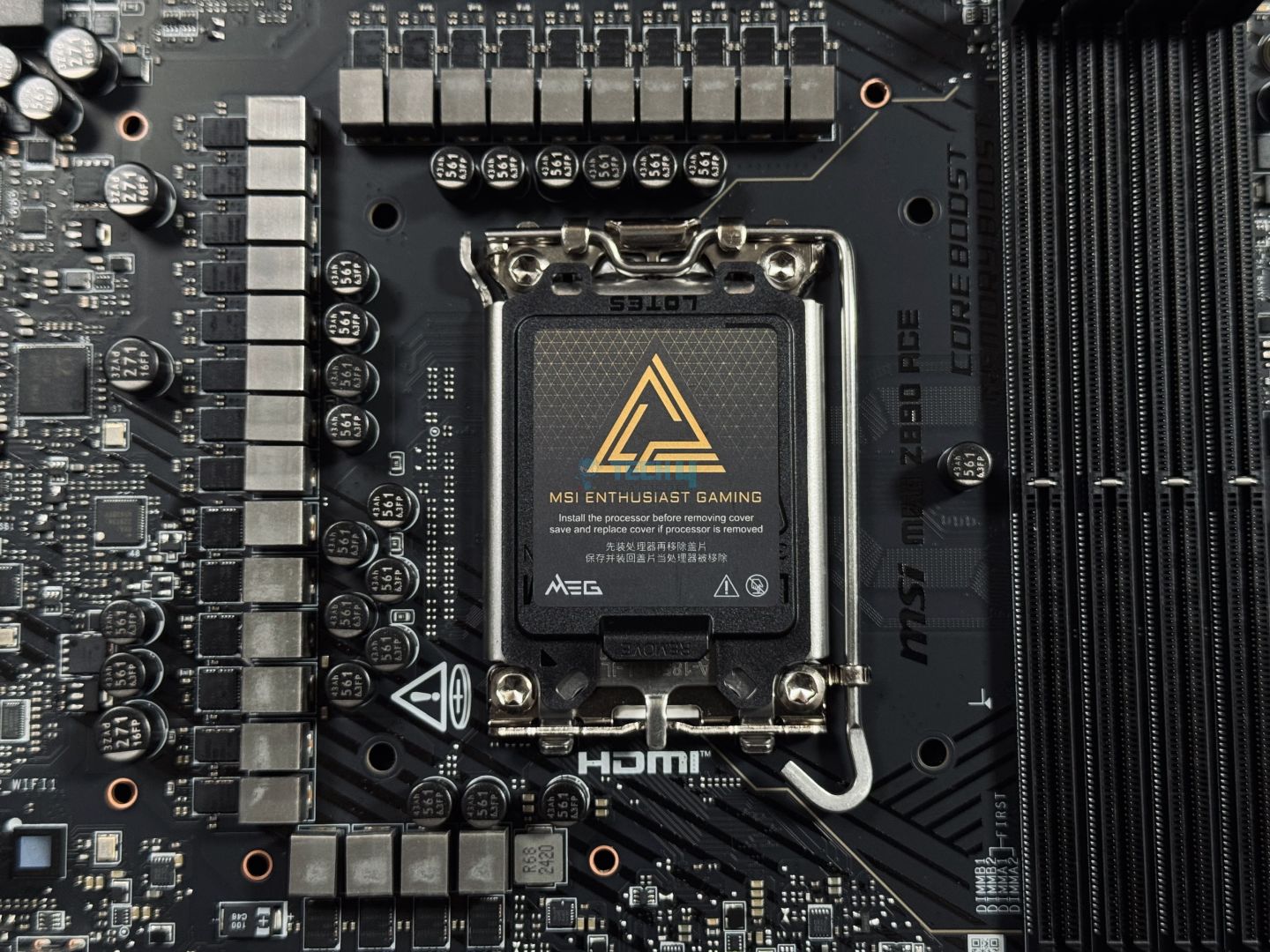
Upper Design
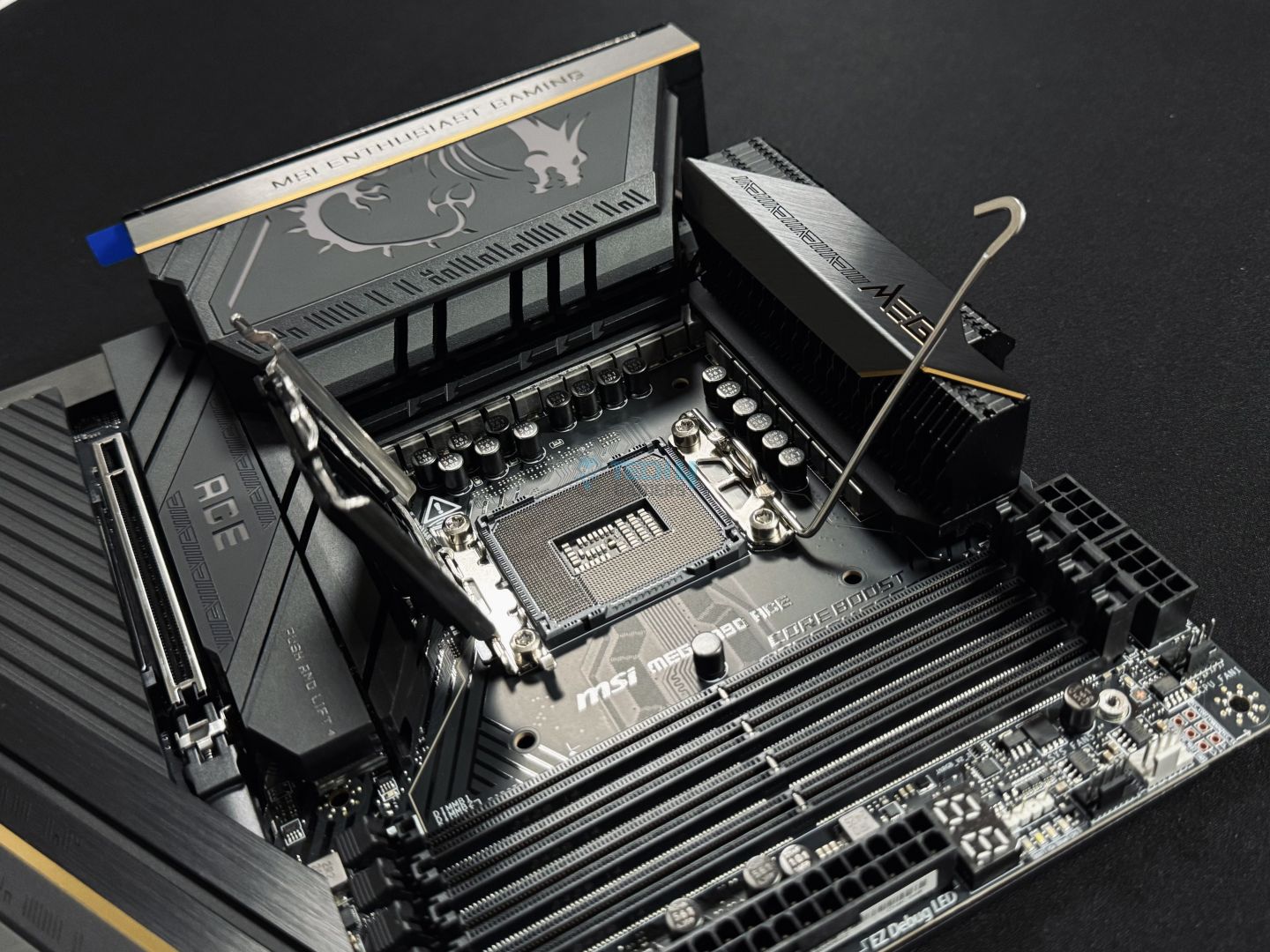
CPU Socket Opened
As with other Z890 motherboards we’ve reviewed, the ACE also uses an RL-ILM mechanism CPU socket I have talked about above.
VRM Structure
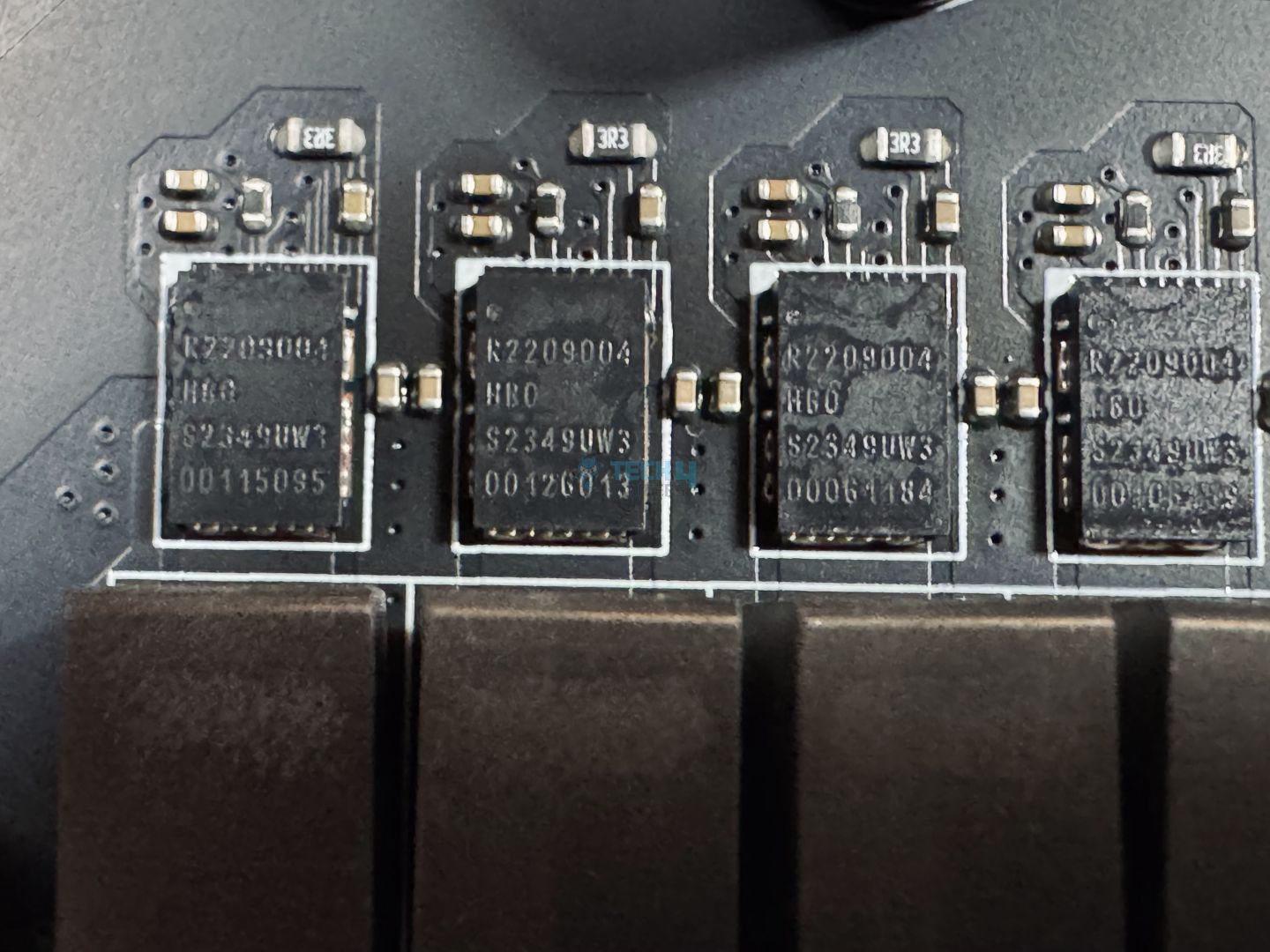
VRM Driver
The MSI MEG Z890 ACE’s VRM structure is one of the best power phase systems currently available in a Z890 motherboard. In total, the motherboard features a 24+2+1+1 design, with 24 of these phases reserved for VCore, supporting 110A SPS. This means the CPU has a total of 2,640A available, which is more than enough for the flagship Core Ultra 9 285K, and likely for next-gen flagships as well.
There are also two phases dedicated to SA, and one each for GT and AUX power. All things considered, the motherboard’s power delivery system will be the least of your concerns when it comes to overclocking.
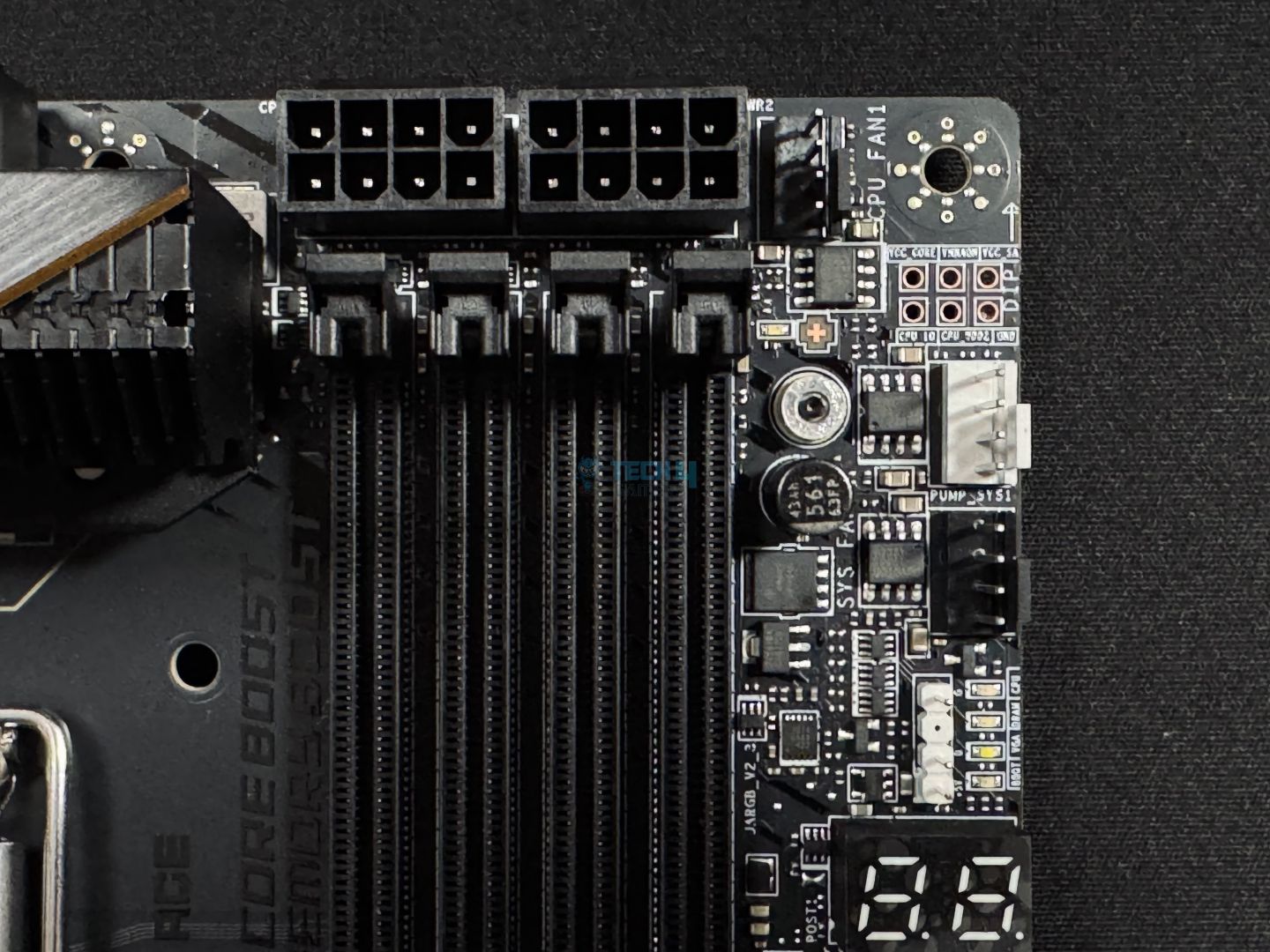
CPU Power Connectors
Here you can see the dual 8-pin power connectors for the CPU. Now, let’s go over the VRM heatsinks.
VRM Heatsink
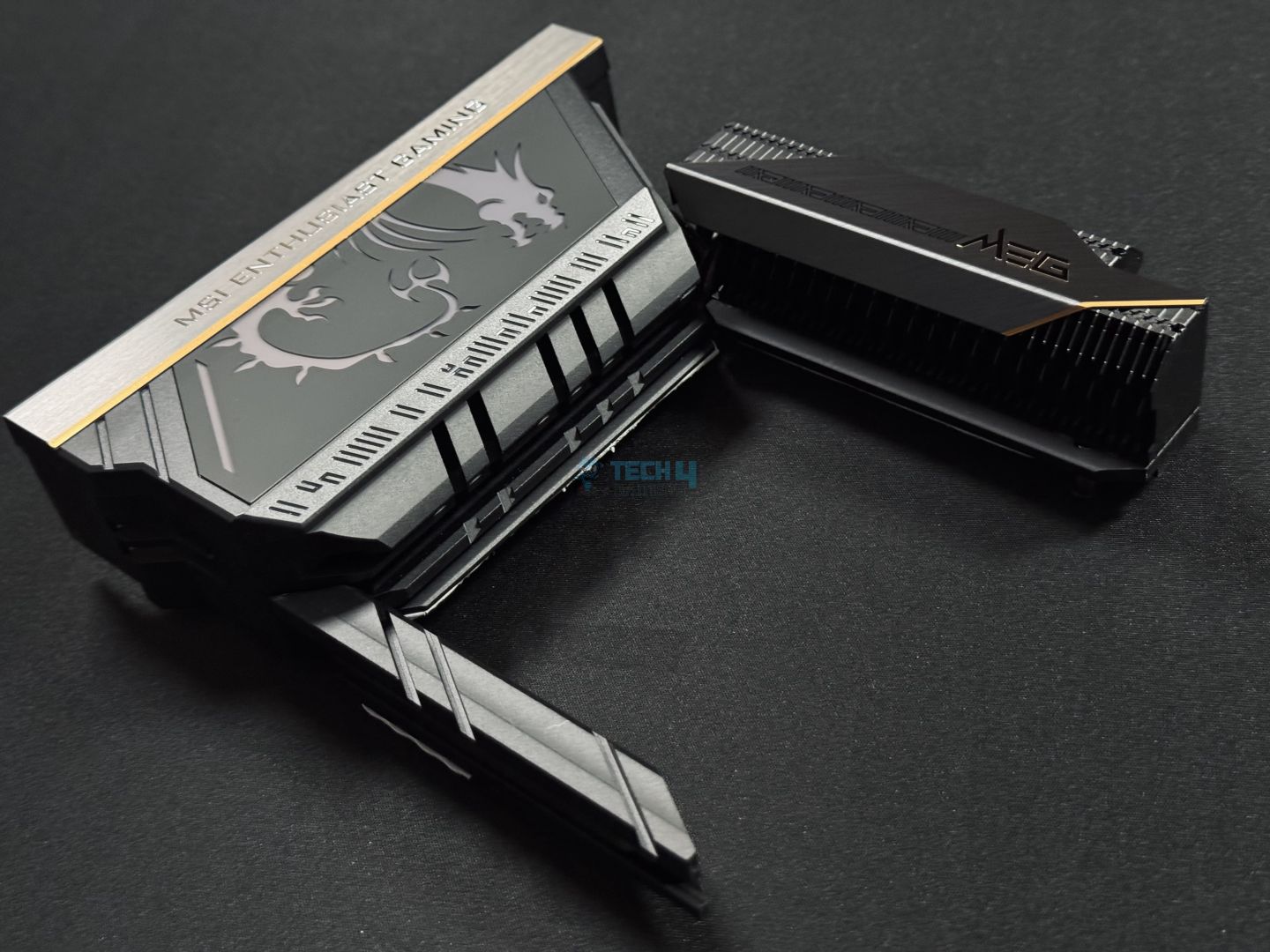
VRM Heatsink Stacked Design
The MEG Z890 ACE uses a massive VRM heatsink to keep its power delivery system under optimal temperatures. The heatsink has a stacked design with multiple layers to efficiently dissipate any excess heat.
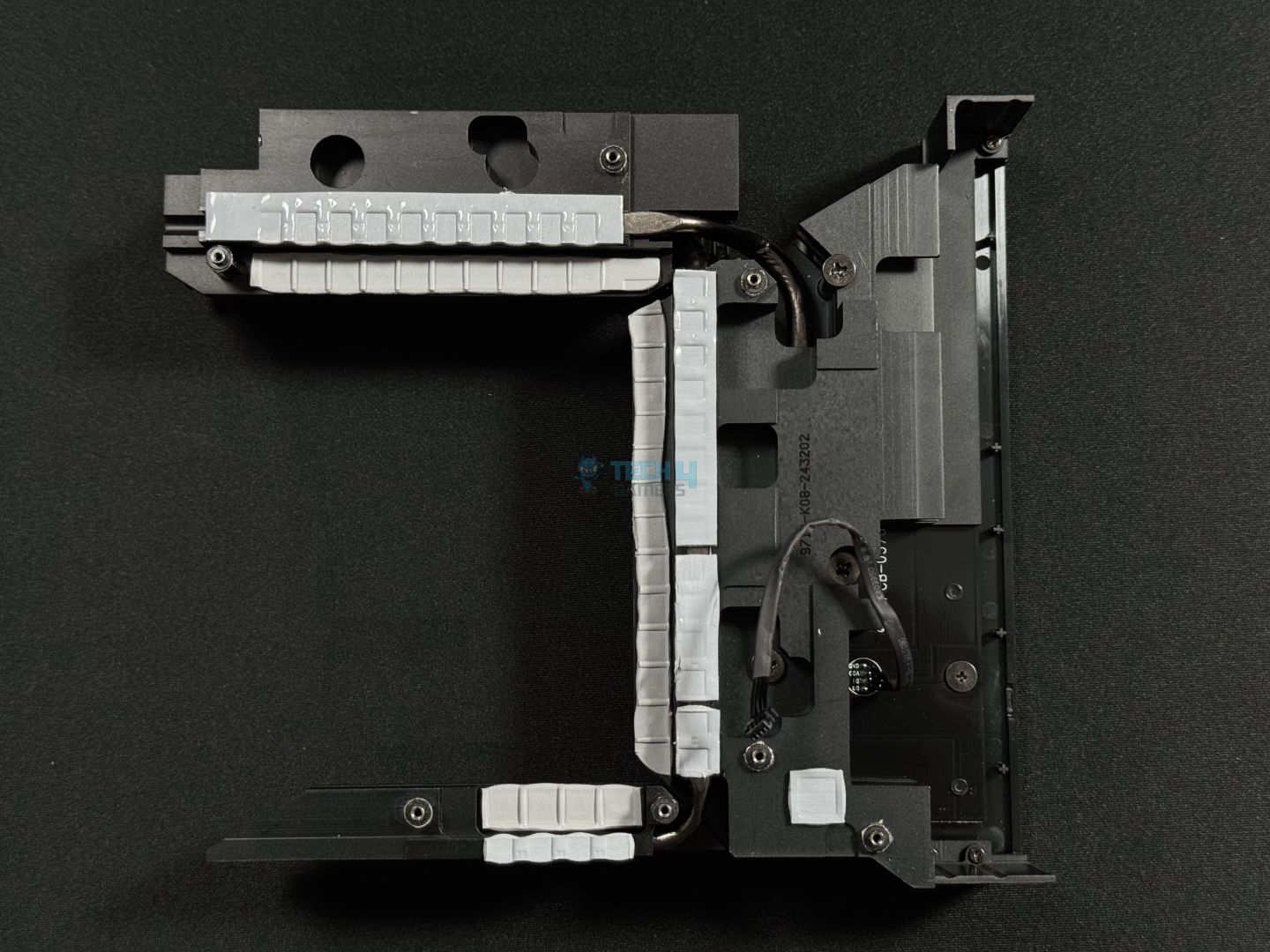
VRM Heatsink Thermal Pads
Flipping over the VRM heatsink shows its thermal pads. There are three pieces of heatsinks, and they connected using heat pipes.
DIMM Slots
The motherboard features 4x DDR5 slots with a maximum of 256GB capacity, 64GB per slot. The board supports memory speeds north of 9,200 MT/s, so there are no memory OC hiccups either. Here are the memory speeds supported in different configurations:
1DPC 1R = 9200+ MT/s
1DPC 2R = 7200+ MT/s
2DPC 1R = 4800+ MT/s
2DPC 2R = 4800+ MT/s
The motherboard is compatible with CUDIMMs, a new standard of memory modules. These modules have an integrated clock driver, allowing them to manage the clock cycle independently from the CPU, which improves signal quality. This design may lead to higher speeds than those typically reached by UDIMMs, potentially setting new performance records soon.
MSI has also included its Memory Boost Technology, positioned near the DIMM slots. This feature aims to create a stable, high-quality connection between the CPU and RAM by removing any intervening components. It uses an isolated memory circuit to avoid interference from surrounding parts, and the routing path is carefully designed for the fastest signal transfer possible.
Storage Options
SSD Covers
SSD Cover Side Profile
With 5x M.2 and 4x SATA 6G, there is plenty of room for storage. The first M.2 slot supports PCIe 5.0 x4, while the rest runs up to PCIe 4.0 x4. While the fourth M.2 slot (M.2_4) runs from the chipset and supports PCIe 4.0 x4 by default, you can manually set it to support PCIe 5.0 x4 from the CPU through the BIOS.
Slots 1,2,3, and 5 support 2280/2260 devices, while M.2 slot 4 supports 22110/2280 devices. The 5th M.2 slot also runs in SATA mode, so if you’re still rocking a SATA M.2, the motherboard has you covered.
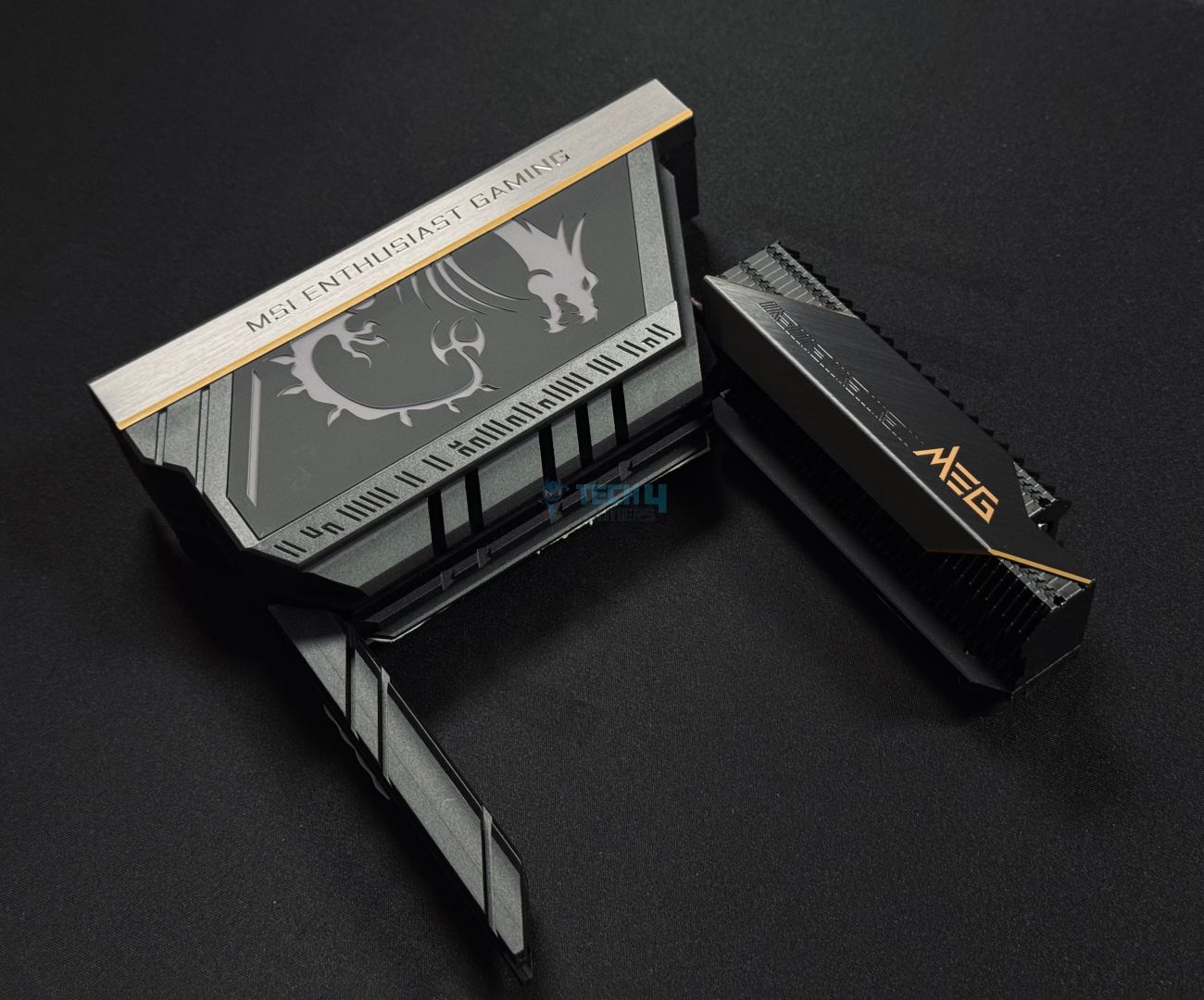
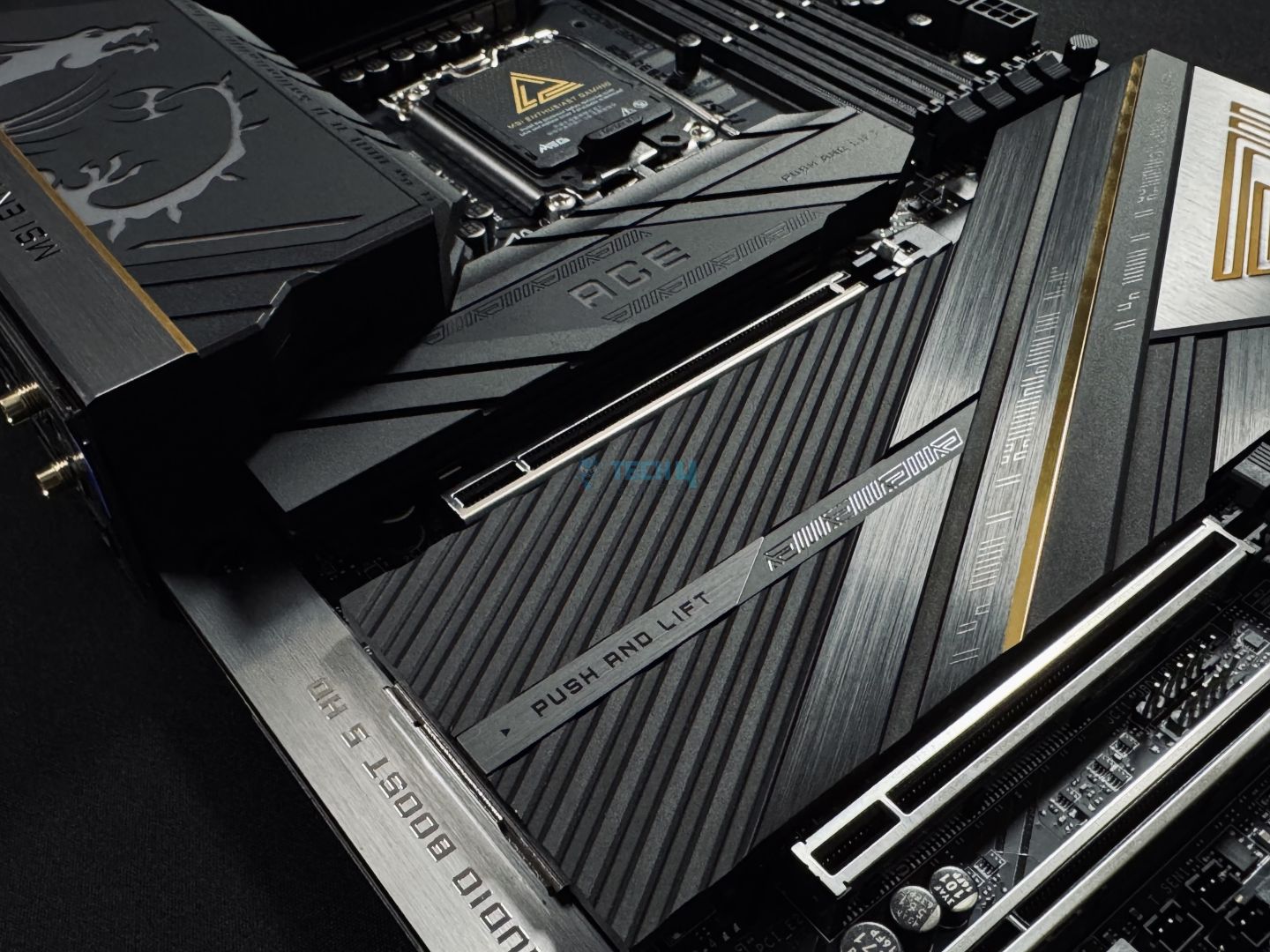
The top M.2 slot has a separate heatsink, while the rest have a unified heatsink. The design is undoubtedly premium and gives off an exotic look, matching the motherboard’s theme. Let’s take off these heatsinks and go over the thermal pads beneath them.
SSD Heatsink Thermal Pads
Both heatsinks can be easily removed thanks to a quick-release mechanism. It is great to see thermal pads used for all SSDs, so you don’t have to spend extra on a separate heatsink. Of course, for a $650 motherboard, we wouldn’t expect anything less.
You can also see the aluminium heatsink for the chipset.
PCIe Slots
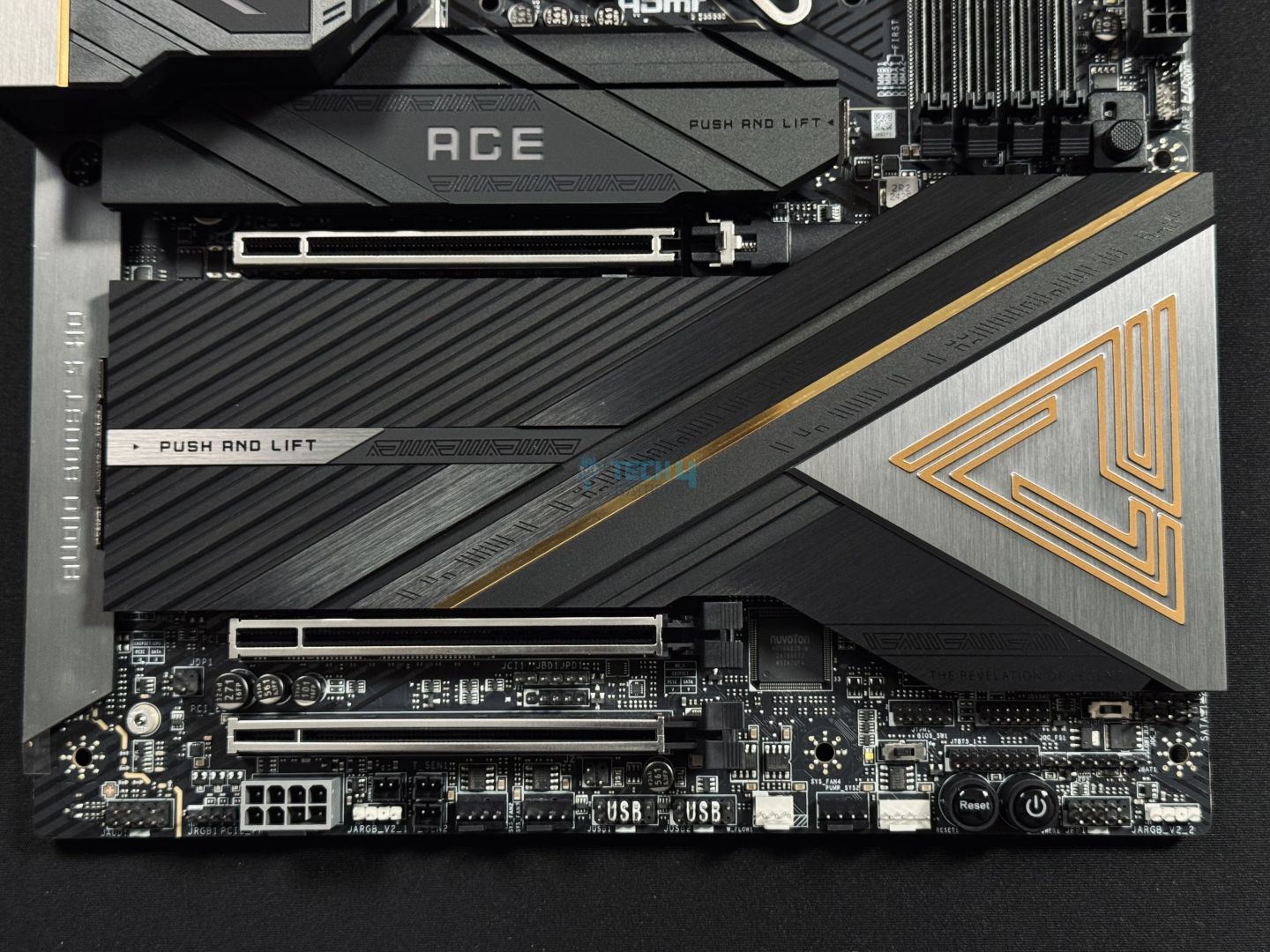
PCIe Slot
EZ PCIe Release
We get a total of three PCIe slots, with the top one running at PCIe 5.0 x16 (from CPU). The second PCIe slot is also from the CPU and runs at Gen5 x8, while the third is from the chipset, running at Gen4 x4 speeds. The first PCIe slot will reduce to x8 speeds if the second PCIe slot is in use. Similarly, if you manually adjust the fourth M.2 slot to run at PCIe 5.0 from the CPU instead of the chipset, the first PCIe slot will reduce to x8, and the second one will reduce to x4.
You can also choose between x16, x8/x8, x8/x8/x4 modes for the first PCIe slot and x8 or x4/x4 for the second PCIe slot from the BIOS.
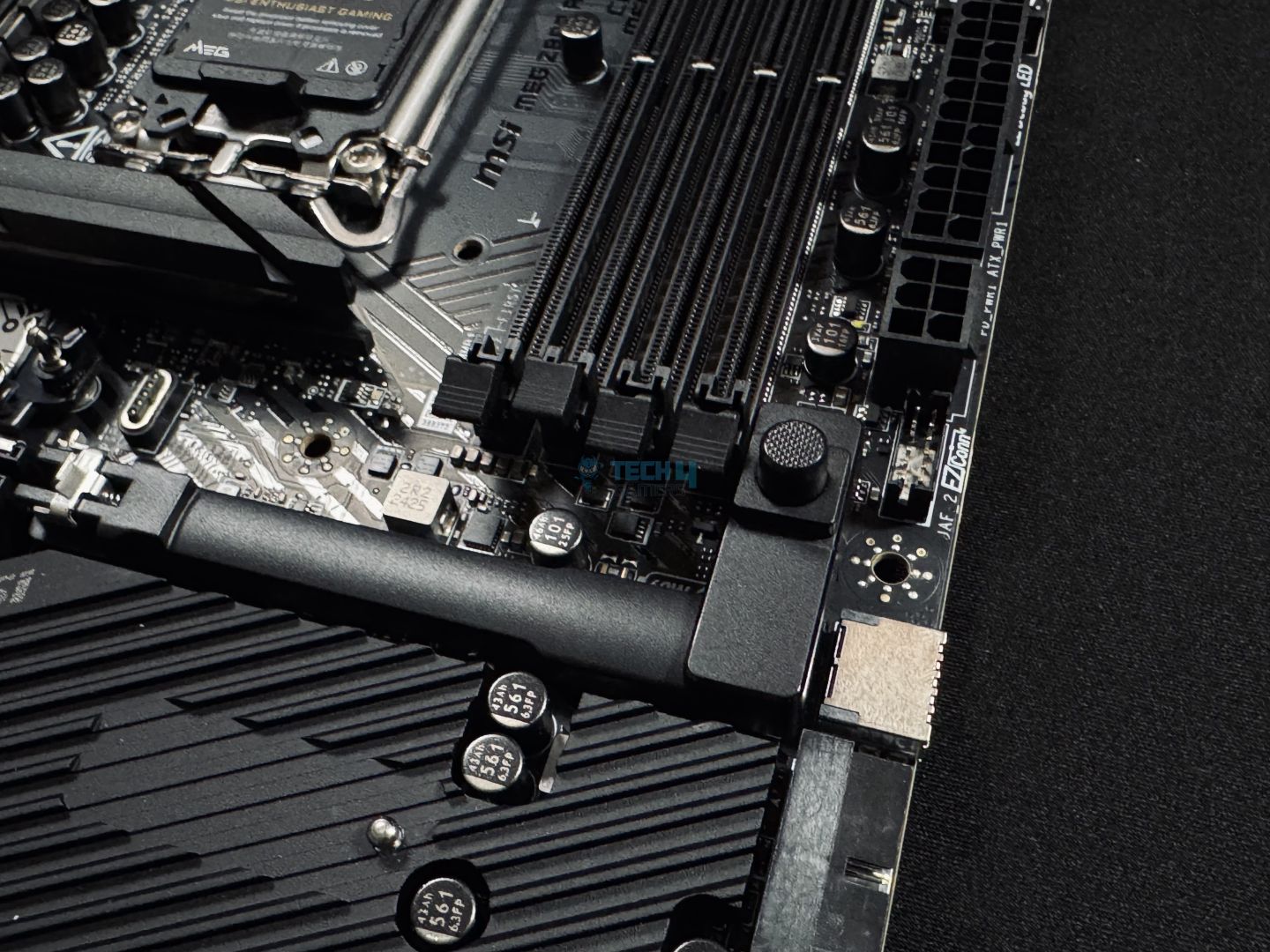
The EZ PCIe release button makes it easy to remove the GPU with just one hand and a light press. This design is especially convenient—you simply press the button to toggle the lock between open and closed positions. A small padlock icon helps indicate whether the lock is currently open or closed, adding extra clarity.
USB Connectivity
In total, the MEG Z890 ACE has 24 ports:
2x Thunderbolt4 (Rear)
4x USB 2.0 (Front)
4x USB 5Gbps Type A (Front)
11x USB 10Gbps Type A (Rear)
2x USB 10Gbps Type C (Rear)
1x USB 20Gbps Type C (Front)
There is no denying that the USB configuration is extensive and more than enough for any scenario. There are two Thunderbolt 4 Type-C ports at the back and a USB 3.2 Gen2 Type-C port at the front. It should be noted that the two Thunderbolt 4 ports support up to 40 Gbps speeds only when using Thunderbolt devices, for USB4, they shift to 20Gbps speeds.
Network and Connectivity
WiFi Card
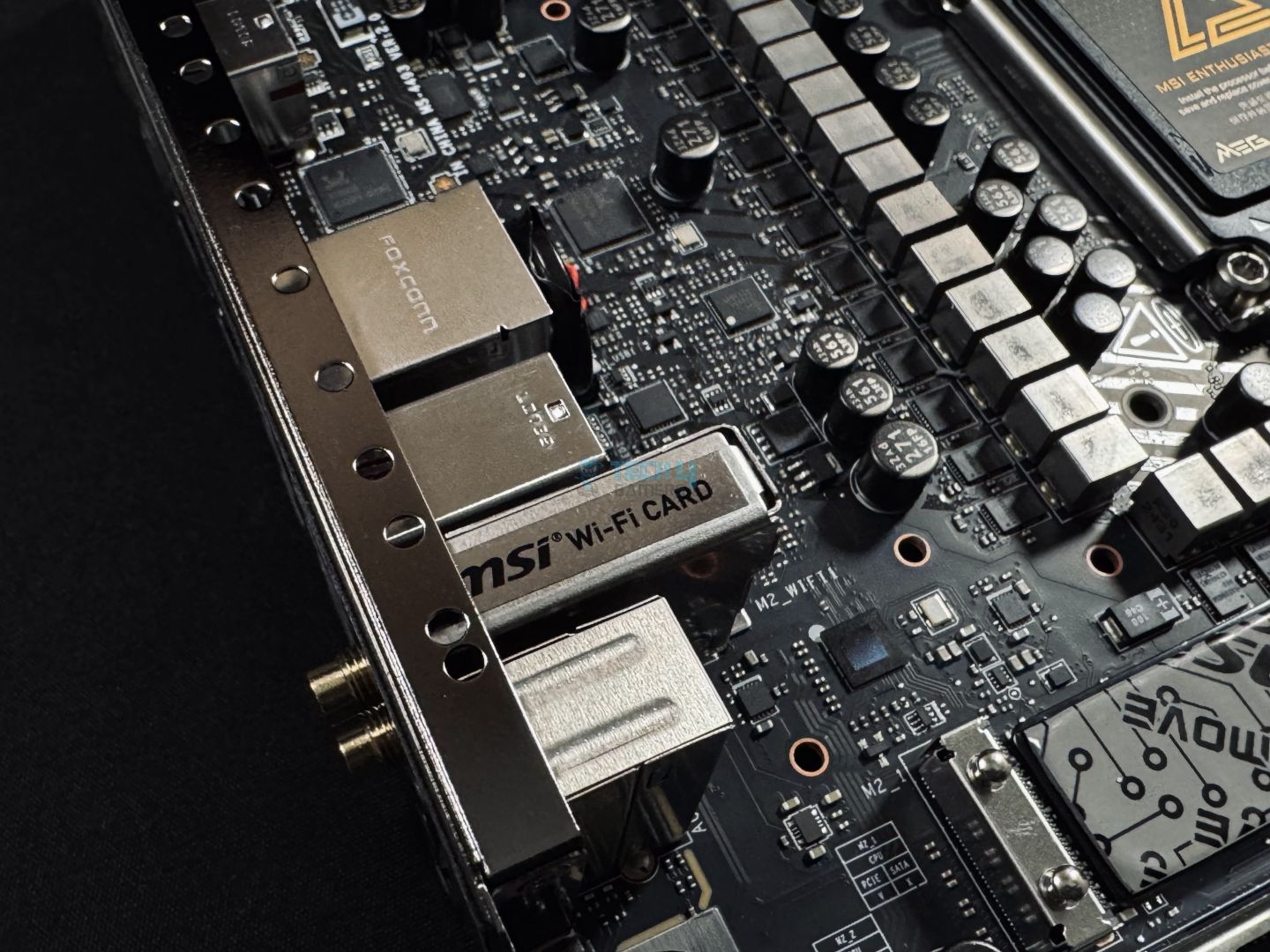
First up, the motherboard has an Intel Killer BE1750x Wi-Fi 7, along with a Marvell AQC113CS 10Gbps LAN. Yes, there is no Dual-LAN support. Whether it would’ve been nice to have 2x 5G ports or a single 10G port depends on your specific use case, but I would have appreciated dual LAN ports at this price point.
Audio Solution
Audio Chip
The audio system features a Realtek ALC4082 Codec combined with an ESS9219Q DAC/HPA, delivering 7.1-channel USB high-performance audio with S/PDIF output and support for up to 32-bit/384 kHz playback on the front panel.
Internal Connectors And Components
Here’s the list of the internal connectors:
1x Thunderbolt5 card connector (JTBT5, support RTD3)
1x Power Connector (ATX_PWR)
2x Power Connector (CPU_PWR)
1x Power Connector (PCIE_PWR 8pin)
1x Front Type-C Quick Charge Connector (PD_PWR1)
1x CPU Fan
2x Combo Fan (Pump_Sys Fan)
5x System Fan
1x EZ Conn-header (JAF_2)
2x Front Panel (JFP)
1x Chassis Intrusion (JCI)
1x Water Flow connector
1x Slow Mode Booting Jumper (JSLOW)
1x Front Audio (JAUD)
2x Thermal Sensor connectors (T_SEN)
1x Tuning Controller connector (JDASH)
3x Addressable V2 RGB LED connector (JARGB_V2)
1x RGB LED connector (JRGB)
1x TPM pin header (Support TPM 2.0)
V-check point
4x USB 2.0 ports
4x USB 5Gbps Type A ports
1x USB 20Gbps Type C port
8-pin supplemental power connector
A key feature is the additional 8-pin PCIe connector, designed to supply extra power to the motherboard when the 24-pin ATX connector alone isn’t enough to handle multiple peripherals. This connector contributes an extra 252W of 12V power, bringing the combined power with the 24-pin ATX to 420W.
An example of how the extra connector could benefit a power-hungry system (Image Credits: MSI)
The setup provides up to 132W for fans and 36W for RGB, allowing you to use all available fan and RGB connectors on the motherboard without issues.
It also supports a 2.5x power burst for the PCIe slots, meaning it can handle short spikes in power demand. However, this burst isn’t meant to power graphics cards that lack sufficient power from their dedicated PCIe connectors. With this feature, the maximum peak power from PCIe is raised to 165W.
Internal connectors
1 of 2
Internal Connectors
24-Pin ATX Connector
Above you can see more internal connectors along with the 24-pin ATX connector.
Internal connectors
1 of 2
DEBUG Code LED
Reset Button, Power Button, Internal Connectors
We have 4x EZ Debug LED and 1x EZ Digit Debug LED to help troubleshoot any problems. The motherboard also has a reset and a power button.
Fan Controller
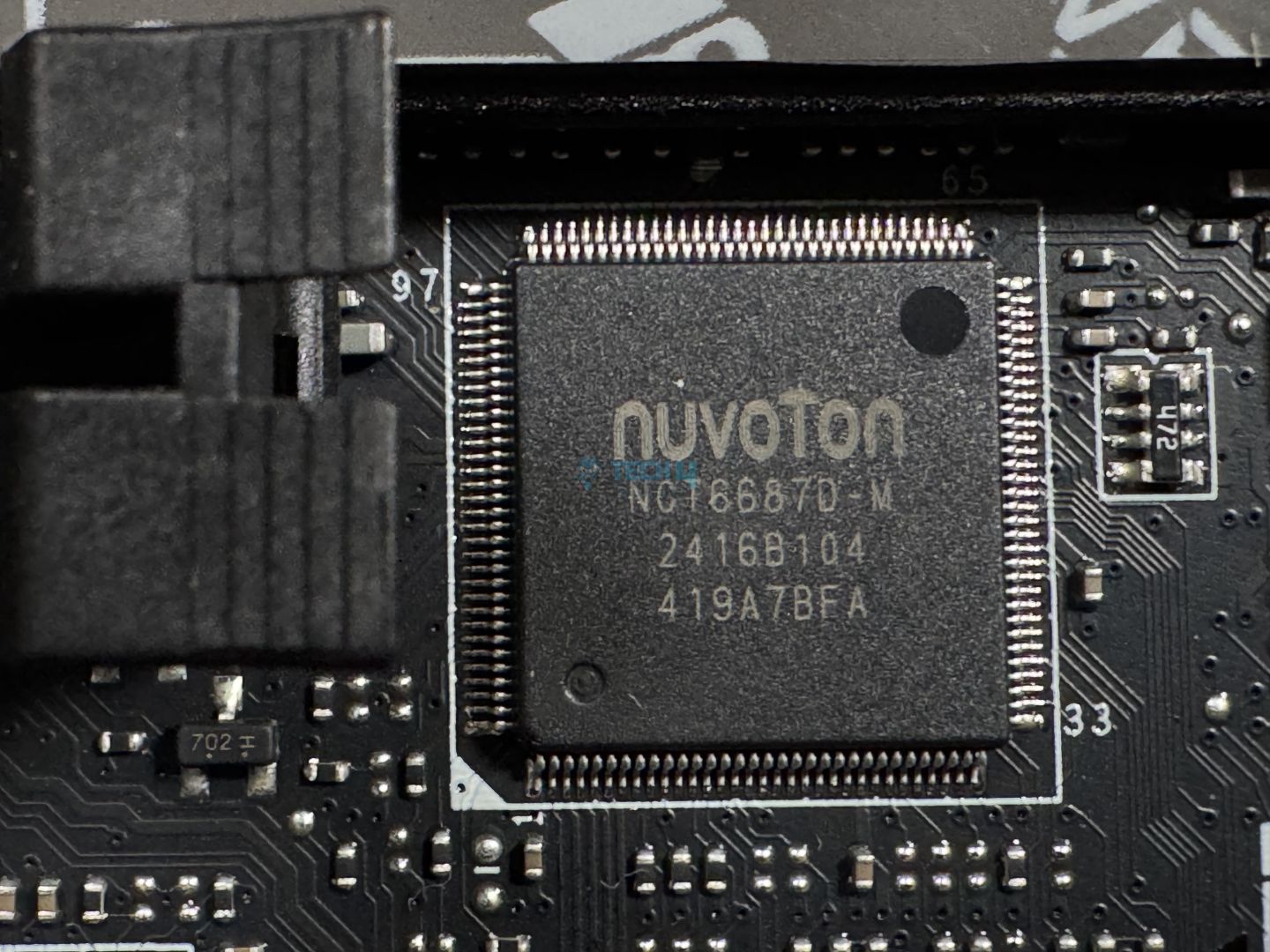
Here’s a look at the Super I/O Controller, the Nuvoton NCT6687D chip. It is used to control and monitor temperatures, voltages, and fans.
Rear I/O Panel
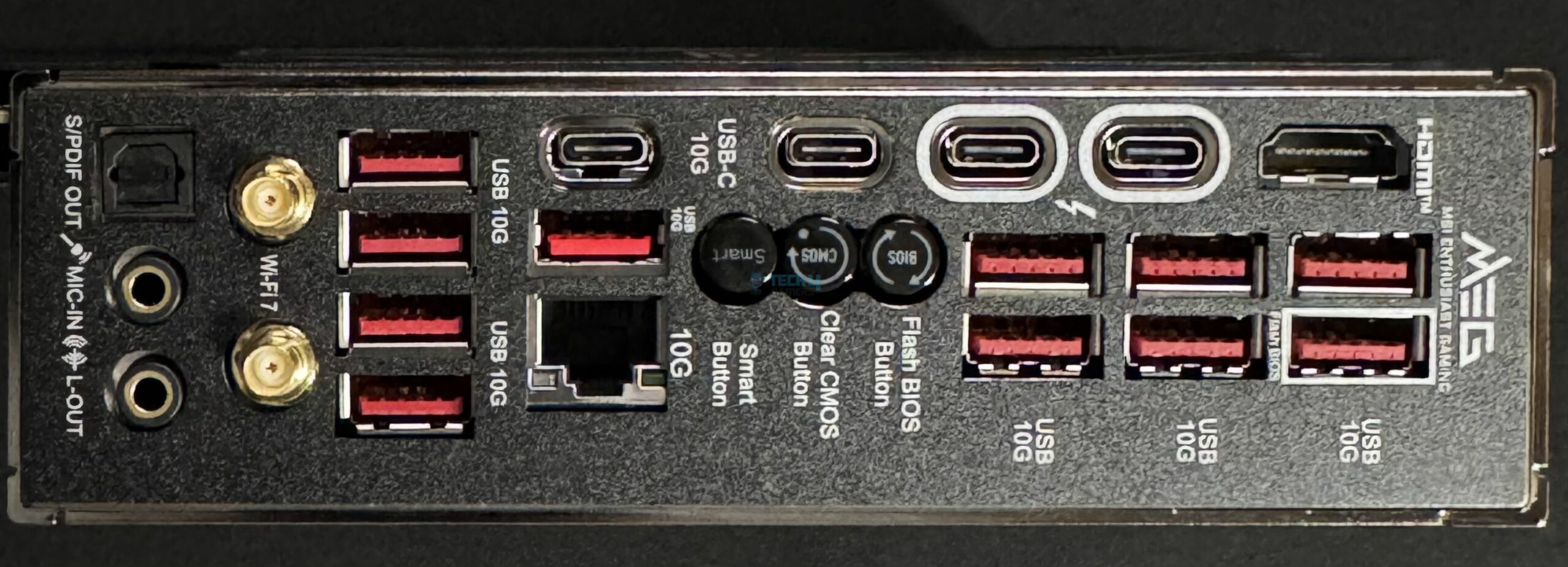
This is the rear I/O panel on the MEG Z890 ACE.
Rear IO
USB 10Gbps (Type-A)
Flash BIOS Button
Clear CMOS Button
Smart Button
10G LAN
Wi-Fi / Bluetooth
HD Audio Connectors
HDMI™ 2.1 Port
Thunderbolt™ 4 40Gbps (Type-C)
USB 10Gbps (Type-C)
USB 10Gbps (Type-A)
Optical S/PDIF-Out
I really appreciate MSI labeling their USB ports by their speeds instead of giving them some cheesy name. We have three buttons here as well, Clear CMOS, Flash BIOS, and Smart button.
Naked Motherboard
Take a look at the motherboard with all the heatsinks removed, except for the chipset.
Back Design
Here is the back design with the metal back plate removed.
The board comes in second place, just behind the MSI MEG Z890 Unify-X, and that too by a small margin.
CPU-Z, MT and ST (Image by Tech4Gamers)
The board stood 6th in this list, but all the boards are within inches of each other.
Blender 4.0.2 (Image by Tech4Gamers)
The Ace continues to impress with its exceptional performance, getting a 53.9 sec time in Blender 4.0.2.
V-Ray (Image by Tech4Gamers)
Again, the MSI MEG Z890 ACE is leading with chart-topping performance, scoring 11,218.
In short, the motherboard has left behind all the other z890 motherboards by a good gap.
Gaming Benchmarks
Cyberpunk 2077 (Image by Tech4Gamers)
The same goes for the gaming benchmarks, the Z890 Ace is leading at 161 framerates.
Far Cry 6 (Image by Tech4Gamers)
In Far Cry 6, the Taichi Lite outperformed the MEG Ace by a single FPS.
Starfield (Image by Tech4Gamers)
The board is back on top, beating all the other competition.
In both synthetic and gaming benchmarks, the MSI MEG Z890 ACE has given flagship-level performance, truly outstanding.
Power Consumption and VRM Temperatures
Motherboard/CPU power consumption (Image by Tech4Gamers)
I expected such results. After all, its power delivery system is quite heavy duty, and the performance we saw from it was also exceptional. As a result, the board has the highest power consumption, reaching 428W under load.
VRM temperatures (Image by Tech4Gamers)
For such a high-end VRM structure, the temperatures are very good. The motherboard is just above Taichi Lite at 63°C, coming in at the second position.
Should You Buy It?
CPU Socket and VRM Cover
Now that we’ve gone through the board, who should get it?
Buy It If:
✅You want maximum performance: The MSI MEG Z890 ACE consistently beats other Z890 motherboards we have reviewed across synthetic and gaming benchmarks; it is a true beast when it comes to raw performance.
✅You plan to overclock: The 24+2+1+1 power delivery system on the MSI MEG Z890 ACE is built for performance; the board can handle extreme overclocking without breaking a sweat. Plus, as seen in the VRM temperatures, it can really handle its cooling as well.
✅You prefer good I/O: With 24 ports in total comprising 2x Thunderbolt 4 and 1x USB 3.2 20Gbps, the board knocks I/O configuration out of the park. You get plenty of high-speed USB, so you’ll never run out.
Don’t Buy It If:
❌You’re on a budget: There is much of a reason to not buy the MSI MEG Z890 ACE. It is truly a complete package. The only reason to skip it is the price.
My Thoughts
The MSI MEG Z890 ACE packs a lot into one board, making it a strong choice if you’re after a high-end, reliable setup. It’s built to handle demanding tasks without breaking a sweat, but at this price, it’s really for users who prioritize performance and have the budget to match.
The board has a 24+2+1+1 phase VRM design, which means it’s geared to supply stable power even under heavy loads. With 24 phases dedicated to the VCore and 110A SPS per phase, the Z890 ACE is more than equipped to handle overclocking for top-tier Intel CPUs. It’s likely future-proof for a few generations too. MSI includes massive heatsinks over the VRM, with a stacked design to improve airflow and heat dissipation.
For connectivity, the Z890 ACE goes all out. You get a total of 24 USB ports—10Gbps and 20Gbps options plus two Thunderbolt 4 ports for high-speed data transfers. There’s also a 10G LAN port for wired networking, and the latest Wi-Fi 7 and Bluetooth 5.4 for wireless connections. This level of connectivity is great for users with multiple devices, storage drives, or who just want fast, seamless networking options. I also liked the EZ PCIe release button for the top slot, which lets you remove the GPU without hassle—just press and release.
In short, this board doesn’t skimp on features or performance. It’s pricey, but if you need high-end specs, solid power delivery, extensive connectivity, and future-proof support for CPUs and RAM, the Z890 ACE delivers on all fronts.
As Tech4Gamers’ Founder and Editor-in-Chief, I bring over 13 years of PC Hardware Reviewing and 8+ years of IT Project Management experience. Certified in Google IT Support , my focus is on providing honest product reviews and analysis and fostering a strong gaming community with 130k+ members in PPG.
Dr. Usman Saleem
At Tech4Gamers, I’m the PC Hardware Specialist, primarily contributing to the “Best-Ofs” section. I provide thoughtful buying advice based on thorough testing and personal expertise. I also review hardware products and games to keep things fresh.
After reviewing the midrange MSI motherboard lineup, it’s time to move on to the flagship series, which also includes the MSI MEG Z890 UNIFY-X. As the name suggests, the motherboard is from MSI’s MEG series motherboards are directed toward enthusiast-grade gamers and overclockers. The motherboard is priced at $599. But what exactly does this motherboard offer to set it apart from the rest? Let’s get started to find out.
Why Trust Tech4Gamers
Usman Saleem is our hardware tester who loves to put all the latest GPUs, CPUs, RAM, and motherboards for a spin.
40+ motherboards tested and reviewed by our team of hardware experts (Tech4Gamers Team).
800+ hours spent testing different motherboards for our reviews.
At Tech4Gamers, ensuring you get reliable information is our priority. That’s why every hardware round-up undergoes a meticulous review process by our team of experts and editors. Each review is carefully examined against our strict editorial guidelines, guaranteeing you trustworthy insights you can depend on.
Key Takeaways
The MSI MEG Z890 UNIFY-X is an overclocking-focused motherboard. As it features a powerful VRM solution and an ample amount of connectivity options, it becomes a hard pass for OC enthusiasts and high-end PC gamers.
You should get this board if you’re an extreme memory overclocking because the Z890 UNIFY-X can easily be termed as a high memory overclocking board.
Avoid the board if your situation asks for more than two DIMM slots or a 10G LAN port is one of your priorities.
Take a quick look at the board’s specs here:
CPU Support
Intel Arrow Lake Core Ultra Processors (Series 2)
Memory Support
Up to DDR5 9600+ MT/s (OC)
PCIe Slots
1x PCIe 5.0 x16, 1x PCIe 5.0 x8, 1x PCIe 4.0 x4
M.2 Slots
2x PCIe 5.0 x4, 4x PCIe 4.0 x4
SATA Ports
6x 6Gb/s
Audio
Realtek® ALC4080 Codec
Network & Connectivity
1x Intel Killer E5000B 5G LAN, WiFi 7, Bluetooth 5.4
USB Ports
21 Ports, including 2x Thunderbolt4 (Rear)
Size
243.84 mm x 304.8 mm, ATX
MSRP
$599 USD
[toc]
The Big Change: LGA1851 Socket
Following the old practices, Intel has introduced a new socket for its Intel Core Ultra series of processors. From a distance, it looks quite identical to the LGA1700. However, this time around, while there’s an increase in number of the pins, the ILM has also seen a major change to mitigate the uneven pressure problem that came with the LGA1700 socket.
The new reduced-load ILM evenly distributes the pressure across the CPU and prevents the shape deformation issue, as well as allowing the CPU to have proper contact with the cooler’s baseplate.
Packaging & Unboxing
Box Front
Box Back
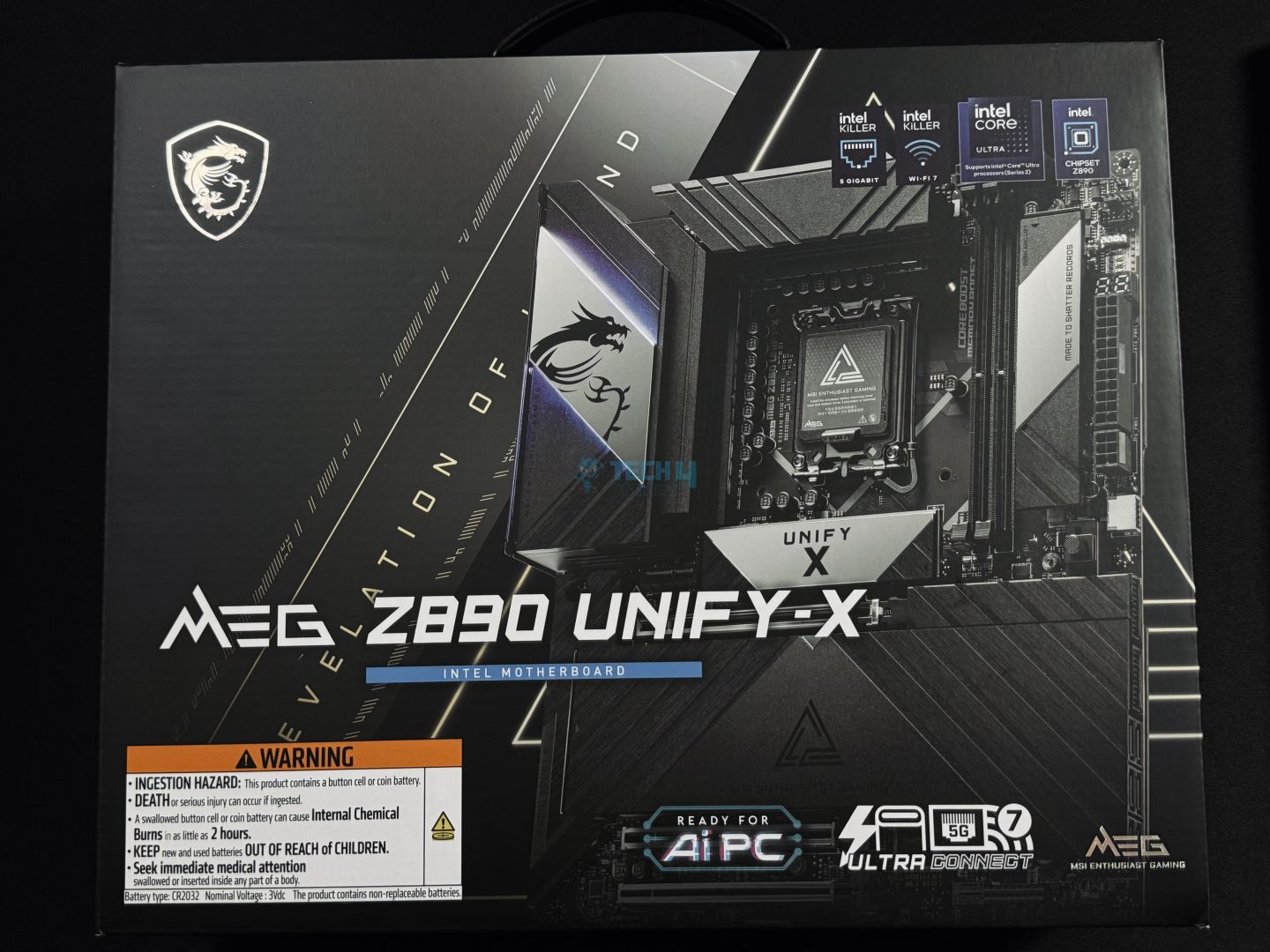
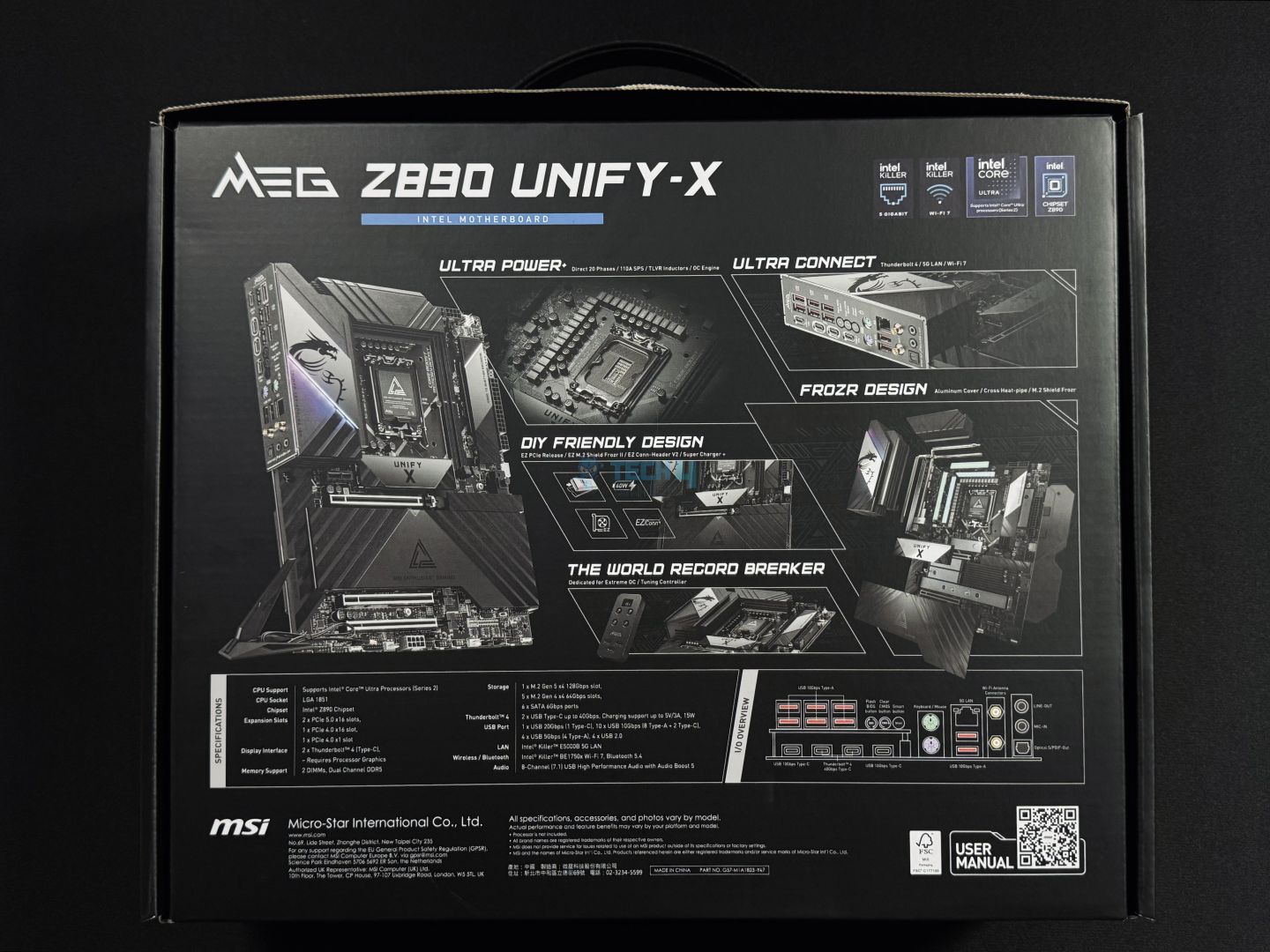
On the front of the box, there isn’t much going on, it has the image of the motherboard itself. Other than that, we can see the branding and key features such as the “Ready for Ai PC”, Intel Killer 5G LAN, WiFi-7, and Thunderbolt support mentioned. It also has a warning on the bottom left for the included CMOS battery.
While on the back of the box, we can see a lot more detailed information regarding the features and specifications of the motherboard. Such as the robust 20+2+1+1 VRM solution, EZ DIY mechanism, and plethora of connectivity options. Here you can also notice a QR code to access the manual directly on your phone.
Accessories
Tuning Controller
EZ WiFi Antenna
USB Drive
Cable Stickers
4x SATA Cables
EZ Front Panel Cable
1 to 2 RGB Extension
ARGB Extension Cable
2x Thermistor Cables
EZ M.2 Clip II Remover
4x EZ M.2 Clips II
M.2 Screw and Standoff Set
Quick Installation Guide
EU Regulatory Notice
Shout Out Flyer
That’s a handsome amount of accessories that come with the motherboard. Pretty much all of them are quite useful, and some are unique as well. Like the EZ Front Panel cable, which makes routing on the front more convenient. Furthermore, the included USB drive contains all the necessary drivers to get started. Not to mention the included Tuning Controller, which is the highlight here, as almost no other motherboard comes with such an accessory.
Design
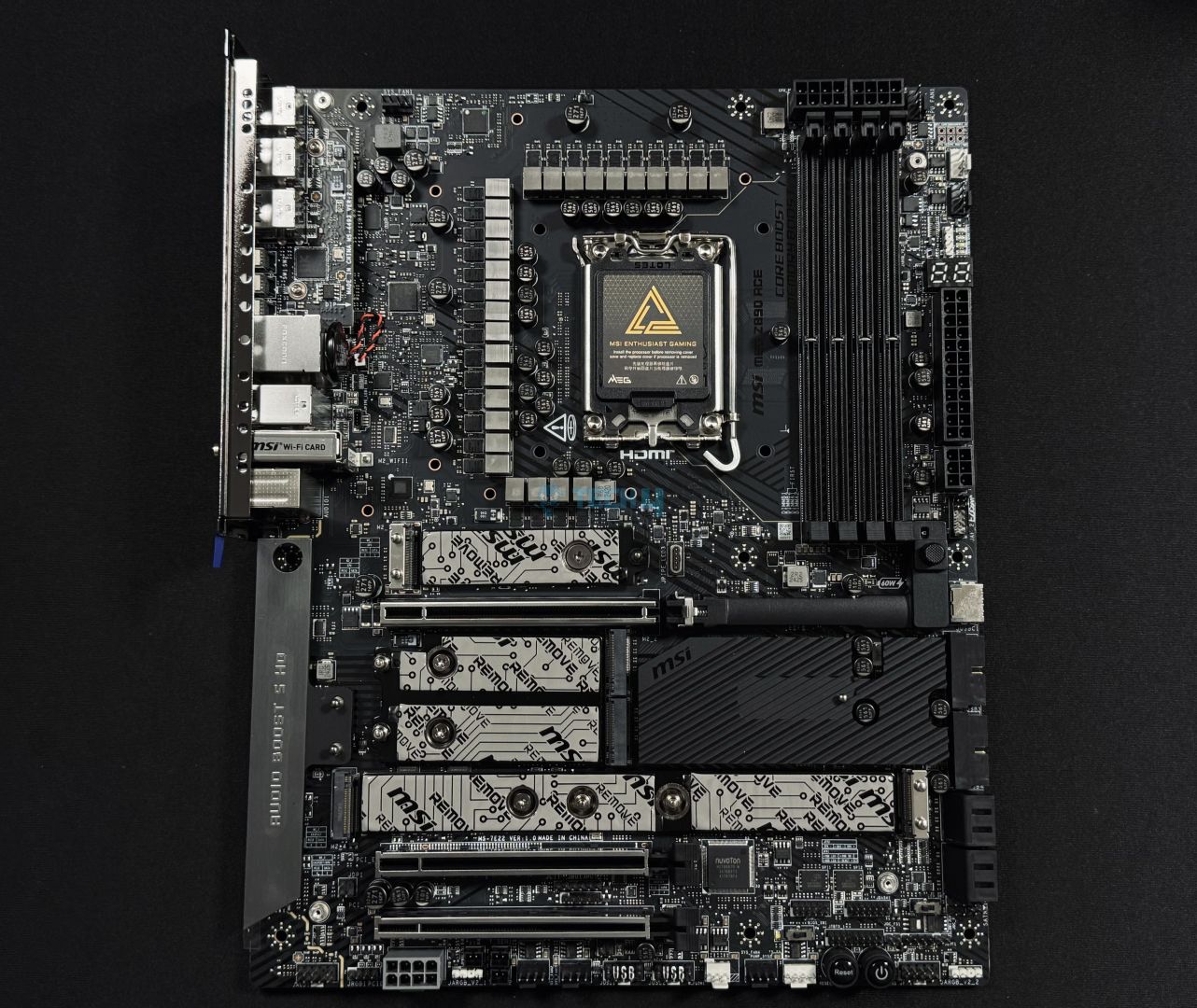
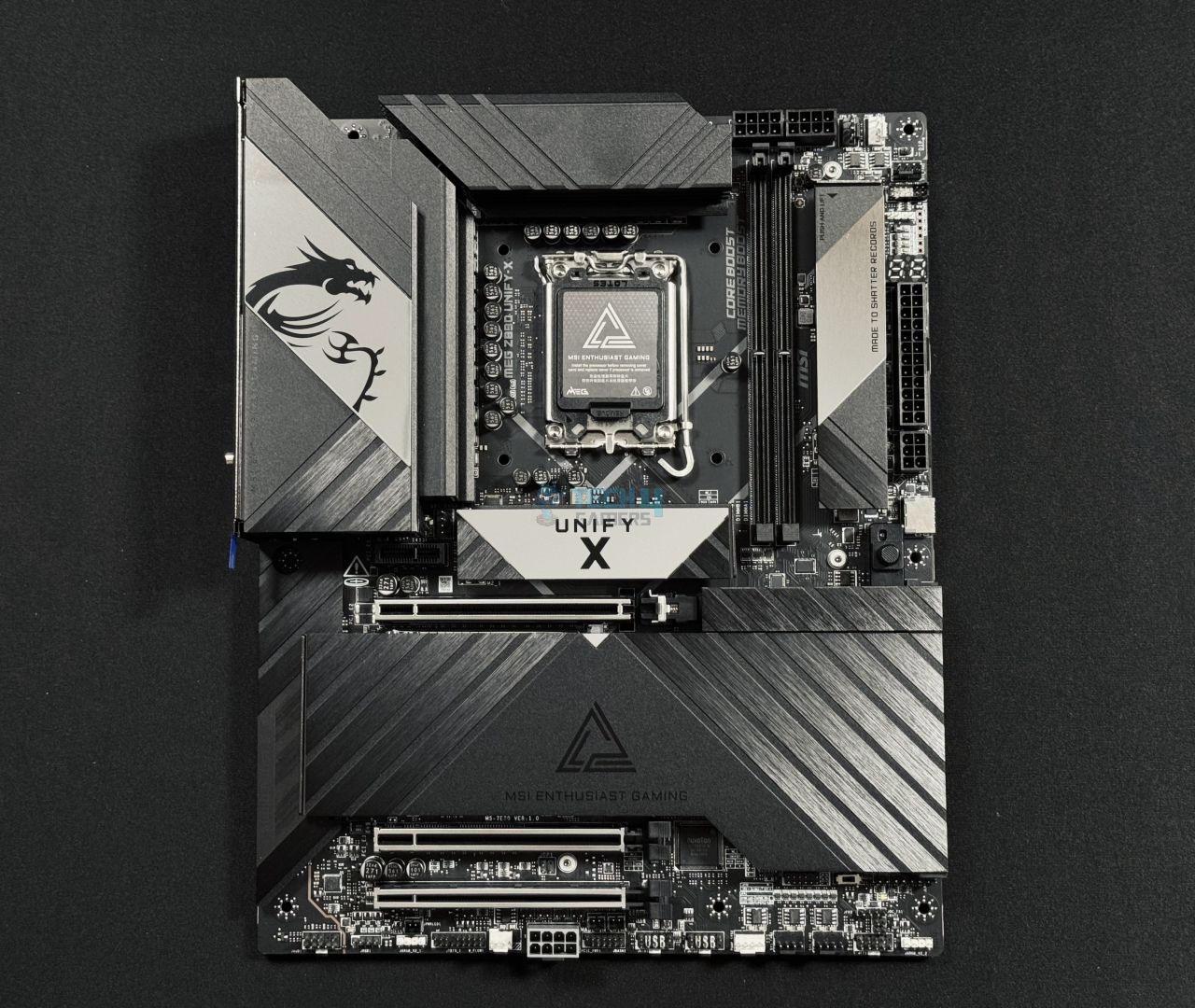
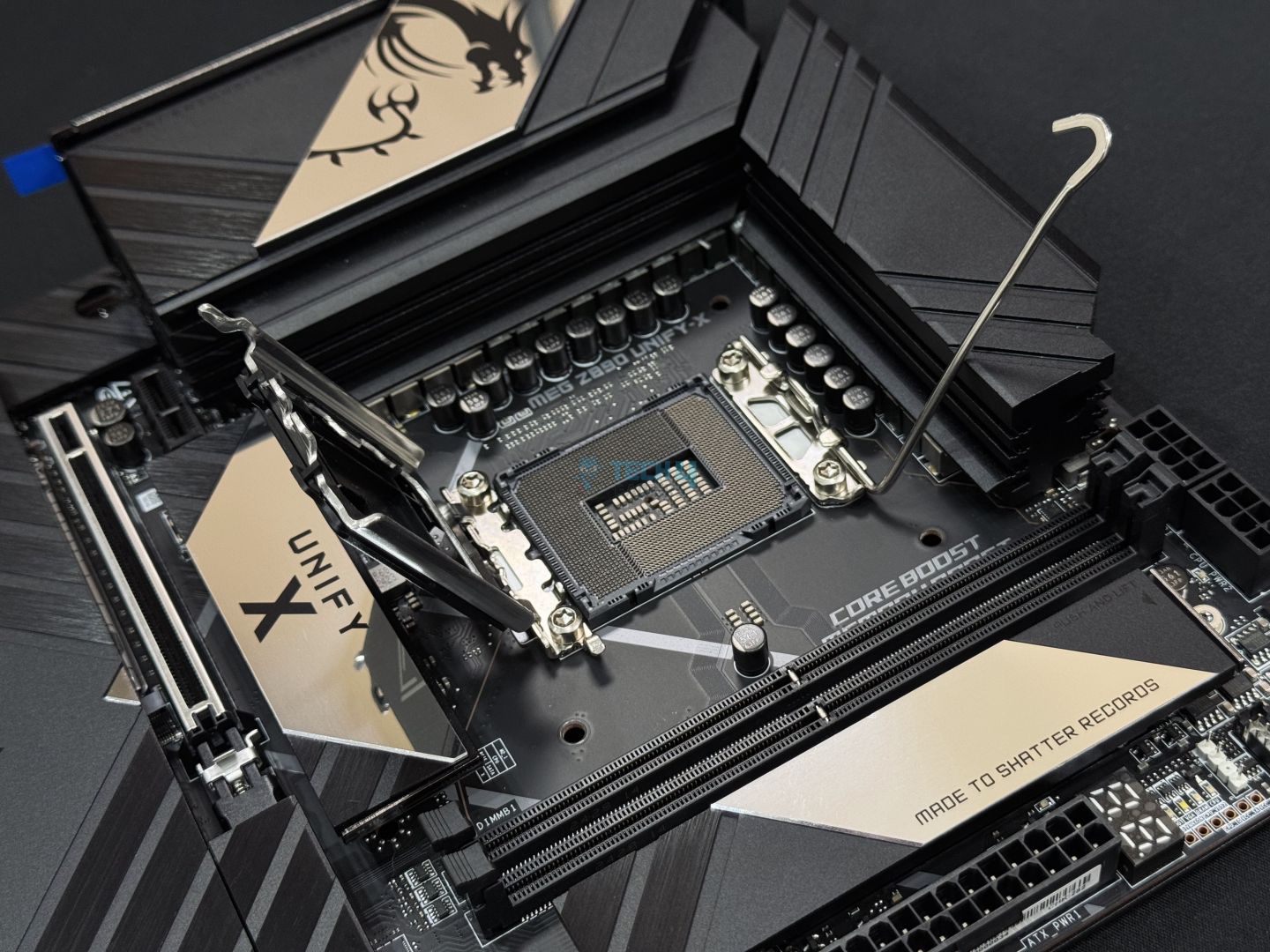
MSI MEG Z890 UNIFY-X – Main Design
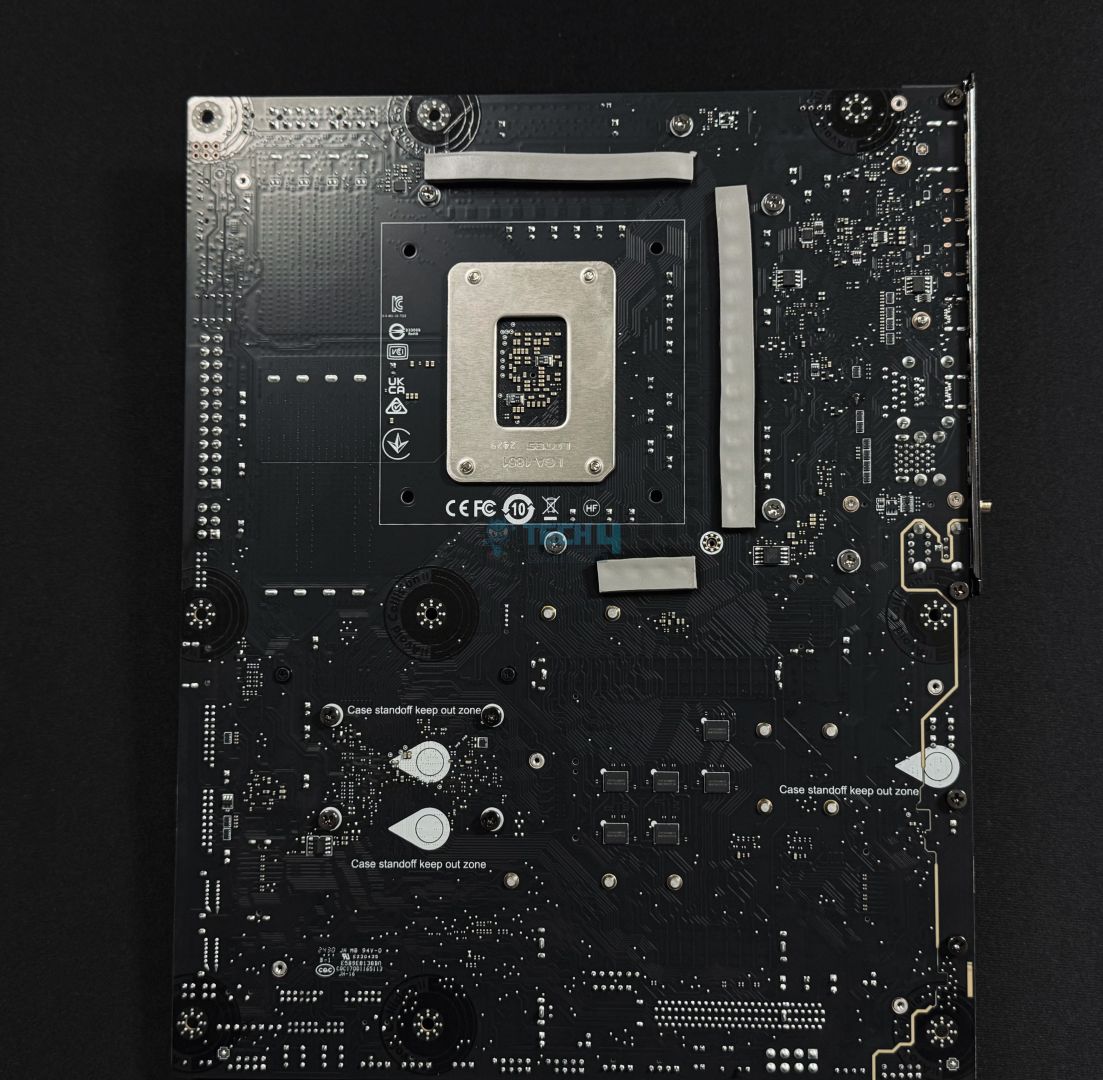
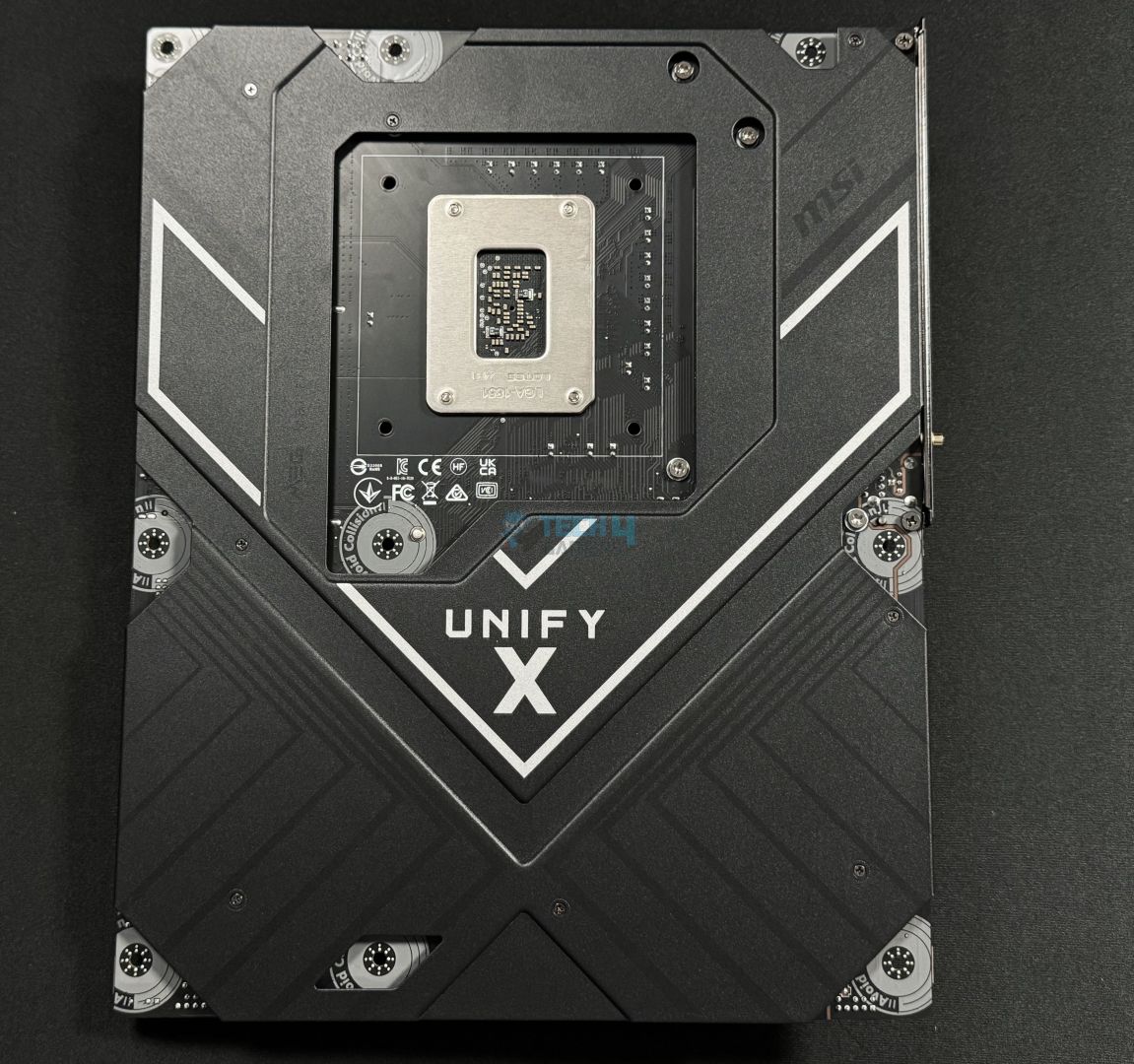
Backplate
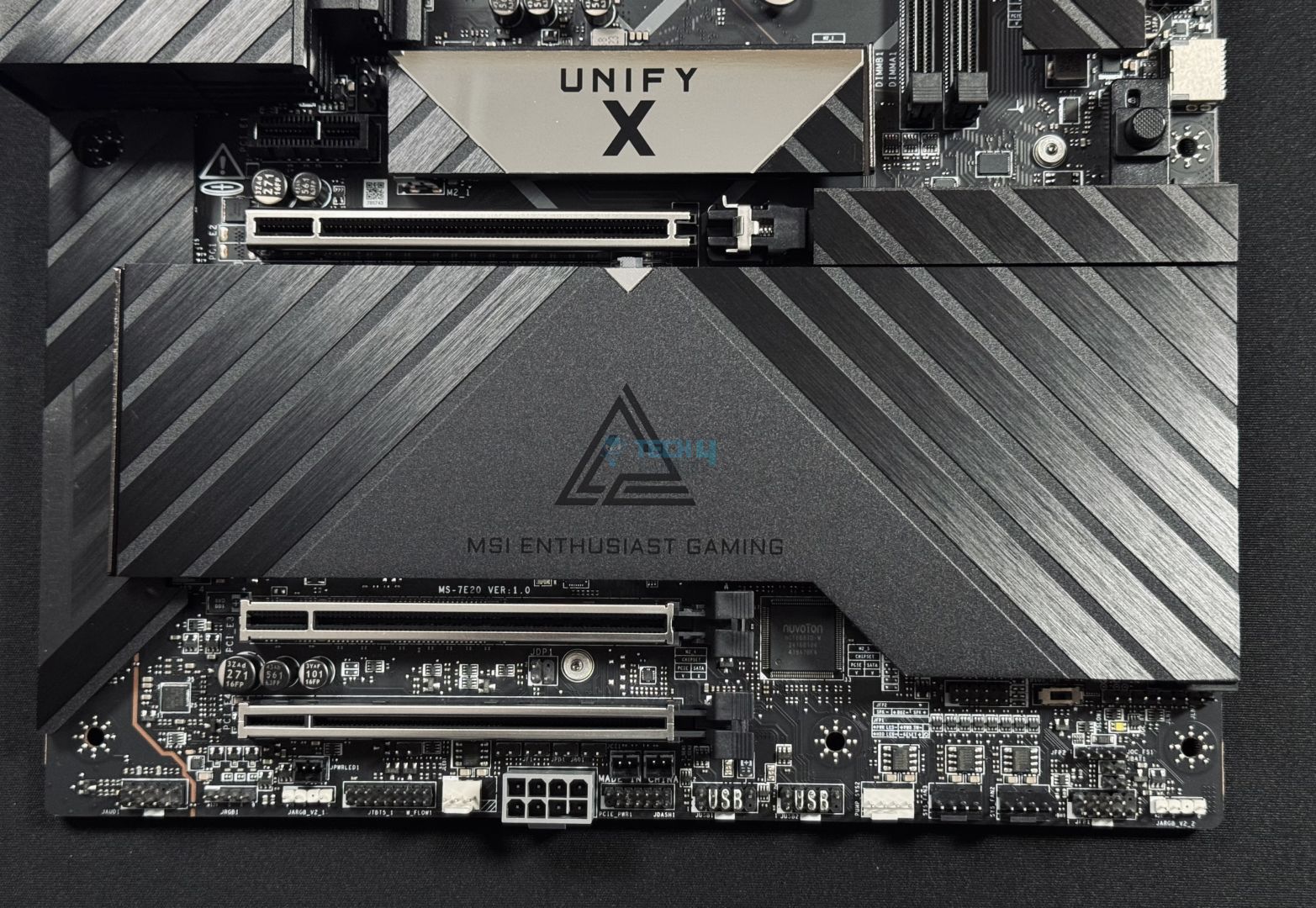
The motherboard features a sleek design with a brushed finish and black and gray accents all over. The whole design choice looks great, it has “UNIFY-X” branding printed on the single M.2 heat spreader. The heatsink plate for the rest of the M.2 drives features a brushed finish in such a way that it imitates the MSI MEG’s triangle, which is also printed right in the middle with the phrase “MSI Enthusiast Gaming” right under it. The back side of the motherboard is also entirely covered with an aluminum heatsink.
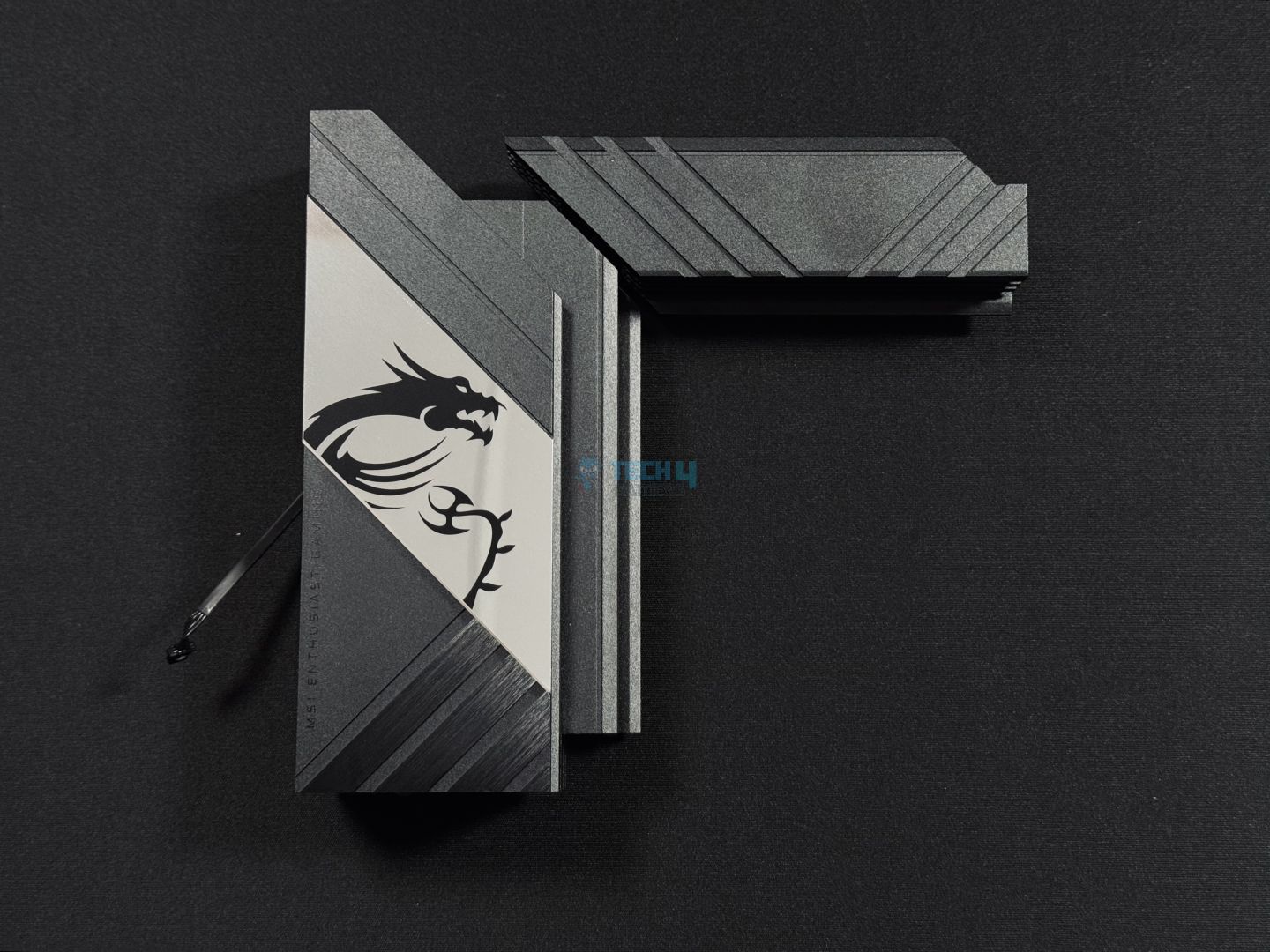
Lastly, the I/O cover has the usual MSI’s signature dragon logo with RGB-enabled sides, which are customizable via the MSI Mystic Light software. Besides the fancy stuff, the motherboard is built with a server-grade 8-layered PCB having 2oz thickened copper for maximum durability.
Like the MSI motherboards, this one also comes with Transient Voltage Suppressors that ensure over-current protection as well as help it against the sudden spikes that could prove harmful without TVS.
CPU Socket And Power Delivery
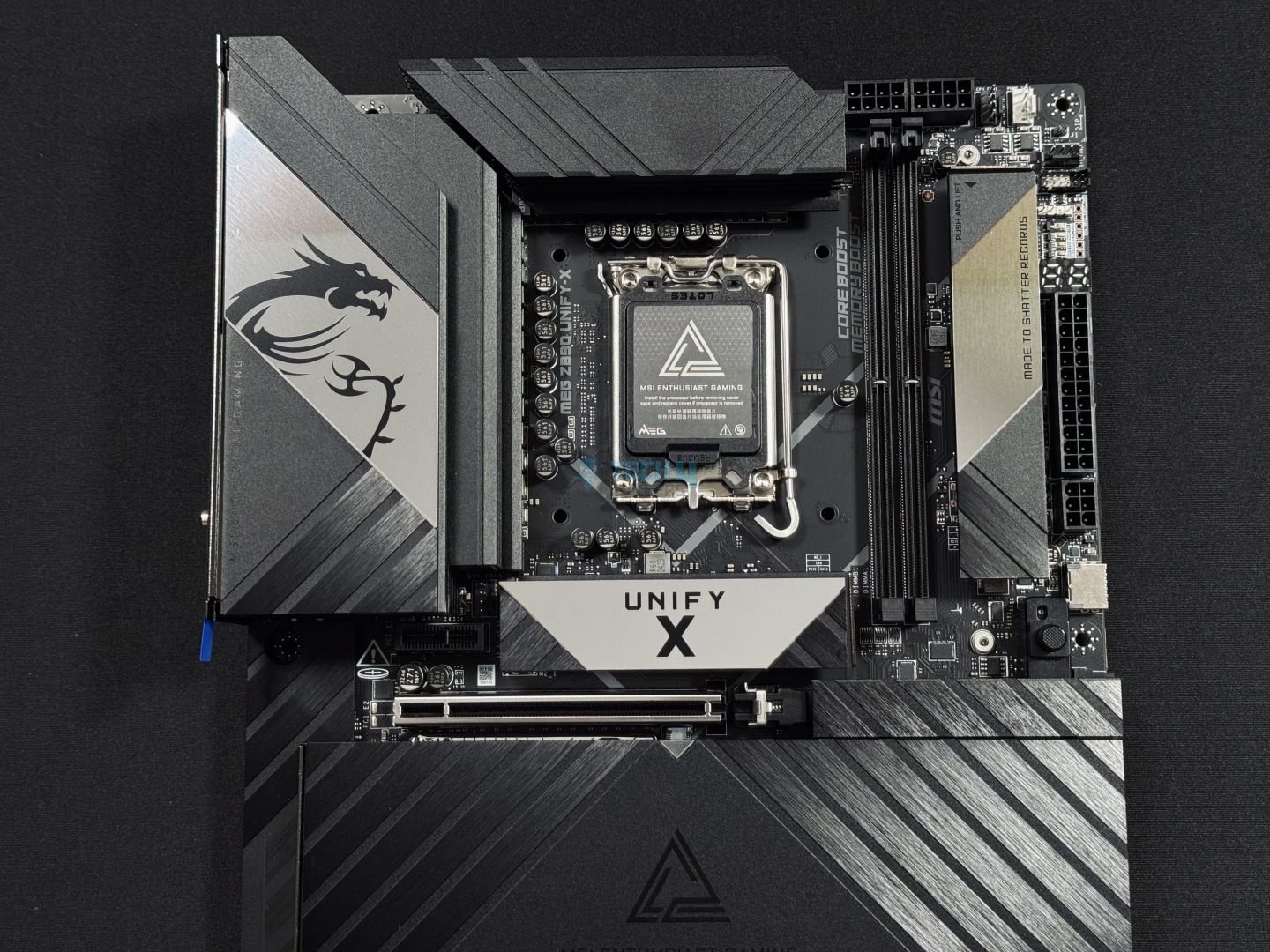
Upper Design
CPU Socket
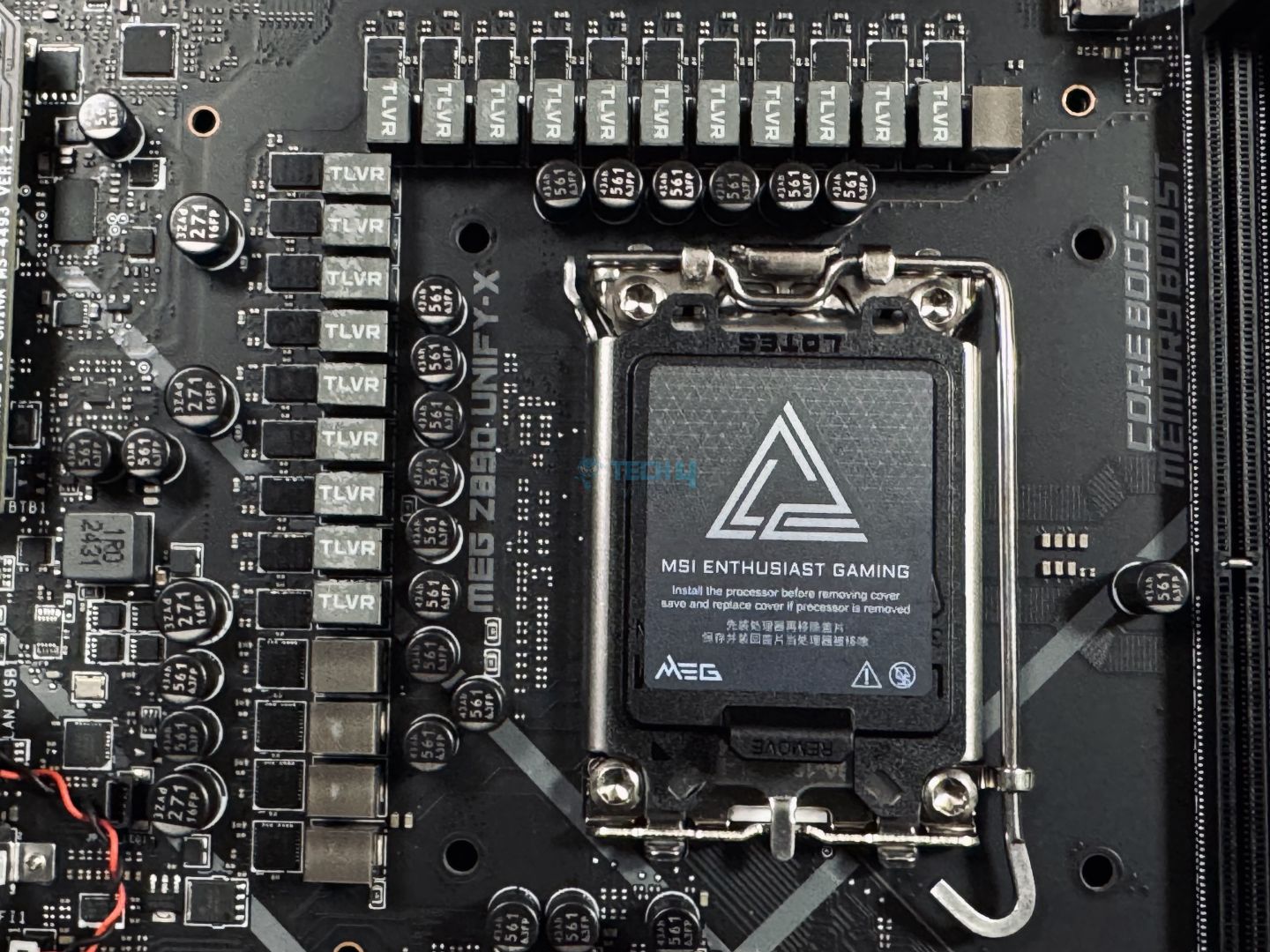
The motherboard features the new and improved yet identical LGA1851 socket and ILM mechanism — now called the RL-ILM (Reduced Load Integrated Lever Mechanism) as already covered above. This new RL-ILM ensures even pressure across the CPU.
VRM structure
Closer Look At VRMs
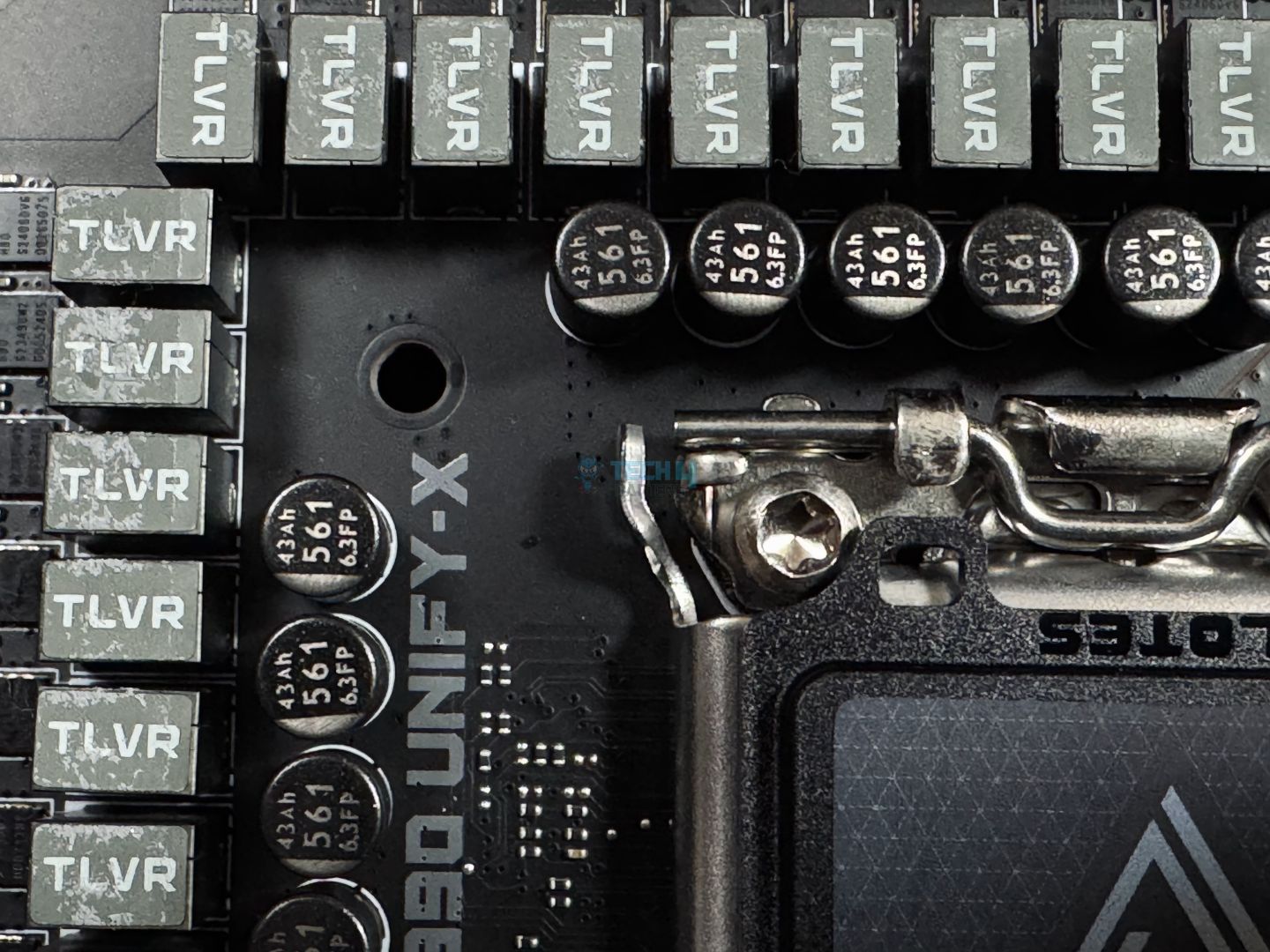
Moreover, the Z890 UNIFY-X boasts a quite powerful 20+2+1+1 VRM configuration, with 110A SPS for the 20x VCore phases. Similarly, 2x is reserved for SA, 1x for GT, and 1x for VNNAON power. The cherry on top, this board also features Trans-Inductor Voltage Regulators (TLVR) for greater power delivery response and increased efficiency.
VRM Driver
The attached picture exposes the 110A stages by the R2209004 HBD driver that are present in this Z890 UNIFY-X motherboard. Along with this, the BCLK generator is also there to allow BCLK overclocking.
EPS Power Connectors
With the CPUs reaching new heights in terms of power consumption, motherboards also need to have ample sources to supply such an amount of power. The same is the case with Intel Core Ultra series processors, as they can take up to 250W of power. So, these dual 8-pin CPU power connectors come in handy as they can supply a whopping 300W of stable power at once.
VRM Heatsink Stacked Design
VRM Heatsink
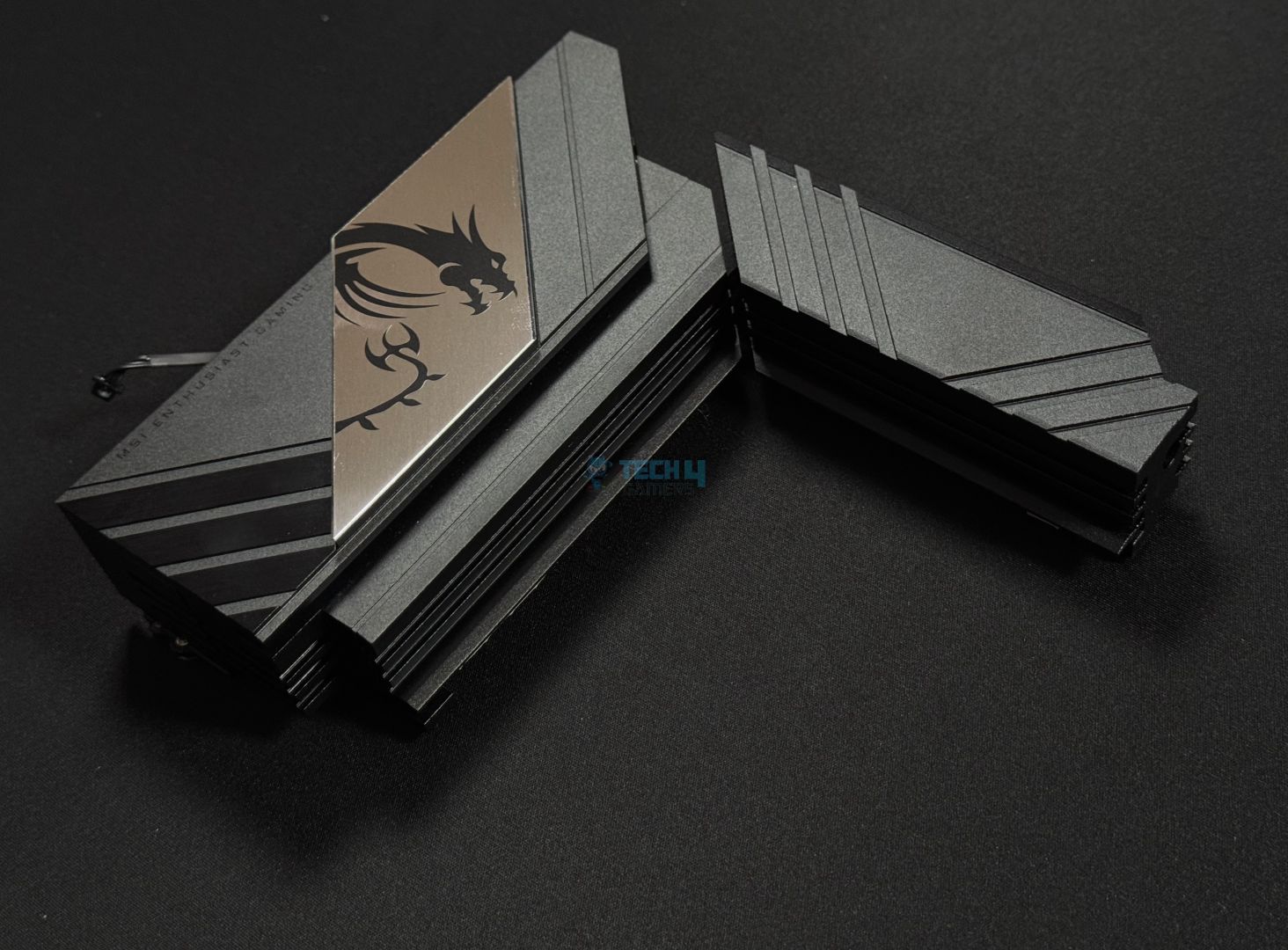
Moving over to its VRM cooling solution, we can see that the motherboard uses two extra large-sized aluminum heatsink blocks with two heat pipes for enhanced VRM cooling. Plus, design-wise, it’s the same fins-stacked design. Also, between the VRMs and heatsink, 9W/mK thermal pads are installed for better heat transfer.
DIMM Slots
DIMM Slots
Now onto the memory side of things, so here’s the story is a little different. Even though it’s an ATX motherboard, it still only features two DIMM slots instead of four. However, those of you familiar with MSI’s UNIFY motherboards know that it’s the standard. Leaving that aside, both of the slots on the motherboard are single-side latched only.
As for the memory capacity, since it has only two DIMM slots, it can accommodate up to 128 GB DDR5 RAM instead of the standard 256 GB. One thing to note here is that we at least get a much faster memory speed support of 9600 MHz (OC) compared to the MSI Z890 ACE which is priced the same as this one.
To reach such speed out of the box, the board offers Intel X.M.P 3.0 memory profiles for easy overclocking. Plus, hardware overclocker Kovan Yang got the Kingston Fury Renegade to reach north of 12,000 MT/s speeds with this motherboard. So, it can really handle its memory. Since it’s a high memory overclocking motherboard, you can even get it to achieve 12000 MHz. Nevertheless, these are supported speeds via the X.M.P profile:
1DPC 1R = 9600+ MHz
1DPC 2R = 7200+ MHz
Moreover, the motherboard uses the latest DIMM standard, called CUDIMMs. This new standard takes the clock cycle reintegration into its own hands with the help of the available clock driver, leaving the CPU with one less task to handle and opening doors to achieving faster frequencies and signal quality.
Tuning Controller
Tuning Controller
This is a UNIFY-X exclusive accessory that other motherboards don’t come with. This tuning controller allows the user to easily adjust the BCLK overclock settings without going into the BIOS each time he wants to change settings. The available ‘OC Fail Save’ and ‘Reset’ buttons help the computer boot directly into safe mode when needed due to unstable overclock settings applied.
Storage Options
SATA Connectors
SSD Covers
When it comes to storage options, the Z890 UNIFY-X provides an ample amount by allowing up to 6x M.2 drives and 6x SATA 6G drives via the available ports. The M.2_4 slot supports Gen5 22110, 2280, and 2260 SSDs, while the M.2_6 slot only supports 2280 and 2260 SSDs at Gen5 speed. The rest of the four slots, M.2_1, M.2_2, M.2_3, and M.2_5, support Gen4 SSDs in 2280 and 2260 cuts.
PCH Heatsink
All the M.2 slots have double-sided MSI Frozr shielding and thermal pads to keep them nice and cool, particularly the Gen5 drives, which tend to produce a lot of heat. Additionally, all the M.2 drive slots and heatsinks are equipped with an EZ DIY release and install mechanism for effortless installation. Not just that, but MSI has also replaced the Platform Controller Hub’s cooling solution from a fan with a much bigger heatsink for far better noiseless cooling.
PCIe Slots
EZ Release Button
SSD Covers
The MSI Z890 UNIFY-X boasts a total of three PCIe x16 slots, two of which are PCIe Gen5 enabled. However, only the primary PCIe x16 slot runs at x16 speed, the 2nd slot is limited to x8 speed. Meanwhile, the 3rd slot is a PCIe Gen4 x4 slot.
The primary slot also features MSI’s Steel Armor II, which claims to have 21% better weight endurance than its previous iteration. Speaking of improvements, the primary slot also incorporates the EZ PCIe release mechanism, meaning you just have to press the button to unlock the inserted card.
USB Connectivity
To be honest, the connectivity offering is quite impressive here as we get almost all kinds of ports ranging from Thunderbolt 4 Type-C to USB 3.2 Gen2x2. In total, we get to utilize 21 USB ports, here’s the list of the types of USB ports that are present on the motherboard:
2x Thunderbolt4 ports (Rear)
4x USB 5Gb/s Type-A ports (Front)
8x USB 10Gb/s Type-A ports (Rear)
4x USB 2.0 ports (Front)
1x USB 20 Gb/s Type-C port (Front)
2x USB 10Gb/s Type-C ports (Rear)
The Thunderbolt4 ports can be used as display output with a max resolution of 8K at a 60Hz refresh rate. Moreover, each of these Thunderbolt4 ports can daisy-chain 3x Thunderbolt4 devices or up to 5x Thunderbolt3 devices.
As for the charging power, they can provide up to 15W of power. The rear USB ports also support PD fast charging of 60W, however, to get such numbers, the PD_PWR1 connector has to be plugged into the PSU.
Network And Connectivity
WiFi Card
In terms of wireless and wired network connectivity options, we are given both here. The board features only 1x Intel Killer E5000B 5G LAN port and misses out on a secondary 2.5G LAN or a primary 10G LAN port, which is a little disappointing, to say the least. Nevertheless, it is equipped with an Intel Killer BE1750x wireless module that enables the motherboard to offer Wi-Fi 7 and Bluetooth 5.4.
Audio Solution
Audip Chip
AUDIO BOOST
The audio solution on this motherboard provides 7.1-channel USB high-performance audio as we can see the board using the Realtek ALC4080 Codec, which is hidden beneath the Audio Boost 5 cover. It also features de-pop protection, high-quality audio capacitors, and a dedicated headphone amplifier as well as separate layers for both the right and left audio channels for better-isolated audio signals.
Internal Connectors & Components
Here’s what the motherboard offers when it comes to the internal connectors:
1x Thunderbolt 5 card connector
2x EPS Power Connector
1x 24-pin Power Connector
1x front Type-C Quick Charge Connector
1x CPU Fan
2x Combo Fan
4x System Fan
1x EZ Conn-header
2x Front Panel
1x Chassis Intrusion
1x Water Flow connector
1x Slow Mode Booting Jumper
1x Front Audio
2x Thermal Sensor connectors
1x Tuning Controller connector
3x Addressable V2 RGB LED connector
1x RGB LED connector
1x TPM pin header
V-check point
4x USB 2.0 ports
4x USB 5Gb/s Type-A ports
1x USB 20Gb/s Type-C port
8-Pin Supplemental Power Connector
This 3rd 8-pin power connector on the motherboard is for rare instances where your motherboard is failing to provide enough power to the components with the already present standard dual 8-pin and 24-pin power connectors. It can insert an additional 252W of 12V power into the motherboard to meet the demands of attached beefy components.
Internal Connectors
1 of 4
Internal Connectors
Internal Connectors
Internal Connectors
USB Port
Here you can see all the connector ports for ARGB lights, fans, Thunderbolt5 card, front panel USB, front panel audio, and thermal sensor. Whereas the EZ Conn-header is residing near the DEBUG LED.
EZ Digi-DEBUG LED
Although the board doesn’t feature an onboard power or reset button, it does come with an EZ Debug LED, EZ Digi-Debug LED, and EZ Memory Detection LED. All these combined make the troubleshooting process a lot easier and swift.
Rear I/O Panel
Rear I/O Ports
8x USB 10Gb/s Type-A
2x USB 10Gb/s Type-C
2x Thunderbolt4 Type-C
1x 5G LAN
2x Audio connectors
2x PS/2 ports
1x Optical S/PDIF Out
WiFi/Bluetooth Antenna connectors
Clear CMOS Button
Flash BIOS Button
Smart Button
For some reason, we yet again see the return of the obsolete PS/2 ports on such a modern flagship motherboard. Aside from this, we can see that MSI has added a MEG logo on the side of the I/O panel and has labeled all the ports with their respective speeds, this is a thoughtful welcomed attention to detail.
The motherboard in its raw form
Here you can examine the motherboard and all its components more accurately as we have removed all the fancy and necessary cooling heatsinks from it.
Test Setup
This is what components we’re using in our test bench:
The motherboard in review topped the chart in the multi-threaded test of Geekbench 6 with 23492 points.
CPU-Z, Multi-core & Single-core test (Image credit: T4G)
In this MT and ST test of CPU-Z, the motherboard was able to secure 2nd position by securing 19279 and 922 points respectively.
Blender 4.0.2 (Image credit: T4G)
The Z890 UNIFY-X managed to complete the Blender run in 54.2, just 0.3 seconds more than the Z890 ACE.
V-Ray (Image credit: T4G)
In the V-Ray benchmark, the UNIFY-X motherboard came in 3rd place with 11217 on its side. The motherboard is performing as it should; impressive.
Gaming Benchmarks
Cyberpunk 2077 (Image credit: T4G)
The Z890 UNIFY-X reached as high as 158 FPS with the lowest count being 119 FPS during Cyberpunk 2077 benchmark.
Far Cry 6 (Image credit: T4G)
Here the Z890 UNIFY-X again maintained its 3rd place by producing 174 highest FPS and 130 FPS as its lowest in Far Cry 6.
Starfield (Image credit: T4G)
In our last game, which is Starfield, the motherboard came 2nd by having the same highest FPS count of 134 FPS and only falling behind by 1 FPS in the lowest FPS count.
Nevertheless, the Z890 UNIFY-X managed to provide a satisfactory gaming experience with no major difference in performance against the competing motherboards.
Power Consumption & VRM Temperatures
Motherboard power consumption (Image credit: T4G)
As far as the power consumption goes, the numbers aren’t too hateful, in fact, they are quite decent for such a powerful motherboard. With 100% load, the board maxed out at 426W. It consumed 117W during gaming and 118W when idle, which is a little strange for sure.
VRM Temperatures (Image credit: T4G)
The VRM temps on this motherboard didn’t go over 63°C after the 30-minute multi-threaded test run of Cinebench 2024.
Should You Buy It?
Buy It If:
✅You want top-of-the-line performance: If you’re after one of the best stock and overclocked experiences, then this motherboard is for you as it features a robust VRM solution.
✅You want to use high-speed RAM: The motherboard tops all the charts when it comes to memory overclocking, with speeds reaching up to 12000 MHz in our testing. If that’s your thing, pick this board up.
Don’t Buy It If:
❌You want four DIMM slots: while the motherboard is full of exciting features and is quite powerful, it still lacks two DIMM slots, so if your use case requires more than two DIMM slots, then better look for a different board.
My Thoughts
Coming to the end of our review, all I can think of is how greatly it performs in pretty much everything we have tested it through. Not to mention the crazy memory overclocking support besides the CPU overclocking, where it can allow the right memory to go as high as 12000 MT/s which is well above the stated 9600 MT/s speed. Also, it doesn’t fall behind when it comes to offering convenience and features, the Z890 UNIFY-X is a beautiful blend of performance, practicality, and visually appealing looks.
Coming in at $599 MSRP, the board does raise expectations for the consumers, but fortunately enough, it checks all of them with a solid 20+2+1+1 VRM solution, a plethora of high-speed connectivity ports, sturdy build quality, along with fast M.2 and PCIe x16 slots for the graphics card. This board is a great fit for those seeking an extreme level of overclocking especially on the memory side.
I’ve previously worked for eXputer as a Senior News Writer for several years. Now with Tech4Gamers, I love to devoutly keep up with the latest gaming and entertainment industries. I have a Bachelor’s Degree in Computer Science and years of experience reporting on games and breaking exclusive stories. Besides my passion for gaming journalism, I love spending my leisure time farming away in Stardew Valley. VGC, IGN, GameSpot, Game Rant, TheGamer, GamingBolt, The Verge, NME, Metro, Dot Esports, GameByte, Kotaku Australia, PC Gamer, and more have cited my articles.
Story Highlight
A new patent published by Sony wants to add an advanced game rewind feature with a new universal controller button.
The rewind system would let you create bookmarks at any moment during gameplay to revisit that part for a while.
The player could seamlessly transition between gameplay and bookmarks at any point by using the button.
Innovation in the gaming scene has certainly slowed in the past decade. However, that has not stopped studios from trying the most absurd concepts—via patents—to rival each other. Sony is one of the biggest players in this regard, and its new patent could shake the industry as we know it. The company wants to add an advanced rewind feature in its games with a new universal controller button.
We have stumbled upon a new legal document that wants to make it possible for players to rewind back to any point during the gameplay for a limited time. Sony’s proposed system can allow players to use the rewind feature by pressing a new universal button(s) on the controller, which would let them pick any previously saved moment.
“The user is able to enter the rewind mode from the live game play using one or more controller inputs to view recent game play (e.g. rewinding, fast-forwarding, playing, etc.), and returning to live game play afterwards.”
Why it matters: Sony securing a patent to add the rewind feature to its games could completely change how we enjoy them. Allowing players to rewind to any manual or automatically saved bookmarks with a new button could prove to be a highly popular feature.
Sony shows a controller with new buttons to access the rewind mode during gameplay | Image Source: Patentscope
The patent, ‘GAMEPLAY REWIND WITH USER TRIGGERED BOOKMARKS, ‘ describes letting players manually bookmark any moment during gameplay so they can revisit it. The system can also automatically bookmark progress as players play a title to make the rewind process more intuitive.
Sony argues that players might not always remember gameplay and story details when they were revealed in the story. Additionally, some may want to revisit certain parts of the game for sentimental reasons. This notion is currently impossible without external intervention, such as file editing. So, Sony wants to make it easier for players to rewind to any point during the gameplay.
“Accessing recent game play while the player is playing a video game is difficult, and requires hacking an existing service to view the portion of the game play of interest.”
The flowchart describes a method for enabling the rewind system during live gameplay | Image Source: Patentscope
It’s worth noting that a rudimentary form of rewind feature already exists in some titles, such as Forza Horizon 5. However, they are usually marred by limitations—like, you can only reverse back to a certain immediate point. Sony could go leagues beyond what is possible with this new patent, but take it with a pinch of salt.
At Tech4Gamers, I contribute as a Senior News Reporter, combining my skills and gaming enthusiasm to keep our audience updated on the latest developments.
Story Highlight
The PS5 Pro comes with the option to capture 8K screenshots.
Despite this new feature, only 3 games on the console are said to support this resolution.
Sony may have plans to introduce more 8K games in the future, with this feature being a small tease.
PlayStation introduced the PS5 Pro with grand promises. Among other things, this console promised 4K and 8K gaming, two claims that have been rarely fulfilled four years into the console’s lifespan.
While 8K gaming was initially advertised on the console’s packaging, Sony quietly removed this advertisement with the Slim refresh last year. The PS5 Pro also skips this advertisement, but it supports 8K native screenshot capture.
Why it matters: As demonstrated by Alan Wake 2, the PS5 Pro renders games as low as 864p. Therefore, the vast majority of titles on this hardware don’t even come close to 4K resolution, let alone 8K.
The PS5 Pro is officially in reviewers’ hands, leading to leaks all over social media. Images shared by sources point to system-level 8K capture support, highlighting that the console can take more crisp images than its base counterpart.
However, the most interesting part here is the lack of games that support 8K resolution on this hardware. According to reports, Gran Turismo 7 can push for 8K gameplay using the mid-gen refresh.
The Touryst and F1 24 also show instances of 8K gaming on the PS5 Pro, but the dream ends here. The existence of this feature suggests that more games will be compatible with this incredibly sharp resolution in the future, but for now, 4K is already a high enough target for the new hardware.
Sony’s Latest Console Arrives Next Week
Another interesting system-level feature included is the resolution bump for PS4 games. This makes titles like Bloodborne look much sharper and cleaner on the hardware through a simple UI toggle.
Official reviews of Sony’s mid-gen refresh are scheduled to arrive in just a few days. Once these reviews are officially out, fans can expect to learn more about the 8K screenshots and other UI features, making for an exciting few days for PlayStation fans next week.
What are your thoughts on these new options? Will you use the console for 8K screenshots? Let’s discuss in the comments and the Tech4Gamers Forums.
At Tech4Gamers, I mainly cover new gaming news, leaks, and rumours. Aside from that, I love to write features about my favourite games while inserting my opinion about their different aspects.
Key Takeaways
Modern racing games lack the sense of progression, immersion, and substance that older titles like Need for Speed Underground 2 offered.
Open-world features in racing games often feel empty and unengaging, adding little value beyond padding out play times.
The focus on microtransactions and live-service models alienates players, while other game genres have evolved and surpassed the racing genre in depth and entertainment.
Everyone reading this article likely has a memory attached to a racing game as a child, whether it be Need For Speed, Midnight Club, or Midtown Madness. However, these days, there are practically no racing games that have the hype they used to have.
It is no secret that racing games are not the crown jewel of the gaming industry as they once were. Come along with us as we explore the reasons why we think this is.
The Problems
In this section, we will mention the problems that we think the current racing games suffer from, after which we will zoom out and evaluate the genre as a whole.
Freebies
Back in the day, games like Need For Speed Unground 2 had you working day and night to get a better car. You would start the game with a family car or a sedan and slowly make your way up the ranks to get faster and better cars.
Cars From Forza Horizon 5 (Image By Tech4Gamers)
This allowed you to develop a connection with what you are driving. You get a sense of immersion in upgrading a crappy car or trying to save up for a better one.
These days, all the driving simulators give you so much off the bat that you lose all sense of progression. You go from a Mira to a Huracan in a few hours of gameplay, if not even less. Making progress this easy does nothing but make it meaningless.
Open Worlds
Every racing game these days is chasing the trend of being completely open-world. Though we think the open-world concept suits a racing game, these games are implemented so that there is nothing of substance in these open worlds.
Forza Horizon 5 Map (Image By Game UI Database)
A lot of these worlds, like in NFS Unbound, feel empty and dead, making the concept something that only pads out development costs and increases playtime. Nothing fun comes out of lifeless streets that you can explore on your will.
If your concept of an open world does not go beyond the idea of making your game bigger, it might be better to leave the feature alone to focus on concepts that are unique and fun, like a cool art style or an interesting mechanic.
Live Service
Apart from shooters, racing games seem like the most fitting candidates for adding microtransactions to squeeze the most money out of the player as possible. Studios might think that people who buy their game might be likely to invest just a few more bucks to get a supercar off the rib.
The Crew’s Servers Have Been Shut Down (Image By Tech4Gamers)
These sleazy business tactics do nothing but alienate your player base, making them feel like they’ve been ripped off for buying these games, which in turn makes the masses less likely to buy racing games.
Zooming Out
A few weeks ago, feeling nostalgic for childhood car games, I tried some racing games but found them too unforgiving and boring. Craving more, I turned to GTA V and got hooked.
Surprisingly, GTA V became the best driving sim I’ve played in the last decade, thanks to its immersive world and the stories of Franklin, Michael, and Trevor.
GTA V Driving (Image From GameTrailers On YouTube)
This made me think that maybe racing games aren’t entertaining anymore because everything else has surpassed the intricacy you can integrate with your game if your only action in that game is to drive a car.
During my childhood, games like GTA San Andreas, Vice City, or the PS2 Tomb Raider had little to do apart from a primary mechanic, similar to racing games. In that age, the genre felt right at home.
Nowadays, however, it seems really hard to convince myself to play Forza instead of Elden Ring or Cyberpunk. It appears as though the whole industry has moved forward while racing games have stayed the same, if not devolved.
As Tech4Gamers’ Founder and Editor-in-Chief, I bring over 13 years of PC Hardware Reviewing and 8+ years of IT Project Management experience. Certified in Google IT Support , my focus is on providing honest product reviews and analysis and fostering a strong gaming community with 130k+ members in PPG.
Ubisoft is one of the most famous and successful companies in the gaming industry. It has many studios around the world, and its games include famous series like Tom Clancy or Assassin’s Creed.
Three years ago, Ubisoft promised that it would make block-chain-based games, and now the time has come. The new Champions Tactics game is a web3-based NFT game.
Ubisoft’s stock is falling due to actions like delaying Assassin’s Creed Shadows. But now some of it may recover as one of the NFT titles that Ubisoft said it would develop in 2021, Champions Tactics: Grimoria Chronicles, is here.
Why it matters: The game actually requires a Ubisoft account and an appropriate blockchain wallet to play, even though it is free to play and is promoted as a tactical role-playing game with a PvP focus.
Although the game is free to play, we already know that there will be in-game paid items. We must form squads of three characters to engage in turn-based combat similar to Darkest Dungeon in this web3 game, which is entirely PvP.
As we can see from the trailer, the characters function similarly to figures. The web3 factor arises when we recognize that, even though we will initially have characters to play as figures, we will eventually need to purchase additional figures in NFT format from other players using either cryptocurrency or the game’s points.
Currently, the prices of the figures for sale range from about $7 to over $60,000 for the most costly.
Following this one, there are other more that cost thousands of dollars, including one that costs $25,000. As we can see, the price increases significantly, but it appears that the high-end figures are priced at $330 and higher. So you would need that to compete with other players.
Since the game lacks a story/campaign mode or any other PvE features, player-on-player combat is the only option available, and the characters you choose will have an impact, which will make the game pay to win.
At T4G, my task is to cover the latest news around the gaming globe ASAP and with the utmost precision. I adore all the games and respect all the devs behind the amazing games that we get all year. So, whether it’s a PC or a Console game, I got it all covered.
Story Highlight
PS5 Pro units are already out in the wild, leading to the official specs being leaked online.
The Pro console features 16.7 TFLOPs of GPU power compared to the base model’s 10.28.
It also gets Sony’s latest PSSR technology that uses AI upscaling for better performance.
Despite not launching for another four days, an unboxing video and official specs of the PS5 Pro have surfaced online. The Pro console gets an upgrade with its GPU boasting 16.7 TFLOPs compared to the PS5’s 10.28.
Why it matters: PS5 Pro is supposed to release on November 7. However, it seems that some people have already received early units a few days before the official launch.
PS5 Pro official specs have leaked online
An X user, brunno_fast, has his hands on the PS5 Pro and has even revealed the console’s spec sheet. It features an 8-core Zen 2 CPU paired with 16GB GDDR6 memory and a 2TB SSD, which was already confirmed.
While most of the specs are borrowed from its predecessor, the PS5 Pro does boast additional graphical power. The GPU has been upgraded, but it’s still nowhere near the 36 TFLOPs that the rumors claimed it would feature.
PlayStation stated that the Pro console will be 45% faster than the previous one. It also adds support for PSSR, which is PlayStatiion’s answer to Nvidia’s DLSS, AMD’s FSR, and Intel XeSS AI upscaling tools.
PS5 Pro is the most powerful console in the world
But, from the testing we’ve seen so far, there doesn’t seem to be too huge of a performance difference. Even the company CEO recently stated that it isn’t a next-gen console, so manage your expectations.
Nonetheless, the PS5 Pro is now the most powerful console in the world and will likely be the best place to experience most next-gen. Even developers have praised it for how convenient it is to develop games.
PS5 Pro officially releases on November 7, 2024. What are your thoughts on the PS5 Pro specs? Are you going to buy the console? Let us know in the comments or join the discussion at the official Tech4Gamers Forum.
At Tech4Gamers, I mainly cover new gaming news, leaks, and rumours. Aside from that, I love to write features about my favourite games while inserting my opinion about their different aspects.
Story Highlight
Assassin’s Creed Shadows is the most criticised game of this year, and it has yet to be released.
The franchise’s boss has acknowledged the hate it received due to DEI but claims to double on it.
He also calls out the critics by saying their feedback is just an attack driven by intolerance.
Assassin’s Creed, one of the biggest franchises in the world, is no longer the same. In the previous decade, this franchise has earned Ubisoft over $4 billion, but it might not be able to perform similarly anymore.
The upcoming title in the Assassin’s Creed series has been heavily criticised. Fans’ main criticism is the ‘forced DEI’, as they don’t think Yasuke’s portrayal as a samurai is authentic.
Why it matters: Assassin’s Creed Shadows has proven to be disrespectful to the Japanese fandom as they take history, customs, and traditions quite seriously.
Marc-Alexis Côté Was At BAFTA Games To Discuss Assassin’s Creed Franchise
Marc-Alexis Côté appeared at BAFTA Games to talk about the Assassin’s Creed franchise. He revealed that Assassin’s Creed Shadows has received a lot of hate due to the DEI but doubled down on it by claiming diversity has always been a key factor in AC games.
Our commitment to inclusivity is grounded in historical authenticity and respect for diverse perspectives, not driven by modern agendas.
-Marc-Alexis Côté
He then explains that Yasuke, a historical Japanese samurai, has received a lot of hate, but that goes the same for Naoe, who is completely fictional. Furthermore, he also claimed that both Naoe and Yasuke are works of historical fiction, while the developers previously claimed that the game is historically accurate.
There have been countless times when Assassin’s Creed Shadows has been defended by the argument that Yasuke’s portrayal as a Samurai is authentic. However, Côté seems to not care much about the controversy and doubles down on Ubisoft’s DEI policy.
Our community helps us grow, evolve and deliver better games. Today, we all however face the added challenge of distinguishing between genuine feedback and attacks driven by intolerance.
Côté then targets the fans who have criticised the game by saying that it has been challenging to distinguish between genuine feedback and attacks driven by intolerance.
What do you think about the whole controversy surrounding AC Shadows? Do you agree with Côté’s perspective? Let us know your thoughts in the comments section or join the discussion at the official Tech4Gamers forums.