At Tech4Gamers, I mainly cover new gaming news, leaks, and rumours. Aside from that, I love to write features about my favourite games while inserting my opinion about their different aspects.
Story Highlight
The Red Dead Redemption remastered PC version was just recently announced.
While fans are not happy with the price tag, the remaster seems to have a visual upgrade over the PS5 version.
The draw distance, lightning, and shadows all look better on the PC, but in some areas, the environment looks better on the PS5.
The Red Dead Redemption remaster on PC was finally revealed recently after a lot of rumors. The game is set to release on 29 October, but many fans aren’t really happy with it.
That is because they think a $50 price tag for an over-14-year-old game isn’t justified. While many are upset, there are some who are really excited to finally get this long-awaited title on PC.
Fans have also been wondering about the visual improvements, and it seems the PC version has some over the PS5 version.
Why it matters: Games on PC are usually not optimized ideally, but despite that, they look better. It seems like Rockstar has improved the overall remaster’s lighting for the PC version.
Cycu1 posted a video on YouTube comparing the visual differences between the PC and PS5 versions of the Red Dead Redemption remaster. The PC version seems to have a slight advantage, mainly because of the lighting changes.
For the comparison, Cycu1 has used identical scenes for both versions to make it fair. After looking at the video, it is clear that the PC version has visual upgrades over the PS5 one. The draw distance, lighting, and shadows all seem to be better in the PC version.
Also, at the timestamp 1:04, dust particles are visible only on the PC version. The timestamp 1:17, which also appears to be the video’s thumbnail, shows light passing through the wall cracks only in the PC version.
However, in some areas, the PS5 version seems better, as the color grading in the PC version seems a bit off. Fans were concerned that they were getting the same PS4 remaster ported to the PC, but it seems like Rockstar has made some changes.
While it has made some changes, the $50 price tag is still not justified for such an old title. Still, the PC gamers are finally getting the game they have been anticipating and are already thinking of playing it with mods. The game will surely look awesome with the different mods, so we are looking forward to it.
What do you think of the visual differences between both versions? Do you think the PC version looks better? Let us know in the comments section or join the Tech4Gamers’ official forums.
I’ve previously worked for eXputer as a Senior News Writer for several years. Now with Tech4Gamers, I love to devoutly keep up with the latest gaming and entertainment industries. I have a Bachelor’s Degree in Computer Science and years of experience reporting on games and breaking exclusive stories. Besides my passion for gaming journalism, I love spending my leisure time farming away in Stardew Valley. VGC, IGN, GameSpot, Game Rant, TheGamer, GamingBolt, The Verge, NME, Metro, Dot Esports, GameByte, Kotaku Australia, PC Gamer, and more have cited my articles.
Story Highlight
Microsoft has reportedly settled the antitrust gamers lawsuit concerning the $69 billion Activision Blizzard deal.
The case was dismissed with prejudice, meaning that it cannot be reopened or filed again in the court.
Terms of the settlement have not yet been disclosed by Microsoft or any other parties involved in the case.
The Microsoft acquisition of Activision Blizzard saga was quite a long and tedious one. While most of its elements were wrapped up alongside the closure of the deal, some concerns and legal procedures were still pending. In a new development, Microsoft has finally dealt with a massive lawsuit regarding anti-competitiveness that could have shaken the massive $69 billion deal altogether.
The giant conglomerate has reportedly settled the antitrust gamers lawsuit that concerned the Activision Blizzard deal. The lawsuit has been dismissed with prejudice, which means that it cannot be reopened by any of the involved parties in court nor filed again.
Why it matters: The case settlement suggests that both parties have reached a desired settlement. It has been dismissed with prejudice, which means that any involved parties cannot reopen the case in court.
Activision Blizzard came under the Xbox umbrella once the $69 billion deal was completed last year.
As reported by TheWrap, the case was settled on Monday, a year after the $69 billion deal was completed last year. This has closed one of the biggest hurdles Microsoft could have faced if the filing party won the anti-competitiveness lawsuit.
Unfortunately, the exact details of the settlement have not been disclosed in the court documents that TheWrap obtained, which has raised many eyebrows in the gaming industry.
For those not in the know, the antitrust gamers lawsuit was filed over concerns that the deal to buy Activision Blizzard could cause the company to prioritize Xbox releases, cancel premium offerings, and raise prices for gamers.
All the Activision Blizzard franchises, including giants like Call of Duty, are now under Microsoft’s control.
Another concern that caused the lawsuit to gain weight was how Microsoft buying Activision could turn the already popular Game Pass into an insurmountable goliath with the inclusion of titles like Call of Duty.
Gamers are already worried about Microsoft increasing the pricing for some premium Game Pass tiers a few months ago. But do you think the upcoming trio of COD titles on Game Pass will make a big difference in the subscription service? Let us know in the comments below, or join us in the official Tech4Gamers forums.
At T4G, my task is to cover the latest news around the gaming globe ASAP and with the utmost precision. I adore all the games and respect all the devs behind the amazing games that we get all year. So, whether it’s a PC or a Console game, I got it all covered.
Story Highlight
The Ori game director has spoken out against the idea of forcing DEI into gaming.
He says that, as an artist, he finds the approach perverted, which messes with the art.
Moon Studios never forces this concept into their games and will only go with the flow of the plot.
Whether we like it or not, forced inclusivity has become a massive part of the gaming industry. However, as forcing DEI becomes more mainstream, Ori’s director refuses to do that in its games and says that it’s a ‘perverted approach.’
Why it matters: While there is nothing wrong with the representation of various cultures, genders, colors, and more in games, forcing them in as a part of an agenda is what gamers are severely against, which has proven to ruin games.
Ori director says forcing DEI into games is a perverted move
Moon Studios CEO and creative director of the Ori games, Thomas Mahler, spoke out against the increasing trend of forced DEI in gaming. He said that he is often asked if the studio does this, and the answer is ‘Absolutely Not.’
He finds this trend a ‘Perverted Approach’ and would rather quit than be told by someone else how to do his job. This makes a mockery out of the art and never ends up well.
Halo is the next game with a focus on forced DEI.
Mahler says he always takes a very human approach to his games and goes with the flow. If the game incorporates a gay character with a fascinating story, he’ll do it, but he will never do this when an outside party tells him just to do it for the sake of DEI.
Then he explained about the writing process behind the Ori games. All the games came from a deep connection. For context, Blind Forest was an experience Mahler had when he saw his father die of cancer when he was just 10.
This is how this approach should’ve been. Fans think companies like Sweet Baby have ruined what DEI stands for. No one is against ideology if it goes with the plot of the game. However, if you do it just for the sake of doing it, that’s where things start to crumble.
Do you agree with the Ori director’s comments? Let us know your thoughts in the comments section or join the discussion on the official Tech4Gamers Forum.
At Tech4Gamers, I mainly cover new gaming news, leaks, and rumours. Aside from that, I love to write features about my favourite games while inserting my opinion about their different aspects.
Story Highlight
Xbox has recently announced a partner preview for 17 October.
The live event will feature dozens of features, including some world premiers, in a 25-minute time span.
A reliable leaker has revealed that something ‘very big’ is also going to be revealed during the event.
Xbox has had a massive presence this year due to its successful showcase and biggest booth at Gamescom. Recently, it was rumored that the gaming giant is planning a Partner Preview for this week, and it seems to be true, as the event has officially been announced.
However, a leaker has now revealed that PS5 news is going to have a big presence. Not only that, but he also revealed that the partner preview will feature a ‘very big’ reveal.
Why it matters: After great showcases, fans are expecting the giant to come up with some exciting announcements. Over a dozen trailers will be revealed in a 25-minute time period, so it could be pretty exciting.
Xbox Partner Preview To Feature Some Exciting Reveals
One of the most reliable leakers, eXtas1s, recently revealed on Twitter that a ‘very big’ reveal is going to be featured at the event. He thinks it could be an announcement of either Black Myth: Wukong or Final Fantasy 16 Xbox Port. Resident Evil 9 could also be announced during the partner preview.
A new Xbox Partner Preview is CONFIRMED, where Alan Wake 2, Wuchang, Like A Dragon and some other things will be seen, among them it is said of a… “VERY BIG.”
-eXtas1s
He then reveals that the event will be packed with content, so everyone should find something to their liking. Previously, the partner preview featured the first in-engine look of the Metal Gear Solid 3 remake, so fans are hoping to see something of that calibre again.
Xbox Partner Preview is Set To Go Live On 17 October
Black Myth: Wukong has yet to be released on Xbox, so its announcement wouldn’t be surprising. Final Fanatsy 16 has also been confirmed for the console, so it could be announced, too. Lastly, a Resident Evil 9 reveal doesn’t sound impossible, as its Metacritic page just went live recently.
Alan Wake 2’s Lakehouse Expansion, Wuchang: Fallen Feathers, and Like A Dragon: Pirate Yakuza is Hawai are already confirmed to appear during the Xbox Partner Preview. There will be multiple world premieres, so mark 17 October on your calendars.
What do you think the ‘very big’ reveal at the partner preview will be? Let us know your thoughts in the comments section below, or join the discussion on Tech4Gamers’ official forums.
At Tech4Gamers, I mainly cover new gaming news, leaks, and rumours. Aside from that, I love to write features about my favourite games while inserting my opinion about their different aspects.
Story Highlight
Many people criticized the Silent Hill 2 remake for changing the character designs.
While the developer tried to improve, the concerns regarding Maria and Angela’s character designs remain.
The digital art book reveals the character designs for each character, and fans think that the Bloober Team made the characters ugly for the ‘modern audience.’
The Silent Hill 2 remake was criticized on a major scale due to the tweaks in the character model. Many fans pointed out how the Bloober Team ruined Maria and Angela’s character design, which led to the game being labeled as ‘woke.’
This hurts the game’s reputation and, of course, sales. However, given the original game’s greatness, the remake managed to live up to the legacy. The launch was pretty decent, but a new controversy has begun now.
It seems that the Bloober Team made some major character design changes in the remake.
Why it matters: Gamers like to see good-looking characters in video games, and a legendary game creator seems to agree with this take. So, fans don’t like it when the developer forcefully makes the character ugly.
Hypnotic, a YouTuber, recently uploaded a video detailing how the character designs in the digital art book differ from the remake. The first character he talks about is James, and the digital art book version doesn’t look like the in-game one at all.
Don’t get us wrong; James looks pretty good in-game, but his actual artwork is even more impressive.
However, as the YouTuber points out, the real problem is with Angela and Maria’s character design. In the digital artbook, Maria’s character design is so good. She has that spooky vibe all over her that really complements the setting of the Silent Hill 2 remake.
So, it is hard to understand why the developers changed the design. Regarding Angela’s character model, the Bloober Team did improve it, but it is still not close to the one in the art book.
Angela’s Character Model From The Silent Hill 2 Digital Art Book
That design really portrays her as looking young and traumatized. For reference, Angela is 19, and fans believe she doesn’t look like a teenager in the game. Many believe that the character model from the digital art book is the perfect representation of Angela, which has caused some controversy.
Fans argue that the developers intentionally made the characters ugly for the ‘modern audience.’
Regardless of that, we think the Silent Hill 2 remake is an amazing game that definitely deserves to be a GOTY contender. Still, if Bloober Team hadn’t changed the characters this much, the game might have attracted more players.
What do you think of the characters’ designs in the digital art book? Do you think they are better than the ones in-game? Let us know in the comments section or join the discussion on Tech4Gamers’ official forums.
At Tech4Gamers, I take on the role of Hardware Reviewer with pride. My responsibilities involve a thorough examination of essential hardware components like motherboards, graphics cards, processors, PC cases, and CPU coolers, among others, focusing on their complexities and functionalities.
Dr. Usman Saleem
At Tech4Gamers, I’m the PC Hardware Specialist, primarily contributing to the “Best-Ofs” section. I provide thoughtful buying advice based on thorough testing and personal expertise. I also review hardware products and games to keep things fresh.
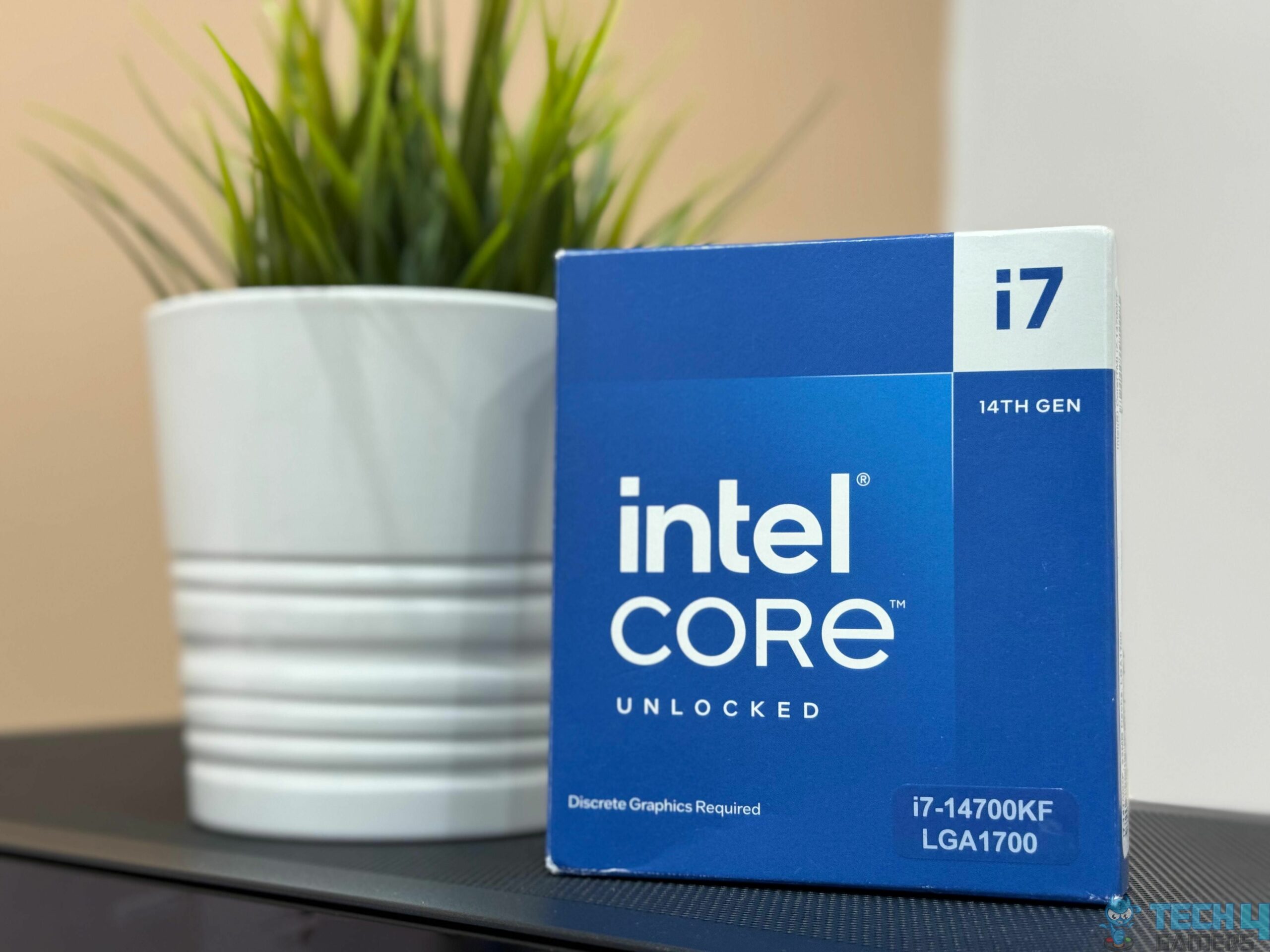
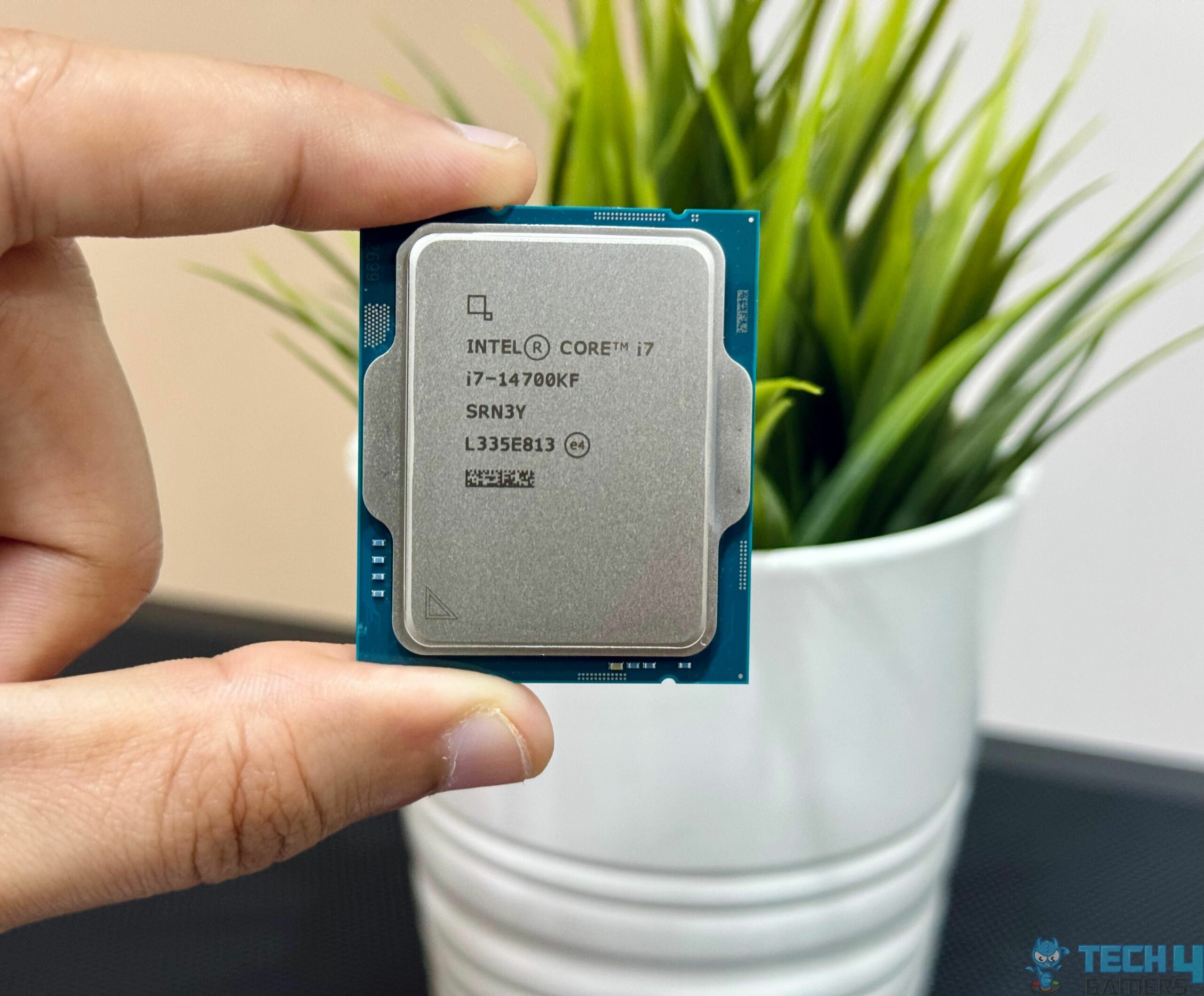
The Core i7 series has been the ideal choice for high-end gaming over the past few years, and as we saw in our review, the i7-14700K continues that trend. I found its gaming performance to be among the very best gaming CPUs on the current market, which comes as no surprise. Of course, choosing an outstanding motherboard for the Core i7-14700K is paramount, which is why we have tested numerous motherboards to distill our findings into this comprehensive list.
Why Trust Tech4Gamers
Usman Saleem is our hardware tester who loves to put all the latest GPUs, CPUs, and motherboards for a spin.
40+ motherboards tested and reviewed by our team of hardware experts (Tech4Gamers Team).
800+ hours spent testing different motherboards for our reviews.
At Tech4Gamers, ensuring you get reliable information is our priority. That’s why every hardware round-up undergoes a meticulous review process by our team of experts and editors. Each review is carefully examined against our strict editorial guidelines, guaranteeing you trustworthy insights you can depend on.
Our Top Picks
Here’s a quick look at our best motherboards for Core i7-14700K and a brief comparison of their specs:
Motherboard
MSI MAG Z790 TOMAHAWK MAX WiFi
ASRock Z790 Steel Legend WiFi
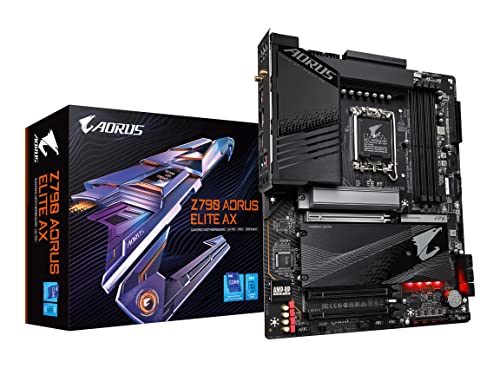
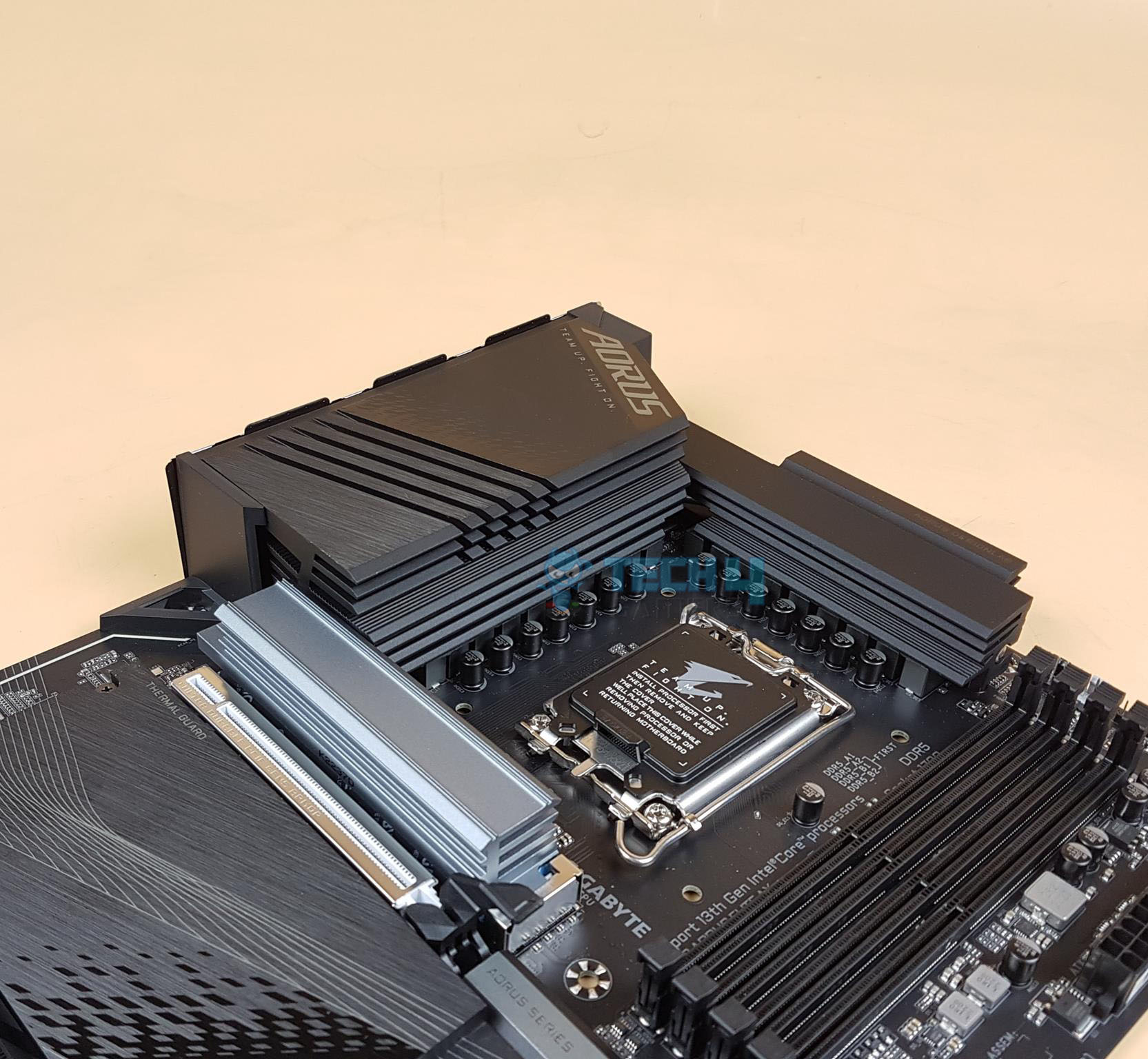
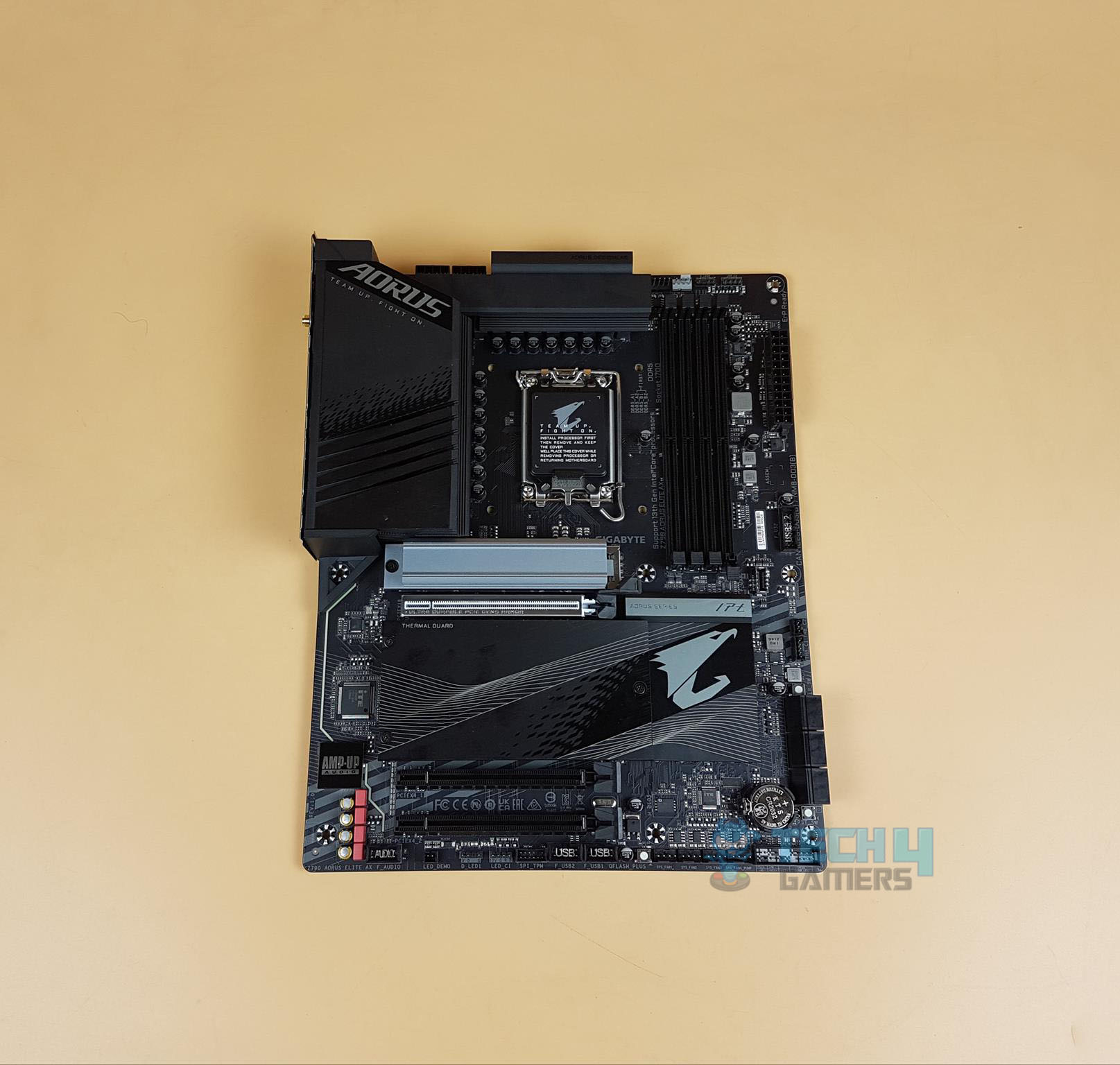
Gigabyte Z790 AORUS Elite AX
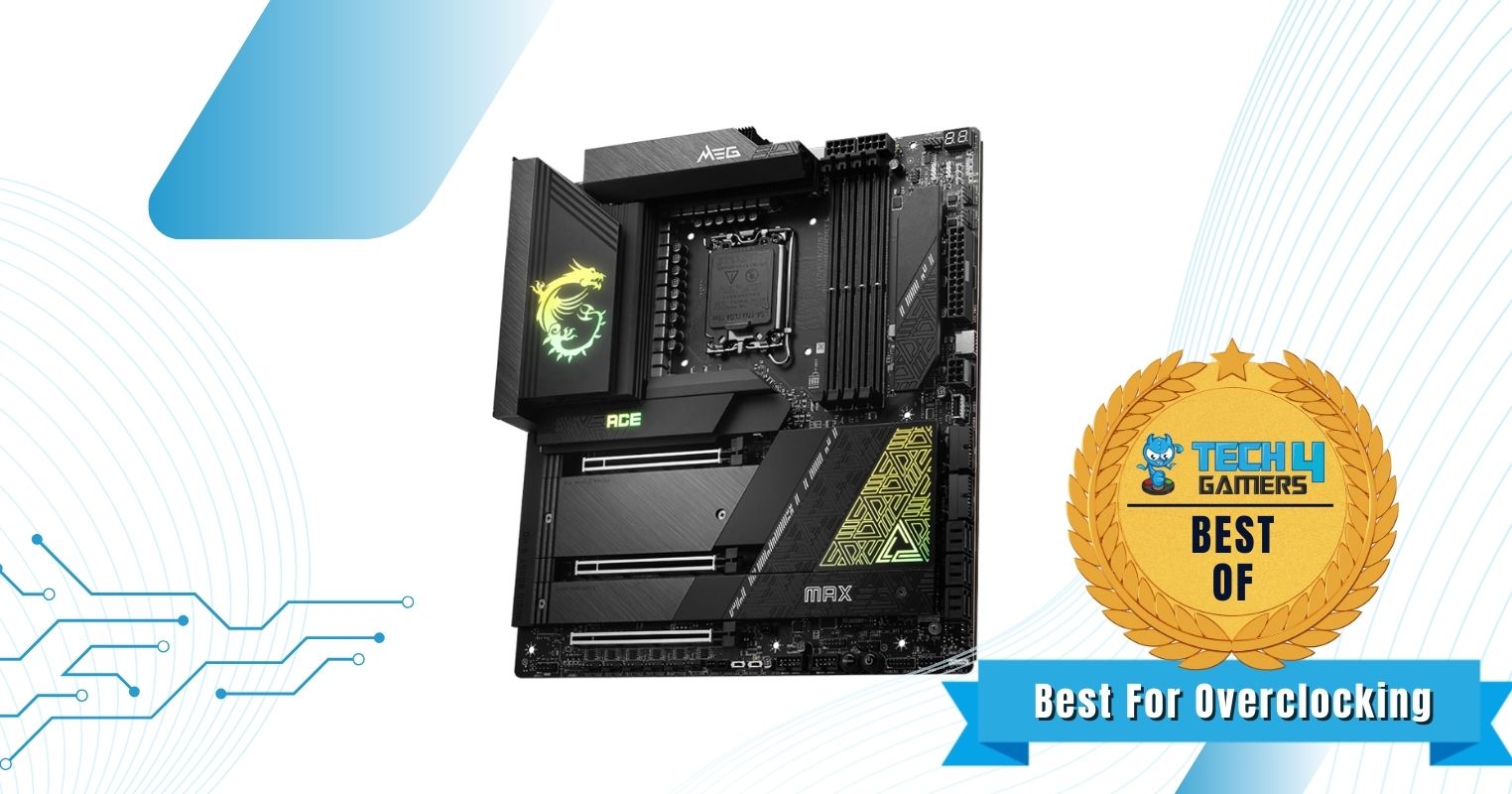
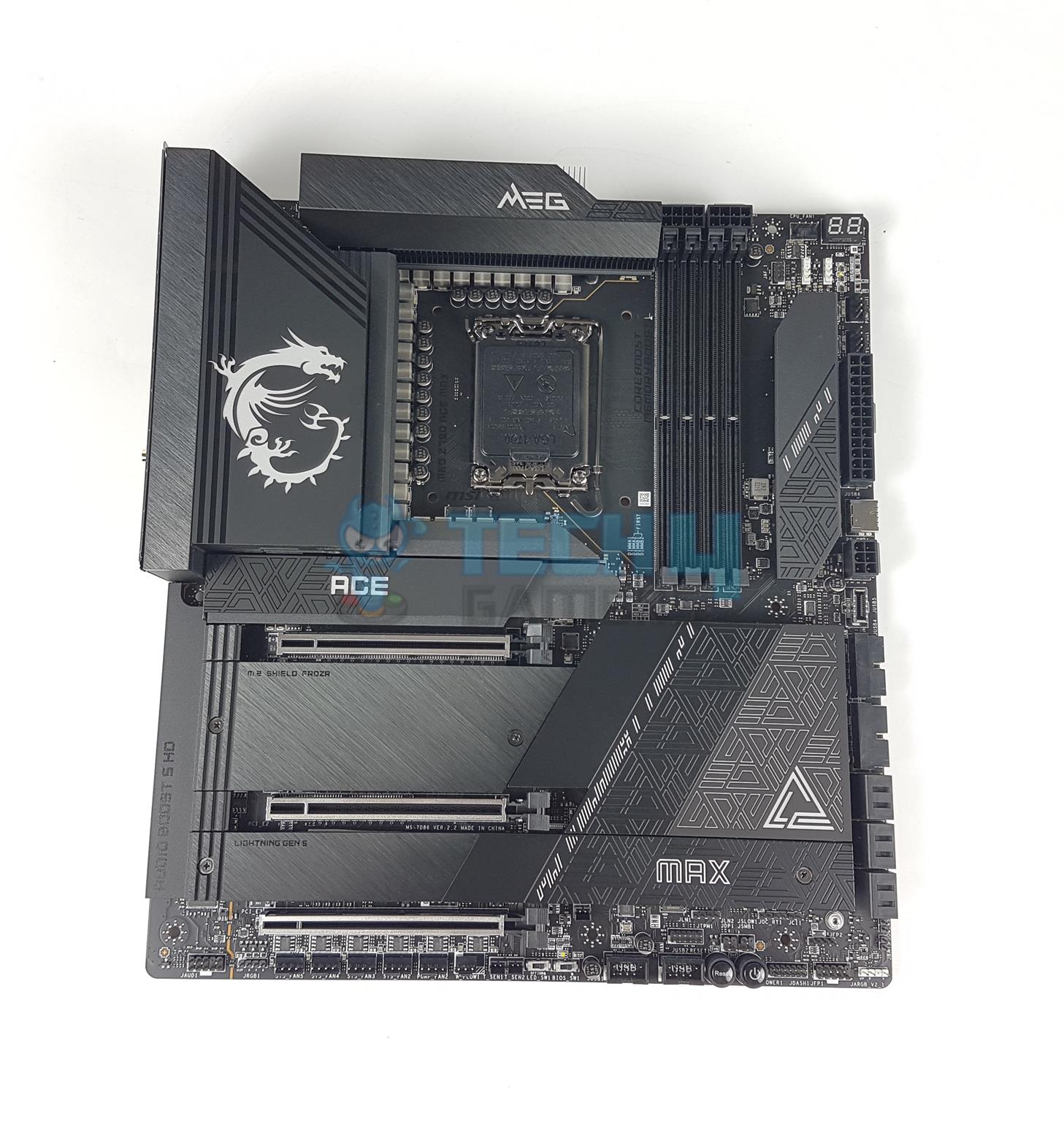
MSI MEG Z790 ACE MAX
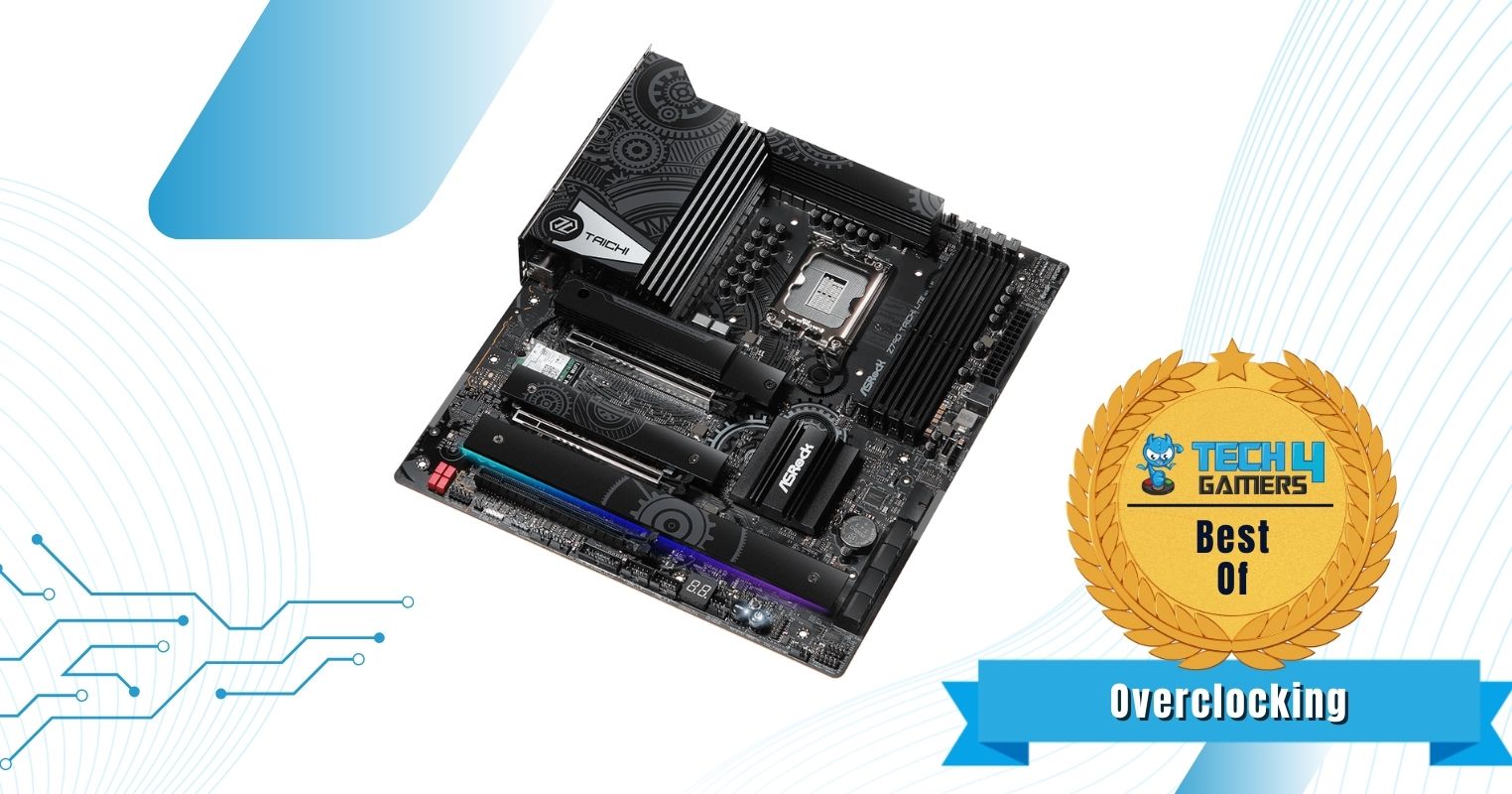
ASRock Z790 Taichi Lite
ASUS ROG Strix Z790-I Gaming WiFi 6E
Looks
Award
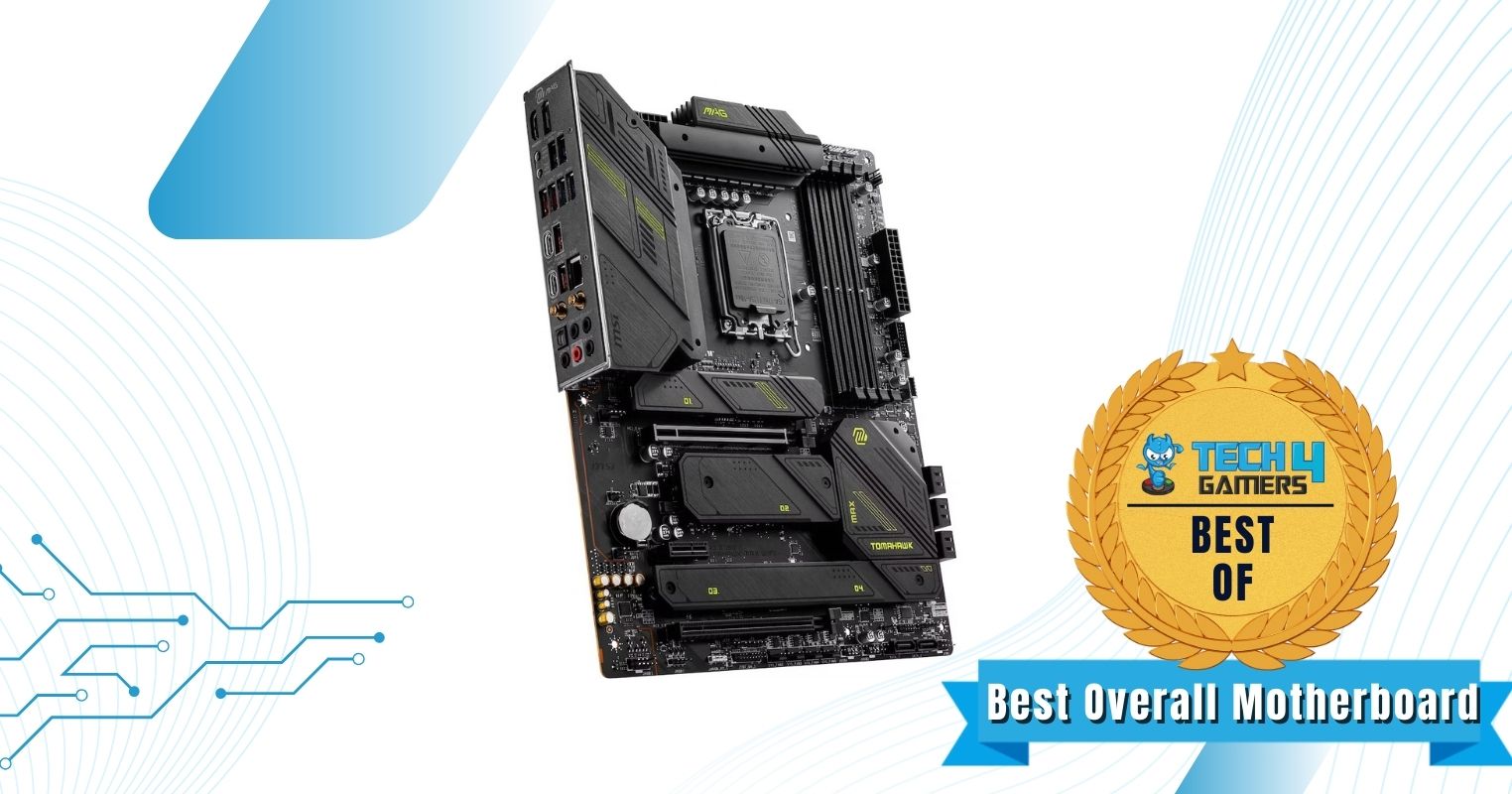
Best Overall Motherboard For i7-14700K
Best White Motherboard For i7-14700K
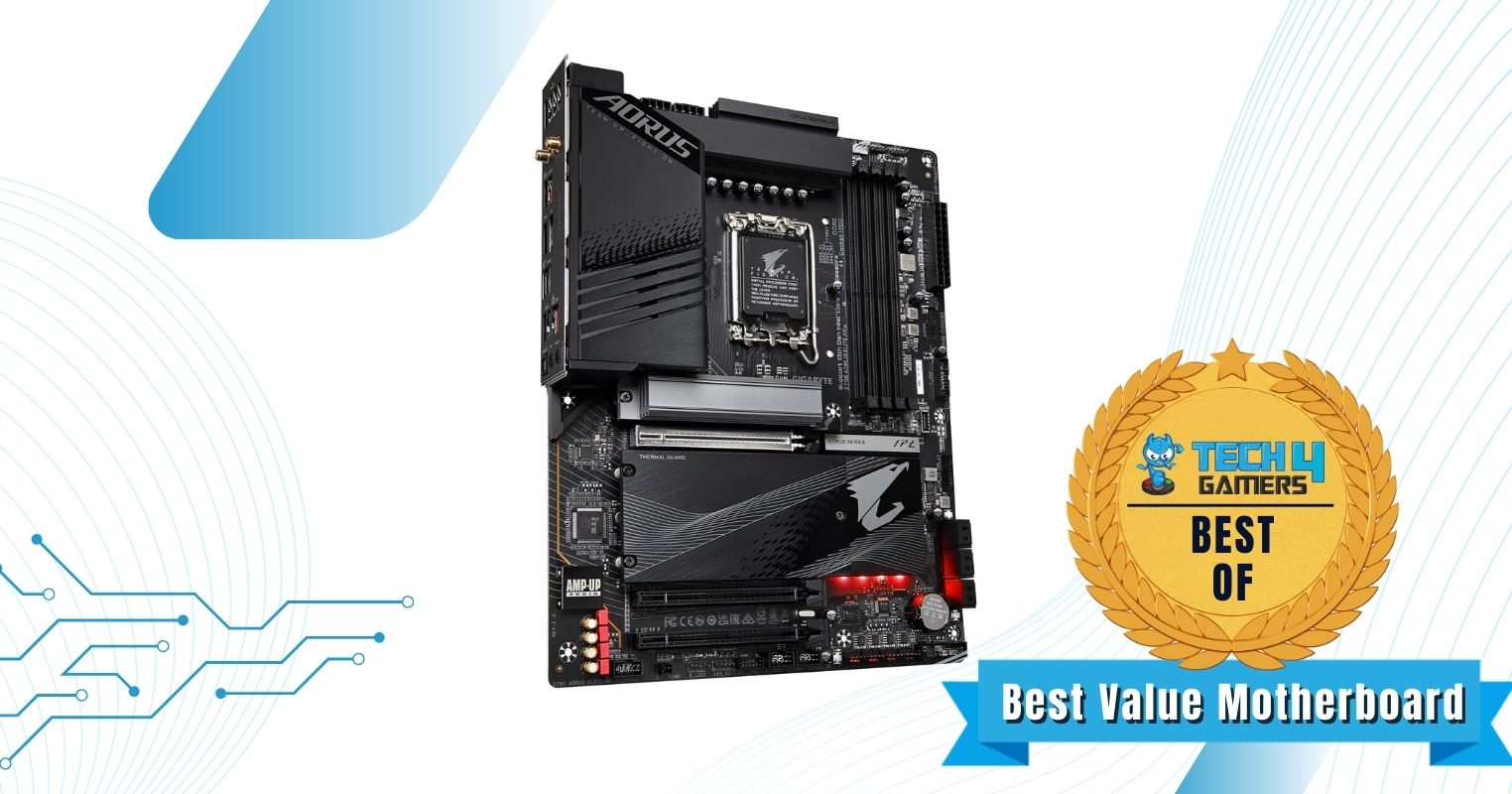
Best Value Motherboard For i7-14700K
Best Overclocking Motherboard For i7-14700K
Best High-End Motherboard For i7-14700K
Best Mini-ITX Motherboard For i7-14700K
What We Liked
Exceptional power delivery, Superb connectivity, Solid value for money
October 14, 2024: We have got our hands on more Z790 motherboards for testing. As such, we have improved our motherboard recommendations for the i7-14700K with even better choices.
[toc]
Our expert panel recommends the following for the Core i7-14700K:
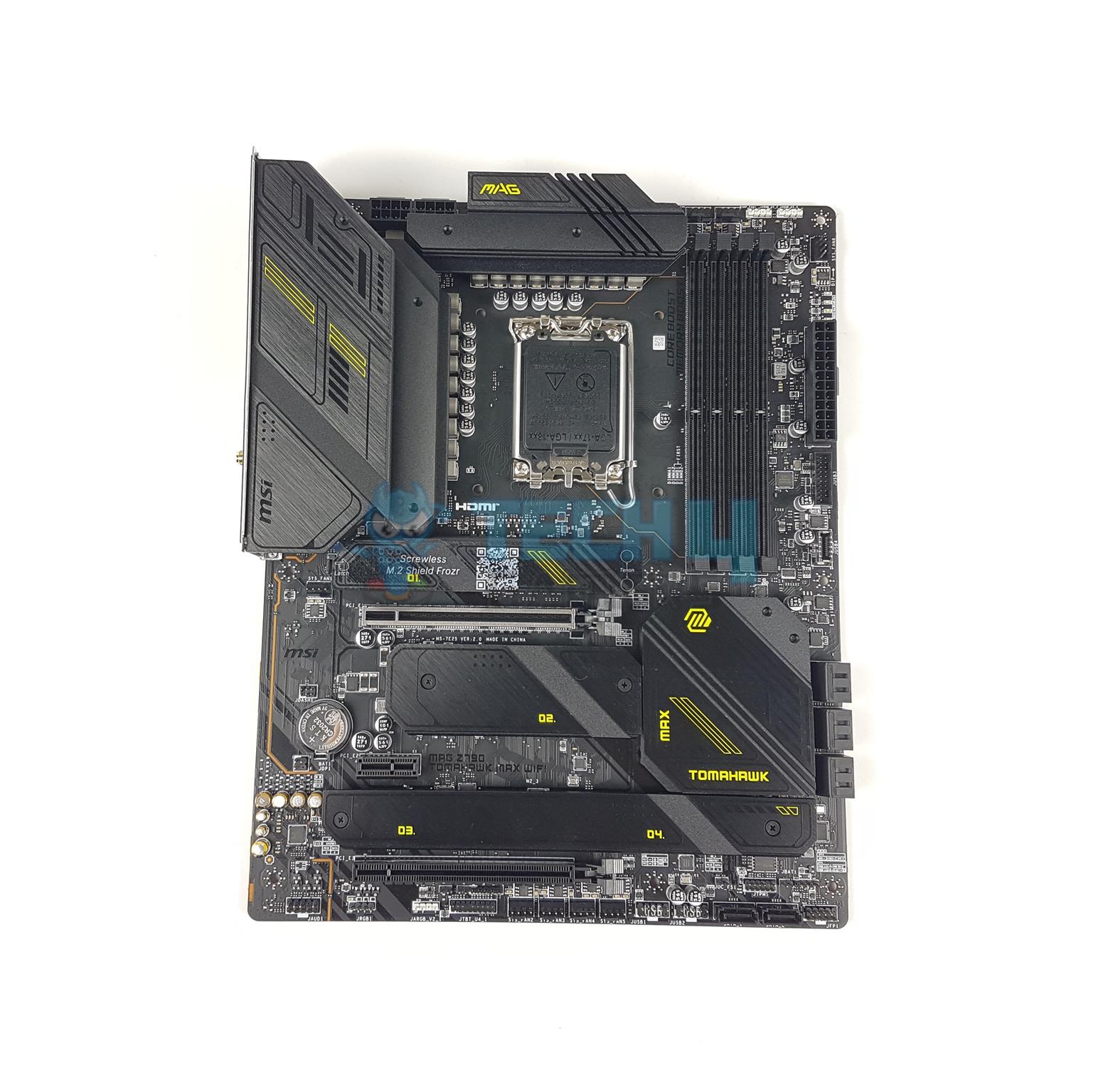
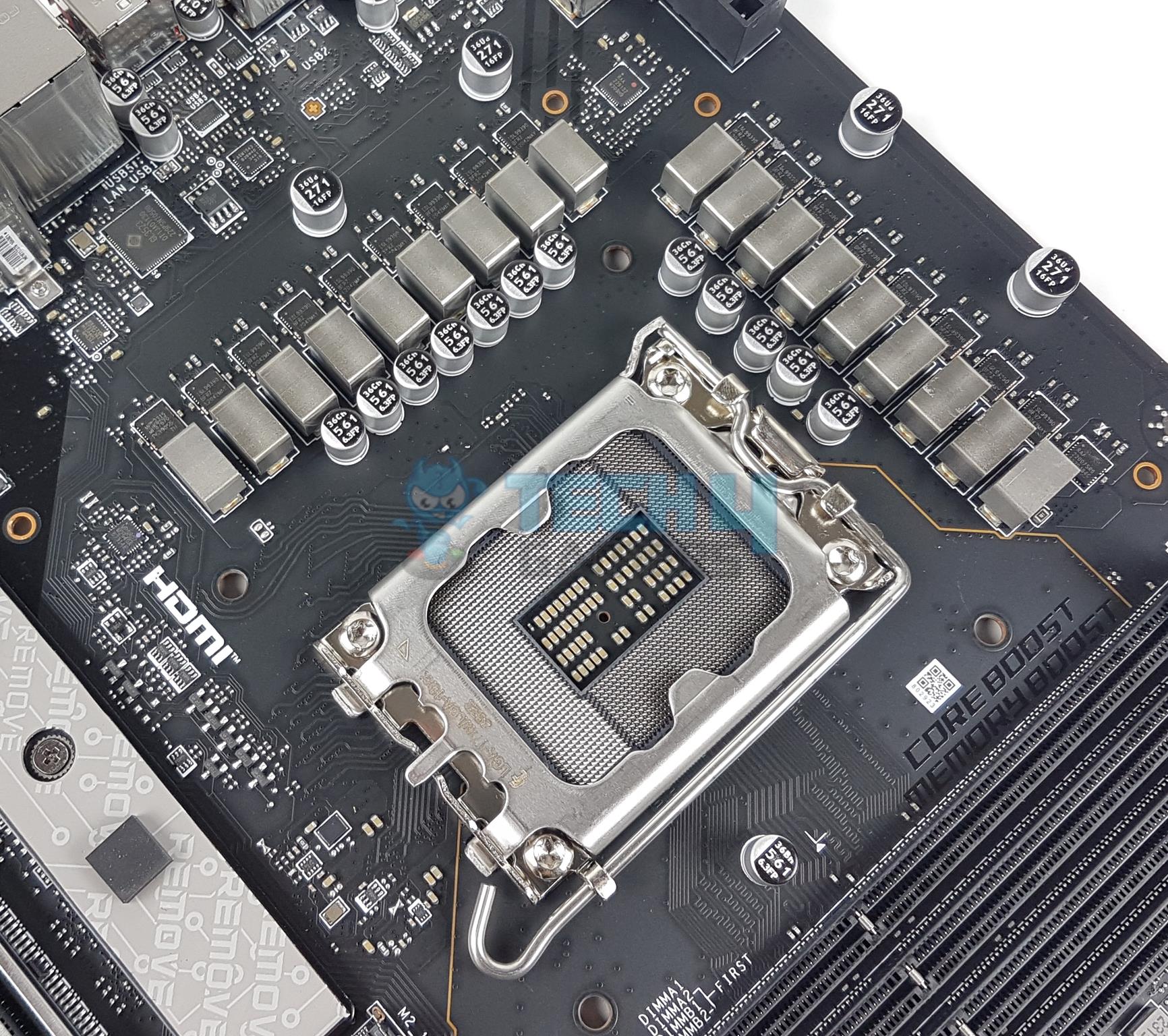
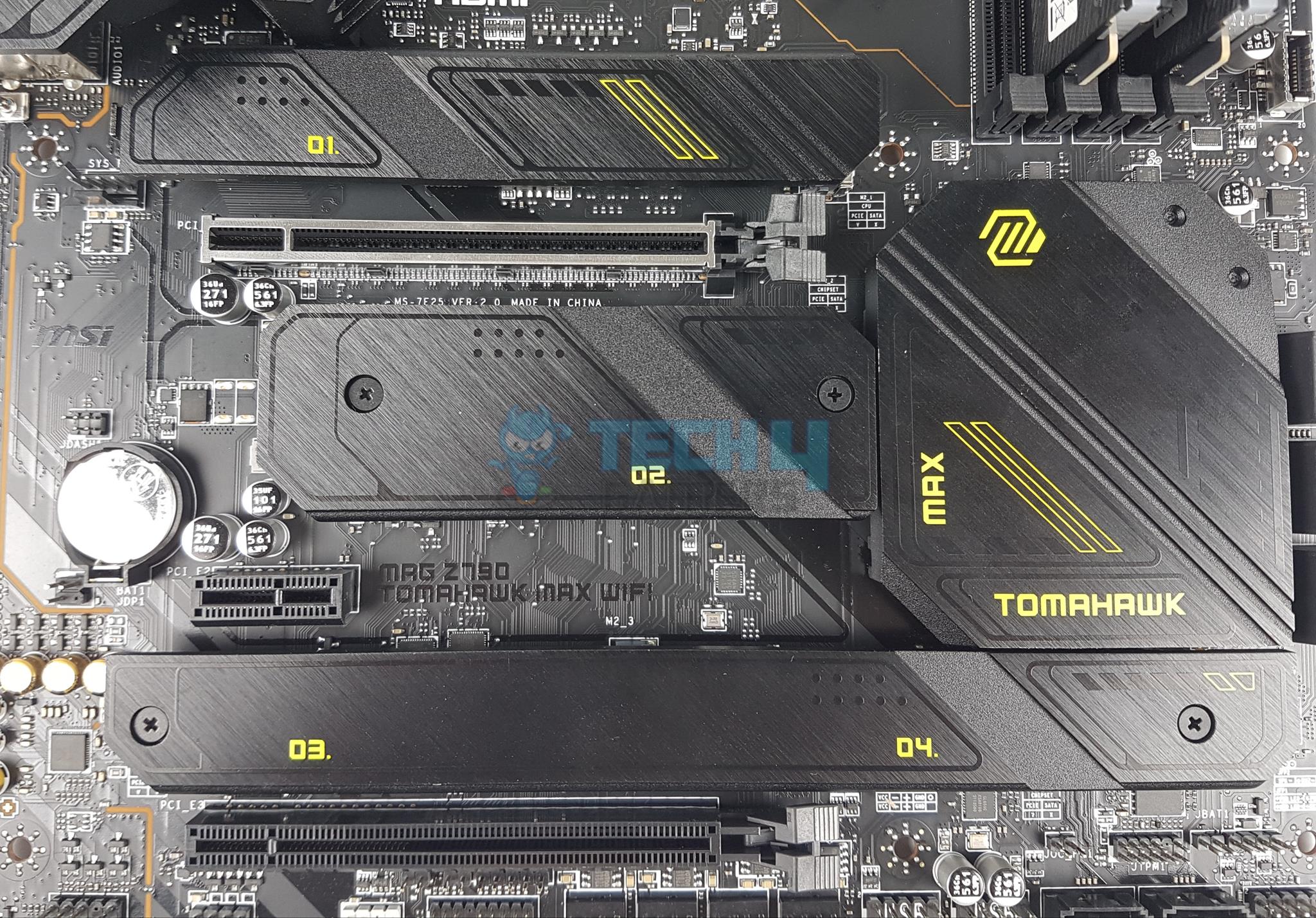
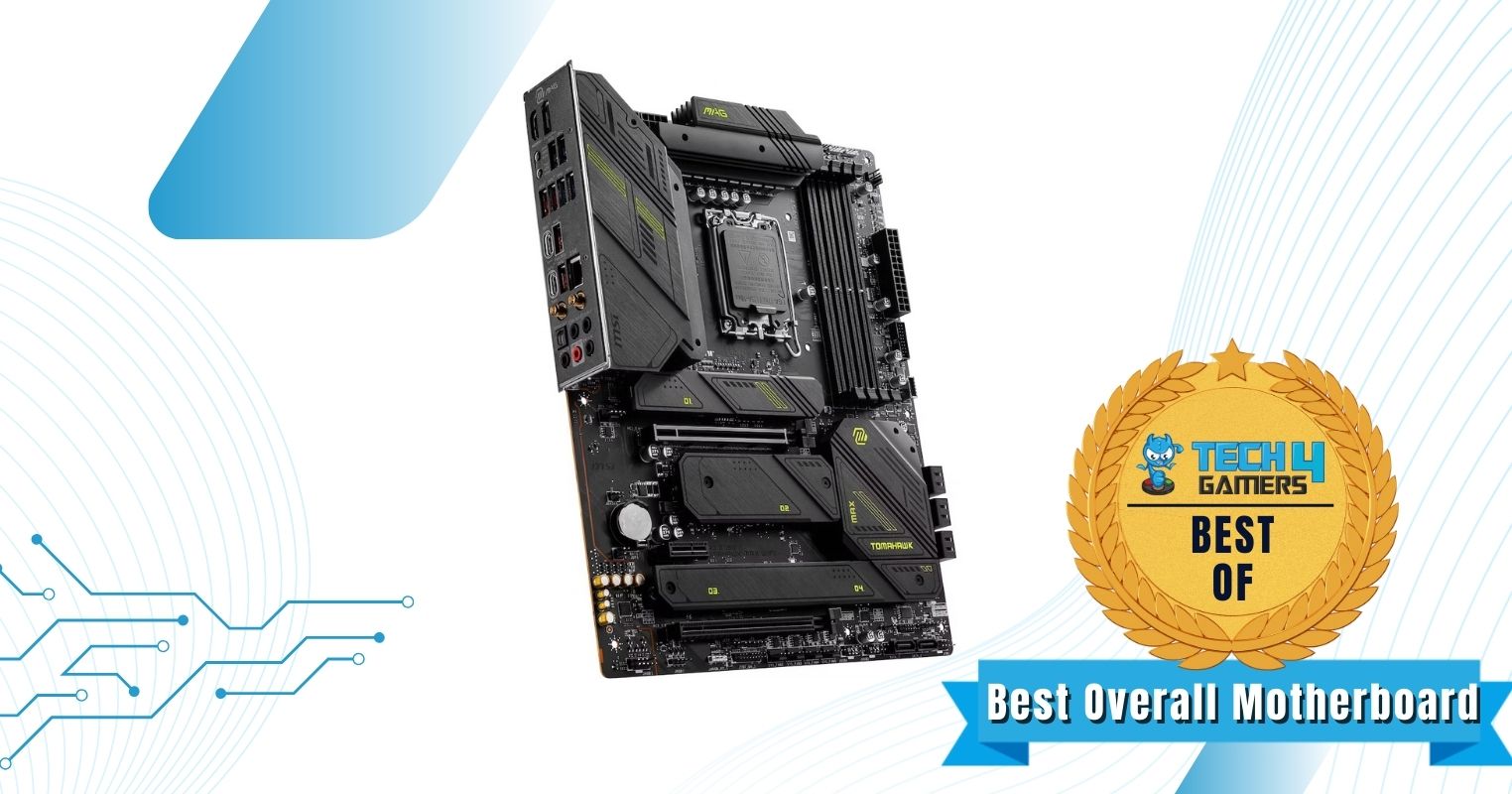
The MSI MAG Z790 TOMAHAWK WiFi boasts a distinct all-black design that highlights minimalism and a rugged look. Its serious and functional appearance is something I particularly appreciate. The board also features a robust 6-layer PCB made from IT-170 server-grade material featuring 2oz copper layers. In my testing, the MSI MAG Z790 TOMAHAWK was particularly impressive as I was able to achieve admirable sustained results thanks to its superb 16+1+1 phase VRM design with 90A power stages. Moreover, the gigantic multi-piece VRM heatsinks did an admirable job of keeping the VRM components cool under extended loads.
The Z790 TOMAHAWK MAX is jam-packed with add-ons, including a Clear CMOS button and Flash BIOS button for convenient troubleshooting. With 4 M.2 slots and robust networking, including a 2.5 GbE LAN port and Wi-Fi 7, it is an extremely competent choice for value-conscious builders, in my opinion.
After thoroughly testing the MSI MAG Z790 TOMAHAWK MAX WiFi, our hardware tested, Nauman Siddique, said:
The MSI MAG Z790 Tomahawk Max WiFi motherboard is a jack-of-all-trades option with a mix of new-generation features and backward compatibility. It has a robust power design, ample expansion slots, and effective cooling. Plus, the connectivity options are plentiful, with a focus on the new WiFi 7 standard. This motherboard is a good choice for gamers and general users looking for a modern, future-proofed motherboard at a competitive price point.
Buy It If
✅You want the ideal motherboard for i7-14700K: I think the Z790 TOMAHAWK MAX hits the sweet spot between VRM performance, modern features, and overall value for money, making it the perfect pairing for the i7-14700K.
Don't Buy It If
❌You prefer RGB lighting: Although its rugged industrial design language looks particularly appealing to me, some users may prefer a splash of RGB lighting as well.
What Makes It The Best Overall Motherboard For i7-14700K?
Checking all the boxes by delivering a superb power delivery system, versatile features, and superb value for money, the MSI MAG Z790 TOMAHAWK MAX is the best overall motherboard for i7-14700K.
VRM Performance: 8/10
Value: 9/10
Features: 9/10
Design: 8/10
ASRock Z790 Steel Legend WiFi
Best White Motherboard For i7-14700K
ASRock Z790 Steel Legend WiFi Pictures from Our Review
1 of 4
ASRock Z790 Steel Legend WiFi
ASRock Z790 Steel Legend WiFi (Image By Tech4Gamers)
ASRock Z790 Steel Legend WiFi (Image By Tech4Gamers)
ASRock Z790 Steel Legend WiFi (Image By Tech4Gamers)
Chipset: Z790 | Form Factor: ATX | Power Delivery: 16+1+1 Phase VRM | Memory Support: 4x DIMM, 192GB, DDR5-7200+ | Display Outputs: HDMI, DisplayPort, eDP | USB Ports: 10x rear, 8x internal | Storage: 5x M.2, 8x SATA | Networking: 1x 2.5 GbE LAN, 1x Wi-Fi 6E
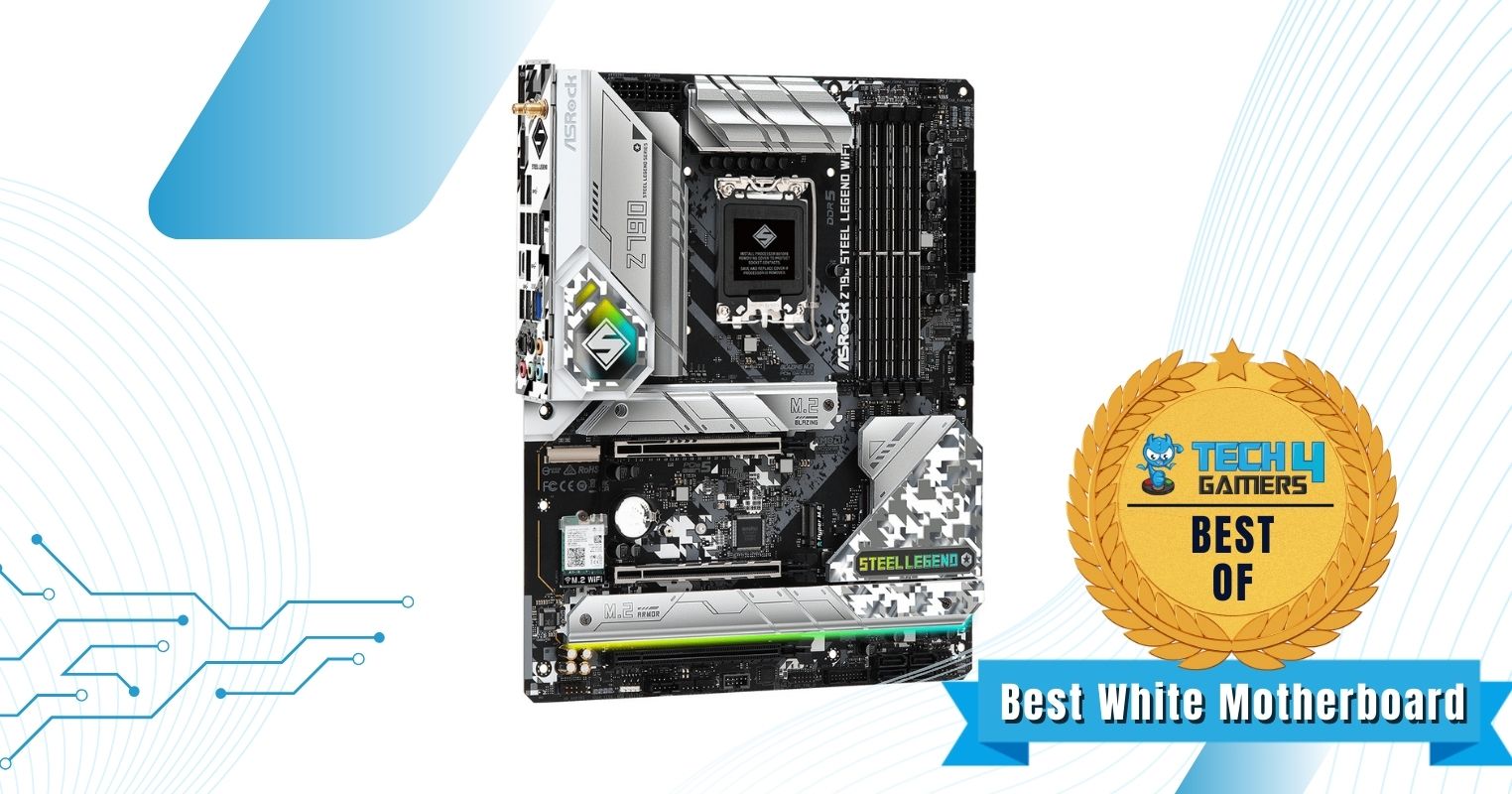
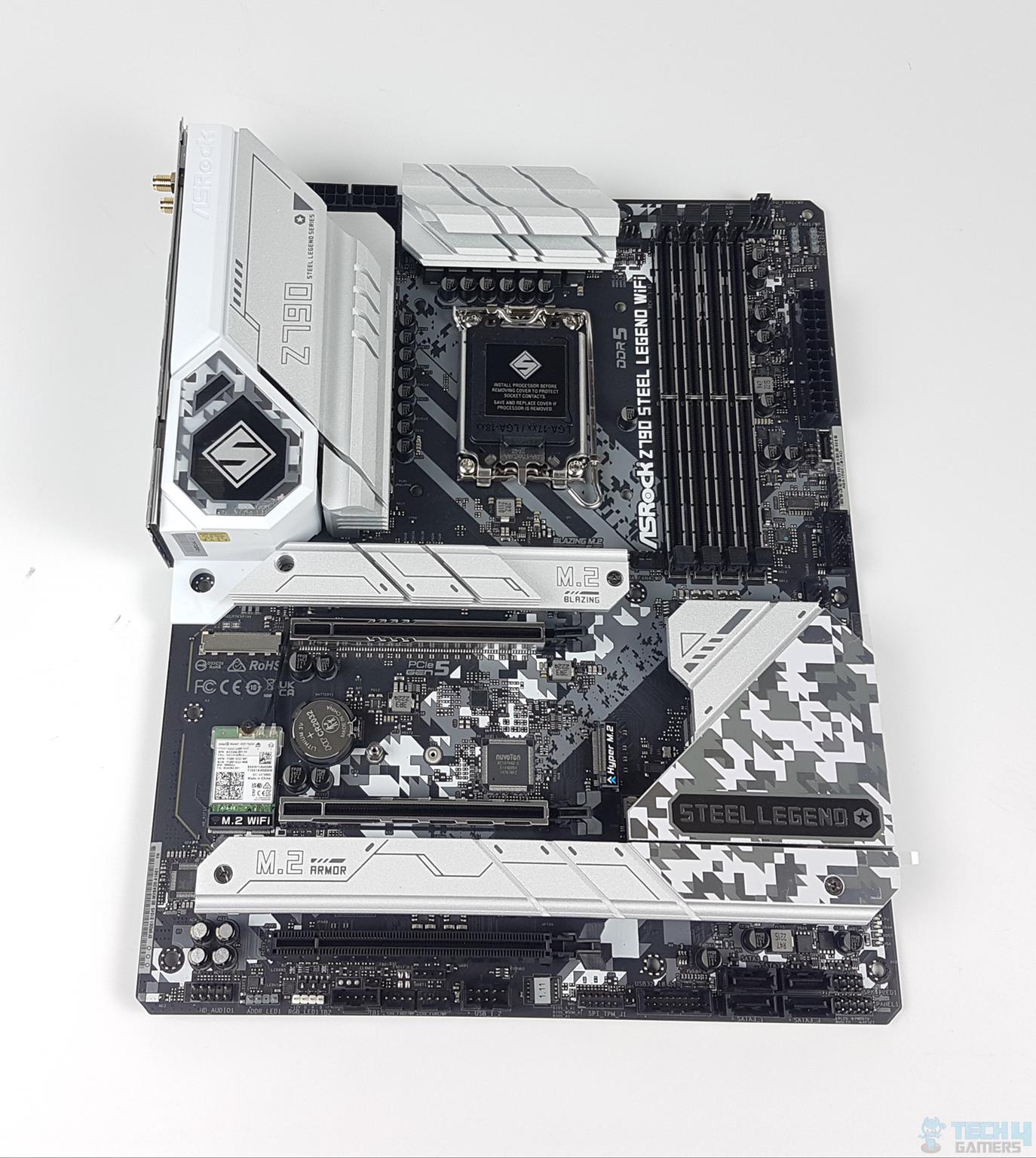
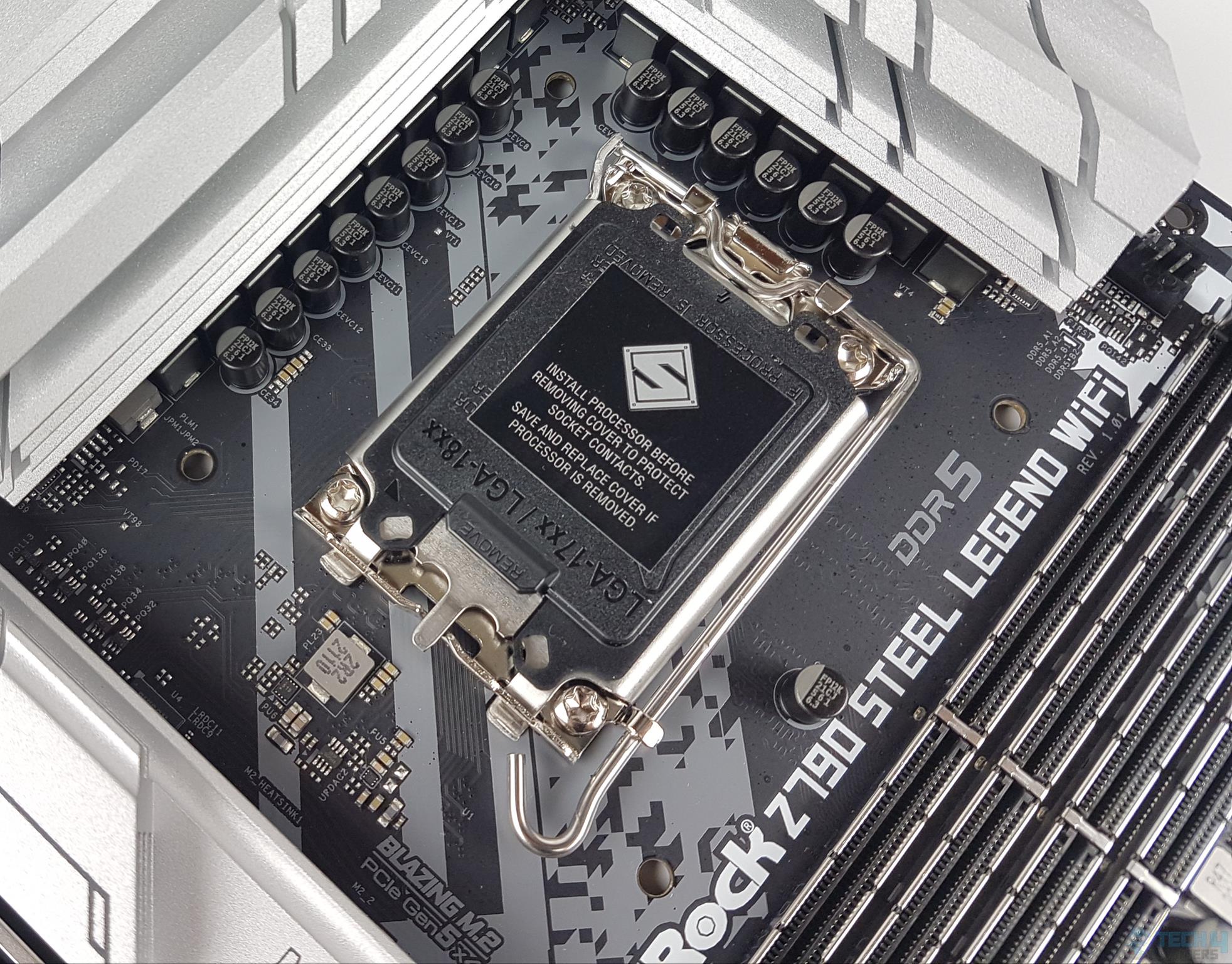
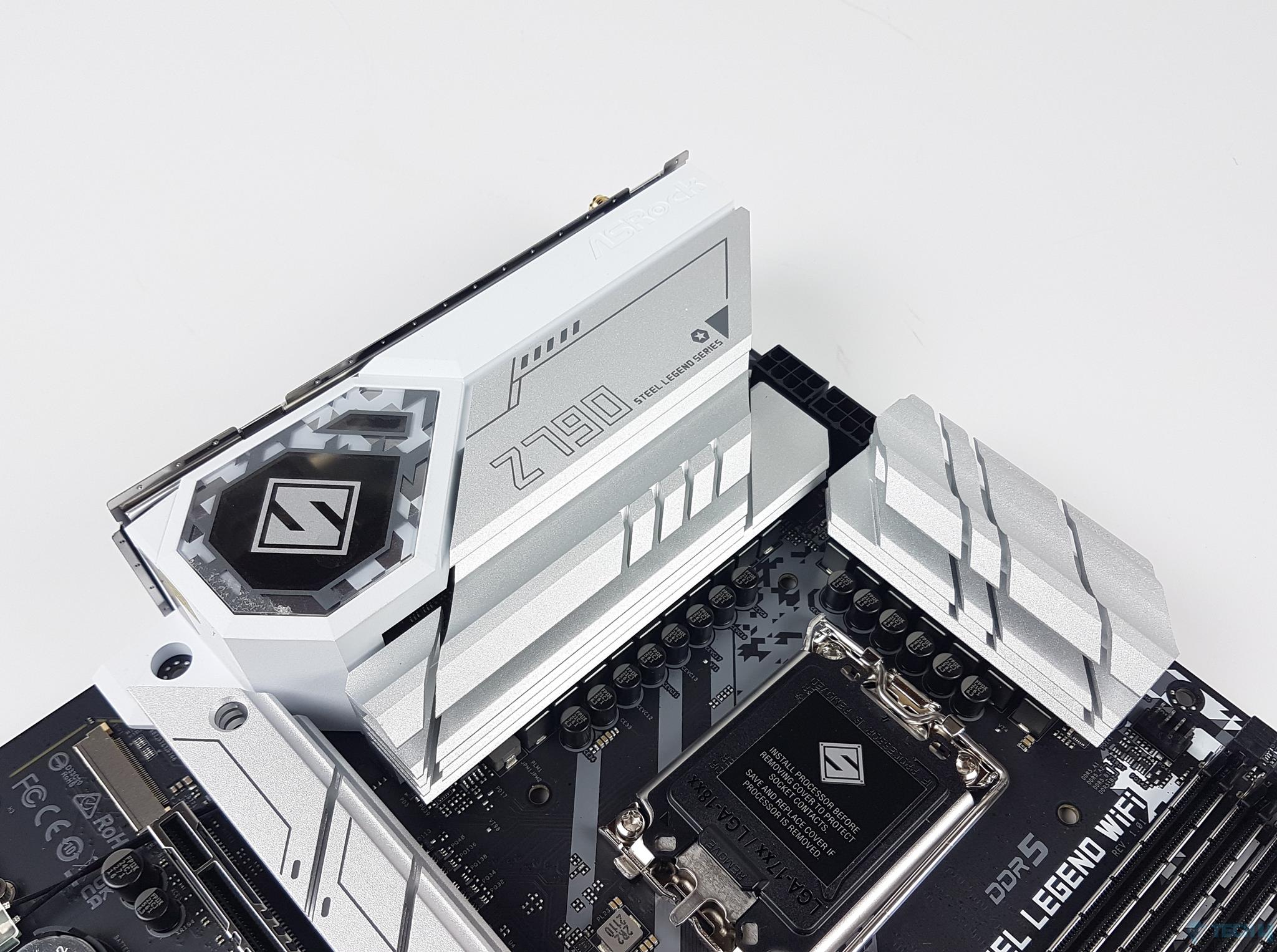
I particularly like the camouflage pattern on the chipset heatsink as well as the PCB itself. The RGB lighting implementation on the I/O cover also adds a touch of class to a white PC build. ASRock has used a 6-layer PCB with 2oz Copper layers for added durability, which provides a premium feel to the board. Despite its modest price tag, the ASRock Z790 Steel Legend performed surprisingly well in my overclocking tests, mainly thanks to its outstanding 16+1+1 phase VRM design with Nihicon 12K caps. The VRM is effectively cooled by the massive heatsink array that ASRock has installed, with extensive finning for improved surface area.
ASRock has not left a lot to be desired when it comes to the feature set of the Z790 Steel Legend. The primary M.2 slot is capable of PCIe 5.0 speeds, and I quite like the versatile networking options. The rear I/O is adequately well-equipped, and the USB 3.2 Gen2 Type-C port particularly caught my eye.
Regarding the design, our resident motherboard expert, Nauman Siddique, commented:
“ASRock Z790 Steel Legend WiFi is a beautiful board providing a combination of silver and white color accents with vivid and evenly done RGB lighting.”
Buy It If
✅You want a white motherboard: If you want to furnish your all-white PC build with a white centerpiece, then the ASRock Z790 Steel Legend is the perfect candidate for you.
Don't Buy It If
❌You want more USB 2.0 headers: I feel like the singular USB 2.0 header on the Z790 Steel Legend may be a limitation for some users who want to attach a lot of external peripherals.
What Makes It The Best White Motherboard For i7-14700K?
Along with the unique all-white design, the ASRock Z790 Steel Legend features a powerful 16+1+1 phase VRM design, a 6-layer copper PCB, and a host of premium connectivity options, making it the best white motherboard for i7-14700K.
VRM Performance: 9/10
Value: 8/10
Features: 9/10
Design: 10/10
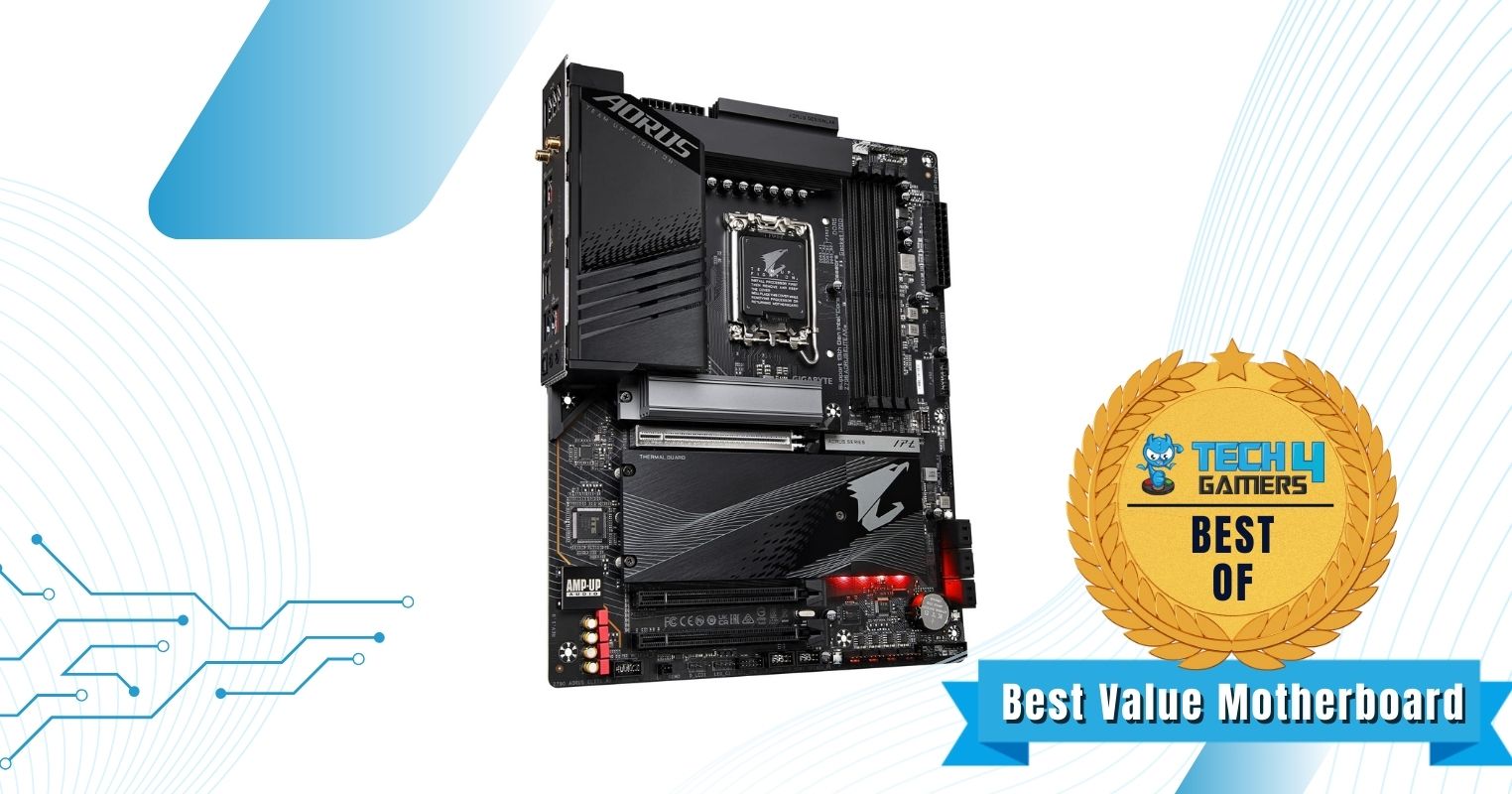
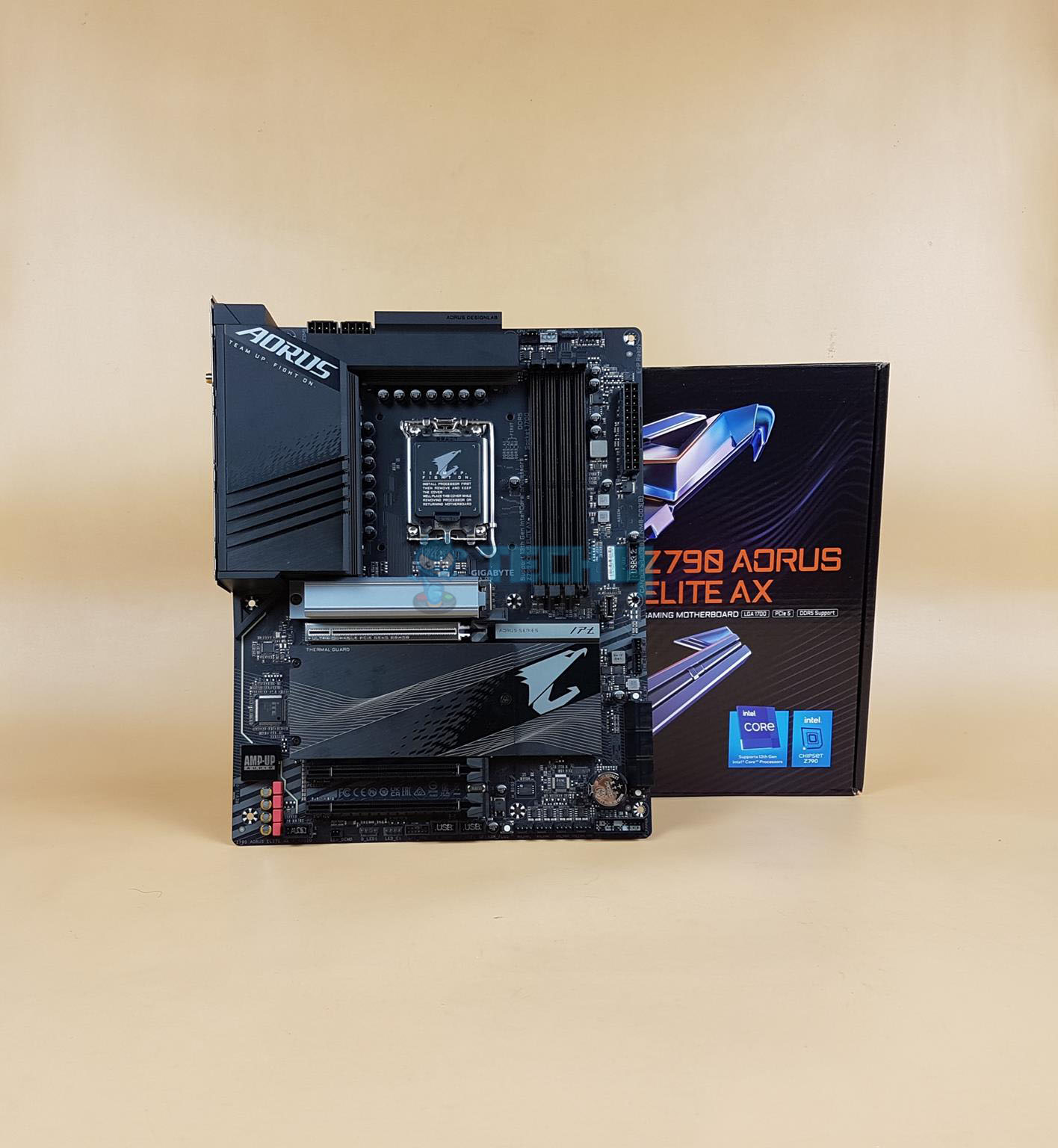
Gigabyte Z790 AORUS Elite AX
Best Value Motherboard For i7-14700K
GIGABYTE Z790 AORUS ELITE AX Pictures from Our Review
1 of 4
GIGABYTE Z790 AORUS Elite AX
GIGABYTE Z790 AORUS ELITE AX (Image By Tech4Gamers)
GIGABYTE Z790 AORUS ELITE AX (Image By Tech4Gamers)
GIGABYTE Z790 AORUS ELITE AX (Image By Tech4Gamers)
Chipset: Z790 | Form Factor: ATX | Power Delivery: 16+1+2 Phase VRM | Memory Support: 4x DIMM, 192GB, DDR5-7600+ | Display Outputs: HDMI, DisplayPort | USB Ports: 10x rear, 7x internal | Storage: 4x M.2, 6x SATA | Networking: 1x 2.5 GbE LAN, 1x Wi-Fi 6E
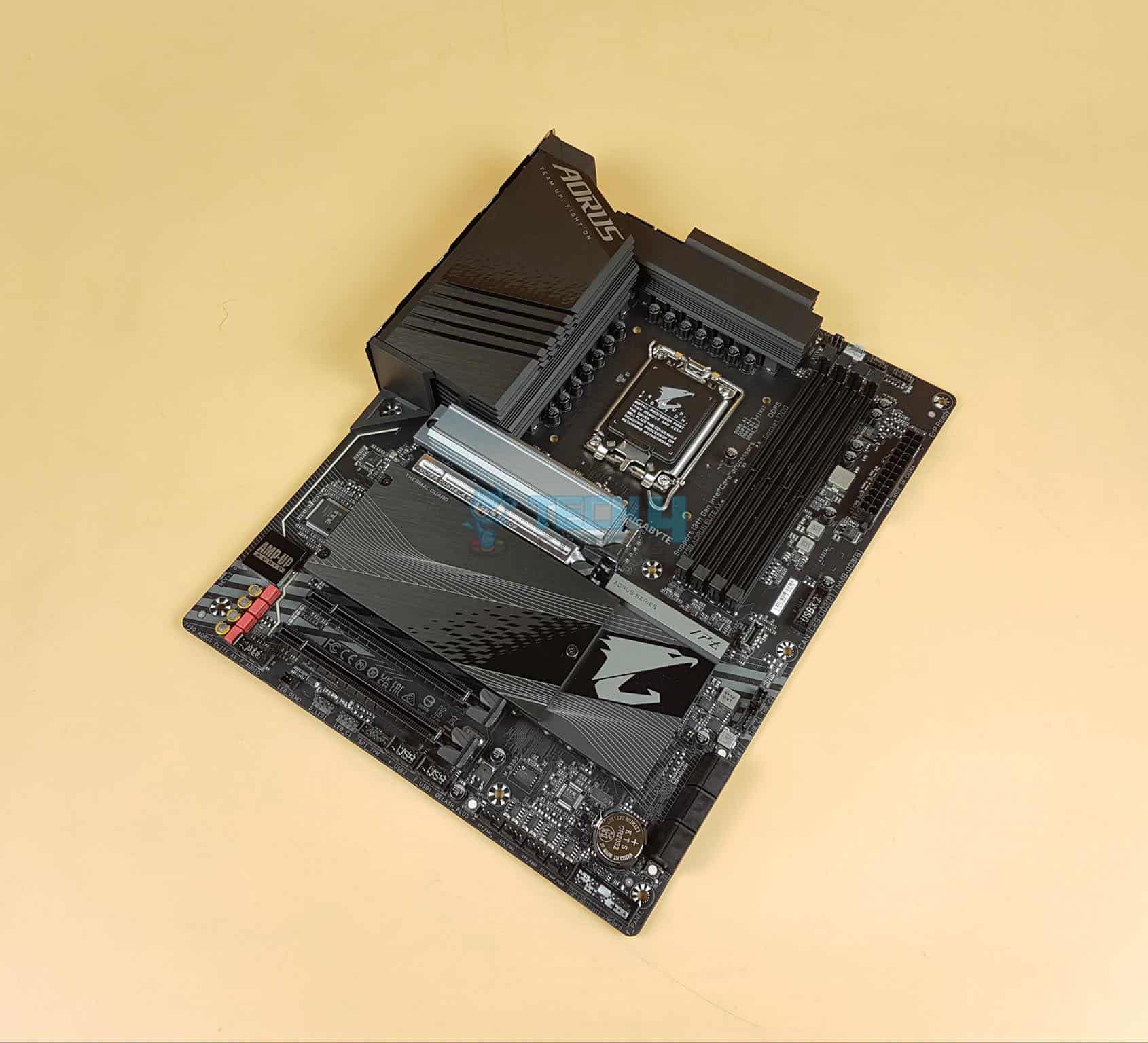
The Gigabyte Z790 AORUS Elite AX boasts a simple all-black design with rugged accents. The unique ridges on the I/O cover and chipset heatsink add character, though the RGB lighting placement may be peculiar for some. The 6-layer PCB with 2x copper reinforcement also improves overall durability.The Gigabyte Z790 AORUS Elite AX really impressed me while on my test bench due to its excellent 16+1+2 phase VRM design with 70A power stages, as well as its powerful heat dissipation system. My test results reveal that the Z790 AORUS Elite AX is an excellent pairing for the Core i7-14700K on a modest budget.
The Z790 AORUS Elite AX offers the Multi-Key option for versatile functions like RGB control, BIOS access, and toggling Safe Mode. Connectivity options are also quite pleasant, offering 4 M.2 slots for storage, as well as decent USB options on the rear I/O, including a USB-C 20 Gbps port.
Our motherboard specialist, Nauman Siddique, was particularly impressed with the Gigabyte Z790 AORUS Elite AX, saying:
“The GIGABYTE Z790 AORUS ELITE AX is a well-balanced motherboard with a feature set that would easily provide the daily-driver requirement in the main-stream mid-range market segment”.
Buy It If
✅You want to maximize the bang for the buck: The Z790 AORUS Elite AX impressed me with its competent feature set at such an affordable price point, making it the value champion in this category.
Don't Buy It If
❌You have a PCIe 5.0 NVMe drive: Although I found the storage suite to be quite acceptable for the price, it does lack a PCIe 5.0 M.2 slot.
What Makes It The Best Value Motherboard For i7-14700K?
The Gigabyte Z790 AORUS Elite AX offers an outstanding 16+1+2 phase power delivery system, a host of modern connectivity features, and solid build quality at a very modest price point, making it the best value motherboard for i7-14700K.
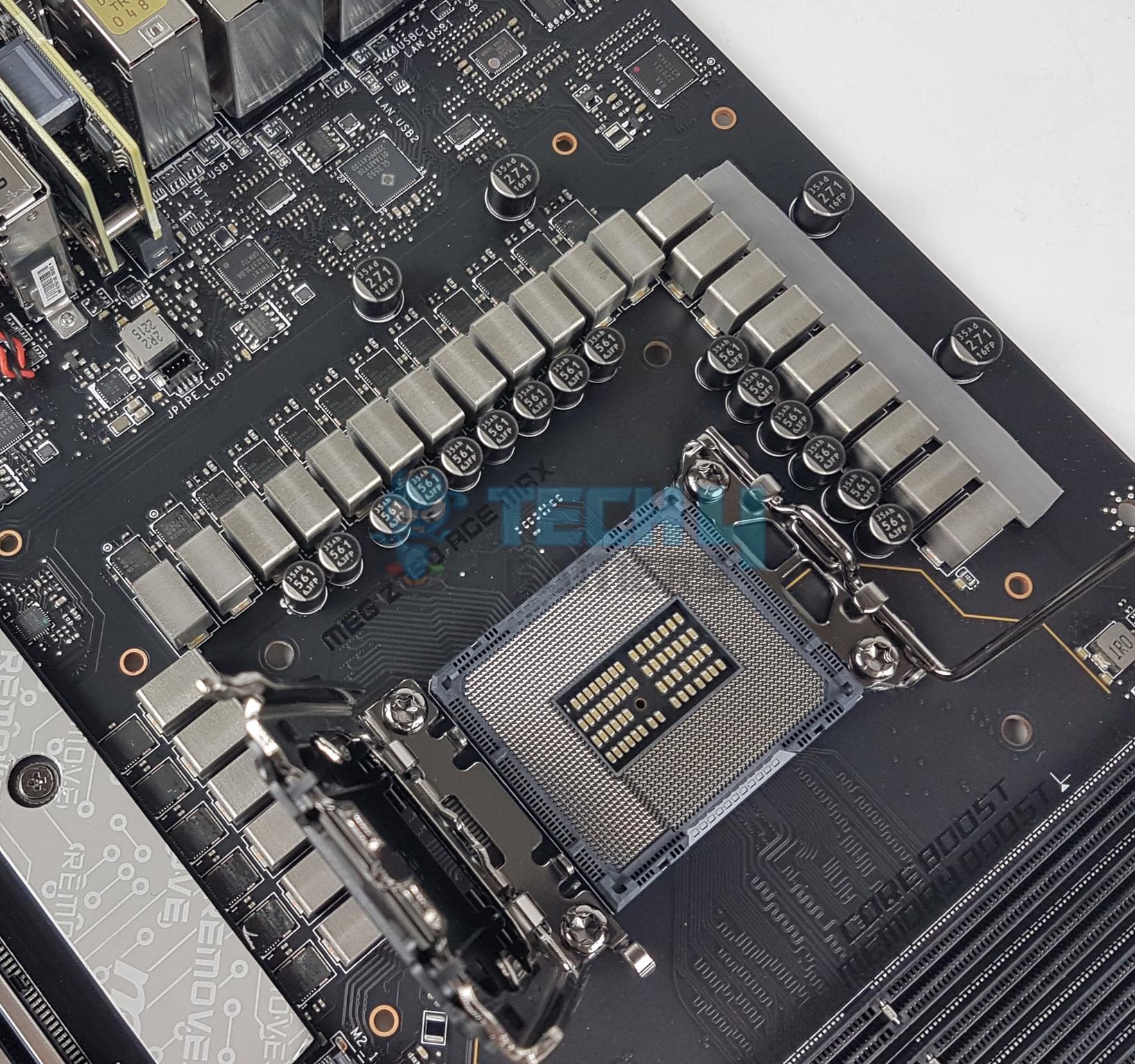
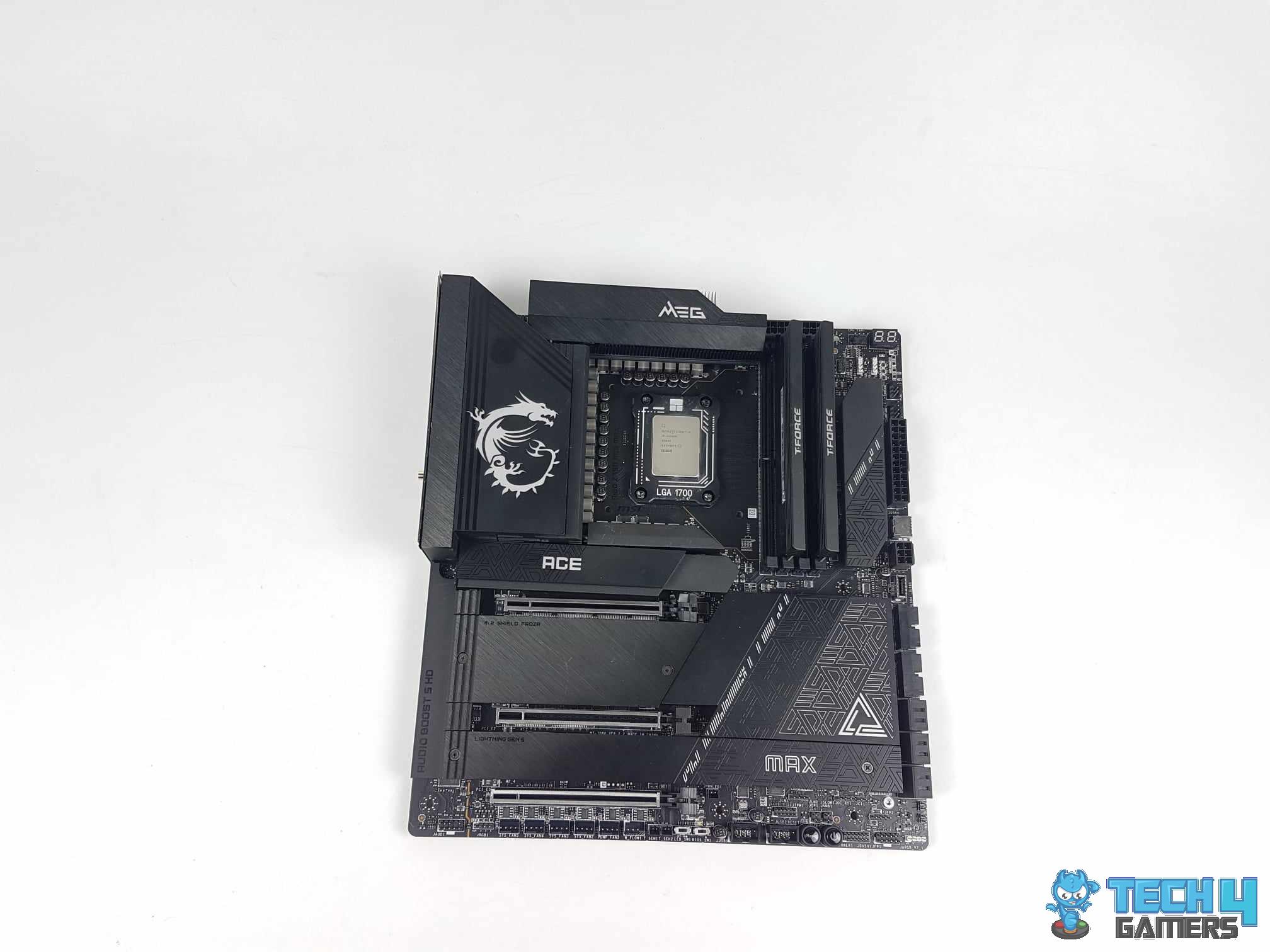
The MSI MEG Z790 ACE MAX features a unique and eye-catching design that sets it apart. Its iconic dragon logo is prominently featured on the I/O cover, adding a distinctive touch. It also features an 8-layer, Server-grade, ultra-low-loss PCB that enhances its overall durability.The MSI MEG Z790 ACE MAX features a remarkable 24+1+2 phase VRM design with 105A power stages with a gigantic composite VRM heatsink. As a result of these outstanding components, my overclocking experience with the Core i7-17900K on the Z790 ACE was exceptional, and the VRM temperatures peaked at just 46.2C.
It provides a total of 5 M.2 slots, including a PCIe 5.0 socket and 6 SATA ports, catering to a variety of storage needs. Networking capabilities are robust with two 2.5 GbE LAN ports, as well as WiFi 7, ensuring reliable internet access. Additionally, it boasts a plethora of high-speed USB ports on the rear I/O.
I reached out to our resident motherboard specialist, Nauman Siddique, for his thoughts on the MSI MEG Z790 ACE MAX:
“The MSI MEG Z790 ACE MAX is a flagship motherboard that impresses with its top-tier features, including Gen5 connectivity, Thunderbolt 4.0 support, and a robust 24+1+2 VRM design”.
Buy It If
✅You want to overclock the Core i9-14900K: With a 24+1+2 phase power delivery system and extraordinary cooling, my testing reveals that the MEG Z790 ACE MAX is unmatched in its overclocking potential.
Don't Buy It If
❌Your budget is limited: Despite its unique selling point and extraordinary price-to-performance ratio, the initial price tag of the MEG Z790 ACE MAX is still quite high.
What Makes It The Best Overclocking Motherboard For i7-17900K?
The MEG Z790 ACE MAX has an unparalleled 24+1+2 phase VRM design with 105A power stages cooled by a massive composite heatsink on a robust 8-layer server-grade PCB, making it the best overclocking motherboard for i7-17900K.
VRM Performance: 10/10
Value: 7/10
Features: 10/10
Design: 9/10
ASRock Z790 Taichi Lite
Best High-End Motherboard For i7-14700K
ASRock Z790 Taichi Lite Pictures from Our Review
1 of 4
ASRock Z790 Taichi Lite
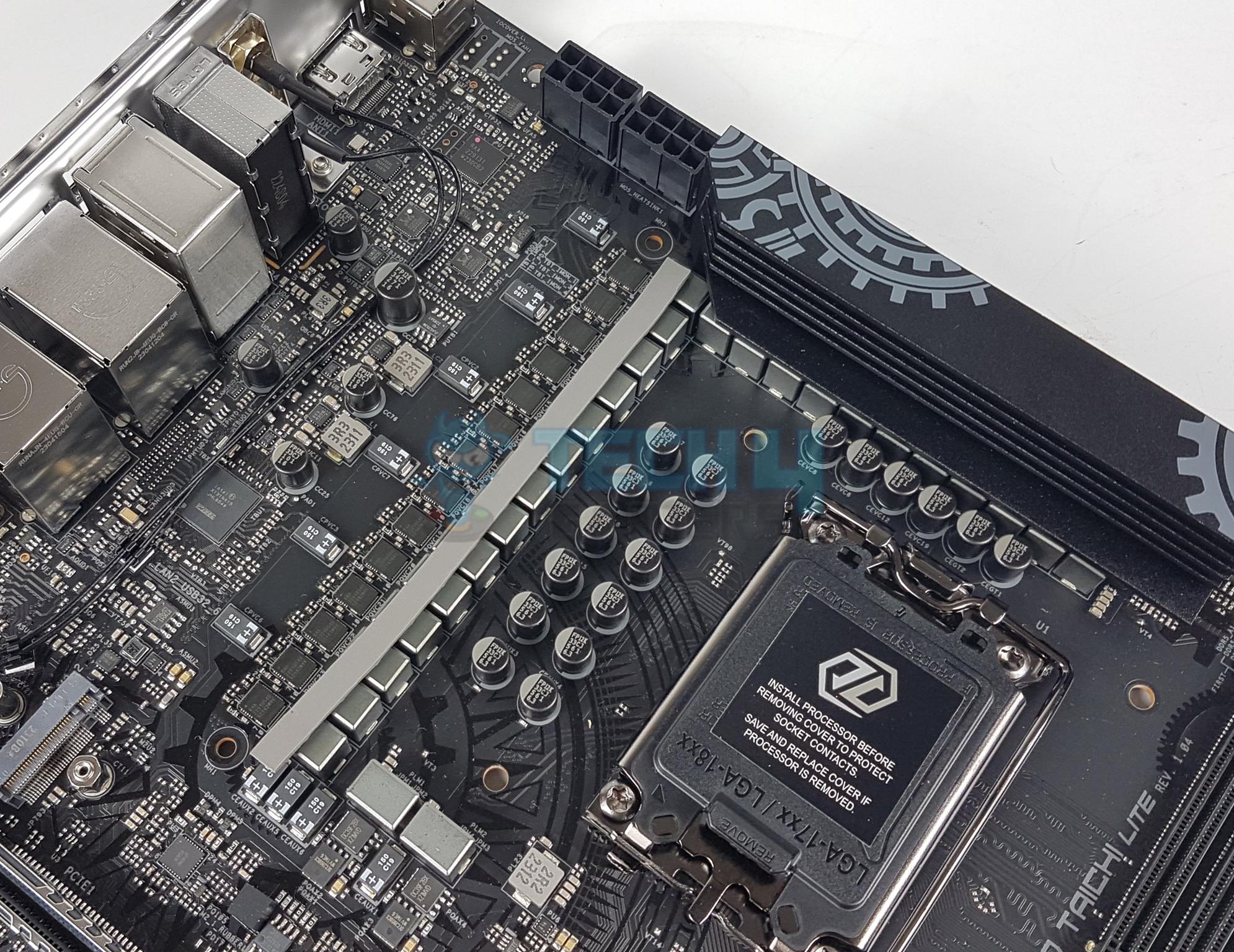
ASRock Z790 Taichi Lite (Image by Tech4Gamers)
VRM Heatsink
VRM Mosfets
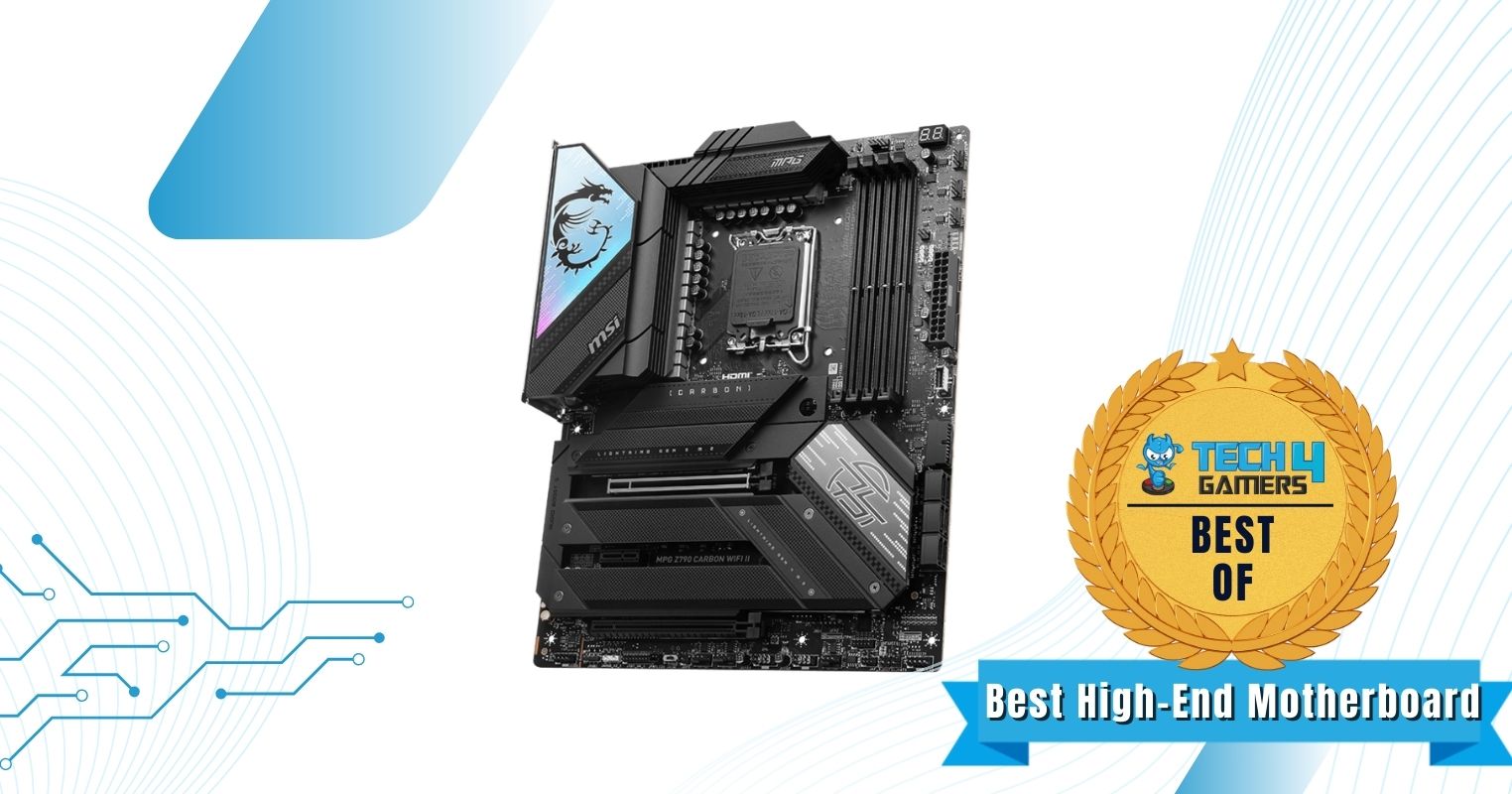
Chipset: Z790 | Form Factor: E-ATX | Power Delivery: 24+1+2 Phase VRM | Memory Support: 4x DIMM, 192GB, DDR5-7,200+ | Display Outputs: HDMI | USB Ports: 12x rear, 9x internal | Storage: 5x M.2, 8x SATA | Networking: 1x 2.5 GbE LAN, 1x Wi-Fi 6E
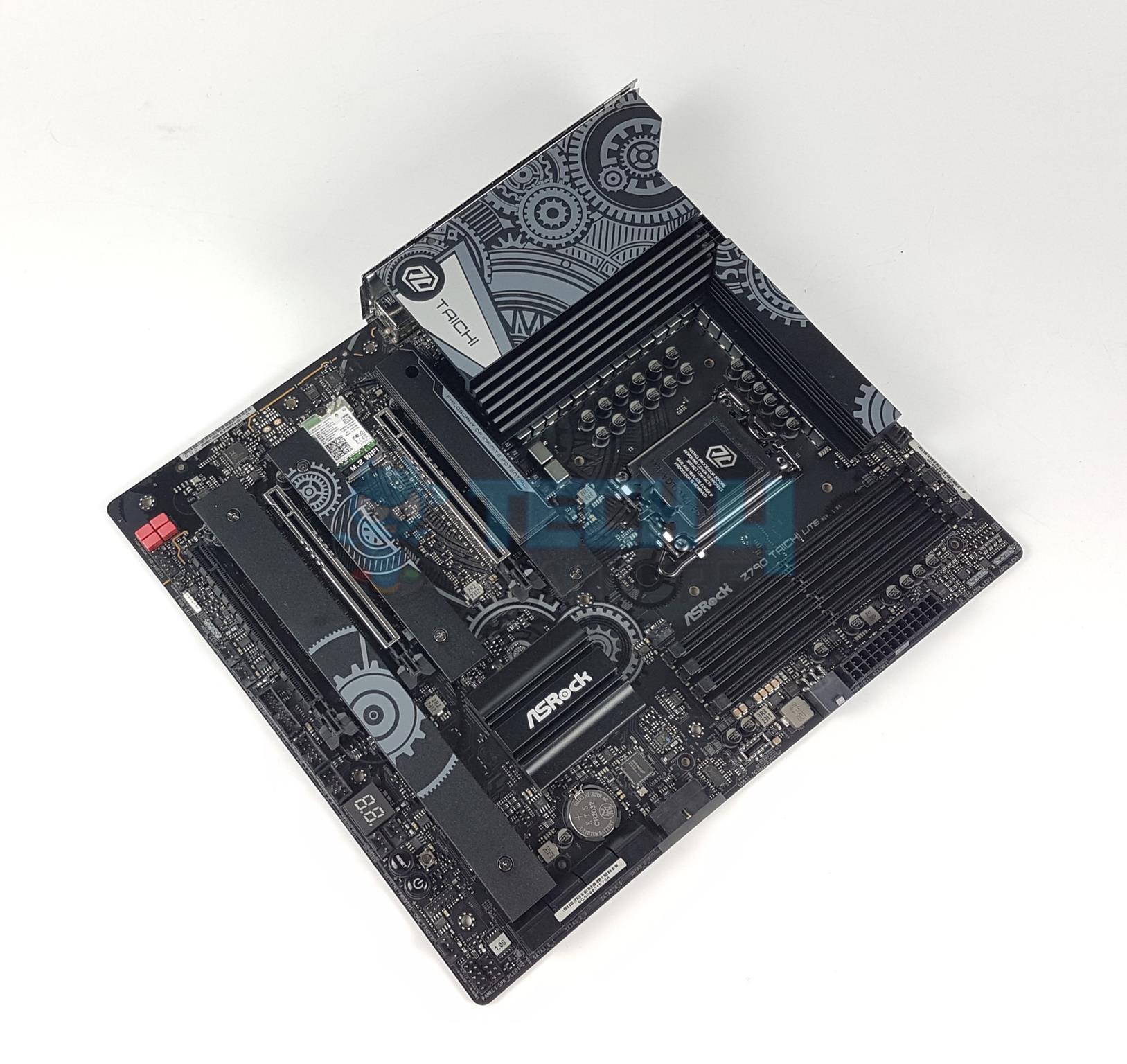
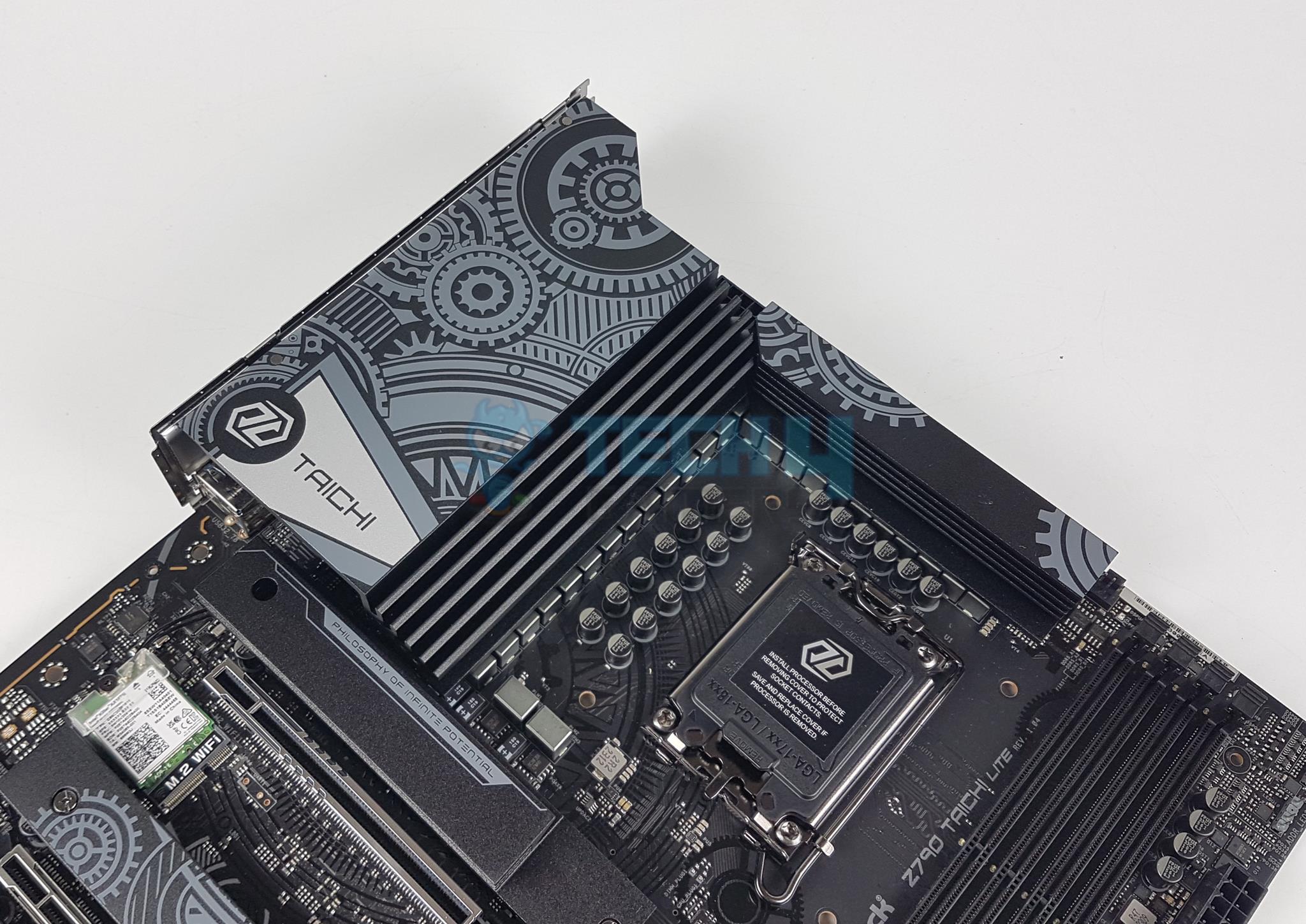
The ASRock Z790 Taichi Lite motherboard comes in a beautiful black design with impressive RGB lighting around its heatsinks that helps illuminate the entire motherboard. We also loved the motherboard’s high-end build quality, using an aluminum alloy heatsink for greater cooling purposes. We were impressed by the motherboard’s performance thanks to its 24+1+2 phase VRM design that allows high-end overclocking capabilities. If you want to go all-out with the Intel Core i7-14700K, this motherboard will keep you happy. Also, during our testing, we achieved higher RAM overclocks.
Outside of its performance, the motherboard also provides outstanding features such as clear CMOS and flash BIOS buttons for easier troubleshooting purposes. Additionally, we loved the motherboard’s impressive connectivity options, ranging from a plethora of USB 3.2 ports to lots of storage connectivity.
This is what Nauman Siddique said about the Taichi Lite after his in-depth testing:
The ASRock Z790 Taichi Lite motherboard offers excellent value with support for Intel’s 14th to 12th Gen CPUs, advanced DDR5 memory, PCIe 5.0 slots, and robust connectivity, including Thunderbolt 4.0. Though a lite version of the Z790 Taichi, it retains key features like superior audio and networking, making it a great choice for power users despite its higher power consumption.
Buy It If
✅You want the highest overclocking potential: Combining its impressive 24+1+2 phase VRM design with an 8-layer PCB design to allow outstanding overclocking potential for the Intel Core i7-14700K processor. So, if you want to have a go at extreme overclocking, we recommend buying this motherboard.
Don't Buy It If
❌You want faster RAM support: In case you’re using a RAM kit that has a frequency of over 7,200MHz, we don’t recommend purchasing this motherboard because of its RAM frequency limitations. Even if the RAM’s frequency doesn’t go that high, if you plan on overclocking it above 7,200MHz, you should stay away from this purchase.
What Makes It The Best High-End Motherboard For i7-14700K?
The ASRock Z790 Taichi Lite motherboard offers outstanding gaming and overclocking performance thanks to its 24+1+2 phase VRM design coupled with an 8-layer PCB design. Adding its beautiful aesthetics and high-end build quality on top makes it the best high-end motherboard for i7-14700K.
Editor`s Note
Out of all the motherboards, I loved the ASRock Z790 Taichi Lite the most because of its remarkable 24+1+2 phase VRM design topped with a great 8-layer PCB. Moreover, the motherboard allows extreme overclocking possibilities under the right conditions. That’s why we have also awarded it as the best high-end motherboard for the i7-14700K. So, if you want to go all out with your processor, you won’t regret making this purchase.
– Dr. Usman Saleem
VRM Performance: 10/10
Value: 7/10
Features: 10/10
Design: 9/10
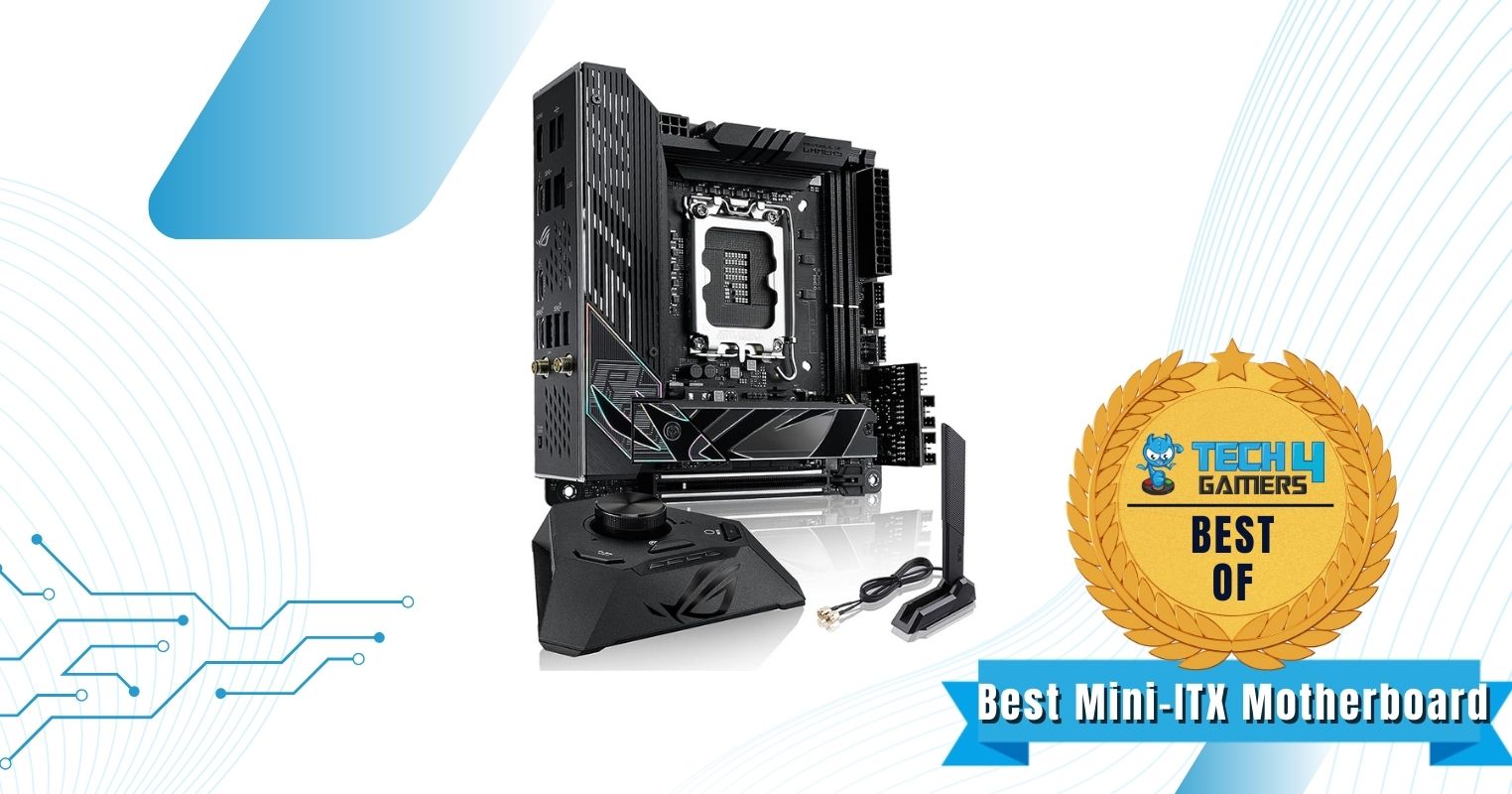
ASUS ROG Strix Z790-I Gaming WiFi 6E
Best Mini-ITX Motherboard For i7-14700K
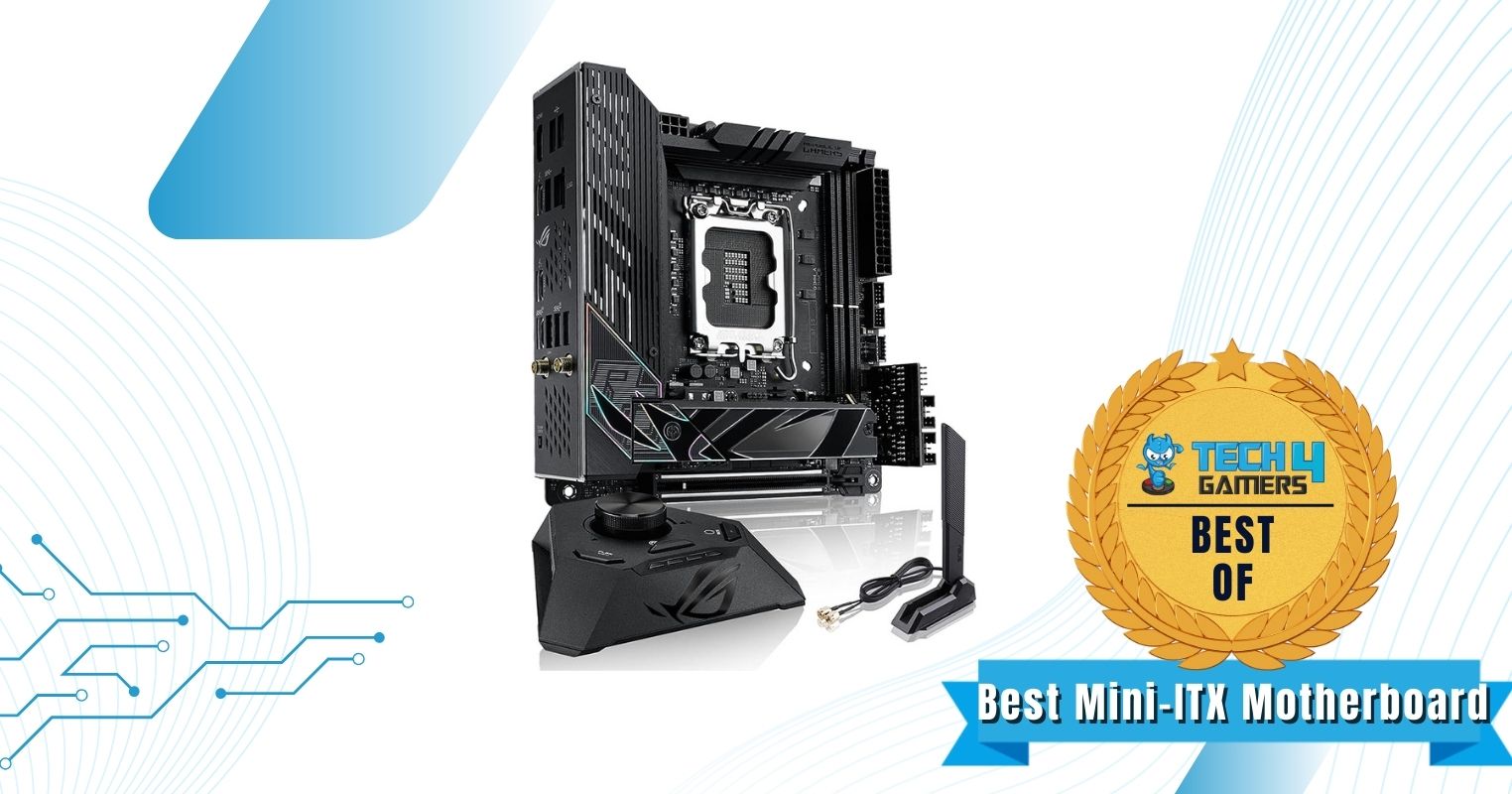
ASUS ROG Strix Z790-I Gaming WiFi 6E
1 of 2
ASUS ROG Strix Z790-I Gaming WiFi 6E
ASUS ROG Strix Z790-I Gaming WiFi 6E
Chipset: Z790 | Form Factor: Mini-ITX | Power Delivery: 10+1 Phase VRM | Memory Support: 2x DIMM, 96GB, DDR5-7600+ | Display Outputs: HDMI, 2x Thunderbolt 4 USB-C | USB Ports: 9x rear, 8x internal | Storage: 2x M.2, 2x SATA | Networking: 1x 2.5 GbE LAN, 1x Wi-Fi 6E
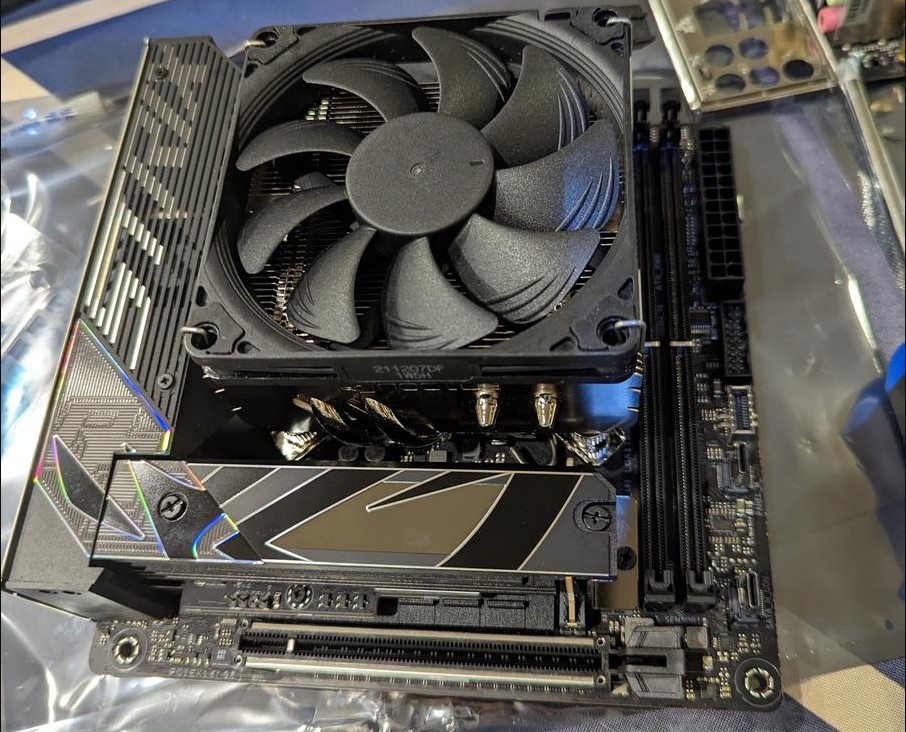
The ASUS ROG Strix Z790-I maintains the aggressive ROG design theme, highlighted by the striking Strix script on the I/O cover. The RGB lighting in the lower left corner further enhances its overall aesthetics. Build quality is impressive with a ten-layer PCB for signal integrity and a reinforced PCIe 5.0 slot. My testing proved to be favorable for the ROG Strix Z790-I, as its 10+1 phase VRM design with 105A power stages delivered satisfactory overclocking results with the Core i7-14700K CPU. The above-average power delivery setup was aided greatly by the massive VRM heatsinks, featuring an embedded heatpipe and a multi-cut design.
The ROG Strix Z790-I motherboard incorporates the ROG Strix HIVE module, offering a volume control dial, BIOS flashback button, diagnostics display, and extra USB ports for improved convenience. The board also offers 2 M.2 slots (including a PCIe 5.0 socket) as well as versatile networking options.
WARNING: Make sure that the dimensions of the ROG Strix Z790-I fit within your case before purchasing.
Buy It If
✅You are building a compact PC: The compact size, extraordinary feature set, and competent power delivery of the ROG Strix Z790-I make it a solid choice for any small-form-factor build.
Don't Buy It If
❌You want more upgrade potential: Due to the limited expansion slots available on the ROG Strix Z790-I, it has a slightly lower upgrade potential than competing full-size ATX motherboards.
What Makes It The Best Mini-ITX Motherboard For i7-14700K?
In a compact form factor, the ASUS ROG Strix Z790-I manages to pack in a superb 11-phase VRM design, a host of innovative connectivity features, as well as the ROG Strix HIVE module, making it the best mini-ITX motherboard for i7-14700K.
VRM Performance: 7/10
Value: 7/10
Features: 9/10
Design: 9/10
Helpful Motherboard Key Terms
When in the market for a new motherboard, it is easy to get confused by the marketing jargon. Here are a few helpful terms that you should remember.
Form Factor: The physical design and size specification of a motherboard, which is crucial for compatibility with computer cases and determining the layout and arrangement of components on the board.
CPU Socket: A designated interface on the motherboard designed to receive and securely hold the central processing unit (CPU), ensuring electrical connections for data and power transmission.
VRM(Voltage Regulator Module): A vital component on the motherboard responsible for regulating and controlling the voltage supplied to the CPU, ensuring stable and efficient power delivery.
Chipset: A collection of integrated circuits on the motherboard responsible for managing and facilitating data communication between different hardware components, optimizing their performance, and ensuring compatibility.
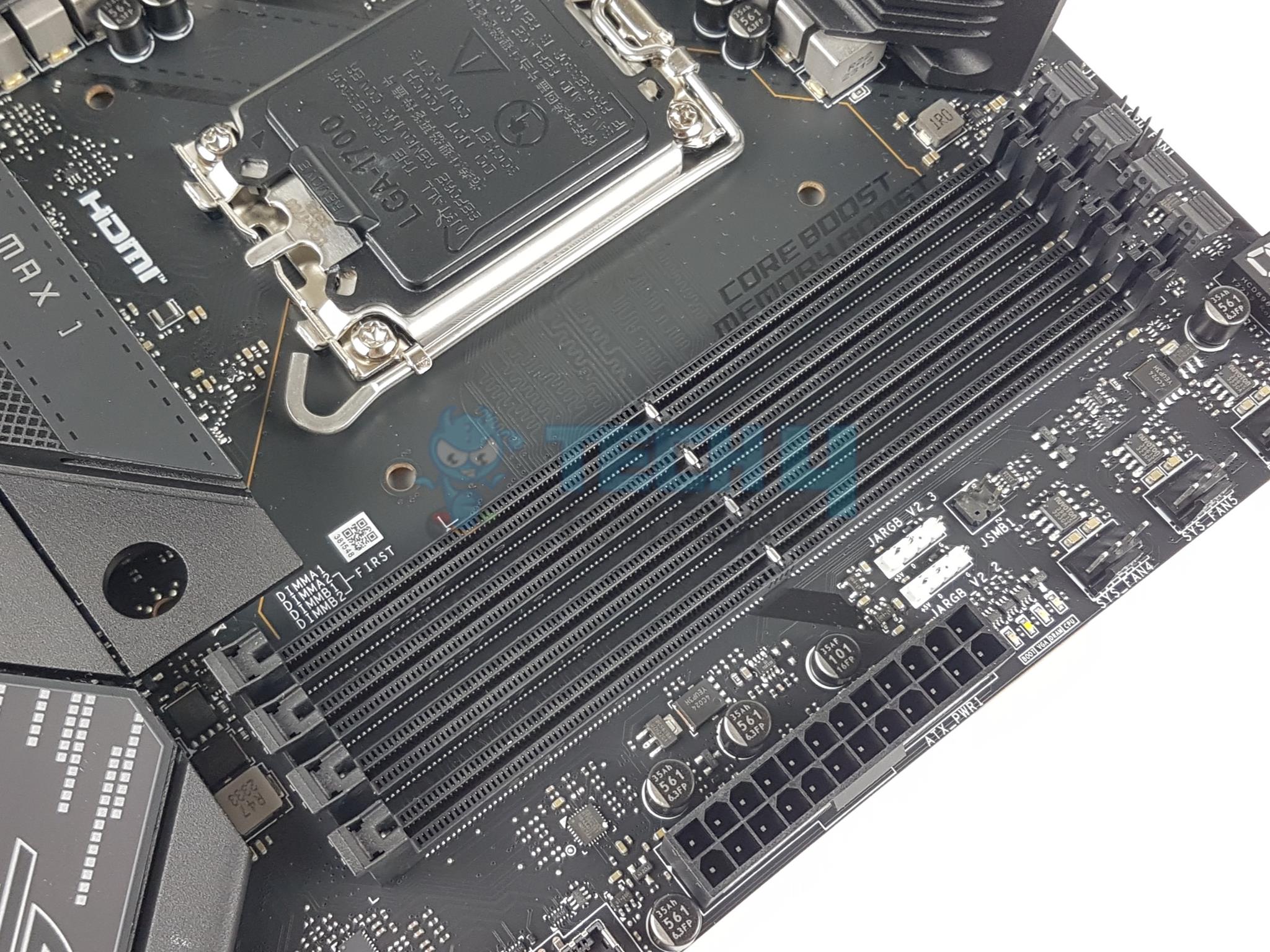
DIMM Slots: The receptacles on the motherboard where Dual In-line Memory Modules (DIMMs) are inserted to provide memory for the system, supporting RAM expansion and memory upgrades.
PCIe Slots: Expansion slots on the motherboard designed for connecting Peripheral Component Interconnect Express (PCIe) cards, such as graphics cards, network adapters, and storage controllers.
How We Tested & Picked The Best Motherboards For i7-14700K
Chipset Selection: When it comes to choosing the appropriate chipset for the Core i7-14700K, it’s worth noting that it’s compatible with a range of chipsets from both the 600-series and 700-series of motherboards. However, after extensive testing, I’ve determined that the Z790 chipset stands out as the optimal choice for this CPU.
Form Factors: Motherboards come in diverse shapes and sizes, with the ATX form factor being considered the standard. While the majority of the motherboards I assessed were in the ATX form factor, I also encountered a handful of micro ATX and mini ITX variants that definitely warrant consideration.
VRM Setup: The motherboard’s VRM (Voltage Regulator Module) configuration or power delivery system plays a pivotal role in my evaluation. Given the formidable capabilities of the Core i7-14700K as an unlocked CPU, I firmly believe that it necessitates a motherboard equipped with a highly robust VRM setup to achieve optimal results when overclocking.
Feature Set: Newer motherboards offer an extensive array of features, but their offerings can vary significantly. It is imperative to carefully evaluate a motherboard’s storage options, connectivity capabilities, and networking features before making a final purchase decision. This ensures that the motherboard aligns with your specific needs and preferences.
Price and Value: Motherboards designed for the Core i7-14700K span a wide range of price points. Through extensive testing, I’ve discovered that the most compelling motherboard options often fall within the mid-range price category. In addition to standard performance tests, I also carefully assessed the overall value proposition of various motherboard choices.
Participate in Our Survey
FAQs
What motherboard to get with 14700K?
The Core i7-14700K is compatible with motherboards from the 600-series as well as 700-series, which includes the H710, B760, H770, Z790, H610, B660, B670, and Z690 chipsets.
Does i7-14700K support DDR5?
Yes, the Core i7-14700K supports both DDR5 and DDR4 memory. However, the two memory types are not interchangeable with each other as they are physically incompatible. You will need a DDR5 motherboard for DDR5 memory and a DDR4 motherboard for DDR4 memory.
Is B760 good for 14700K?
While the B760 chipset does technically support the Core i7-14700K, it is not ideal for this CPU since it does not support CPU overclocking. For an unlocked premium CPU such as the i7-14700K, it is recommended to go for a Z690 or Z790 motherboard.
Is 14700K worth over 13700K?
The i7-14700K delivers a noticeable performance uplift over the i7-13700K in my testing, mainly due to architectural improvements under the hood. However, it is debatable as to whether you should upgrade from the i7-13700K to the i7-14700K directly. If you’re building a new PC, then definitely go for the i7-14700K.
What socket does the i7-14700K use?
The Core i7-14700K uses the LGA1700 socket, which is the same socket that is used by the 12th, 13th, and now 14th generation of Intel CPUs. It is compatible with motherboards from 600-series and 700-series that use the same socket.
The scope of our testing includes more Intel motherboards:
May 7, 2024: I have changed the formatting to improve readability.
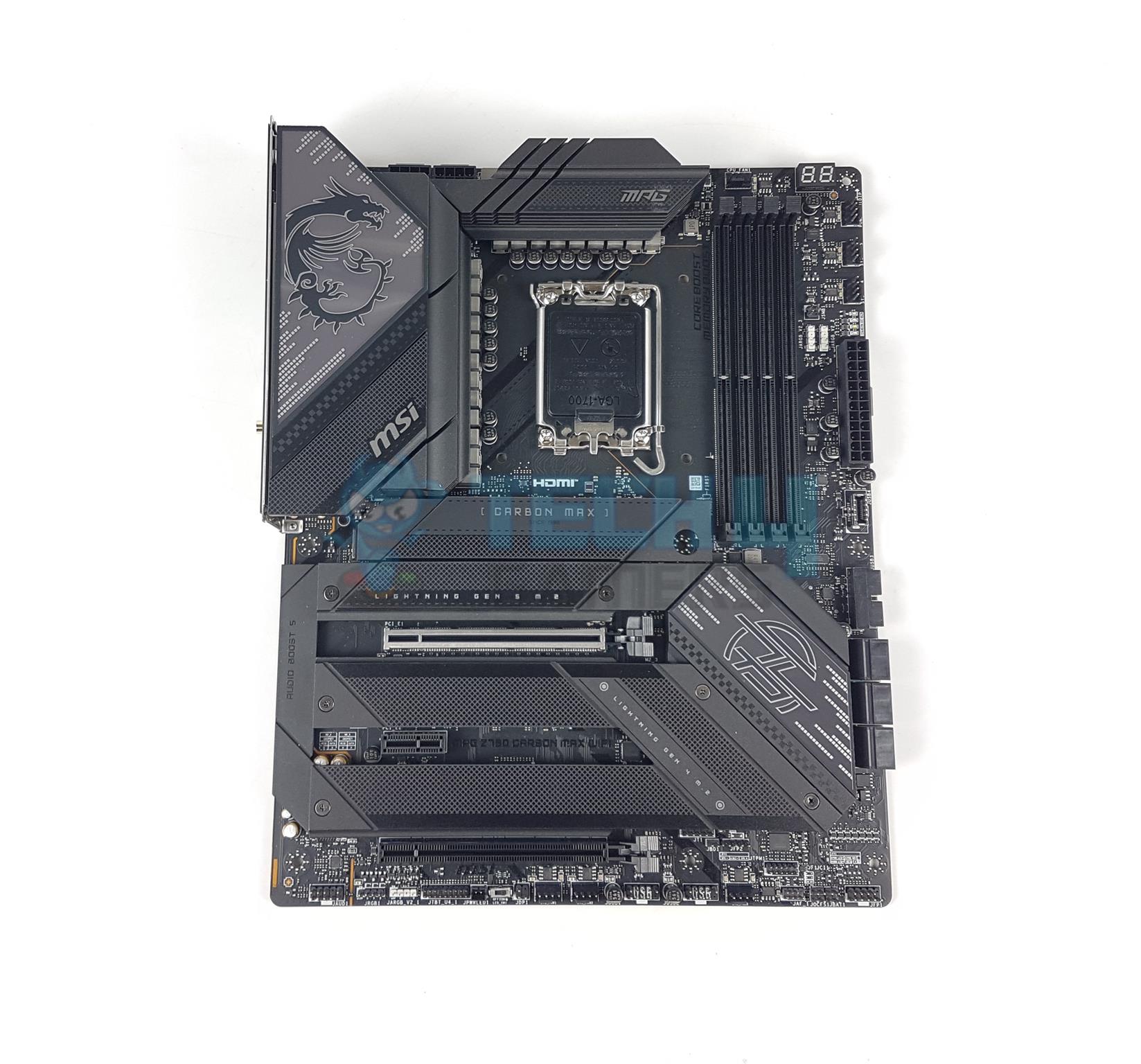
February 09, 2024: We have revised the availability status of each pick. The ASUS Maximus Z790 DARK HERO was replaced with the MSI Z790 CARBON WiFi II because of the superior feature set and networking performance of the latter. We also replaced the MSI MPG Z790 Carbon MAX WiFi with the ASRock Z790 Taichi Lite because it offers superb overclocking capabilities and is based on the same PCB as the more expensive Z790 Taichi.
November 1, 2023: Few text changes to improve readability. No products were changed.
At Tech4Gamers, I take on the role of Hardware Reviewer with pride. My responsibilities involve a thorough examination of essential hardware components like motherboards, graphics cards, processors, PC cases, and CPU coolers, among others, focusing on their complexities and functionalities.
Dr. Usman Saleem
At Tech4Gamers, I’m the PC Hardware Specialist, primarily contributing to the “Best-Ofs” section. I provide thoughtful buying advice based on thorough testing and personal expertise. I also review hardware products and games to keep things fresh.
Intel looked to reinforce its dominance in the gaming space by launching the 14th Gen Alder-Lake Refresh lineup of CPUs, led by the powerful Core i9-14900K. Even our own in-house tests showed that the Core i9-14900K is undeniably one of the fastest gaming CPUs currently available, but it is also quite demanding to run. In order to fully take advantage of the capabilities of the Core i9-14900K, it must be paired with an outstanding motherboard. Our careful testing has led to the formation of this list, which highlights the very best motherboards for the i9-14900K.
Why Trust Tech4Gamers
Usman Saleem is our hardware tester who loves to put all the latest GPUs, CPUs, and motherboards for a spin.
40+ motherboards tested and reviewed by our team of hardware experts (Tech4Gamers Team).
800+ hours spent testing different motherboards for our reviews.
At Tech4Gamers, ensuring you get reliable information is our priority. That’s why every hardware round-up undergoes a meticulous review process by our team of experts and editors. Each review is carefully examined against our strict editorial guidelines, guaranteeing you trustworthy insights you can depend on.
Here’s a quick look at our best motherboards for Core i9-14900K and a brief comparison of their specs:
The MSI MAG Z790 TOMAHAWK MAX WiFi boasts a striking all-black design that exudes minimalism and subtlety. Its industrial-inspired aesthetics give it a rugged appearance. It also features a robust 6-layer PCB made from IT-170 server-grade material, ensuring optimal reliability. The board offers tremendous overclocking potential, featuring a 16+1+1 phase power design with 90A power stages. When paired with the Core i9 14900K processor, it showcased superb overclocking capabilities in my testing.
The TOMAHAWK boasts a generous number of USB ports on the rear I/O, including a USB 3.2 Gen 2×2 20Gb/s port. For storage, it features 4 PCIe Gen 4 M.2 slots and 8 SATA ports. I especially like the inclusion of a Clear CMOS button and a Flash BIOS button on the rear IO.
Here’s how Nauman Siddique, our hardware tester, summarized the MSI MAG Z790 TOMAHAWK MAX WiFi:
The MSI MAG Z790 Tomahawk Max WiFi motherboard is a jack-of-all-trades option with a mix of new-generation features and backward compatibility. It has a robust power design, ample expansion slots, and effective cooling. Plus, the connectivity options are plentiful, with a focus on the new WiFi 7 standard. This motherboard is a good choice for gamers and general users looking for a modern, future-proofed motherboard at a competitive price point.
Buy It If
✅You want the ideal motherboard for i9-14900K: Combining a superb power delivery system and a host of useful features with a reasonable price tag, the MAG Z790 TOMAHAWK WiFi has a strong case to be the perfect 14th Gen motherboard.
Don't Buy It If
❌You want RGB lighting: Despite its minimalistic design language and overall impressive visual appeal, the Z790 TOMAHAWK could have used a bit of RGB lighting as well.
What Makes It The Best Overall Motherboard For i9-14900K?
The MSI MAG Z790 TOMAHAWK MAX checks all the boxes by providing an excellent VRM design, along with a competitive feature set, all at a reasonable price point, making it the best overall motherboard for i9-14900K.
VRM Performance: 8/10
Value: 9/10
Features: 9/10
Design: 8/10
MSI MPG Z790 Carbon WiFi II
Best High-End Motherboard For i9-14900K
MSI MPG Z790 Carbon WiFi II Pictures from Our Review
1 of 4
MSI MPG Z790 Carbon WiFi II.
MSI MPG Z790 Carbon WiFi II. (Image by Tech4Gamers)
MSI MPG Z790 Carbon WiFi II. (Image by Tech4Gamers)
MSI MPG Z790 Carbon WiFi II. (Image by Tech4Gamers)
The MSI MPG Z790 Carbon WiFi II motherboard features a beautiful darker aesthetic with a carbon coating on the motherboard, giving it a premium feel. Moreover, the motherboard has an outstanding build quality with an 8-layer PCB layout, which is made of server-grade material. During our dedicated testing, the motherboard’s high-end 19+1+1 phase VRM design allows splendid overclocking opportunities for the CPU and RAM. Also, the larger heatsinks and MOSFET heat pads ensure you don’t thermal throttle even at full load.
The motherboard utilizes amazing features, such as a clear CMOS button and a flash BIOS button for easy troubleshooting. Additionally, we also love the greater connectivity, featuring plenty of USB 3.2 ports, 2.5 GbE LAN, and splendid storage ports for future expansions.
Nauman Siddique loved the performance he gained from using the motherboard. But he also criticized its pricing. Here’s what he stated in his review:
“The MSI MPG Z790 Carbon WiFI II is a premium choice for gamers seeking advanced features and future-proofing.”
Buy It If
✅You want splendid overclocking performance with good aesthetics: We recommend buying the MSI MPG Z790 Carbon WiFi II motherboard if you want to overclock the i9-14900K while also requiring beautiful dark aesthetics that complement your PC build.
Don't Buy It If
❌You want a DisplayPort for your GPU: Although the motherboard has impressive features and connectivity options, it doesn’t support DisplayPort 2.0. So, if you want DisplayPort connectivity for your GPU to monitor connection, we don’t recommend buying this motherboard.
What Makes It The Best High-End Motherboard For i9-14900K?
The MSI MPG Z790 Carbon WiFi II motherboard provides outstanding performance because of its 19+1+1 phase VRM design that also allows for impressive overclocking capabilities. Moreover, the motherboard utilizes a high-end cooling system, making it the best high-end motherboard for Core i9-14900K.
VRM Performance: 10/10
Value: 7/10
Features: 10/10
Design: 9/10
Gigabyte Z790 AORUS Elite AX
Best Value Motherboard For i9-14900K
GIGABYTE Z790 AORUS ELITE AX Pictures From Our Review
1 of 5
GIGABYTE Z790 AORUS Elite AX
GIGABYTE Z790 AORUS ELITE AX (Image By Tech4Gamers)
GIGABYTE Z790 AORUS ELITE AX (Image By Tech4Gamers)
GIGABYTE Z790 AORUS ELITE AX (Image By Tech4Gamers)
GIGABYTE Z790 AORUS ELITE AX (Image By Tech4Gamers)
Chipset: Z790 | Form Factor: ATX | Power Delivery: 16+1+2 Phase VRM | Memory Support: 4x DIMM, 192GB, DDR5-7600+ | Display Outputs: HDMI, DisplayPort | USB Ports: 10x rear, 7x internal | Storage: 4x M.2, 6x SATA | Networking: 1x 2.5 GbE LAN, 1x Wi-Fi 6E
The Gigabyte Z790 AORUS Elite AX motherboard features a simple and stylish design. Its all-black aesthetic, combined with rugged design elements, gives it a sleek and powerful appearance. The PCB has a 6-layer design with 2x copper layers for added rigidity. Offering superb overclocking potential with its robust 16+1+2 phase VRM design and 70A power stages, the Gigabyte Z790 AORUS Elite AX is a great value option. The multi-cut heatsinks, complemented by an embedded 6mm heatpipe, ensure efficient thermal dissipation according to my testing.
I particularly liked including the Multi-Key option, which can be set as an RGB switch or even a toggle for Safe Mode. The board offers versatile storage options with 4 M.2 slots as well as 6 SATA ports. The networking suite is solid thanks to WiFi 6E and a 2.5 GbE LAN port.
When our motherboard expert, Nauman Siddique, tested this motherboard, he concluded that:
“The GIGABYTE Z790 AORUS ELITE AX is a well-balanced motherboard with a feature set that would easily provide the daily-driver requirement in the main-stream mid-range market segment”.
Buy It If
✅You want to maximize the value for money: Thanks to its affordable price point and excellent overall features, the Z790 AORUS Elite AX delivers superb value for money.
Don't Buy It If
❌You want a PCIe 5.0 storage slot: One of the minor drawbacks is the lack of an M.2 slot that supports PCIe 5.0, although the performance difference is quite negligible in the real world.
What Makes It The Best Value Motherboard For i9-14900K?
Delivering a robust 16+1+2 phase VRM design, excellent storage and connectivity features, and respectable build quality at a very reasonable price point, the Gigabyte Z790 AORUS Elite AX is the best value motherboard for i9-14900K.
VRM Performance: 8/10
Value: 10/10
Features: 8/10
Design: 8/10
ASRock Z790 Taichi Lite
Best Overclocking Motherboard For i9-14900K
ASRock Z790 Taichi Lite Pictures From Our Review
1 of 4
ASRock Z790 Taichi Lite
ASRock Z790 Taichi Lite (Image by Tech4Gamers)
VRM Heatsink
VRM Mosfets
Chipset: Z790 | Form Factor: E-ATX | Power Delivery: 24+1+2 Phase VRM | Memory Support: 4x DIMM, 192GB, DDR5-7,200+ | Display Outputs: HDMI, DisplayPort 2.1 | USB Ports: 12x rear, 9x internal | Storage: 5x M.2, 8x SATA | Networking: 1x 2.5GbE LAN, 1x Wi-Fi 6E
The first thing you’ll notice when handling the ASRock Z790 Taichi Lite is its outstanding aesthetics. You get an exotic all-black design with RGB lighting to illuminate the motherboard. I’d be fine even without the lighting, but it’s just a good plus point to have. Moving to its build, the 24+1+2-phase VRM is perfect if you want to overclock the i9-14900K CPU. Besides that, I also loved the premium build quality with the aluminum alloy heatsink. However, I would have preferred dual thermal pads on the M.2 ports, which I felt was slightly lacking.
The connectivity on this motherboard is a bit wonky, but it works out for most use cases. You have many storage options, with 5x M.2 and 8x SATA drives, but you can only utilize four M.2 ports at once. Moreover, if you’re using multiple SATA ports and an add-in card, you’ll have to be on the lookout, as using the PCIe3 slot disables four SATA ports. Other than that, I’m pleased with the connectivity and storage options the Z790 Taichi Lite offers, with 12x rear and 9x front USB ports.
During his testing, Nauman Siddique was thoroughly surprised by the motherboard’s impressive overclocking performance and features. Here’s what he stated while the motherboard was on the test bench:
The ASRock Z790 Taichi Lite motherboard offers excellent value with support for Intel’s 14th to 12th Gen CPUs, advanced DDR5 memory, PCIe 5.0 slots, and robust connectivity, including Thunderbolt 4.0. Though a lite version of the Z790 Taichi, it retains key features like superior audio and networking, making it a great choice for power users despite its higher power consumption.
✅Buy It If
✅ You need Thunderbolt connectivity alongside impressive overclocking potential: If you’re looking for a motherboard that won’t only let you overclock your CPU to its utmost limits but also has Thunderbolt connectivity for content creation, then I recommend the ASRock Z790 Taichi Lite. It has 2x Thunderbolt Type-C (PD) ports and 24+2+1-phase VRMs for both your use cases.
❌Don't Buy It If
❌ You’re using many SATA drives along with an add-in card: I don’t recommend this motherboard if you’re using more than four SATA drives along with an add-in card because using the PCIe3 slot disables four SATA ports. You won’t have to worry about anything if you’re using less than four SATA ports, though.
What Makes It The Best Overclocking Motherboard For i9-14900K?
The ASRock Z790 Taichi Lite motherboard offers outstanding features such as robust build quality, beautiful aesthetics, impeccable overclocking potential thanks to a beefy 24+2+1 VRM phase, and impressive connectivity and storage options for all users. You also get Thunderbolt connectivity if you’re a content creator looking to use an 8K 60Hz TV. Hence, these features make it the best overclocking motherboard for the Core i9-14900K.
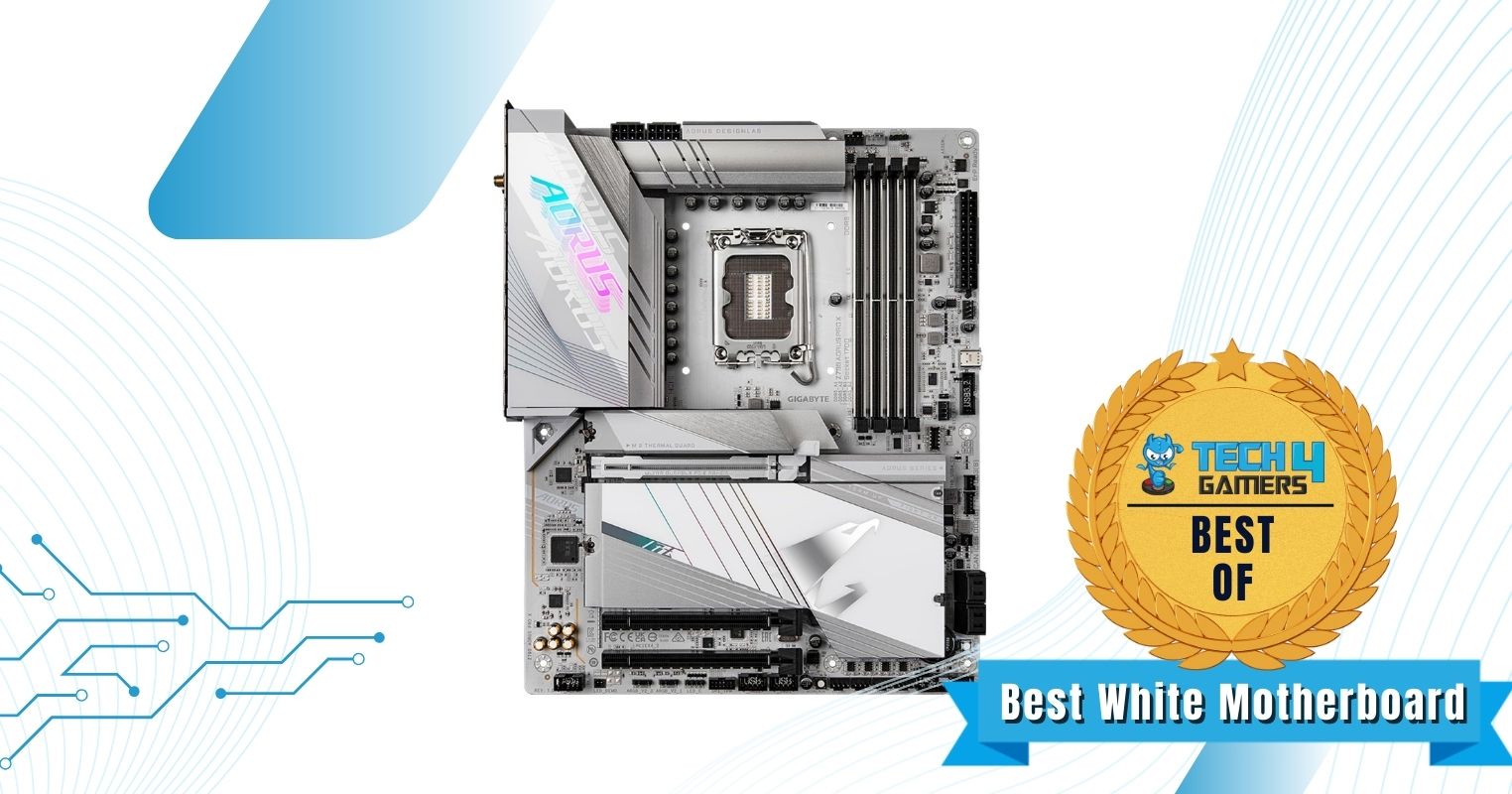
The Gigabyte Z790 AORUS Pro X boasts a distinctive all-white aesthetic and sophisticated design that appeals to those seeking an elegant look for their build, particularly in all-white PC cases. It also features an 8-layer, low-loss PCB with 2x copper layers, ensuring durability. Thanks to its robust 18+1+2 VRM design featuring 90A SPS power stages, the Z790 AORUS Pro X is a reliable overclocker, as per my testing. Its massive VRM heatsinks feature an 8mm heatpipe to ensure optimal thermal management while overclocking the Core i9-14900K.
It features 5 M.2 slots, including a PCIe 5.0 slot, catering to your high-speed storage needs. Networking is exceptional, with a 5 GbE LAN port and WiFi 7, making it ideal for creative professionals. The onboard Reset and BIOS flash buttons allow for easy troubleshooting as well.
PRO TIP: If you use a network-attached storage server, the 5 GbE LAN port on this motherboard is ideal for quick file transfer.
Buy It If
✅You want an all-white motherboard: The unique design of the Gigabyte Z790 AORUS Pro X makes it the ideal all-white motherboard partner for the Core i9-14900K processor.
Don't Buy It If
❌Your budget is limited: Despite its excellent price-to-performance ratio, the Z790 AORUS Pro X still falls on the higher side of the pricing spectrum.
What Makes It The Best White Motherboard For i9-14900K?
Combining form with function, the Gigabyte Z790 AORUS Pro X provides an outstanding feature set and a competent power delivery system, along with its unique all-white design, making it the best white motherboard for i9-14900K.
VRM Performance: 9/10
Value: 8/10
Features: 9/10
Design: 10/10
ASUS ROG Strix Z790-I Gaming WiFi 6E
Best Mini-ITX Motherboard For i9-14900K
ASUS ROG Strix Z790-I Gaming WiFi 6E Pictures
1 of 2
ASUS ROG Strix Z790-I Gaming WiFi 6E
ASUS ROG Strix Z790-I Gaming WiFi 6E
Chipset: Z790 | Form Factor: Mini-ITX | Power Delivery: 10+1 Phase VRM | Memory Support: 2x DIMM, 96GB, DDR5-7600+ | Display Outputs: HDMI, 2x Thunderbolt 4 USB-C | USB Ports: 9x rear, 8x internal | Storage: 2x M.2, 2x SATA | Networking: 1x 2.5 GbE LAN, 1x Wi-Fi 6E
The ASUS ROG Strix Z790-I features an aggressive design, staying true to the classic ROG theme. Its standout element is the huge Strix script emblazoned on the I/O cover, providing a rugged look. It also features a ten-layer PCB, ensuring minimal interference and optimal stability. Despite its mini ITX form factor, the Strix Z790-I boasts a strong overclocking potential, featuring a 10+1 phase VRM design with robust 105A power stages. I found the overclocking experience quite decent when paired with the Core i9-14900K, although expectations should be kept reasonable.
The ASUS ROG Strix Z790-I includes the ROG Strix HIVE module, featuring a volume control dial, BIOS flashback button, diagnostics display, and extra USB ports, enhancing functionality. I also liked the ROG FPS-II card since it provides vertically mounted I/O options.
WARNING: Always check case compatibility before buying a mini-ITX motherboard.
Buy It If
✅You want a compact motherboard: If you’re building a small form factor PC around the Core i9-14900K, the ROG Strix Z790-I should be your motherboard of choice.
Don't Buy It If
❌You want more expansion slots: It is not really a drawback of the Strix Z790-I itself, but a mini ITX motherboard does limit your PCIe and memory expansion.
What Makes It The Best Mini-ITX Motherboard For i9-14900K?
The ASUS ROG Strix Z790-I delivers a competent 11-phase power delivery system along with a host of unique features such as the ROG Strix HIVE module, all the while being quite compact in size, making it the best mini-ITX motherboard for i9-14900K.
VRM Performance: 7/10
Value: 7/10
Features: 9/10
Design: 9/10
Helpful Motherboard Key Terms
Shopping for a motherboard can be confusing. Here are some key terms that you should keep in mind when looking for a new motherboard.
Form Factor: The physical size and shape of the motherboard, which determines its compatibility with computer cases. These commonly include ATX, micro ATX, mini ITX, and E-ATX form factors.
CPU Socket: A specific slot on the motherboard designed to hold and connect the central processing unit (CPU) to the motherboard.
DIMM Slots: Slots on the motherboard where you can install random access memory (RAM) modules for temporary data storage and fast access by the CPU.
PCIe Slots: Peripheral Component Interconnect Express slots are for adding expansion cards like graphics cards, sound cards, and network adapters.
VRM(Voltage Regulator Module): Circuitry on the motherboard responsible for regulating and providing stable voltage to the CPU and other components.
Chipset: A set of integrated circuits on the motherboard that manages communication between the CPU, RAM, storage devices, and peripherals, facilitating data flow and system operation.
How We Tested & Picked The Best Motherboards For i9-14900K
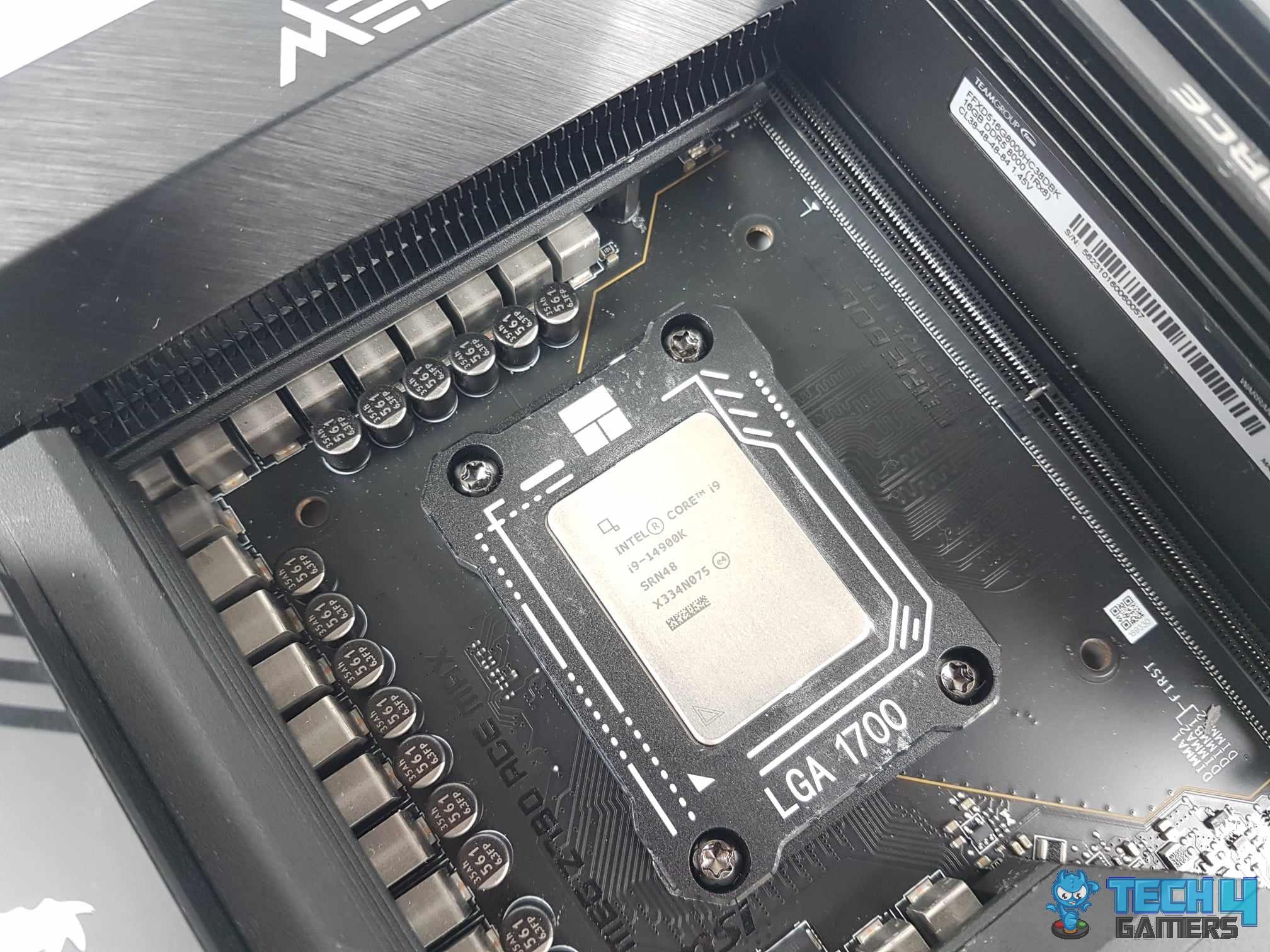
Testing the i9-14900K on MSI MEG Z790 ACE MAX (Image By Tech4Gamers)
Intel Core i9-14900K Installed (Image By Tech4Gamers)
We considered the following key points when testing and choosing the top motherboards for this processor.
Chipset: While the Core i9-14900K supports a number of chipsets from the 600-series and 700-series of motherboards, I found the Z790 chipset to be the best choice for this CPU. It supports CPU overclocking and comes with a variety of connectivity improvements over the other chipsets.
Form Factor: Motherboards come in all shapes and sizes, with the ATX form factor being the most common. While most of the Z790 motherboards that I tested were in the ATX form factor, I found a few micro ATX and mini ITX variants that are also worth consideration for enthusiasts who want a compact PC build.
Power Delivery: The power delivery of the motherboard is one of the key elements that I focused on during my testing. Since the Core i9-14900K is a supremely powerful unlocked CPU, in my opinion, it must be paired with a motherboard that provides a robust VRM setup for optimal overclocking results.
Features: Modern motherboards come with a wide array of useful features, but some motherboards are better equipped than others. I found that it is crucial to consider the storage, connectivity, and networking features of the motherboard before finalizing your purchase decision.
Value For Money: Motherboards for the Core i9-14900K can be found all across the pricing spectrum, but I found that the best motherboards are often found right in the middle. I also analyzed the value aspect of the various motherboard choices and recommended only the best of the best.
Community Poll
FAQs
Is Z690 compatible with 14900K?
Yes, the Intel Core i9-14900K is compatible with Z690 motherboards, although you may need a BIOS update. The Z690 motherboards use the LGA 1700 socket and are compatible with the 12th, 13th, and 14th Generation of Intel processors.
What chipsets does 14900K support?
The Core i9-14900K supports the H710, B760, H770, and Z790 chipsets in the 700-series, while the H610, B660, B670, and Z690 chipsets are also supported from the older 600-series motherboards.
Is B760 enough for 14900K?
While B760 does technically support the Core i9-14900K, it lacks overclocking support, which is the highlight feature of the Core i9-14900K CPU. Since it is a premium CPU with an unlocked multiplier, going with a Z690 or Z790 motherboard would make more sense.
Does i9-14900K support DDR4?
Yes, the Core i9-14900K supports both DDR4 and DDR5 memory. You can choose either memory platform, but you will have to choose a motherboard that supports that generation of memory. DDR4 memory and DDR5 memory cannot be used on the same motherboard.
May 7, 2024: I have changed the formatting to improve readability.
February 09, 2024: Revised the availability status of each category. We replaced the ASUS Maximus Z790 DARK HERO with the ASRock Z790 Nova as the latter offers a much better value proposition. We also replaced the ASRock Z790 Taichi with the MSI Z790 ACE MAX due to the superior memory overclocking capabilities of the latter according to our testing. We were able to verify a 48GB 8200 MHz DDR5 kit with the Z790 ACE MAX in our tests.
October 31, 2023: Few text changes to improve readability. No products were changed.
At Tech4Gamers.com, I cover the latest news and rumours in the gaming industry, from new game releases to hidden gems and video game leaks. Furthermore, I occasionally write tech articles about video game consoles, providing insights into the hardware and software that powers our gaming experiences.
Story Highlight
The DreamPunk 2.1 mod makes Cyberpunk 2077’s visuals almost life-like.
The mod improves lighting, colors, and overall realism in Night City.
Running the mod requires powerful hardware, like an RTX 4090, to achieve optimal performance.
Cyberpunk 2077 keeps evolving, thanks in part to the modding community and the new DreamPunk 2.1 mod. A recent video showed the game running in 8K resolution with path tracing, making it look almost real.
Created by NextGen Dreams, the video shows how Cyberpunk 2077 can push the limits of video game graphics, especially when using the right photo-realistic mods like Dreampunk 2.1.
Why it matters: As official updates for the game slow down, mods like DreamPunk 2.1 keep Cyberpunk 2077 at the forefront of gaming visuals.
The DreamPunk 2.1 mod takes Night City’s visuals to the next level by improving indirect lighting, light diffusion, and color balance. Path tracing is important in achieving this realistic look.
The difference is extremely noticeable in details like vehicles, buildings, and plants, with some scenes resembling moments from a high-budget movie. The mod’s lifelike quality is also boosted by weather effects, where overcast skies create soft shadows, making the lighting feel even more natural.
What makes this mod fascinating is that it doesn’t just focus on daytime scenes. It also features nighttime and clear sky situations, showing that the DreamPunk 2.1 mod can manage different lighting conditions.
Running this mod requires powerful hardware, though. With the RTX 4090, Cyberpunk 2077 using the DreamPunk 2.1 mod runs smoothly at 60 frames per second in 8K, thanks to the Frame Generation technology. While this is exciting for PC fans, only users with high-end systems can fully enjoy this mind-blowing mod.
Dreampunk 2.1 mod brings the post-apocalyptic world of Cyberpunk 2077 to life with stunning photorealism.
Players who can’t access DreamPunk 2.1 can still improve their experience with free mods like the HD Reworked Project. However, it doesn’t reach the same level of realism.
What do you think of the Dreampunk 2.1 mod and are you one of those people who are able to try out this mod? Let us know in the comments below or join Tech4Gamers Forums.
At Tech4Gamers.com, I cover the latest news and rumours in the gaming industry, from new game releases to hidden gems and video game leaks. Furthermore, I occasionally write tech articles about video game consoles, providing insights into the hardware and software that powers our gaming experiences.
Story Highlight
Black Myth: Wukong has maintained its position in the top 10 on Steam’s best sellers for nearly two months.
The game remains the most-played single-player title on Steam since its launch.
Despite its massive success, the game was developed on a relatively low budget of $42 million.
Black Myth: Wukong remains a popular game, staying in the top 10 best sellers on Steam nearly two months after it launched. Since its release in August, the game has been a huge hit, earning over $1 billion in revenue just a few weeks after launch.
2 months after launch, the game is showing no signs of slowing down.
Why it matters: A recent tax report revealed that the game only cost $42 million to develop. To generate a billion dollars in revenue and continue to dominate the Steam top seller’s charts 2 months after launch is truly extraordinary.
Black Myth: Wukong comfortably sits in Steam’s top 10 best-sellers list nearly two months after its release.
Black Myth: Wukong’s rapid sales show how popular Chinese-developed games are becoming worldwide, as well as the excitement for challenging action RPGs.
Initially, the game sold well due to the hype around its long-awaited release. Nearly two months later, it remains in the top 10 on Steam’s global charts.
Game Science has announced that the game has sold over 20 million copies worldwide across all platforms as of mid-October.
Black Myth: Wukong sold over 10 million copies in just three days post-launch. This achievement made it one of the fastest-selling games of 2024, building a large player base and securing its spot among the year’s biggest releases.
The game also peaked at over 2.4 million concurrent players on Steam, which is the highest number of concurrent players for a single-player game ever. What’s more fascinating is the fact that as of writing, the game continues to average over 200k concurrent players every day.
Black Myth: Wukong is on its way to becoming one of the leading contenders for the GOTY this year.
Despite its huge success, Black Myth: Wukong is only beginning its journey to the West (pun intended). Game Science plans to release two expansions/DLCs possibly arriving as early as Q1 2025.
This ongoing support will surely draw more players in, so the hype around the game isn’t expected to die anytime soon.
Considering the game’s popularity and positive reception, do you think Black Myth: Wukong deserves to win the GOTY this year? Let us know in the comments below, or join the discussion on Tech4Gamers Official Forum.
As a News Reporter at Tech4Gamers, I bring the latest findings from the tech industry to our readers. Specializing in processors, graphics cards, and more, I strive to deliver detailed insights that keep our audience well-informed and engaged. Periodically, I also delve into the vibrant world of gaming to share captivating stories.
Story Highlight
The Core Ultra 200S will be slower than AMD’s options, with no major plans for 2025 after canceling the Arrow Lake-S Refresh.
Intel plans to release the Panther Lake-S processor sooner than expected, aiming to enhance performance before the Nova Lake series.
Panther Lake-S is rumored to include new P-Cores and E-Cores, potentially achieving an IPC gain of up to 13%.
Intel previously stated that the current Core Ultra 200S will be slower than AMD’s existing options on the market. Making it evident that following its restructuring, Intel had nothing planned for the PC market for the upcoming year.
At the very least, users who were hoping for competition with the Ryzen 9000 are disappointed. As a result, Intel had 2025 “empty” up until this point following the abandonment of Arrow Lake-S Refresh for obvious reasons.
Why it matters: The potential enhancements promised by Panther Lake-S suggest that Intel is positioning itself to regain ground against AMD.
Image Via: Moore’s Law Is Dead
Panther Lake-S is now expected to arrive with better features on PC. Intel will not sit back and do nothing in the PC market for the upcoming year. Instead, it will follow the same course of action as it did this year.
Intel is now considering moving forward with the launch of Panther Lake-S. Although it is currently rumored that Intel would advance the arrival of Panther Lake-S to next year, Nova Lake is expected to join the market in 2026 with Cougar Cove cores in the P-Core and Darkmont in the E-Core, with higher IPC gains.
Panther Lake-S may be the first to pave the way for Nova Lake. If Panther Lake acquires P-Cores Cougar Cove and E-Cores Darkmont, the combination would see an IPC rise of up to +13%.
Furthermore, the rumor is that Intel will reuse every Tile except the Compute Tile, which would be the only one updated without changing its physical dimensions. This means we could be looking at another 8+16 core configuration.
At Tech4Gamers, I mainly cover new gaming news, leaks, and rumours. Aside from that, I love to write features about my favourite games while inserting my opinion about their different aspects.
Story Highlight
Dragon Age: The Veilguard is set to release on 31st October, 2024.
There are only over two weeks left before the game’s release, and yet it isn’t among the Steam top 50 best sellers.
This indicates that the game’s pre-orders are really poor, and the fandom isn’t excited about this title.
After launch, Dragon Age: Inquisition became BioWare’s best-selling game, and it is no surprise why. This game attracted many new fans to the Dragon Age franchise, like Elden Ring attracted many to the Soulsborne genre.
The game sold over 12 million copies, which led to massive anticipation for its sequel. There was a lot of hype before Dragon Age: The Veilguard was announced, but it seems to have dialled down after the announcement.
There are almost 2 weeks left since the game’s release, and it is still not in the top 50 Steam Best Sellers list.
Why it matters: Dragon Age: The Veilguard has been the subject of much controversy, and fans think the game has become ‘woke,’ which is why so much hatred has developed.
Dragon Age The Veilguard Ranking On Steam, Best Sellers List, Indicates Poor Sales | Source: SteamDB
The game is currently number 61 on the list, which is pretty disappointing given the game’s hype. At this point, it might not be able to reach the top 10 list before its release. Many games like Elden Ring, Black Myth: Wukong, Baldur’s Gate 3, and Final Fantasy 14 online are higher on the list.
However, there seems to be an improvement in the rankings, as a month ago, the game was nowhere to be seen. It wasn’t even ranked in the top 180 best sellers. It is also currently the 28th most wish-listed game on Steam, which is not ideal for a title that is supposed to be in just over two weeks.
The game’s previews were very positive, and a media outlet even called it a Game of the Year contender. Not only that but it was praised a lot by many others, too. However, the fandom didn’t really like the previews that much and claimed Dragon Age: The Veilguard to have gone ‘woke’.
Even after skipping microtransactions, it still couldn’t attract the fandom’s attention, which indicates poor sales ahead. However, we hope BioWare listens to the fandom’s feedback and improves the game so it can perform better.
What do you think about the game not even reaching the top 50 on the Steam best-seller list? Will you play it? Let us know your thoughts in the comments section, or join the discussion on Tech4Gamer’s official forums.
At Tech4Gamers, I mainly cover new gaming news, leaks, and rumours. Aside from that, I love to write features about my favourite games while inserting my opinion about their different aspects.
Story Highlight
Horror games are finally going through a resurgence thanks to titles like Resident Evil 4, Silent Hill 2, and Alan Wake 2.
A Quiet Place: The Road Ahead is releasing in just three days, and the hype is pretty high.
However, the game will run at 4k/30FPS and 2K/60FPS on PS5 and Xbox Series X, while it will run at 2K/30FPS on Xbox Series S.
Of course, more games, like The Outlast Trials and the Dead Space remake, helped in the resurgence. Following the recent survival horror hit, another game in the same genre will be released in just a few days.
A Quiet Place: The Road Ahead will be released on 17 October, but it will run at 4K 30FPS on the PlayStation 5 and Xbox Series X.
Why it matters: 30FPS isn’t much appreciated in this generation, and many gamers prefer 60FPS at the 4K resolution.
A Quiet Place: The Road Ahead Has Some Harsh PC Requirements
As revealed by Stormind Games’ recent interview with GamingBolt, the game will run at 4k 30FPS on the PlayStation 5 and Xbox Series X. However, it also has the 2K 60FPS option, so those who prefer more FPS needn’t worry.
A Quiet Place: The Road Ahead uses Unreal Engine 5, so not running at 4K 60FPS on the consoles should have been expected in the first place. This has already happened a lot, so fans might not be shocked to hear it.
However, the game’s visuals do justice to the requirements, as it looks absolutely gorgeous and horrifying. That said, Xbox Series S users might not be delighted to hear that the game is only targeting 2K 30FPS on the console.
Given that it is an Unreal Engine 5 game, we are not surprised, but FPS doesn’t matter that much in the survival horror genre unless there is too much tracking. The recommended graphics card to play this game on PC is an RTX 3080 and 32 GB Memory, which is absurd.
Hopefully, the game won’t have performance issues on release, as the requirements are already pretty high.
As of now, there isn’t any information on how it will run on the PS5 Pro, but it is expected to get 4k 60FPS on it.
What do you think about this survival horror game running at 4K 30FPS on the current-gen consoles? Do you think it is fair? Let us know in the comments section or join the discussion at the Tech4Gamers official forums.