Currently serving as a News Reporter at Tech4Gamers, I have the privilege of combining my love for gaming with the art of storytelling. My role involves crafting engaging narratives that keep our audience abreast of the latest developments in the gaming world.
Story Highlight
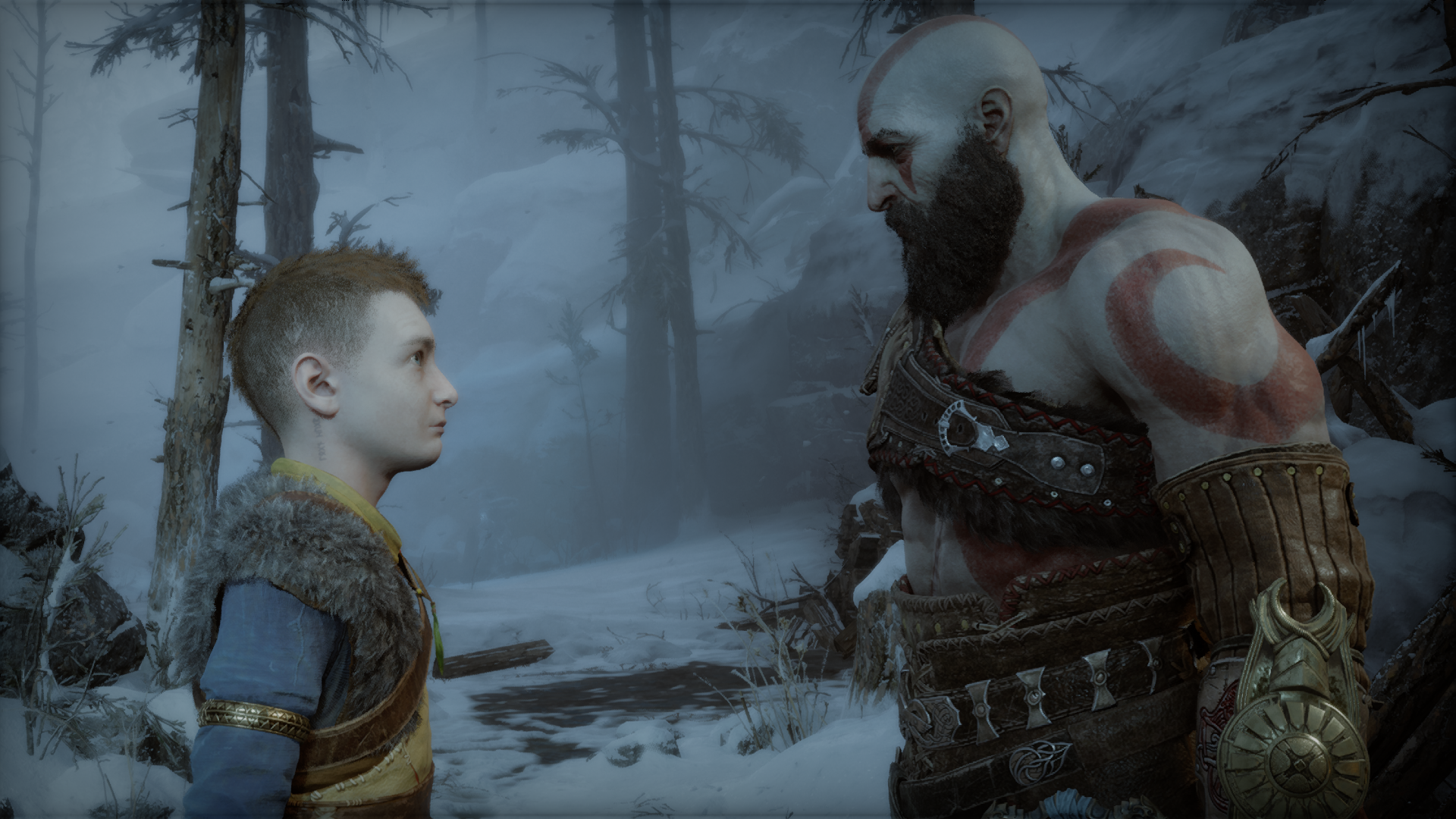
While Atreus showed promise to take on the franchise’s lead role after Kratos, his character didn’t turn out as well as expected.
Atreus was a central figure in God of War: Ragnarok, but his character lacked development and was seen as bratty, which many players found annoying.
He may get his own spin-off game in the future, offering an opportunity for his character to mature, but Kratos should remain the series’ focus in the meantime.
While Kratos was a lone warrior in the earlier God of War days, going single-handedly against the God of Olympus, his family was massacred at his hands by the doing of Zeus and the other gods.
After avenging his family, Kratos retreated to the Norse world and started another family there. Atreus was his son and played a major role in the Ragnarok event that went down in the Norse world.
While Atreus showed much potential among the new God of War characters, his character turned out to be terrible, in my opinion. At the end of God of War: Ragnarok, Atreus goes on his own journey, implying that Kratos will take on his next expedition alone, which is a blessing in disguise for the series.
Why It Matters: Throughout the newer games, Atreus has been holding Kratos back and even annoying many players, including me. Atreus needs some personal growth before he’s capable of taking on the franchise’s lead.
God of War: Ragnarok Failed To Capitalize Off Atreus’ Character
While Atreus Showed Promise In God of War 2018, The Sequel Failed To Make The Most Out Of Him
While the seed of a protagonist was planted in Atreus in God of War (2018), which was soon to sprout in God of War Ragnarok, developer Santa Monica apparently forgot to water it.
The minor glimpse of Kratos going against the Norse Gods as he did in the earlier games in God of War (2018) was one of the best cliffhangers ever in a video game. Baldur’s death led to Fimblewinter, leading to the prophecy mainly surrounding Atreus, who was revealed to be Loki.
People find Atreus annoying and bratty, which makes sense, considering he is still a teenager. Moreover, he is the key person in Ragnarok’s major event.
Hence, the main problem isn’t Atreus himself but rather the narrative surrounding the prophecy in God of War: Ragnarok. Don’t get me wrong; God of War: Ragnarok is a great game, but the franchise is set on such a high standard that each aspect counts. However, that’s a topic for another day.
Atreus Was Put Under The Spotlight Way Too Early
The Newer God Of War Games Introduced A Companion Character For The First Time
Atreus, being the story’s main subject, would’ve been perfectly fine if he had enough character development, which wasn’t possible at all considering the small interval between the two games and him being the main subject of God of War: Ragnarok. I felt Atreus was too weak and underdeveloped to be spotlighted at this time.
Atreus followed the prophecy instead of going his own way and was influenced by other characters rather than walking his path. The original God of War game’s entire premise was that Kratos went against fate and rewrote it in his own favor.
It is more about the fact that Atreus’ main motive was to protect Kratos, like the man who killed most of the Greek gods needed protection. Ironically, it was Kratos who defeated Odin and Thor in the end.
Even at the end of God of War: Ragnarok, Atreus wasn’t mature and ready for the main protagonist’s title.
Atreus’ Spin-Off Game Should Mold Him Into A Better Character
Atreus Potentially Getting A Solo Spin-Off Game
The Norse saga is off to a finish for now, at least, since the Ragnarok event followed the death of the Norse god as similar to the Greek ones. We’ve already seen Atreus leaving Kratos and going with Angroboda to find the remaining giants scattered throughout the Norse world.
It’s already speculated that Atreus would likely get his own game in the future, continuing the God of War story. However, his story would be more of a spin-off and continue to build his character beyond being an annoying teenager.
Being away from his father would prove to be a perfect opportunity for his self-growth beyond being an annoying teenager. Aside from that, I’d still want a Kratos-focused God of War game that would end his story.
After all, Kratos is one of the most iconic video game characters and doesn’t deserve to be sidetracked with an underdeveloped character.
At Tech4Gamers, I contribute as a Senior News Reporter, combining my skills and gaming enthusiasm to keep our audience updated on the latest developments.
[Press Release] After its T-Create EXPERT AI CKD DDR5 memory garnered attention at Computex 2024, TeamGroup has announced a new blazing-fast memory for gaming PCs.
Gear 4 Allows The DDR5 Kits To Reach Up To 9600Mhz
The T-Force brand is set to evolve further with speeds as high as 9600MHz, thanks to the T-Force XTREEM CKD DDR5. With Intel’s Z890 platform also coming up, TeamGroup’s memory can now push beyond existing limits.
This process is seamless and requires a single click, thanks to Intel XMP support. Compared to standard JEDEC-compliant memory, the new kits rely on CKD components for more stable signal transmissions.
This is critical to achieving breakneck speeds over traditional U-DIMM limitations. The incredible speed is also complemented by industry-leading quality brought about by rigorous testing and innovative circuit design.
All in all, the T-Force XTREEM CKD DDR5 unlocks a new level of performance for gaming PCs. With support for capacities as high as 2x24GB, a robust 2mm heatsink, and more, TeamGroup’s latest offering continues to highlight its dominance over the market.
At Tech4Gamers, I contribute as a Senior News Reporter, combining my skills and gaming enthusiasm to keep our audience updated on the latest developments.
Story Highlight
A former Halo developer has used harsh words to describe 343 Industries.
He recommends developers avoid working for the studio due to horrible decision-making and leadership.
The developer also states that a simple name switch won’t be enough to save the series.
343 Industries recently confirmed a fresh start for Halo. Following the supposed cancellation of a Halo Infinite sequel, the team has confirmed a pivot to Unreal Engine and a name change to “Halo Studios.”
These initiatives highlight the team’s willingness to evolve for the betterment of Xbox’s most popular IP, but a former developer has not been too amused with the recent announcement. According to Will Waltz, small changes are not enough to solve 343 Industries’ biggest problems.
Why it matters: 343 Industries was handed a very successful franchise after Bungie’s departure, but the team has failed to do it justice. Despite the latest game’s potential, the developer has once again put its faith into a fresh start.
The Former Halo Animator Had More Than A Few Harsh Words For 343 Industries | Image via Linkedin
Will Waltz previously worked on the series for more than a decade as a top animator.
He noted that much of 343 Industries’ talent was among the industry’s finest and had a passion for the IP. However, the management’s decisions were constantly at odds with the developers’ wishes.
As per the animator, the top management created a very limiting environment. He even went as far as dubbing the leadership a “cancer.” Will Waltz also advises aspiring game creators to stay away from 343 Industries.
Steer clear and stay safe out there, they are not worth it.
-Will Waltz
Even though the team is now dubbed Halo Studios, he argues that its legacy problems will continue to hinder future development.
As an example, the animator highlighted how developers rallied to make the switch to Unreal Engine several years ago. However, the leadership was unwilling to budge and forced the team to rely on the not-so-great Slipspace Engine.
Will Waltz also described how he had to lead the charge when adding a reporting feature to Halo Infinite. This became yet another unpleasant experience for the animator due to lackluster leadership.
Ultimately, the animator’s time at the studio came to an end after he was laid off. Because of how things turned out, he does not recommend anybody join the studio.
Currently, Halo is in a tough situation. While Halo Infinite has somewhat redeemed itself, the future remains a mystery.
Recent teases have led to speculation about a remake of the very first entry, but nothing has been officially confirmed. Whatever the case may be, these projects might not turn out too great if the studio remains plagued with management issues.
At Tech4Gamers, I’m a Tech Detective and Guides Writer, unravelling PC hardware complexities. With experience, I bridge the gap between novices and tech aficionados with informative content.
Story Highlight
Path tracing is an advanced version of ray tracing that enhances realism. However, it has significant performance issues and limited game support.
The technology struggles with performance, even on top-tier graphics cards like the RTX 4090, making it inaccessible to most gamers.
While it improves lighting slightly, the impact on enjoyability is minimal, if it exists at all.
Nvidia’s ray tracing took over the world when it debuted in the RTX 20 series of graphics cards, but some time ago, they announced its evolution in the form of path tracing. The usability of this tech is hit or miss, with very few games taking this on. Let us take a deeper look!
What Is Path Tracing
Path tracing is essentially a beefed-up version of ray tracing, though it does operate differently, which is too complicated to discuss in this article. The computation, though the same on the mathematical side, has many more interactions to compute.
This gives a more “real” look, though there is a substantial performance penalty. Path tracing is a feature that developers have to implement into their games, just like ray tracing.
The Problems
It’s no secret that path tracing isn’t the most popular software trick in Nvidia’s arsenal. In this section, we will examine the drawbacks or problems with this technology.
Supported Games
From the games that support ray tracing, the subset of games that support path tracing is very small. There are many reasons for this, but we will discuss them later.
Path Tracing Visuals (Image By Screen Rant)
The lack of supported games is a problem in itself. The rarity of the feature causes adaptability to suffer. If you don’t know the wonders of path tracing (we will discuss in a moment if there are any), we will not care about what you are missing out.
Still, if the other issues with path tracing are ironed out, we might see it gain more traction, putting pressure on other developers to get the ball rolling.
Performance Issues
In Cyberpunk 2077, even the RTX 4090 struggles to get usable framerates with RT overdrive (their path tracing implementation) running at 1080p, with something like an RTX 3070 (a great card from a couple of years ago) not even coming close to playable.
RT Overdrive Cyberpunk Framerate (Image By Phoronix)
The huge performance tax associated with path tracing makes it very hard to popularize. With current technologies, path tracing can only be used on the highest-end graphics card on the market and at a laughably low resolution.
This makes us think that Nvidia was ahead of its time with this feature and that it shouldn’t exist now. If you have anything but the best, your graphics card will completely give out with this path tracing turned on.
The Difference It Makes
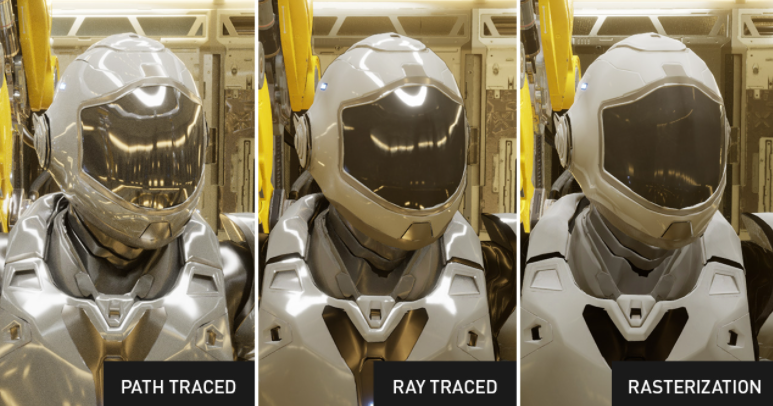
The difference that path tracing makes on the look of your game is noticeable, but not in a vacuum. If you have an RT feed and a path-tracing feed at the same time, you are going to notice the more believable lighting of the path-traced version, but in any other scenario, you won’t be missing out on it.
RT Vs Path Tracing Vs Rasterization (Image By Nvidia)
This discussion has been in the air ever since the release of ray tracing, with the subtle differences it brought over rasterization with a huge performance penalty. Path tracing is similar, with even less of a reward for turning it off.
Even if we put all of this aside, there is a more fundamental discussion about the importance of graphics in video games. Usually, other aspects like the playability, mechanisms, and fun of the games are more important than a graphical improvement, especially one as small as path tracing.
Wants And Needs
Having discussed the reasons why path tracing is not catching on, let’s talk about what people think about it.
Opinion On Graphics Mattering (Image By Tech4Gamers)
Informed customers don’t care. A quick YouTube search shows most game channels agree. While the average player isn’t bothered, a small group who prefer the highest settings will be upset by the tech’s unpopularity.
It is also important to mention that even without path tracing, we have impossibly good-looking games like HellBlade 2 that look uncanny and completely realistic.
Will It Catch On
Discussing all of the things related to path tracing makes it apparent that it will be a while before it catches on, just like its predecessor, which is also not that popular at the moment.
Innovations in tech are always welcome, but it’s important not to get distracted by the spectacles and focus on what makes your game a game. We’re not in shambles about path tracing not being the next big thing, and we think you shouldn’t be either.
At Tech4Gamers, I work as a guides expert. My role involves writing about solving different gaming and tech-related topics that pique my interest and that I believe more people should know about. This position allows me to share my insights and discoveries with a broader audience, enriching their gaming experiences with the unique perspectives I bring.
Story Highlights
Kachina is weak by herself, but she can make good use of the Hero Of Cinder City artifact set and buff her team.
Mualani deals absurd amounts of damage, being able to hit enemies for above 150k multiple times in a row.
Kinich makes use of the Burning reaction to deal damage, much like Emilie.
Genshin Impact has been on a roll recently, releasing one good character after another. While the game suffered from an identity crisis when designing characters in the past, it seems to have changed ever since Fontaine.
With Natlan having just come out recently, it has shown a lot of fun mechanics, and fun characters to go along with them. So, are the Natlan characters any good, and do they compare with their Fontainian predecessors?
What To Expect From Natlan?
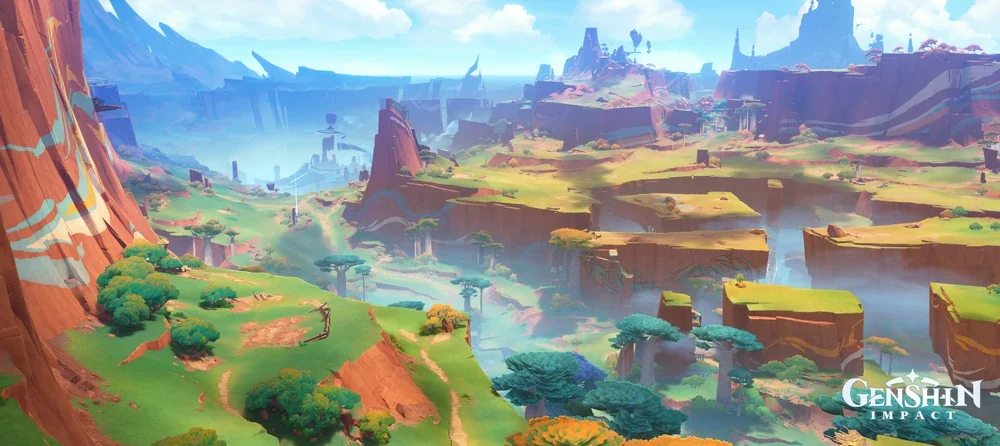
Natlan’s scenery (Image from Hoyoverse)
Natlan brings with it many new mechanics, much like how Fontaine brought the HP-drain and Bond of Life features into the game’s combat. With Natlan, each character has their own way of traversing terrain. Some of these can grapple into the air, while others can surf through water quickly.
Natlan also brings a series of mechanics known as Nightsoul. These help your characters in various ways, from increasing their damage to making them more comfortable to play.
Explaining Nightsoul
Nightsoul is exclusive to Natlan characters, no other characters can benefit from it. There are a lot of details and differences between the different Nightsoul mechanics such as Nightsoul Burst and Nightsoul Energy, but they can be explained in simpler terms.
When you have Natlan characters in your team, Nightsoul Burst can be triggered. For the rest of the mechanics, there are visual indicators that make learning about them irrelevant.
Each character and artifact set can also gain a bonus from having Natlan characters in your team. For Mualani, she can use her Elemental Skill for longer. For Kinich, you can deal damage quicker.
Kachina is a 4-star Geo support that is extremely weak. However, even if she’s weak, just her being a Natlan character is enough to make her a solid support.
This is because of the new artifact sets released alongside her. Essentially, as long as you’re using a Natlan character equipped with either of the sets, you get bonuses.
Of the two sets, the support set gives a huge damage bonus to all of your team. You can expect buffs at the same level as Archaic Petra, which are stronger than Noblesse Obligue buffs!
The Hydro Carry: Mualani
Mualani Artifact Page (Captured by Tech4Gamers)
Mualani is Genshin’s first dedicated hypercarry. Every other carry we’ve gotten was still overshadowed by damaging supports. Even top tier carries like Hutao need Yelan or Xinqiu to deal a large portion of their damage.
Her Elemental Skill puts her in a special state that buffs her normal attacks to deal an absurd amount of damage. This damage is further increased by passing through enemies, and by having Natlan characters in your team.
Mualani Elemental Burst (Captured by Tech4Gamers)
Her Burst is a simple Hydro nuke, and can easily deal 150k per hit. Her Elemental Skill, when fully charged, can also reach this amount fairly easily.
Mualani is different. Her damage scaling is so high that buffing her personally benefits your team more than adding in damage supports. Even Xiangling or Yelan are overshadowed by Kachina in a Mualani team.
The Burning Carry: Kinich
Kinich (Captured by Tech4Gamers)
Kinich is another carry like Mualani, albeit one that fits Genshin Impact’s traditional carry stereotypes more. He’s nowhere near bad, but he pales in pure damage when compared with Mualani.
Kinich’s Elemental Skill functions differently depending on if you’re in battle or not. Out of combat, it’s a grappling hook that can be chained together for fast traversal.
When fighting enemies, the grappling hook can be attached to a target. Kinich can then start spinning around the enemy, dealing damage with his normal attacks.
Like Emilie, Kinich also gains buffs when dealing Burning reaction damage, making him very similar to the aforementioned character. His numbers aren’t finalized yet, but he seems very strong in his current state.
At Tech4Gamers, I work as a guides expert. My role involves writing about solving different gaming and tech-related topics that pique my interest and that I believe more people should know about. This position allows me to share my insights and discoveries with a broader audience, enriching their gaming experiences with the unique perspectives I bring.
Story Highlights
Arishem is a powerful ramp card in Marvel Snap that gives players an energy advantage each turn, but adds 16 random cards to their deck.
Despite its randomness, Arishem decks dominate higher ranks due to skilled players optimizing the unpredictable cards, while struggling at lower ranks.
Counter strategies include using cards like Darkhawk and Rogue to exploit the deck size or nullify Arishem’s effects.
Marvel Snap has seen its fair share of widely different archetypes dominating the meta over the years. Usually, these archetypes only dominated for a short amount of time, before being balanced.
However, a single card has completely changed the way the game is played. Here’s how Arishem, a card many thought to be a fun meme at first, completely overtook the top ranks of the game.
What Does Arishem Do?
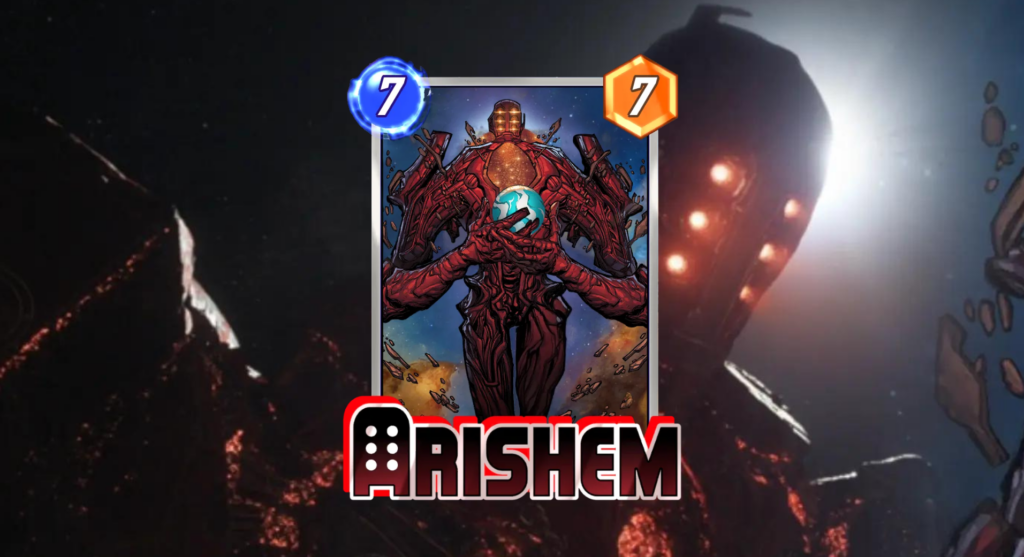
Arishem Card (Image by Tech4Gamers)
Arishem is another addition to a set of cards that fit the ramp archetype, such as Electro. He also fits the randomizer and discount archetype, like Loki.
On game start, he gives you additional energy. From then on, you always have an energy advantage over your opponent, as you gain one every single turn as well.
This extreme benefit is balanced around his downside, making your decks inconsistent. Arishem does this by adding 16 random cards into your deck, adding onto your own cards.
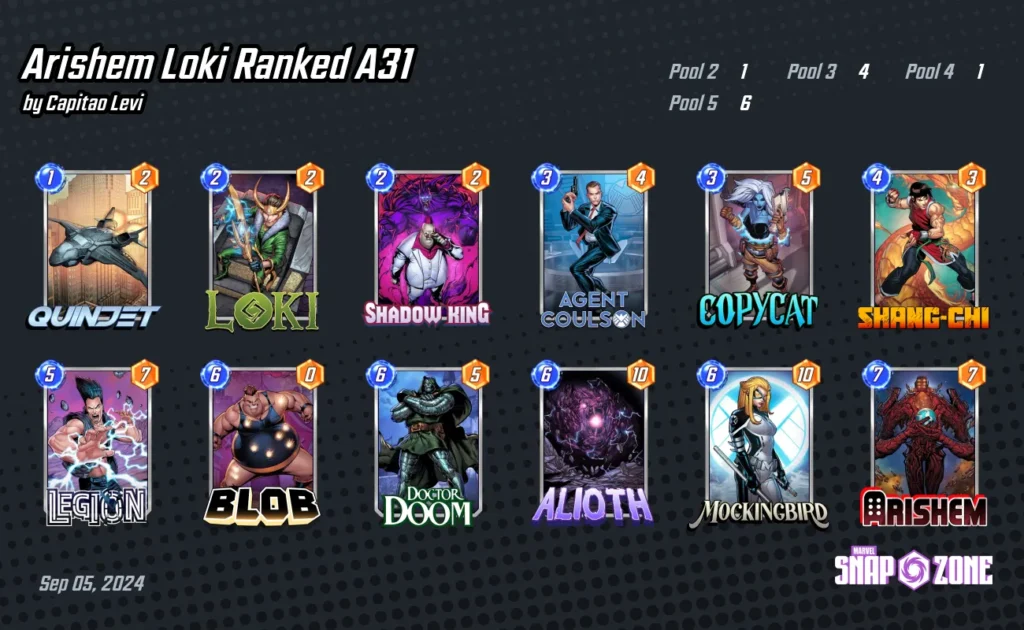
An example Arishem Deck by Capitao Levi (Image from Marvel Snap Zone)
Arishem is extremely good, but that’s not all. One reason he’s so popular as well as strong is because he makes each game new. This explains why he dominates at higher ranks, where players can better make use of the randomly generated cards they’re given.
In contrast, most Arishem decks struggle to keep up with simple combo decks that you’d find at lower ranks. If you try to look at Arishem stats on average, he’s barely above average. However, at Infinite rank, his cube rates shine the most.
How Good Is An Energy Advantage?
Simply put, ramp isn’t that great on its own. Cards like Electro at most make you put out two six cost cards. However, the reason Arishem redefines ramp is because you start with this extra energy.
This makes it very easy to gain priority at the early stages of the game, allowing you to put out your Echos and Teenage Warheads efficiently.
This also pairs well with other discount and ramp cards such as Loki or Sera, making your entire hand cost zero at times. Overall, this effect is the single best one in the game, but is the downside enough to justify it?
How Bad Is Randomness?
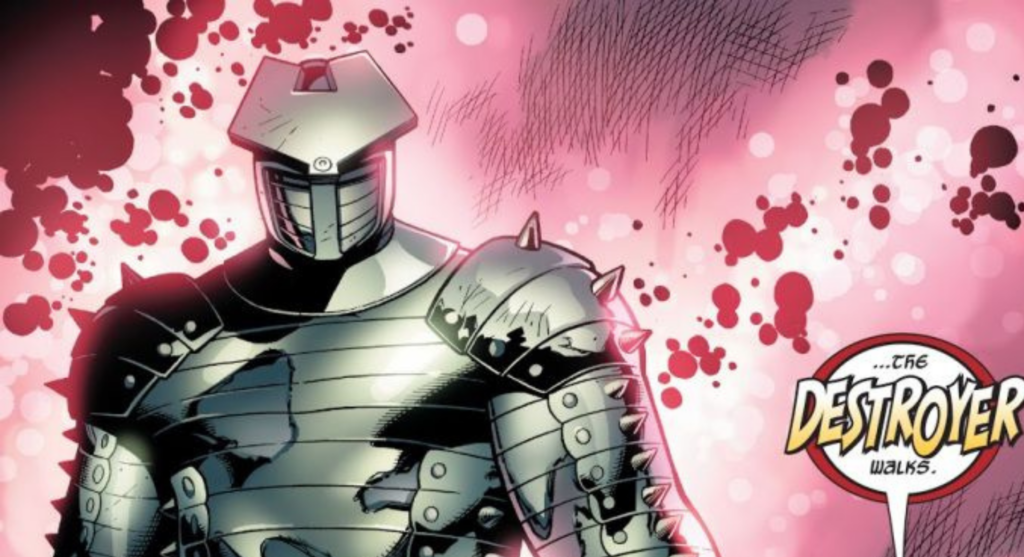
The Destroyer (Image from Marvel)
Randomness by itself can be quite frustrating. If you make a traditional combo deck, not getting your pieces together can make winning matches impossible. However, with Arishem, you don’t really build your decks for that. There are cards that benefit from the randomness, and cards that completely eradicate it.
Loki, for example, steals your opponent’s deck and discounts it. This makes any randomness irrelevant, as you’d be using cards from your opponent’s deck. There are also cards like Mockingbird that get a discount by playing these randomly generated cards.
However, even if you don’t exploit the downside, the randomness can be dealt with. Most cards in the game can find their uses somewhere, and having your main deck filled with tech cards such as Shang-Chi lets you make the most of whatever Arishem generates for you.
Are There Any Counters?
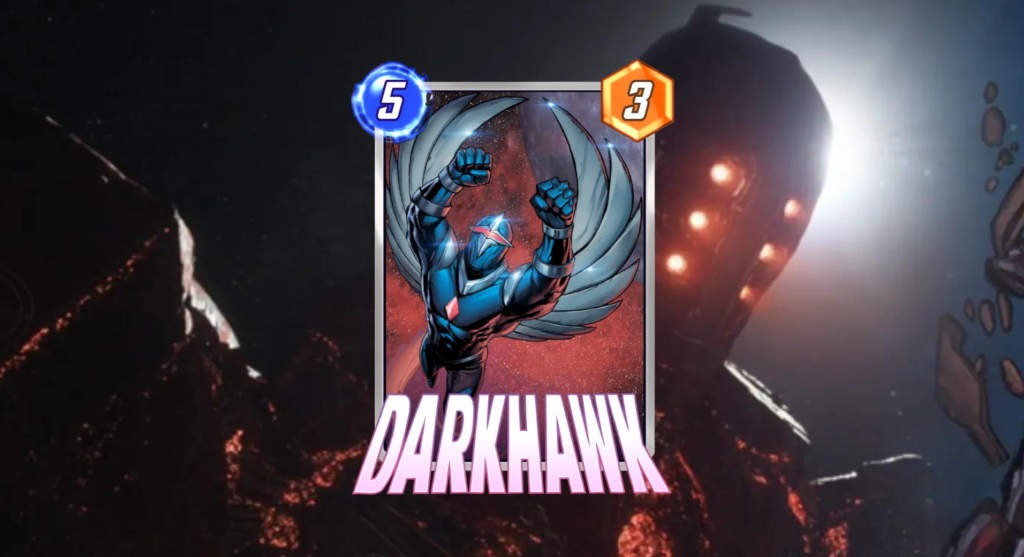
Darkhawk Card Marvel Snap
As strong as Arishem is, there are cards that let you play around his strengths. The most obvious of these are cards that buff themselves depending on the enemy’s deck size, such as Darkhawk or Cassandra Nova.
You can also aim to counter specific Arishem subarchetypes such as using Rogue or Enhantress to counter ongoing and discount shenanigans. You can also play Shang-chi or Leech to deal with the enemy’s Blobs.
I’ve previously worked for eXputer as a Senior News Writer for several years. Now with Tech4Gamers, I love to devoutly keep up with the latest gaming and entertainment industries. I have a Bachelor’s Degree in Computer Science and years of experience reporting on games and breaking exclusive stories. Besides my passion for gaming journalism, I love spending my leisure time farming away in Stardew Valley. VGC, IGN, GameSpot, Game Rant, TheGamer, GamingBolt, The Verge, NME, Metro, Dot Esports, GameByte, Kotaku Australia, PC Gamer, and more have cited my articles.
Story Highlight
Ubisoft is going through a major crisis, and it’s possible Tencent might acquire it.
Tencent might save Ubisoft momentarily, but the Chinese tech giant is notorious for some shady policies.
Excessive microtransactions, aggressive data collection and handling, and censorship are replacing one evil with another.
In any form of business, highs and lows always exist, and gaming is no exception. At one time a company would be enjoying the spotlight, while at another it would be struggling, it’s all part of the process. Right now, it’s Ubisoft’s turn to experience rock bottom, and it has no one but itself to blame.
Ubisoft’s in deep trouble now. Following the Assassin’s Creed Shadows and Star Wars Outlaws backlashes, things are looking pretty grim. Investors were so angry they suggested privatization, and it looks like Ubisoft is considering its options now. And there’s a good chance it’s Tencent.
Why it matters: Tencent might be Ubisoft’s only savior now, but its approach to microtransactions, data collection, and censorship is equally bad, if not worse.
The Pros: Ubisoft Will Survive
Now, if Tencent does indeed get Ubisoft, let’s look at how things would change. First, take a look at the merits. The most important is how Ubisoft will get past this chaos. Tencent is essentially a titan; it can easily keep Ubisoft afloat. It won’t go bankrupt, the IPs will stay intact, and we get to keep Ubisoft (Yay?).
But wait a minute—that’s not all. All this mess started because of Ubisoft’s absurd obsession with forced diversity in everything. If it becomes Tencent-owned, the “Chinese” conglomerate will have a say, and the example of Black Myth: Wukong is before you.
Chinese games are diverse when it makes sense, not for the sake of “political correctness.” They maintain diversity naturally, as it should be, which isn’t how Ubisoft has been doing things lately. This is why I found it pretty ironic when the Ubisoft execs okayed the Tencent acquittal.
Ubisoft games will surely see a change (Image from Ubisoft)
Ubisoft gets saved, and all the forced diversity goes away, too? What else could you want? This is a win-win.
Prepare For Microtransaction Galore
Well, I’m sorry to bring bad news; it’s not going to be so smooth. Now we come to the downsides and trust me; you’d want to hear this.
Yes, Tencent getting Ubisoft will fix some stuff, but the conglomerate will also bring its own brand of chaos to the table. For starters, if you thought Ubisoft had a microtransactions problem before, things will get a lot worse when Tencent is in charge. Dying Light 2 agrees with me.
Tencent and microtransactions go hand in hand (Image by Reddit)
The Chinese tech giant is notorious for excessive and anti-consumer monetization in its games. I already hate Ubisoft plenty for adding microtransactions to single-player games, but if Tencent gets to have its way, this will get progressively worse. Right now you have XP boosters, next it will be “pay $5 to assassinate the target.”
Wait, there’s more? You bet there is. The second consumer-hurting tactic is how the company aggressively collects data on top of being CCP itself. If Riot Games is any indication, a Tencent-owned Ubisoft will also get a kernel-level anti-cheat that very humbly says, “Your data is mine now.”
I call this nothing but spyware (Image by Riot Games)
Tencent is a company that faced opposition in China itself, that’s how suspicious its tactics are. On top of that, kernel-level spyware that you can’t disable and has access to everything on your PC, including the ability to brick it, is something I can never be okay with.
Data Collection isn’t the only problem. The extreme censorship laws of the Chinese government, and the fact that Tencent is essentially a CCP representative and thus enforces them is another problem you might face. You’ll have to pledge your “loyalty” in Siege if this ever happens.
Let’s Hope For The Best
All in all, this situation is as unpredictable as it gets. I won’t go so far as to say I prayed for Ubisoft’s downfall. A lot of jobs and livelihoods are at stake here, and those people have my sympathies.
If Tencent acquiring Ubisoft will save it, I’m all for it, but the Chinese company’s tactics scare me. I’m grasping at the straw that Tencent has the policy to invest, not interfere, so maybe things will go smoothly. Whatever happens, I hope it’s in the best interests of everyone involved.
As the CPU Cooler and RAM Expert, I test the latest hardware to provide tips for smart purchases. I cover everything from busting myths about CPU coolers to looking into the newest RAM designs, examining various parts of PC hardware.
Nauman Siddique
At Tech4Gamers, I take on the role of Hardware Reviewer with pride. My responsibilities involve a thorough examination of essential hardware components like motherboards, graphics cards, processors, PC cases, and CPU coolers, among others, focusing on their complexities and functionalities.
Corsair is back with a flagship liquid cooler named Titan RX RGB. This is the first liquid cooler from Corsair that is their own design; hence, there is no OEM for the pump design. This cooler is available in 240mm and 360mm sizes in black and white.
The pump uses a 3-phase motor for high-flow coolant, combined with a precision-made cold plate for maximum coverage of the CPU die and effective heat dissipation. The pump block has 20 A-RGB LEDs for vivid lighting effects, backed by Corsair’s proprietary swappable pump caps, which can be bought separately.
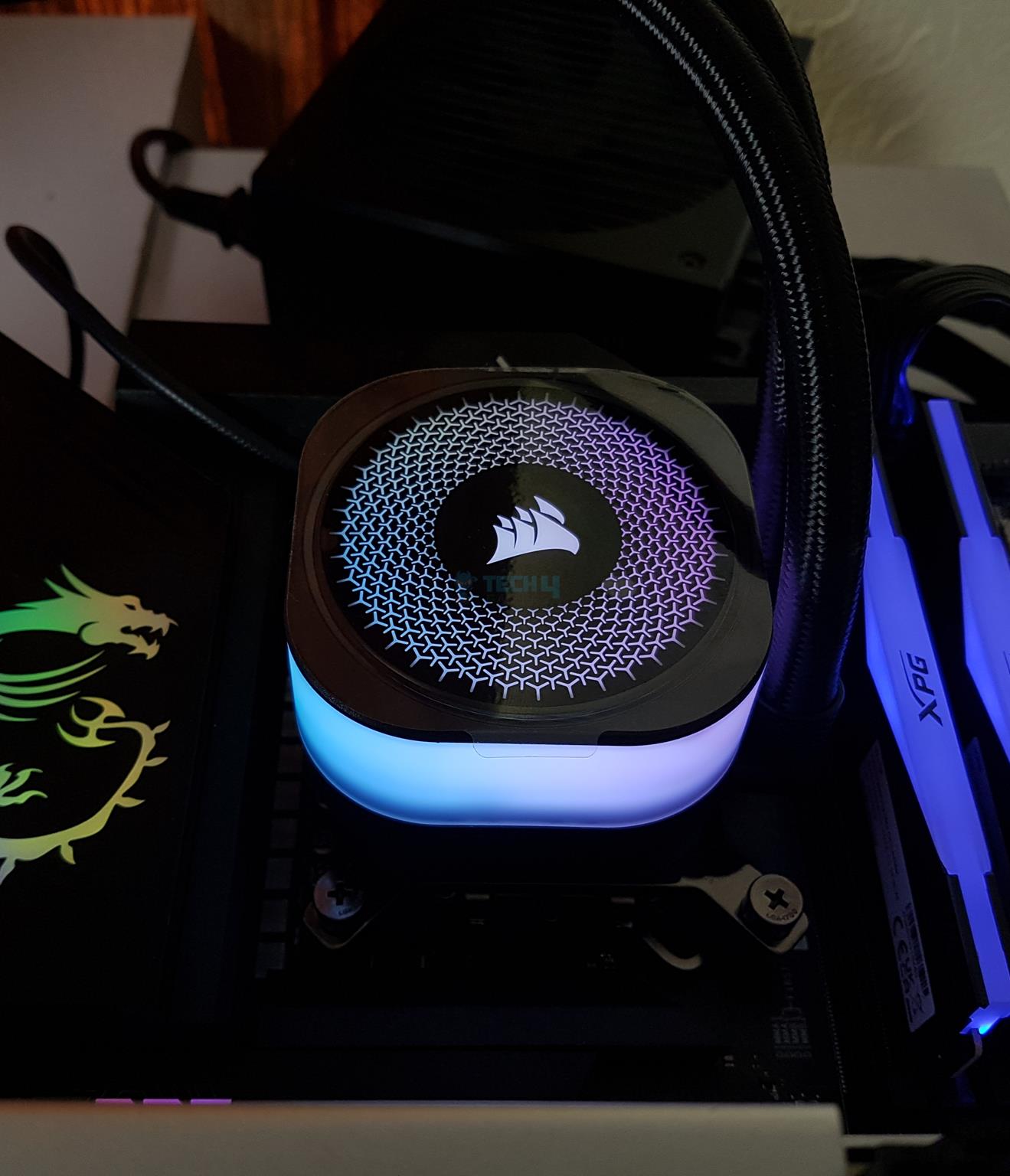
The stock pump cap does not have an LCD screen but Corsair-themed styling on the top and 360 RGB diffusion, which looks that good in person.
Why Trust Tech4Gamers
Nauman Siddique is our hardware expert who has been testing graphics cards, motherboards, processors, and AIOs for more than a decade.
80+ coolers tested and reviewed by our team of hardware experts (Tech4Gamers Team).
900+ hours spent testing different CPU coolers for our reviews.
At Tech4Gamers, ensuring you get reliable information is our priority. That’s why every hardware round-up undergoes a meticulous review process by our team of experts and editors. Each review is carefully examined against our strict editorial guidelines, guaranteeing you trustworthy insights you can depend on.
Key Takeaways
The Corsair iCUE Link Titan 360 RX RGB delivers solid performance with reduced cable clutter, digital connectivity, and highly convenient installation.
You should buy the Corsair iCUE Link Titan 360 RX RGB if you want top-tier performance with all the bells and whistles of a premium Corsair product.
You should skip the Corsair iCUE Link Titan 360 RX RGB if you’re on a budget or if you’re using an older socket (the AIO supports LGA1700/1851 and AM4/AM5).
* This is a confusing dimension. Does product mean cooler as a whole? Still, these values don’t make any sense.
** The fans and pump are not PWM regulated. You are dependent on the iCUE Link software for that.
[toc]
What Makes The Corsair Titan 360 RX RGB Stand Out?
The Corsair Titan 360 RX RGB is a powerful cooler that can hold its ground unshaken. It packs three powerful fans and uses digital connections with total dependency on the software, which is a kinda con, in my opinion. When it comes to raw performance, this cooler is a solid choice and sits among top contenders.
Packaging And Unboxing
Package Contents (Image By Tech4Gamers)
The cooler is shipped inside a cardboard box. This box has a black and yellow color theme, which are typical CORSAIR colors. There is a container inside the main box that has the contents safely placed inside. The following are provided:
1x Cooler
3x Fans [Pre-installed]
1x Backplate for Intel
1x set of Mounting Brackets for Intel Sockets [Pre-installed]
1x set of Mounting Brackets for AMD Sockets
1x iCUE System Hub
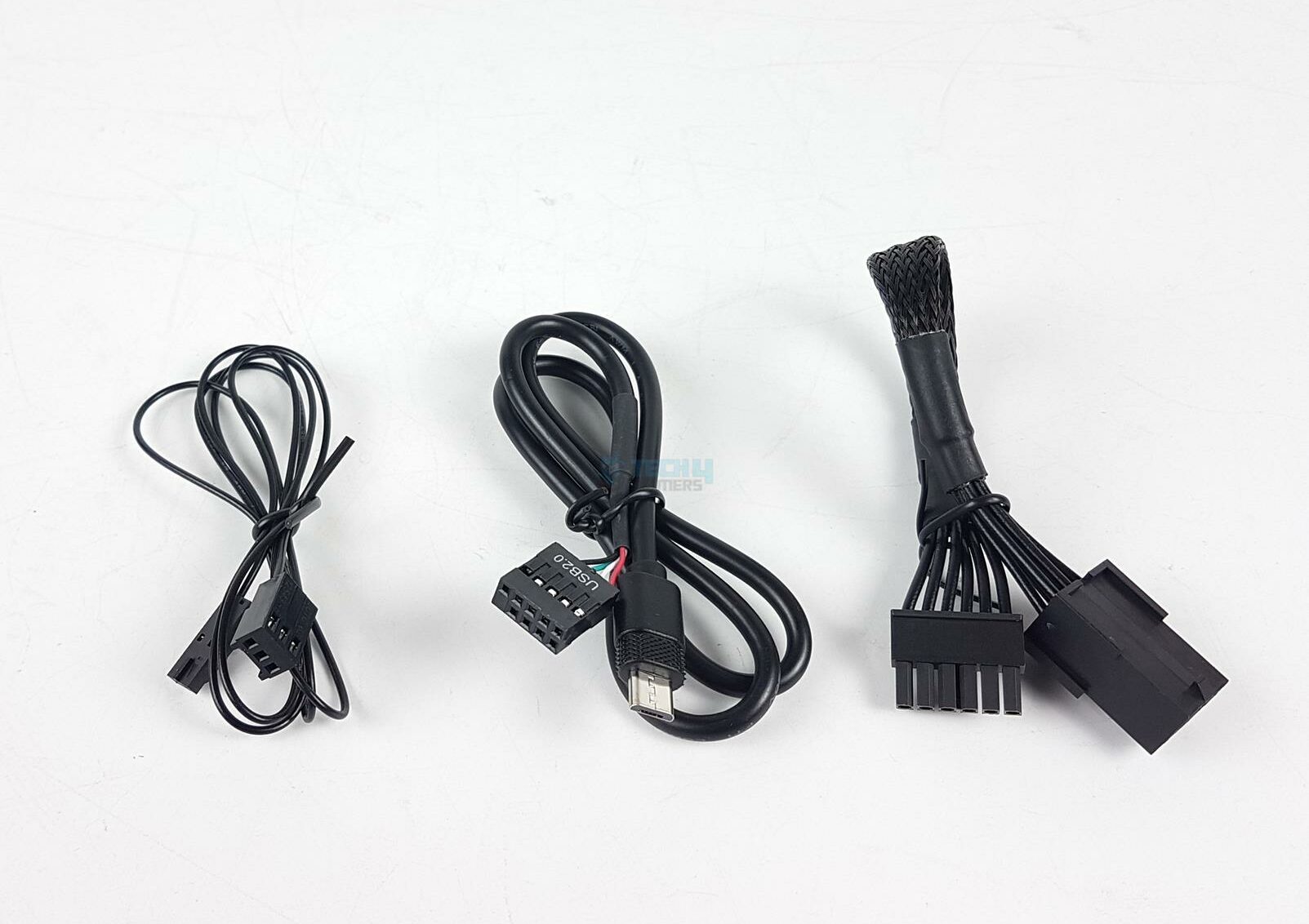
1x Tach cable
1x PCIe power cable
1x Micro USB 2.0 cable
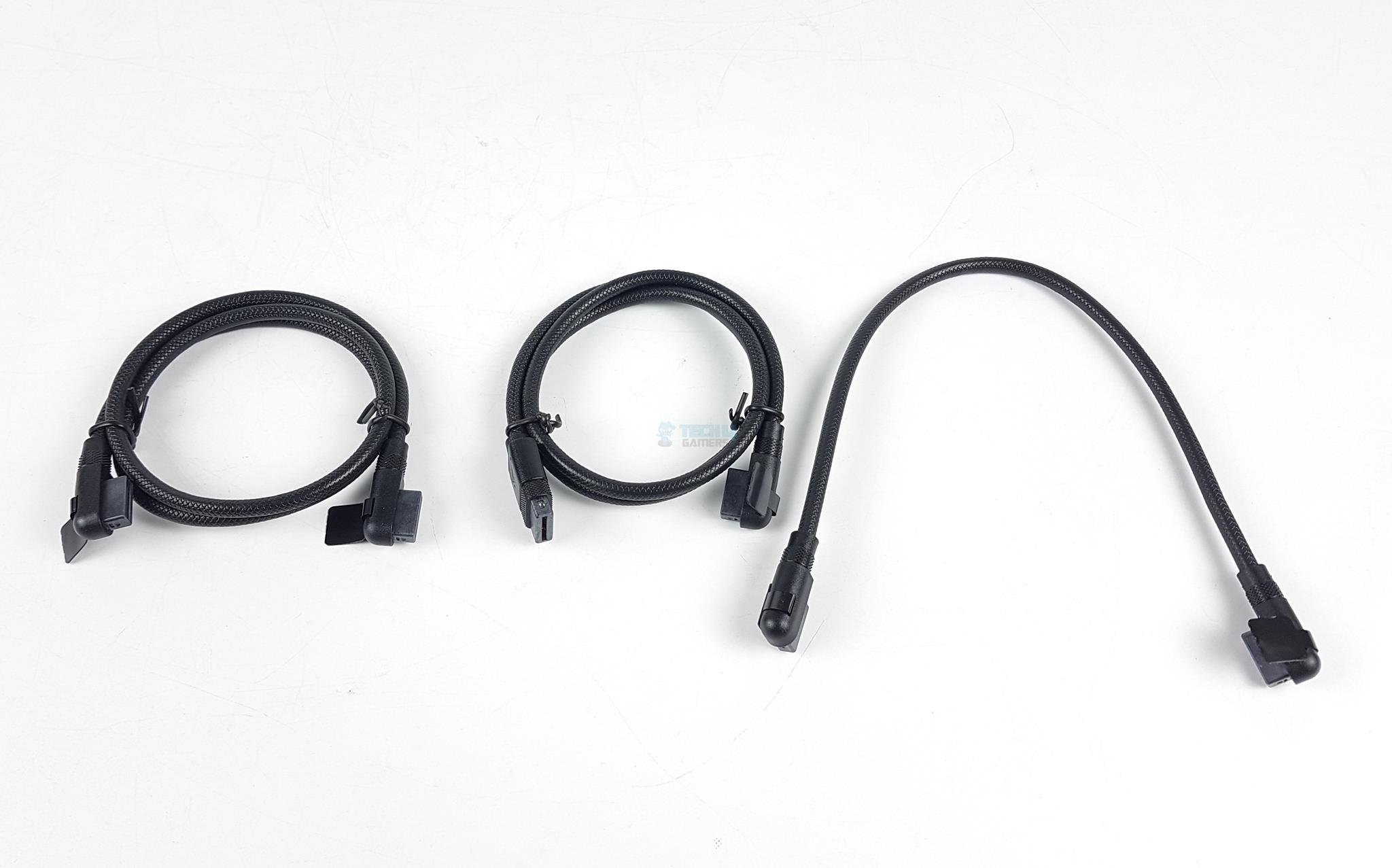
1x iCUE LINK Cable 90° 600mm
2x iCUE LINK Cable 90° 135 mm
12x Radiator screws
12x Washers for Radiator Screws
24x Fan Screws
1x Safety Information booklet
Design
It is time to look at each component of the cooler. I will start with the radiator.
Radiator
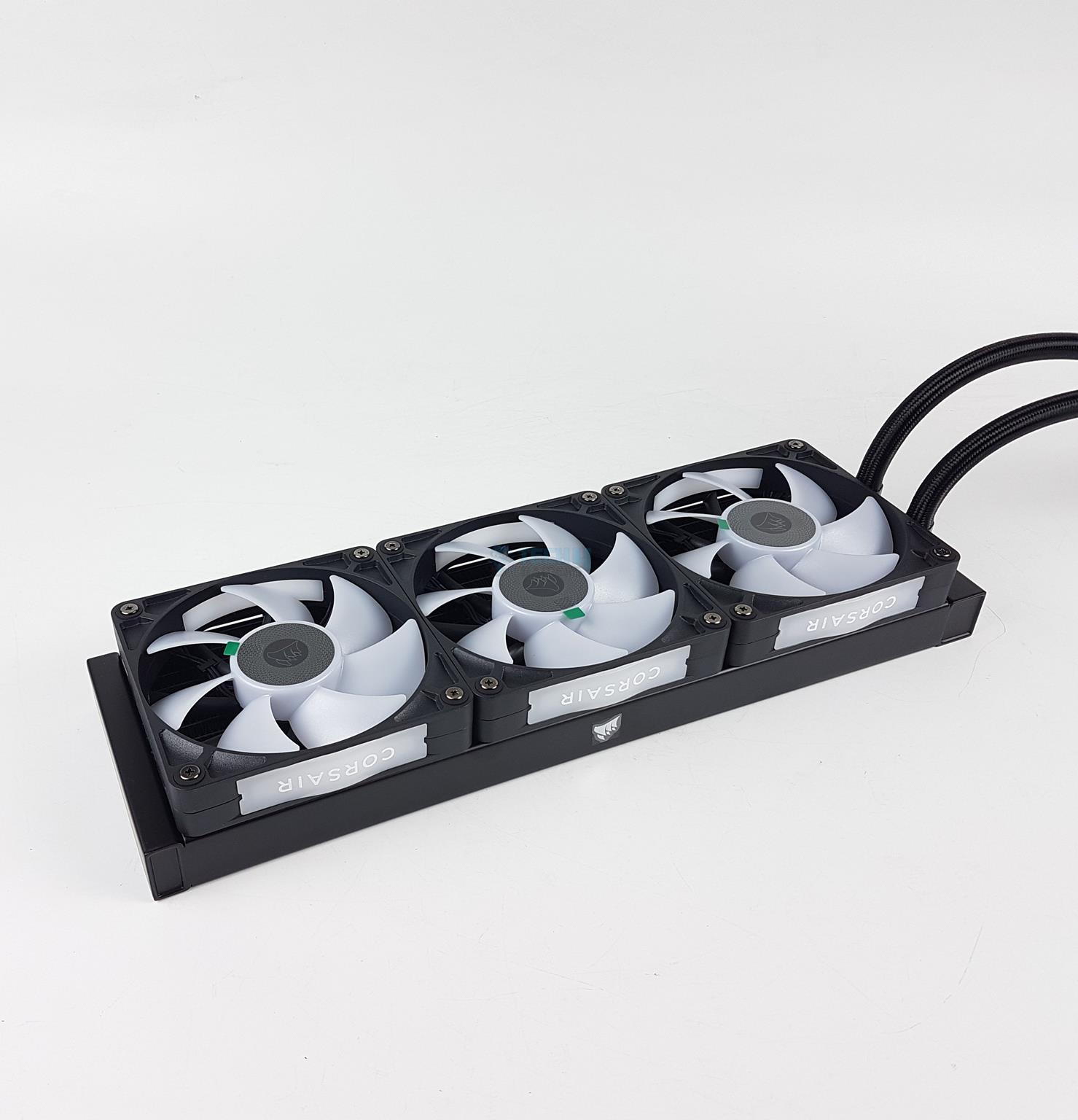
Radiator With Fans
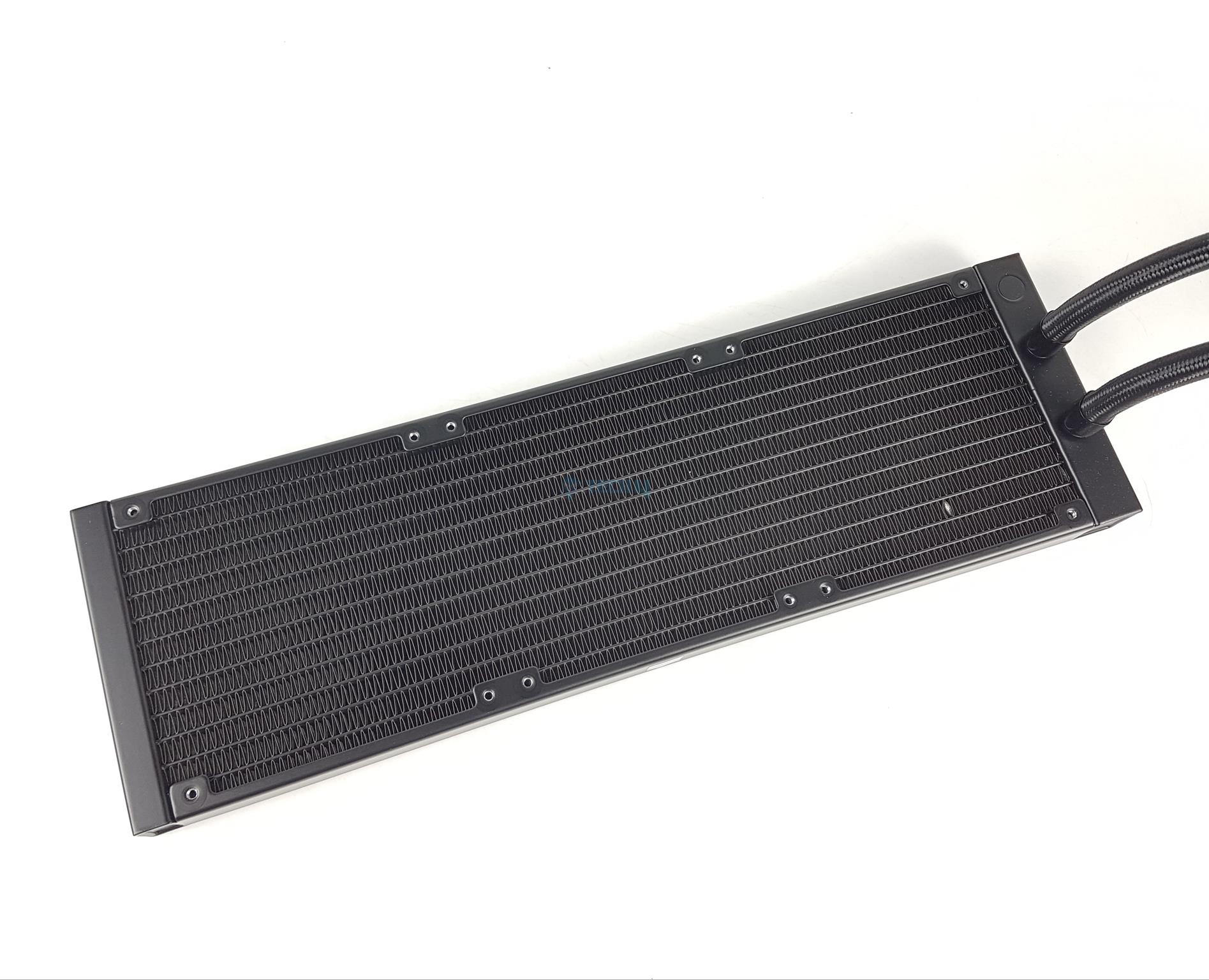
Fins
The RX120 RGB 120mm A-RGB fans come pre-installed over the radiator. There is no visible cable connection between these fans. This is the same design as on the QX120 RGB fans that I tested earlier.
This comes from the revamped iCUE Link system, where the focus is on integration and fewer cable connections, though it also means a total dependency on the software.
The radiator is made of aluminum material. This is a standard design. The dimension of this unit is 396x120x27mm (LxWxH). The height of this unit is 27mm. Adding 120x25mm fans would make the overall height to be 53mm.
This unit has a 20 FPI count with 12 channels for the coolant flow. Corsair has done a fine job with fin stacking. The gap between any two fan mounting holes on the radiator is 105mm.
Assembled Unit
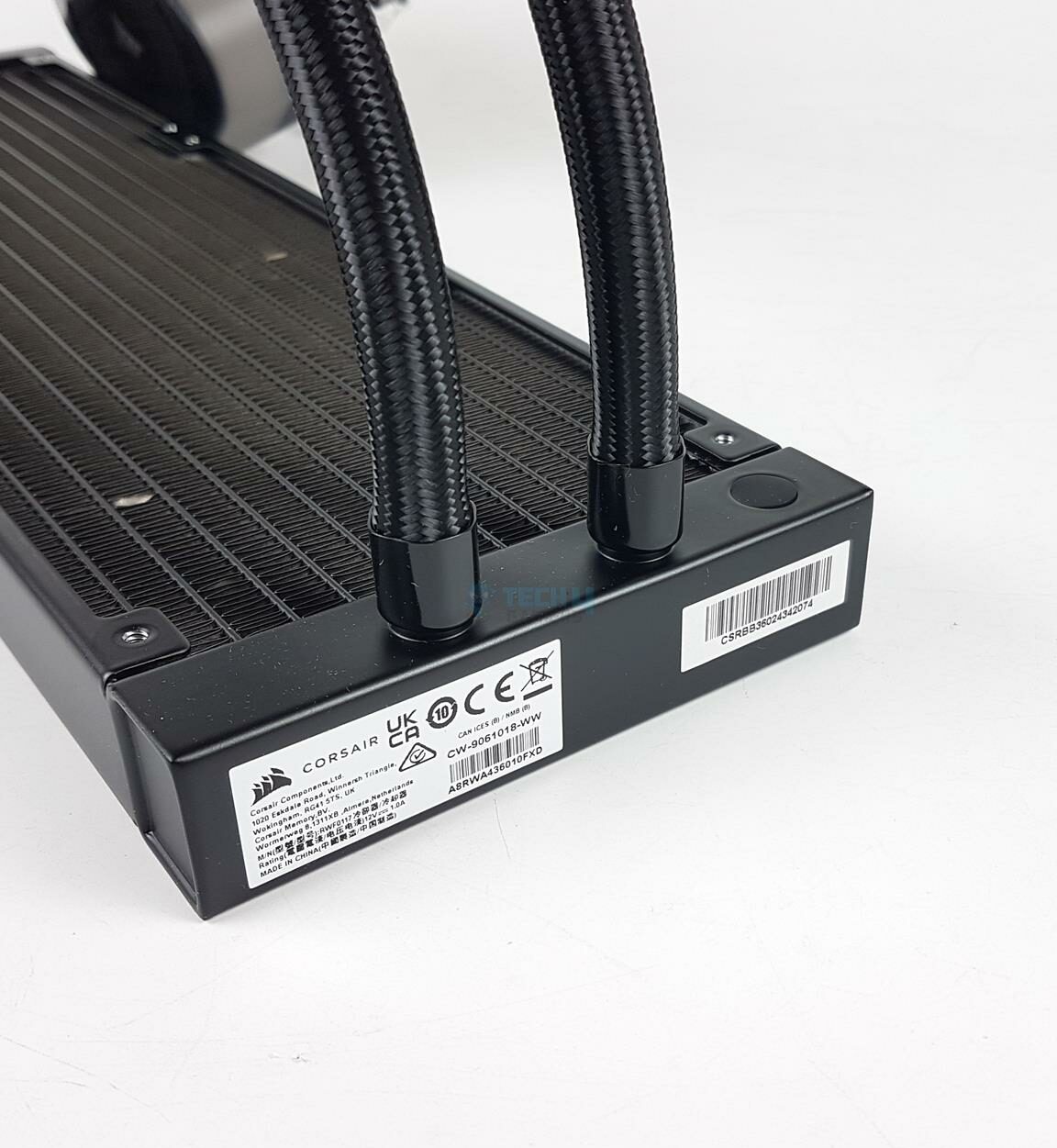
Tubes Connection
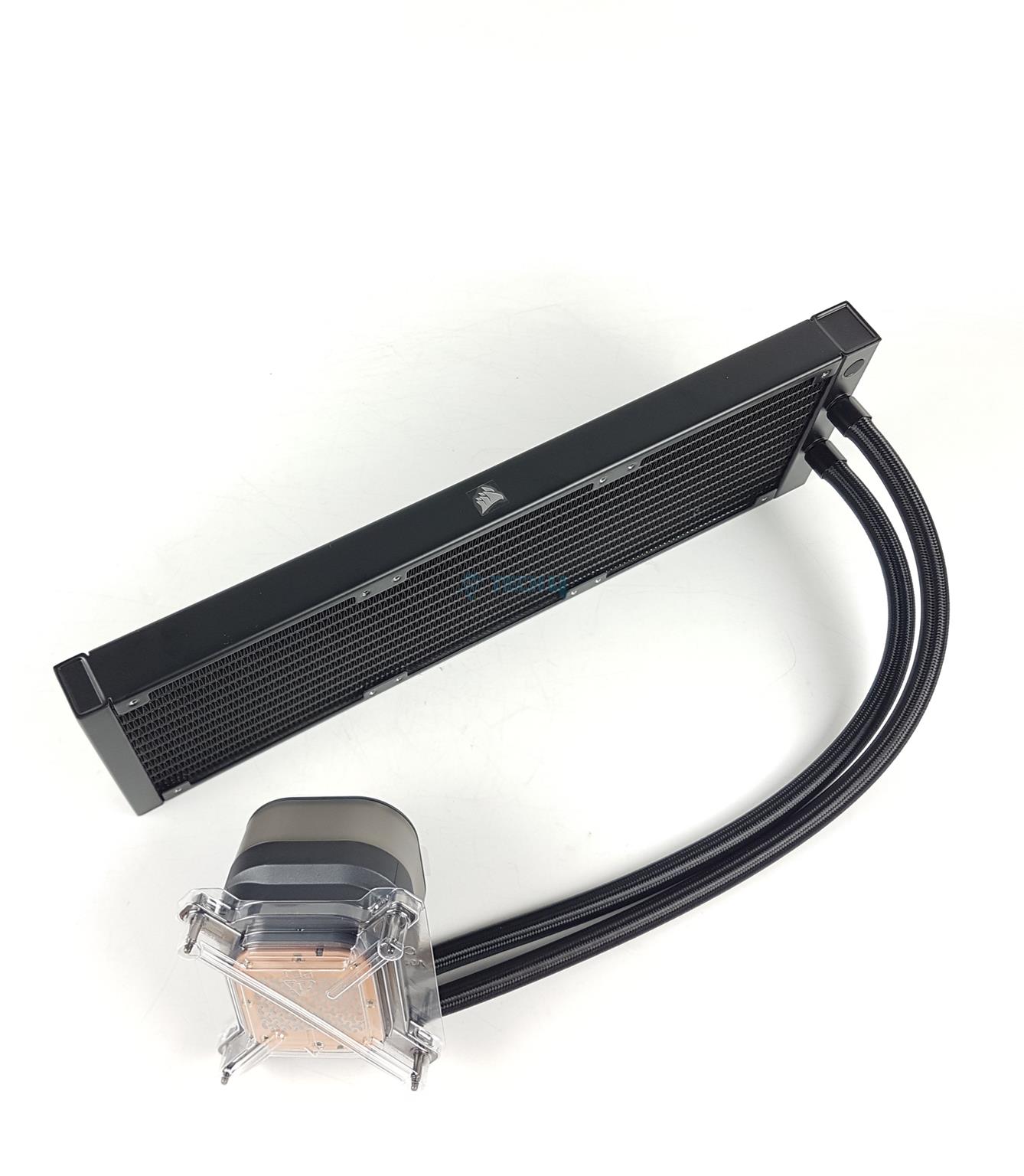
The above picture shows a side view of the assembled unit. Corsair has reduced the gap between the fin stack and the side frame of the radiator. This provides more surface area for effective heat dissipation. Corsair has used rubber tubes with low permeation and there are nylon braided white color mesh sleeves on these tubes.
These tubes have a length of 450mm. This time, there is no cable placed under these sleeves, unlike the iCUE Link H150i LCD cooler that I tested earlier.
There are standard black clamps over the tube and fittings connections. There seems to be another port that has a flat cover. If it indeed is a port. It may be reserved for factory use only to refill the unit or its designated purpose. I would leave it alone.
One key difference between the Titan series and the LCD series is that Titan does not have a distribution box integrated into the radiator. This box made the block area of the cooler on the LCD series neat and clean. I would have loved to see the box continued on the Titan series so that we can still have a cable-free pump block design.
Pump Block
Diffuser On The Block
USB Ports
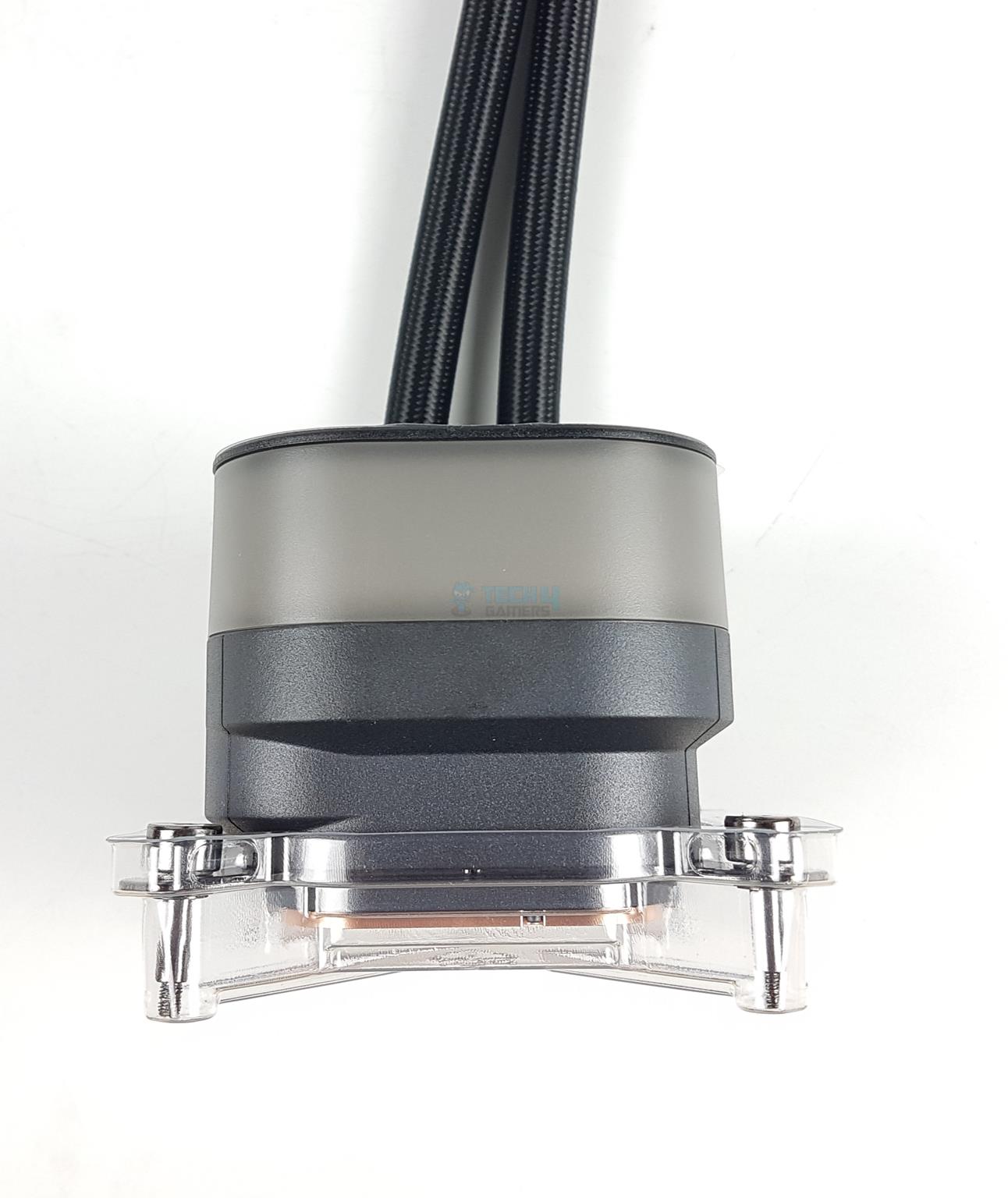
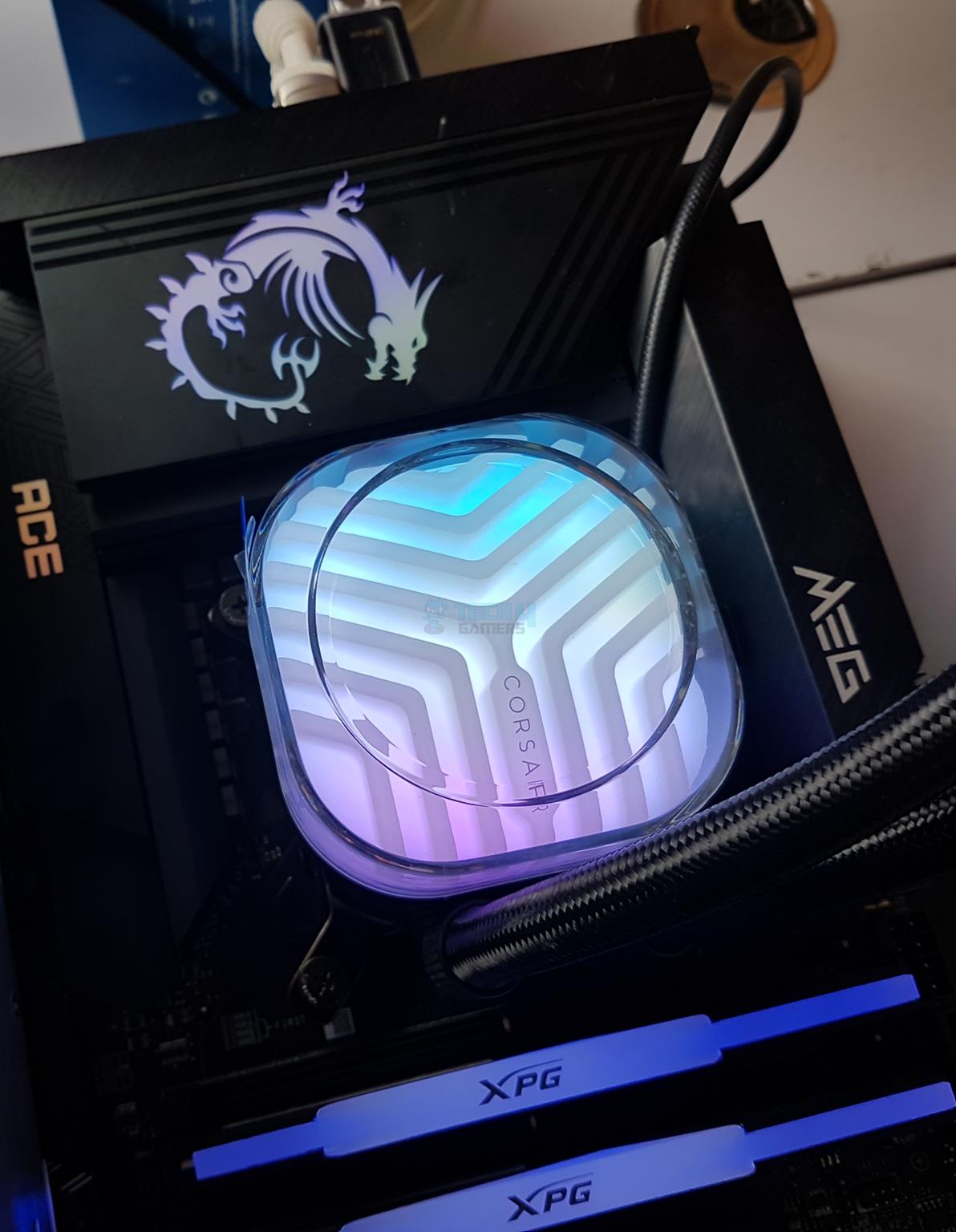
The pump block design is something different on the Titan 360 RX RGB Black cooler. There is a thick large size diffuser sitting over the 20 A-RGB LEDs. You can guess the amount and aura of lighting effects that would come out from the top. This is a 360ᵒ view.
The lower chamber has a matte black housing in a step design. The intel mounting bracket is pre-installed on this housing.
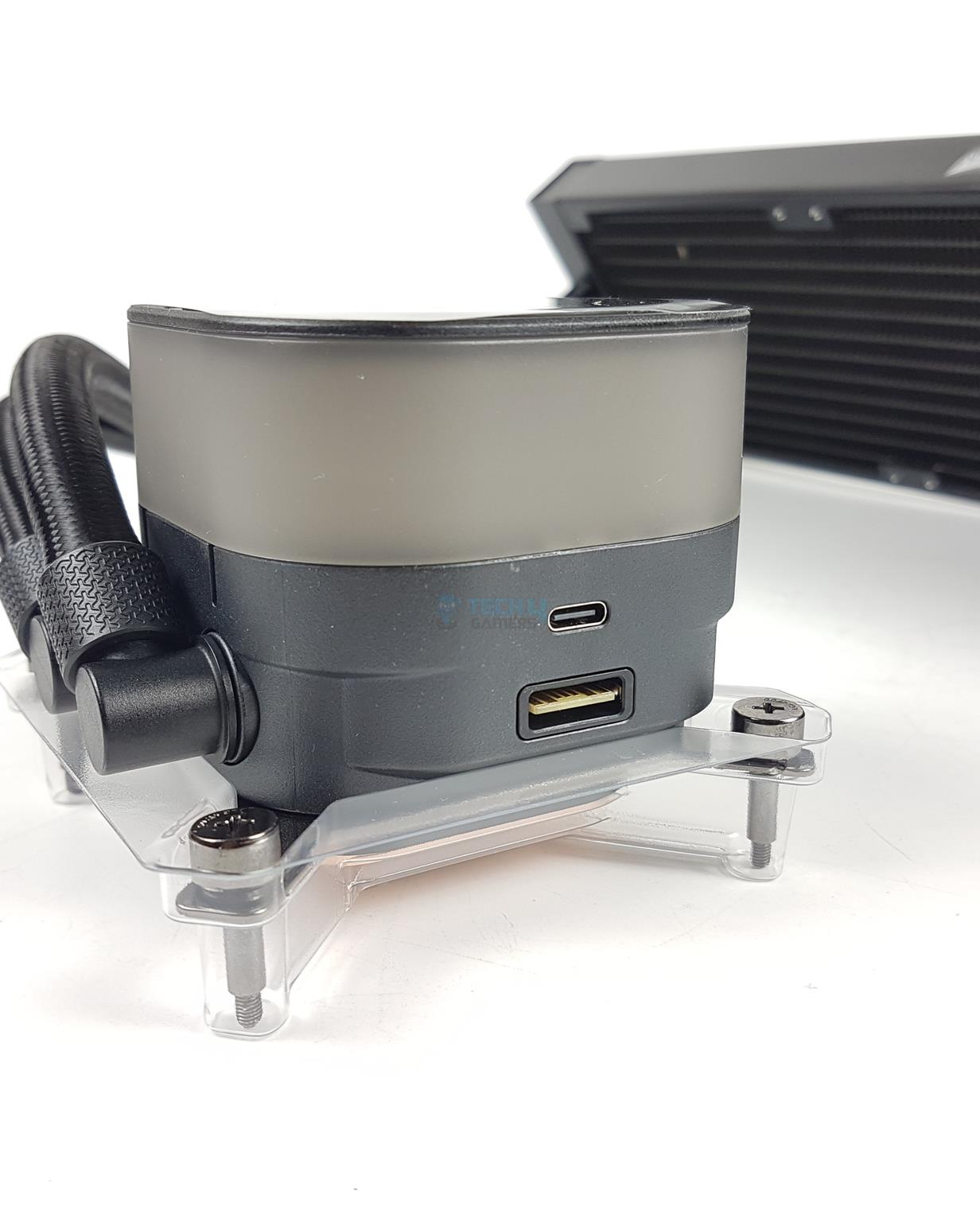
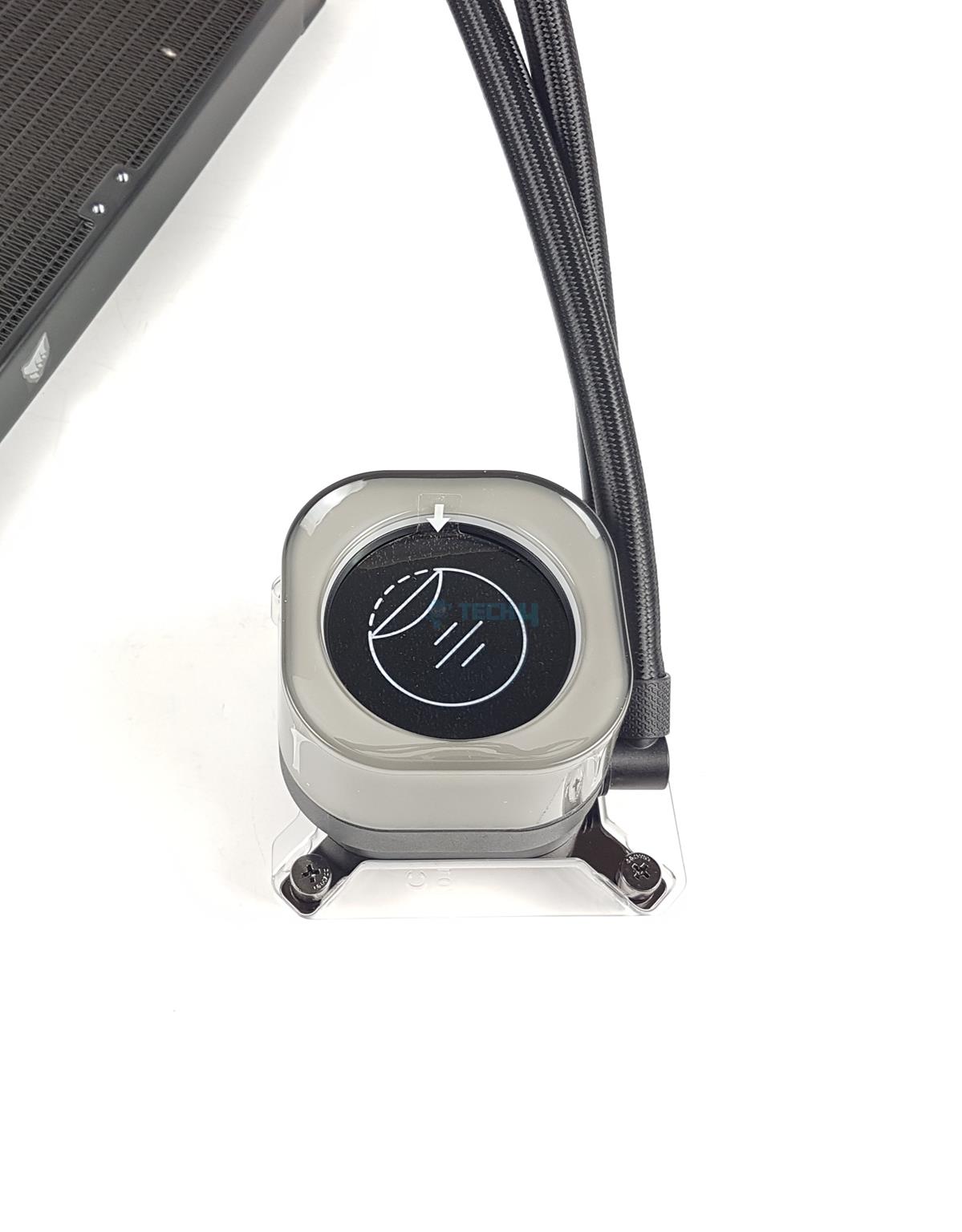
There is a USB Type-C port on one side of the block. This is where the USB cable from the LCD Screen module (Pump Cap) will be connected to. You don’t need to connect anything if not using that pump cap.
There is also an iCUE Link port to which the bundled iCUE Link cable can be connected. I would strongly suggest connecting the cables first before installing the block, as the VRM covers of the motherboards may limit access or even install the cables altogether.
Top Cover
Tubes Connection
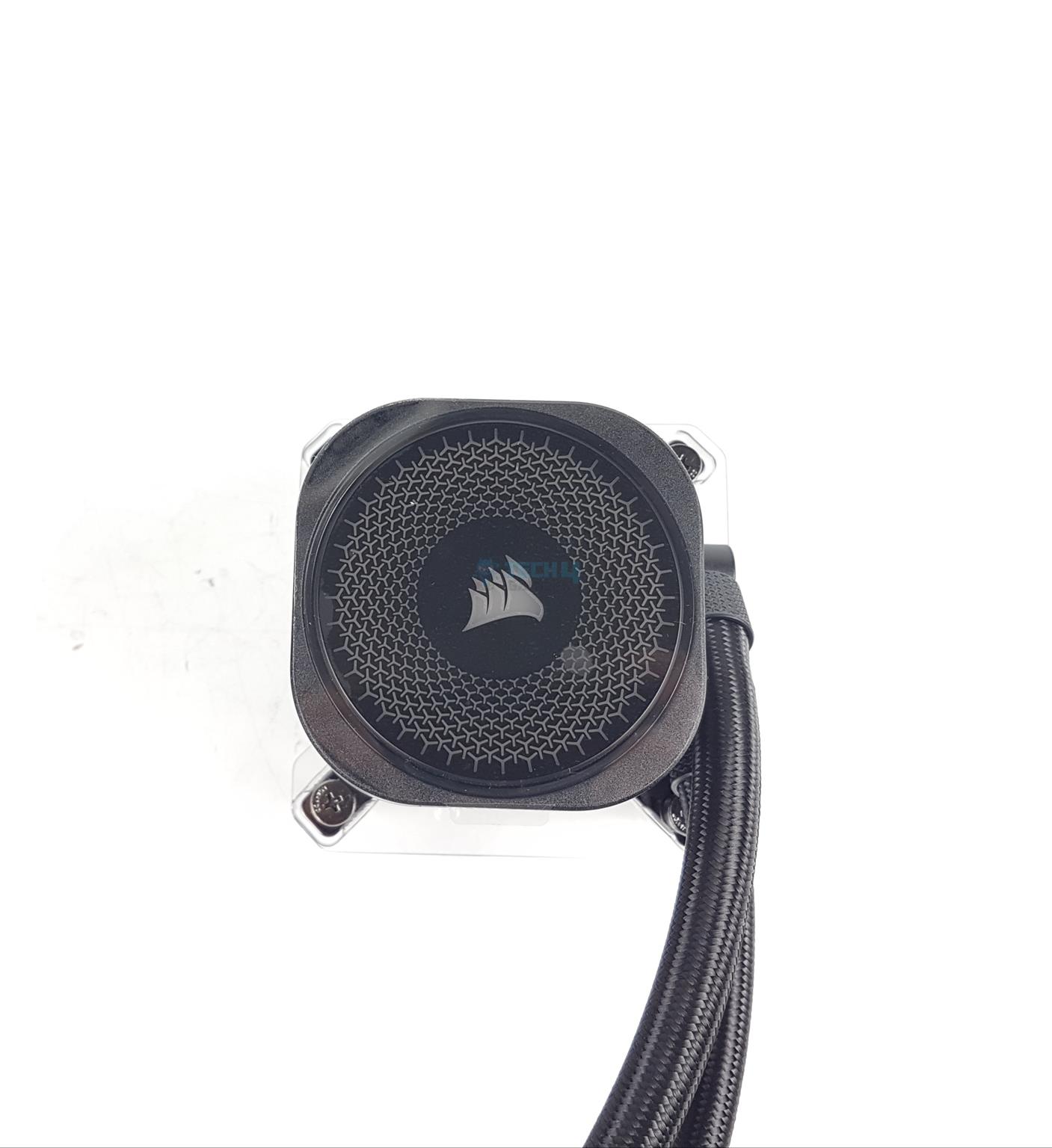
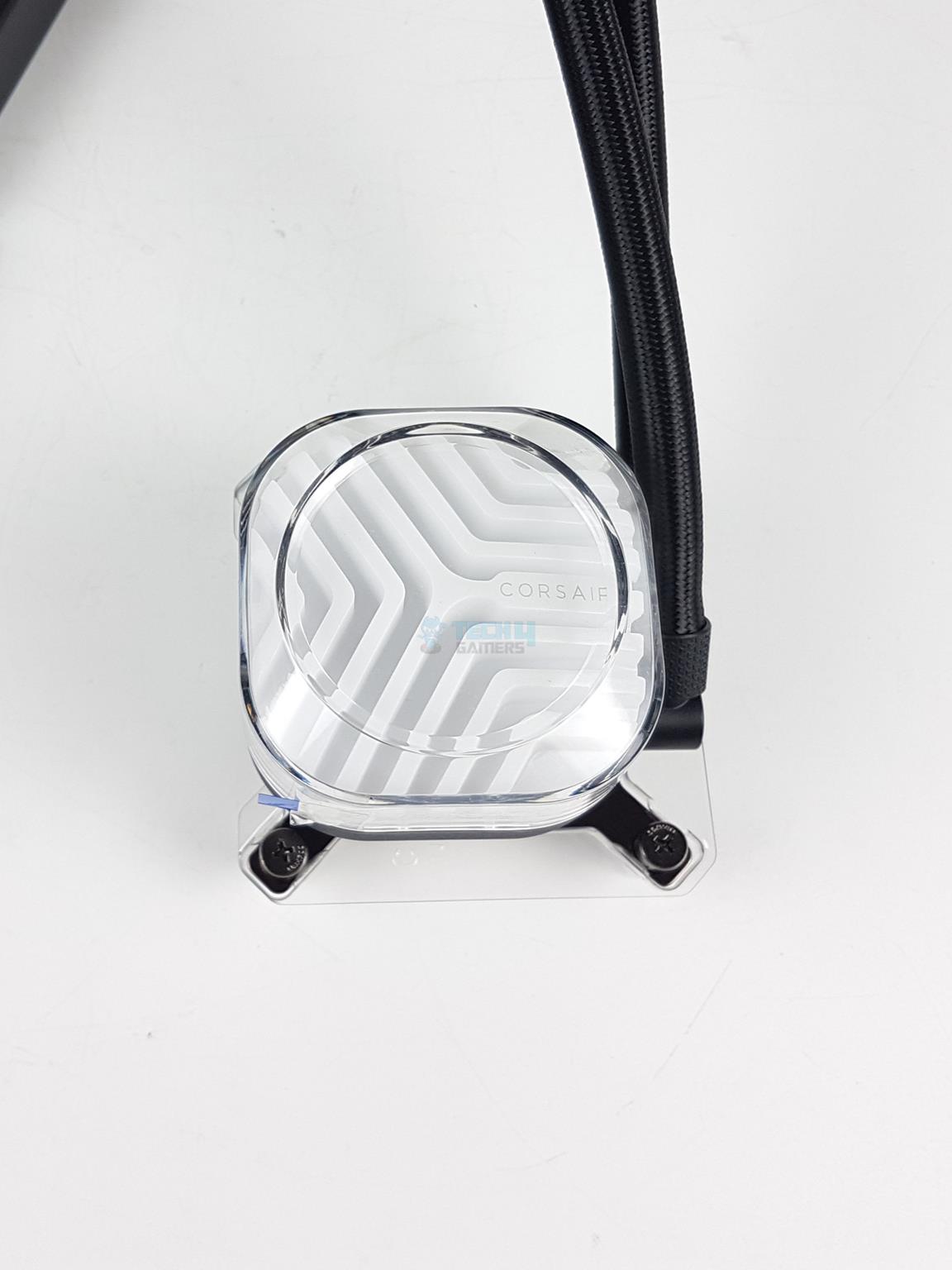
Taking a look at the top of the housing, there is a stylish Corsair-themed stenciling diffuser hat that has Corsair branding in the centre. The top plate is magnetic and can be removed to rotate so that the Corsair logo can remain upright.
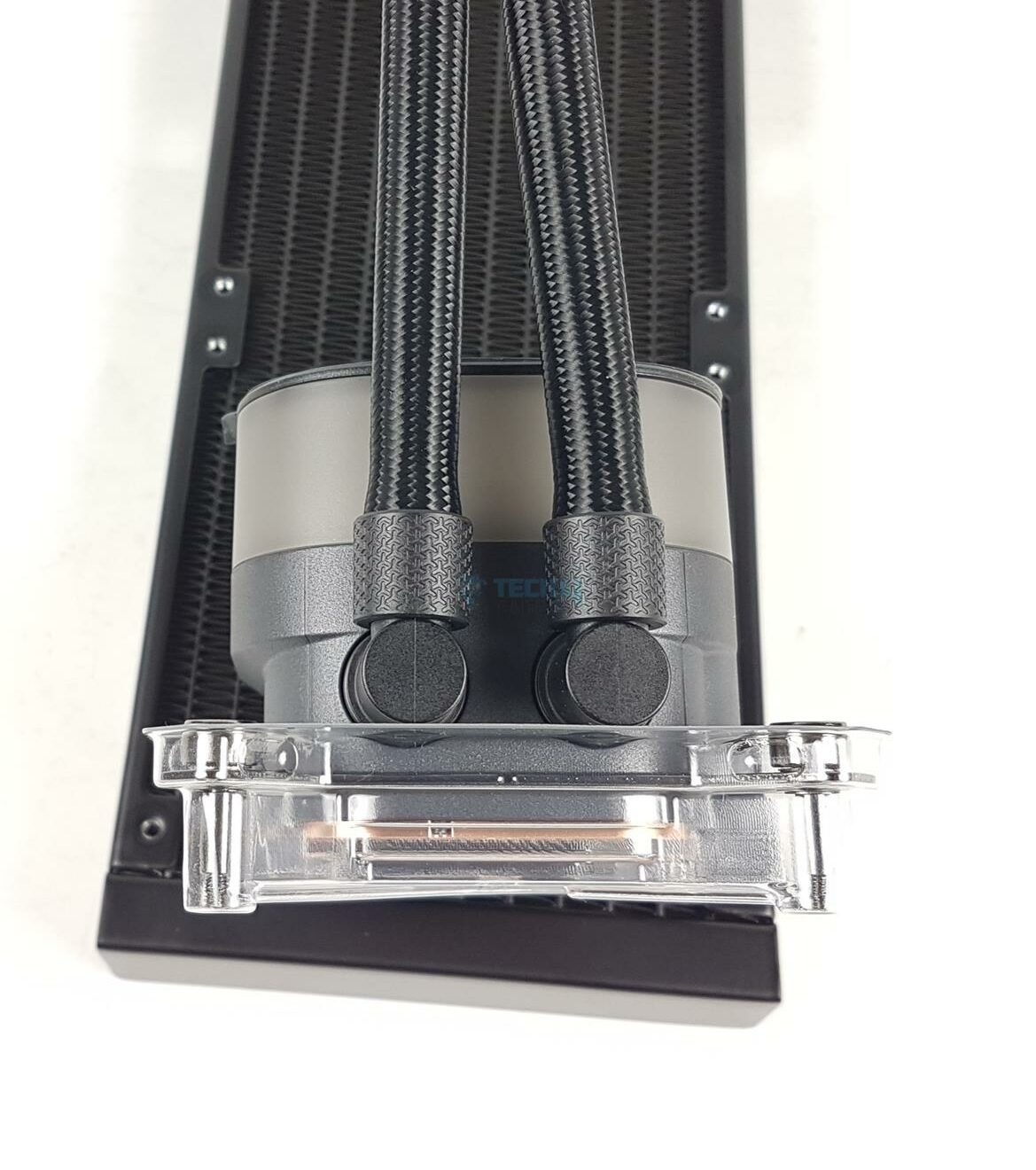
Looking at the backside of the housing, we can see that the tubes are installed at a 90° angle on rotary barbs. There are stylish clamps covering this connection. Unlike the iCUE Link H150i LCD, these connections are not stepped.
Intel Mounting Brackets (Image By Tech4Gamers)
Corsair has installed the Intel Mounting Brackets from the factory. They have simplified the installation task by integrating the screws into the mounting brackets, which would reduce the number of installation items and installation steps.
Copper Base (Image By Tech4Gamers)
The copper base measures 55×55. It comes with the pre-applied thermal paste, which also reflects the Corsair design theme. However, no additional thermal paste is provided with the box. In my opinion, a tube should have been provided at this cost.
Pump Caps
Swappable Pump Caps (Image By Tech4Gamers)
Corsair has also introduced swappable pump caps with the Titan series. There are three caps:
iCUE Link Pump Cap – Goove
iCUE Link LCD Screen [Module]
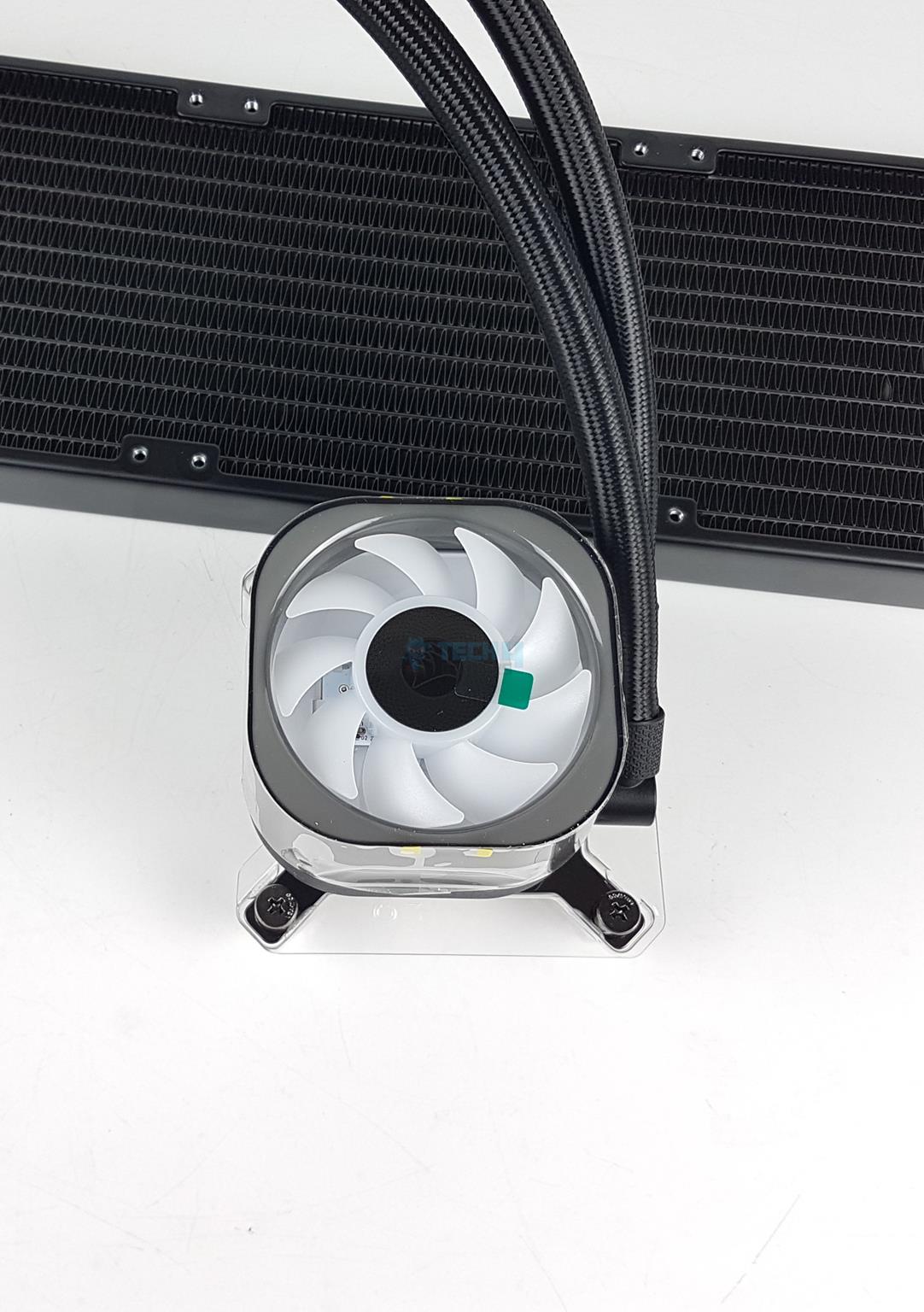
iCUE Link VRM Fan [Module]
The Goove has an MSRP of USD 14.99. The LCD Screen has an MSRP of USD 99.99, whereas the VRM Fan module has an MSRP of USD 29.99. These modules are available for purchase separately.
All Four Caps You Can Use With The Titan (Image By Tech4Gamers)
I am showing all 4 caps. The top cap is a stock one from the iCUE Link Titan 360 RX RGB Black cooler. Starting from the left, we have a Goove module, LCD Screen module, and VRM Fan module. These modules, except the Goove and Stock, have pins on one side that connect to the pads on the diffuser top of the pump block.
Pump Covers
1 of 3
Pump Cap - Goove (Image By Tech4Gamers)
Pump Cap - LCD Display (Image By Tech4Gamers)
Pump Cap - VRM Fan (Image By Tech4Gamers)
I have installed these caps and showing them in the pictures. You need to grip the cap firmly and pull it out from the base side and install the other cap in reverse order.
RX120 RGB Fans
3x RX120 RGB Fans (Image By Tech4Gamers)
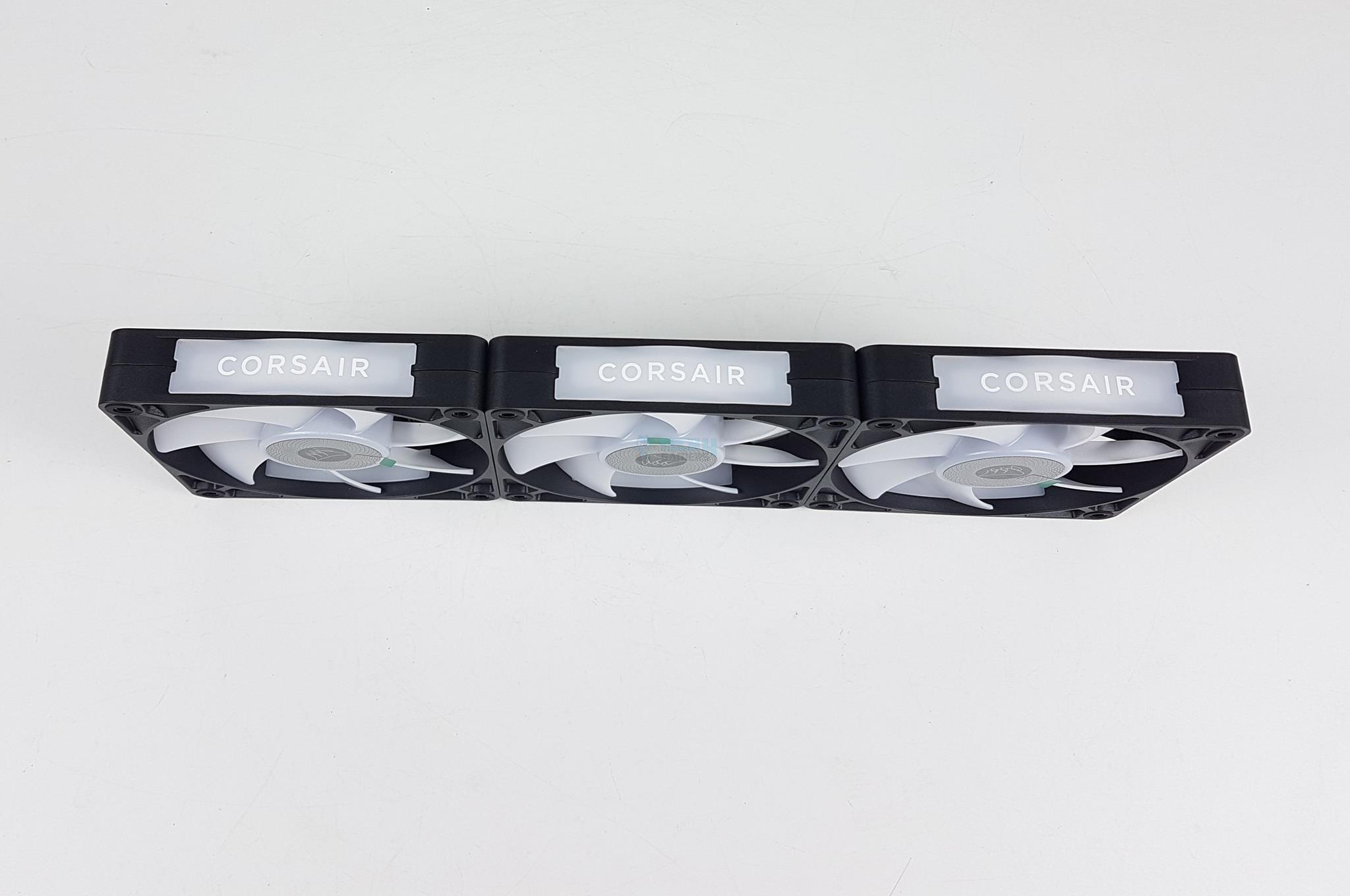
Corsair bundles 3x RX120 RGB fans. These are high-performance fans. Each fan has 7x frosted blades. There is a black label in the center. Each mounting corner has a ring-designed anti-vibration pad. Each fan packs 8 ARGB LEDs. This is a key difference between the RX and QX fans since QX fans have 34 LEDs.
Looking at the backside of the fan, you can see guide vanes, which provide focused airflow. The QX fans have an X-shaped arm design. There is Corsair branding in the center of the fan. The wires are routed towards two sides, as can be seen.
Fan Side
All Fans Connected Magnetically
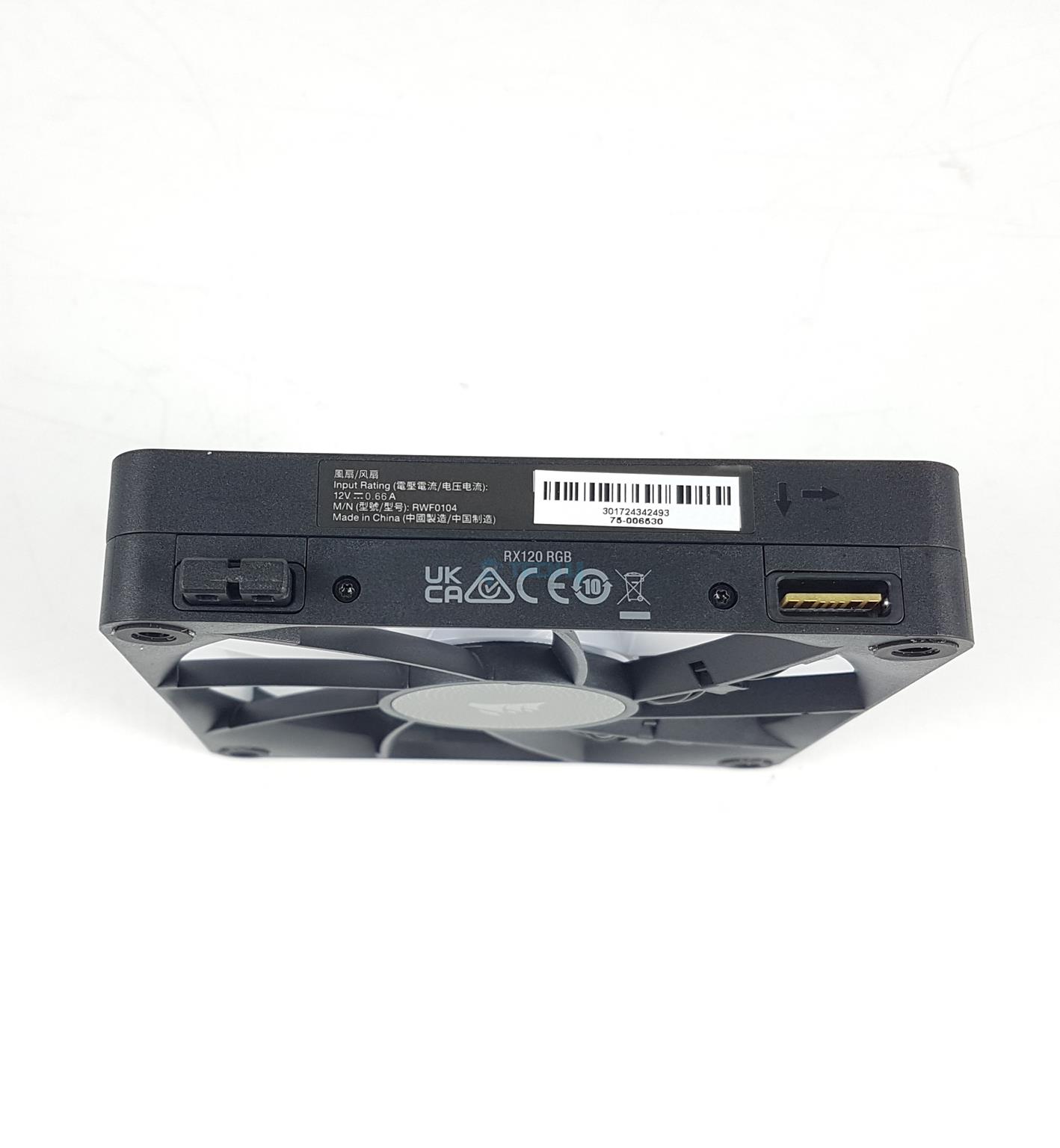
Looking at one side of the main frame, we can spot two ports. One has an active connection (iCUE Link Port), whereas the other has a magnetic attachment to daisy-chain the two fans. There are two arrow symbols indicating the direction of airflow and the blades’ spin direction.
There is a magnetic connection among the fans to make a clean look. This is the same as on the QX120 fans. However, the RX120 RGB fans have side plates. You can see CORSAIR branding on the side plates.
Fan Plates (Image By Tech4Gamers)
There is a blank plate on one side and a Corsair-branded plate on the other. These plates are removable and can be interchanged. You can also change their orientation.
iCUE Link Accessories
Let’s take a look at what is provided under the iCUE Link system.
iCUE Link
1 of 3
iCUE Link System Hub (Image By Tech4Gamers)
iCUE Link System Hub (Image By Tech4Gamers)
iCUE Link System Hub (Image By Tech4Gamers)
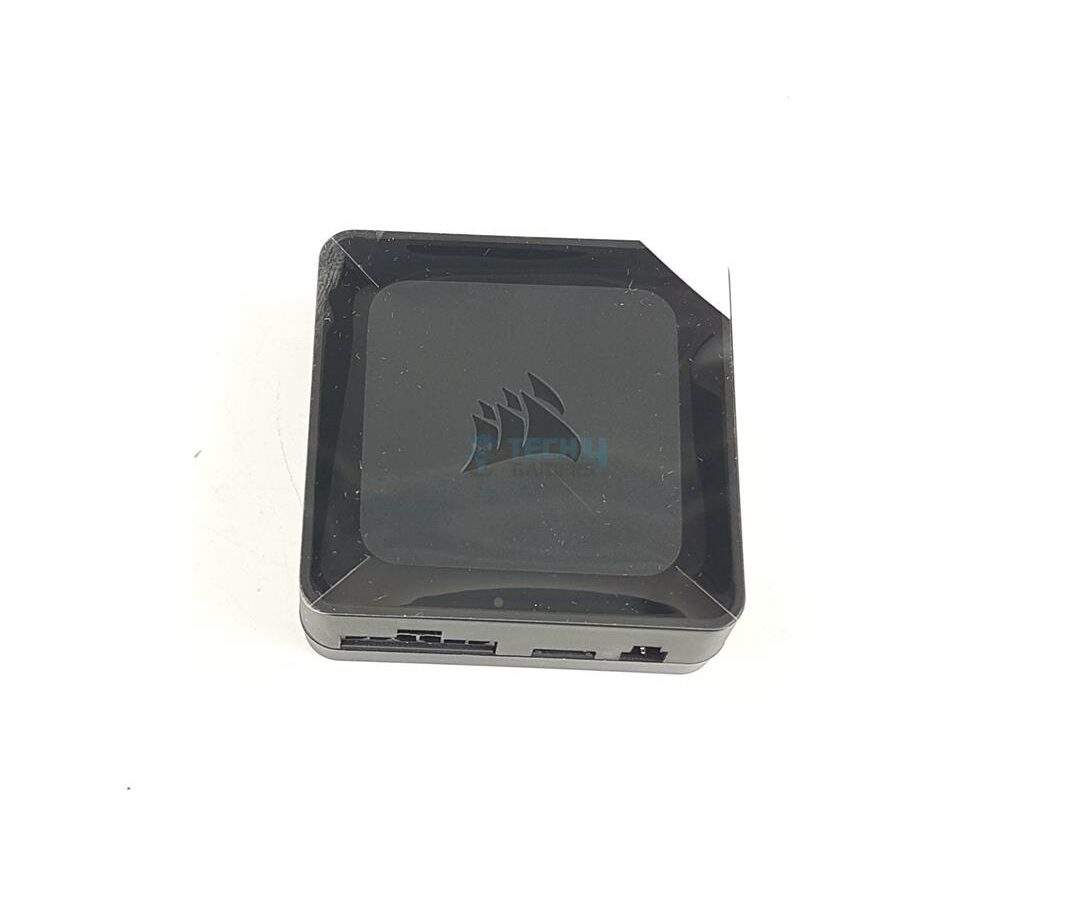
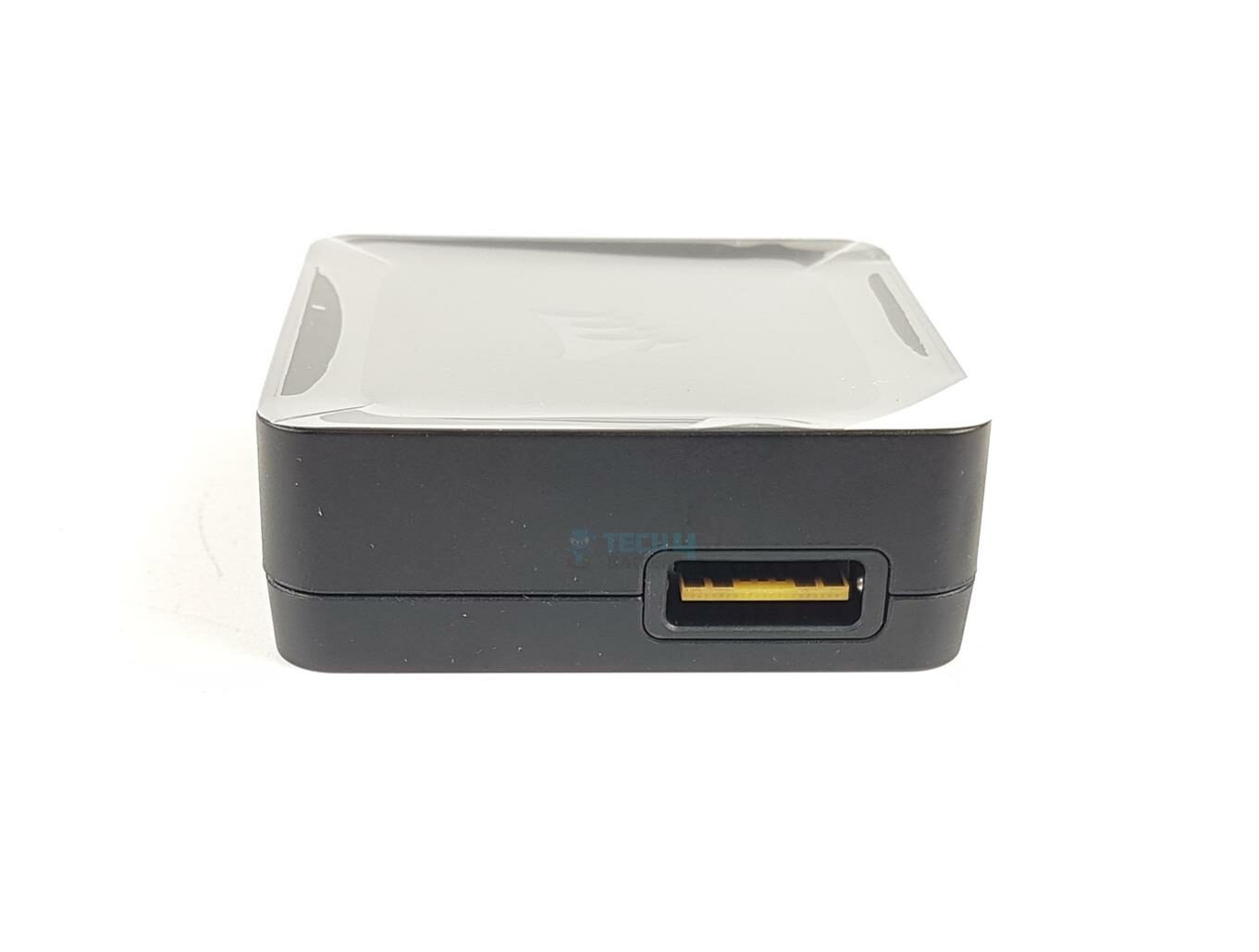
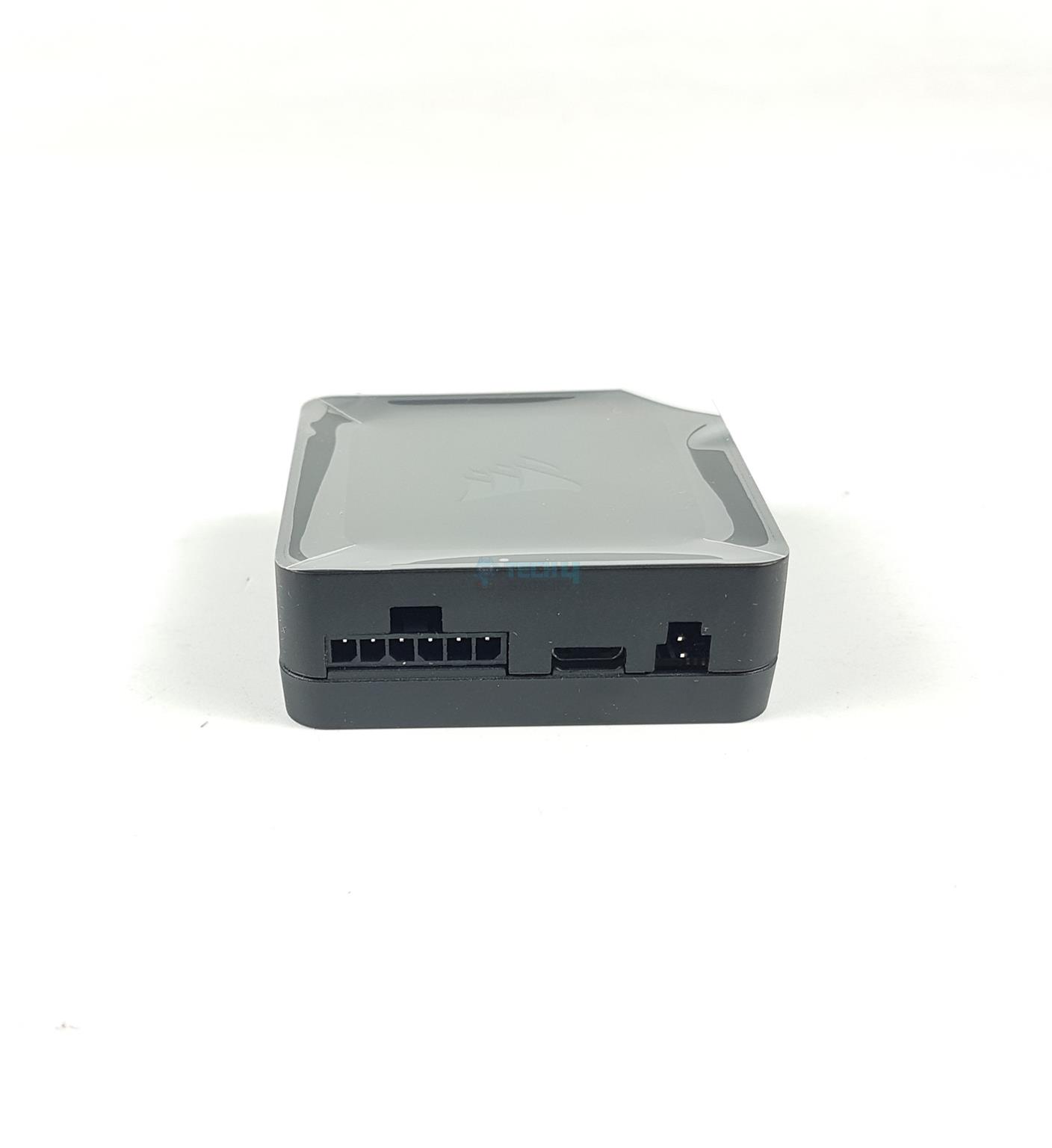
Corsair has provided a magnetic system hub. This hub sits between the cooler and the PC. There are two active link ports (one on each side). This is where the iCUE Link Cables are connected. You can also attach it using 3M self-adhesive tapes.
We have:
A 6-pin Power Port.
A micro USB Port.
A 2-pin Tach Port.
Cables
More Cables!
We are still dealing with cables, after all, and there are a minimum of 5 cables that need to be connected. So much for a single cable concept! The cables include:
2x 600mm iCUE Link Cable
1x 150mm iCUE Link Cable
1x 3-pin to 2-pin Tach Cable
1x micro USB to USB 2.0 Cable
1x PCIe 6-pin Connector Cable
Installation
Here are the steps to install this cooler on an Intel LGA1700 socket:
Place the Intel LGA1700 backplate on the backside of the motherboard.
Connect the iCUE Link Connector to the pump block.
If you are using the iCUE Link LCD Screen module, attach the USB Type-C cable to the pump block.
Remove the protective cover from the base.
Place the block over the CPU by aligning the tips of the screws with the holes on the mounting brackets.
Use a screwdriver and complete this part of the process to install a pump block over the CPU.
Connect the iCUE Link cable to the RX12 RGB fan.
Connect both iCUE Link Cables to the iCUE Link system hub.
Plug the PCIe cable into the system hub and PSU.
Connect the micro USB black cable to the system hub and motherboard.
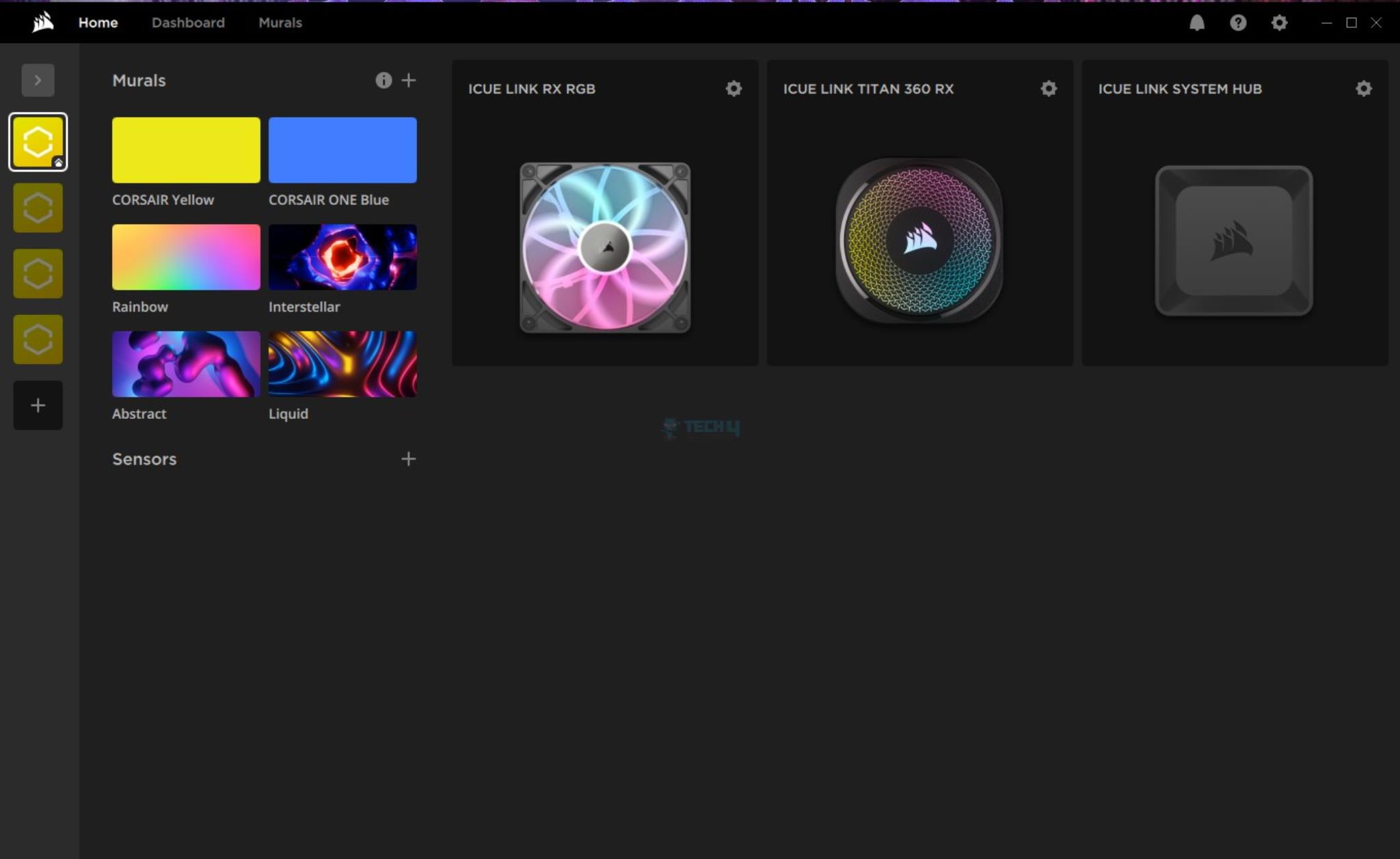
Download, install, and update the iCUE Link software.
Installation is completed.
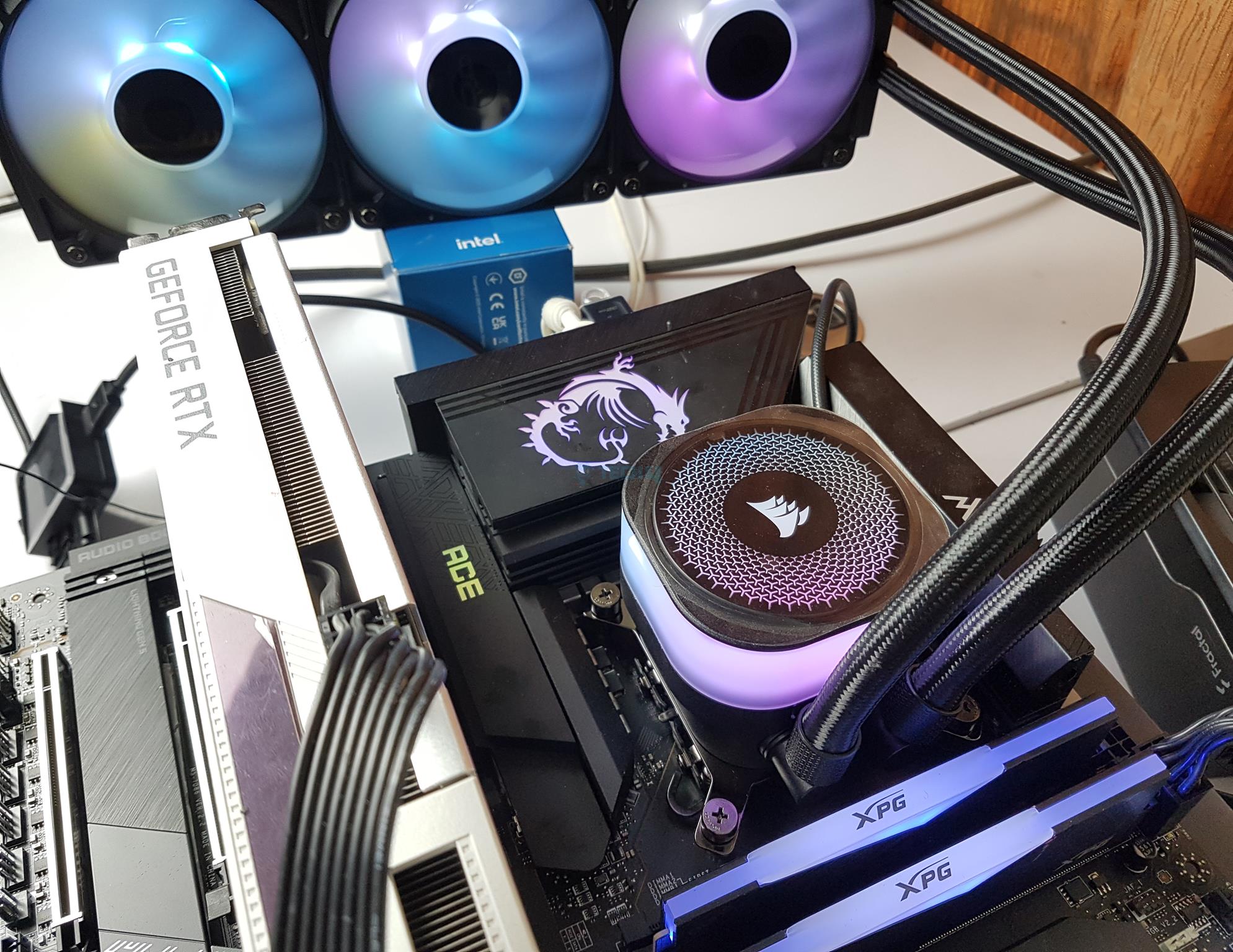
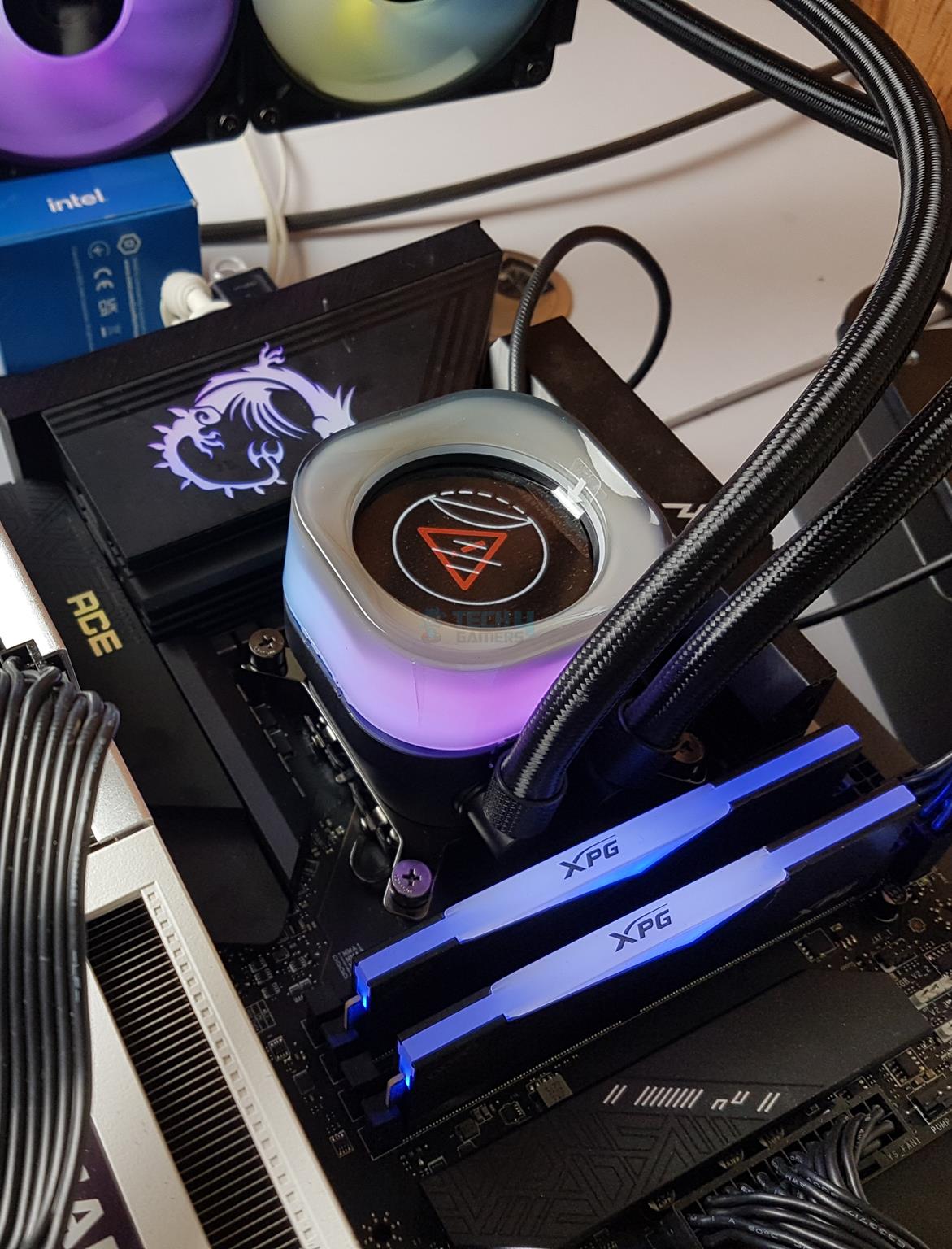
Installation (Image By Tech4Gamers)
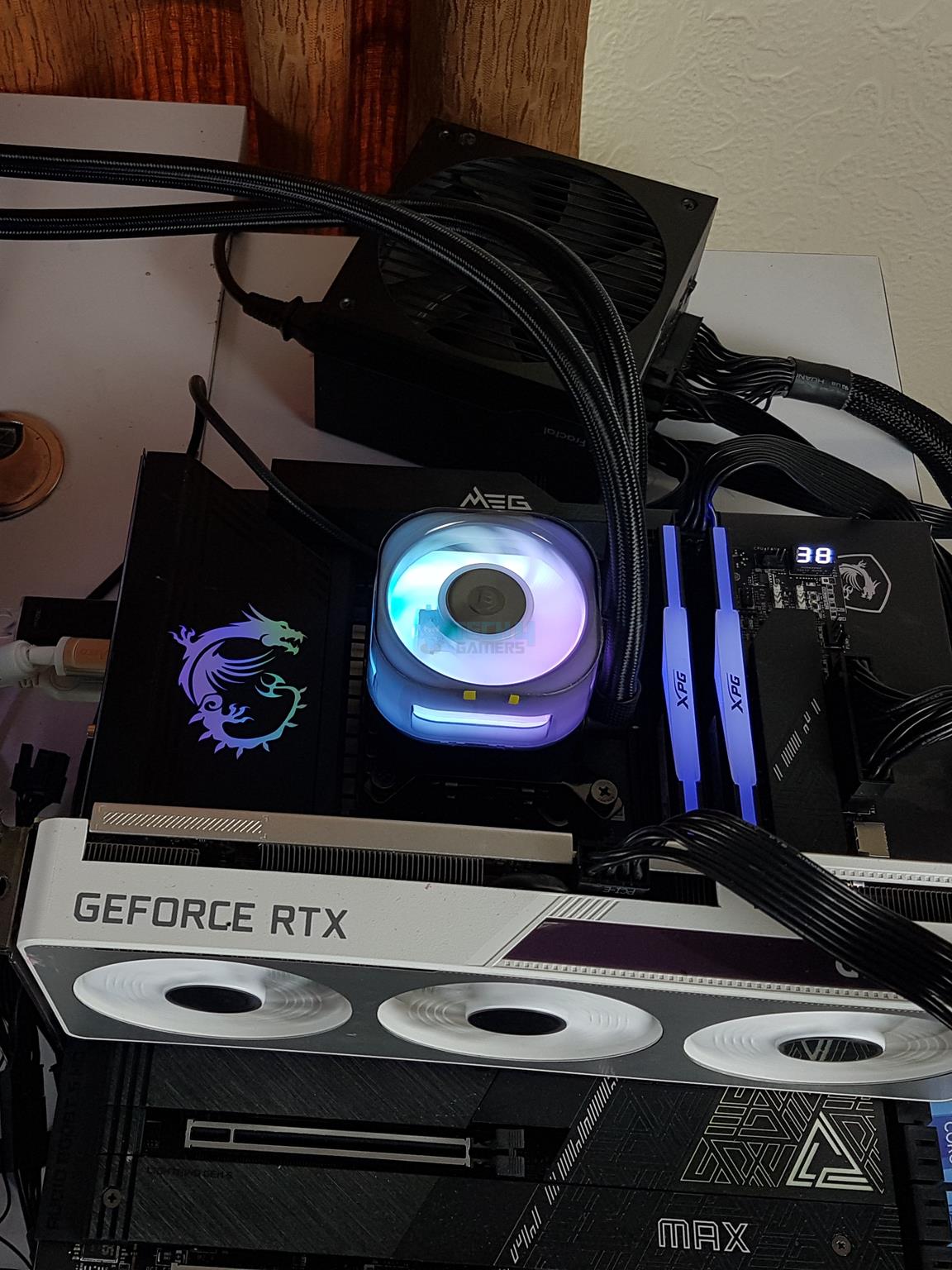
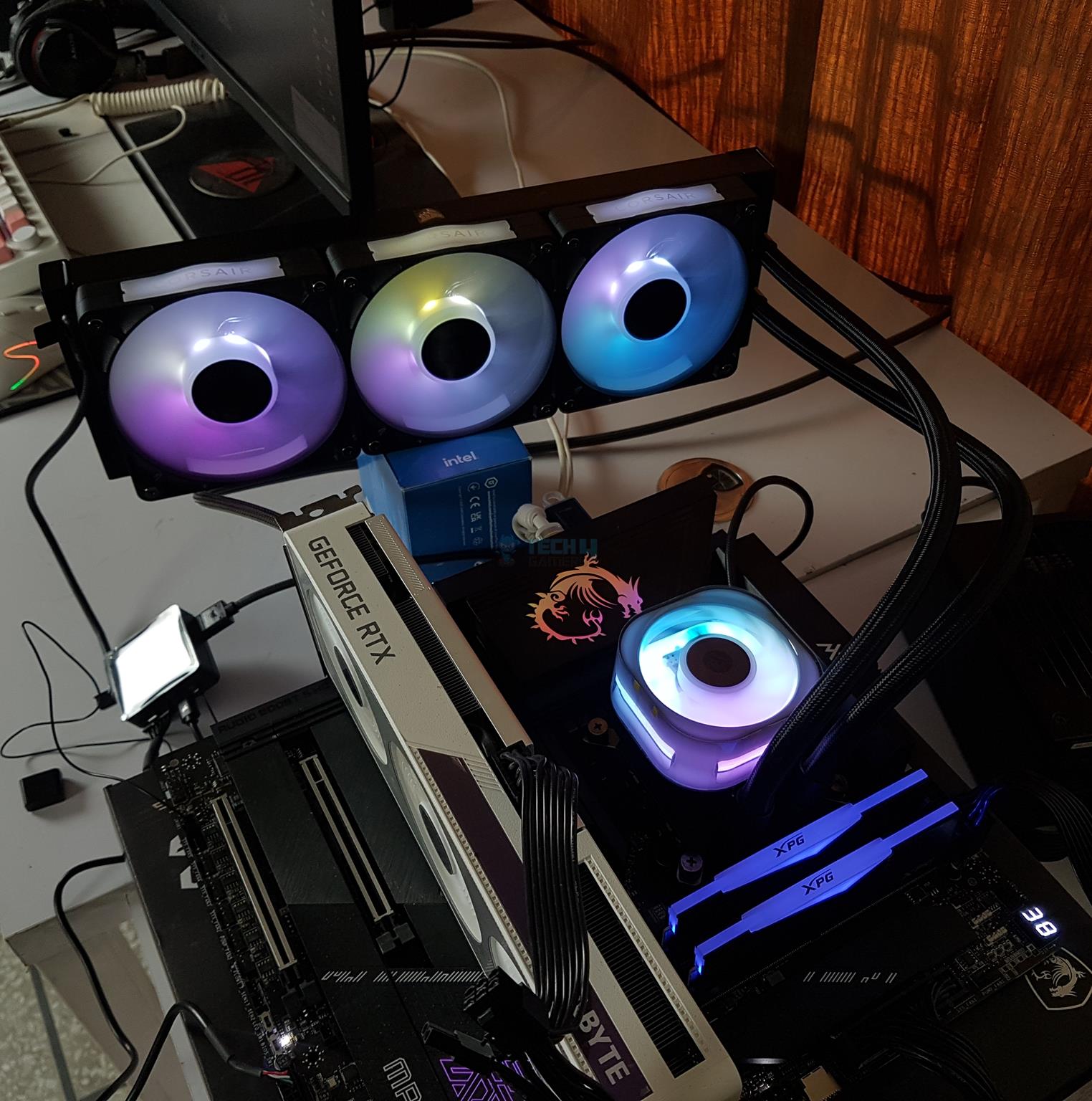
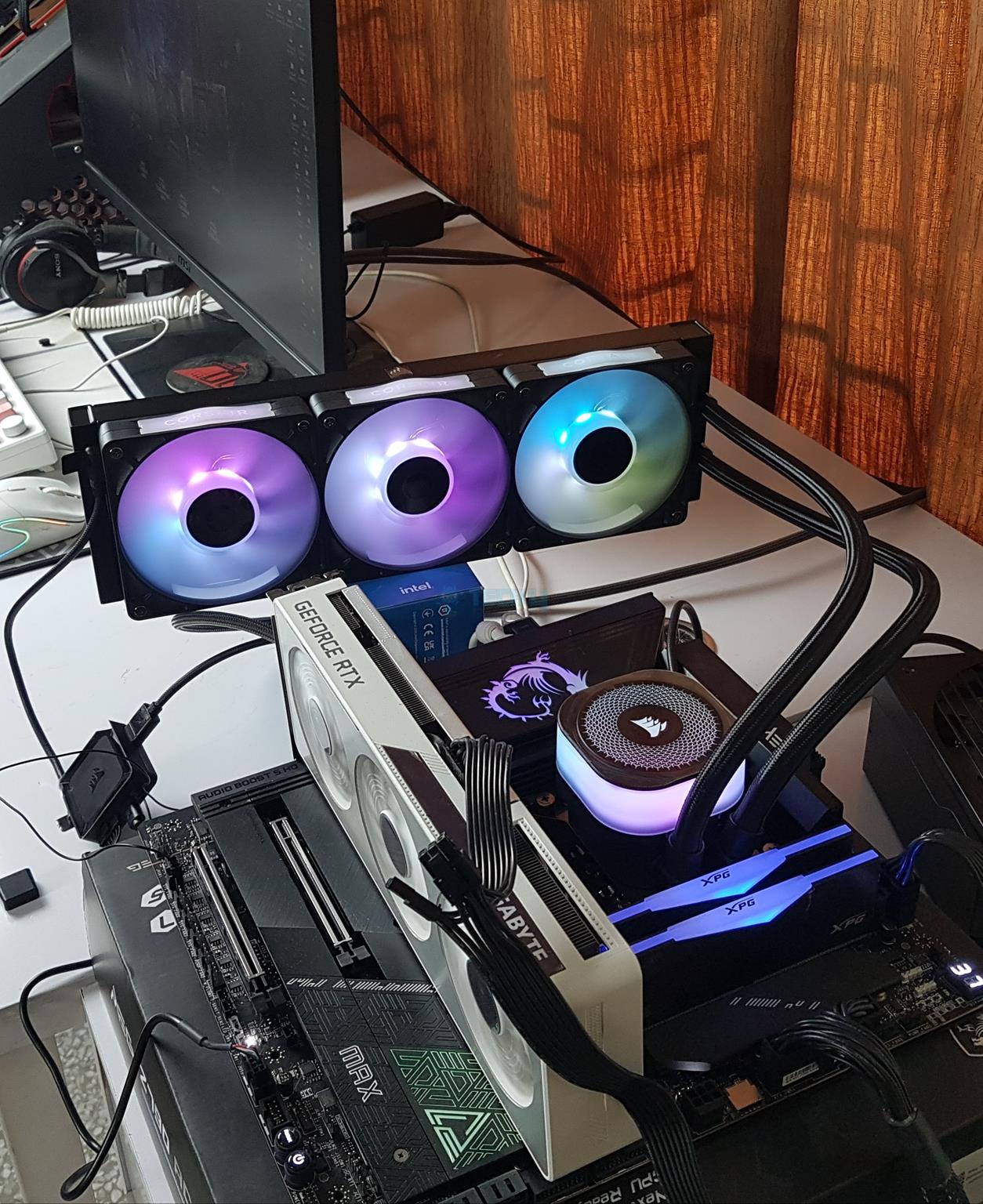
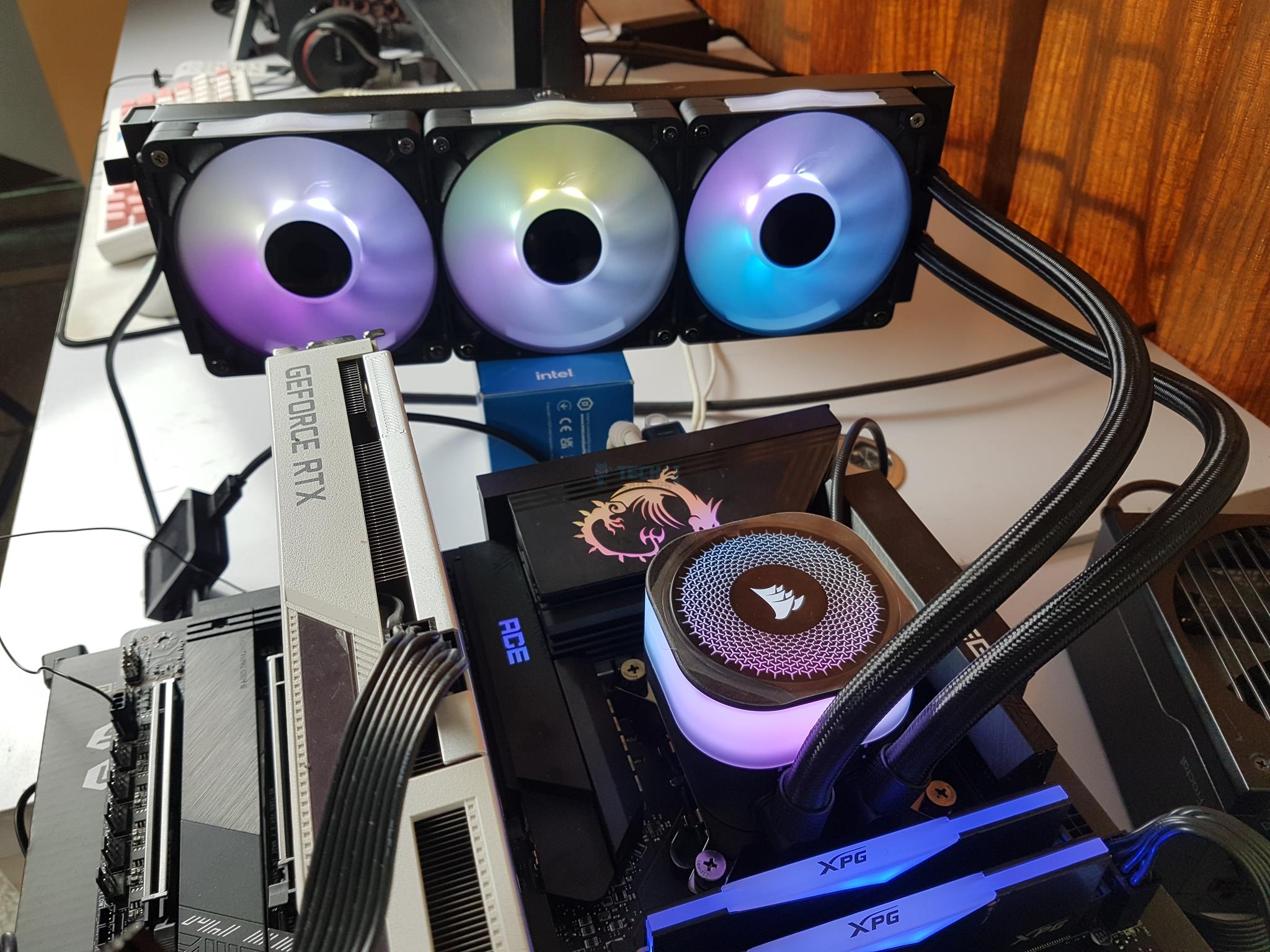
I have tested this cooler over MSI MEG Z790 ACE MAX motherboard. The USB Type-C cable provided with the LCD Screen module could not be connected to the pump block due to its length and narrow space between the motherboard’s VRM heatsink and the Titan’s pump block.
The LCD cover cannot be installed (Image By Tech4Gamers)
Corsair needs to use angled connector on the USB Cable for that purpose or provide a flat cable. I could not test the LCD Screen module due to above stated reason.
Clearance
This cooler has no clearance issue for DIMM and PCIe slots. However, you need to make sure that your case supports the 360mm radiator, particularly the clearance for the assembled cooler, which is 396x120x53 mm.
However, you need to connect the iCUE Link cable to the pump block before installation, and the USB Type-C cable cannot be connected.
Digital RGB Lighting
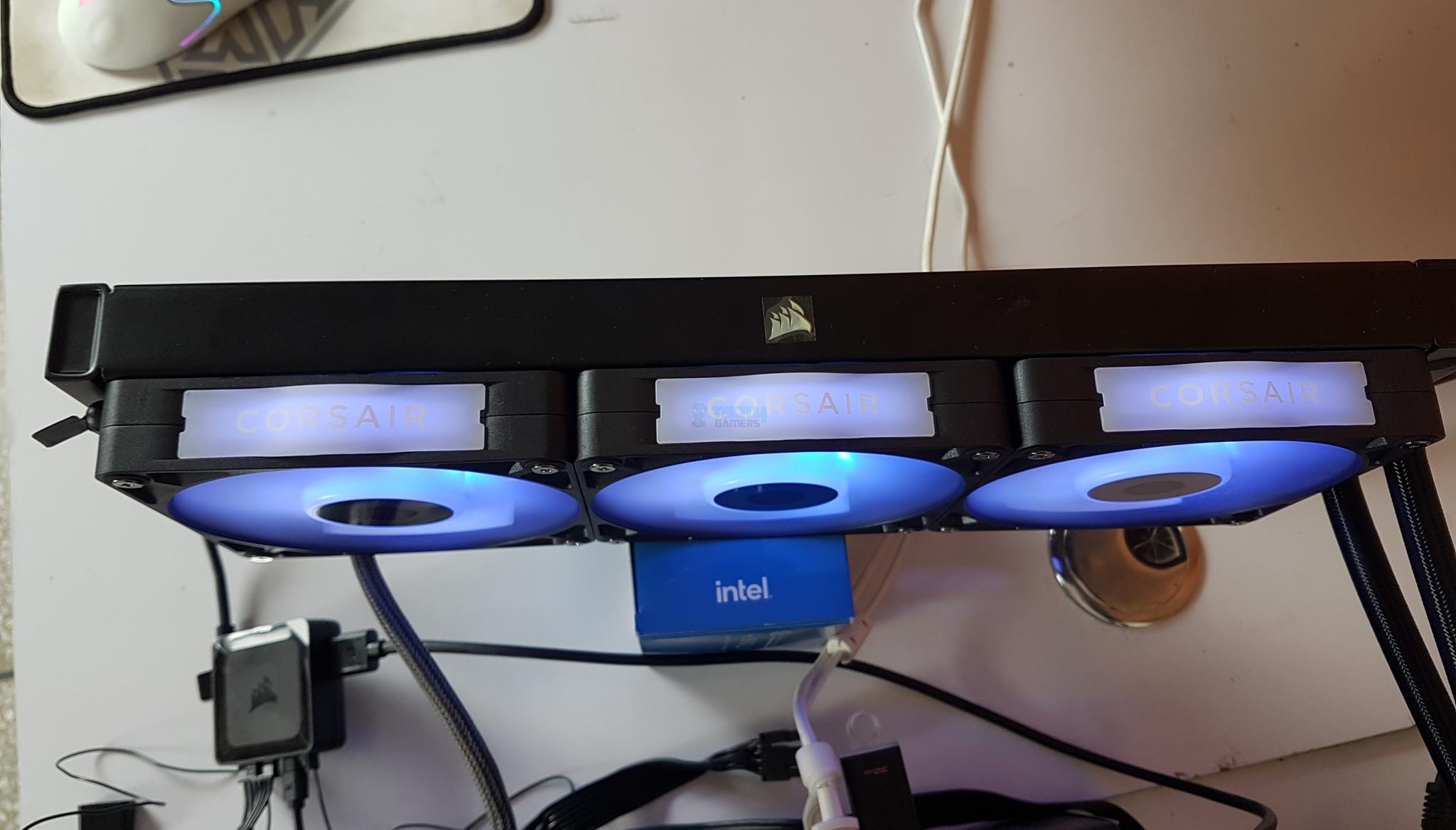
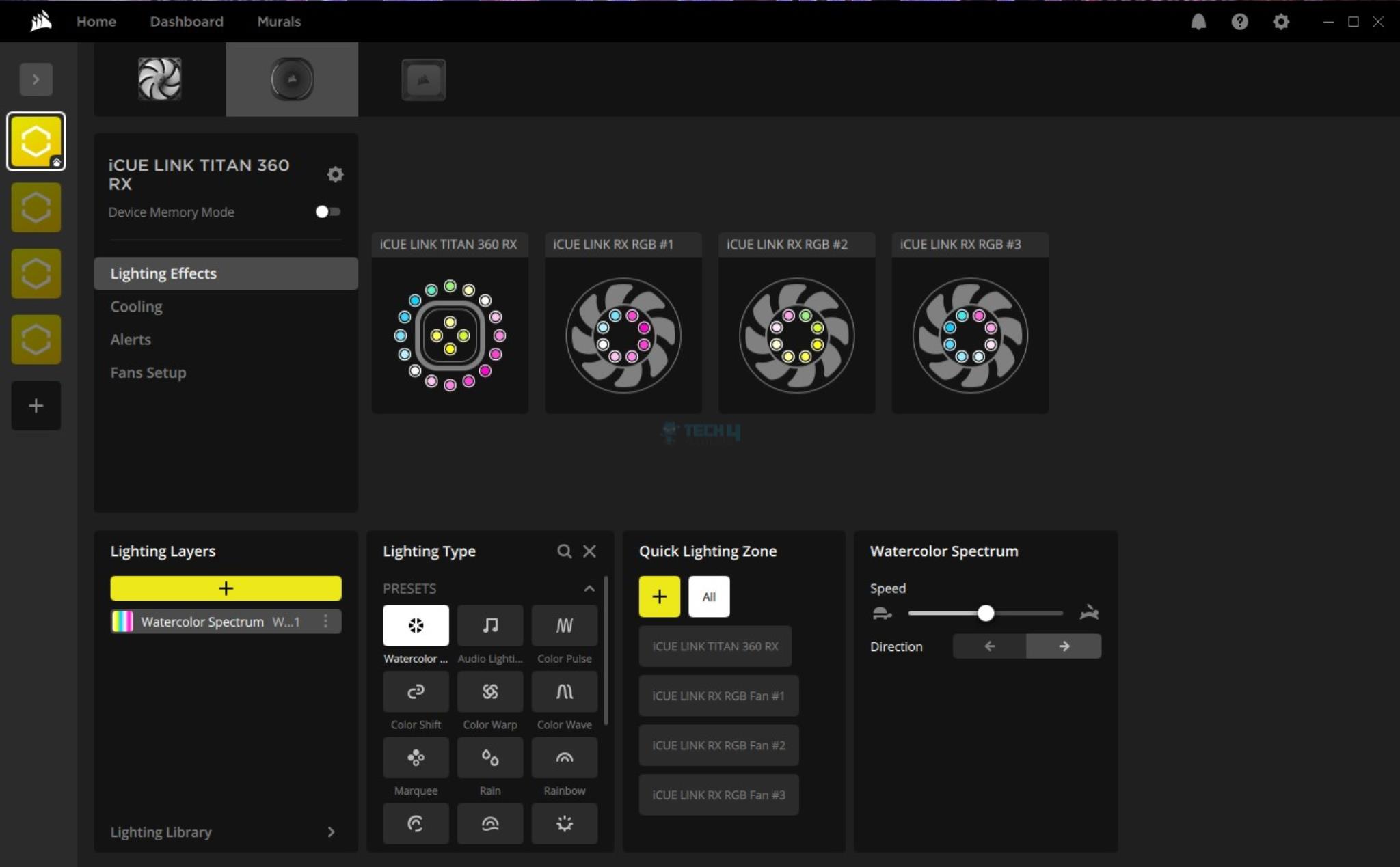
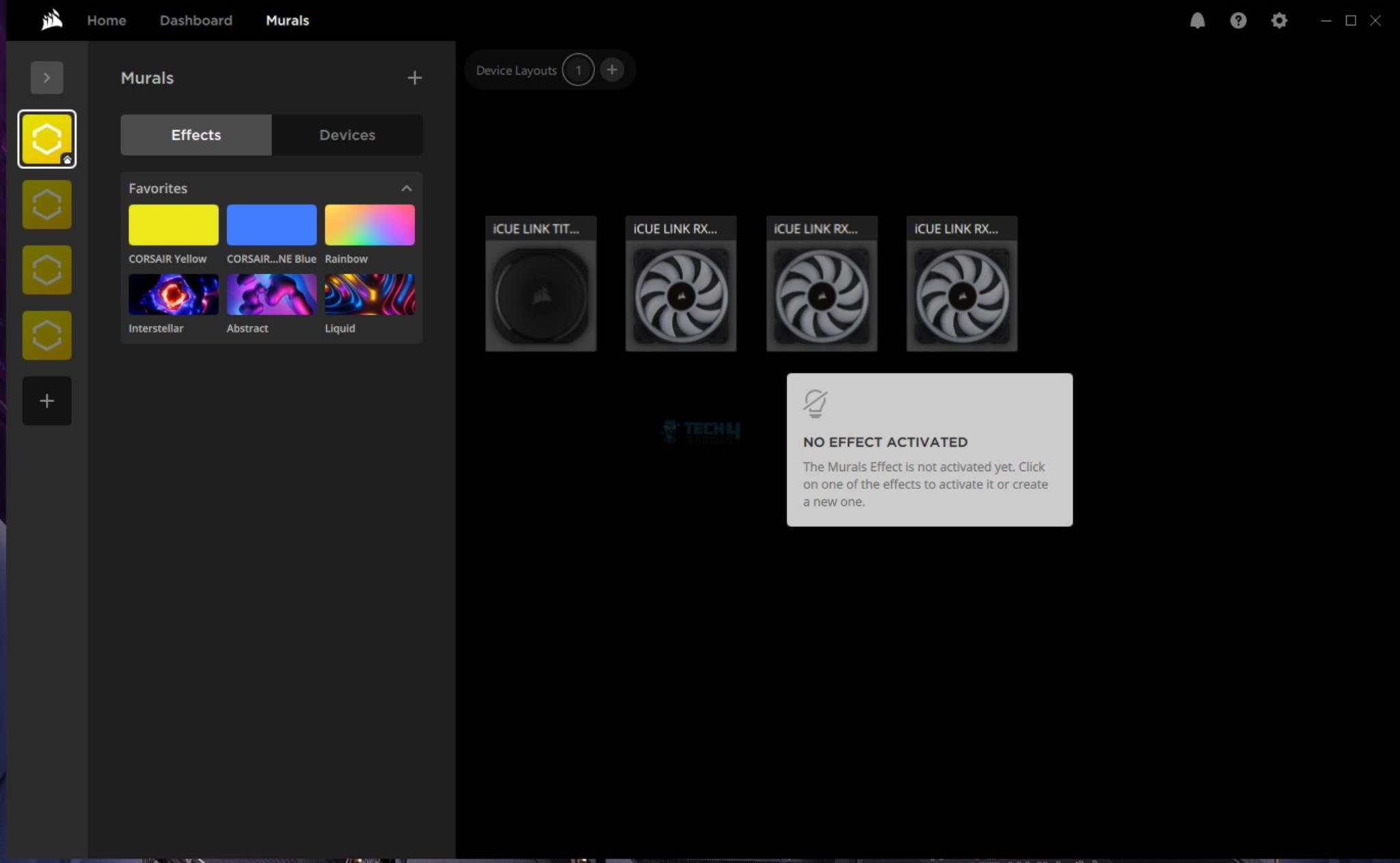
I have used iCUE link software to control the entire unit, including the fan speed and digital RGB lighting. Here are some pictures:
Lighting Showcase
1 of 9
RGB Effects (Image By Tech4Gamers)
RGB Effects (Image By Tech4Gamers)
RGB Effects (Image By Tech4Gamers)
Pump RGB effects (Image By Tech4Gamers)
RGB Effects (Image By Tech4Gamers)
RGB Effects (Image By Tech4Gamers)
Pump and fans RGB Effects (Image By Tech4Gamers)
RGB Effects (Image By Tech4Gamers)
RGB Effects (Image By Tech4Gamers)
iCUE Link Software
iCUE Walkthrough
1 of 6
iCUE (Image By Tech4Gamers)
iCUE (Image By Tech4Gamers)
iCUE (Image By Tech4Gamers)
iCUE (Image By Tech4Gamers)
iCUE (Image By Tech4Gamers)
iCUE (Image By Tech4Gamers)
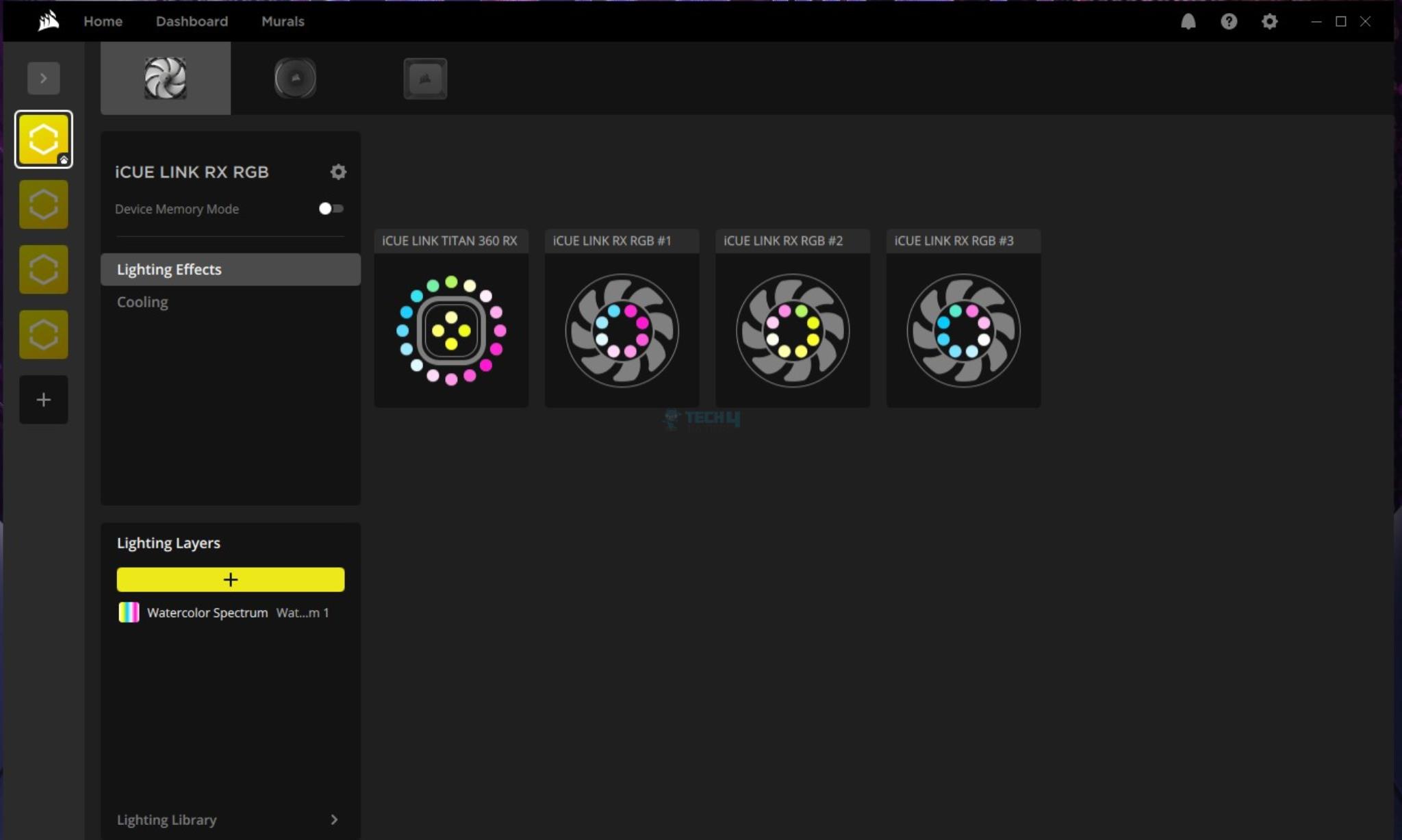
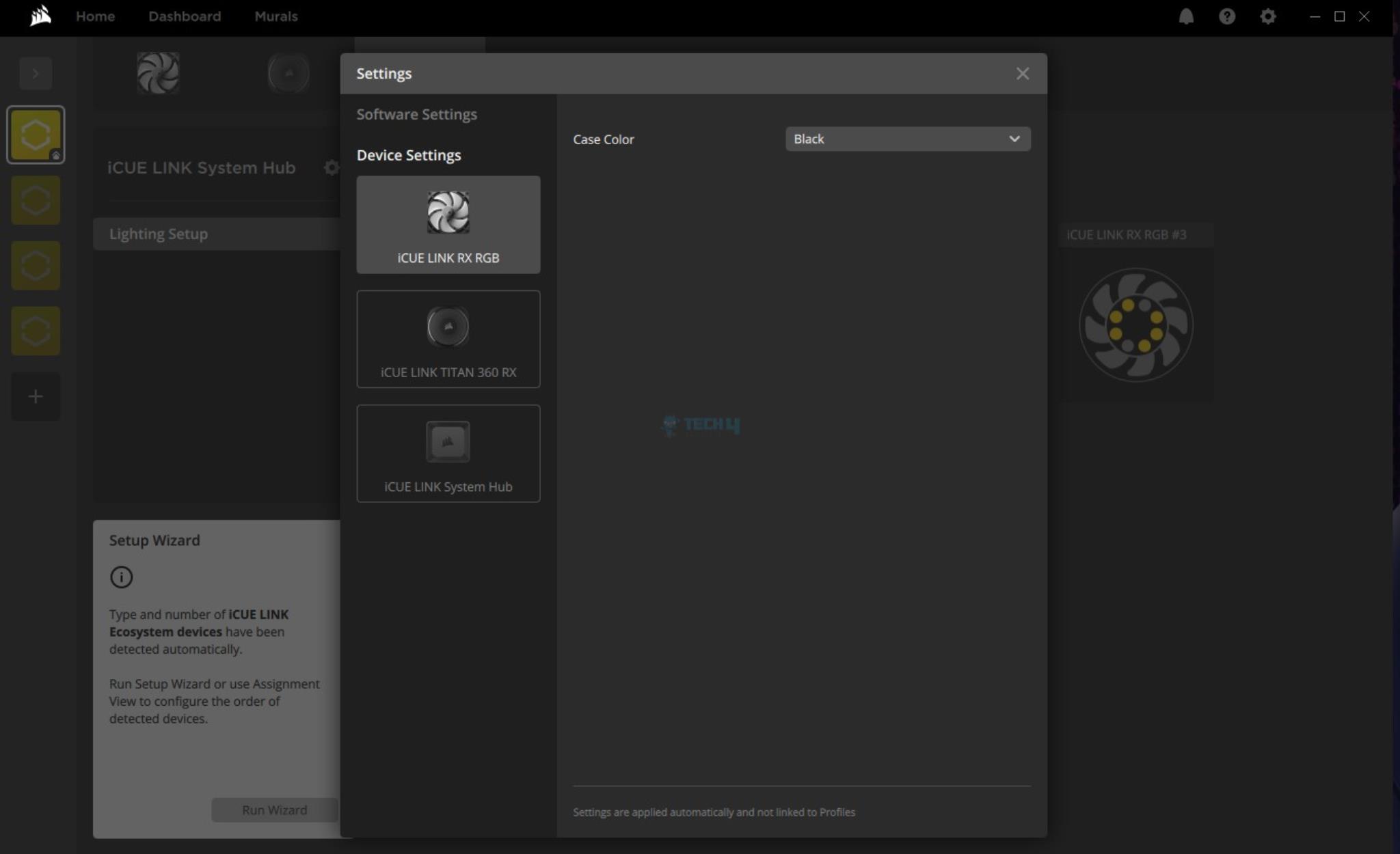
I have provided detailed coverage of iCUE link software in other Corsair product content. The general design and flow are the same; hence, I am not going into the details here. The software was working flawlessly, and the RGB syncing was on the money.
Thermal Testing
I have used the mentioned configuration to test the performance of this cooler: –
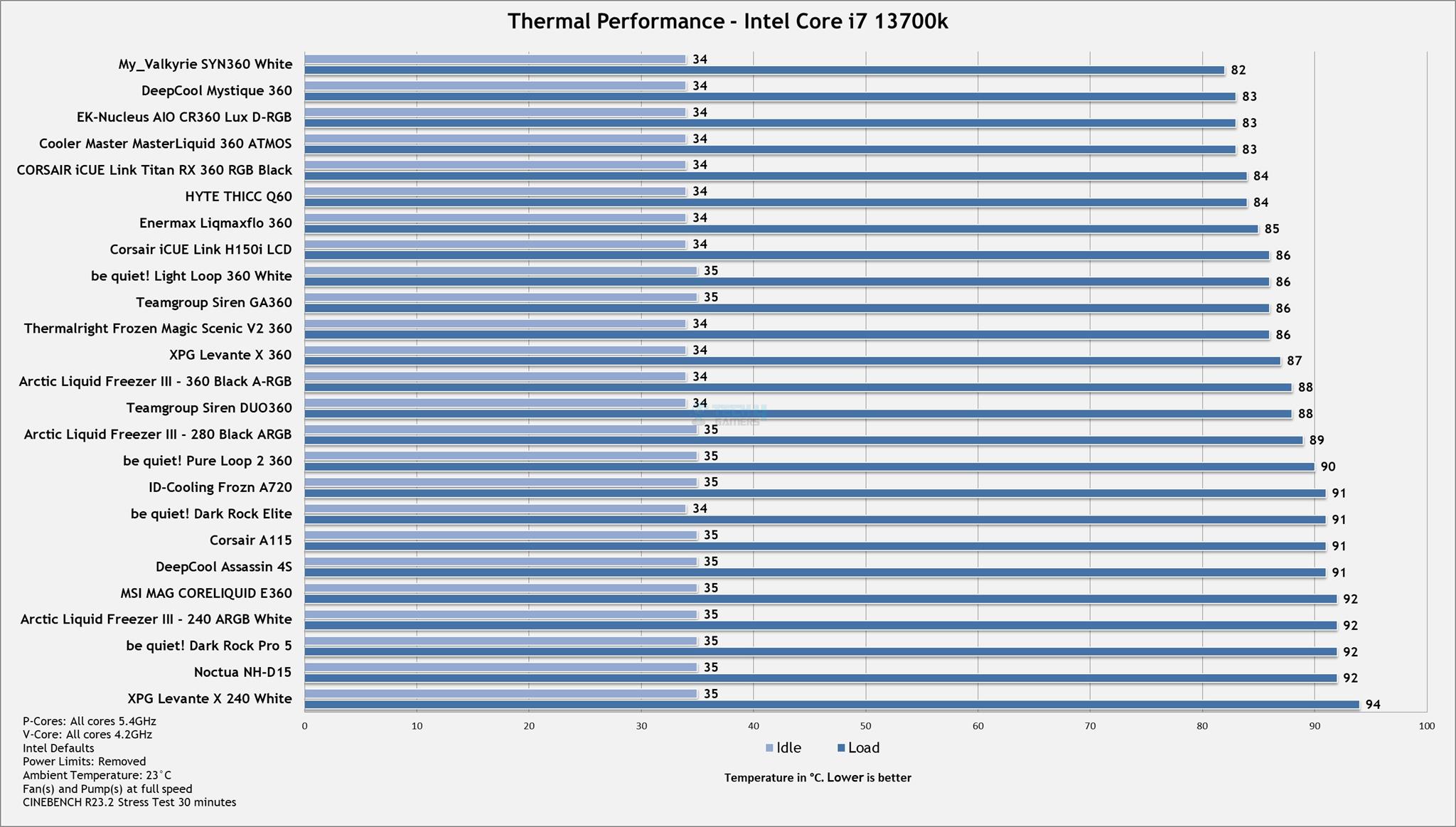
Here’s how the Titan 360 RX has performed in our thermal tests compared to other AIOs:
Thermal Performance (Image By Tech4Gamers)
The iCUE Link Titan 360 RX RGB has performed excellently in our testing, coming in close to the top contenders and showing a performance increase compared to the iCUE Link H150i LCD. Corsair has also improved the overall noise level, as it was less noisy than the H150i LCD.
Should You Buy It?
Buy It If
✅You are after a high-performance flagship cooler: The Corsair iCUE Link Titan 360 RX RGB is a high-performance liquid cooler. If you are in the market for a flagship cooler, this is easily a contender for your money.
✅You want to experience digital connection: Corsair iCUE Link Titan 360 RX RGB uses digital connectivity to control the cooler’s speed, monitor the sensors, and customization the digital RGB lighting.
✅You are looking for a cooler with reduced cable clutter: The Corsair iCUE Link Titan 360 RX RGB uses the same iCUE Link system that is on the iCUE Link H150i LCD. You would need 5 cables in total to set up the Titan cooler.
Don’t Buy It If
❌You are on a budget: The Corsair iCUE Link Titan 360 RX RGB retails at USD 199.99, which is still a steep price, and it may not be everyone’s cup of tea.
❌You have an older socket: The Titan series of coolers are compatible with Intel LGA1700/1851 and AMD AM4/AM5 sockets. If you are on any other socket, skip these coolers.
Final Words
Corsair has launched its first own designed liquid cooler named Titan. This cooler is available in 240mm and 360mm sizes in black and white options. This is a new flagship cooler from Corsair that utilizes new in-house designed pump utilizing 3-phase motor with improved cold plate. This enhances the coolant flow and ensures effective heat dissipation.
Corsair has retained the digital connectivity on this cooler, as I saw on the iCUE Link H150i LCD. The new cooler is compatible with Intel LGA1700/1851 and AMD AM4/AM5 sockets.
The pump block has a different design and it has large size diffuser up top with 20 A-RGB LEDs. The face plate has Corsair design theme pattern. It is magnetic and can be rotated so that Corsair logo remains upright.
The pump block has iCUE Link port and USB Type-C port. This is unlike the iCUE Link H150i LCD, which has no cable connection on the block. Having my praise for that. You must first connect the iCUE Link cable. The USB Type-C cable is only needed if you are gonna use the LCD Screen module on the pump block.
Corsair has introduced the pump cap concept with Titan. You can use:
iCUE Link Pump Cap – Goove
iCUE Link LCD Screen [Module]
iCUE Link VRM Fan [Module]
These modules are sold separately.
I would want Titan to be cable free on the pump block. May be Corsair should have continued with distributor box on the radiator like H150i LCD.
The radiator is aluminum made with 12 channels for coolant flow and 20 FPI count. It is a standard design. The nylon rubber tubes run to 450mm and have a braided mesh sleeve.
This unit comes with three RS120 RGB fans. These fans are rated for speeds of up to 2100 RPM ± 10%. They generate a maximum airflow of 73.5 CFM at 12VDC. The maximum air pressure rating is 4.33mmH₂O. There are guided vanes on the backside of these fans to provide a focused air flow through the fan.
These fans use iCUE Link system for connectivity. They are interconnected using magnets. Only one cable would be needed for three fans set. This cable is connected to iCUE Link System Hub. Similarly, the iCUE Link System cable from pump block is connected to the system hub. System hub in turn needs to have three cables (PCIe, USB, and Tach). So, we are not that much of a single-fan system after all!
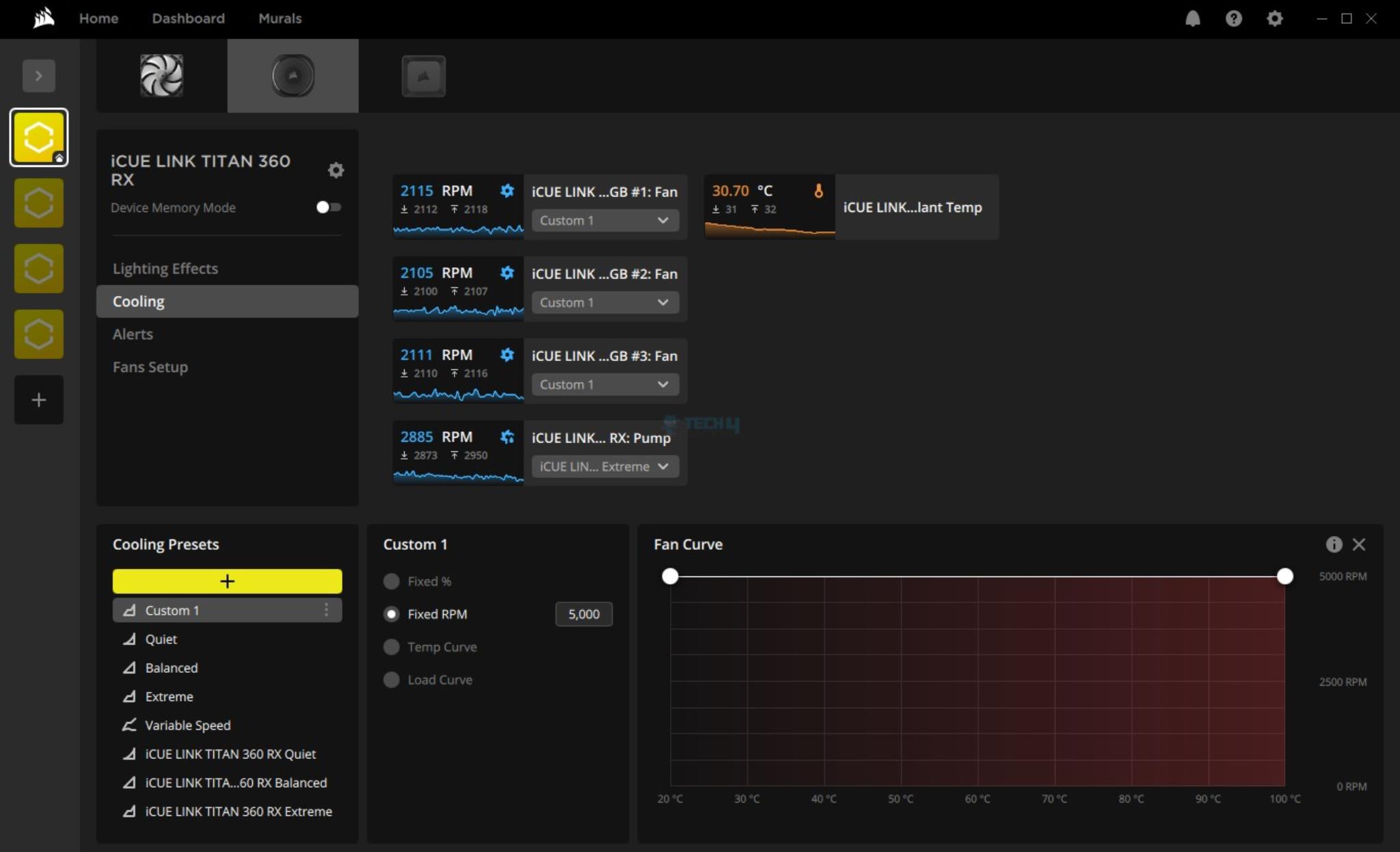
The iCUE Link software picked the modules immediately and installed them. The operation of this cooler in iCUE Link software is same as for iCUE Link H150i LCD. The pre-defined fan modes don’t actually work. You need to create a custom fan curve and then apply it to the fans so that they can run at full speed or per your requirement.
The installation of this cooler is super convenient. Corsair has also improved the mounting hardware. The screws are pre-attached to the mounting brackets. This reduces the installation steps and items. However, this comes at the cost of dropping previous sockets from the compatibility list.
However, I ran into trouble when I installed the LCD Screen module. The bulkhead of the USB Type-C cable was long enough to run into a clearance issue with the VRM heatsink on the MSI MEG Z790 ACE MAX motherboard. As such, I could not test the LCD Screen Module. Corsair needs an angled connector cable.
The unit comes with a pre-applied thermal paste. However, Corsair is still not giving extra thermal paste in the box which they should in this price range.
This cooler retails at USD 199.99 which is a bit steep price for a 360mm size AIO even beating the flagship coolers like EK-Nucelus, Lian Lia GA-II etc. Corsair is offering a whopping 6-year warranty on this cooler.
What about performance? Well, this cooler did not disappoint. It packs a solid pucker punch and can handle the latest CPUs without a hiccup. Even the noise levels are better than before.
In my role as a news writer, I’ve covered a wide range of topics, from breaking news to in-depth analyses of the latest developments in the gaming world. My articles have garnered attention and citations across the industry, reflecting my commitment to delivering accurate and engaging content.
Story Highlight
Realism has been a trend in video games for a very long time.
However, too much realism can be bad for video games as it can undermine entertainment in them.
Entertainment should be the main goal of a video game, and compromising it for realism will hurt the industry.
Realism in video games has always been an upward trend. The more realistic a game looks and plays, the more appealing it becomes, though this level of detail comes with its own drawbacks.
In my opinion, this trend in the gaming industry needs to shift, as video games shouldn’t strive to be overly realistic. While a certain level of realism is impressive, going beyond that can diminish entertainment in video games.
Why it matters:Entertainment is the primary goal of video games, and when another aspect compromises that, it becomes a negative development for the industry.
Realism and Entertainment Should Be Balanced
Red Dead Redemption 2’s Almost Perfect Blend Of Realism, and Entertainment Sets It Apart From Many Titles
There are plenty of examples in video games that demonstrate how too much realism can negatively impact the experience, highlighting the need for a balance between realism and entertainment so one does not compromise the other.
Mechanics like stamina depletion, limited inventory, and gun jamming are common realistic features in video games, but it’s crucial to ensure that such mechanics are carefully blended with a touch of fantasy to maintain entertainment.
A prime example of a game that strikes the balance between realism and entertainment well is Red Dead Redemption 2. Despite its realistic elements, the game manages to be extremely entertaining, thanks to the developers’ careful consideration of how to blend realism with gameplay enjoyment almost perfectly.
Red Dead Redemption 2 features bothersome mechanics like stamina depletion, limited inventory, and gun jamming, along with many other realistic mechanics. However, these elements are implemented in a way that preserves moderate realism while ensuring immersive gameplay and also providing a challenge.
For instance, while stamina depletes, it does so at a relatively slow rate and regenerates quickly. Players can also increase their Stamina. Moreover, they can carry a significant amount of items with more mobility than would be possible in real life, which adds to the enjoyment.
Gun jamming is also present in the game, but it is more forgiving than the real-life challenges of 19th-century firearms, where jamming was a serious issue. This design choice allows players to engage in combat without constant frustration.
Additionally, titles like Uncharted allow for extraordinary feats of climbing and movement. Similarly, GTA 5 is yet another example of a game with realistic elements but still having that fantasy element, drawing a clear line between too much realism.
If these games were to eliminate the fantasy elements within their mechanics, they would risk making gameplay tedious and detracting from the immersive experiences they offer.
When I mention the perfect balance between realism and entertainment, I refer to implementing realistic features in such a way that they still maintain a sense of fantasy, ensuring that the gameplay remains enjoyable rather than burdensome.
I would also like to clarify that I am not referring to simulator games, as their primary goal is to be as realistic as possible in order to fulfill their purpose.
Realism is Not Bad
Uncharted 4 Has One Of The Most Unrealistic But Fun Climbing Experiences
That said, realism in video games isn’t inherently bad. In fact, incorporating certain real-world aspects can create a more immersive experience, enhancing the overall user experience.
Realistic character AI, dynamic weather systems, lifelike environments, and authentic sound design are just a few real-life aspects of video games that enhance the user experience. However, it’s important to remember that preferences for these elements vary among players.
When realism compromises enjoyment, the line should be drawn—realism means little if the game isn’t fun.
We have completely unrealistic games like Zelda that are outperforming many mainstream realistic titles. Games like Zelda demonstrate why entertainment should remain the top priority for developers.
A great example of such a developer is Nintendo. Although they have never really explored realism in their games, they have been one of the industry leaders for a very long time thanks to their great understanding of what makes a game enjoyable.
Nevertheless, I hope that developers avoid going overboard with realism.
At Tech4Gamers, I mainly cover new gaming news, leaks, and rumours. Aside from that, I love to write features about my favourite games while inserting my opinion about their different aspects.
Story Highlight
Dragon Ball Sparking Zero crossed the 90k player’s barrier in its early access.
Now, after the full release, the game has managed to surpass 122k players on Steam and has over 92% positive reviews.
It is also the most-played Dragon Ball game of all time and the second-most-played fighting game on Steam.
The last Dragon Ball Budokai 3 was released back in 2004, and since then, fans have been waiting for a new title in the franchise. While the review scores of this franchise aren’t that good, it has a massive following.
Ever since Dragon Ball Sparking Zero was announced, the hype and anticipation have been crazy, and in just early access, the player count reached over 90k. However, the game fully launched to over 122k players on Steam which is a great achievement.
Why it matters: Sparking Zero lives up to the Budokai franchise and is the most-played Dragon Ball game of all time, with a positive rating of over 92%.
Sparking Zero is The Most Played Game in The Series | Source: SteamDB
Given the hype and anticipation of another title in the Budokai series, such a player count was expected. 9 hours ago, the game reached an all-time peak of 122,554 players, and as of the time of writing, there are only 49,976 players playing it.
It is also worth noting that the game has an overwhelmingly positive rating on Steam. So, it seems like Sparking Zero has lived up to the fandom’s expectations. Most of the reviews point out how great the gameplay is, which seems fair as it takes the gameplay of the Budokai series to the next level.
Dragon Ball Sparking Zero Has The Potential To Stay Relevant For A Decade
However, the players seem to have an issue with the game’s difficulty. Some are even saying that it is harder than all of Souls, which seems like an exaggeration. Bandai Namco also trolls fans by saying ‘lower the difficulty.’ So, overall, the Dragon Ball fandom seems to be having a good time with this long-awaited entry.
Fans would also be delighted to know that Dragon Ball Sparking Zero is now the second-most-played fighting game launched on Steam. Naraka Blade Point is the most played one, and Street Fighter 6 is in third place.
What do you think about the latest entry in the Budokai series? Have you played it yet? Let us know in the comment section below or join the discussion on Tech4Gamers’ official forums.
At T4G, my task is to cover the latest news around the gaming globe ASAP and with the utmost precision. I adore all the games and respect all the devs behind the amazing games that we get all year. So, whether it’s a PC or a Console game, I got it all covered.
Story Highlight
Sweet Baby Inc. has reworked its site to remove the games it has worked on.
Previously, there was a whole list of collaborators, which has now been removed.
This could be a consequence of all the backlash the company has been receiving after messing up many games.
Sweet Baby Inc. has become one of the most talked about topics in the gaming industry, but for all the wrong reasons. The consultation company known for forcing inclusivity in games has now removed clients from its site to hide the games it’s involved in.
Why it matters: The company has faced severe backlash for pushing a narrative and making high-budget games fail badly. Many big names like Xbox Game Studios, PlayStation, Ubisoft, Remedy, and more are involved with it.
Sweet Baby Inc. page, where it showed the collaborators, is not available now.
As of today, Sweet Baby Inc. reworked its site leading to a very notable change. The company has removed the tab where you could see the list of its collaborators it has worked with in the past to hide the games they’ve worked on.
Previously the site showed in detail the companies it has worked with. It included a list of their logos and the details about their projects. However, now the site has become plain and just shows a few featured projects and the services the company offers.
Previously, it displayed all its clients.
Gamers have been criticizing the company ever since it surfaced. It has been involved in some of the most notable projects in the last few years, including God of War: Ragnarok, Suicide Squad, Forspoken, Concord, and more.
The latter ones faced grave circumstances for this as they all failed miserably. Unfortunately, studios partnering with Sweet Baby doesn’t seem to be ending any time soon, as even Ubisoft is consulting them for the upcoming Assassin’s Creed Shadows.
But the company reworking its site to unlink itself from the projects it worked on indicates that people don’t want forced inclusivity in the games. This was also apparent from a recent poll where 95% of players voted against this trend.
What is your opinion about Sweet Baby Inc. being so involved in the industry? Let us know in the comments down below or join the discussion at the official Tech4Gamers official forum.
At Tech4Gamers, he is recognized for his insightful features and opinion pieces, where he blends his passion for gaming with a keen understanding of technological trends. His work, marked by depth and accessibility, makes him a respected voice in the tech and gaming community.
Story Highlights
Superman is one of the most likable superheroes, and there has never been a AAA Superman game.
Superman’s character revolves around some exciting stories and villains, like Lex Luthor, in the comics, which also opens the door for such stories in the game.
Superman’s abilities like heat vision, cold breath, X-ray vision, super strength, and high-speed flying can be fun in the game.
The new age of superhero games is upon us. Next-generation technology has taken superhero games to a higher level. Just look at Marvel’s Spider-Man franchise.
The webswinging alone in the game is so much closer to realism than it could ever be. New-gen technology can undoubtedly bring any superhero to life in gaming. One of those superheroes that deserve this treatment is Superman.
The Game Has Potential For Great Stories
Superman is the first ever comical superhero and one of the most famous. Despite that, the hero has never gotten a big-budget solo game. The fact that Superman is one of the easiest superheroes to program due to the simplicity of his superpowers and still has rarely been featured in solo games is crazy.
If a development team were to build a big-budget AAA Superman game which is nowhere in sight for now, it could be a banger for multiple reasons.
Superman’s character is universal, and he is one of the most likable superheroes ever. In addition to his likable personality and character, he has been involved in many interesting comic stories.
The Superman comics are one of the most selling comics of all time. If these stories from the comics were to be brought into the video game world, we may be in for a masterpiece.
His encounters with Brainiac, Darkseid, Doomsday, Lex Luthor, General Zod, and many more can create fantastic tales. All of his archnemesis have great personalities and can be made into iconic video game villains if handled correctly.
Not only has Superman fought dangerous villains in the comics, but he has also been one many times. The evil side of Superman has created some iconic moments in comic books and inspired many other popular comic characters, like Homelander and Omniman. This side of Superman can further open doors to many more possibilities in the game’s story.
Exploring the story side of the game, the developers can also add a wholesome and emotional touch to the story by utilizing Superman’s everyday personality, Clark Kent.
Despite being one of the most powerful superheroes ever, Clark Kent spent his entire life growing up on a farm. He also works as a journalist for the Daily Planet in Metropolis.
These simple, wholesome elements from his superhero personality counterpart can let the storytellers use several approaches to the game’s story, utilizing the superhero and human characters to provide a potential masterpiece story similar to the comics.
Superman’s Abilities Combined With Modern Day Game Mechanics Can Be A Treat
Apart from the story, the gameplay can also contribute a lot to the game’s success. What would be better than flying through Metropolis, passing by tall buildings, and taking high-speed turns?
It’s a simple yet enjoyable way of traveling on the open-world map, and considering that we have rarely seen this feature in games, we can make it more interesting. It won’t be as cool as web-swinging, but flying freely in a game can be exciting.
It would be the cherry on top if we could fly directly from Earth to a certain distance in space, as we have seen Superman do in movies. Superman’s special abilities, like heat vision, cold breath, and X-ray vision, can also make for some pretty cool skills in the game.
As the game would be set in an open-world environment, destroyable buildings, bridges, and streets would add so much to the game. There’s also room for several different types of side missions that Superman does in his daily routine, like saving civilians from a burning building, saving a plane from crashing, stopping an out-of-control train, and so on.
Verdict
We have seen Superman in other games, like the Injustice series and some of his old solo games, all of which indicate that a big-budget AAA Superman game has high potential.
I have always enjoyed Superman games, especially the one exclusive for iOS, which was removed from the Apple store a few years after its release, and I would love to get my hands on a modern-day one.