 Threads
Is The Extra Premium Worth It?
Review Summary
Antec Flux Pro Noctua Edition case has some of the coolest designs that’s also full of great features all around. From its modularity to being tool-free for the most part. The case offers pretty much everything to be called a decent chassis, however, its steep price tag of $399.90 does come in the way. Except that, it’s very much praise worthy for what it is.
Hours Tested: 10

Overall
-
Design - 9.5/10
9.5/10
-
Build Quality - 10/10
10/10
-
Features - 9.5/10
9.5/10
-
Cooling Provision - 9.5/10
9.5/10
-
Storage Provision - 8.5/10
8.5/10
Pros
- Great cooling performance
- Quite spacious to fit in big components
- Impressive design
- CPU & GPU temperature display
- Tool-free design for the most part
- Removable top and front fan brackets
Cons
- Too pricey
- No back-connect motherboard support


Antec is one of the leading PC components manufacturers that barely needs any introduction. As its range of PC cases and coolers speaks for itself, the Flux Pro was a decent case, but this new edition is even better. Primarily because of their collaboration with Noctua to further optimize the cooling and aesthetics of an already decent chassis.
- It’s a full-tower PC case.
- Enhances the already great airflow.
- The front has mesh, while there’s a tempered glass panel.
- Three 140 mm NF-A14x25 G2 are present at the front and one at the back.
- There’s also a pre-installed Noctua NA-FH1 fan hub.
- The case has support for a total of 12 fans.
- The case also comes with anti-vibration mounts for the fans.
- The case also comes with a pre-installed temperature monitor display.
The PC chassis comes only in the brown & black color scheme, and that’s exactly what I’ve tested today. This Noctua edition chassis comes with an MSRP of $399.90.
The salient specifications are:
| Dimension | 245x545x530mm |
| Motherboard Form Factor |
|
| Storage Drive Mount |
|
| Expansion Slot | 8x |
| GPU Support | Up to 455mm Length |
| CPU Cooler Support | Up to 190mm |
| PSU Support |
|
| Fan Size Support |
|
| Radiator Size Support |
|
Packaging And Unboxing
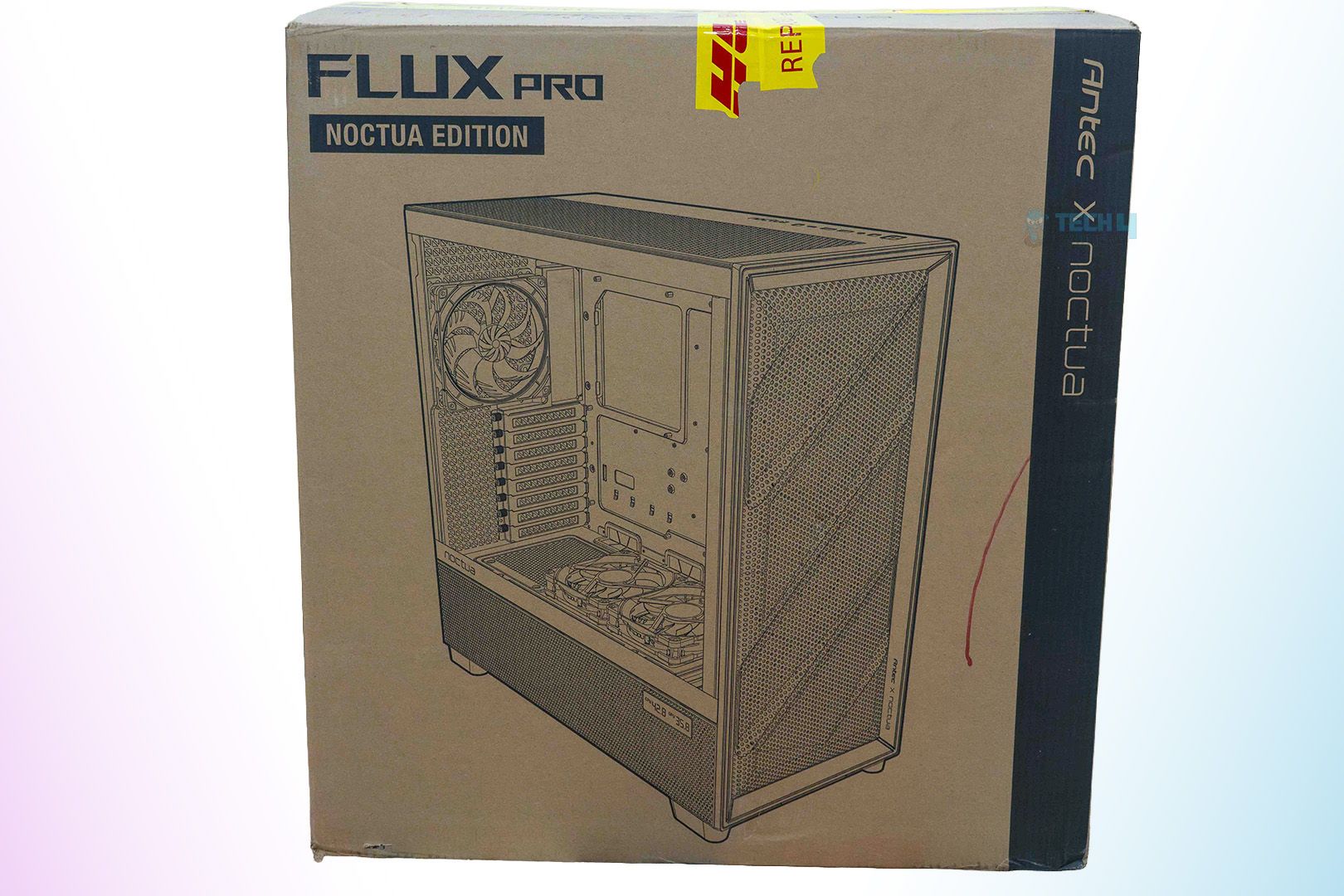
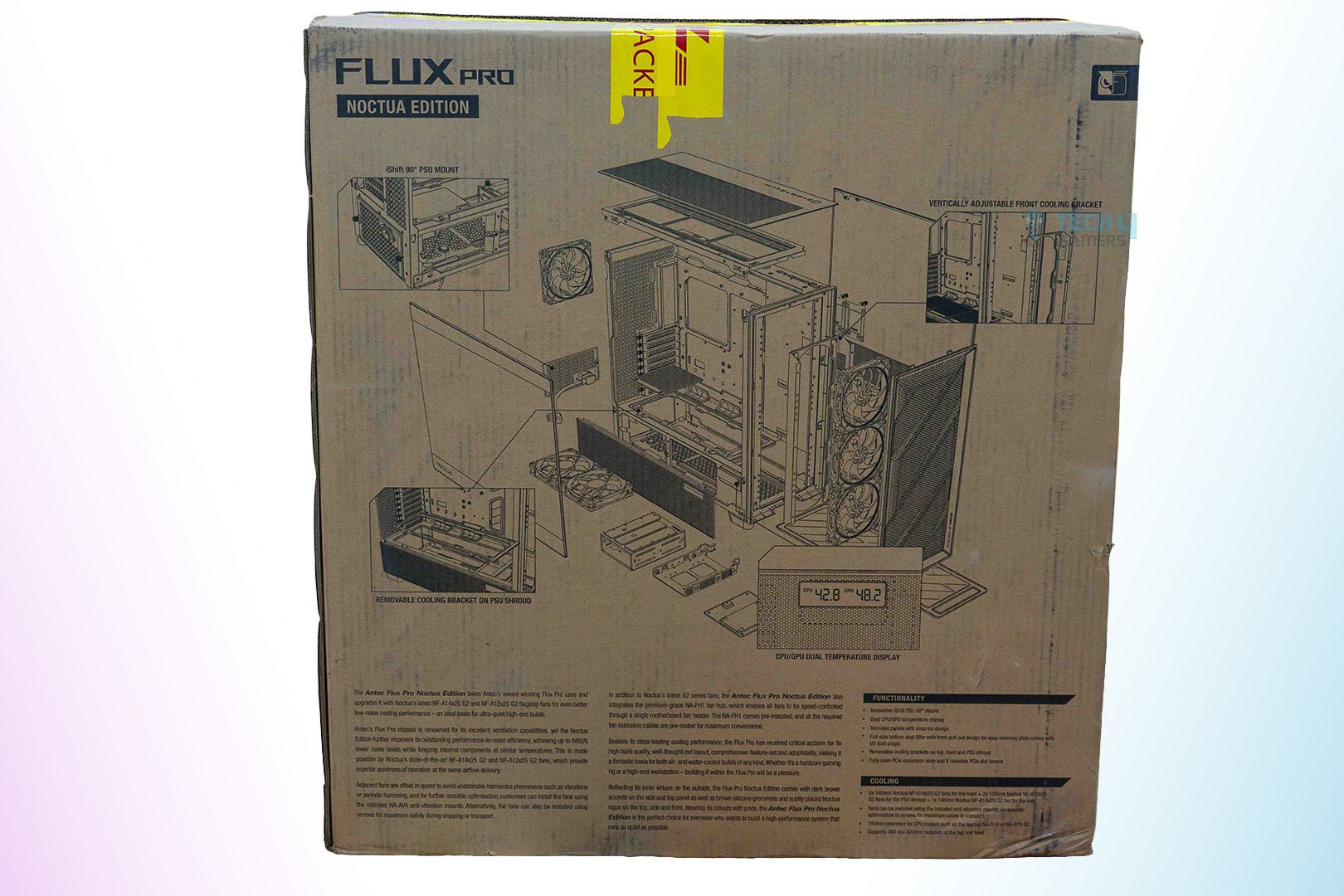
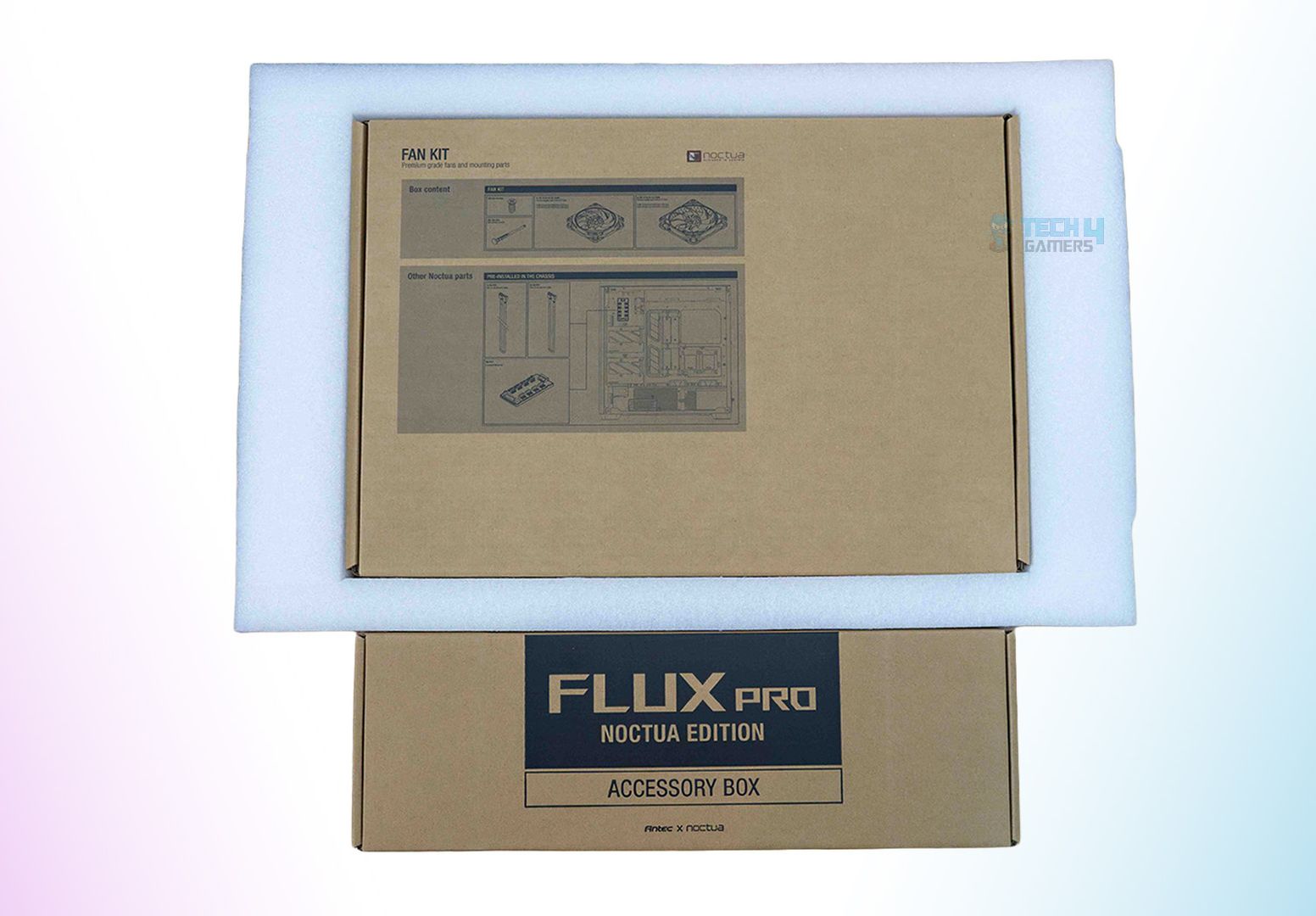
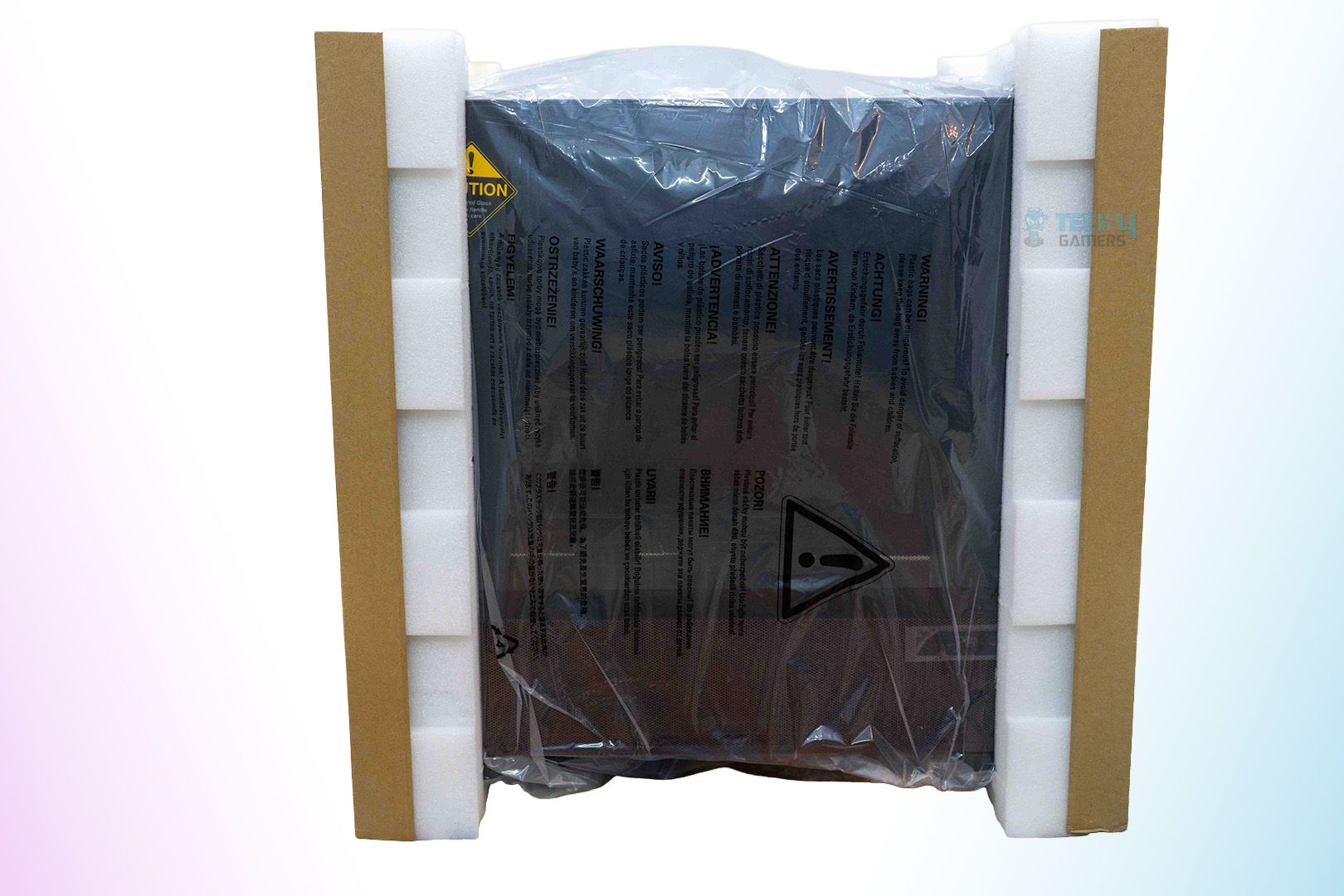
As standard, the chassis comes in a brown-colored cardboard box, which has the whole chassis printed onto it with branding and other useful information. Inside the box, two thermocol pads are used to secure the chassis to prevent it from moving inside the cardboard box. As intended, we also received the case without any damage.

There’s a separate brown box inside the main box that includes all the accessories and paperwork that come with the case. Here’s what you get with this specific chassis:
- 1x User Manual
- NA-FH1 fan hub
- 4x NA-EC1 30 cm extension cable
- 2x NA-EC3 60 cm extension cable
- 4x NF-A14x25 G2 PWM Fans
- 2x NF-A12x25 G2 PWM Fans
- 36x NA-AV4 anti-vibration mounts
- 36x NM-SFS1 fan screws
- 1x NP-KC1 keychain
Design

The Antec Flux Pro Noctua Edition comes in full-tower form, measuring 245x545x530mm (WxHxD). Other than that, since it’s a Noctua Edition, it has brown accents throughout the chassis to match Noctua’s signature color scheme. From the front walnut wood panels to the side brown-colored mesh and even the grommets inside the case, Noctua’s mark is perfectly integrated across the whole chassis.
Antec Flux Pro Noctua Edition Vs Antec Flux Pro
The Antec Flux Pro Noctua Edition doesn’t change too much of the standard Antec Flux Pro case. The highlighting differences are that, first of all, there’s a major price increase. The Noctua Edition comes in at $399.90, which is almost $220 more than the $179.99 price of the standard Antec Flux Pro. Furthermore, instead of six standard Antec fans, now you get 4x NF-A14x25 G2 and 2x NF-A12x25 G2 PWM Fans. Additionally, it now has Noctua’s signature brown accents on the front, side, top, and inside the case. Lastly, instead of Antec’s standard RGB fan header, you’ll now find a Noctua NA-FH1 fan hub for better fan control management.
Front Panel
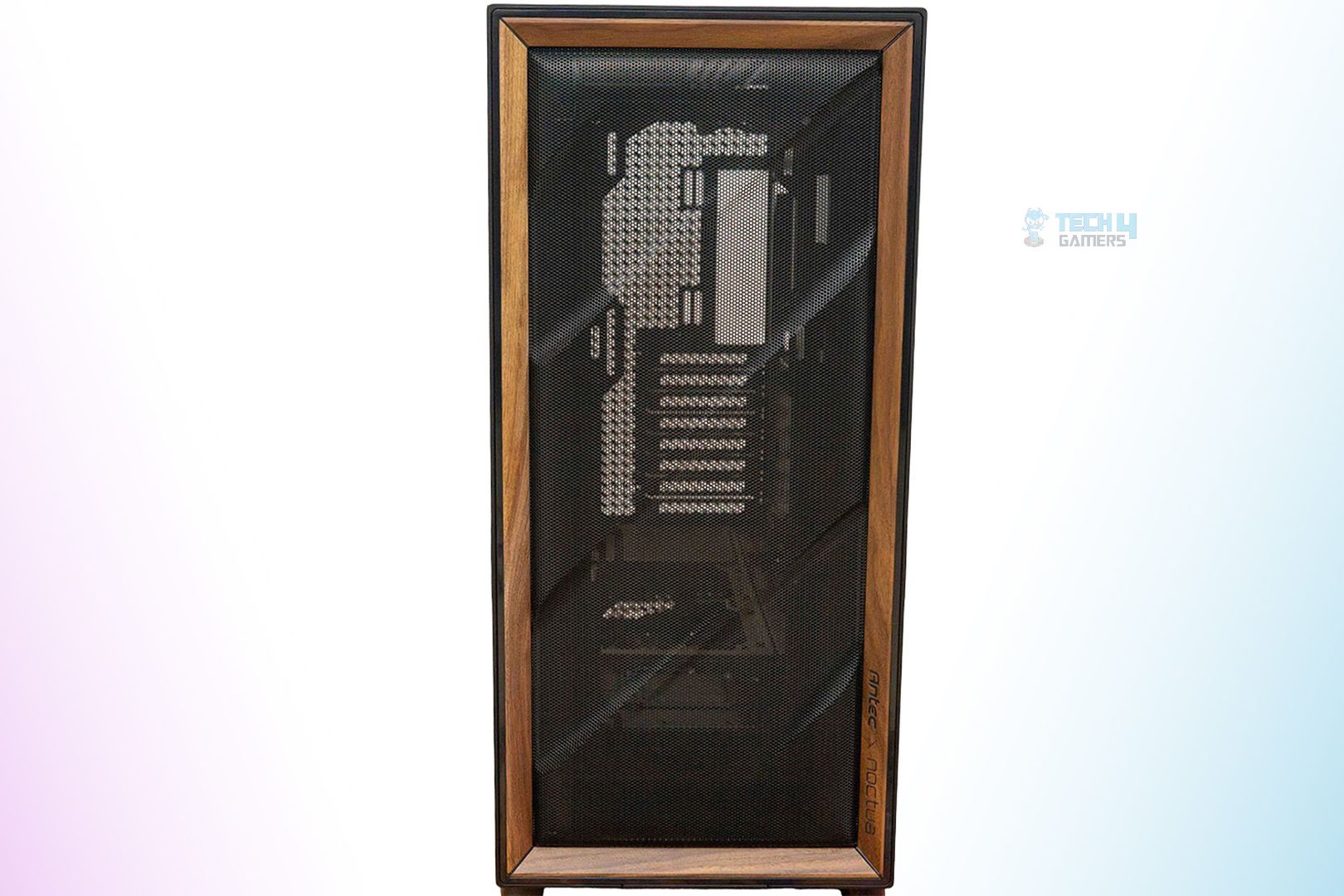
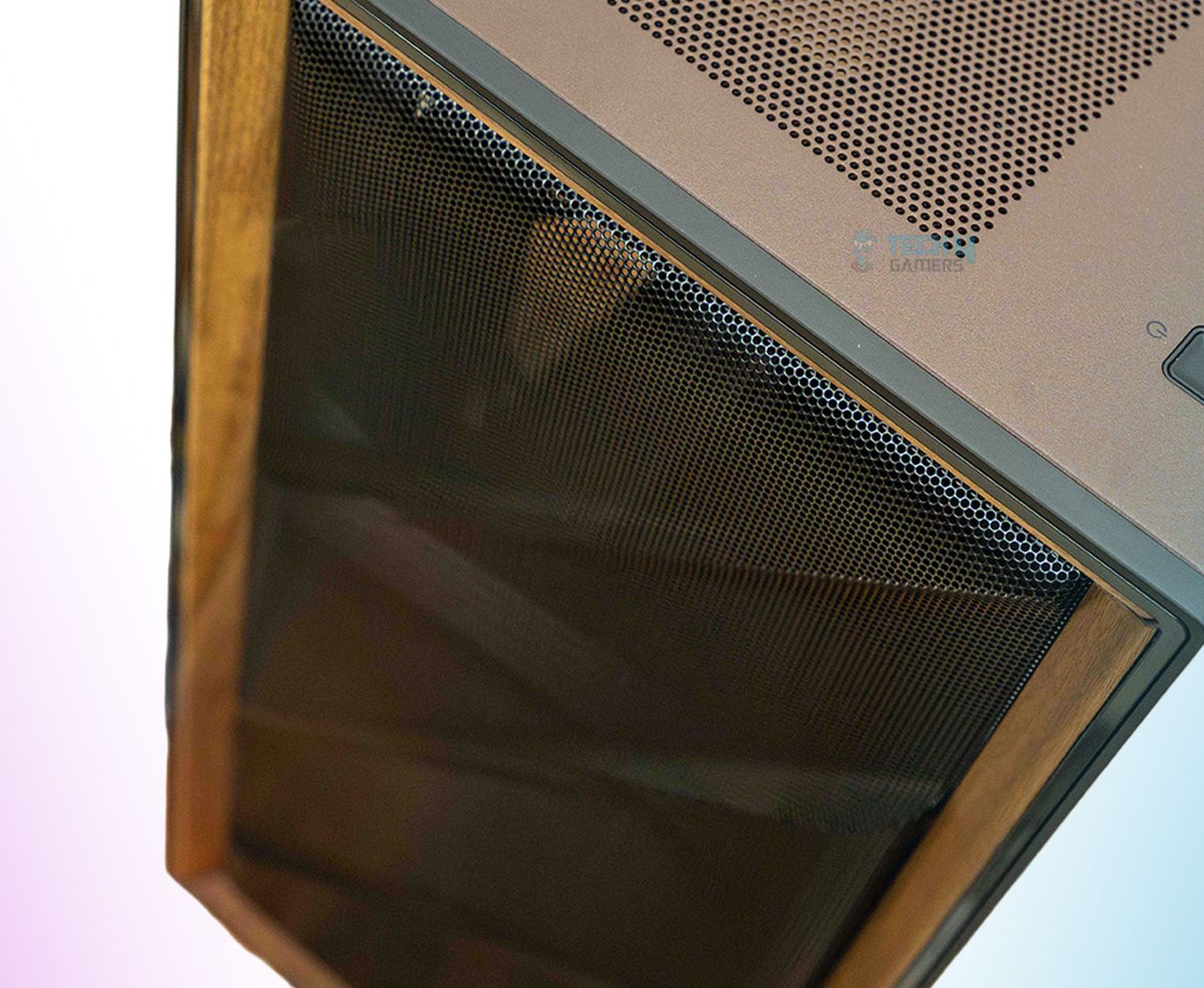
The Antec Flux Pro Noctua Edition has the same front panel design that incorporates a diagonally aligned curve design with walnut trim pieces on all four sides. On the bottom-right side of the front panel, you can see the Antec X Noctua branding.
Behind the mesh panel, which can be easily removed, is room for up to 3x 140 mm fans or a 420 mm liquid cooler. There’s plenty of room to route the cables, too. Moreover, the case already comes bundled with 3x Noctua NF-A14x25 G2 PWM Fans for the front panel.
IO Panel
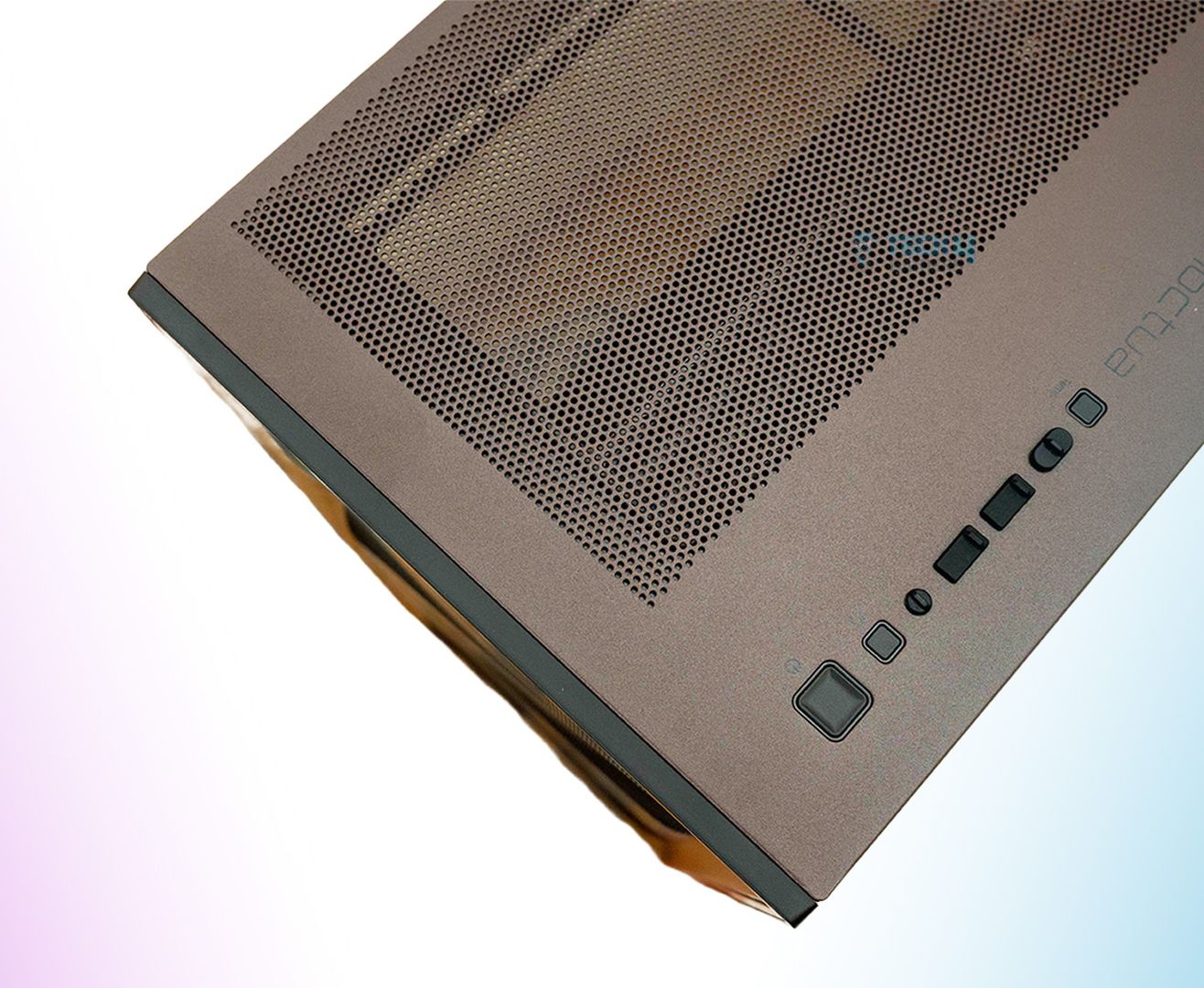
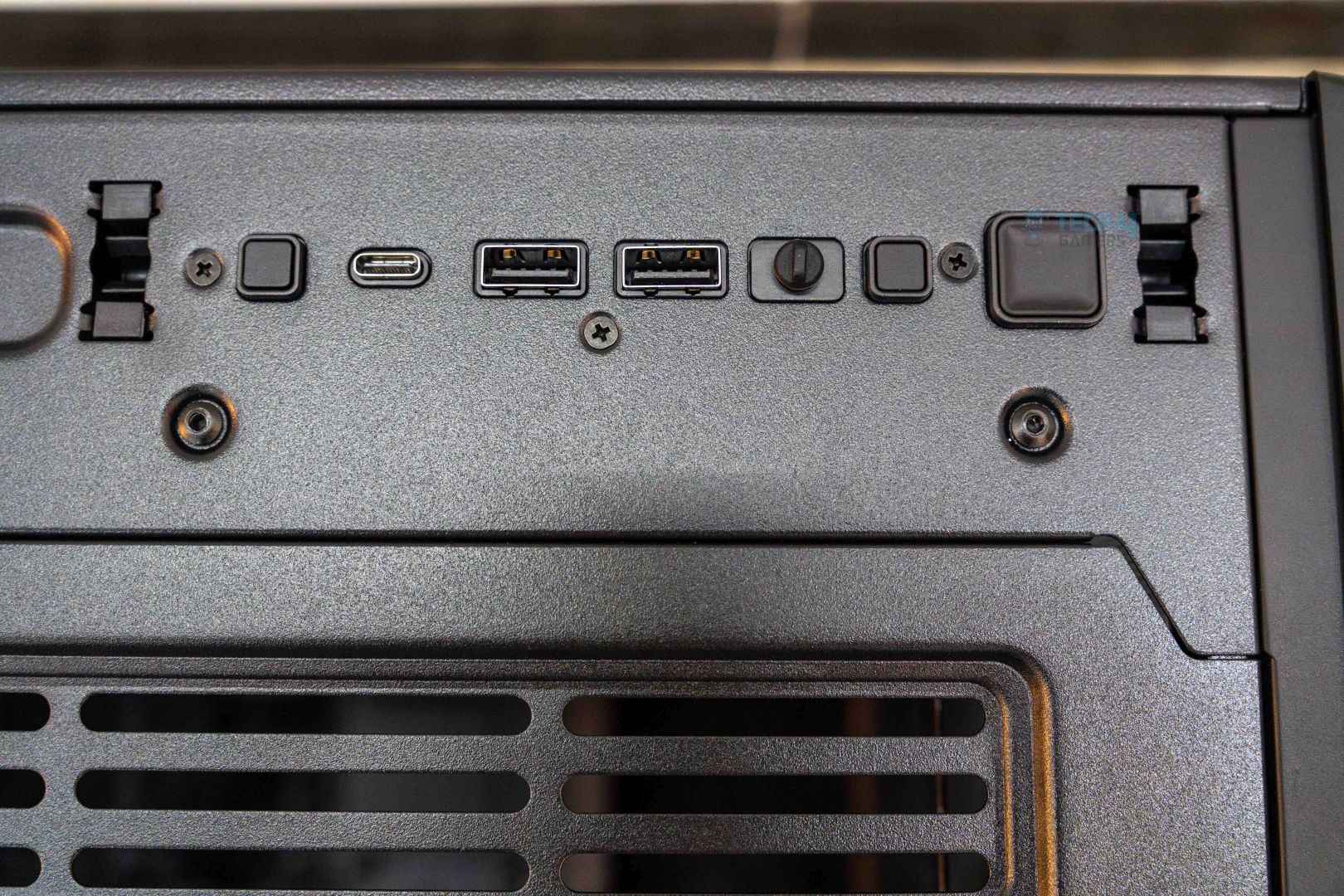
The IO ports are located on the top-right side of the chassis and have the following:
- 1x USB-C 3.1 (10 Gbit/s)
- 2x USB-A 3.0 (5 Gbit/s)
- 3.5 mm headphone/mic combo jack
The power button is also along these ports, and near the power button, there’s also a reset button, as well as a dedicated temperature display switch for the dedicated temperature monitor display. I’ve added both pictures of the I/O, where in one, it is in a stock condition, while in the second, it appears exposed as I removed the top panel for a better look and installation of the components.
Top Panel

The top panel has Noctua’s signature brown color and also houses the I/O panel. The top panel has two removable pieces. The first one is the top cover sheet, which also has a mesh design baked into it to act as a filter and can be easily removed without needing any tools. Beneath this panel is the exposed top panel and fan bracket, as shown in the attached picture. This fan bracket can also be removed quite conveniently; however, this time you have to unscrew the two screws first. Here you can install either 3x 140 mm fans or a radiator up to 420 mm in size. This whole fan bracket removal makes the overall build experience much more pleasurable and easy.
Rear Panel & Bottom
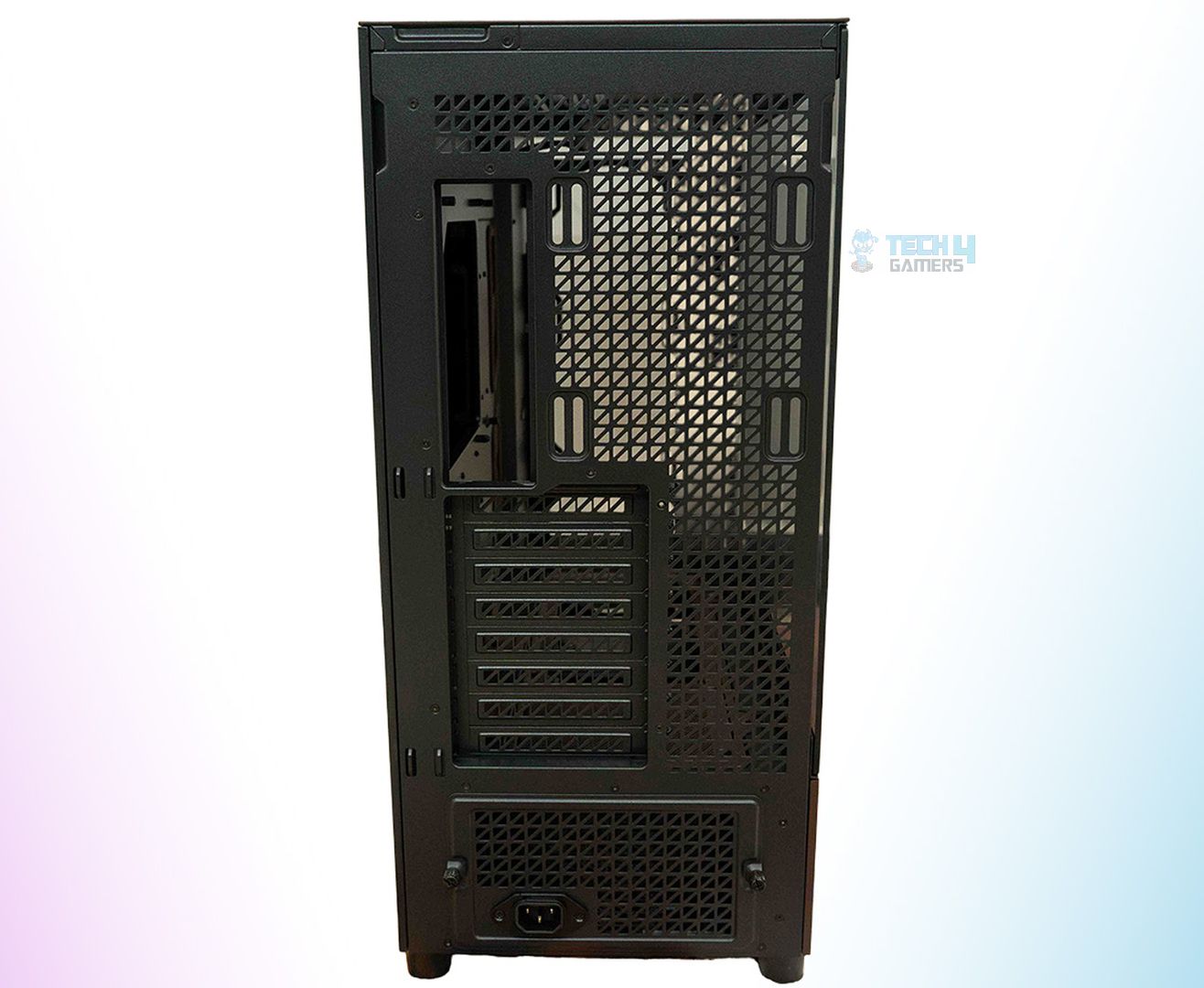
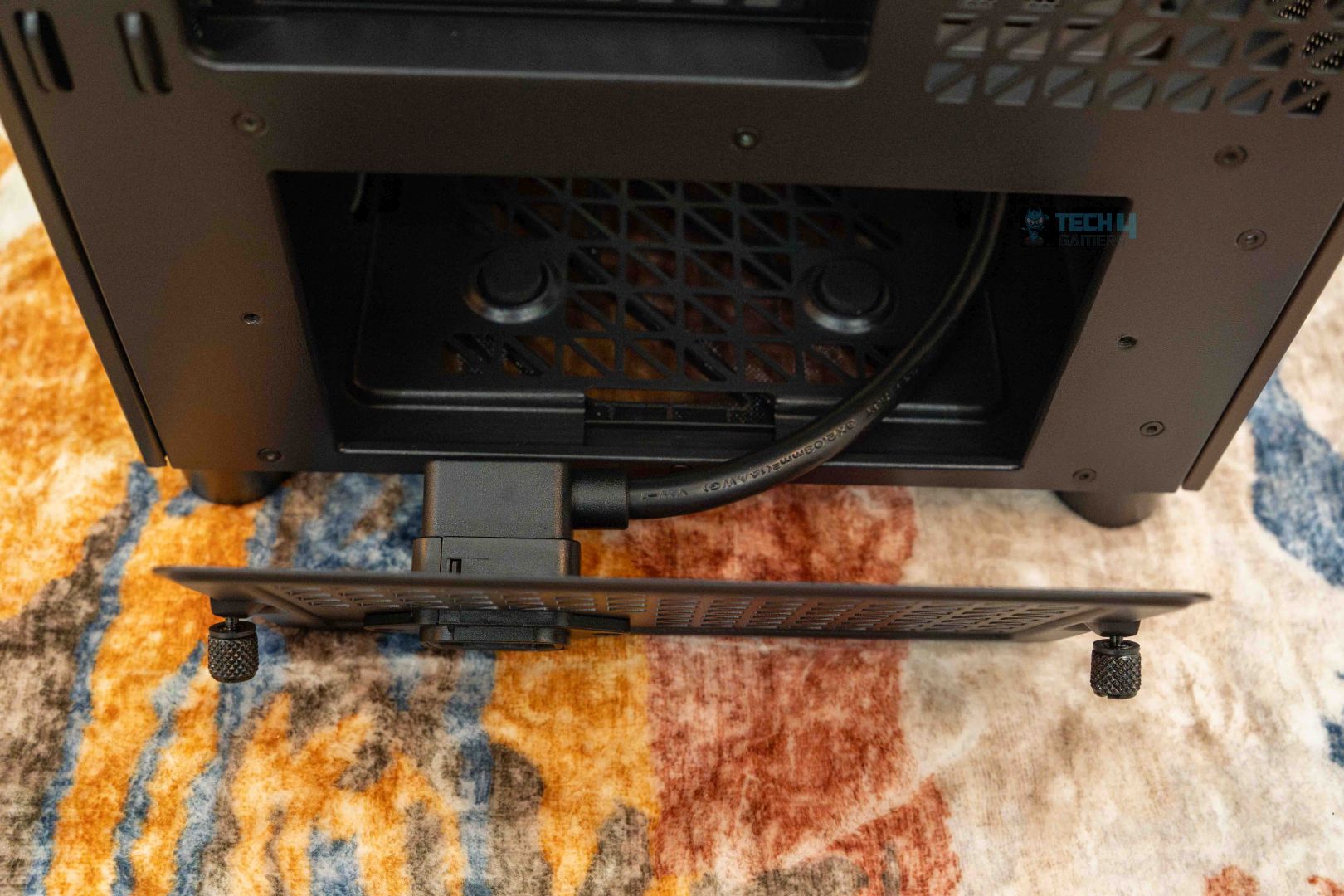
The PC chassis from the rear looks just about the same as every other case, where you have one big perforated area where you also install the rear exhaust fan. On this one, you can install an exhaust fan up to 140 mm. Besides the exhaust fan, you can also see the PSU shroud below the PCIe slots bracket. The bracket can be opened by unscrewing the two visible tool-less screws. There’s also a PSU cable extension that is used when you install the PSU in a non-standard position. Lastly, there are a total of eight PCIe expansion slots that are covered with reusable vented covers. All you have to do is unscrew them from the inside as per your graphics card’s requirement, which would be 2-4 in most instances.
Moreover, at the bottom of this chassis, there’s a full-size dust filter that is removable by pulling it from the front side. Removing the dust filter reveals the vented bottom area, which has two sections: one for the PSU, the other for cooling fans, a liquid cooler, or the HDD bay. You can either install 2x 140 mm fans or a radiator of up to 240 mm. This is some serious versatility, and I definitely like it for sure.
Internal Design
As far as the internal design goes, it’s quite neat and practical, with a big motherboard tray that can accommodate E-ATX boards easily. And also for mounting, there are a total of 9x stand-off screws to fully secure the board in its place. Besides that, Noctua’s mark is also visible here, as all the wire pass-through grommets are colored brown. Moreover, on the lower level, there’s the PSU shroud, which is also brown and has room to mount either 3x 120 mm fans or a 360 mm liquid cooler. Not to mention, it already comes with 2x Noctua NF-A12x25 G2 fans that you can install here.
Clearances
Here’s how the clearance goes for different components:
- The maximum CPU Cooler height is 190 mm.
- The maximum length of a graphics card is 455 mm.
- The maximum length of PSU is under 470 mm without an HDD.
Such clearance lengths are more than enough to easily install even the beefiest of the components. Be it a hefty RTX 5090 or a 420 mm premium AIO, there’s enough clearance inside the chassis to house everything with ease.
Backside Design
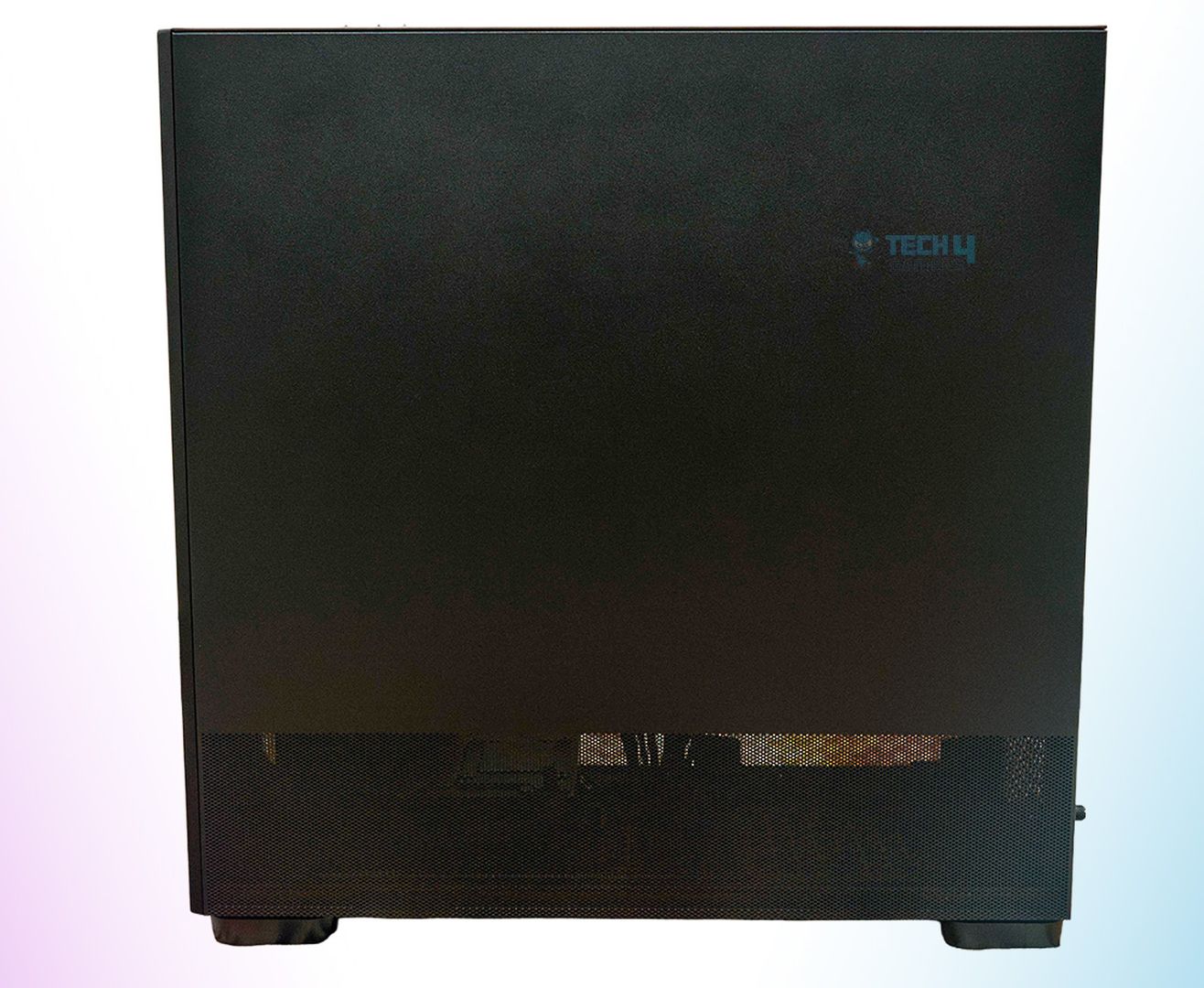
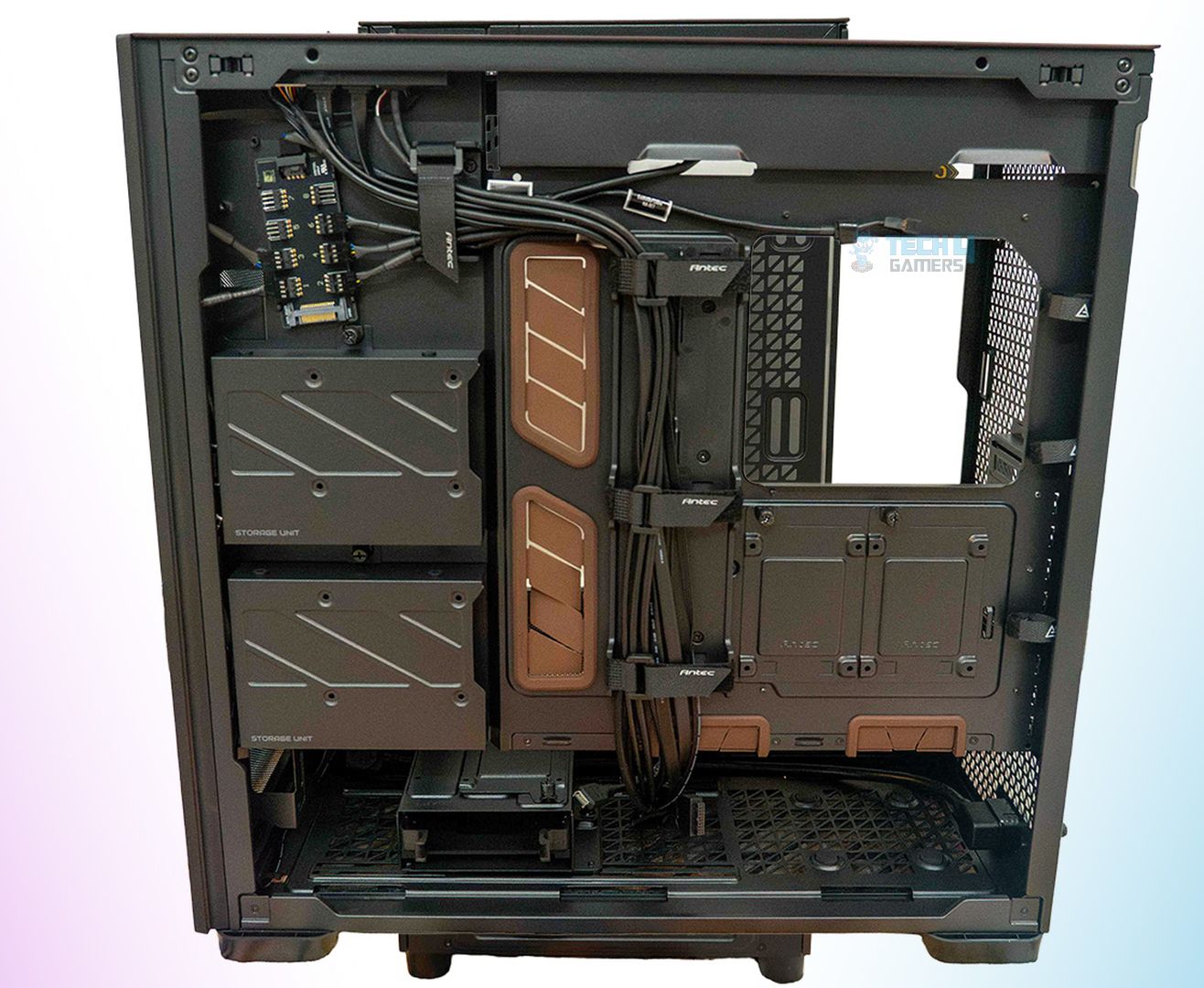
The back is clean and has a mesh design on the lower part of the cover, which enhances the airflow in the lower section of the motherboard. It helps the hard drives and the PSU to some extent. It’s built of steel, and the quality feels very sturdy overall. In the attached pictures, the second one is without the back cover. You can easily notice the Velcro straps securing the I/O cables as well as the fan hub cables. There are a total of four Velcro straps for the main routing and three smaller ones on the side, too.

Moreover, you can also notice a drive bay in the lower section that can be easily removed by unscrewing it from the bottom area. As for the drive size, this one supports both 2.5” and 3.5” drives, and up to two drives can be installed at once. The same is the case with the vertically attached two drive bays below the fan hub. They can also house both 2.5” and 3.5” drives. However, the two drive bays that are located above the PSU area are limited to 2.5” drives.

The chassis also comes bundled with the Noctua NA-FH1 fan hub, which supports up to 8 fans. The fan hub can be connected to the motherboard with an NA-EC1 or NA-EC3 cable. Moreover, this specific fan hub also features surge protection, as it has multiple fuses built in that help prevent other components from being damaged.
I/O Cables & Features
The PC case comes with:
- 1x power button + reset button
- 1x 3.5 mm headphone jack cable
- 1x Type-C 10Gb/s port cable
- 2x USB 3.0 ports cables
- 1x temperature display cable
- 1x NA-EC1 cable for fan hub

The PC chassis offers something extra, which is a dedicated temperature display unit that shows the CPU and GPU temperatures. The temp display can be connected to the motherboard via its proprietary cable and is located at the lower-right side of the chassis. However, it doesn’t work right away; you need to install the Antec iUnity software on your computer first. Which is a bummer, but it’s a one-time setup, so there’s that.
Test Build And Experience
Here’s the rest of the PC specs that I used to test out the chassis:
- Ryzen 7 9800X3D
- V-Color Manta 6400MHz CL28 64GB RAM
- MSI MEG X870E Godlike
- be quiet! Silent Loop 3 420 mm AIO
- Gigabyte GeForce RTX 4090 Gaming OC
- RTX 5080
- ASROCK TC-1300T Taichi Platinum PSU
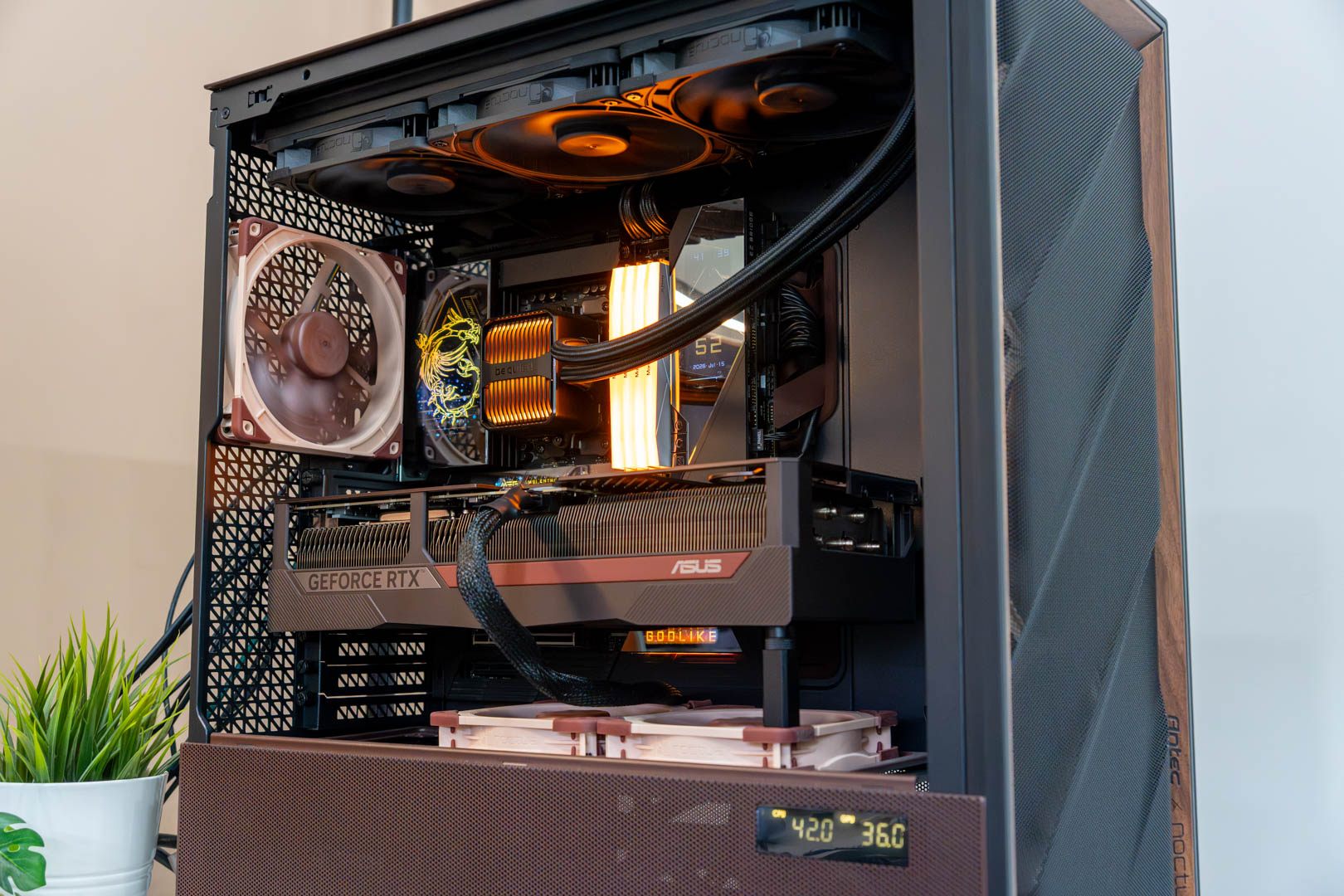
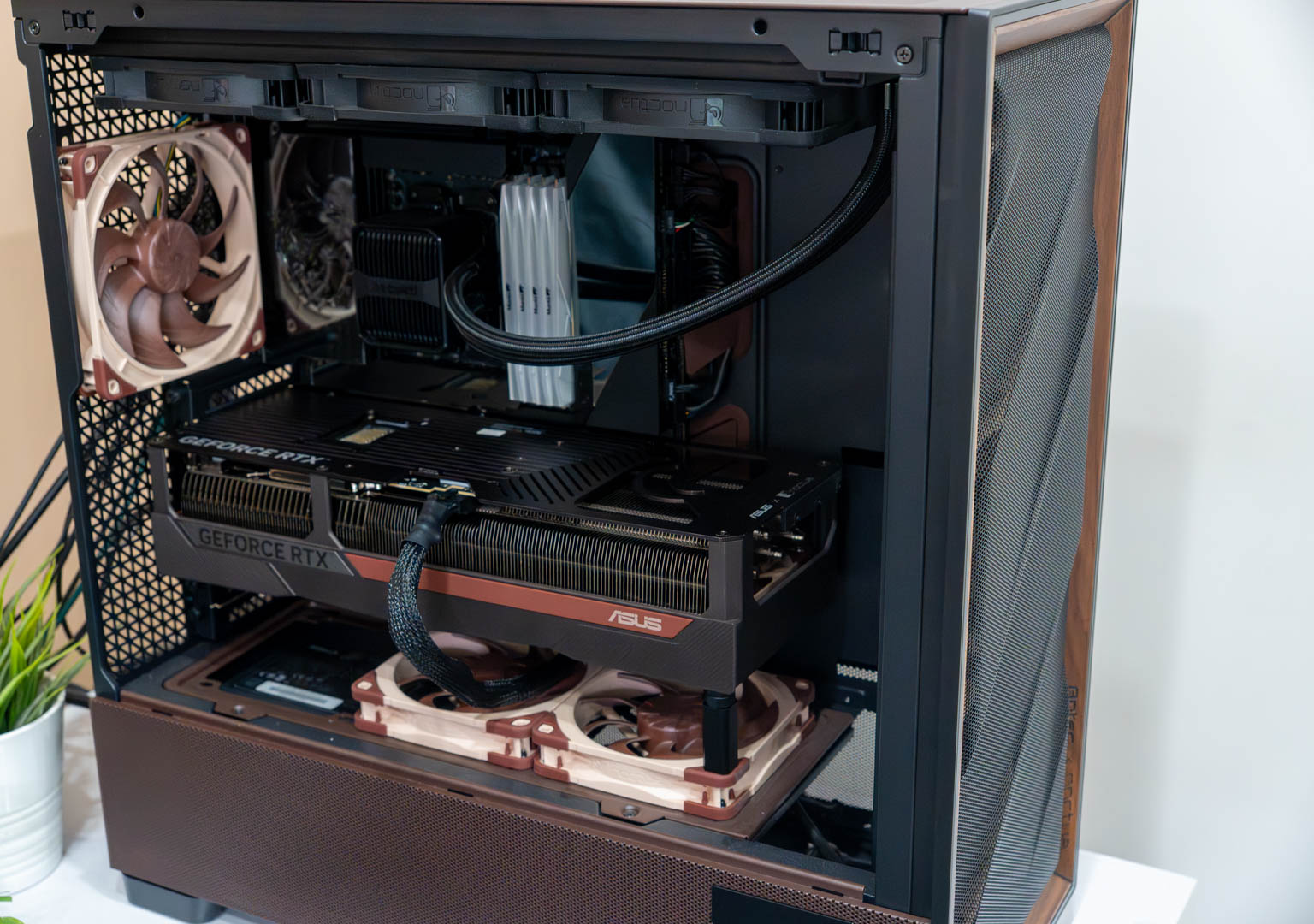
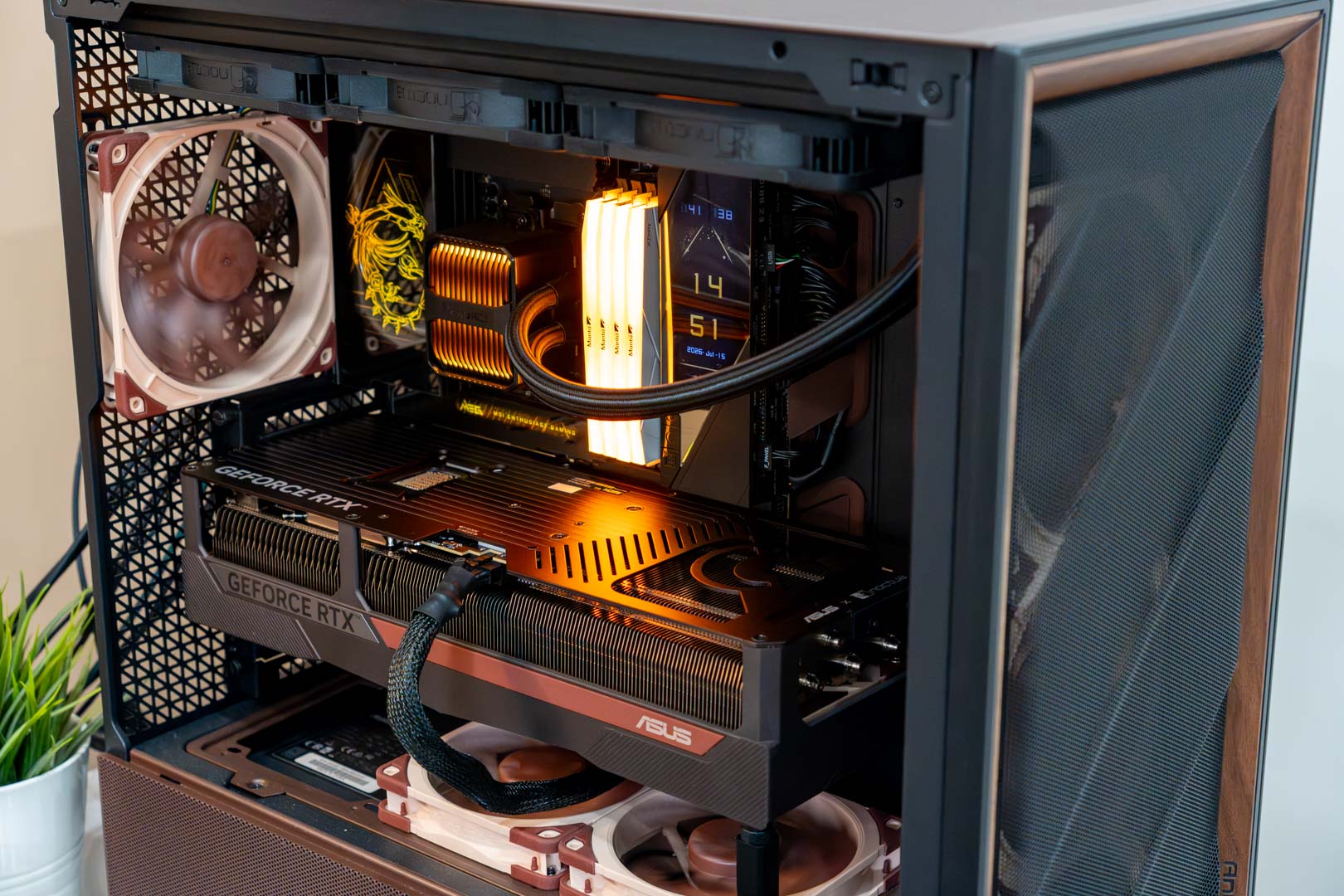
I started building the PC by first sorting out the motherboard, where I installed the CPU as well as the RAM on it. Then I went on to fitting the board inside the case, which was a piece of cake, given its spacious insides. After that, I installed 3x Noctua NF-A14x25 G2 on the front for intake and the 1x NF-A14x25 G2 on the rear side for exhaust. Moving on, I also installed the remaining 2x NF-A12x25 G2 to work as exhaust fans by installing them over the PSU shroud.
Then I started installing the be quiet! Silent Loop 3 AIO on the top side, for that I first removed the top fan bracket from the chassis and then screwed in the AIO. This practice also made installing the AIO much easier, like the motherboard.
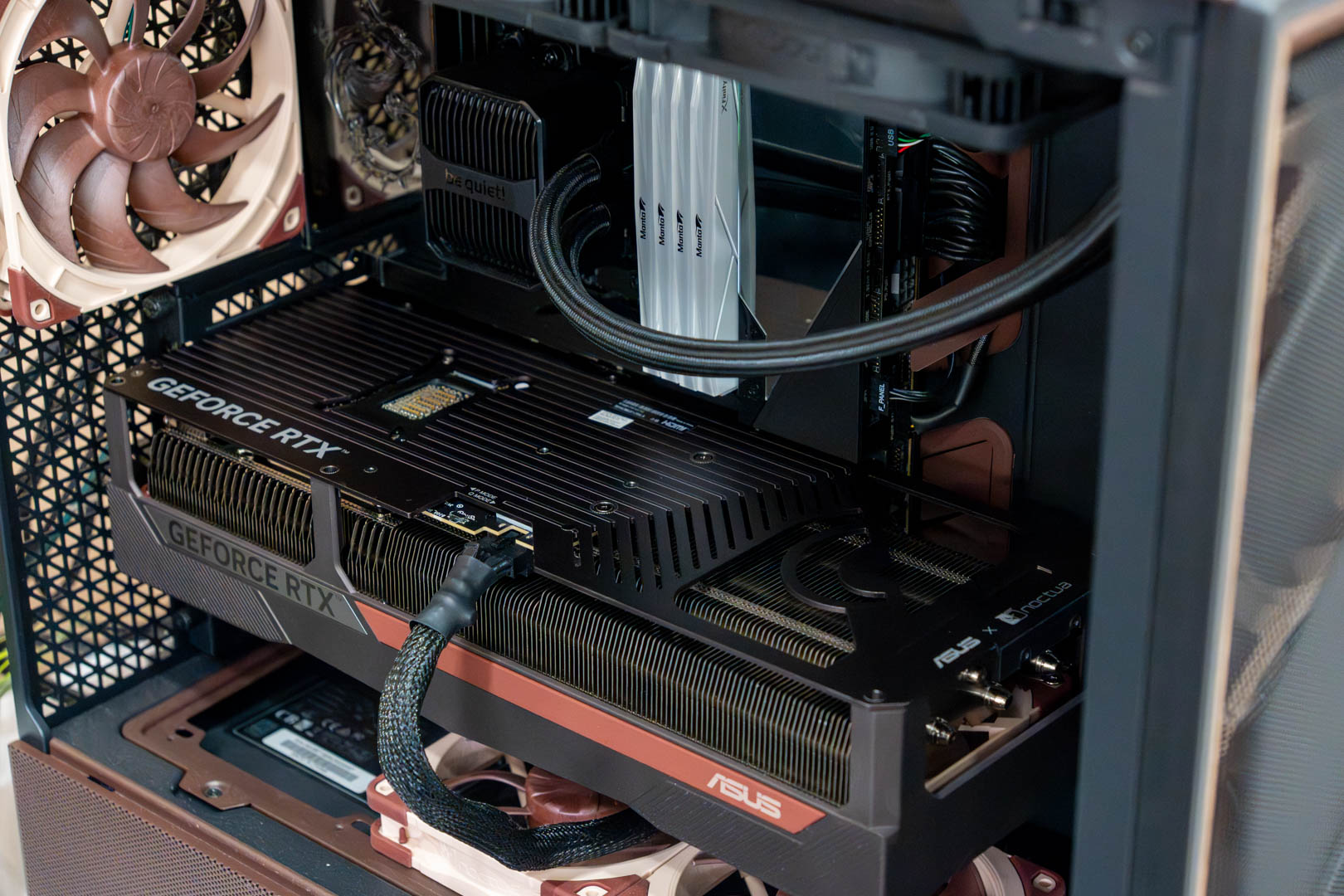
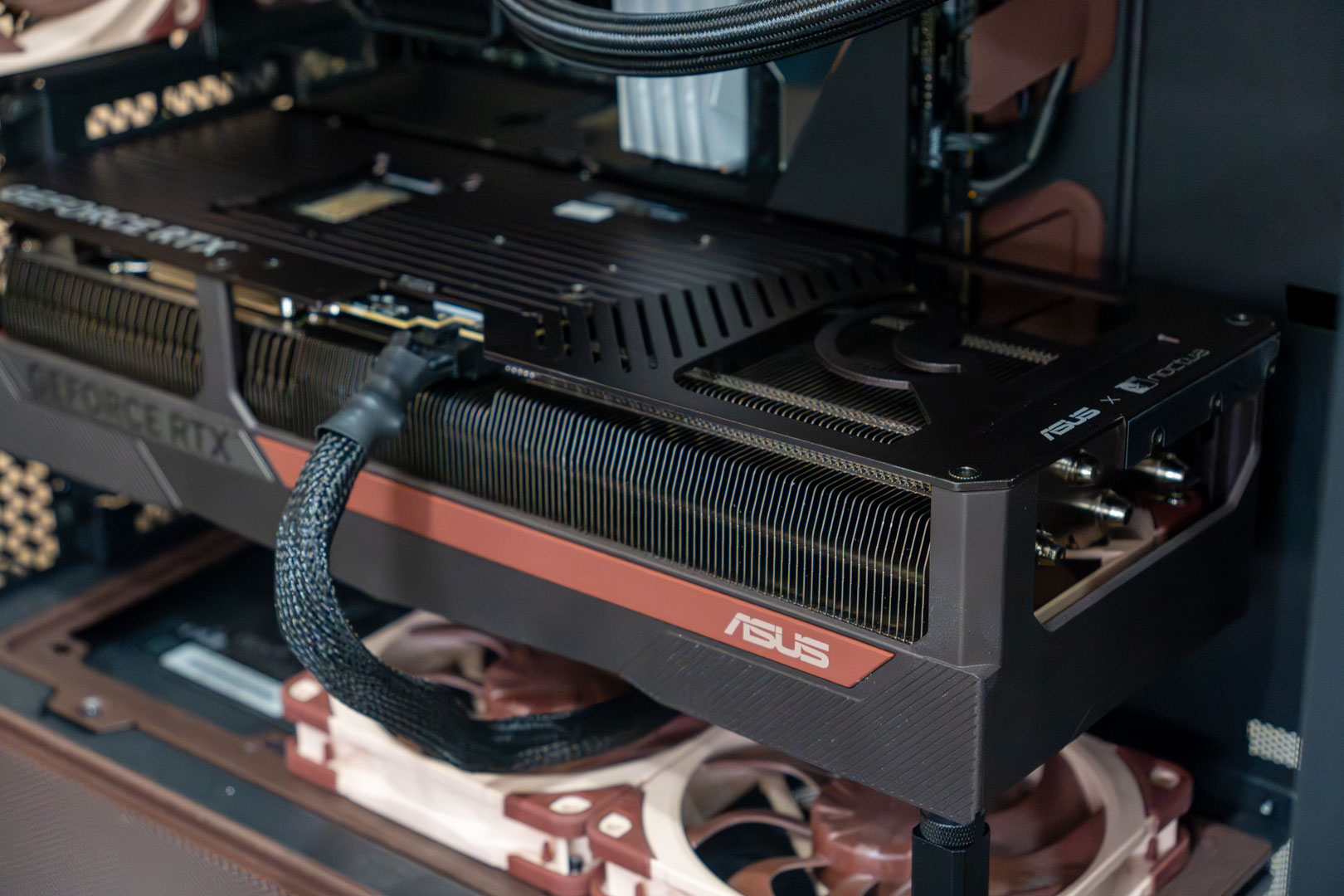
Similarly, I started working on its back side, where I installed the PSU and wired every component to the PSU. After installing the PSU, I connected all the remaining cables to their respective ports and also made sure to use the Velcro straps to do a better job on the cable management side. Lastly, I had to remove a total of four PCIe covers to install the graphics card, which is the Gigabyte RTX 4090 Gaming OC in this case. So, overall, the experience was quite enjoyable as well as effortless while putting the whole build together.
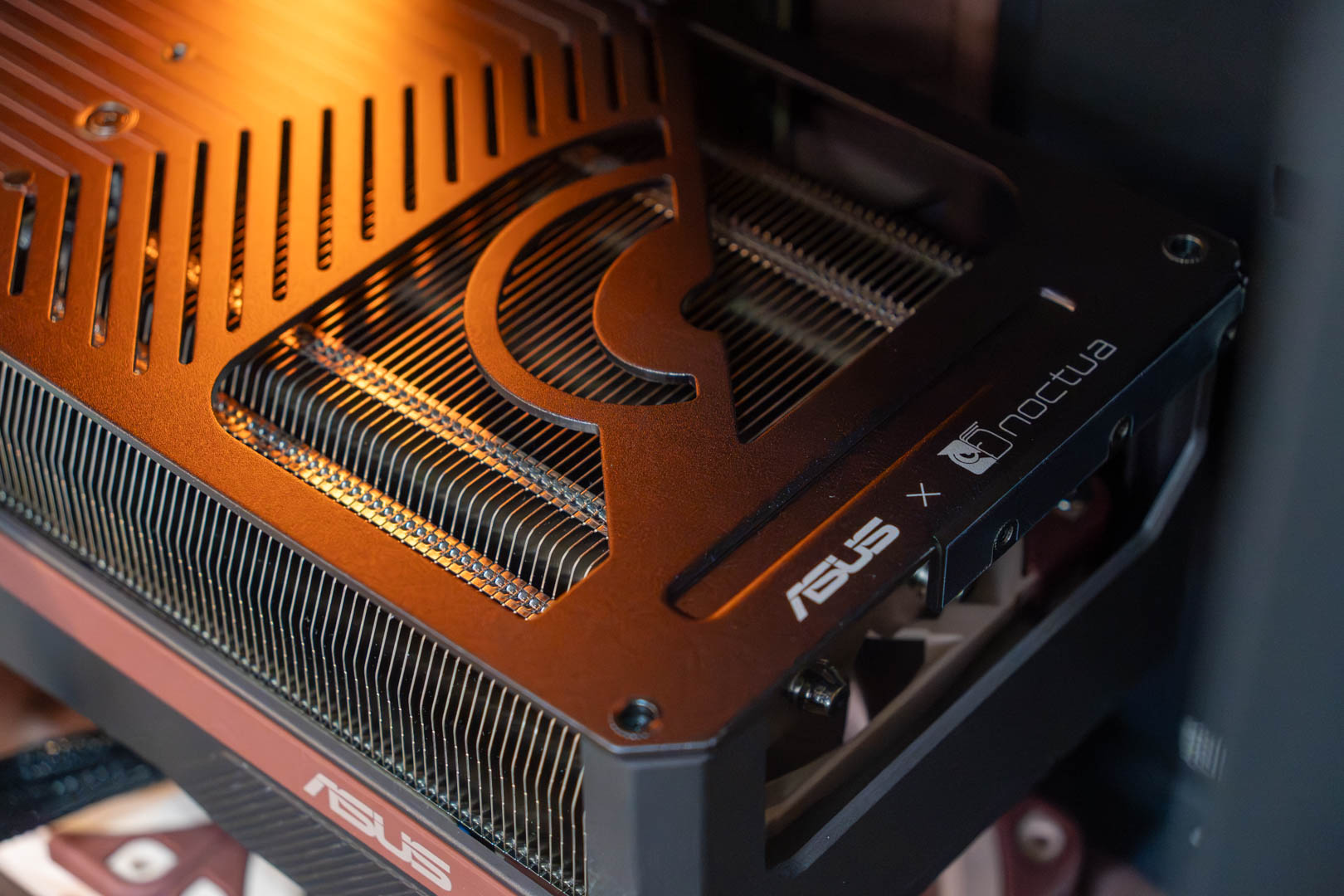
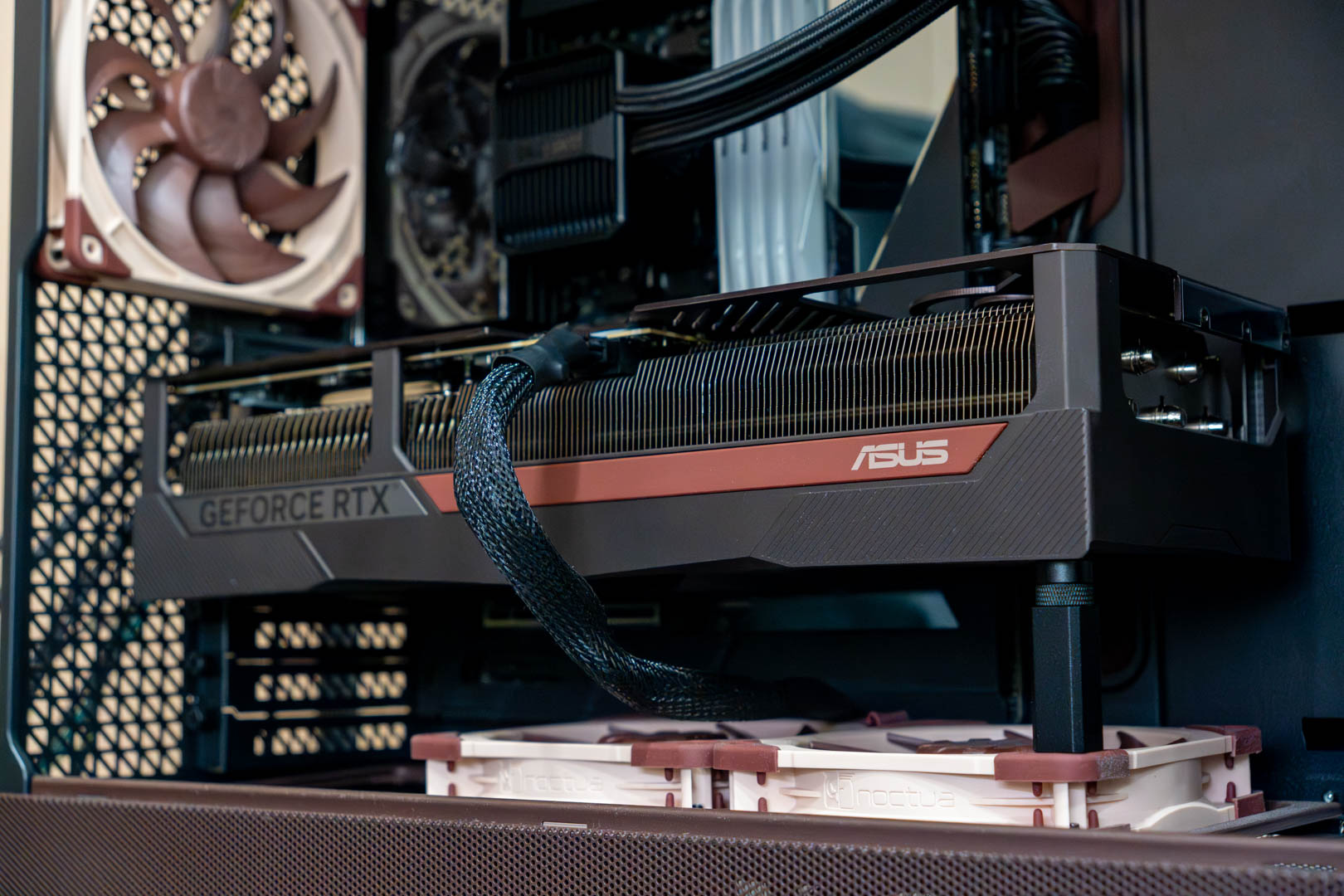
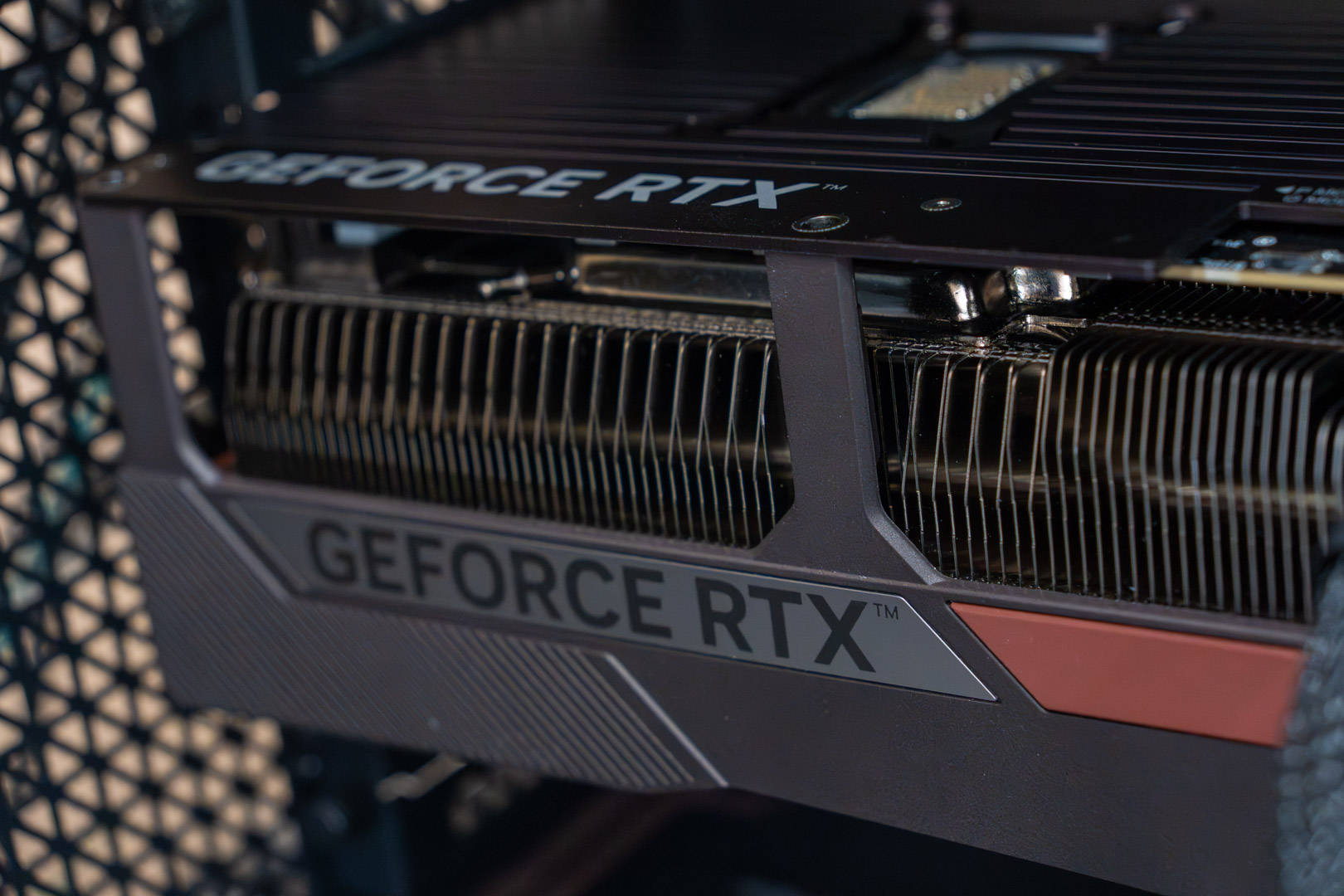
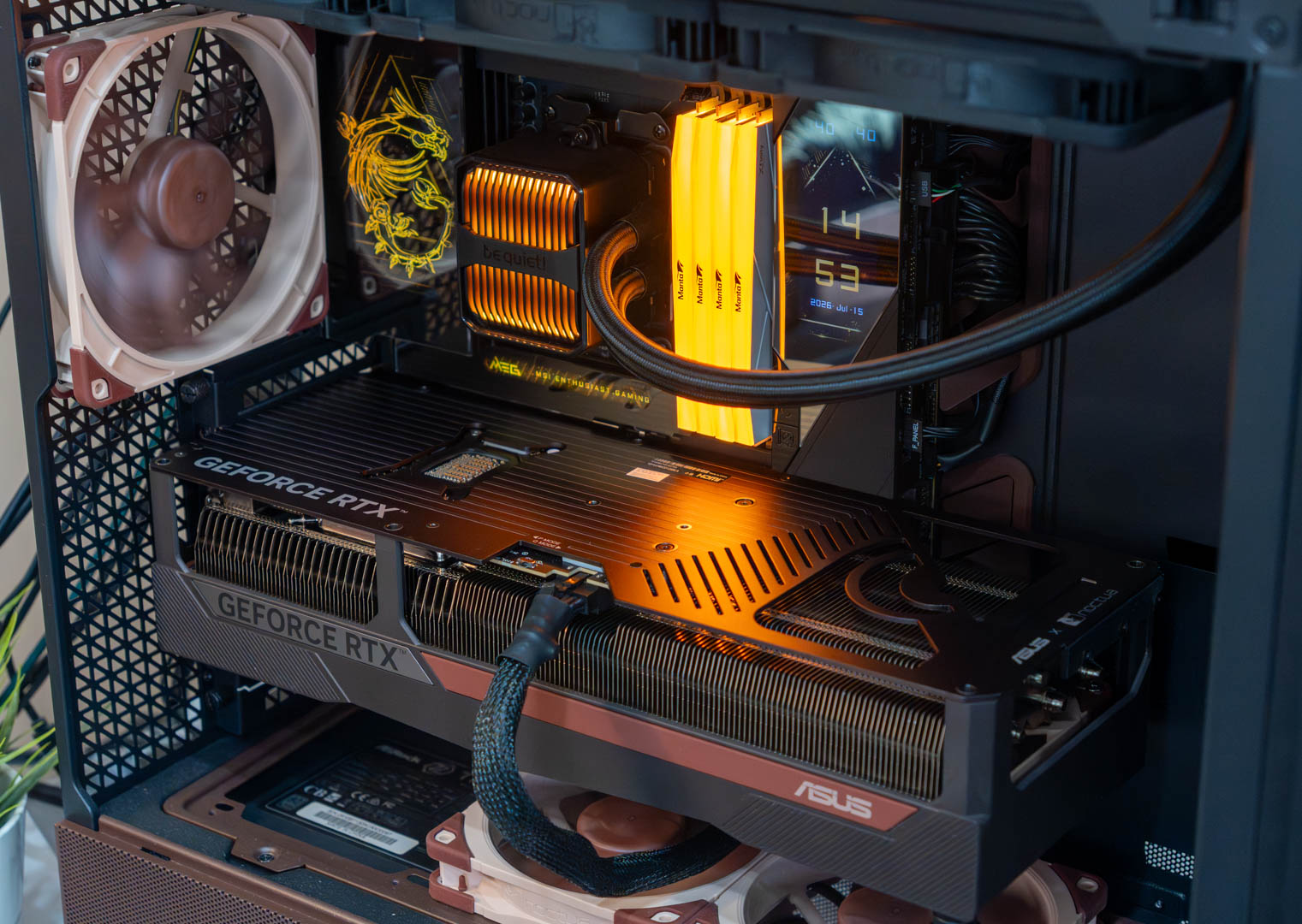
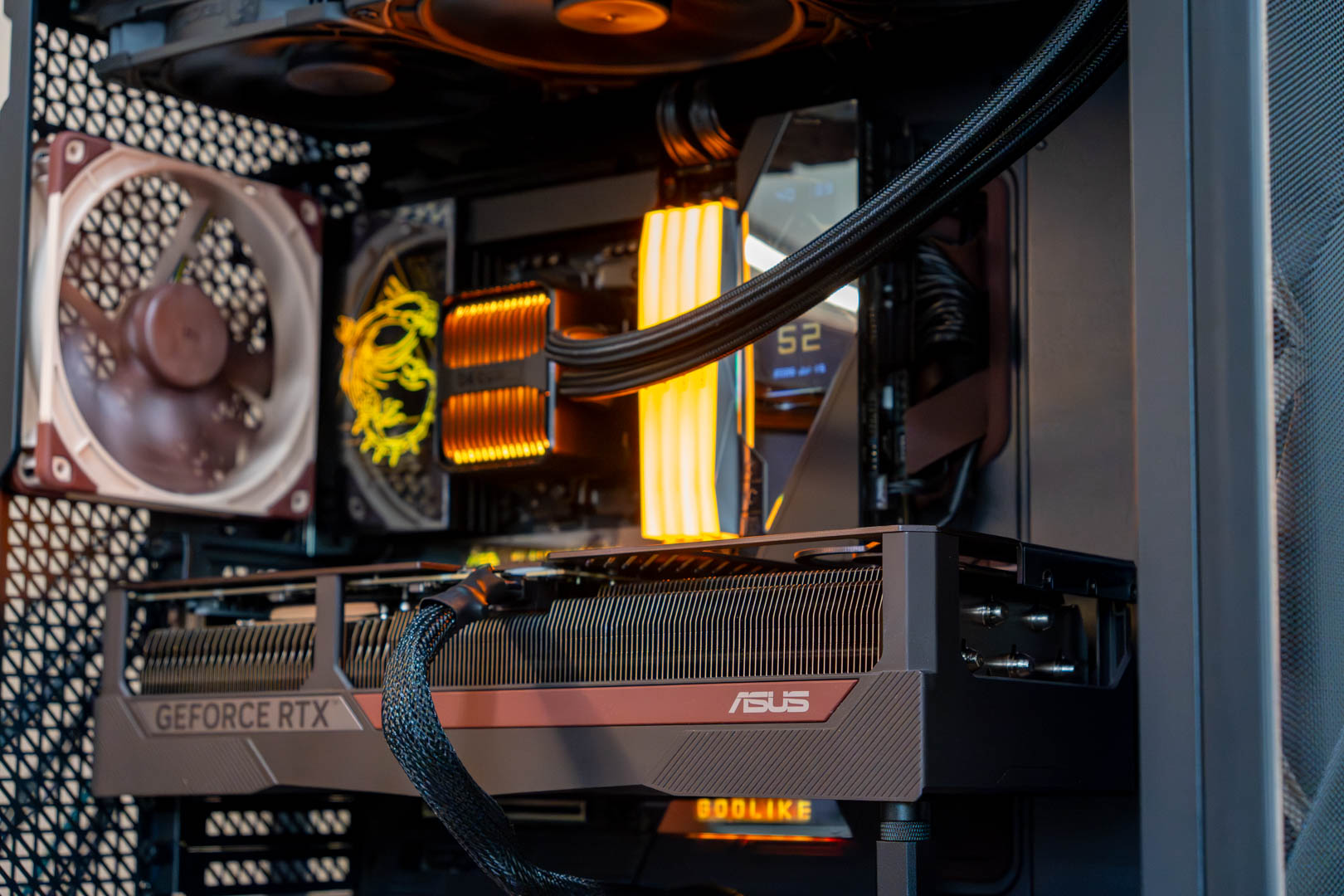
Here are some of the aftermath pictures of the final build that turned out very neat and likeable, to be fair.
Thermal Testing
We did the thermal testing in an ambient temperature of 22°C and ran Cinebench R23.2 multicore and Unigine Superposition @1080p Extreme settings. This combo stressed the system quite a bit and generated a decent amount of heat. However, the case’s airflow system using Noctua’s fans has done a great job at keeping the temperatures under decent numbers. The max we noticed was 76°C on the Ryzen 7 9800X3D using the be quiet! Silent Loop 3 liquid cooler. As for the graphics cards, the RTX 5080 touched 70°C while the RTX 4090 couldn’t even touch 70°C and capped out at 68°C.

Should You Buy It?
Buy It If:
✅If you want quiet performance: The Antec Flux Pro Noctua Edition is equipped with 6x Noctua G2 series fans that provide decent cooling performance while being up to 8dB(A) quieter.
✅If you want plenty of fan space: This case offers plenty of space and mounts to install fans or AIO, however you want. It has mounts on the PSU shroud, inside the shroud, on top, and on the front.
✅You want maximum ease of building: The Antec Flux Pro Noctua Edition comes with a tool-free design for the most part. Meaning you don’t need a tool to open every panel or part of the chassis. Moreover, the top and front fan brackets are fully removable to ease the building process.
Don’t Buy It If:
❌If you’re on a budget: If you are on a budget, then this $399.90 priced case doesn’t make much sense, as you’d be better off with its standard edition, which is available for way cheaper than this.
❌If you intend to use a back-connect board: This case doesn’t support a back-connect motherboard, as there’s no space for the connectors to pass through. So, if you’re planning to get it, then better not.
Conclusion
The Antec Flux Pro Noctua Edition is definitely an excellent chassis that offers decent cooling performance. Moreover, there’s ample space to install chunky components, and its modular and tool-free design makes building a PC in this chassis a breeze. What else is great about this board is the inclusion of 6x Noctua G2 fans and a Noctua NA-FH1 fan hub. Additionally, the thoughtful layout of Velcro straps helps you do a better job at cable management.
The Antec Flux Pro Noctua Edition isn’t only all about performance, as there are some extras as well. There’s a dedicated CPU & GPU temperature monitor display on the front right corner of the chassis. Which you can activate via its Antec’s iUnity software. So, overall the case is pretty likeable, however, with a steep MSRP of $399.90, it’s not for everyone and if you’re on a budget. I would recommend you to look for something else.
Thank you! Please share your positive feedback. 🔋
How could we improve this post? Please Help us. 😔

Zain is our hardware expert, known for deep-dive reviews and round-ups on motherboards, CPUs, RAM, GPUs, and cooling systems. He focuses on performance and value, skipping the marketing hype to give you honest, no-nonsense advice.
 Join Our Community