 Threads
Worth It?
Review Summary
The Lian-Li Hydroshift II OLED Curved 360P28 is a highly over-engineered liquid cooler representing the pinnacle of premium luxury for PC aesthetics at $299. It abandons the traditional price-to-performance thermal route, as this cooler is not built for overclocking purists or value-conscious consumers. Instead, it serves as an unapologetic statement piece; its unmatched features stand alone in the current market. However, if you prioritize pure thermal performance or acoustic efficiency, you are better off saving $100-$150 by choosing one of its LCD alternatives.
Hours Tested: 5

Overall
-
Cooling - 8.5/10
8.5/10
-
Noise - 8.5/10
8.5/10
-
Build Quality - 9.5/10
9.5/10
-
Aesthetics - 9.5/10
9.5/10
-
Value - 7.5/10
7.5/10
Pros
- Magnetic 6.67-inch 2K curved OLED panel
- Motorized Positioning
- Industrial-Grade P28 V2 fans
- Side Mounted Tubing
- Solid Build Quality
- Cable-Less Block Design
- Interlocking Design for Fans
- Premium Packaging
- Warranty is Good
Cons
- Poor Price/Performance Ratio
- Not top-of-the-line thermal efficiency
- The pump is loud at Turbo Mode


Lian-Li has added another brand-new cooler to their Hydroshift II portfolio, introducing the Hydroshift II OLED Curved. As the name suggests, this version uses a 6.67-inch curved OLED panel, a much larger display than that of other Hydroshift II models. It feels like a smartphone screen wrapped around the pump.
The key feature is that this screen is not a traditional IPS LCD (liquid-crystal display, typically used in all-in-one coolers to display temperatures and system information); instead, it uses an OLED (organic light-emitting diode), which provides deeper blacks for better contrast. The black background is a true black, without the grey-light bleed effect, making it visually appealing for dark-themed builds. In addition, they have included an integrated electric motor that can raise, lower, tilt, and retract the display via software.
Aside from the new display, Lian-Li hasn’t made drastic changes. This cooler still has stealth tubing (hidden pipe routing alongside the radiator to give the CPU area a cleaner look). The OLED supports 2K resolution (1024×2288 pixels, which is higher than 1080p), letting you showcase high-quality video and photo renders.
The display has a refresh rate of 60Hz and a brightness of 450 Nits (measurement of luminance). The pump speed, the rate at which coolant is moved in revolutions per minute (RPM), now ranges from 1600 to 2800. In this review, we will be taking a deep look at this cooler to see what other secrets it holds!
Let’s talk about the specifications:
| Specification | Details |
| Color | Black / White |
| Display Type | 6.67″ OLED |
| Display Resolution | 2288 x 1048 pixels |
| Brightness | 500 nits |
| Pump Head Dimension | 126.5 × 87.1 × 108 mm |
| Pump Speed | 1600 – 2800 RPM ±10% |
| Pump Noise Level | < 30.0 dBA (Max) |
| Radiator Dimensions | 400 × 122 × 24 mm |
| Radiator Design | Single-wave |
| Radiator Material | Aluminum |
| Tube Length | 450 / 475 mm |
| CPU Socket Compatibility | Intel LGA 1700 / 1851, AMD AM4 / AM5 |
| Fan Dimensions | 120 × 124 × 28 mm |
| Fan Speed | 200 – 3000 RPM |
| Fan Air Pressure | 7.78 mmH₂O |
| Fan Airflow | 110.5 CFM |
| Fan Noise Level | 38.1 dBA |
| Warranty | 6-Year (AIO Cooling System), 3-Year (OLED Screen), 3-Year (Fans) |
What Makes Lian Li HydroShift II OLED Curved 360 AIO Different?
This is one of the most premium launches of all-in-one liquid coolers in the market. Lian-Li always tries to do things differently with their liquid coolers. As the name suggests, the cooler features a huge 6.67-inch curved OLED display with a 2K resolution and a 60Hz refresh rate. The real innovation, however, is the motorized dual-axis mount, which means you can adjust the vertical lift by 13mm and tilt the screen up to 45 degrees directly through the L-Connect 3 software.
What About The Availability & Pricing?
This Cooler is available in only a single 360mm variant and is offered in white and dark black. There is no 240mm available at the moment, including a fan-less model for $279.99, Uni-Fan P28 V2 for $299.99, and lastly with the Uni-Fan TL Flex fans for $339.99. The cooler that Lian-Li has sent us is HydroShift II OLED Curved 360P28.
Packaging
Let’s take a look at the packaging!
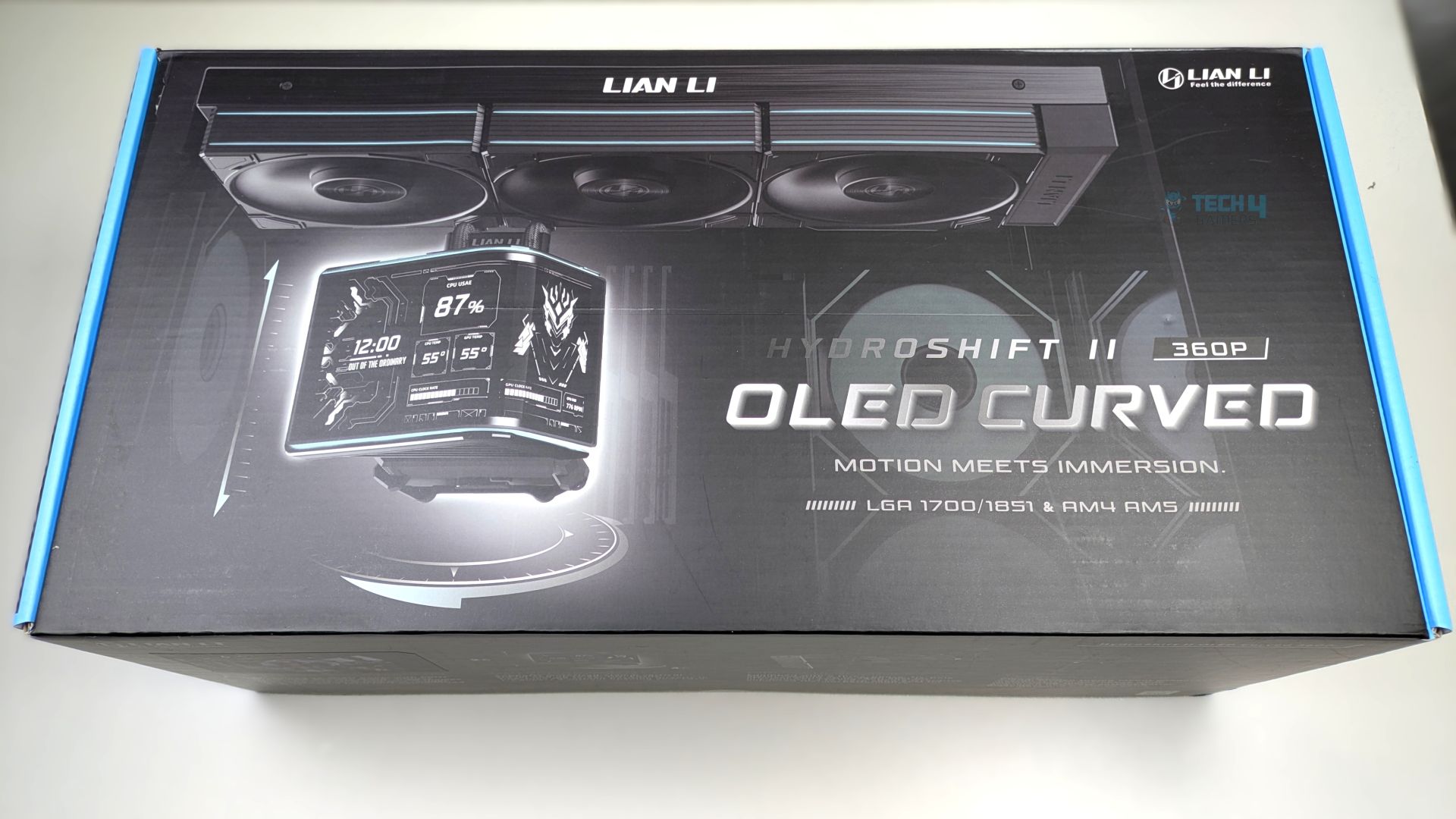
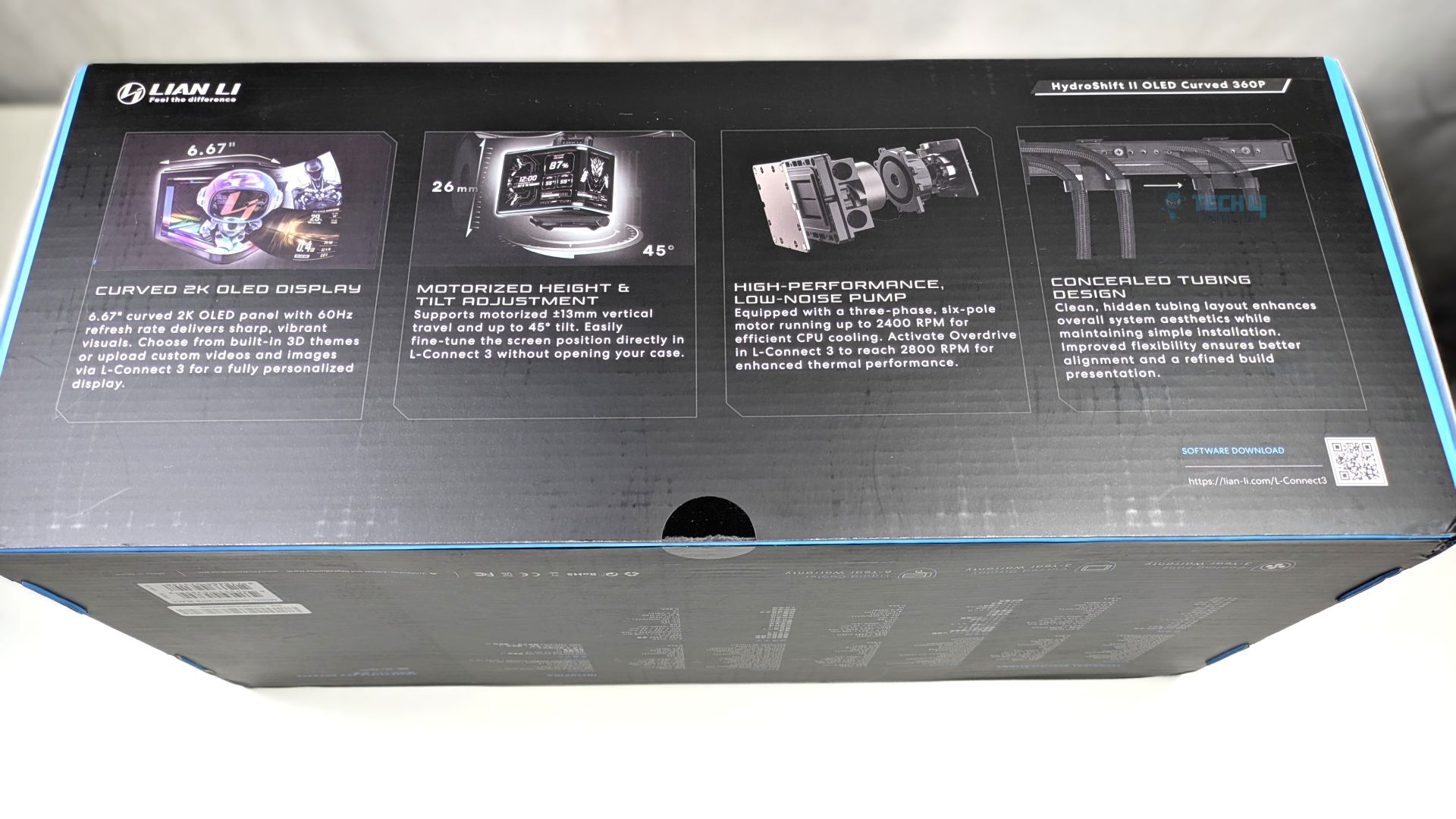
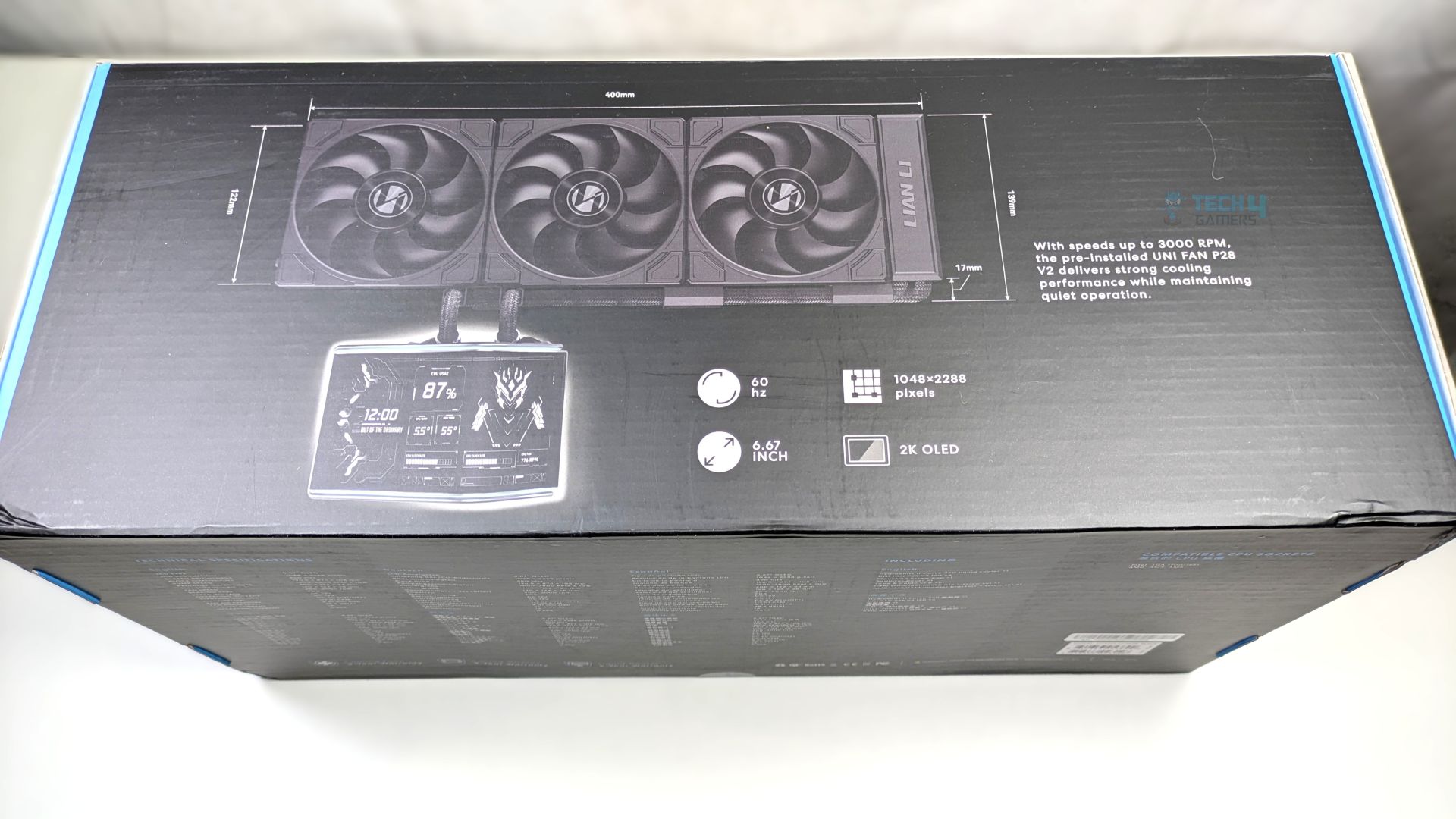
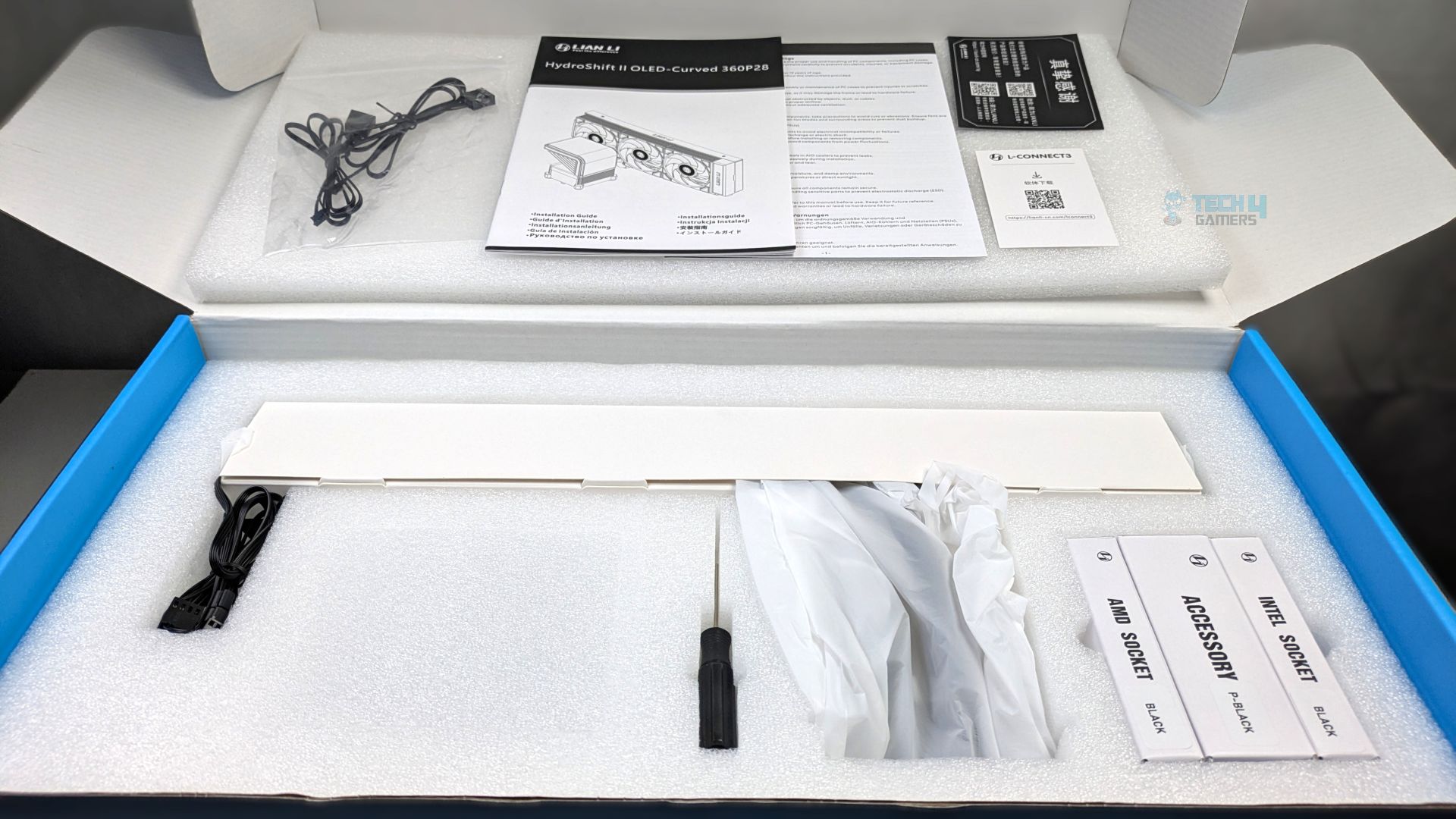
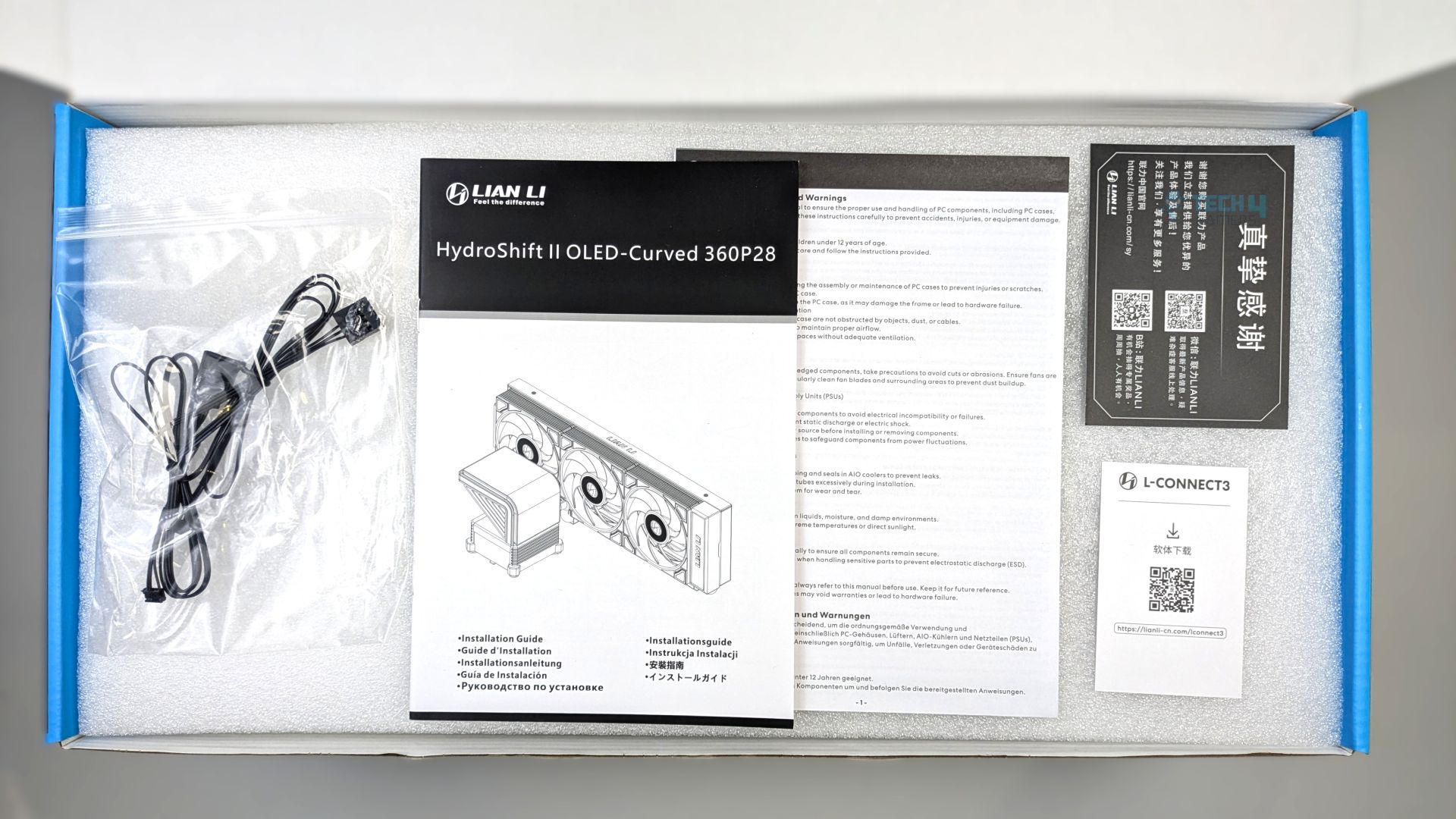
Now that’s some very premium packaging from Lian-Li. The exterior does an amazing job of detailing exactly what is inside the box without feeling cluttered. The back panel clearly outlines the key selling points of this cooler, such as the 6.67-Inch 60Hz Curved OLED display (a high-quality screen with a smooth refresh rate) and the unique motorized tilt mechanism (which automatically adjusts the angle). Lian-Li has also mentioned the support for LGA 1851 (a CPU socket for Intel processors) and AM5 (a CPU socket for AMD processors).
The unboxing feels great because it uses high-density foam instead of recycled cardboard-egg carton material. Like other Lian-Li coolers, the hardware boxes for Intel Socket, AMD Socket, and Accessories are individually labeled, making the experience very friendly. You find the manual and some extra accessories when you open the box. Overall, we find the packaging highly organized.
Accessories
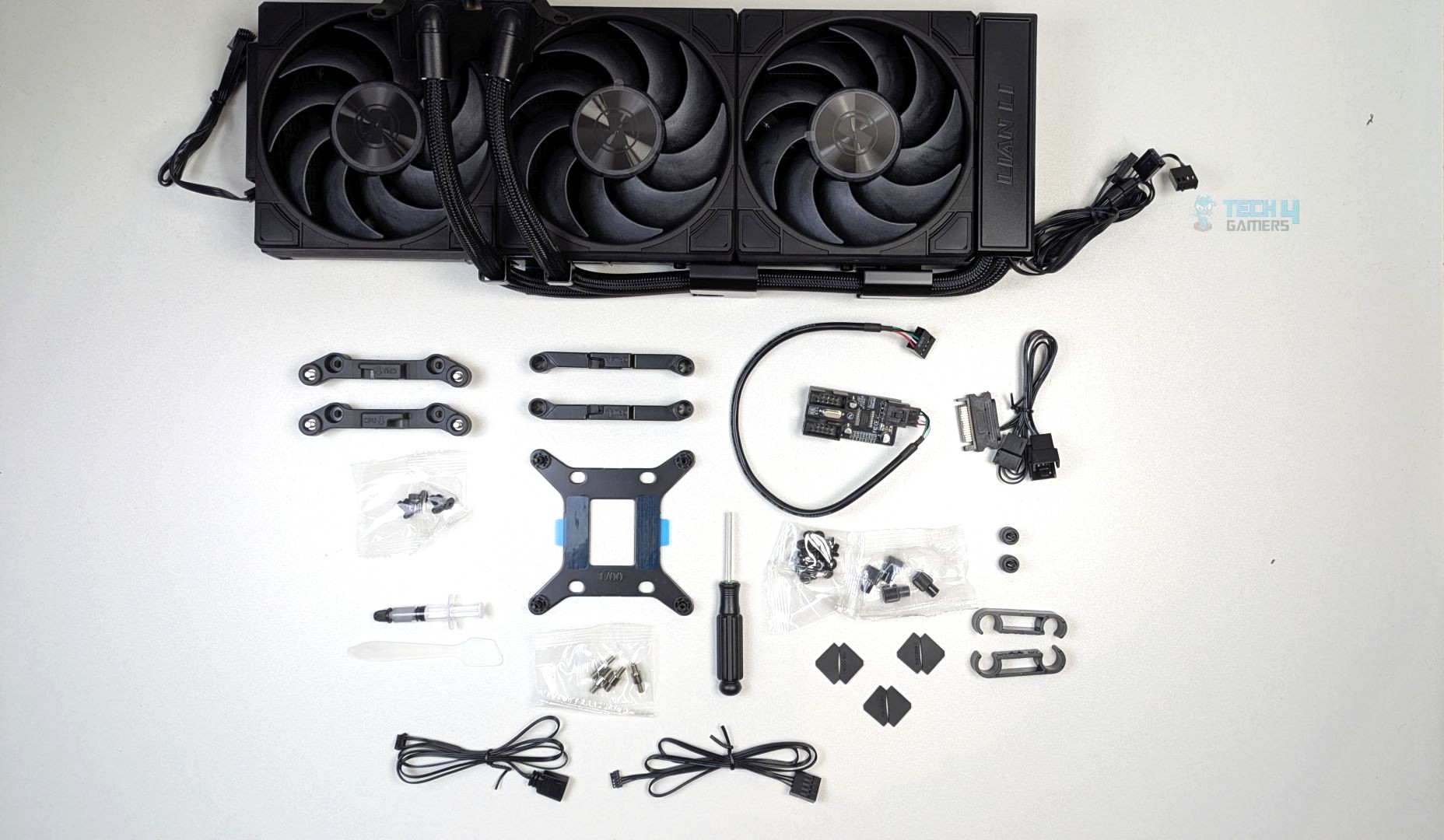
You’re getting tons of extra accessories and tools this time as compared to the previous Hydroshift II coolers. It uses the same mounting mechanism as its siblings; however, this time, extra splitters and hubs are included.
Here is the list of accessories:
| Category | Component | Quantity |
| Mounting Accessories | AMD Mounting Brackets | 2 |
| AMD Mounting Screws | 4 | |
| Intel Mounting Brackets | 2 | |
| Intel Backplate | 1 | |
| Radiator Screws | 12 | |
| Fan Screws | 12 | |
| Fan Screw Covers / Vibration Pads | 12 | |
| Stud Nuts | 4 | |
| Nuts | 4 | |
| Thumb Nuts | 2 | |
| Tools & Extras | Tubing Clips | 2 |
| Hex Driver | 1 | |
| SATA Power Cable | 1 | |
| USB Adapter Cable | 1 | |
| Thermal Paste | 1 | |
| Thermal Paste Spreader | 1 | |
| Wireless Receiver | 1 | |
| Manual | 1 |
Close Look At The Radiator and Assembly
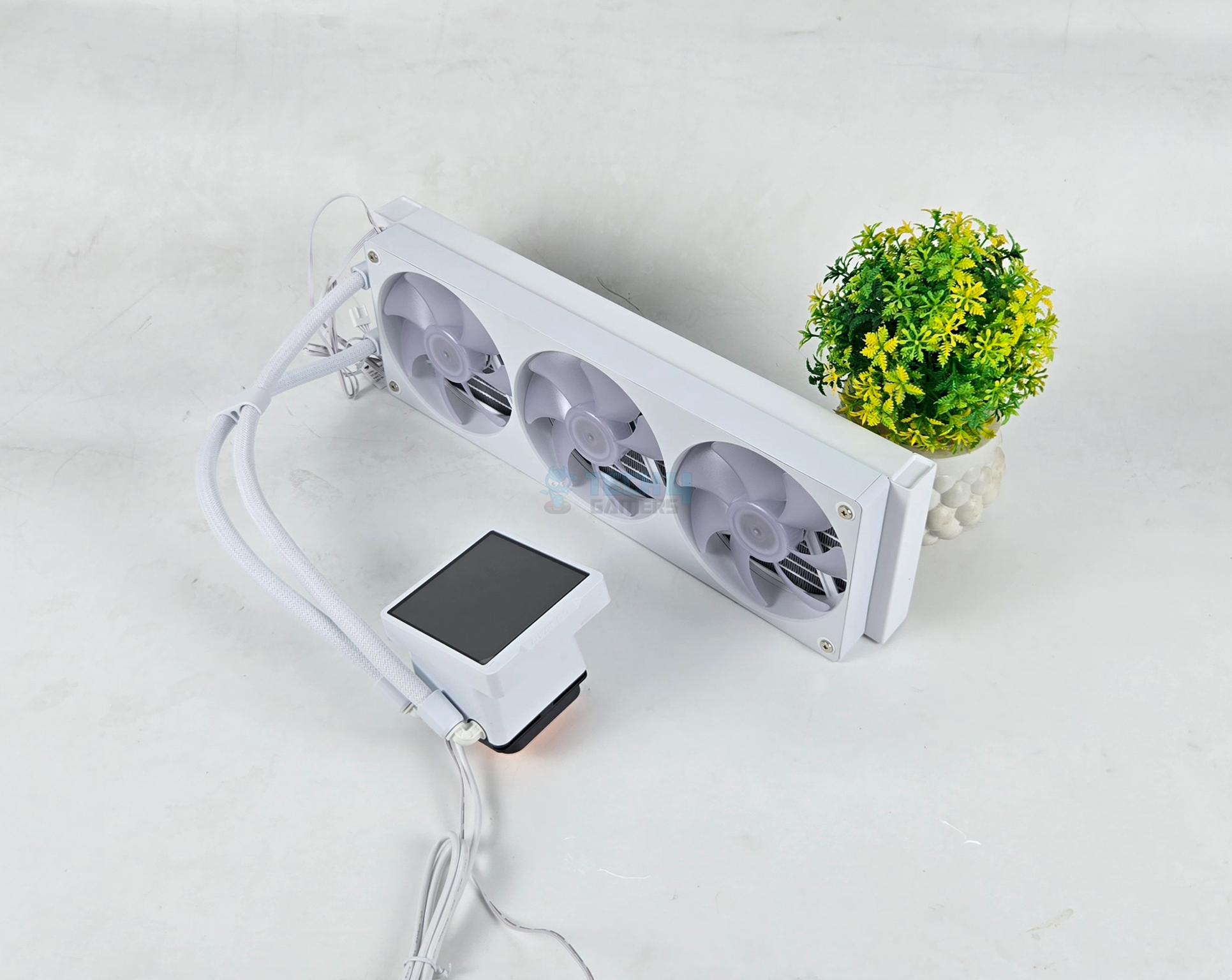
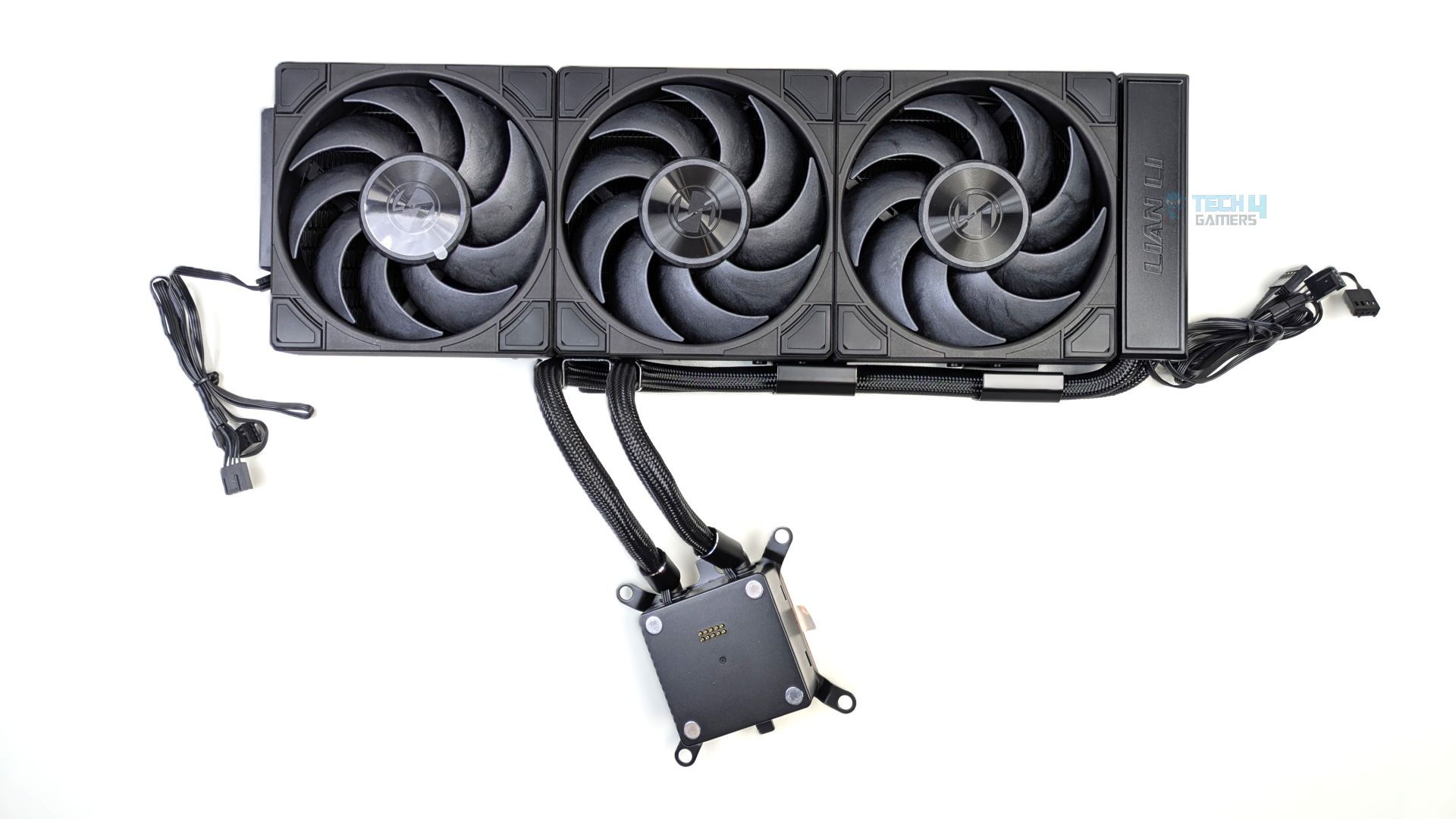
First, look at the assembly out of the box. The fans come pre-installed on the radiator. Next, observe how the tubes are mounted on the radiator, with adjustable metal brackets holding them in place. Additionally, note that the LCD module is not mounted on a block; it is secured in a separate box. The block and module are totally cable-free, neat!
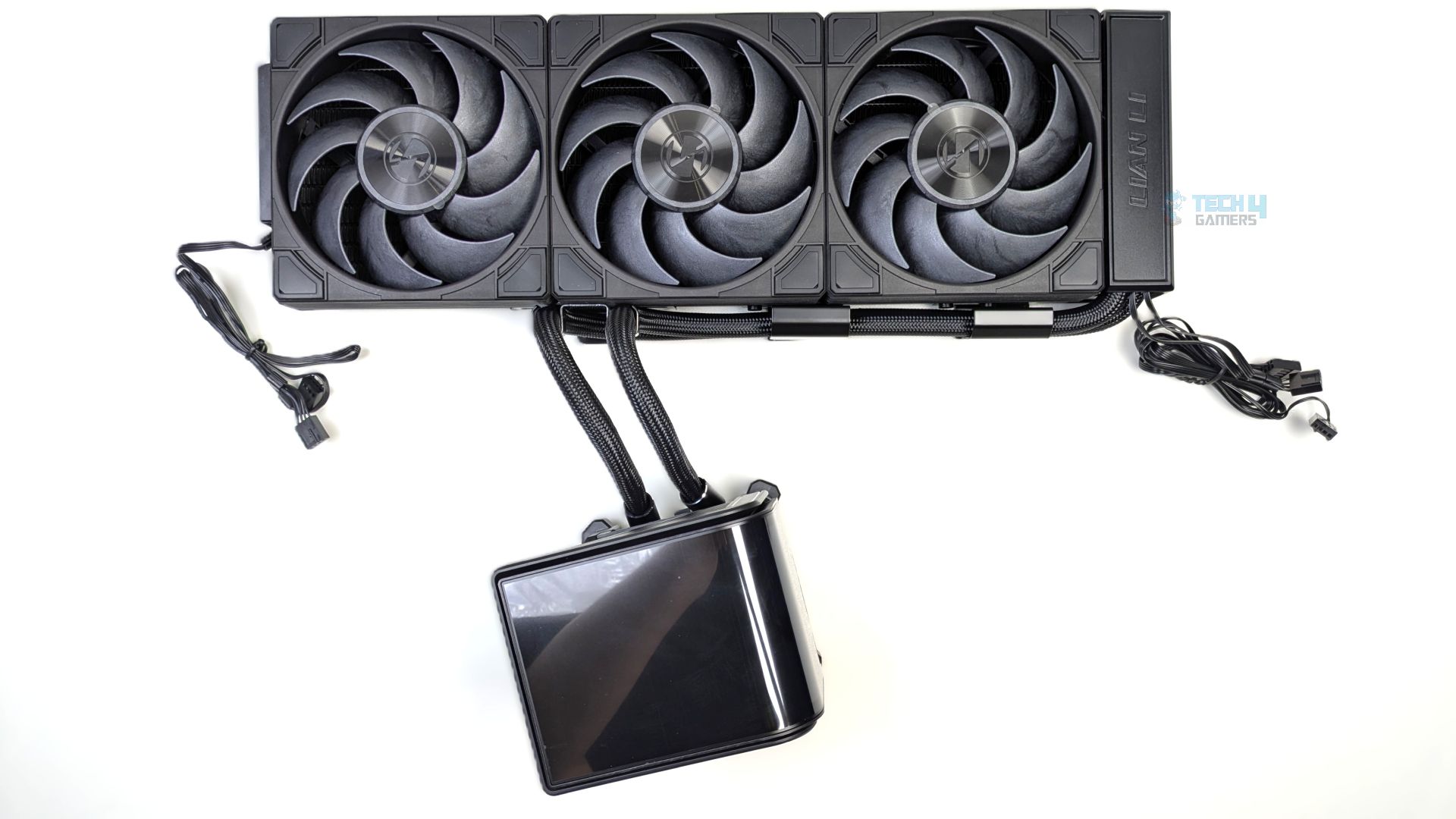
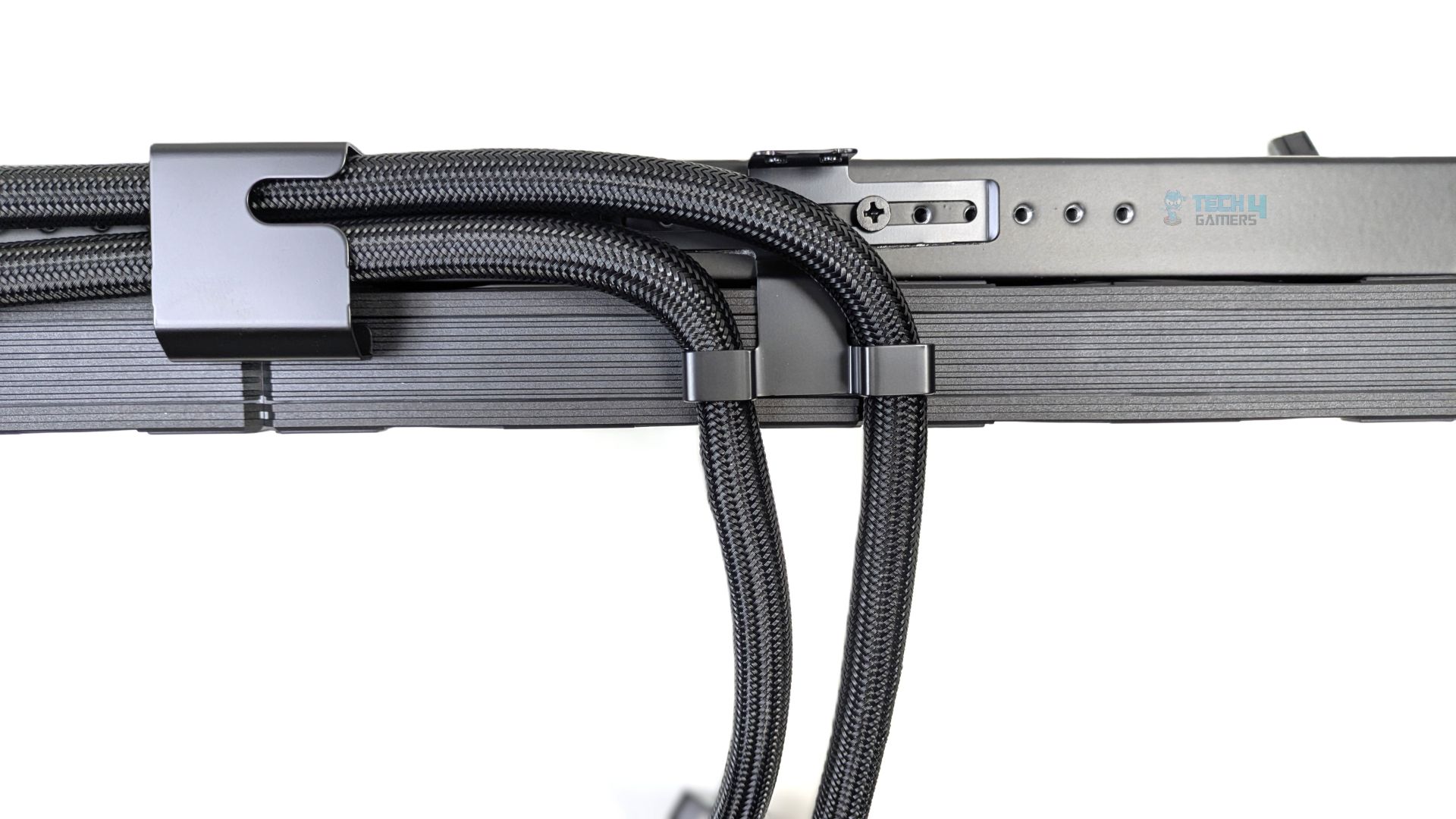
Not all motherboards have the CPU mounted in the exact spot. Adjusting the upright bracket on the radiator by turning the nuts left/right allows you to center the tubes above the CPU block. The tube clamp can also be seen here, which maintains the tube alignment.
Lian-Li has made adjustments to the thickness, lowering it from 27mm to 24mm, and the width has been revised to 122.5 mm from 124.5mm in the Hydroshift II series from the original Hydroshift series.
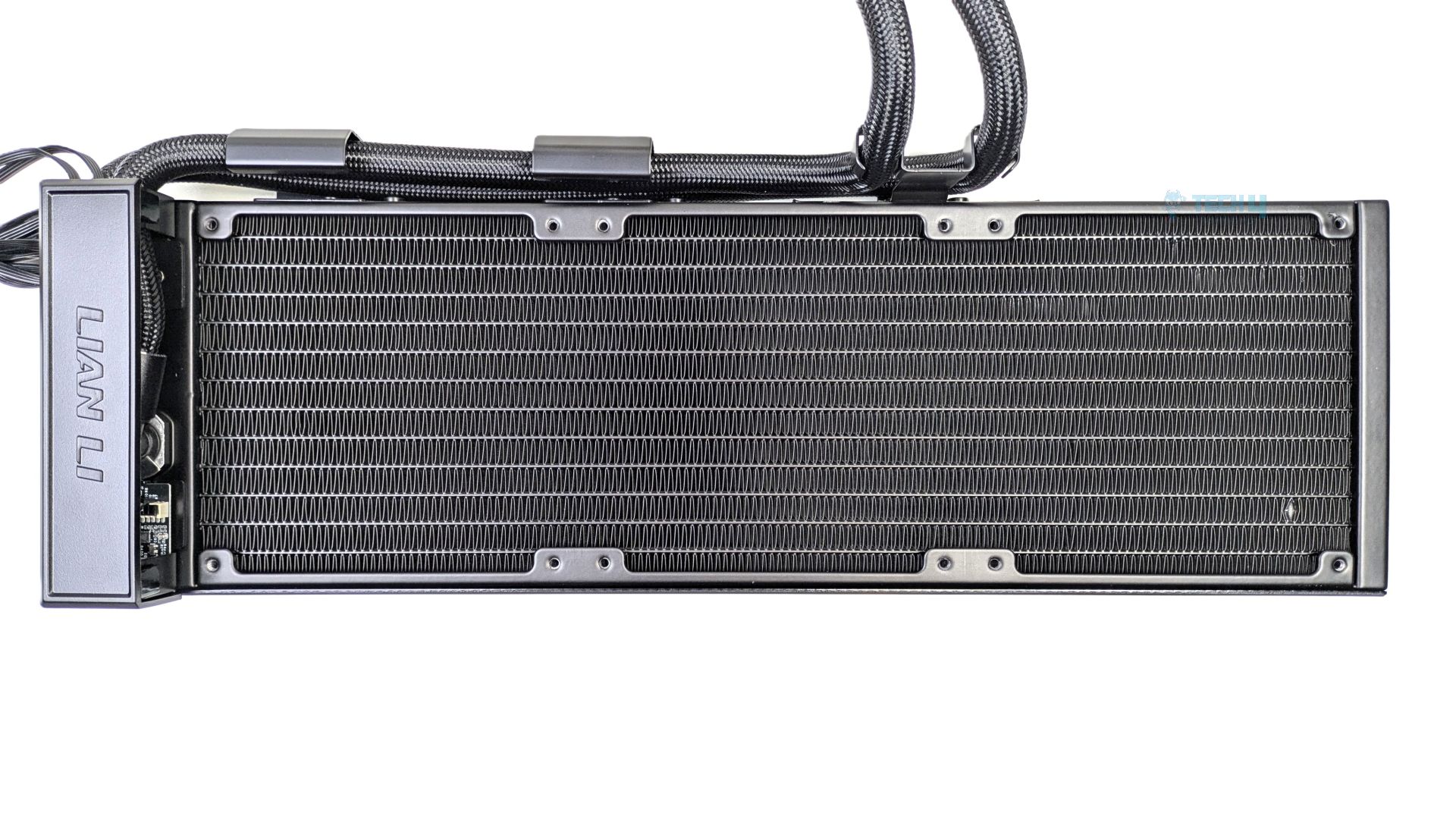
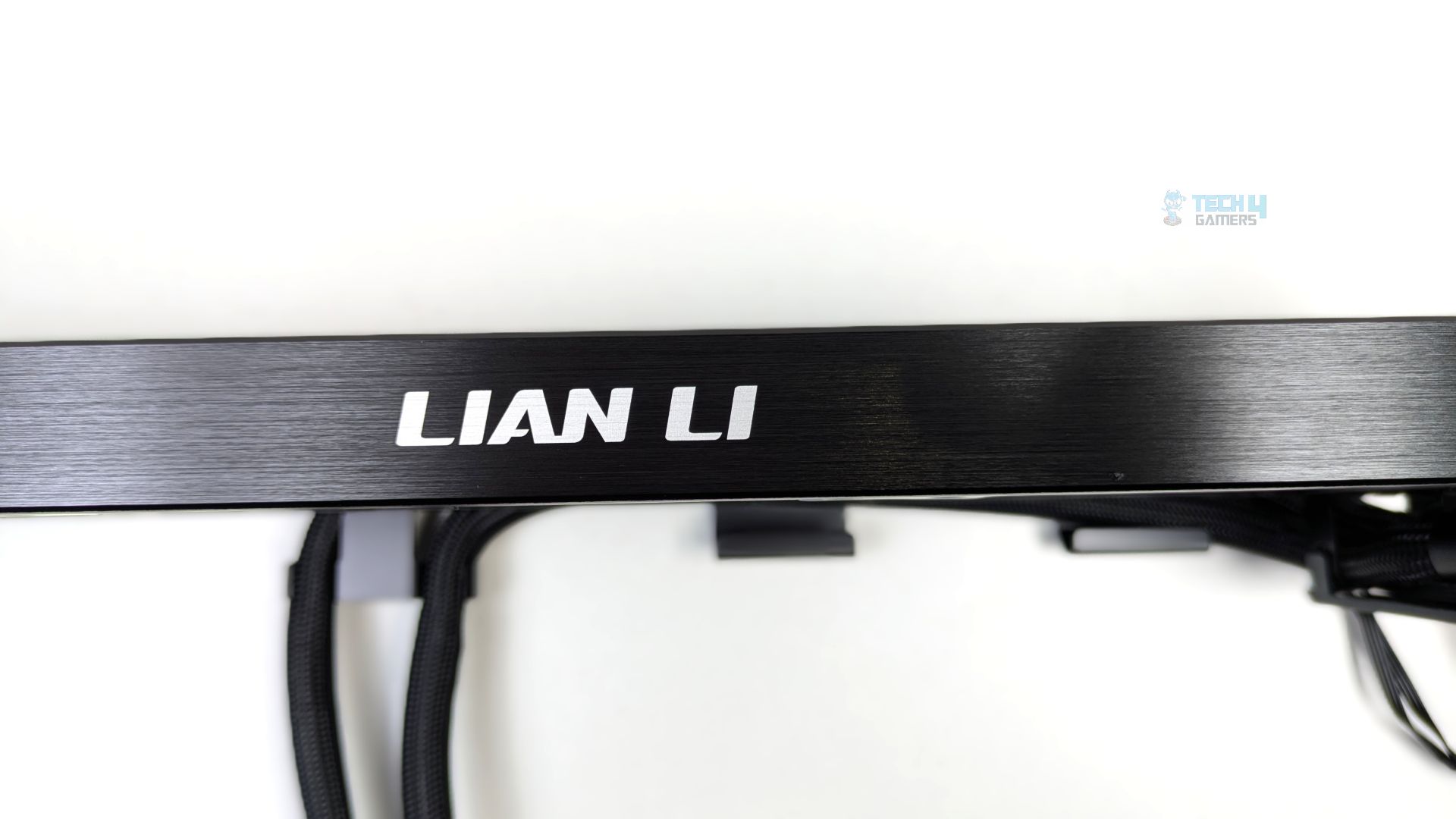
The radiator also features 12 water flow channels, and the FPI (Fins per inch) is 20, which is a typical design you find in liquid coolers.
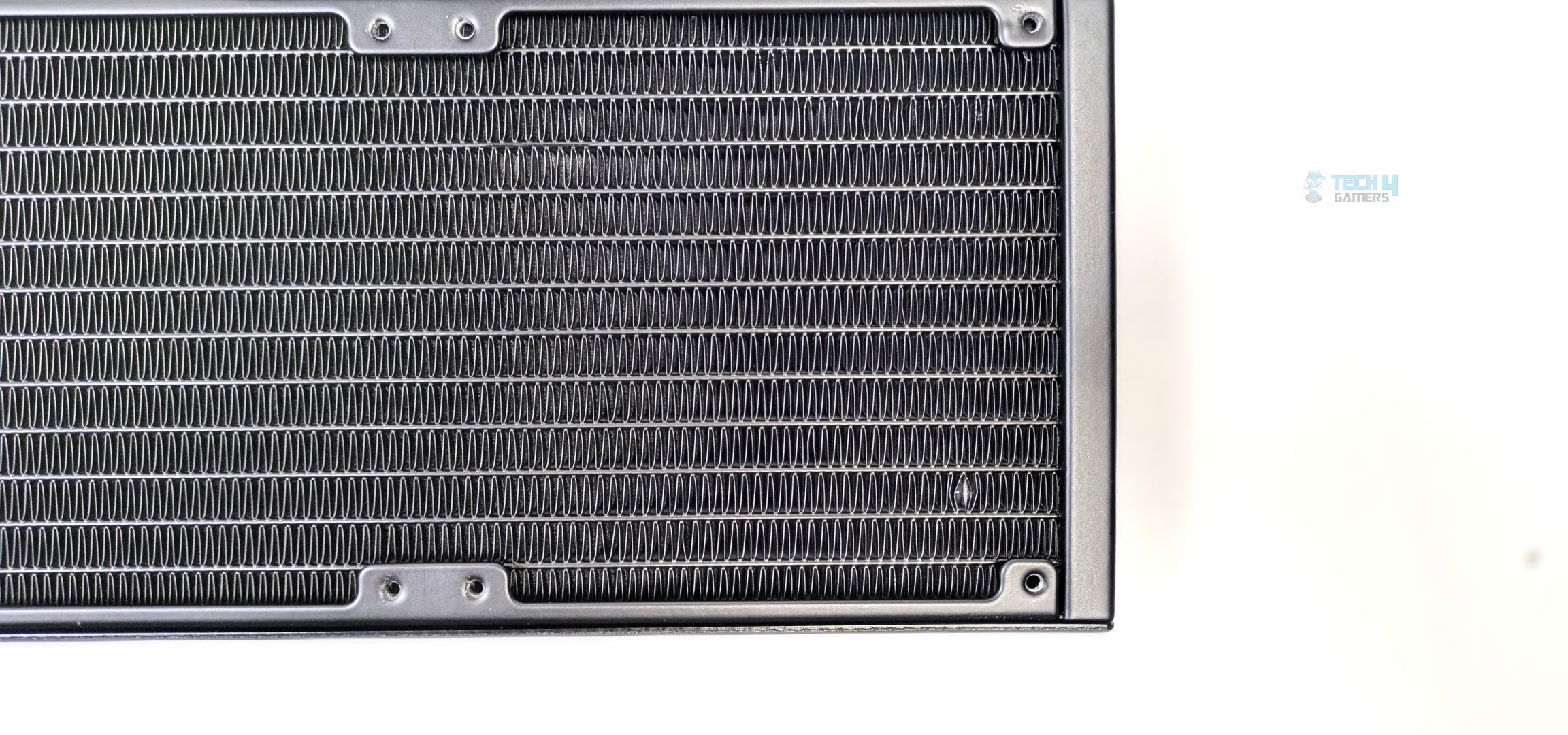
Lian-Li excels at cable management, achieving what other brands cannot. The cooler block is entirely cable-free, leaving the CPU area unobstructed.
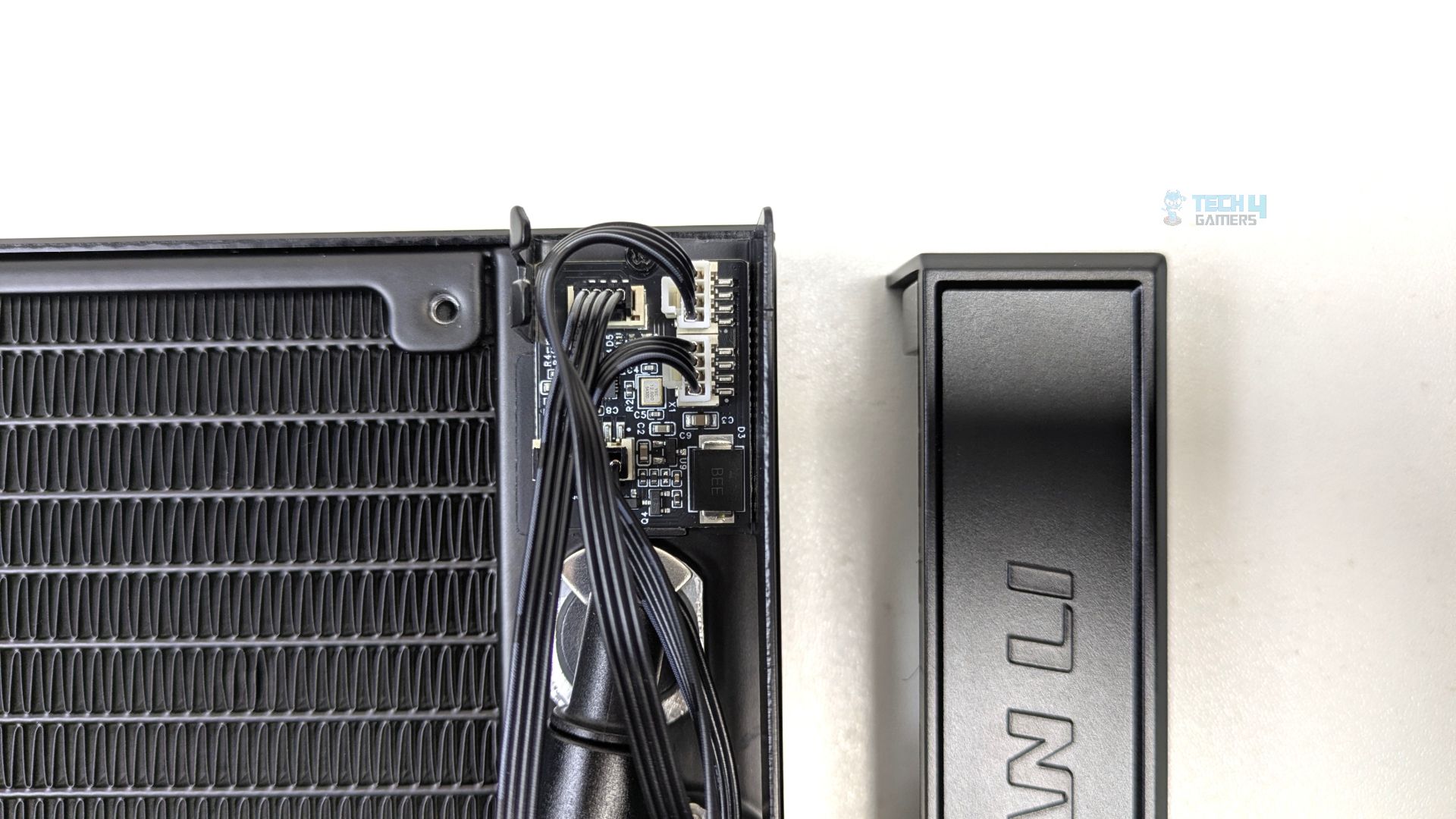
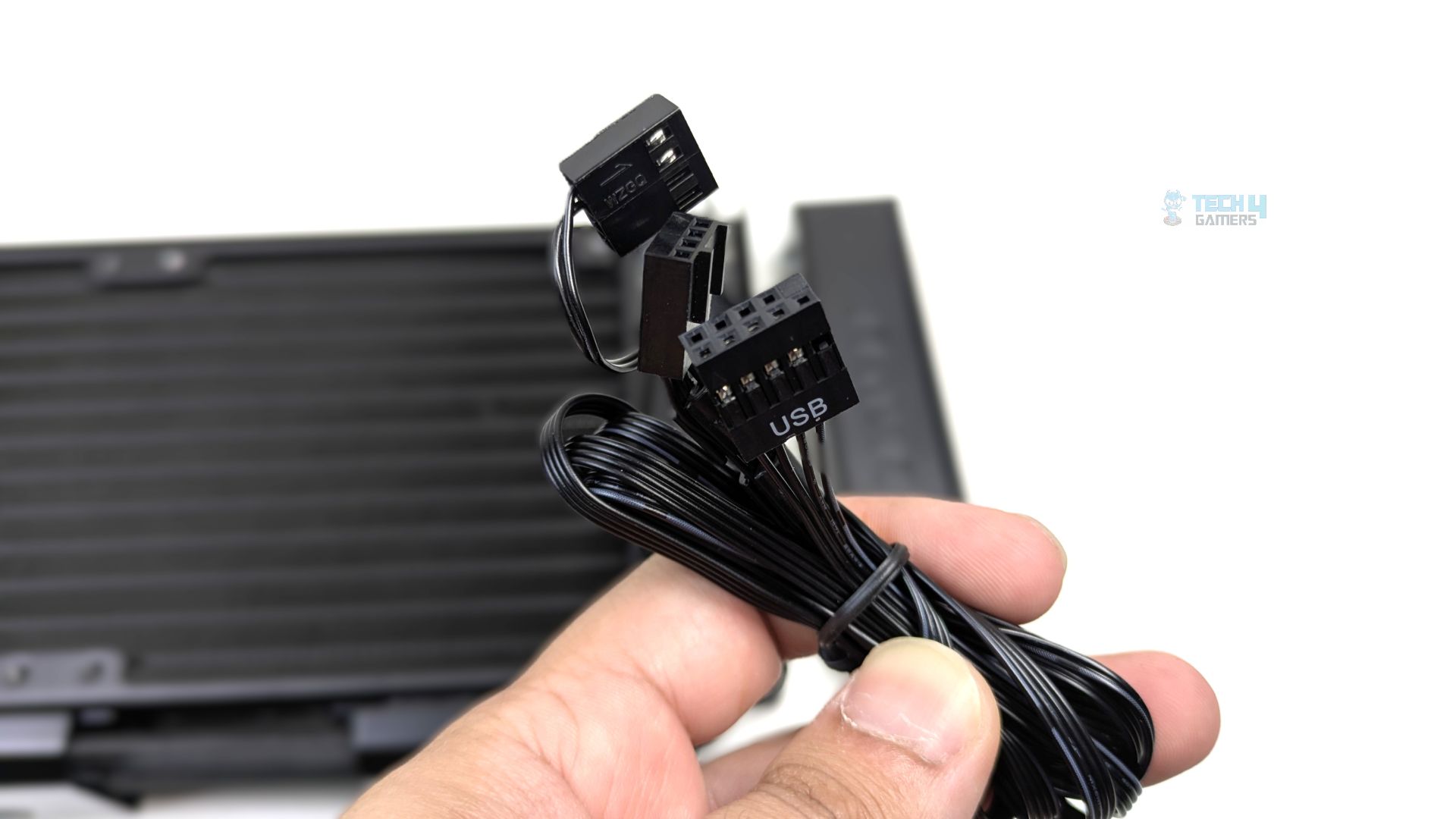
Both the 9-Pin cable and the 4-Pin PWM for the pump are concealed within the radiator’s small shroud, simplifying cable routing.
Pump Design / Housing
Taking a look at the pump now, the first thing you would notice in the block is the gold-plated pogo pins and the four magnetic mounting points for the provided OLED module; however, the block is nothing fancy, it’s just the matte black and minimalist square housing with the rounded corners. The pump head dimensions are 126.5 × 87.1 × 108mm.
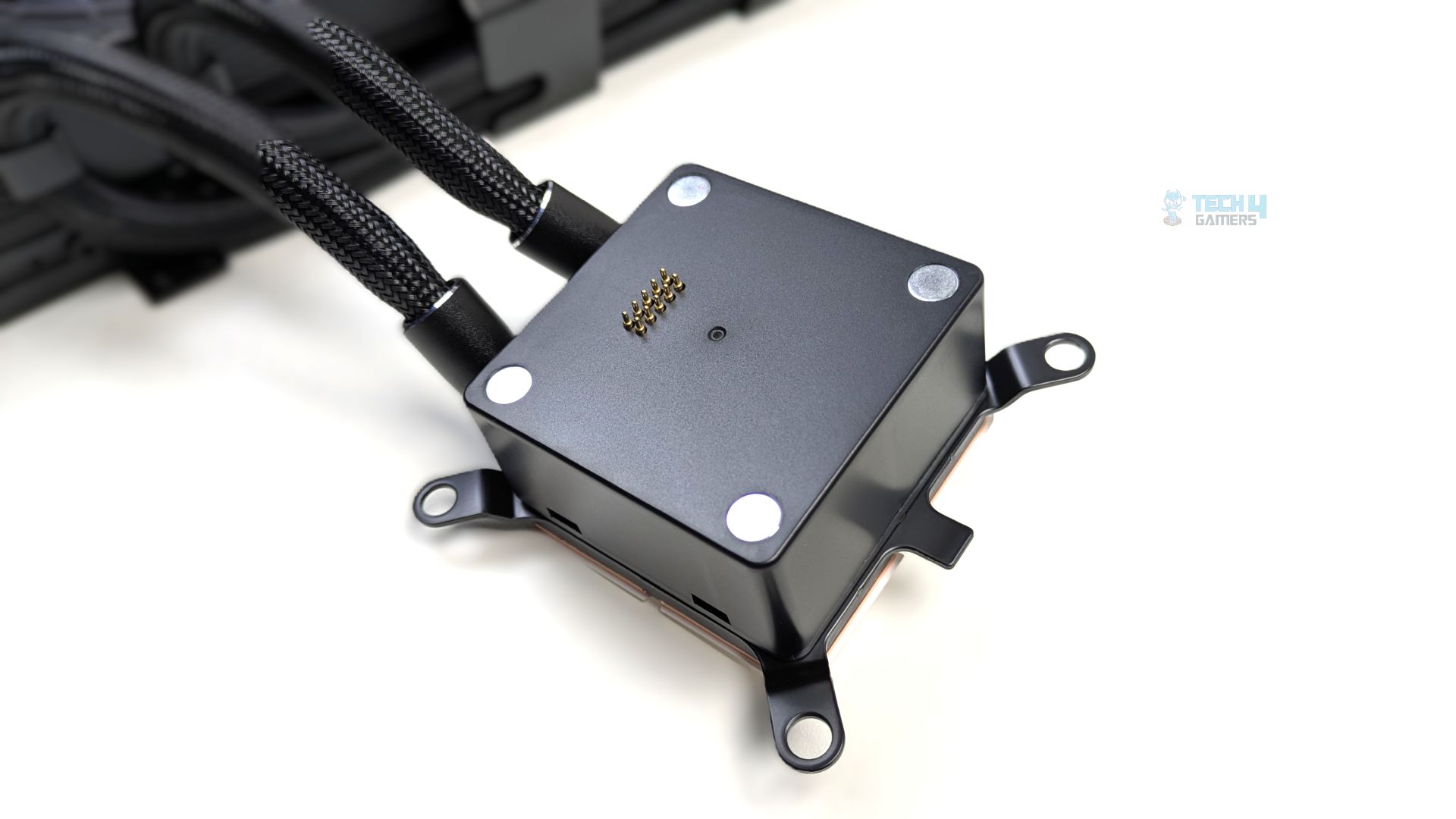
You don’t need the extra mounting arms as they’re universal and already pre-installed on the block, simplifying the installation. The entire block/CPU area is cable-free, with all pump wires exiting the tubes routed to a radiator. Lian Li states that the pump runs almost 2dB(A) quieter than the Hydroshift II-S, which operates at 3200 RPM. In this variant, the pump operates at 1600 to 2800 RPM, so its quieter performance is compared to the Hydroshift II-S running at its maximum speed.
Dual braided tubes enter the pump at a 90-degree angle from the top via rotatory fittings. Their alignment is kept by the upright bracket on the radiator, which secures the tubes and minimizes clutter.
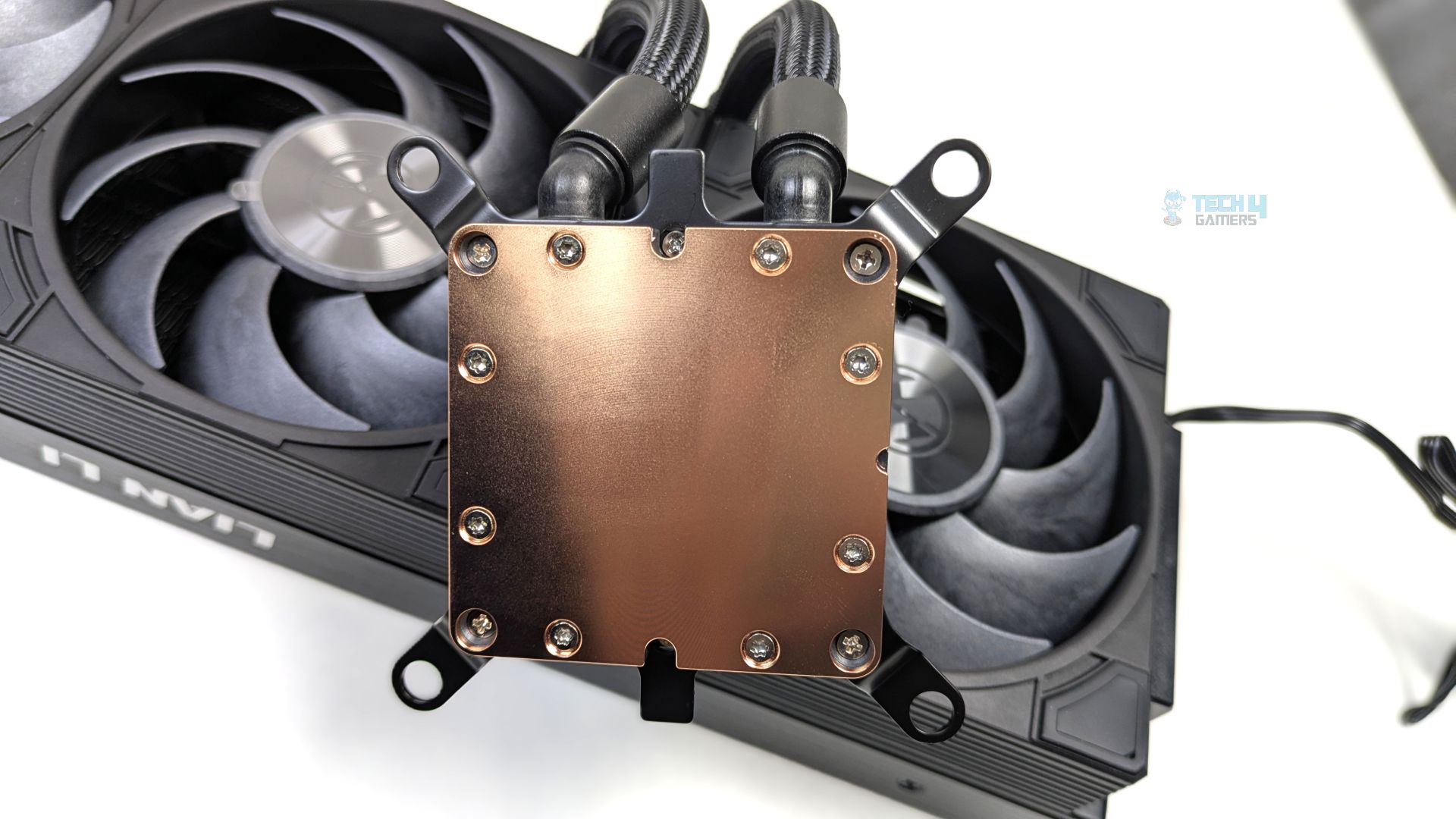
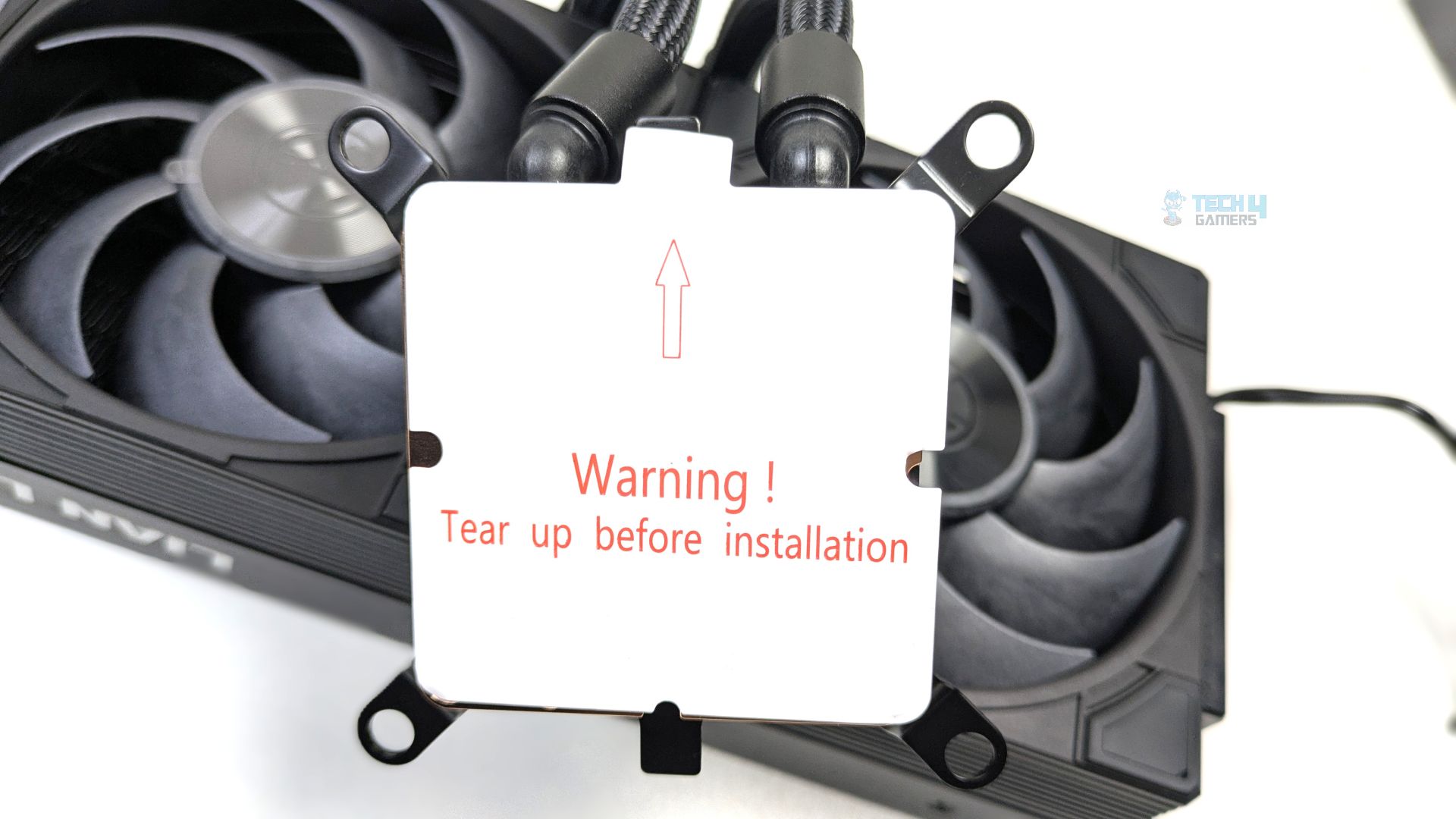
The cold plate is impressively large here, just as we have seen with the Hydroshift II-C and the S variant, which is exactly what you want when testing with higher TDP CPUs such as the Intel Core Ultra 270K Plus or the Ryzen 9 9950X.
OLED Module! (Centerpiece!)
The OLED module is the centerpiece of this Hydroshift II cooler. Lian-Li engineered the massive 6.67-inch curved screen to be functional and user-friendly. The module supports 2288 x 1048 resolution at a 60Hz refresh rate and 500 nits.
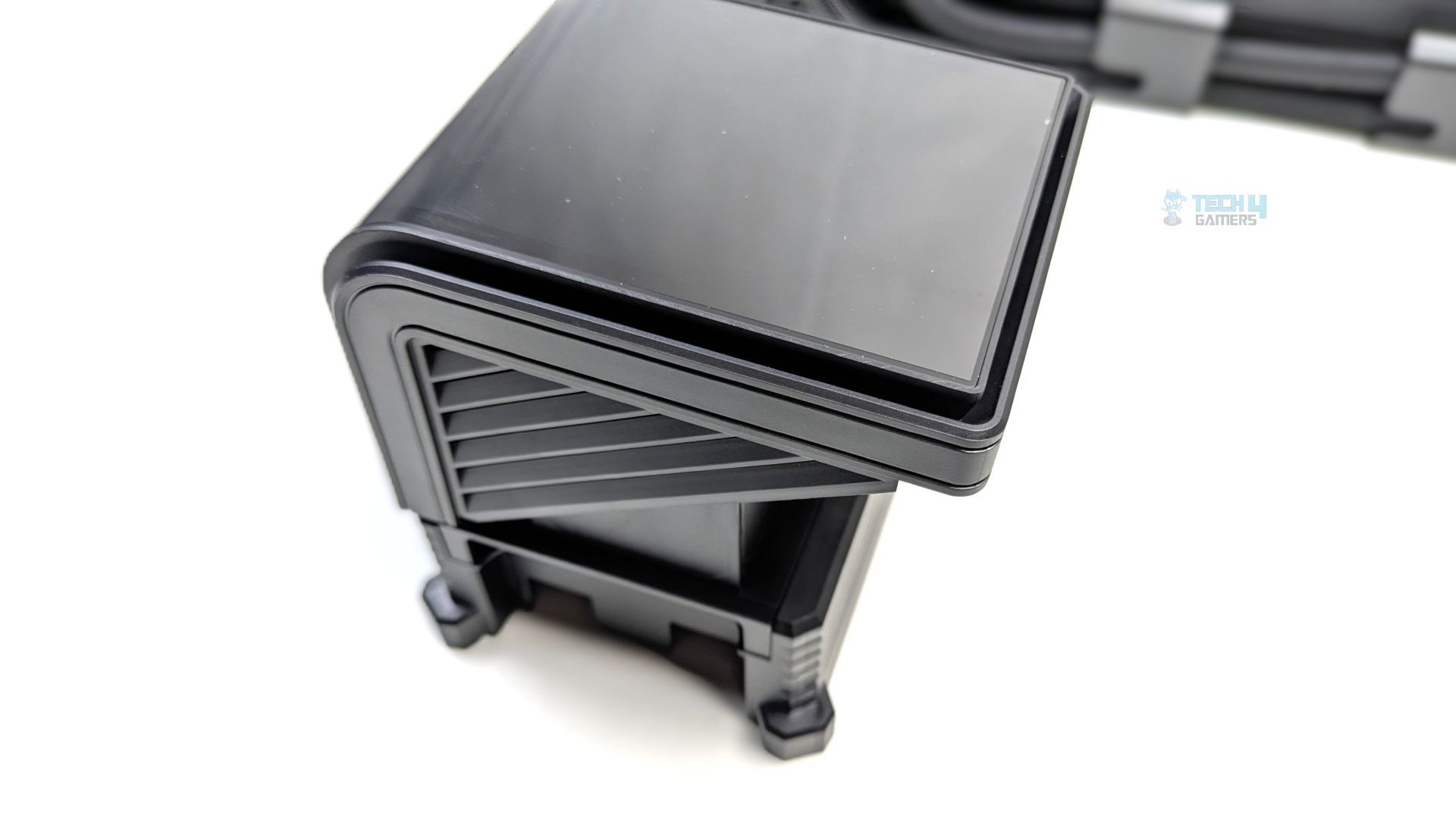
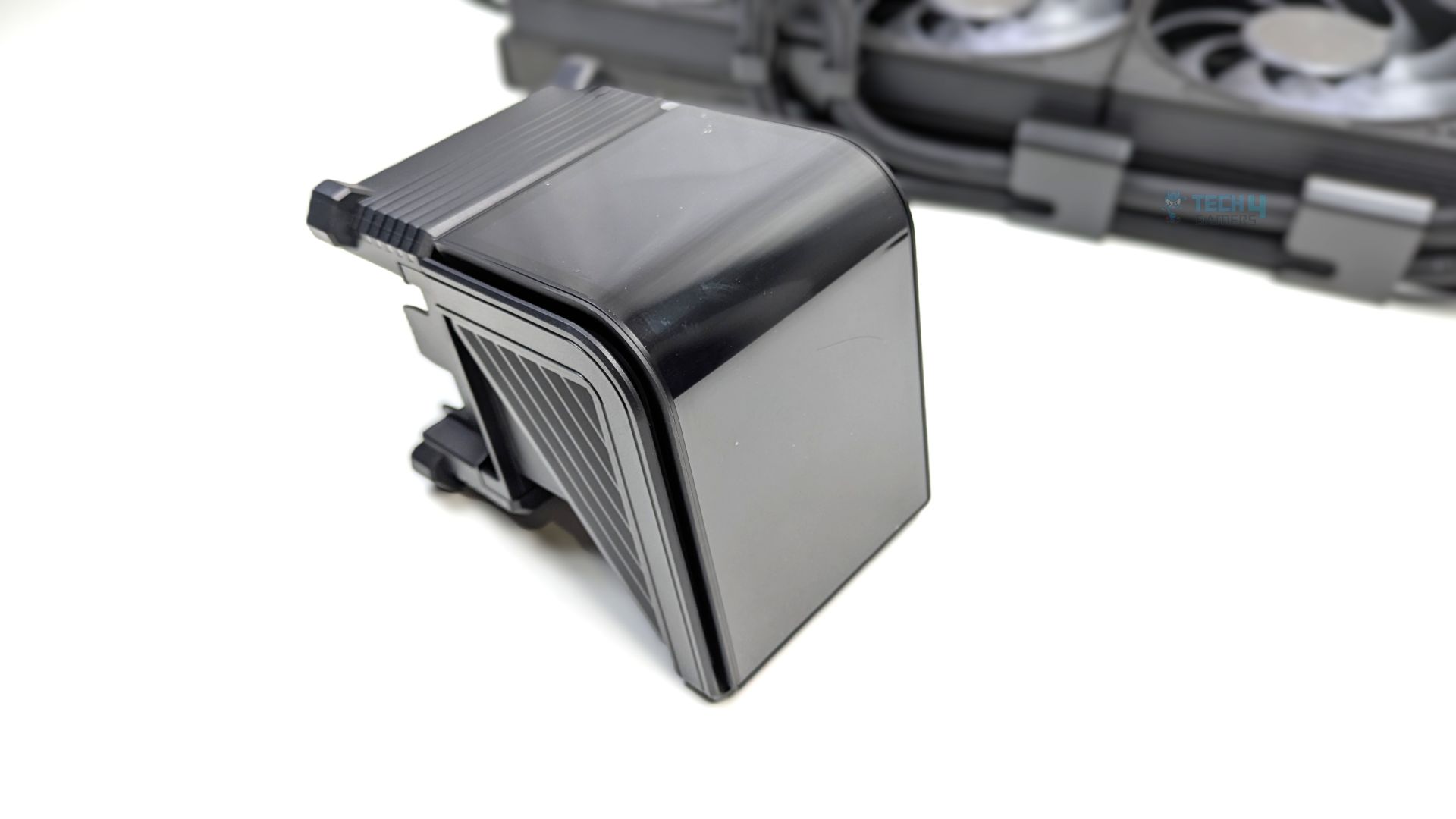
Unlike traditional LCD liquid coolers, this model features a continuous curve wrapping down the front face. This creates a 3D wraparound effect that enhances the visibility of animations and sensor metrics, due to the OLED panel’s display characteristics. A glossy protective layer covers the screen, while the OLED screen itself has a matte finish that reduces glare from surrounding lighting.
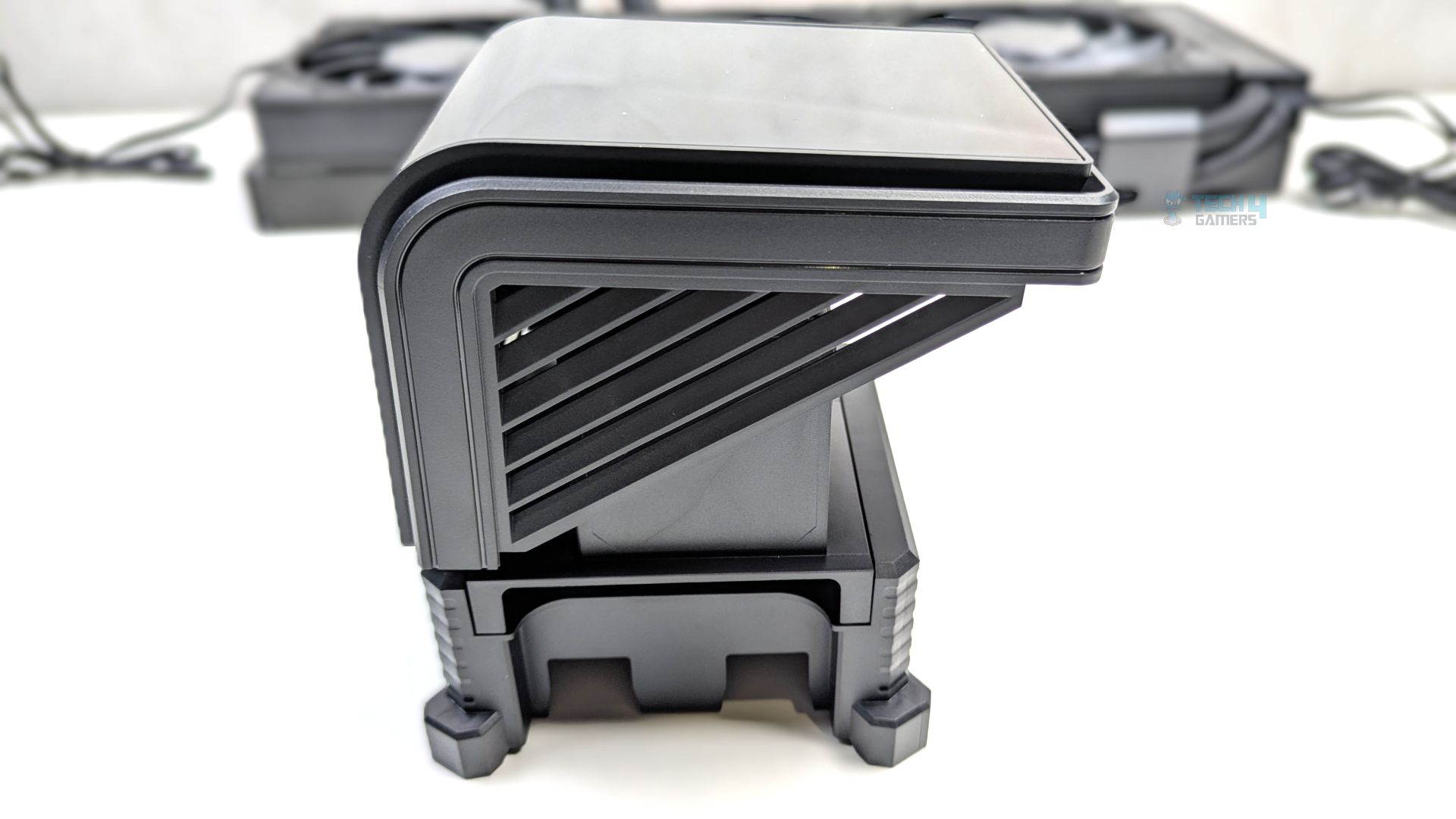
The module’s side profile is heavily angled, featuring slatted vents for a stealthy appearance. The industrial design does not include additional lighting, which accommodates and builds favoring a true black, stealthy effect.
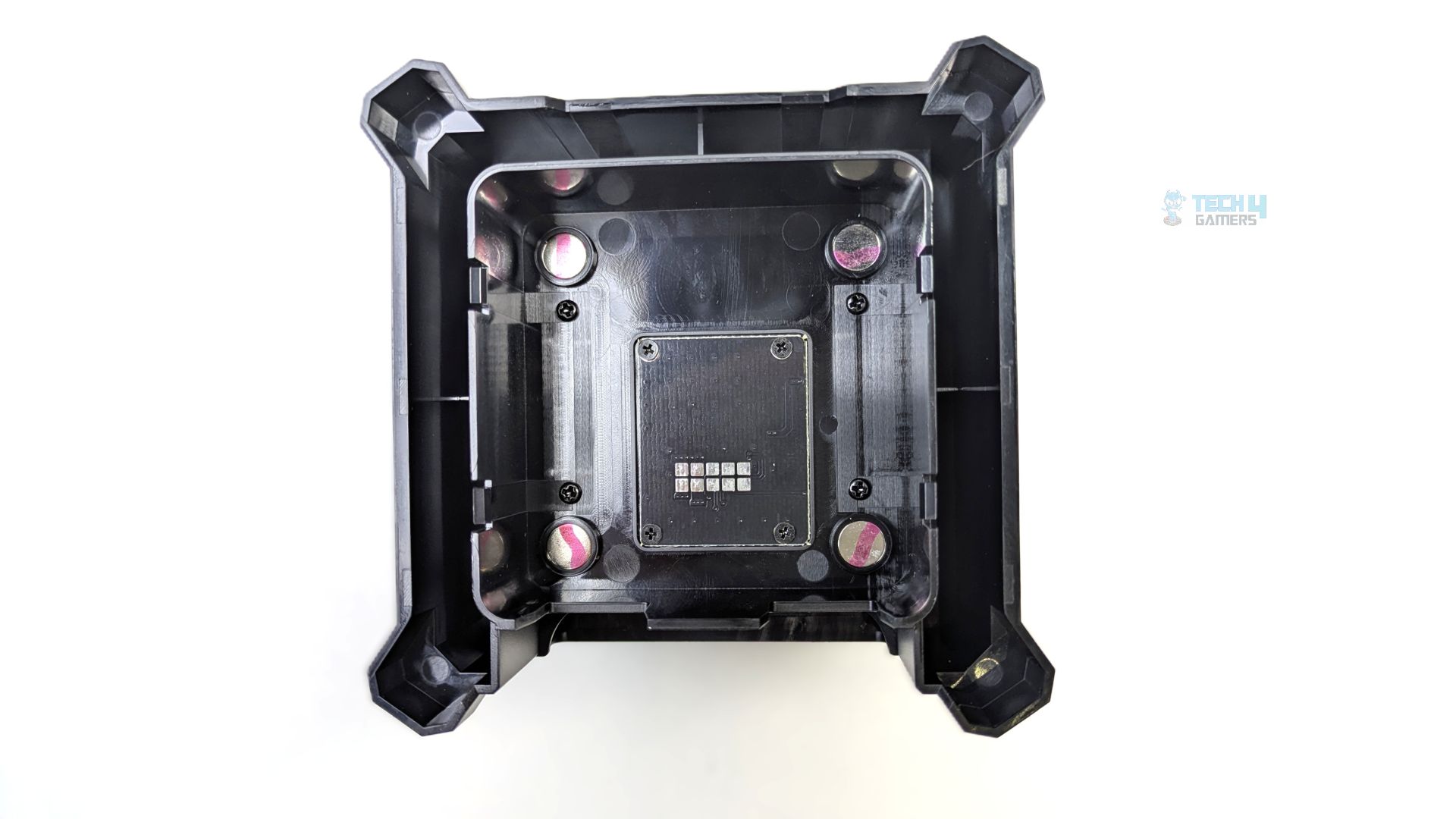
The module is cable-free. Underneath, a 10-pad contact array mates with pogo pins on the pump block. These pads power the display and control signals. Four large circular magnets in the corners ensure a rapid, secure snap-on fit.
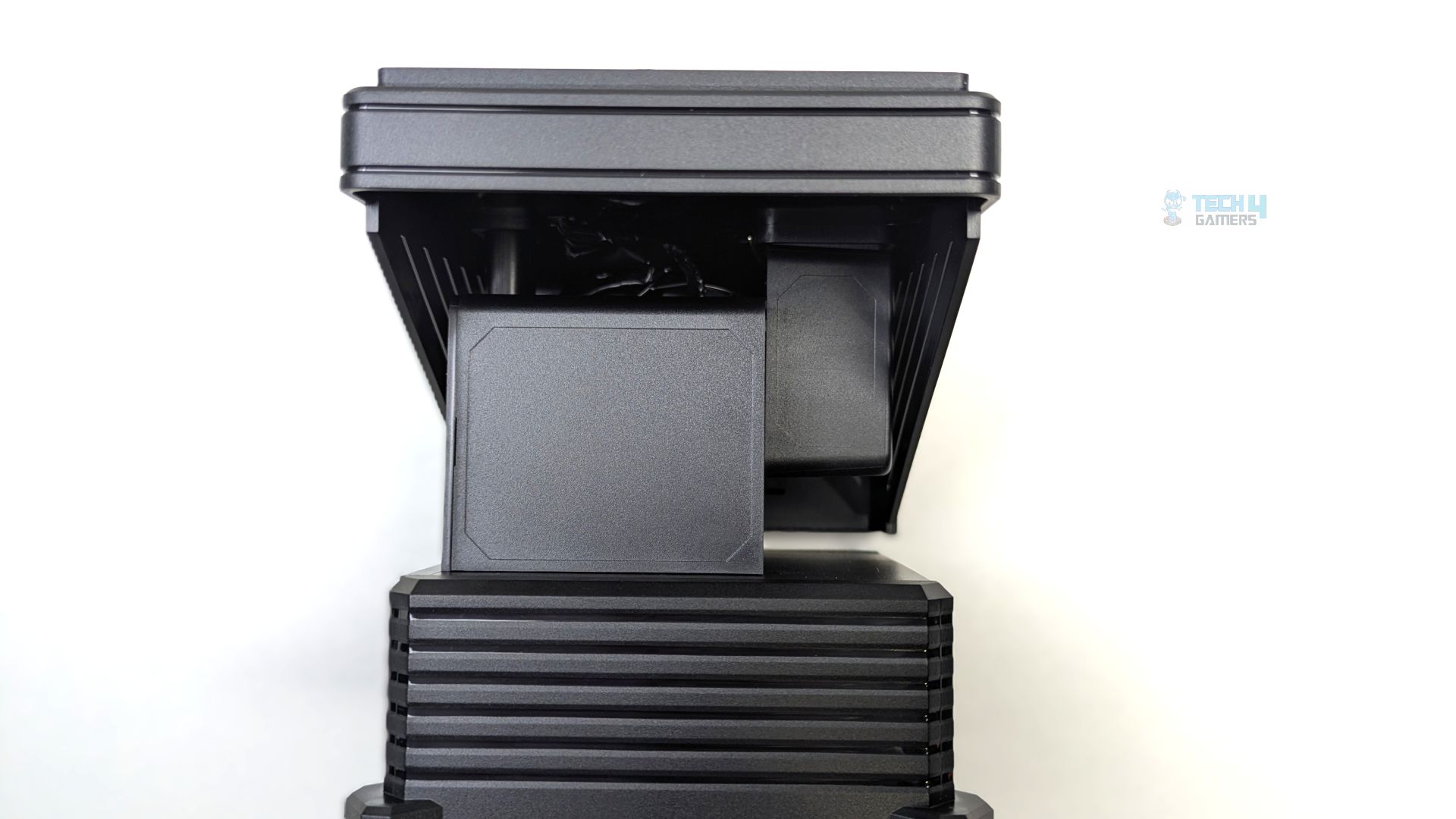
Furthermore, on the rear side, the motorized elements are housed directly under the screen, allowing the module to provide 13mm vertical travel and 45-degree tilt via software. This cooler is generally compatible with mid-range PC chassis, but if you’re using a smaller case, ensure that the module’s movement and screen size fit without obstruction.
OLED Module
Here are all 3D templates pre-installed with the Lian-Li software. Lian-Li includes 17 3D templates and 16 2D templates, offering options for Dual-Split and Triple-Split screen modes. This OLED curved screen can also serve as a secondary display. The software offers extensive customization, allowing for manual uploads of GIFs, videos, and images, and flexible sensor layout settings.
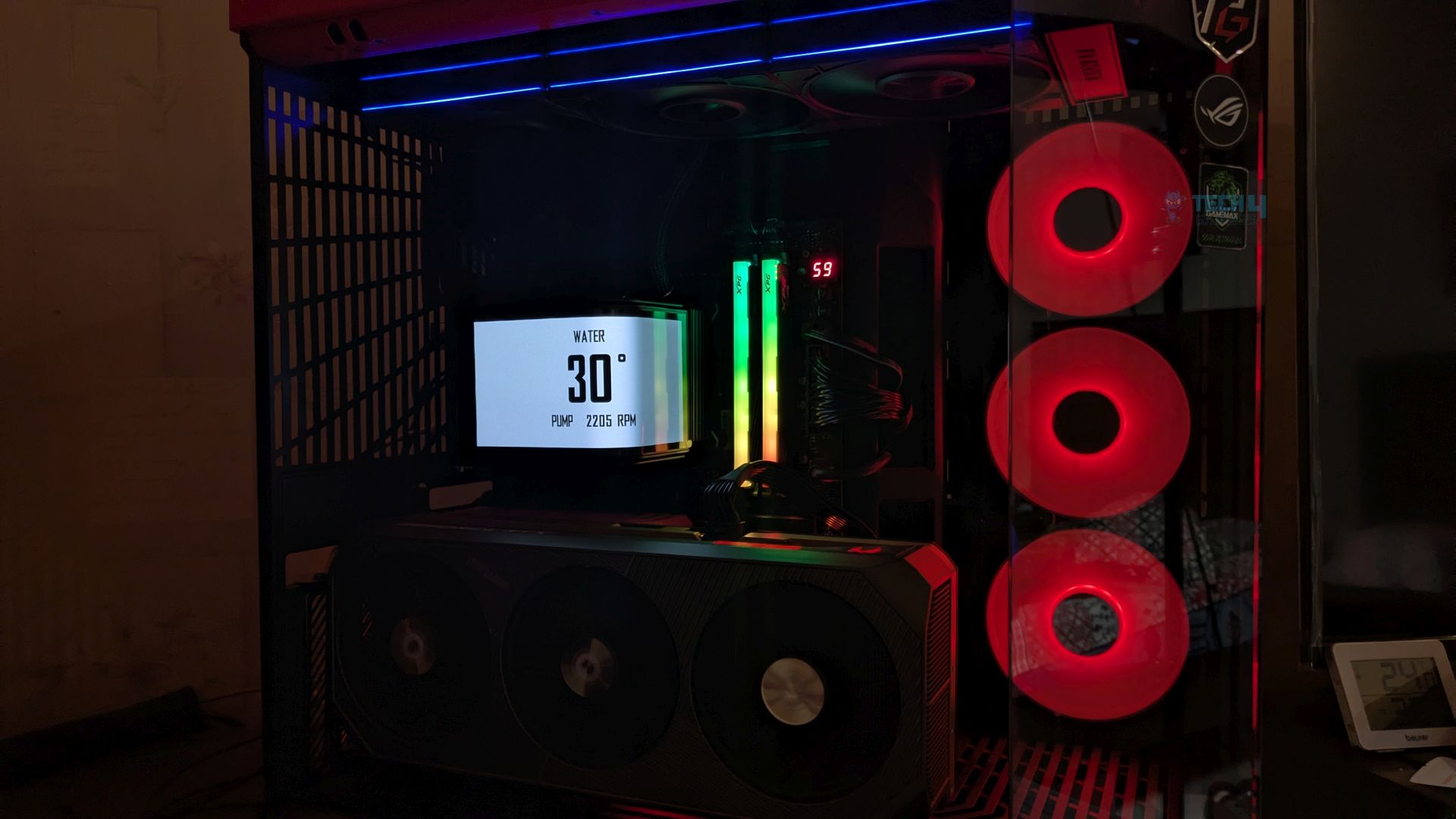
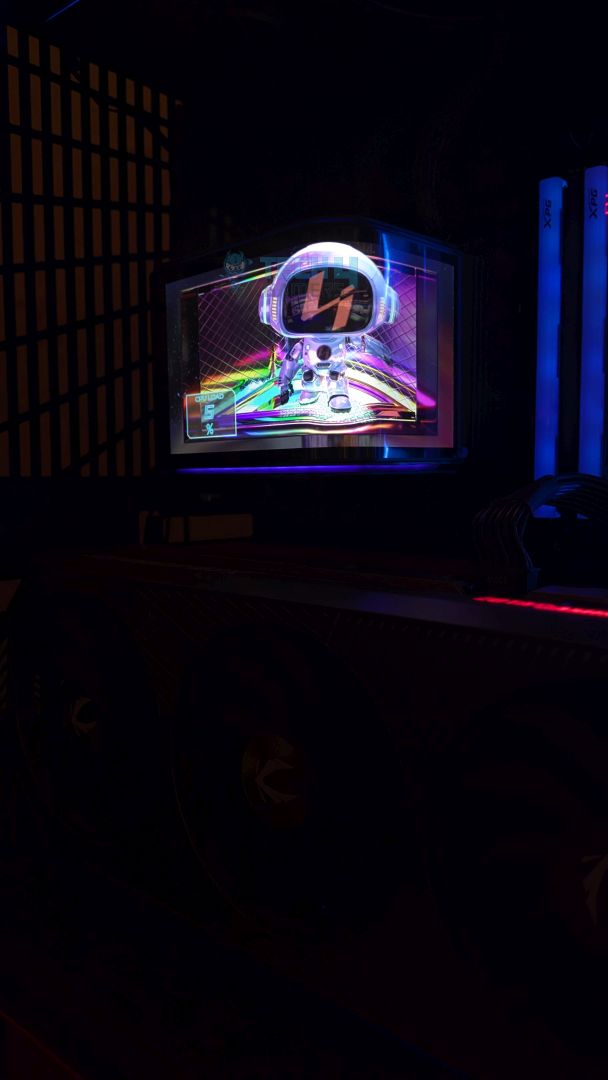
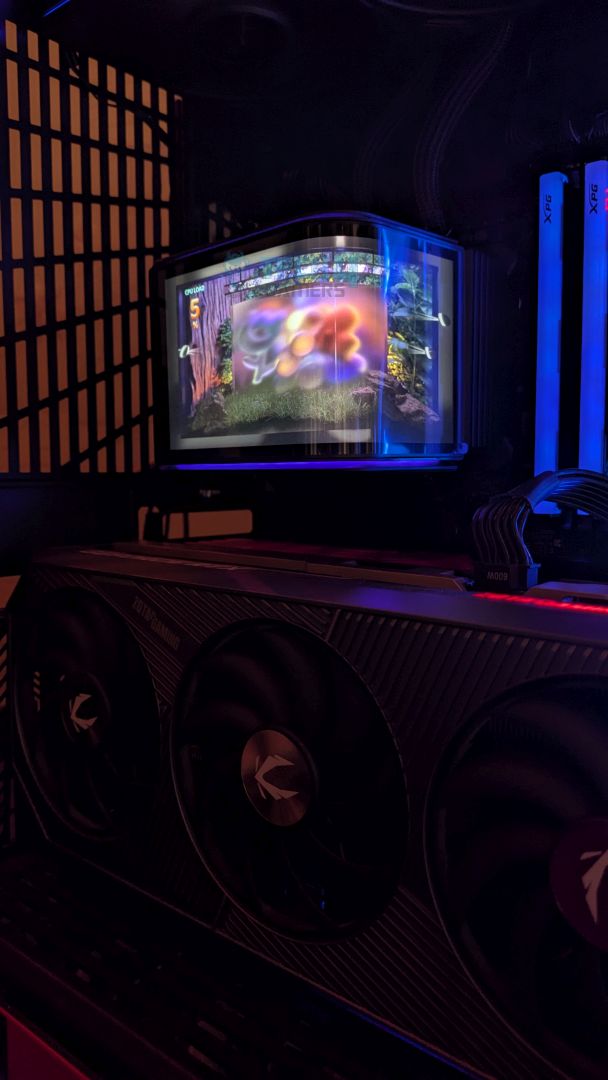
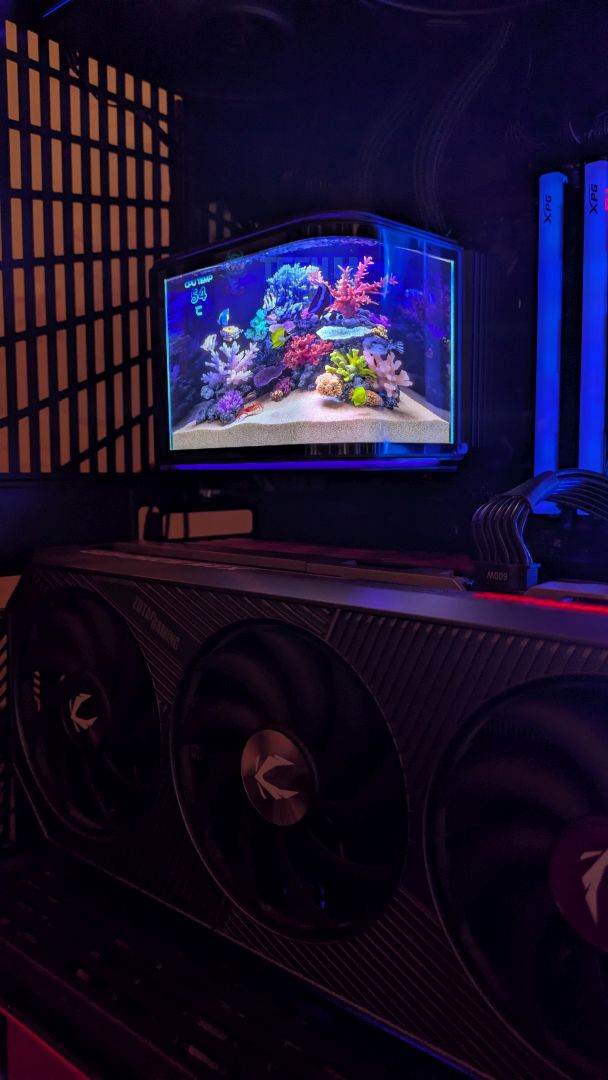
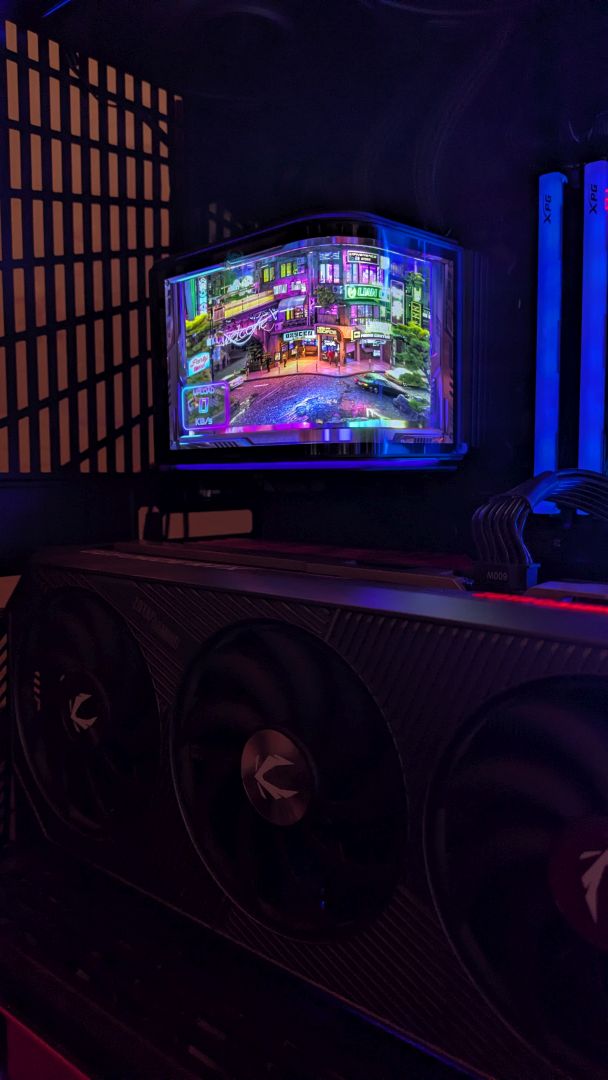
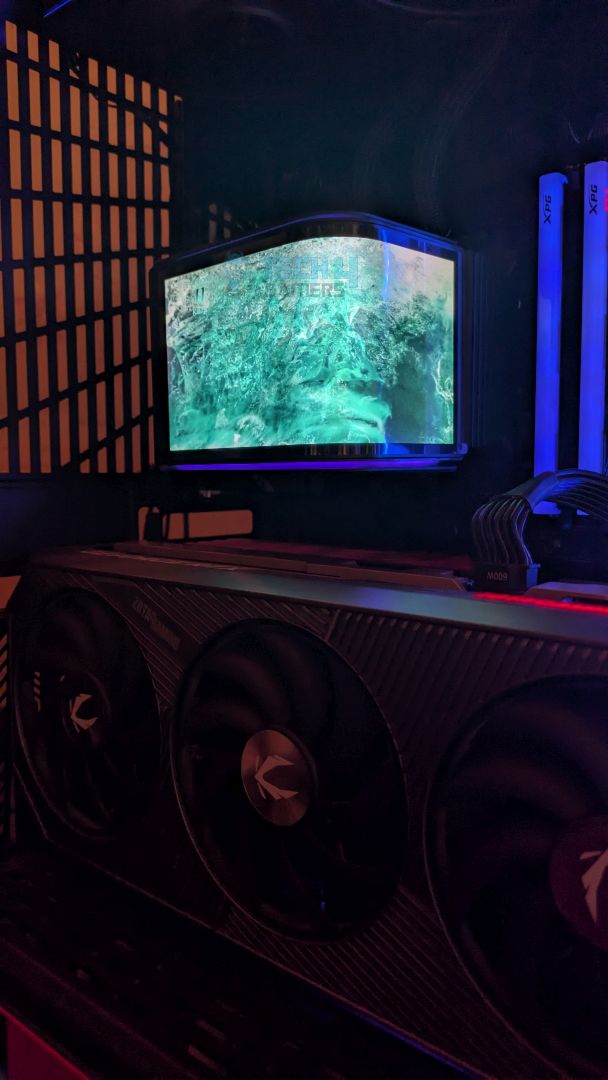
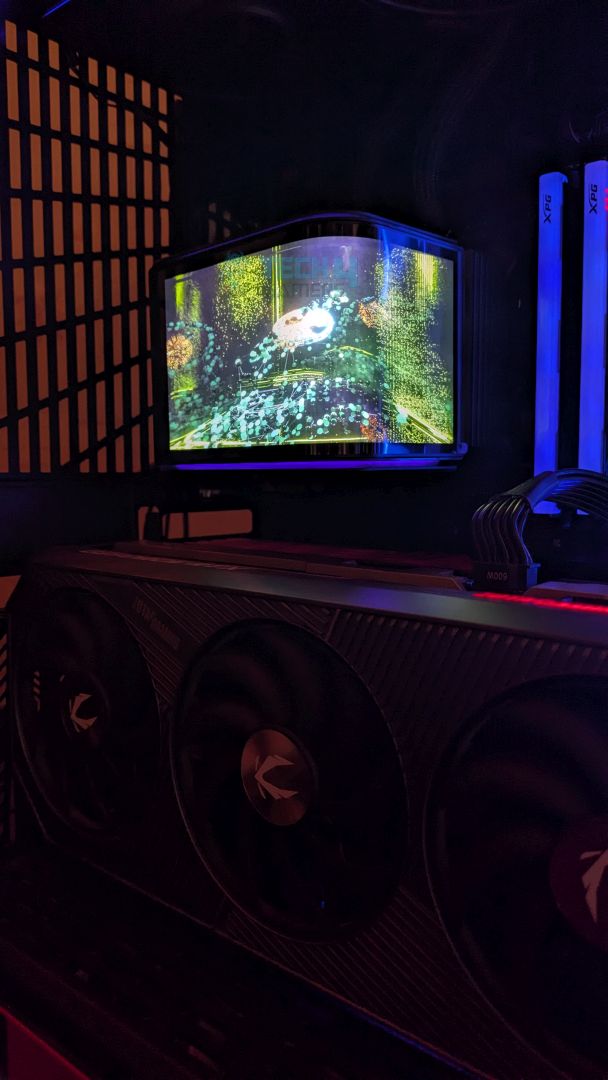
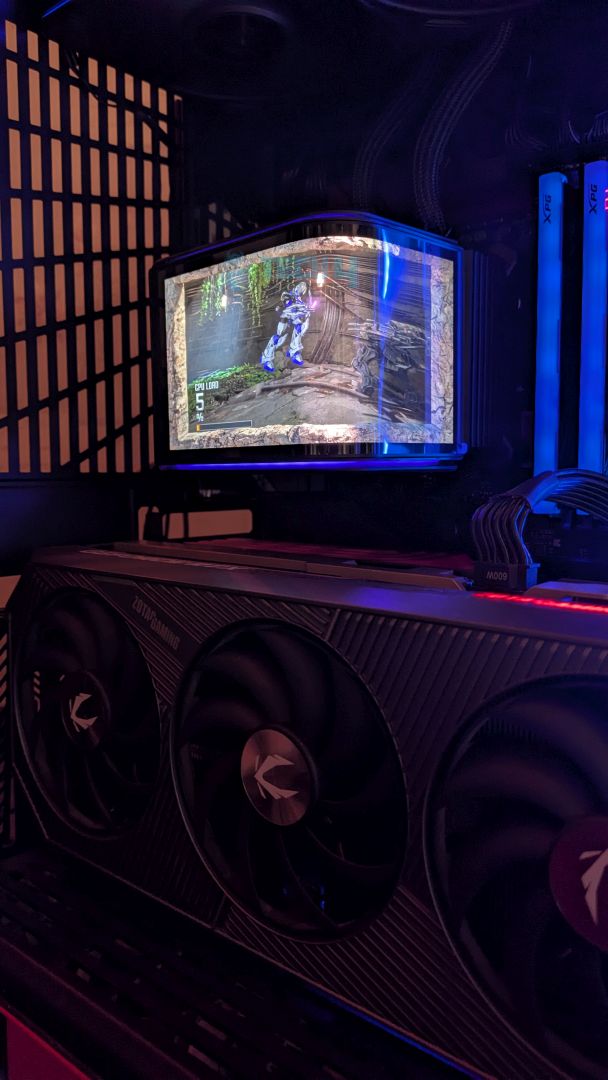
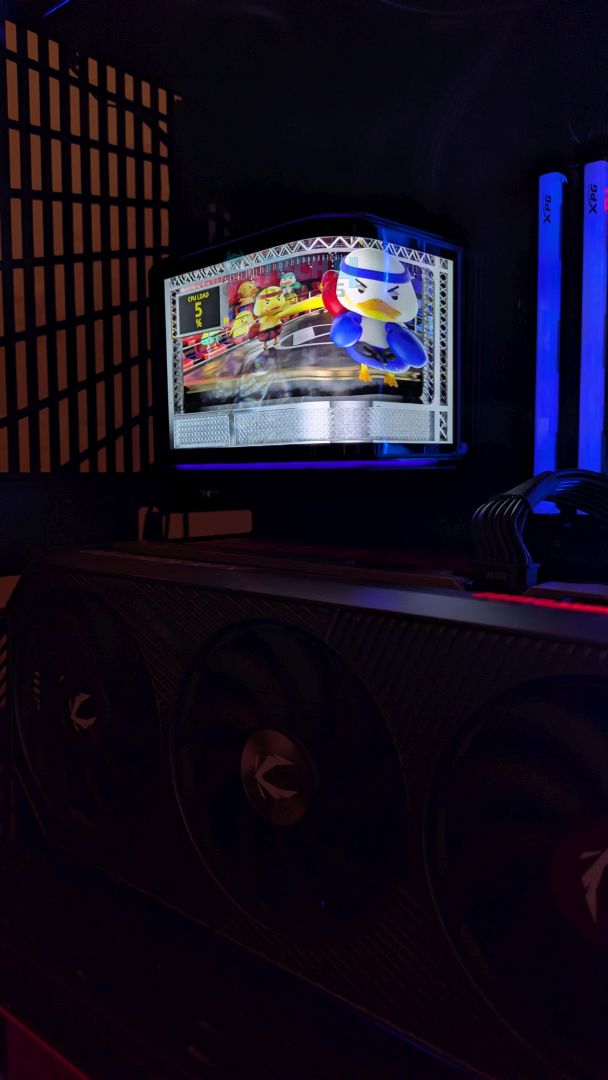
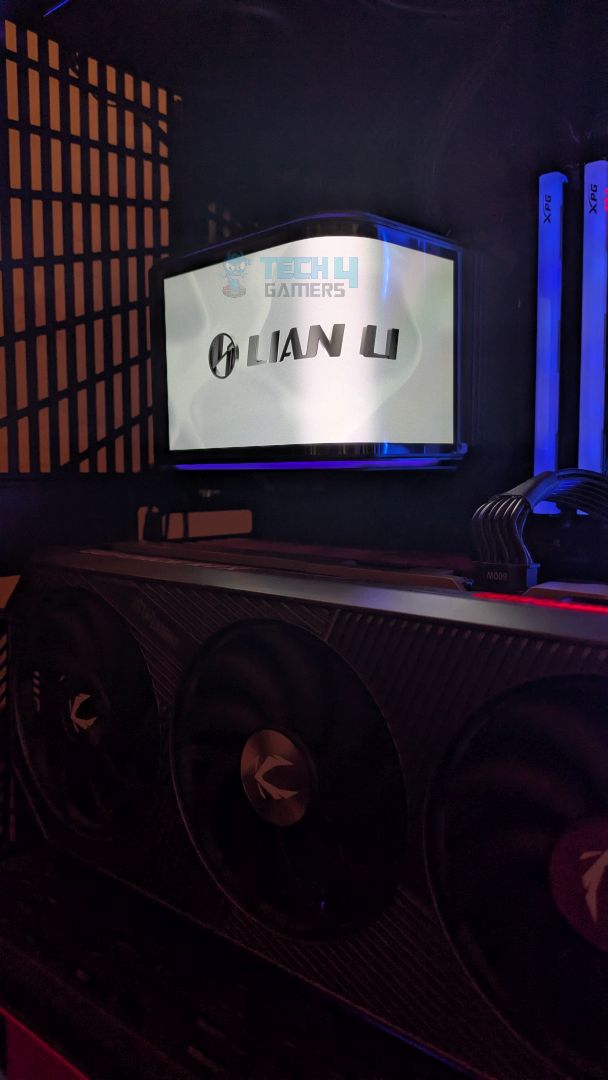
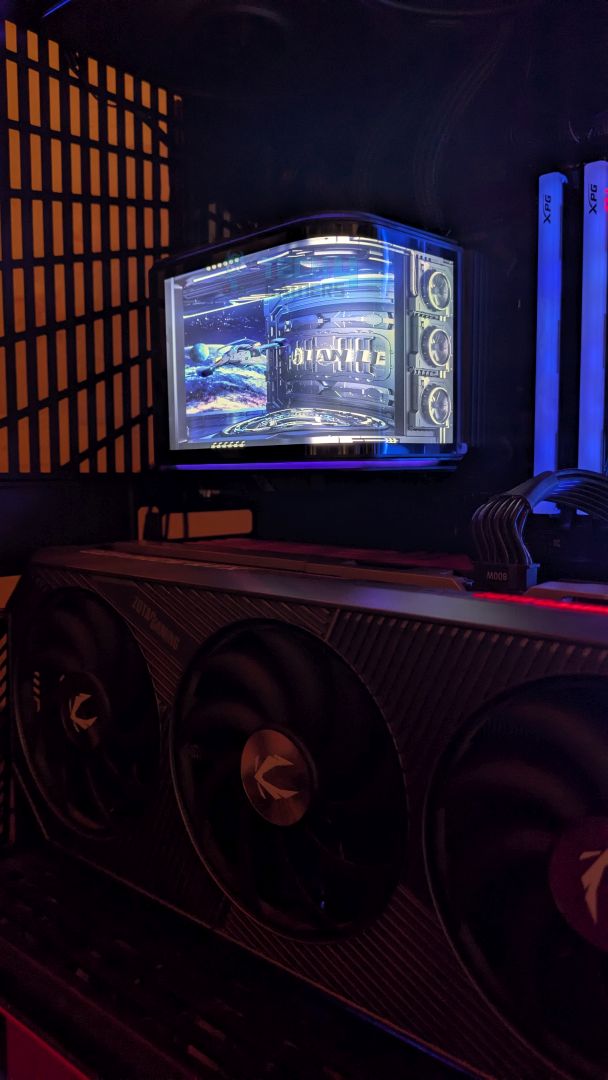
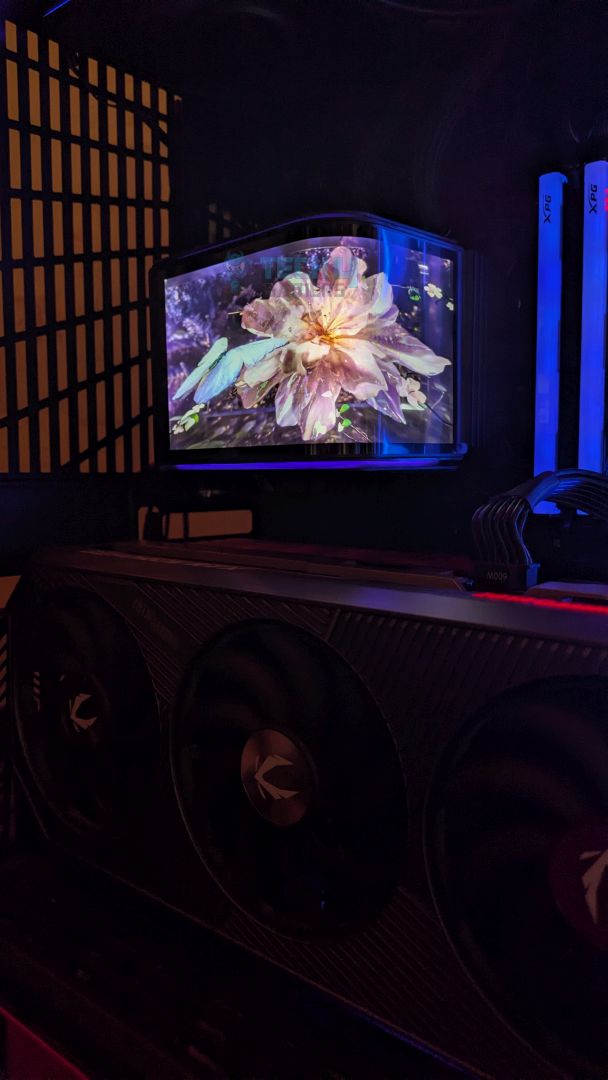
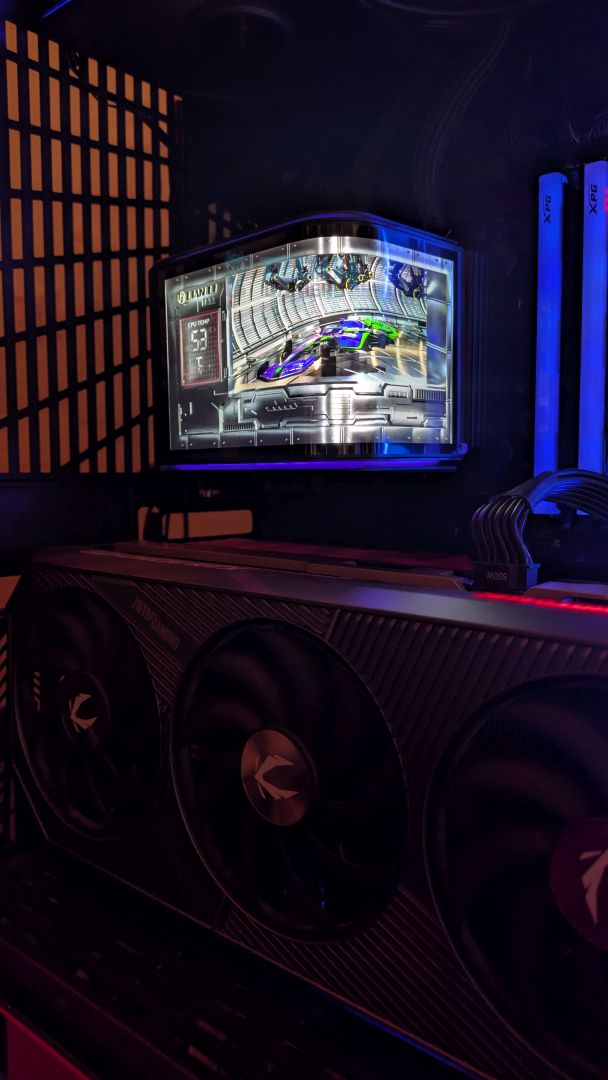
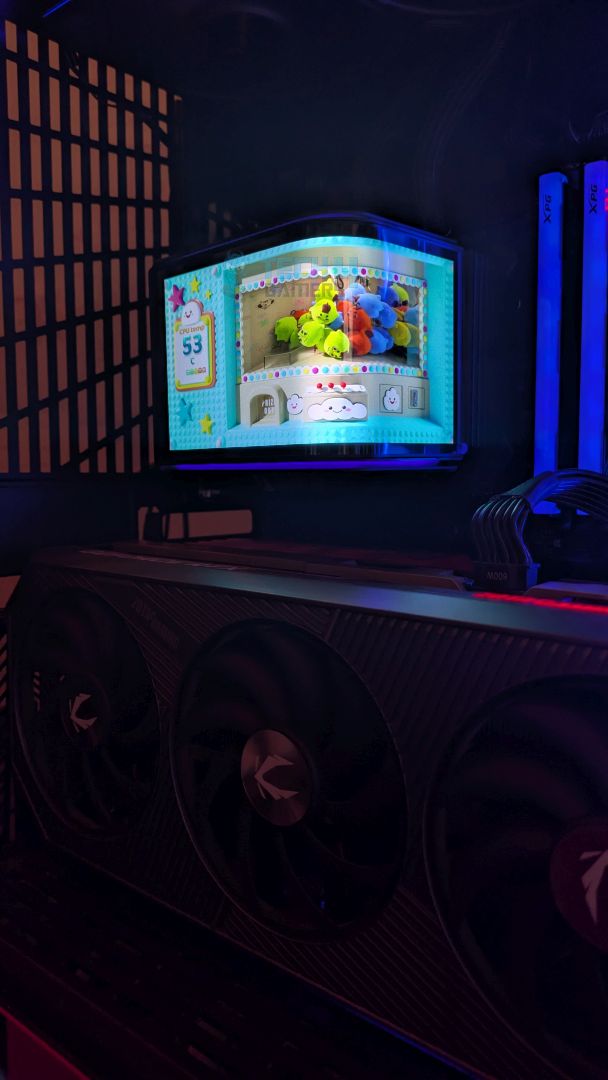
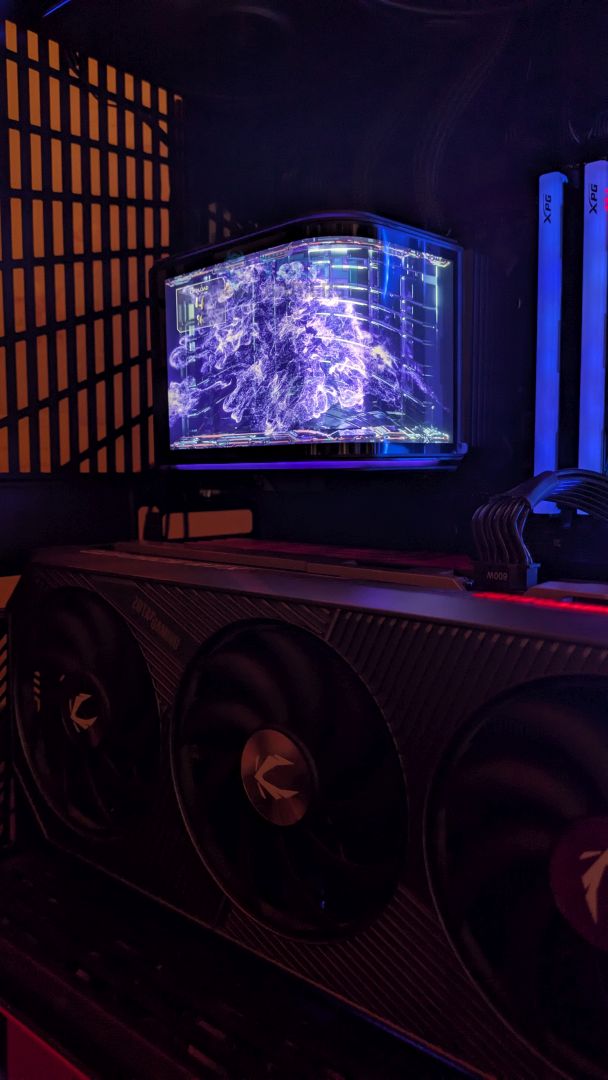
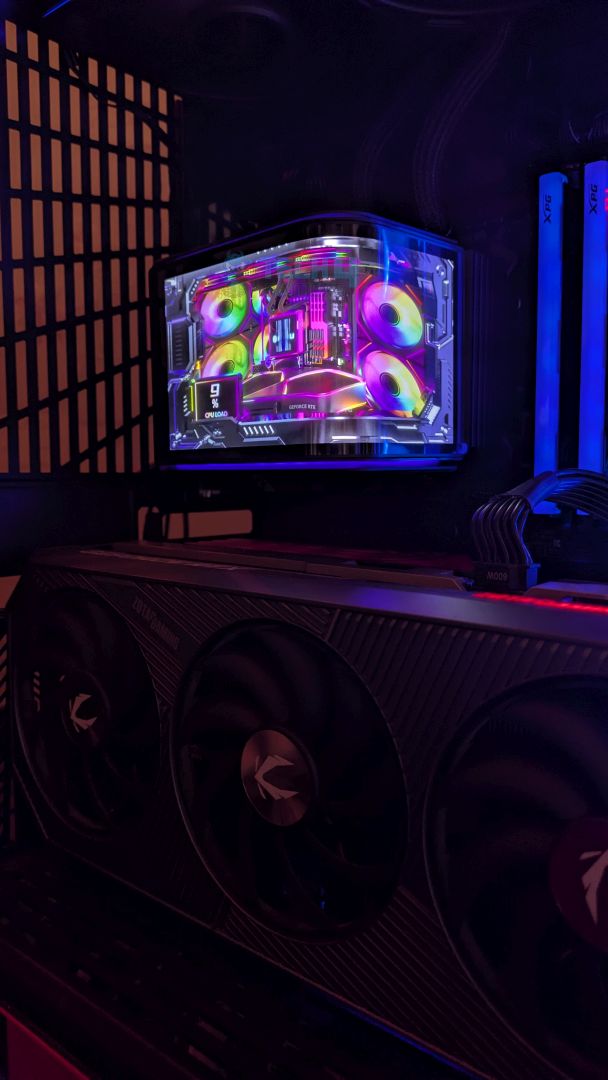
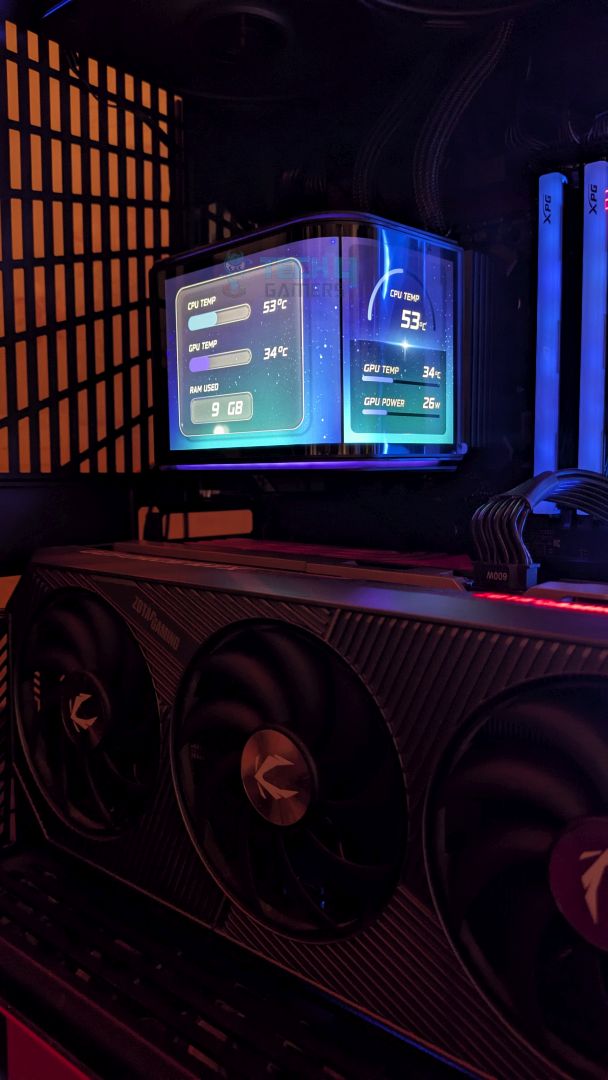
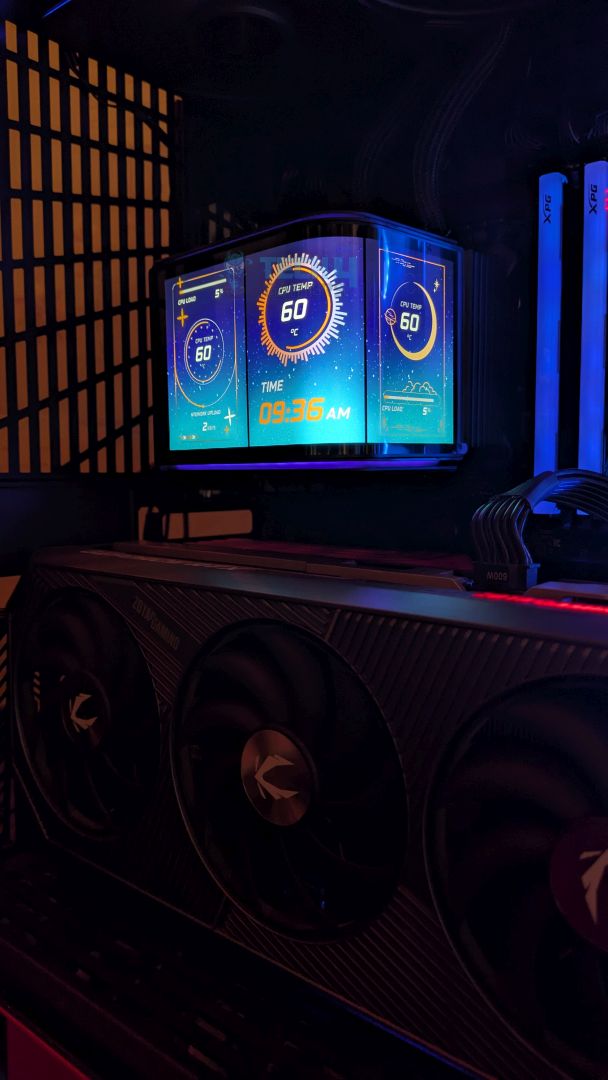
A one-click calibration feature in the software enables quick, reliable adjustment of OLED modules. The panel itself includes an RGB strip across the module, which can be controlled via the software. Unlike some LCD all-in-one cooler software, the interface here is smooth and user-friendly; L-Connect performs well in this regard.
More Shots!
The visual quality is a notable improvement over the typical LCD/TFT all-in-one liquid-cooler display. It is visually appealing inside your PC case, especially if you have a dark chassis, as the dark interface borders integrate smoothly. There is no backlight bleeding or IPS glow present.
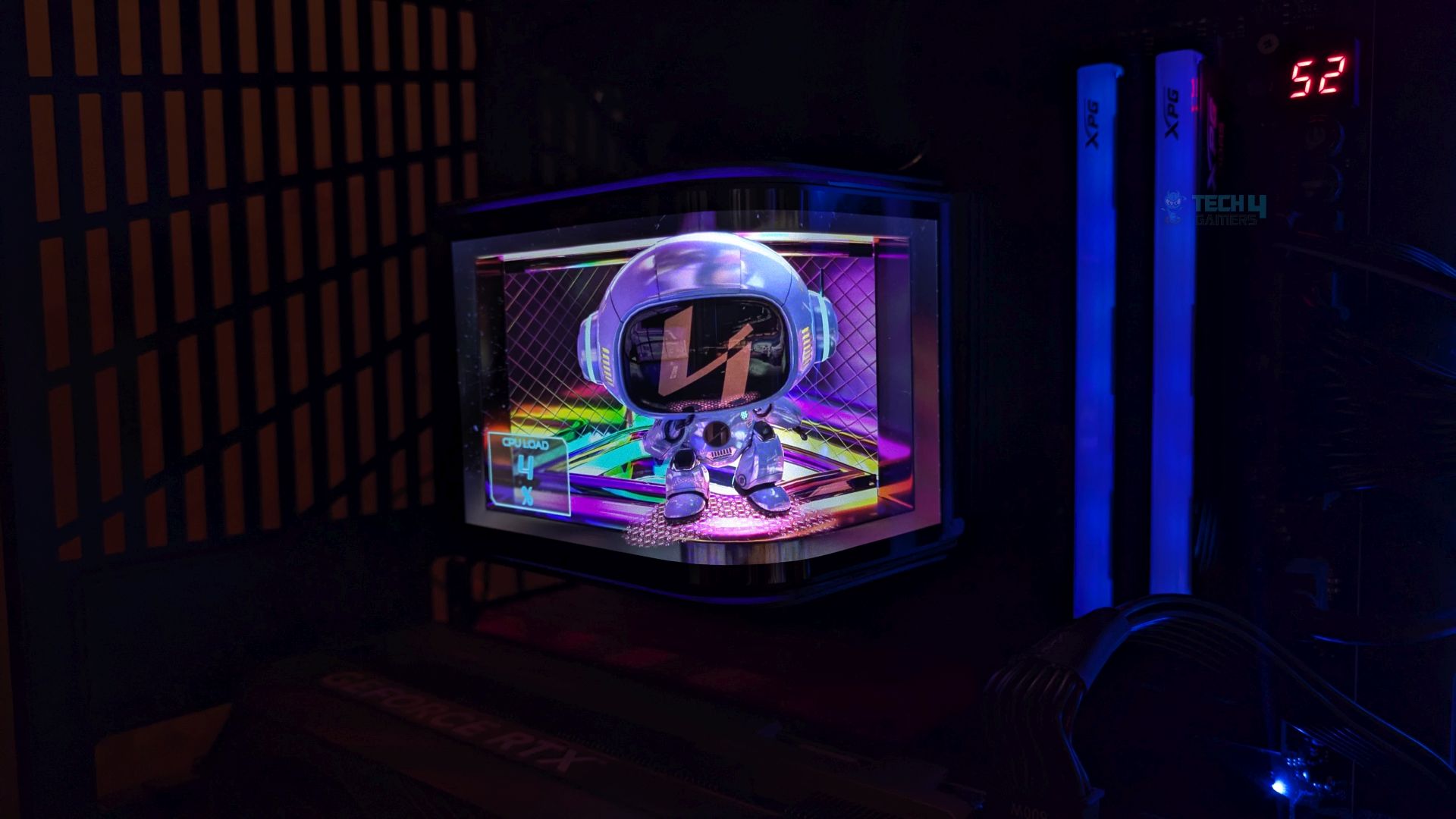
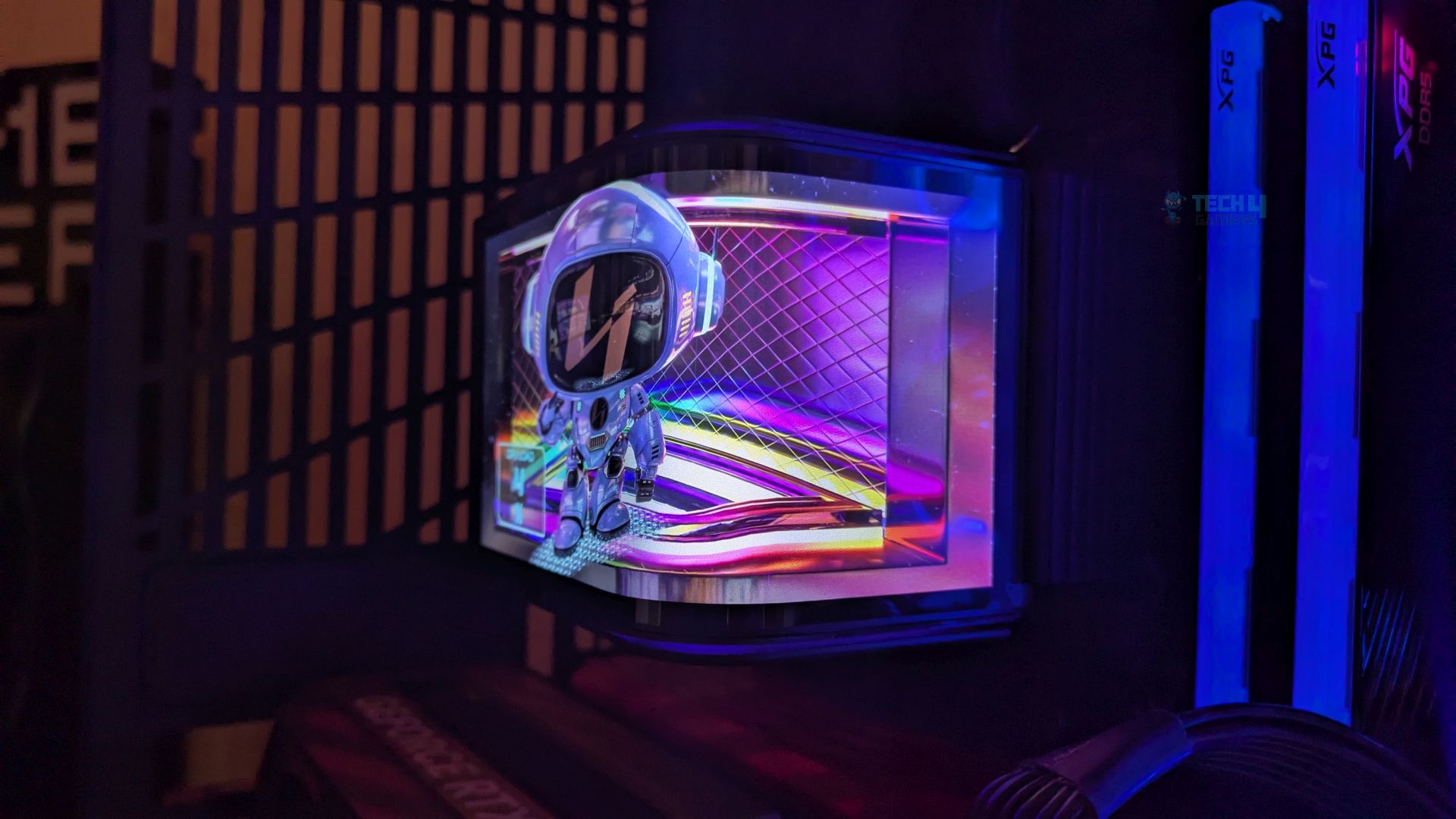
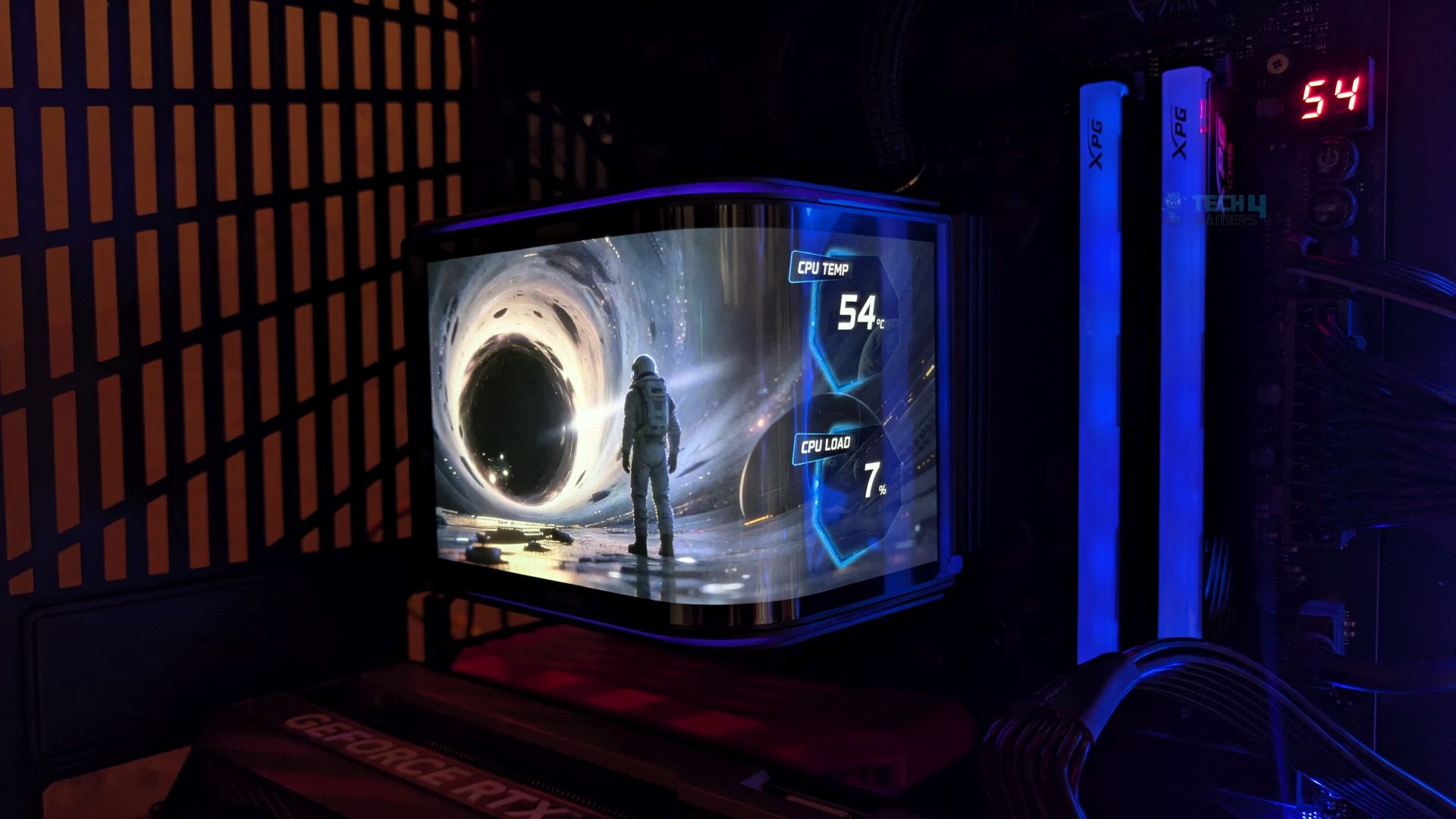
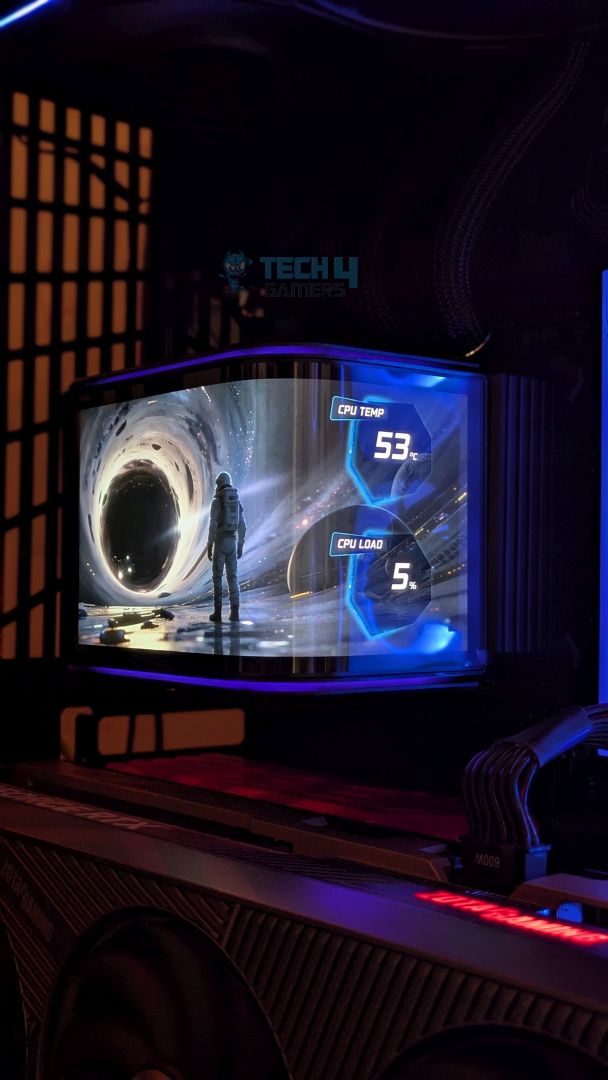
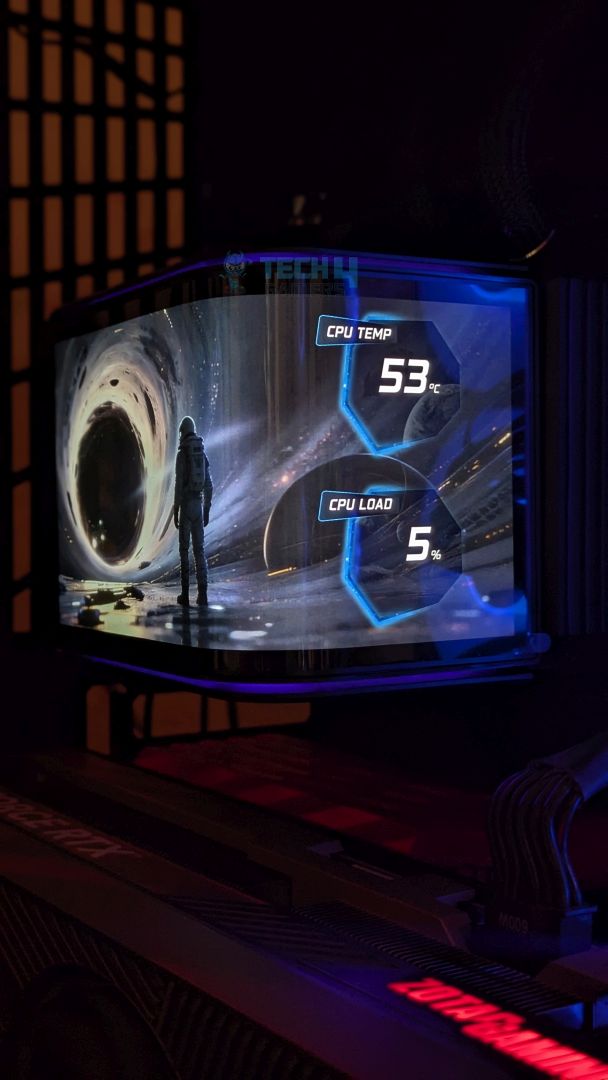
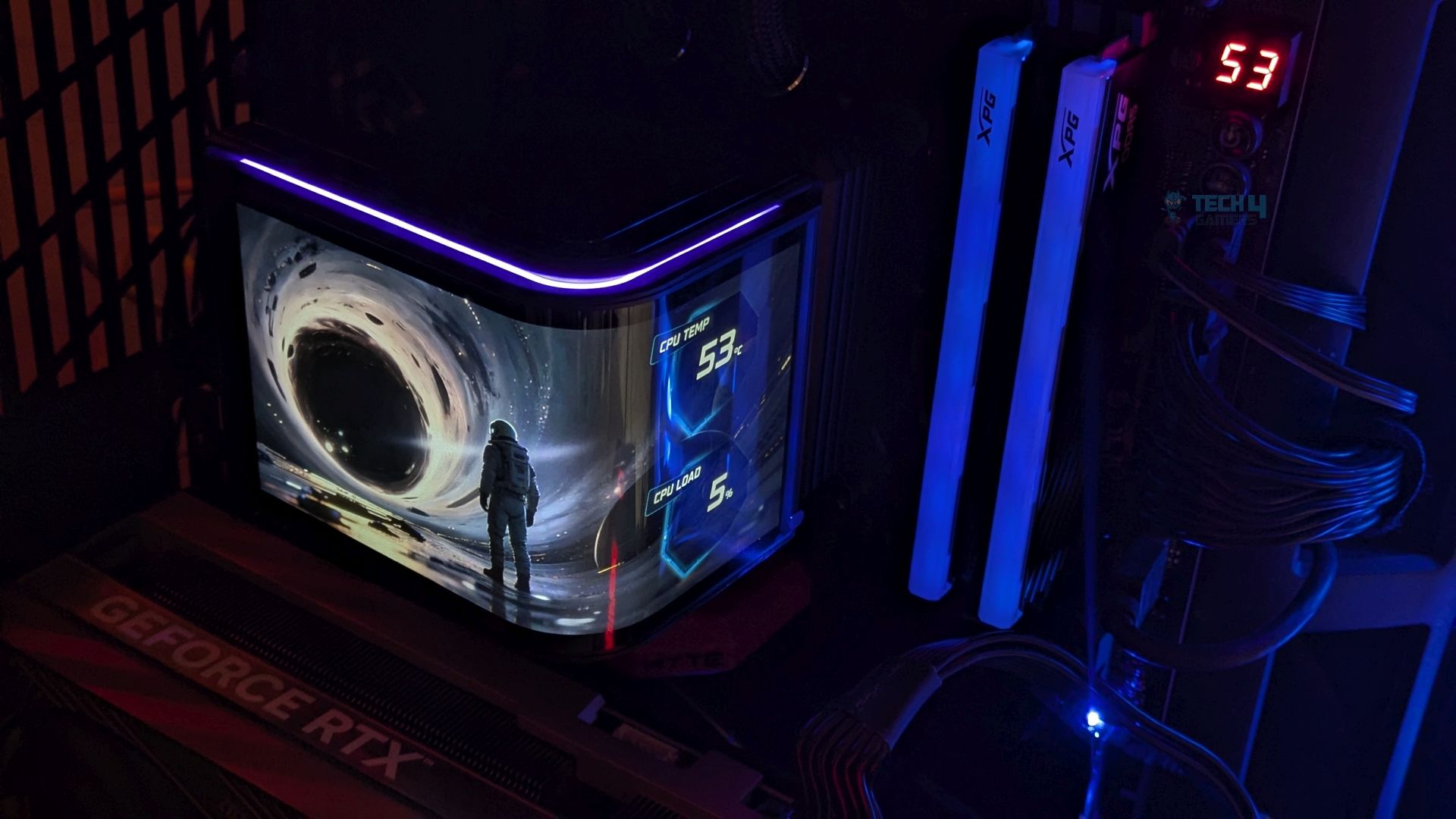
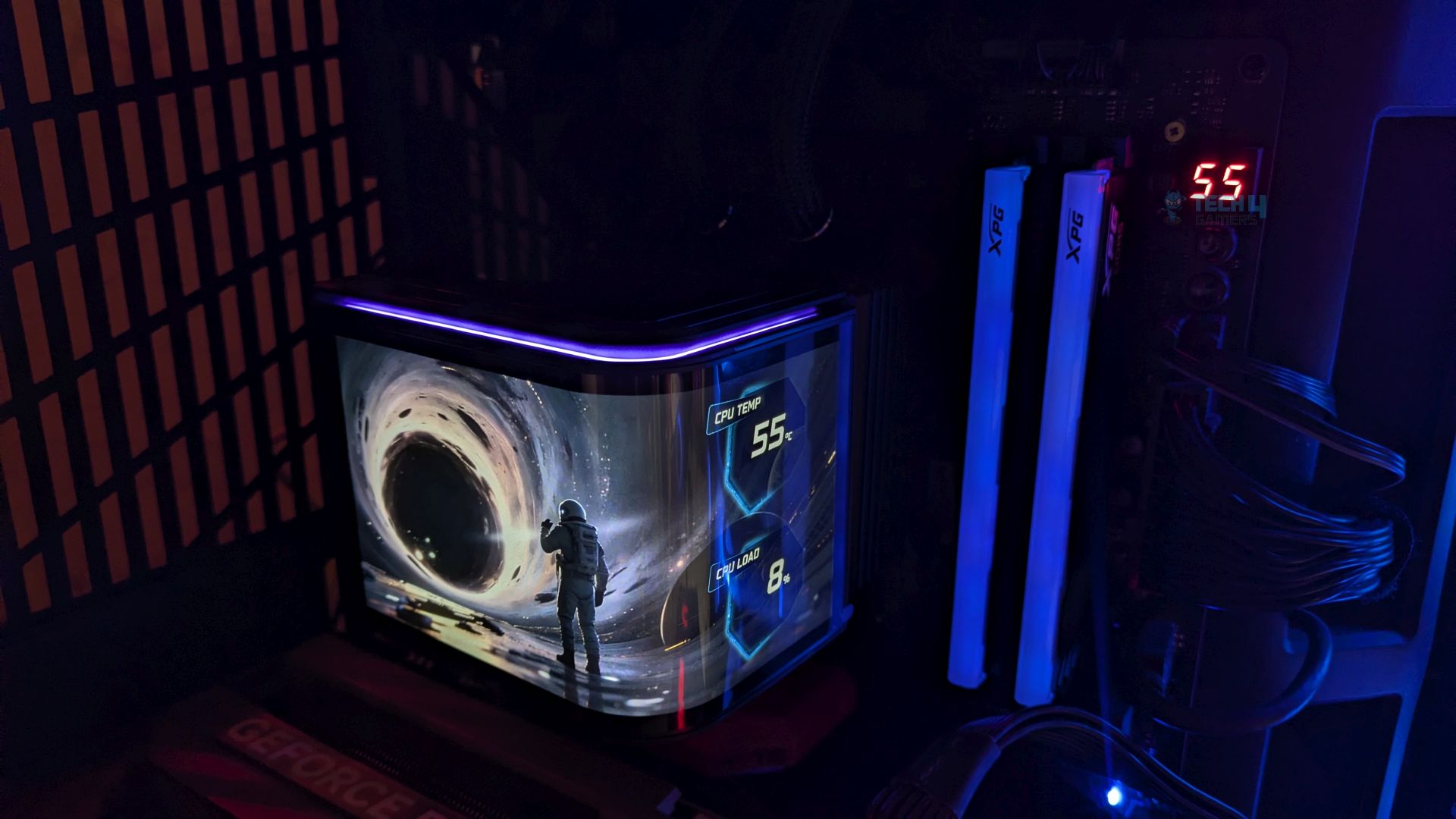
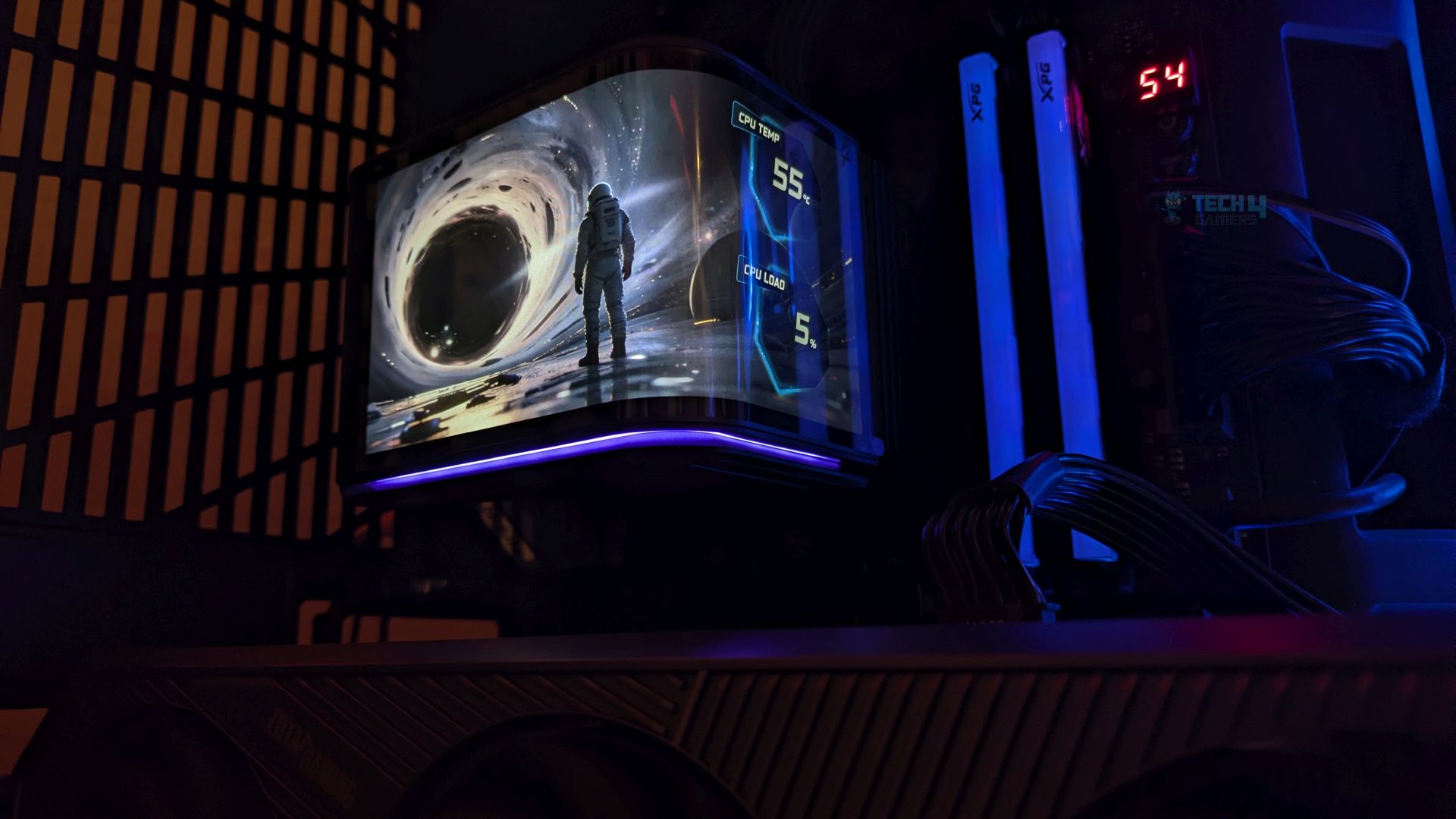
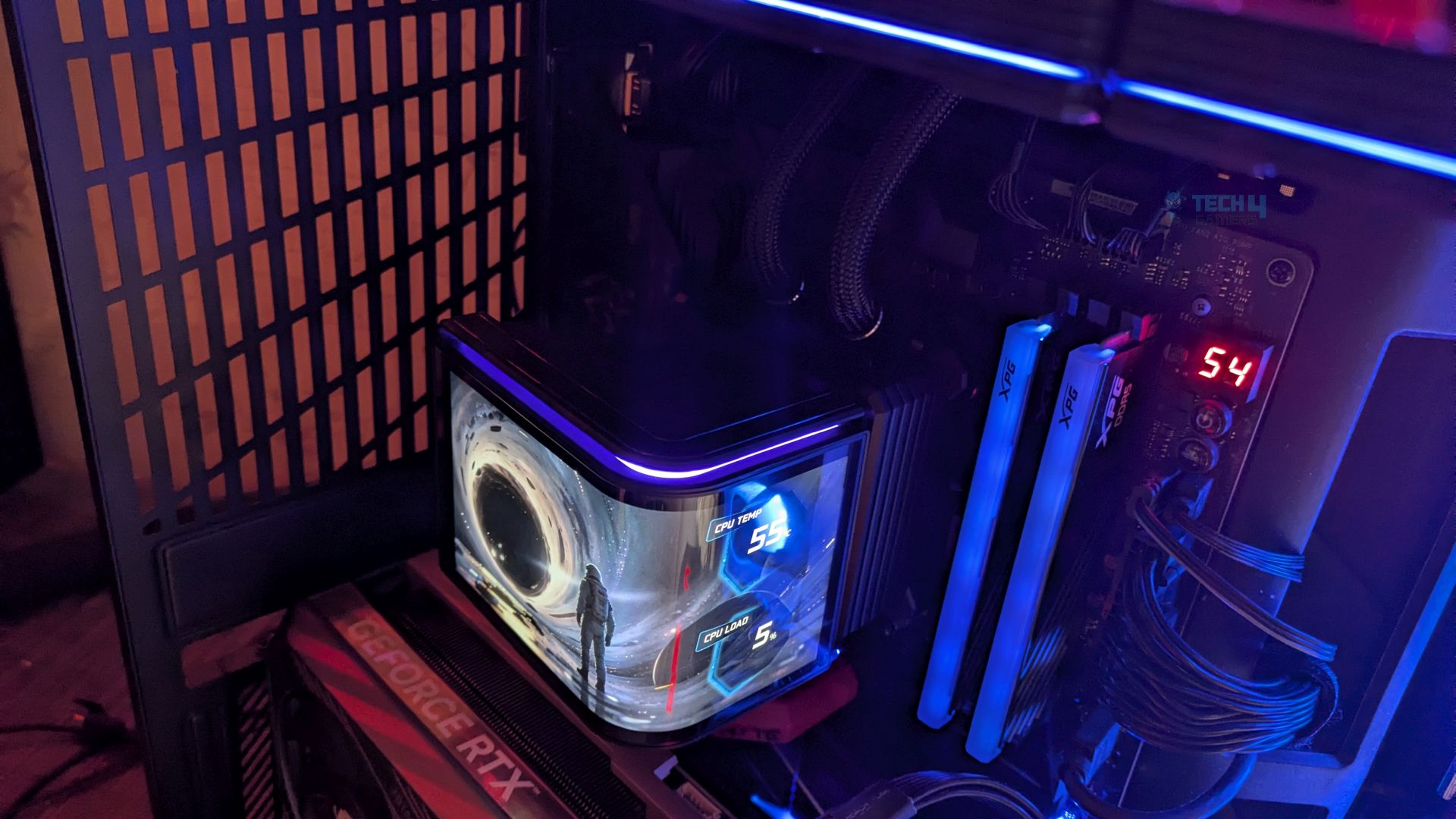
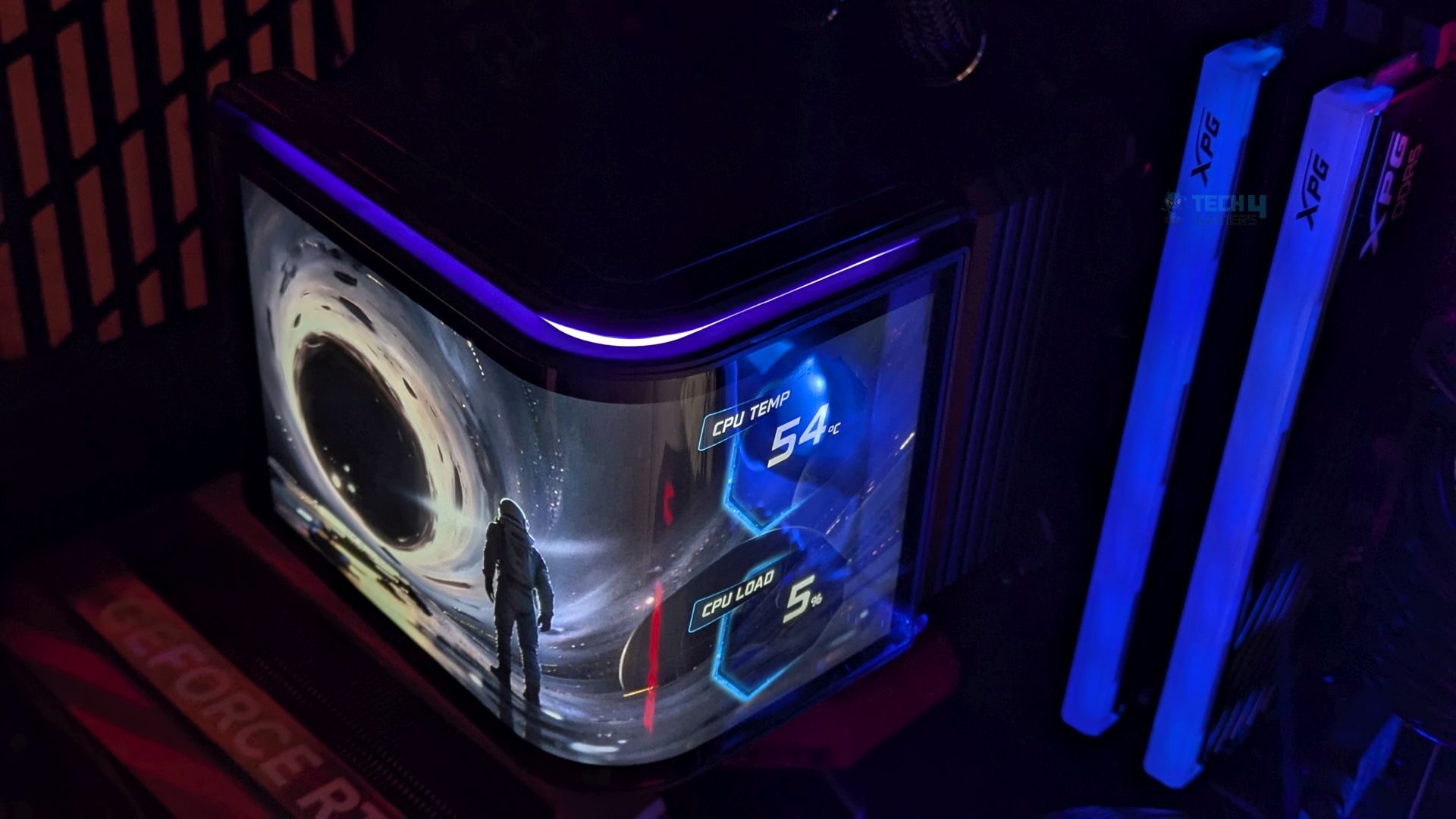
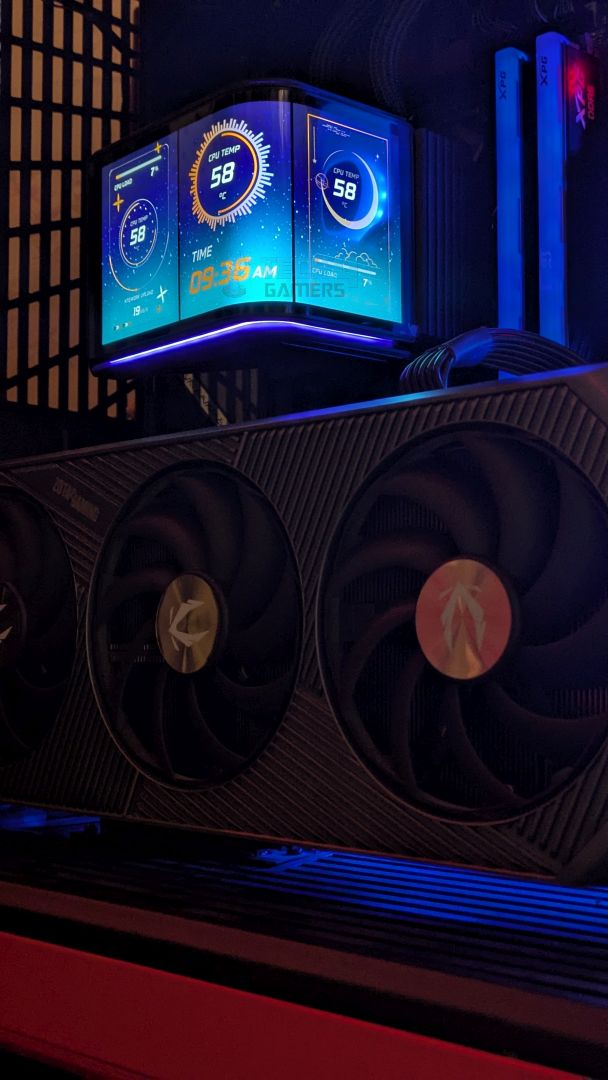
The display’s pixel density is exceptionally high, at 1048×2288 pixels. The sharp lines in the 3D robot animation and the defined edges of the sensor’s text are distinctly visible. We tested several templates, but capturing every detail would make this review excessively long; the colors remain vivid and intense. At 450 to 500 nits brightness, the screen remains clear against the case RGB lighting without fading. Regarding viewing angles, there are no observed color shifts vertically, and even extreme side views confirm the performance expected from a premium OLED panel.
Fans
The Uni-Fan P28 V2 fans feature LCP (Liquid Crystal Polymer) blades with a distinct dark, textured finish. This design allows extreme blade-to-frame tightness of only 0.5mm.
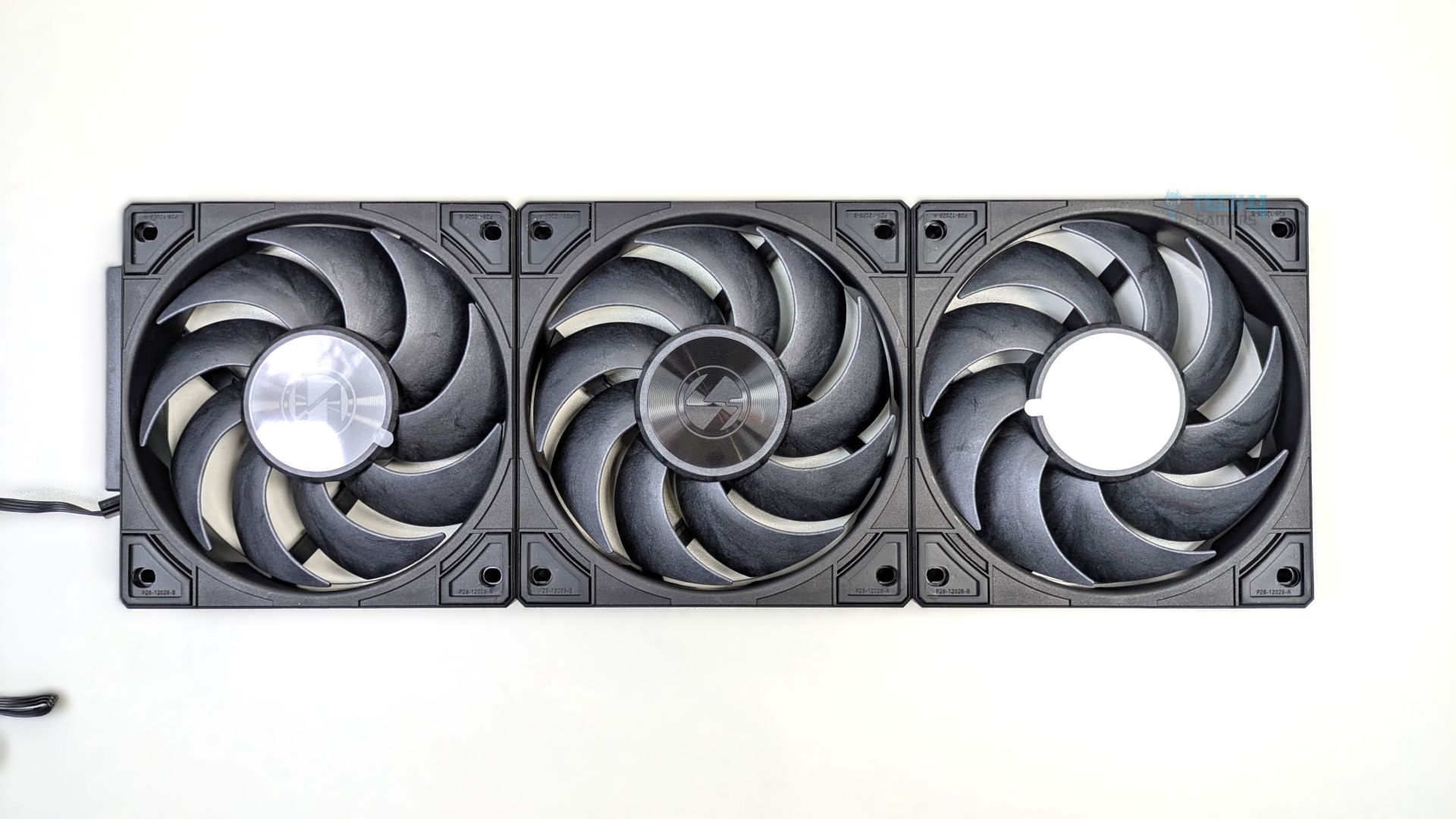
The fan uses an FDB (Fluid Dynamic Bearing) and has a 28mm thick frame, which is larger than the standard 25mm.
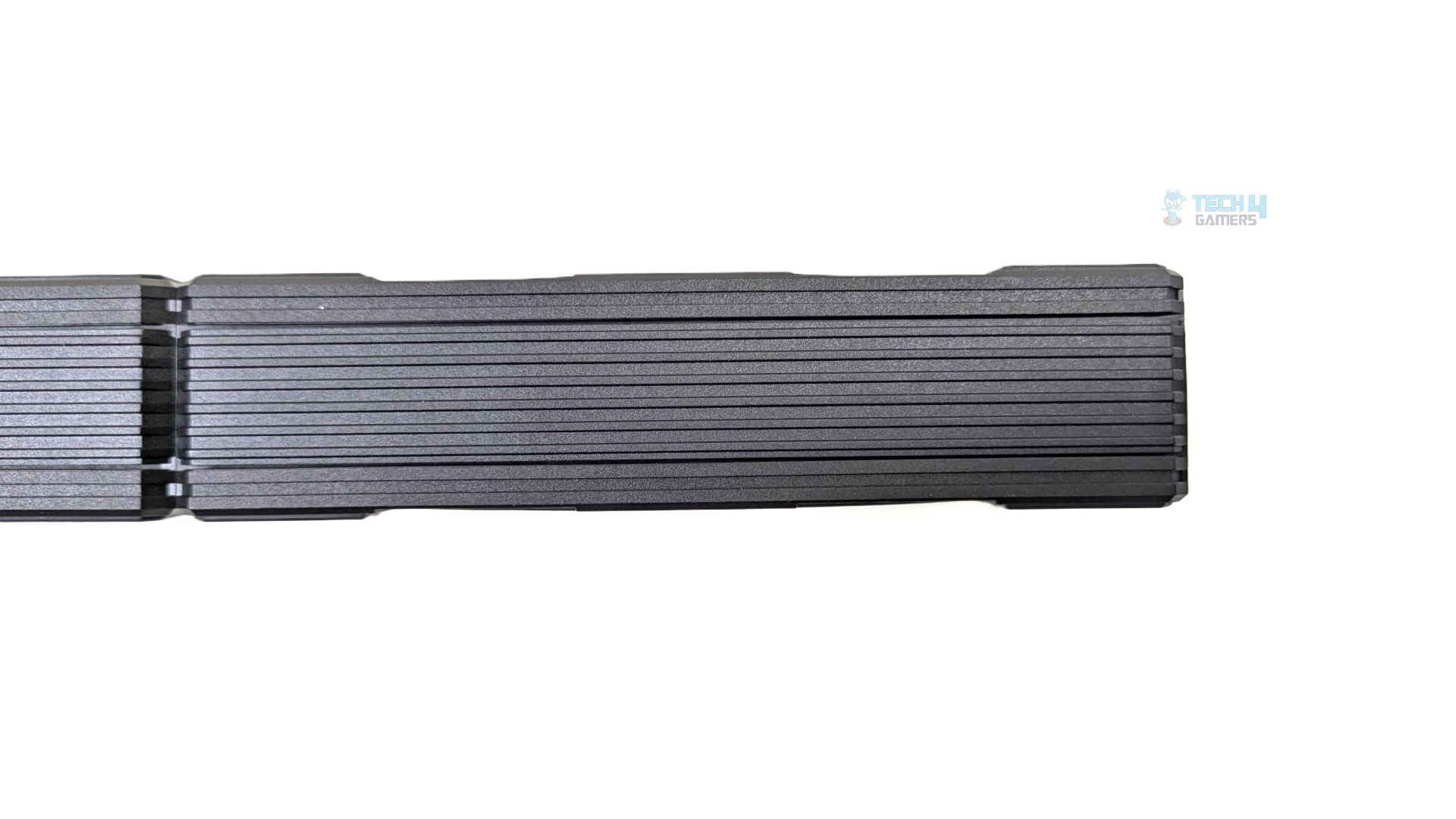
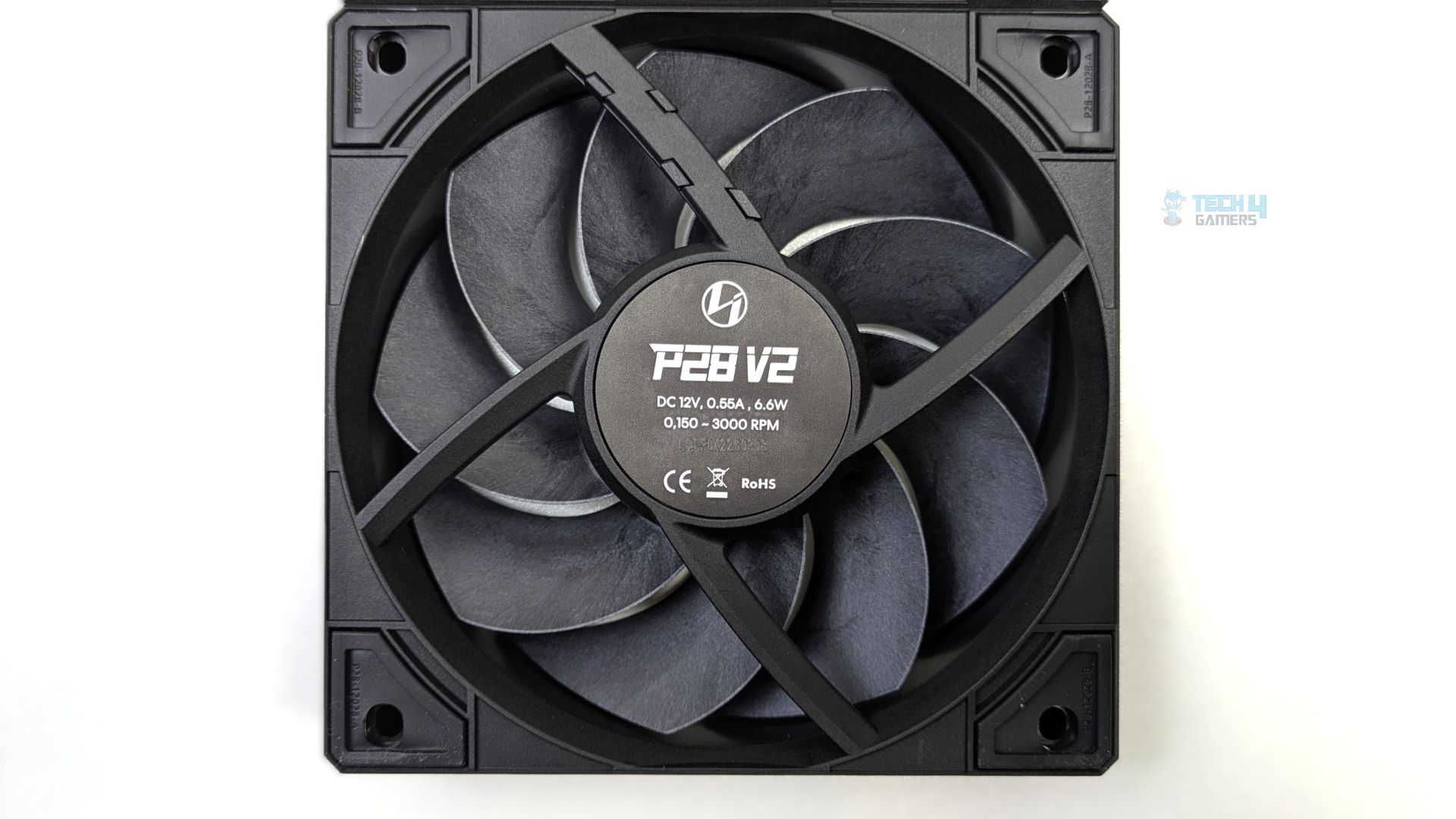
It includes the signature uni-fan interlocking system and a slide-in-rail system with gold-plated pogo pin contacts.
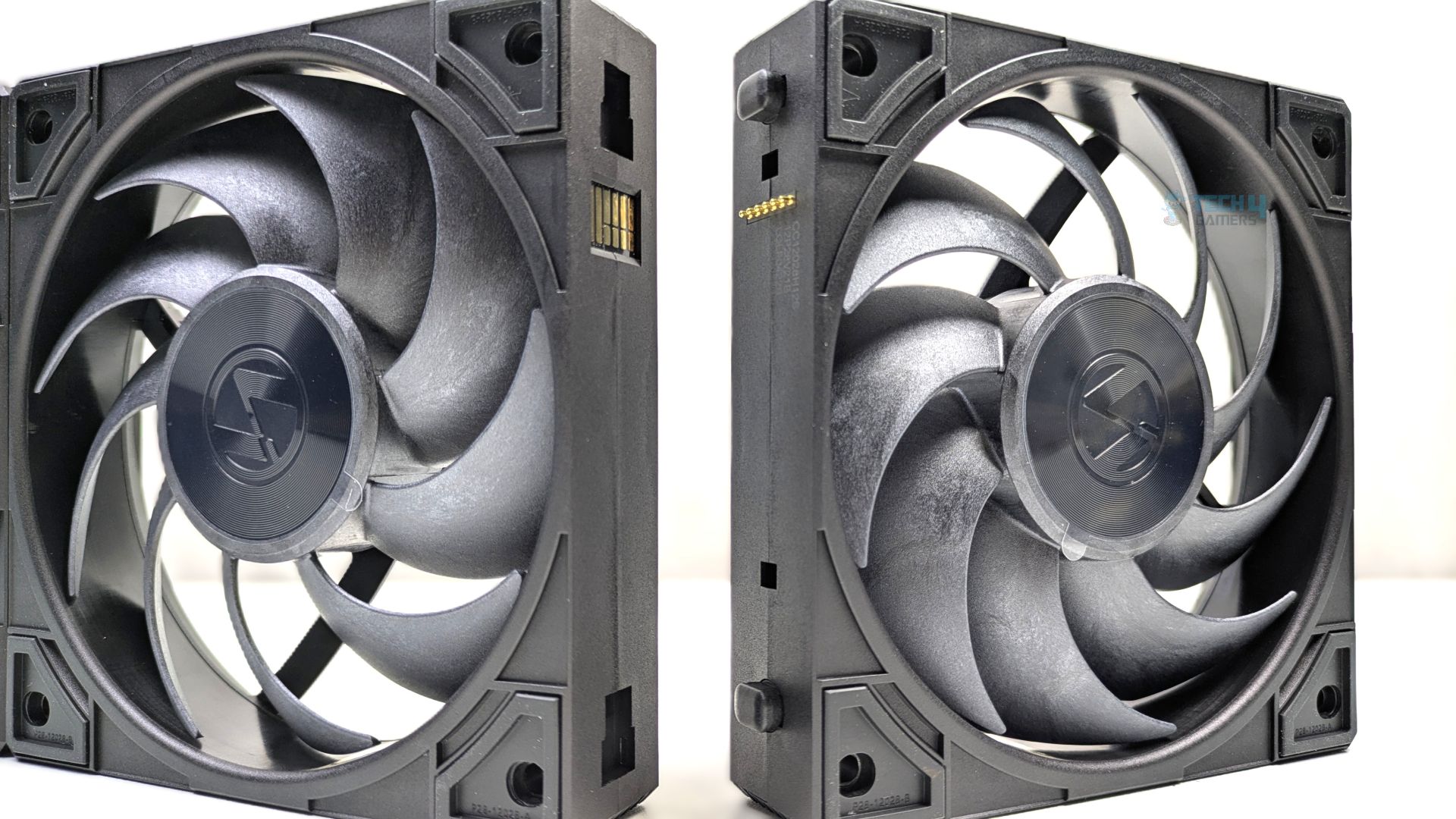
This ensures the transfer of 12V and PWM signals without creating any cable mess.
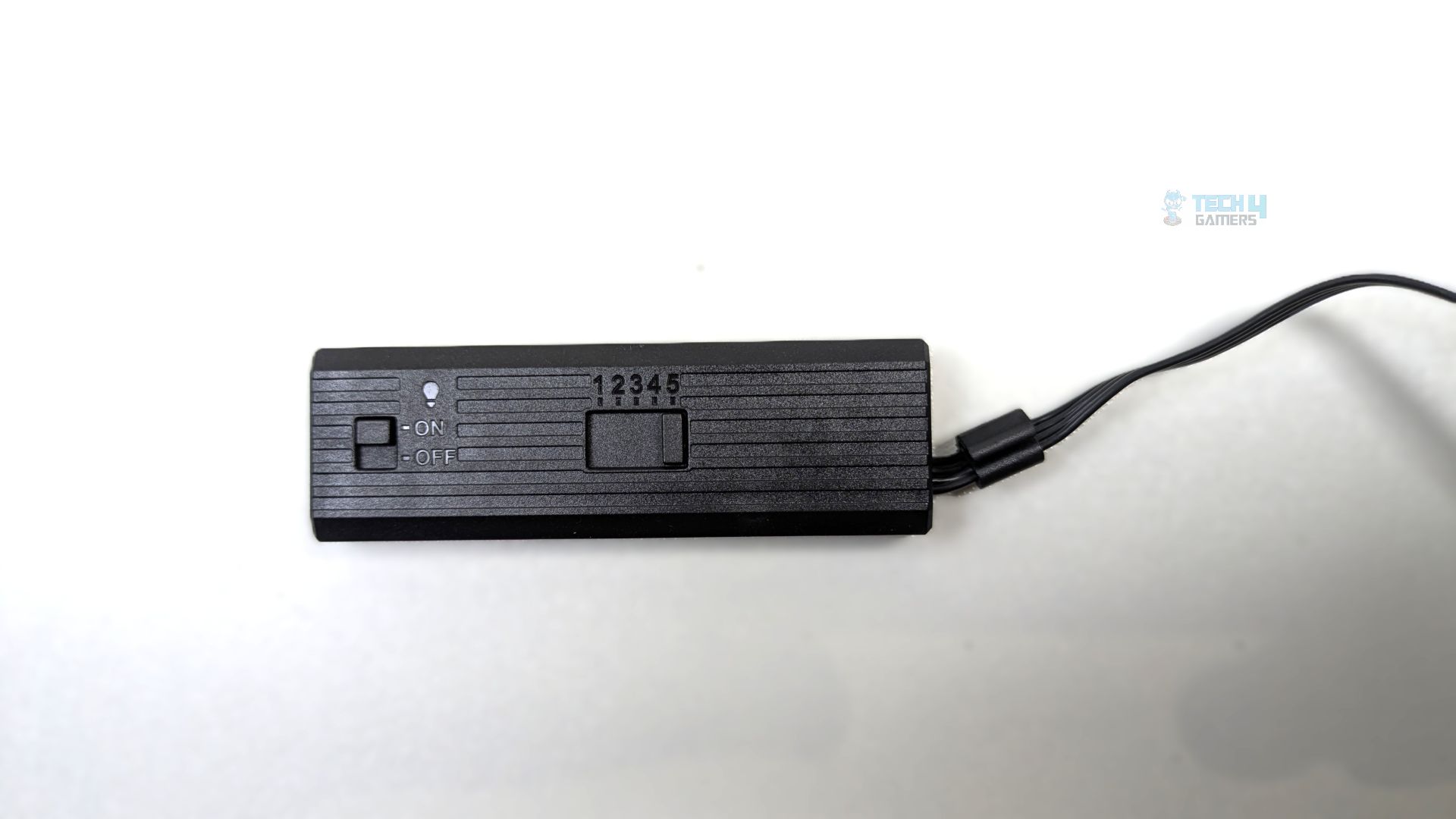
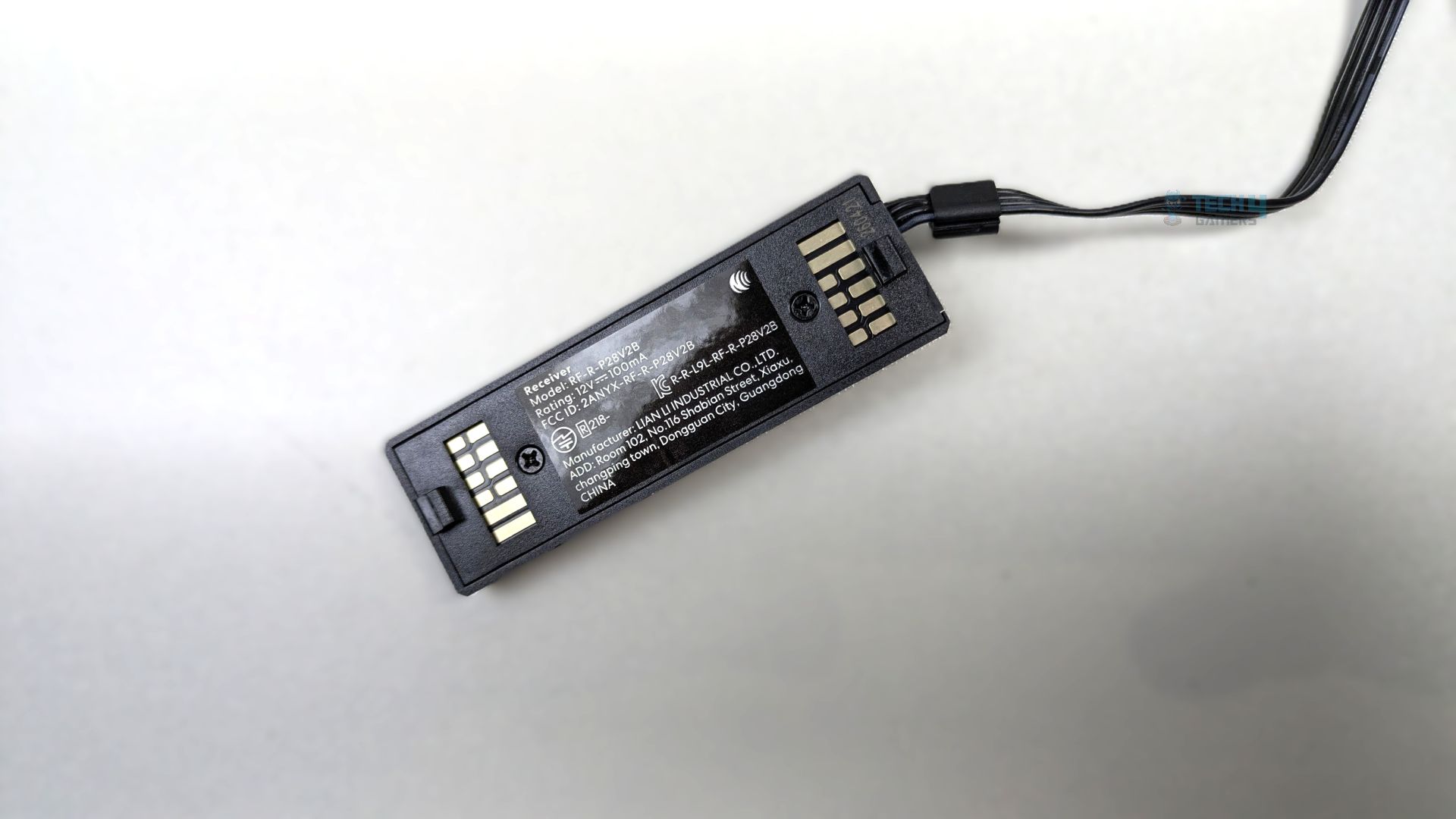
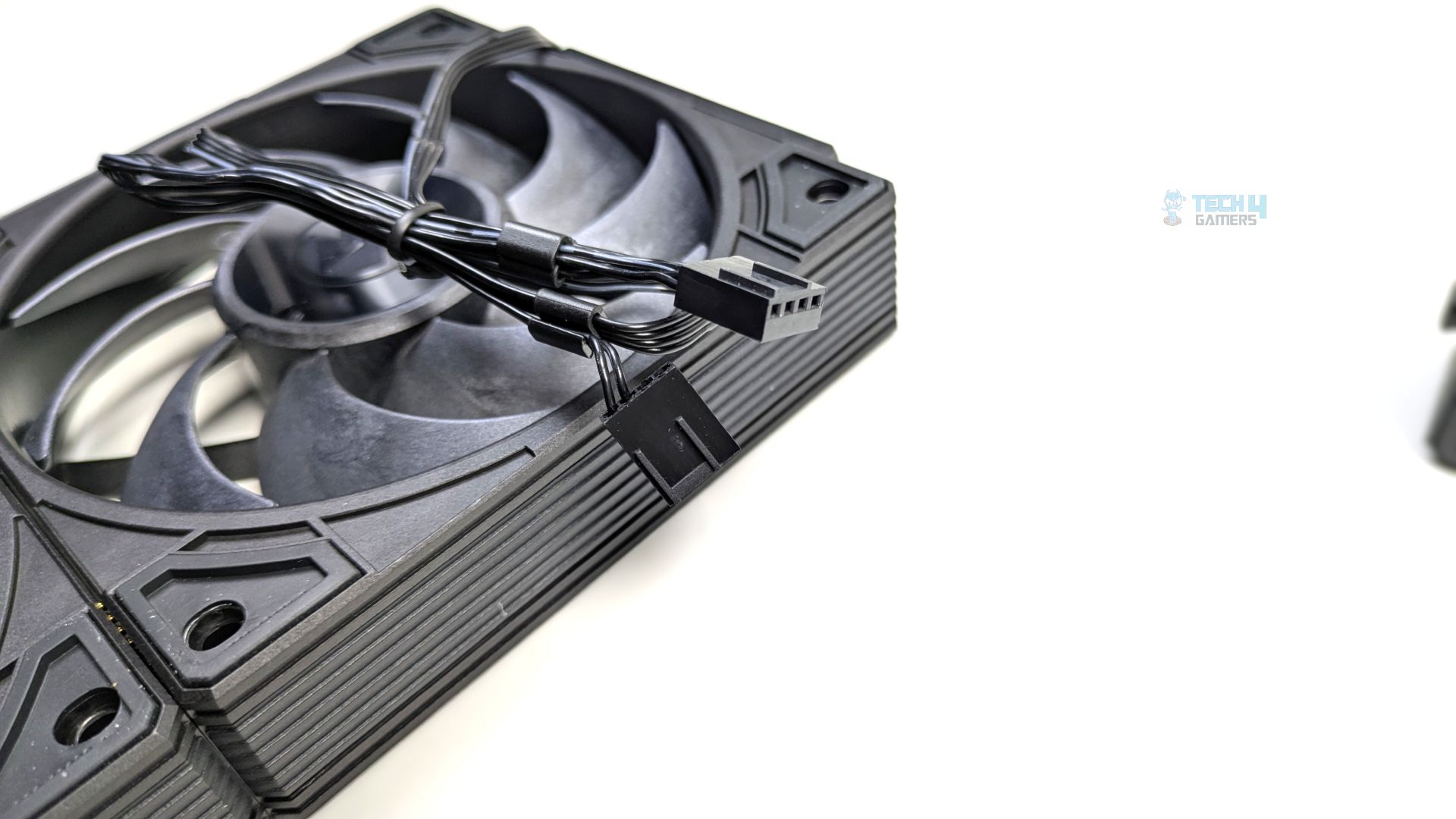
Lian-Li makes fan customization easy with a hardware control module that acts as a speed limiter for the RPM curve. Choose from five speed modes (1-5), all compatible with standard 4-Pin PWM headers on most motherboards and fan controllers. The lightning toggle on the inline receiver is simple to spot. All fans connect via a single 4-Pin PWM cable. A clever detail: the side frame of each fan lights up as a dynamic status indicator, changing colors to show the current PWM duty.
Installation (AMD)
We’re using the AMD platform, so our installation steps will only be provided for that.
Prepare the socket
First, you need to remove the motherboard stock retention brackets from your AM4/AM5 motherboards. Then, you must install the Lian Li (AMD) provided bracket. Secure the bracket in place with its bracket screws. Do not over-tighten the screws. Ensure the arrows on the bracket point towards the CPU for the correct orientation. Refer to the image below for an example.
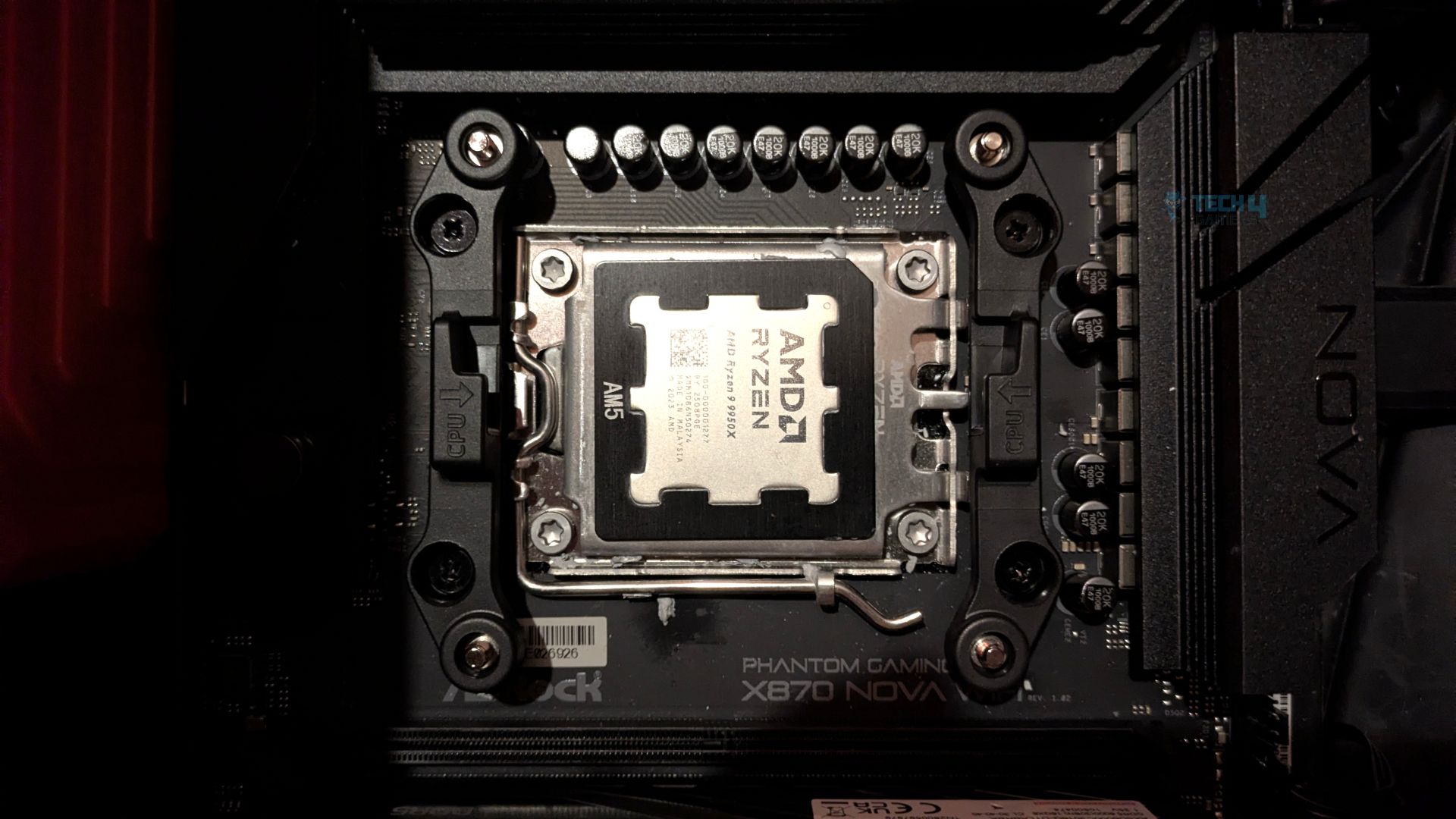
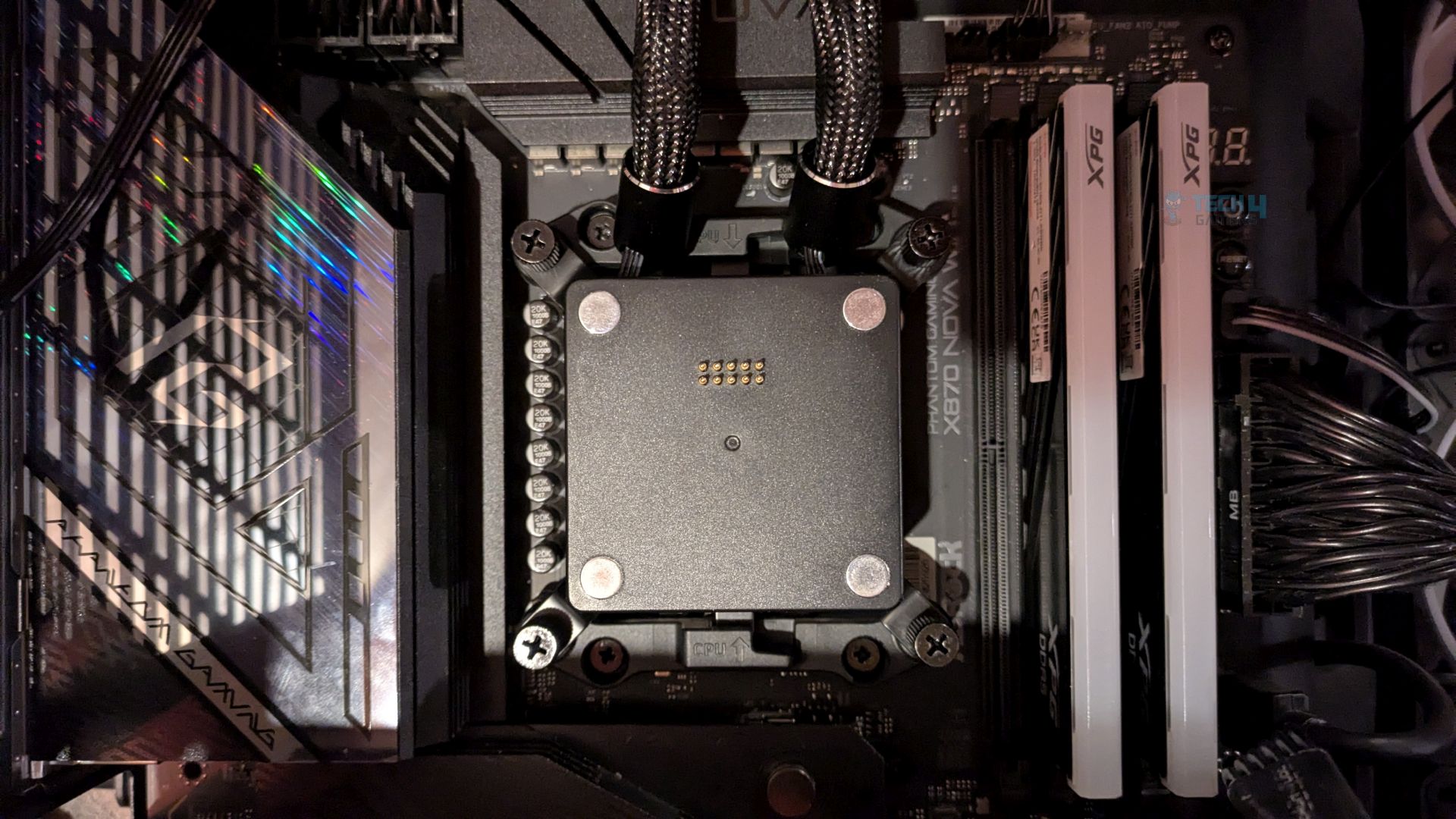
Now, apply the thermal paste to the CPU. Slide the block into the brackets until it reaches the far left of the slot. Now secure the block with the bracket nuts. Once it’s done, slide the OLED module onto the pump. It’s magnetic; you will know once it’s secured.
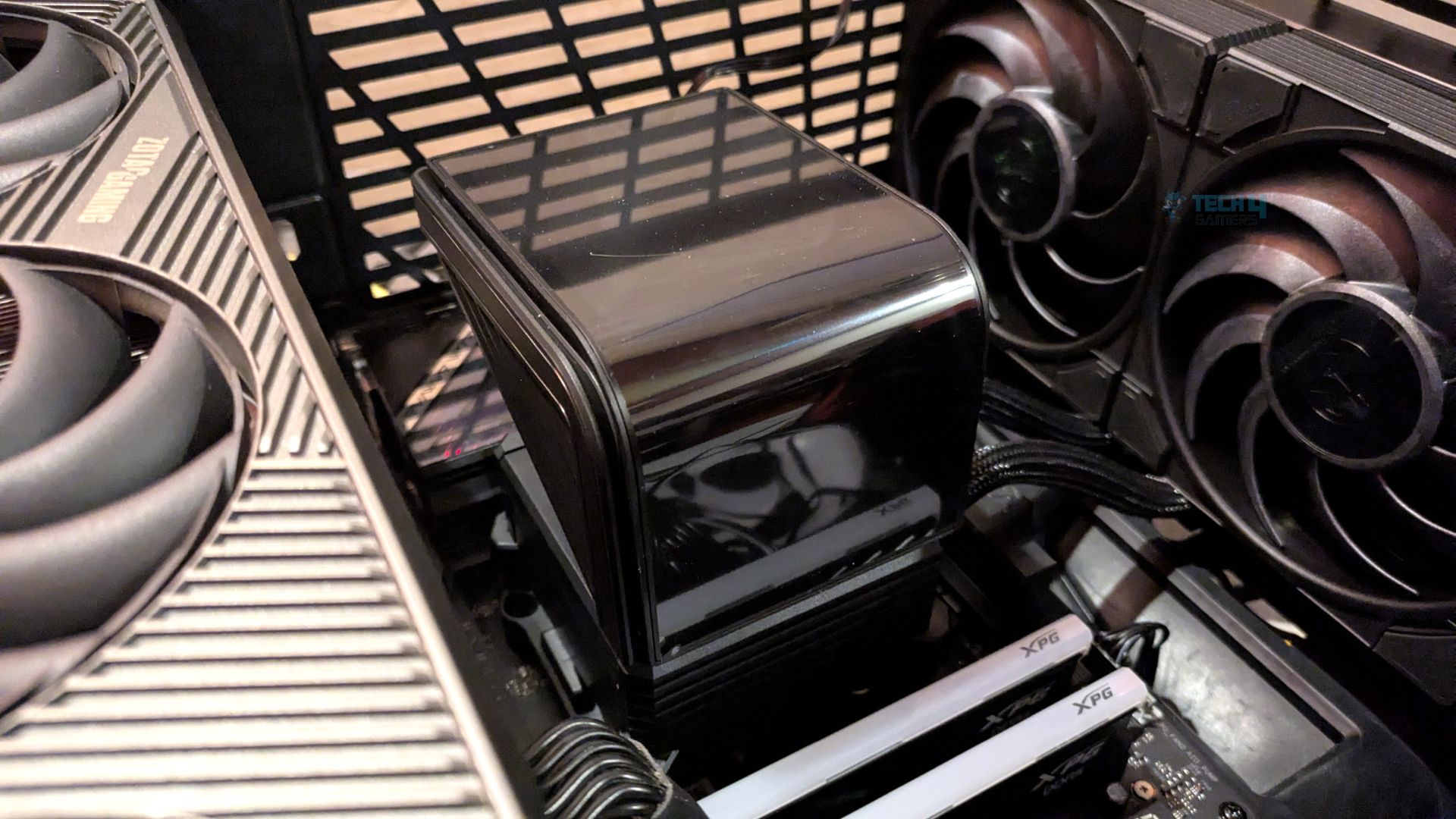
The installation process was straightforward.
Finished Looks
The completed installation of the cooler within the HYTE Y70 chassis is shown below. The unit is mounted at the top and configured for exhaust operation.
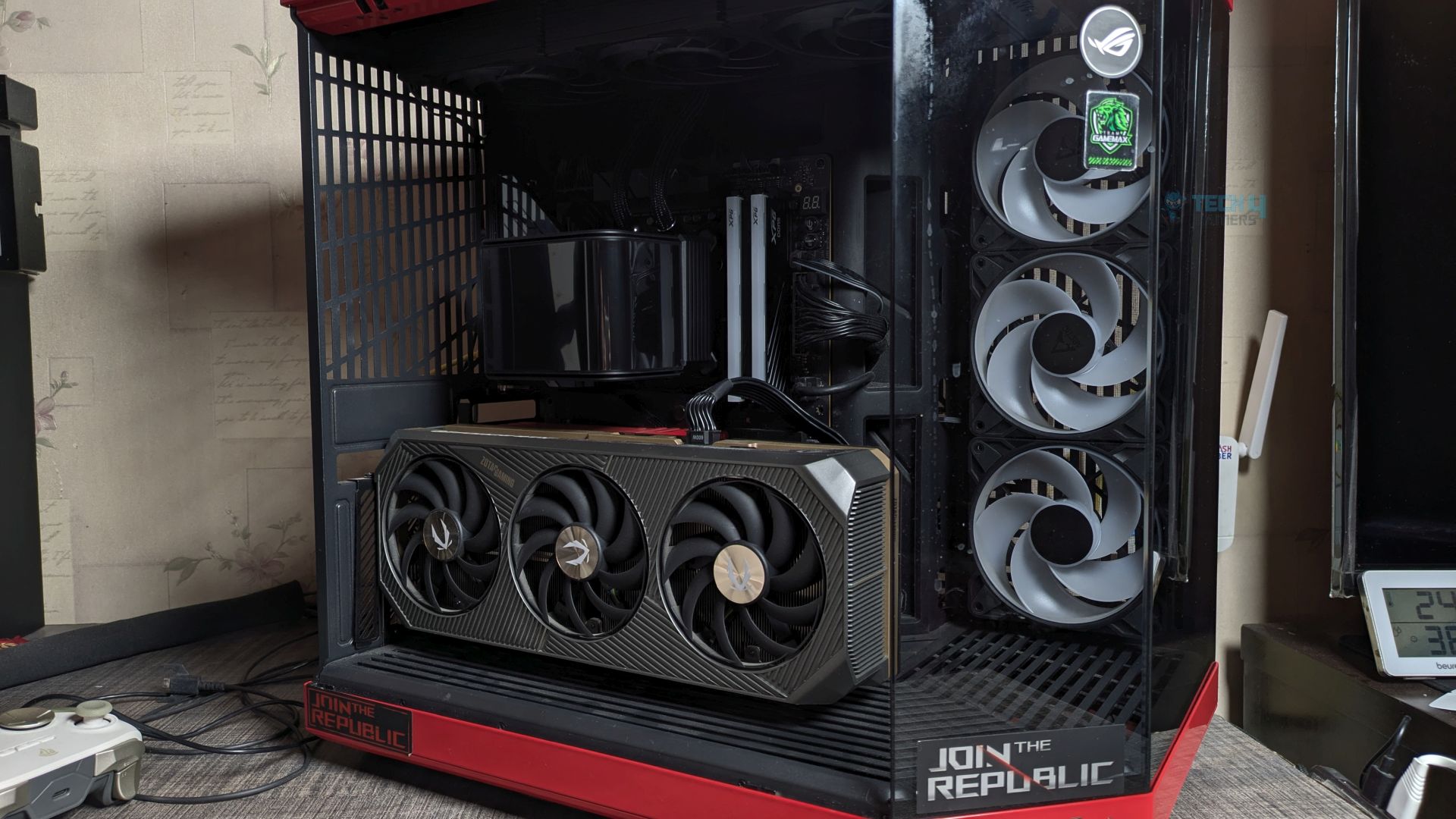
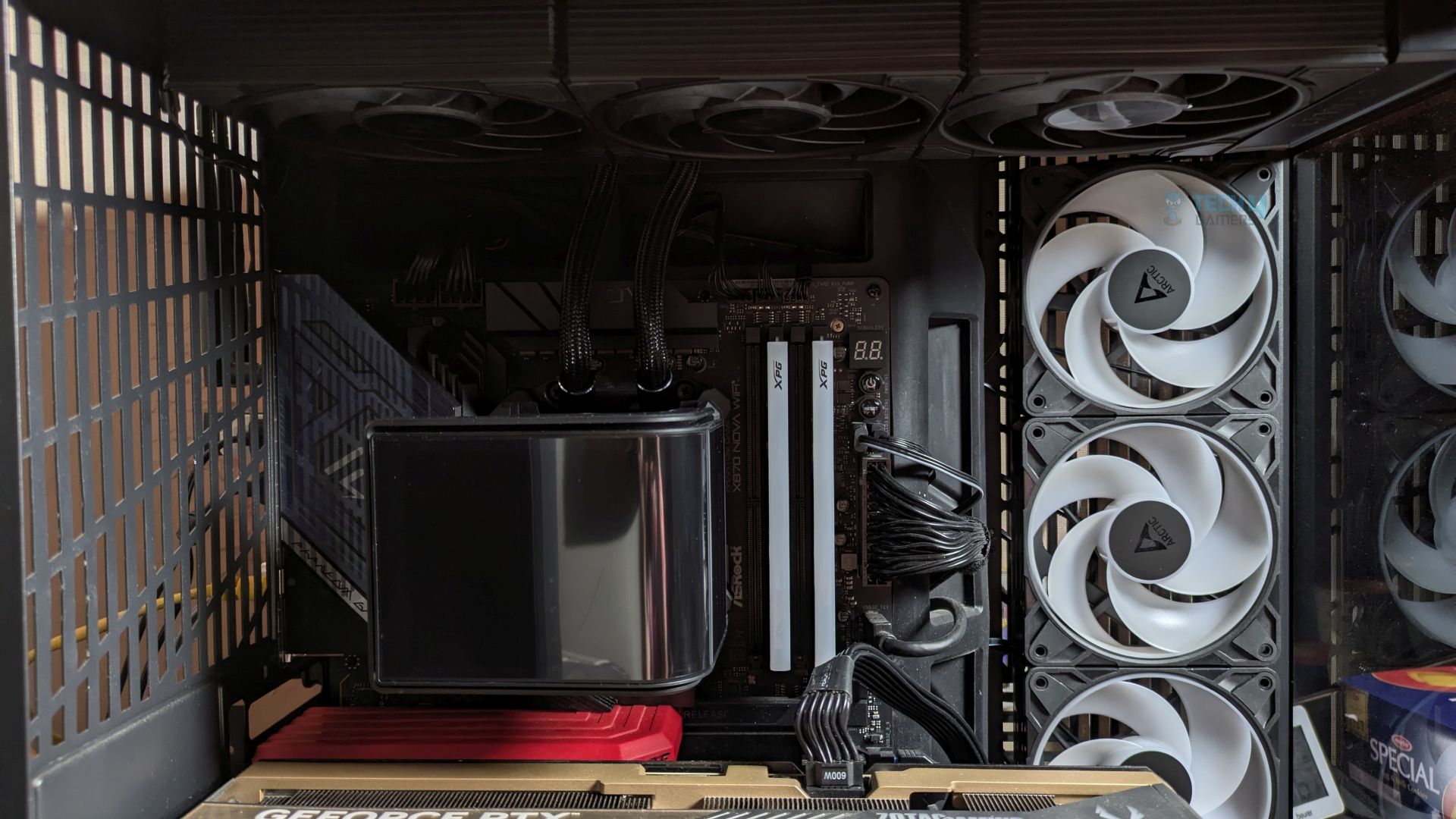
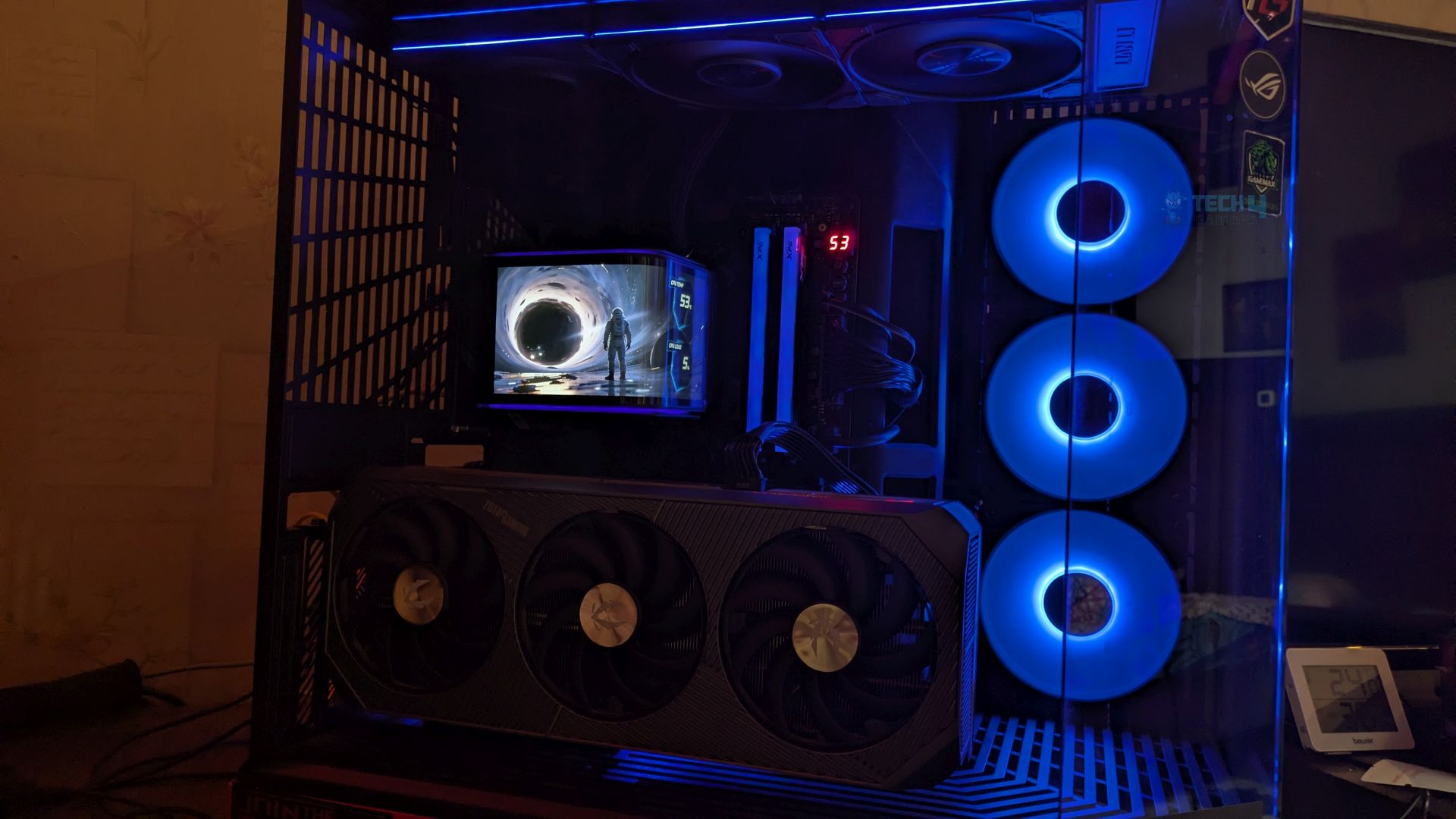
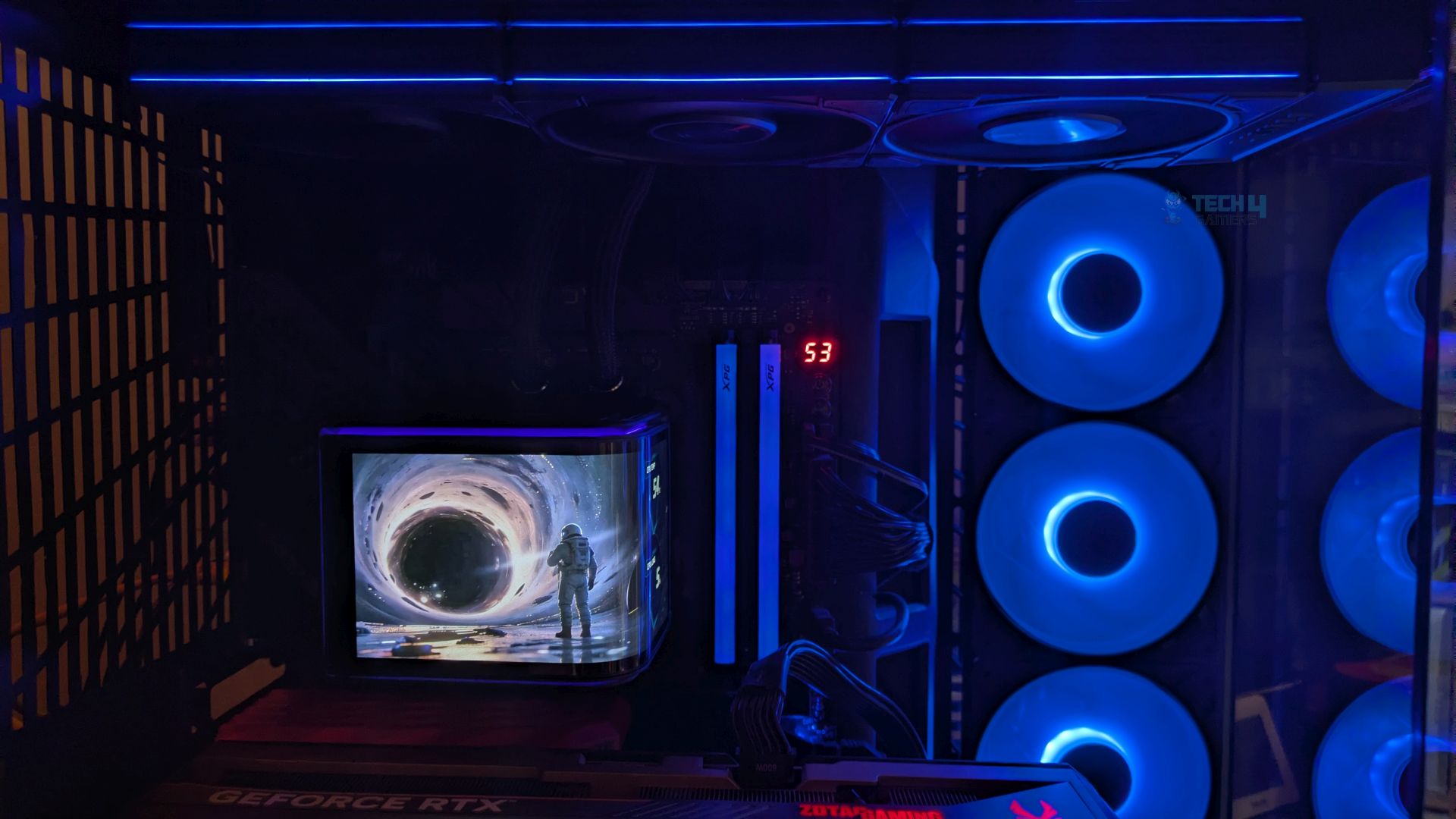
What I’m loving about this cooler is how the Hydroshift II OLED curved dominates the dual-chamber layout. At the same time, it doesn’t make the motherboard PCB look cluttered. The Lian-Li side-mounted tube works flawlessly here. The contrast and viewing angles remain perfectly intact, regardless of the ambient case lighting. This provides the high-end look in our system.
Testing Methodology
CPU Configuration:
- We evaluate the cooler’s performance using three different benchmark methods. Noise-normalized testing is performed at 40dB(A) at the 105W TDP and 170W TDP (Stock) of the Ryzen 9 9950X. We then test the cooler’s performance at the maximum PWM speeds for both TDP configurations. After that, we unlock the power limits of the CPU to see how much cooler it can dissipate the heat in terms of watts at the maximum PWM Speeds.
Controlled Environment:
- We have eliminated the influence of ambient temperatures in our data, and all results are presented as deltas over the ambient conditions. The tests were done in a controlled environment with a room temperature of 25°C.
Preparing System:
- The Coolers are tested in realistic conditions. We don’t use the open bench system; instead, we have installed the cooler in our HYTE Y70 case, mounted at the top. We ensure the airflow is adequate in the case and that the case fans are running at the fixed PWM speeds.
- We are using ID-Cooling X45 thermal paste for all coolers.
Software:
- We have ensured that no other software is running on the computer that could influence the CPU load.
- We’ll be using the Cinebench R23 Loop for 20 minutes after the warm-up test has been completed. Each test has a 10-minute cool-down time.
Test Setup
Here is our test setup!
| Our Primary Test System |
|
|---|---|
| Processor | AMD Ryzen 9 9950X |
| Memory | XPG Lancer 32GB (16x2) 6000MT/s CL30 |
| Motherboard | ASRock X870 Phantom Gaming Nova WiFi (BIOS: 4.43v) |
| Thermal Paste | ID-Cooling X45 |
| Graphics Card | ZOTAC SOLID RTX 5080 , |
| Power Supply Unit | Super Flower LEADEX VII Platinum PRO 850W |
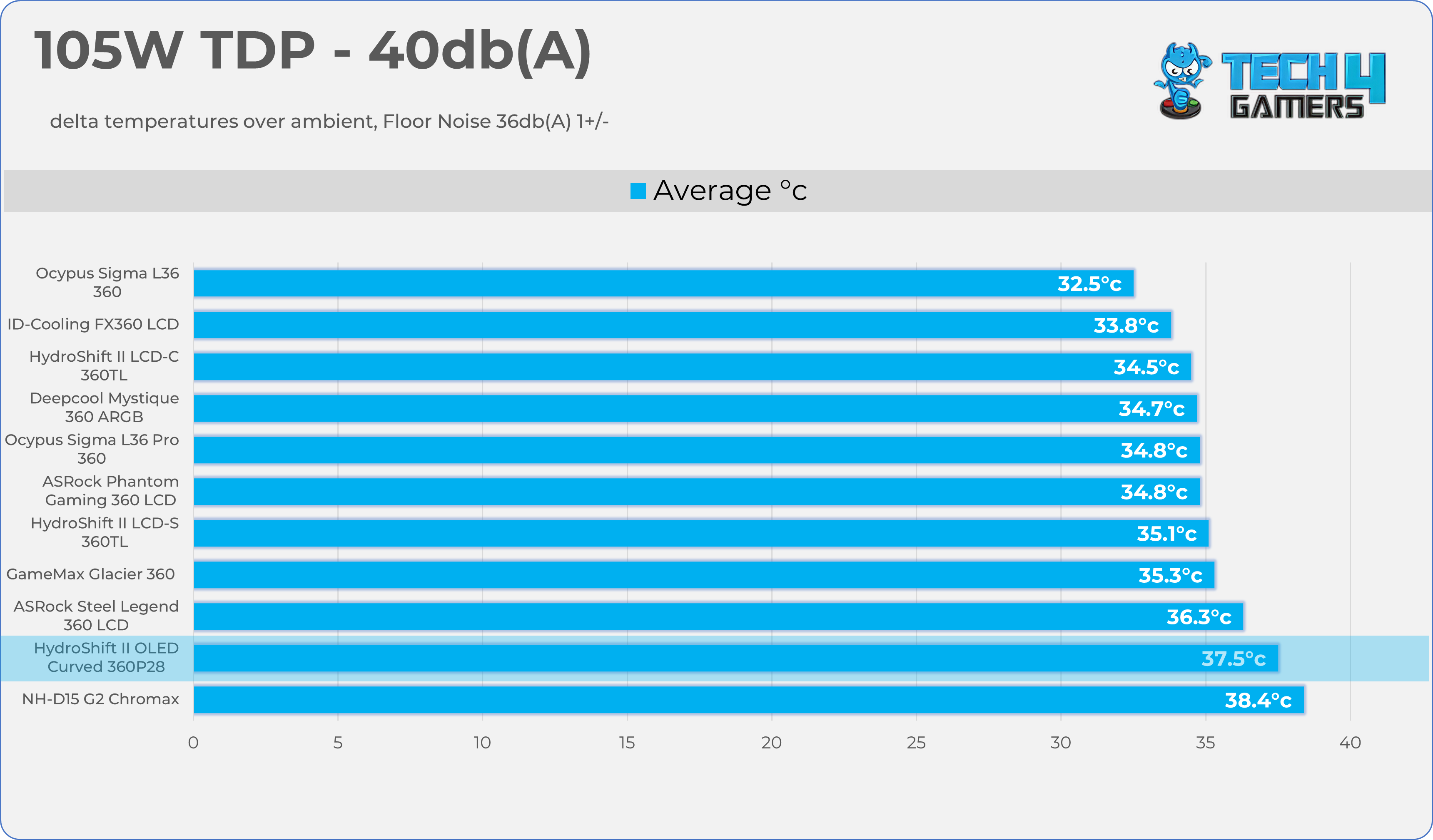
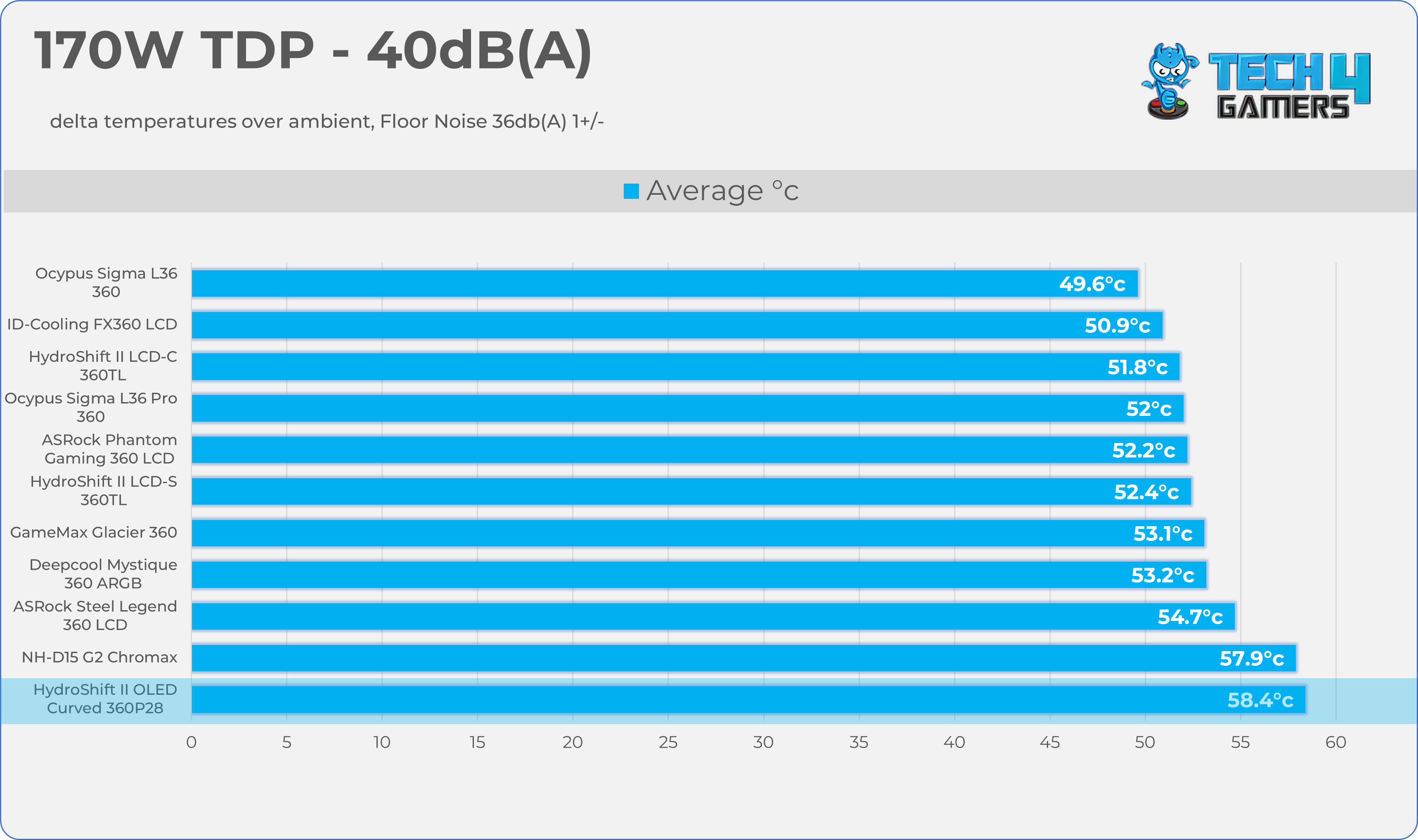
Test Results – Noise Normalized 40 dB(A)
Results at the fixed noise level of 40dB(A).
105W TDP
170W TDP
Test Results – Maximum Speed
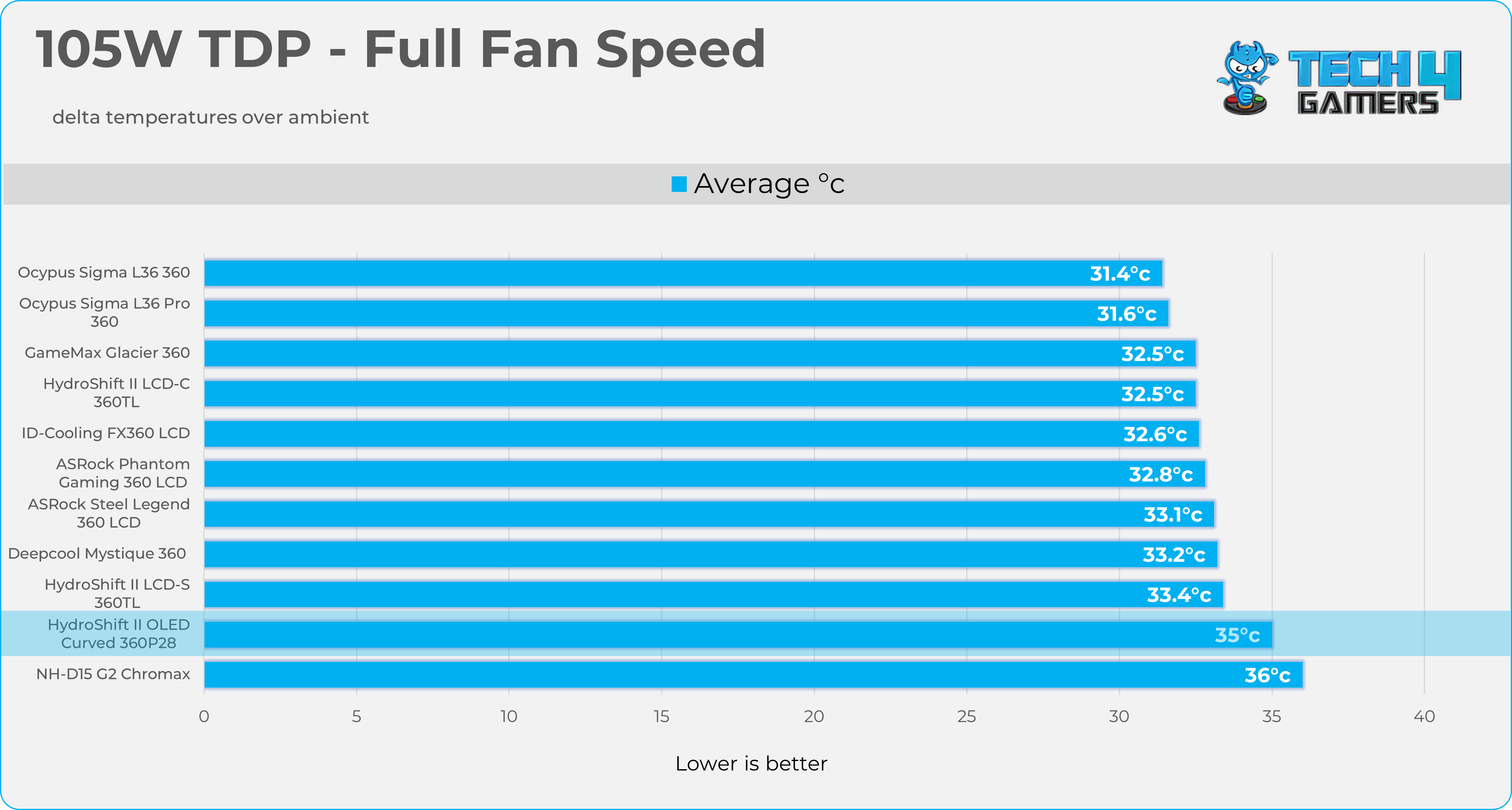
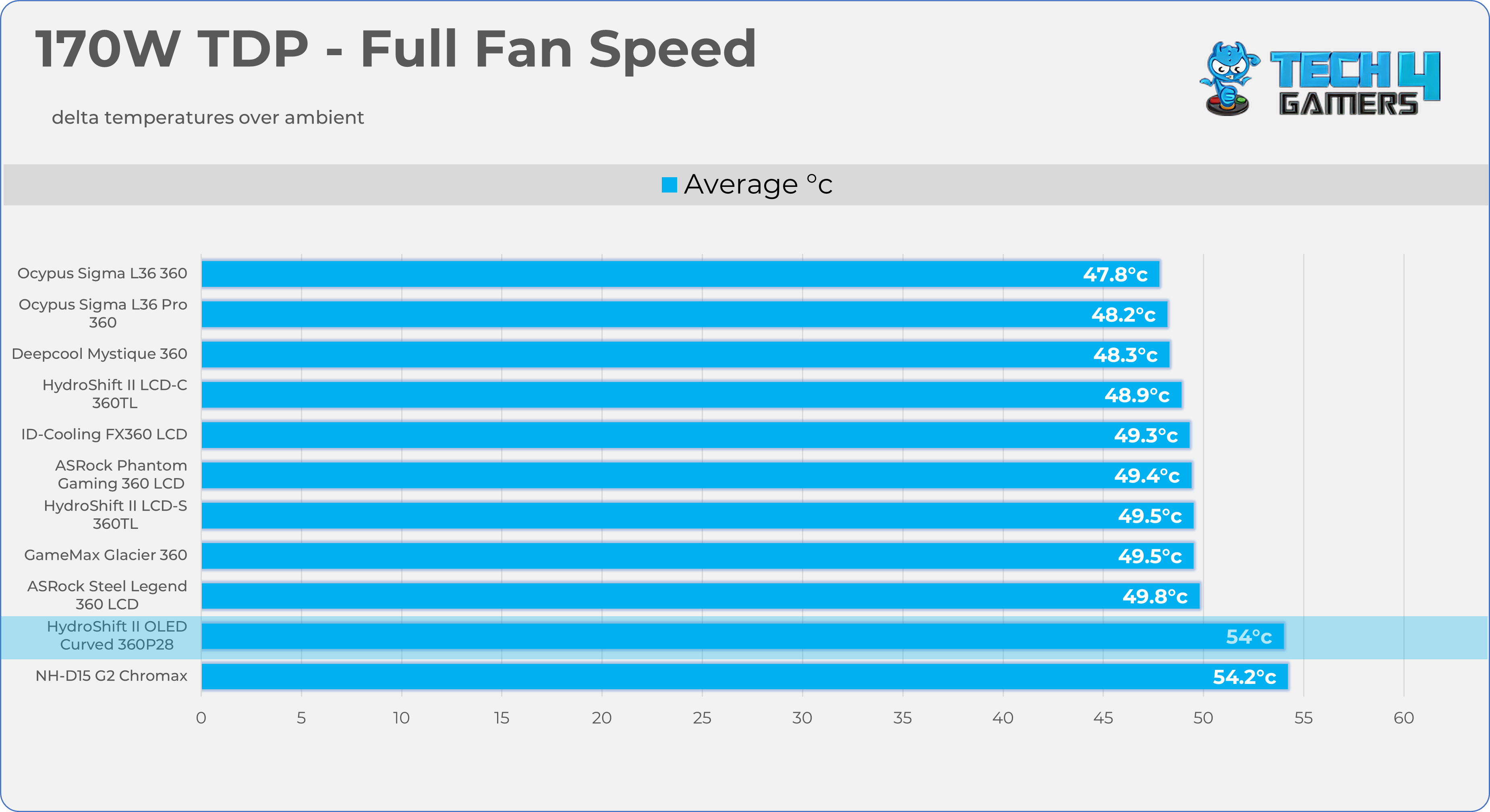
Results at the Maximum PWM Speed.
105W TDP
170W TDP
Noise and RPM Readings
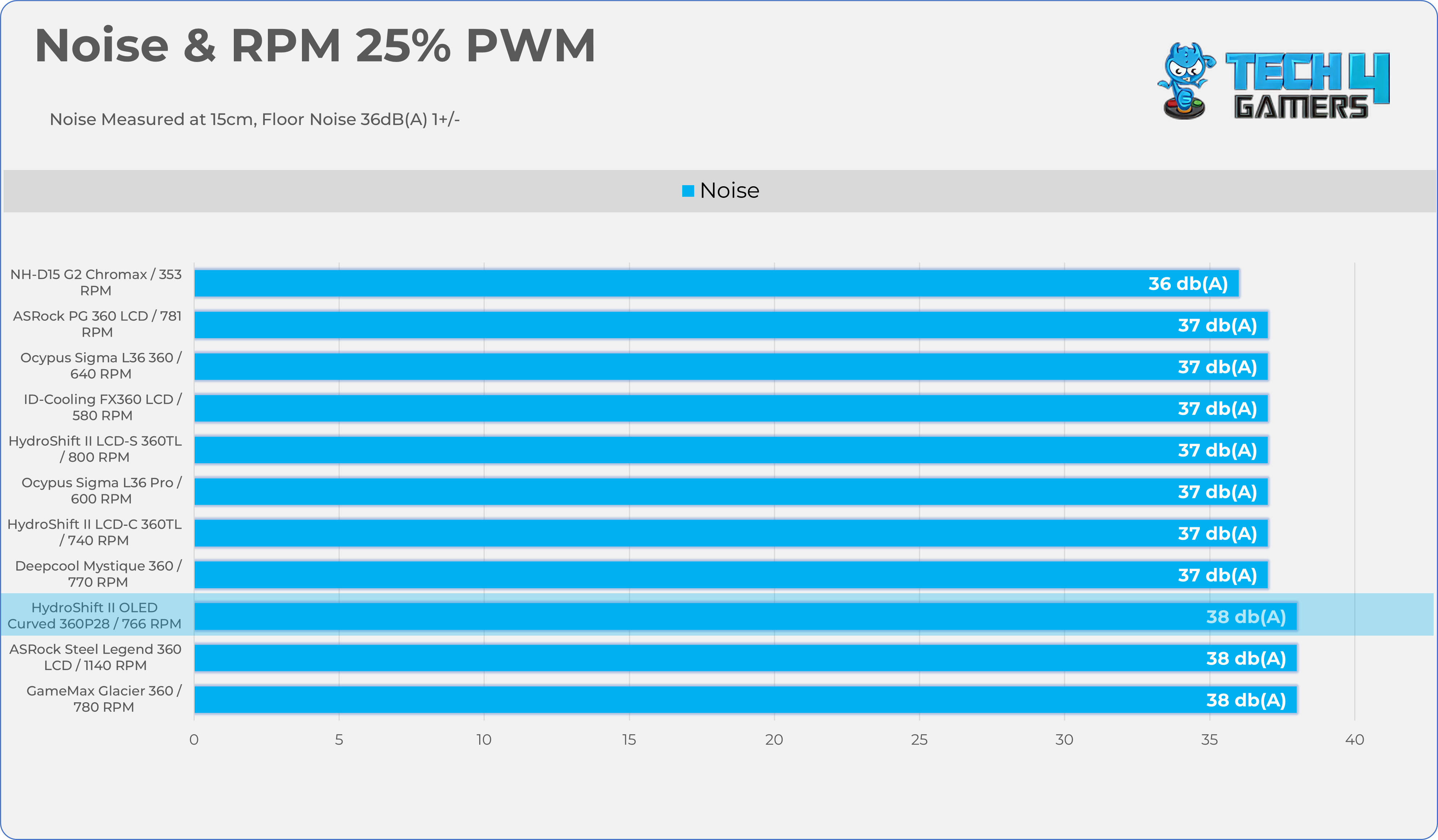
Let’s take a look at the Noise and RPM Readings. We conducted tests across four different PWM range levels.
25-50% PWM
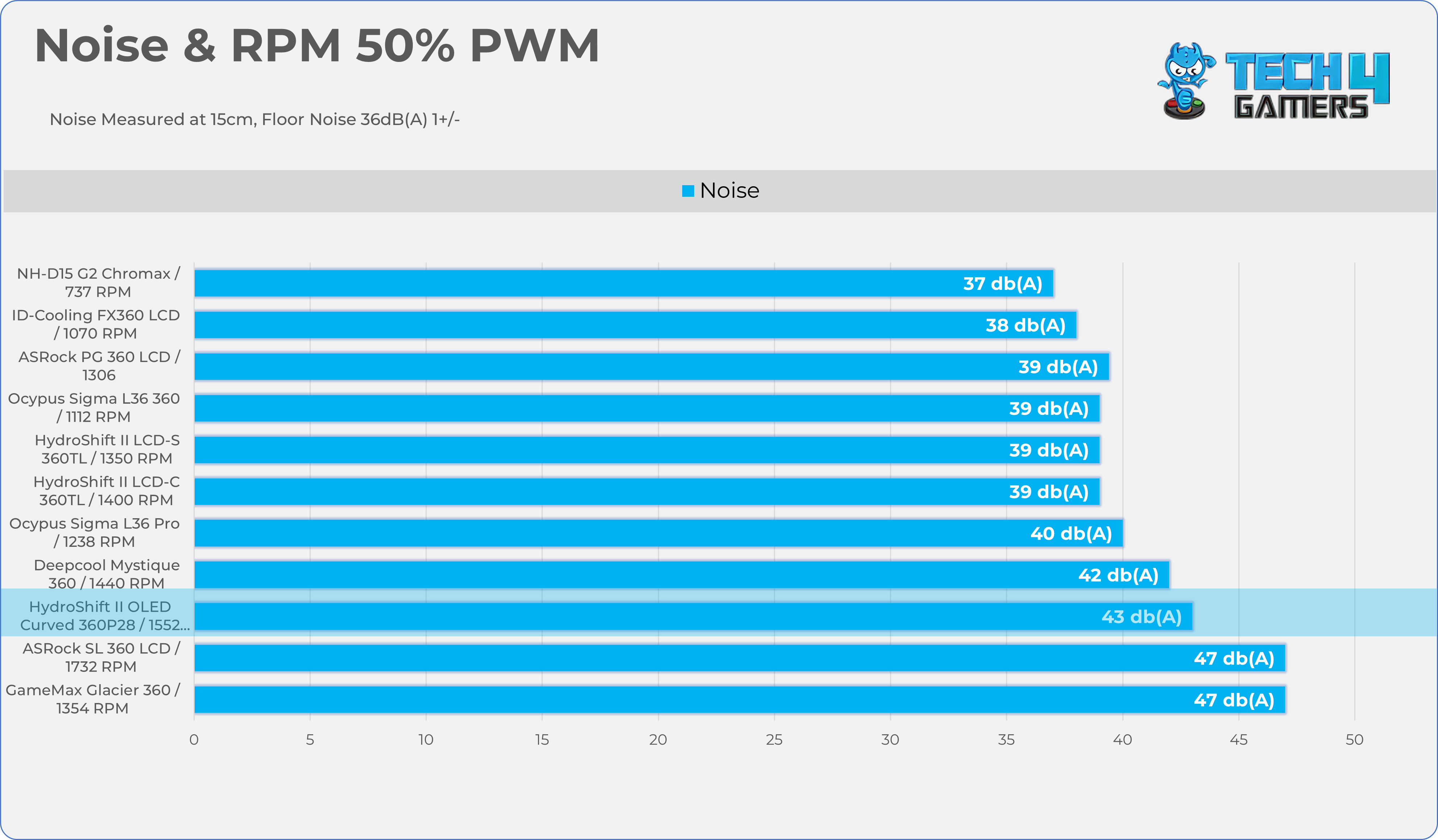
75-100% PWM
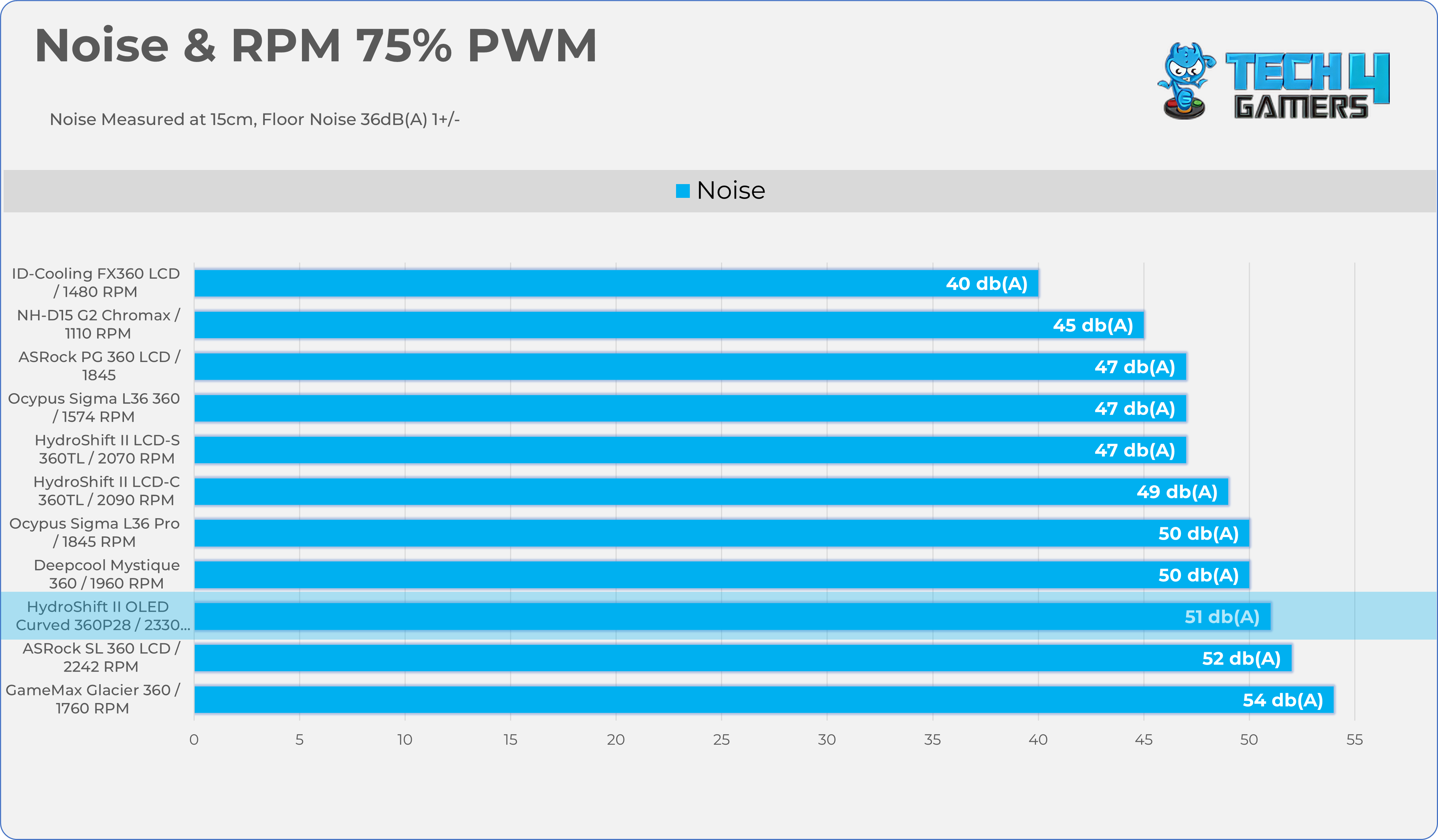
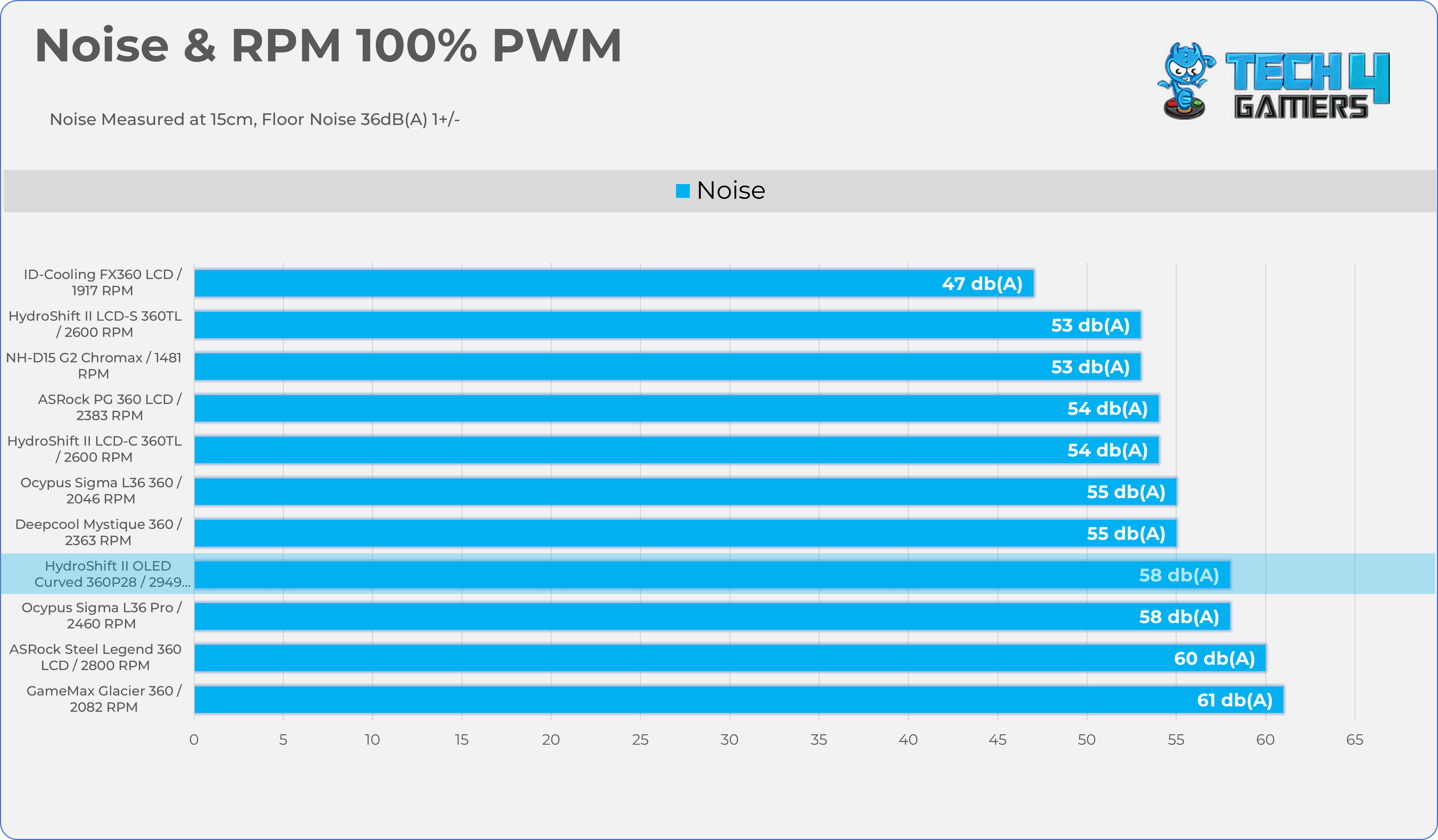
Here is the structured table illustrating fan noise levels at various PWM percentages. The Floor Noise Level is 36dB(A).
| PWM Level | RPM | Noise (dB(A)) |
| 25% | 766 | 38 |
| 50% | 1552 | 43 |
| 75% | 2330 | 51 |
| 100% | 2949 | 58 |
Should You Buy It?
Buy It If
✅ If You’re Someone Who Prioritizes Aesthetics: Perfect for builders using dual-chamber panoramic-type glass chassis, where the massive 6.67-inch curved OLED screen can serve as the primary visual centerpiece of the entire setup.
✅ If You Want Almost Non-Existent Cable Clutter In Your Chassis: If you prefer the clean, pristine desktop aesthetic without a single cable or tube out of place.
✅ If You’re Into Deep Customization: The L-Connect 3 software allows for an incredible and extensive range of customization on this cooler as you aren’t just stuck to basic read-outs.
Don’t Buy It If
❌ If You’re Someone Who Prioritizes Performance Over Aesthetics: You can entirely skip this cooler if you are an overclocker or trying to extract maximum thermal headroom from your flagship CPU, as its thermal efficiency trails behind much cheaper liquid coolers.
❌ Non-Top Mount Chassis Users: You can avoid this cooler if your chassis requires mounting the radiator anywhere other than the top of the case. Although the tubes are adjustable, it severely limits installation flexibility.
Final Thoughts
Cooling Performance And Noise
I have mixed thoughts about its cooling performance. The OLED Curved Lian-Li Liquid-Cooler uses the same architecture and design as the LCD variants, but we observed significant thermal differences between them, up to 5°C at times. We removed and re-mounted the all-in-one several times to check for mounting pressure and potential issues. In our testing, this cooler trails the top-performing Ocypus Sigma by over 6 degrees, which costs almost half as much.
The OLED version may not reach the performance level of the LCD-S or LCD-C variants because Lian-Li adjusted the pump curve for quieter operation, running 2dB(A) lower than the LCD at a capped 2800 RPM, while the LCD-S reaches 3200 RPM. There are also significant differences in the physical dimensions of the pump blocks. Lian-Li seems to have prioritized aesthetics and quieter pump operation over maximum thermal efficiency for this model.
Still, I had no issues with thermals, as it managed the 200W AMD Ryzen 9 9950X CPU adequately. For those who prioritize thermal performance above aesthetics, this cooler may not be the best fit.
The cooler is nearly inaudible at idle, with a floor noise of 36 dB(A). At 50% PWM, it spins at 1552 RPM, producing 43 dB(A), which is slightly louder than its sibling, the LCD-S, at 39 dB(A). The P28 V2 fans show their industrial-grade quality at 75% to 100% PWM, with noise rising significantly, surpassing 50 dB(A) at 75% PWM, reaching 2330 RPM and 58 dB(A) at 100% PWM, and peaking at 3000 RPM.
Build Quality / Design
Lian-Li continues to set itself apart from other brands with thoughtful design, user-friendly features, and impressive build quality. Although we noticed some pump noise when Turbo mode is enabled – audible from about 3 to 4 feet away – this was not present with its other models. The 6.67-inch curved OLED is the highlight of this all-in-one liquid cooler.
The motorized, software-controlled adjustability lets you lift or tilt the screen smoothly, adding a premium touch. The side-mounted tube design also earns points for reducing cable and tube clutter inside the case. Mounting hardware is well-built, and installation is seamless. Generous warranty coverage rounds out the package: 6 years for the cooler itself, and 3 years for the OLED module and fans.
Value
Let’s talk about its pricing now. At $299, the Lian Li Hydroshift II OLED Curved 360P28 sits at the absolute pinnacle of the premium all-in-one price bracket. From a price-to-performance perspective, its value can be hard to justify, as you are paying a premium for unique visual engineering and features not found in other coolers.
The 2K curved OLED module and the motorized mechanical components increase production costs, making this a specialized product. The inclusion of industrial-grade Lian-Li Uni-Fan P28 V2 fans, which use the premium interlocking system and would cost nearly $80 – $90 if purchased separately, adds to the overall value for users seeking aesthetics and advanced features.
If you’re not invested in these unique features or aesthetics, this cooler may not justify its price. However, for those prioritizing visual appeal and showcase builds, the $299 price tag brings features that currently have no equal in the market.
Thank you! Please share your positive feedback. 🔋
How could we improve this post? Please Help us. 😔

Senior Hardware Reviewer at Tech4Gamers with over a decade of experience in the tech industry. My journey began in 2014 as a senior administrator for Pakistan’s largest gaming community forum. I specialize in testing and reviewing components like graphics cards, CPU coolers, and motherboards, while also sharing insights on overclocking and system optimization.
 Join Our Community