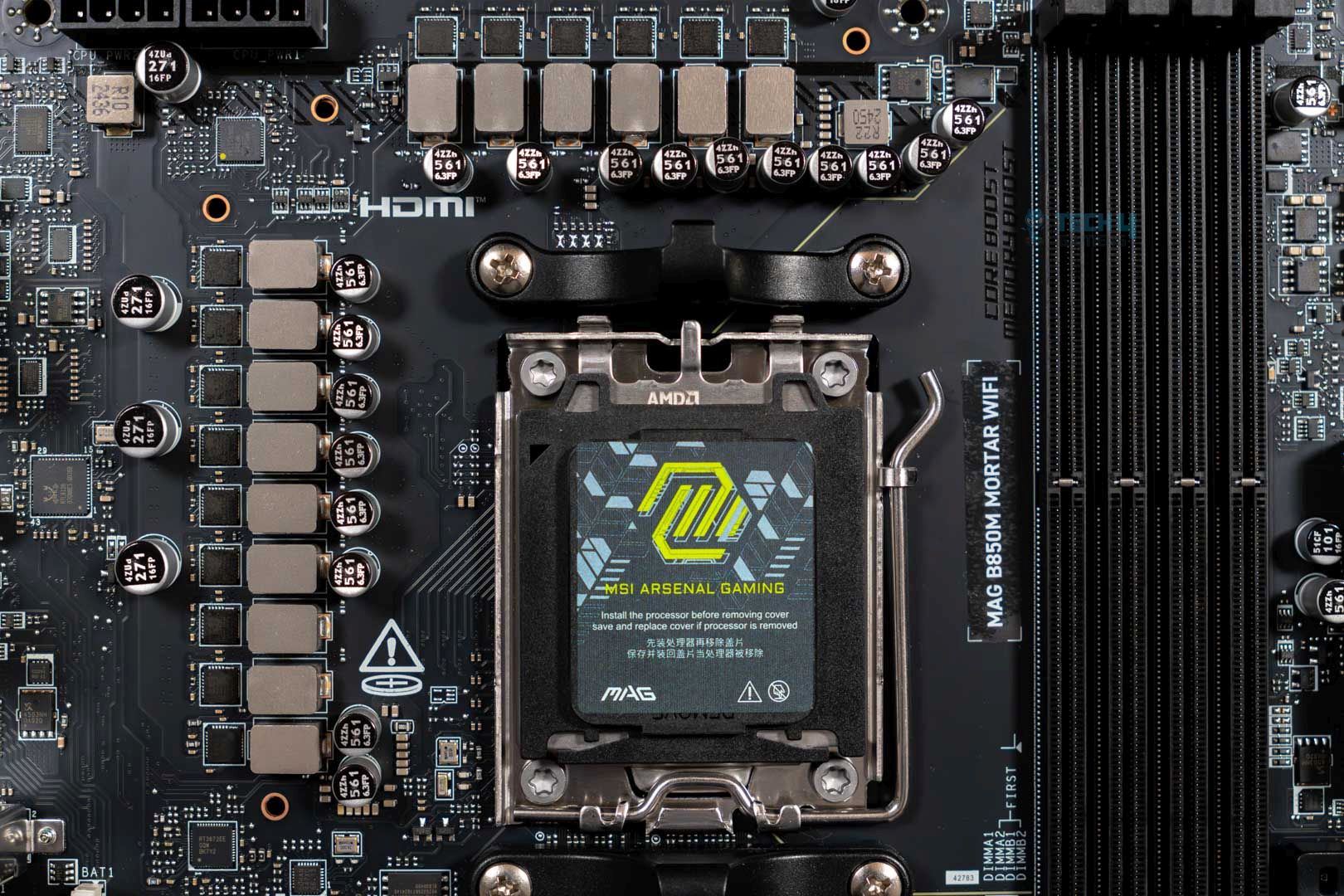
- Before changing the CPU, the first step is to keep compatibility between the motherboard and CPU cooler in mind.
- A quick yet thorough glance at the CPU can help find bent pins, scratch marks, or discoloration.
- The performance and thermals should be verified through testing on the spot before making the purchase.
As a budget-conscious gamer, I always try to save money when I decide to upgrade my PC without sacrificing the performance too much. That’s where purchasing used PC components comes into play. Specifically, I prefer buying a used processor to reduce bottlenecks while also improving my productivity output. However, diving into the world of used PC components requires careful consideration. Let me explain.
Assessing Compatibility With Your Motherboard
| CPU Generation | Socket | Chipset Series Support |
|---|---|---|
| Intel 14th-Gen | LGA 1700 | Z790, B760, H770, H610, B660, H670, Q670, W680, Z690 |
| Intel 13th-Gen | LGA 1700 | Z790, B760, H770, H610, B660, H670, Q670, W680, Z690 |
| Intel 12th-Gen | LGA 1700 | Z790, B760, H770, H610, B660, H670, Q670, W680, Z690 |
| AMD Ryzen 70-Series | AM5 | X670, X670E, B650, B650E |
| AMD Ryzen 50-Series | AM4 | X570, B550, A520, X470, B450, X370, B350, A320 |
| AMD Ryzen 30-Series | AM4 | X570, B550, A520, X470, B450, X370, B350, A320 |
The first thing you need to consider is how future-proof your motherboard is before looking for a processor. No matter how good a deal is, the purchase is essentially worthless if my motherboard isn’t compatible with the CPU. Therefore, I don’t recommend jumping platforms, especially if you’re considering buying a used processor.
On the other hand, for newer CPUs, such as the 12th gen CPUs, you can directly upgrade to a 14th-gen counterpart without changing the motherboard. The same can be said for AMD’s AM4 processors.
However, if you’re looking to stay in the limelight with the latest CPUs, you won’t be able to do so if you’re on an AM4 platform and want to upgrade to an AM5 CPU due to the socket difference.
Checking For Signs Of Wear And Tear

The most important things I recommend looking at are the pins at the bottom, particularly for LGA CPUs, and being on the lookout for scratches or other signs of wear and tear on the top of the CPU. In case the CPU has bent pins or one (or more) pins are missing, you should opt out of the deal and look for another processor.
I have also experienced seeing a CPU that had discoloration at the top. It turns out the original owner tried cleaning the CPU with some isopropyl alcohol when they were scrubbing off the old thermal paste, which caused the color change. So, these points should be taken into account as well.
Verifying The Performance
Although it may sound conceited, I want the most performance I can get from my purchases. Therefore, I always verify the CPU’s performance before purchasing. Checking the performance doesn’t only help me see whether there are any underlying issues with the CPU. Still, it also allows me to identify any thermal issues the processor may have.
There are many ways of checking, such as looking for the productivity performance of a CPU on YouTube or looking through the world rankings of the said CPU on Cinebench R23, Geekbench, and other software that you may want to test out. Similarly, checking the CPU’s gaming performance and temperatures is essential.
Debunking a few myths, the performance difference between a new and old CPU isn’t great. That is if it hasn’t been worn down due to excessive overclocking and insufficient cooling methods. Here’s a handy comparison to prove my point:
Is The CPU Heating Up?
Another major issue that needs to be addressed when buying a used processor is to measure its thermals. As I explained above, during the performance testing, simply take note of the CPU’s temperatures. A few factors may affect the CPU’s cooling performance, but other than that, if you’re meeting a certain threshold, you shouldn’t face any problems.
To avoid thermal throttling problems, you can install higher RPM case fans to improve the PC case’s airflow. Otherwise, you can always use the CPU without overclocking it and keeping the stock settings at all times.
The Long Run With A Used Processor
A CPU is one of the longest-running PC components, so unless you plan on using a second-hand processor for half a decade, you won’t have any issues using it in the long run. Therefore, as long as you follow the tips I mentioned, you can get the best deals for your already-built PC without any bottlenecking, thermal throttling, or performance issues.
Understand your personal usage requirements and how well a new CPU will fit in your PC without needing any additional upgrades. Once that’s done, you’re all good to buy a used processor!
Thank you! Please share your positive feedback. 🔋
How could we improve this post? Please Help us. 😔

[Comparisons Expert]
Abdemanaf is a skilled creative writer who has been honing his craft since 2011. While initially working in different fields, he found a passion for technology and has been exploring the tech world since early 2015. Over the years, he has developed an in-depth knowledge of the latest tech trends and product offerings by various companies.
Abdemanaf’s writing reflects his analytical mindset and ability to think critically. He has a knack for breaking down complex technical information into easily digestible pieces, making his articles engaging and accessible to readers from all backgrounds. In February 2022, he joined Tech4Gamers as a blog and product comparison writer, where he has been able to hone his skills further.
As a writer, Abdemanaf is dedicated to staying up-to-date with the latest technological advancements and trends, enabling him to provide readers with the most relevant and accurate information. He is always eager to learn more and is constantly seeking new challenges to improve his skills.
Get In Touch: manaf@tech4gamers.com
 Join Our Community