Threads
Worth It?
Review Summary
The Rapoo VT2 Max Gen-2 is a lightweight, versatile 10-button wireless gaming mouse that provides solid performance without breaking the bank. With a precise 30K optical sensor, high polling rate, and long-lasting 800mAh battery, it’s responsive for both gaming and everyday use. Its ergonomic shape favors palm grips. The buttons feel crisp and consistent, and the software offers extensive customization. It’s a well-rounded option for gamers at an affordable price.
Hours Tested: 1 Week

Overall
-
Design - 8.5/10
8.5/10
-
Build Quality - 8.5/10
8.5/10
-
Performance - 9/10
9/10
-
Value - 9.5/10
9.5/10
Pros
- Lightweight for its size
- Comfortable shape
- Solid build quality
- Stable wireless connection
- Long battery life
Cons
- Large size may not suit small hands
- Stiff charging cable
- Lacks Bluetooth and multi-device support
- No visual indicator for DPI levels


The wireless gaming mouse market has gotten a bit strange lately. Prices keep increasing, and every new release promises to be the one that finally feels perfect. In reality, most people just want a mouse that tracks properly and doesn’t get in the way of everyday usage. That’s the space the Rapoo VT2 Max Gen-2 is trying to occupy. This review is about how this mouse performs when you’re actually playing. The good parts and the parts that feel off. And whether it’s a mouse, you’d still enjoy using it a few weeks down the line.
Key Takeaways
- The Rapoo VT2 Max Gen-2 is a lightweight wireless gaming mouse that delivers precise tracking and solid performance. Its ergonomic shape and responsive buttons make it comfortable for long sessions.
- You should buy the Rapoo VT2 Max Gen-2 if you want competitive performance on a budget, prefer a lightweight but solid feel, and value versatility and customization.
- You should skip the Rapoo VT2 Max Gen-2 if you want RGB or visual flair, have small hands, need Bluetooth or multi-device support, and prefer a flexible cable.
Here are the technical specifications:
| Connection | Wired/ Wireless 2.4GHz |
| Sensor | 30K Optical |
| MCU | NORDIC 54L15 |
| DPI | 10-30000 |
| Mouse Switch | 120-Million Optical Switch |
| Accelerate Speed | 50G |
| Movement Speed | 750IPS |
| Polling Rate | Up to 8000Hz |
| Programmable Button | 10 |
| LOD | 0.7-1.7mm |
| Size | 4.96*2.48*1.57in / 126*63*40mm |
| Weight | 1.87oz / 53g |
| Grip Style | Palm, claw, or fingertip grip |
| Battery Life | 800mAh,up to 750hrs |
What makes Rapoo VT2 Max Gen-2 Different?
The Rapoo VT2 Gen-2 Max stands out from its competitors by offering high‑end specs at a much more affordable price. Unlike other Rapoo mice that use 4K wireless connection and mechanical switches, this mouse pairs a 30K optical sensor with 8K polling in both wired and wireless modes. Where many competitors in this price bracket still cap out at lower polling rates or basic sensors, it delivers performance comparable to that of much pricier mice.
Packaging & Unboxing
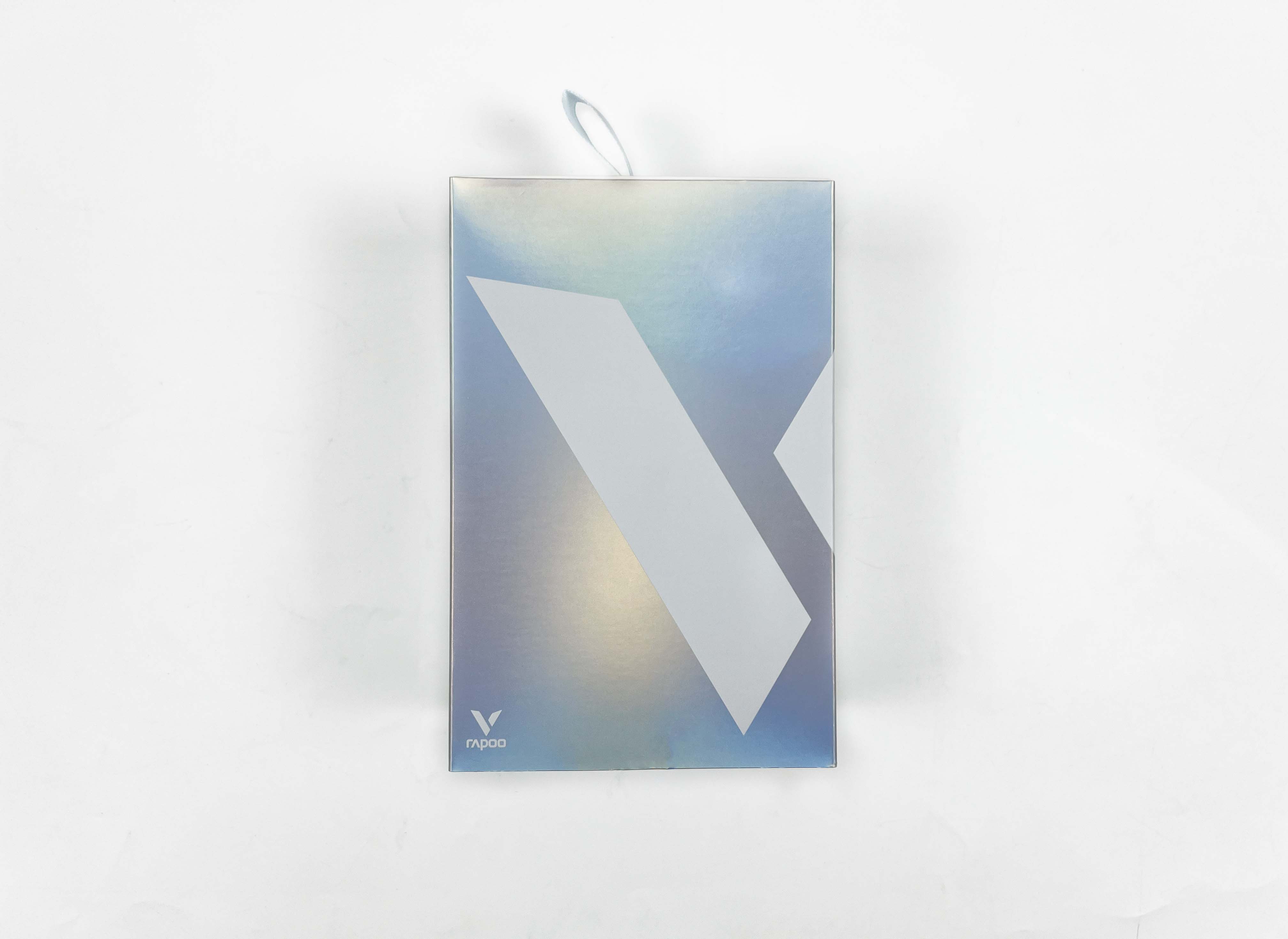
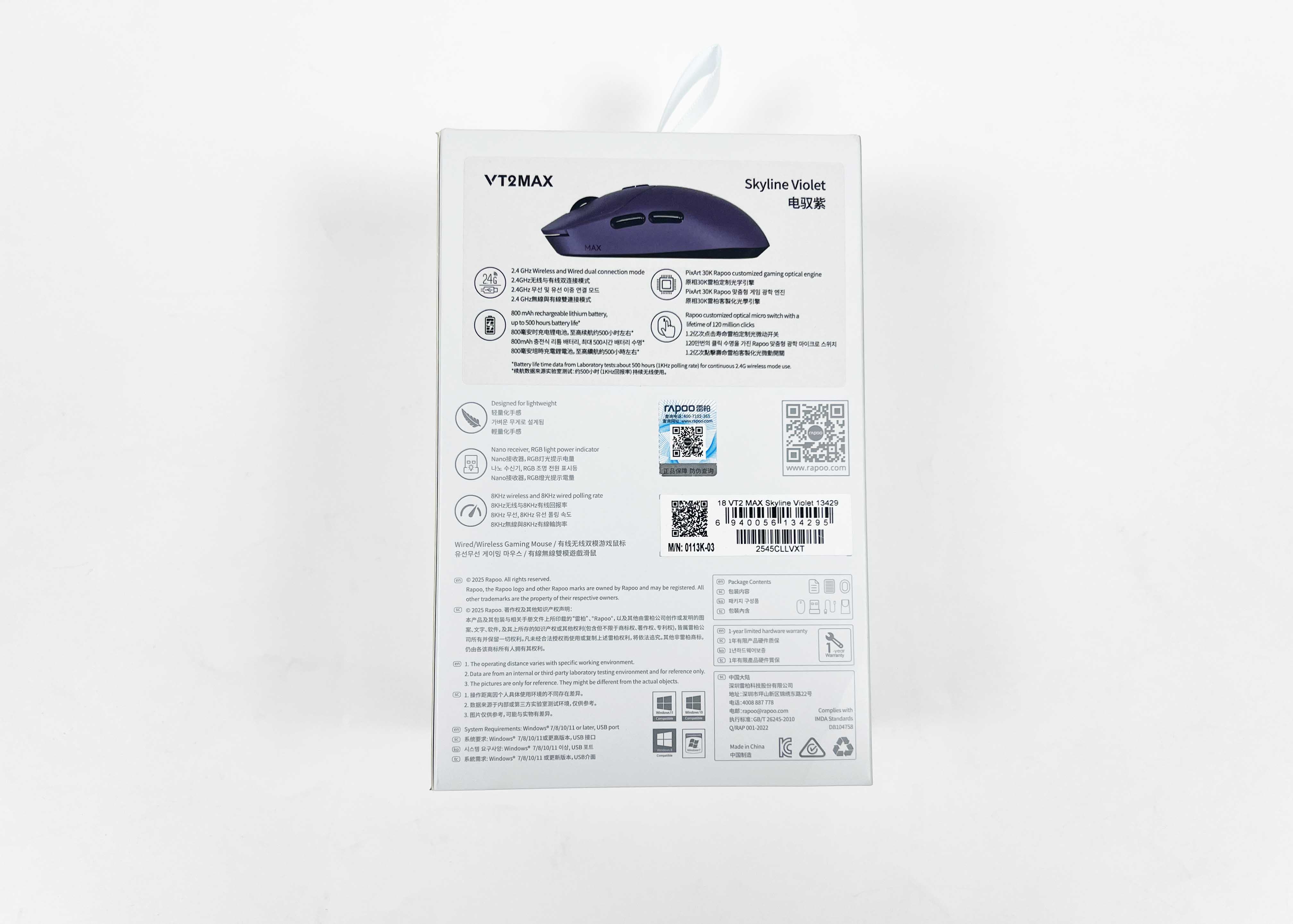
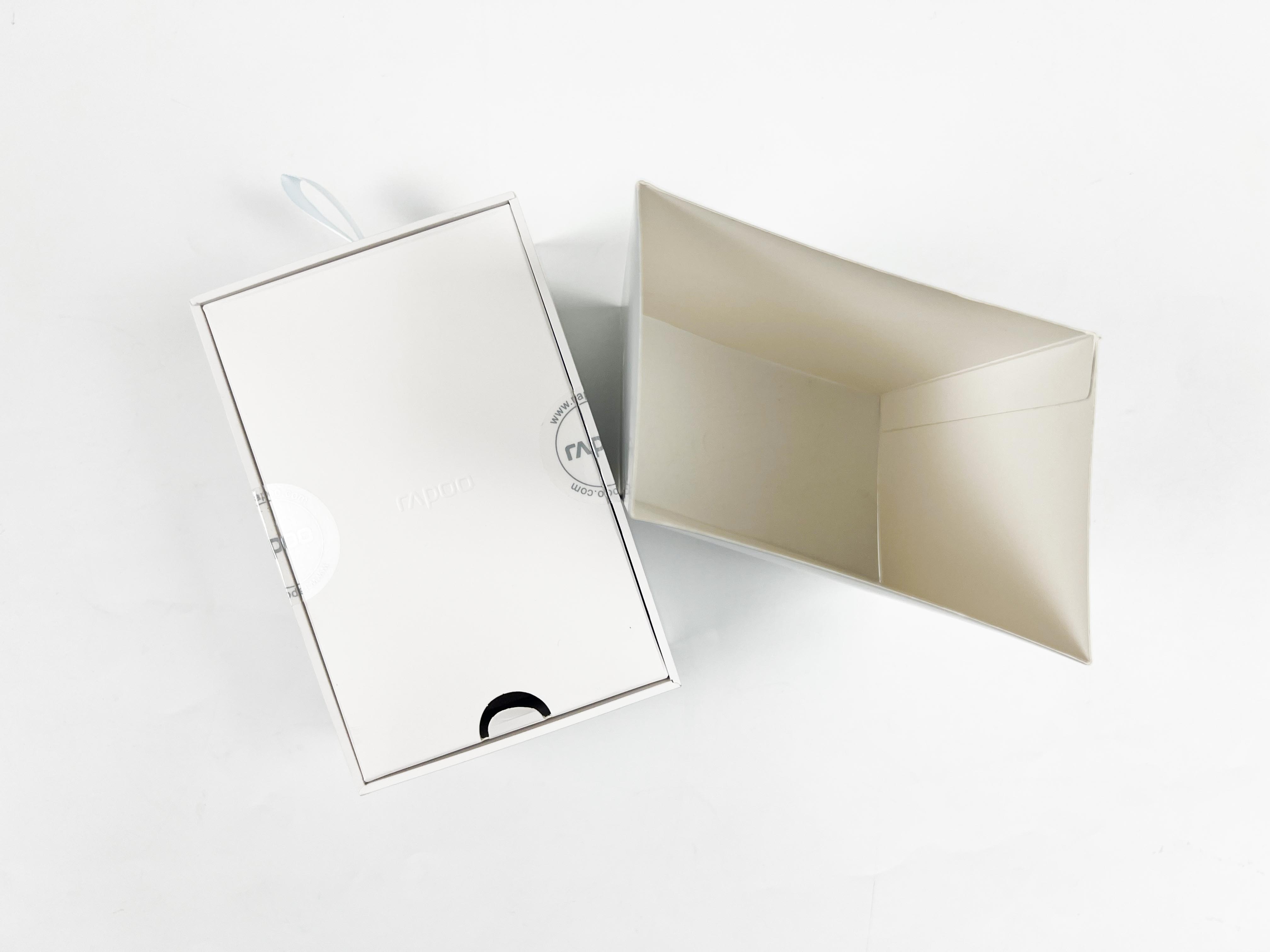
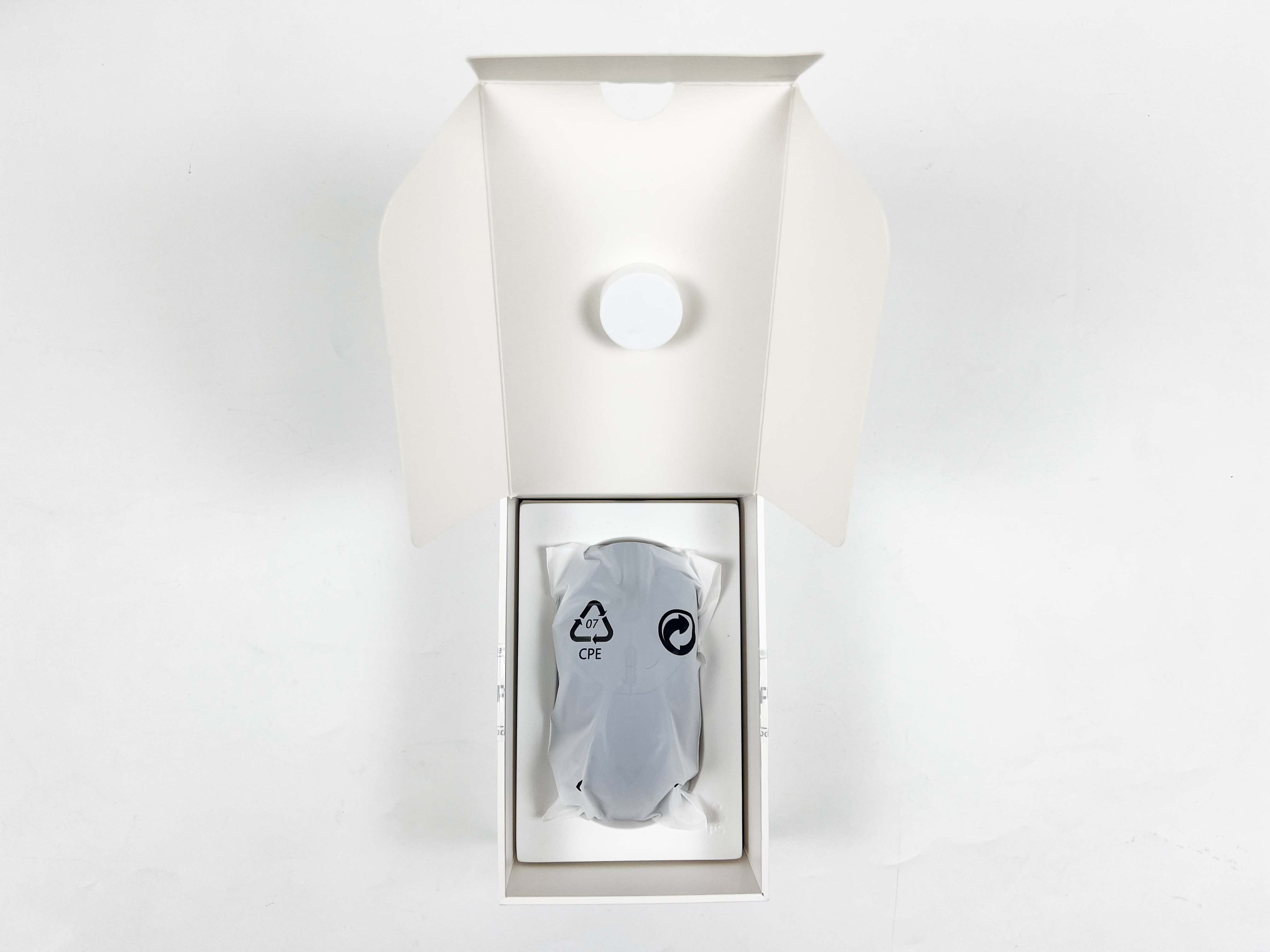
The packaging itself actually looks quite nice. The branding stays subtle, and the colour choice stands out. It leans into these silver-toned shades with a soft gradient effect, and it catches the light in a unique way. Flip the box around, and you’ll see a few technical details printed on the back. You lift the outer cover, and the mouse is the first thing you see. It’s wrapped in a thin plastic sleeve. Underneath that layer, the accessories are placed in a separate box.
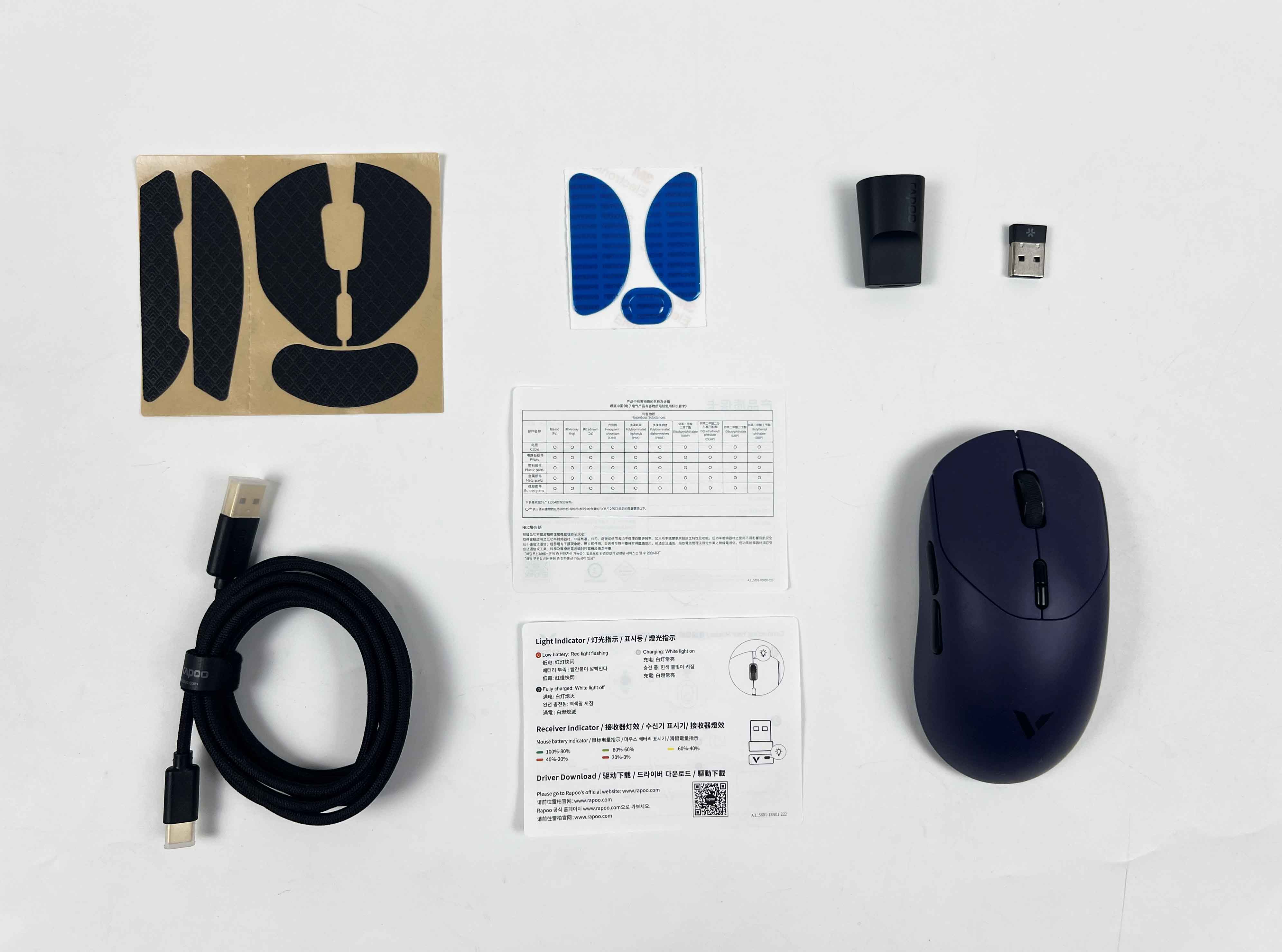
- Rapoo VT2 Max Gen-2 Wireless Gaming Mouse
- 8K Faraday-shield Type-C Cable
- USB Adapter
- Anti-Slip Sticker
- Replacement PTFE Mouse Feet
Design
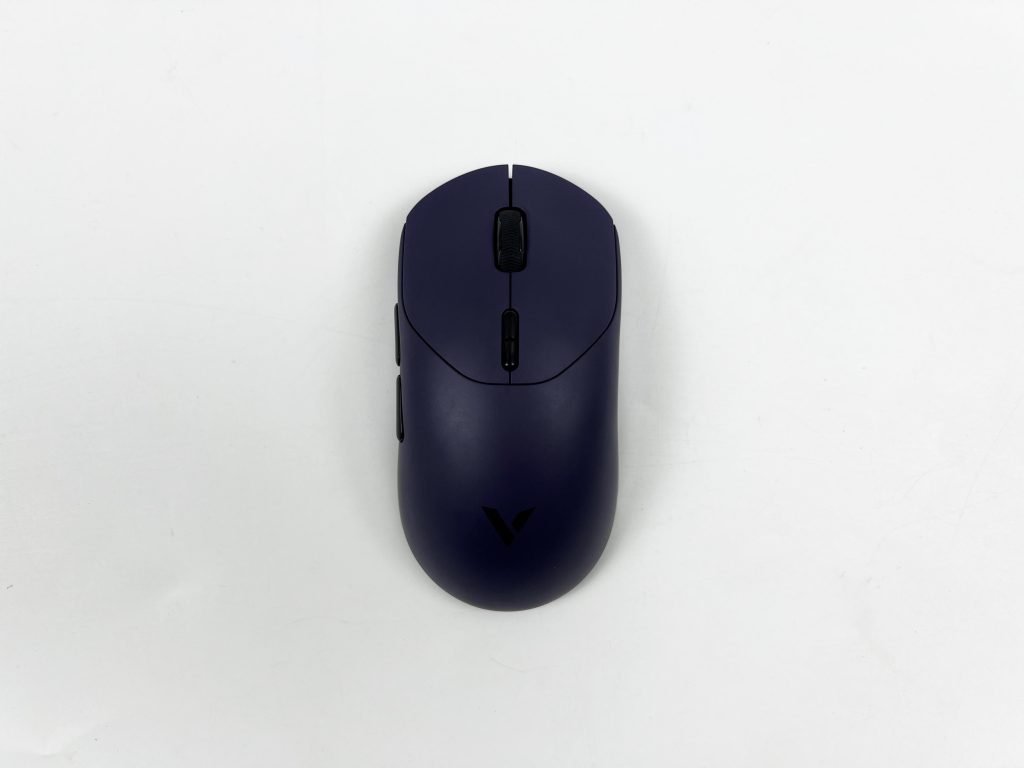
The Rapoo VT2 Max Gen-2 has a slightly more oval shape than I expected. It actually reminds me a bit of the Logitech G Pro X Superlight in how the body curves from front to back. The shape leans toward being wider in the middle and gently tapers at the front and back, giving it a more planted feel in the hand. At the same time, the design feels a bit unique. Even though it’s not flashy or sculpted with wild angles, the subtle curves and proportions make it stand out once you start using it.
You notice the differences when you switch from another shaped mouse. It feels a little different in your hand, and that small element makes it unique. On the other hand, I have to mention the lack of RGB lighting. For a gaming mouse, it’s a bit underwhelming. There’s just a faint white light inside while charging. There is no visual feedback for power status or connection. It’s not a dealbreaker, but it does make the mouse feel a little more utilitarian than you might expect from something aimed at gamers
Grip Styles
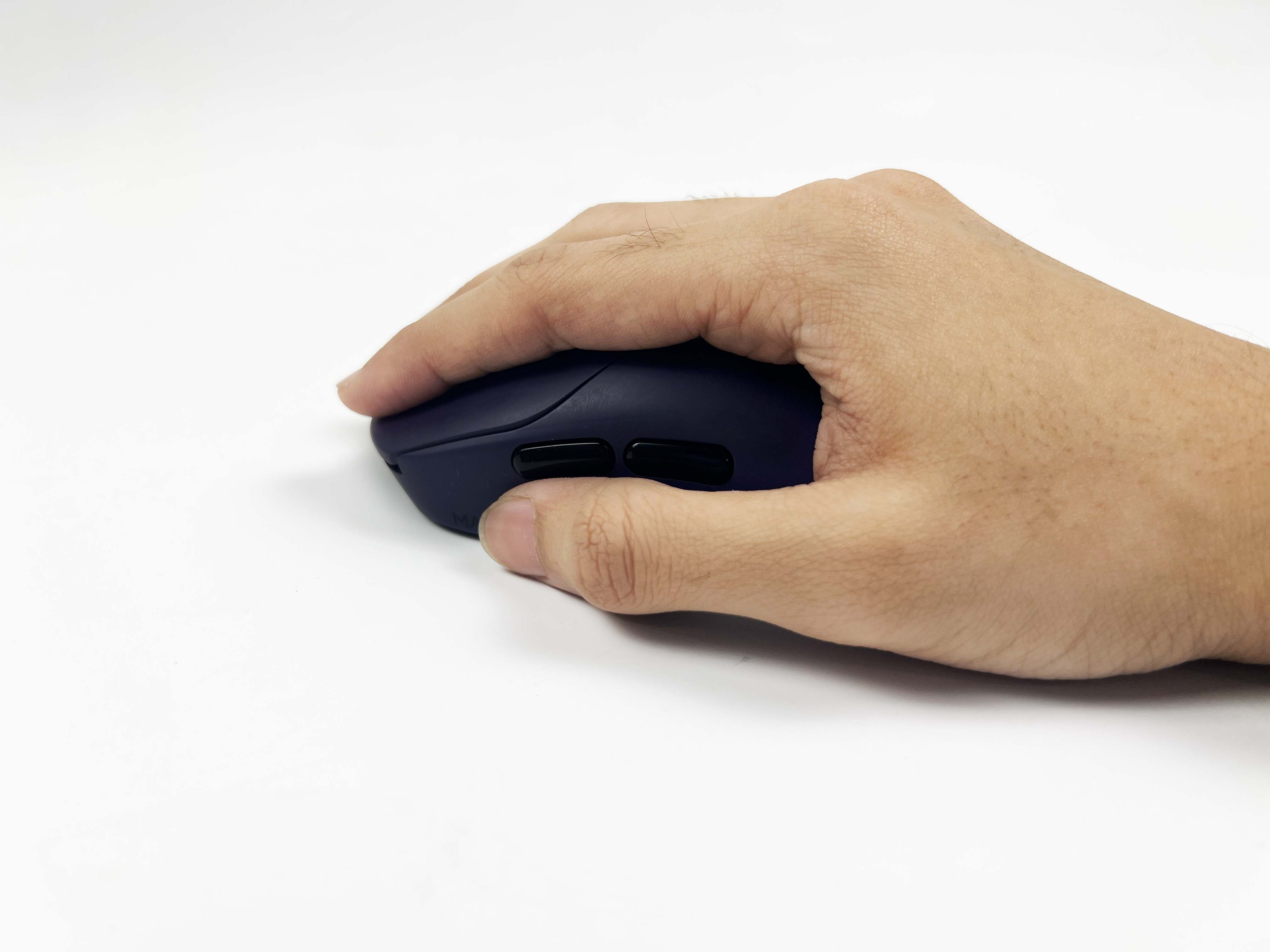
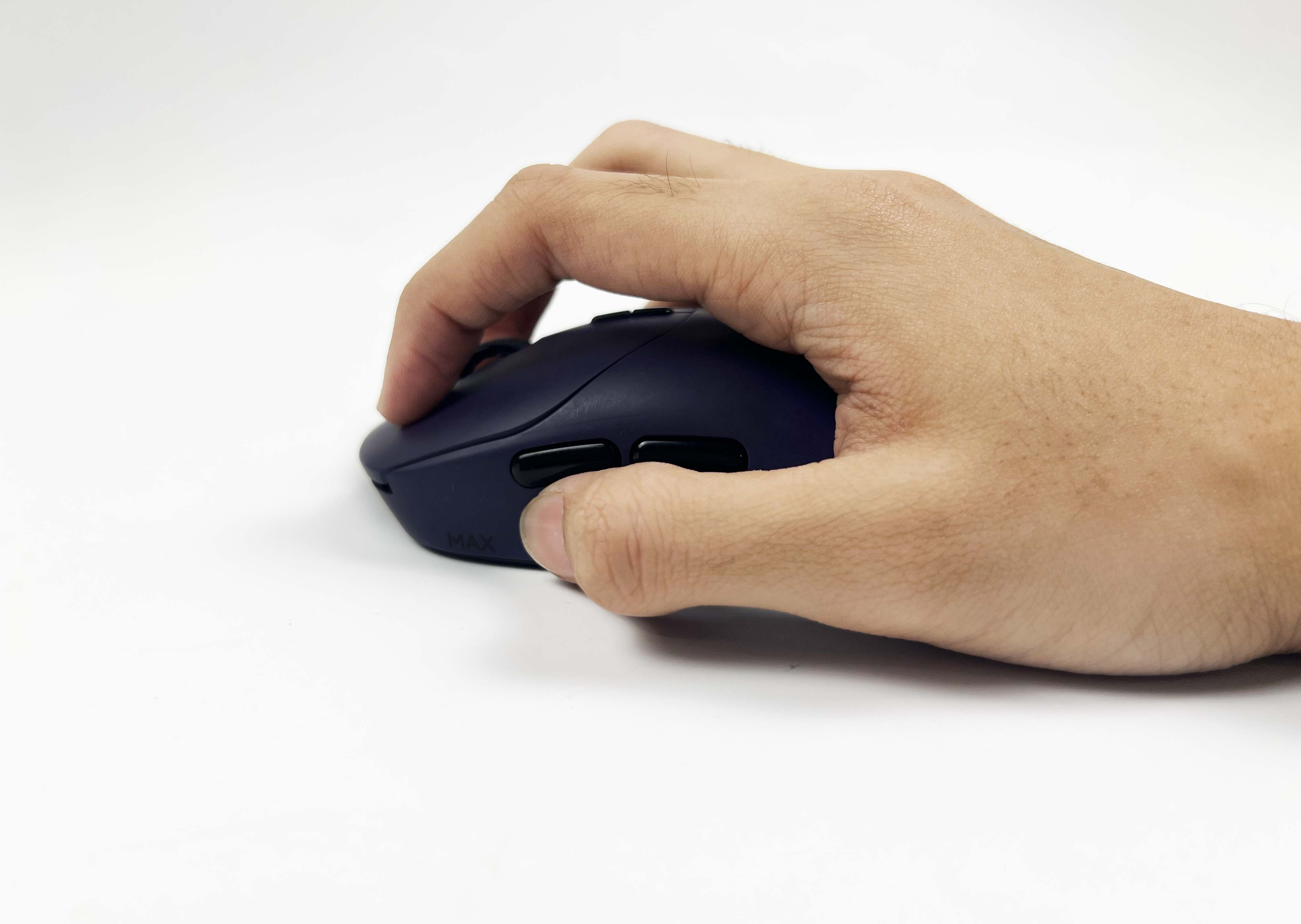
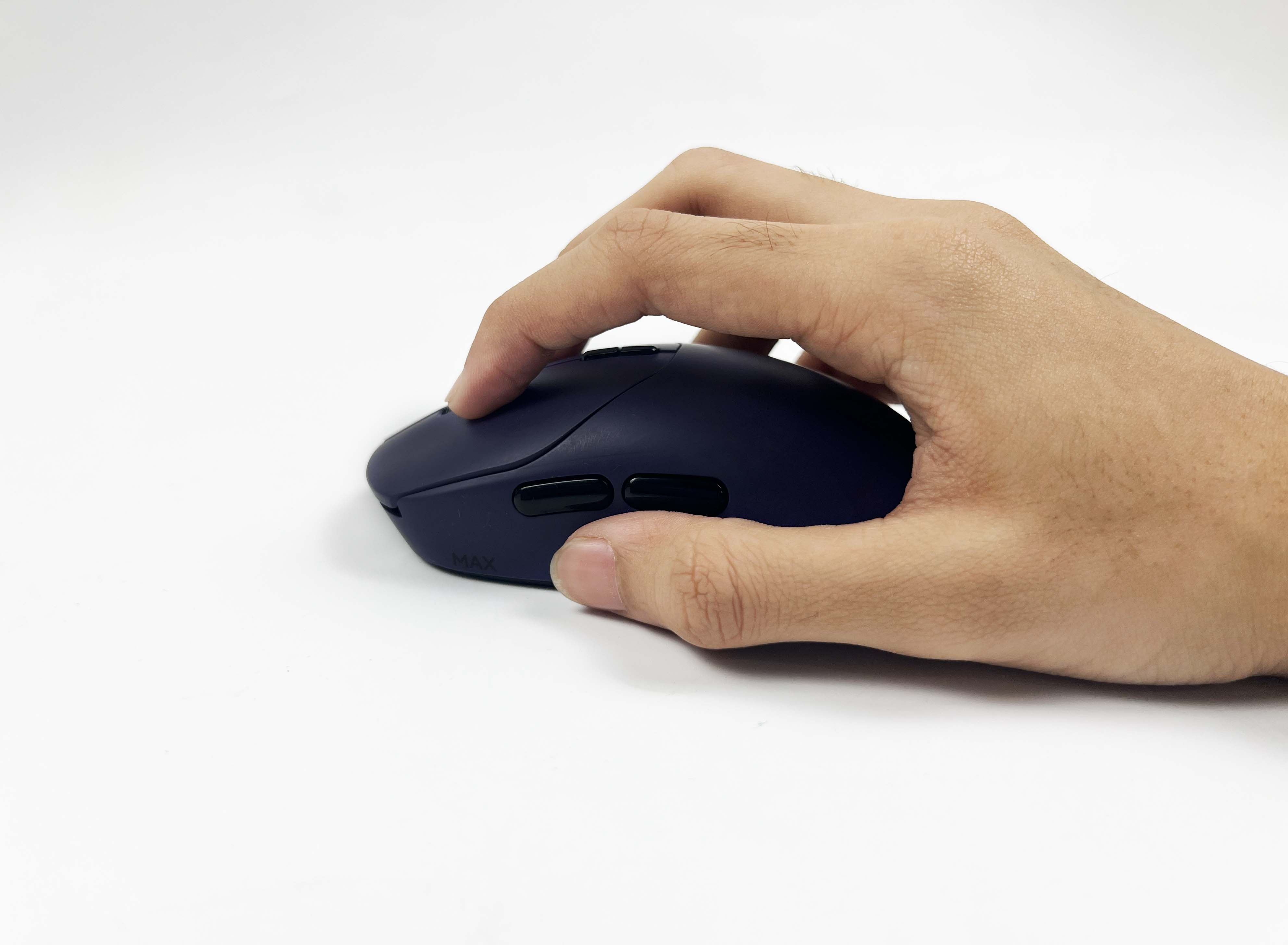
The Rapoo VT2 Max Gen-2 isn’t a small mouse by any means. It measures about 4.96 inches long, 2.48 inches wide, and just over 1.5 inches tall (roughly 126 by 63 by 40 millimeters). This gives it a noticeably larger feel than many mice on the market. My hand naturally fits it well, making it feel secure without having to grip too tightly. Because of those dimensions, the mouse really favors a palm grip. My fingers rests easily on the buttons, and my palm has something solid to lean against.
Although smaller hands might find it a bit bulky. It doesn’t feel awkward exactly, but the size can make it harder to move with a fingertip or claw grip. Speaking of which, claw users might want to try it out first, because the shape doesn’t exactly encourage the fingers to arch as you might like. For my hand, the size and shape hit that sweet spot where it just settles in with my grip. For these reasons, I can see why people would call it ergonomic.
Weight
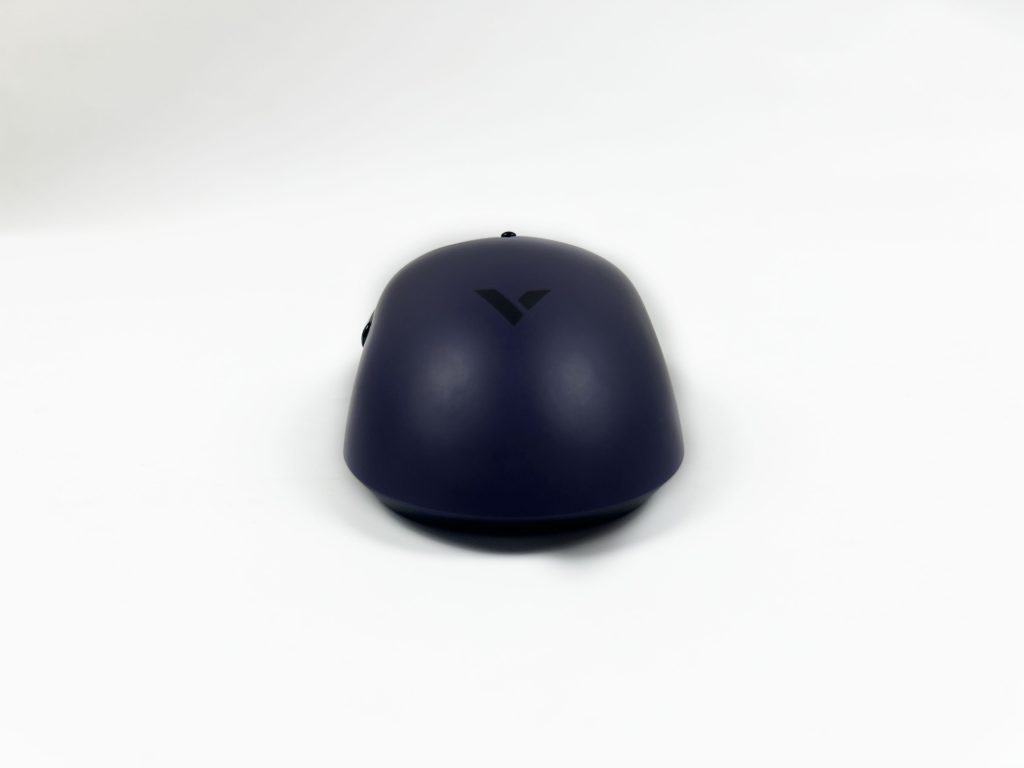
The Rapoo VT2 Max Gen-2 feels lighter than you’d expect at 1.87oz / 53g. It almost seems fragile when you pick it up. However, once you get used to it, the mouse feels effortless to use. That lightness makes fast movements in games feel effortless. Flicks happen naturally, and I didn’t feel held back by anything at all. Once you add the grips, the weight does go up a bit. I’d guess it sits around 60 grams then, and it gives the mouse a slightly more textured feel.
It’s still light overall, but it’s nice to have that extra stability if you prefer something a little more substantial. However, it did take me a little time to adjust to the weight. I’ve been using heavier mice, like my Corsair Nightsabre Wireless, which weighs almost 100 grams, so it felt odd at first. Although after a few hours of gaming, it started to feel easy. Now, using a heavier mouse feels a bit cumbersome by comparison. The placement of the battery adds a touch of back-end heft. It’s noticeable, but it’s easy to get used to.
Coating
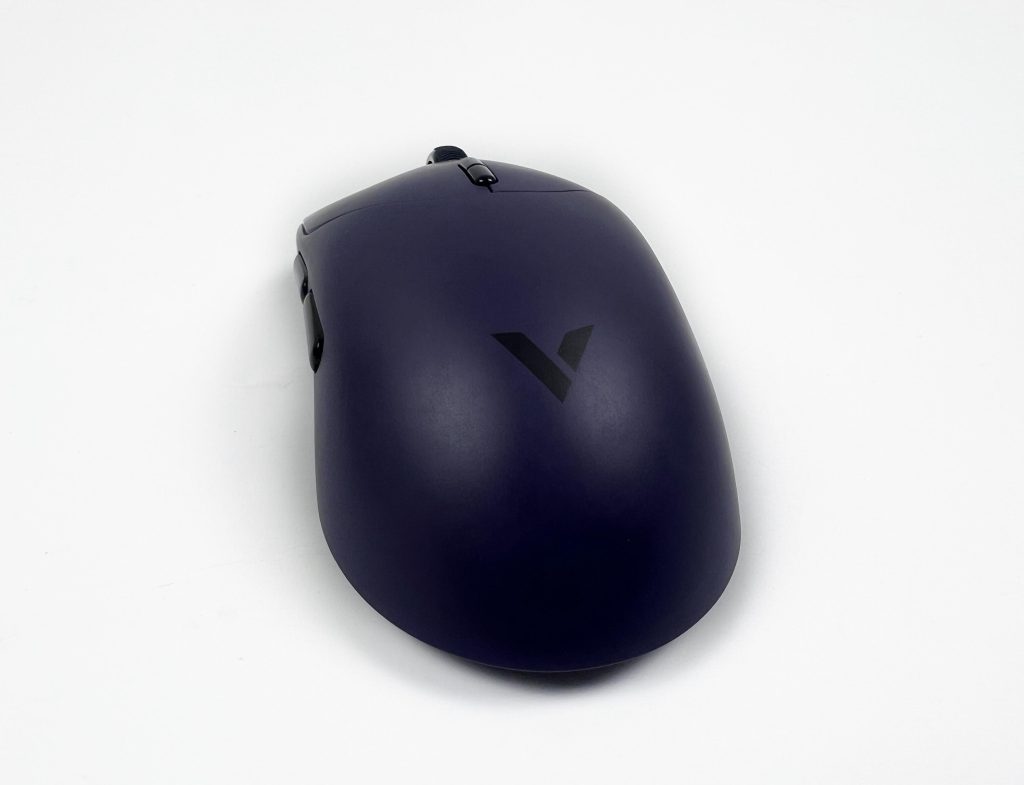
The Rapoo VT2 Max Gen-2 has a soft-touch, matte-plastic coating that’s non-slippery. It’s hard to tell how it will behave after some time, but it actually holds up pretty well for now. It feels smooth in the hand, almost like a very fine-grained plastic. My fingers grip it comfortably, even when my hands start to get a bit warm. There’s a subtle texture that gives it a slightly premium feel, and it doesn’t get dirty the way some rubberized mice do. The coating doesn’t feel overly soft, and that’s fine.
There’s a certain firmness to it that makes the mouse feel solid in the hand. From what I can see, the coating doesn’t seem to degrade quickly. It’s not the kind that wears out or becomes sticky over time. The lightweight body, combined with the coating, makes it pleasant to hold. Even when moving quickly, it doesn’t feel like it’s slipping around. That said, it can attract fingerprints if you’ve got naturally oily hands. They don’t appear across the surface in a distracting way, but you’ll notice them if you’re paying attention.
Underside
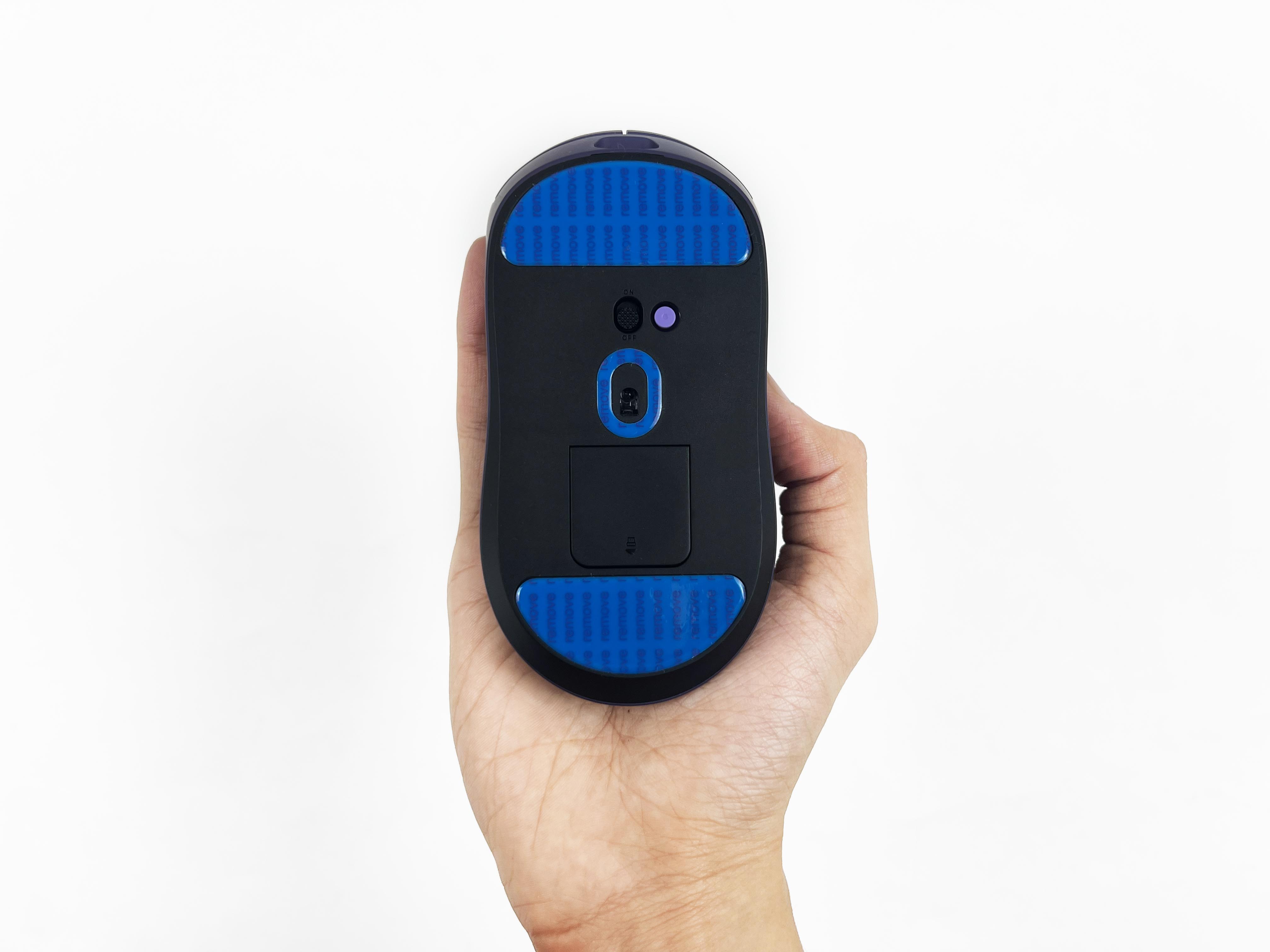
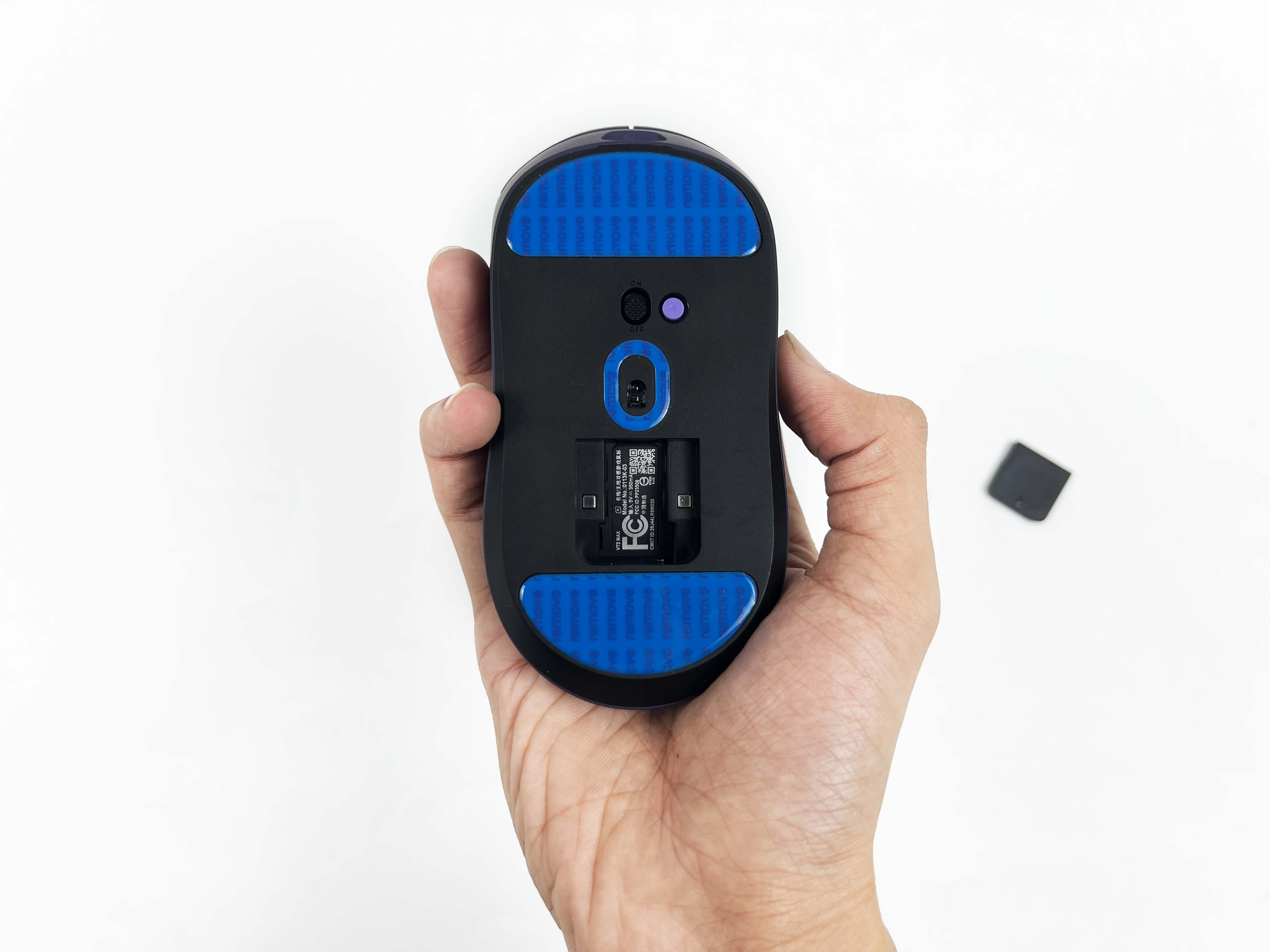
Looking at the underside of the Rapoo VT2 Max Gen-2, one of the first things you notice is the skates. They cover a significant portion and don’t feel like they’ll wear out immediately. The sensor sits in a small, centered cutout. It’s exposed enough, but not so much that it’ll scrape. The skates are smooth enough to slide across a mouse pad without any issues. It actually comes with extra replacement pads, which I thought was a nice inclusion. Throughout this review, I’ve used the stock skates that came pre-installed.
Still, they are in good condition, and I don’t think I’ll have to replace them for a long time. They get the job done, but I can see why some people might swap them out if they really want to enhance their gliding experience. The base also features a magnetic cover that snaps into place cleanly. Under that cover, there’s a small slot for the wireless dongle. It is secure, but it’s easy enough to remove when you need it. The rest of the base is mostly plain plastic.
Build Quality
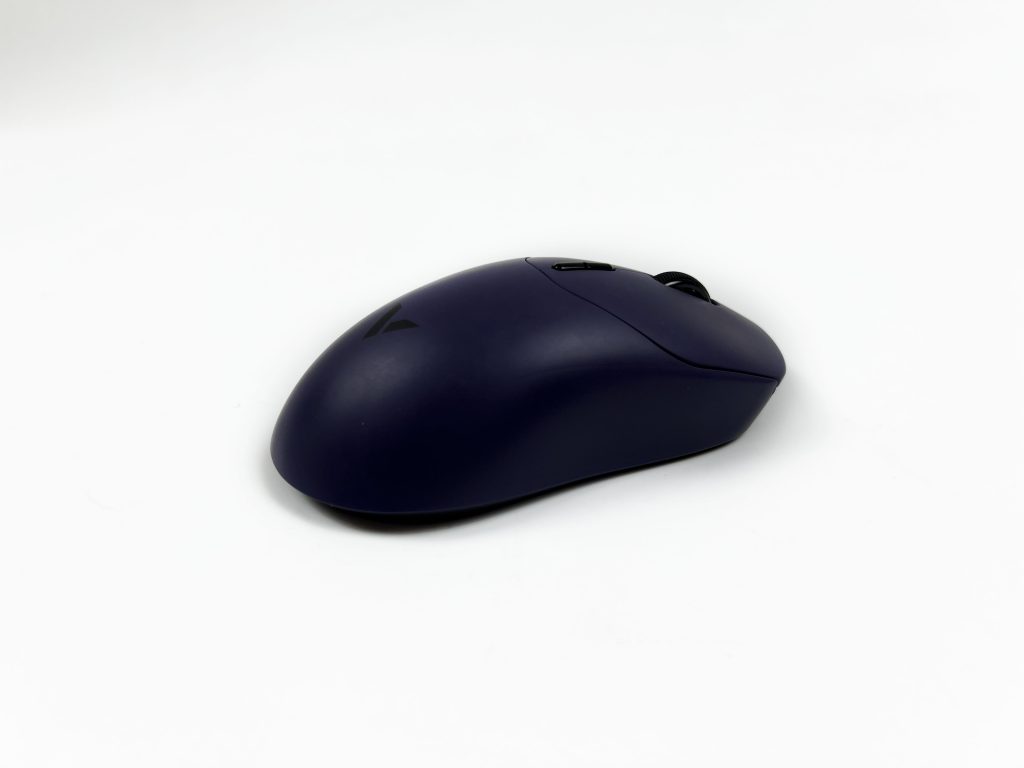
The Rapoo VT2 Max Gen-2 feels light in the hand but doesn’t feel flimsy. For the price, you can tell it’s not cheap, even if it’s lighter than some higher-end mice. At first, I thought it might creak a little when pressed hard, but it actually holds its shape well. I tried gripping it tighter than usual during intense gaming moments, and the shell stayed rigid. The materials and assembly give the impression that it’s built to last, and I didn’t notice any weak points during use. Picking it up, there is no flex on the top or sides, which makes you worry about breaking it.
It didn’t feel like it might buckle under pressure, which gave me more confidence in its build. The body is made from that soft-touch matte plastic we talked about earlier. It gives just enough give to feel comfortable without feeling fragile. Twisting the mouse slightly in the hand didn’t produce any creaks or unsettling noises either. The seams and panel joins are clean. There’s no rattling anywhere, and the panels line up neatly, which really contributes to the sense that the mouse is well put together.
Buttons & Scroll Wheel
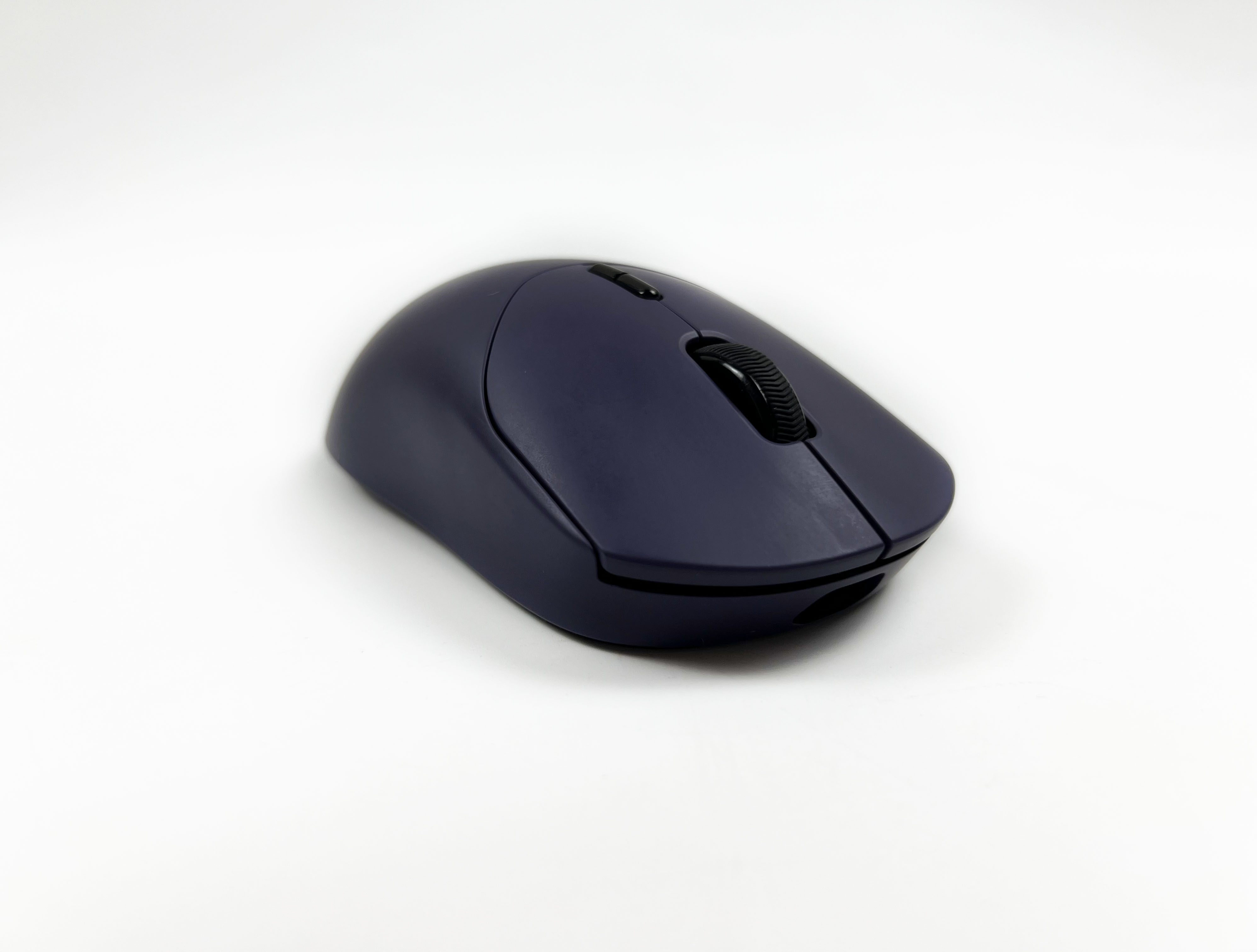
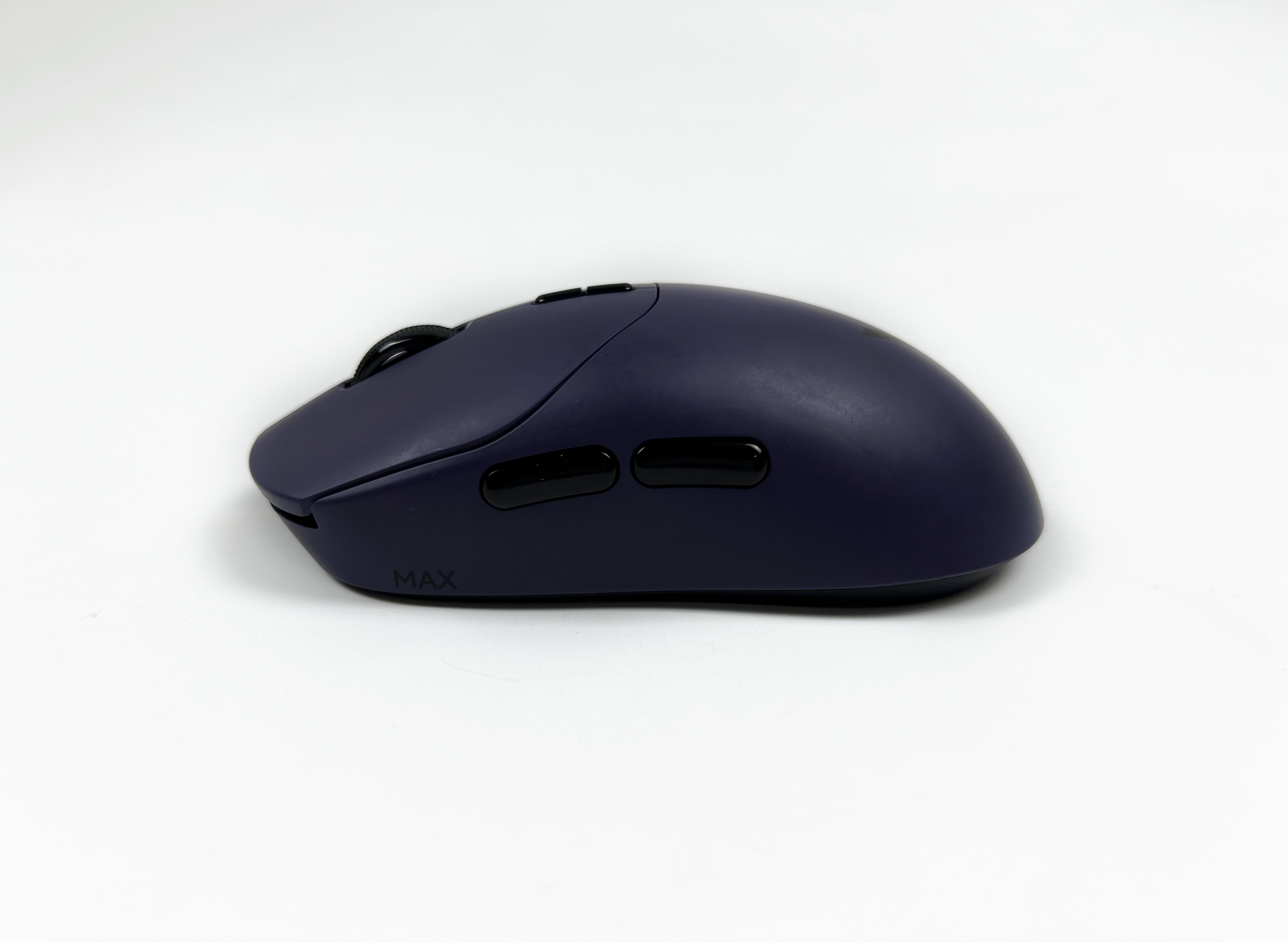
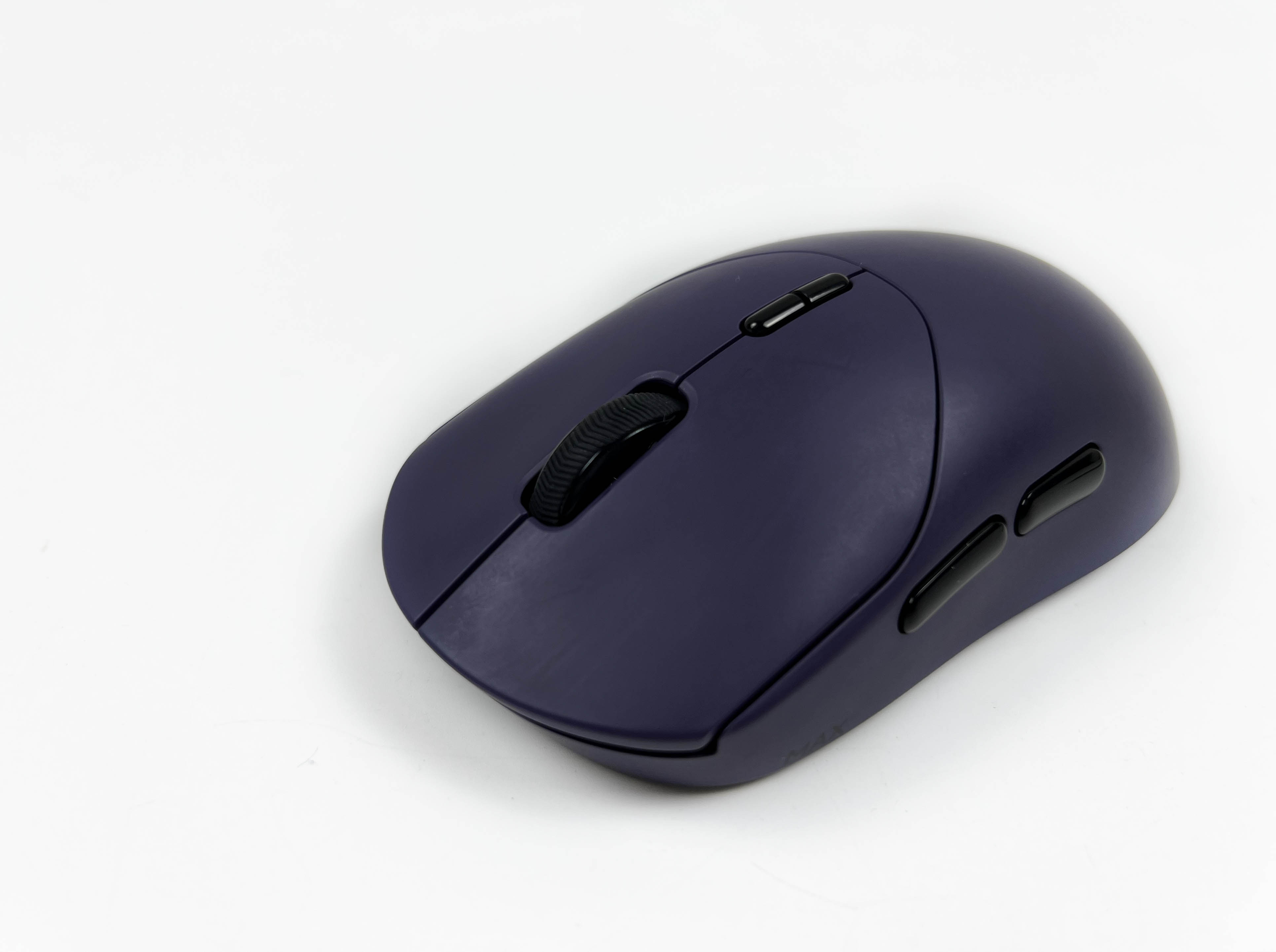
The Rapoo VT2 Max Gen-2 is a 10-button mouse, though it takes a slightly unconventional approach to get there. The forward and backward side motions on the scroll wheel also count as buttons, and there’s also a DIY button on the bottom. The primary clicks are light. They’re audible, but not loud enough to be distracting, and you can click them quickly in succession. Each press feels firm, with a satisfying tactile response that makes repeated clicking feel consistent.
On top, you’ve got the DPI buttons. The upper one increases sensitivity, while the lower one decreases it. The side buttons are positioned where your thumb naturally rests. You don’t have to shift your hand or stretch awkwardly to reach them. The spacing between the side buttons is comfortable, too. Moreover, the scroll wheel feels well-balanced. It’s not overly stiff, but it’s firm enough that accidental spins are rare.
Connectivity
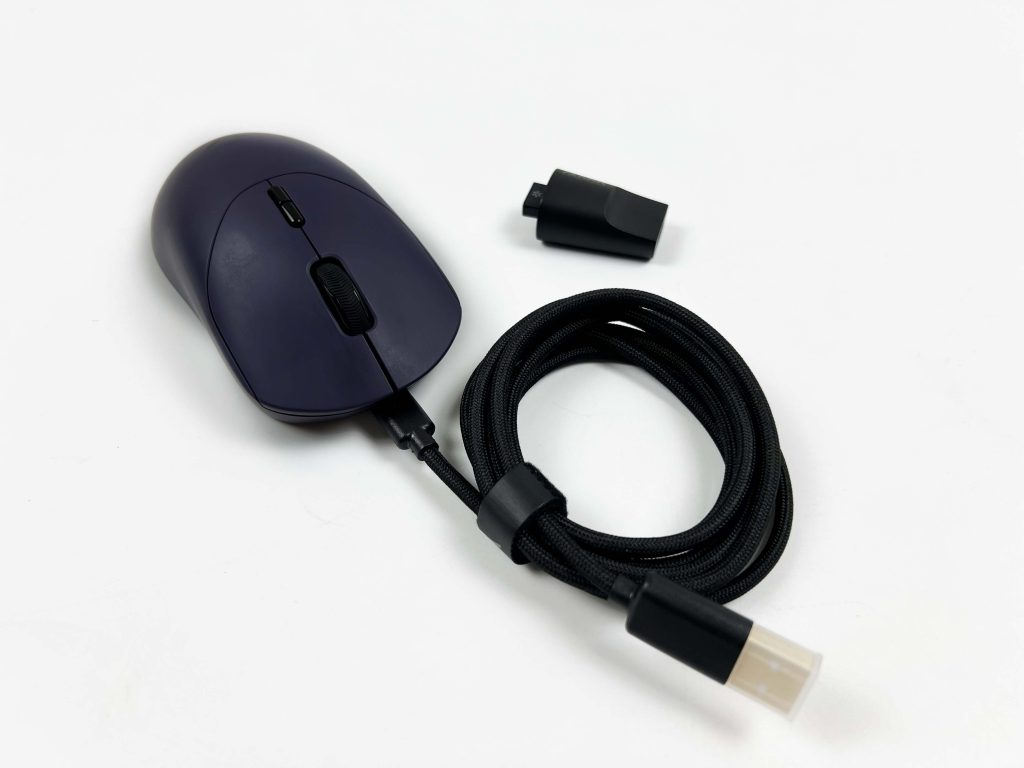
The Rapoo VT2 Max Gen-2 can be connected through wired and wireless connections. You can plug in the cable and start using it immediately, or just rely on the 2.4GHz dongle, and it switches automatically. There’s no manual toggle, which is convenient if you want to swap between modes on the fly. The included cable is high quality, but it’s on the thicker side. That stiffness doesn’t match the lightness of the mouse perfectly, so it can feel a bit awkward if you’re used to ultra-flexible cables.
Still, it works fine for charging and wired use. There’s also a USB Adapter in the box, which makes it easy to position the dongle close to the mouse. That helps maintain a stable connection, especially if your PC is placed a bit far away and there is some distance between the ports and where you use your mouse. The only downside is the lack of Bluetooth. For instance, multi-device support would have been nice for switching between a laptop and a desktop.
Performance
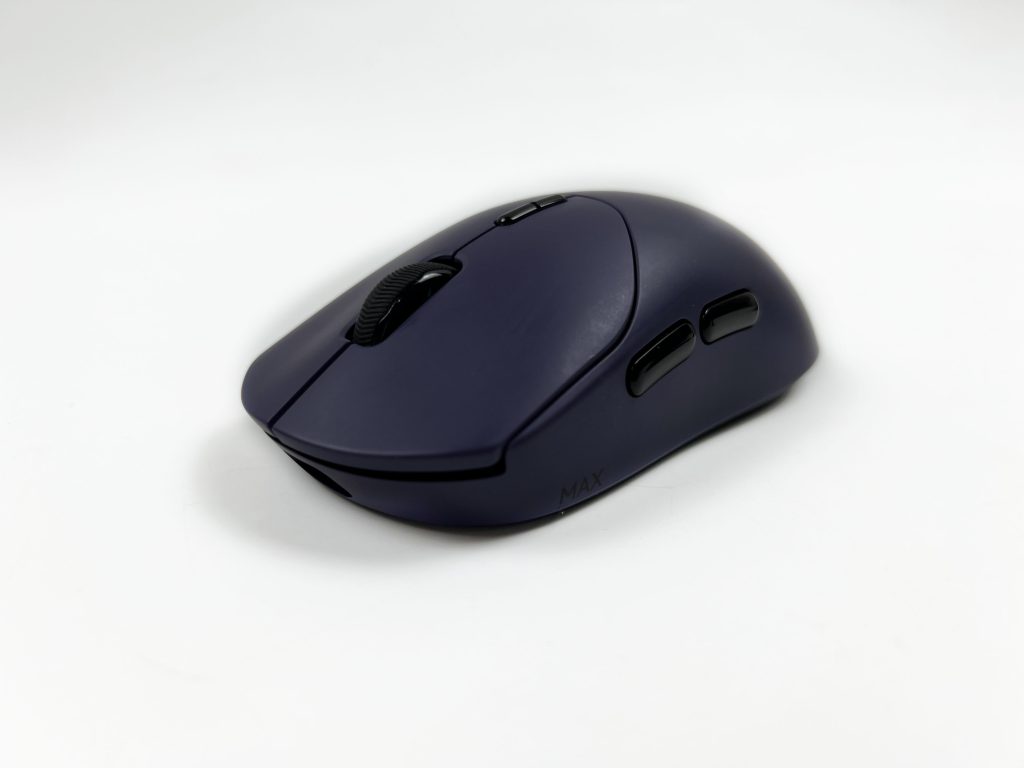
The Rapoo VT2 Max Gen-2 uses the PAW3950 optical sensor. For everyday tasks, it feels precise, and for gaming, it’s responsive enough that I can easily line up my shots. There’s no delay between pressing and the action happening on screen in wireless mode. It doesn’t have any inconsistencies. The tracking is precise and very accurate. Every flick, swipe, and small movement registers immediately, with no jitter. I tried it in Valorant and other FPS shooters, and the mouse kept up perfectly.
The DPI range is excellent, from 10 to 30,000. I found switching between low and high DPI using the buttons on top to be immediate. Acceleration is rated at 50G, and movement speed can hit 750IPS. The pointer follows accurately, and I didn’t notice any lag. Even with wireless mode, responsiveness is solid. The lift-off distance is adjustable between 0.7 and 1.7mm, which prevents accidental cursor jumps when repositioning the mouse.
Battery Life
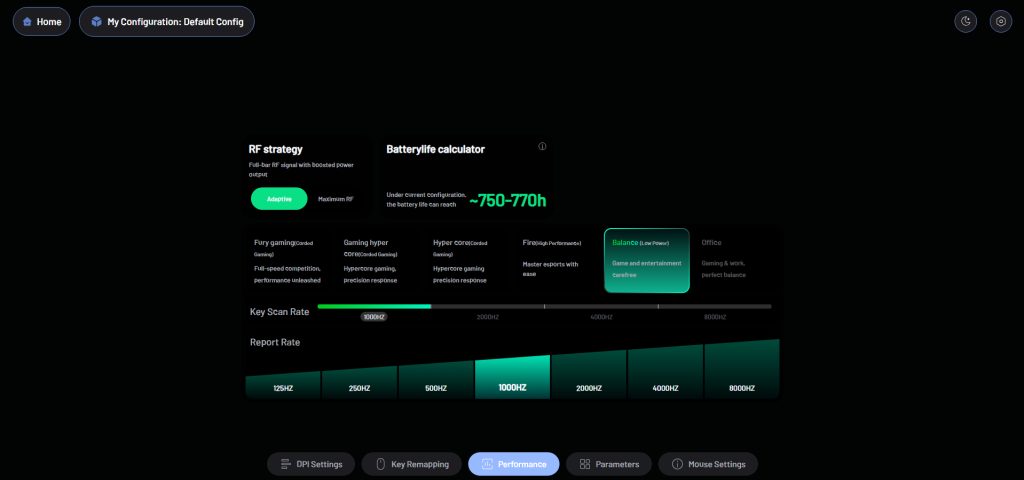
The Rapoo VT2 Max Gen-2 has an 800mAh battery. I’ve been using the mouse daily for a few weeks now and haven’t had to recharge it often. With standard settings, you can easily get hundreds of hours of use. Rapoo claims up to 750 hours, and while your mileage will vary depending on polling rate and usage, it feels impressively long. It makes long sessions much less stressful. You don’t have to keep an eye on the charge indicator or worry about it dying mid-game.
There is a small trade-off, though. The relatively large battery adds a tiny bit of weight toward the back, which you notice a little if you do a lot of quick vertical flicks. Even with that, the combination of long runtime and solid wireless performance makes it easy to forget you’re using a rechargeable mouse at all. You don’t have to constantly think about topping it up. Charging is simple, and you can keep using the mouse while it’s plugged in.
Software
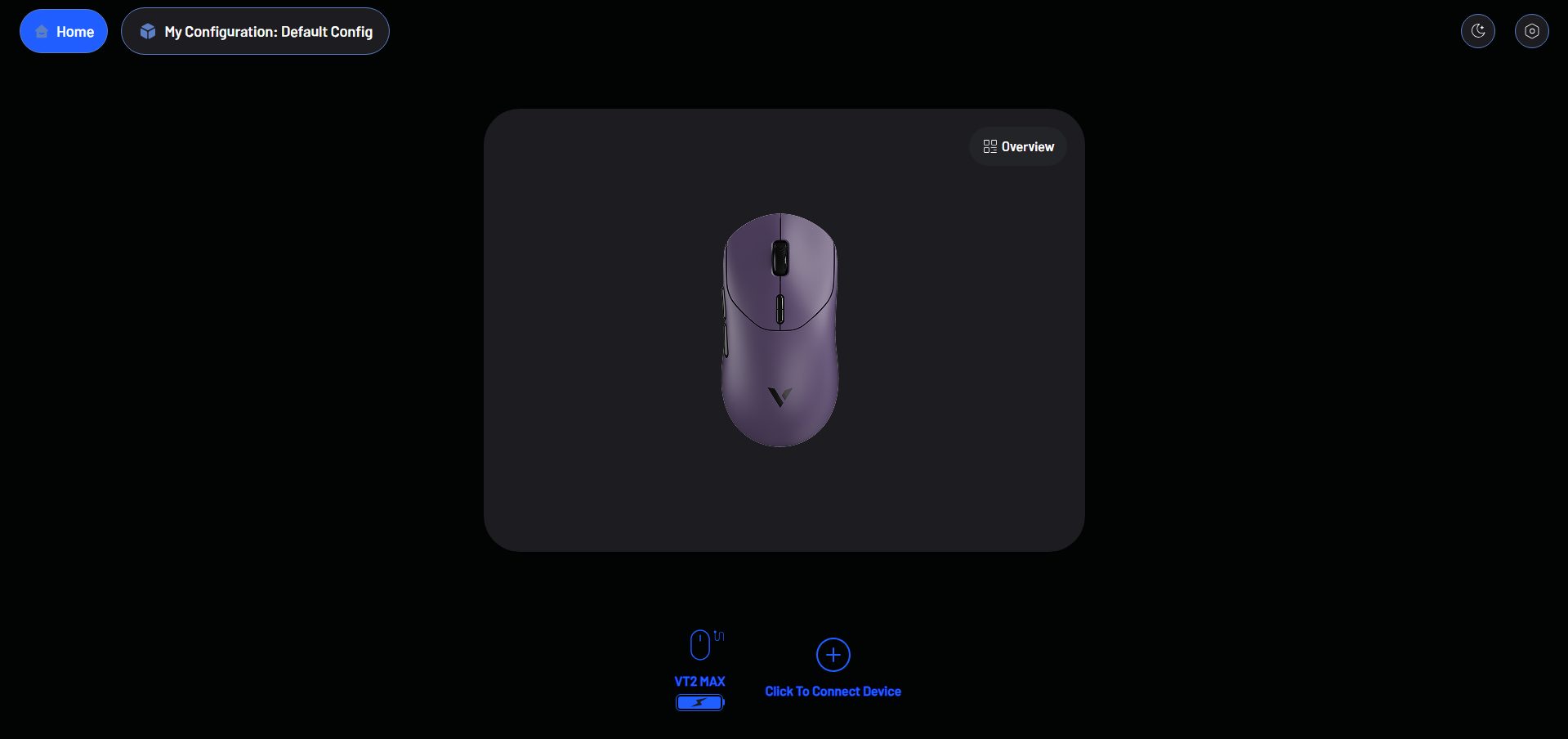
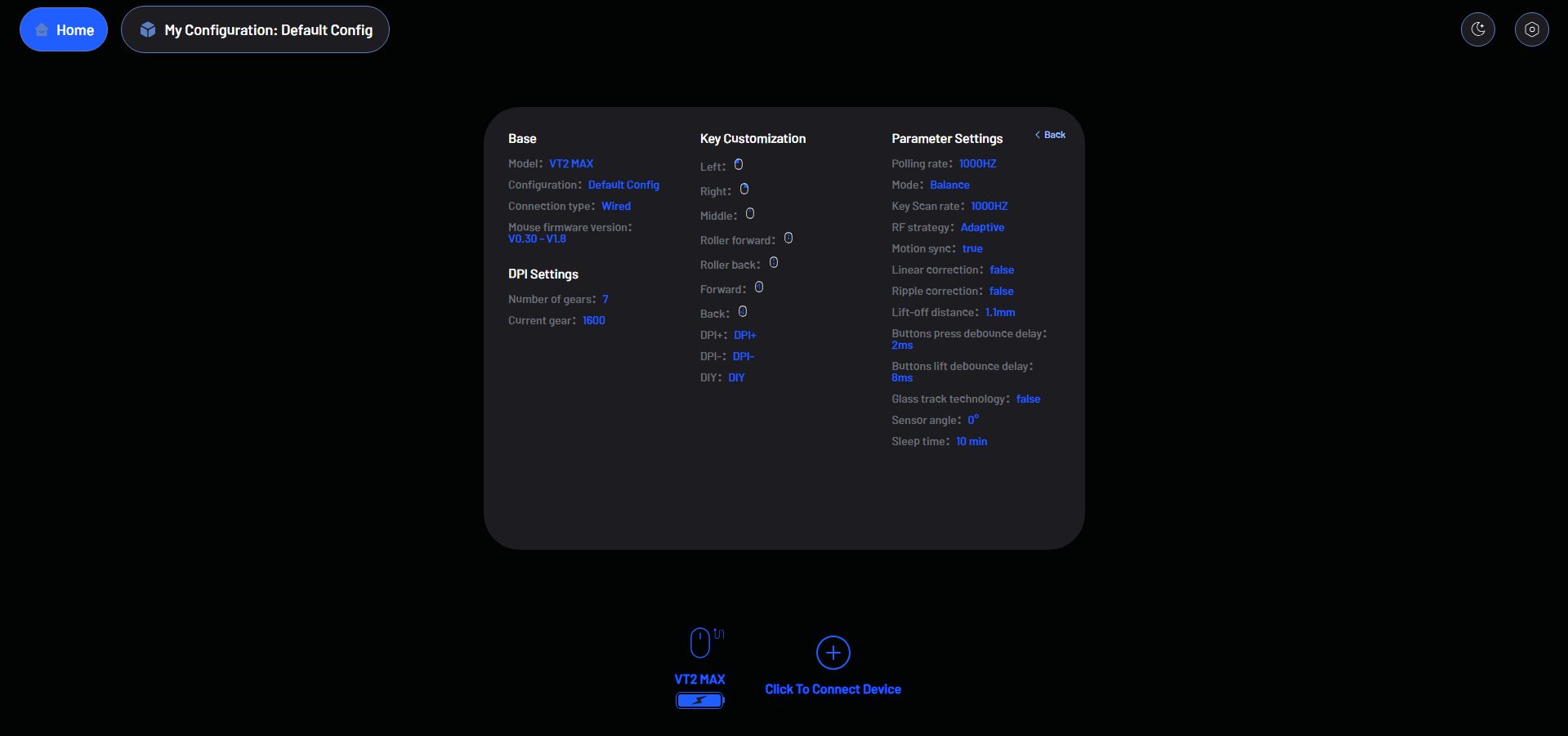
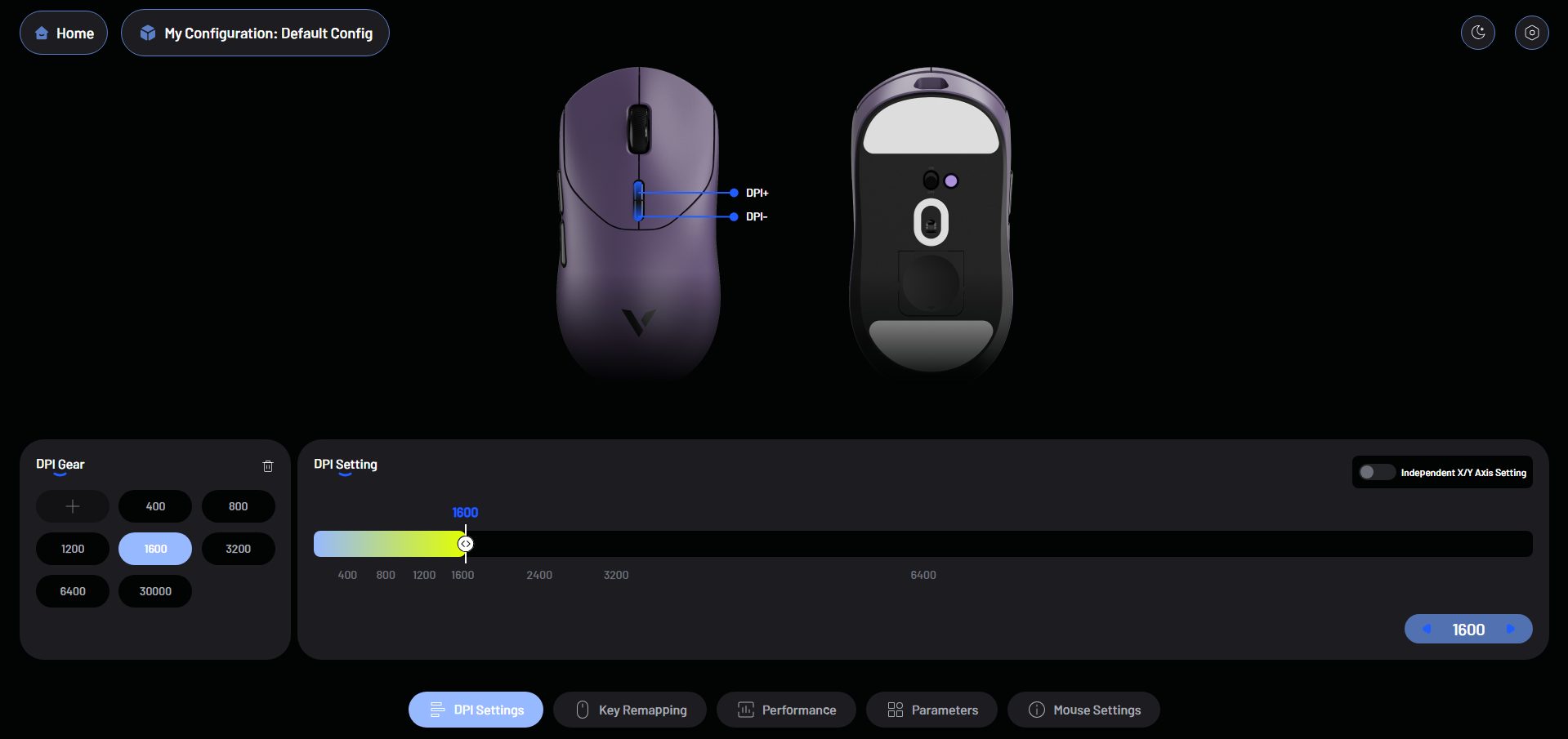
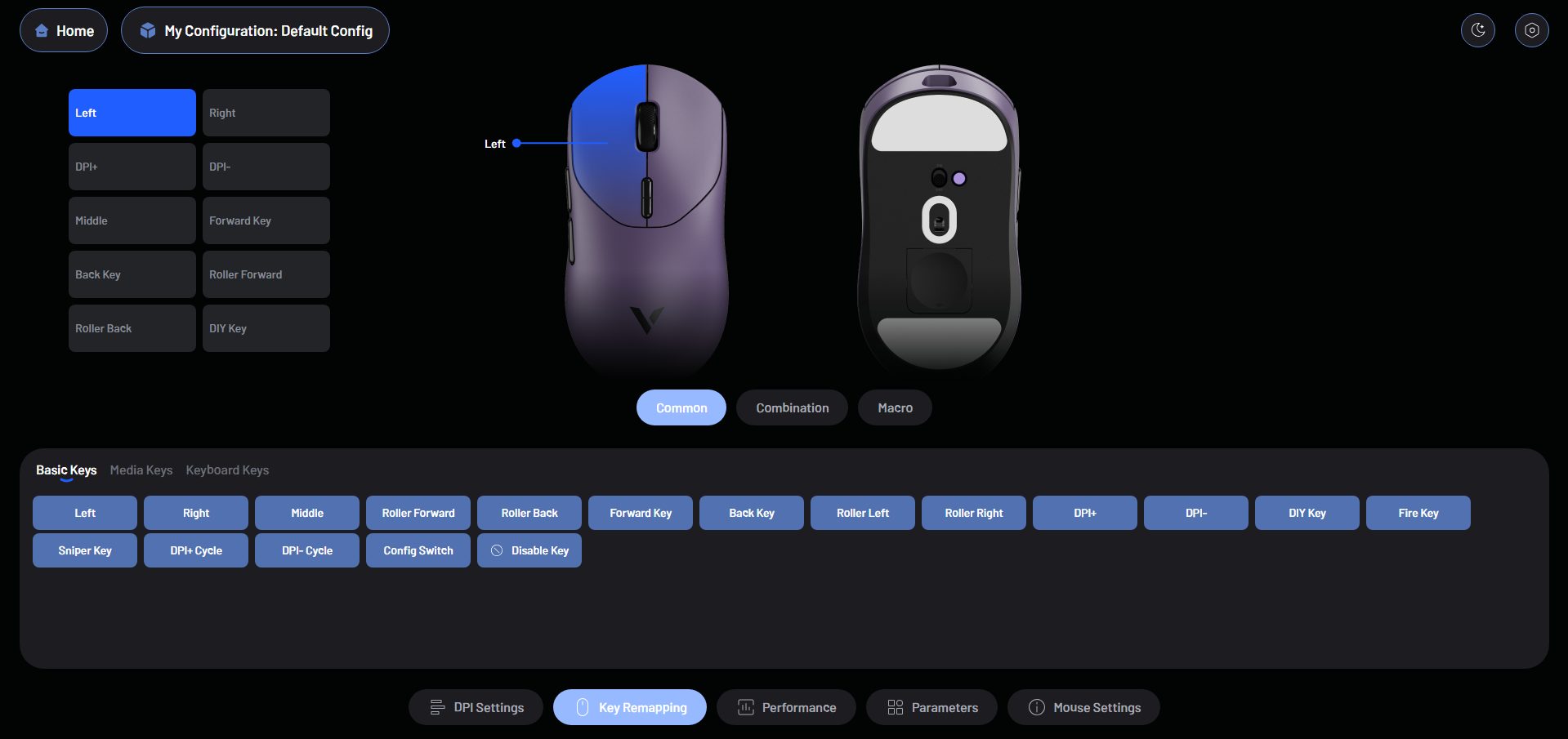
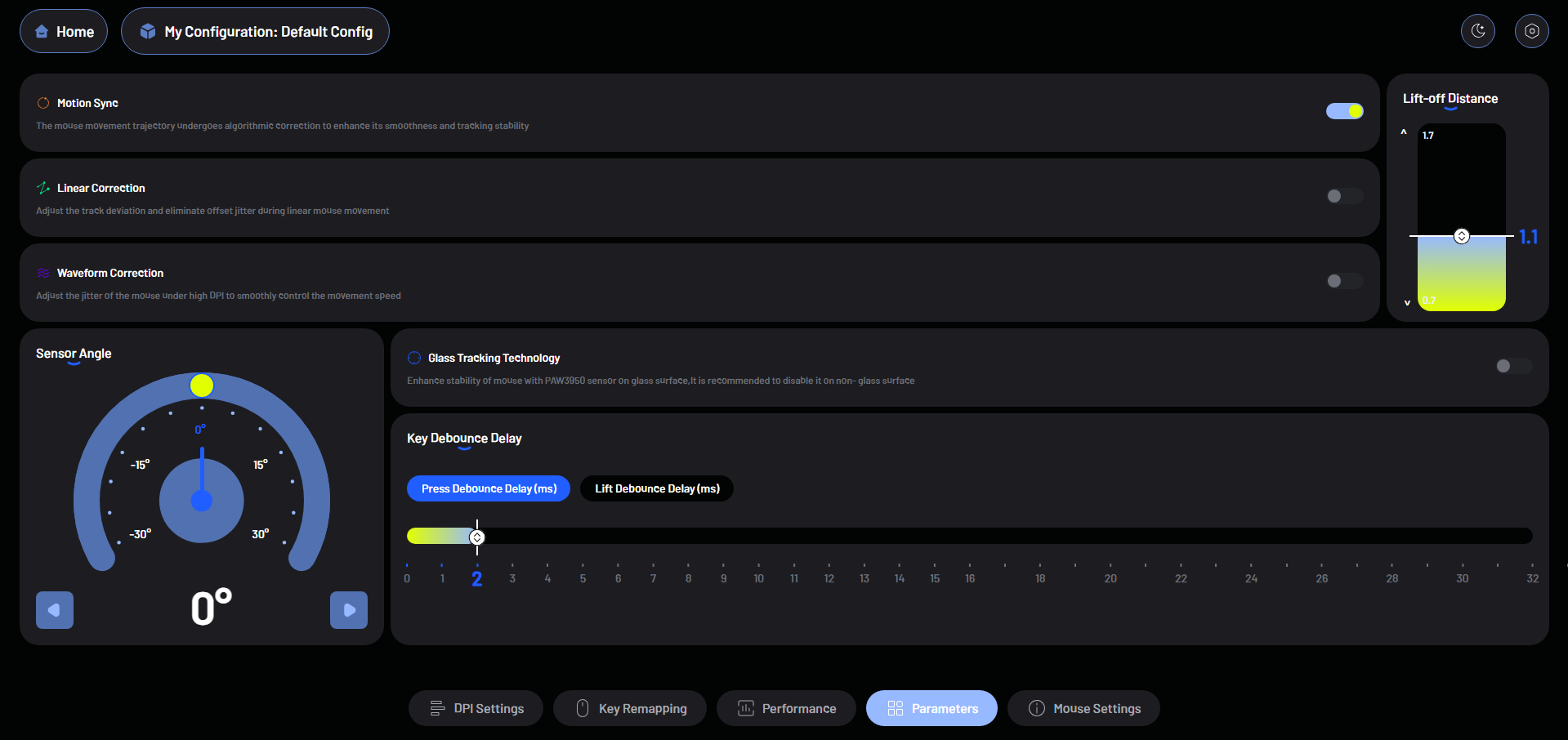

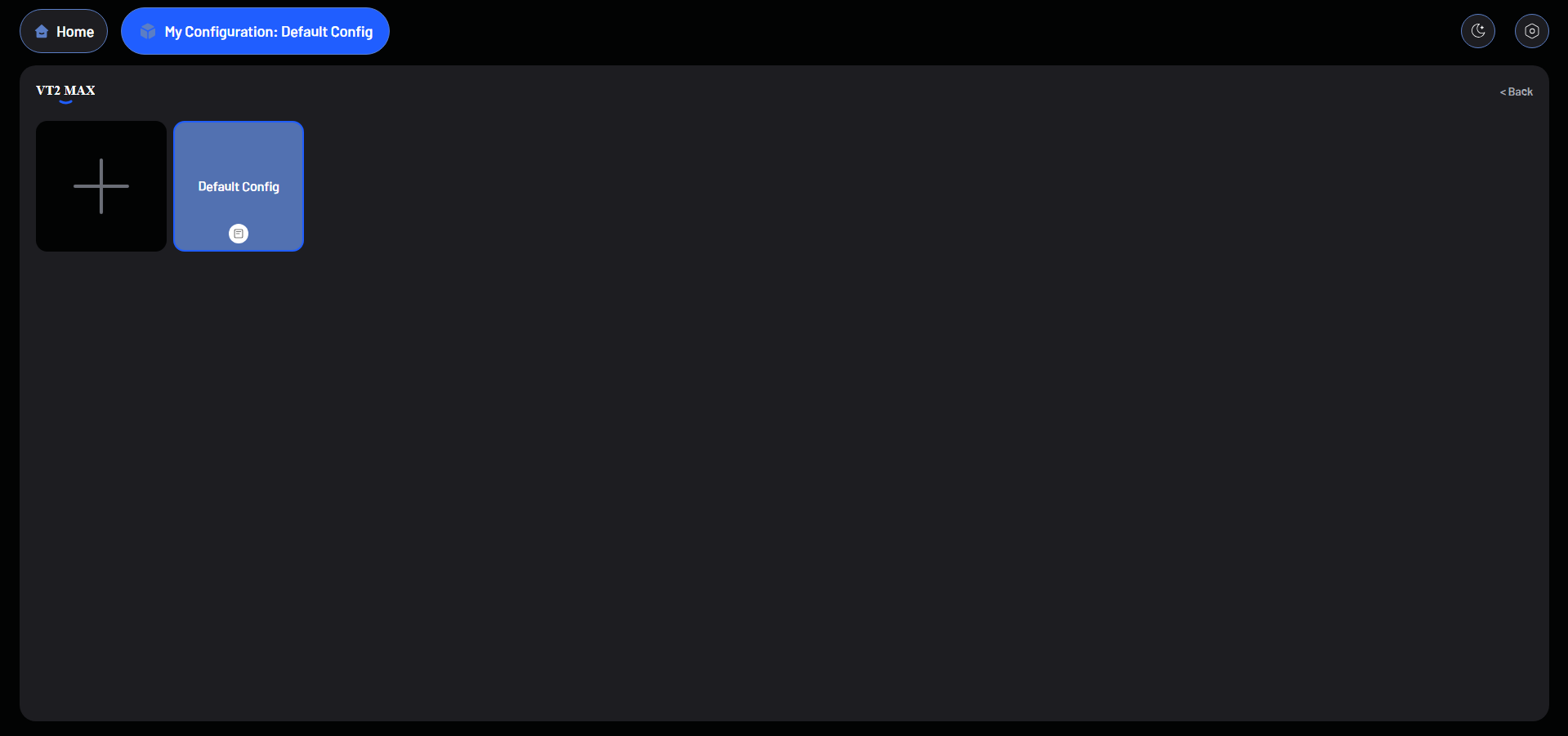
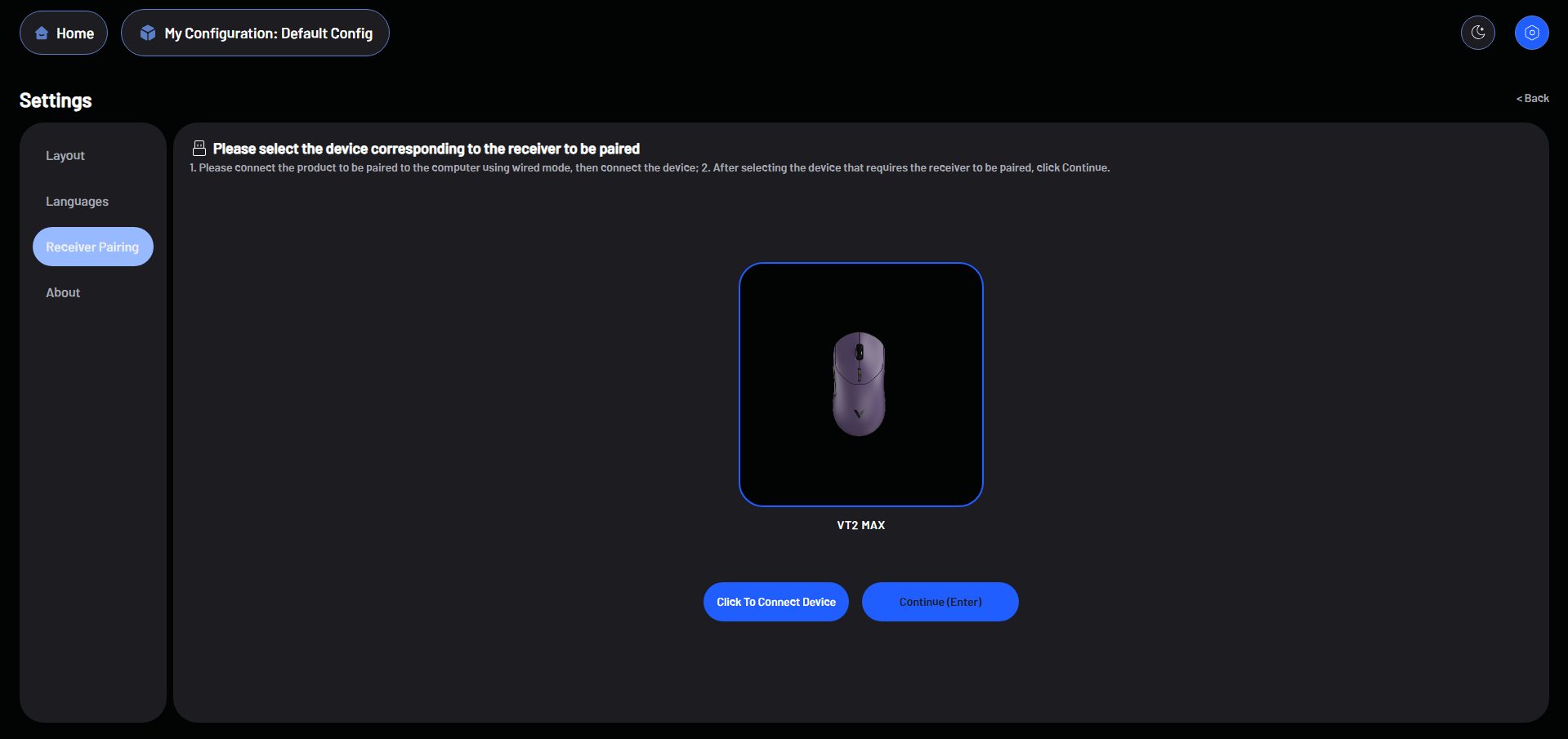
Using the Rapoo VT2 Max Gen-2 software is simple since all web-based. You can access it by searching for Rapoo’s software section or by scanning the QR code on the back of the box. I went straight to the site and opened the driver in my browser. It was easy to navigate, even on my first time using it. Everything loads quickly, and the interface feels intuitive. The mouse works fine without the software, but using it opens many options.
You can adjust DPI, polling rate, button assignments, lift-off distance, scroll speed, button debounce delay, and even sensor angle. It’s impressive to see settings that are usually missing from other gaming mouse software. There are many notable features, such as motion sync, linear correction, waveform correction, and glass-tracking technology. Moreover, profiles, macros, and firmware updates are organized without digging through confusing menus.
Should You Buy it?
Buy it if
✅ You want competitive performance on a budget: The Rapoo VT2 Max Gen-2 provides high-end specs like a 30K optical sensor and 8K polling rate, all at a price far below premium mice.
✅ You prefer a lightweight but solid feel: At just 53g, it’s easy to move quickly in fast-paced games, yet the build quality feels sturdy and well put together.
Don’t Buy it if
❌ You want RGB or visual flair: If lighting effects are part of the vibe you look for in a gaming setup, the Rapoo VT2 Max Gen-2 won’t satisfy you, since it doesn’t offer RGB lighting.
❌ You have small hands: Its slightly larger size favors palm grips, so fingertip or claw grip users with smaller hands might find it bulky.
Final Verdict
After using the Rapoo VT2 Max Gen-2 for a while, I have to say, it really punches above its class. For a mouse priced around $60, the performance and build feel like you’re getting something from a much higher tier. In my experience, it’s comparable to some ultra-light gaming mice that cost nearly twice as much, yet it still delivers a similar, reliable, precise feel. For anyone looking for a lightweight, versatile gaming mouse without breaking the bank, it is a solid pick. For me, it’s another win for Rapoo.
Thank you! Please share your positive feedback. 🔋
How could we improve this post? Please Help us. 😔

[Hardware Reviewer & Editor]
After many years of exploiting various pieces of hardware, Abdul Hannan now serves as an editor at Tech4Gamers. He’s been in the PC hardware reviewing industry for almost a decade, and his staff of passionate geeks and reviewers is second to none.
Abdul Hannan is constantly seeking new methods, you will always see him running into New Computer Courses to improve the performance of his computer components since he is an ardent overclocker. He is well-known for providing the most extensive and unbiased analysis of the newest and greatest hardware for PC gaming, including everything from GPUs to PSUs.
 Join Our Community