Threads
Worth It?
Review Summary
The ASRock SL-1000P is a stellar 80 Plus Platinum power supply that essentially takes the already highly efficient platform of its “Gold-rated” sibling, the SL1000GW, and gives it a few smart hardware tweaks. Built by OEM HEC, it delivers tight voltage regulation, excellent efficiency numbers that match its Cybenetics Platinum rating, and remarkably quiet fan performance even under heavy loads. While its unique gray color scheme might not fit every custom aesthetic, and the TempGuard cable safety feature shuts down the system a bit too abruptly without warning, it offers incredible value for anyone wanting top-tier power efficiency. That said, if you want to save $25 to $40, the nearly identical SL1000GW remains a highly tempting alternative.
Hours Tested: 16

Overall
-
Performance - 9.2/10
9.2/10
-
Build Quality - 9.2/10
9.2/10
-
Efficiency - 9.2/10
9.2/10
-
Value - 9.5/10
9.5/10
Pros
- Efficient
- Silent
- Great Value
Cons
- No Coloring Option
- Gray Cables
- Makes older variant looks much better choice


Gone are the days when an 850W PSU variant was considered a mainstream model and we used to see wattage ratings categorized as 650W, 750W and 850W, and very often a brand would include a 1000W variant in their high-end segment.
These days, a 1000W variant has become the mainstream variant and that’s exactly where every PSU brand is starting up their PSU lineups for 80 Plus Gold and above.
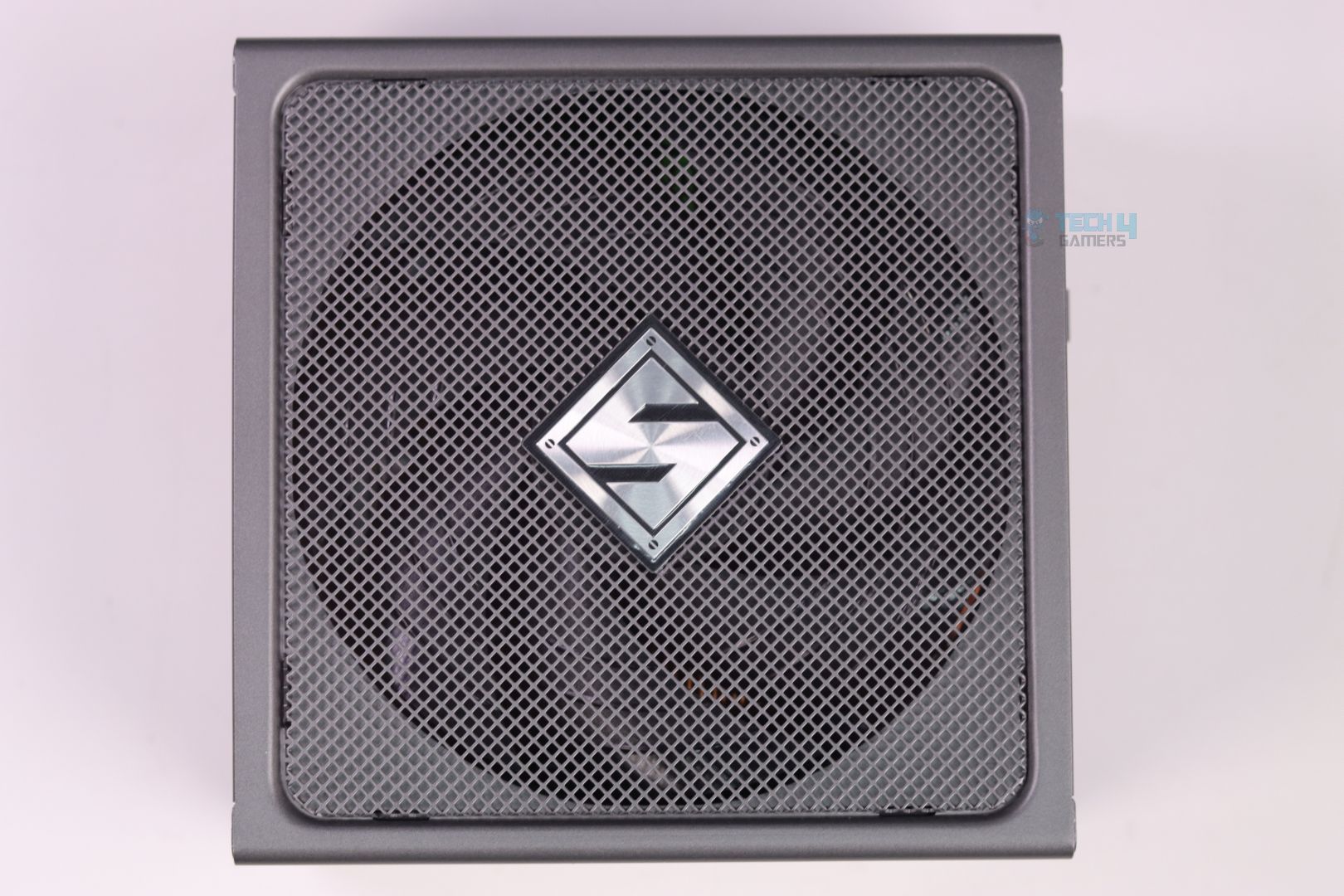
I had previously reviewed the ASRock SL1000GW which was an 80 Plus Gold rated PSU. Although the ASRock SL1000GW comes in Black and White variant, ASRock SL-1000P only comes in Gray color but it looks exactly identical with the same form factor, front mesh-grill design and even the same side logo design and everything.
Here are the specifications:
| Specification | Detail |
|---|---|
| 80 PLUS Efficiency | 80 PLUS Platinum |
| Cybenetics (ETA/LAMBDA) | Platinum / A+ |
| ATX 12V Version | ATX 3.1 |
| AC Input | 100–240V~, 50–60Hz, 12–6A |
| Continuous 12V Output | 83.4A |
| Total Power Excursion | 200% |
| iCOOL Mode | Yes (Switch) |
| Fan | 135mm Striped Axial FDB Fan |
| 5V Boost | Yes (Built-in) |
| PCIe 5.1 Cable TempGuard | Yes |
| Capacitors | All Japanese |
| Cable Type | 12+4pin: Sleeved — Others: Individual Braided Pattern |
| Protection | OCP, SCP, OVP, UVP, OTP, OPP |
| MTBF | 100,000 Hours @ 25°C |
| Dimensions (L x W x H) | 150mm × 150mm × 86mm |
| Warranty | 10 Years |
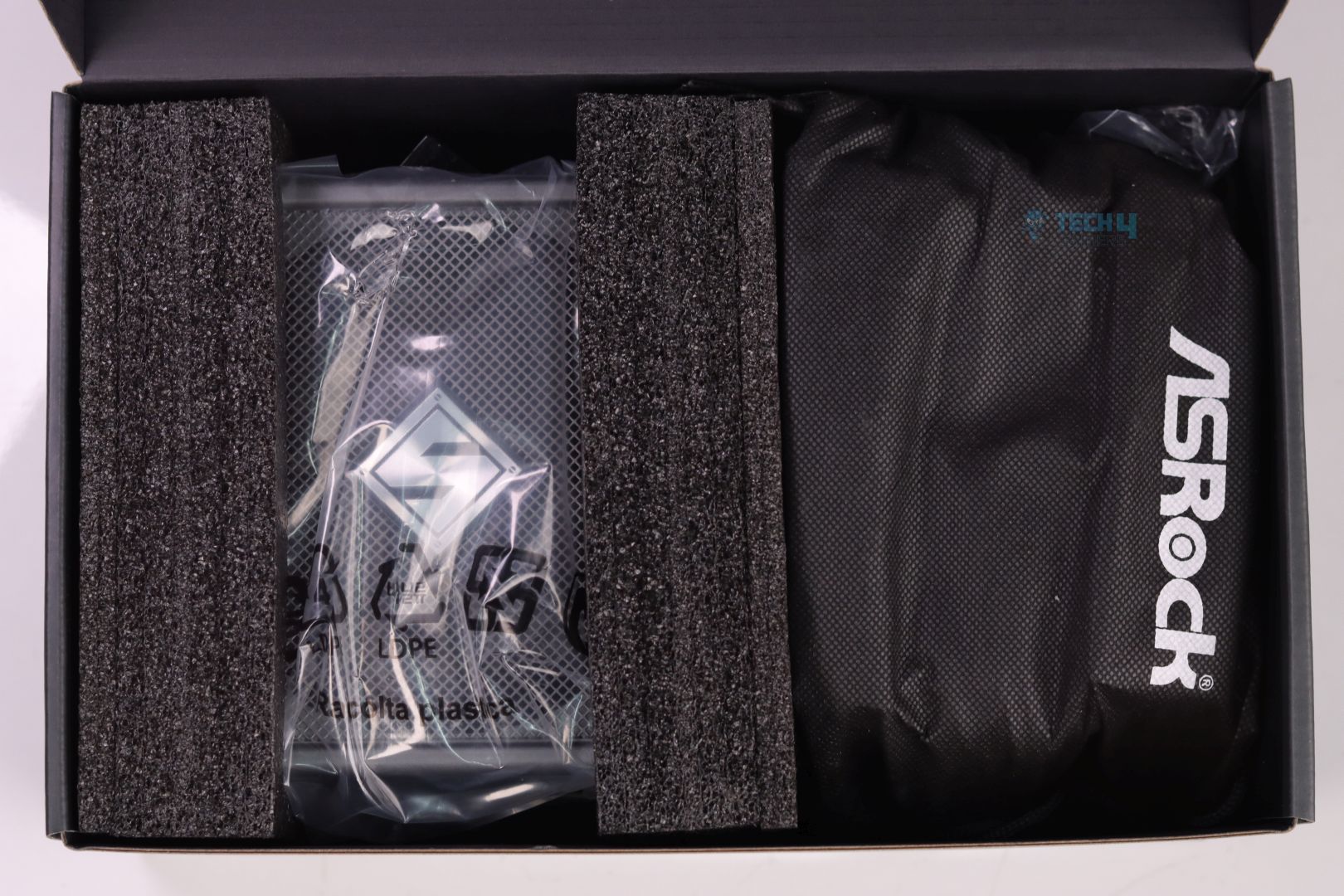
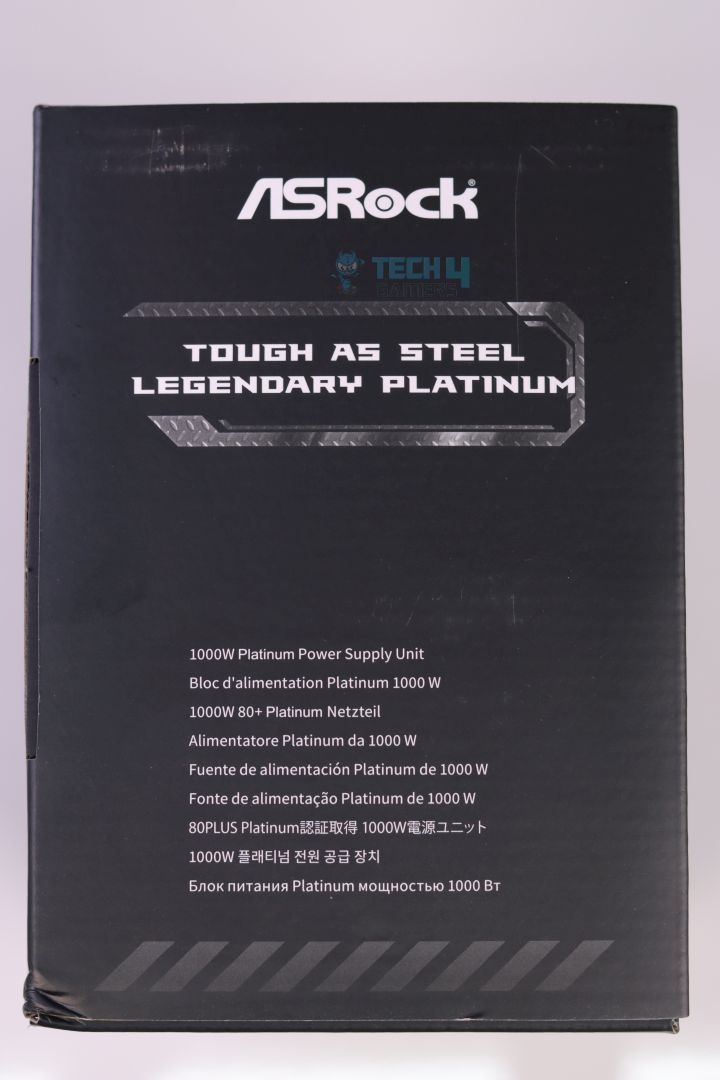
Packaging & Unboxing
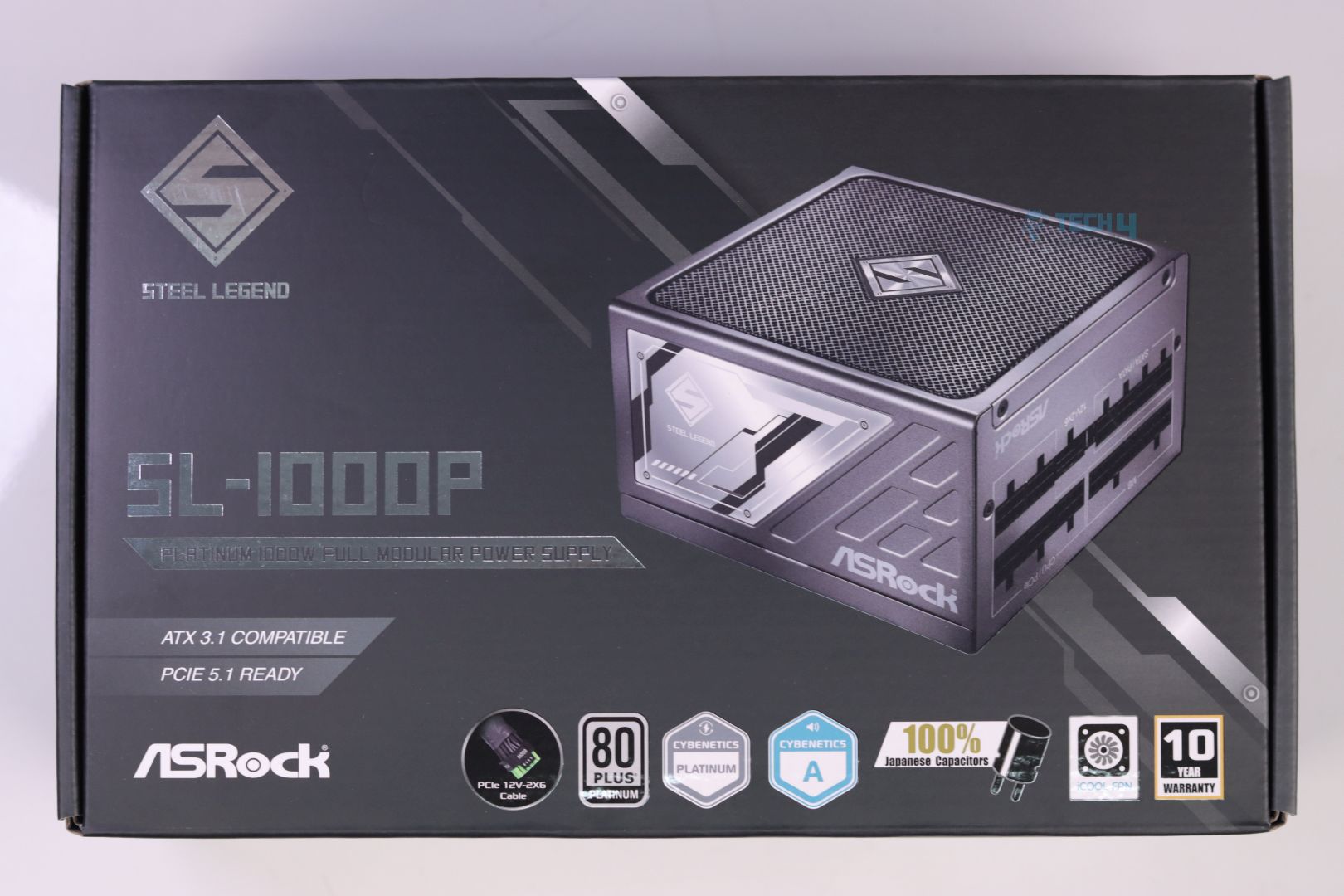
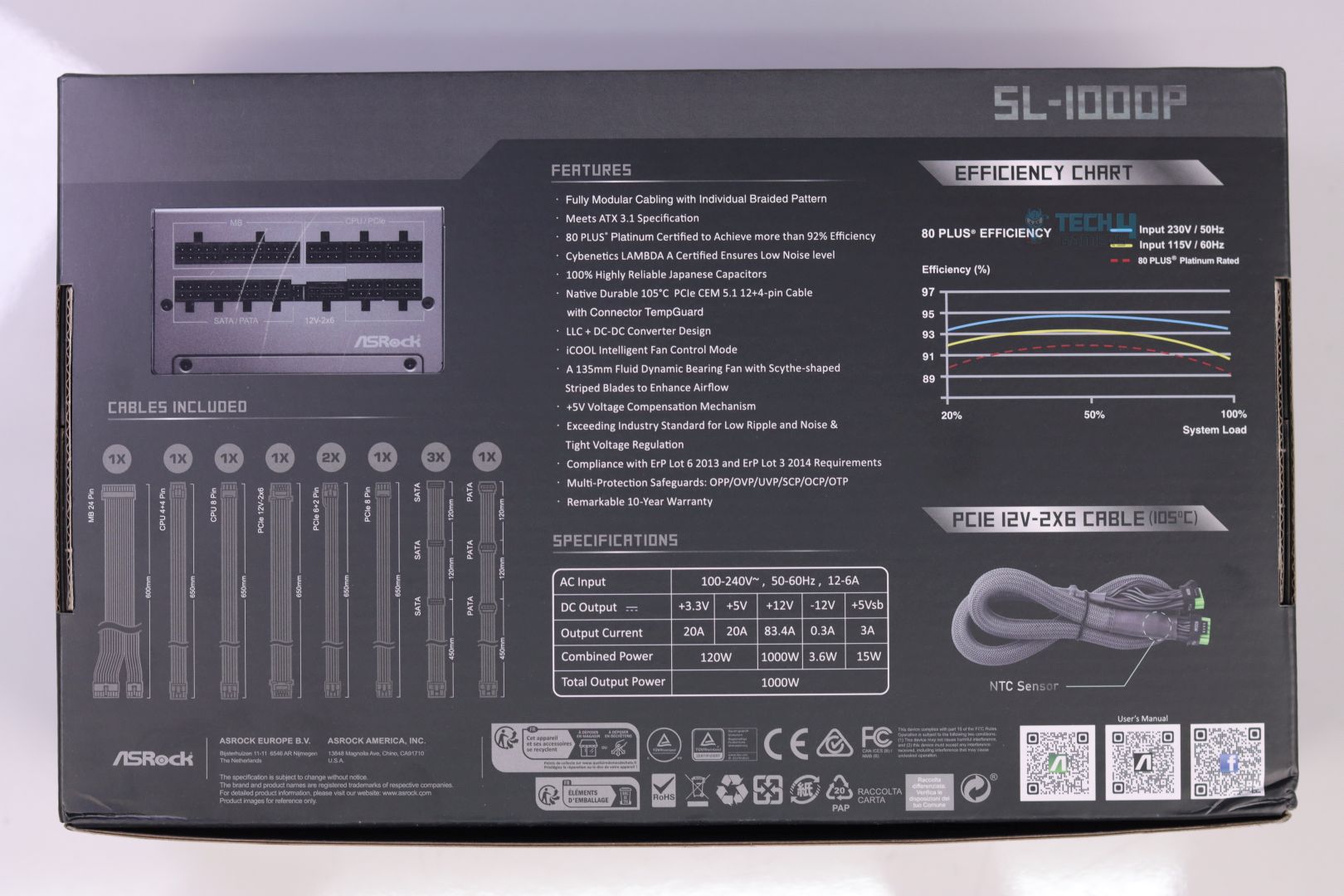
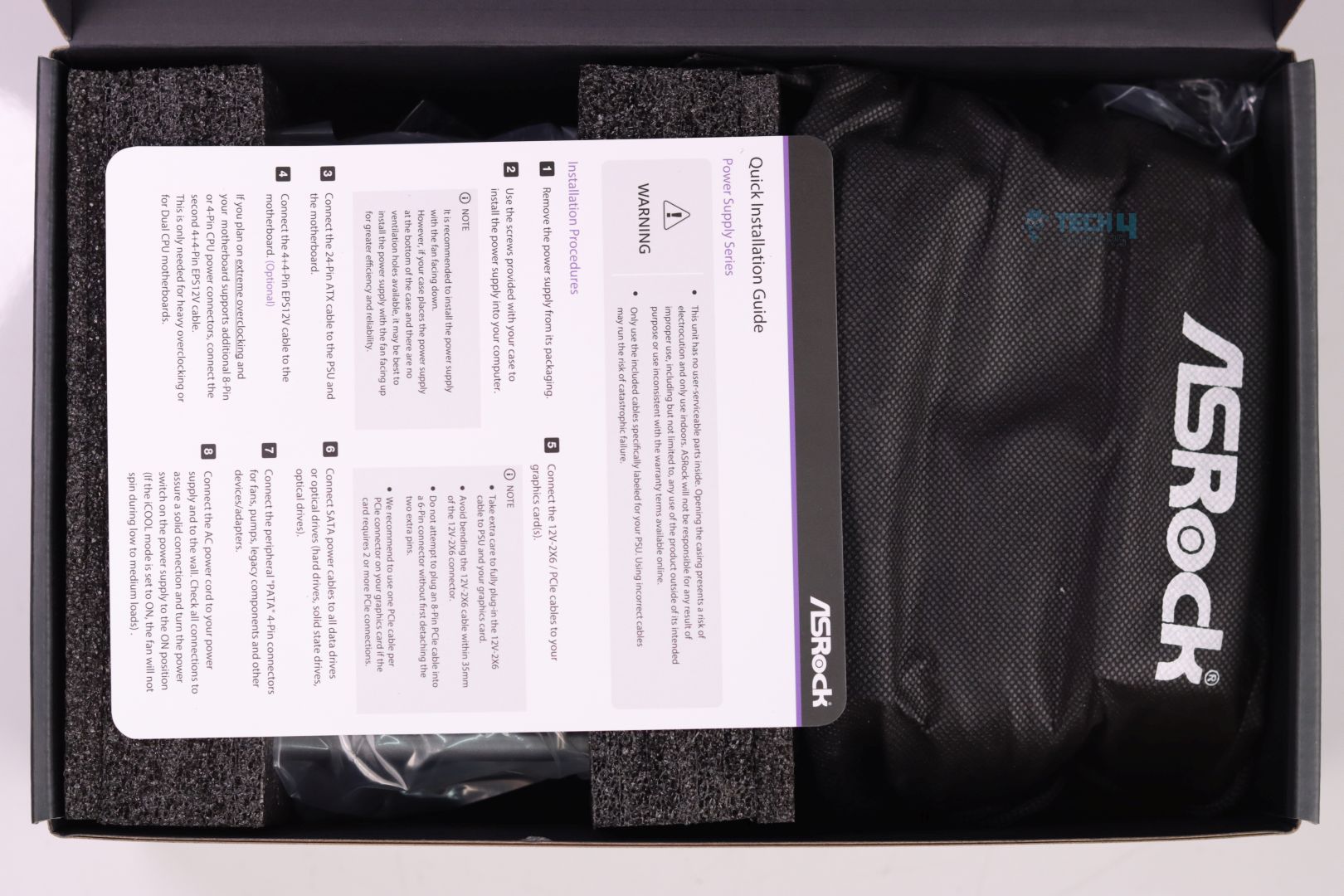
Design
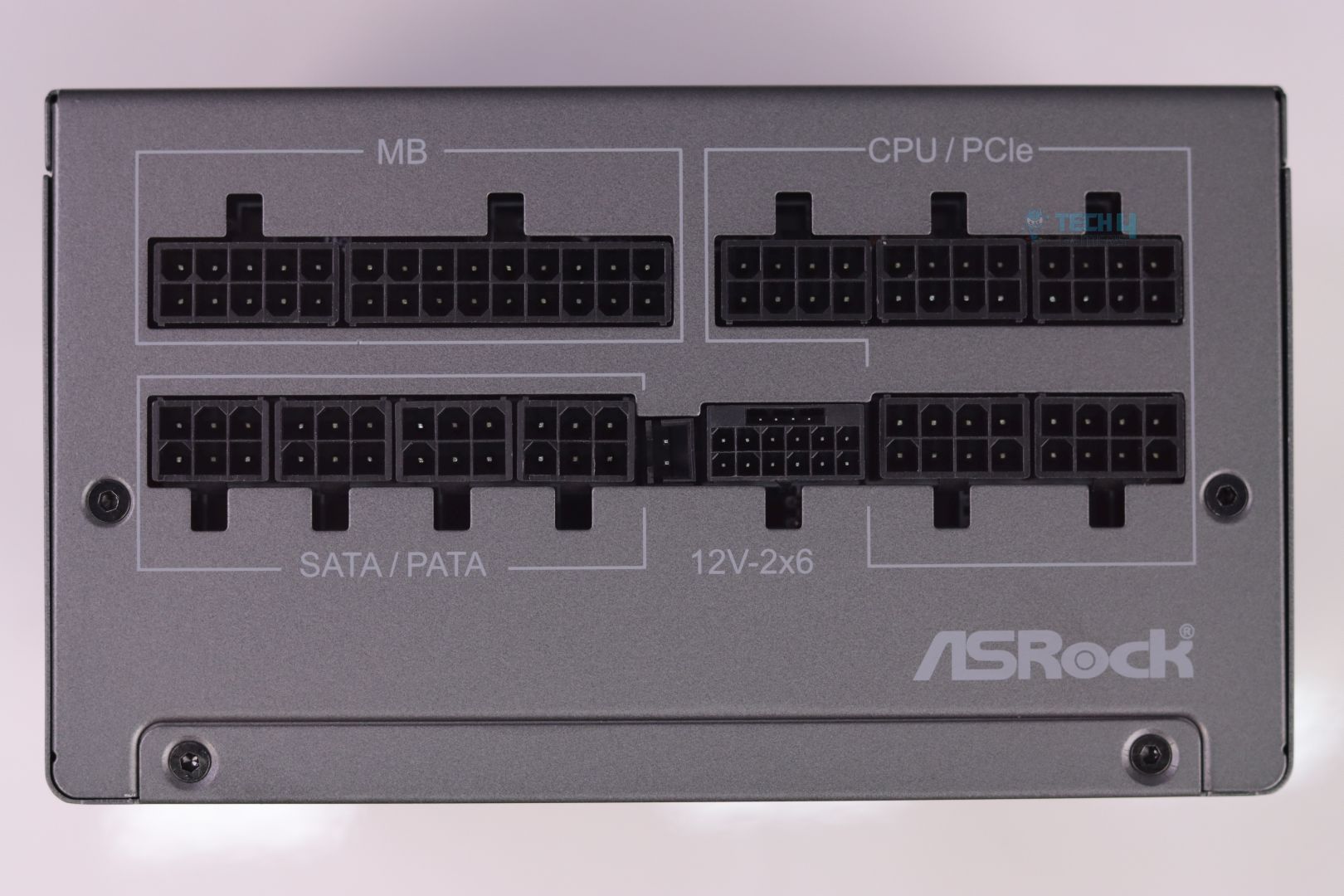
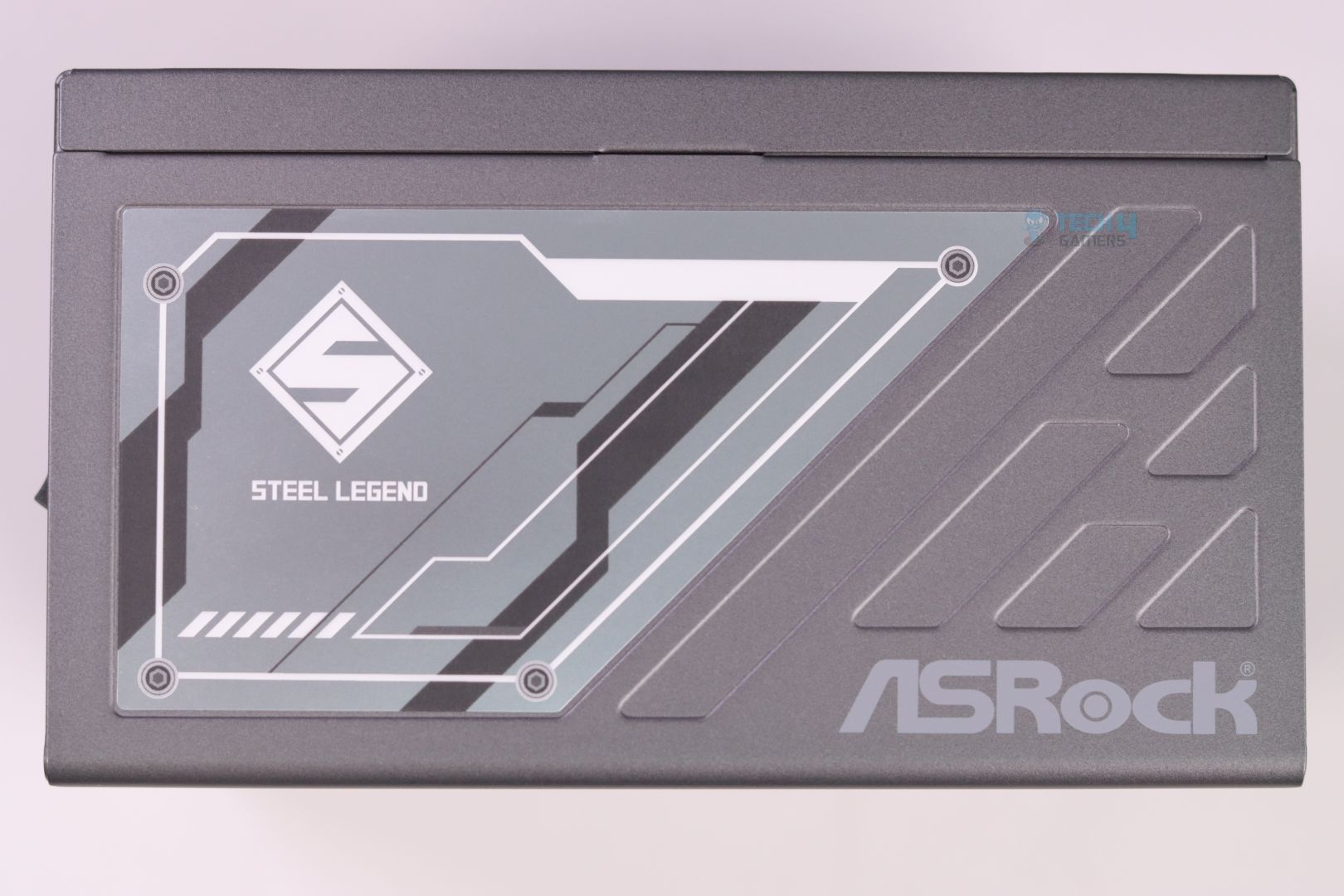
Cable & Connectors
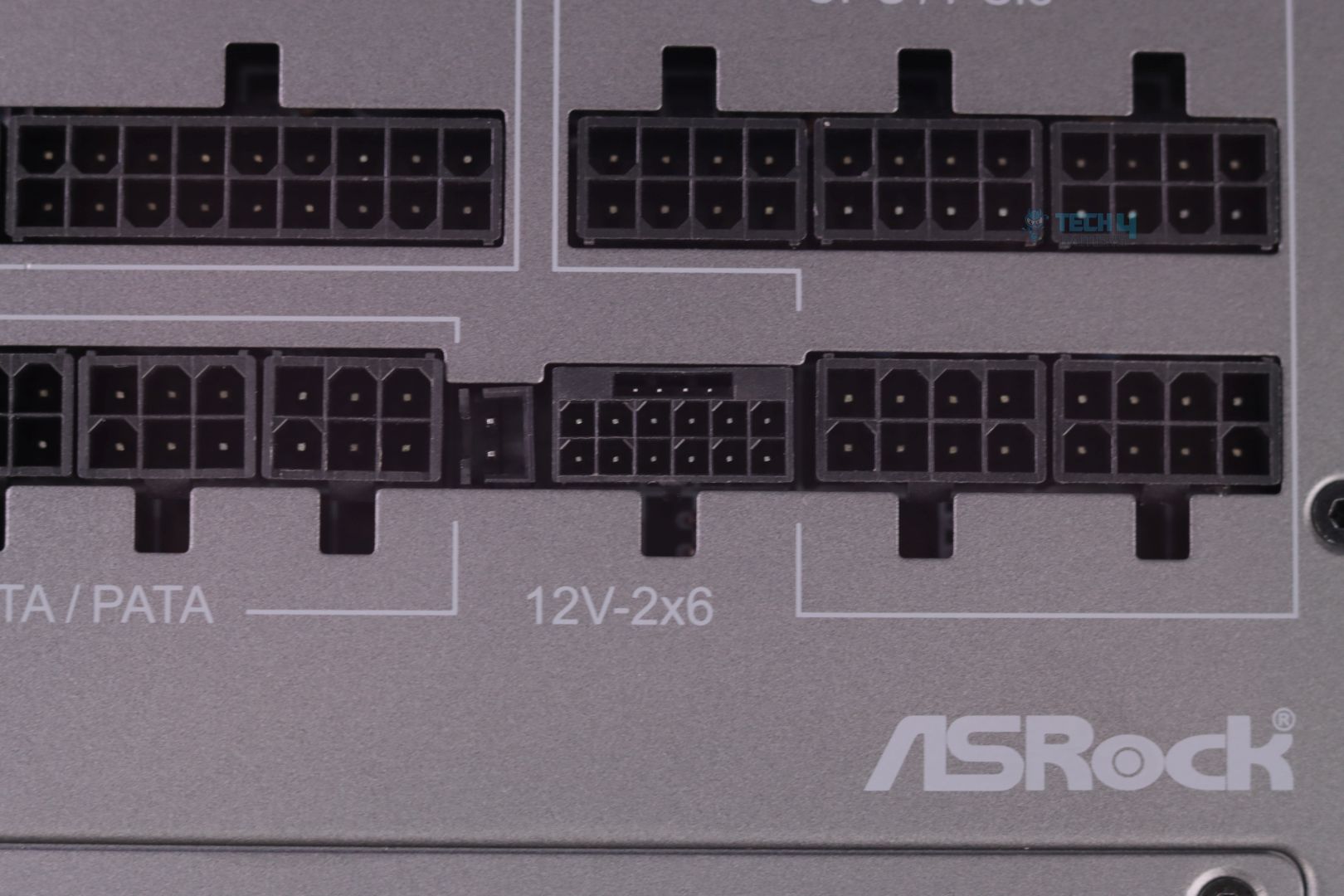
We have now gotten into a race of who’s going to make 12V-2×6 connector safer as every other manufacturer seem to come up with new ways to fix the mess Nvidia created by making it mandatory to have a new power connector for the GPU.
ASRock’s iteration not only provides dual safety layer by designing a dual colored 12V-2×6 connector (for firm and full insertion visibility check) and also by incorporating a temperature sensor inside the 12V-2×6’s cables.
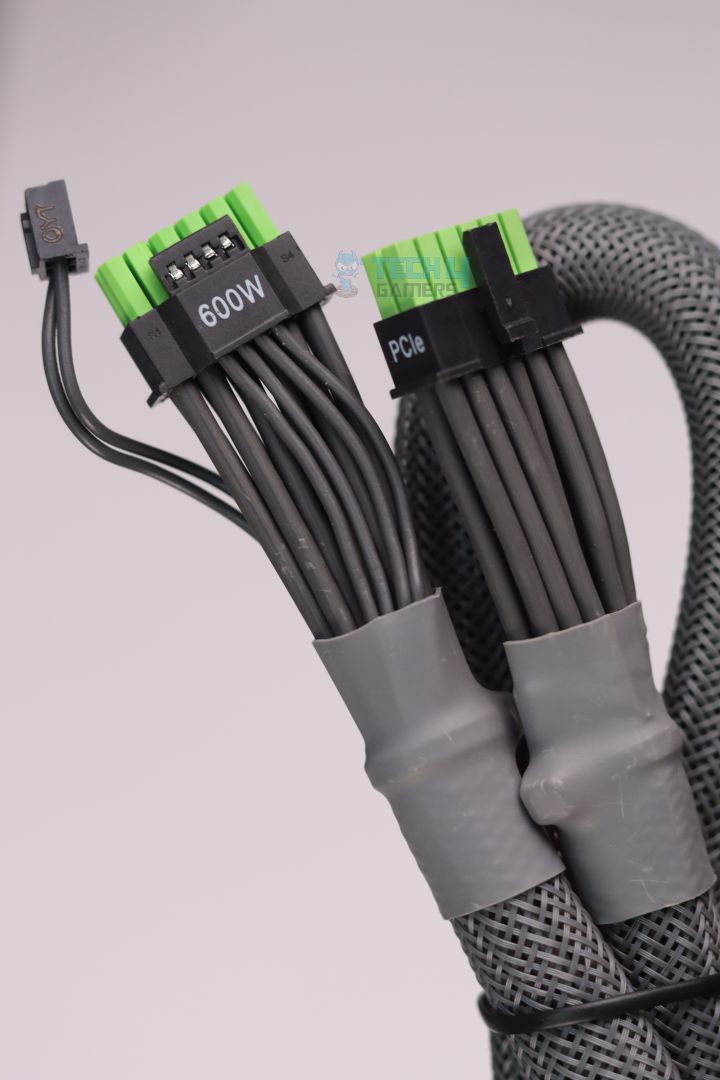
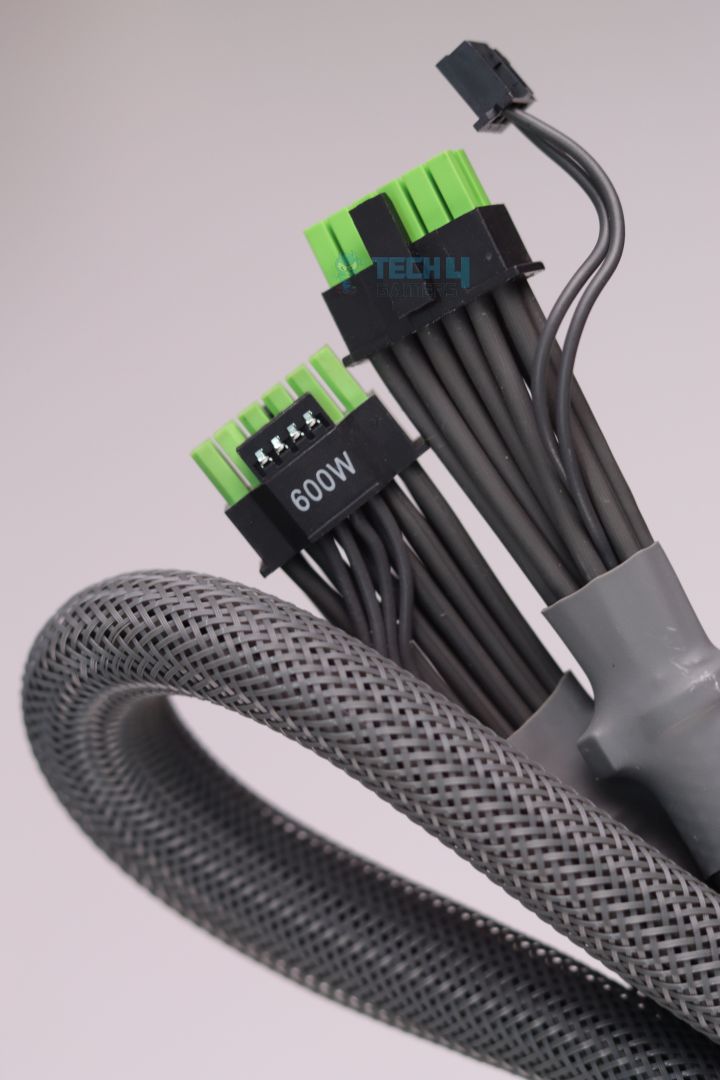
I personally don’t like ASRock’s TempGuard implementation for two reasons:
- The actual temperature sensor is way farther than the 12V-2×6 connector’s individual power pins, which are the real deal when it comes to melting.
- When the TempGuard’s protection kicks in it directly shuts down the PSU without any warning. A user will be completely clueless when it happens as to what exactly might have caused the system shutdown.
| Connector Type | Quantity |
|---|---|
| Motherboard cable (24-pin) | 1x |
| EPS 12V CPU connectors (4+4-pin) | 1x |
| EPS 12V CPU connectors (8-pin) | 1x |
| PCIe 5.1 connector (12+4-pin) Dual Color | 1x |
| PCIe connectors (6+2-pin) | 2x |
| PCIe connectors (8-pin) | 1x |
| PATA / Peripheral connectors (4-pin) | 3x |
| SATA connectors (5-pin) | 9x |
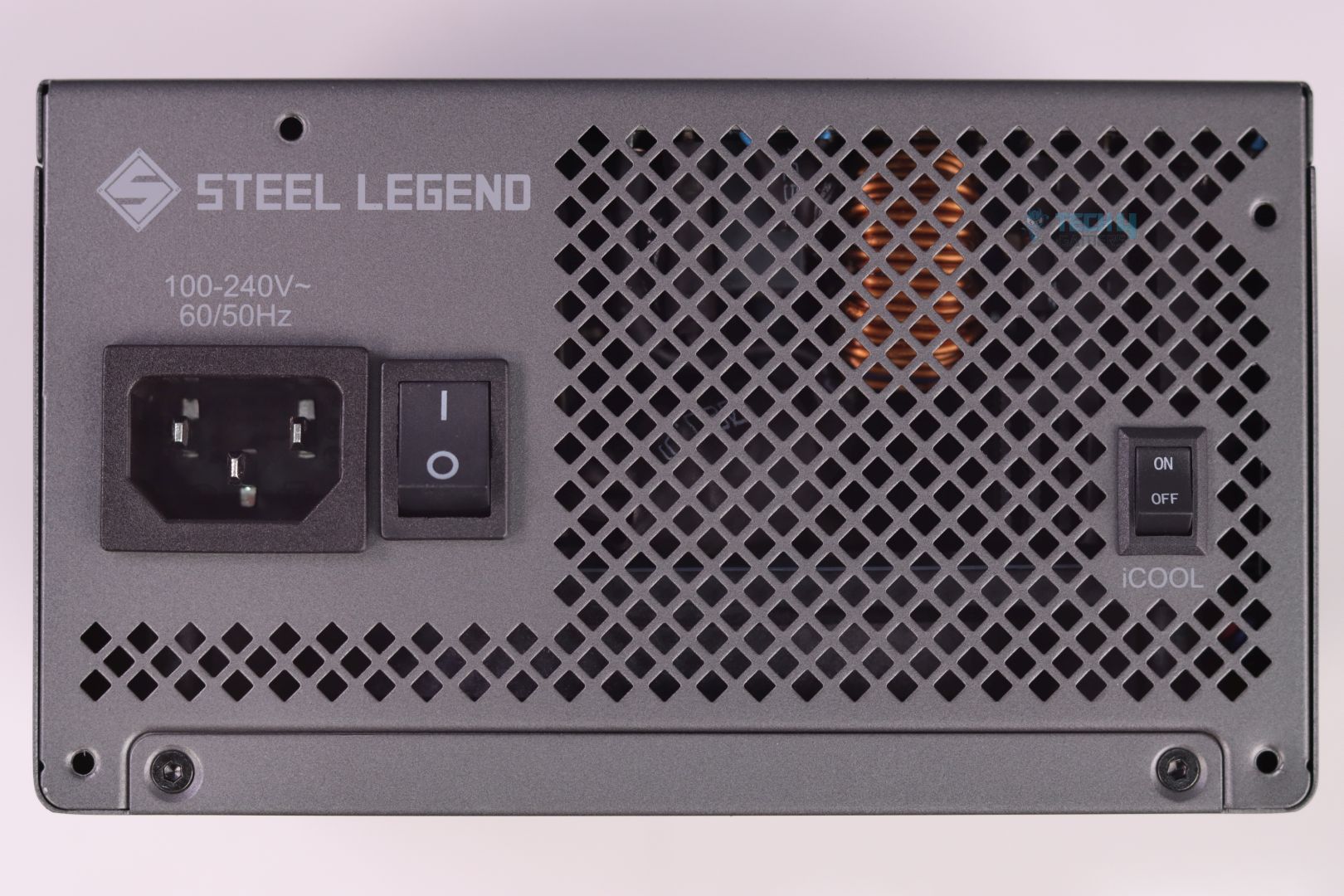
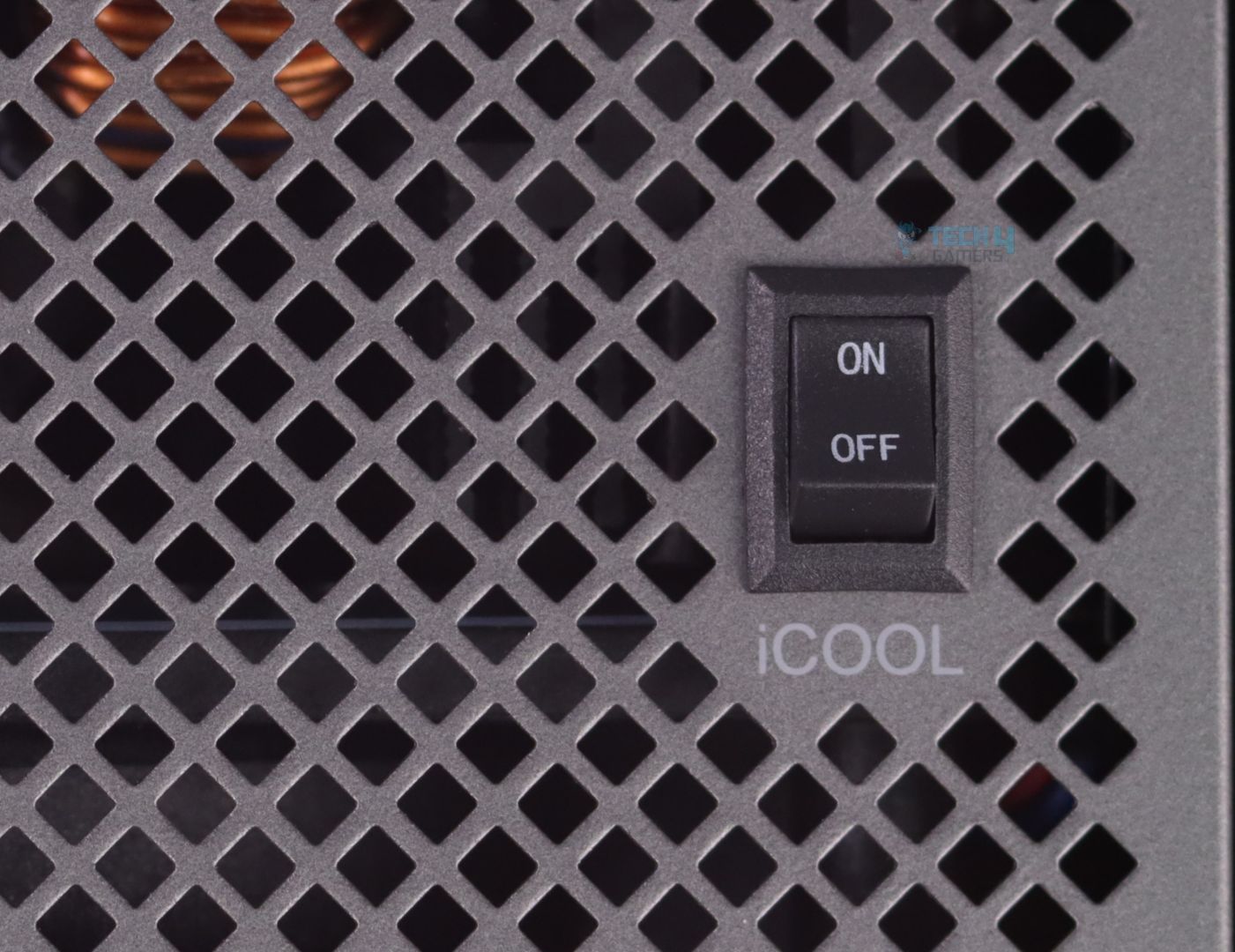
ASRock’s implementation of hybrid fan mode comes with a cool name tag “iCool”. Turning it on makes the PSU run completely silent till you load up the PSU to a specific limit (which we will test later)
Teardown & Component Analysis
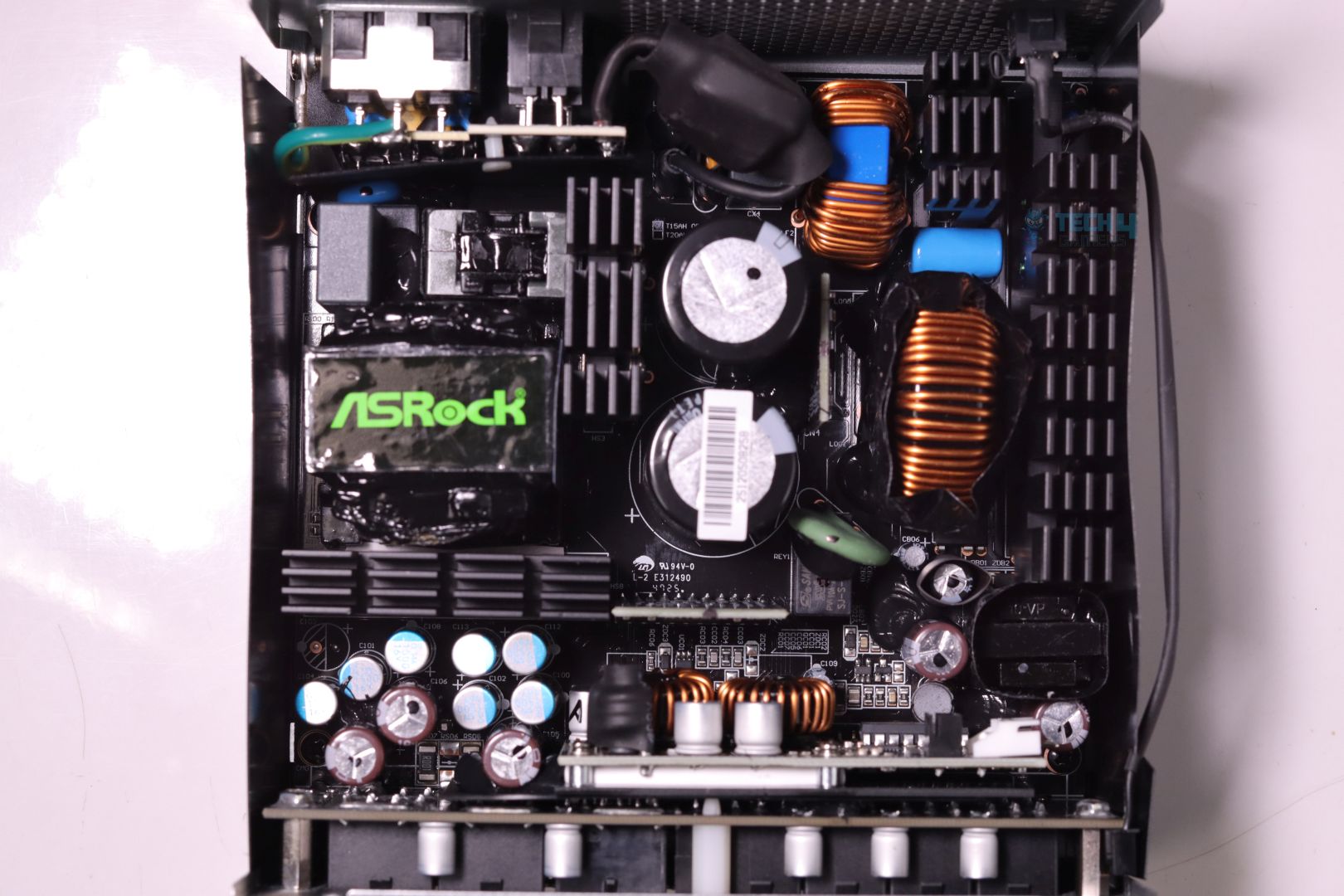
Aha! A big gotcha moment!
ASRock SL-1000P’s teardown reveals exactly what I had in my mind.
There’s an uncanny resemblance between ASRock SL-1000P and SL1000GW PSUs.
Now let me explain by going back and quoting my exact words (under PSU’s Efficiency section) from the ASRock SL1000GW review:
This is the test where ASRock SL1000GW throws every competition in the 80 Plus Gold category out of the window and even goes to challenge contenders from the 80 Plus Platinum arena, with its massive average efficiency of 93.27%. HEC & ASRock has built a rock-solid platform when it comes to achieving higher efficiency levels.
The ASRock SL1000GW was in no way a Gold Rated PSU as its efficiency was easily meeting the criteria of Platinum efficiency numbers. Now the way CLEAResult (an organization responsible for 80 Plus certification program) has designed their 80 Plus certification criteria is super flawed when it comes to real life use-case scenarios and only have a very specific load variation testing levels to assess the efficiency numbers. This is exactly why many PSU brands & OEMs are now switching to the Cybenetics certification, which is far superior and advanced than CLEAResult’s.
Now we do see ever so slight design changes in the platform compared to the SL1000GW, which may add tiny bit improvements in the final efficiency figures (they only need like 0.5% or so tbh) which we will check in our Efficiency test.
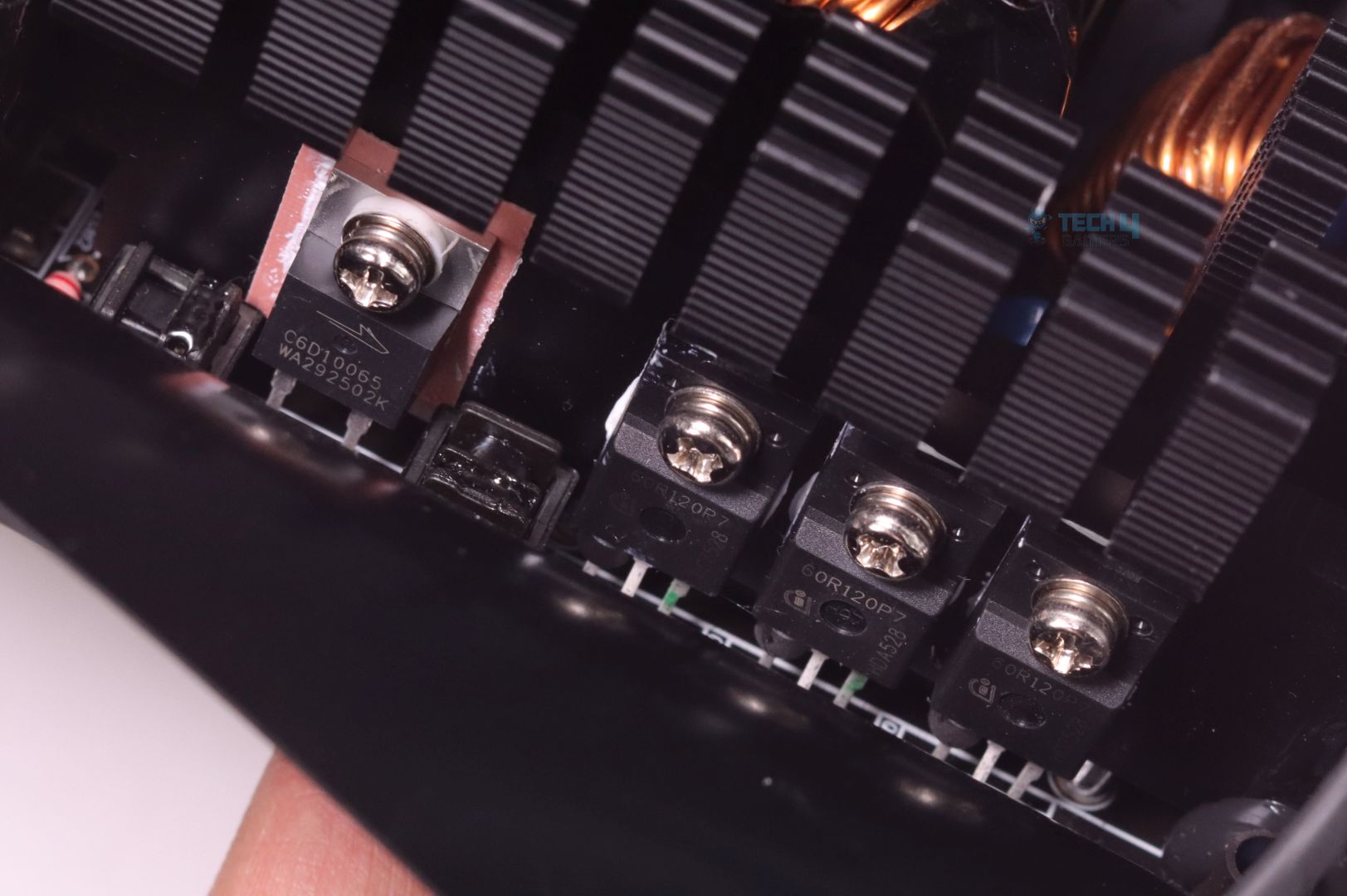
Primary section has one decently sized aluminum heatsink on which x3 APFC MOSFETs and a single Boost Diode are mounted. Two Bridge Rectifiers has got their separate and very adequate heatsink.
Even though a Platinum rated PSU doesn’t produce that much wasted power (which then turns into heat) conpared to Gold rated ones, but large heatsinks help PSU manufacturers to ease up the fan speed/curve resulting in a much quieter operation. By the way, all x3 APFC MOSFETs are exactly the same as the ones used in SL1000GW.
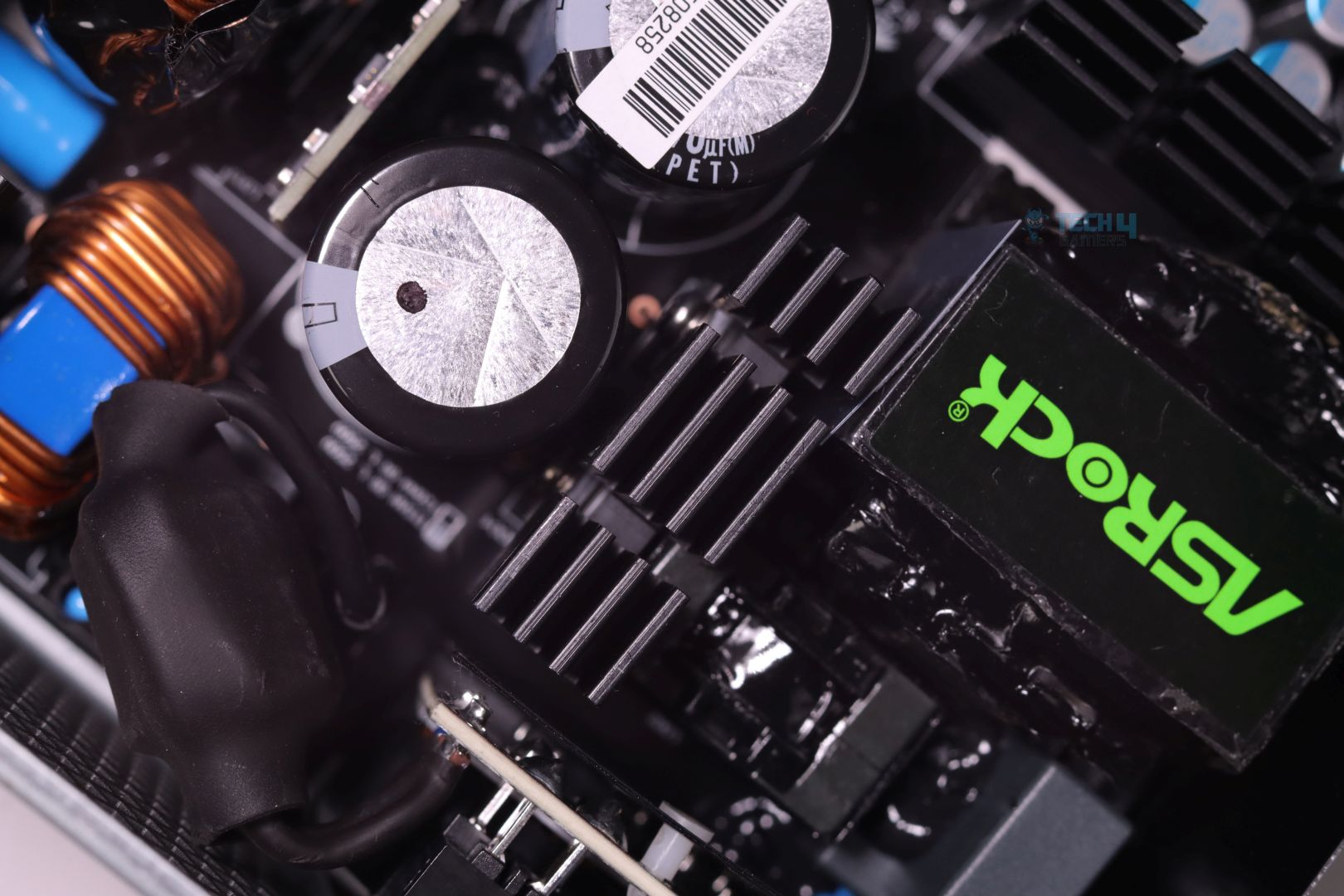
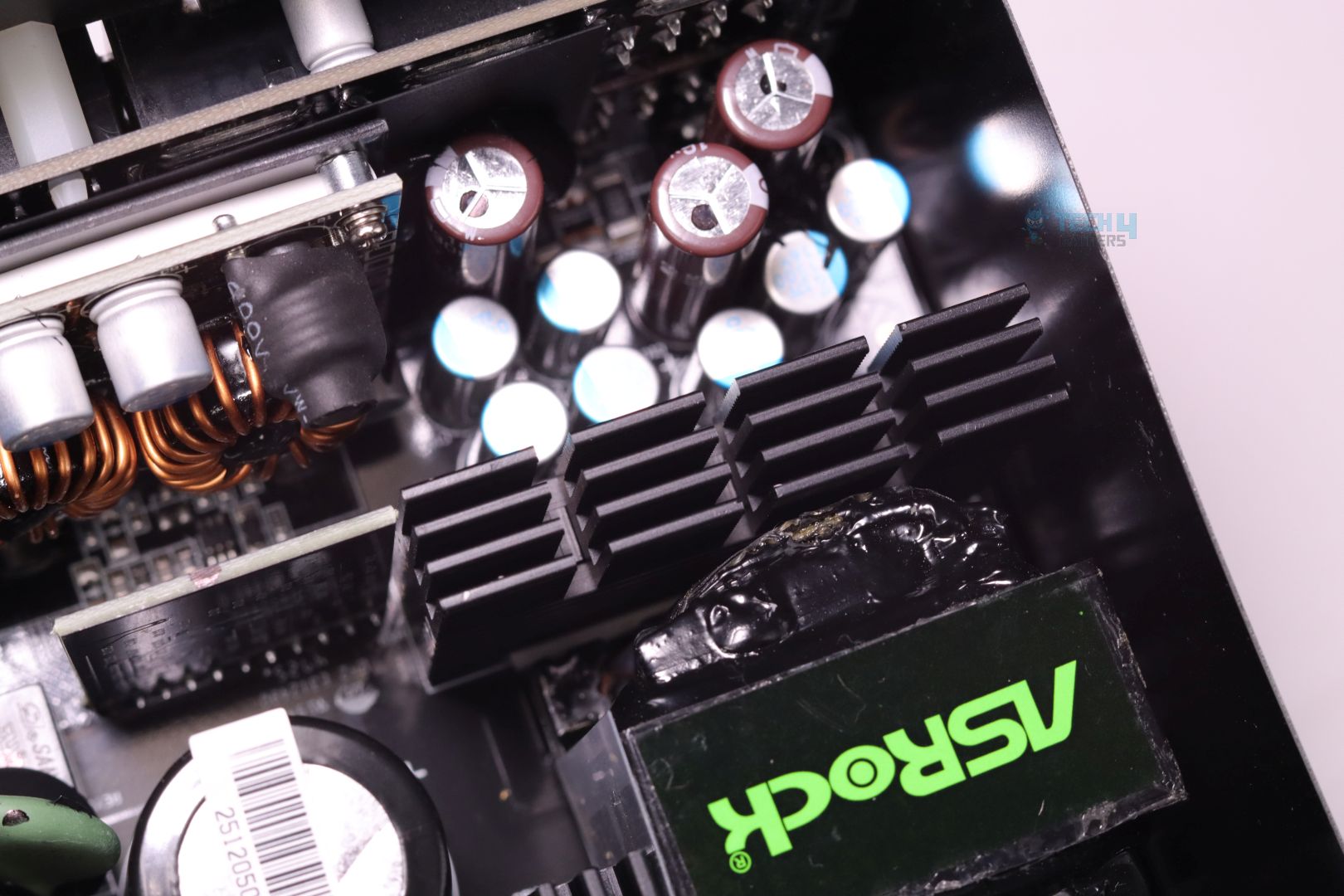
Near the main Transformer, which is responsible for generating and providing power to the secondary side, we get to see x2 MOSFETs arranged as a Half-Bridge for LLC resonant topology.
The main transformer with the ASRock branding, is completely filled with epoxy resin by the looks of it, for preventing any coil whine leaking out.
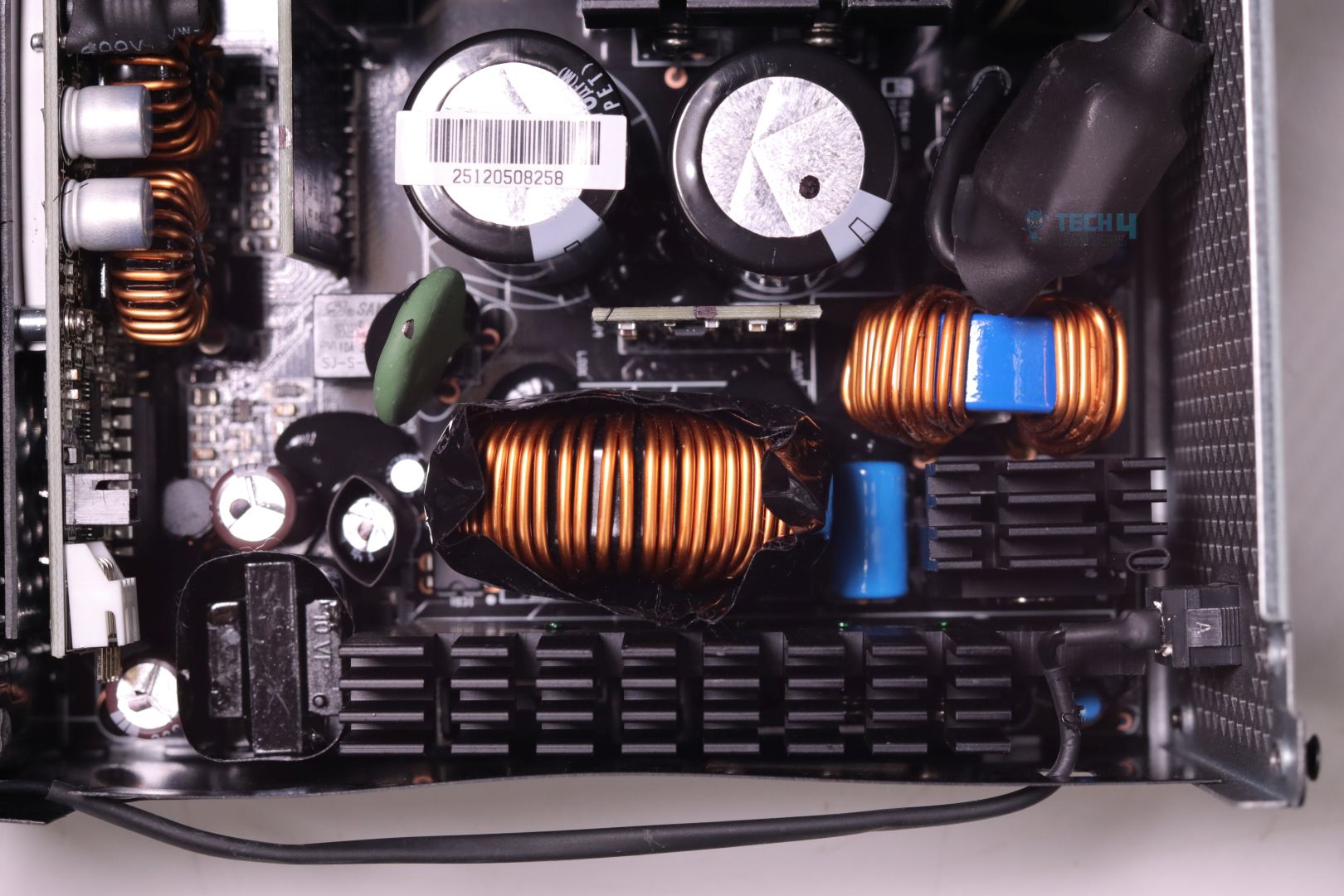
Secondary side SMD MOSFETs for the 12V rail are soldered onto the PCB. Their heatsink is a nice upgrade from SL1000GW which will surely help maintain good temperature levels during high loads and as a result may ever so slightly bump up the final efficiency.
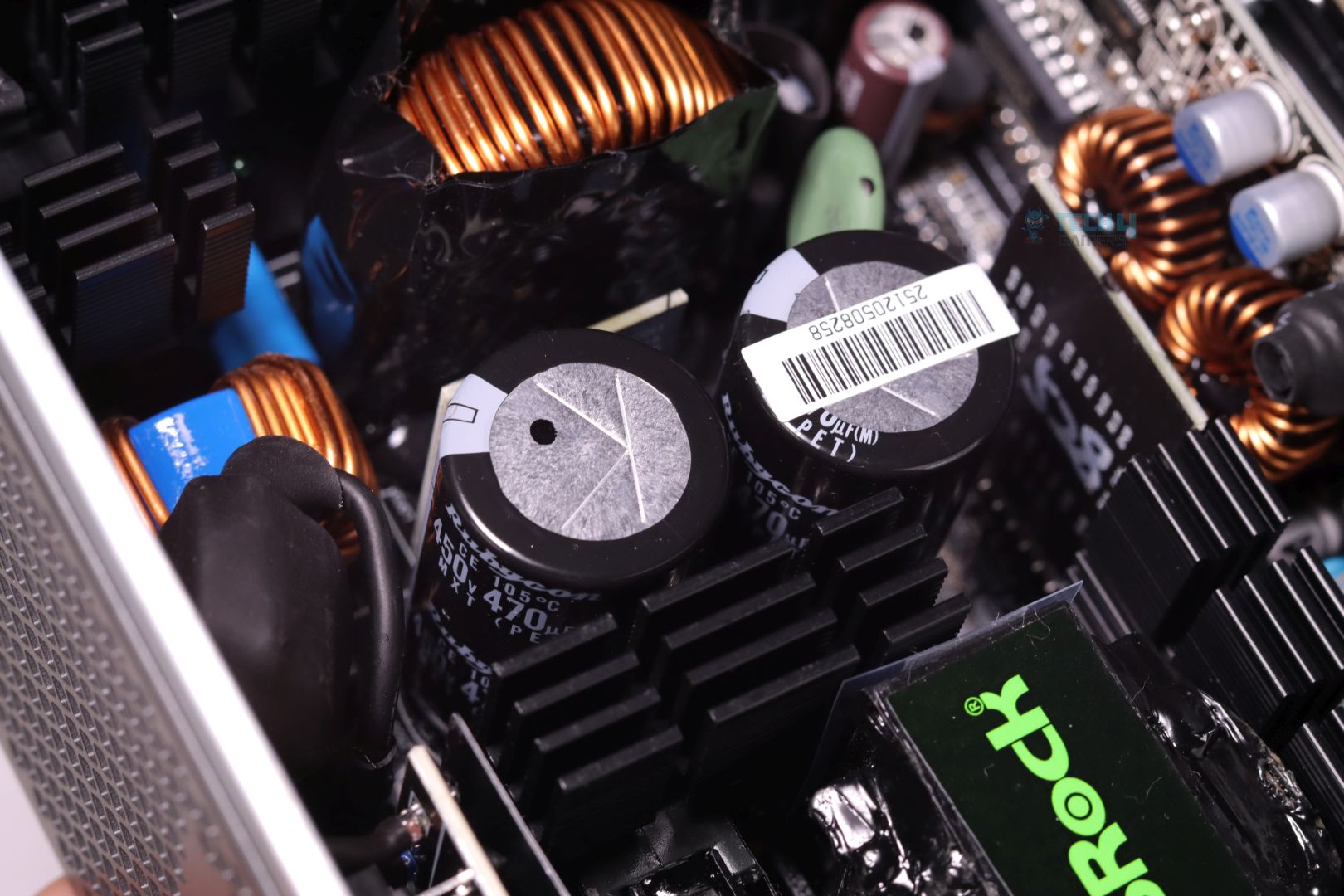
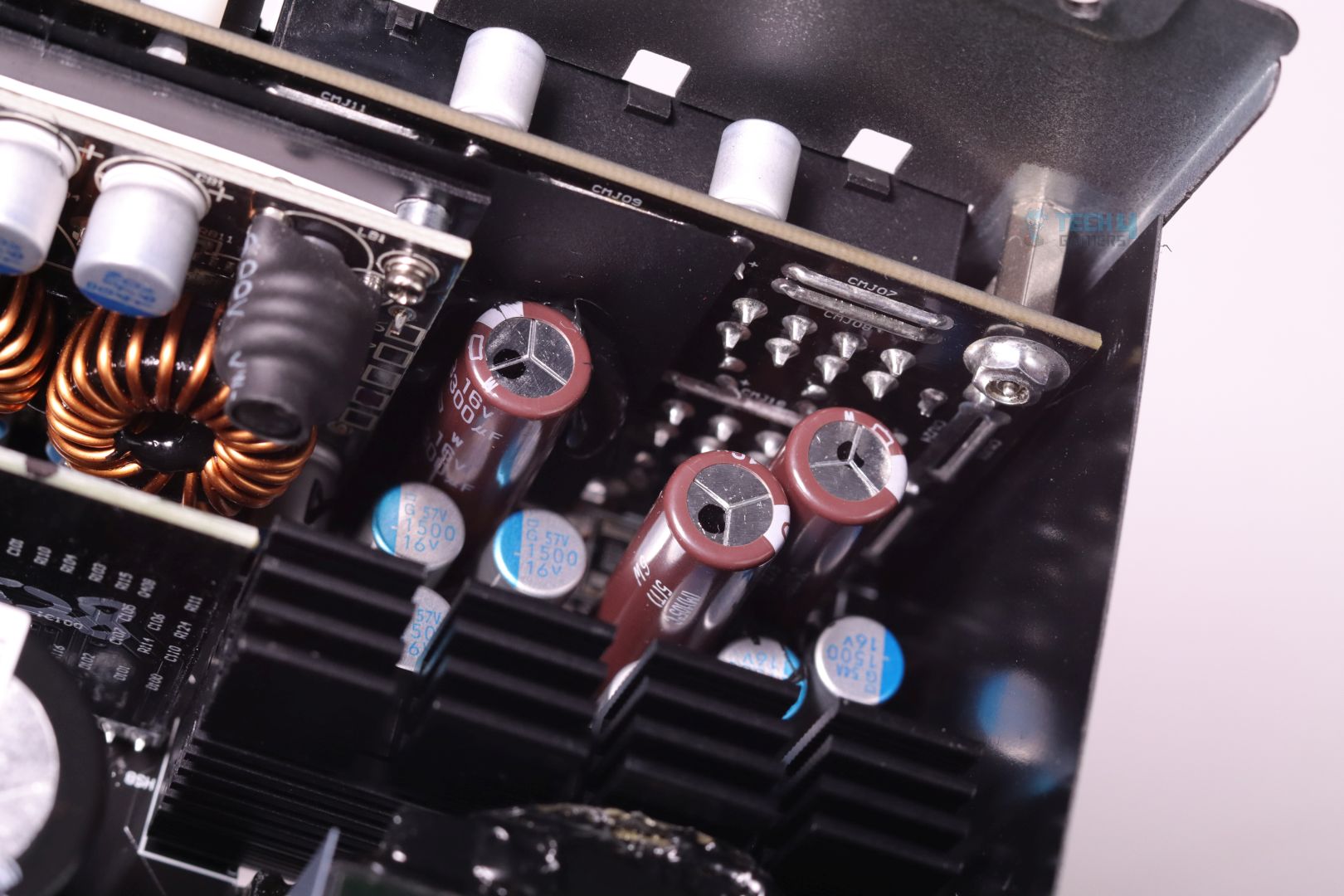
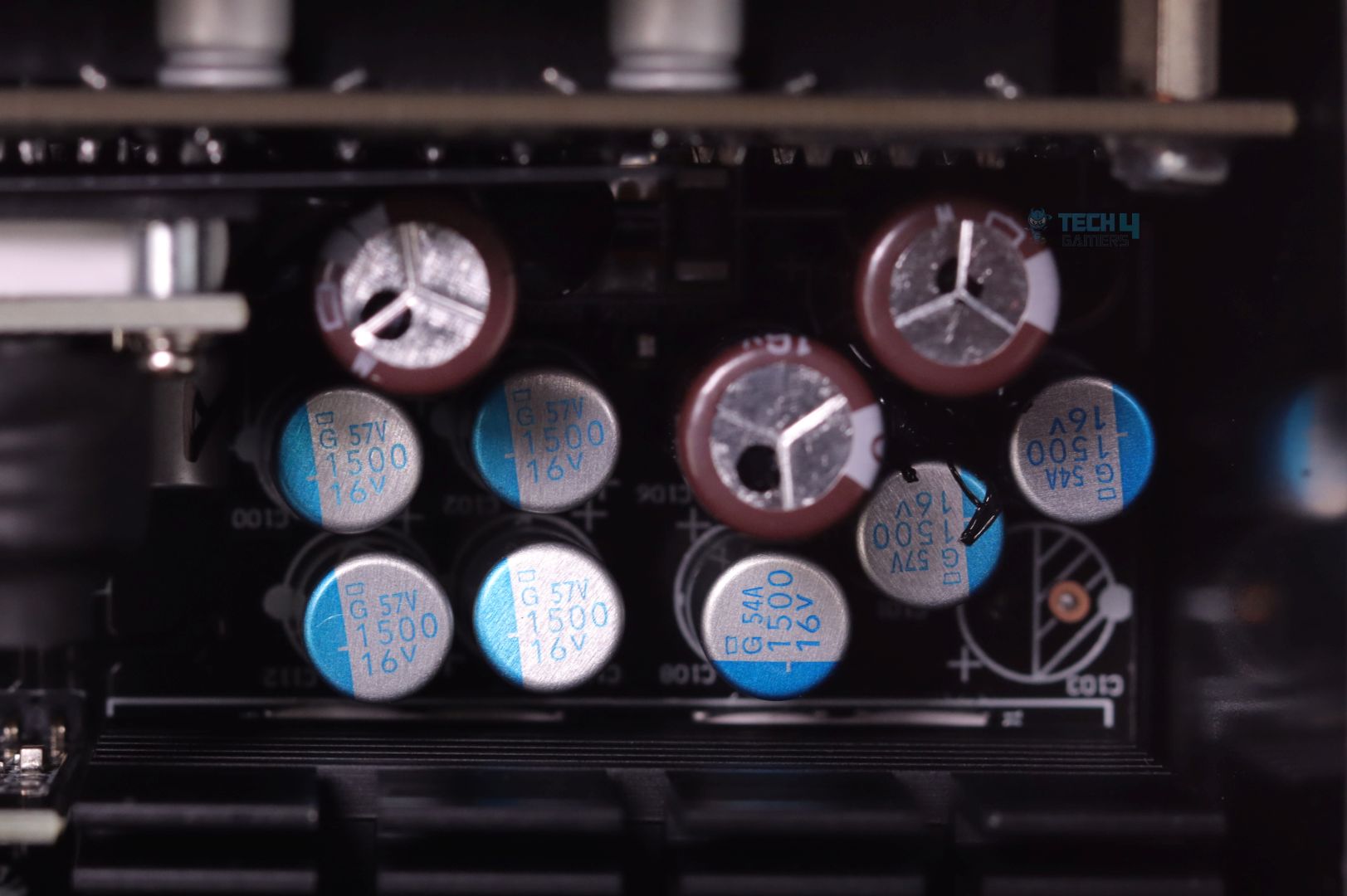
ASRock has been making sure that it provides reliable products throughout their massive line of products and that’s exactly why they have been sticking with top-tier quality components. We see top of the line Japanese Electrolytic and Polymer capacitors in ASRock SL-1000P and more notably, the x2 bulk electrolytic capacitors are surprisingly rated higher for voltage ratings (450V from traditional 400V-420V) which can make them last even longer!
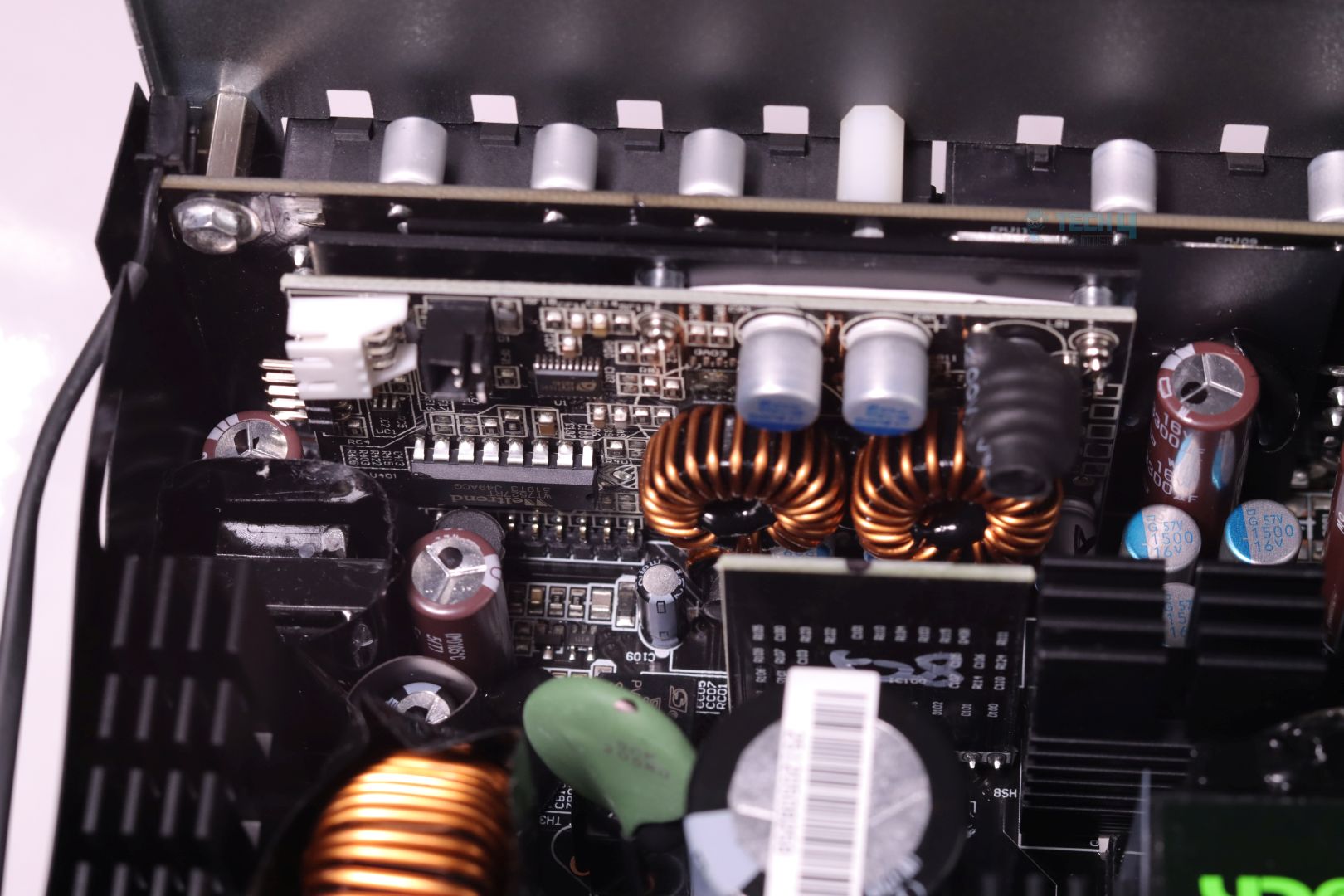
A large vertically mounted daughter board holds DC-DC converters for 5V and 3.3V minor voltage rails along with the main protection IC which is responsible for providing all the necessary OPP, OVP, OCP etc protection to the PSU and lastly a fan controller section as well.
PSU Load Testing
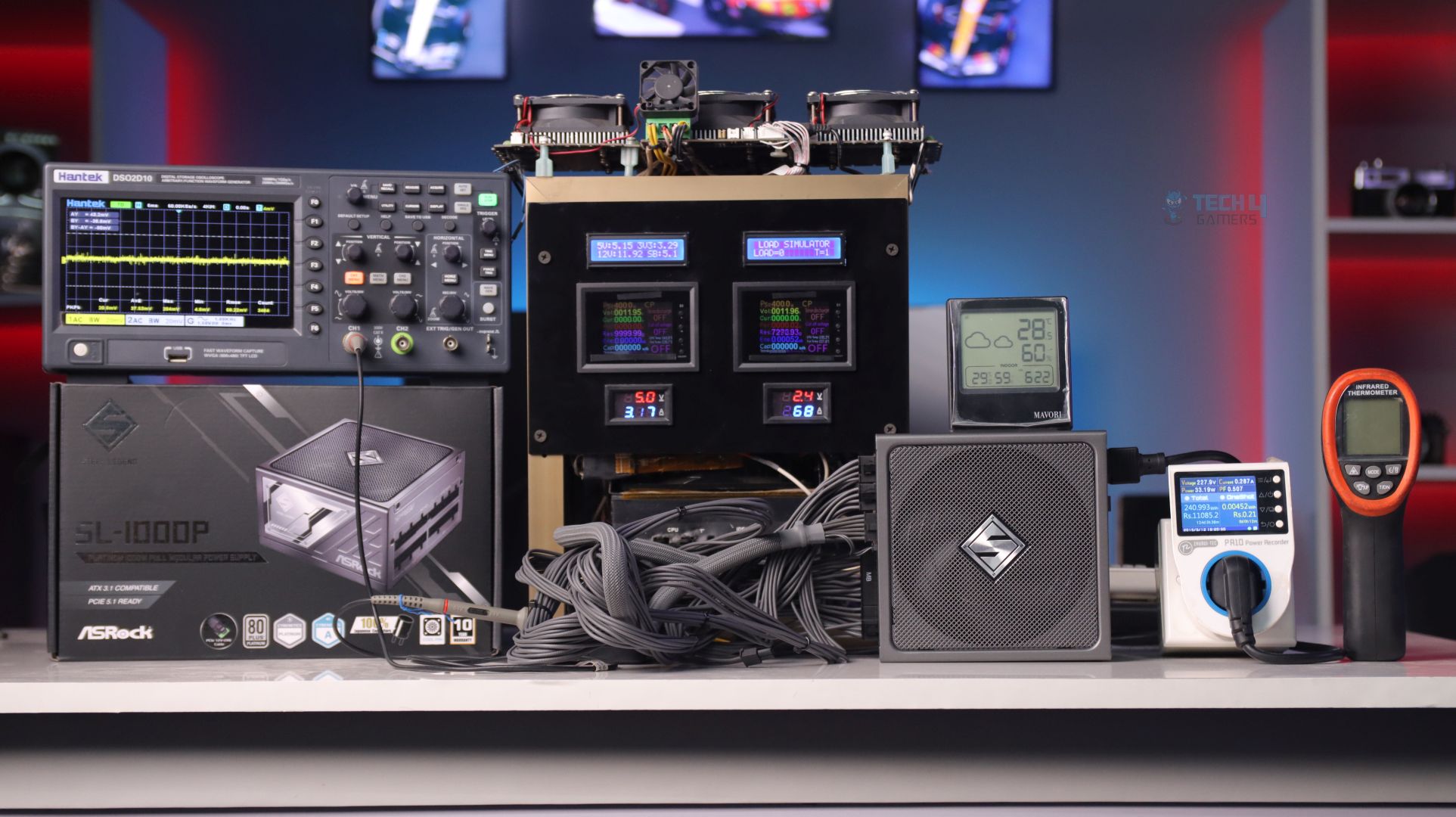
Voltage Regulation
| Load in % | 12V Rail | 5V | 3.3V |
|---|---|---|---|
| 20% | 12.02 | 5.15 | 3.29 |
| 50% | 11.97 | 5.14 | 3.28 |
| 70% | 11.94 | 5.14 | 3.29 |
| 90% | 11.93 | 5.14 | 3.28 |
| 100% | 11.93 | 5.14 | 3.28 |
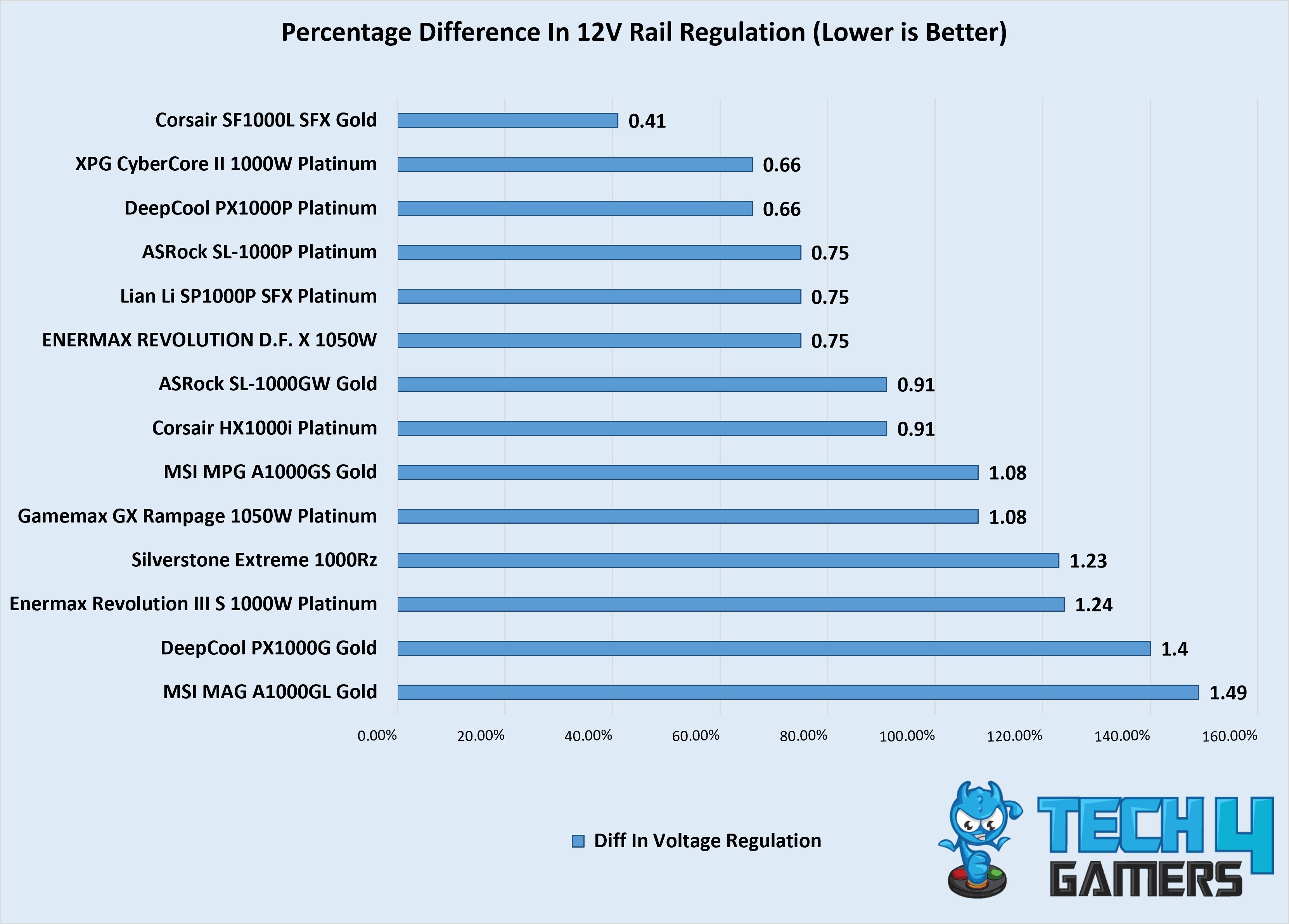
A tighter voltage regulation defines how rugged the 12V rail design is to handle the most challenging/demanding workloads without taking a dip. Although we reviewers have made this (along with a few other) test more relevant than it actually is in real life use-case, but because PSUs these days have become so advance we have to rely even on a minor improvements for the actual comparison.
ASRock SL-1000P performed really well and kept the tolerance level tight on its 12V rail. It performed a lot better than its Gold rated counterpart SL1000GW. So HEC (PSU OEM) and ASRock has surely improved the design a little for this one.
PSU Efficiency
| Load in % | Efficiency | Power Factor |
|---|---|---|
| 20% | 92.33% | 0.92 |
| 50% | 94.21% | 0.968 |
| 70% | 94.26% | 0.976 |
| 90% | 93.58% | 0.982 |
| 100% | 93.19% | 0.984 |
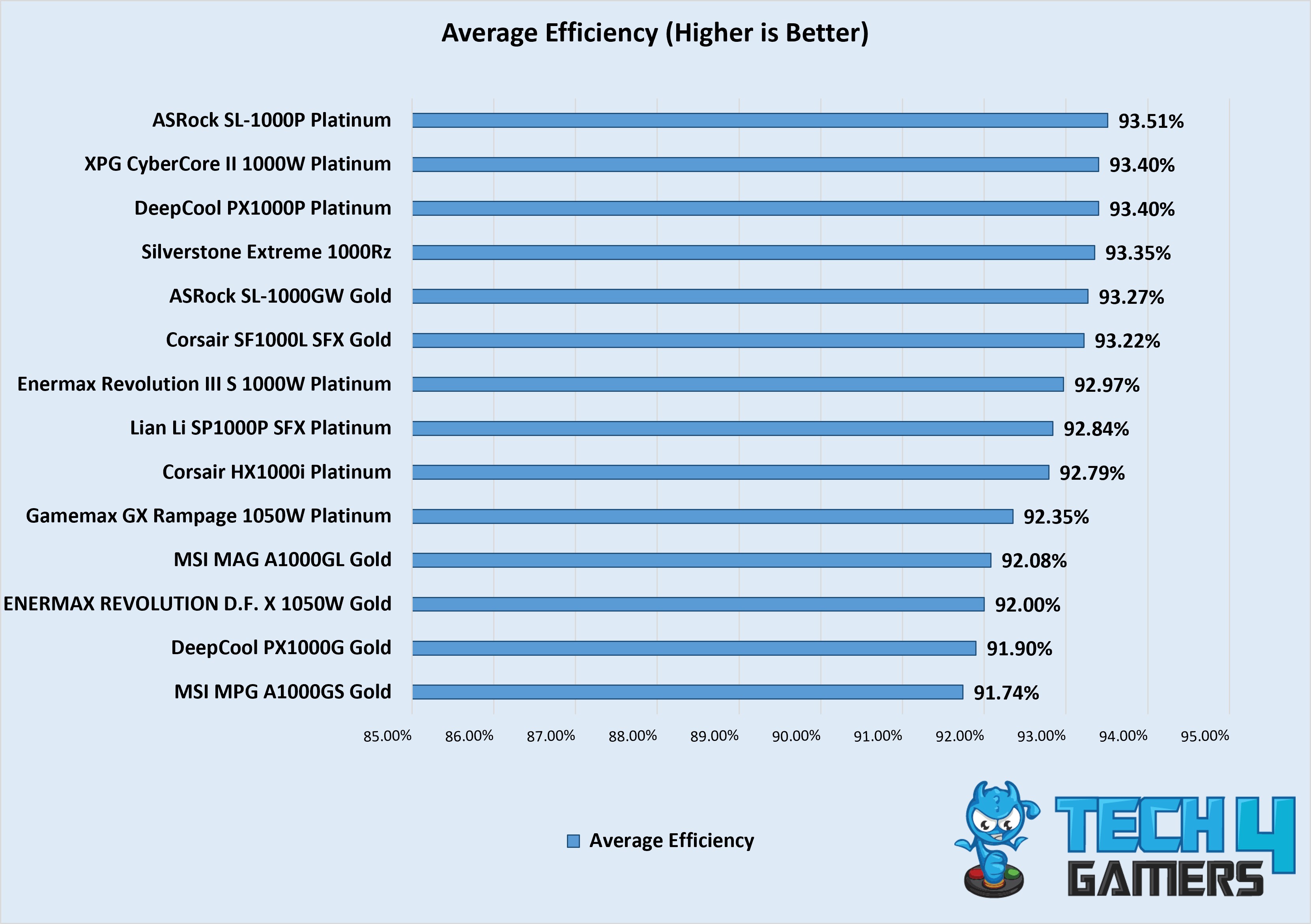
There’s a whopping 0.24% increase in average efficiency for SL-1000P compared to its Gold variant! That’s probably all what ASRock and HEC really needed to hit for CLEAResults’ 80 Plus Platinum rating, as otherwise the previous Gold variant already had 80 Plus Platinum certification from Cybenetics. Anyways, ASRock SL-1000P has excellent efficiency throughout different load variations.
Voltage Ripple Performance
| Load in % | 12V Ripple |
|---|---|
| 20% | 22.4 |
| 50% | 19.2 |
| 70% | 20 |
| 90% | 20.8 |
| 100% | 29.6 |
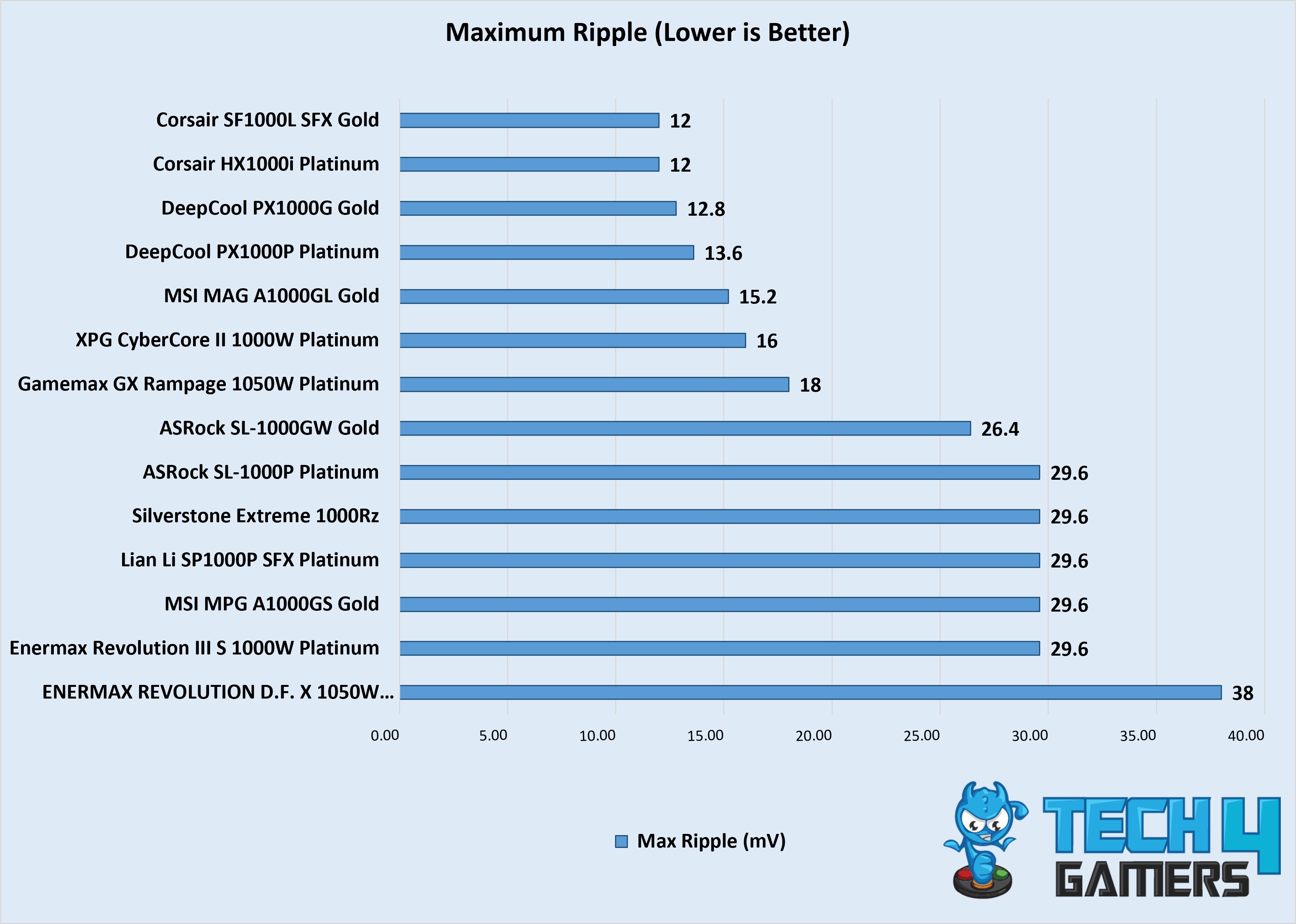
We see similar voltage ripple performance compared to SL1000GW. Being a Platinum rated PSU I expected the result to be lot better. Still it achieves better result but I have seen even better in similar spec PSU with almost similar price tag.
Temperature
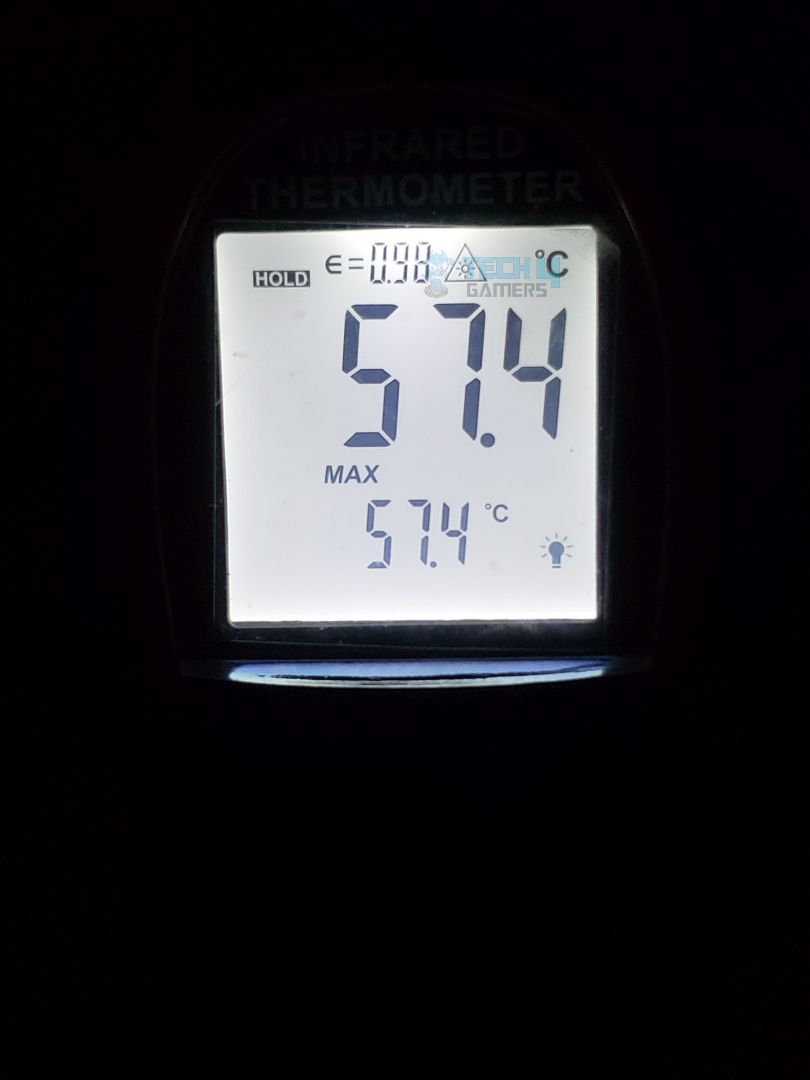
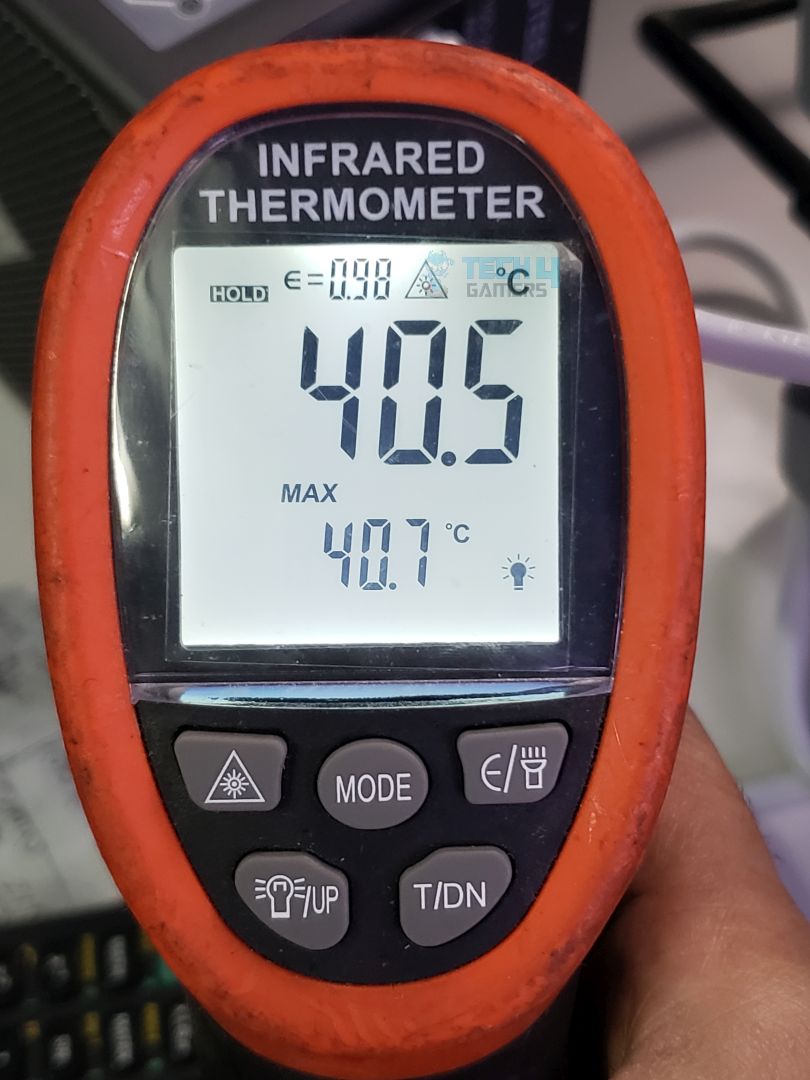
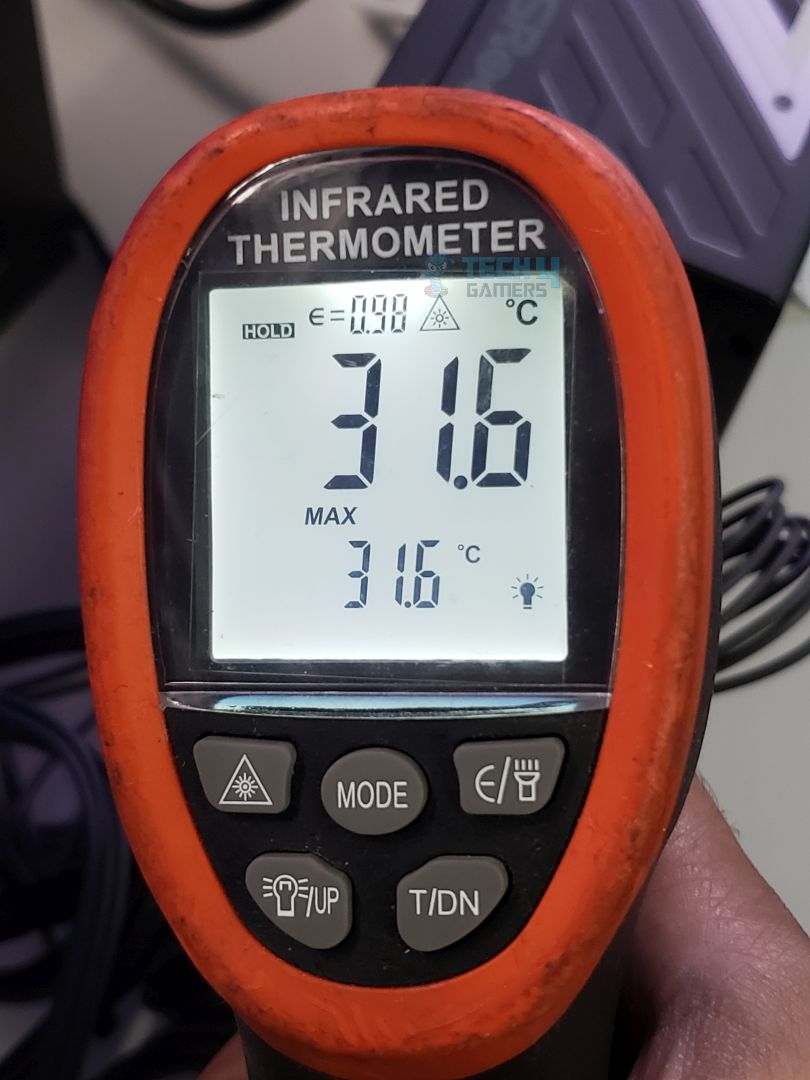
The temperature result didn’t impress me much for a 1000W rated PSU, not that it’s of any major concern for the end user but the way those 12V rail SMD MOSFETs are mounted, they also transfer their heat on the back of the PSU via thick thermal pads hence why the max temperature on the back was reported to reach at 57.4C during max load and 65C when the PSU was overloaded to hit its max OPP (Over Power Protection) which was around 1305W.
ASRock has kept the fan profile fairly quiet and even when the PSU was loaded at max rated 1000W the fan was barely audible which is pretty impressive result!
Had ASRock implemented aggressive fan curve we would have surely seen much lower temperatures but its a fine balance between performance so all good.
Should You Buy it?
Buy It If
✅ Great Value: Great value for money for a Platinum rated PSU, offering top-tier efficiency without breaking the bank.
✅ Whisper Quiet: Silent operation with both iCool hybrid mode and normal fan mode, keeping your build cool and your ears happy.
✅ 12V-2×6 TempGuard: With ASRock’s TempGuard, your precious and expensive GPU gets an added layer of protection against overheating cables.
✅ Unique Silver Accented Color: A distinctive coloring scheme for both the PSU and cables, a refreshing change from the usual all-black aesthetic, though it may not suit every build.
Don’t Buy It If
❌ You want most value: If you’re always looking to get the most bang for your buck, consider going for the SL1000G/W instead. There’s no significant performance difference between it and this new Platinum variant, and you’ll save yourself $25–40. You also get the added bonus of choosing between Black and White colorways.
My Final Thoughts
ASRock has finally filled up the gap and completed their PSU lineup with the addition of their newly released ASRock SL-1000P 80 Plus Platinum PSU and posed yet another challenge for its contenders with SL-1000P’s great and value for money performance.
Community Poll
Thank you! Please share your positive feedback. 🔋
How could we improve this post? Please Help us. 😔

[Errors Troubleshooting Expert]
Arsalan Shakil (aka GuyThatDoesEverything on YouTube) is a PC Tech Enthusiast and Electronic Geek. With over 10+ years of experience in Electronics, he then decided to explore Software Engineering to design embedded products and automate existing hardware solutions.
When he started tearing down old cameras to understand how they worked, he was shocked (literally, when he got zapped by a flash discharge capacitor), giving him the power (debatable) to fall in love with videography/photography. He also started making some fun videos that later became YouTube tech reviews.
Skills:
- 10+ years of experience in Electronics design, embedded solutions, and prototyping
- Majored in Software Engineering
- Research paper publication in IEEE for Embedded Military Uniform & LoRa WAN wireless technology
- Specialized in IoT Solutions
- PC Enthusiast & PC Modder
In his local region, he’s known to expose cheap PSU brands, often claiming fake certification or false claims on the box. He’s a true nerd and needed some friends in his life. Then he met some guys who work at Tech4Gamers, and they also came out to be equal nerds who suggested he join Tech4Gamers as a Hardware Expert.
 Join Our Community