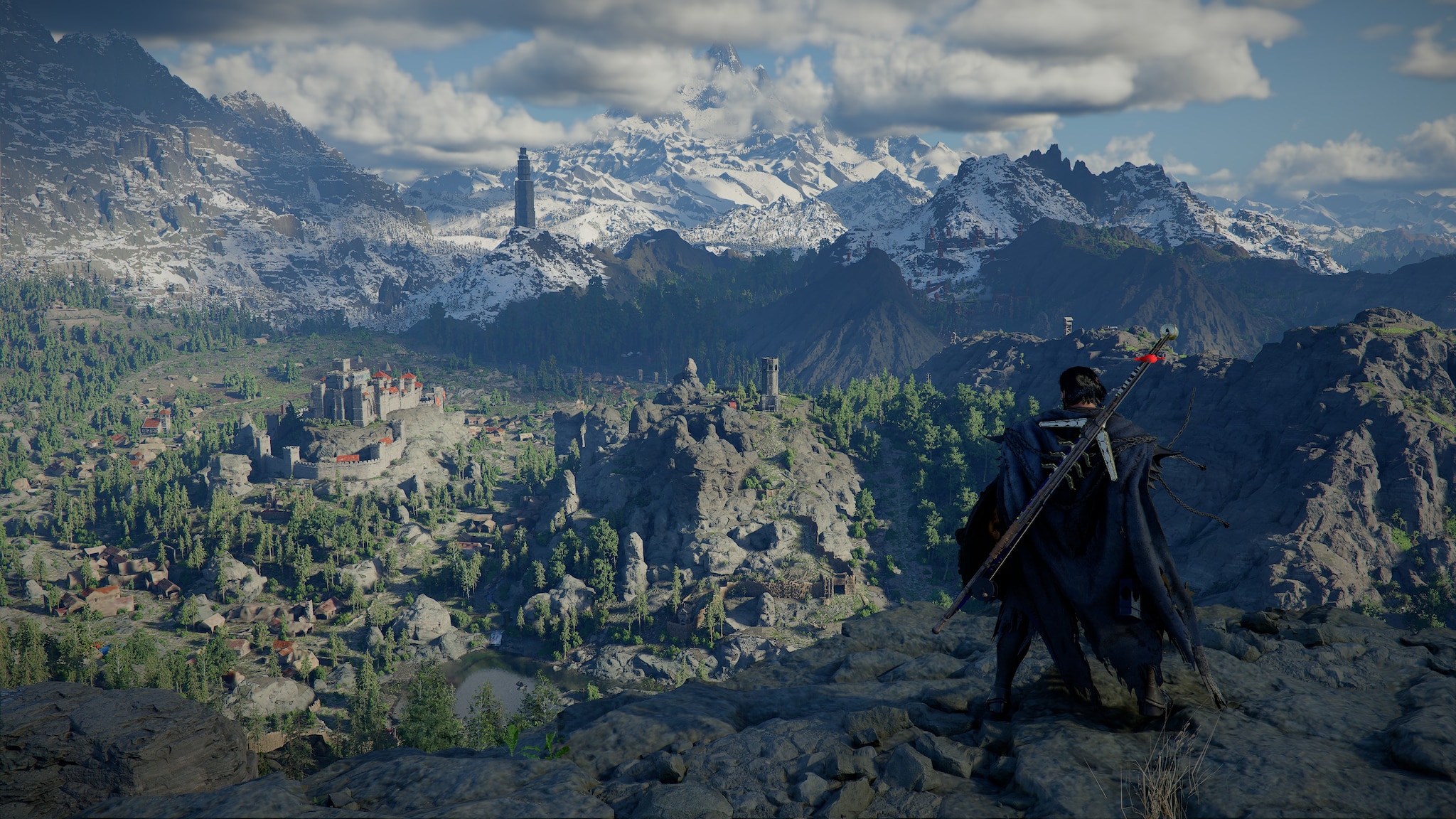
- The latest Windows 11 Patch Tuesday update is reportedly causing crashes in several PC games.
- Reports indicate a conflict involving inpoutx64.sys, with some users also experiencing shutdowns or reboots.
- Microsoft has not yet confirmed a permanent fix, so affected users are relying on temporary workarounds.
Microsoft’s latest Windows 11 Patch Tuesday update is being linked to game crashes, EXCEPTION_ACCESS_VIOLATION errors, and unexpected shutdowns on some PCs.

According to Windows Central, the issue appears to affect certain games after installing the recent Windows 11 update, with ARC Raiders among the titles mentioned. For players who already spend time tuning Windows 11 for gaming, this is exactly the kind of update problem that can be frustrating.
What KB5121003 Appears To Be Breaking
The update being discussed as KB5121003 is reportedly causing some multiplayer games to crash on launch or during gameplay. The most commonly mentioned error is EXCEPTION_ACCESS_VIOLATION, which usually means a program tried to access memory it was not allowed to use.
The important detail is the inpoutx64.sys driver. This driver is often used by hardware monitoring, RGB controllers, or low-level system tools. If a game’s anti-cheat system or Windows itself suddenly treats that driver differently after an update, crashes can follow.
ARC Raiders has been the main example so far, but reports have also mentioned Embark Studios’ The Finals and MARVEL Tōkon: Fighting Souls. However, Embark Studios shared a quick workaround for ARC Raiders players affected by the problem.
Temporary Fixes Users Can Try
The first move should be the least risky: update the affected game, launcher, anti-cheat software, GPU driver, and any RGB or controller utility that uses inpoutx64.sys.
If the issue continues, affected users can try these options:
-
Close hardware tools before launching the game
Shut down RGB, fan control, controller, monitoring, or overclocking tools, and test the game again. -
Rename inpoutx64.sys only if instructed
Some workarounds suggest renaming the driver so it cannot load. This should only be done if the user understands which app installed it and can restore it later. -
Uninstall the Windows update as a last resort
Go to Settings > Windows Update > Update history > Uninstall updates, then remove the latest Patch Tuesday update if the system became unstable after installing it. -
Pause updates temporarily
This can stop Windows from reinstalling the same update while Microsoft, game developers, or tool vendors work on a fix.
Microsoft has not yet confirmed a permanent fix for this specific inpoutx64.sys-related gaming issue. Until that happens, the best approach is to treat the update as suspicious rather than automatically guilty.
Affected players should check game developer updates, Microsoft’s Windows release health notes, and anti-cheat or utility software patches. If a rollback fixes the issue, that is a strong sign the update is involved.
For now, the takeaway is simple: if games started crashing right after KB5121003, check for inpoutx64.sys, try the least risky workarounds first, and only roll back the update if the system remains unstable.
Thank you! Please share your positive feedback. 🔋
How could we improve this post? Please Help us. 😔

Senior Hardware Reviewer at Tech4Gamers with over a decade of experience in the tech industry. My journey began in 2014 as a senior administrator for Pakistan’s largest gaming community forum. I specialize in testing and reviewing components like graphics cards, CPU coolers, and motherboards, while also sharing insights on overclocking and system optimization.
 Join Our Community