Threads
Evolution Over Gimmicks!
Review Summary
The Obsbot Tiny 3 is a compact AI-powered PTZ webcam that combines gimbal-based tracking, flexible framing, and decent built-in audio into a small package. It performs well in varied lighting, keeps autofocus locked even during fast movements, and the Obsbot Center software gives extensive control over image settings. While it’s more expensive than standard webcams, its various features make it a worthwhile option for creators and anyone who spends long hours on camera.
Hours Tested: 2 Days

Overall
-
Video - 9.5/10
9.5/10
-
Audio - 9/10
9/10
-
Software - 8.5/10
8.5/10
-
Design - 8/10
8/10
-
Value - 8.5/10
8.5/10
Pros
- Compact yet solid design
- High-quality image
- Flexible video options
- Remarkable audio performance
- Extensive software controls
Cons
- A bit pricey
- Overkill for casual users


The Obsbot Tiny 3 has a bit of history behind it. Obsbot’s Tiny series has been around since 2020, starting with the first AI-powered PTZ webcam, and each model has built on the last. They’ve refined things with the Tiny 4K, Tiny 2, and even more budget-friendly options like the Tiny SE and Tiny 2 Lite. It feels like they know what works and what doesn’t. The Tiny 3 series continues that trend by releasing two models, the full version Tiny 3 and the lighter version Tiny 3 Lite.
The Tiny 3 got a few upgrades that are noticeable right away. In this review, I’ll go through how it behaves in real use, such as image quality, tracking performance, software experience, and all those small details that actually matter when spending hours on the camera. By the end, you’ll have a sense of whether the Tiny 3 is something you’d buy or if it’s just another webcam with fancy promises.
Key Takeaways
- The Obsbot Tiny 3 feels like a step above typical webcams, offering AI-powered gimbal tracking and a three-mic setup. It handles low-light conditions well, keeps you perfectly framed during movement, and lets you tweak extensive settings in the software.
- You should buy the Obsbot Tiny 3 if you make creative or dynamic content, need a built-in mic that actually works, and want flexible image control.
- You should skip the Obsbot Tiny 3 if you only join occasional calls, price is a concern, you prioritize simplicity over features, and you aren’t willing to dive deeply into software settings.
Here are the technical specifications:
| Size | 37 mm x 37 mm x 49mm |
| Weight | 63g |
| Image Sensor | 1/1.28” CMOS |
| Effective Pixels | 50 M |
| Aperture | ƒ/1.8 |
| FOV (D) | 82.4° (4:3), 74° (16:9) |
| FOV (H) | 70° |
| Equivalent Focal Length | 24mm |
| Minimum Focus Distance | 14cm |
| ISO Range | 100-12800 |
| Exposure Value | ±3EV |
| Digital Zoom | 1-4x |
| Focus Type | AF (PDAF) / MF |
| HDR | Support |
| Controllable Range | Pan: ±130°; Tilt: 32° (down) ~ -60° (up) |
| Mechanical Range | Pan: ±150°; Tilt: ±90° |
| Max Controllable Speed | 120°/s |
| Audio Input | 1 Omnidirectional+2 Directional Mics |
| Auxiliary Functions | Gesture Control, Voice Control, Voice Locator, Voice Tracking |
| Power | 5V/0.6A |
What Makes Obsbot Tiny 3 Different?
The Obsbot Tiny 3 feels like a clear evolution of the Tiny lineup, building on models like the Tiny 2 and Tiny 2 Lite. The sensor is larger and more capable than its predecessors, and the image system handles highlights and shadows with a steadiness that feels closer to a much larger camera. It uses an audio setup with triple silicon MEMS microphones with multiple pickup modes that shape how sound behaves, rather than the basic microphones most webcams use.
Packaging & Unboxing
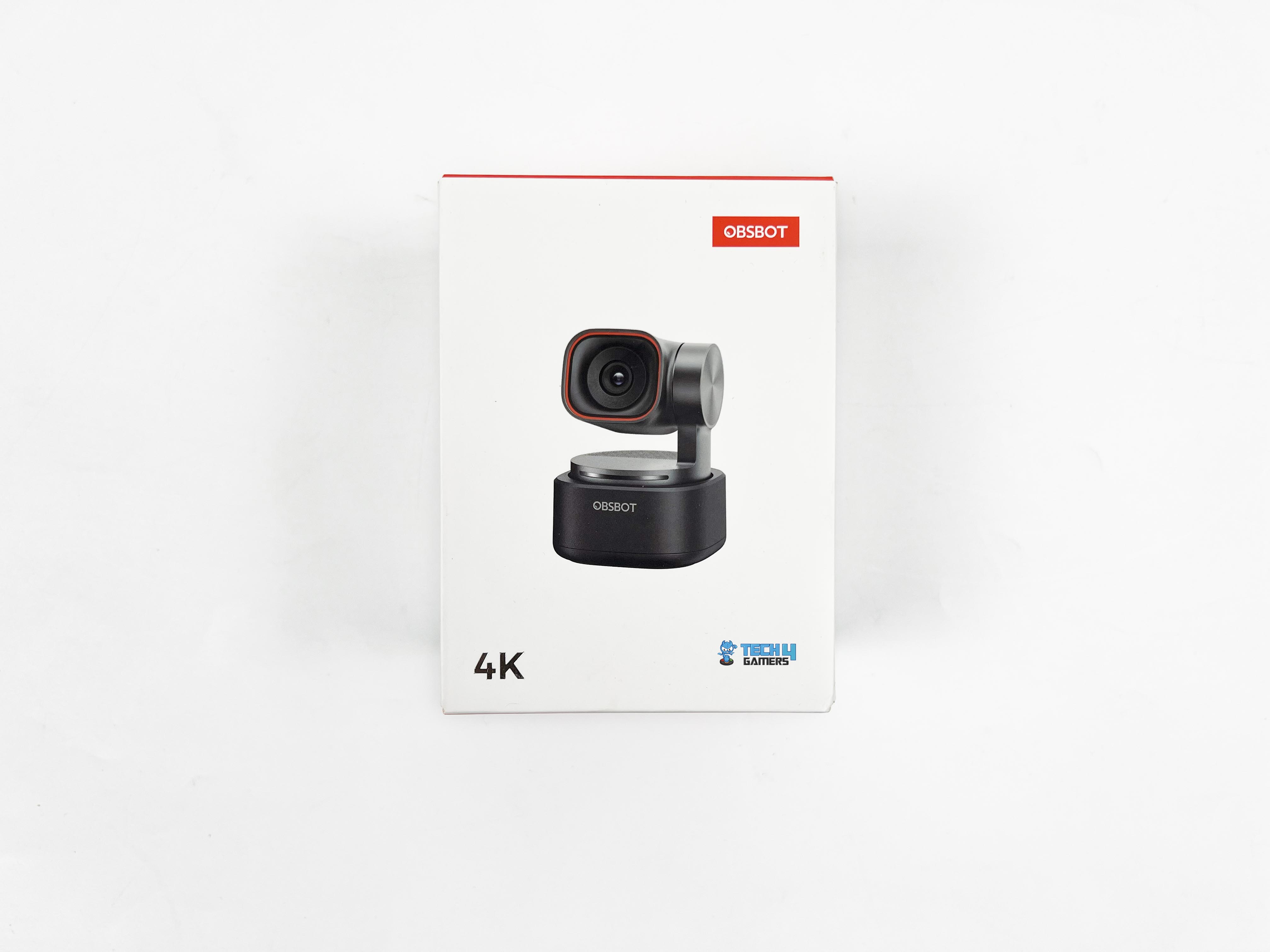
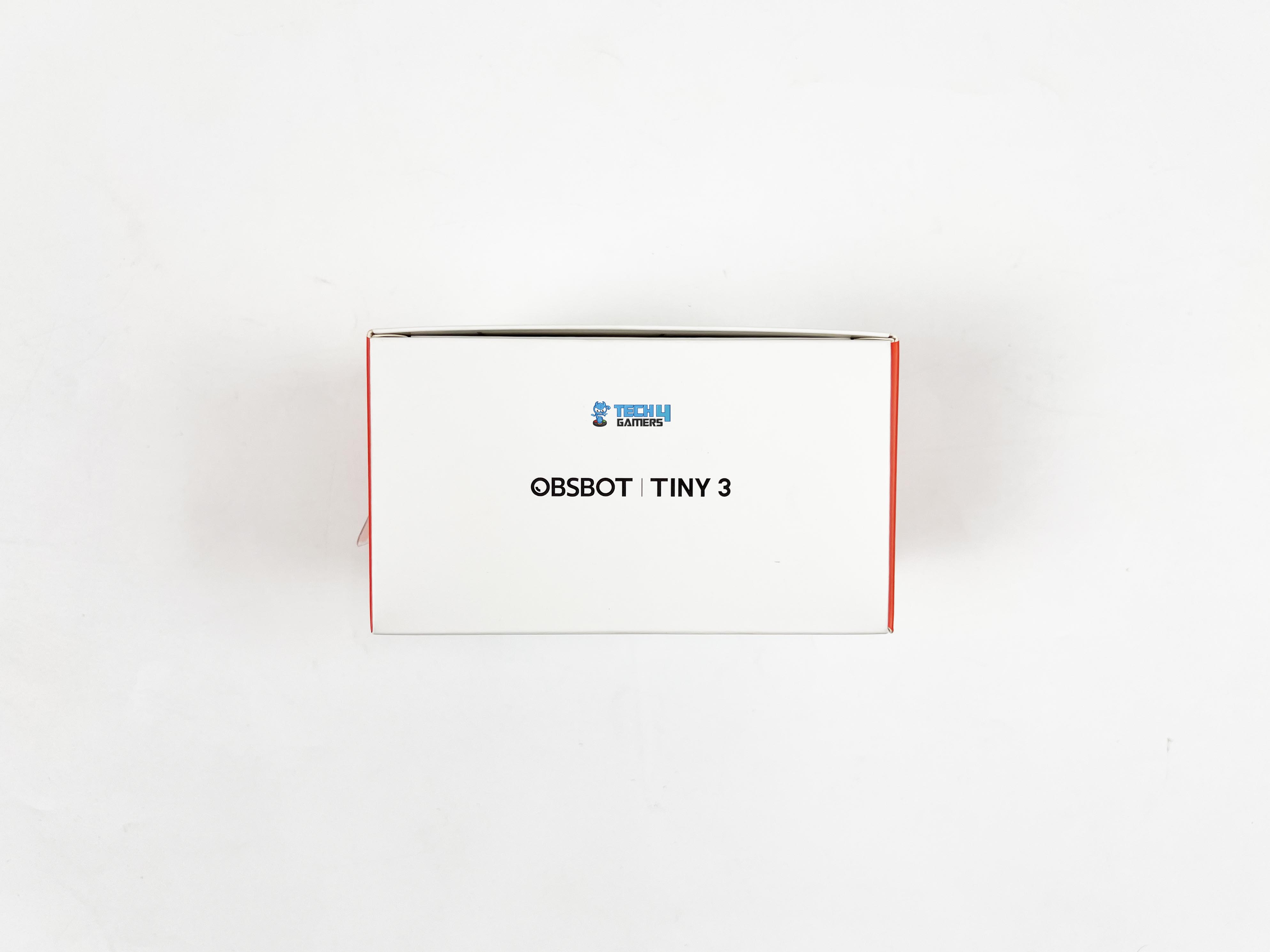
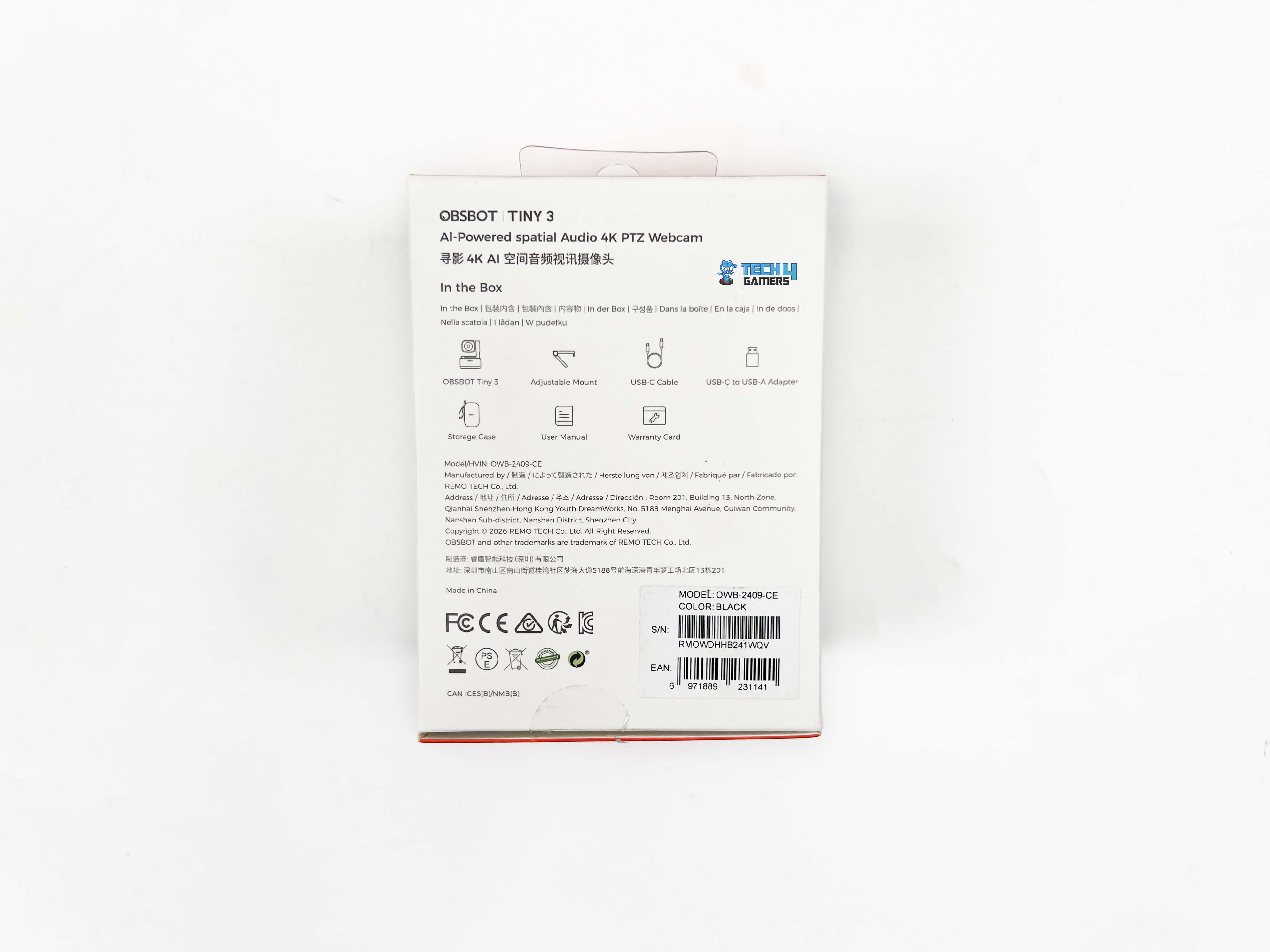
The Obsbot Tiny 3 comes in a red and white box, which is pretty much what you expect from their branding. On the front, there’s a photo of the webcam itself, and they’ve listed the max resolution with the Obsbot logo at the top. The sides have the model name printed. Flipping it over, you’ll find the usual manufacturer info along with a short rundown of what’s inside the box.
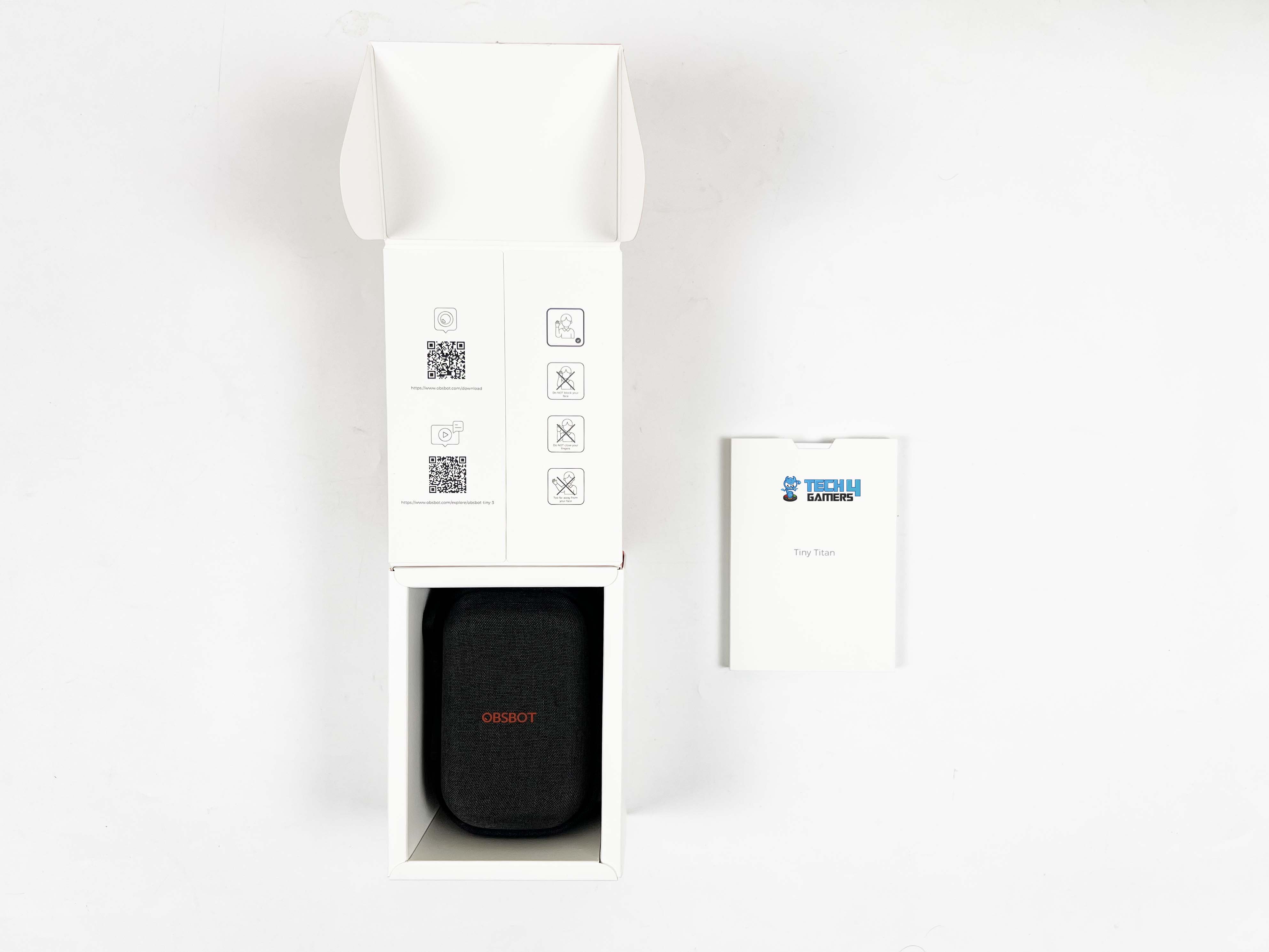
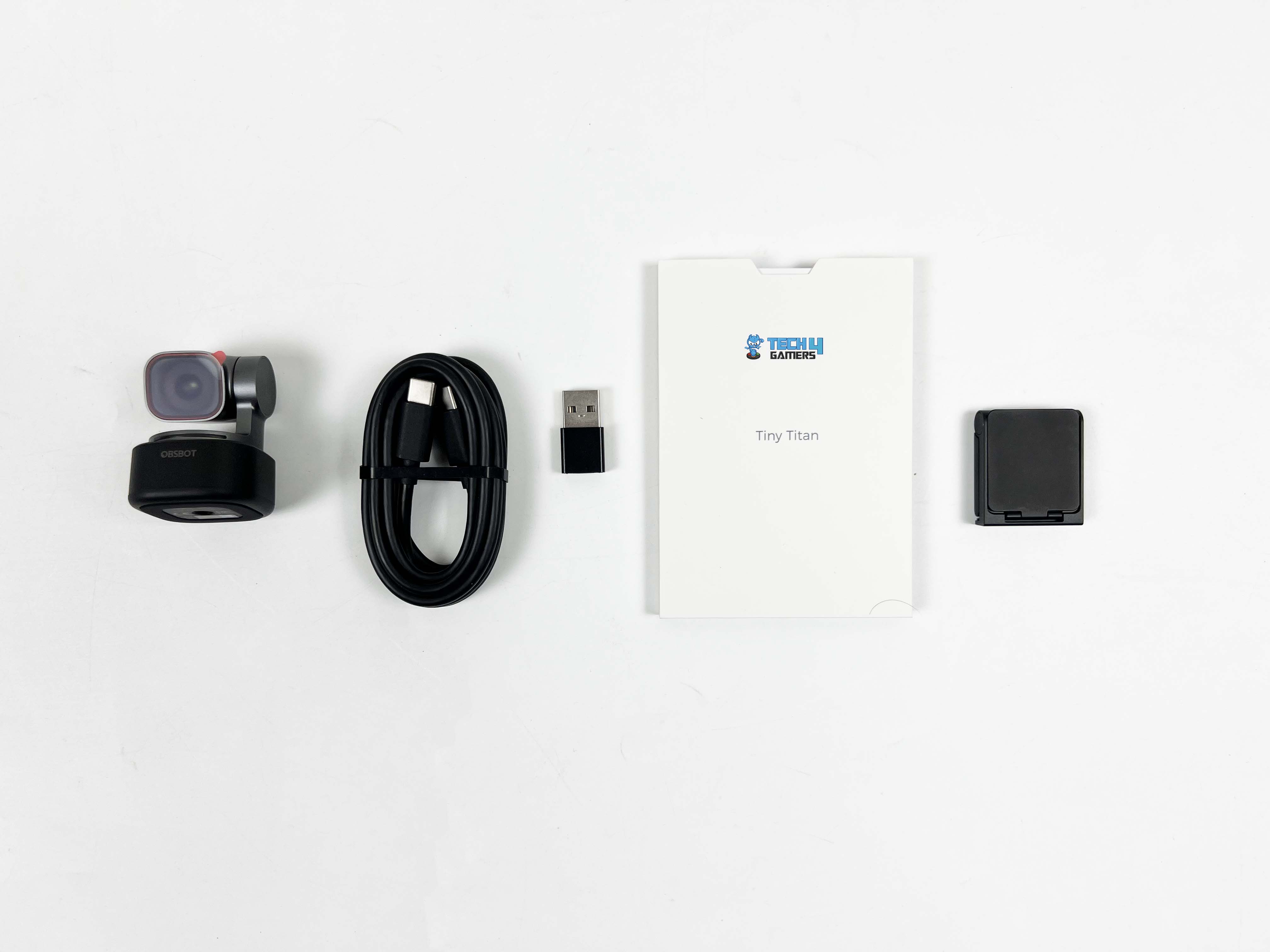
Opening it up, the first thing that pops out is a white cardboard sleeve. Inside, you’ve got the warranty card and the user manual. Once that’s out of the way, there’s a small storage case. Open it up, and on the right side, you’ll see the webcam itself. Beneath it is an adjustable mount. On the left side of the case, there’s a USB-C cable, and alongside it is a USB-C to USB-A adapter.
Design
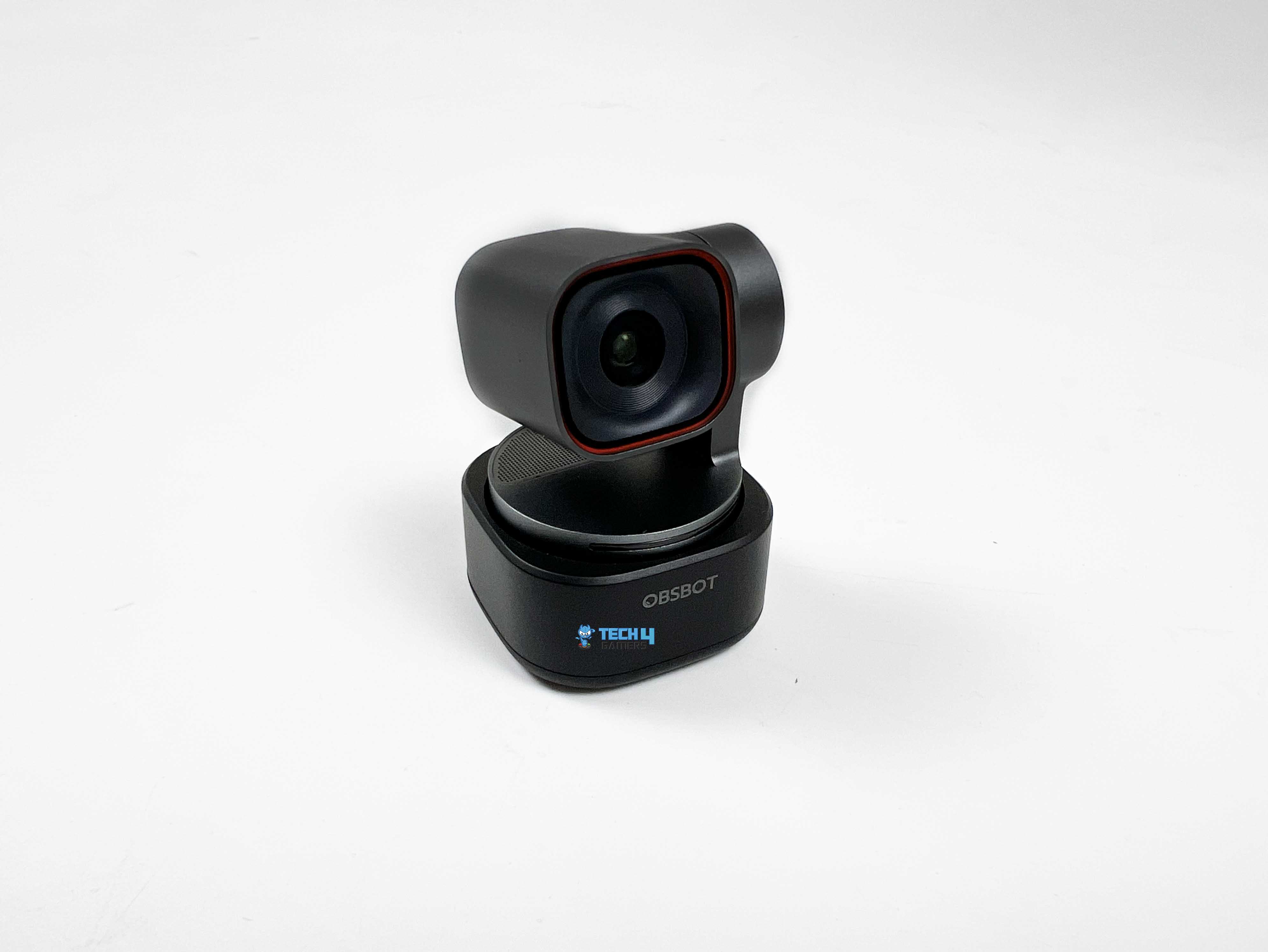
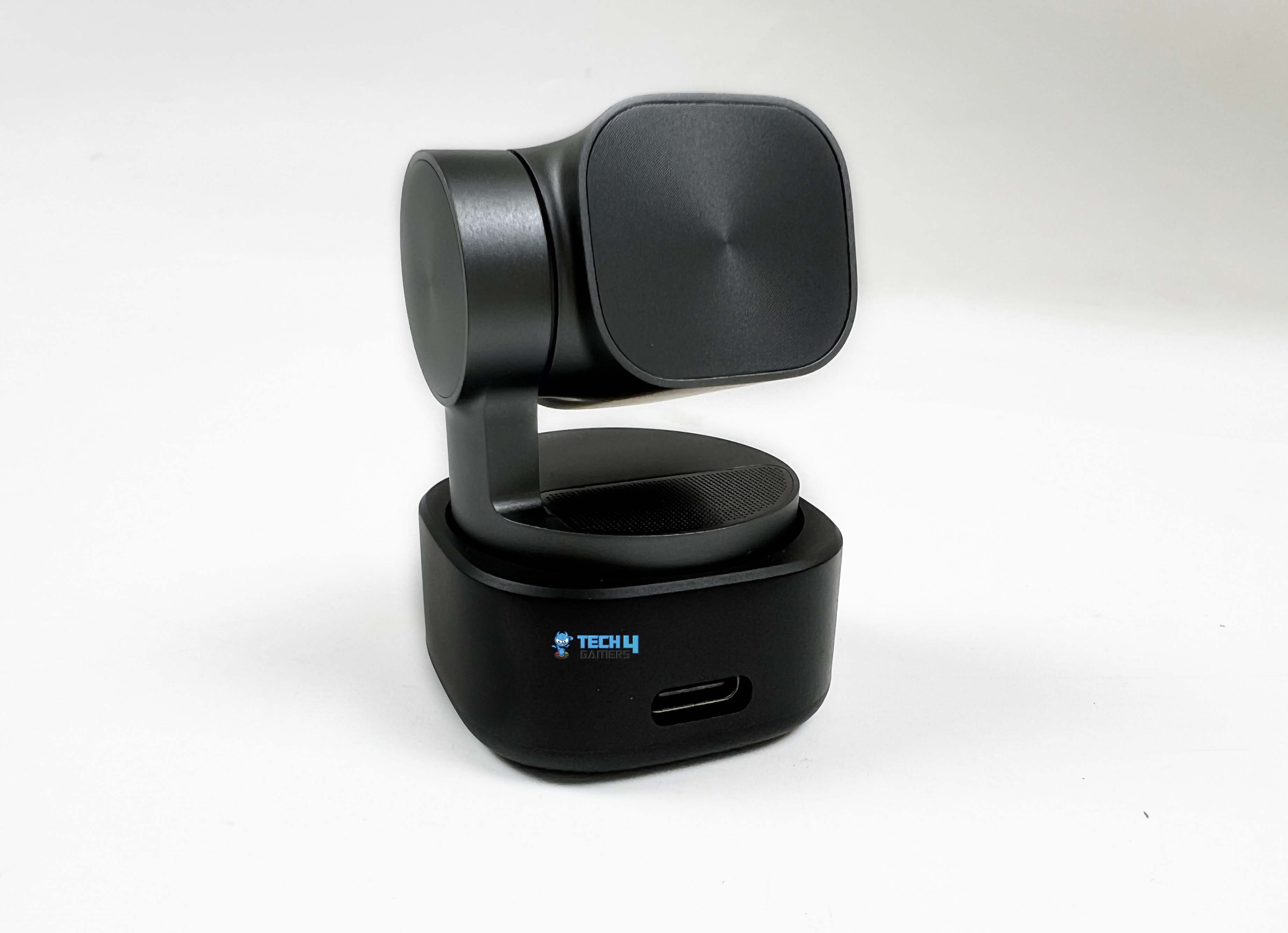
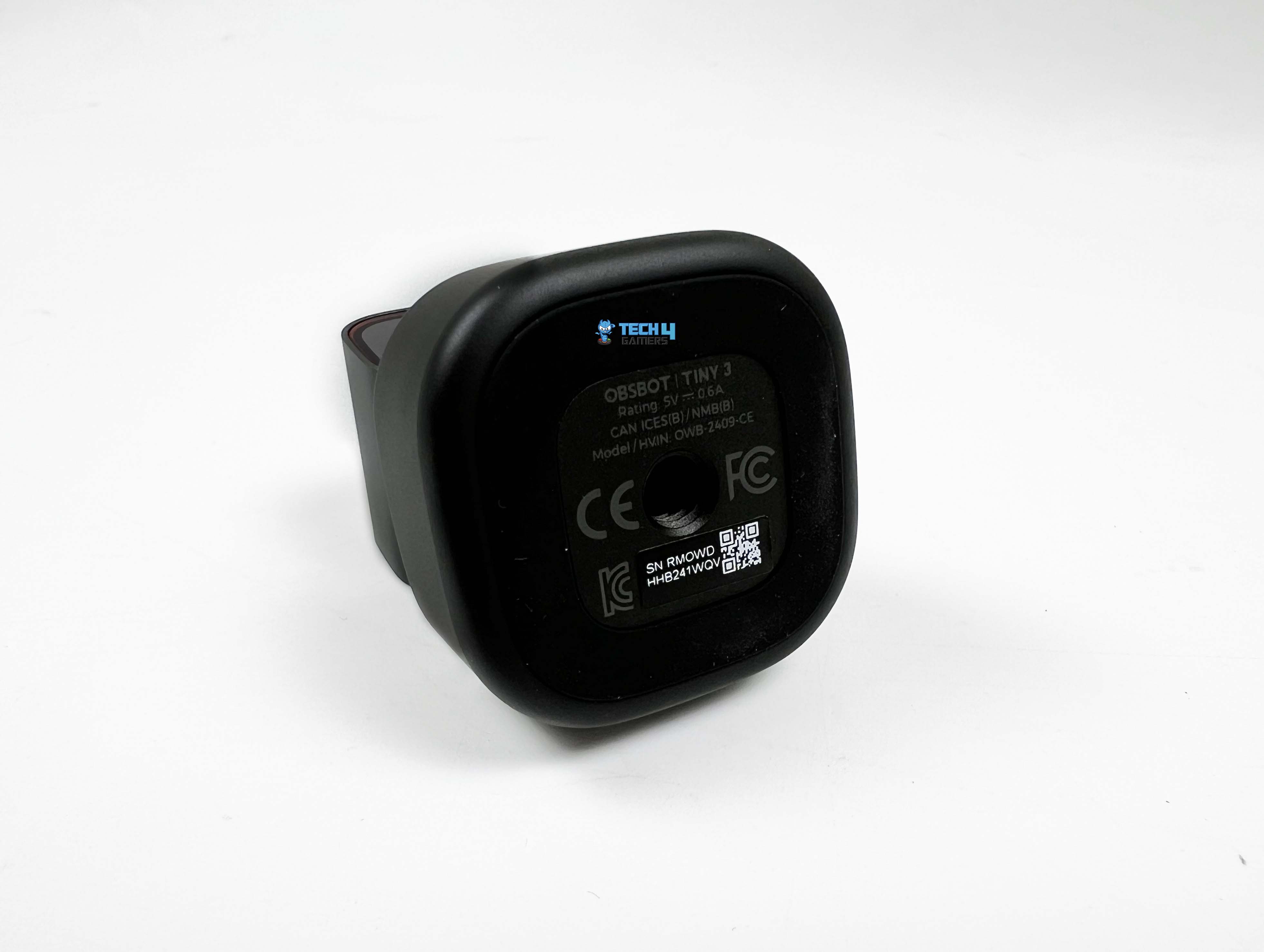
When I picked up the Obsbot Tiny 3, the first thing that I noticed was how small it actually is. At 37 by 37 by 49 millimeters and 63 grams, it’s lighter and smaller than most standard webcams, but it still feels solid in the hand. The Tiny 3 manages to cram professional-grade tech into this tiny frame without feeling fragile. It is made from a high-quality metal alloy and sits on a dual-axis gimbal that allows the camera to pan and tilt smoothly.
The body stays pleasantly cool during usage. There’s no strange warmth or buzzing from the motor. It’s clear that the Tiny 3 is designed to keep going for hours. The low power draw at 5V/0.6A, combined with efficient heat dissipation, means it’s not going to feel warmer over time. The small size makes it portable, too. I tried clipping it to a laptop for a quick test, and it stayed put without tipping or sliding. It’s the kind of webcam you could throw in a bag and carry for remote work or travel.
Setup
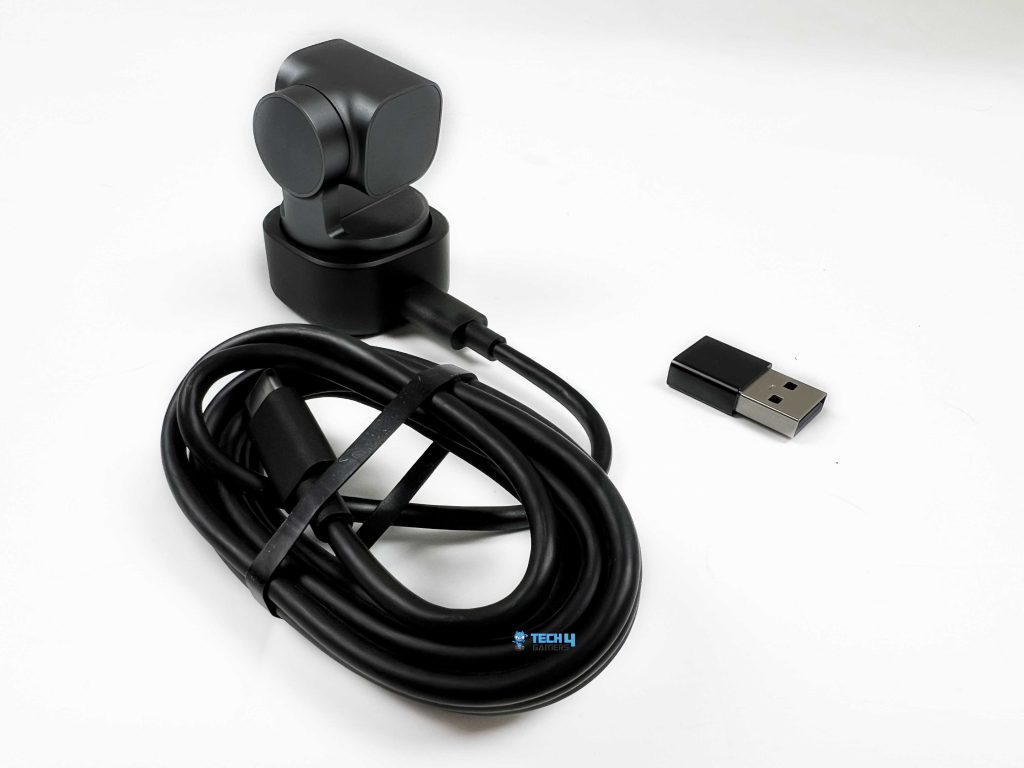
Getting the Obsbot Tiny 3 ready to use is simple. The camera comes with an adjustable mount that clips onto a monitor, and it also has a standard 1/4” thread if you want to use a tripod. For a monitor, you just open the stand, place the camera on top, and tilt it until it’s framing you nicely. On a desktop, you can place it directly on the surface or use a tripod, depending on your preference.
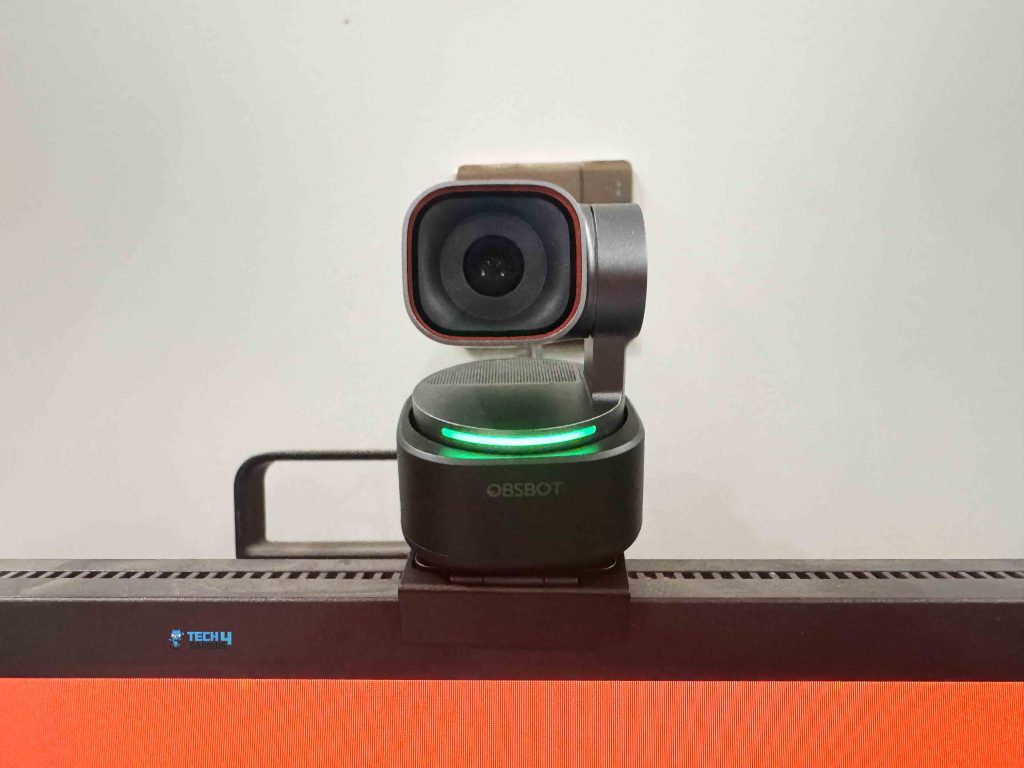
I tried both setups, and it stayed solid in each case. Plug in the USB-C cable, wait a few seconds, and Windows or Mac will automatically recognize it and install the necessary drivers. Once it’s ready, it works with all the usual video call apps, including Zoom, Google Meet, Microsoft Teams, and many more.
Software
The Obsbot Center software is where the Tiny 3 really starts to feel like more than just a plug-and-play webcam. It’s hard to ignore what it adds to the experience. The interface is clean. When you open it for the first time, nothing feels buried. The main controls are right there, including tracking modes, framing options, pan, and tilt. AI tracking is the headline feature here. If you turn off auto exposure, you get access to manual curves.
This part feels more camera-like than webcam-like. Shadows, mid-tones, and highlights are adjusted separately. You can darken a bright area or lift shadows, and you see the difference right away on screen. White balance control follows the same idea. Instead of a single temperature slider, you can adjust red and blue gain independently. This came in handy for me under mixed lighting. A small tweak pulled skin tones back to a natural look, so I wasn’t orange.
There’s also an option to shift auto white balance. Beauty features have also returned. The standout here is Nvidia’s eye contact feature. When it’s on, your eyes stay aligned with the lens, even when reading from a side monitor. The effect is accurate. It doesn’t lock your stare or freeze expressions. Background handling is solid. Blur looks clean, even around hair and shoulders. Replacement backgrounds look better than I expected, especially in uneven lighting.
If you’re using a green screen, there’s a background-removal feature that tightens the edges. Then there are the extras. Picture-in-picture lets you layer a screen capture over your camera feed. Overlays work the same way. Text, images, and even small widgets appear on the canvas. There’s also a built-in teleprompter. UVC mode opens things up further. With it, you can stream a camera feed to a phone for monitoring.
Image
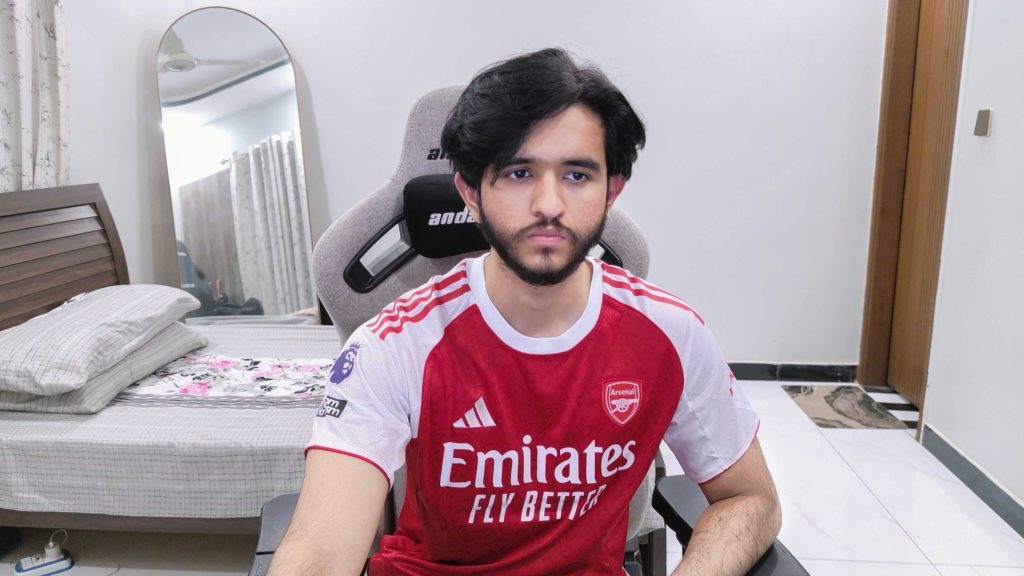
A lot of what you see on screen depends on the sensor, and the Obsbot Tiny 3 uses a fairly large one for a webcam. The 1/1.28-inch CMOS sensor handles light with a bit more restraint. That’s noticeable when the room isn’t perfectly lit. The resolution numbers sound solid on paper with fifty megapixels. You see it when you crop in digitally. At up to 4x zoom, the image remains presentable. The lens is set to f/1.8, which explains why the camera doesn’t struggle as much in low light.
It pulls in light without overexposing. Faces remain visible, and backgrounds soften slightly. Field of view lands in a comfortable middle ground. At the widest, you’re looking at 82.4 degrees in 4:3. Switching to 16:9, and it tightens up at 74 degrees. It frames shoulders and a bit of background without feeling cramped. The equivalent focal length sits around 24mm. Your face doesn’t distort when you lean closer. At the same time, the minimum focus distance is short at 14cm.
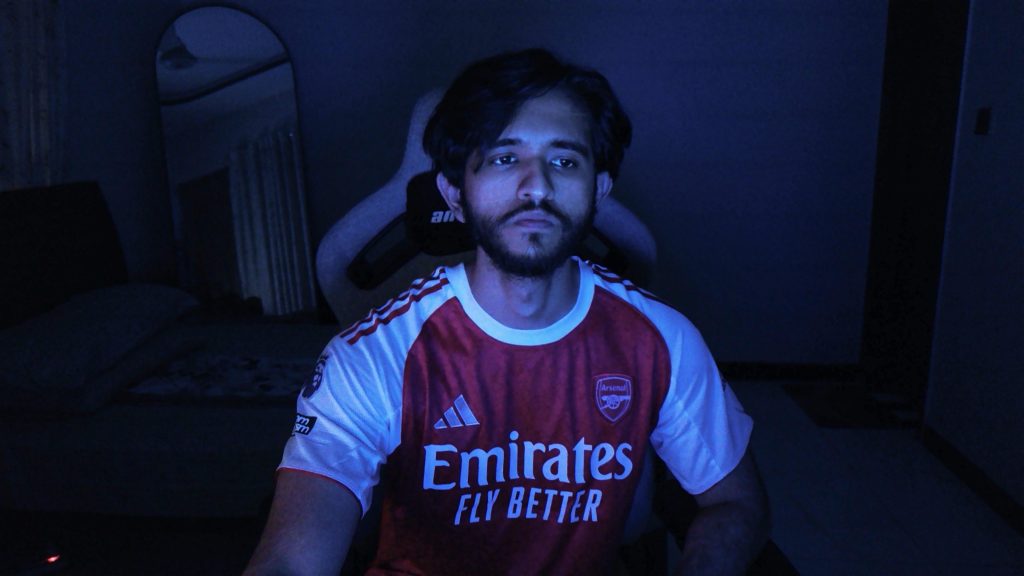
I could bring small objects close to the lens and still get sharp focus. The ISO range is from 100 to 12800, though HDR caps it at 6400 when enabled. During usage, the webcam rarely pushes to the extreme unless the room is genuinely dark. When it does, grain shows up, but detail doesn’t vanish completely. Video resolution options are flexible. 4K tops out at 30 frames, which is expected. Drop to 1080p, and you can go all the way up to 120 fps. Motion looks much cleaner at higher frame rates.
Slow-motion clips come out smooth if you want to try them out. Codec support is split between MJPEG for higher resolutions and YUV for lower ones. Autofocus uses all-pixel phase detection, and you feel that speed immediately with focus snapping in. Manual focus is also available if you want full control. During close-up shots, the webcam doesn’t drift. HDR supports up to 60 fps, which is useful if you want a smoother experience. The shutter speed range is wide enough to handle both bright daylight and indoor lighting.
Tracking
Tracking is handled by the physical gimbal itself. The Tiny 3 uses a two-axis gimbal setup, so all movement is controlled by pan and tilt. The gimbal isn’t removable, and that makes sense here. Everything feels tightly integrated. There’s no looseness when the webcam changes direction. The movement stays consistent with no slow sag over time. Pan range is generous, with a controllable ±130° and a mechanical ±150°, allowing the camera to follow you well past the edges of a standard desk without hitting a hard stop.
Tilt range is 32° down to 60° up, controllable and ±90° mechanically, which is limited compared to pan, but still sufficient. The webcam keeps up without forcing you to reframe manually. Mechanical limits being wider than the software-controlled range is a good thing. You never feel the camera stop within its boundaries. As you move toward the edge of the controllable range, motion naturally slows. The camera can move quickly at up to 120° per second.
It is fast enough to catch sudden movement and slow enough to avoid looking frantic. When you move quickly, the camera responds without overshooting. When you stop, it settles almost immediately. There’s no bounce-back or jitter at the end of a movement. The webcam seems better at knowing what to care about and what to ignore. With AI Tracking 2.0, the camera keeps you perfectly framed whether you’re presenting or streaming. You can even lock onto objects, not just people.
Framing features like auto zoom, composition lines, face framing, and group tracking give you a lot of control without ever having to touch the camera. Auto Zoom adjusts the frame based on how close or far you are. It lets you choose a close-up, upper-body shot, or a full-body view. Composition Lines are easy to tweak. It lets you place your subject off-center or follow the rule of thirds. Face Framing adds another layer. This automatically adjusts the frame when someone turns their head, which is handy for podcasts.
Audio
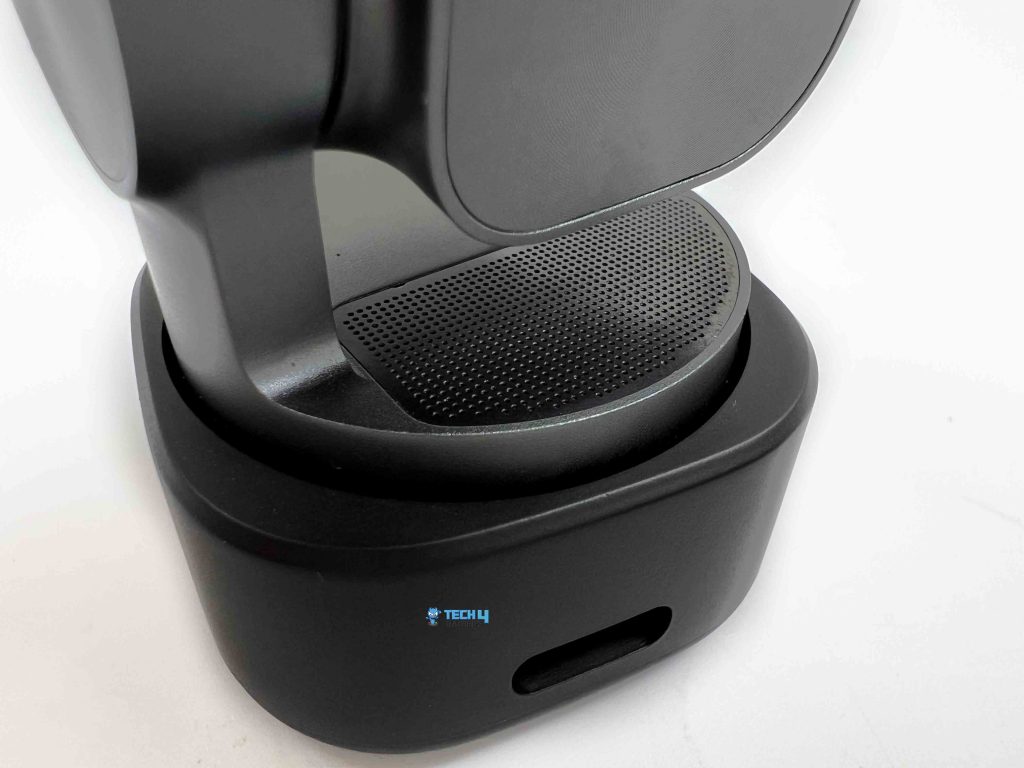
The Obsbot Tiny 3 uses a three-mic audio system built around silicon MEMS microphones. One omnidirectional mic is paired with two directional ones. You don’t really notice that until you start switching audio modes and hearing how the pickup pattern changes. Pure Audio Mode is the most literal option. Left and right channels stay separate. No processing layered on top. What you say, and how the room sounds, all come through as-is. It’s a bit raw.
Spatial Audio adds a layer of shaping. Voices feel more anchored in space rather than sitting flat in the middle. During calls or recorded conversations, it’s easier to tell where the sound is coming from. This is especially true when more than one person is talking. Smart Omni Mode is only available when you’re using the webcam at 1080p and 120fps. It listens in all directions, then tries to keep voices balanced against whatever else is happening in the room. In a group that works well enough.
In Directional Mode, sound from straight ahead gets priority, while side chatter and room noise fade into the background. It’s noticeable when you switch it on. Your voice steps forward. This is the mode that feels most presenter-focused. Dual-Directional Mode is more situational, but useful when it fits. It listens front and back, while ignoring the sides. In a face-to-face setup, it keeps both speakers clear without dragging in too much off-axis noise. It’s not something you’ll use every day, but it’s nice that it’s there.
Outside of Pure Audio Mode, all of these rely on automatic gain and AI noise reduction. Still, the processing stays fairly restrained and levels adjust smoothly. It can also be paired with Vox SE, which opens up a bit more flexibility if you’re already within Obsbot’s ecosystem. For a built-in webcam mic system, it’s more configurable than most people expect and flexible enough to adapt to how you actually use the webcam, rather than forcing a single audio profile on you.
Should You Buy it?
Buy it if
✅ You make creative or dynamic content: If you record tutorials, product showcases, or social content where movement matters, Tiny 3’s object and hand tracking give you framing freedom most webcams can’t match.
✅ You need a built-in mic that actually works: The three-mic MEMS audio system adapts to your environment with directional and spatial modes, giving you usable audio without necessarily reaching for a separate microphone.
Don’t Buy it if
❌ You only join occasional calls: If your video time is minimal or mostly static, Tiny 3’s tracking, gimbal, and software depth are overkill.
❌ Price is a concern: This isn’t a budget webcam. If you’re looking for something simple and inexpensive, Tiny 3 offers more features than you might actually use.
My Thoughts
After spending time with the Obsbot Tiny 3, it’s clear this isn’t a webcam you just plug in and forget about. It wants to be tweaked for specific scenarios. When you do that, it shows where the value actually sits. The image quality holds up in situations where most webcams start to fall apart. Low light doesn’t immediately turn into mush. Autofocus stays locked even when you move closer or farther than most webcams would tolerate.
These things don’t appear on a spec sheet, but you notice them during your use. Tracking is what sets it apart from the competition. The gimbal movement feels deliberate and smooth. You can walk, turn, lean, sit back down, and the camera doesn’t overcorrect. After a while, you stop thinking about it. That’s probably the best compliment you can give to a motorized webcam.
The software side leans more toward camera controls than casual webcam sliders. That’s a good thing if you care about how your image looks under mixed lighting or if you want framing to stay consistent. If you just want a static picture with no setup, a simpler webcam would suffice. Audio is better than expected for something built into a webcam. The different modes actually change how sound behaves.
The Tiny 3 isn’t cheap at $349, and it isn’t trying to be. It makes the most sense for creators, remote workers, or anyone who spends long hours on camera. If you only jump on calls occasionally, most of this would be useless to you. For everyone else, the Tiny 3 feels like a polished continuation of what Obsbot has been building toward for years. It has refined the idea that already worked and pushes it a little further. And once it’s set up the way you like, it quietly does its job in the background.
Thank you! Please share your positive feedback. 🔋
How could we improve this post? Please Help us. 😔

[Hardware Reviewer & Editor]
After many years of exploiting various pieces of hardware, Abdul Hannan now serves as an editor at Tech4Gamers. He’s been in the PC hardware reviewing industry for almost a decade, and his staff of passionate geeks and reviewers is second to none.
Abdul Hannan is constantly seeking new methods, you will always see him running into New Computer Courses to improve the performance of his computer components since he is an ardent overclocker. He is well-known for providing the most extensive and unbiased analysis of the newest and greatest hardware for PC gaming, including everything from GPUs to PSUs.
 Join Our Community