Threads
Comfort But With A Learning Curve!
Review Summary
The Epomaker Split70 is a niche keyboard that leans hard into ergonomics and customization rather than mass appeal. It delivers a comfortable split layout, a muted, well-damped typing sound, and solid wireless performance. It’s a good option for users who value comfort, quiet typing, and deep customization over plug-and-play simplicity. Still, it’s not the safest choice for anyone wanting a traditional keyboard.
Hours Tested: 5 Days

Overall
-
Design - 8.5/10
8.5/10
-
Build - 8.5/10
8.5/10
-
Typing - 9.5/10
9.5/10
-
Performance - 9/10
9/10
Pros
- Comfortable split layout
- Smooth linear switches
- Quiet typing sound
- VIA support
- Hot-swappable
Cons
- Fixed typing angle
- No kickstand support
- Cramped arrow cluster
- Weak magnetic hold


Most of us grow up typing on flat, straight keyboards and simply adapt to them. Then you see a split keyboard for the first time and think it looks uncomfortable or at least strange. That was more or less my reaction to the Epomaker Split70. I’ve been using it as both a daily typing keyboard and, at times, as a left-side-only gaming setup, and this review is based on that experience.
Key Takeaways
- The Epomaker Split70 is a compact split keyboard that focuses on comfort, quiet acoustics, and flexibility. It pairs a well-damped gasket mount design with tri-mode connectivity and VIA support.
- You should buy the Epomaker Split70 if you want a split layout, flexibility in how you use your keyboard, the ability to customize shortcuts, and value in the split keyboard space.
- You should skip the Epomaker Split70 if you prefer traditional layouts, want a dedicated function row, conventional arrow key spacing, and care about strong magnet alignment.
Here are the technical specifications:
| Layout | Ergonomic Keyboard, Split Keyboard, 70% Layout Mechanical Keyboard |
| Number of Keys | 71 Keys and 1 Knob |
| Battery | 3000mAh Rechargeable Battery |
| Battery Life | 11 hours of continued use with the backlight on, and 260 hours of use with the backlight off |
| Connectivity | 2.4Ghz Wireless, Bluetooth, and Cable Wired |
| Compatibility | Mac/WIN/Android |
| Keyboard Dimensions | 18.4+18.8cm in Length (left+right), 11.8cm in Width, and 4cm in Height |
| Case Material | ABS Plastic |
| Plate Material | PC Plate |
| Flex-Cut | No |
| Stabilizers | Plate-Mounted Stabilizer |
| Mounting Structure | Gasket-Mount |
| Sound Dampening | 5 layers including Sandwiched Latex, IXPE Switch Pad, PET Sound-Enhancement Pad, Bottom Sponge, and Bottom Silicone |
| Keycaps Profile | Cherry Profile |
| Keycaps Material | PBT Keycap |
| Keycaps Manufacturing Technique | Dye Sublimation |
| Hot-swappable | Yes |
| RGB Backlight | Yes, south-facing per-key LEDs |
| Polling Rate | 1000hz in Wired or 2.4Ghz Wireless Mode and 125hz in Bluetooth Mode |
| Latency | 3ms in wired mode, 5ms in 2.4Ghz wireless mode, and 15ms in Bluetooth mode |
| Anti-Ghosting | Yes, supports N-Key Rollover |
| Keyboard Weight | 890g |
| Front Height | 2.1cm |
| Typing Angle | about 7 degrees |
| Kick-Stand | No |
What Makes Epomaker Split70 Different?
The Epomaker Split70 takes the idea of a split ergonomic board that we saw in the earlier Split65 and pushes it a bit further with a few thoughtful changes that show Epomaker listened to feedback. Where the Split65 used a four-layer sound-dampening setup, the Split70 provides five cushioning layers under the keys. The switches have been updated as well, with the factory-lubricated Wisteria Linear V2s replacing the older V1s.
Packaging & Unboxing
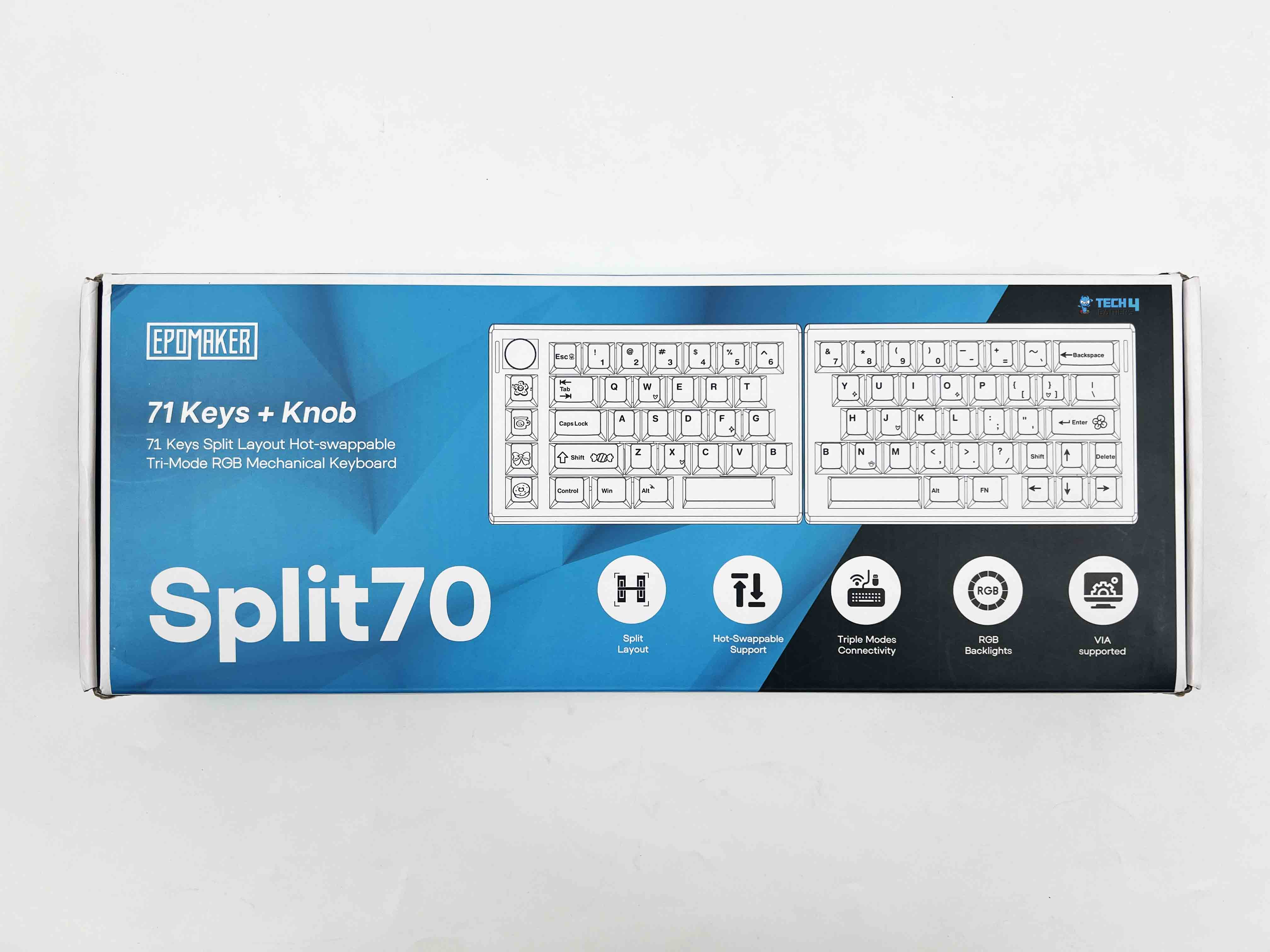
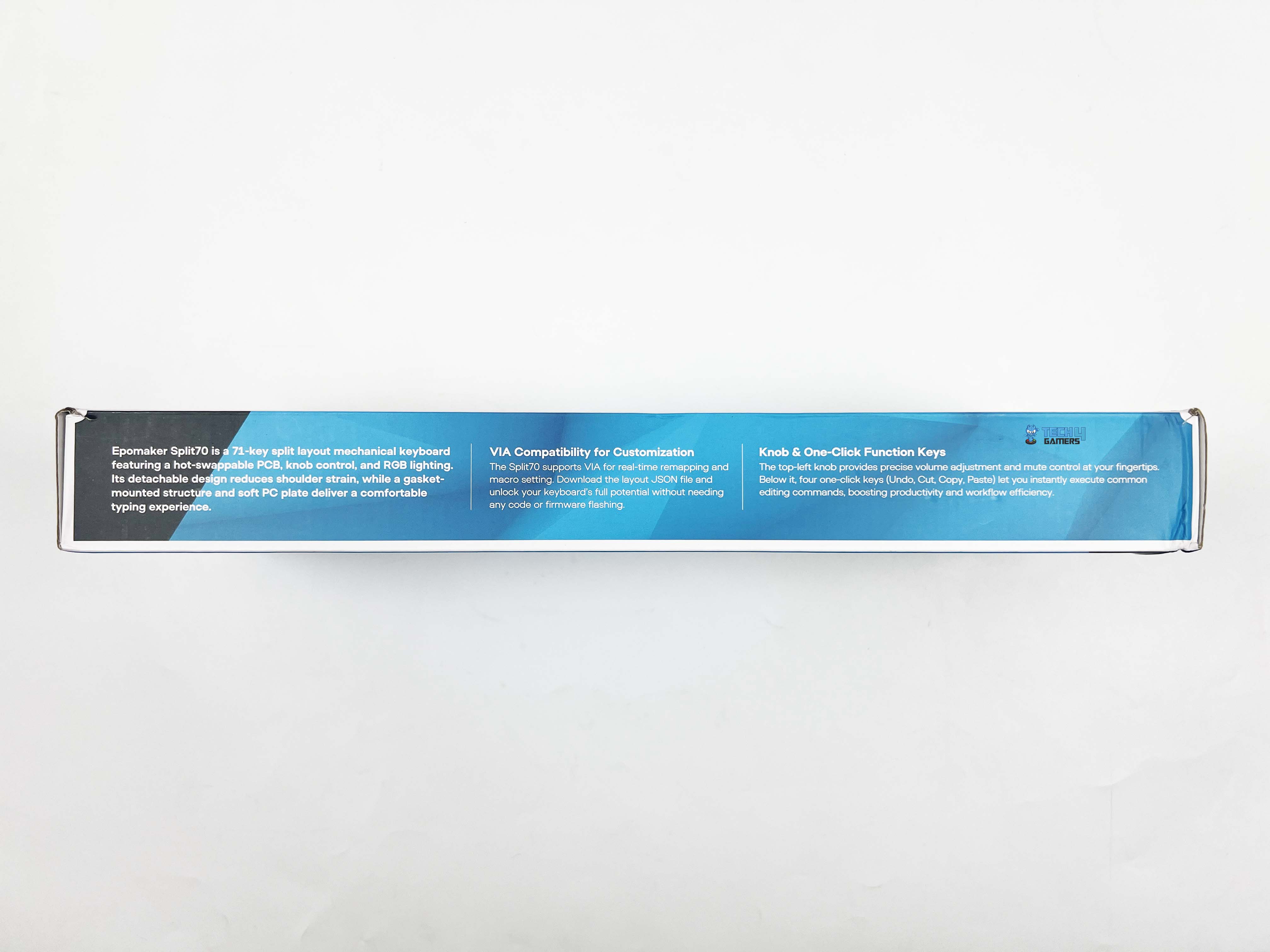
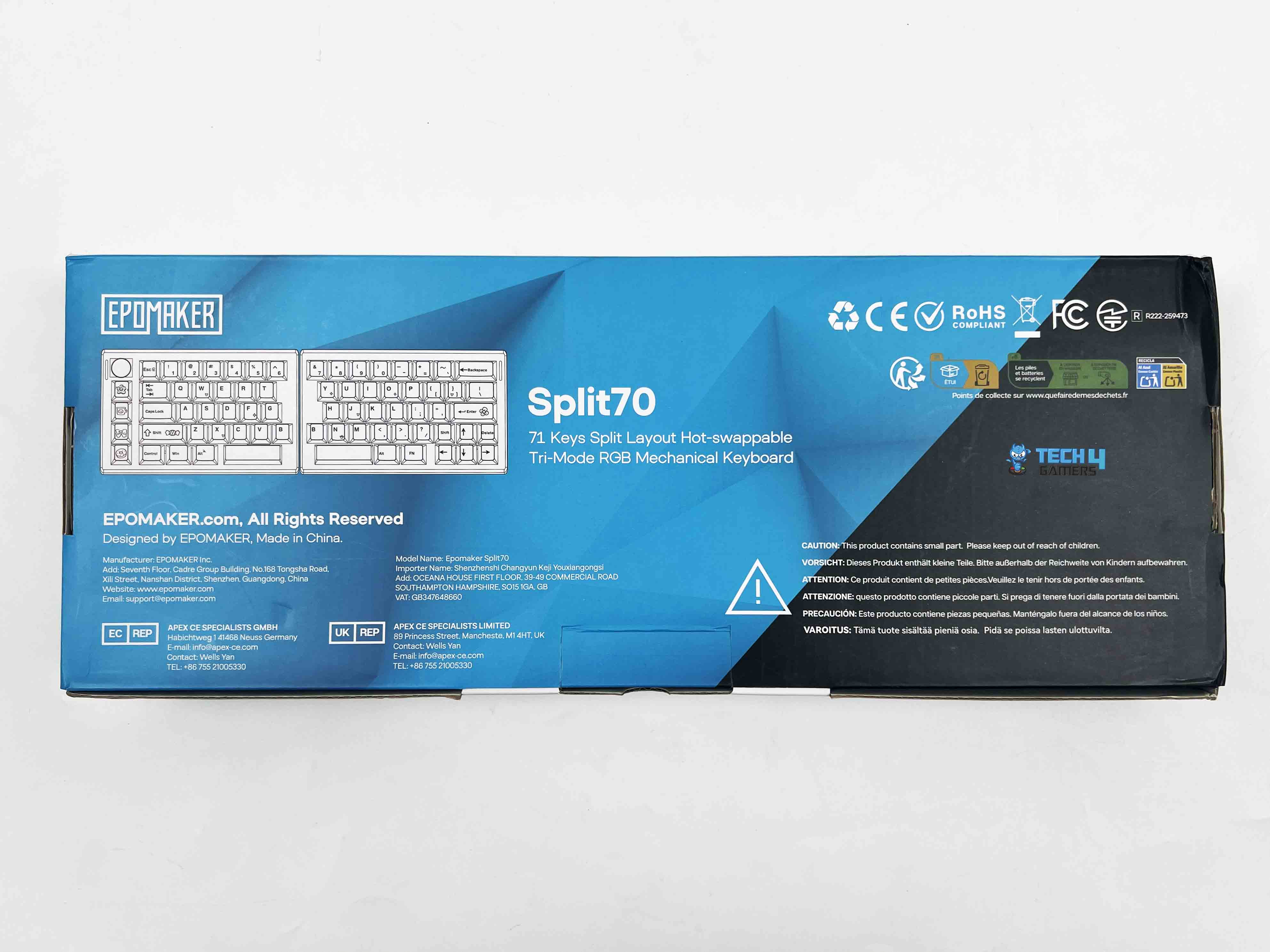
The Epomaker Split70 arrives in simple packaging with a dual-color black-and-cyan theme. On the front, it shows only the product name, a picture of the keyboard, the usual Epomaker branding, and a list of notable features. After opening the box, the first thing you notice is that each half of the keyboard is wrapped in a plastic sleeve beneath the accessories compartment.
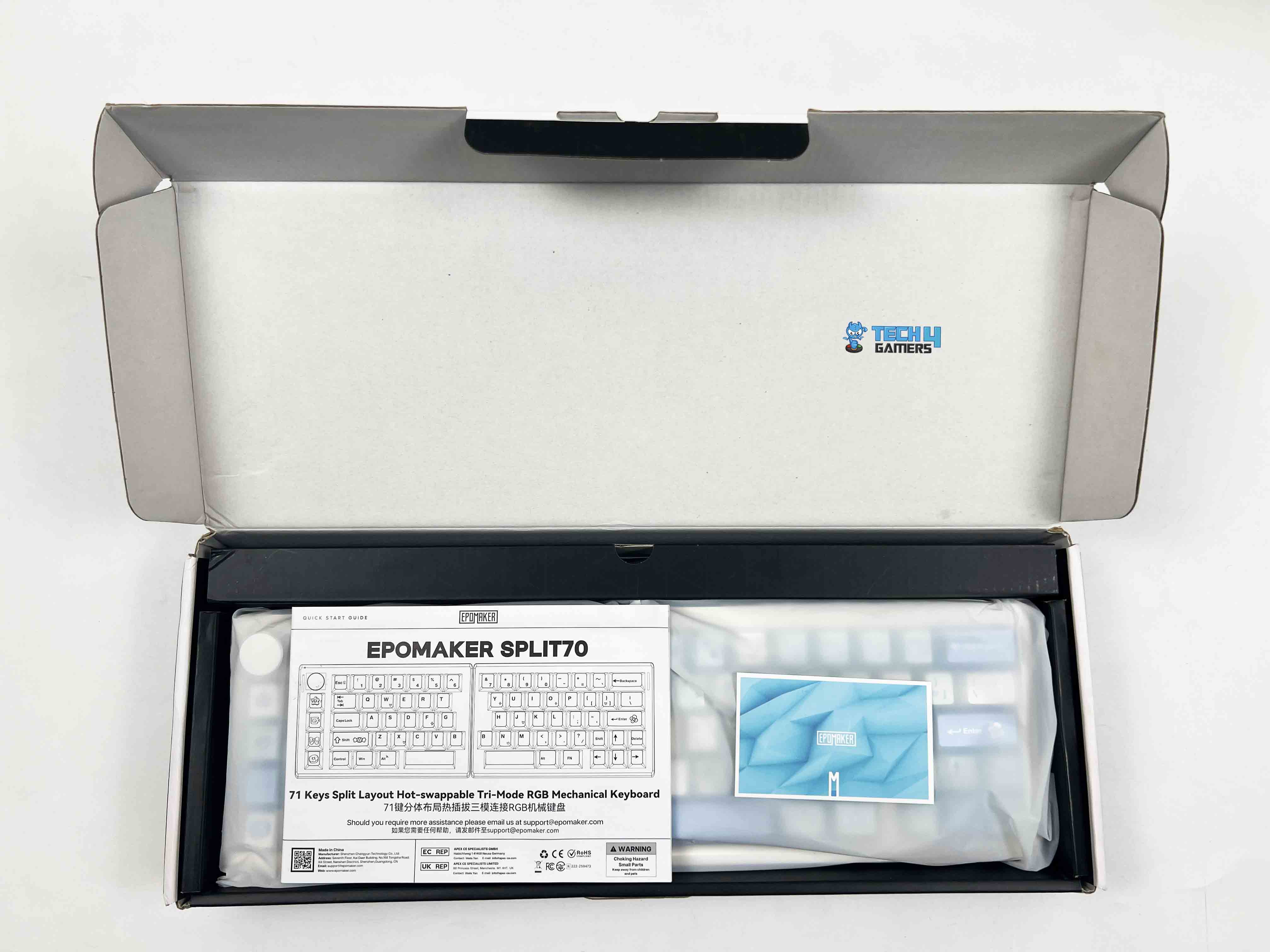
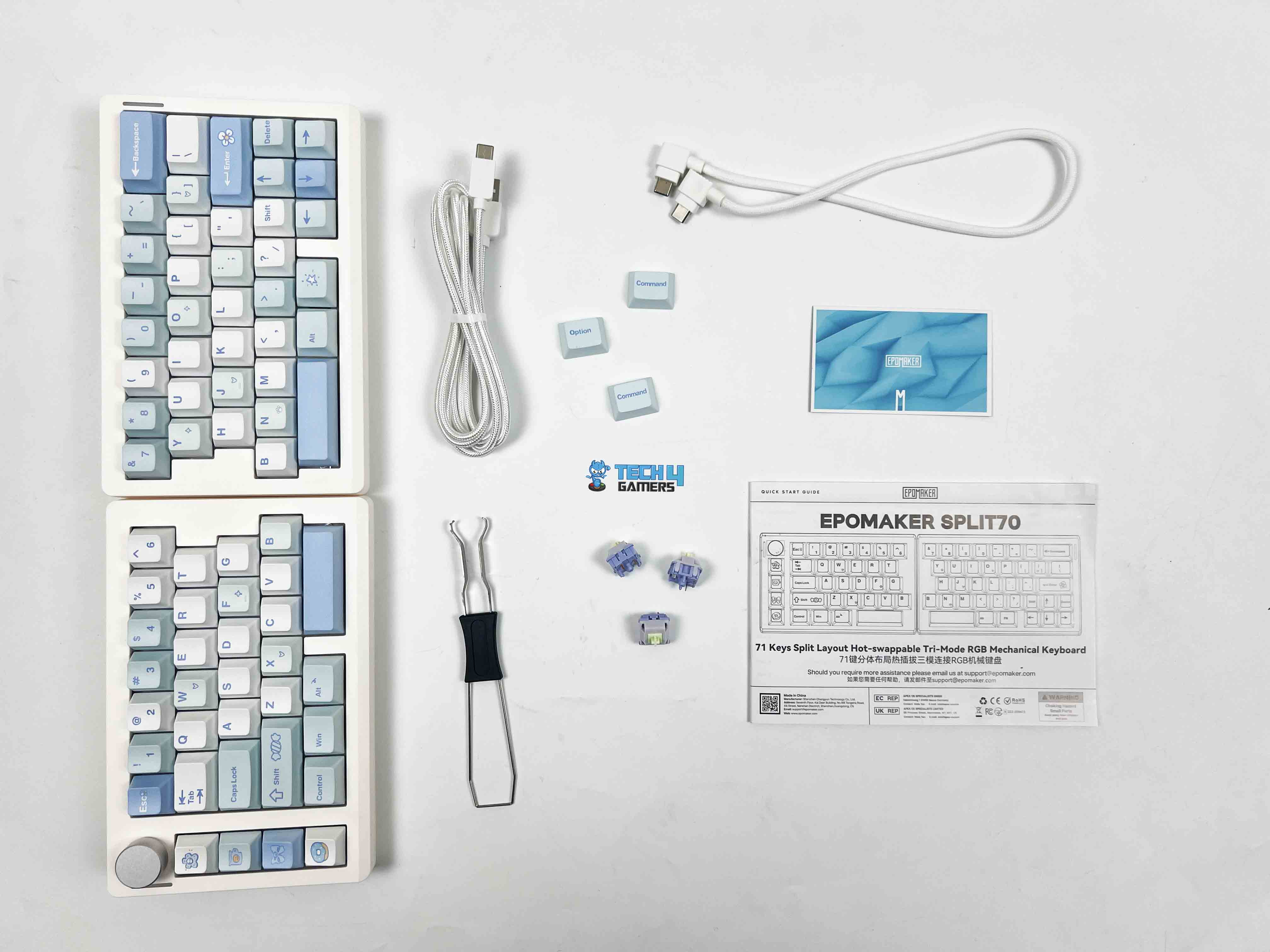
- Split70 Mechanical Gaming Keyboard
- Multilingual Manual
- Quick Start Card
- Keycaps for Mac
- Extra Switches
- 2-in-1 Switch-and-Keycap Puller
- USB A-to-C Cable (Device to Keyboard)
- USB C-to-C Cable (Left Half to Right Half)
Design
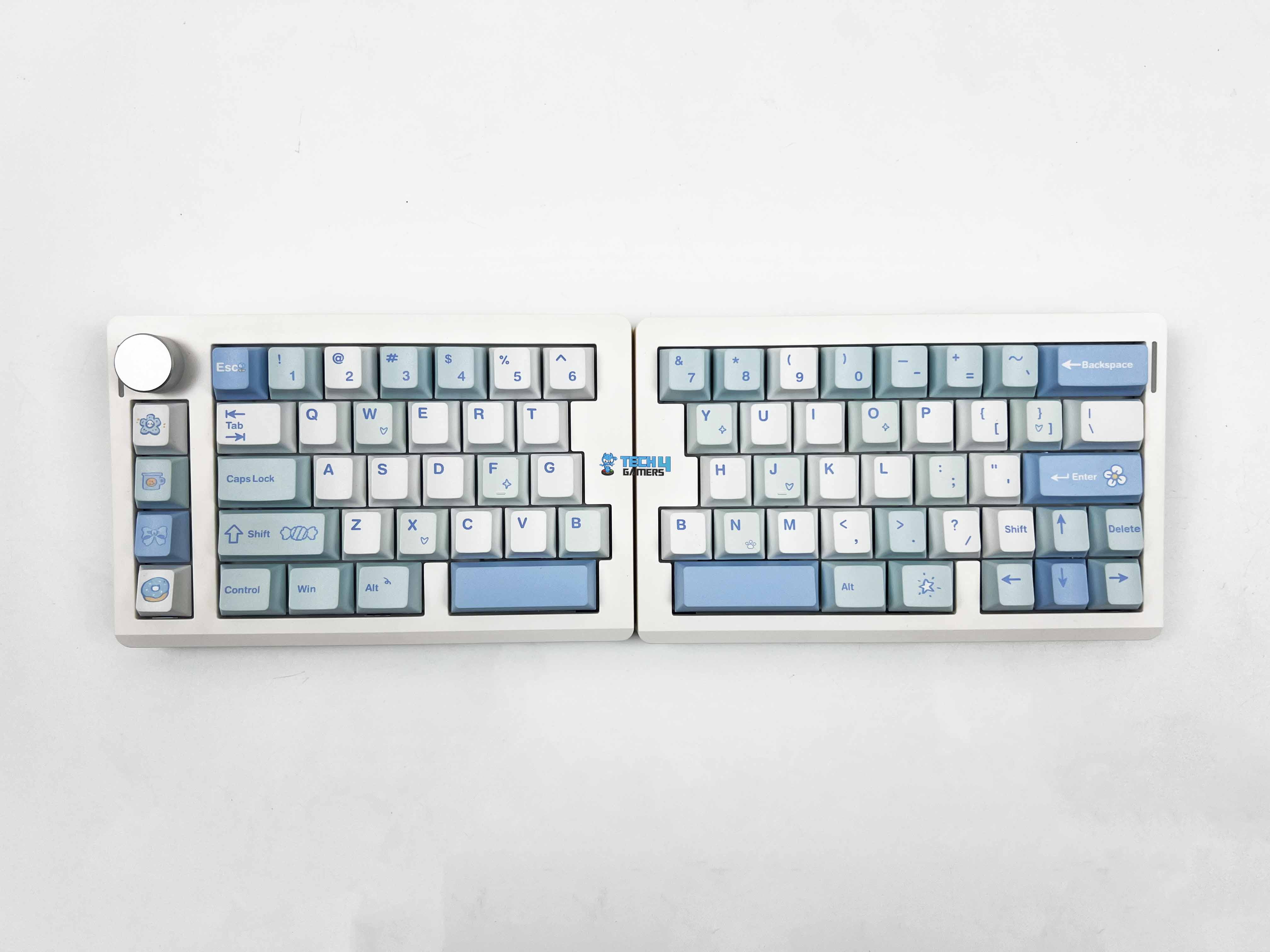
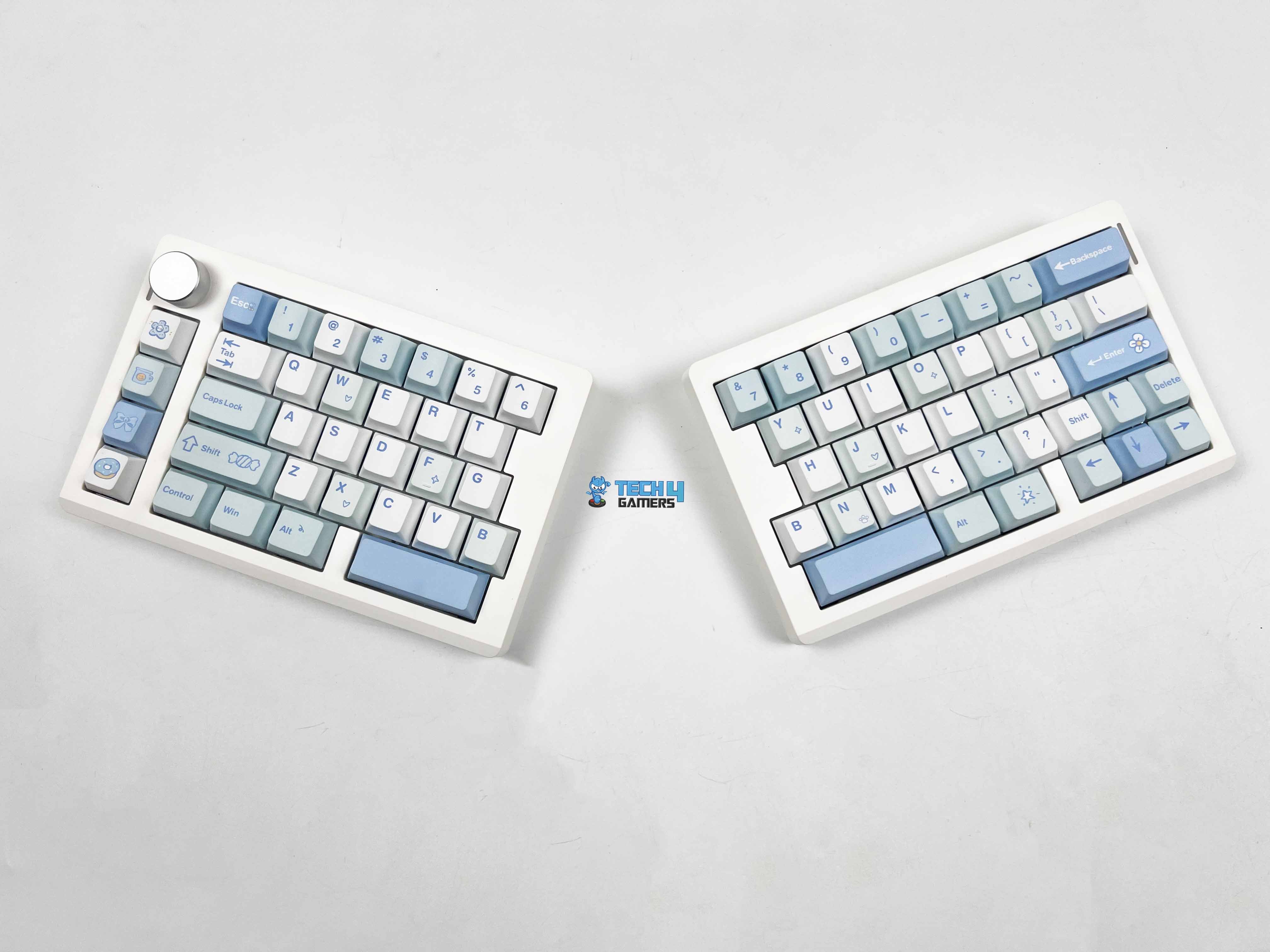
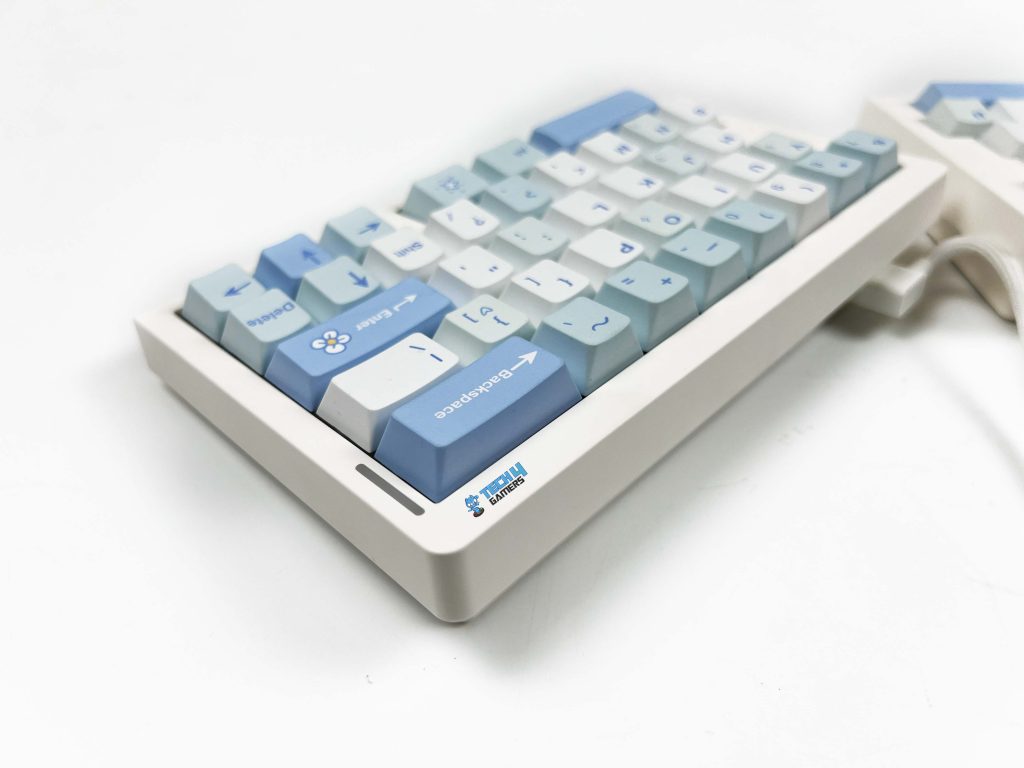
Epomaker offers it in two color options. There’s a black version, and then there’s the white-blue variant. The unit I have for review is the white-blue one. The black model keeps things toned down. The keycaps come in different shades of gray. It feels like the safer choice if you’re using it in an office, or anywhere you don’t want your keyboard drawing attention. The white-blue version goes in a completely different direction.
The base is white, and the keycaps mix cyan and light blue tones. Some keys have small printed icons. Little shapes like stars, candy-like symbols, and hearts. That is playful graphic detail. It’s subtle, but you notice it when you’re close. I think it fits really well on a clean desk setup, especially if you’re already using lighter peripherals or pastel accents. It gives the keyboard a lighter and more fun personality.
Layout
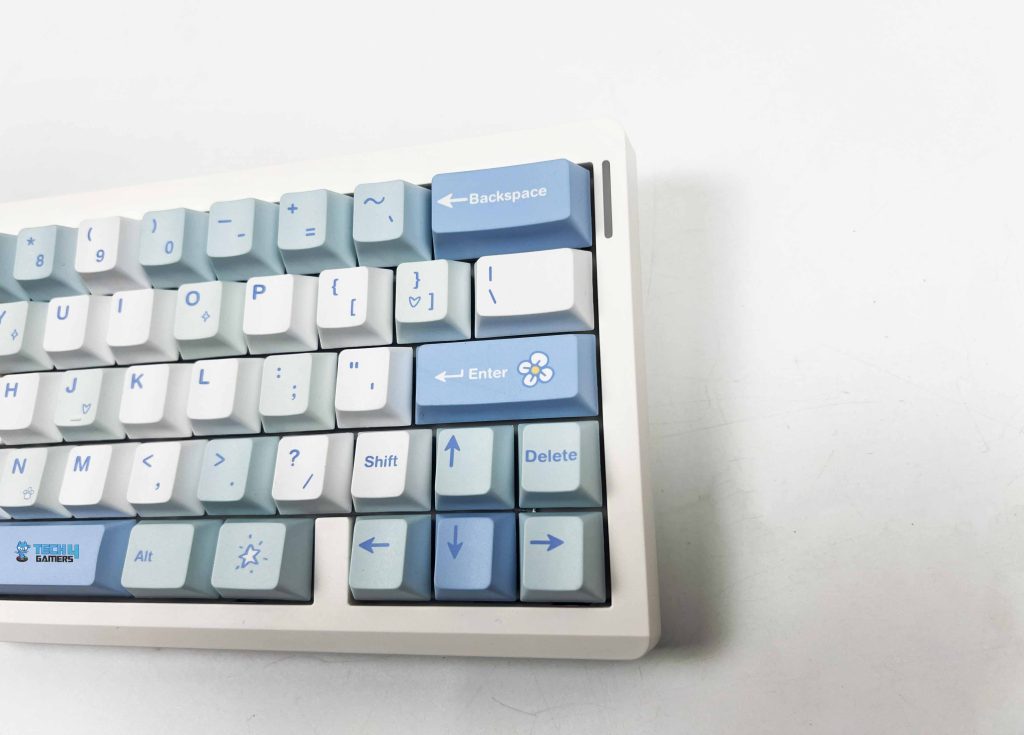
The Epomaker Split70 uses a 70% layout, but it doesn’t feel like a typical 70% keyboard once you start typing. The split changes how your hands approach the keys. Your left and right hands sit more naturally apart, and that alone makes the layout feel different. Most of the primary keys are where you expect them to be, such as letters, numbers, and modifiers. The adjustment period is short if you’ve used compact boards before.
If you’re coming from a full-size keyboard, you’ll need a brief adjustment period. You’ll reach for keys that aren’t there, but it’s completely normal. The right side is where things feel the tightest. The arrow keys are squeezed into the corner, right next to the smaller Shift. I hit the wrong key a few times early on. It gets better with time, but it never entirely disappears. You’re always a bit more aware of that cluster. Lastly, there’s no dedicated function row, which is expected at this size.
Knob
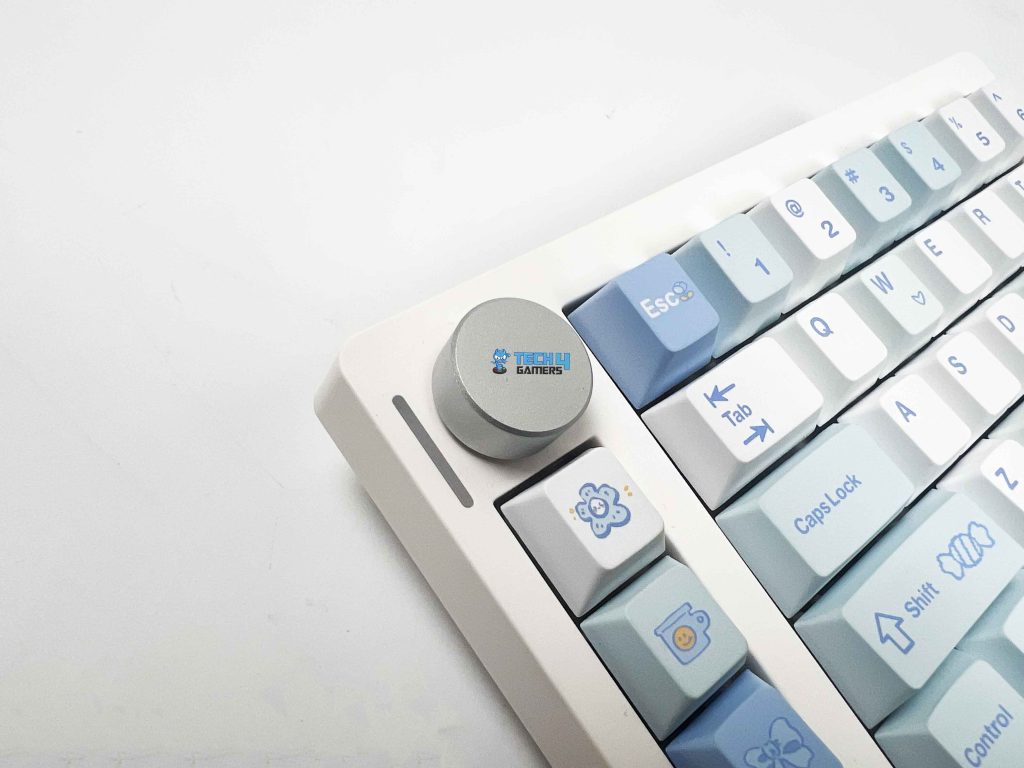
The rotary knob is located at the top corner of the left half. It’s easy to reach. You don’t have to move your whole hand to use it. The knob itself feels solid. It has a slight resistance when you turn it. Each step feels defined. You can make small volume changes without overshooting. Pressing the knob gives a clean click. With a few customizations, the same spin can control screen brightness or cycle through multimedia functions.
Underside
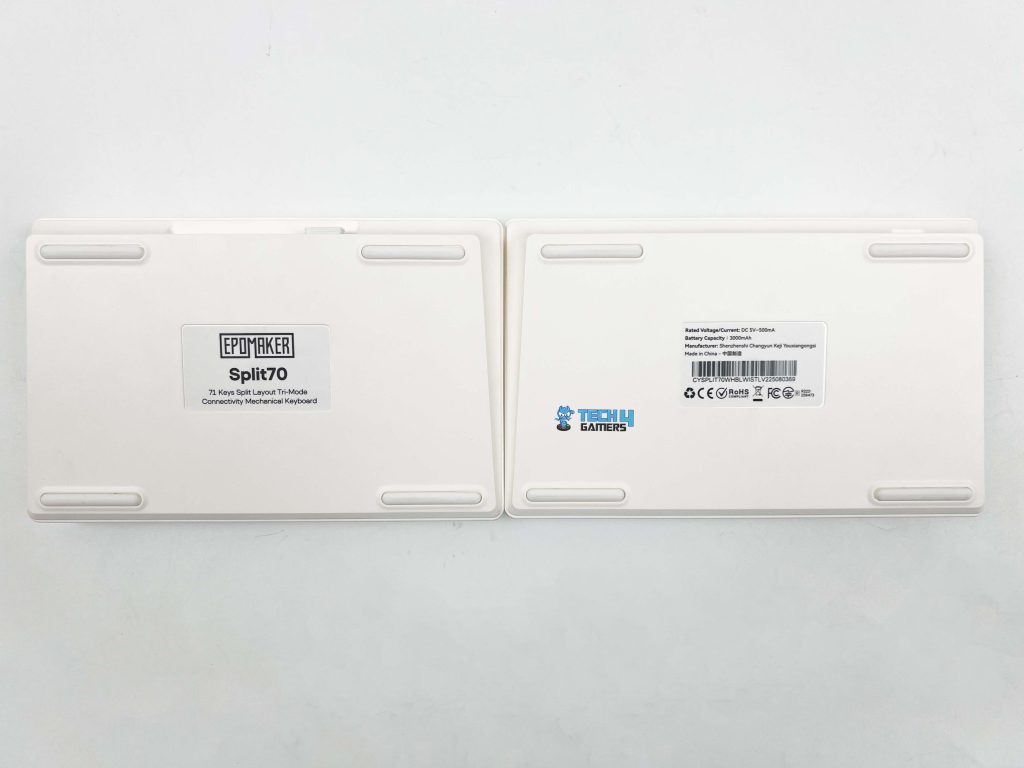
Each half of the Epomaker Split70 has four rubber feet placed near the corners. The front height measures around 2.1 cm. You feel that when you rest your hands on the keys. It’s not overly tall, so your wrists don’t end up bent at an awkward angle. I was able to type for long stretches without needing a wrist rest. The typing angle sits at about 7 degrees. It’s a fixed angle, since there’s no kickstand on this keyboard. The angle felt natural right away, especially when the halves were slightly angled outward.
Build Quality
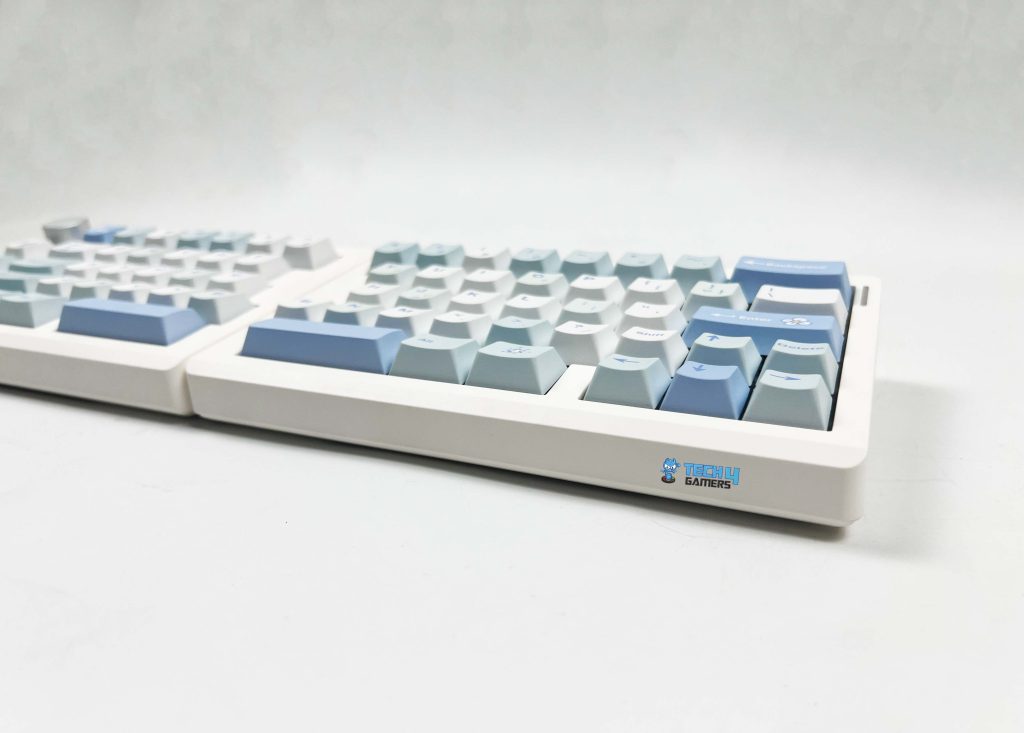
Picking up the Split70 for the first time, the weight stands out. At around 890 grams, it feels heavier than it looks. That weight is split between the two halves. In terms of size, each half stays relatively compact. Together, the lengths are roughly 18.4 cm on the left and 18.8 cm on the right. The width is about 11.8 cm, and the height is close to 4 cm at the tallest point. The casing itself feels solid. I tried twisting each half slightly to see if it flexed. You really have to push to notice anything, and even then, it’s minimal.
Keycaps
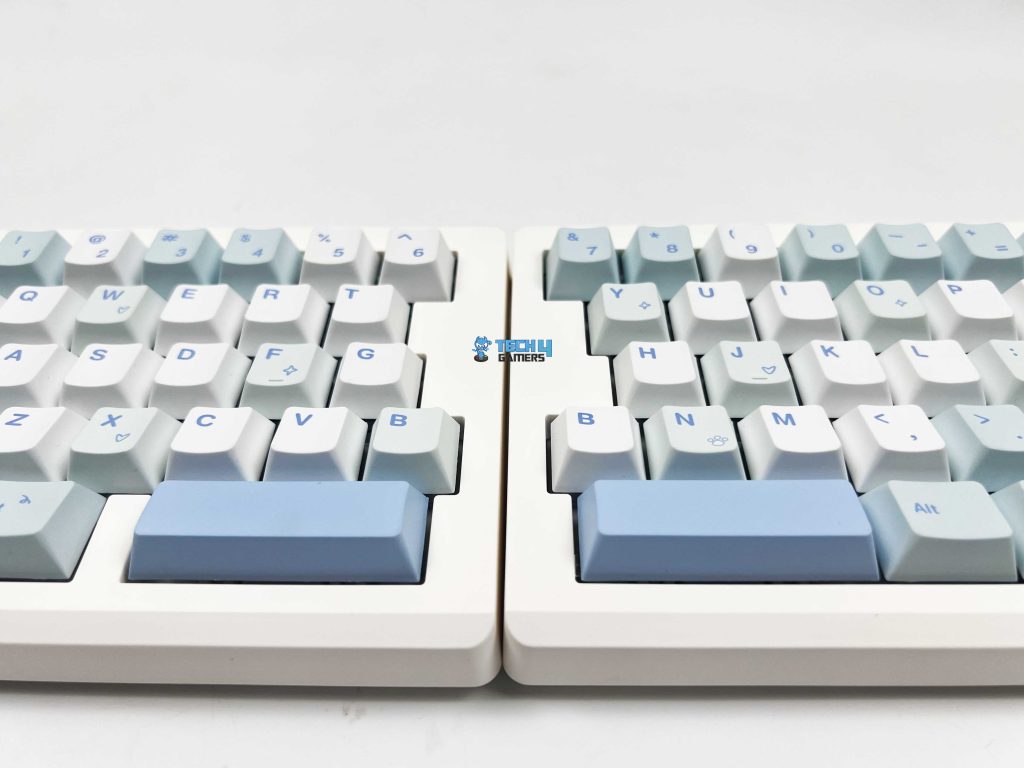
The Epomaker Split70 uses Cherry profile keycaps. The height feels familiar. Your fingers don’t need time to adjust, especially if you’ve used standard mechanical keyboards before. Moving between rows feels natural. These are PBT keycaps, and the texture gives that away. There’s a light grain to the surface. The legends are printed using dye-sublimation.
They look clean and sharp, even on the lighter keys of the white-blue version. Color-wise, the white-blue variant looks better in person than in photos. The cyan and light blue tones are soft on the eyes. If you enjoy swapping keycaps and hot-swapping switches, you might also find our list of the best custom gaming keyboards of 2025 helpful.
RGB Lighting
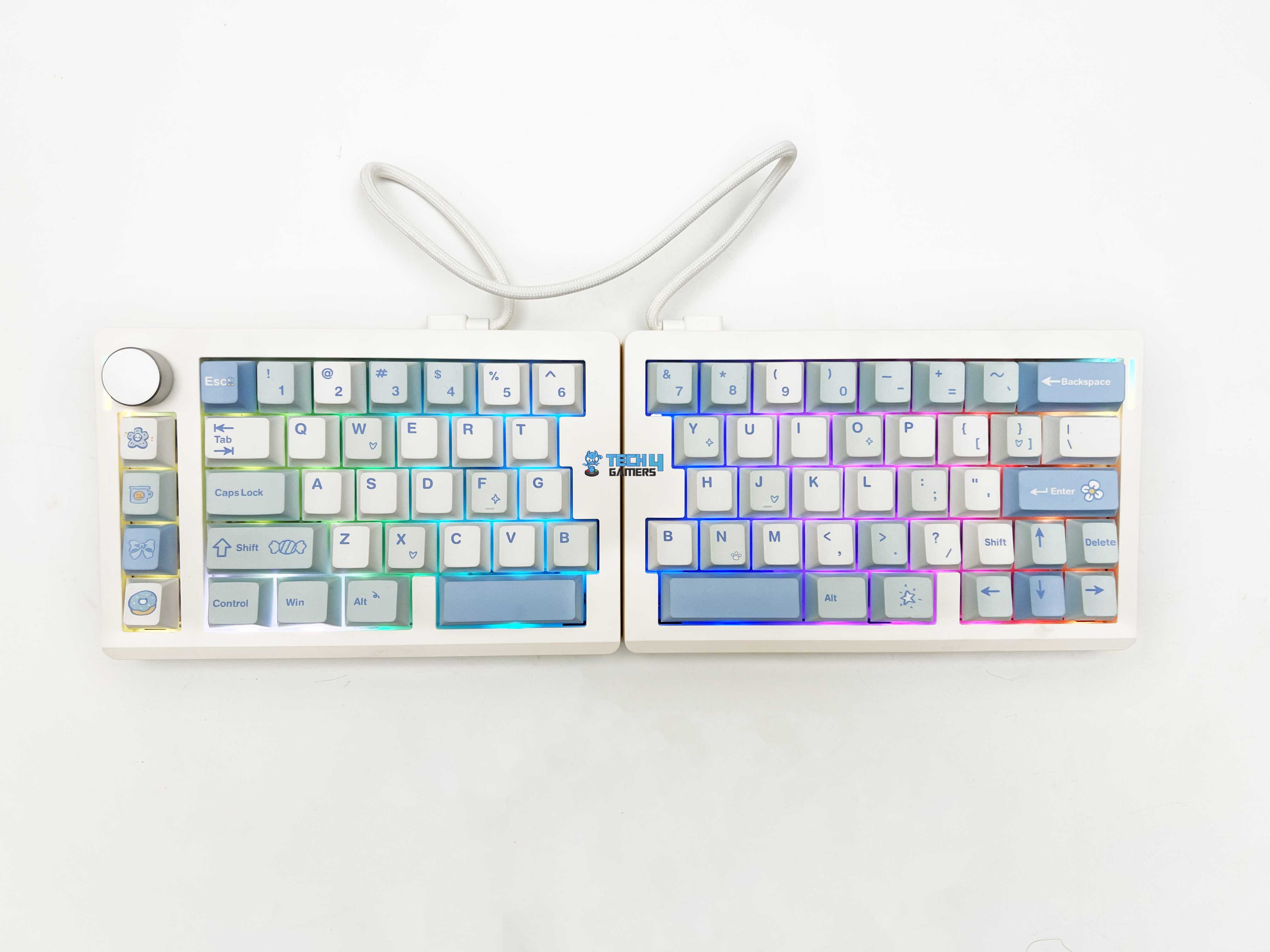
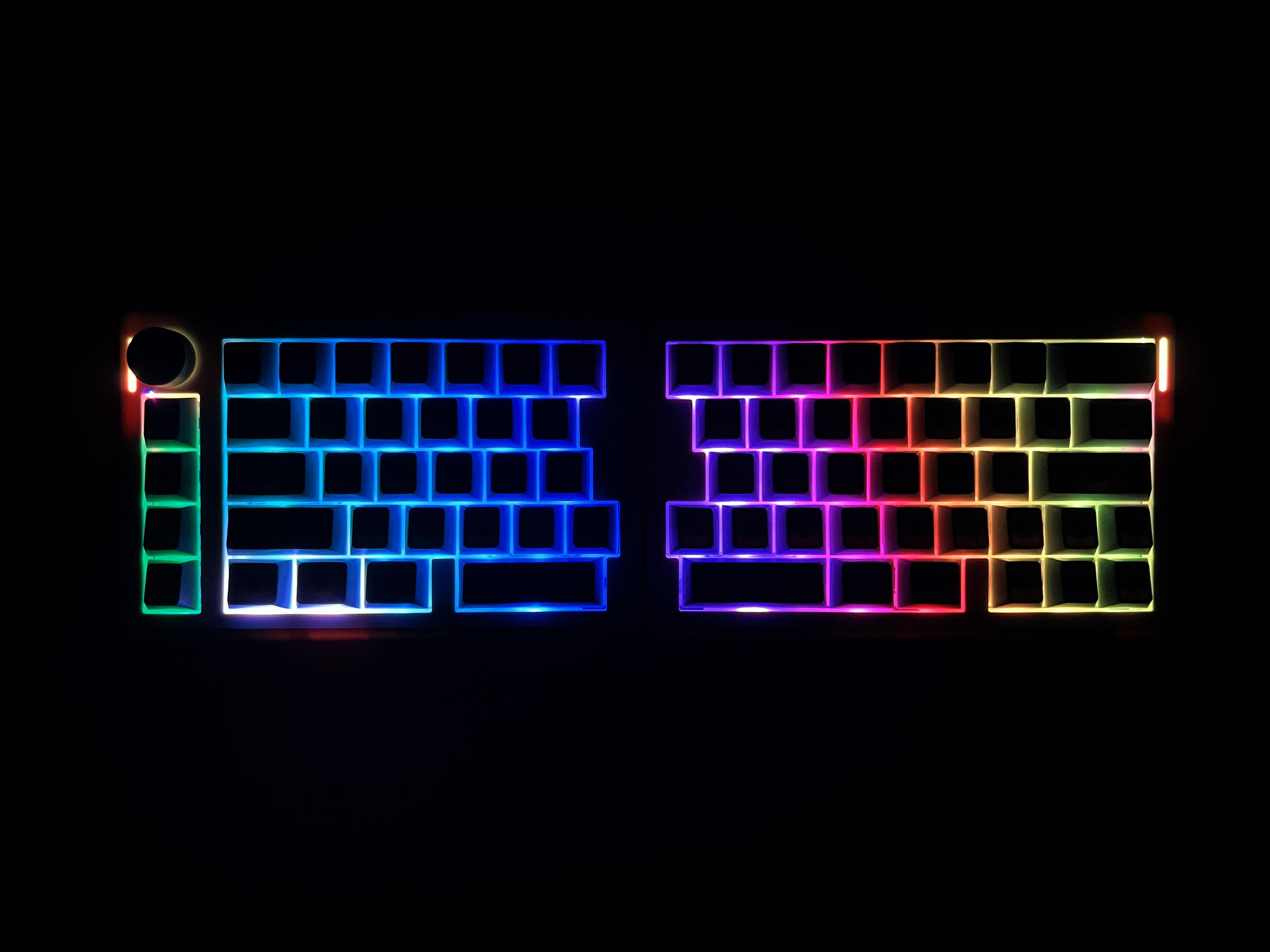
The Split70 features per-key RGB lighting with south-facing LEDs. The lighting is on the lower side of the switch, keeping the glow even and avoiding harsh hotspots under the legends. On the white-blue version, the lighting is clearly visible. The lighter keycaps reflect the colors softly across the keyboard. Light distribution is consistent across both halves. There are no keys that look noticeably dimmer. You can control RGB directly from the keyboard without opening software.
Switches
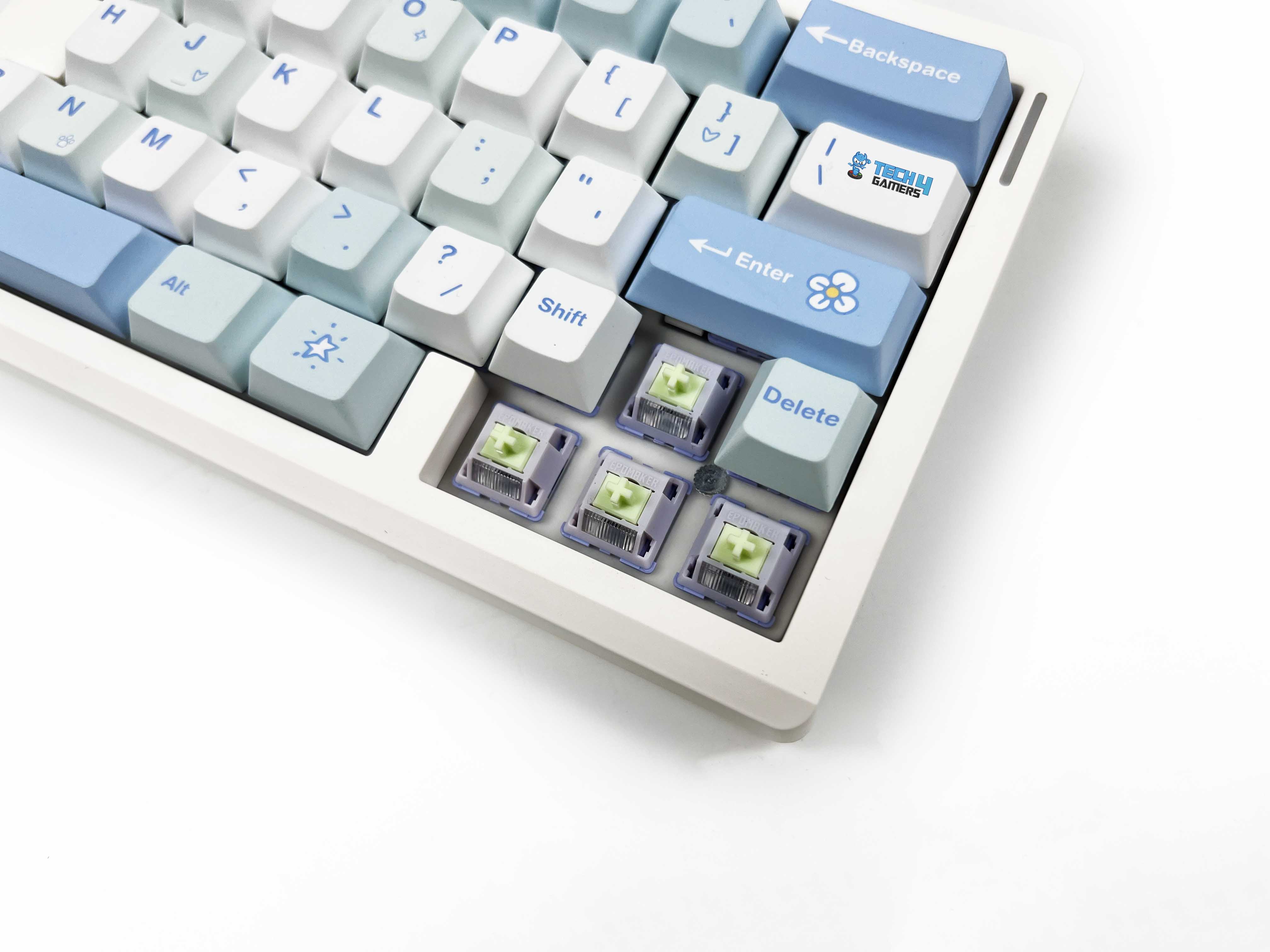
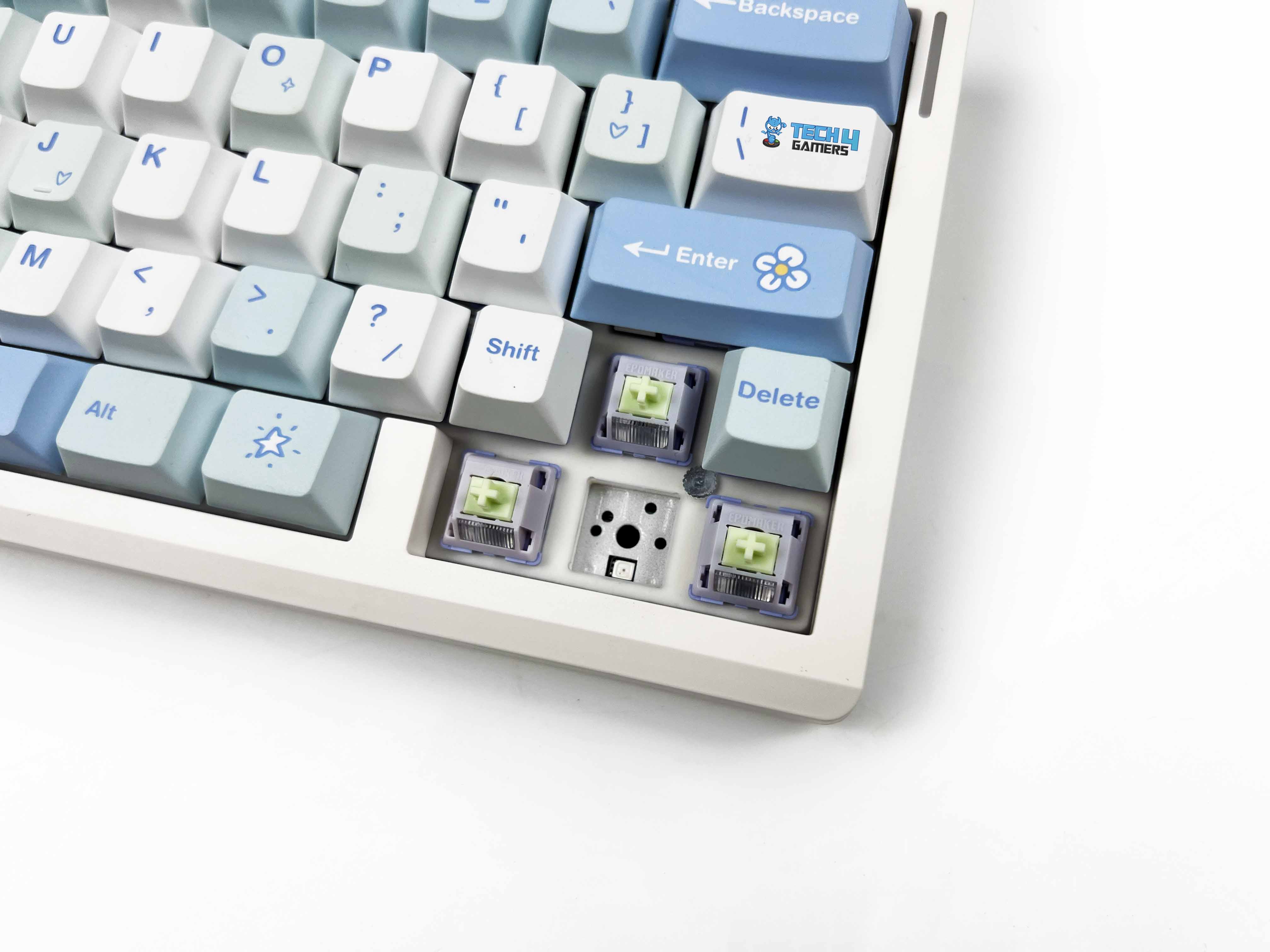
The Epomaker Split70 comes only with Wisteria Linear V2 switches. These are 5-pin linear switches and come factory-lubricated. You can feel that smoothness from the first press. There’s no scratchy feedback when moving slowly through a keystroke. The trigger force is approximately 45 grams. It feels light enough for fast typing. Bottoming out occurs around 62 grams, so there’s still some resistance when you press all the way down. That balance worked well for long writing sessions.
My fingers didn’t feel worn out after using it at the end of the day. Pre-travel is about 2.0 mm, with total travel coming in around 3.6 mm. In real use, that translates to quick key registration without feeling shallow. The factory lube keeps things controlled, and the keyboard doesn’t amplify noise unpleasantly. Rated lifespan is around 50 million keypresses. That’s not something you feel day to day, but it’s good to know these switches aren’t built for short-term use. Lastly, these switches are fully hot-swappable.
Connectivity
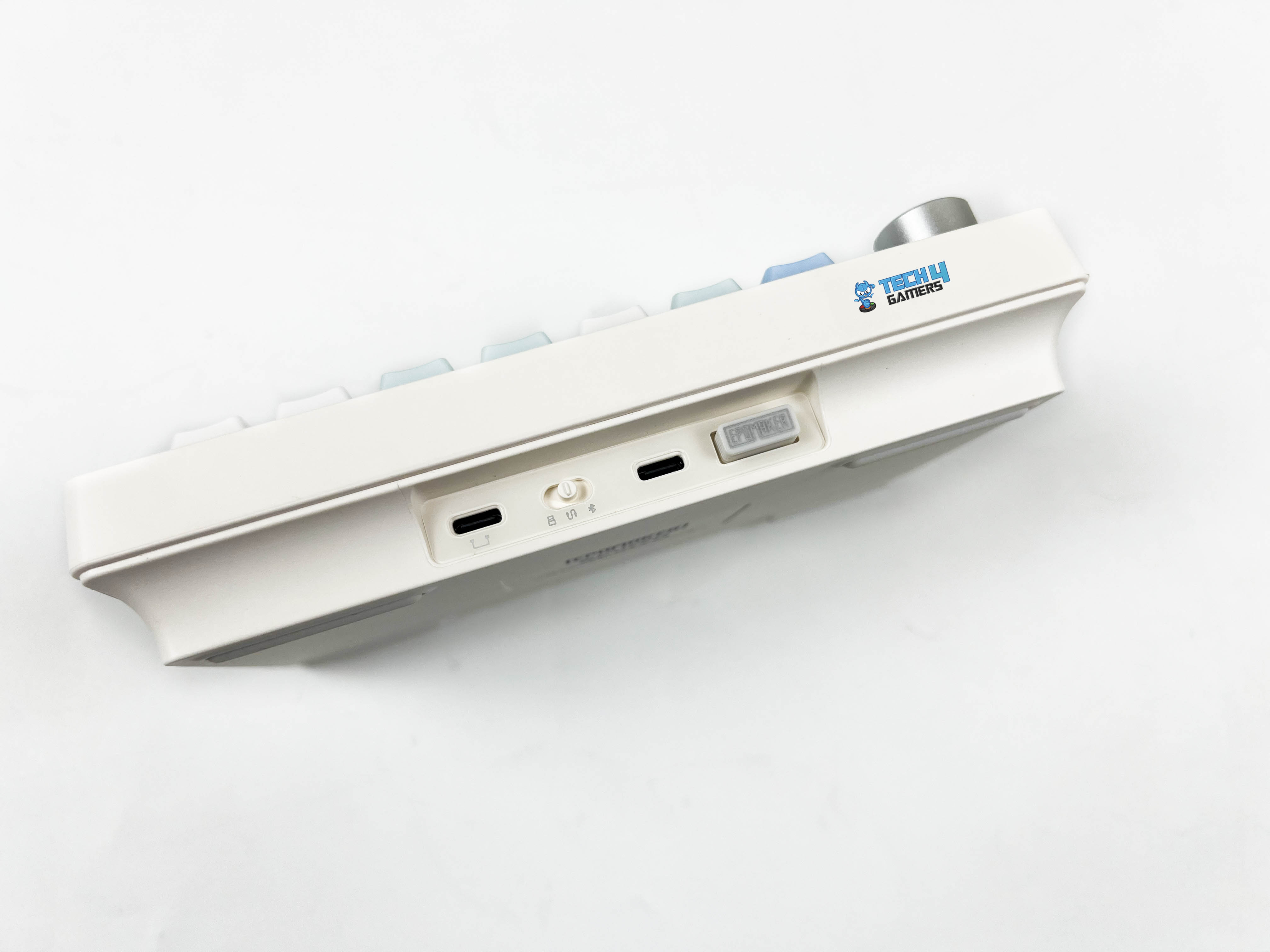
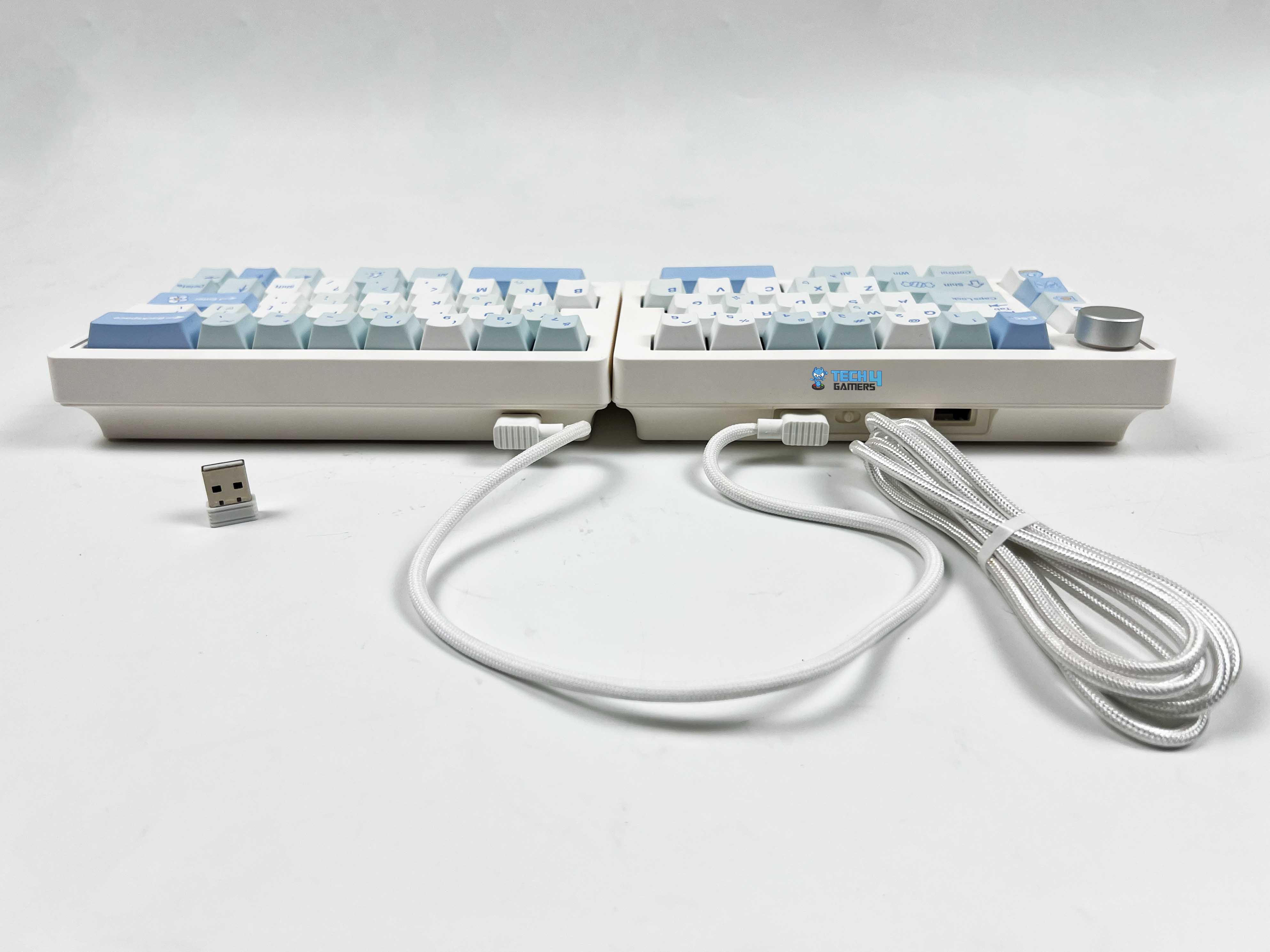
The Epomaker Split70 gives you three ways to connect. You get 2.4GHz wireless, Bluetooth 5.0, and a standard wired option. I ended up using all three at different points, depending on what I was doing. Wired mode uses a USB-C connection and is located on the left half of the keyboard. You keep the switch in the middle, plug the cable in, and that’s it. Moreover, Bluetooth is where this keyboard starts to feel like a multi-device. You can pair it with up to 3 Bluetooth devices simultaneously.
Switching between them is done directly from the keyboard. It felt smooth, as I didn’t have to re-pair each time. Once set up, it just remembers the devices. The 2.4GHz wireless mode sits somewhere between wired and Bluetooth. It uses a USB receiver and connects after switching modes. The keyboard isn’t truly wireless between the two halves. You still need a USB-C cable to link the left and right sides. So even in Bluetooth or 2.4 GHz mode, the halves still rely on that wired connection.
Typing Experience
Using the Epomaker Split70 feels different from a regular keyboard. The case is ABS plastic, and the plate is PC. It doesn’t feel flimsy, but there’s a subtle give thanks to the gasket-mount design. You can feel a little cushioning with each press, even though the keyboard doesn’t flex like some thinner boards. A lot of this comes from the layered sound-dampening setup. There are five layers under the keys, including a sandwiched latex layer, an IXPE switch pad, a PET sound-enhancement layer, a bottom sponge, and silicone.
Together, these layers reduce sharp shocks and hollow noise, giving the keyboard a quieter, more rounded sound when typing. The effect is noticeable, since you feel a sense of softness under your fingers. Each stroke lands with a soft, muted thock, while the plate-mounted stabilizers keep bigger keys like the spacebar and enter from rattling. Sound-wise, the switches stay on the quieter side. It’s a calm, creamy sound rather than a high-pitched click.
Performance
Gaming on the Epomaker Split70 feels consistent. The linear switches register presses without much resistance, and the actuation point is predictable. Moving from left to right feels natural, though at first it might throw off your rhythm if you’re used to a single-piece board. Responsiveness is solid across all connection modes. Wired and 2.4G wireless run at a 1000Hz polling rate, while Bluetooth drops to 125Hz. That translates into roughly 3ms latency for wired, 5ms for 2.4G, and 15ms for Bluetooth.
For fast typing or gaming, the wired and 2.4G modes feel almost instant, and even Bluetooth is usable for casual tasks. Anti-ghosting is supported, with full N-Key rollover, so multiple simultaneous key presses are registered without issues. The left half can double as a gaming pad, which is handy if you like one-handed gaming setups. On the flip side, the magnetic connection between the halves is more symbolic than functional. It holds them together, but it’s not strong enough.
Battery Life
The Split70 has a 3000 mAh battery that holds up surprisingly well for a split wireless board. With the backlight on, you can expect around 11 hours of continuous use. By switching off the RGB lighting, it stretches to roughly 260 hours, which can be pretty handy if you mostly type in a bright room or don’t care much for RGB. During my testing, I was able to reach close to these claimed battery numbers. If you want to keep track of how much battery juice is left, there’s a built-in battery check.
Hold FN+B, and the number row lights up to show the charge in 10 percent increments. For instance, if keys 1 to 6 light up, that’s 60% battery. A fully lit row means the battery is fully charged. The keyboard also manages power when idle. The backlight shuts off after about five minutes if you haven’t touched a key, and it goes into a deeper sleep after half an hour. You can wake it up by pressing any key. It then reconnects and lights up again. Lastly, a flashing FN key indicates a low battery.
Software
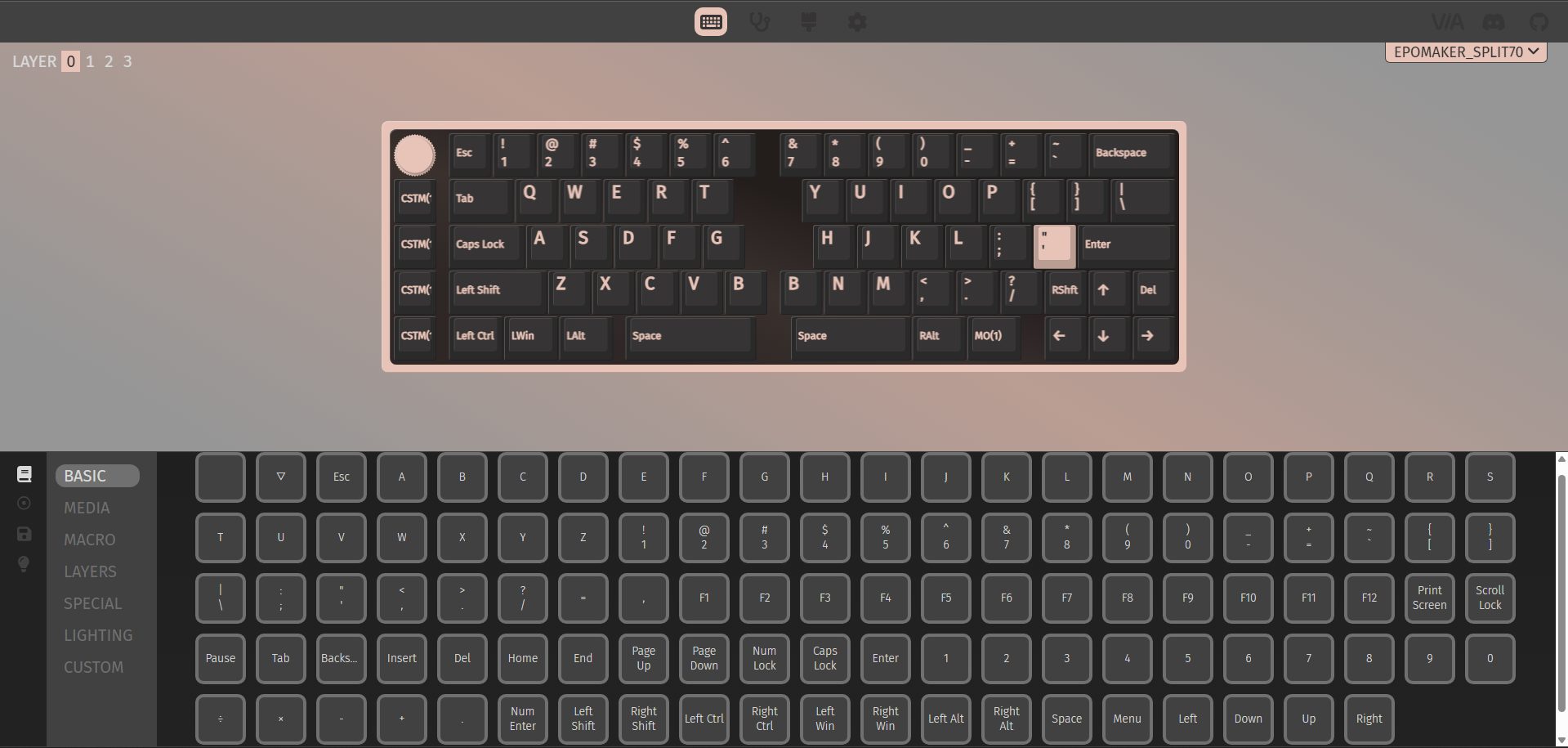
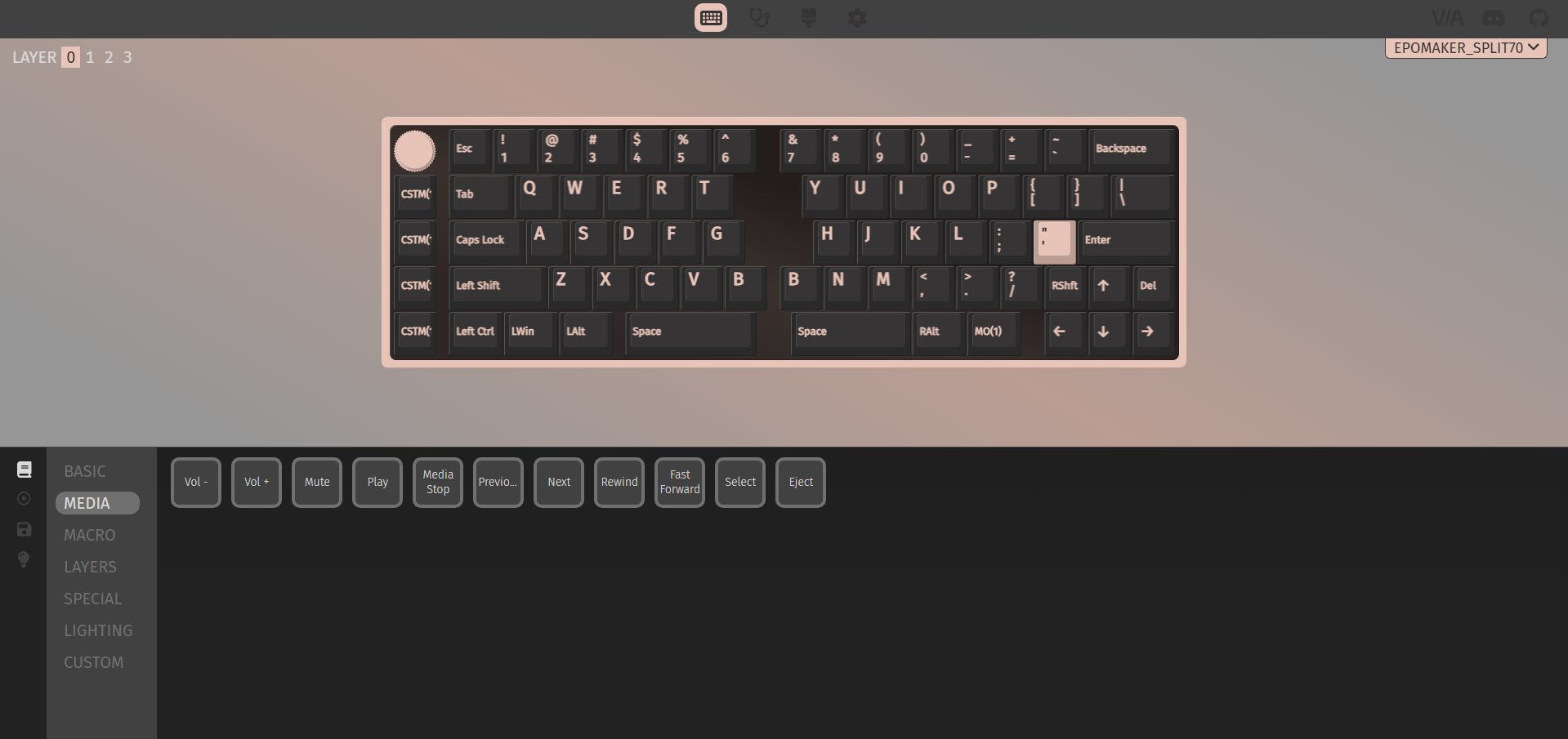
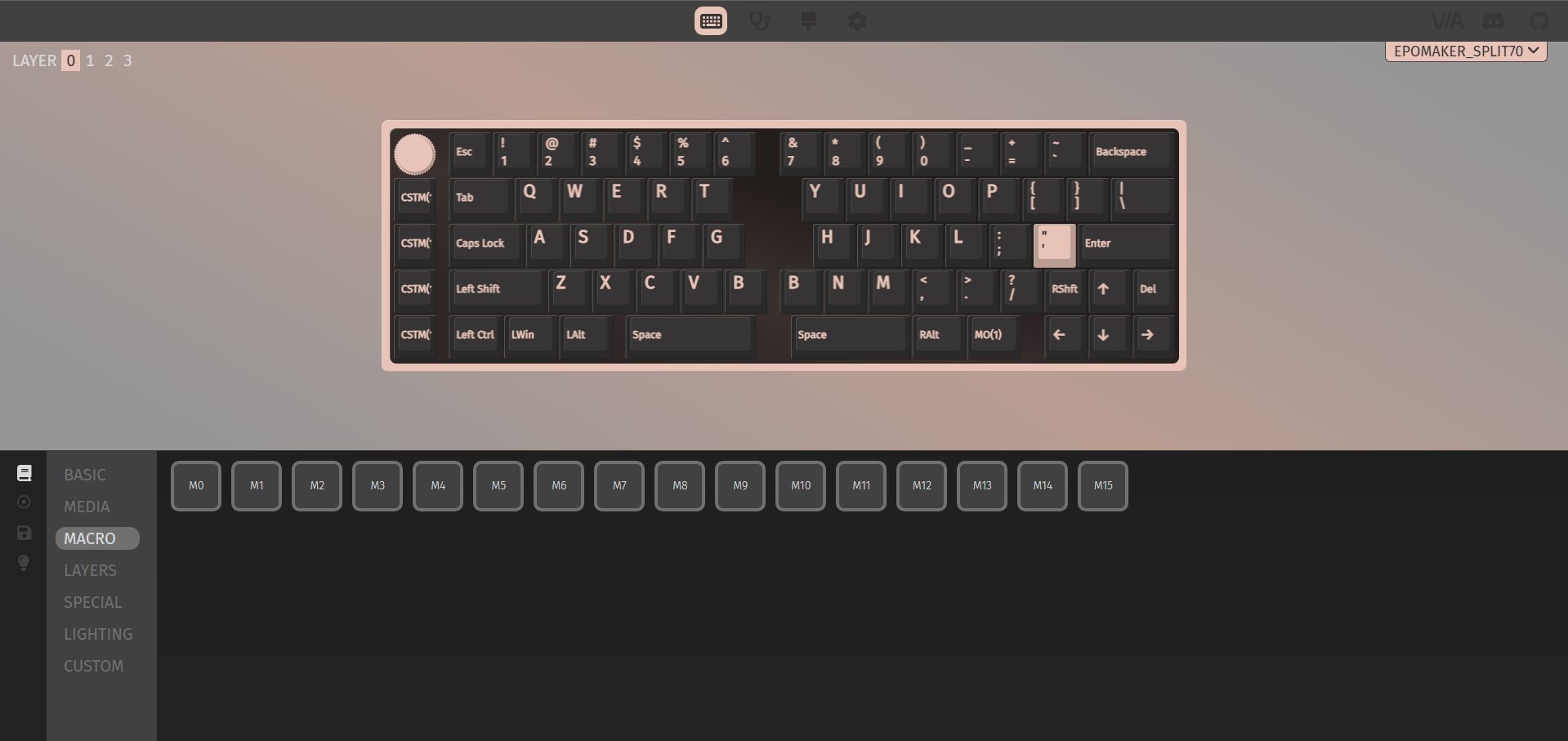
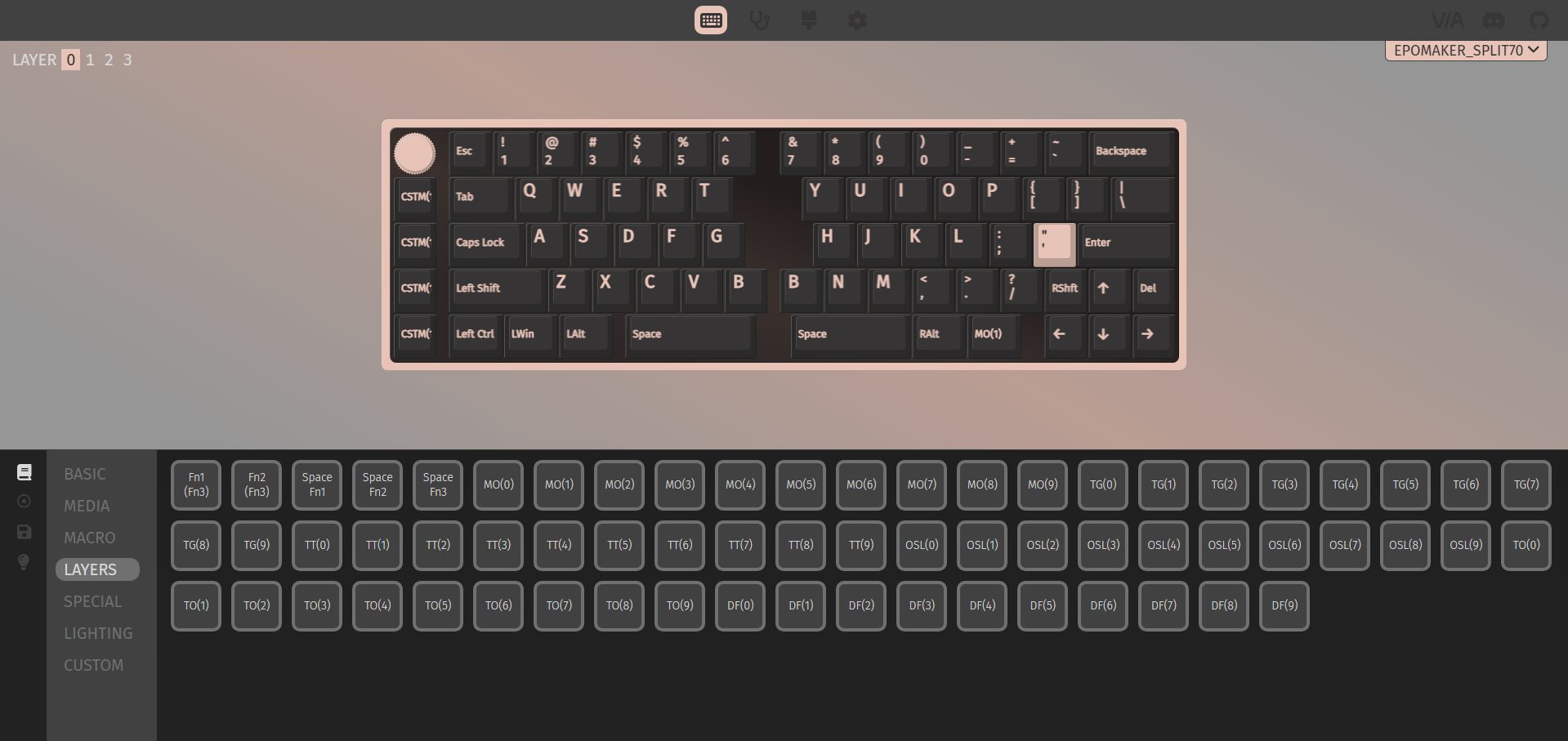
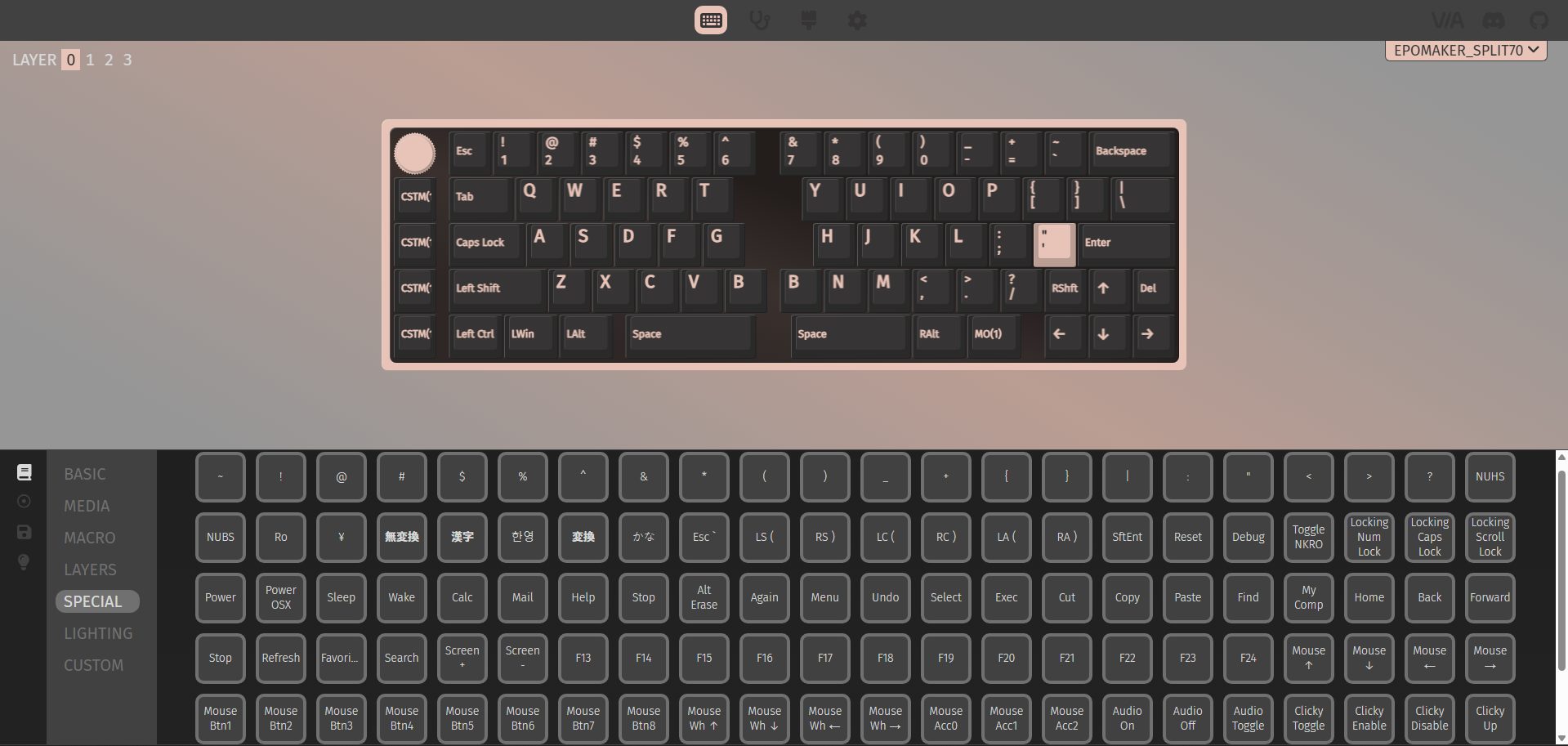
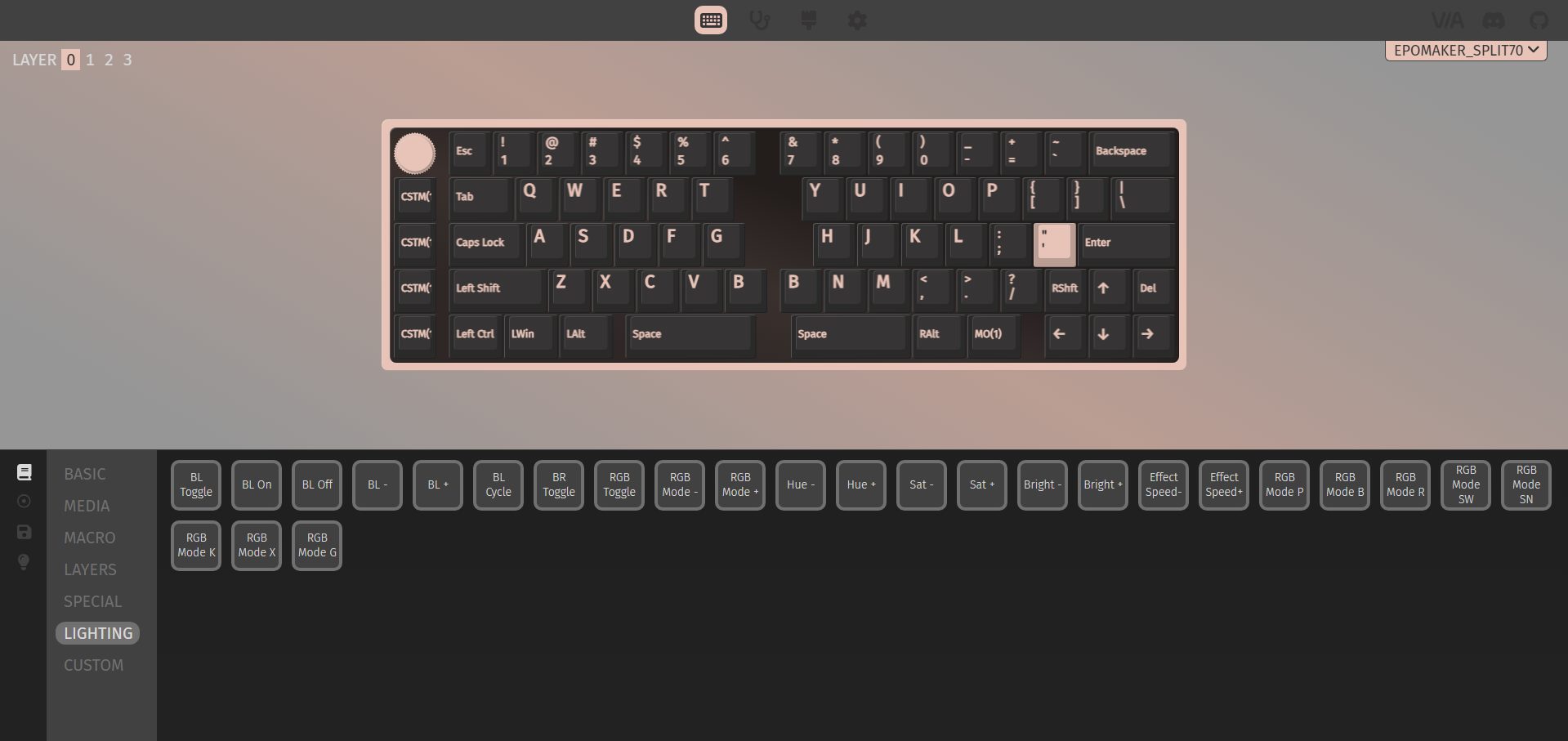
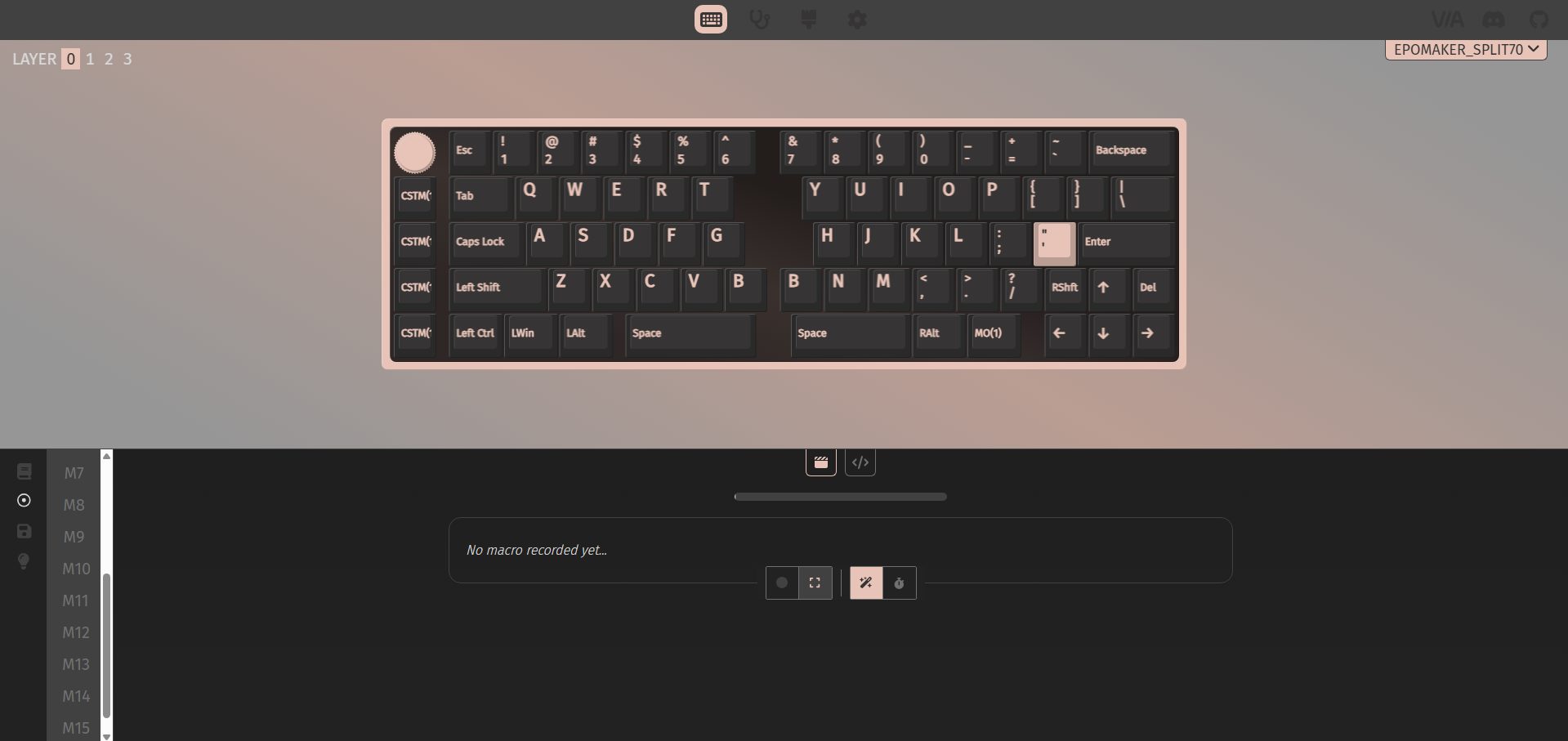
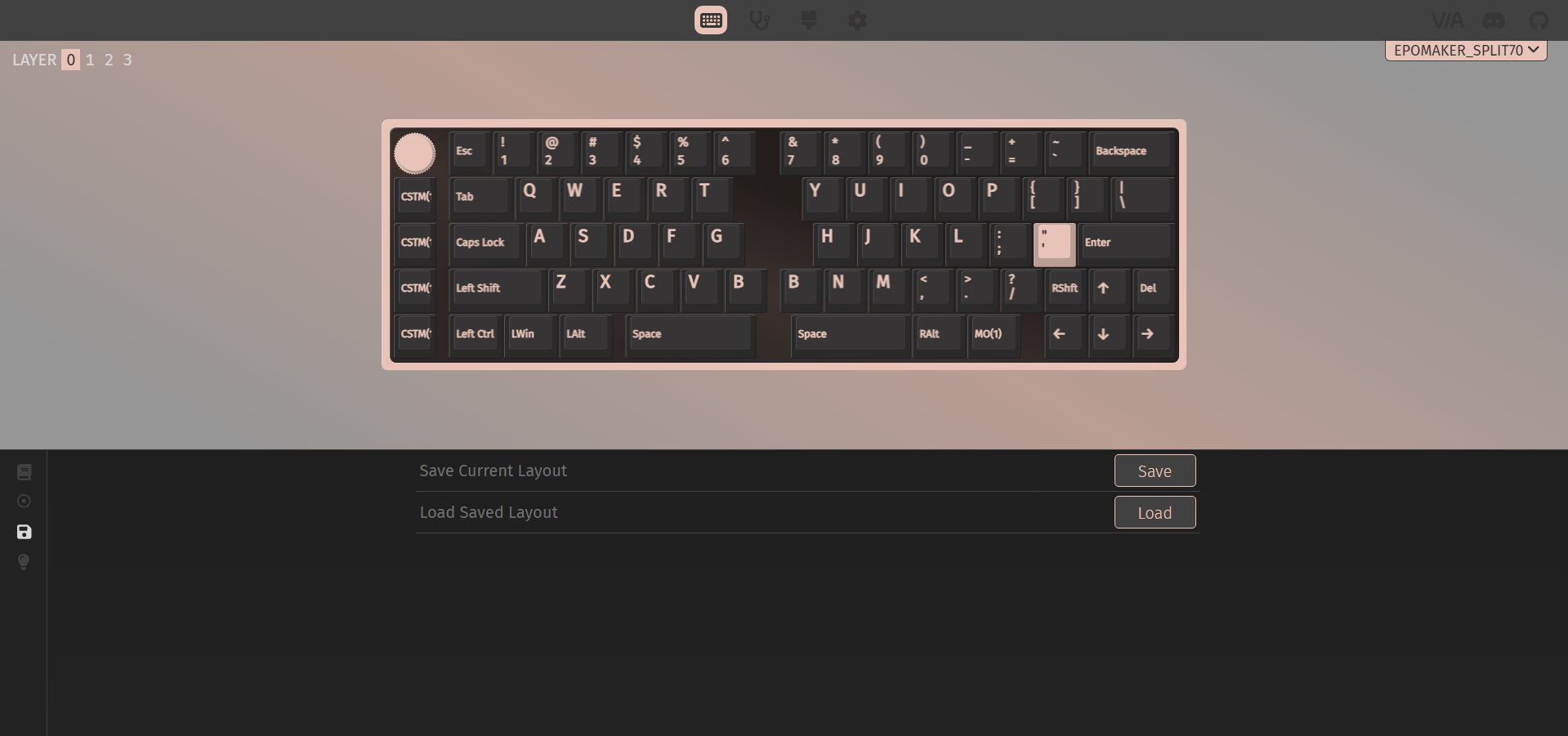
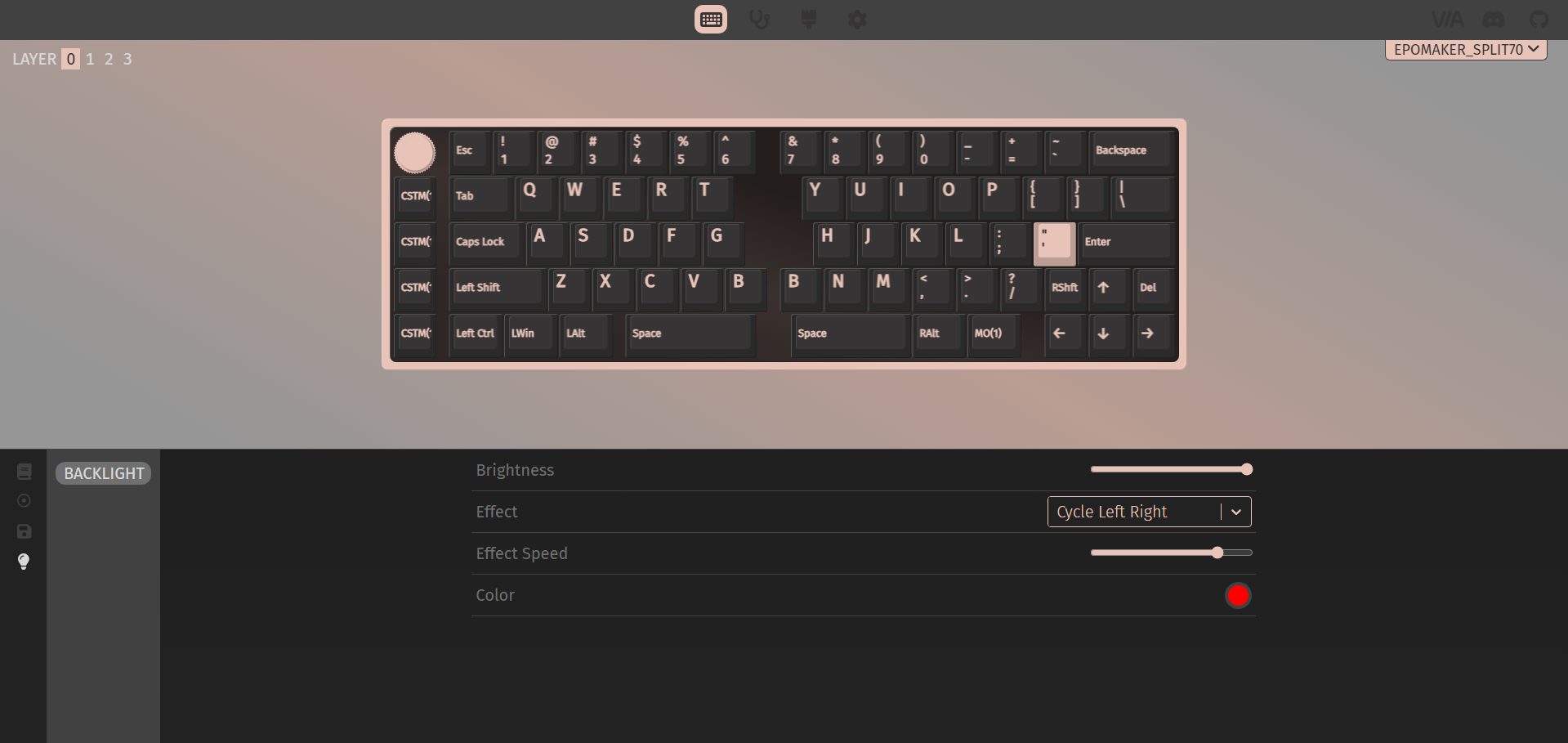
The Epomaker Split70 works with VIA if you want to dive into customization. You can remap basic, media, and special keys, as well as the lighting controls, to other existing keys. This helps make up for the keys that aren’t physically present. On the left side, there are some custom keys with icons printed on them. Out of the box, they support undo, cut, copy, and paste.
But with VIA, you can assign multiple custom actions to them, giving you a lot of flexibility. You can also set up to 15 macros and save up to four different layouts. The backlight is fully adjustable through the software, too. You can tweak brightness, pick different effects, adjust their speed, and change colors. The real-time layout display makes it easy to see what you’re doing as you tweak things, so you don’t have to guess whether a key or macro is set correctly.
Should You Buy it?
Buy it if
✅ You want a split layout: It gives you the benefits of a split keyboard that feels approachable after a short adjustment period, especially if you’re coming from a compact design.
✅ You prefer flexibility in how you use your keyboard: Tri-mode connectivity lets you switch between wired, 2.4GHz, and Bluetooth without thinking too much about it. The left half even doubles as a compact gaming pad, which is practical once you try it.
Don’t buy it if
❌ You prefer traditional layouts: The compact split design means some keys are missing by default. While remapping covers most gaps, it still requires adjustment and a bit of patience upfront.
❌ You prefer a strong magnetic alignment: The magnetic link between the two halves feels more like a convenience feature than a dependable connection. It works, but it’s not something you’d want to rely on during frequent repositioning.
Final Verdict
The Epomaker Split70 leaves a bit of a mixed impression, but in a way that’s easy to understand once you spend some time with it. The keyboard’s split design takes a little getting used to. You notice it more in the beginning, but once you settle in, the layout feels functional. It is aimed at users who like tinkering with their PC setup and want to try a slightly unconventional layout. As for value, it sits in the mid-to-upper range. At $119.99, if you’re willing to adapt to the split design, the Split70 is worth considering. For a broader look at how it compares to other excellent keyboards out there, check out our best gaming keyboards of 2026.
Thank you! Please share your positive feedback. 🔋
How could we improve this post? Please Help us. 😔

[Hardware Reviewer & Editor]
After many years of exploiting various pieces of hardware, Abdul Hannan now serves as an editor at Tech4Gamers. He’s been in the PC hardware reviewing industry for almost a decade, and his staff of passionate geeks and reviewers is second to none.
Abdul Hannan is constantly seeking new methods, you will always see him running into New Computer Courses to improve the performance of his computer components since he is an ardent overclocker. He is well-known for providing the most extensive and unbiased analysis of the newest and greatest hardware for PC gaming, including everything from GPUs to PSUs.
 Join Our Community