Threads
Hard To Ignore!
Review Summary
The Epomaker HE68 Lite is a compact 65% Hall Effect keyboard that delivers a magnetic switch experience at a budget-friendly price. The HE68 Lite is really snappy thanks to its adjustable actuation points and rapid trigger. Gaming or typing, it keeps up without missing any input. The keys feel solid under fingers, and with all the sound-dampening layers inside, it gives a pleasantly quiet typing experience. The RGB lighting is customizable, though the south-facing LEDs don’t fully stand out with the stock keycaps, and the legends’ visibility could be better. Overall, it’s a well-rounded entry-point Hall Effect keyboard that provides remarkable performance, portability, and value.
Hours Tested: 5 Days

Overall
-
Design - 8.5/10
8.5/10
-
Typing - 9/10
9/10
-
Performance - 9/10
9/10
-
Portability - 9.5/10
9.5/10
-
Value - 9/10
9/10
Pros
- Hall Effect Magnetic Switches
- Compact 65% Layout
- Excellent Gaming Performance
- Lightweight and Portable
- Budget-friendly
Cons
- Plastic Chassis
- No Adjustable Kickstands
- No Wireless Connectivity
- RGB Limitations
- Readability Issues with Legends


After extensively testing numerous premium to budget magnetic switch keyboards, including the original HE68, I was particularly interested to review how this follow-up model would perform. Going into this review, I hope that it retains the Hall Effect magnetic switch performance that made its predecessor noteworthy, while addressing key areas for improvement.
I have spent considerable time with the original HE68 and am now looking to test HE68 Lite with specific expectations. It presents an intriguing proposition for both competitive gaming and daily productivity workflows. The only question that remains is how it feels to use it in daily gaming sessions and typing.
Key Takeaways
- The HE68 Lite is a compact 65% Hall Effect keyboard that provides a smooth and responsive typing experience. With adjustable actuation points, rapid trigger, and full NKRO, it performs well in both gaming and everyday typing.
- You should consider the HE68 Lite if you want magnetic switches on a budget, require fast gaming performance, and prefer a lighter, more portable design.
- You should skip the HE68 Lite if you expect premium build quality, want all the extras, and rely on wireless connectivity.
Here are the technical specifications:
| Layout | 65% ANSI US Layout |
| Number of Keys | 68 keys |
| Battery | No Battery |
| Connectivity | Cable Wired (USB A to USB C) |
| Switch Between Mac and Windows | No physical switch is required, and HE68 Lite automatically switches to the correct OS mode. |
| Case Material | ABS Plastic |
| Plate Material | PC Plastic |
| Flex-C | No Flex-Cut |
| Stabilizers | Plate-Mount Stabilizer |
| Mounting Structure | Tray-Mount |
| PCB Thickness | 1.6mm |
| Sound Dampening | PRO Sandwich Foam, IXPE Switch Pad, PET Sound-Enhancement Pad, Switch Socket Pad, Bottom Foam |
| Keycaps Profile | Cherry Profile |
| Keycaps Material | PBT Plastic |
| Keycaps Manufacturing Technique | Double-Shot |
| Switch | Hall Effect Switch |
| RGB | A-RGB Technic, South-facing, per-key RGB |
| Polling Rate | 8000Hz |
| Scan Rate | 128Khz |
| Latency | 0.125ms |
| Adjustable Travel | 0.1mm to 3.4mm, per 0.01mm |
| SOCD (Snap Key) | Yes, the HE68 Lite Keyboard supports SOCD. |
| DKS & MT | Yes, the HE68 Lite Keyboard supports dynamic keystroke and mod tap function. |
| Dead-Zone | HE68 Lite keyboard supports zero dead zones, and the dead zone is adjustable between 0 and 1mm in the software. |
| Programmable | Yes, the HE68 Lite keyboard comes with software for Windows and Mac. |
| Anti-Ghosting | Yes, the HE68 Lite keyboard supports N-Key Rollover. |
| Compatibility | Mac/WIN/Android |
| Keyboard Dimensions | 32.2cm in Length, 12cm in Width, 4cm in Height. |
| Keyboard Weight | 0.65kg |
What Makes The Epomaker HE68 Lite Different?
When comparing the HE68 Lite to its predecessor, the original HE68, you’ll notice Epomaker hasn’t sacrificed much that made its ancestor stand out. Instead, they’ve minimized the design to provide a keyboard that’s lighter and portable without losing any performance at all.
Looking beyond, many competing brands add extras in their keyboards that include wireless modes, knobs, or screens, but often at twice the price. In comparison, the HE68 Lite doesn’t chase those frills, and it offers the magnetic switch experience in a streamlined, compact form that costs noticeably less.
Packaging & Unboxing
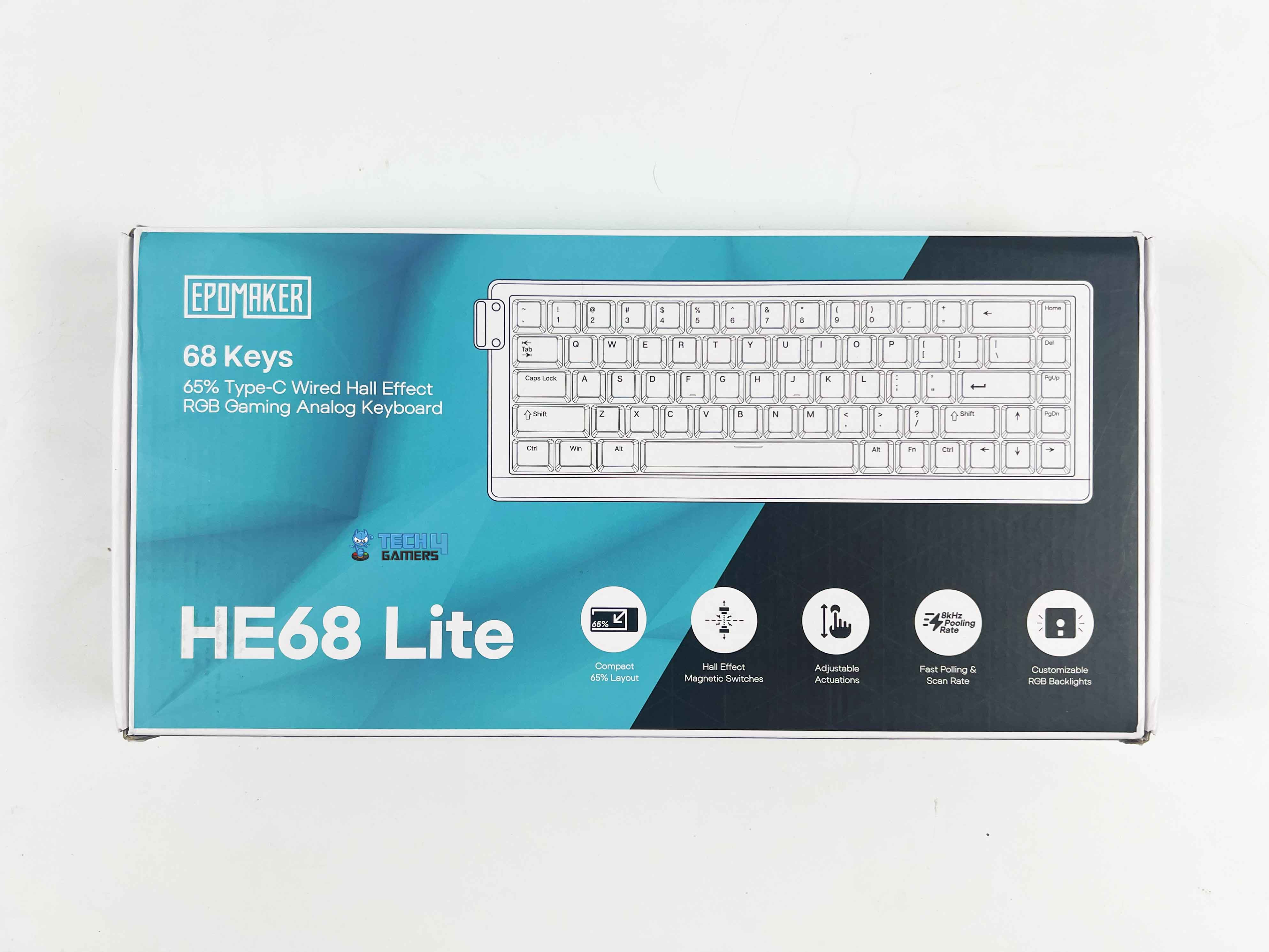
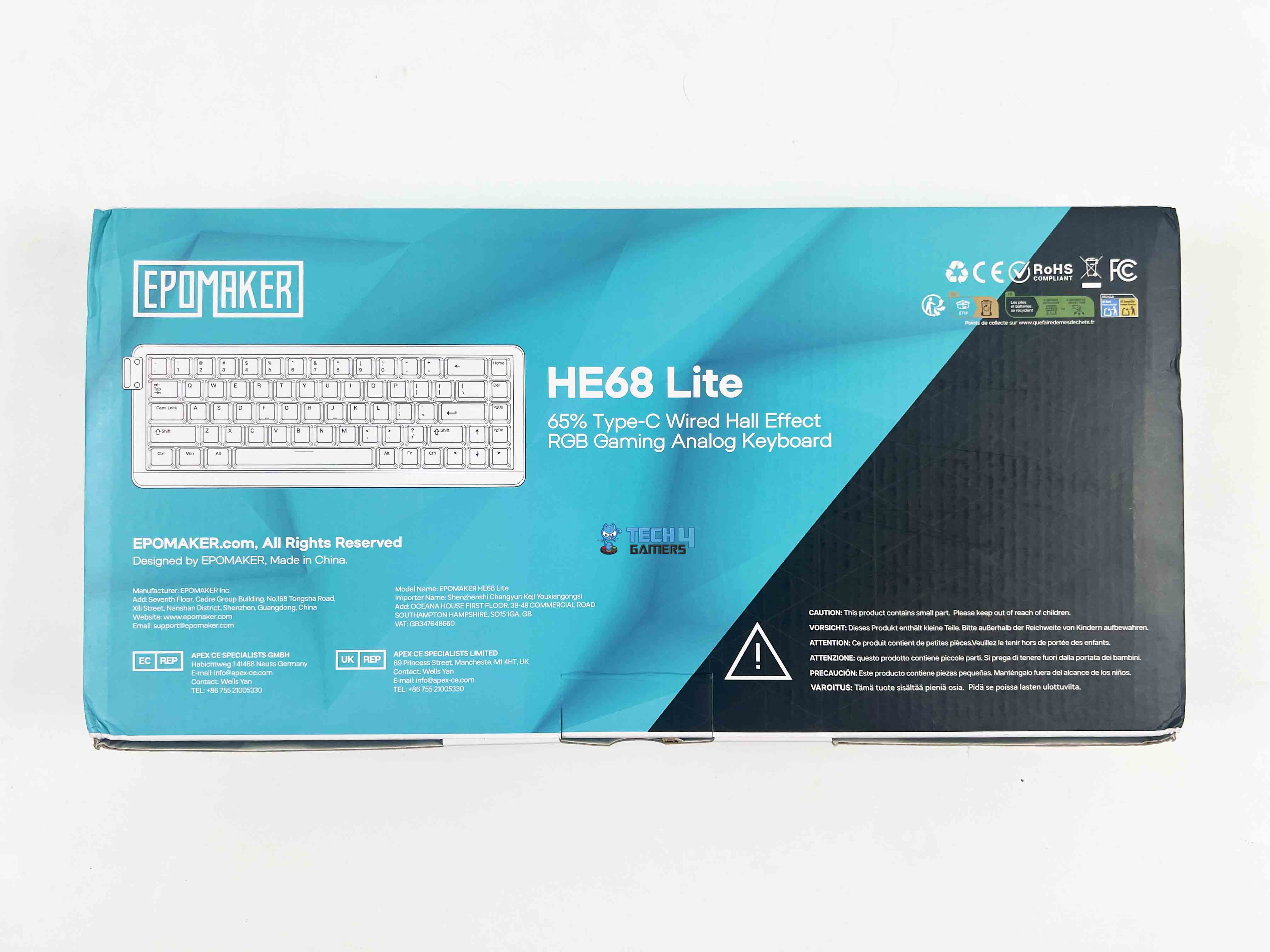
The HE68 Lite comes in a dual-tone packaging box. It features a cyan and black color scheme. The front side of the box displays comprehensive feature callouts. Moreover, it is accompanied by key selling points written in an easily digestible format. The rear side of the box maintains design consistency while providing additional product imagery and feature descriptions.
Box Contents
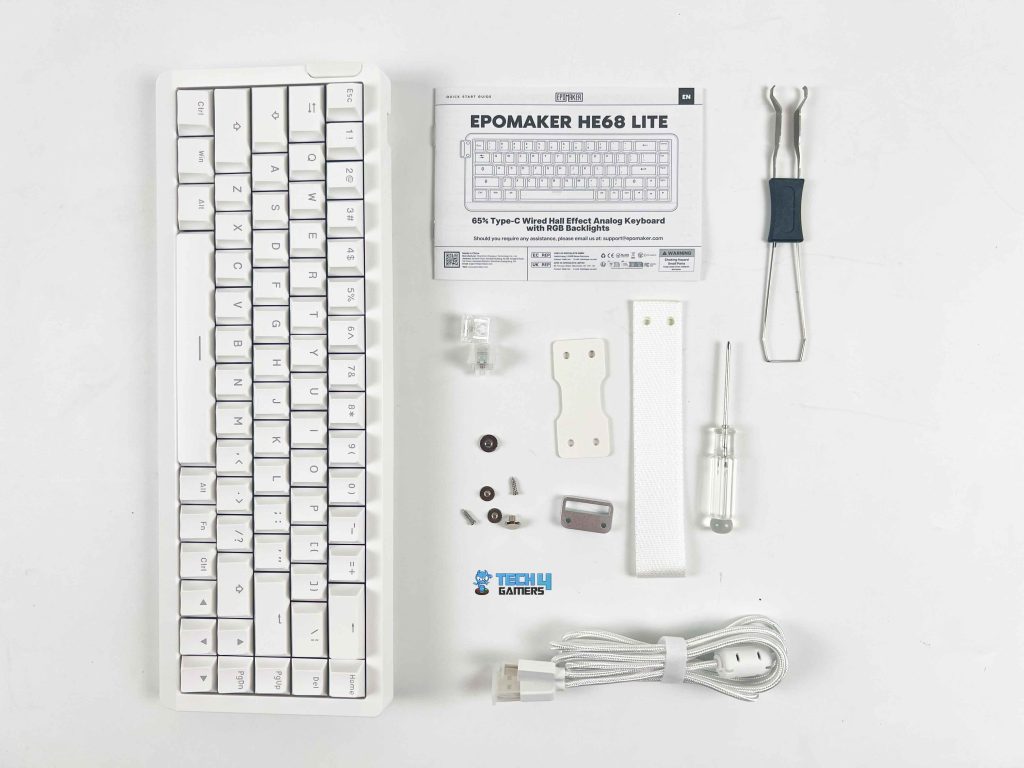
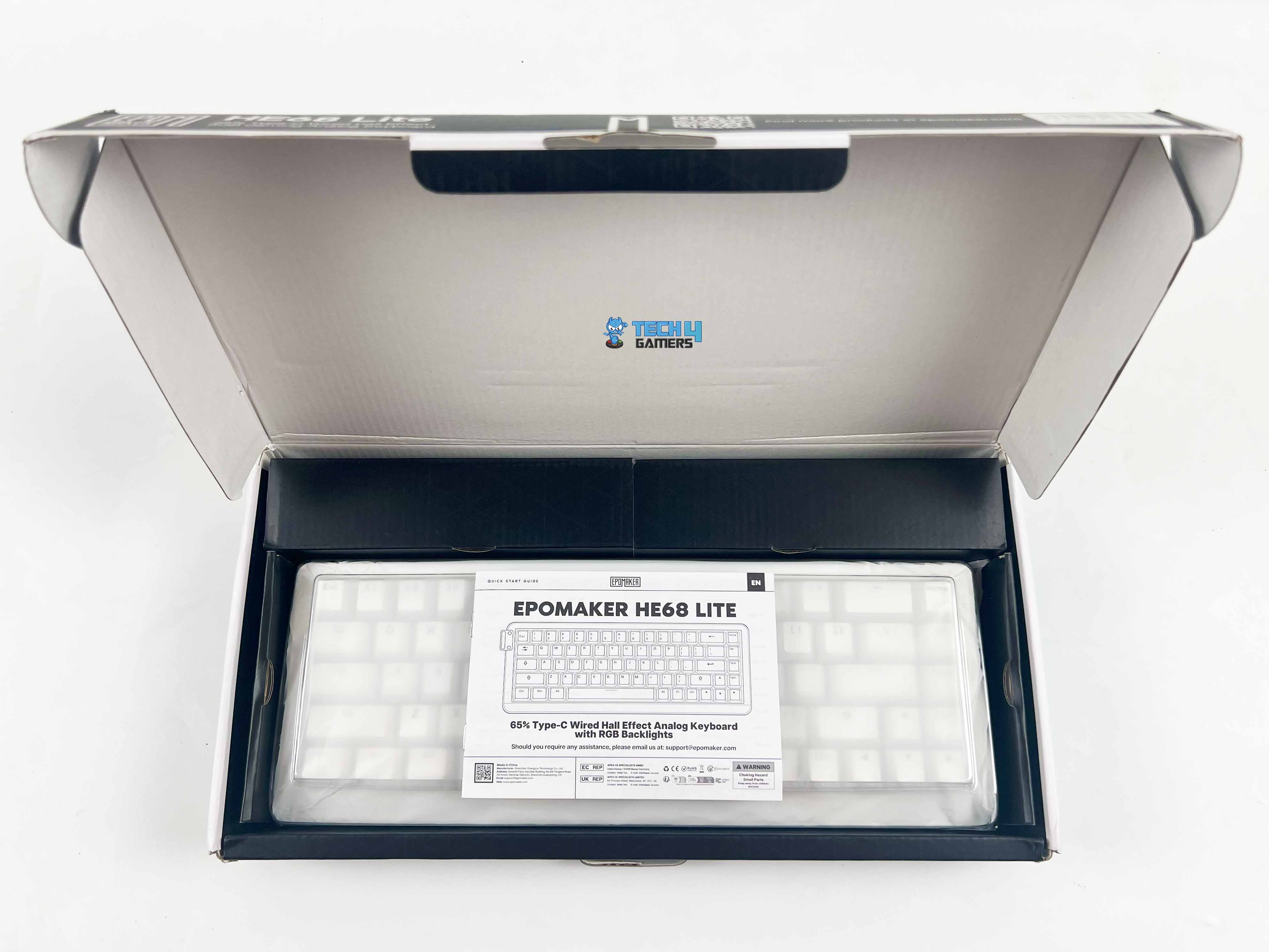
Upon opening the box, you’ll find the HE68 Lite wrapped in a plastic sleeve along with a protective dust cover. Additionally, you’ll find the accompanying accessories packaged in reclosable plastic pouches separately in a cardboard box. Here is the list of everything that you’ll find inside the box:
- HE68 Lite Hall Effect Gaming Keyboard
- Pack of Screws and Extra Switches
- A pack of Hand straps, strap accessories, and a screwdriver
- USB A to C Cable
- 2-in-1 Keycap-and-Switch Puller
- Multilingual Manual
Design
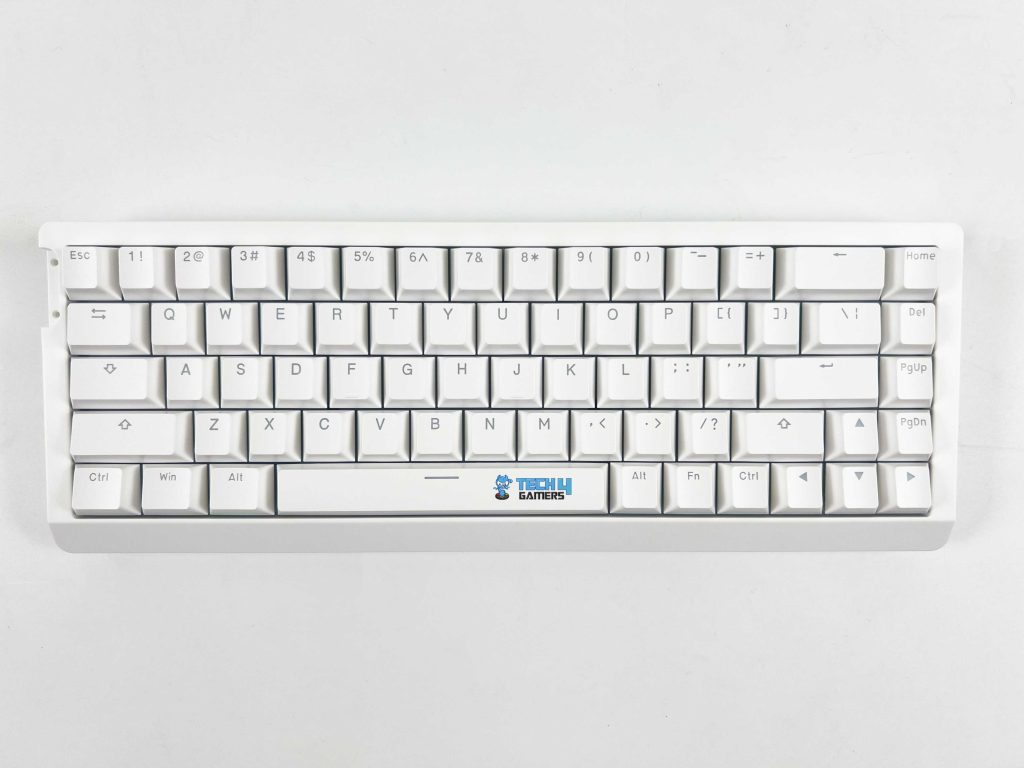
The design of the HE68 Lite looks clean and compact. There is nothing over the top, just simple and to the point. The small keyboard footprint is a plus, as it still includes arrow keys, which I personally appreciate since I use them frequently. It maintains a good balance between saving desk space and sacrificing too much usability.
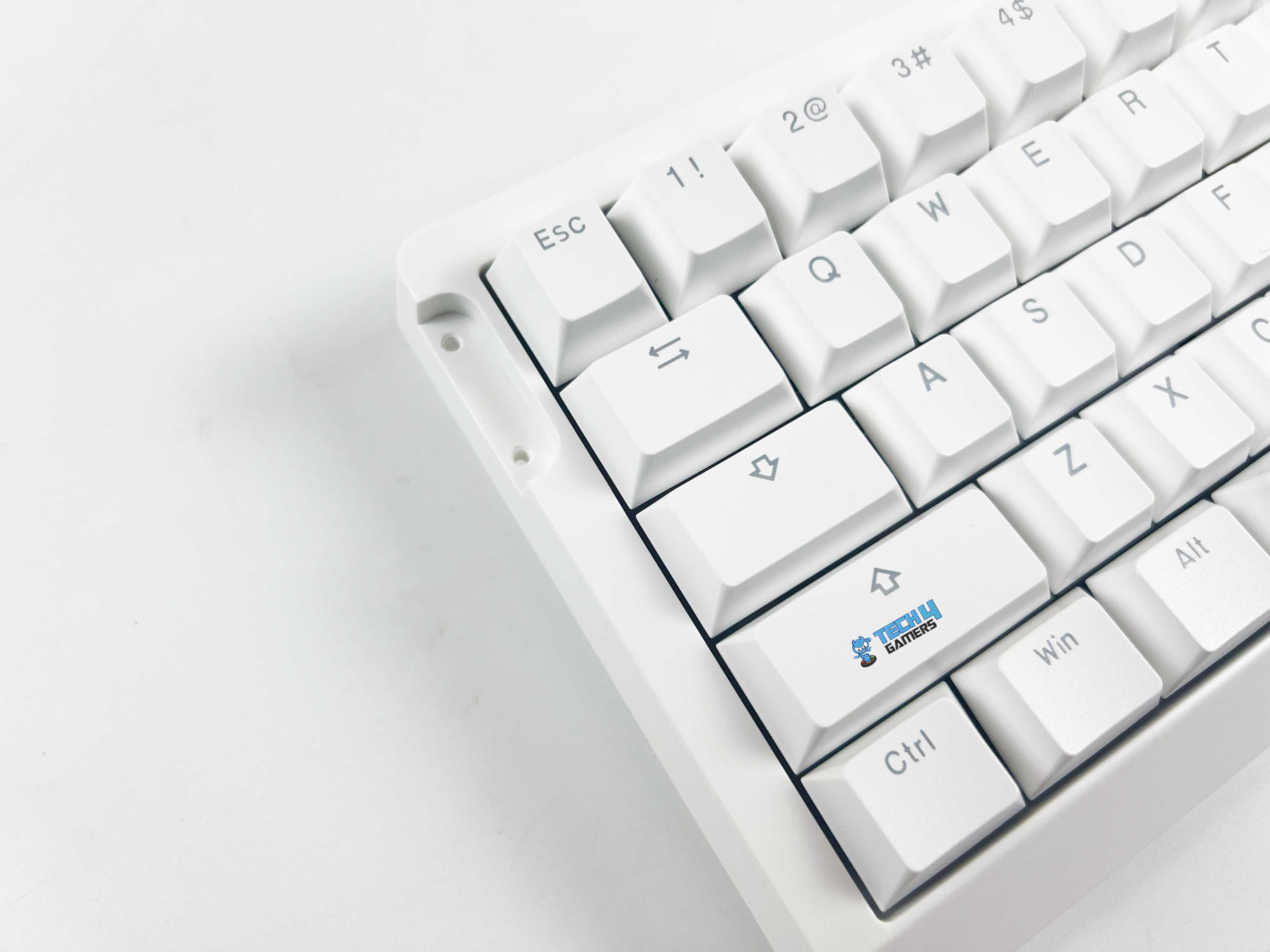
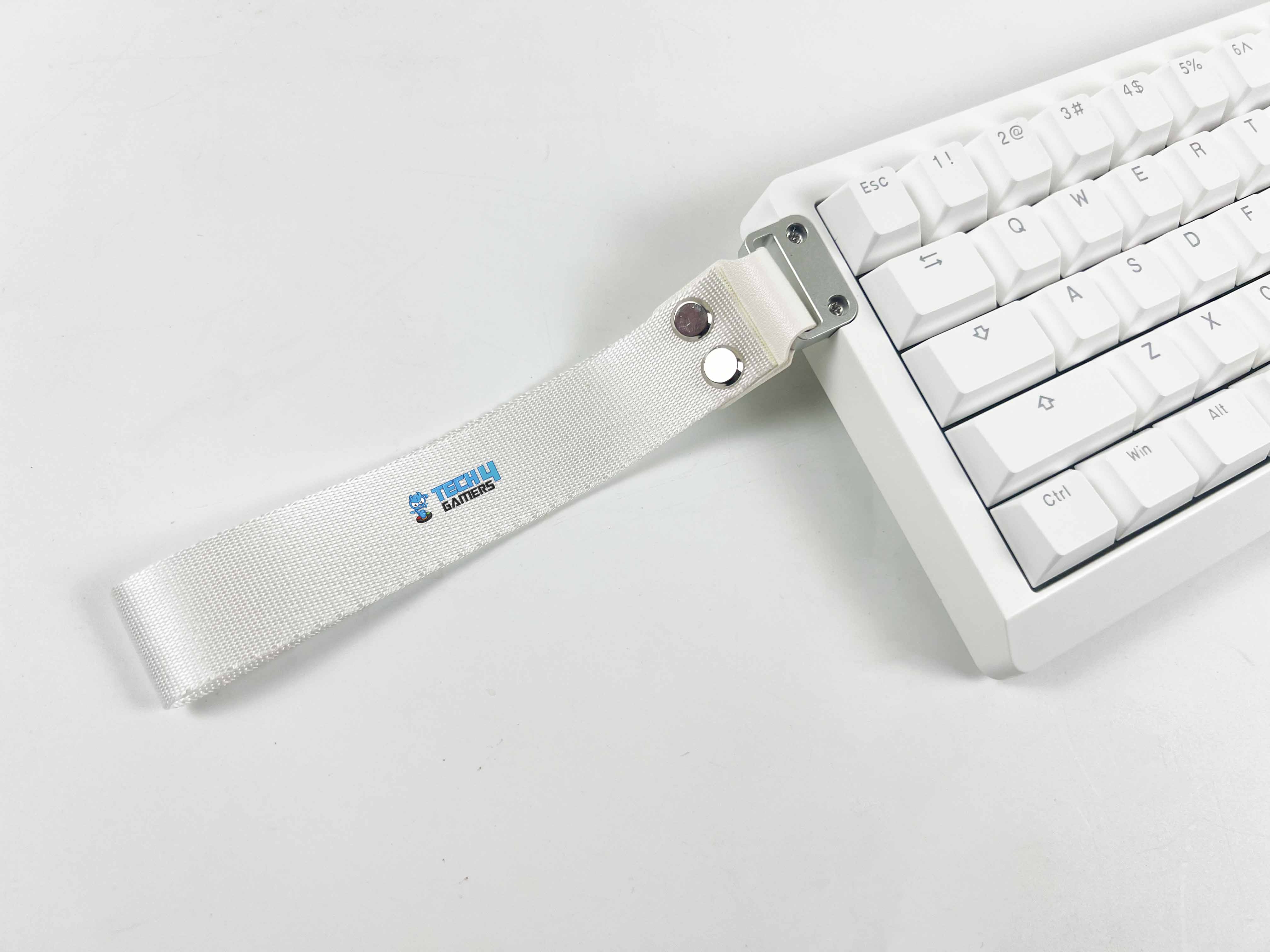
Moreover, the small size means you can easily put it in a backpack if you’re travelling to competitive lanes. In terms of colour options, it comes in two variations: black and white. Lastly, it includes mounting points for the carrying strap that Epomaker bundles with the keyboard, which is a neat little touch for portability. For those interested in customization, I recommend checking out our list of the best custom gaming keyboards.
Layout
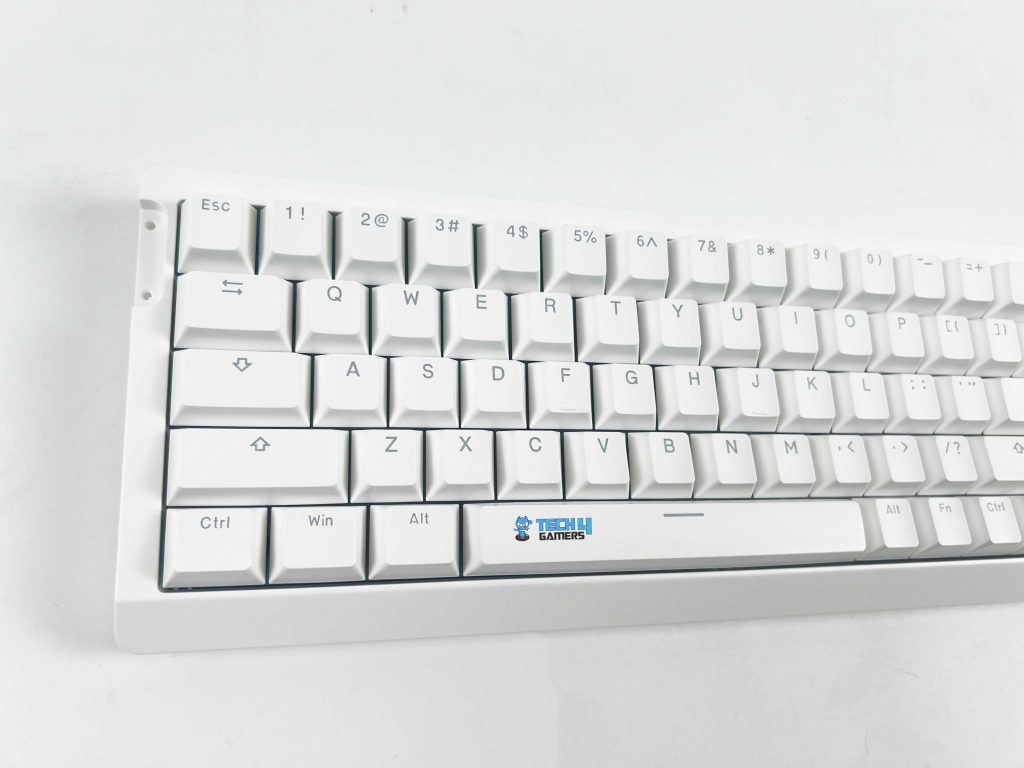
The HE68 Lite follows a 65% layout, which is pretty popular these days. What that means is you’re getting around 68 keys in total. It is a compact form factor that removes the numpad and function row but keeps the arrow keys and a few extra navigation buttons. For a lot of people like me, that’s the sweet spot. For gaming, the layout works really well. The arrow keys being right there are super handy.
On the productivity side, you don’t get a dedicated numpad, which can be a dealbreaker if you do a ton of data entry. That said, the function row is still accessible through an Fn key combo, and it just takes a little muscle memory to get used to the shortcuts. Having recently reviewed the Epomaker Magcore 87, I found the tighter spacing to be a bit unusual from what I was used to on a full-size board.
Underside
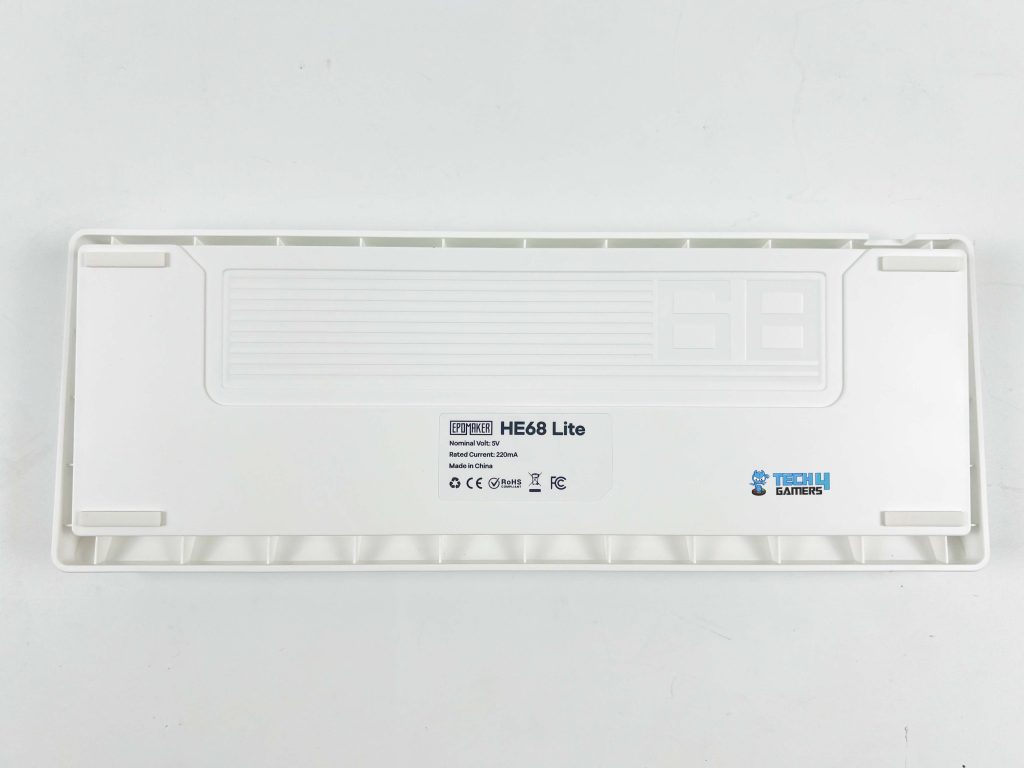
Flipping the HE68 Lite over, you immediately notice how barebones the underside feels compared to more premium Epomaker keyboards. They went with a very minimal design here. The keyboard has basic rubber feet at each corner to prevent sliding around on the desk. They do a decent job of keeping the board stable.
However, the absence of adjustable kickstands is a major letdown. For many users like me, the inability to adjust the typing angle makes the experience less ergonomic, particularly for longer use, since you’re essentially locked into one flat profile, which might not be comfortable for everyone.
Build Quality
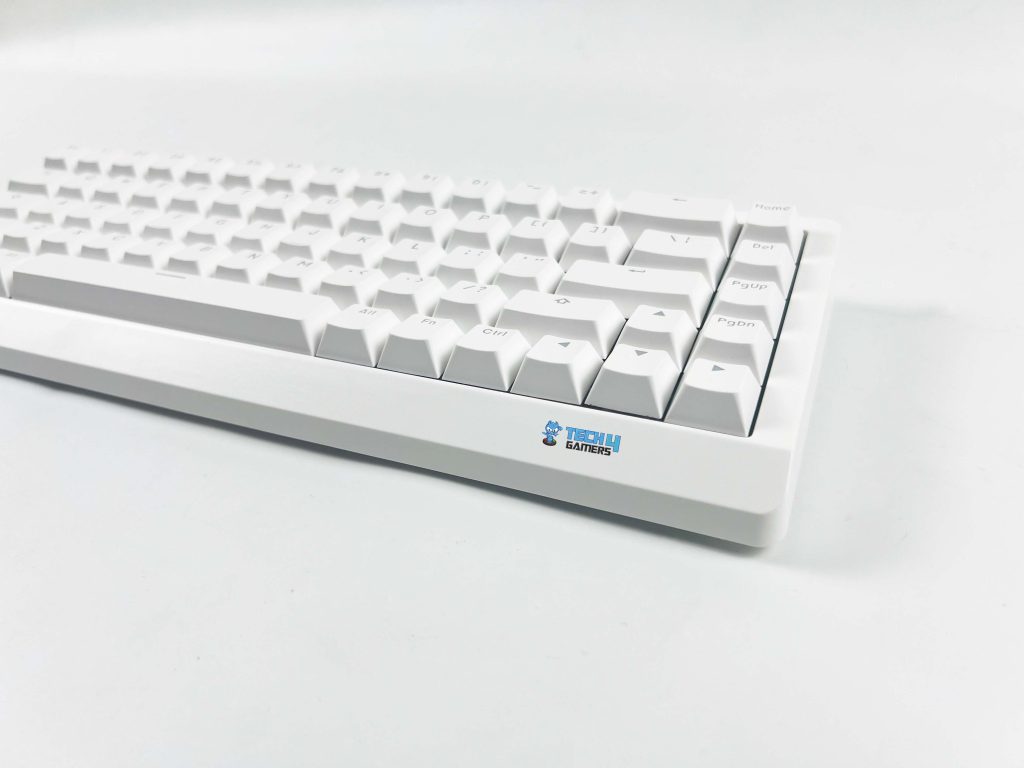
The HE68 Lite makes its budget-friendly roots clear in the build department. Epomaker chose a plastic chassis to keep the weight down, making it portable at only 0.65kg, as its primary focus is on portability. The lighter build does make the HE68 Lite easier to carry around, especially with the included strap. However, there is a bit of case flex when pressing firmly in the middle.
So, while it doesn’t feel premium and doesn’t offer the tank-like build quality that some heavier options, like Epomaker P65, provide, it offers a great balance between portability and just-enough sturdiness for its target audience. The weight distribution is fairly balanced, though the lightweight plastic chassis means it doesn’t quite have that planted feel of heavier boards.
Keycaps
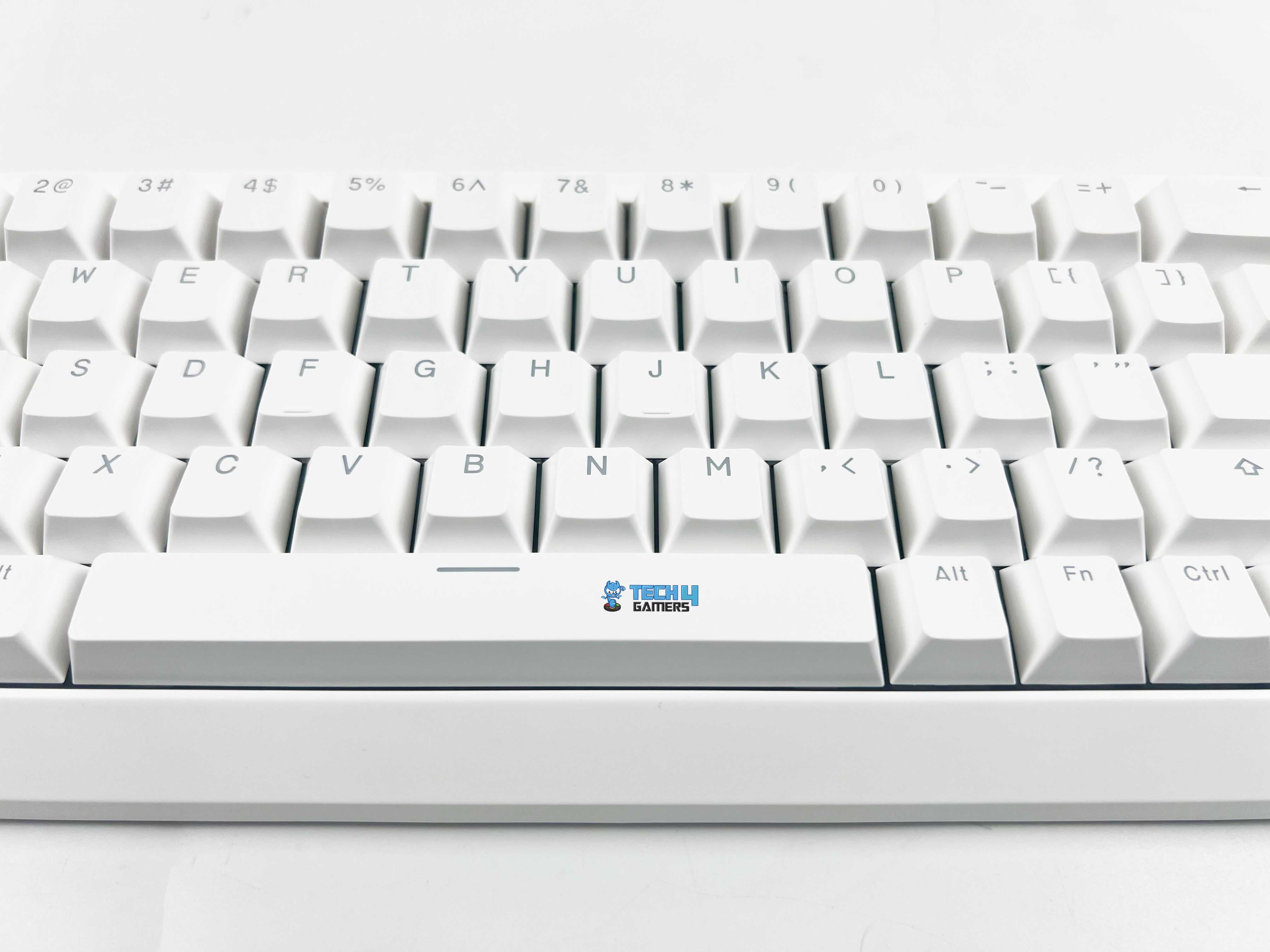
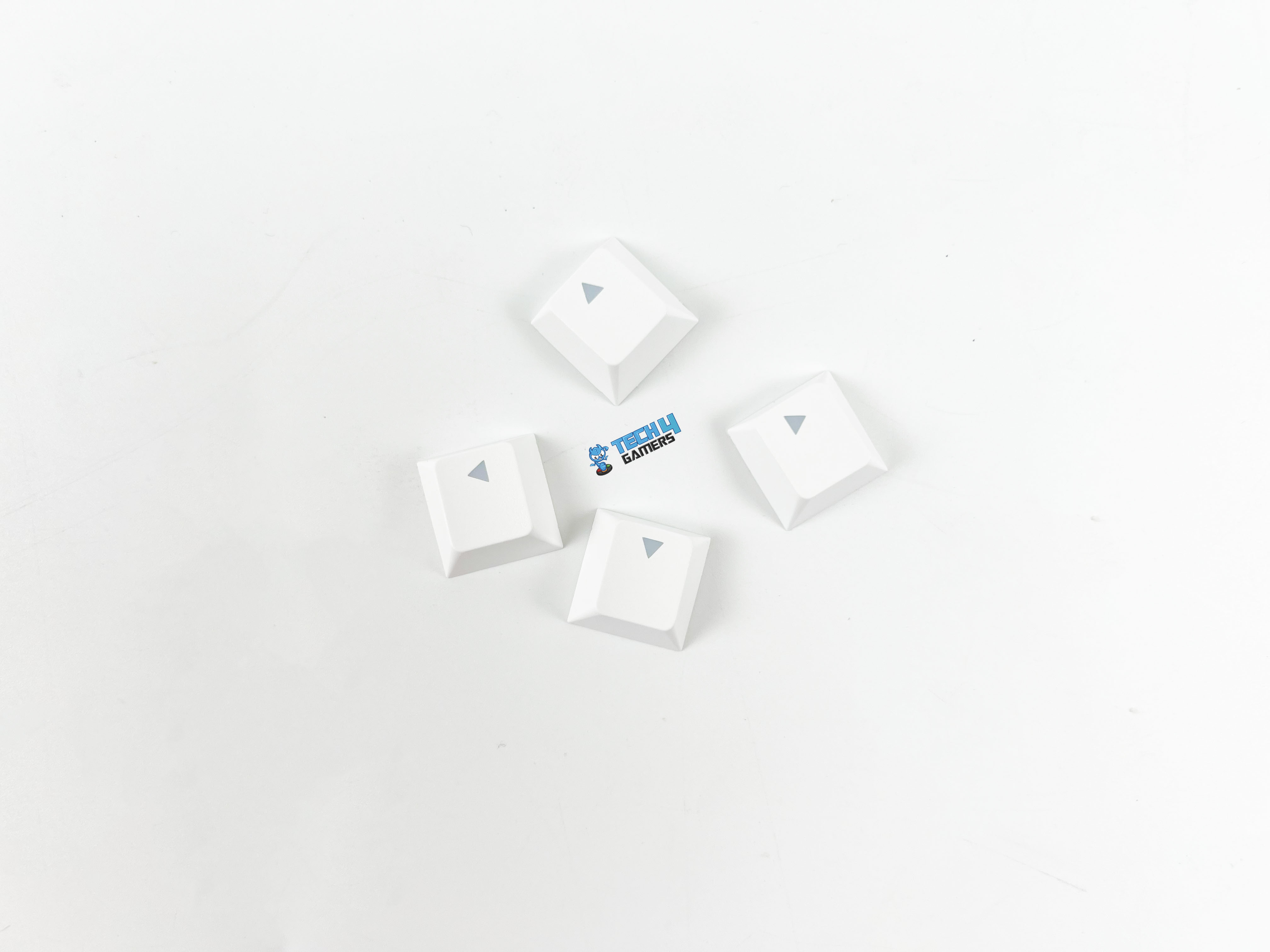
Epomaker has paired the HE68 Lite with PBT keycaps, which is always a welcome choice at this price point. The texture has a light, grainy finish that feels pleasant under my fingers and helps me have a solid grip on them. It’s not overly rough, but it gives just enough tactile feedback to make the caps feel comfortable. They don’t wobble much either, thanks to an adequate fit on the switches.
In terms of typeface, Epomaker went with a simple, gamer-neutral font that doesn’t distract or look out of place. With the backlighting on, they’re fine, but once you turn the lights off or use the board in a dim environment, the legends don’t look as clear as I’d like. It’s not unusable by any means, but relying on looking down at your keys, especially in low light, can be frustrating.
RGB Lighting
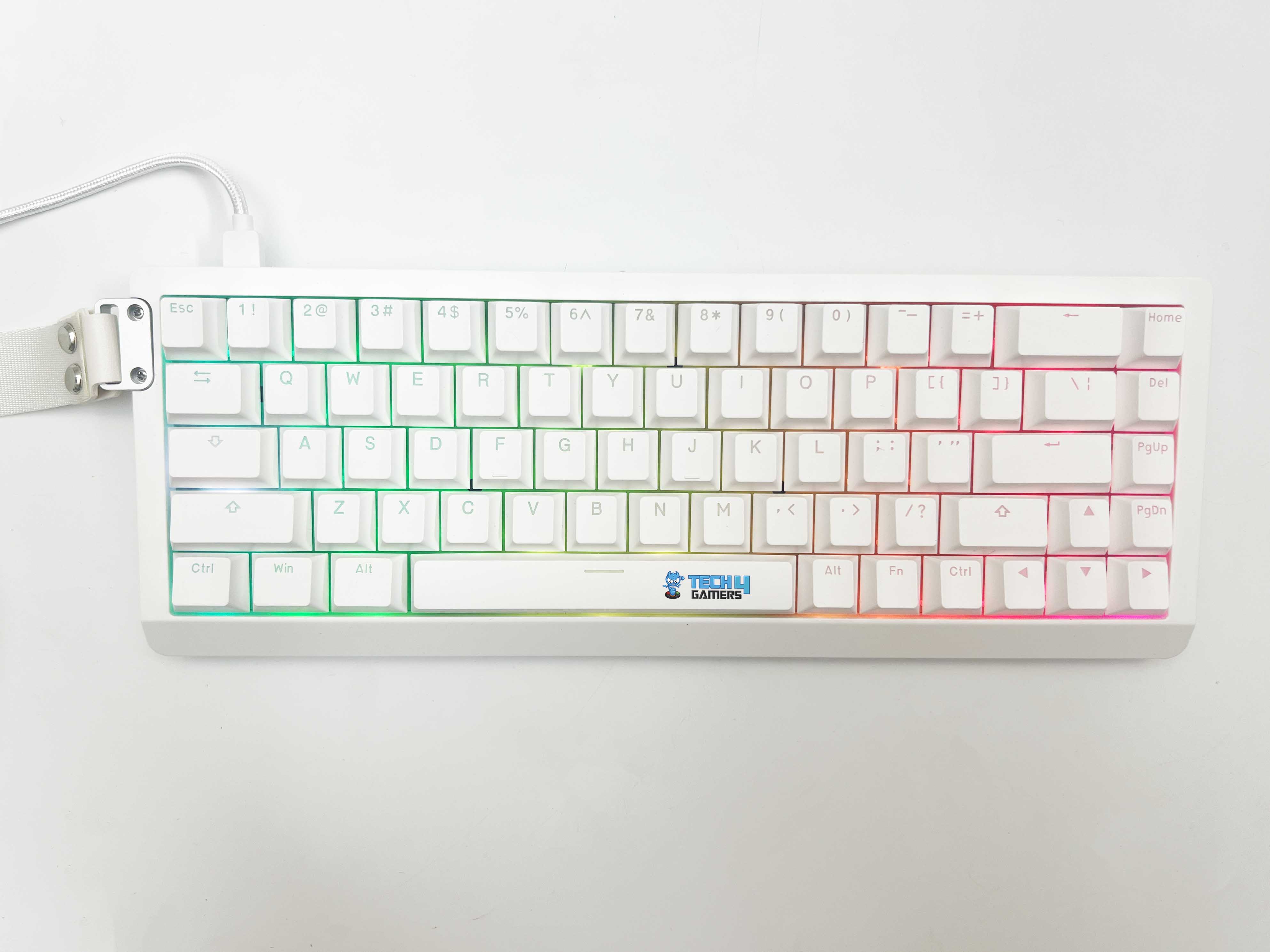
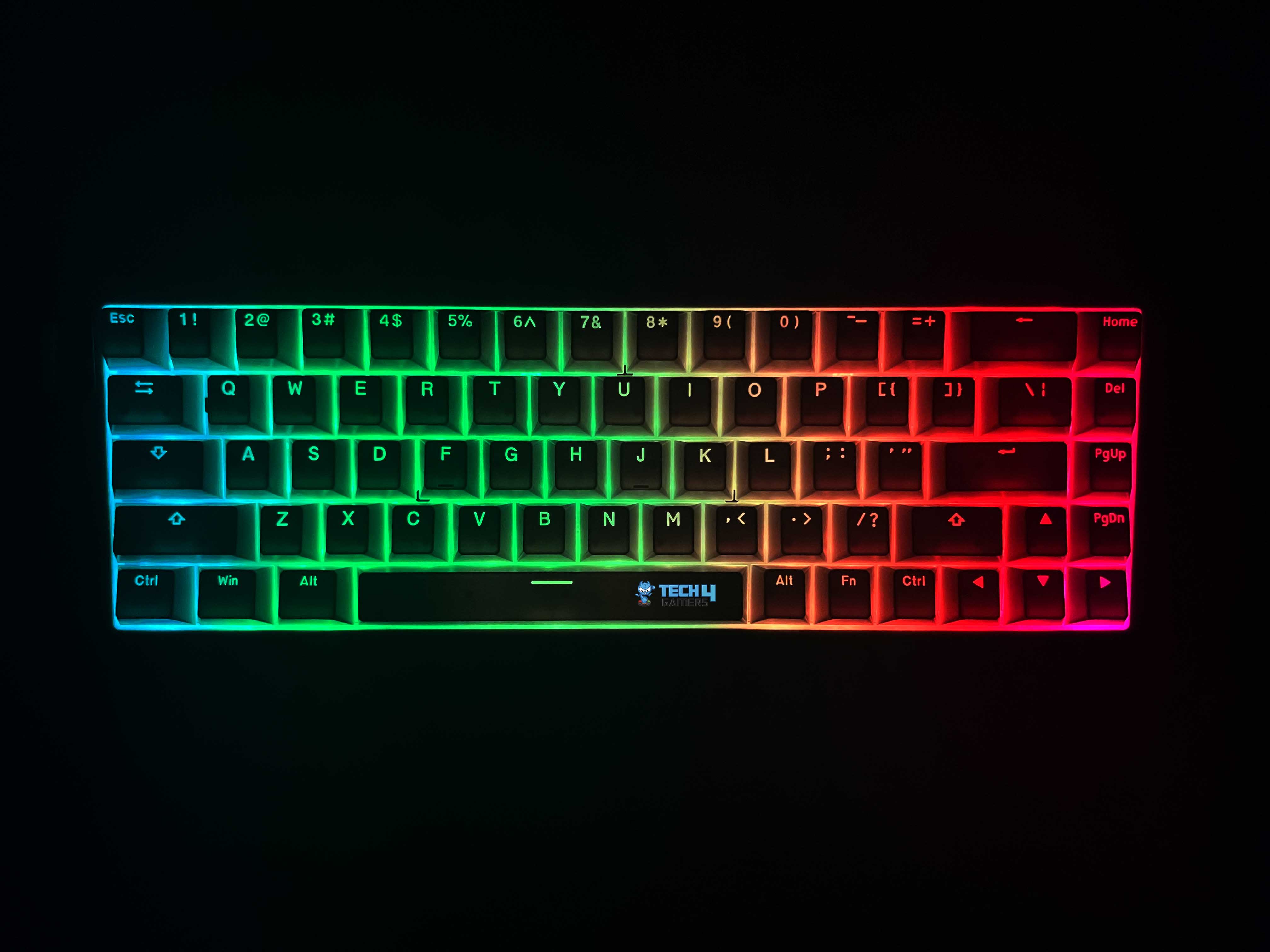
The RGB lighting on the HE68 Lite is bright enough even in a well-lit room, and in darker setups, it lit up with full vibrancy. The colors look accurate, so whether you’re going for a static white backlight or a rainbow wave, it doesn’t look washed out. Moreover, Epomaker offers a range of lighting modes. You get the usual effects that include breathing, wave, ripple, reactive, static, and many more
Switching between modes is quick and doesn’t require software, though the companion software provides deeper customization if you want per-key RGB control. Notably, the diffusion under the keycaps is outstanding. Having said that, the south-facing LEDs don’t quite pair well with the stock keycaps, so the lighting feels a bit muted rather than the shine-through you might expect. It’s not a dealbreaker since the legends are still readable, but it does take away from the wow factor of the RGB.
Switches
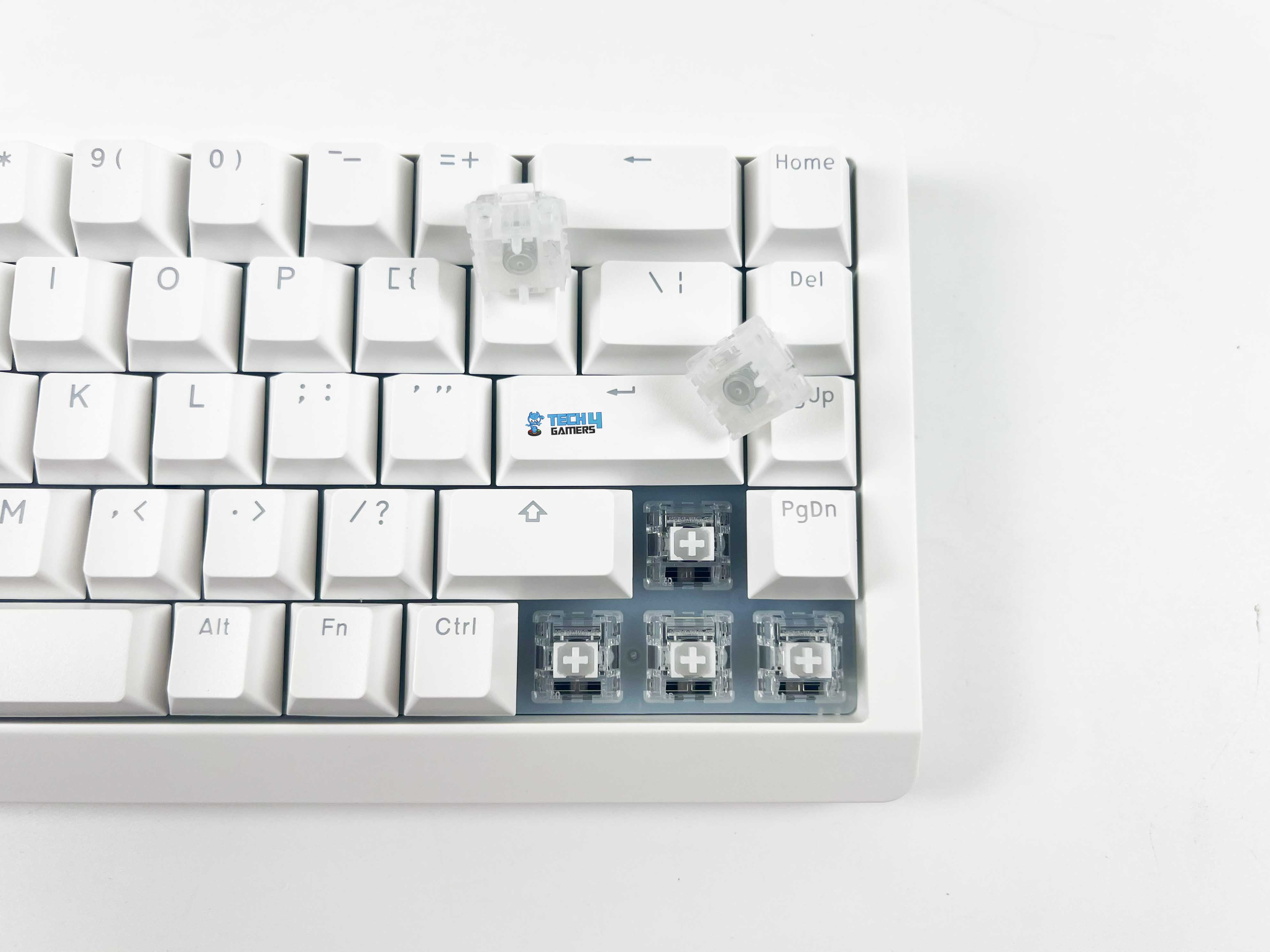
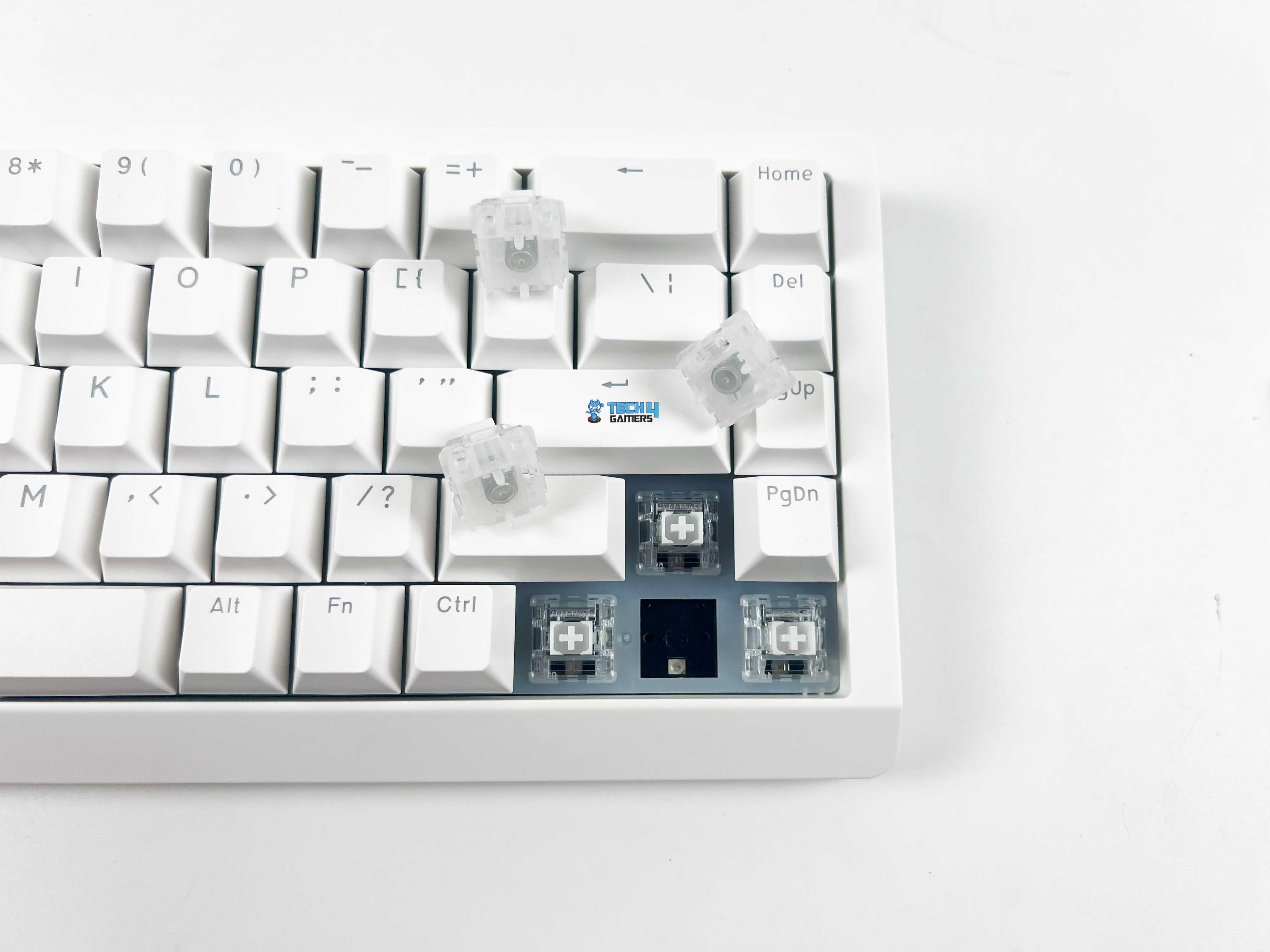
The HE68 Lite comes fitted with Epomaker Clear Mag Switches, custom Hall Effect linear switches designed by Epomaker. Through its software, you can set the trigger distance anywhere between 0.1mm and 3.4mm, with 0.01mm adjustments. Out of the box, the switches feel light and snappy, with an initial force of 25g, an actuation force of 37±5g, and a maximum bottom-out force of 45g.
That puts them lighter than many mainstream linears, which means less finger fatigue. Being a Hall Effect board, the HE68 Lite is technically hot-swappable, but only with other magnetic switches, not standard MX-mechanical ones. The upside is longevity, as these switches are rated for 1 billion keystrokes, which far outlives traditional options.
Connectivity
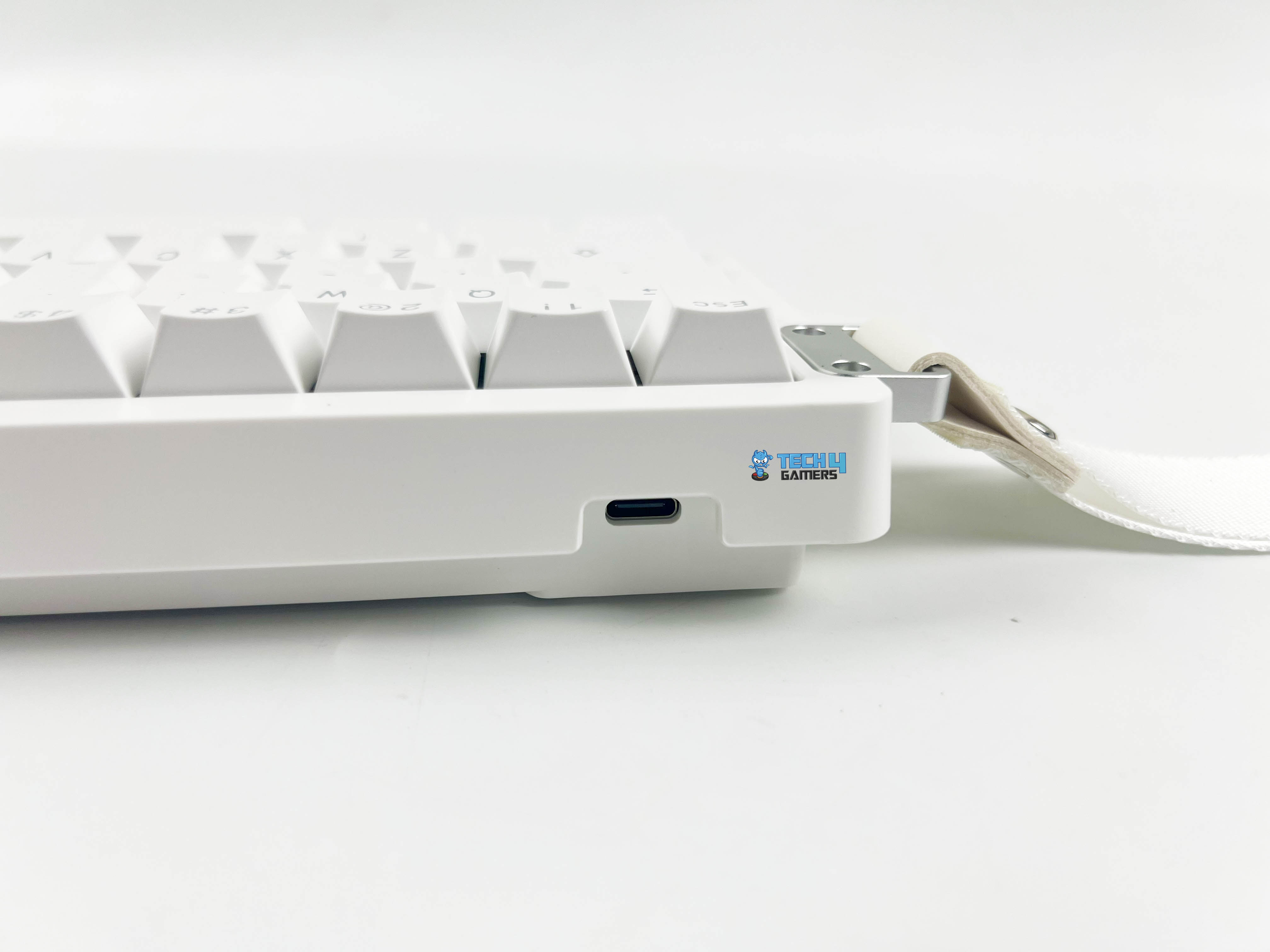
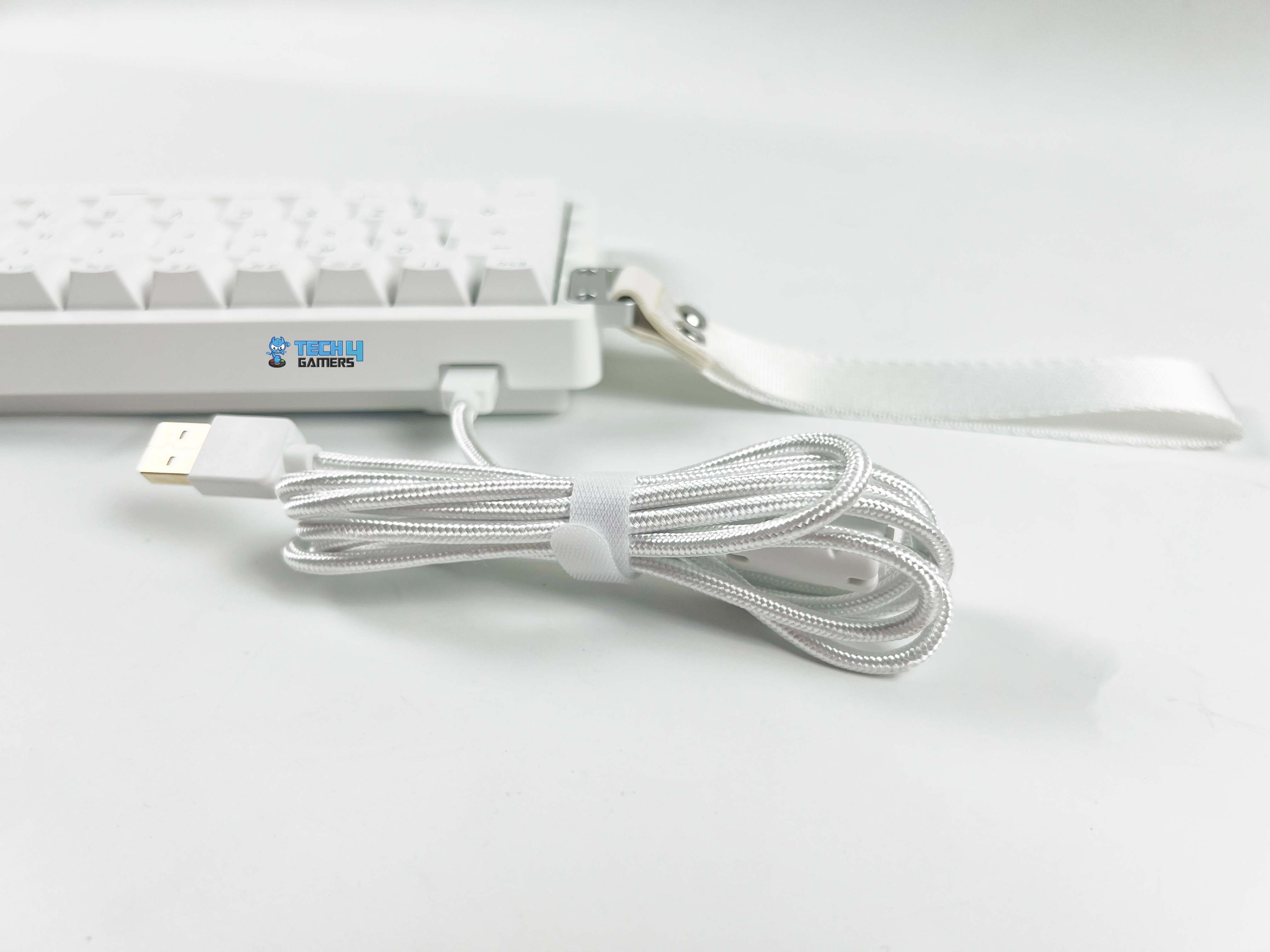
The HE68 Lite keeps things simple on the connectivity front, as it’s a wired-only keyboard. You connect it through a detachable USB-C to USB-A cable, which plugs directly into the port at the top of the case. There are no wireless modes available, including Bluetooth and 2.4GHz connectivity. That said, given that the primary aim of this keyboard is portability, having wireless options would’ve been a great addition.
A lightweight 65% layout is ideal for throwing in a bag, and removing the cord would make it even more travel-friendly. Still, it’s understandable why Epomaker left them out, since adding Bluetooth or a 2.4GHz connection would increase costs and likely push the HE68 Lite out of the budget-friendly range it’s targeting. Ultimately, the upside to being wired is stability.
Typing Experience
The typing experience on the HE68 Lite feels surprisingly refined for a budget-friendly Hall Effect board. You get a very smooth keypress right out of the box, with no scratchiness or graininess that often comes in cheaper boards. The factory lubing helps keep things quiet and consistent, while the long 18mm spring gives each press a satisfying return without feeling overly stiff.
The switches travel feels smooth with minimal scratch, and the sound profile leans toward a soft, muted thock rather than a harsh clack. Epomaker has really gone the extra mile with the internal dampening on the HE68 Lite. Inside, you’ll find a full sandwich of layers that includes PRO sandwich foam, an IXPE switch pad, a PET sound-enhancement pad, a dedicated socket pad, and even bottom foam.
Performance
When it comes to performance, the HE68 Lite really shows why Hall Effect keyboards have been gaining so much attention in the gaming space. One of the remarkable features of this board is the adjustable actuation. You can push it all the way down to 0.1mm for fast inputs, ideal for shooters. However, if you’re not into shooters and spend more time on MOBAs or just plain typing, this might not be the best choice.
You can always raise the actuation a bit. That way, the keys feel steadier and less jumpy. And since the board has full NKRO with anti-ghosting, you don’t have to worry about inputs getting missed even if you’re spamming a bunch of keys at once. Moreover, it has a Rapid Trigger feature. Instead of waiting for the key to reset fully, Rapid Trigger allows a key to deactivate and reactivate instantly. That’s essential for complex key combos.
Software
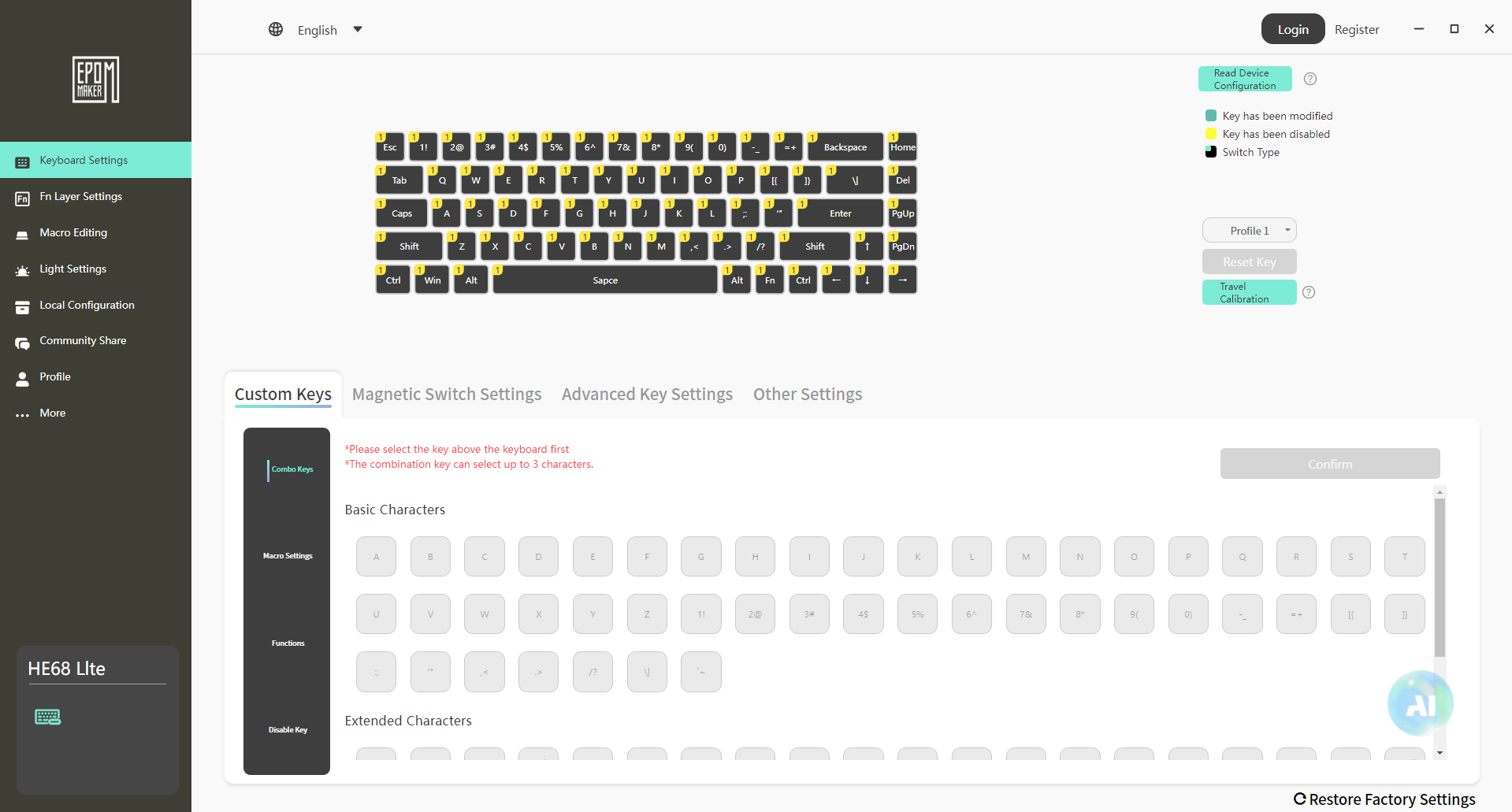
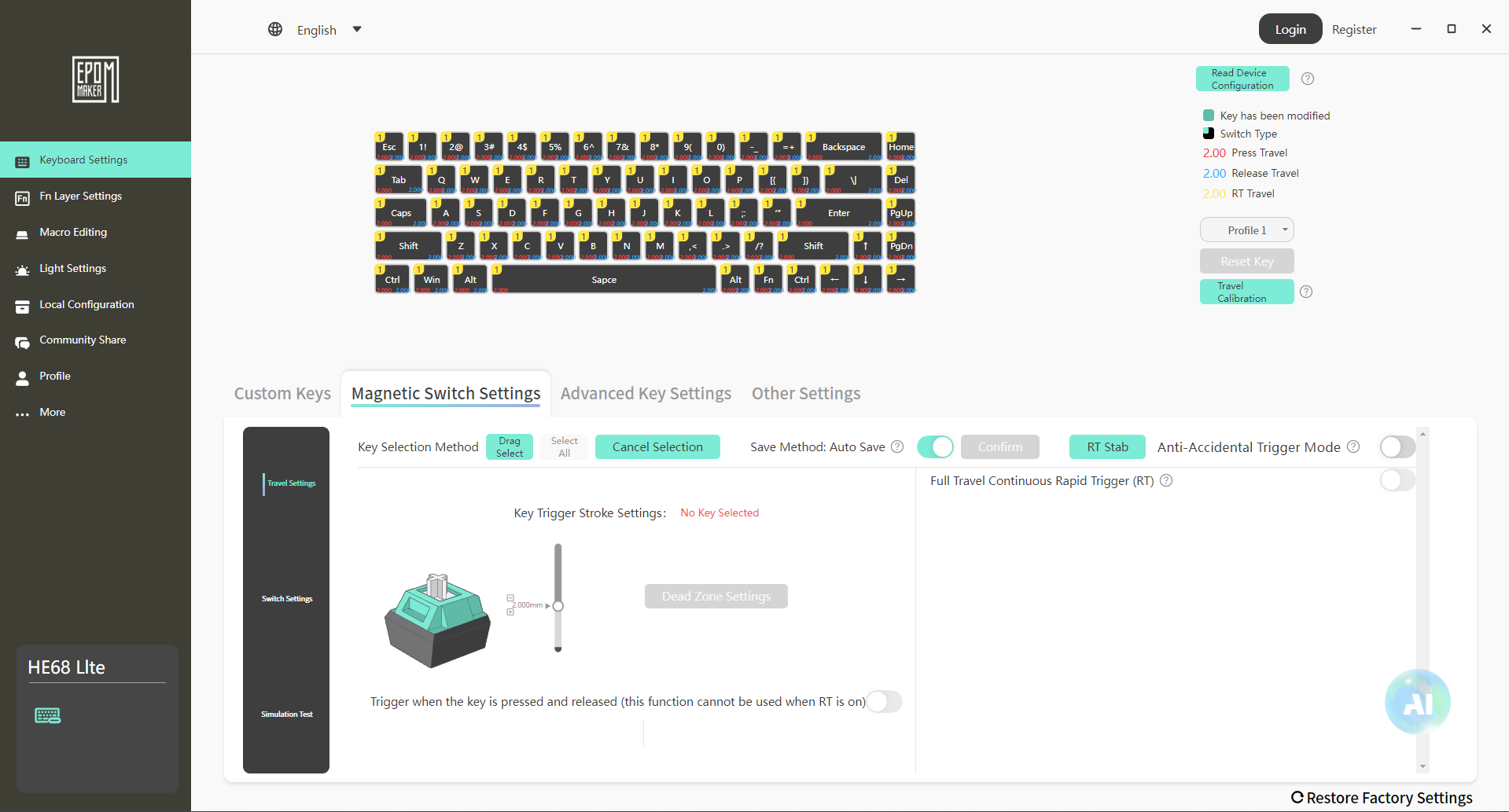
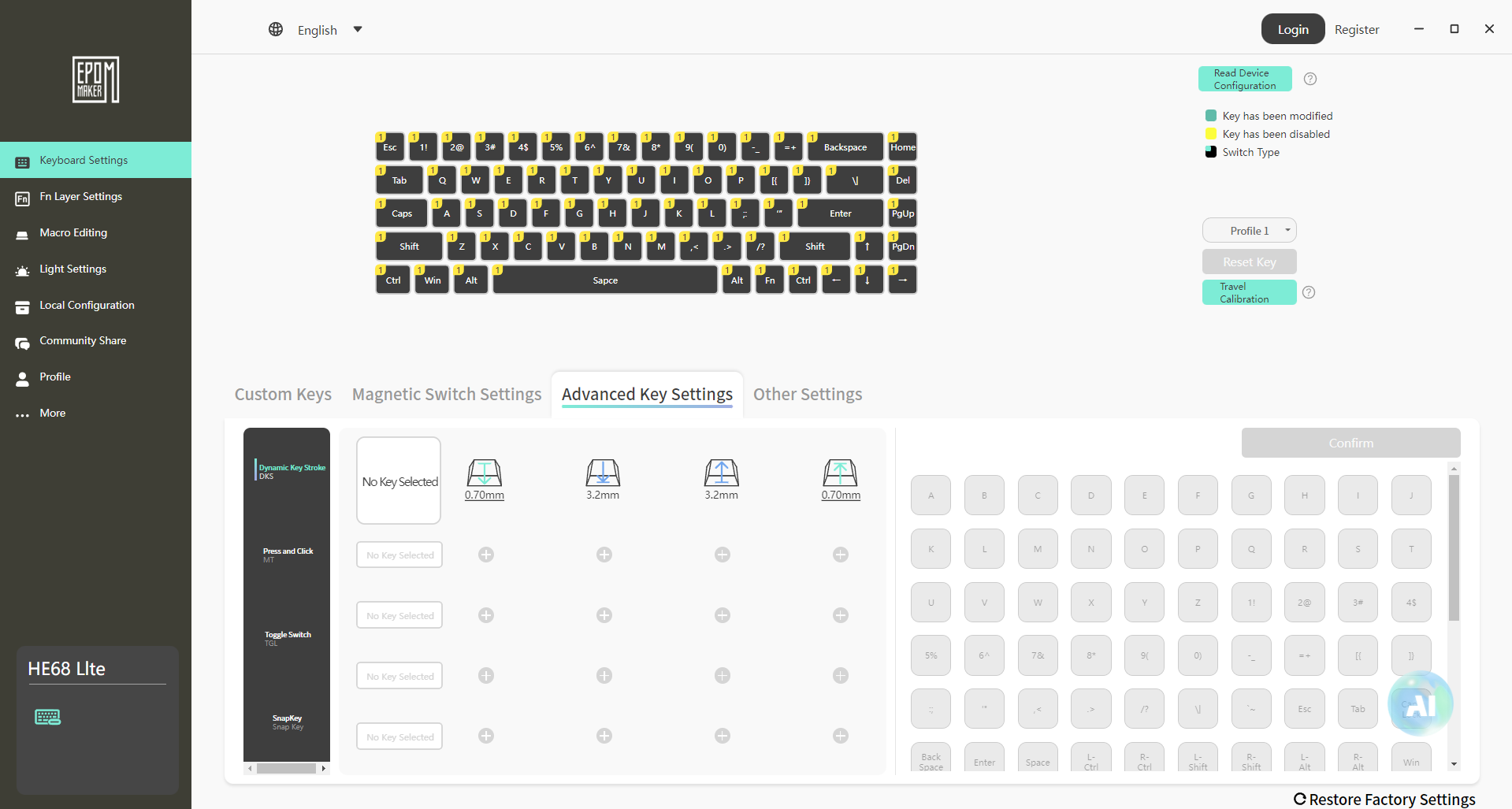
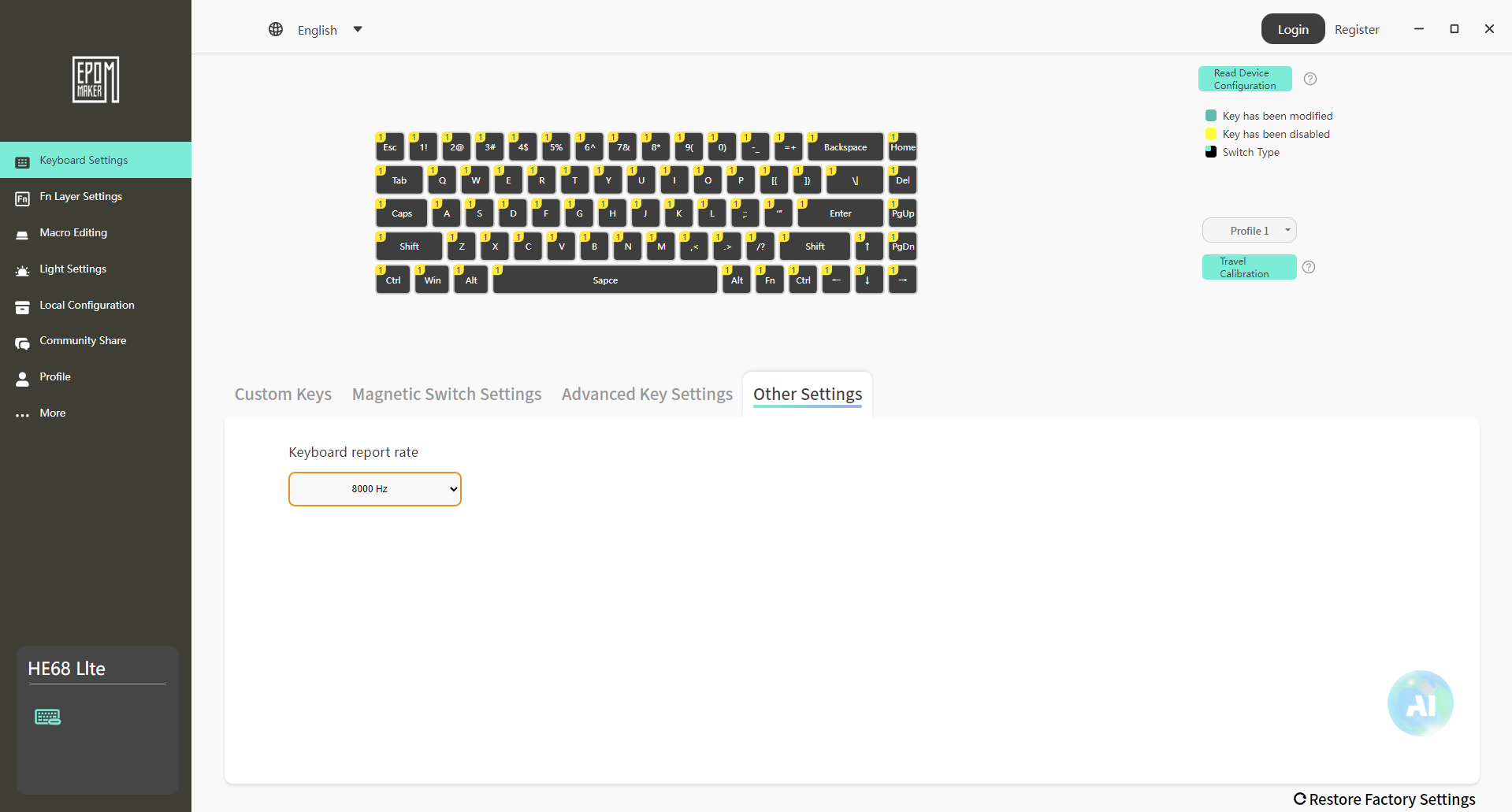
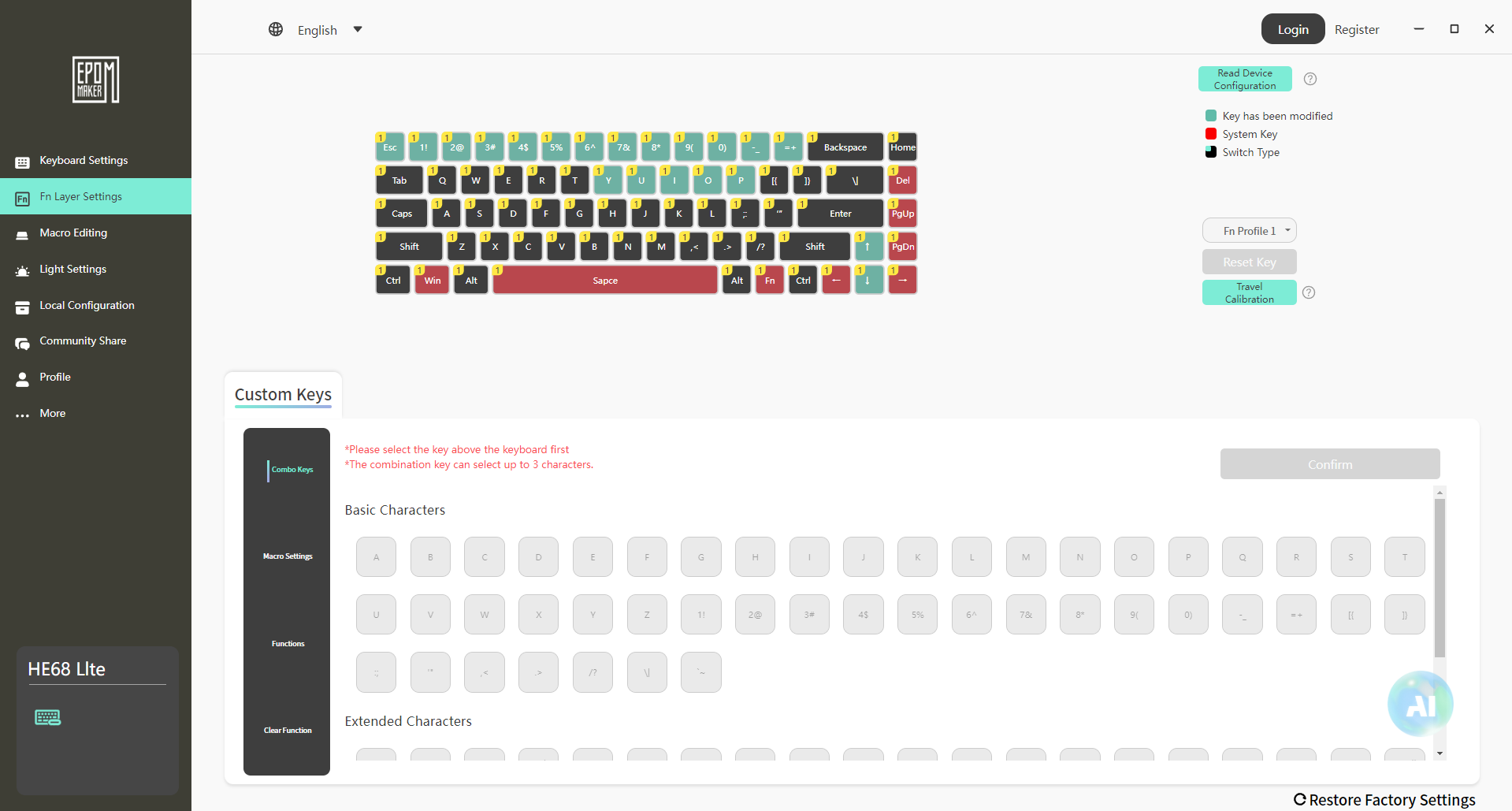
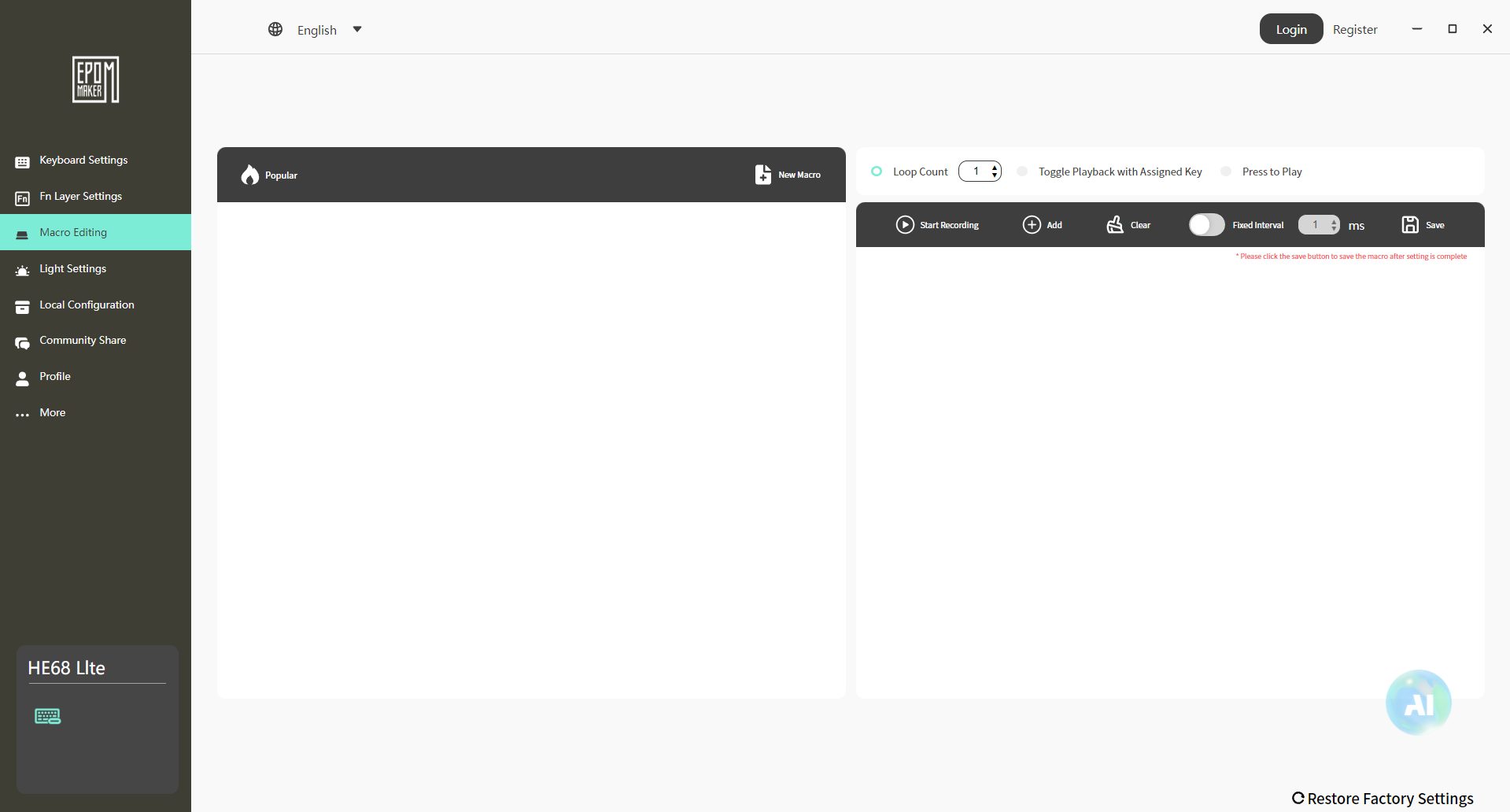
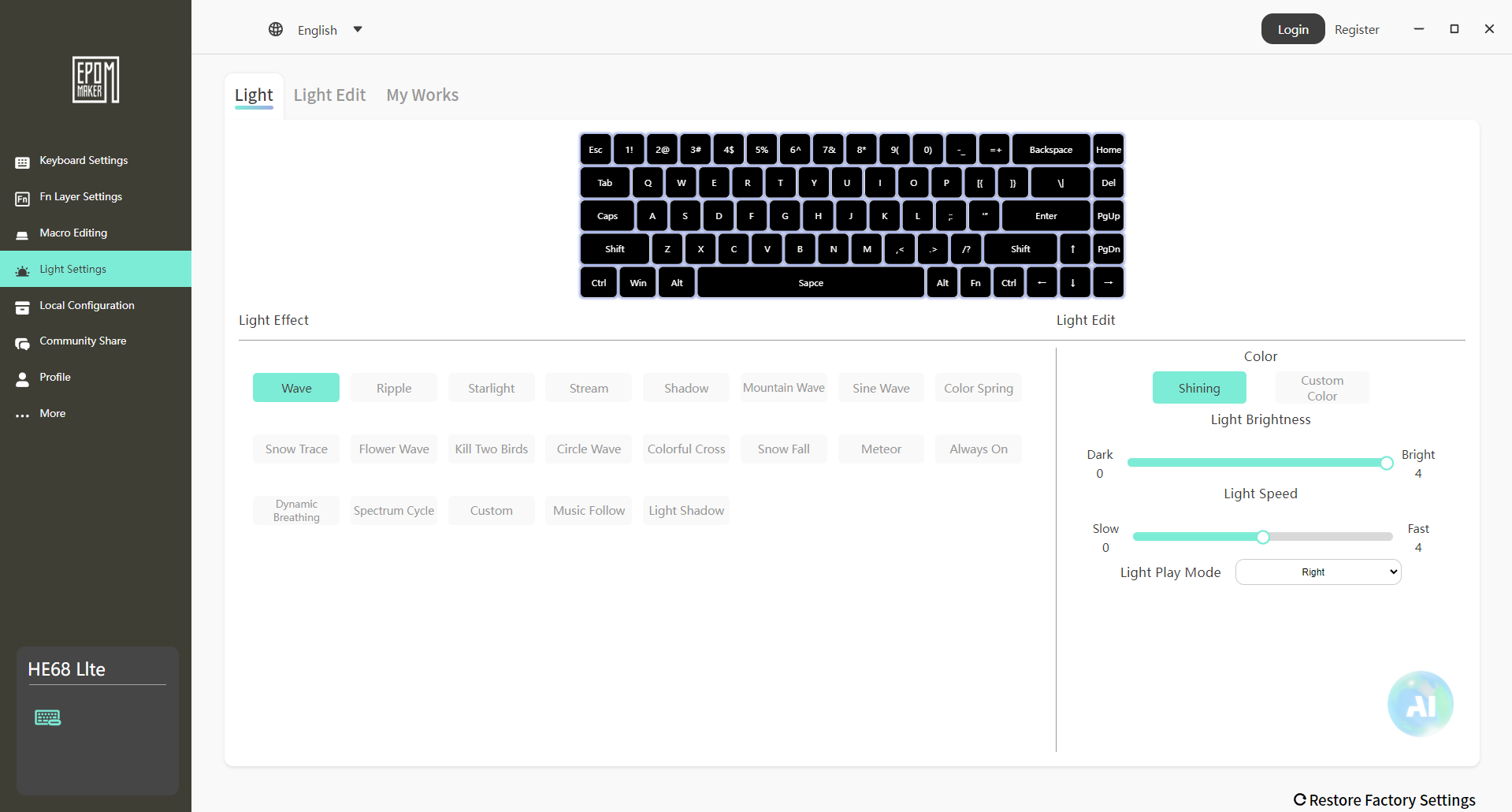
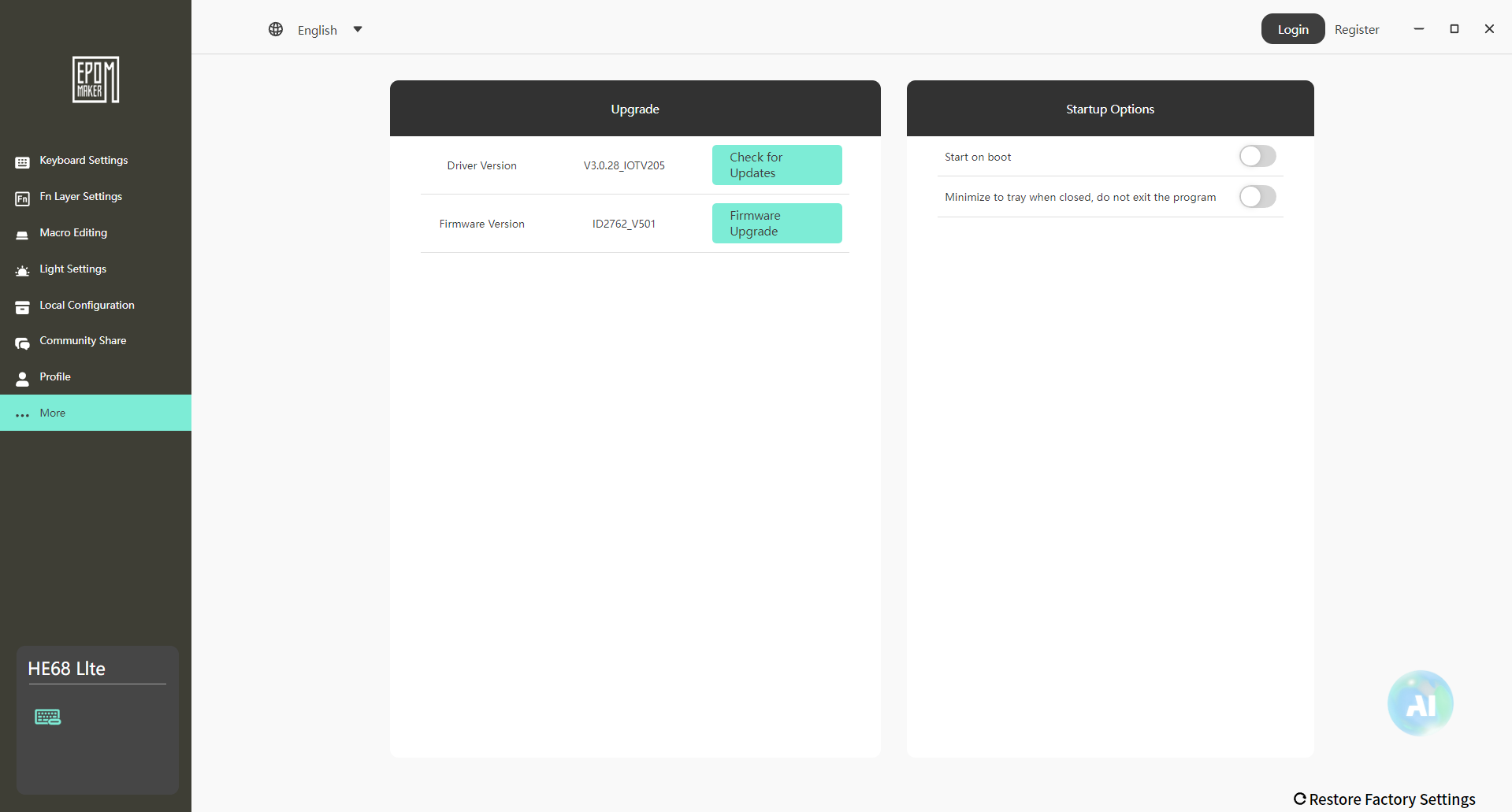
The HE68 Lite comes with a companion software called Epomaker Driver that gives the option to customize its more advanced features. For a budget-friendly Hall Effect keyboard, it’s surprisingly adequate. The interface is clean and easy enough to navigate. Thankfully, it covers the essentials without bogging you down in menus.
You can adjust per-key actuation points directly in the app, setting them anywhere between ultra-light trigger sensitivity and a more traditional mechanical feel. It enables users to customize the responsiveness to their exact preferences. Additionally, macro programming and remapping are also supported, allowing you to assign shortcuts or even custom layouts specific to your favorite games.
Should You Buy It or Not?
Buy it if
✅ You want magnetic switches on a budget: The HE68 Lite provides the Hall Effect technology and rapid trigger functionality but at a noticeably lower price, making it one of the most affordable entries into magnetic switch keyboards.
✅ You require fast gaming performance: With per-key adjustable actuation (as low as 0.1mm), an 8,000Hz polling rate, and full NKRO, the board is built for competitive players who need near-instant responsiveness without worrying about ghosting or missed inputs.
✅ You prefer a lighter, more portable design: Unlike the sturdier keyboards, the HE 68 Lite uses a lightweight and portable design, resulting in a board that’s easier to carry around.
Don’t buy it if
❌ You expect premium build quality: The plastic body and tray-mount design don’t feel as solid or durable as higher-end options with a metal chassis and gasket mounting. Its build might come across as cheap if you’re used to solid aluminum cases.
❌ You want all the extras: This board keeps things simple with no wireless modes, no dedicated knobs, and fewer premium features compared to pricier competitors. If you’re after a feature-packed keyboard, you may find this one a bit stripped down for your taste.
❌ You rely on wireless connectivity: There’s no Bluetooth or 2.4GHz option, so you’re only option is to use it in wired mode only. If you value a cleaner workspace, you might find this unsuitable compared to wireless boards.
My Thoughts
After spending considerable time with the HE68 Lite, I am quite pleased with how much this board offers for the price. It doesn’t try to be overly flashy or premium. Instead, it offers a nice balance of functionality, typing feel, and enthusiast-leaning features at a budget price where you don’t normally expect them. One thing I haven’t stressed enough in my previous reviews is just how popular Hall Effect keyboards are becoming right now.
Everyone wants to try them, but the truth is they usually come with a hefty price tag. My advice has always been to start with an affordable board to experience the switches first, and then, if you fall in love with the feel, move up to something more expensive. In that sense, the HE68 Lite is a perfect entry point. It gives you the magnetic switch experience at an affordable price point. If you want to explore higher-end options, our roundup of the best magnetic gaming keyboards is worth checking out.
Thank you! Please share your positive feedback. 🔋
How could we improve this post? Please Help us. 😔

[Hardware Reviewer & Editor]
After many years of exploiting various pieces of hardware, Abdul Hannan now serves as an editor at Tech4Gamers. He’s been in the PC hardware reviewing industry for almost a decade, and his staff of passionate geeks and reviewers is second to none.
Abdul Hannan is constantly seeking new methods, you will always see him running into New Computer Courses to improve the performance of his computer components since he is an ardent overclocker. He is well-known for providing the most extensive and unbiased analysis of the newest and greatest hardware for PC gaming, including everything from GPUs to PSUs.
 Join Our Community