- Portable monitors are ideal for travelers or those in shared housing who lack a dedicated TV.
- Works with 1080p, 1440p, and 4K; 1440p is a great middle-ground for monitors.
- Look for a built-in HDMI port and a size that balances screen real estate with portability.
The PlayStation 5 has been around long enough that most of us know what it does well: fast load times, breathtaking visuals, and a steady stream of great games. What has changed since launch, though, is how and where people play.
Not everyone has a dedicated TV anymore, and more players are gaming from dorm rooms, shared apartments, hotels, or wherever life takes them.
That’s where portable monitors come into the picture. They’re slim, easy to set up, and surprisingly practical if you don’t want to rely on a shared TV. But are they actually worth using with a PS5? Short answer: yes, if you know what to expect.
Let’s break it down.
PS5 Display Output
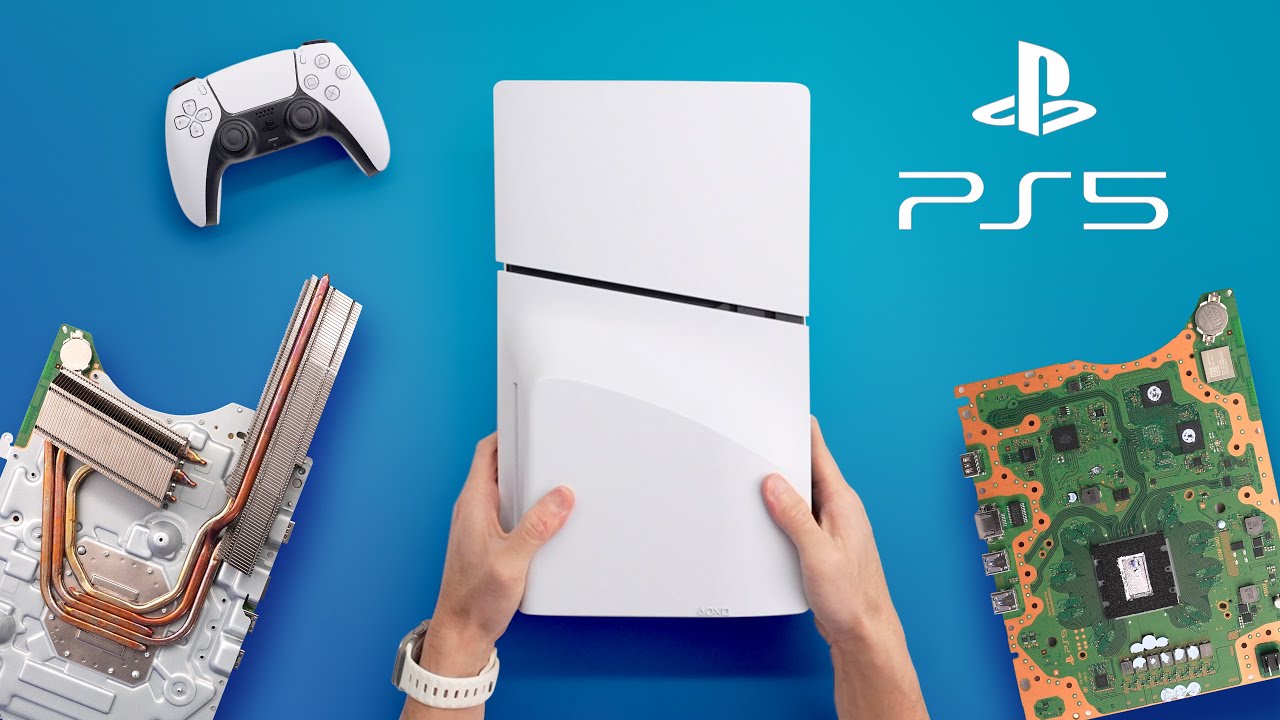
Before you even think about using a portable monitor, it helps to know what the PS5 can push out.
The PlayStation 5 supports 1080p, 1440p, and 4K resolutions, with refresh rates going up to 120Hz in supported games. Not every title takes full advantage of that, though.
In reality, most games still aim for either 60fps with better visuals or higher frame rates with reduced detail.
Sony also added official 1440p support, which is great news for monitor users. It means you’re no longer forced to choose between 1080p and 4K if your screen sits somewhere in the middle.
As for ports, the PS5 keeps things simple:
- One HDMI output
- USB-C ports on the front
- USB-A ports on the back
That HDMI port is the key, and if your portable monitor has an HDMI input, you’re already halfway there.
Why a Portable Monitor Makes Sense for PS5
Using a portable PS5 monitor isn’t about chasing the best specs possible. It’s about flexibility. And honestly, that’s the main reason people go this route.
You Can Play Anywhere
If you travel, live in a shared space, or just don’t always have access to a TV, a portable monitor feels like a cheat code. Toss it in a backpack, plug it in, and you’ve got a personal gaming setup wherever there’s a power outlet.
No More Fighting Over the TV
This alone sells the idea for a lot of players. Someone else wants to watch a show? No problem. A portable monitor lets you keep gaming without negotiating screen time.
It’s Better Than You’d Expect
Modern portable monitors are way better than they used to be. Many offer solid color, decent brightness, and smooth performance at 60Hz, which is still the sweet spot for most PS5 games.
If you’re the kind of gamer who’s always looking a generation ahead, you’ve probably already thought about what comes after the PS5. Picking up a solid display now can save you trouble later, too.
A good gaming monitor for PS5 won’t magically future-proof everything, but it does mean you won’t be scrambling to upgrade your screen the moment Sony drops its next console.
Built-In Audio Helps
Most portable monitors come with speakers. They’re not amazing, but they’re good enough in a pinch. And if you’re using a headset plugged into the controller, you’re covered anyway.
Input Lag Isn’t a Dealbreaker
For casual and even semi-competitive play, input lag on a decent portable monitor is usually fine. You’re not getting esports-level performance, but you’re also not dealing with noticeable delays.
What to Look for in a Portable Monitor for PS5
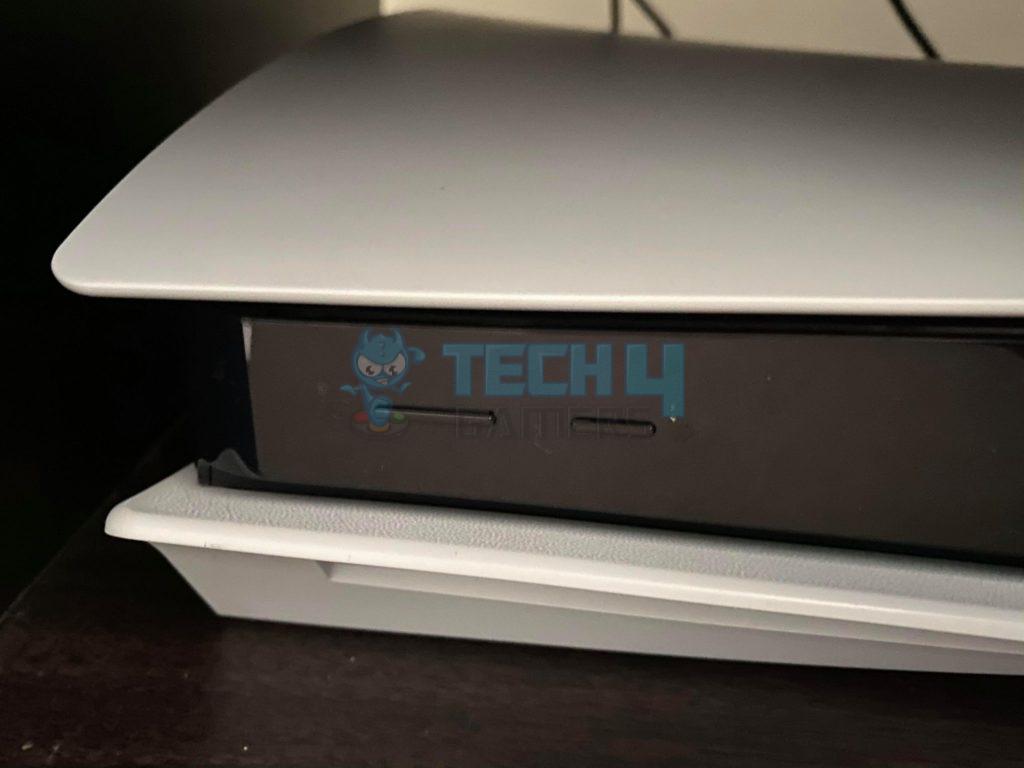
Not all portable monitors are created equal, and some are a better fit for consoles than others.
Here’s what actually matters:
- HDMI input – This is non-negotiable. USB-C-only displays won’t work unless they explicitly support HDMI.
- Resolution support – 1080p is perfectly fine. 1440p is a nice bonus. 4K is cool, but not necessary on smaller screens.
- Refresh rate – 60Hz is enough for most games. 120Hz is nice if you play shooters that support it.
- Power options – Some monitors need a wall plug, others can run off USB-C. Think about where you’ll be using it.
- Size and weight – Bigger screens are nicer, but portability drops fast once you go too large.
If you’re buying one mainly for PS5, prioritize reliability over flashy features.
How to Connect a PS5 to a Portable Monitor
Setup is straightforward and doesn’t require any weird adapters.
- Plug an HDMI cable into the PS5 and the monitor
- Power the monitor using USB-C or its wall adapter
- Switch the monitor input to HDMI
- Go into PS5 display settings and match the resolution and refresh rate to what the monitor supports
That’s it. If the screen turns on and shows the PS5 menu, you’re good to go.
If you already have a big TV and never leave home, probably not. But if you value flexibility, travel often, or just want your own screen without rearranging the living room, a portable monitor makes a lot of sense.
It’s not about replacing a full gaming TV. It’s about having a reliable backup that lets you keep playing, no matter where you are. And for a lot of console gamers, that trade-off is absolutely worth it.
Thank you! Please share your positive feedback. 🔋
How could we improve this post? Please Help us. 😔

Passionate gamer and content creator with vast knowledge of video games, and I enjoy writing content about them. My creativity and ability to think outside the box allow me to approach gaming uniquely. With my dedication to gaming and content creation, I’m constantly exploring new ways to share my passion with others.
 Join Our Community