- 8000Hz cuts mouse report timing from 1ms to 0.125ms, but real gains depend on your whole latency chain.
- Some systems see higher CPU overhead and worse frame pacing at 8K, especially in CPU-bound games.
- The best polling rate for Valorant and similar shooters is often 1000Hz or 2000Hz unless you have serious headroom and a 360Hz+ setup.
- Testing should focus on frametime consistency, not just theoretical latency.
When you buy an 8000Hz mouse, you are not really buying “8x faster aim.” You are buying the chance to shave off a fraction of a millisecond, assuming your whole PC can actually use it. For competitive FPS players, that promise is tempting. For everyone else, it can be a quiet performance trap.
What Happened: How 1000Hz Stopped Being “Enough”

For most of the 2010s, 1000Hz became the standard for esports-focused mice. It was fast, stable, and easy for games and operating systems to digest.
Then, in January 2021, Razer pushed the conversation forward with its HyperPolling tech and the Razer Viper 8KHz, marketed around a “true 8000Hz” polling rate.
That opened the door for more high polling rate mice across the market. Fast forward to October 14, 2025, and Corsair is publicly talking about wireless 8K polling as a mainstream feature on its SABRE line, framing it as a jump to 0.125ms report timing.
At this point, “mouse polling rate 8000Hz” is no longer a niche spec for forum nerds. It is a systems-level setting that can help or hurt depending on how you play and what your PC is doing every millisecond.
Why It Matters: High Refresh Makes Input Gaps Easier to Notice
The big shift is not just mice. It is everything around them. As 240Hz, 360Hz, and even higher refresh displays become normal in competitive setups, small timing issues become more visible. Your screen updates more often, so uneven input delivery can feel like roughness or tiny hitching during fast swipes.
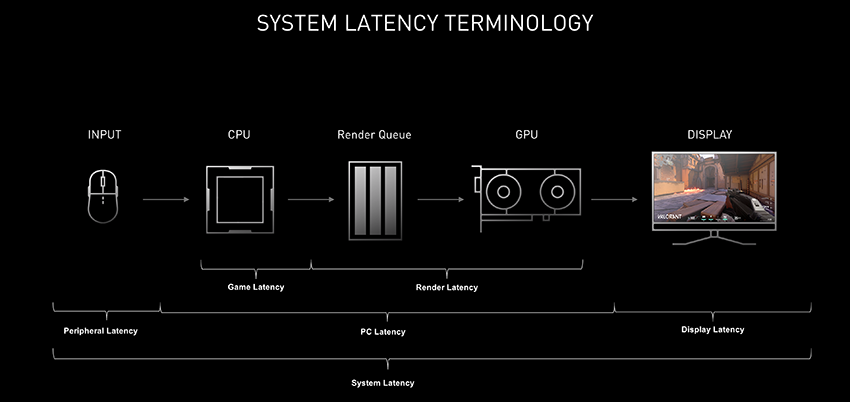
Latency is also being attacked from multiple angles now. NVIDIA built NVIDIA Reflex specifically to reduce and measure render latency, focusing on how the engine schedules work and how the GPU queue behaves. The point is simple: once you optimize FPS and ping, you start hunting smaller bottlenecks. Mouse polling is one of the few remaining knobs players can still turn.
The Math in Plain English: 0.875ms Is the Best-Case “Win”

Here is the clean version of the 1000Hz vs 8000Hz mouse latency argument:
- 1000Hz means the mouse reports to the PC every 1 millisecond.
- 8000Hz means it reports every 0.125 milliseconds.
So yes, the report interval is shorter. The best-case timing difference is roughly 0.875ms. But that is only one piece of the chain. Your input still has to survive:
- When the game samples mouse input,
- How the CPU schedules that work,
- How the frame is rendered,
- How the display scans out the final image.
This is why “does 8000Hz mouse improve aim?” is a tricky question. The math is real. The outcome is situational.
Where 8000Hz Actually Helps (and Why It Feels “Cleaner”)
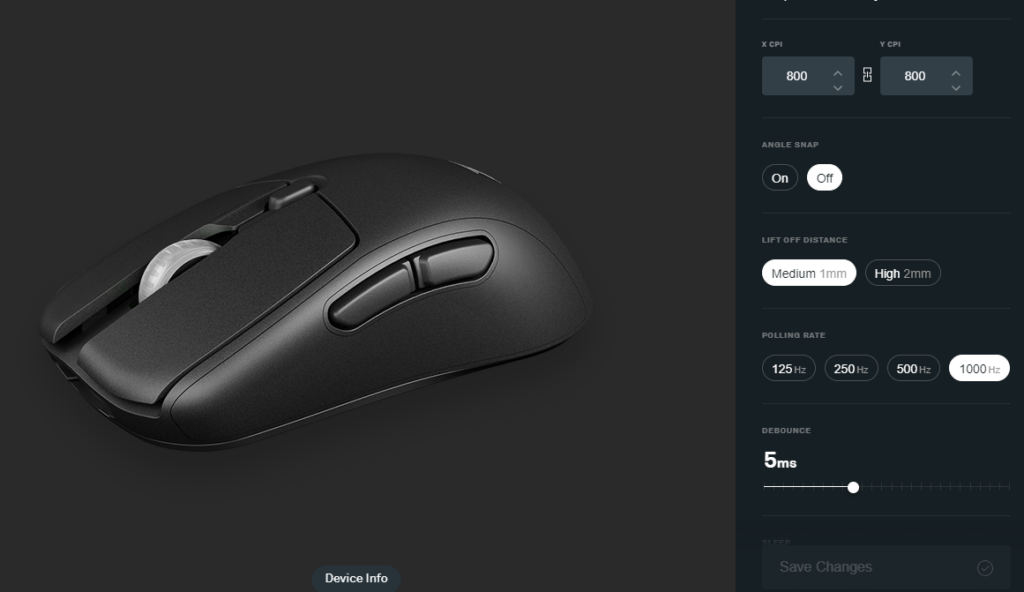
360Hz-plus monitors and very high FPS
If you are running a 360Hz display and pushing extremely high, stable FPS, you give those extra mouse reports more opportunities to land inside a frame window. That can translate into slightly more up-to-date motion data, especially in rapid camera movement.
High DPI and fast flicks
At high DPI, a fast hand movement produces a lot of motion data quickly. A higher polling rate can capture more granular snapshots. In the right game, that can feel like smoother micro-corrections.
Modern competitive shooters with strong input handling
Games built for competitive precision, like VALORANT, already care deeply about responsiveness. If you have the CPU headroom, you may see a tiny improvement in “connected” feel, especially when everything else is tuned.
If you want a deeper explainer on the practical side, I have already broken down the real-world value of 8K in a dedicated guide.
Where It Backfires: High Polling Rate CPU Usage Is Real
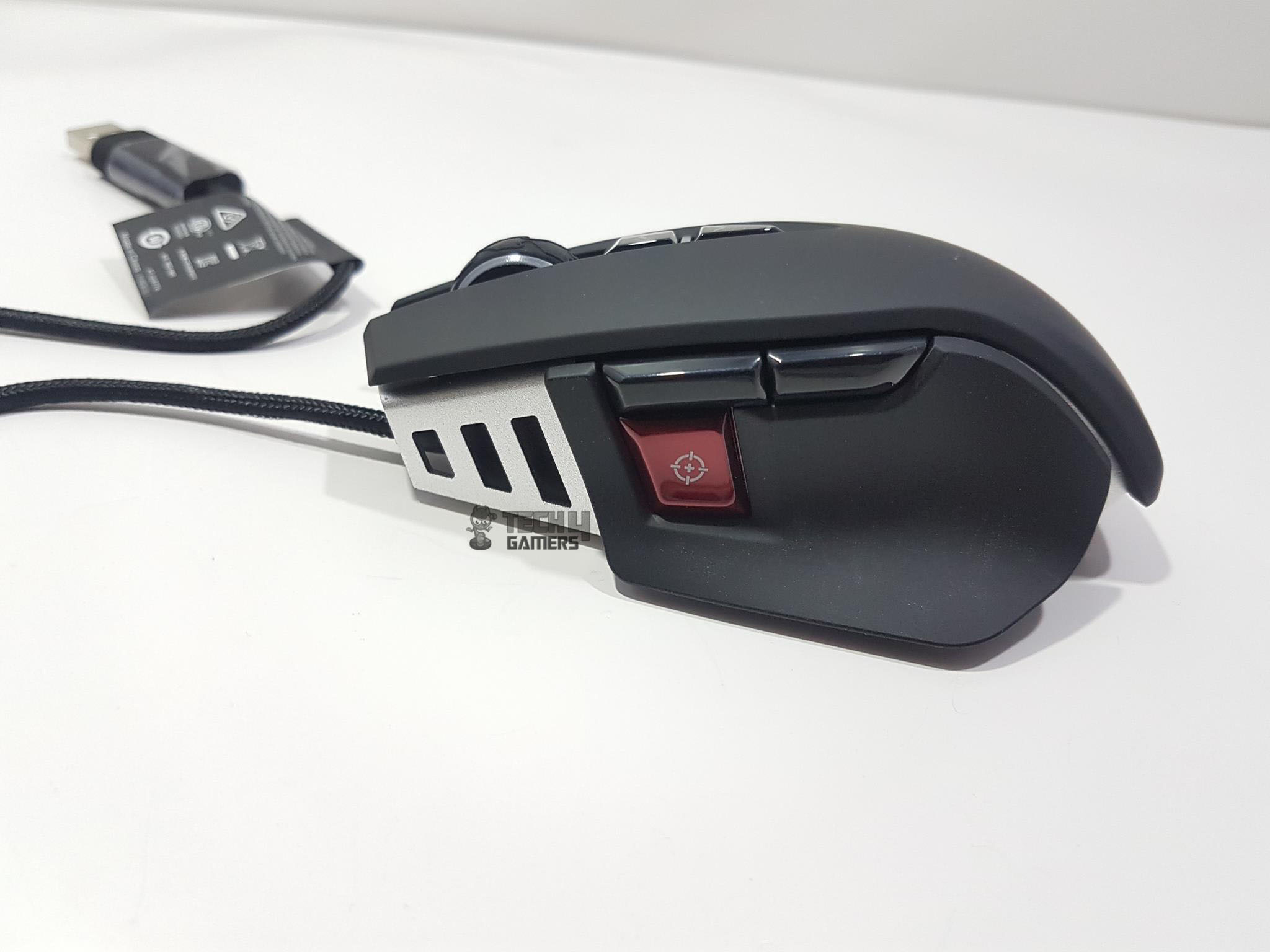
The uncomfortable truth is that 8000Hz can create work your system did not previously have to do.
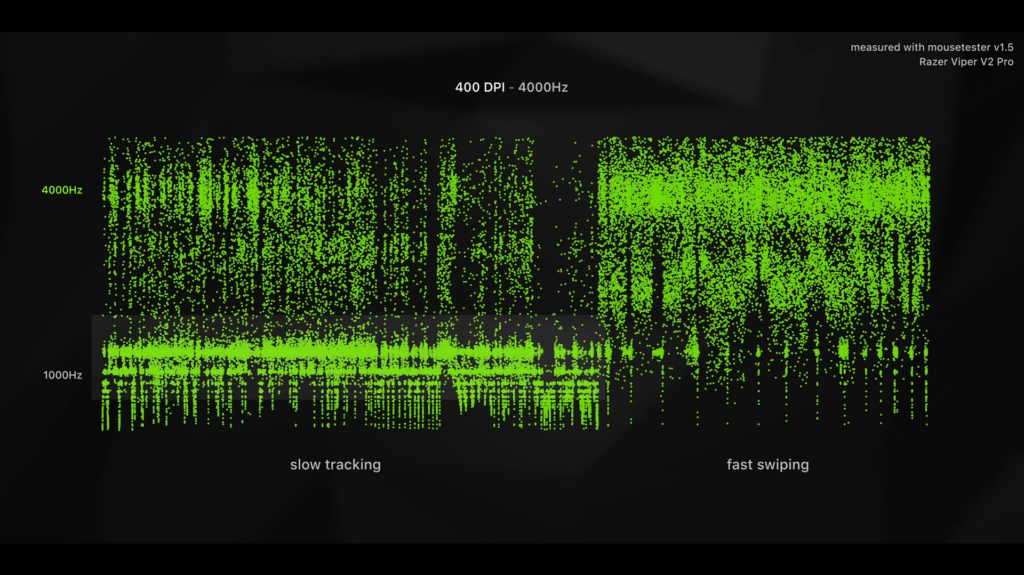
Every report has to be processed. More reports can mean more CPU overhead, more interrupts, and sometimes worse frame time consistency. The player experience often does not fail due to “lower FPS.” It fails as a micro-stutter during fast mouse movement. That is why “mouse stutter high polling rate fix” has become a common search in competitive communities.
This is also why the split exists. Some players swear 8K feels cleaner. Others turn it on, get uneven frametimes, and immediately drop back to 1000Hz.
How to Test It As It Matters: Consistency Beats Theory
Most casual testing is flawed because it looks at averages. Competitive feel lives in the spikes. A better methodology:
- Test GPU-bound and CPU-bound scenarios.
- Run uncapped FPS and a realistic FPS cap (your typical ranked settings).
- Track frametime variance during aggressive mouse movement, not just idle aim.
- Watch per-core CPU behavior, not only total CPU usage.
If 8000Hz introduces frametime spikes, it can erase its own theoretical advantage. In that situation, 2000Hz or 4000Hz can be the sweet spot.
The Practical Take: So What’s the Best Polling Rate?
For most players, 1000Hz remains the default for a reason. It is stable across systems, engines, and background-heavy Windows installs. If you are chasing the best polling rate for Valorant or CS-style shooters, a sensible ladder looks like this:
- 1000Hz if you want the safest, most consistent experience.
- 2000Hz to 4000Hz if you have CPU headroom and want to experiment.
- 8000Hz if you run a high-refresh display, very stable high FPS, and you have tested for stutter.
What’s Next: The Spec War Will Calm Down, the System War Won’t
8000Hz is not fake. It is just not magic. It highlights a bigger truth about modern competitive gaming: once you push beyond “good enough,” every upgrade becomes dependent on the whole pipeline.
High polling rates will likely keep spreading, especially as CPUs, USB controllers, and game input paths become more resilient. Until then, the smartest move is not to chase the biggest number. It is to chase the smoothest frametime graph.
Thank you! Please share your positive feedback. 🔋
How could we improve this post? Please Help us. 😔

[Comparisons Expert]
Shehryar Khan, a seasoned PC hardware expert, brings over three years of extensive experience and a deep passion for the world of technology. With a love for building PCs and a genuine enthusiasm for exploring the latest advancements in components, his expertise shines through his work and dedication towards this field. Currently, Shehryar is rocking a custom loop setup for his built.
Get In Touch: shehryar@tech4gamers.com
 Join Our Community