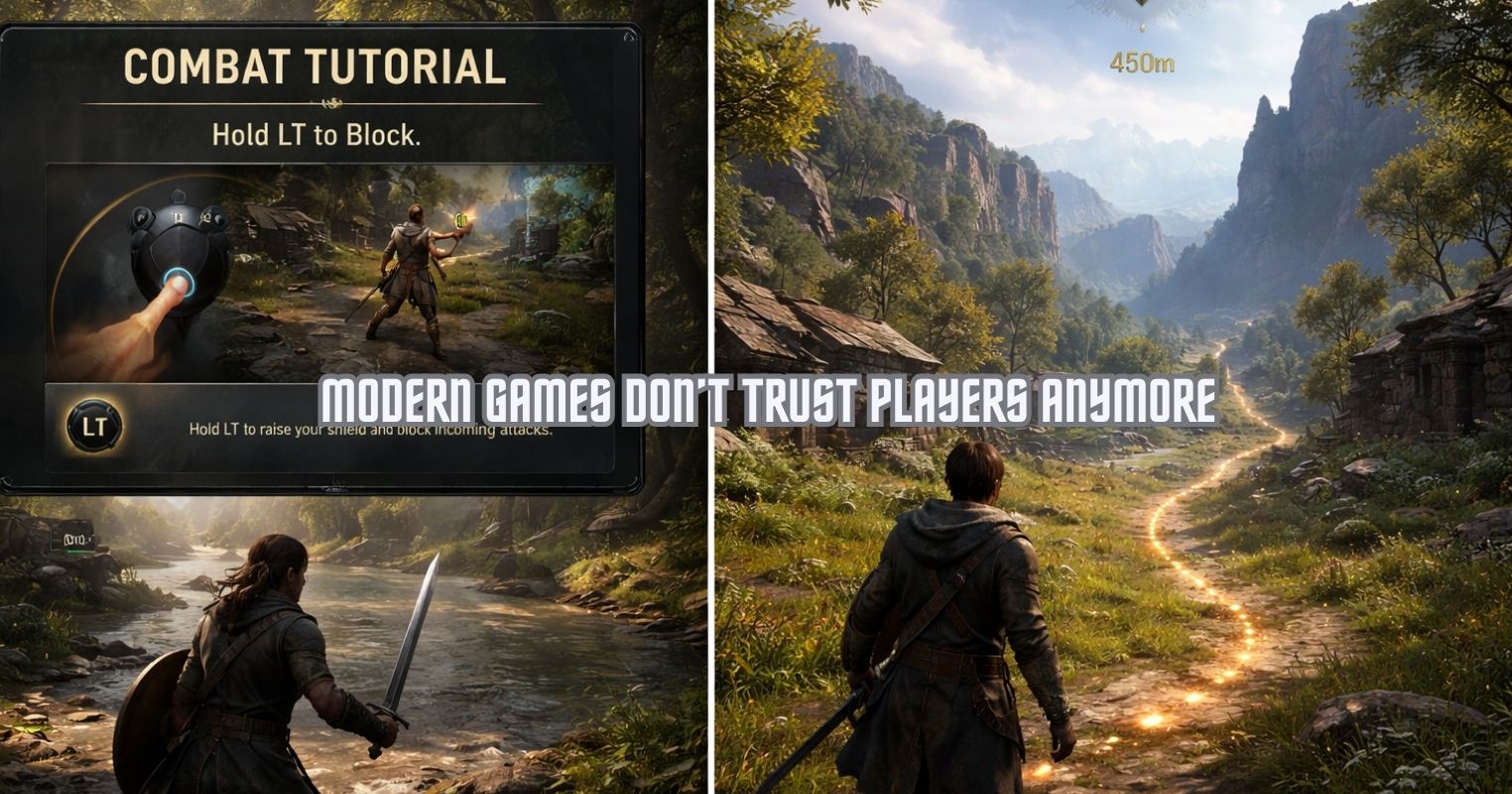
- Make the primary repeating action fun before adding anything else.
- Build the basic gameplay and touch controls before making menus or levels.
- Use simple goals like high scores to give players a reason to return
Everyone starts with the same dream. Your game on someone’s phone while they are killing time on a bus or chilling on the couch.
The part nobody talks about enough is the messy middle. Unity makes that middle easier to deal with, but only if you approach it the right way.
This is not a hype piece. It is a grounded take on how most indie and solo devs actually survive making a mobile game in Unity.
Mobile games live and die by what the player does every few seconds. That is it.
Before thinking about levels, menus, or anything fancy, ask yourself a simple question. What is the one action the player will repeat again and again?
Tapping, swiping, dodging, matching, aiming. If that single action is not fun on its own, no amount of polish will fix it. Most successful mobile games are built on very simple mechanics that just feel good to play.
If this is your first game, smaller is always smarter. One mechanic done well beats ten half finished ideas every time.
If you ever want a reality check, it helps to look at how professional teams actually work. Studio case studies are useful because they show the boring parts, not just the final polish. Looking at examples from Stepico mobile app development, you quickly notice that even experienced teams start with very basic builds.
Different genres, different platforms, same approach. Simple mechanics first, testing early, and only then expanding the idea. It is a good reminder that big mobile games rarely begin as big projects. They usually start rough and small, just like yours.
Set Up Unity For Mobile Early

Unity is popular for mobile games for a reason. Android and iOS support are built in, and you do not have to fight the engine just to get something running on a phone.
Before you build anything serious, make sure you are using a recent stable version of Unity and that mobile build support is installed. Most importantly, confirm that a blank project can actually run on a real phone.
If a clean project does not launch on your device, stop and fix that first. Setup issues only get more annoying later.
For most mobile games, 2D is the fastest way to reach something playable. There is less setup, fewer performance problems, and quicker progress.
Create your project, choose 2D unless you have a strong reason not to, and switch the build platform to Android or iOS early. Test builds on a phone instead of trusting the editor preview.
Mobile games often feel fine in the editor and completely different on an actual device. Always trust the phone more.
Build A Prototype, Not A Full Game
This is where many projects fall apart.
Your first goal is not menus, shops, or multiple levels. Your goal is a rough prototype where the main action works, touch controls feel natural, and the player understands what to do without explanations.
Ask yourself honestly if the game is still fun after five minutes. Check if your thumb blocks important parts of the screen. Think about whether you would keep playing if it was not your own project.
If the answers are not great, fix that now. Adding more content on top of weak gameplay just creates extra work.
Mobile UI should be clear, readable, and easy to tap. Flashy designs often hurt usability more than they help.
Unity’s built-in UI tools are more than enough for large buttons, readable text, and basic menus. If players miss buttons or feel confused, they will quit. Mobile players have very little patience for cluttered screens.
Think About Performance Early
Phones are more powerful than they used to be, but they still have limits. If your game stutters or drains battery fast, players notice immediately.
Be mindful of how many objects are on screen, how large your textures are, and how much work your scripts are doing every frame. Heavy effects and unnecessary calculations add up quickly.
Test on real devices often. Something that runs perfectly on your computer can struggle on an average phone.
Give Players A Reason To Come Back
Once the core gameplay feels solid, the next challenge is motivation.
Players need goals, even simple ones. Unlocking new levels, improving a character, or beating a personal high score can be enough. Progress does not need to be complex. It just needs to feel earned.
When effort leads to visible improvement, players are more likely to keep playing.
Publishing a build is not the same as launching a game.
Before release, make sure the game works across different screen sizes and handles interruptions like calls or notifications correctly. Check loading times and watch for crashes during startup.
First impressions matter a lot on mobile. Bad early reviews are hard to recover from.
Release Is Not The End
Many people think publishing a game means the work is done. In reality, it is just the next phase.
Players will find bugs, point out confusing parts, and suggest improvements. Even small updates show that the game is alive. Fixes and minor tweaks can noticeably improve ratings over time.
You do not need a big team or advanced tech to make a mobile game in Unity. What you need is patience and structure.
Start small. Build the core first. Test on a phone constantly. Release something complete, even if it is simple.
Your first game probably will not be a hit, and that is fine. The experience you gain from finishing and shipping it is what makes the next one easier, faster, and better.
Thank you! Please share your positive feedback. 🔋
How could we improve this post? Please Help us. 😔

Passionate gamer and content creator with vast knowledge of video games, and I enjoy writing content about them. My creativity and ability to think outside the box allow me to approach gaming uniquely. With my dedication to gaming and content creation, I’m constantly exploring new ways to share my passion with others.
 Join Our Community