Threads
Understated Design, Surprisingly Premium Feel!
Summary
The Epomaker RT82 is a 75% mechanical keyboard that combines thoughtful typing feel with flexible connectivity. Its pre-lubed Creamy Jade switches, PBT keycaps, and gasket-mounted build make extended typing or gaming sessions comfortable, while the subtle RGB and 1.14-inch screen add personality without being overbearing. Overall, it’s a solid, enthusiast-leaning keyboard for those who value performance over flashy extras.
Hours Tested: 6 Days

Overall
-
Design - 8.5/10
8.5/10
-
Build Quality - 9/10
9/10
-
Typing Experience - 9.5/10
9.5/10
-
Performance - 9/10
9/10
Pros
- Excellent typing feel
- Solid keycaps
- Compact 75% layout
- Flexible connectivity
- VIA support
Cons
- RGB is understated
- Weighty at 1 kg
- Colorway isn’t for everyone
- Battery drains faster with RGB/screen on


The Epomaker RT82 feels like one of those keyboards that doesn’t look flashy in that “look-at-me” way that some keyboards go for. But that makes sense when you remember how Epomaker has been releasing products lately, experimenting with lots of new ideas in a crowded segment. They take ideas from what people online talk about and filter them down into something a bit more accessible. If you’re exploring the broader landscape of compact boards, you might want to check out our best gaming keyboards list.
Key Takeaways
- The Epomaker RT82 is a 75% keyboard that focuses on typing feel and build quality while offering a layout that stays familiar without feeling cramped.
- You should buy the Epomaker RT82 if you care about typing feel, want flexible connectivity, enjoy customization, and fun extras.
- You should skip the Epomaker RT82 if you prefer ultra-light keyboards, are picky about aesthetics, and want a flashy RGB showpiece.
Here are the technical specifications:
| Layout | QWERTY, ANSI US Layout,75% Mechanical Keyboard |
| Number of Keys | 80 Keys |
| Screen | 1.14-inch LCD Screen |
| Battery | 4000mAh Rechargeable Battery |
| Battery Life | 14 hours (RGB On & Screen On); 17 hours (RGB On & Screen Off); 45 hours (RGB Off & Screen On); 115 hours (RGB Off & Screen Off) |
| Connectivity | 2.4Ghz Wireless/Bluetooth/USB A-C |
| Compatibility | Mac/WIN/Android |
| Front Height | 21.8MM |
| Typing Angle | 5 degrees, 7.5 degrees, and 11 degrees (with 2-stage adjustable kickstand) |
| Case Material | ABS Plastic |
| Plate Material | PC Plate |
| Flex-Cut | No Flex-Cut |
| Stabilizers | Plate-Mounted Stabilizers |
| Mounting Structure | Gasket-Mount |
| Sound Dampening | Sandwich Latex, IXPE Switch Pad, PET Sound-Enhancement Pad, Bottom Foam, and Bottom Silicone |
| Keycaps Profile | Cherry Profile |
| Keycaps Material | PBT Plastic |
| Keycaps Manufacturing Technique | Dye-Sublimation Printing |
| Switch | Pre-Lubed Mechanical Switch |
| Hot swappable | Yes, compatible with 3/5-pin mechanical switches |
| RGB | Yes, has a customizable RGB backlight with south-facing per-key LEDs |
| Polling Rate | 1000hz in Wired and 2.4Ghz Wireless Modes, 125hz in Bluetooth Mode |
| Latency | 3ms in Wired Mode, 5ms in 2.4Ghz Mode and 15ms in Bluetooth Mode |
| Anti-Ghosting | Yes, supports N-Key Rollover |
| Keyboard Dimensions | 326.7*143.2*39.8MM |
| Keyboard Weight | about 1kg |
What Makes Epomaker RT82 Different?
Unlike many of its predecessors in the RT lineup, the Epomaker RT82 doesn’t just lean on retro styling. It builds on it with modern features that aren’t usually found together at this price. Into the wider competition, the RT82 pairs its ABS shell with thoughtful engineering so it feels more like a premium keyboard than its plastic might suggest. The combination of retro aesthetics and customizability gives a significant edge in the market.
Packaging & Unboxing
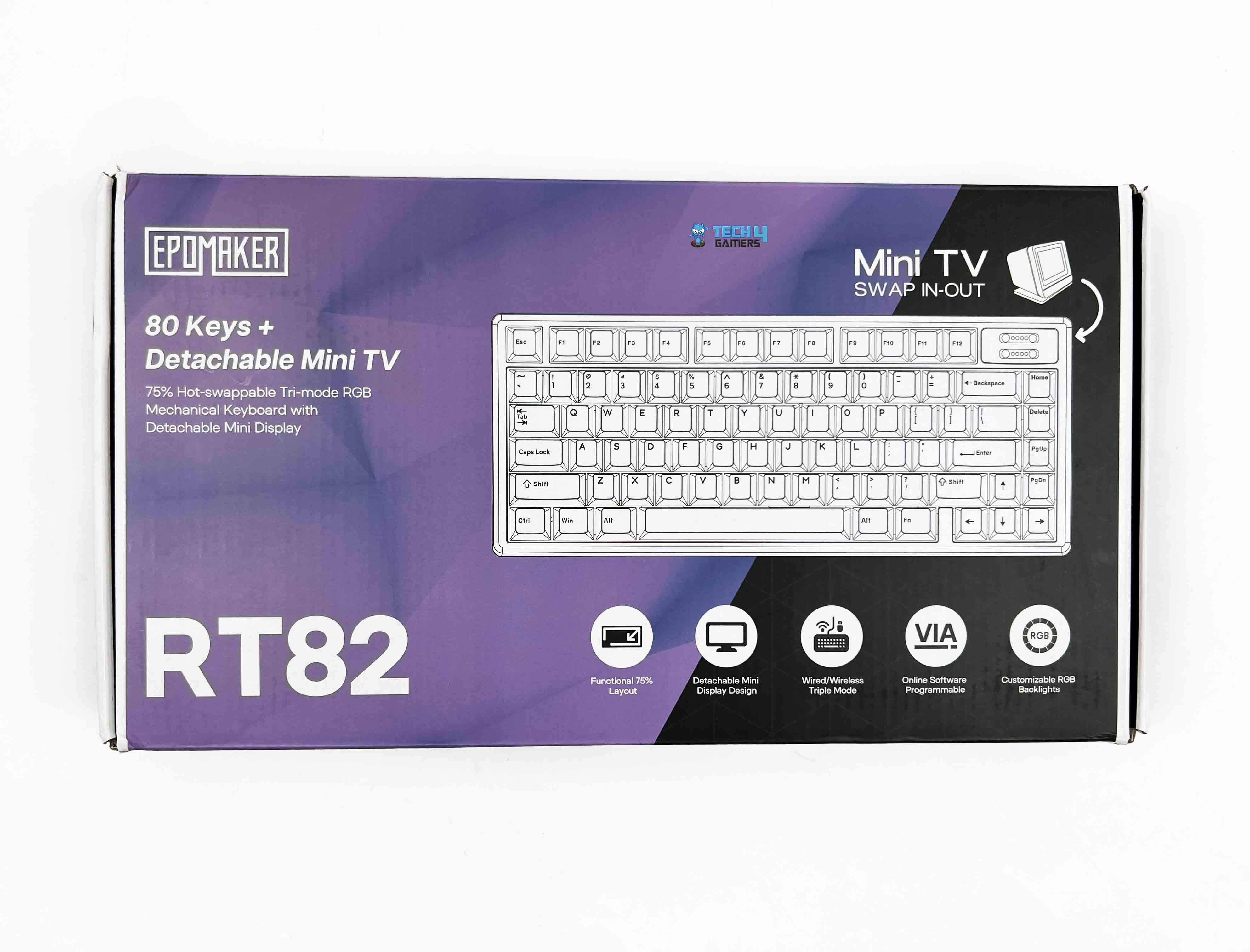
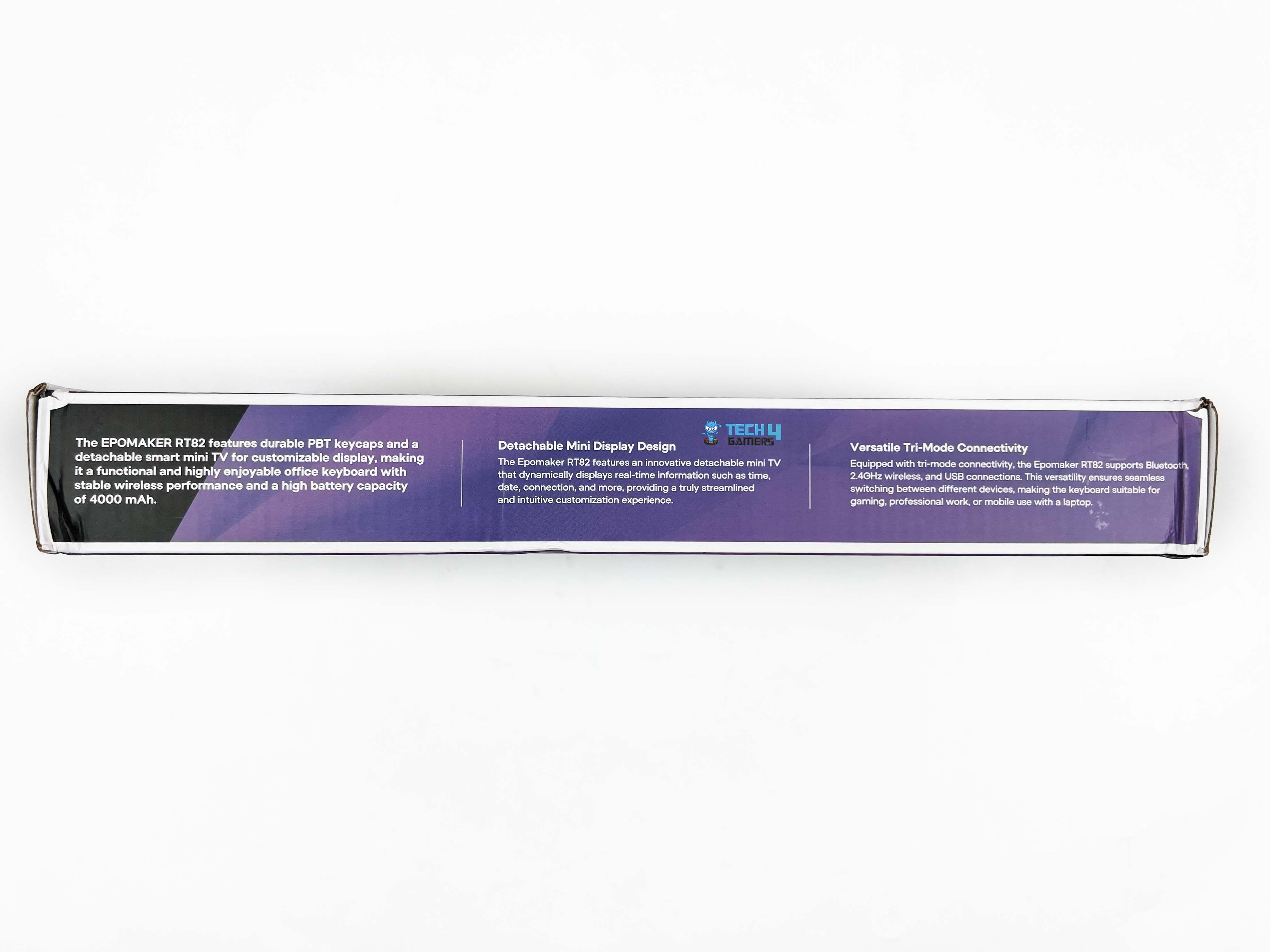
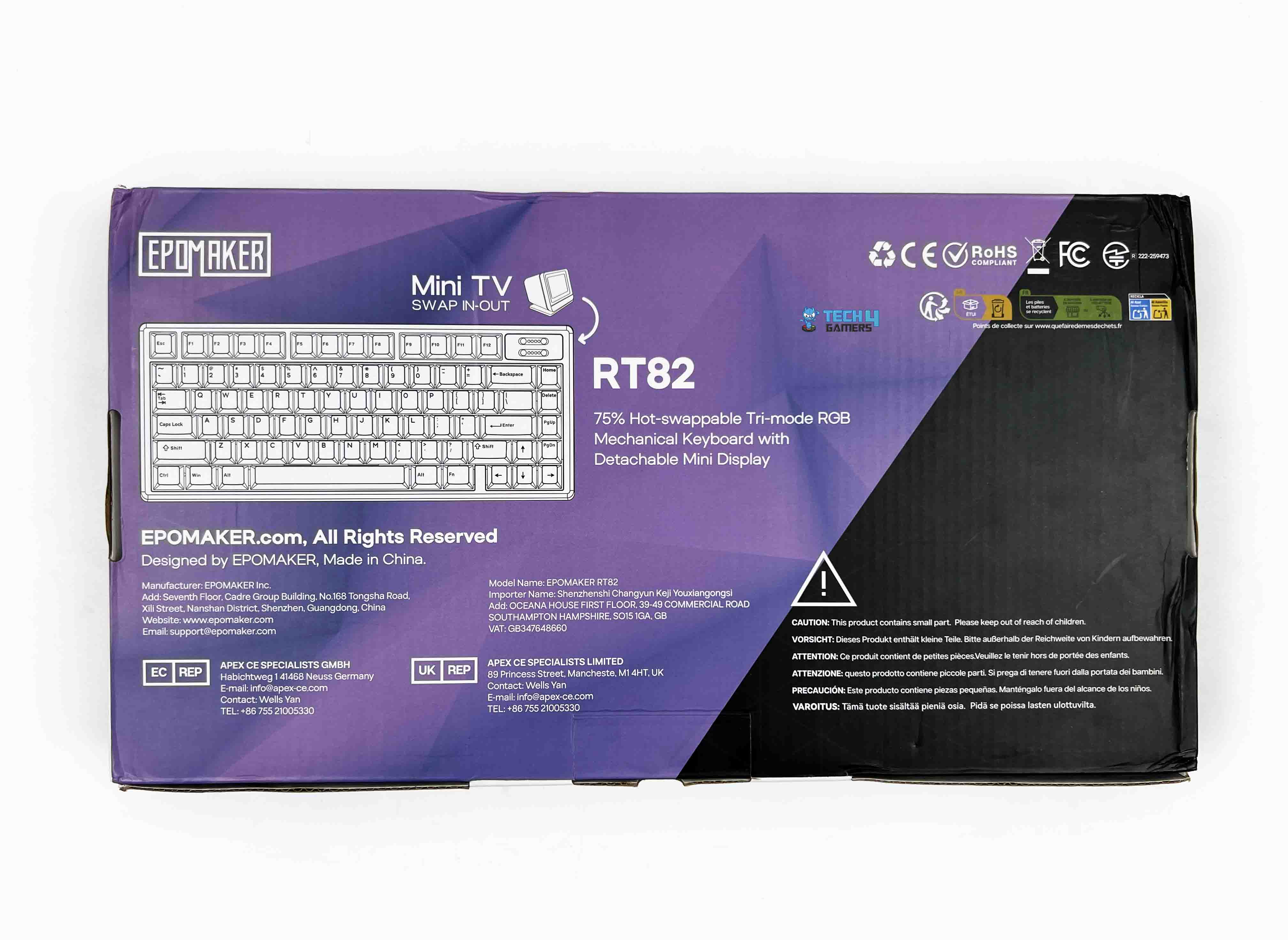
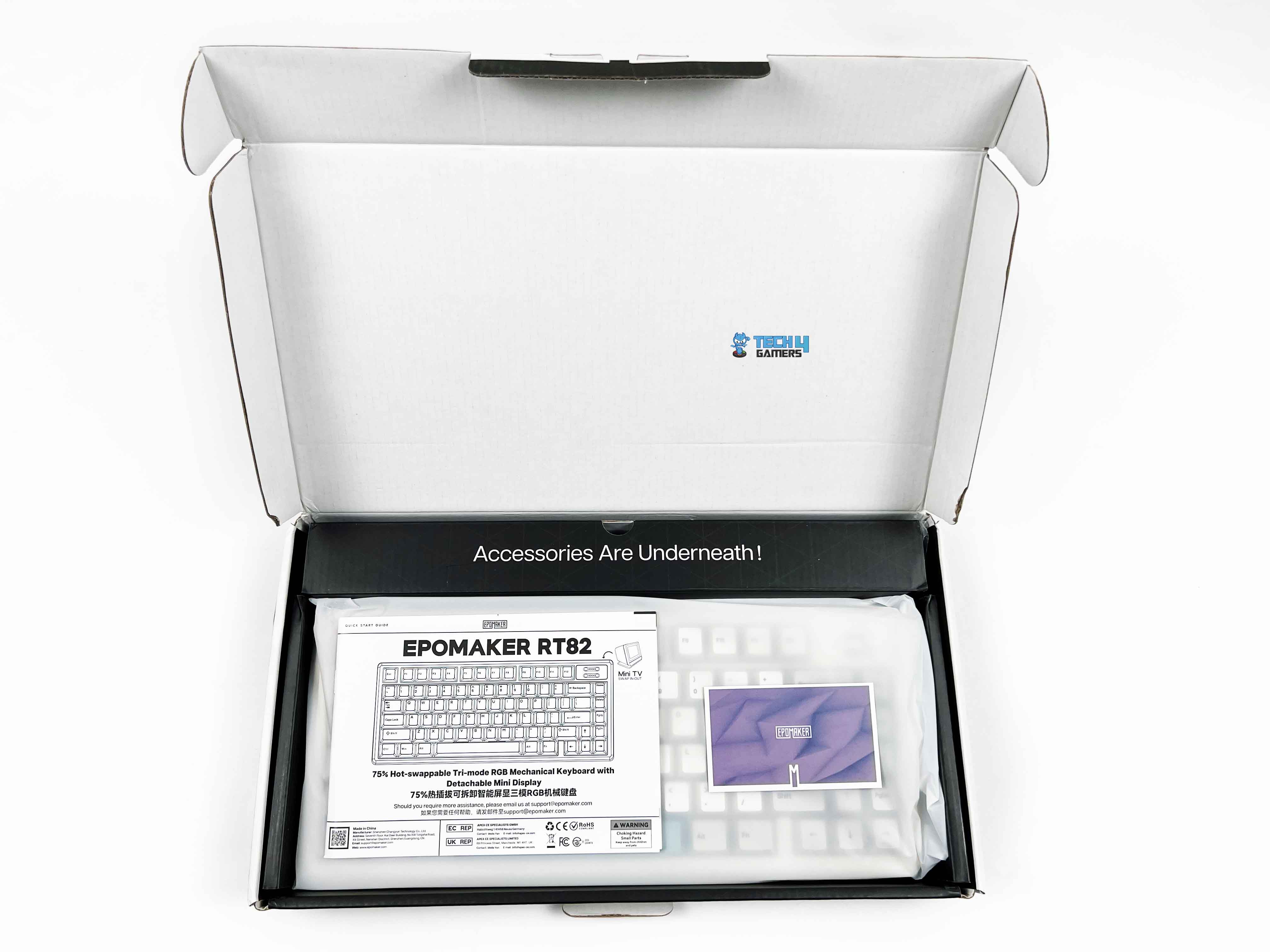
The Epomaker RT82 packaging is reasonably compact. You get an image of the keyboard on the front, along with branding and feature callouts. When you open the box, the keyboard is right there, wrapped in a thin protective sleeve. Above the keyboard, you’ll find the accessories tucked into their own compartments. Here is the list of everything that you’ll find inside the keyboard:
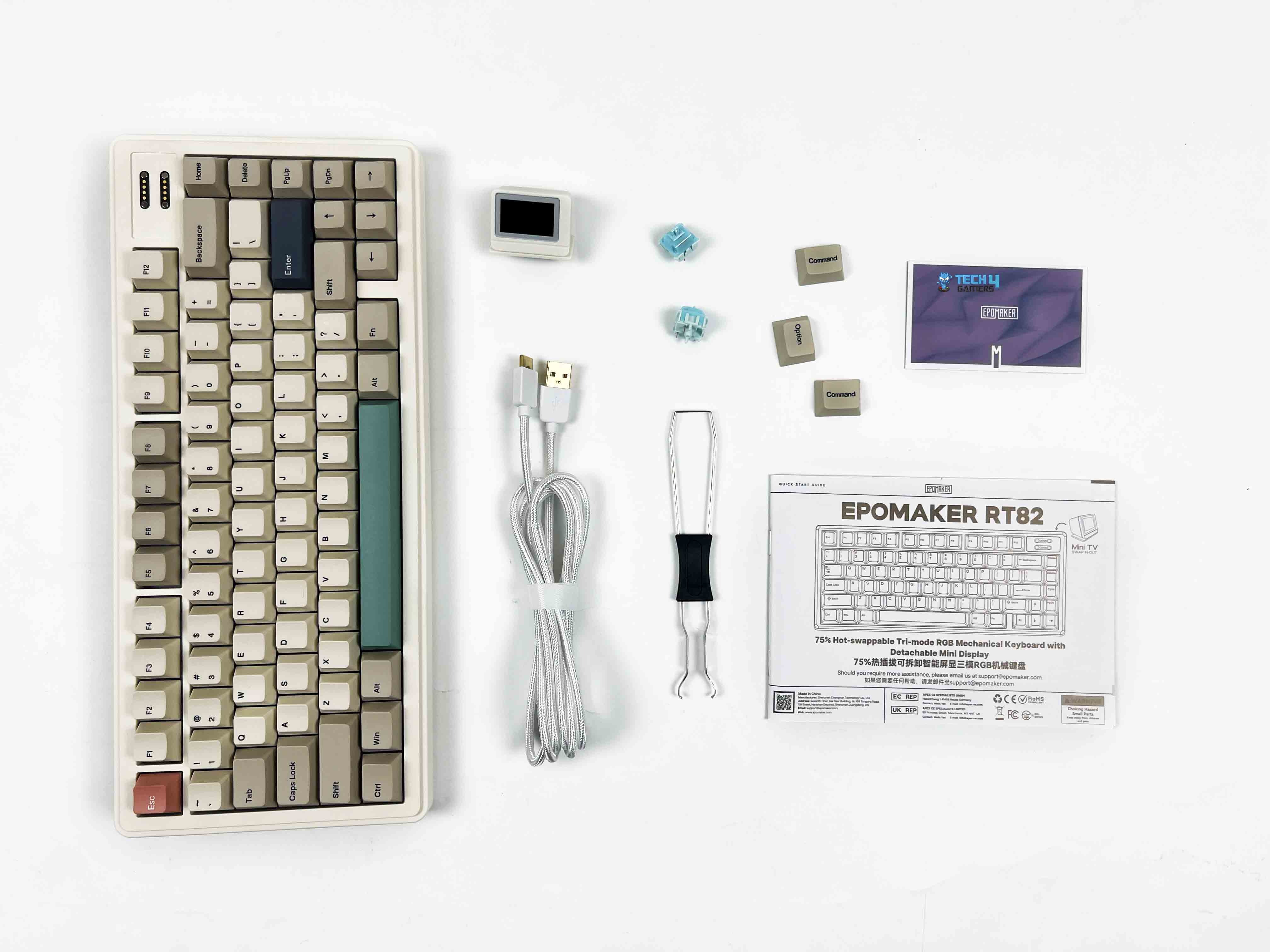
- Epomaker RT82 Mechanical Gaming Keyboard
- Detachable mini TV
- Detachable USB A to C Cable
- 2.4Ghz Wireless Receiver (Stored on Keyboard)
- 2-in-1 Switch-and-Keycap Puller
- Multilingual Manual
- Additional Keycap for Mac
- Additional Switches
Design
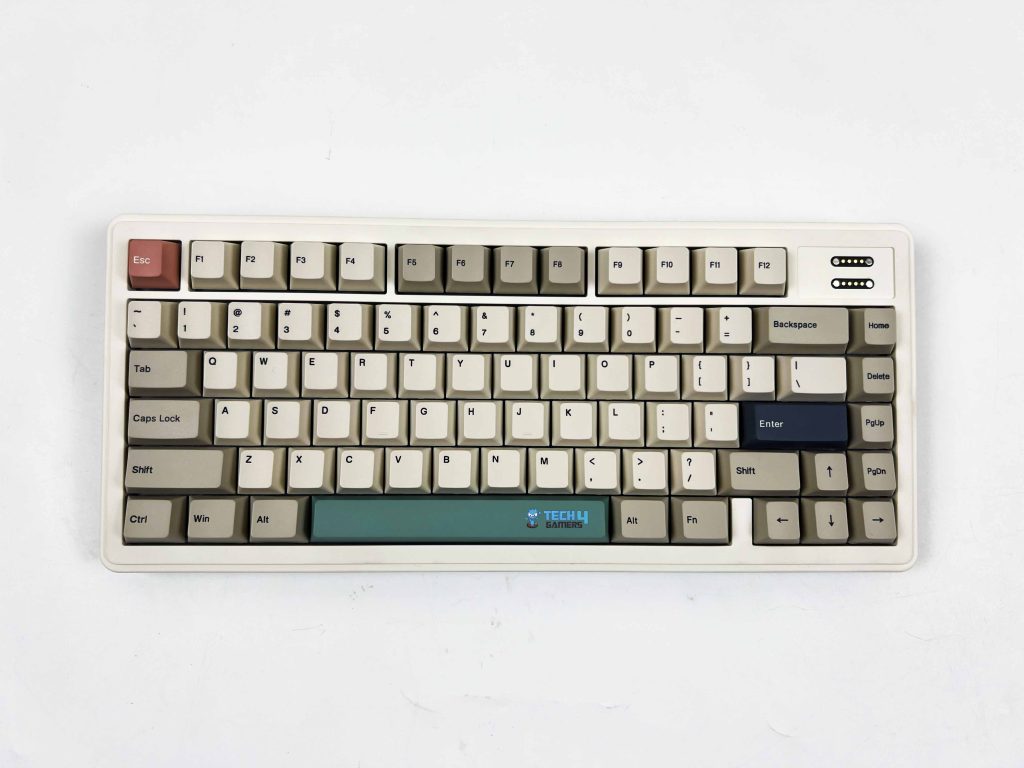
The design of the Epomaker RT82 feels very deliberate. The retro colorway is the first thing that sets the tone. It’s hard not to think of older office keyboards or early home PCs when you see it, thanks to its beige-adjacent tones and softer contrast. It taps into that nostalgia without fully committing to a straight-up vintage replica. Depending on your taste, that can feel charming or a bit dated.
It grew on me, though I can see why it wouldn’t click for everyone. Once it’s on a desk, the keyboard has an engaging presence. It stands out, but it doesn’t ask for attention. It feels more like something you’d expect on a personal workstation rather than a streamer’s setup. If your idea of a good desk is calm and functional, this keyboard would fit in perfectly.
Layout
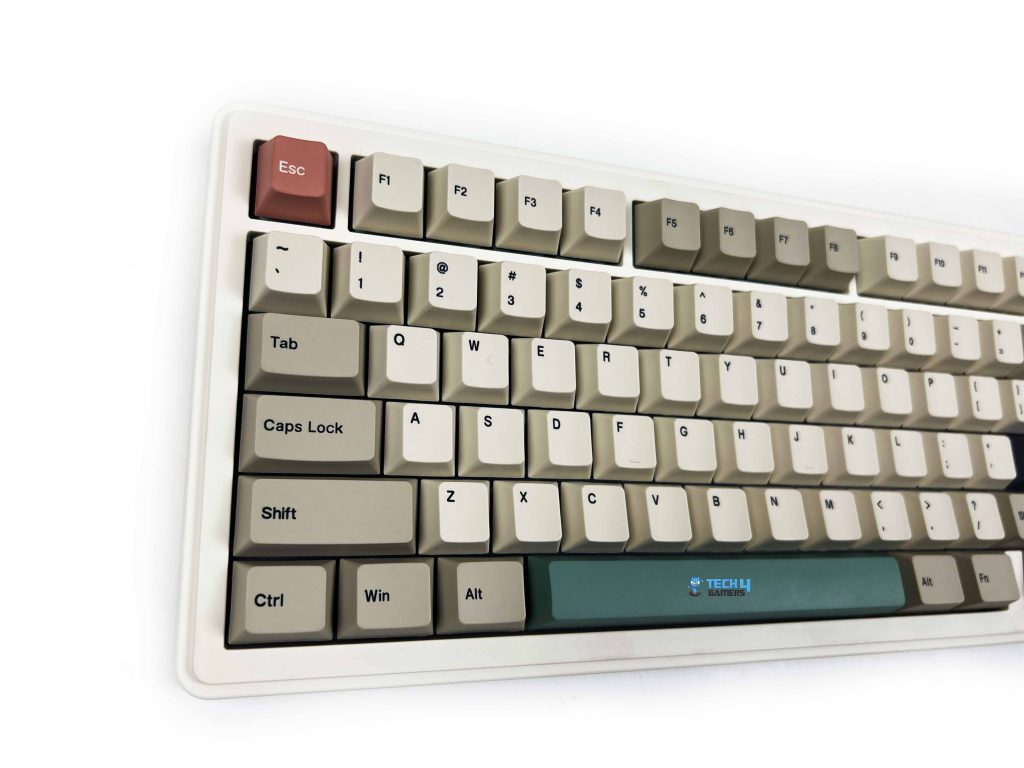
The Epomaker RT82 sticks with a standard QWERTY layout in an ANSI US configuration, and that makes it easy to live with. Your hands already know where to go. There’s no learning curve here. This is a 75% board, which means you get most of what matters without the extra width. It has 80 keys in total, which puts it in that comfortable middle ground.
You still have a dedicated function row up top. The arrow keys are separate. Navigation keys like Delete and Page Up are right where your fingers can reach them without stretching too far. What you lose is the numpad, and the trade-off makes sense for the kind of desk space this keyboard is aimed at. What I liked is how the layout doesn’t feel compressed despite the smaller footprint.
Screen
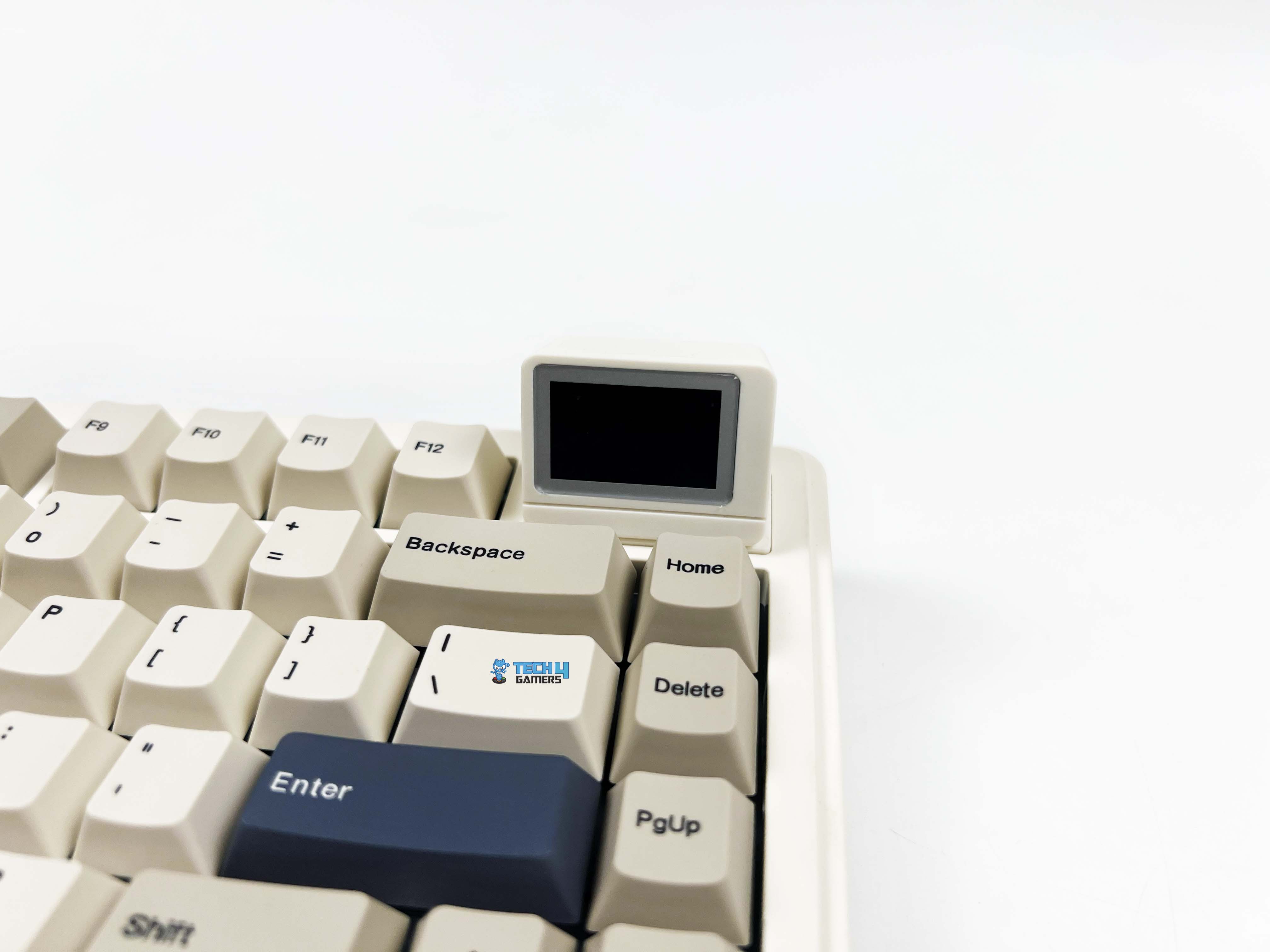
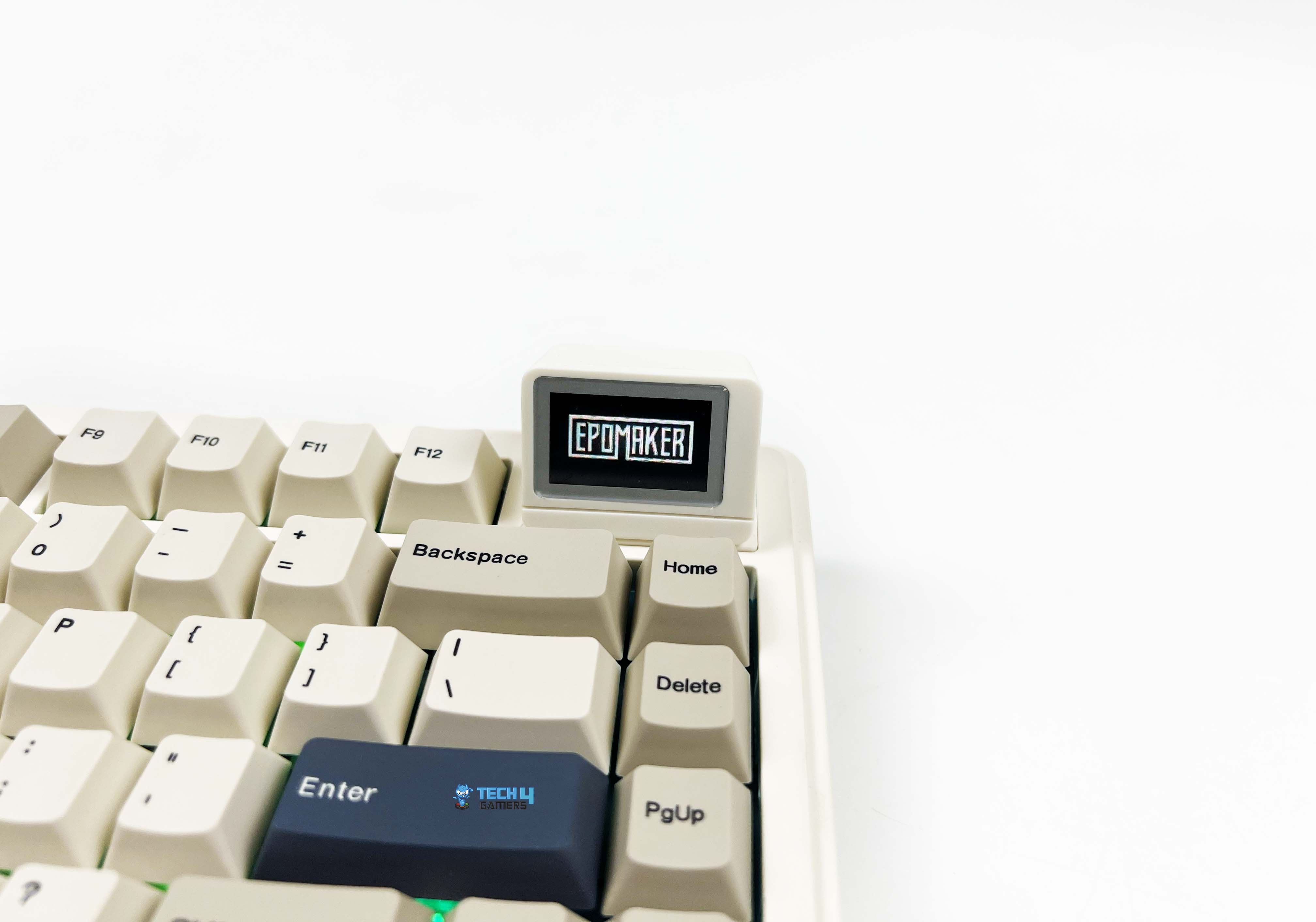
The screen on the Epomaker RT82 is a 1.14-inch LCD. It’s just large enough to be legible at a glance. You don’t have to lean forward or squint to read it, but it’s not trying to compete with your monitor for attention either. The screen is placed on the top right side. It isn’t something you depend on. Most of the time, you forget it’s even there. What it does well is make you smile.
The first time you upload a GIF and see it looping. It’s hard not to react. It feels playful in a way keyboards usually aren’t. I caught myself changing the animation more than once, not because I needed to, but because I could. Moreover, it displays things like the time, the date, or how much battery is left. There’s also a mode that mirrors what you type on the screen.
Underside
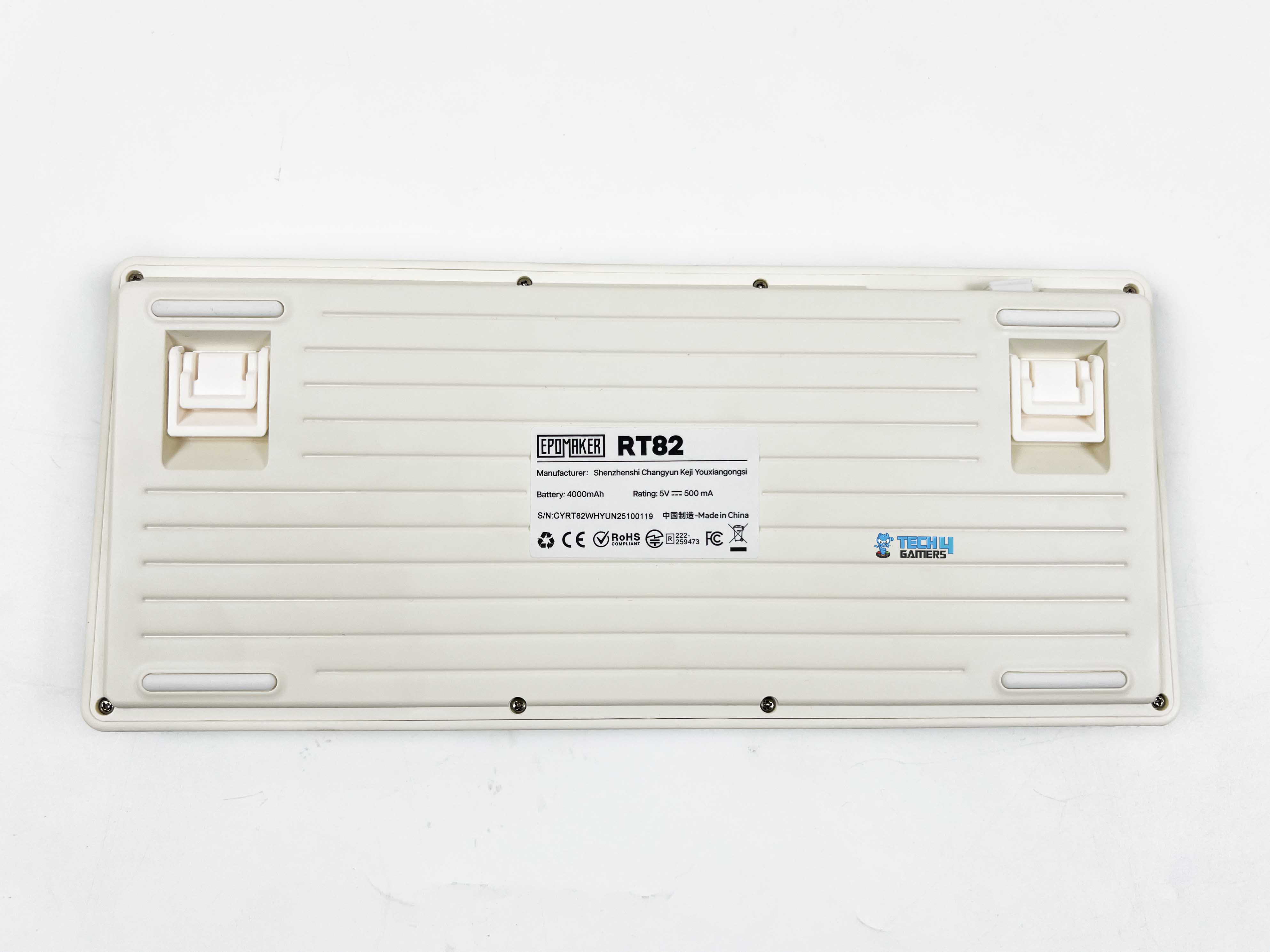
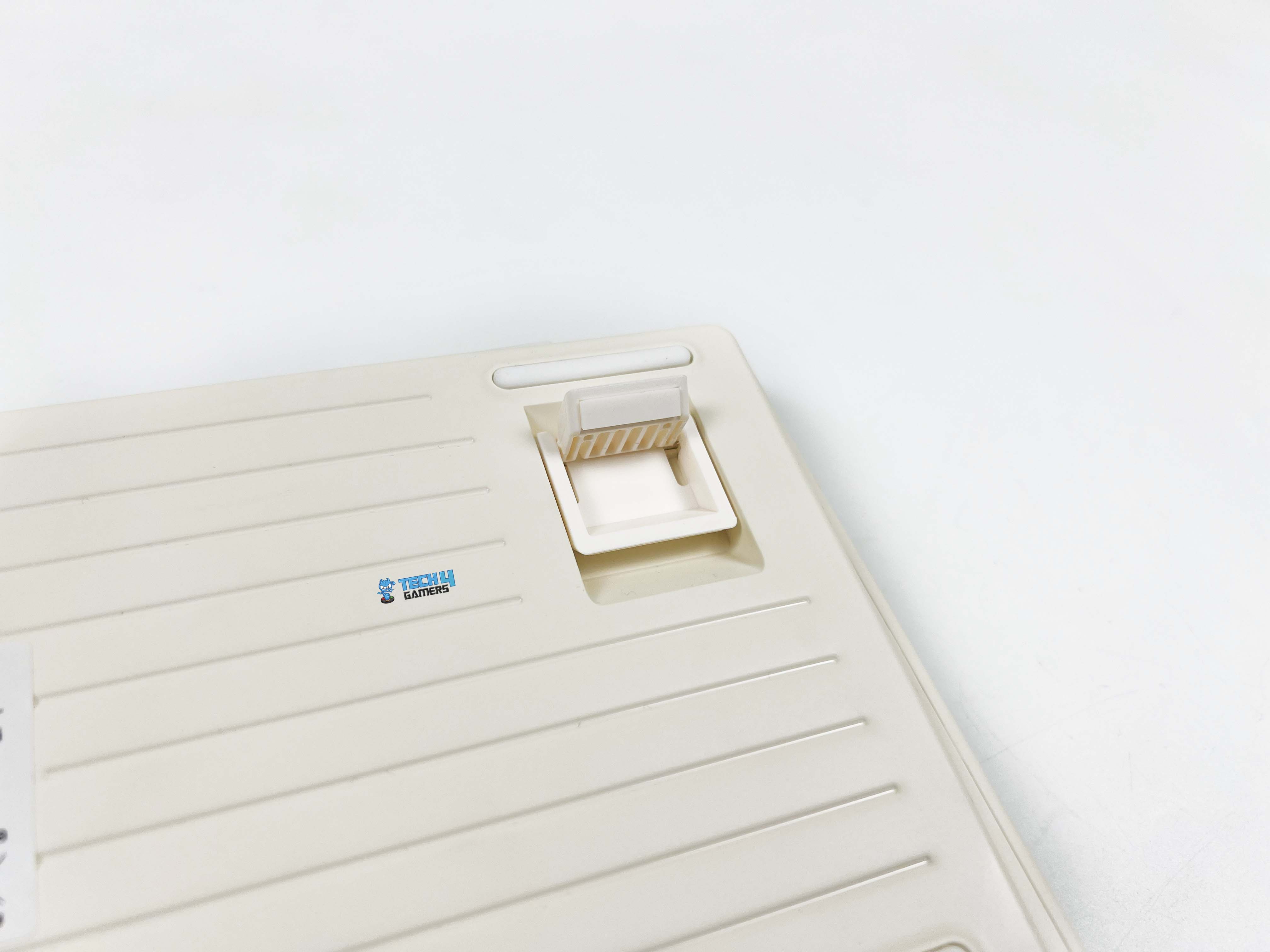
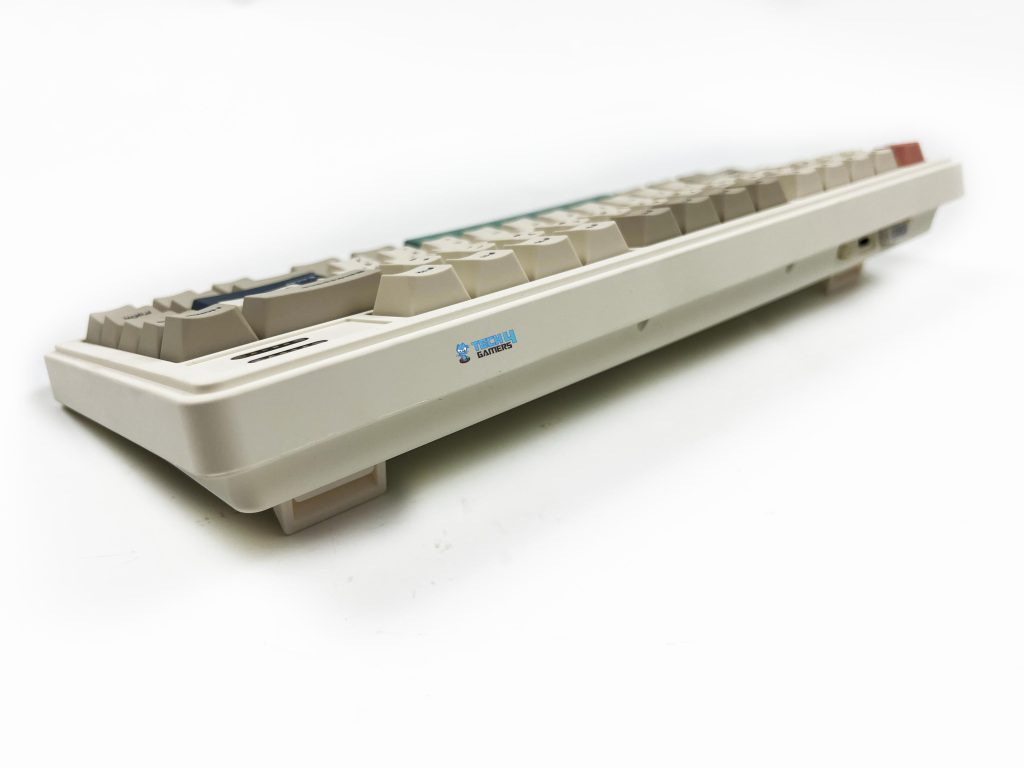
The rubber feet grip the desk surprisingly well. The front height is around 21.8mm. Even without a wrist rest, it stays comfortable for shorter sessions. I noticed it most during long typing stretches, where that lower front edge helped keep my hands relaxed rather than bent upward. The adjustable angle is handled by a two-stage kickstand system. With the feet folded in, the keyboard sits at roughly five degrees.
It feels natural if you type with your hands relatively low. Flip out the first stage, and you’re closer to seven and a half degrees. That’s where I personally settled for most of my use. The highest setting pushes it to around eleven degrees. That angle is noticeably steeper. It works well if you like a more traditional keyboard tilt or tend to rest your palms on the desk while typing.
Build Quality
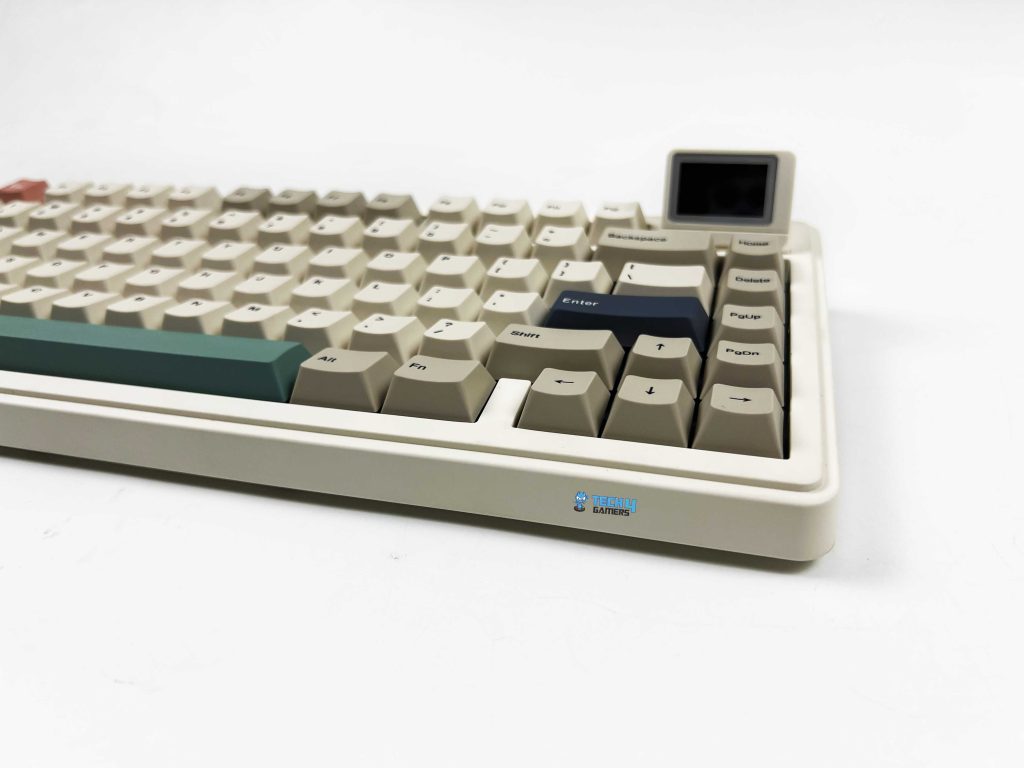
The Epomaker RT82’s case is made from ABS plastic, which might seem ordinary compared to metal options. However, don’t let that make you think it feels cheap. The plastic feels solid and well-constructed. There’s no flex when you press down on the corners, and the edges are smooth without any sharp seams. Its dimensions are 326.7 by 143.2 by 39.8 mm. On the desk, it doesn’t dominate the space.
But it still feels substantial, especially compared to smaller 60% boards. At around 1 kilogram, it has enough heft to stay planted. The keyboard has weight and balance in just the right places. It doesn’t try to pass for metal, and it doesn’t need to. The whole build is understated, but it’s evident that the materials and design were chosen to make it feel consistent rather than flashy.
Keycaps
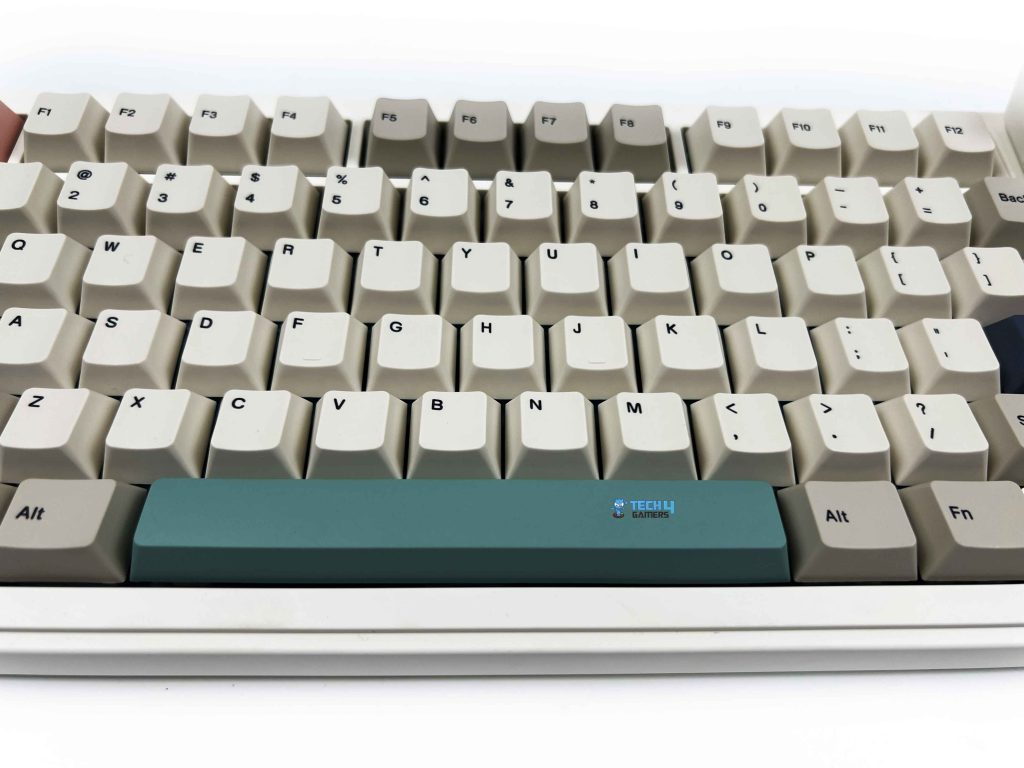
The keycaps on the Epomaker RT82 are made of PBT plastic, so they don’t get that worn-out feel. Instead, there’s a subtle grainy texture. It’s subtle, but after a few minutes, you notice how comfortable it is to type on. The profile is Cherry, so each row feels purposefully shaped. Legends are dye-sublimated, meaning they won’t fade. They are crisp and consistent, so you don’t have to guess a key even in dim light.
Unlike thinner, cheaper keycaps that wear down and start to shine after a few months, these hold up well and keep their texture. Early on, some keys felt a little firmer than others, but that’s more about settling into the keyboard’s layout than a flaw in construction. Removing and swapping keycaps is simple, too, and you can give the keyboard a totally different look.
RGB Lighting
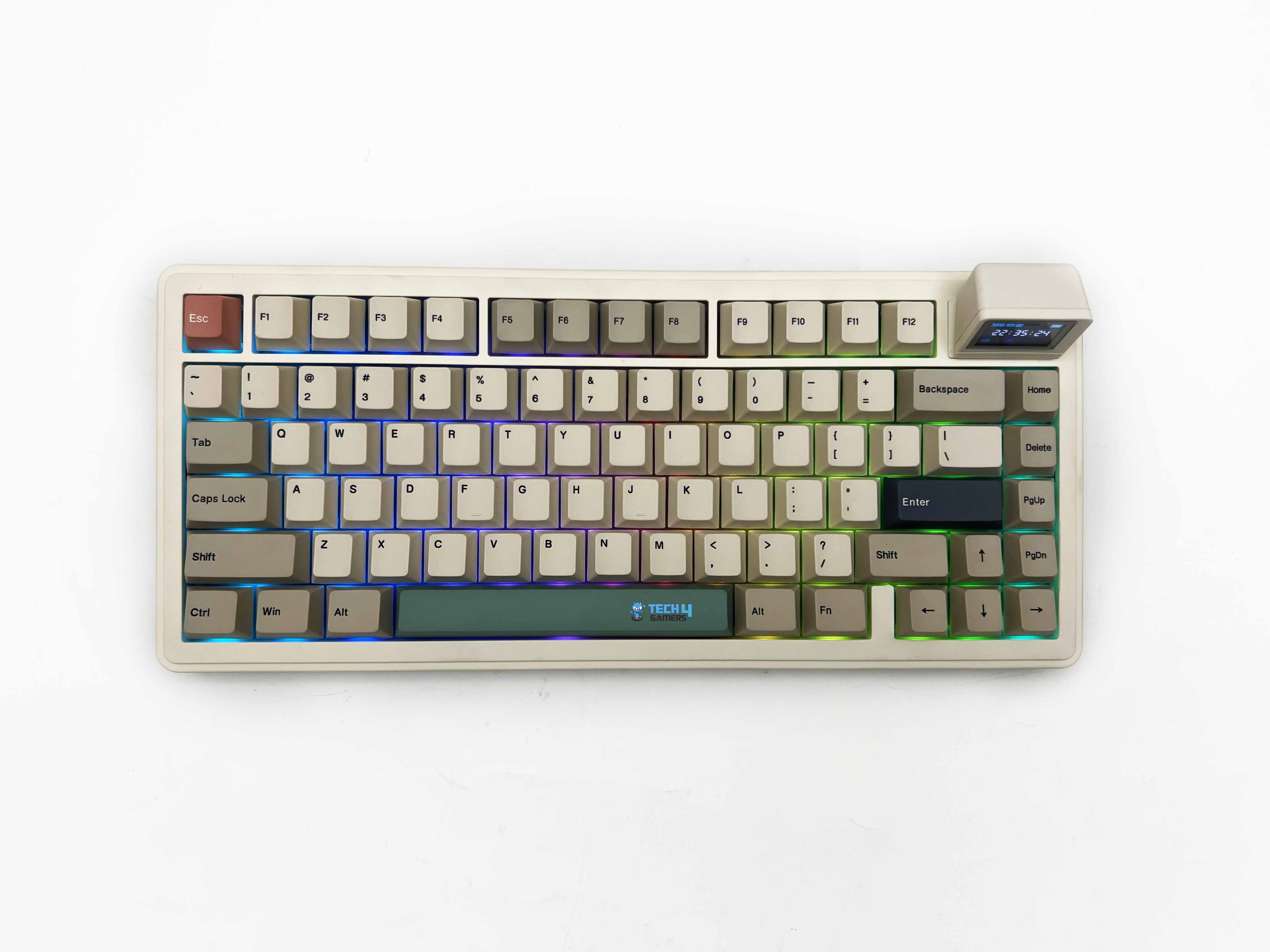
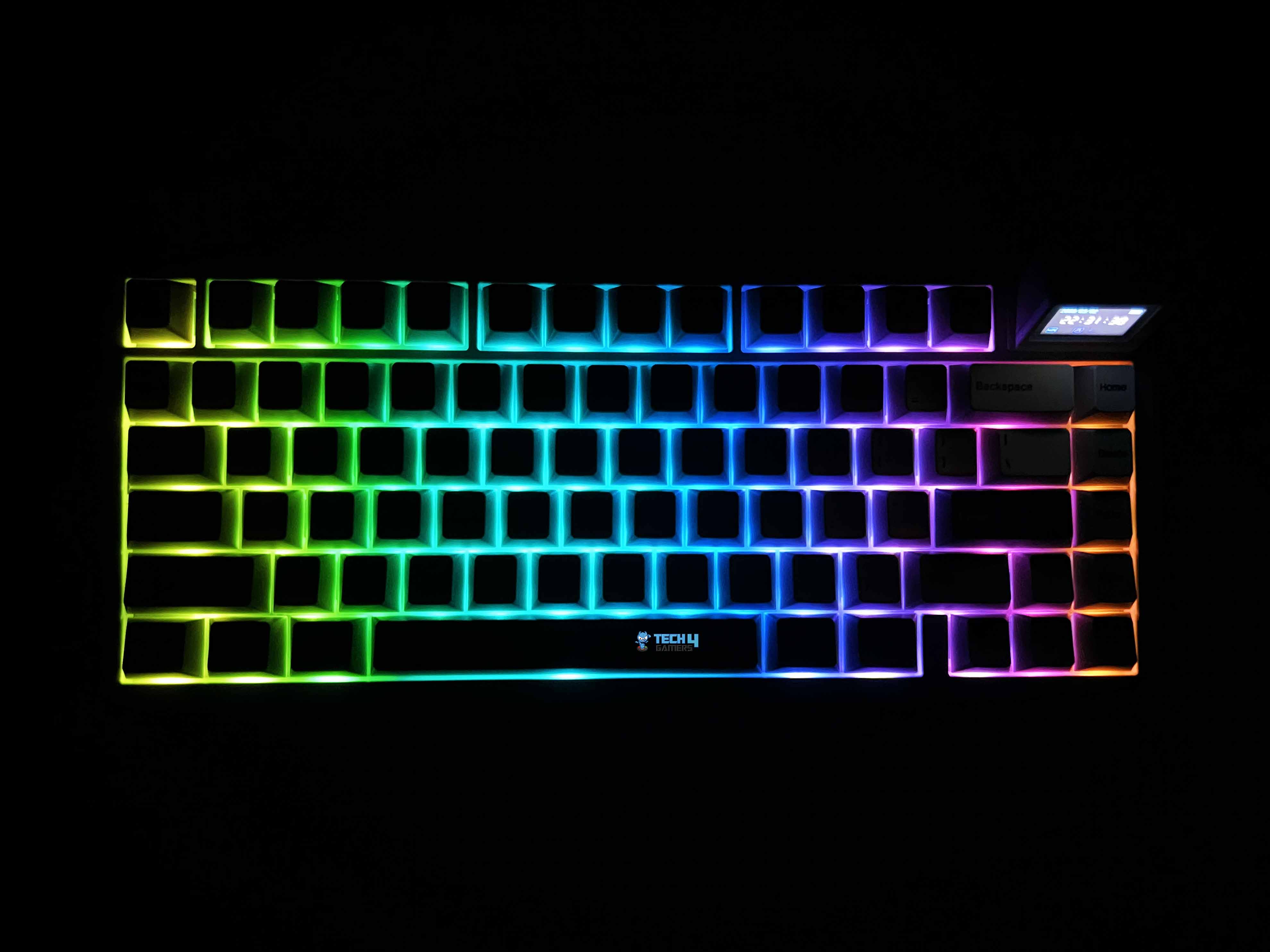
The Epomaker RT82 RGB lighting is more understated than some of the flashy keyboards you see elsewhere. Each key has its own south-facing LED, so the glow is directed toward you rather than bouncing around the desk. Because the PBT keycaps are opaque, the light doesn’t shine through the legends. Therefore, it’s less about showing off colors and more about adding a soft glow around the edges.
It catches your eye in a dim room without ever feeling overwhelming. You can cycle through a few built-in effects. They’re not mind-blowing, but they get the job done if you just want some movement or a splash of color. In low light, the colors pop nicely, and even with the opaque PBT caps, the edges catch the light subtly. It’s bright enough to notice, but it never feels like it’s trying to be extravagant.
Switches
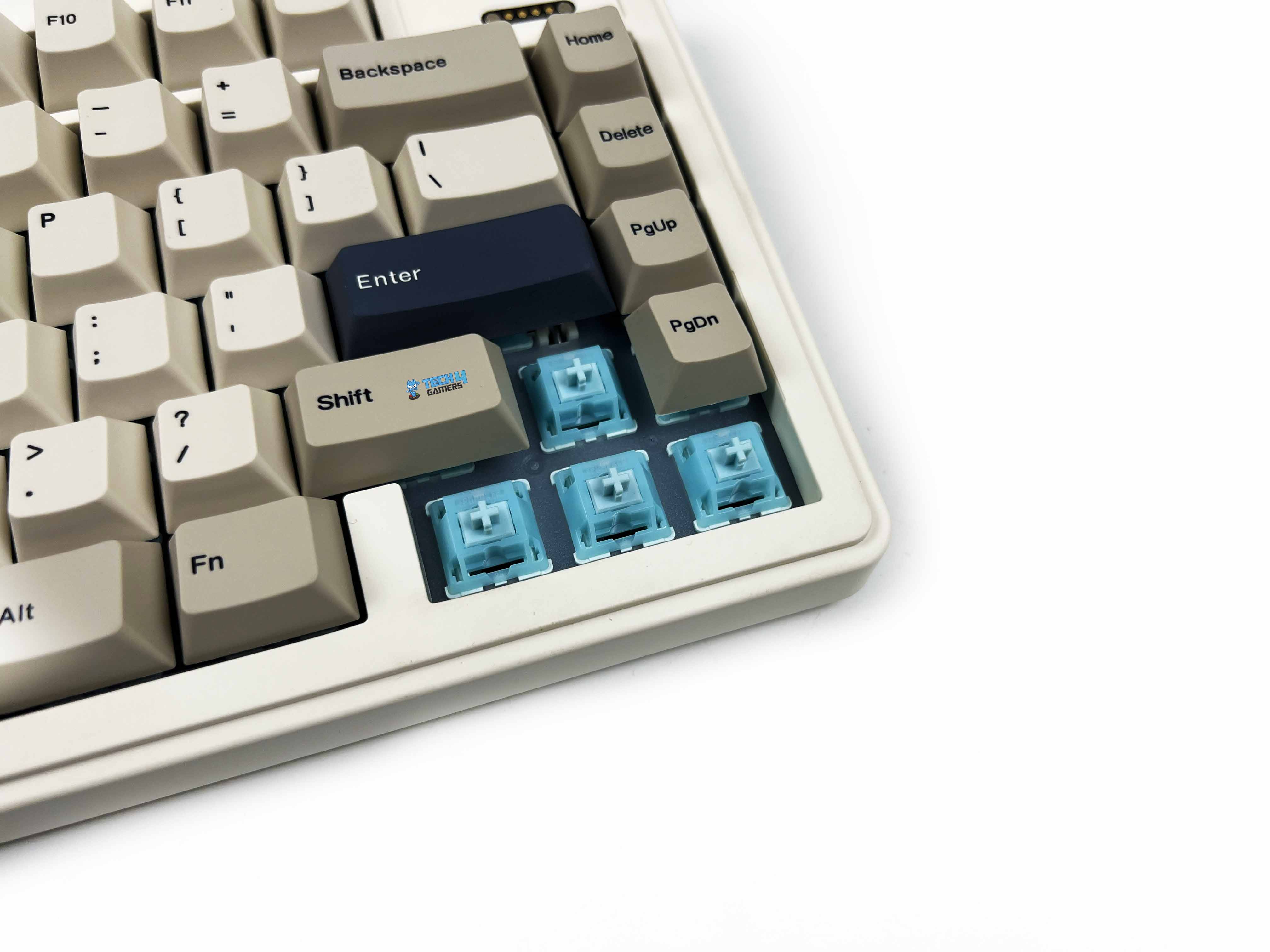
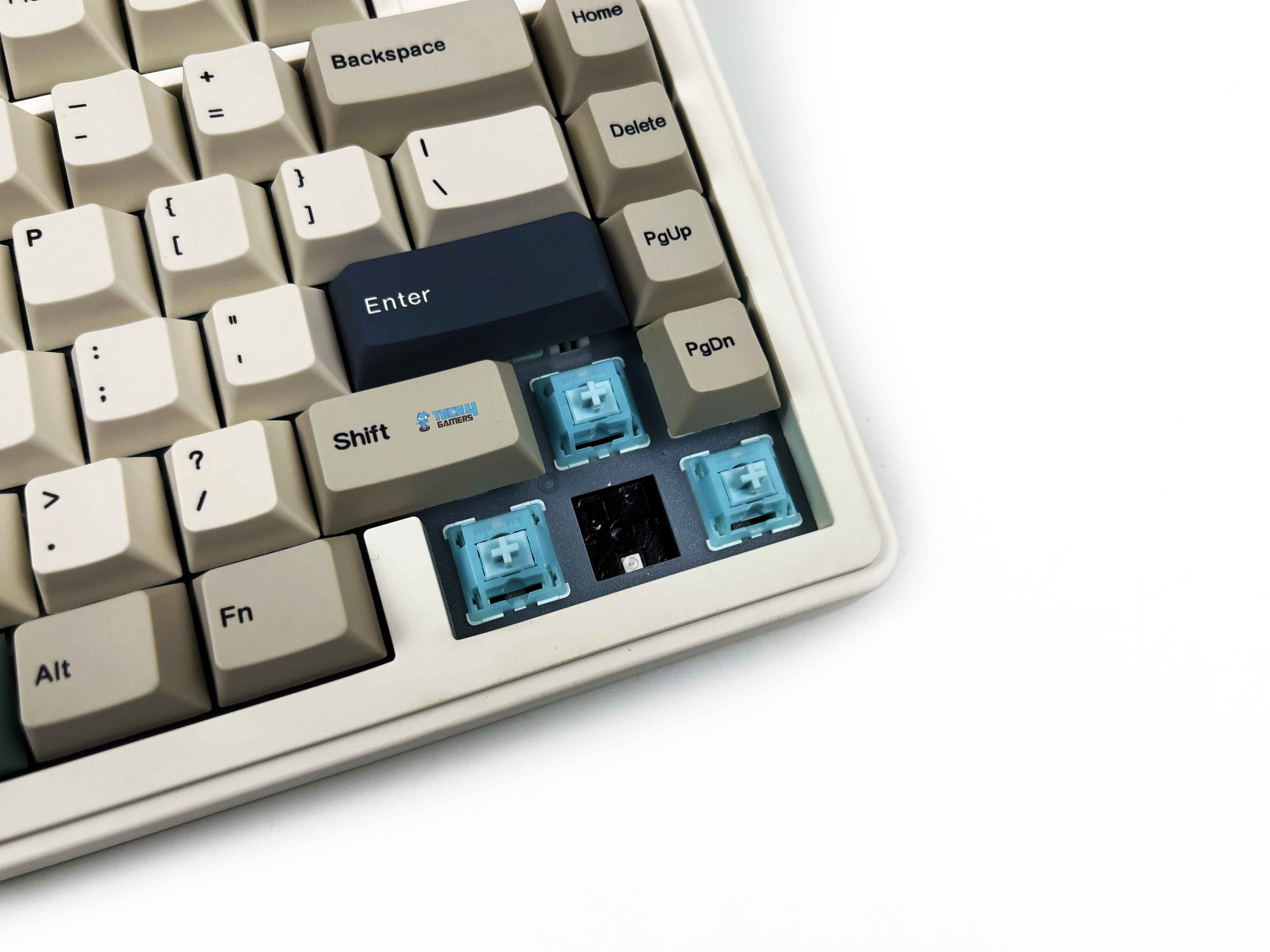
The Epomaker RT82 comes with Epomaker’s Creamy Jade switches, and they’re linear, so there’s no tactile bump. You just push down, and the key goes down smoothly and evenly. The pre-lubed stems make them feel quiet and effortless. Pressing a key takes about 45 grams of force, rising to 50 at the bottom, so it’s light enough to stay nimble but still satisfying. Travel feels well-balanced as well.
You start with about 2 millimeters before the switch actuates, and the full travel is around 3.6 millimeters. That short pre-travel means you can hit keys quickly, but you still get enough movement to feel thought-out. There’s no built-in light diffuser. It’s hot-swappable. You can replace these with other 3- or 5-pin mechanical switches. Moreover, there are many other best custom keyboards out there that lean hard into customizability at the same level.
Typing Experience
Typing on the RT82 has its own rhythm that’s surprisingly controlled. The first few sentences take a moment to settle your fingers, especially if you’re used to clickier switches. But once you find that groove, the keystrokes are soft. The pre-lubed Creamy Jade switches are not mushy, giving just enough resistance to feel thoughtful without tiring your fingers. Each press lands with a cushioned bottom-out, helped along by the gasket-mount structure.
The keys almost float on the frame. The plate is made of PC, which gives the typing sensation a subtle bounce. Stabilizers are plate-mounted and well-lubed, so bigger keys like the spacebar or shift don’t rattle unless you really slam them. Sound is chiefly muted thanks to a combination of sandwich latex, IXPE switch pads, PET pads, bottom foam, and silicone. You notice a quiet thock rather than a sharp click that is consistent and easy on the ears, even in long sessions.
Connectivity
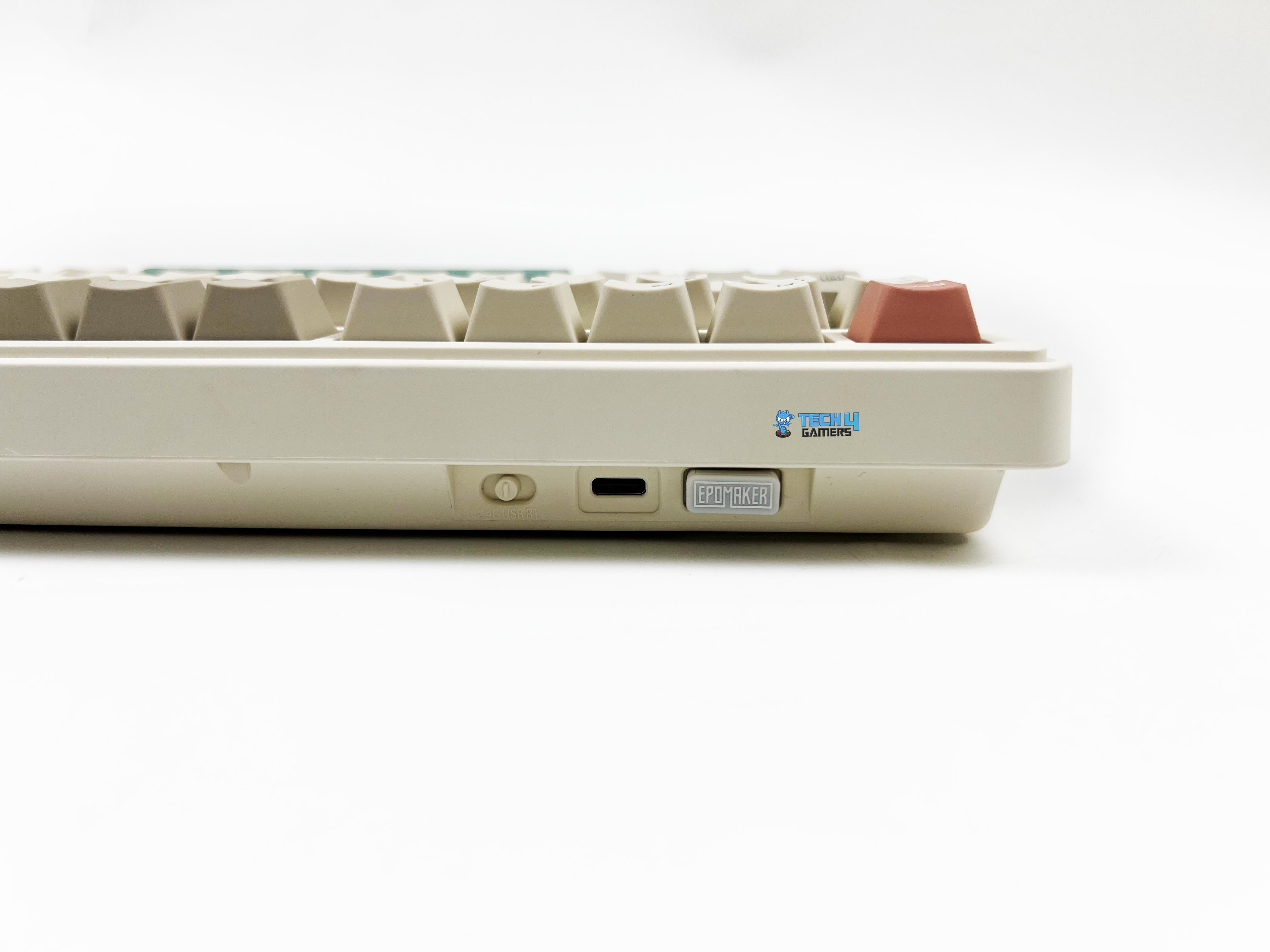
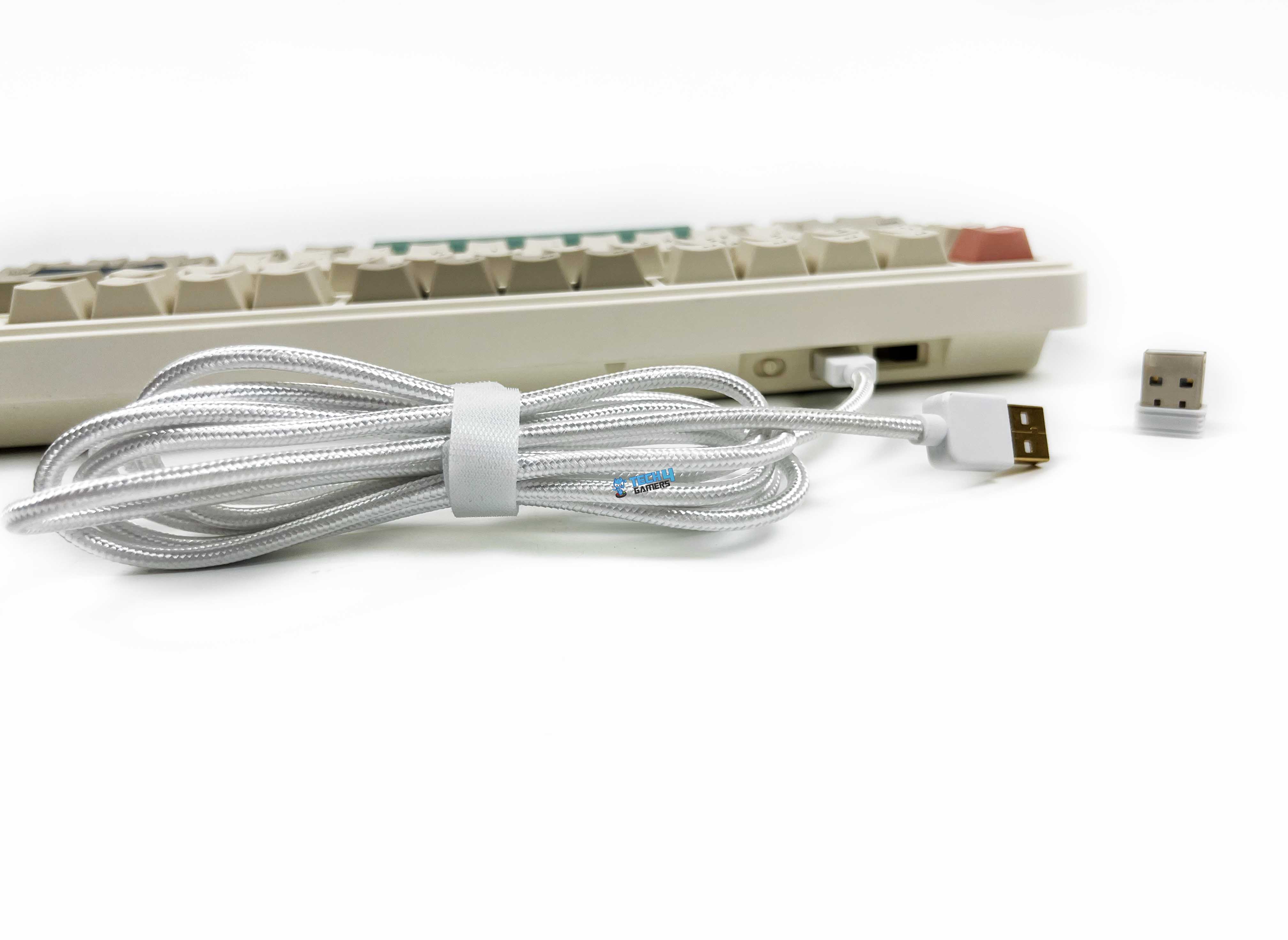
The Epomaker RT82’s connectivity options are flexible enough to cover most setups. You get a braided USB-C cable for a plug-and-play connection. For wireless use, it makes switching between modes straightforward. There’s a little toggle on the underside that lets you switch between 2.4GHz and Bluetooth, and it even has a small nook to store the 2.4GHz dongle when it’s not in use. Getting into wired mode is as simple as flipping the switch to the middle and plugging in the cable.
For 2.4GHz, you flip it over to that side, and a green “R” on the keyboard blinks slowly. Holding Fn + R puts it into pairing mode, and the screen tells you it’s ready. Bluetooth is just as simple. Slide the switch over, hold Fn + Q, W, or E depending on which device slot you want, and the screen will tell you it’s pairing. For those who prioritize multi-mode connectivity like this, our best wireless gaming keyboards list offers a broader look at alternatives worth considering.
Performance
Using the RT82 day to day, feels responsive. Gaming or fast typing doesn’t give any performance issues. The keyboard supports a 1000Hz polling rate in wired and 2.4GHz modes, with latency as low as 3ms wired and 5ms over 2.4GHz. Bluetooth drops to 125Hz and about 15ms, but for casual use, it still feels responsive. Switching between Bluetooth and 2.4GHz works as expected. The keyboard doesn’t chase esports-grade numbers.
Still, inputs feel stable, and the feedback matches the sense of control it gives. When it comes to gaming, I feel confident. Every keypress feels immediate, and there’s no lag between what I press and what happens on screen. Even in fast-paced games, movement and executing combos felt natural. Notably, N-Key rollover ensures that rapid keypresses never get missed.
Battery Life
The Epomaker RT82 battery life numbers actually line up with real use. The built-in 4000mAh battery isn’t tiny. With both the RGB and the screen on, I got around 14 hours of usage before it asked for a charge. Turning the screen off stretched that to roughly 17 hours, which covers most of a full day without worrying. If you don’t mind skipping the lights, the keyboard can last 45 hours with RGB off and the screen on, or 115 hours with both off.
Charging via USB-C is hassle-free. I found that plugging it in every few days with all the extras on was enough to keep it running comfortably. Wired users won’t have to worry about this at all, and even in wireless mode, battery anxiety is mostly avoidable once you understand how the features affect runtime. Lastly, the battery indicator on the screen is helpful, so there’s no need for guesswork.
Software
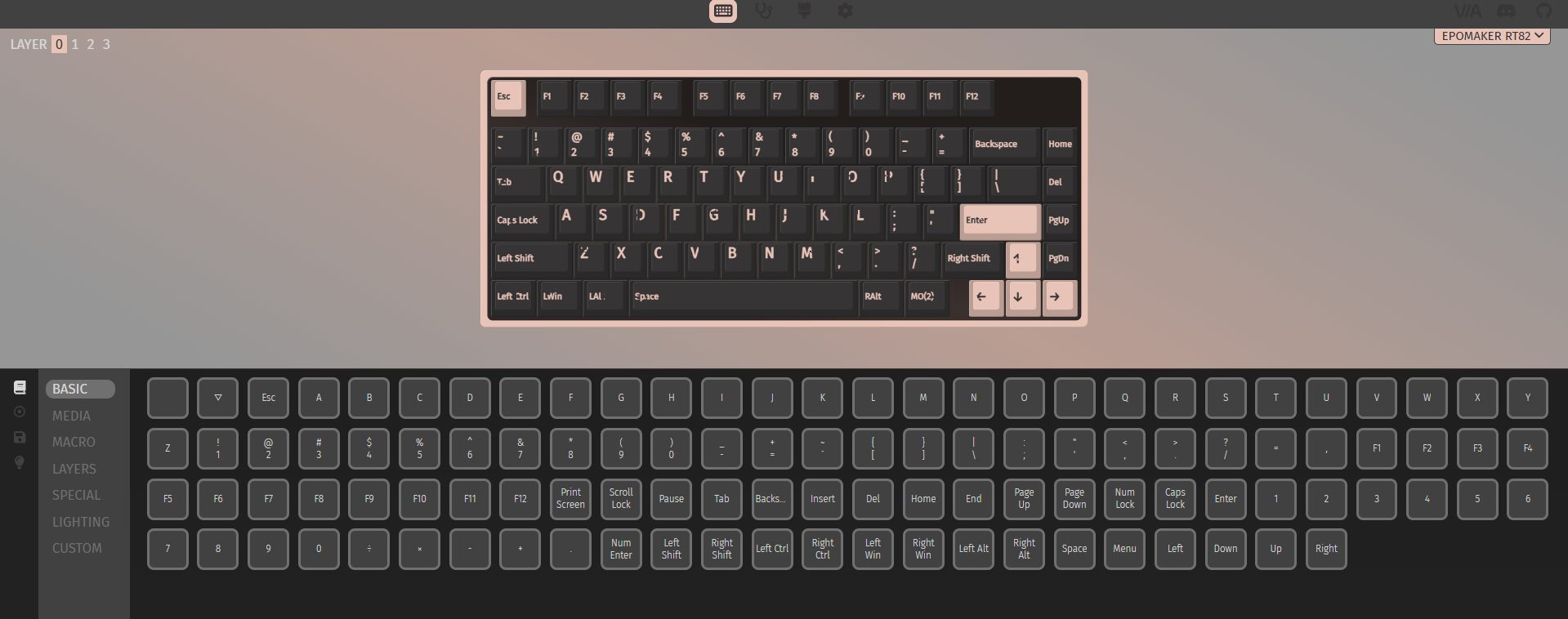
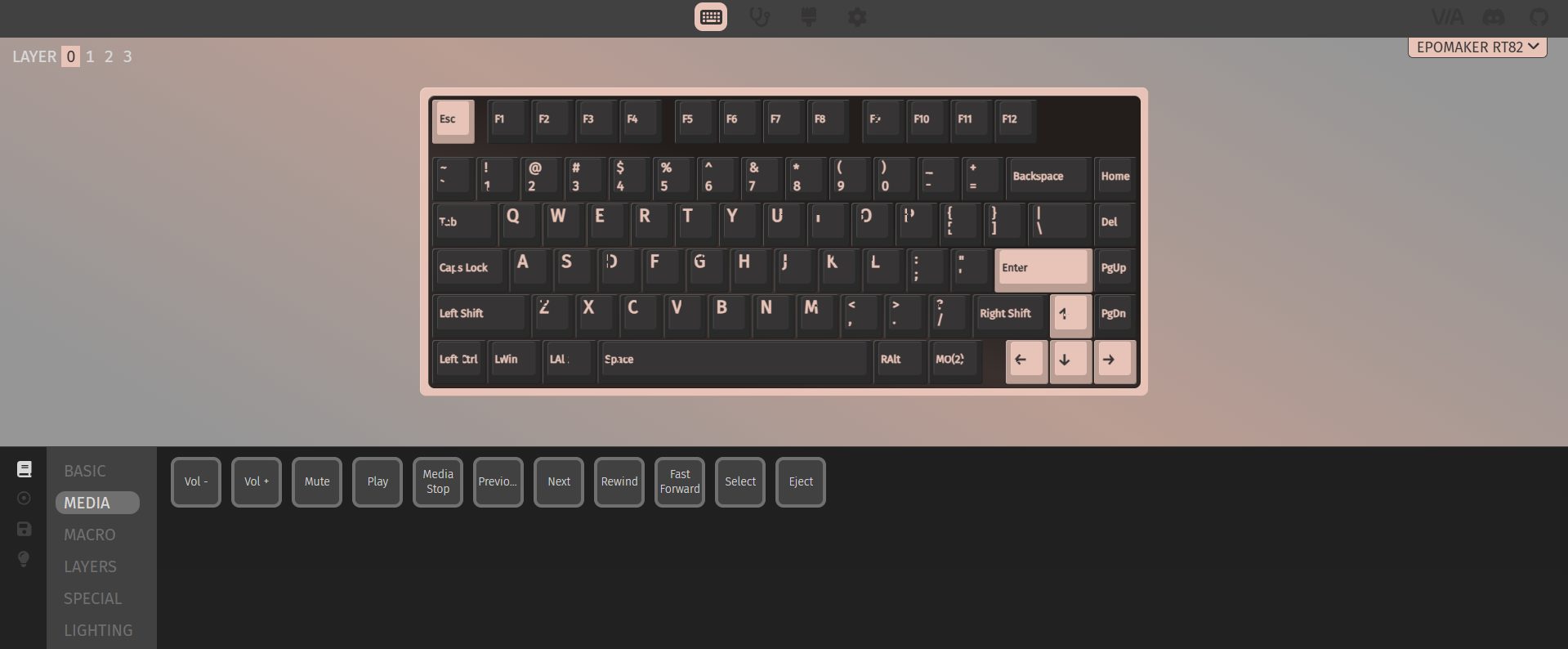
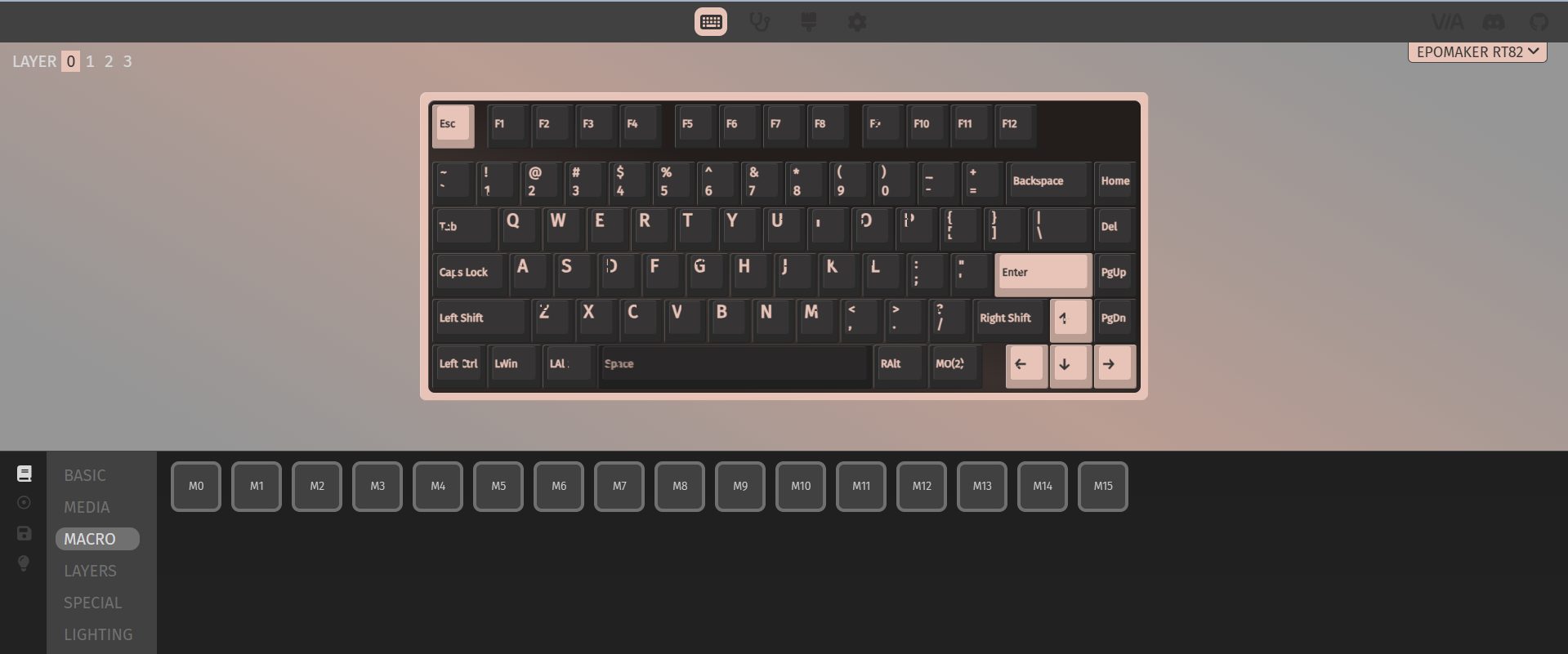
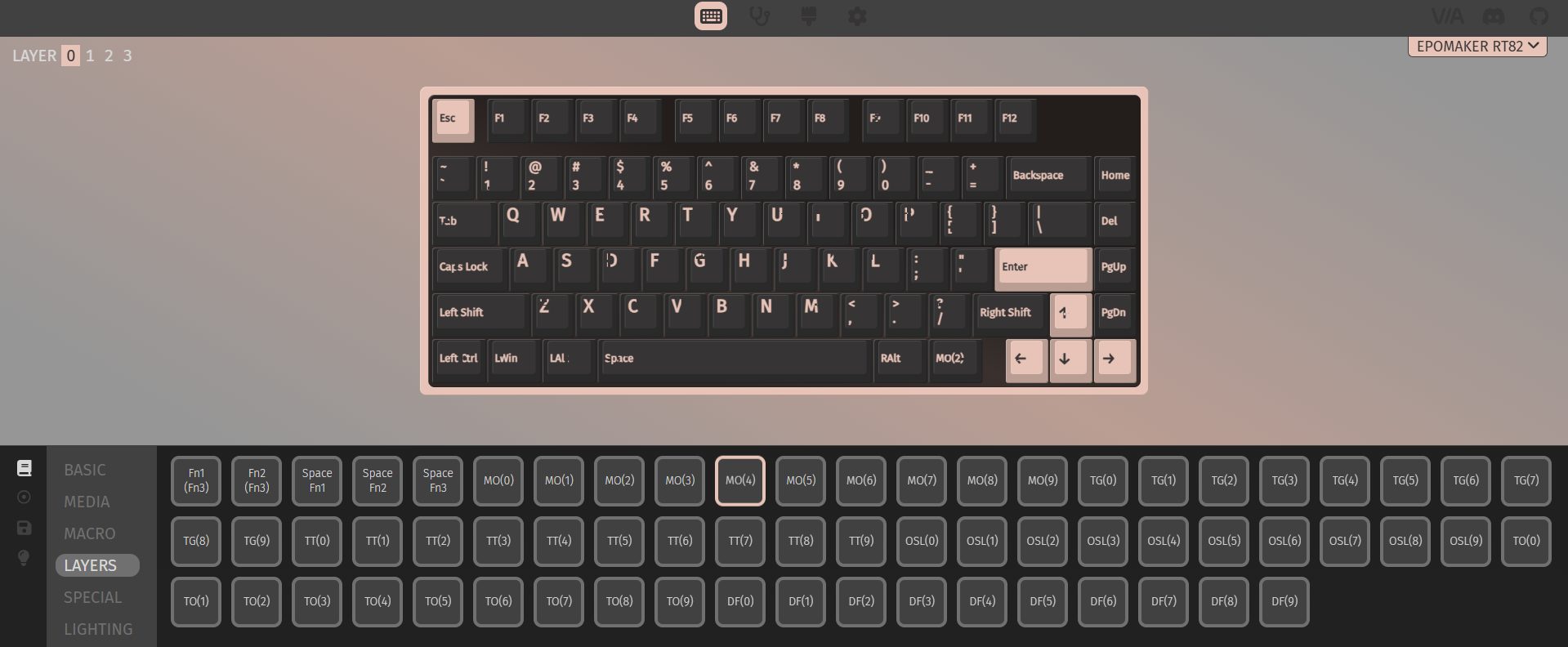
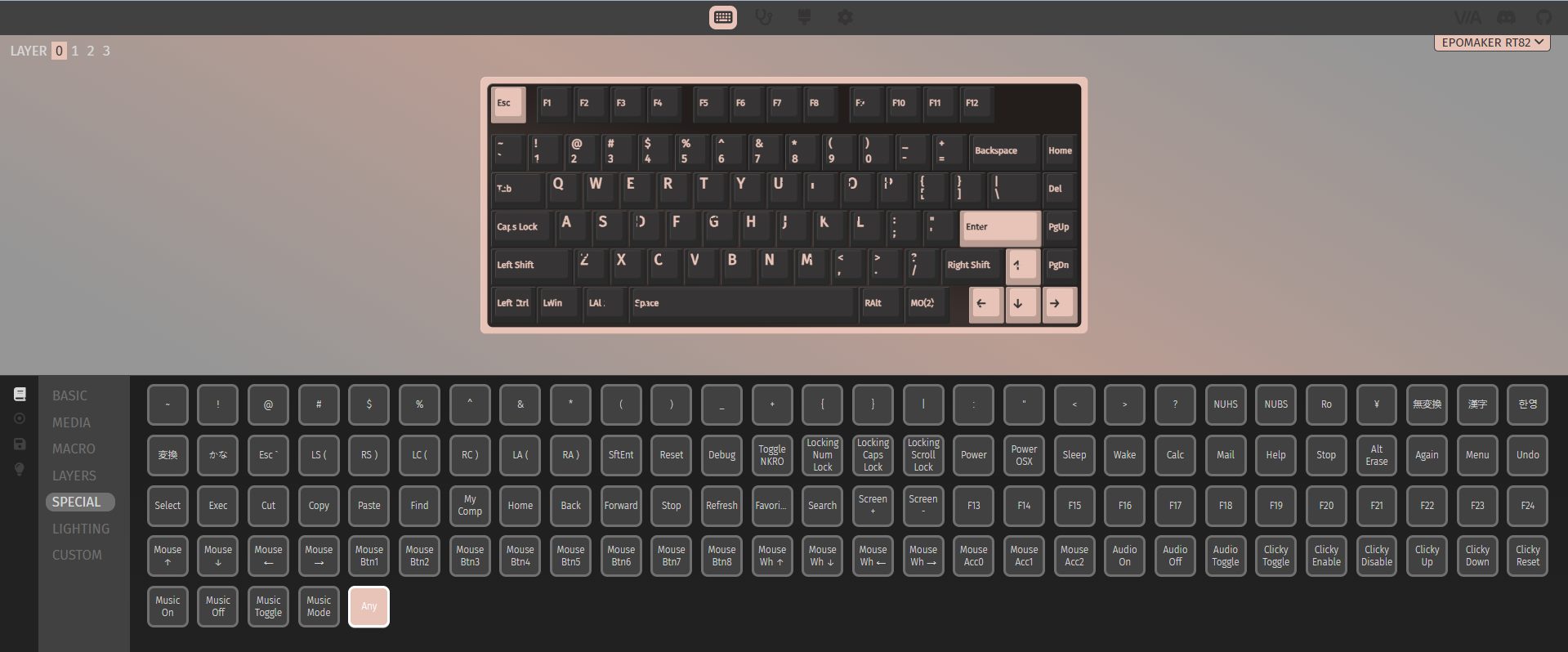
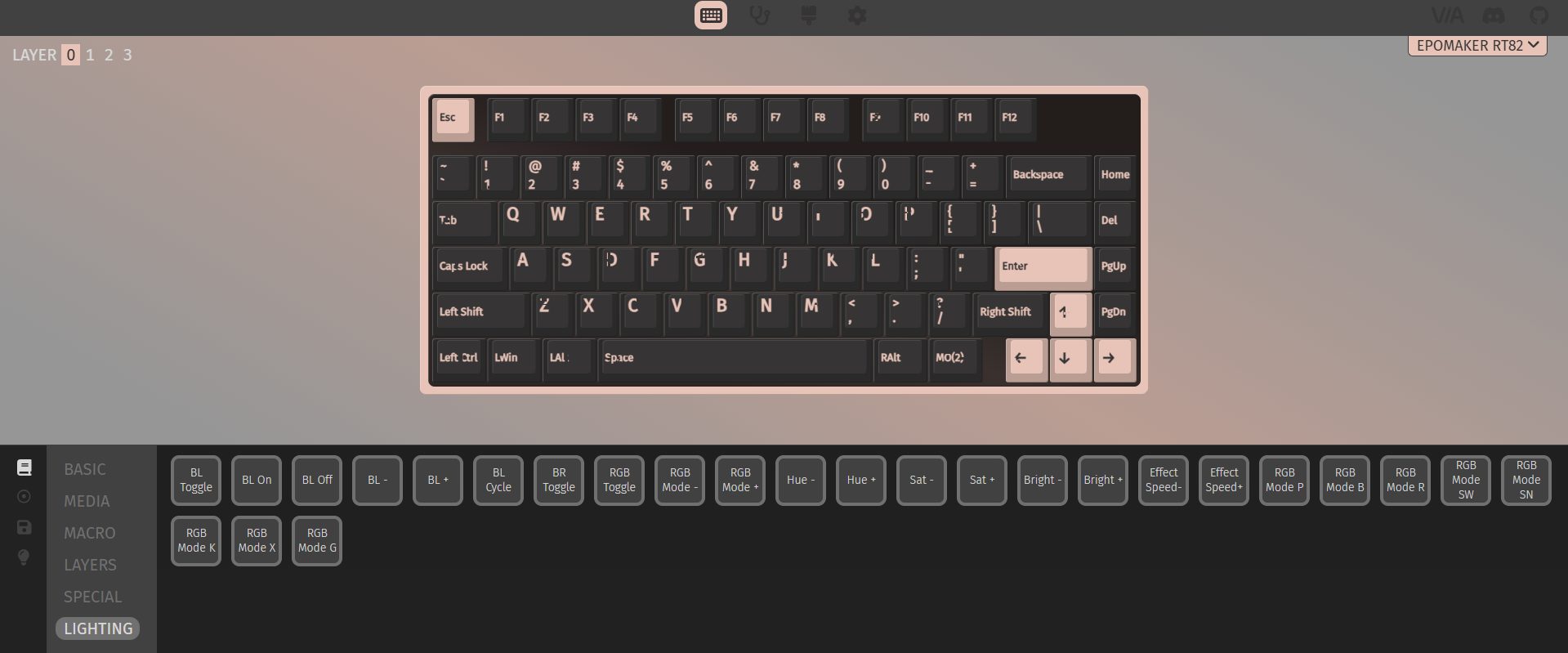
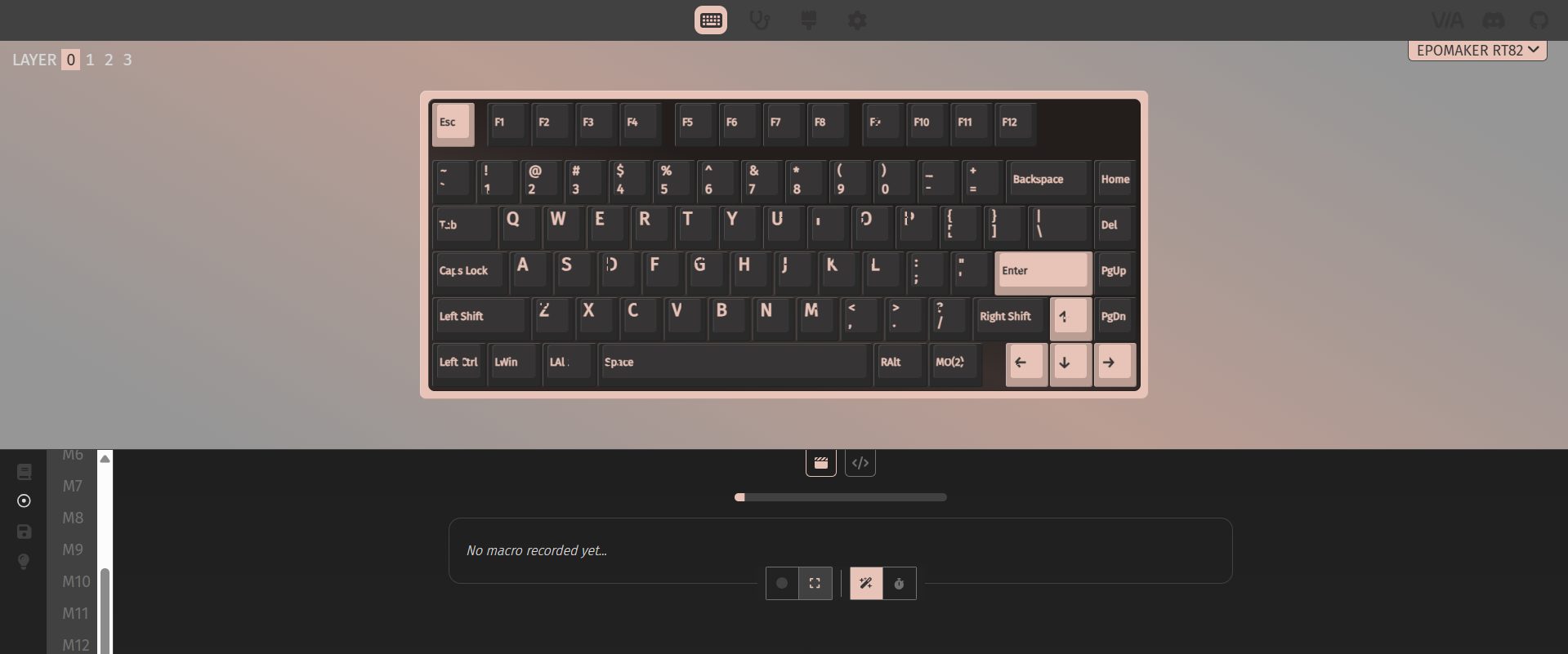
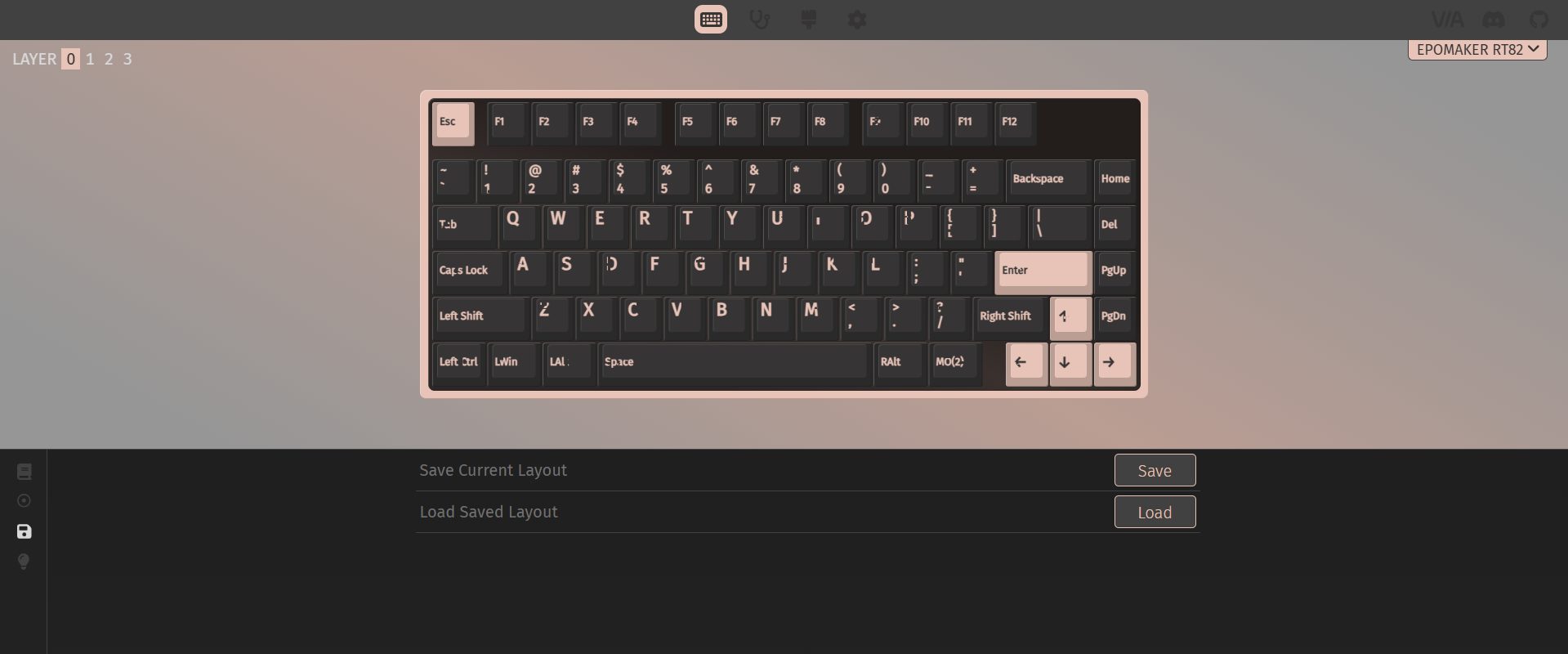
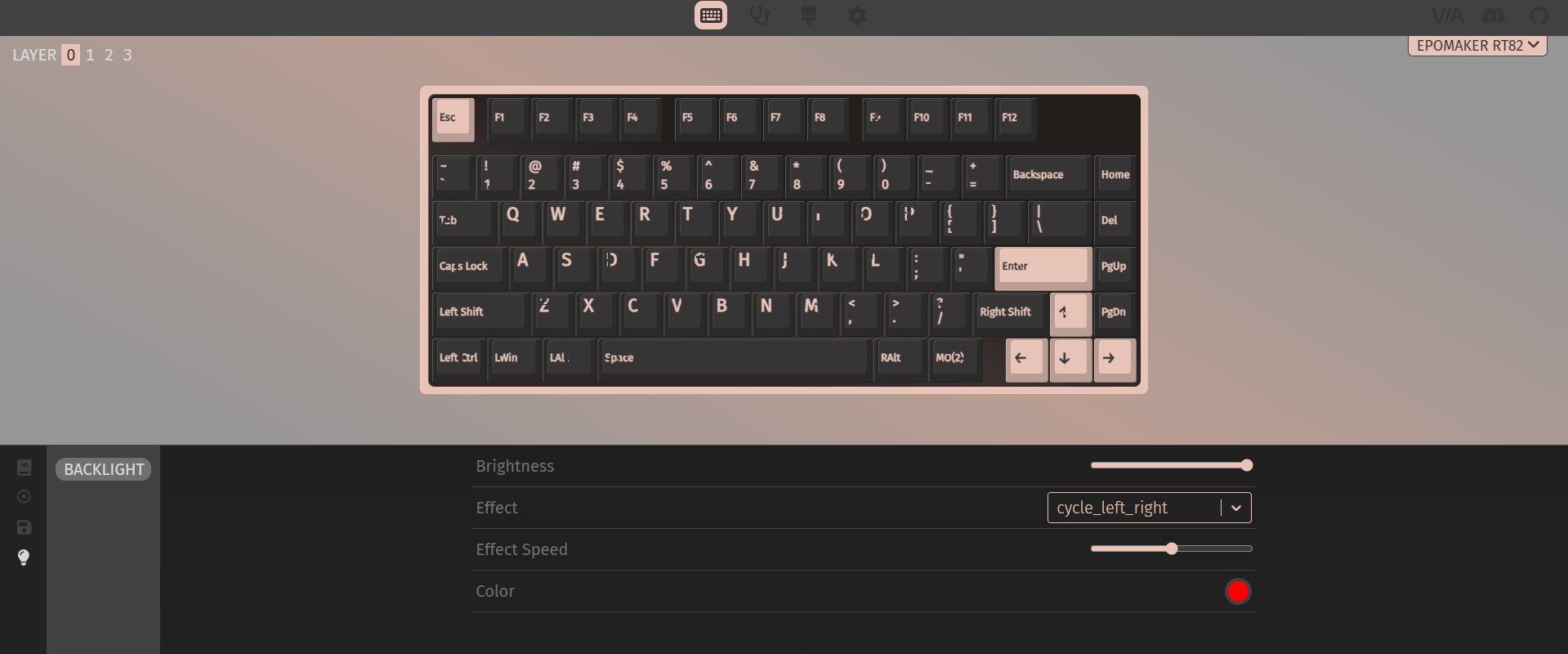
The Epomaker RT82’s software is robust. You don’t need to install anything as it runs in your browser, which is convenient if you don’t want extra programs cluttering your system. VIA support gives you serious customization, letting you remap keys, assign macros, and tweak advanced functions. For someone who likes to tinker, that’s a lot of depth.
Uploading GIFs to the little screen is a similar story. You go to the browser-based tool, connect the keyboard in wired mode, upload your GIF, and then download it to the device. It works, and it’s fun once it’s running. That said, first-time users can hit a few bumps. For enthusiasts, it won’t be a deal-breaker. They’ll figure it out and push the keyboard to its full potential. Casual users might stop after trying a few presets and leave it at that.
Should You Buy it?
Buy it if
✅ You care about typing feel: The pre-lubed Creamy Jade switches and layered sound dampening make long typing sessions comfortable and pleasantly quiet.
✅ You want flexible connectivity: With wired USB-C, 2.4GHz wireless, and Bluetooth support, this keyboard adapts easily to multiple devices, and switching between them is easy.
Don’t Buy it if
❌ You prefer ultra-light keyboards: At around 1kg, the RT82 is heavier than many compact 75% keyboards.
❌ You’re picky about aesthetics: The retro beige-inspired colorway is nostalgic but may not appeal to everyone or fit every setup.
Final Verdict
Spending time with the Epomaker RT82 leaves an interesting impression. It feels thoughtfully put together. This is the kind of keyboard that will click with people who like to fiddle a bit and enjoy calm, steady typing. In today’s market, the RT82 hits a sweet spot. At $89.99, it sits above entry-level boards without straying into overly fancy territory and without requiring a full custom setup. I feel confident in recommending it because it beats most prebuilt keyboards in this segment.
Thank you! Please share your positive feedback. 🔋
How could we improve this post? Please Help us. 😔

[Hardware Reviewer & Editor]
After many years of exploiting various pieces of hardware, Abdul Hannan now serves as an editor at Tech4Gamers. He’s been in the PC hardware reviewing industry for almost a decade, and his staff of passionate geeks and reviewers is second to none.
Abdul Hannan is constantly seeking new methods, you will always see him running into New Computer Courses to improve the performance of his computer components since he is an ardent overclocker. He is well-known for providing the most extensive and unbiased analysis of the newest and greatest hardware for PC gaming, including everything from GPUs to PSUs.
 Join Our Community