- Gaming videos are played and shared across PCs, consoles, and phones, but files often fail to work on every device.
- Most players use conversion tools for basic quality-of-life needs, like shrinking files for Discord.
- A single game session is frequently turned into multiple formats, including social clips, YouTube videos, and audio memes for soundboards.
Gaming isn’t just about playing anymore. It’s clips, streams, tutorials, podcasts, replays, Discord shares, and content flying between phones, consoles, PCs, tablets, and handhelds. If you’re part of gaming culture online, you already know how messy that can get. One device plays the file fine, another refuses to open it, and suddenly you’re stuck Googling formats instead of gaming.
That’s where video conversion tools quietly become part of the gaming lifestyle, even if most players don’t think about them directly.
Gaming Content Lives Everywhere Now
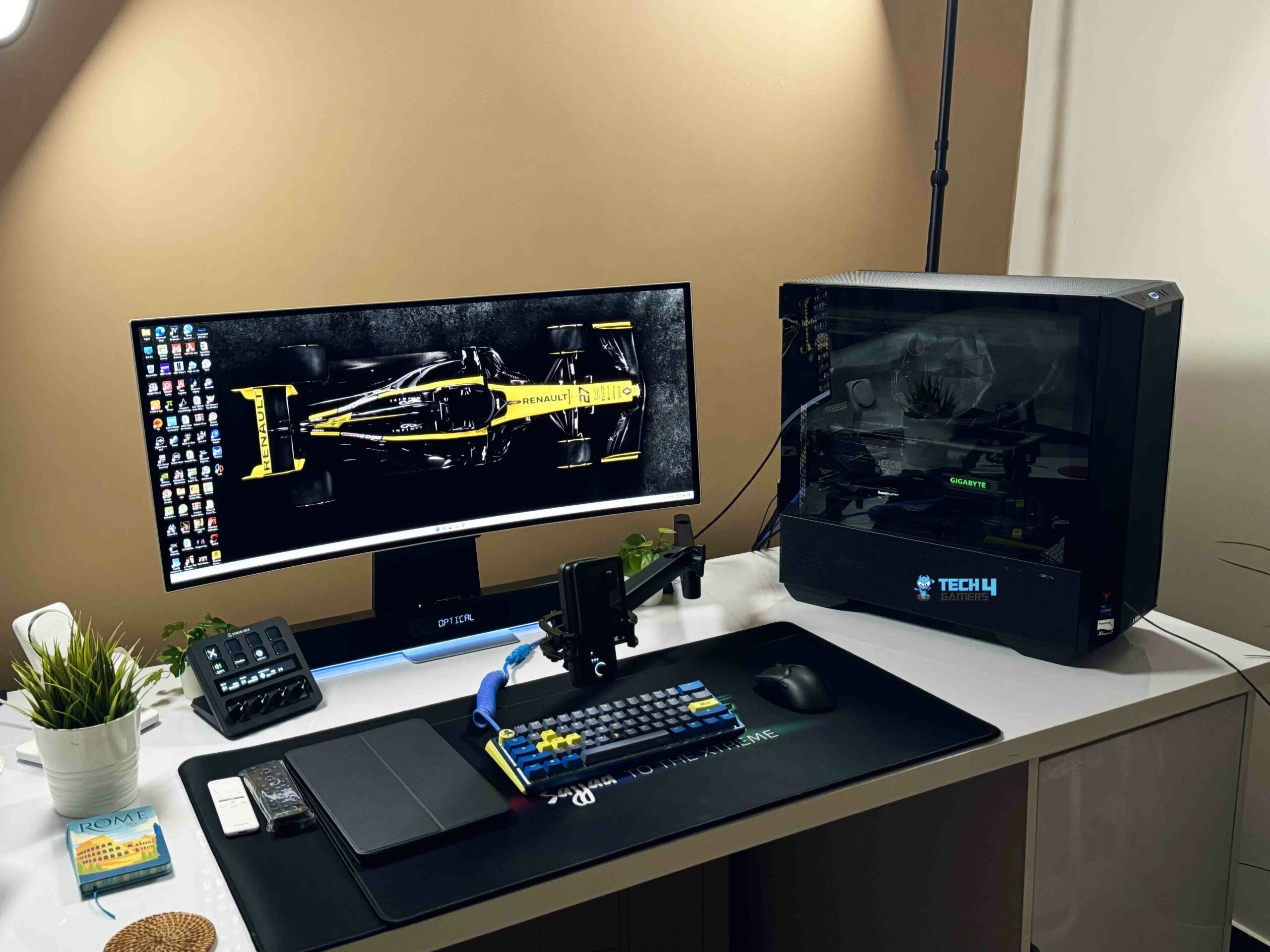
A single gaming session can turn into five different types of content. A Twitch clip for socials. A highlight reel for YouTube. Audio pulled for a podcast. A tutorial clip for Discord. A replay saved for later edits. None of that happens on one device or in one format.
And honestly, gaming setups aren’t simple anymore. You’ve got your main PC or console, your phone for socials, maybe a laptop for editing, a tablet for watching content in bed, and cloud storage bouncing files between all of them. Formats that work on one platform don’t always behave on another. That friction adds up fast.
This is why conversion tools matter for gamers. Not as some technical feature list, but as a quality-of-life thing that keeps content moving instead of blocking it.
Why Gamers Actually Use Conversion Tools
Most players aren’t converting files for “professional workflows.” They’re doing simple stuff:
- Pulling audio from a match clip for a meme
- Turning gameplay into podcast content
- Making clips easier to upload to socials
- Saving storage space on mobile
- Sharing files in Discord without format errors
Even something like an mp4 to wav converter becomes useful when you’re pulling clean voice audio from gameplay for edits, podcasts, or community content without dragging the whole video file around. It’s not about tech. It’s about speed and convenience.
Multi-Device Gaming Is The New Normal
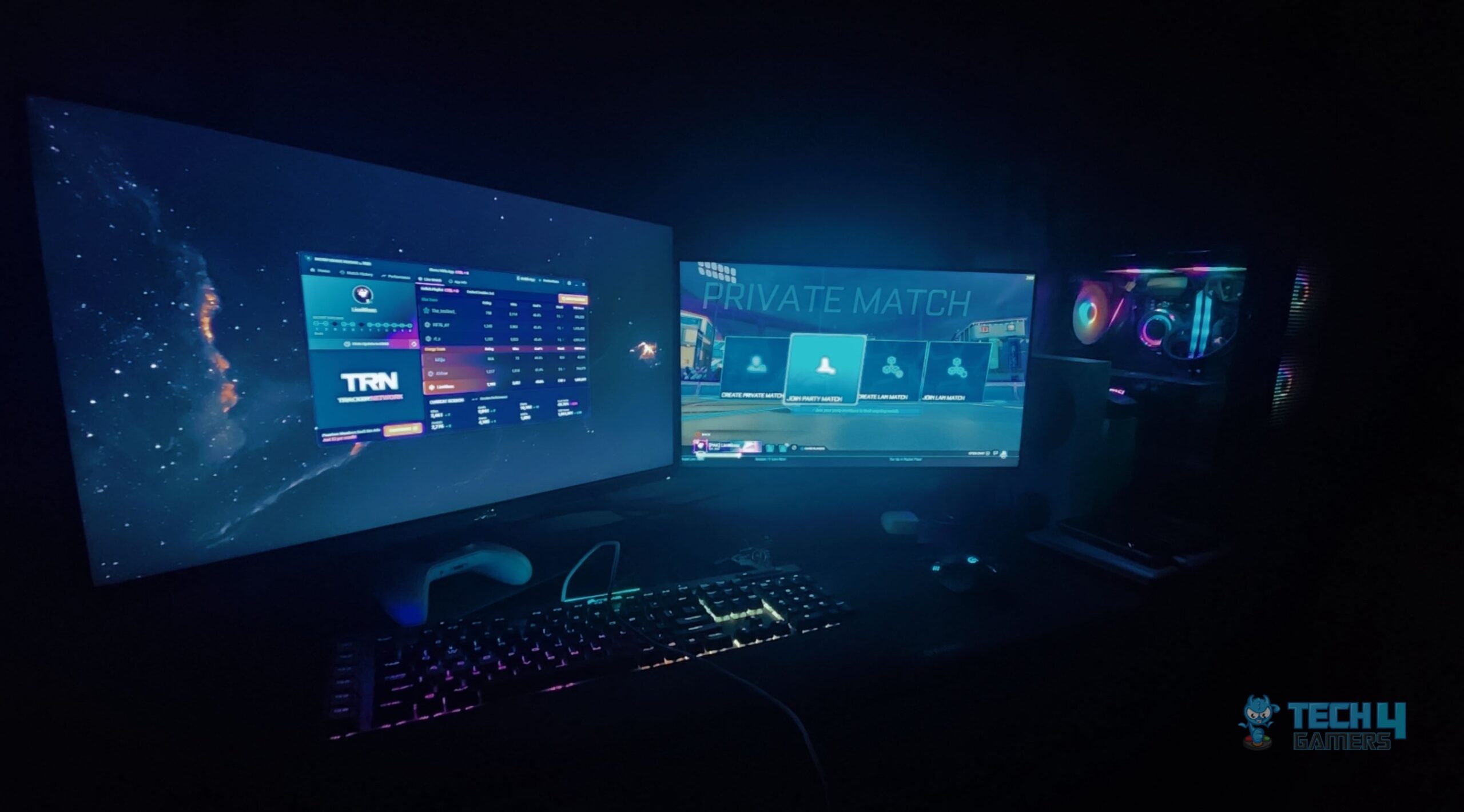
The average gamer doesn’t stay on one screen anymore. You might record on PC, edit on laptop, upload from your phone, and watch it back on a console app. That’s just normal now.
So accessibility isn’t about “devices” in a corporate sense. It’s about being able to move your content wherever your gaming life already exists. If your clips only work on one platform, they’re basically locked away.
Good conversion tools remove that friction. You stop thinking about formats and start thinking about content again.
A lot of articles make this sound like it’s for streamers, editors, or studios. That’s not real life gaming culture.
Casual players clip their wins. Friends share funny moments. Small creators post highlights. Communities remix content. Group chats are full of short clips and audio memes. Conversion tools support all of that without people even realizing it.
It’s just how gaming content moves now.
Where It Actually Helps The Most
From a gamer’s perspective, the real value shows up in simple situations:
- Faster sharing
- Smaller file sizes
- Fewer playback errors
- Easier uploads
- Cleaner edits
- Better cross-device support
Nobody cares about specs or settings. They care about whether the clip works on their phone and uploads without crashing.
Video conversion software isn’t exciting. It’s not flashy. It’s not something gamers hype. But it’s one of those background tools that quietly keeps gaming content flowing.
Without it, everything slows down. Sharing becomes annoying. Editing becomes harder. Cross-device content becomes frustrating. With it, things just work.
And in gaming, that’s what matters most. Less issues. More play. More sharing. More content moving between platforms without headaches.
Multi-device accessibility isn’t some big future concept. It’s already happening. Gaming lives across devices now. Conversion tools just make that reality smoother, cleaner, and less annoying for everyone who creates, clips, shares, or watches gaming content every day.
Thank you! Please share your positive feedback. 🔋
How could we improve this post? Please Help us. 😔

Passionate gamer and content creator with vast knowledge of video games, and I enjoy writing content about them. My creativity and ability to think outside the box allow me to approach gaming uniquely. With my dedication to gaming and content creation, I’m constantly exploring new ways to share my passion with others.
 Join Our Community