- Gaming PCs can seem quite expensive, but optimizing the building process can bring costs down.
- Picking the right CPU/GPU combo, peripherals, and other components is important.
- Building a PC suited to specific needs is also worth keeping in mind, since this can drive costs down further.
The PC gaming market is growing at an impressive pace, and it could soon cross the $200 billion threshold.
Unfortunately, the current AI crisis means that PC gaming is currently not as affordable as it should be. Now, more than ever, it’s important to understand how to optimize a PC build and save as much money as possible.
Why it matters: PC gaming offers incredible freedom compared to its console counterparts, making it a lot more appealing for those who wish to enjoy all types of games from all eras.
Prioritize Performance
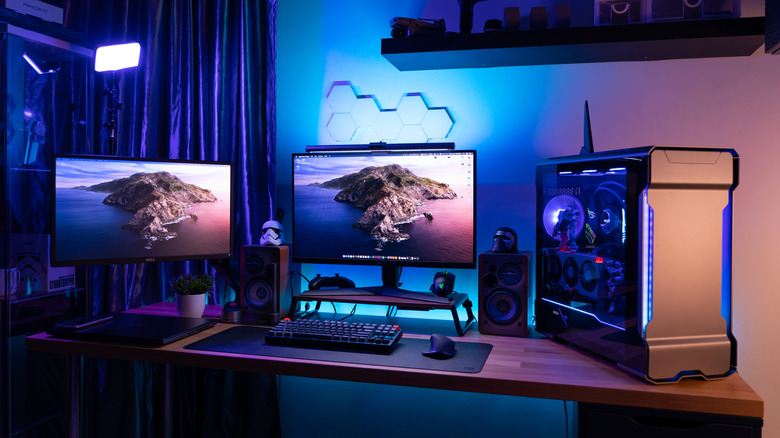
The good news is that recent technological advances mean that even gaming mini PCs are quite capable and can deliver incredible amounts of performance in a compact form factor.
Pick The Right Components
The requirements for a gaming PC can change based on the games you play. For instance, I enjoy classic single-player titles and retro games. This means that I don’t necessarily need a very high-end CPU and GPU.
In the case of eSports titles where frame rate matters much more than fidelity, a high-end CPU takes priority over an expensive GPU. Elsewhere, the latest single-player titles with ray-tracing and other bells and whistles demand cutting-edge graphics cards.
This is why it’s important to understand the type of build suited to your personal requirements.
Balance CPU and GPU
Eliminating bottlenecks is essential when building a PC. The last thing I would want is to have an expensive GPU be held back by a low-end CPU.
Typically, it’s best to pair a mid-range GPU with a mid-range CPU or a high-end GPU with a high-end CPU for the best results. In some instances, one or the other being better can still work out, but a balanced approach is recommended for most cases.
Don’t Overspend on Memory and Storage
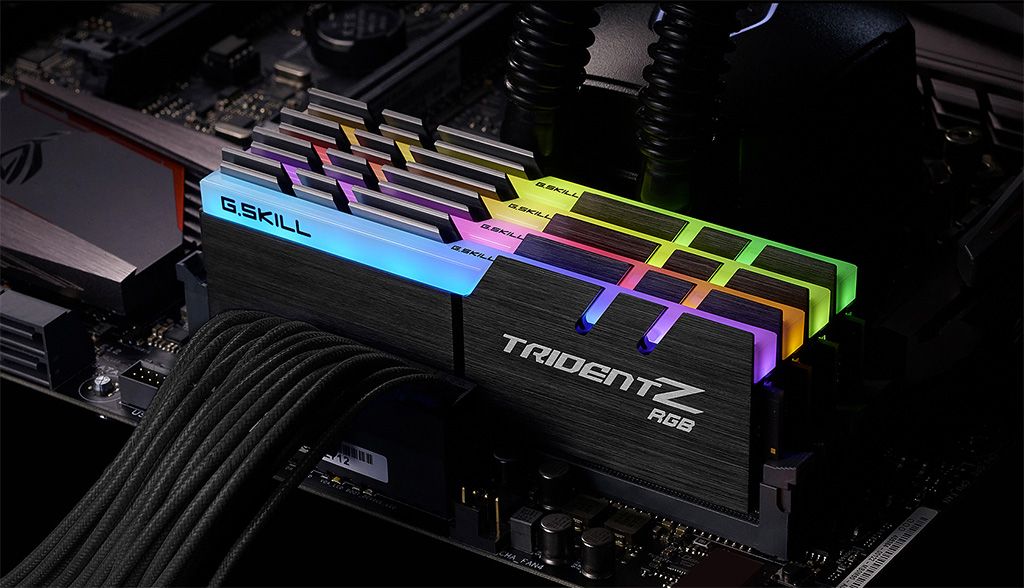
Having enough RAM is important for modern games, but one can easily spend too much on this component. Making sure you have just enough RAM is recommended, particularly because prices are so high at the moment.
Similarly, fast storage beyond certain speeds leads to mostly diminishing returns, so tread carefully before spending hundreds of dollars on the latest NVMe SSDs.
Optimize Cooling Before Upgrades
The last thing you want is for your gaming PC to heat up during intense sessions, so cooling should not be taken lightly.
Improving airflow, using better fans, CPU coolers, etc is an important part of building a solid PC. An effective cooling setup can even make room for more performance through overclocking and stable CPU/GPU operation.
Invest In The Display And Peripherals
As an extension of the point I mentioned above about balancing CPU and GPU capabilities, you should also balance the entire PC build. There’s no point in having an amazing PC coupled with a poor display and cheap peripherals.
Look for a display that makes games look as great as possible while offering high refresh rates. Also, make sure to be willing to spend some money on a high-quality mouse and keyboard combo for seamless gaming in the long run. Personally, I even recommend picking up a DualSense or Xbox controller for games that work best on controllers.
Don’t Upgrade Too Frequently
Yes, the upgradability of PC gaming is quite appealing, but it’s best to upgrade every few years to save the most money. Slower upgrades typically tend to offer much bigger jumps in performance while costing less.
Also, keep in mind that subtle hardware improvements make upgrading after every few years a much better idea since newer generations of CPUs and GPUs bring benefits beyond the raw performance.
Ultimately, PC gaming is all about flexibility, so you should build a PC that best suits your needs without breaking the bank.
Thank you! Please share your positive feedback. 🔋
How could we improve this post? Please Help us. 😔

[Senior News Reporter]
Avinash is currently pursuing a Business degree in Australia. For more than 5 years, he has been working as a gaming journalist, utilizing his writing skills and love for gaming to report on the latest updates in the industry. Avinash loves to play action games like Devil May Cry and has also been mentioned on highly regarded websites, such as IGN, GamesRadar, GameRant, Dualshockers, CBR, and Gamespot.
 Join Our Community