- Steam OS delivers a console-like handheld experience by removing desktop complexity and prioritizing instant gaming access.
- Software optimization allows Steam OS handhelds to attain much higher performance than Windows handhelds on nearly identical hardware.
- Steam OS handhelds come with better power efficiency, allowing for prolonged gaming sessions.
- Windows handhelds deliver better compatibility but sacrifice performance due to background processes.
The handheld PC market is at an important crossroad. On one hand, we have Windows handheld devices such as the ASUS ROG Ally X that focus on raw power and desktop compatibility. On the other hand, we have Steam OS powered devices that focus on delivering something different. Steam handhelds are built in such a way that the OS blends in the background, leaving only the game and peak immersion. The numbers on either side make it clear which approach gamers prefer.
Where SteamOS Outperforms
Steam OS was particularly designed for handheld gaming. SteamOS was especially designed for handheld gaming. Boot a Steam Deck, or SteamOS powered Legion Go, and you are immediately in your game library without any desktop, start menu, or antivirus notifications. It is the difference between picking up a Nintendo Switch and booting up a laptop. This focus on simplicity delivers real-world results.
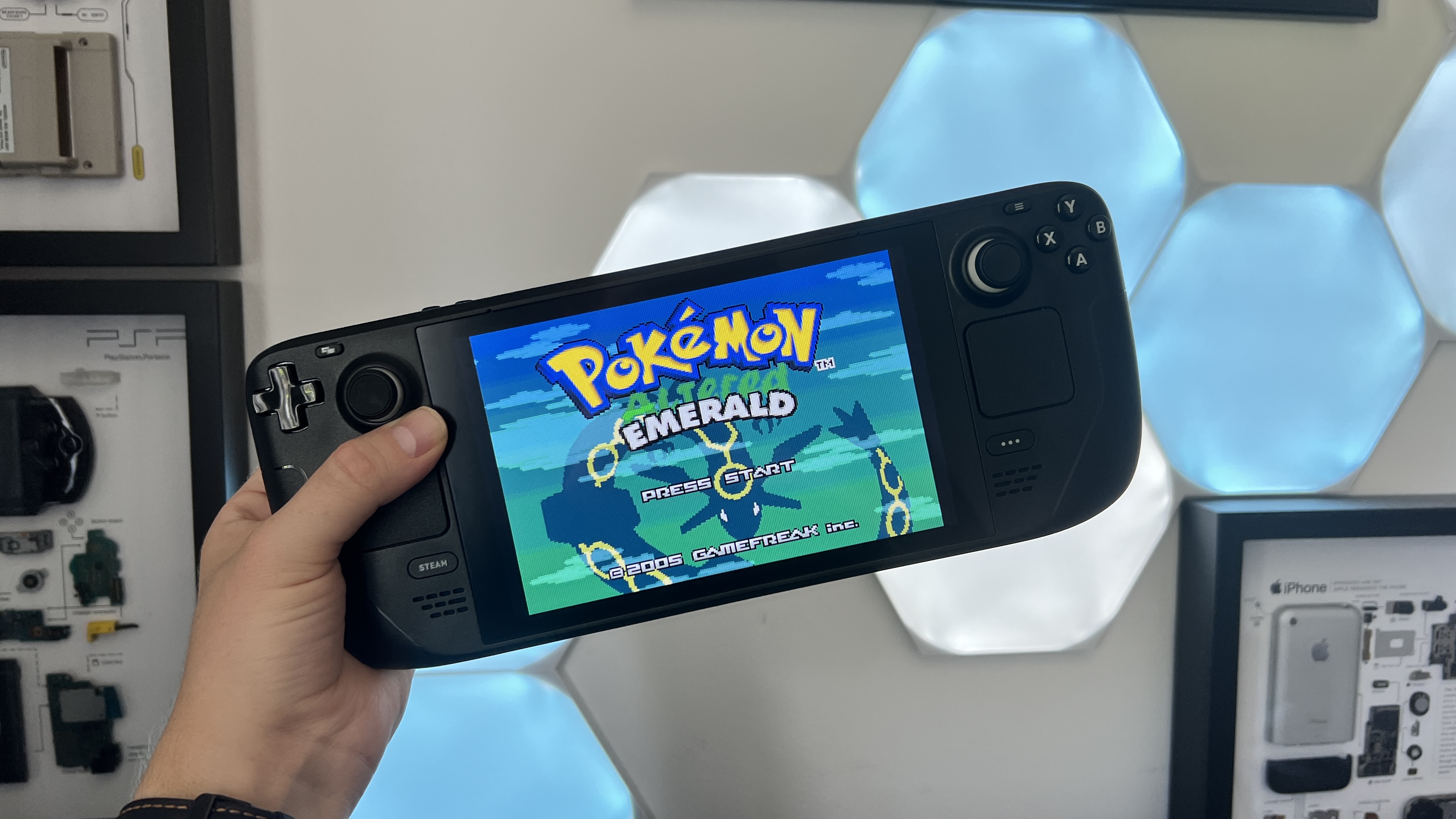
When testers compared the same hardware running different operating systems, the performance gap was massive. The Lenovo Legion Go S ran games 69% faster on SteamOS than with Windows. SteamOS averaged 39 frames per second while Windows averaged 23 fps. This is a huge performance gap achieved just through software without spending anything extra on better hardware.
The ROG Ally X tells a similar story. Running SteamOS delivers up to 32 percent higher performance, more stable temperatures, and quicker resume from sleep. SteamOS simply uses some of the CPU cycles that Windows consumes for background services to optimize every watt for gaming.
Battery Life: Real World Difference
Specs alone don’t capture the experience of an everyday user. Battery life is also a big priority for gamers, especially for long gaming sessions. In this aspect, the Steam Deck consistently delivers three to six hours of gameplay. The ROG Ally X, on the other hand, maintains about two to four hours of battery under similar gameplay conditions.
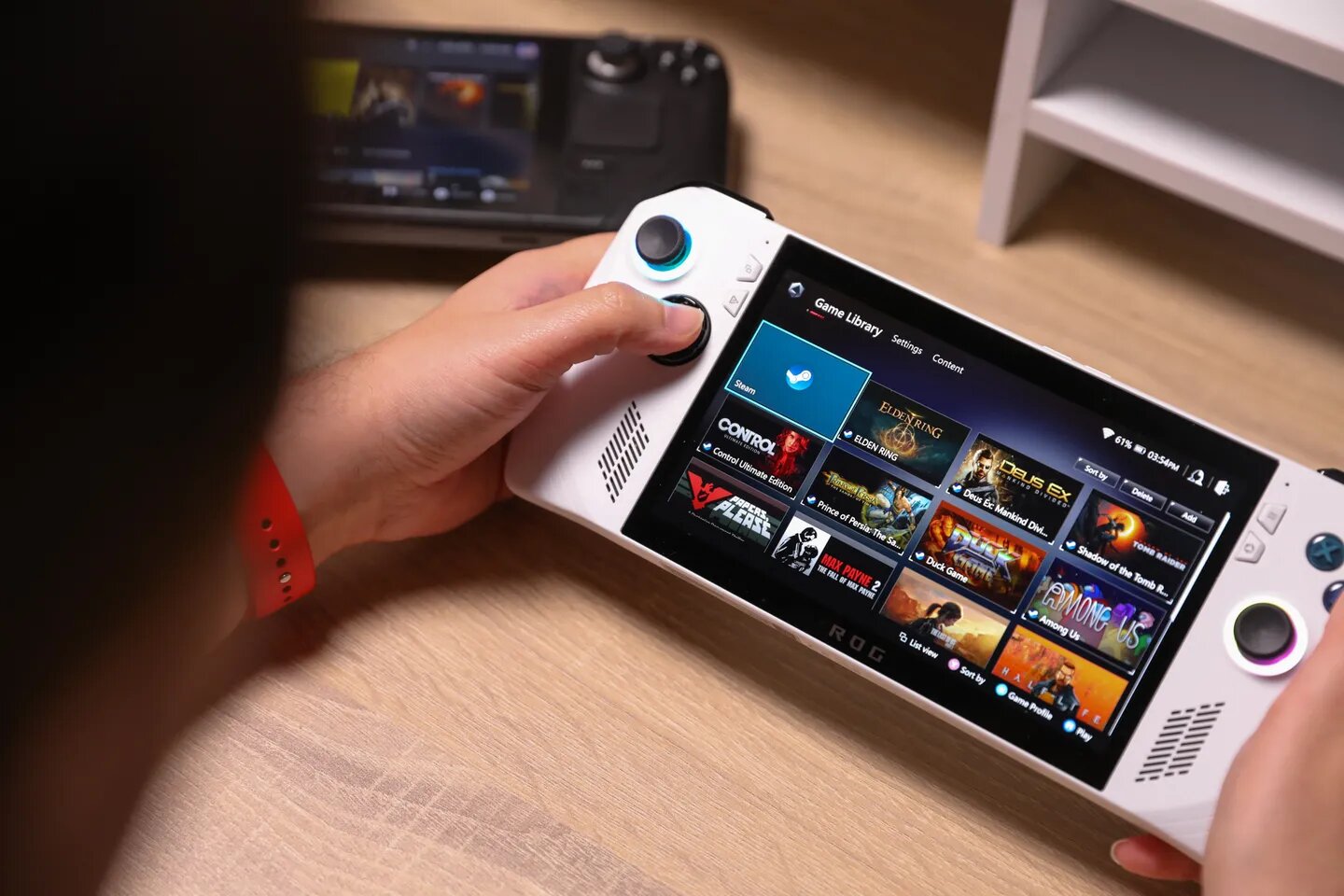
The Steam Deck’s 50-watt-hour battery, working side-by-side with SteamOS, gives users the maximum playtime from available power. In contrast, the ROG Ally X packs a larger 80-watt-hour battery, but because of the inefficient and bloated Windows operating system, it loses the test when compared to the Steam Deck despite having superior hardware capacity.
The Compromises of Windows Handhelds
Windows handhelds do offer unmatched capabilities. An ASUS ROG Ally X running
Windows 11 Home gives users the ability to access Game Pass, the Epic Games Store, and other third-party launchers without workarounds. Players who enjoy anti-cheat multiplayer titles or modding rely on Windows tools, and for said players, Windows remains the safer choice.
This compatibility and versatility do come at a cost. Background processes, driver updates, and Windows itself running in the background take up valuable CPU cycles. The resources that could be used for powering games are allocated to managing a full PC environment on a small screen controlled by thumbs on an operating system designed for keyboard and mouse, awkwardly repurposed for handheld, creating usability problems.
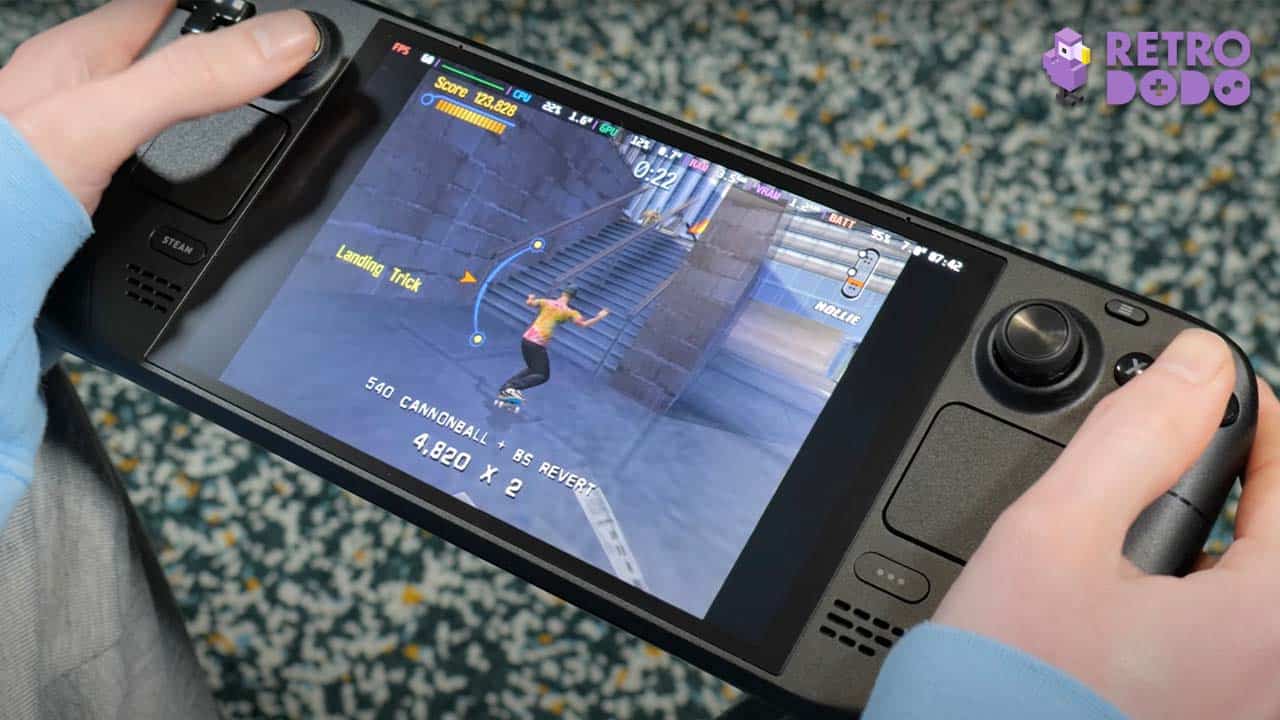
Microsoft has responded to the usability problem with the Xbox Full Screen Experience on devices like the ROG Ally X, but it only hides Windows running in the background, and though a meaningful change, it does not address the underlying inefficiencies, serving only as a shell on top of Windows rather than a ground-up redesign.
VRAM and Futureproofing
One major concern for Windows handhelds is their VRAM configuration, with devices typically being manufactured with 8GB or 16GB of video memory. Most 2026 titles can be played just fine on 1080p on this hardware, but there is little room for future usability. As games continue to be more resource-intensive, the limitations of low VRAM become apparent.
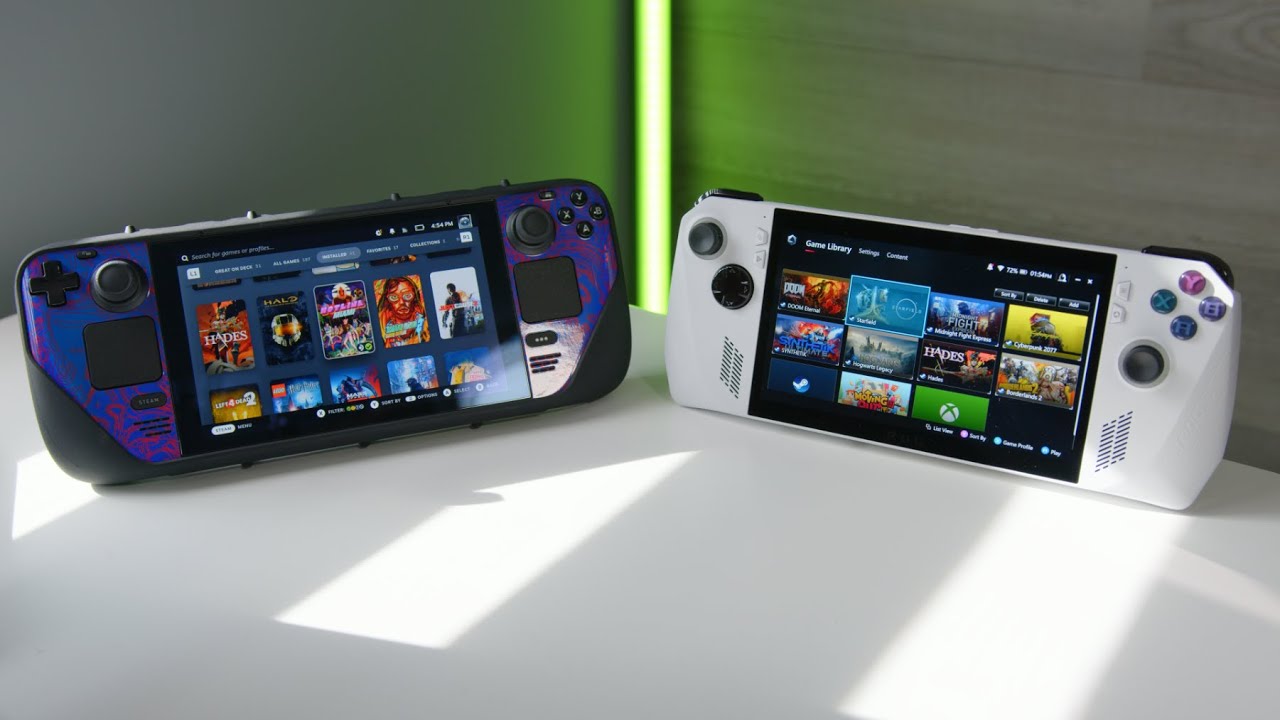
SteamOS doesn’t solve hardware limitations, but because of its lighter footprint, more VRAM remains available for textures and game assets, and users can enjoy a larger proportion of the hardware being directed towards running the games smoothly. On the software level, Proton, Valve’s compatibility layer translating Windows graphics and ray tracing calls to Linux commands, also continues to see improvement, with it currently being able to run 87% of the games available on Steam smoothly with ray tracing and in general a higher visual fidelity.
Final Thoughts
SteamOS is not winning because it’s technically superior to Windows, but because of its efficiency and respect for the constraints of handheld gaming: limited battery capacity, thumb controls, and the philosophy that handheld gaming devices should prioritize gaming above all else.
Windows handhelds do offer more versatility and desktop flexibility by being, for lack of a better term, more bloated as a platform. SteamOS delivers what Windows cannot, an experience where the technology fades away, leaving the user only with the game.
Thank you! Please share your positive feedback. 🔋
How could we improve this post? Please Help us. 😔

[Comparisons Expert]
Shehryar Khan, a seasoned PC hardware expert, brings over five years of extensive experience and a deep passion for the world of technology. With a love for building PCs and a genuine enthusiasm for exploring the latest advancements in components, his expertise shines through his work and dedication towards this field. Currently, Shehryar is rocking a custom loop setup for his built.
Get In Touch: shehryar@tech4gamers.com
 Join Our Community