- Modding your keyboard doesn’t always need to be expensive; the most noticeable typing improvements can be achieved with a couple of dollars and a few hours of your time.
- Tape and foam mods come first after which seasoned gamers can then think about lubricating their keyboard’s stabilizers and switches.
- The most complex mods involve investing heavily in specialized gasket mounts or expensive casings crafted from sound dampening material like aluminum or brass in addition to custom PCBs; the refinements are pronounced, but there is a diminishing law of return.
Let’s be honest: it’s incredibly easy to fall down the keyboard enthusiast rabbit hole.
One minute you’re typing happily on your good ol’ mechanical board, the next you’re staring at a shopping cart filled with the Best $200 Custom Gaming Keyboards and their relevant prized accessories like limited-edition keycaps. I’ve been there.
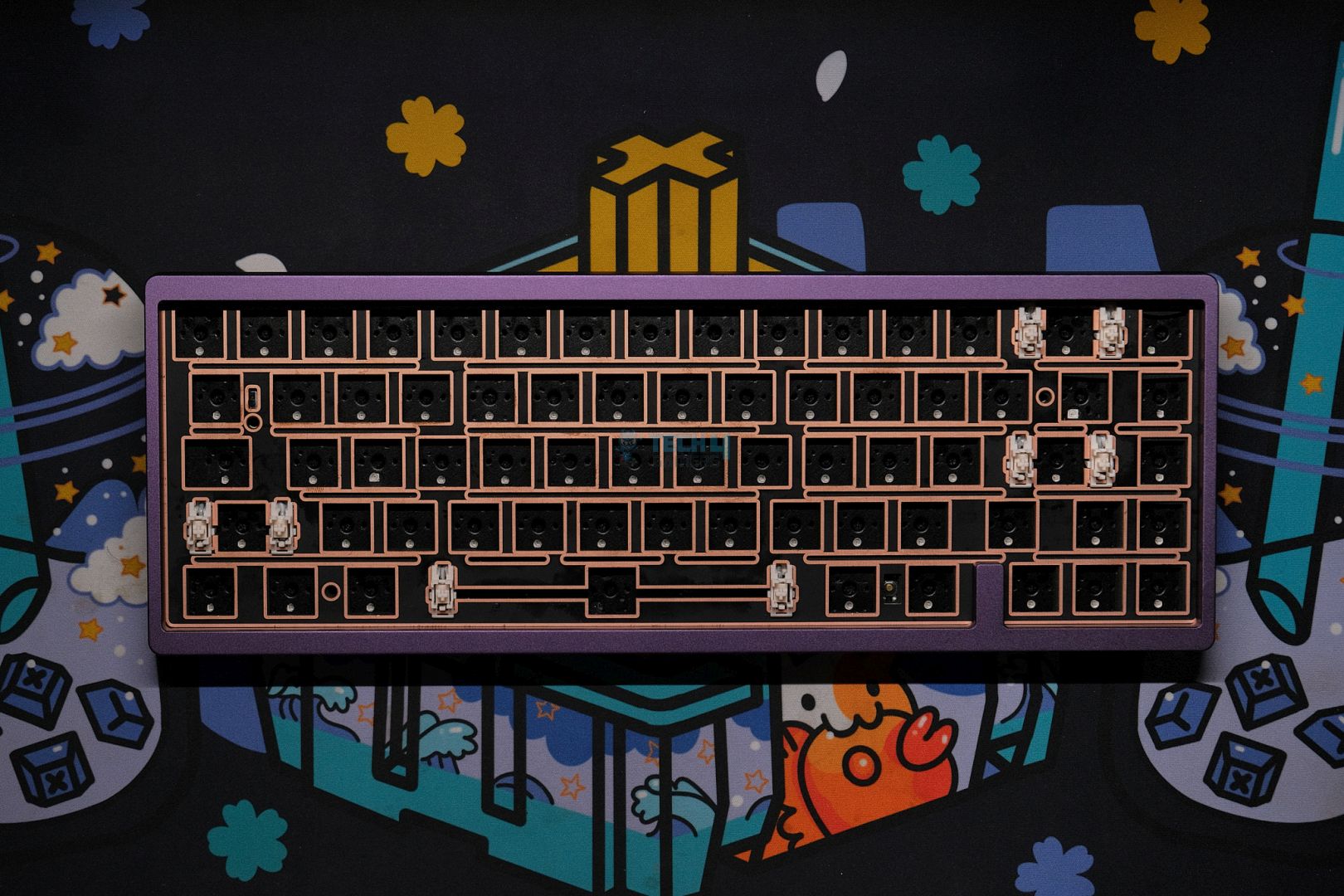
That said, what if I told you that the single biggest upgrade to your typing experience doesn’t come from your wallet, but from a roll of masking tape and an afternoon of tinkering?
After modding more keyboards than I can count, I’ve learned that the soul of a great typing experience isn’t its price tag. It’s the meticulous, personal touches you add yourself.
Best of all, the most impactful modifications cost literal pennies.
Forget saving for a new board; here’s how I transform any keyboard from clunky to glorious (no pun intended) on a shoestring budget.
The Foundation Of Sound: Tape And Foam Modding
We must begin with the absolute cornerstone of budget modding: the Tape Mod.
This is my number one recommendation for anyone, regardless of their keyboard. The process is hilariously simple.
You open up your keyboard case, flip the printed circuit board (PCB) over, and apply one to three layers of painter’s tape or masking tape directly onto the back. Then, you simply reassemble everything.
Why does this work? The tape absorbs the harsh, high-frequency vibrations that travel through the PCB when you type.
The result is a dramatically deeper, softer, and more consistent sound profile. That cheap, hollow plastic echo vanishes, replaced by a satisfying, muted thock.
Cherry on top, the entire process takes five minutes and the tape might cost you thirty cents. The acoustic transformation, however, is priceless.
Next, we tackle Case Foam.
Why? Well, the empty space inside your keyboard case is an echo chamber.
By cutting a piece of packing foam, shelf liner, or even an old sponge to size and placing it inside the case, you eliminate that hollow reverb.
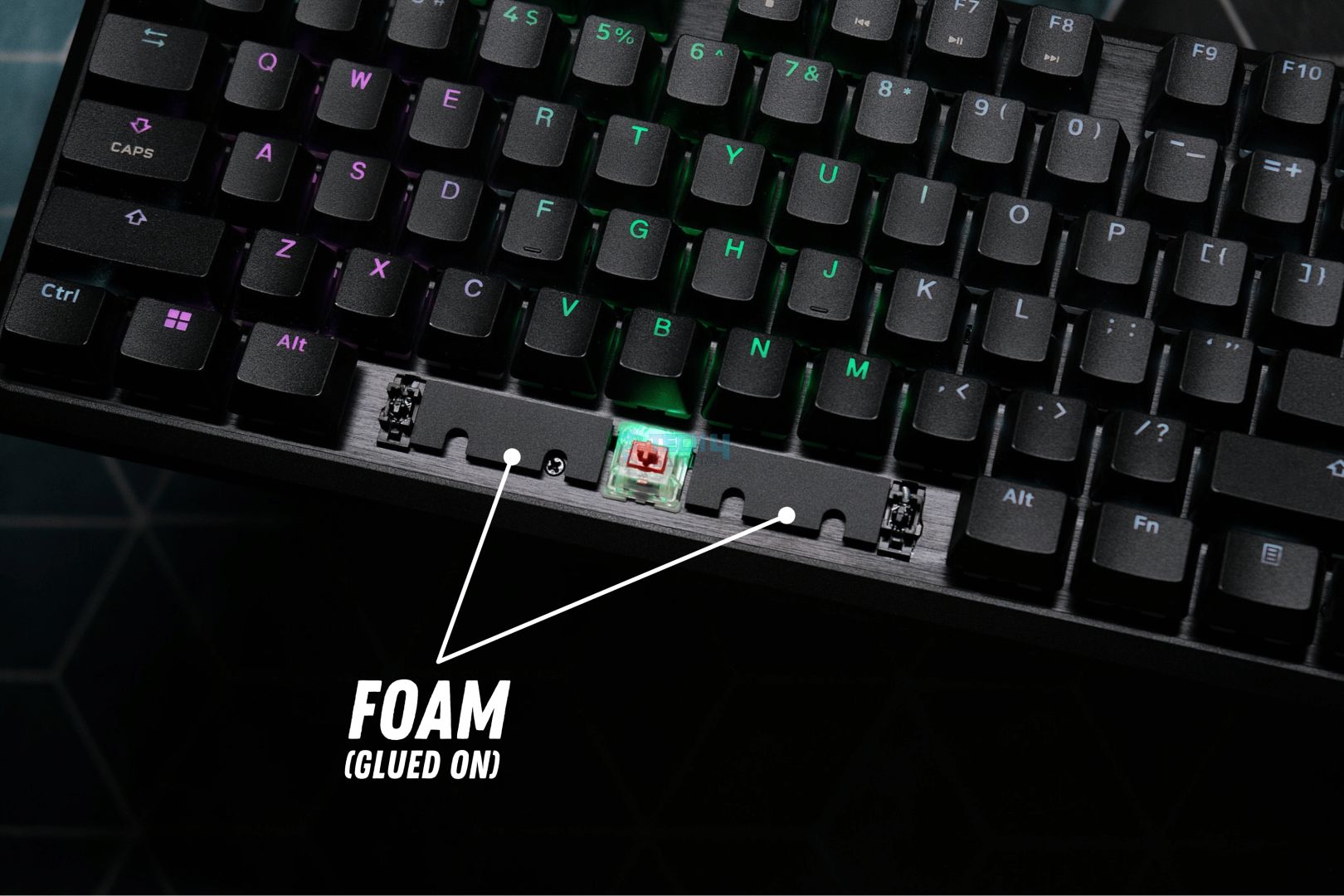
Combined with the tape mod, these two changes will make your $50 keyboard sound and feel like a premium instrument. I promise you, the difference is not subtle.
The Magic Of Lubrication
If your keyboard has a rattly spacebar or scratchy switches, lubrication is your salvation.
This is the step that elevates the feel from good to buttery smooth.
You don’t need a $40 lube station; a small vial of Krytox 205g0 or a cheaper dielectric grease will last for years.
The primary target is always the stabilizers, i.e., the mechanisms under your larger keys like the spacebar, Enter, and Shift keys.
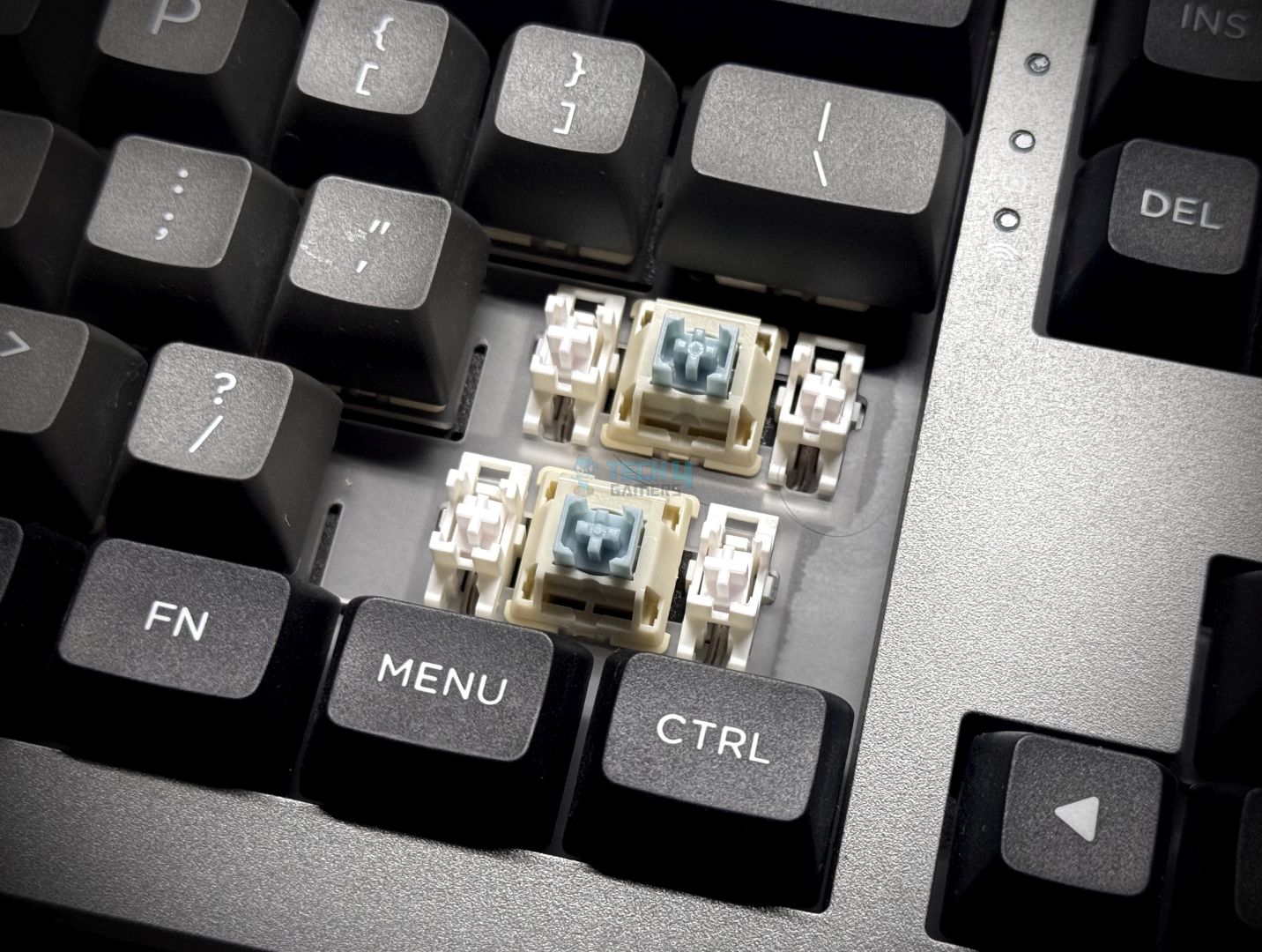
A dab of dielectric grease on the wire ends and a light coating on the plastic stems will murder that awful rattle instantly.
It’s a fifteen-minute job that yields a professional-level result.
For the truly adventurous, lubing the switches themselves is the final frontier.
This involves carefully opening each switch and applying a microscopic amount of grease to the sliding parts.
It’s a meditative, time-consuming process, but the reward is an impossibly smooth and quiet keystroke. The feeling is addictive; every press feels premium and intentional.
Hot-Swap Freedom vs. Soldered Permanence
Perhaps the most fun upgrade is swapping your switches.
Maybe you want a heavier spring for gaming or a tactile bump for typing.
Thankfully, the rise of hot-swappable PCBs has made this easier than ever.
If your keyboard is hot-swap, you can just pull the old switches out and push new ones in; no tools required. It’s like giving your keyboard a new personality in minutes.
If your board has a soldered PCB, the process is more involved, requiring a soldering iron to desolder each switch.
It’s a skill worth learning, but it certainly has a higher barrier to entry.
Nevertheless, the payoff of being able to choose from thousands of different switches is a game-changer for your typing feel and sound.
The Verdict: Your Perfect Keyboard Is Already In Your Hands
Ultimately, the journey to typing bliss isn’t about how much you spend, but how much time you invest.
The most satisfying keyboard I own isn’t my most expensive one; it’s an old board I brought back to life with fifty cents of tape and a few hours of devotion.
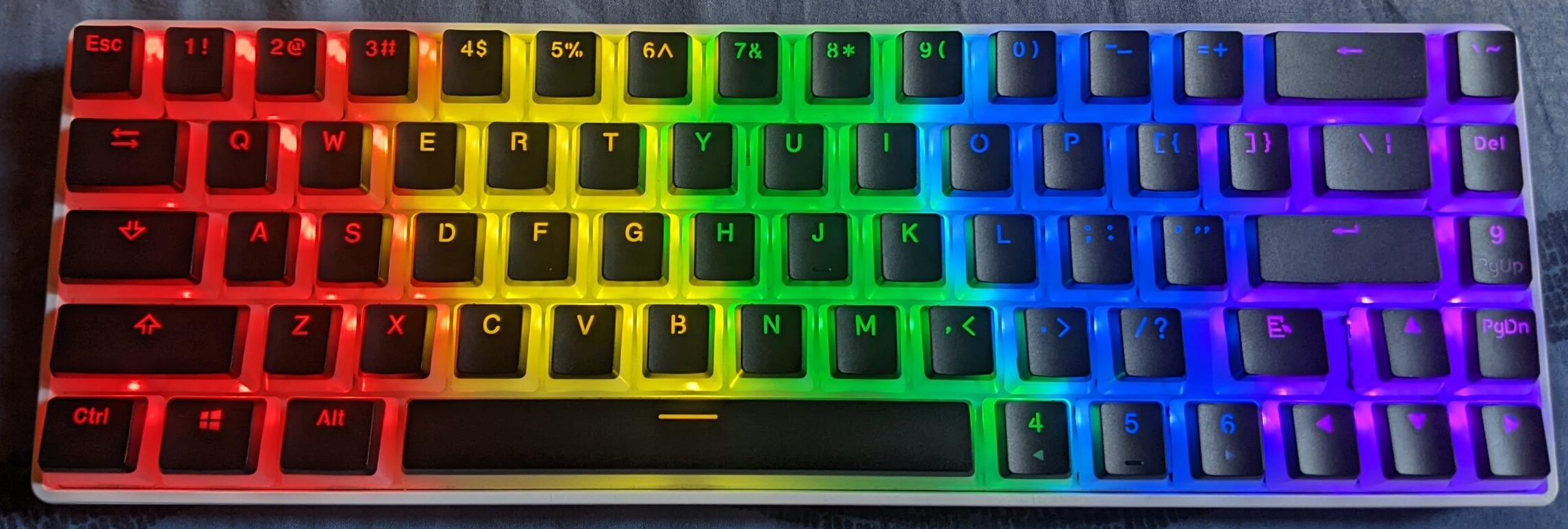
These mods provide an instant impact on acoustic feedback, typing feel, and even your speed, as a smoother, more pleasant board invites you to type more.
So before you click “checkout” on that expensive new kit, open up your current keyboard first.
I can almost guarantee that with a little time and even less money, you can build the typing experience you’ve been dreaming of.
Thank you! Please share your positive feedback. 🔋
How could we improve this post? Please Help us. 😔

[Wiki Editor]
Ali Rashid Khan is an avid gamer, hardware enthusiast, photographer, and devoted litterateur with a period of experience spanning more than 14 years. Sporting a specialization with regards to the latest tech in flagship phones, gaming laptops, and top-of-the-line PCs, Ali is known for consistently presenting the most detailed objective perspective on all types of gaming products, ranging from the Best Motherboards, CPU Coolers, RAM kits, GPUs, and PSUs amongst numerous other peripherals. When he’s not busy writing, you’ll find Ali meddling with mechanical keyboards, indulging in vehicular racing, or professionally competing worldwide with fellow mind-sport athletes in Scrabble. Currently speaking, Ali’s about to complete his Bachelor’s in Business Administration from Bahria University Karachi Campus.
Get In Touch: alirashid@tech4gamers.com
 Join Our Community