- PC building is a treat for first-time builders, but it can become even better when avoiding a few common errors.
- Picking the right motherboard-case combo, appropriate power supply, etc., is extremely important.
- Factors like cable management must also be taken care of to ensure upgrades and disassembly are made easy for future use.
PC gaming’s recent popularity has pushed millions to build brand new setups for the very first time. However, this process can be slightly tricky, especially for those going in with minimal knowledge of the process.
Most mistakes that happen during PC building are avoidable quite easily, and here’s a list of what you should keep an eye out for.
Why it matters: With the lines between consoles and PCs being blurred in recent years, many newcomers have taken an interest in PC gaming.
Choosing An Incompatible Motherboard and Case
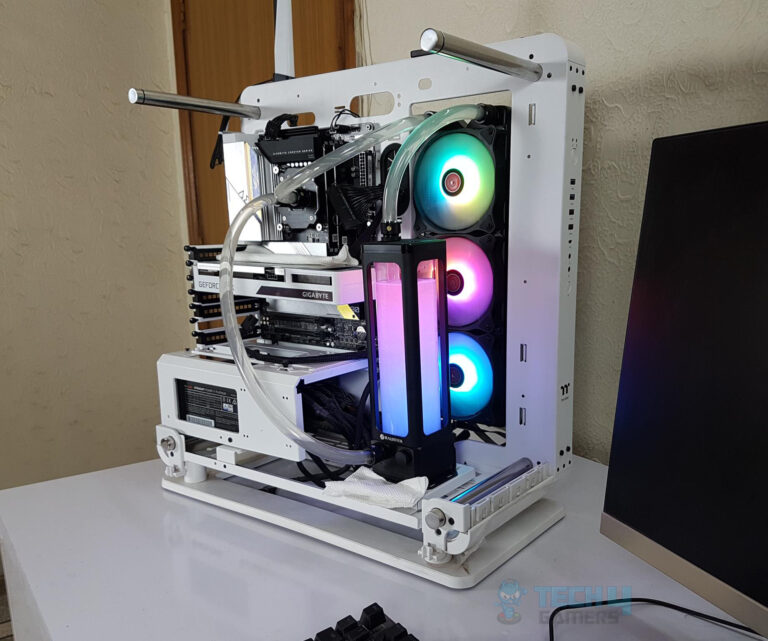
Motherboards can be purchased in different form factors, including ATX, Micro-ATX, and Mini-ITX. However, there is no one-size-fits-all approach when it comes to cases supporting these form factors.
For instance, a small form factor PC needs a Mini-ITX board and a compatible case. Ideally, you want to have perfect compatibility between the two since a small case won’t work well for a large motherboard and vice versa.
Skimping on Power Supply
The power supply is one component you should never cheap out on. Saving some money on the power supply might seem smart at first, but it can do long-term harm to the entire PC setup.
Ideally, you want to consider factors like 80 Plus Gold certification. Also, make sure to calculate the requirements of your specific PC and leave some headroom for potential upgrades in the future. As a rule of thumb, a 750W PSU should work for most mid-range setups.
Installing The I/O Shield
The I/O shield goes into the PC case before anything else and takes little effort to put in. However, it’s common for first-time builders to forget the I/O Shield’s installation.
If this happens, you might have to partially disassemble your PC. Moreover, the I/O Shield is essential in protection against dust, and it serves the purpose of grounding your PC. This is why it should be installed immediately after your case is unboxed.
Mishandling Thermal Application
Careful thermal paste application is among the first few steps of building your PC. Make sure you apply just the right amount of paste to cool your PC.
Typically, it’s recommended to apply a pea-sized drop of thermal paste. Setting the cooler on the CPU then evenly spreads out the thermal paste. Doing anything more is needless, and you run the risk of overapplying the thermal paste.
Ignoring Cable Management
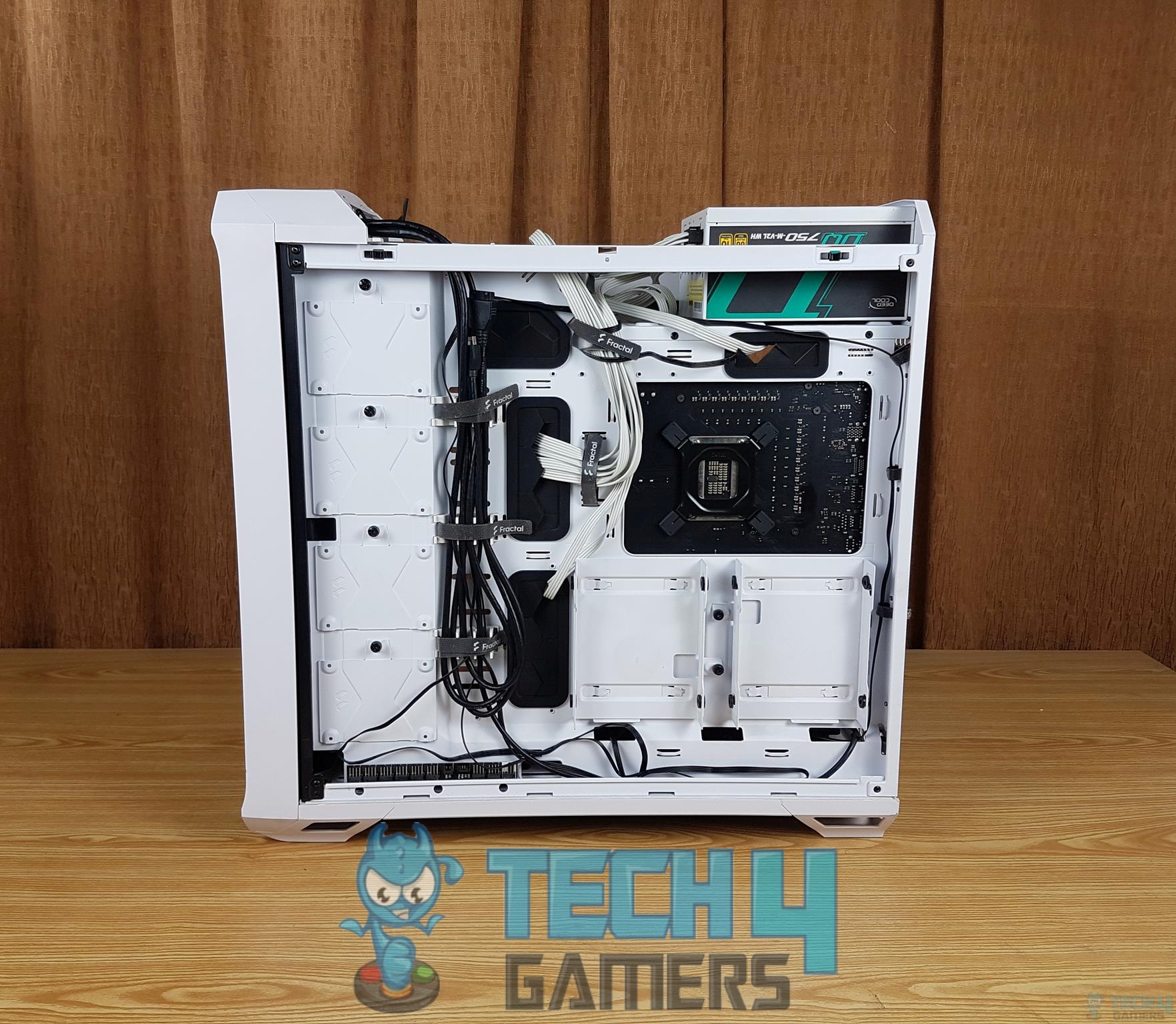
Nobody likes a mess, and as tempting as it may be to quickly tug tables behind components to get started with using your PC, poor cable management can become a nightmare later on.
Because modern cases offer routing channels behind the motherboard tray, there is no real excuse not to manage cables efficiently. Moreover, Velcro ties can further keep things clean, something that you will likely appreciate your past self for when upgrading components in the future.
Not Updating BIOS Before CPU Installation
This one can confuse new PC builders if it comes up out of the blue. Newer CPU generations often require the latest BIOS firmware to run on various motherboards, so the system might not even post despite you doing nothing wrong.
The good news is that certain motherboards support USB BIOS flashback for updating the BIOS before installing a CPU.
Overlooking RAM Speed And Compatibility
RAM compatibility should not be ignored since not all memory is created equal. You need to keep in mind the maximum frequency your motherboard supports when buying DDR4 or DDR5 memory.
Similarly, enable the correct EXPO or XMP profile in the BIOS to actually have the RAM run at its advertised speed.
This list doesn’t cover every mistake new PC builders can make, but it does go over many of the ones that immediately come to mind. Keep in mind that it’s never a bad idea to consult a guide or video when you’re stuck.
Thank you! Please share your positive feedback. 🔋
How could we improve this post? Please Help us. 😔

[Senior News Reporter]
Avinash is currently pursuing a Business degree in Australia. For more than 5 years, he has been working as a gaming journalist, utilizing his writing skills and love for gaming to report on the latest updates in the industry. Avinash loves to play action games like Devil May Cry and has also been mentioned on highly regarded websites, such as IGN, GamesRadar, GameRant, Dualshockers, CBR, and Gamespot.
 Join Our Community