- Obsidian is a note-taking software similar to Evernote, Notion, and Google Docs.
- The software is completely free and open-source, requiring no subscription to use it forever.
- Features like community plugins, faster load times, and a local-first approach, alongside a design philosophy to move away from folders, make it a better alternative.
Obsidian is a free note-taking app that creates a local vault in your drive. This means that it’s more like the default notes app that comes pre-installed, rather than a heavier cloud service such as Google Keep.
It has a lot of things going for it: it’s local-first, extremely fast, open-source, has a hefty amount of community plugs, and most importantly, has a special two-way linking system that differentiates it from other note-taking programs like Notion.
Obsidian Is Local-First
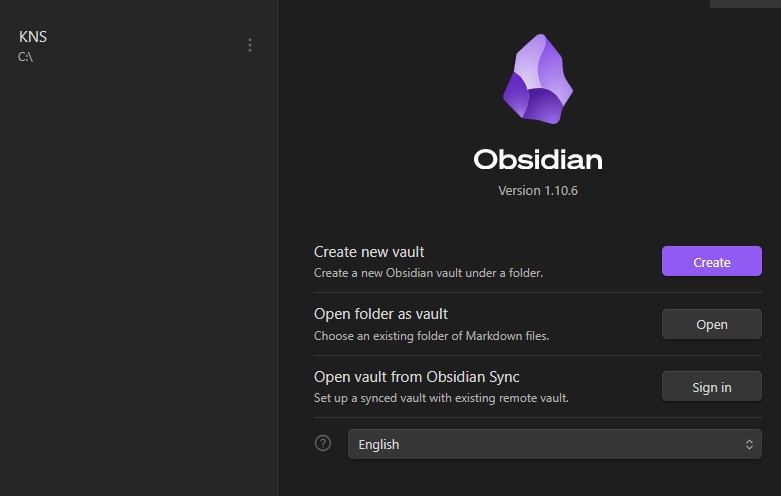
If you primarily use a cloud service, you’ll know how slow it can be to gain access to your notes. You have to wait for each folder to load and then for the selected file to open. If you’ve got slow internet or a huge file, this can take ages, even moreso if you’re using the search feature.
Plus, if you’re travelling or in a place without internet, you have no way of reading up anything you’ve written prior until you get a proper connection.
Obsidian solves both of these problems by having all the files inside a vault on your drive. You don’t need WiFi to access any file, and you don’t have to suffer from any lag. Even if you’re searching through thousands of files, the results pop up instantly.
If you still want a cloud storage to sync your notes across devices, you can still get a subscription to sync it to cloud. The team behind Obsidian doesn’t force you into this, though; you can just upload the vault to any third-party app, such as Google Drive.
Links Are Better Than Folders
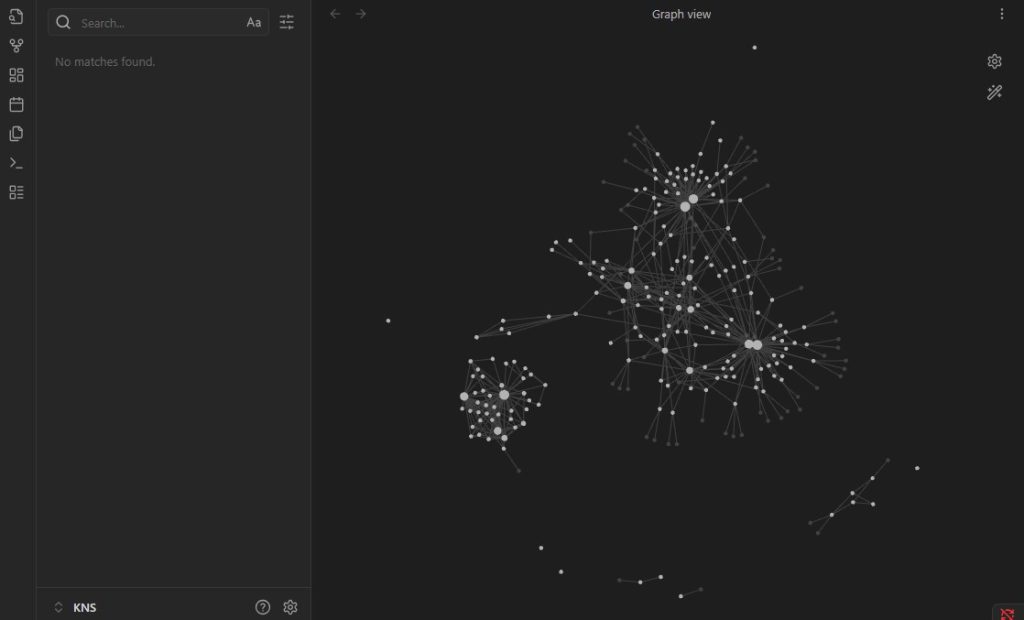
When you usually make a note, you use a hierarchy of folders to organize them. I’ve been using Google Drive for the longest time and have thousands of files in hundreds of folders. The folders do help with organization, but this system has a few glaring issues.
Mainly, it makes finding certain documents a chore. For example, if I’m writing a journal entry, I’d put that note in my “Diary” folder. If, for example, I focus and write a full review inside that journal entry, then the file could also be put in the “Reviews” folder.
Since putting the same thing in two folders isn’t possible, I’ll have to choose what fits best. Then, the next time I try to find a file, it’s very easy to miss it if I’m only checking either the “Diary” or the “Reviews” folder and not the other.
For this reason, links and tags can let you have the same note file in multiple places. I can either add tags for both folder names into the note, or I can interlink the notes in double brackets.
Plugins Make Your Life Easier
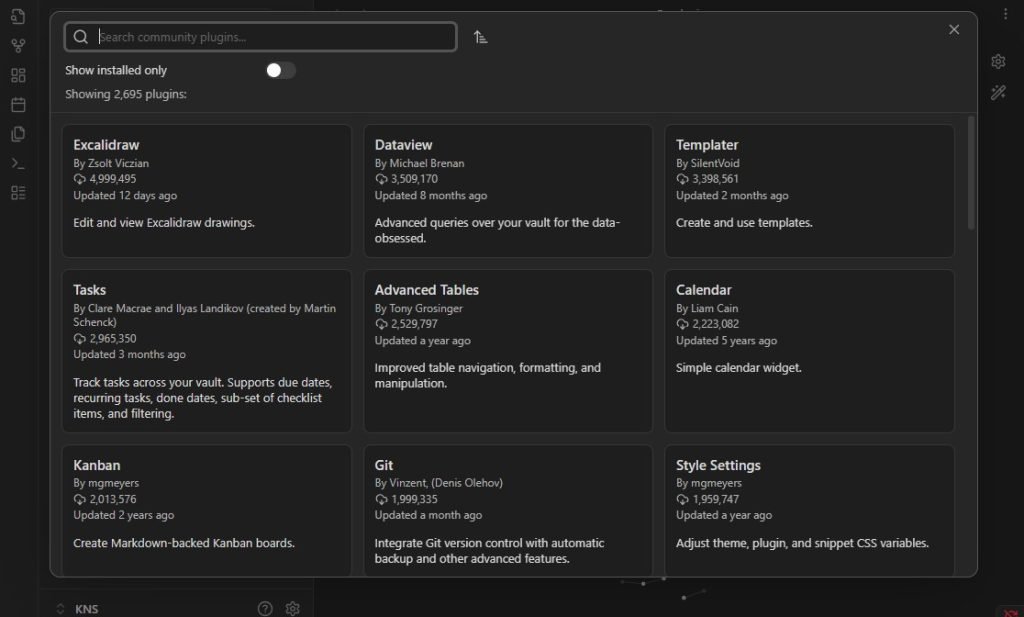
Obsidian isn’t a powerful app straight out of package; it’s the plugins that do a lot of heavy lifting in making it have features that other apps don’t. This is because Obsidian is completely open-source, which lets users create plugins that they can share with others.
As such, Obsidian has a plugin for pretty much anything you can think of. If you think you’ll need a lot of journaling or do daily diary entries, a plugin like the Calendar one or anything that makes dates can help greatly.
One plugin that has helped me tons is Global Search & Replace. As the name suggests, this lets you edit content in any file by searching for terms, even if you have thousands of them. If you’re using a cloud service, this would be extremely slow, but Obsidian’s local-first approach makes it very easy to edit through any number of files with ease.
Apart from the community plugins, Obsidian also has some built-in Core Plugins that you can access from the settings. These include Backlinks that let you view every instance of a link being used, Templates that let you create templates to input data in, and much more.
What Makes Obsidian Special?
I’ve talked about a lot of things that make using Obsidian an amazing experience, but the best thing for me is it being open-source and highly customizable. Even if the company behind it stops updating the app, the community can still keep it going.
It doesn’t do anything groundbreakingly innovative, but it still provides everything I need in one place and doesn’t charge me for a subscription. I’ve tried a lot of similar apps, and though I’ve only been using Obsidian for a month, I don’t see myself having any complaints.
Thank you! Please share your positive feedback. 🔋
How could we improve this post? Please Help us. 😔

Heya, I’m Asad (Irre) Kashif! I’ve been writing about anything and everything since as far back as I can remember. Professionally, I started writing five years ago, working both as a ghostwriter and writing under my own name. As a published author and a council member in Orpheus, my journey in the world of writing has been fulfilling and dynamic.
I still cherish the essays I wrote about my favorite PS2 games, and I’m thrilled to have transformed my passion for game journalism into a career. I’m a theory crafter for Genshin Impact (and now Wuthering Waves) and have a deep love for roguelites and roguelikes. While I prefer indie games for their distinct aesthetic and vibes, I do enjoy triple-A games occasionally. I’ve also been playing League since season 6, and I main Akali! I have a keen interest in discovering and playing more obscure games, as well as researching forgotten titles. Additionally, I am a front-end programmer who dabbles a bit in gamedev occasionally.
 Join Our Community